Apps with OCR
19 apps
Top OCR apps ranked by the community
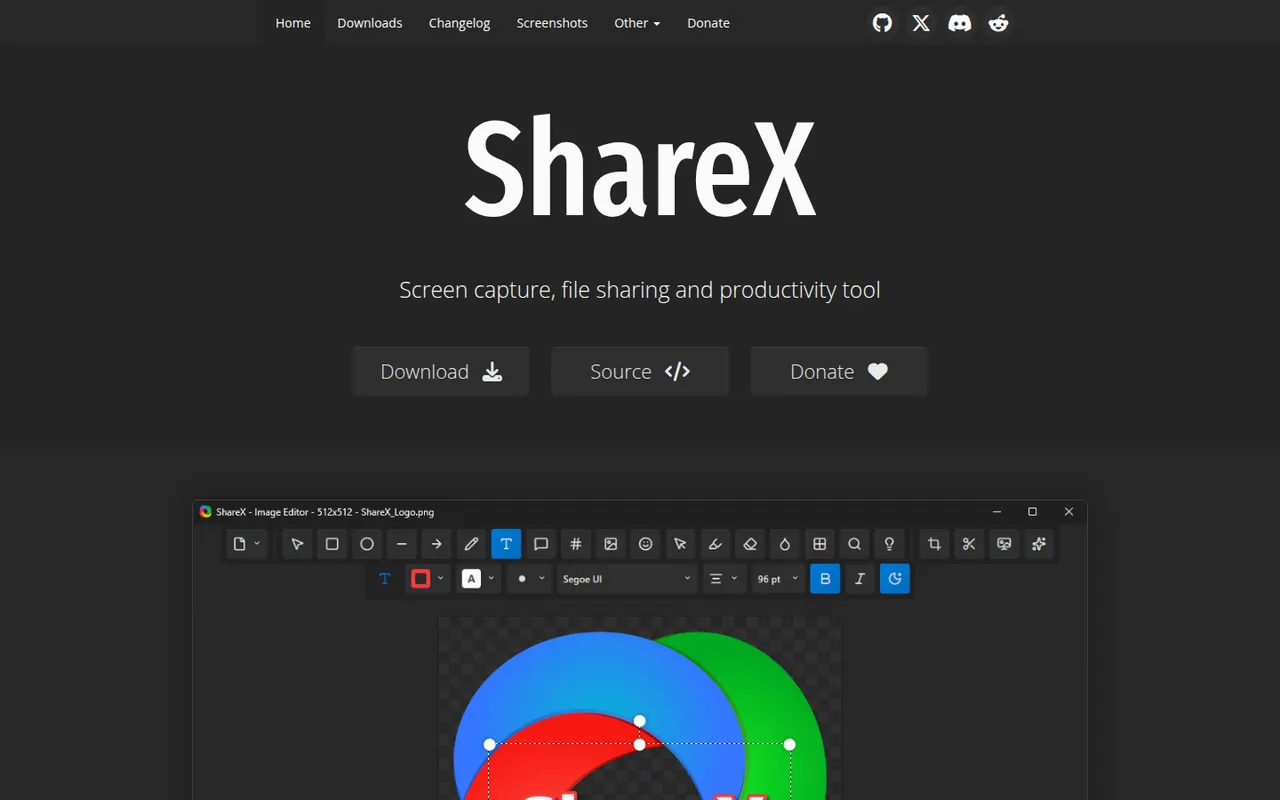
ShareX is a free, open source utility for Windows that captures screenshots, scrolling pages and screen recordings, including GIFs. Captures can be annotated, run through OCR and automatically uploaded to dozens of supported destinations through customizable workflows. It is popular with power users for its depth of options and has no ads.
7 ShareX alternativesPros
- Free, open source and ad-free
- Custom workflows upload captures to dozens of destinations
- Screenshots, scrolling captures, GIFs and OCR in one tool
Cons
- Available on Windows only, with no Mac or Linux version
- Dense settings can overwhelm casual users
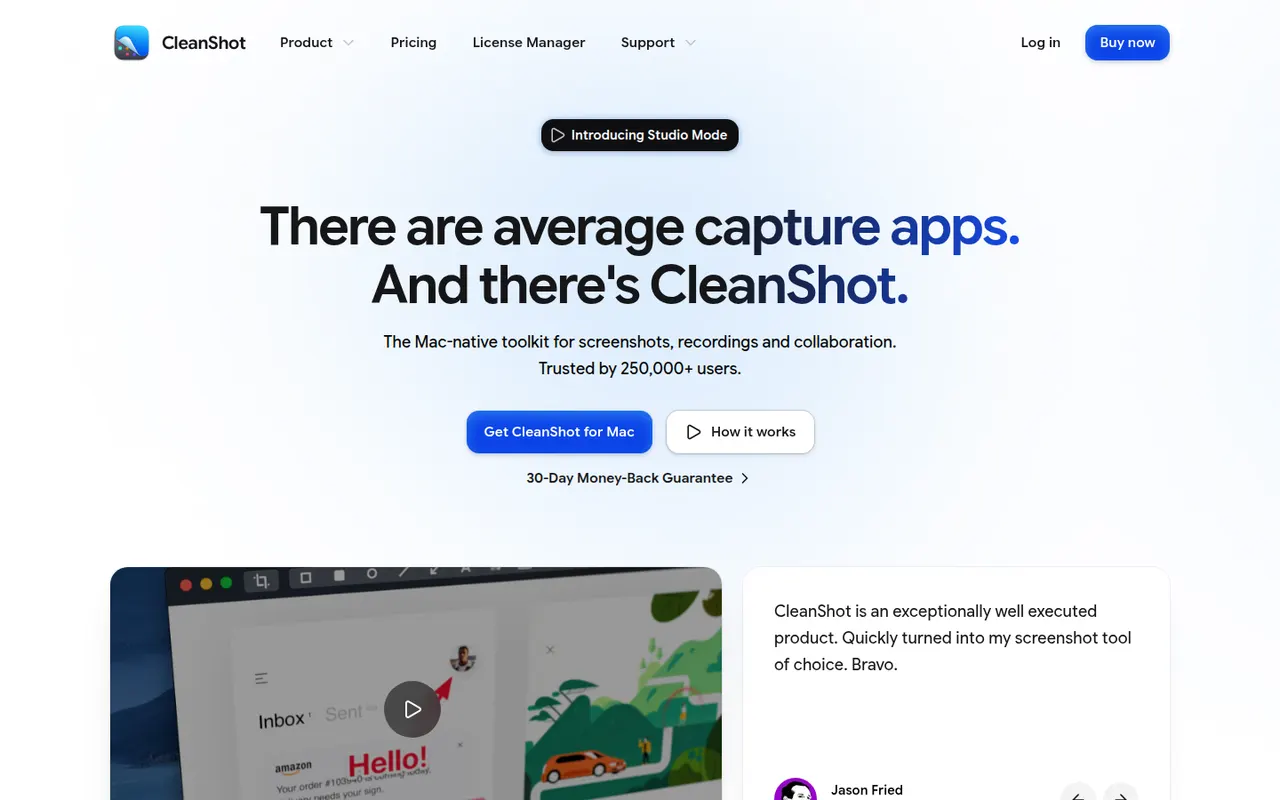
Cost / LicenseFreeOpen sourceCategoriesPlatformsCleanShot X is a Mac app that replaces the built-in screenshot tools with a richer set of capture options: scrolling captures, screen recording with webcam overlay, GIF export, text recognition and hiding desktop icons. Captures can be annotated, blurred and uploaded to CleanShot Cloud for sharing. It is a paid app, also available through the Setapp subscription.
9 CleanShot X alternativesPros
- Scrolling captures, recording with webcam and GIF export in one app
- Fast annotation, blurring and text recognition
- Hides desktop icons for cleaner captures
Cons
- Available on macOS only, with no Windows version
- Advanced CleanShot Cloud features need a separate subscription
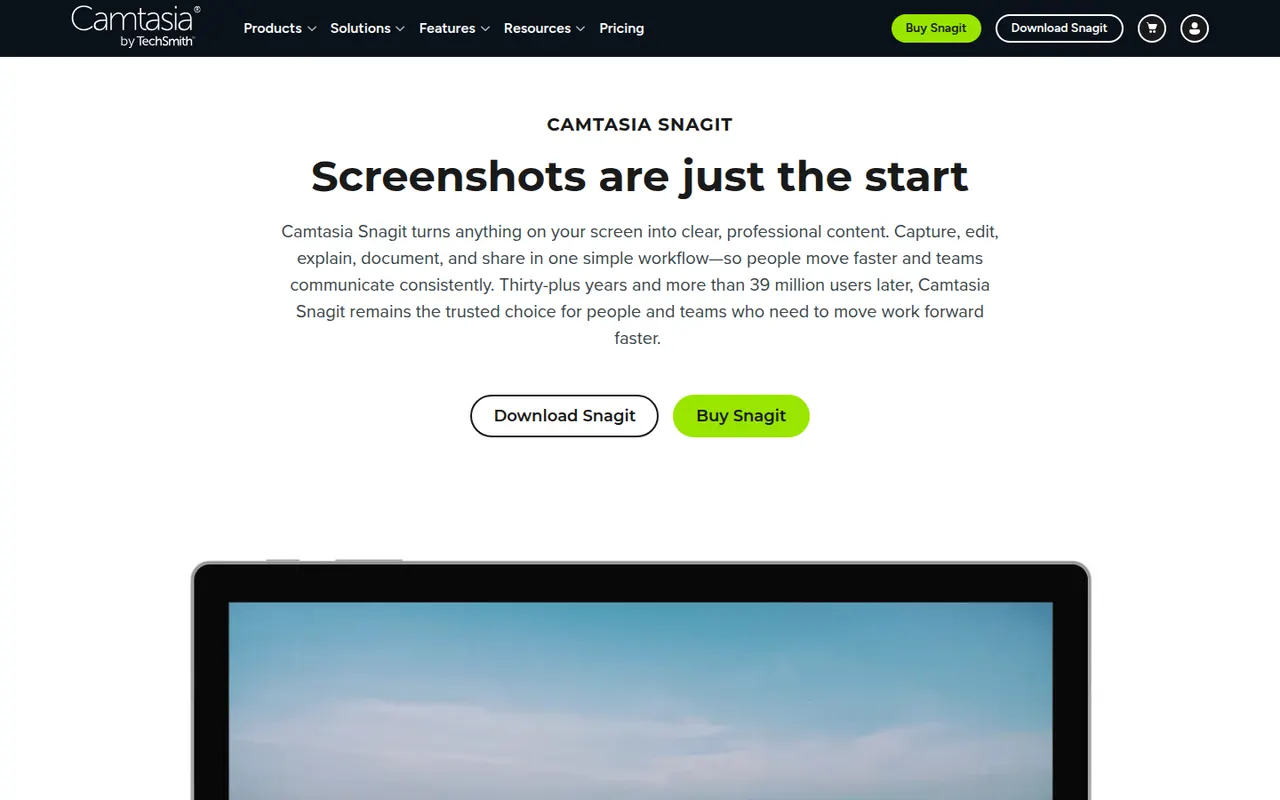
Cost / LicensePaidProprietaryCategoriesPlatformsSnagit is a screen capture tool from TechSmith for taking screenshots, scrolling captures and quick screen recordings with webcam. Its editor makes it easy to add arrows, callouts and step numbers, blur sensitive information, grab text from images and assemble visual guides from templates. It is used for documentation, support and training, on Windows and macOS.
7 Snagit alternativesPros
- Fast annotation with arrows, callouts and step numbers
- Scrolling captures and quick screen recordings with webcam
- Templates to assemble visual guides and documentation
Cons
- Paid after the trial, while free tools cover basic captures
- Video recording and editing are basic compared with Camtasia
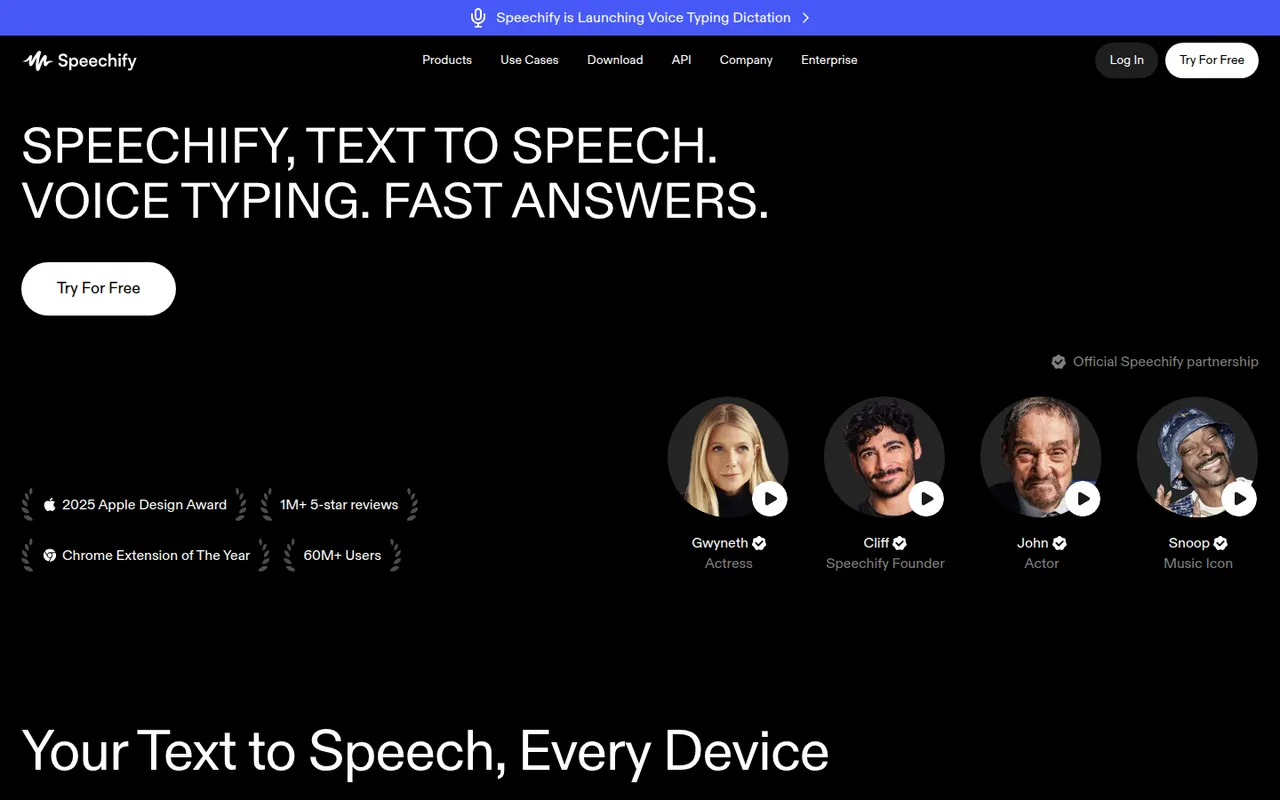
Cost / LicenseFree trialProprietaryCategoriesSpeechify reads text aloud from PDFs, documents, emails, web pages and scanned pages, with adjustable speed and a choice of natural-sounding voices in many languages. Used by students, people with dyslexia and busy professionals, it syncs across its mobile apps, Mac app, web app and Chrome extension. A separate studio offers AI voiceovers, voice cloning and dubbing.
6 Speechify alternativesPros
- Reads PDFs, documents, emails and scanned pages aloud
- Syncs across mobile, Mac, web and the Chrome extension
- Adjustable speed and natural voices in many languages
Cons
- Premium voices and features sit behind a pricey subscription
- Upgrade prompts are frequent in the free version
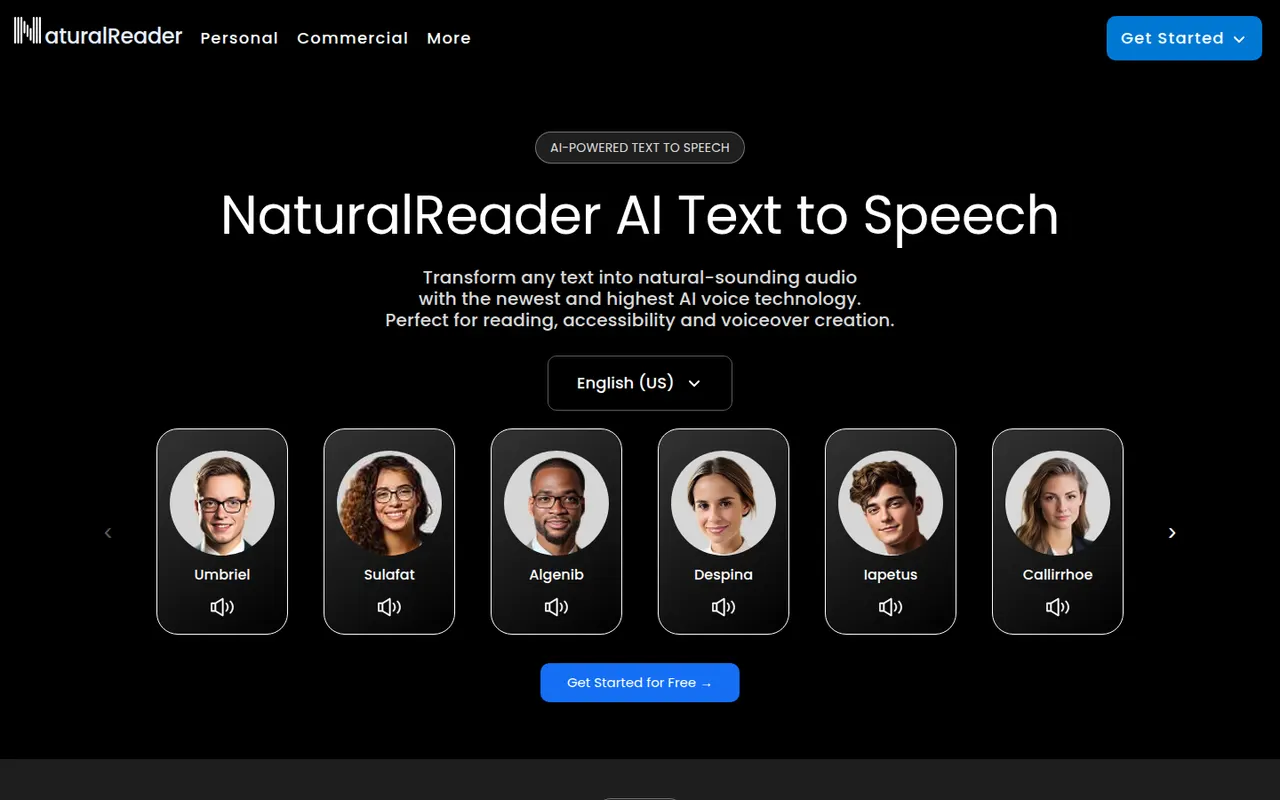
Cost / LicenseFreemiumProprietaryCategoriesPlatformsNaturalReader is a text-to-speech app that reads documents, PDFs, ebooks and web pages aloud in natural-sounding voices across many languages. It is available on the web, as desktop software, as mobile apps that can scan printed text, and as a Chrome extension. It serves students, people with reading difficulties and professionals, with a separate commercial edition for voiceovers.
5 NaturalReader alternativesPros
- Reads PDFs, ebooks and web pages aloud
- Available on web, desktop, mobile and as a Chrome extension
- Mobile apps can scan and read printed text
Cons
- The most natural voices are reserved for paid plans
- Commercial voiceovers require a separate edition
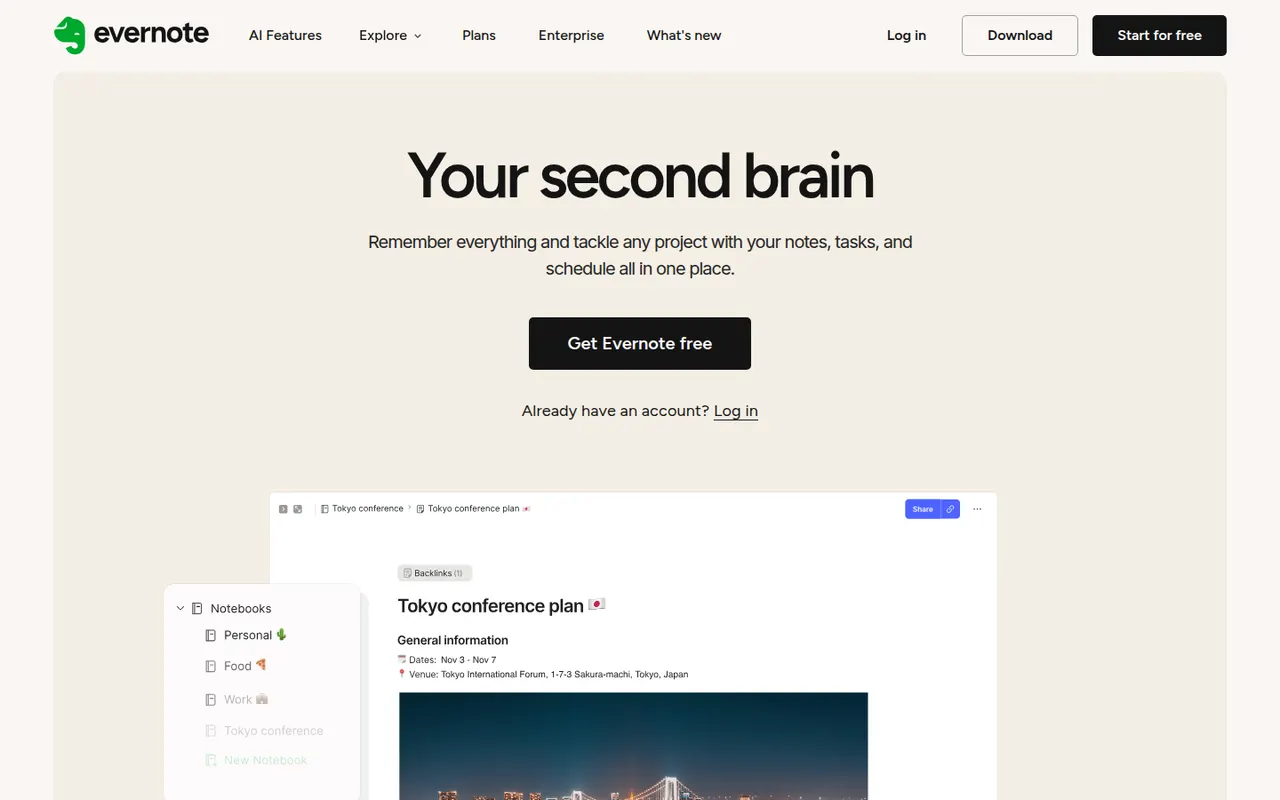
Cost / LicenseFreemiumProprietaryCategoriesEvernote is a long-standing note-taking app, owned by Bending Spoons since 2023, that stores notes, web clips, PDFs, scans and audio in notebooks with tags and full-text search, including text inside images. Recent versions add tasks, calendar integration and AI features, while the free plan has become very limited compared with the paid tiers.
12 Evernote alternativesPros
- Mature web clipper and full-text search, even inside images
- Stores notes, PDFs, scans and audio in one place
- Tasks and calendar integration alongside notes
Cons
- The free plan is very limited compared with paid tiers
- Paid plans are expensive compared with many note apps
- Apps can feel heavier and slower than lighter note tools
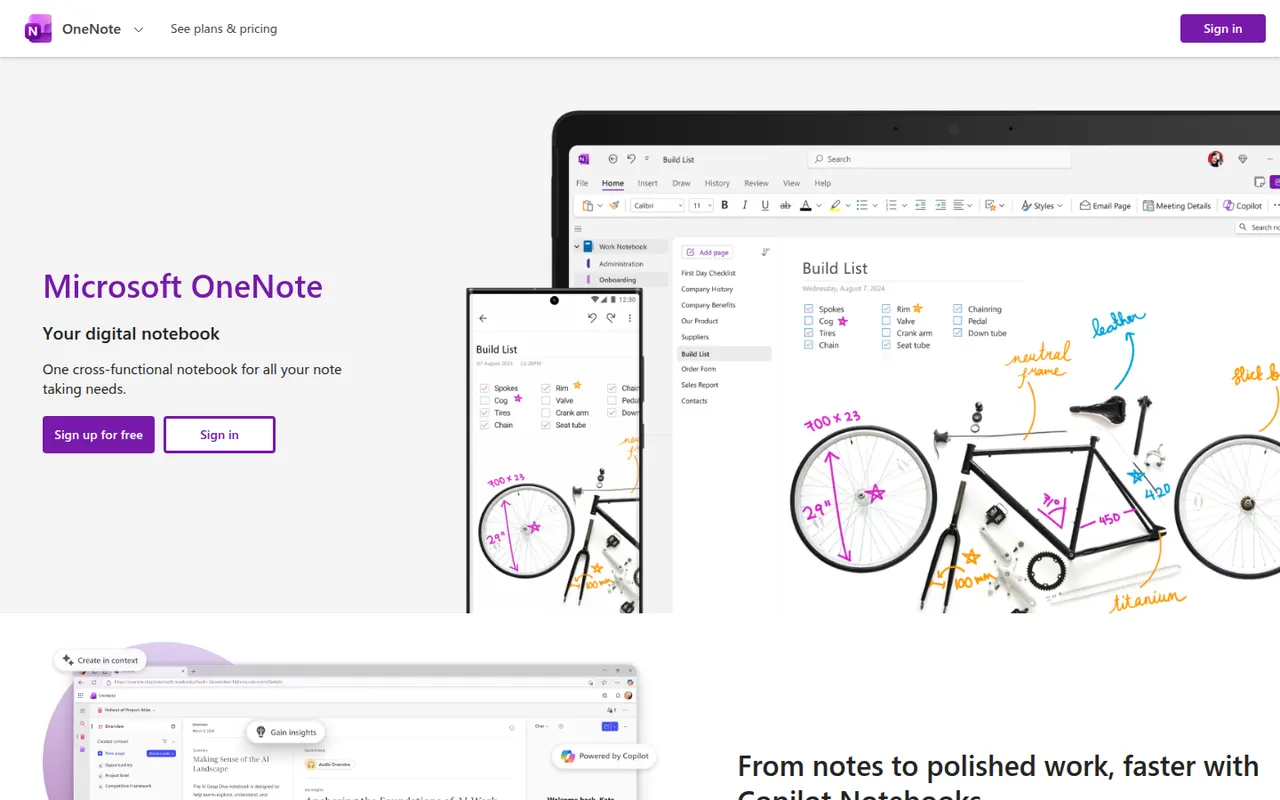
Cost / LicenseFreemiumProprietaryCategoriesMicrosoft OneNote is a free digital notebook that organizes notes into notebooks, sections and pages, where text, images, drawings and handwriting can be placed anywhere on the page. It syncs through OneDrive, supports shared notebooks for classes and teams, and works closely with Outlook, Teams and the rest of Microsoft 365.
9 Microsoft OneNote alternativesPros
- Freeform pages for text, drawings and handwriting anywhere
- Free, with OneDrive sync on all major platforms
- Works closely with Outlook, Teams and Microsoft 365
Cons
- The freeform layout gets messy and is hard to export
- Sync can lag or conflict with large notebooks
- No native app for Linux desktops
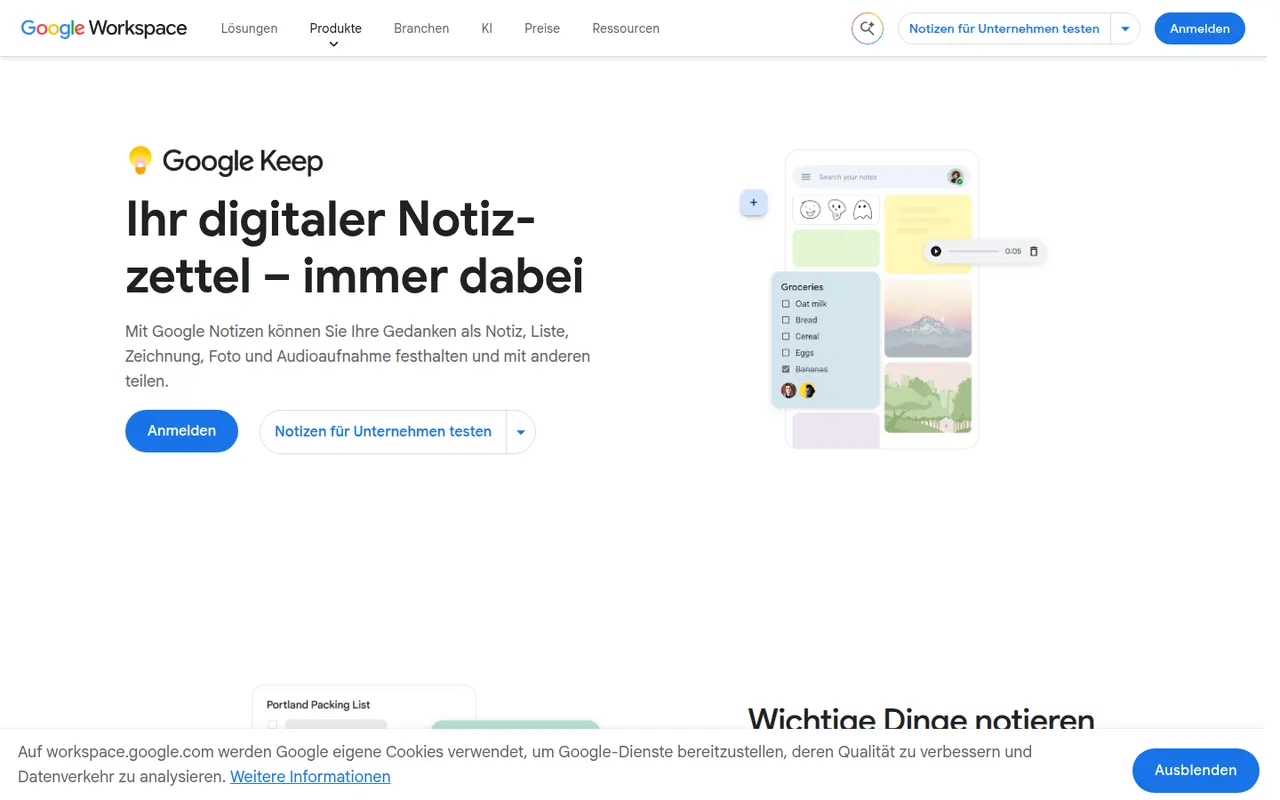
Cost / LicenseFreeProprietaryCategoriesGoogle Keep is a free note app for quick thoughts, checklists, voice memos and photos, shown as colorful cards that can be pinned, labeled and shared. Reminders can be tied to a time or a place, text can be extracted from images, and notes are available from Gmail, Google Docs and Android devices.
8 Google Keep alternativesPros
- Fast capture of notes, checklists, voice memos and photos
- Reminders tied to a time or a place
- Integrated with Gmail, Google Docs and Android
Cons
- No desktop app outside the browser
- Limited formatting makes it a poor fit for long documents
- Organization relies on labels only, with no folders or nesting
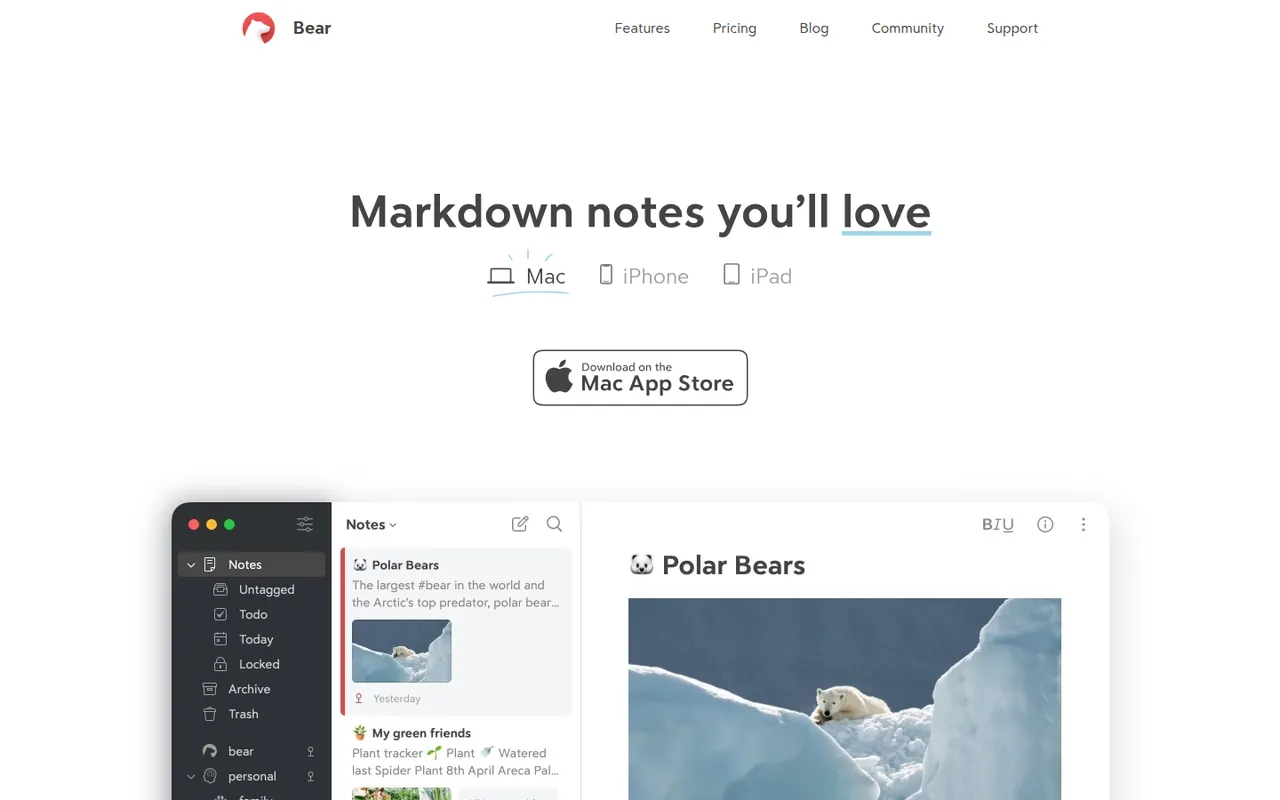
Cost / LicenseFreeProprietaryPlatformsBear is a writing and note-taking app for Mac, iPhone and iPad from Shiny Frog, built on Markdown with nested tags, links between notes and a choice of themes. The app is free to use on a single device, while Bear Pro adds iCloud sync across devices, OCR search in images and PDFs, and more export formats.
12 Bear alternativesPros
- Elegant Markdown editor with a choice of themes
- Nested tags and note links keep things organized without folders
- Native, fast apps designed for Mac, iPhone and iPad
Cons
- Apple only, with no Windows, Android or web version
- Sync across devices requires the Pro subscription
- No shared notes or real-time collaboration
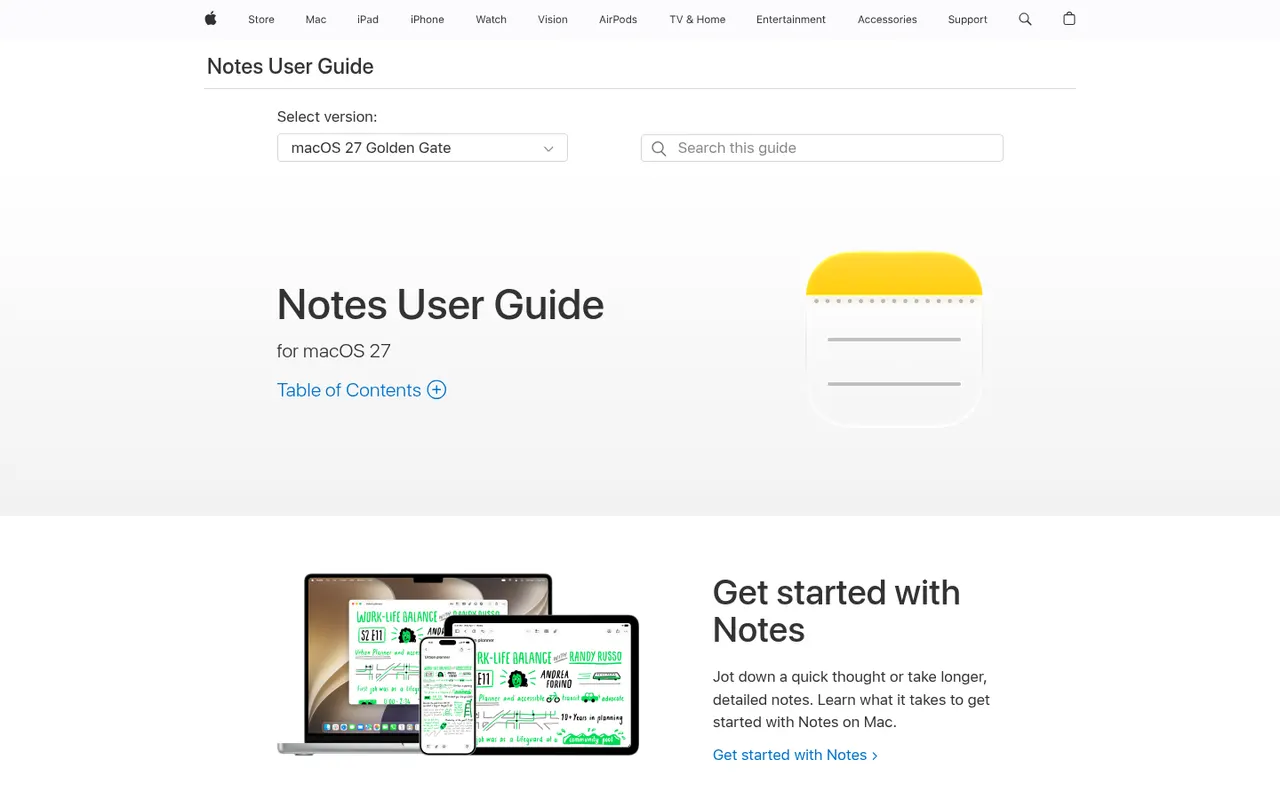
Cost / LicenseFreemiumProprietaryCategoriesApple Notes is the free notes app included with iPhone, iPad and Mac, synced through iCloud and also reachable on the web at iCloud.com. It handles checklists, tables, Apple Pencil sketches, document scanning and searchable text in images, plus shared notes and folders, tags, smart folders and locked notes.
9 Apple Notes alternativesPros
- Free and built into every iPhone, iPad and Mac
- Document scanning, Pencil sketches and text search inside images
- Shared notes and folders with real-time collaboration
Cons
- No native apps for Windows or Android, only iCloud.com
- Fewer organization options than dedicated knowledge tools
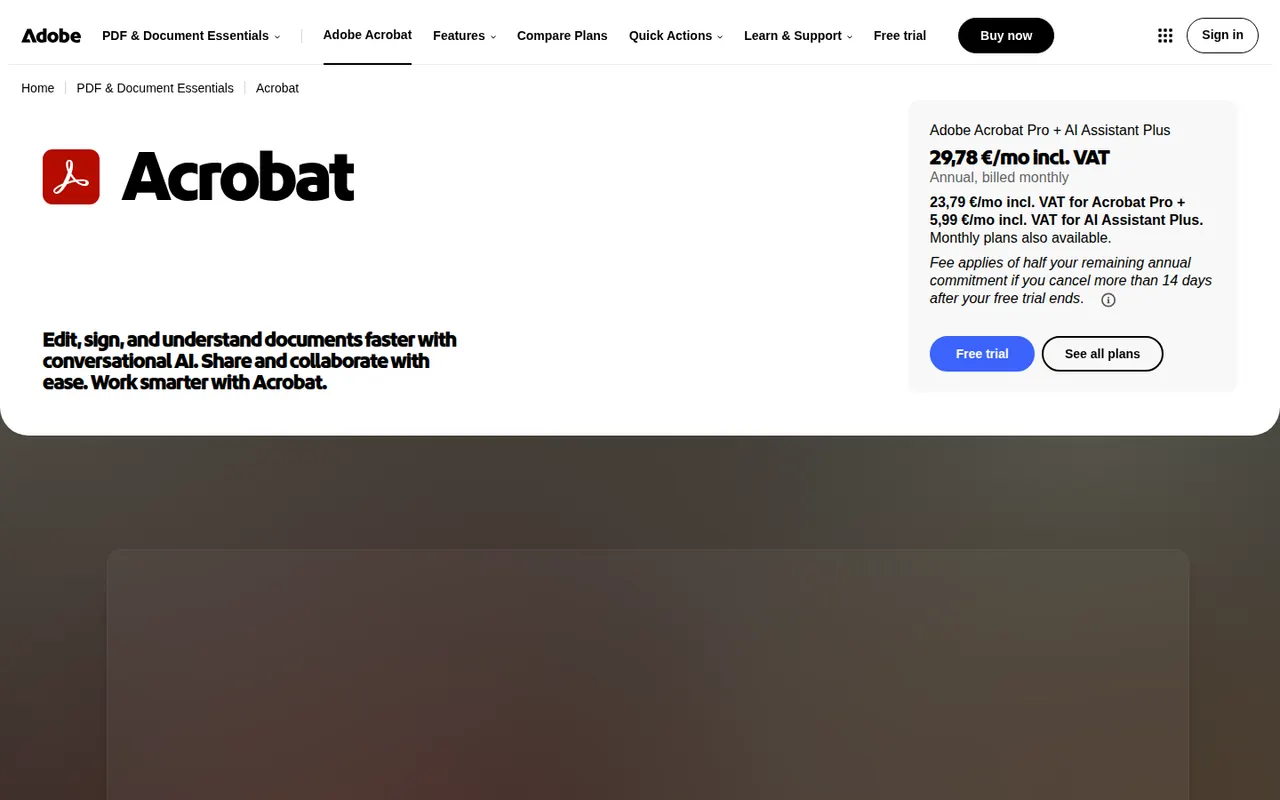
Cost / LicenseFreeProprietaryCategoriesAdobe Acrobat is the PDF application from Adobe, the company that created the format. The free Acrobat Reader views, annotates and signs files, while paid Acrobat Standard and Pro add text and image editing, OCR, conversion to and from Office formats, redaction, comparison and e-signature requests. An AI Assistant can summarise documents and answer questions about them.
11 Adobe Acrobat alternativesPros
- Reference PDF tool from the company that created the format
- Free Reader for viewing, annotating and signing
- Pro adds editing, OCR, redaction, comparison and signature requests
Cons
- Editing and conversion require a costly subscription
- Heavy app with frequent prompts to upgrade
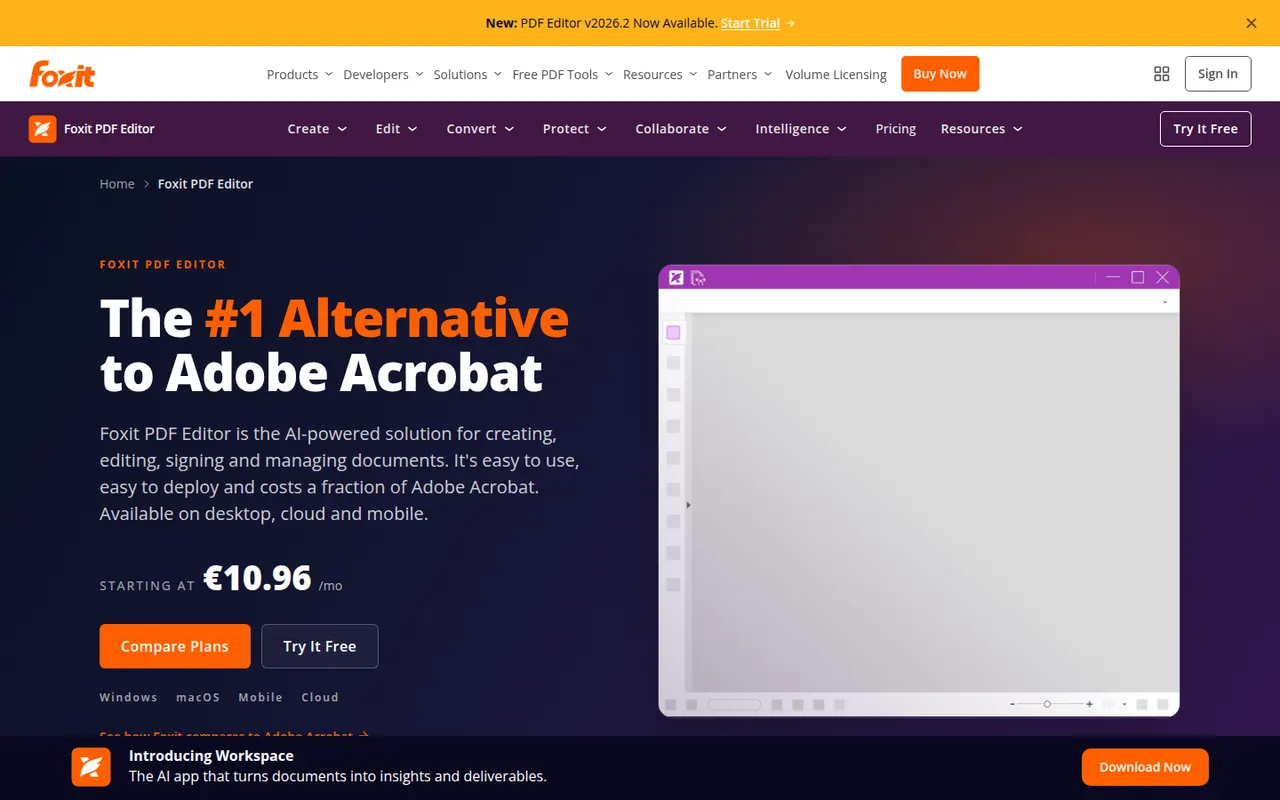
Cost / LicenseFreemiumProprietaryCategoriesFoxit PDF Editor is a commercial PDF editor from Foxit Software, positioned as an alternative to Adobe Acrobat for businesses. It edits text and images, runs OCR on scans, converts to and from Office formats, protects and redacts documents and handles e-signatures, with an AI assistant for summaries and translation. It is sold by subscription with a free trial, and the separate Foxit PDF Reader is free.
10 Foxit PDF Editor alternativesPros
- Full PDF editing, OCR, redaction and e-signatures
- Lighter alternative to Acrobat with a familiar ribbon interface
- Available on Windows, Mac, mobile and the web
Cons
- Subscription required after the free trial
- The Mac version has fewer features than the Windows one
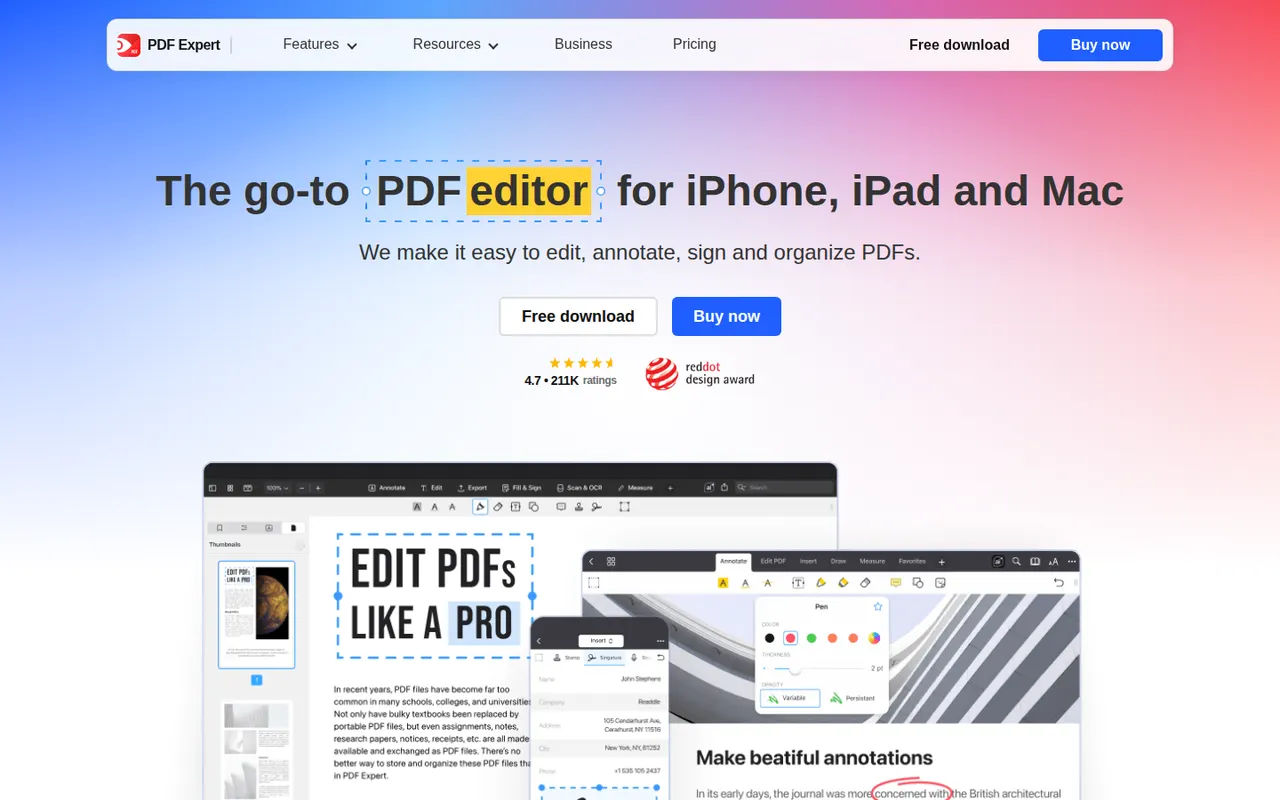
Cost / LicenseFree trialProprietaryCategoriesPDF Expert is a PDF app from Readdle designed for Apple devices. Reading, annotating, highlighting and filling forms are free, while a subscription unlocks text and image editing, OCR for scanned pages, page management, conversion and signatures. Its native interface is designed to stay responsive with large documents.
8 PDF Expert alternativesPros
- Native Apple design that stays fast with large documents
- Reading, annotation and form filling are free
- Clean tools for editing text, images and pages
Cons
- Editing, OCR and conversion require a subscription
- Fewer enterprise and automation features than Acrobat
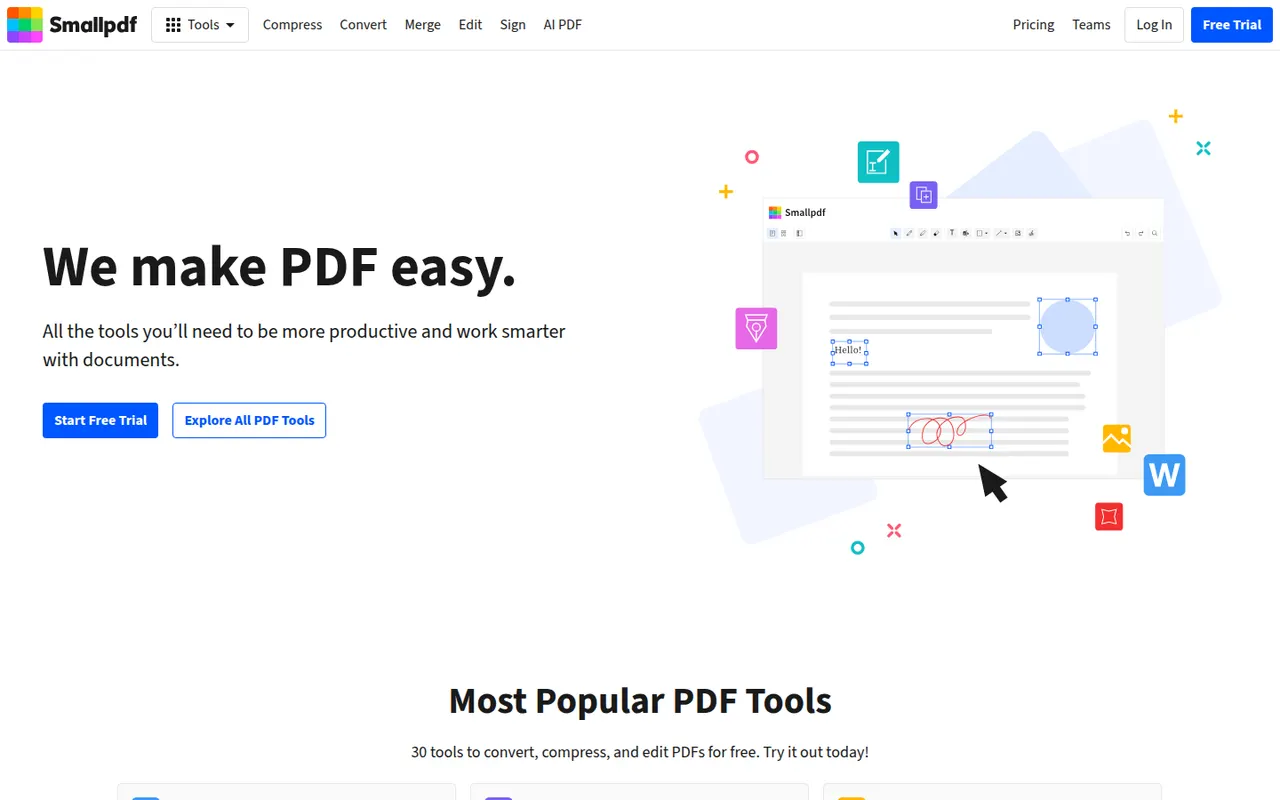
Cost / LicenseFreemiumProprietaryCategoriesSmallpdf is a Swiss PDF platform with simple tools to compress, convert, merge, split, edit and sign PDFs from the browser, plus desktop and mobile apps. It is aimed at individuals and teams with quick, occasional PDF tasks. Free users get a limited number of tasks per day, while the Pro plan removes limits and adds OCR, batch processing and AI tools for summarising documents.
8 Smallpdf alternativesPros
- Clean, simple tools for quick PDF tasks in the browser
- Compress, convert, merge, edit and sign in one place
- Desktop and mobile apps alongside the web version
Cons
- Free users get only a few tasks per day
- OCR, batch processing and AI tools require Pro
- Files are processed online, a concern for sensitive documents
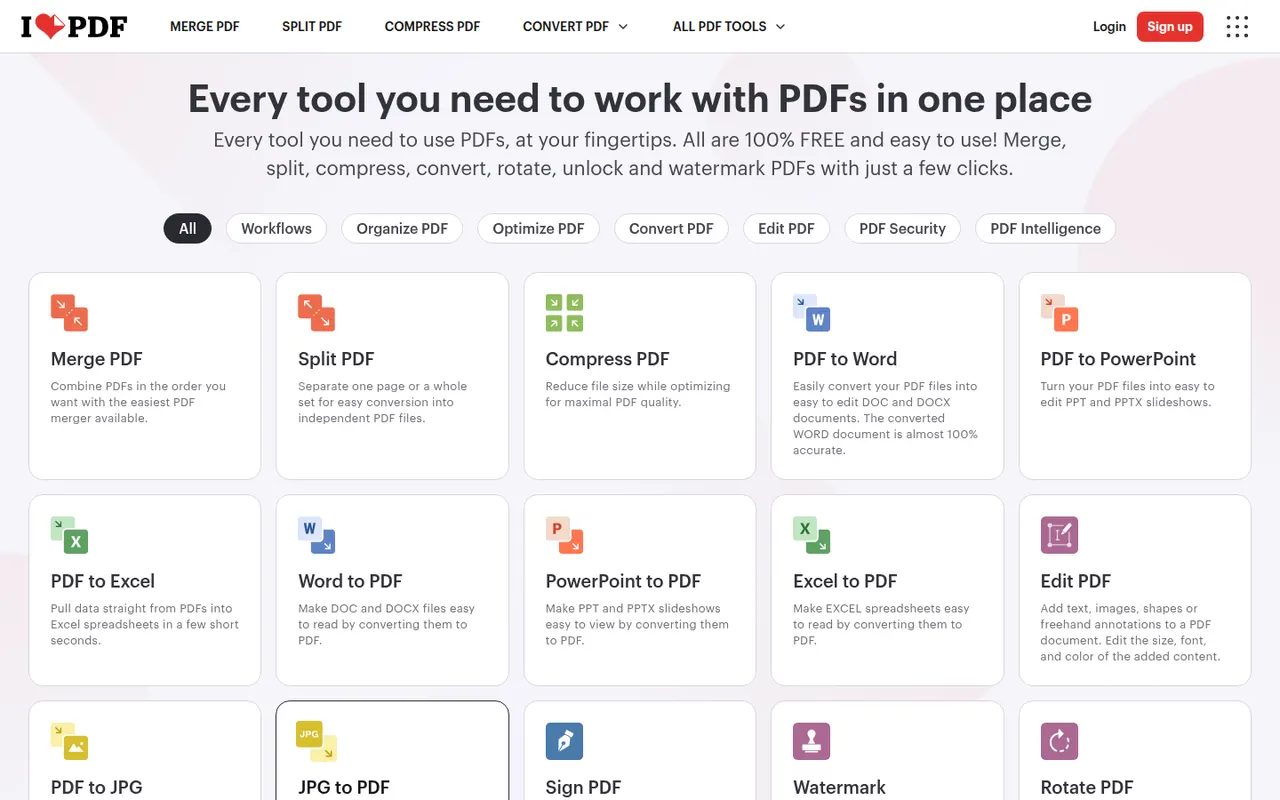
Cost / LicenseFreemiumProprietaryCategoriesiLovePDF is a web-based PDF toolkit from a company based in Barcelona, with single-purpose tools to merge, split, compress, convert, rotate, watermark, OCR and sign PDF files. Desktop and mobile apps cover the same tasks, and a developer API is offered separately. Most tools are free with file-size and usage limits, and a Premium subscription removes them.
8 iLovePDF alternativesPros
- Simple single-purpose tools for merging, splitting and compressing
- Most tools work free in the browser, with nothing to install
- Developer API for automating PDF tasks
Cons
- Free use has file-size and usage limits
- Uploading files to a web service may not suit sensitive documents
- Text editing is basic compared with desktop editors
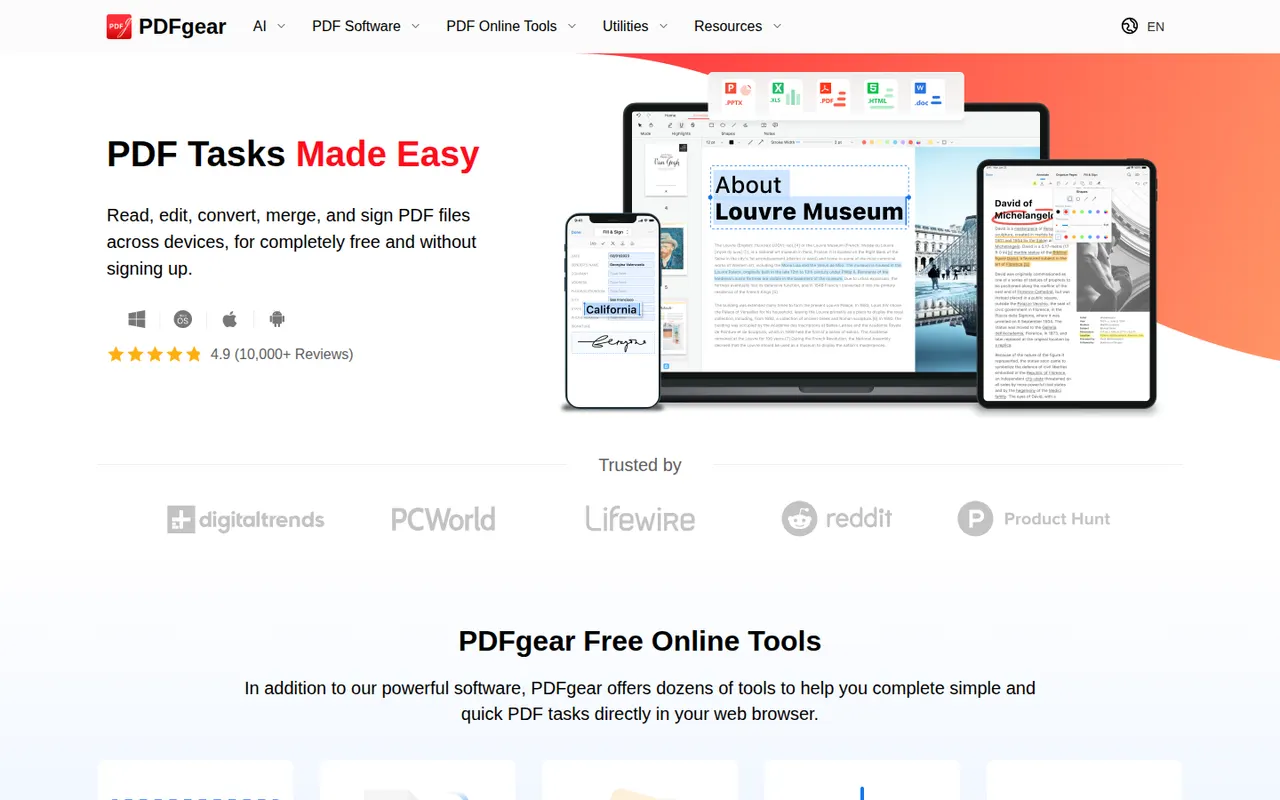
Cost / LicenseFreemiumProprietaryCategoriesPDFgear is a free PDF application from Singapore-based PDF Gear Tech for reading, editing, converting, merging, compressing and signing documents. It includes OCR for scanned files and a Copilot assistant that summarises PDFs and carries out edits from chat requests. It is available on Windows, Mac, iPhone, iPad, Android and the web, without watermarks or a required account.
10 PDFgear alternativesPros
- Free editing, conversion and signing without watermarks
- No account required to use the apps
- Copilot assistant summarises PDFs and applies edits from chat
Cons
- Text editing is less precise than in Acrobat or Foxit
- Younger product with less of a track record than established editors
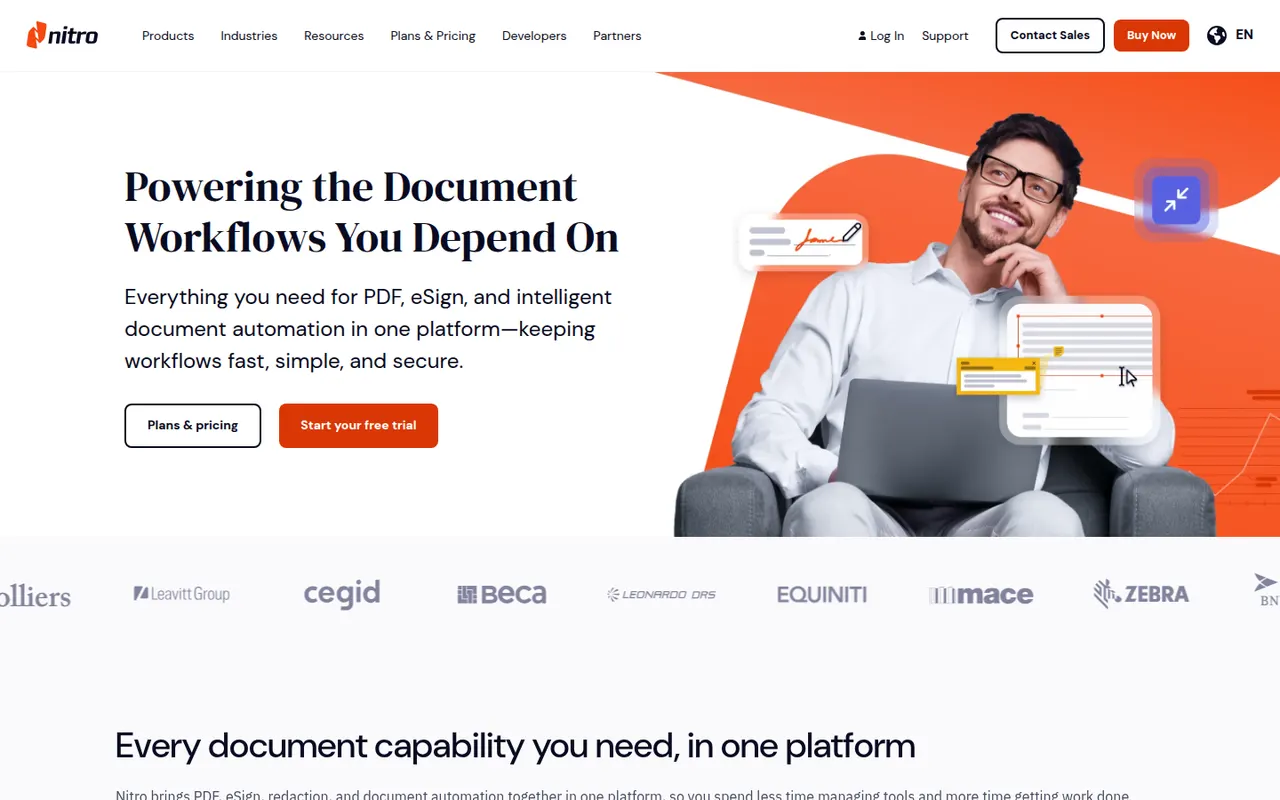
Cost / LicenseFreeProprietaryCategoriesNitro PDF Pro is a commercial PDF editor from Nitro Software for Windows and Mac, aimed at businesses replacing Adobe Acrobat. It edits text and images, converts PDFs to and from Word, Excel and PowerPoint, runs OCR, manages pages and includes Nitro Sign for sending documents for signature. It is a paid product with a free trial.
7 Nitro PDF Pro alternativesPros
- Office-style interface that feels familiar to Word users
- Solid conversion to and from Word, Excel and PowerPoint
- Nitro Sign included for sending documents for signature
Cons
- Desktop only, with no mobile apps
- Paid product after the trial, with no free tier
Cost / LicenseFree trialProprietaryCategoriesPDF24 Tools is a free collection of PDF utilities from the German company Geek Software, covering merging, splitting, compressing, converting, OCR, editing, signing and redacting. The tools run in the browser, and the PDF24 Creator app for Windows offers the same features offline along with a virtual PDF printer. There is no paid tier, and the website shows ads.
10 PDF24 Tools alternativesPros
- Completely free, with no paid tier
- Wide range of tools, including OCR, redaction and signing
- Windows app works offline and adds a virtual PDF printer
Cons
- The website shows ads alongside the tools
- The desktop app is Windows only
- Interface is functional rather than modern
Cost / LicenseFreeProprietaryCategoriesStirling-PDF is an open-core PDF application you can run on your own server, typically with Docker, so documents never leave your infrastructure. It bundles tools to merge, split, compress, convert, OCR, sign, redact and edit PDFs, plus a REST API and pipelines for automating repetitive jobs. The core is MIT-licensed and free; paid plans add enterprise features such as SSO.
7 Stirling-PDF alternativesPros
- Self-hosted, so documents never leave your infrastructure
- Dozens of tools for merging, OCR, redaction and conversion
- REST API and pipelines automate repetitive jobs
Cons
- Requires running a server, typically with Docker
- SSO and other enterprise features are paid
Cost / LicenseFreemiumOpen sourceCategoriesPlatforms