Best apps for Mac
286 apps
Top Mac apps ranked by the community
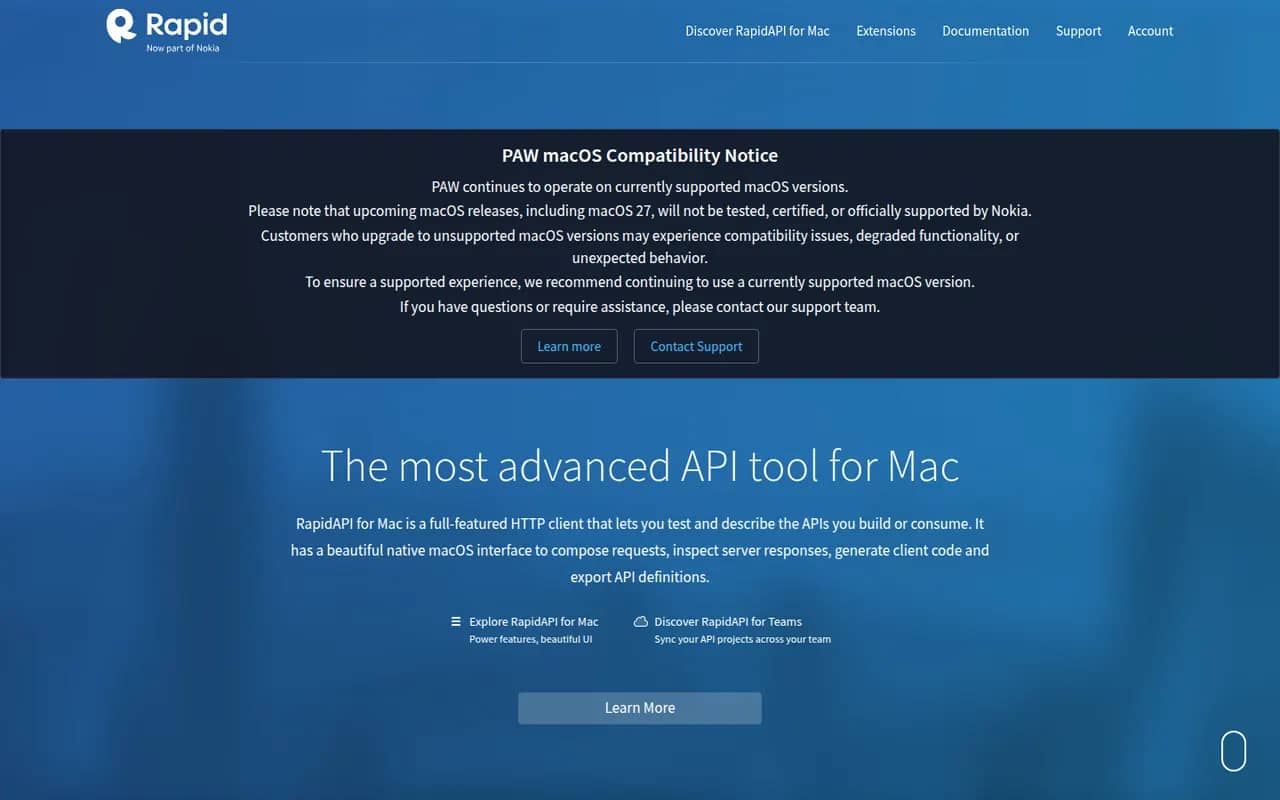
RapidAPI for Mac, formerly known as Paw, is a native macOS HTTP client for building and testing API requests. It supports environments and dynamic values, imports and exports OpenAPI and other API descriptions, generates client code in many languages, syncs projects for teams and can be extended with JavaScript extensions. It is now maintained by Nokia, which does not officially support upcoming macOS releases.
6 RapidAPI for Mac alternativesPros
- Truly native macOS interface that feels fast and polished
- Dynamic values chain responses, environments and computed fields
- Generates client code in many languages from a request
Cons
- Mac only, so mixed-OS teams need another client
- No official support for upcoming macOS releases, which makes its future uncertain
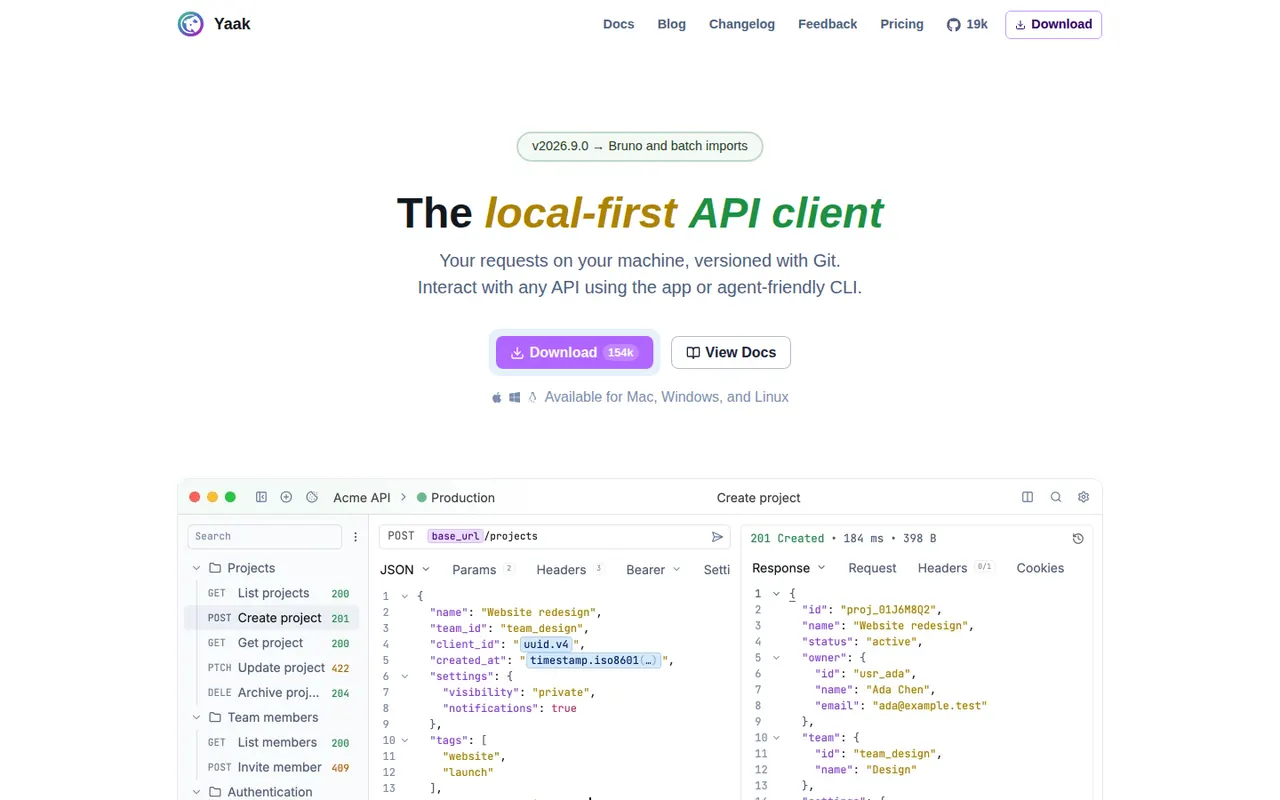
Cost / LicenseFreeProprietaryCategoriesPlatformsYaak is a desktop API client created by Gregory Schier, the original author of Insomnia. It handles REST, GraphQL, gRPC, WebSocket and server-sent event requests, stores them as files that work with Git, and supports plugins for auth, importers and template functions. No account is required and secrets can be encrypted. Yaak is open source under MIT and free for personal use, with a paid license for use at work.
6 Yaak alternativesPros
- Requests are stored as plain files that work well with Git
- No account needed, with optional encryption for secrets
- Fast, clean desktop app from the original author of Insomnia
Cons
- Use at work requires a paid license
- Younger project with a smaller plugin ecosystem than Postman
- Desktop only, with team sharing handled through Git rather than a cloud workspace
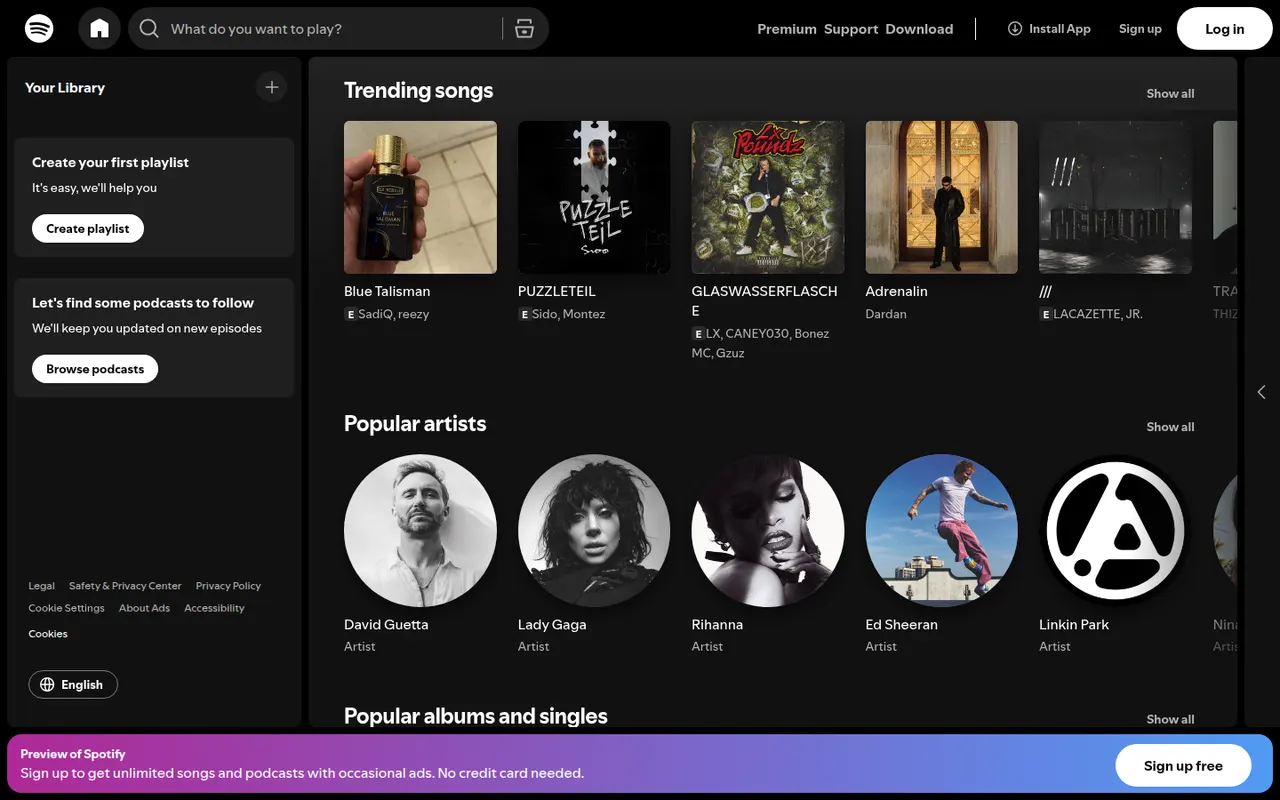
Cost / LicenseFreemiumOpen sourceCategoriesSpotify is a streaming service for music, podcasts and audiobooks, known for personalized playlists such as Discover Weekly and its recommendation features. The free tier is ad-supported with some playback limits, while Premium removes ads, allows offline downloads and includes lossless audio. Spotify Connect lets you move playback between phones, computers, speakers, TVs and cars.
9 Spotify alternativesPros
- Strong personalized playlists and recommendations, like Discover Weekly
- Spotify Connect hands playback between phones, speakers, TVs and cars
- Free ad-supported tier and apps on nearly every platform
Cons
- Free tier has ads and playback limits, especially on mobile
- Podcasts and audiobooks crowd the interface for music-only listeners
- Offline downloads require a Premium subscription
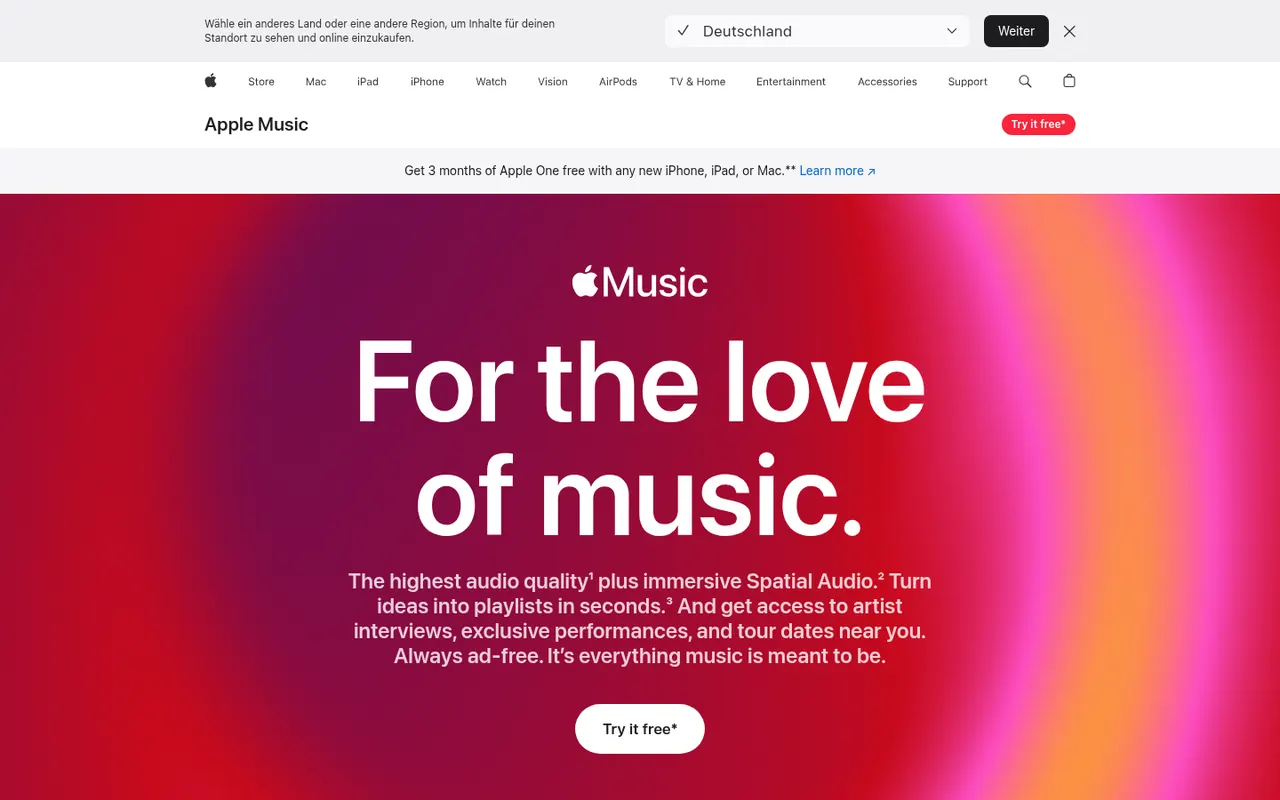
Cost / LicenseFreemiumProprietaryCategoriesApple Music is Apple's subscription streaming service with a large catalog, curated playlists, live radio stations and time-synced lyrics. Subscriptions include lossless audio and Dolby Atmos spatial audio at no extra cost, and the service works with Siri, the iCloud Music Library and Apple devices. It is also available on Android, Windows and the web, with a free trial for new subscribers.
9 Apple Music alternativesPros
- Lossless and Dolby Atmos spatial audio at no extra cost
- Time-synced lyrics, live radio and curated playlists
- Deep integration with Siri and Apple devices
Cons
- No free tier beyond the trial
- Best experienced on Apple devices, with other platforms feeling secondary
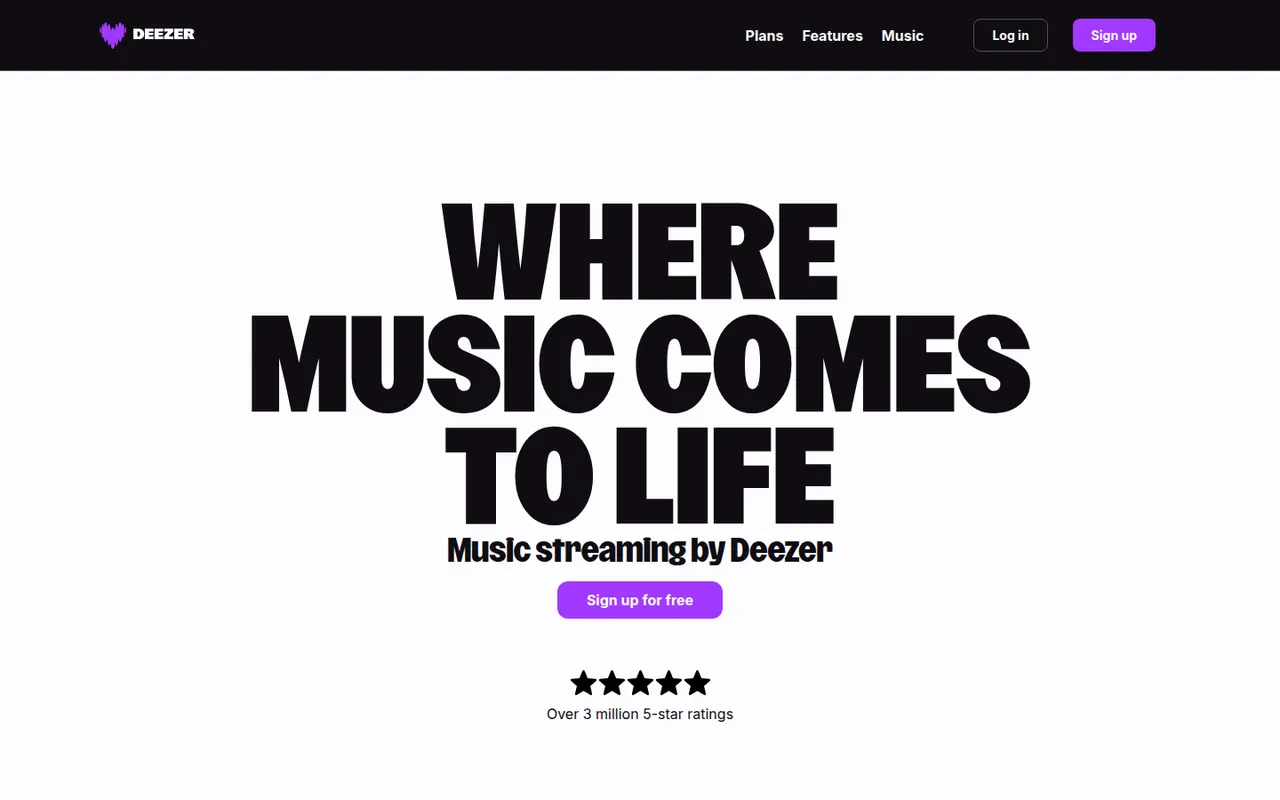
Cost / LicenseFree trialProprietaryCategoriesDeezer is a French music streaming service with a large catalog, podcasts and Flow, an endless personalized mix that adapts to your taste. Premium plans remove ads, unlock offline listening and stream in lossless FLAC quality, and the apps include synced lyrics and song recognition. A free ad-supported tier is also available, with features that vary by country.
9 Deezer alternativesPros
- Flow builds an endless mix tuned to your taste
- Lossless FLAC streaming on Premium plans
- Synced lyrics and built-in song recognition
Cons
- Free tier has ads and limits that vary by country
- Offline listening requires a paid plan
Cost / LicenseFreemiumProprietaryCategoriesTIDAL is a music streaming service focused on sound quality, streaming in lossless and hi-res FLAC as well as Dolby Atmos. It offers curated playlists, music videos and detailed artist credits, and integrates with many hi-fi systems and network streamers. TIDAL no longer has a free tier: a single paid plan includes every audio quality level, and new users can start with a free trial.
9 TIDAL alternativesPros
- Lossless and hi-res FLAC streaming included in a single plan
- Detailed artist credits and curated playlists for music fans
- Works with many hi-fi systems and network streamers
Cons
- No free tier, only a trial before the paid plan
- Music discovery features are less developed than on Spotify
- No official desktop app for Linux
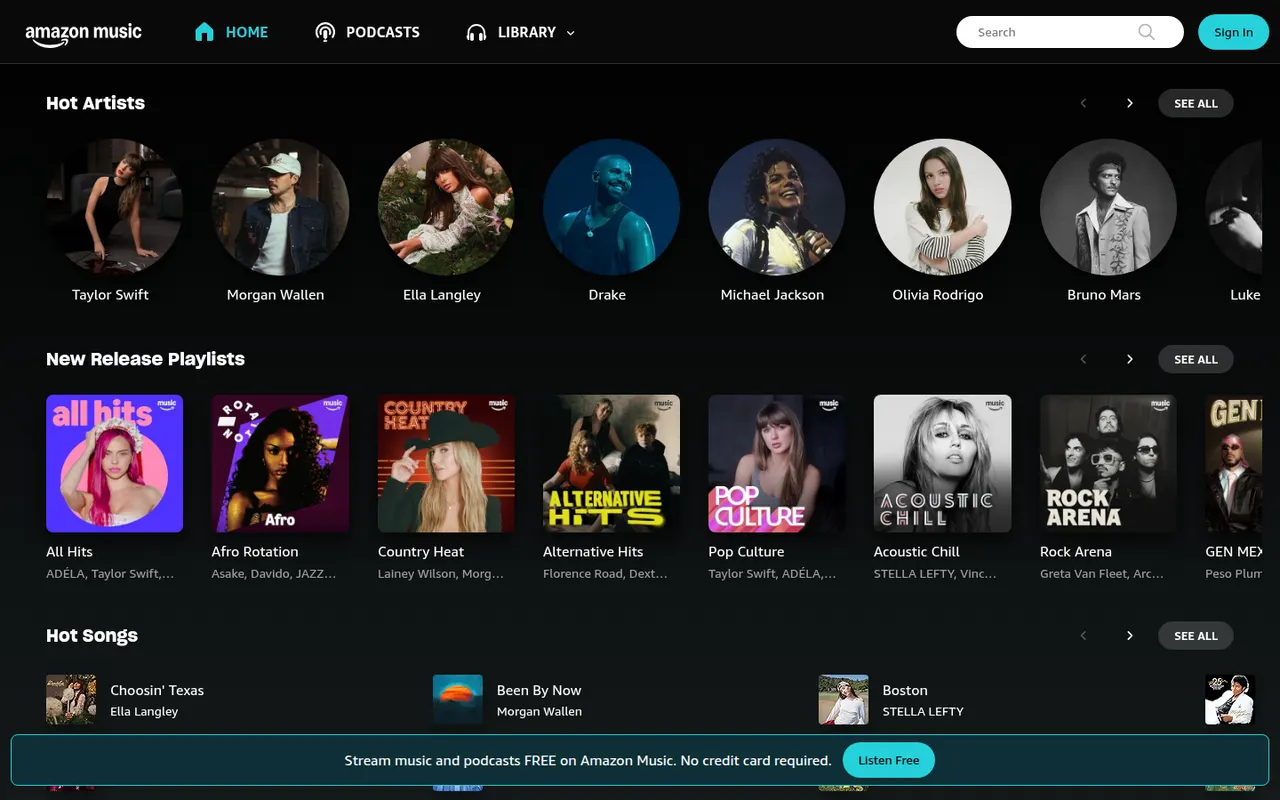
Cost / LicenseFree trialProprietaryCategoriesAmazon Music is Amazon's streaming service for music and podcasts. Prime members can listen to a large catalog in shuffle mode along with some on-demand playlists, while Amazon Music Unlimited is a separate subscription with full on-demand listening, HD and Ultra HD lossless audio and spatial audio. A free ad-supported tier is offered in some countries, and the service integrates closely with Alexa and Echo devices.
8 Amazon Music alternativesPros
- Included with Prime for shuffle-based listening
- Unlimited plan offers HD and Ultra HD lossless plus spatial audio
- Tight integration with Alexa and Echo devices
Cons
- The Prime tier is mostly shuffle play with limited on-demand control
- Full on-demand listening needs a separate Unlimited subscription
Cost / LicenseFreemiumProprietaryCategoriesQobuz is a French music service focused on high-resolution audio, streaming in lossless and hi-res FLAC up to 24-bit/192 kHz. Alongside streaming it runs a store for buying hi-res album downloads, and adds editorial content such as reviews, liner notes and digital booklets, with a catalog known for its classical and jazz coverage. There is no free tier, but paid plans can be tried for free first.
8 Qobuz alternativesPros
- Lossless and hi-res FLAC streaming aimed at audiophiles
- Store for buying hi-res album downloads
- Reviews, digital booklets and a strong classical and jazz catalog
Cons
- No free tier, only a trial
- Personalized recommendations are less developed than on bigger services
- No podcasts, unlike most mainstream rivals
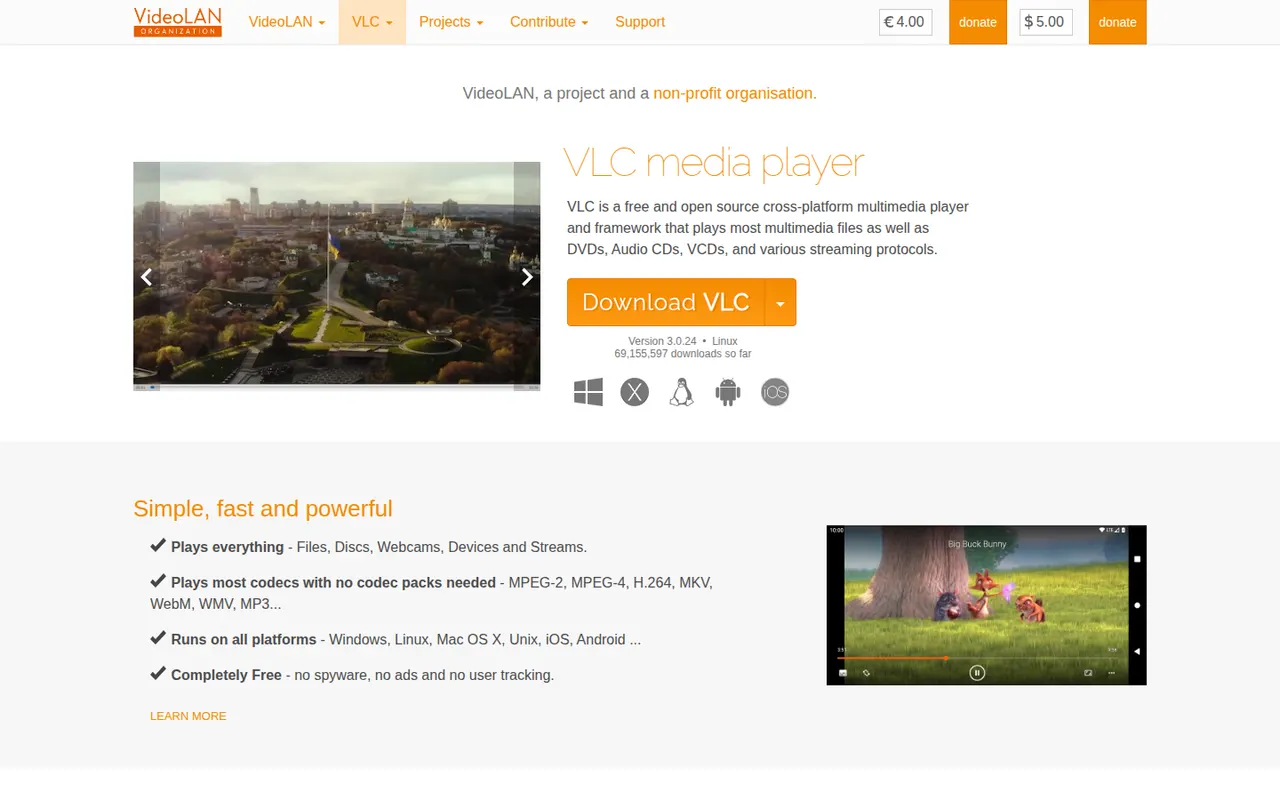
Cost / LicenseFree trialProprietaryCategoriesVLC is a free and open source media player from the VideoLAN non-profit that handles most video and audio formats, DVDs, audio CDs and network streams without installing extra codecs. It supports subtitles, hardware decoding, filters, format conversion and streaming, and can be extended with add-ons and skins. It runs on desktop and mobile platforms, with no ads, tracking or paid tier.
9 VLC media player alternativesPros
- Plays almost any file, disc or stream without extra codecs
- Free and open source, with no ads or tracking
- Available on desktop and mobile platforms
Cons
- Interface looks dated next to more modern players
- Advanced settings are buried in complex preference menus
Cost / LicenseFreeOpen sourceCategoriesmpv is a free, open source media player for the command line with a minimal on-screen controller. Built on FFmpeg and descended from MPlayer, it plays a wide range of formats, renders high-quality video with GPU shaders and hardware decoding, and is configured through text files and key bindings. Lua and JavaScript scripts extend it, and the libmpv library powers front ends such as IINA.
9 mpv alternativesPros
- Excellent video quality with GPU shaders and hardware decoding
- Highly scriptable with Lua and JavaScript
- libmpv powers other front ends such as IINA
Cons
- Minimal interface with no menus or playlist manager by default
- Configuration lives in text files, which deters casual users
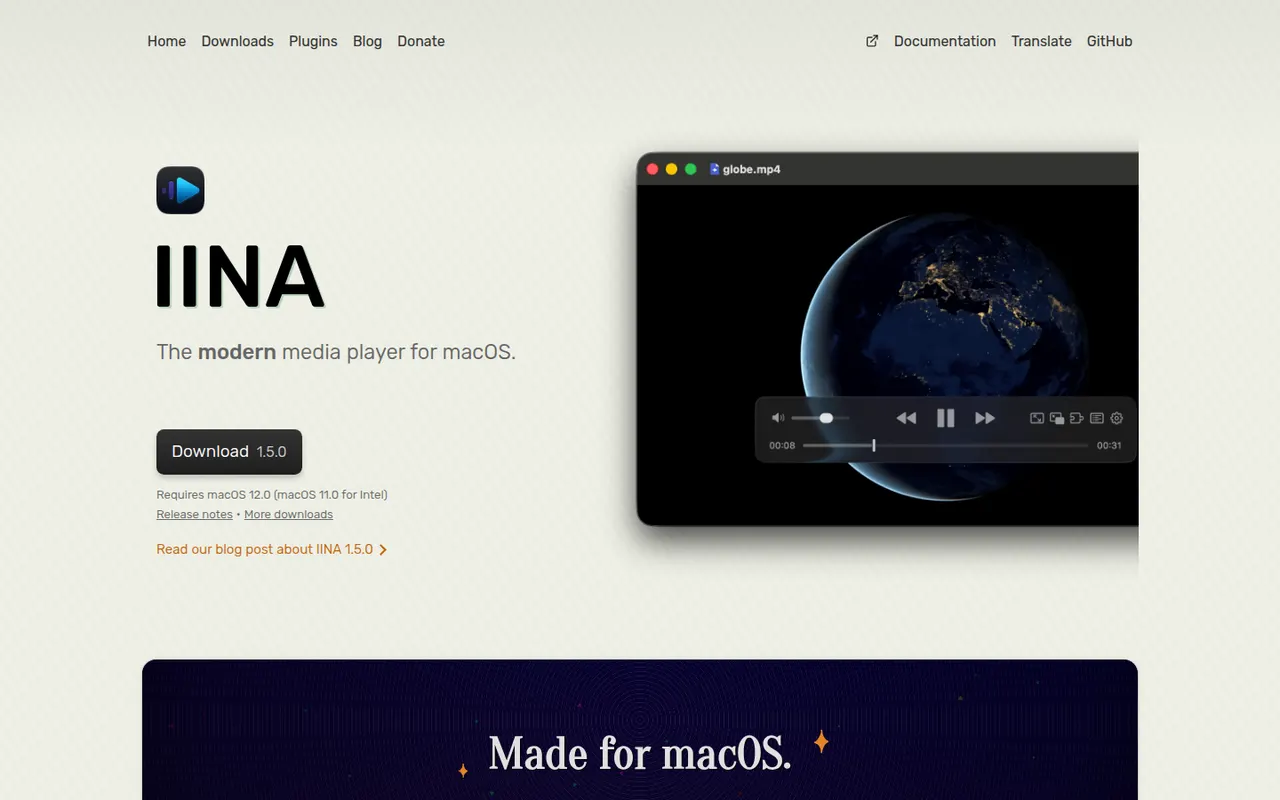
Cost / LicenseFreeOpen sourceCategoriesIINA is a free, open source video player for macOS built on top of mpv. It wraps mpv's broad format support and hardware decoding in a native Mac interface with dark mode, Picture-in-Picture, trackpad gestures and Touch Bar controls. It can fetch subtitles from online sources, play YouTube and other web streams through youtube-dl compatible tools, and supports plugins written in JavaScript.
7 IINA alternativesPros
- Native macOS interface with Picture-in-Picture and trackpad gestures
- mpv engine plays almost any format with hardware decoding
- Fetches subtitles online and plays web streams
Cons
- Available only on macOS
- No media library management or media server features
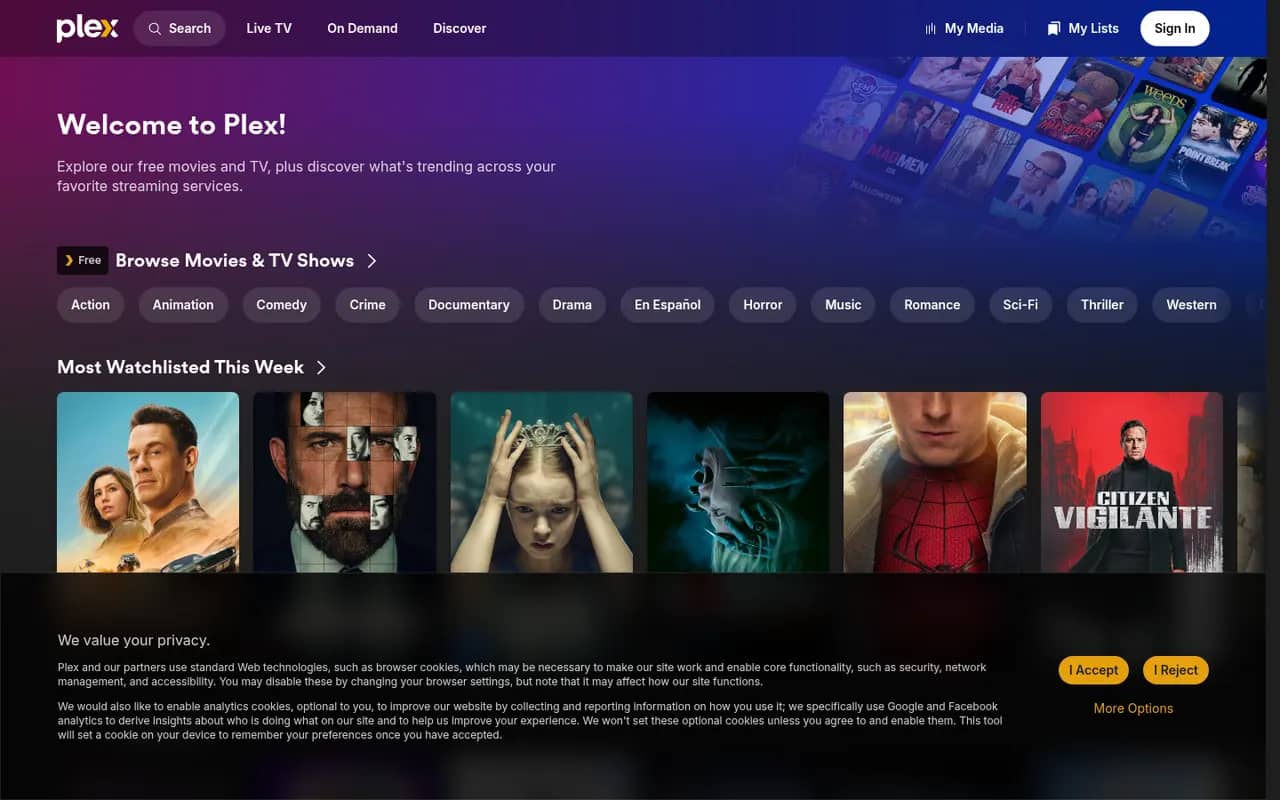
Cost / LicenseFreeOpen sourceCategoriesPlatformsPlex is a media platform that organizes your movies, shows, music and photos with Plex Media Server and streams them to apps on phones, TVs, consoles and browsers. It fetches artwork and metadata, transcodes when needed and offers free ad-supported movies and live TV. Core features are free, while a Plex Pass subscription unlocks extras such as hardware-accelerated transcoding and remote playback of your own media.
9 Plex alternativesPros
- Polished apps on phones, TVs, consoles and browsers
- Rich artwork and metadata for movies, shows and music
- Free ad-supported movies and live TV alongside your own library
Cons
- Remote playback of your media and hardware transcoding need Plex Pass
- Requires a Plex account, with sign-in depending on Plex servers
- Ad-supported content clutters the interface
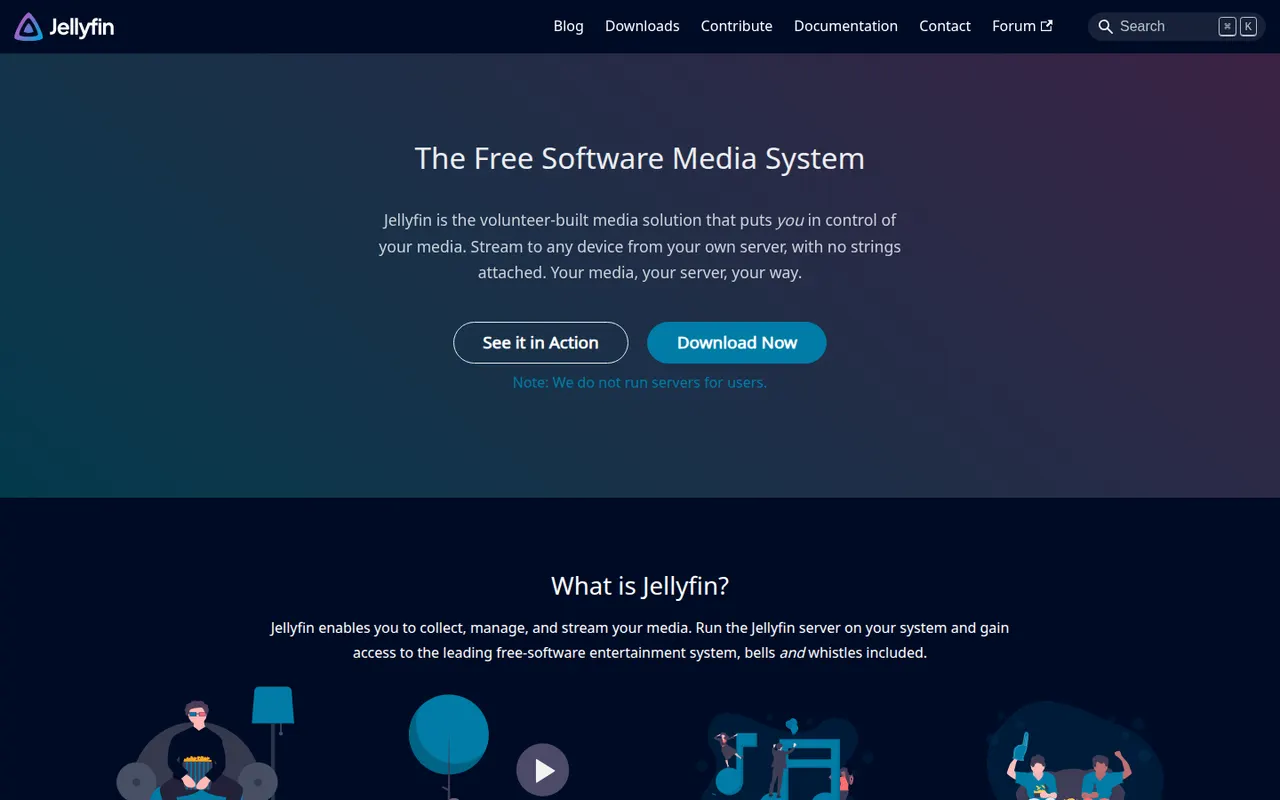
Cost / LicenseFreemiumProprietaryCategoriesJellyfin is a free, open source media server for hosting your own movies, TV shows, music, books and photos and streaming them to web, mobile, TV and desktop clients. Forked from Emby in 2018, it has no premium tier or tracking: hardware transcoding, live TV and DVR, multiple users and plugins are all included. The server runs on Windows, macOS, Linux, Docker and many NAS devices.
9 Jellyfin alternativesPros
- Completely free, with hardware transcoding and DVR included
- Open source, with no tracking and no premium tier
- Runs on Windows, macOS, Linux, Docker and many NAS devices
Cons
- Client apps are less polished than Plex or Emby on some devices
- Remote access needs manual setup such as a reverse proxy or VPN
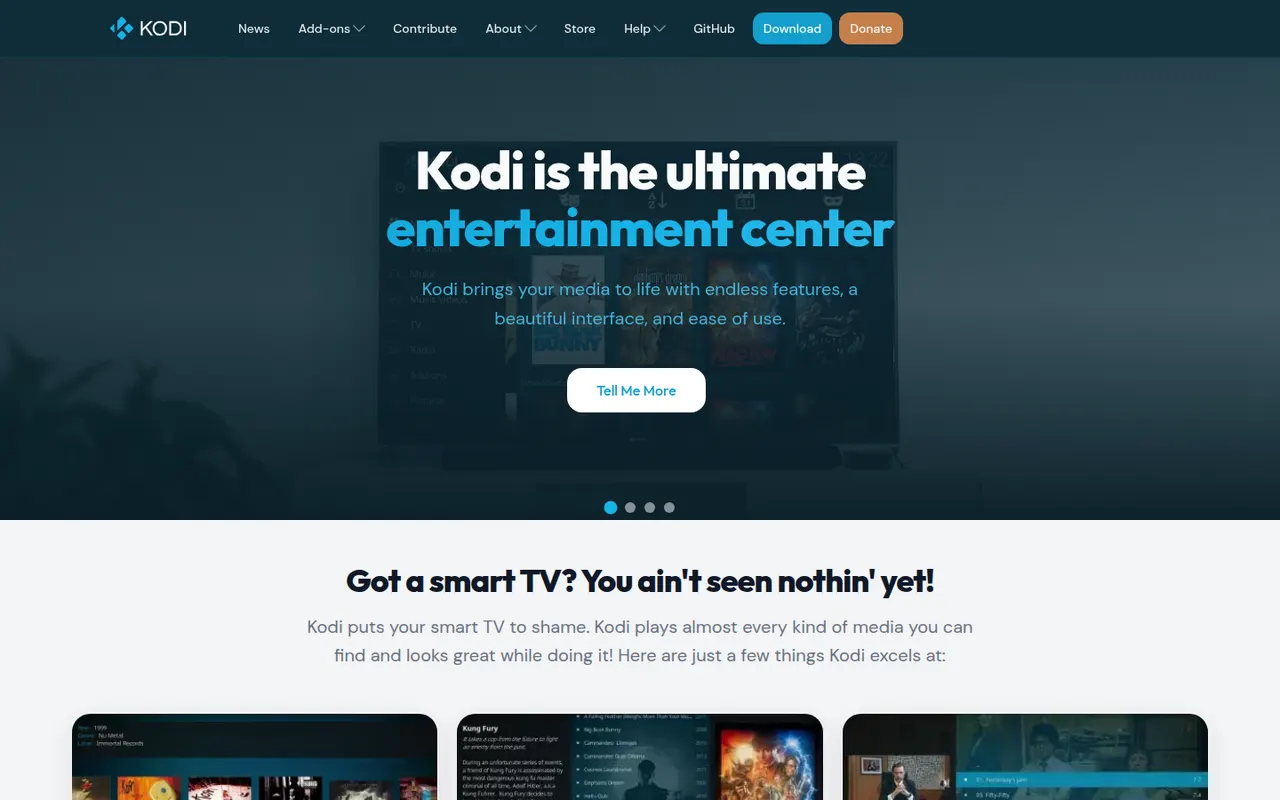
Cost / LicenseFreeOpen sourceCategoriesKodi is a free, open source media center, originally known as XBMC, designed for the big screen and remote controls. It organizes local and network movies, shows, music and photos with artwork and metadata, plays nearly every format, and is extended through add-ons, skins and PVR backends for live TV. It runs on Windows, macOS, Linux, Android and small devices such as the Raspberry Pi.
9 Kodi alternativesPros
- Big-screen interface designed for remote controls
- Extensible with add-ons, skins and PVR backends for live TV
- Runs on Windows, macOS, Linux, Android and the Raspberry Pi
Cons
- Setup and configuration take time for newcomers
- Third-party add-ons vary in quality, and some carry legal or security risks
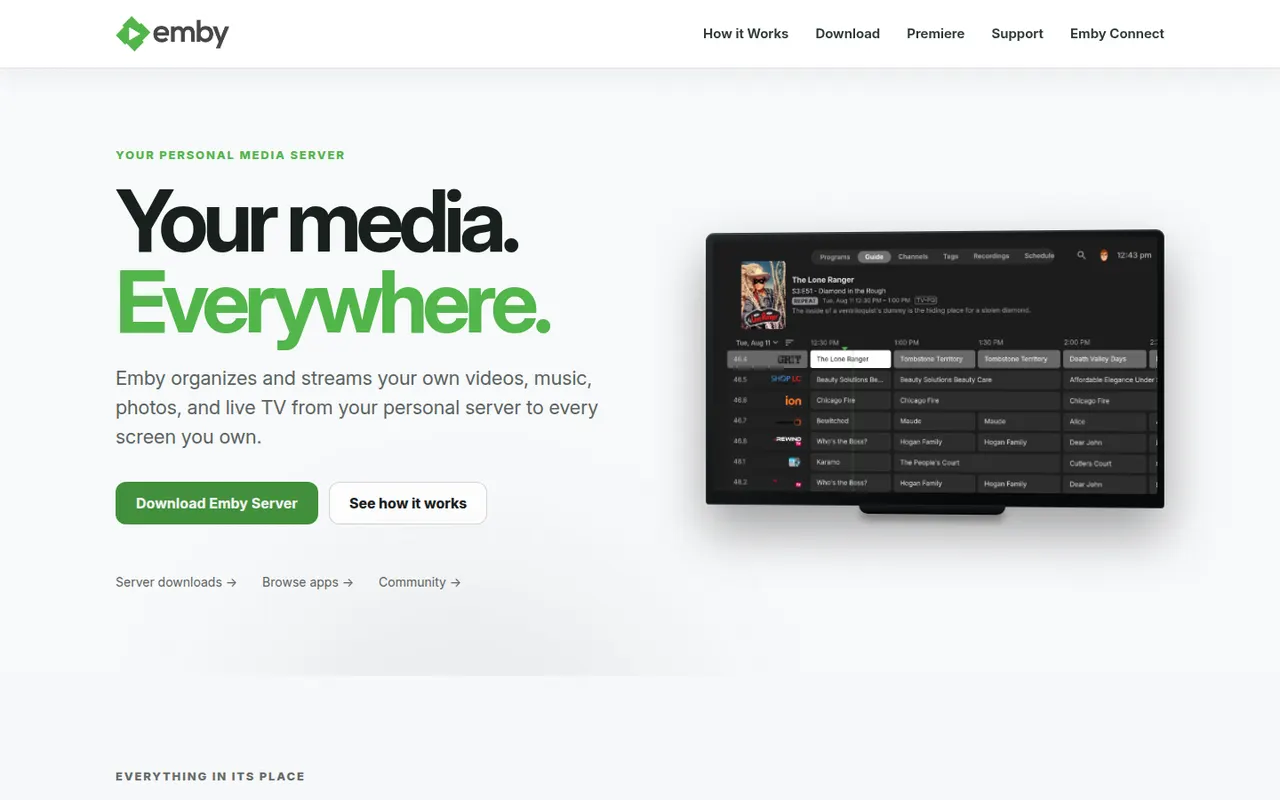
Cost / LicenseFreeOpen sourceCategoriesEmby is a media server that organizes your movies, shows, music and photos and streams them to apps on the web, mobile devices, smart TVs and consoles. It supports multiple user profiles with parental controls, automatic metadata and live TV. The server and basic apps are free, while an Emby Premiere subscription unlocks extras such as hardware transcoding and DVR. Emby moved away from open source in 2018.
7 Emby alternativesPros
- Streams to web, mobile, smart TVs and consoles
- Multiple profiles with parental controls and live TV
- Automatic metadata keeps libraries well organized
Cons
- Hardware transcoding and DVR require an Emby Premiere subscription
- No longer open source, unlike its fork Jellyfin
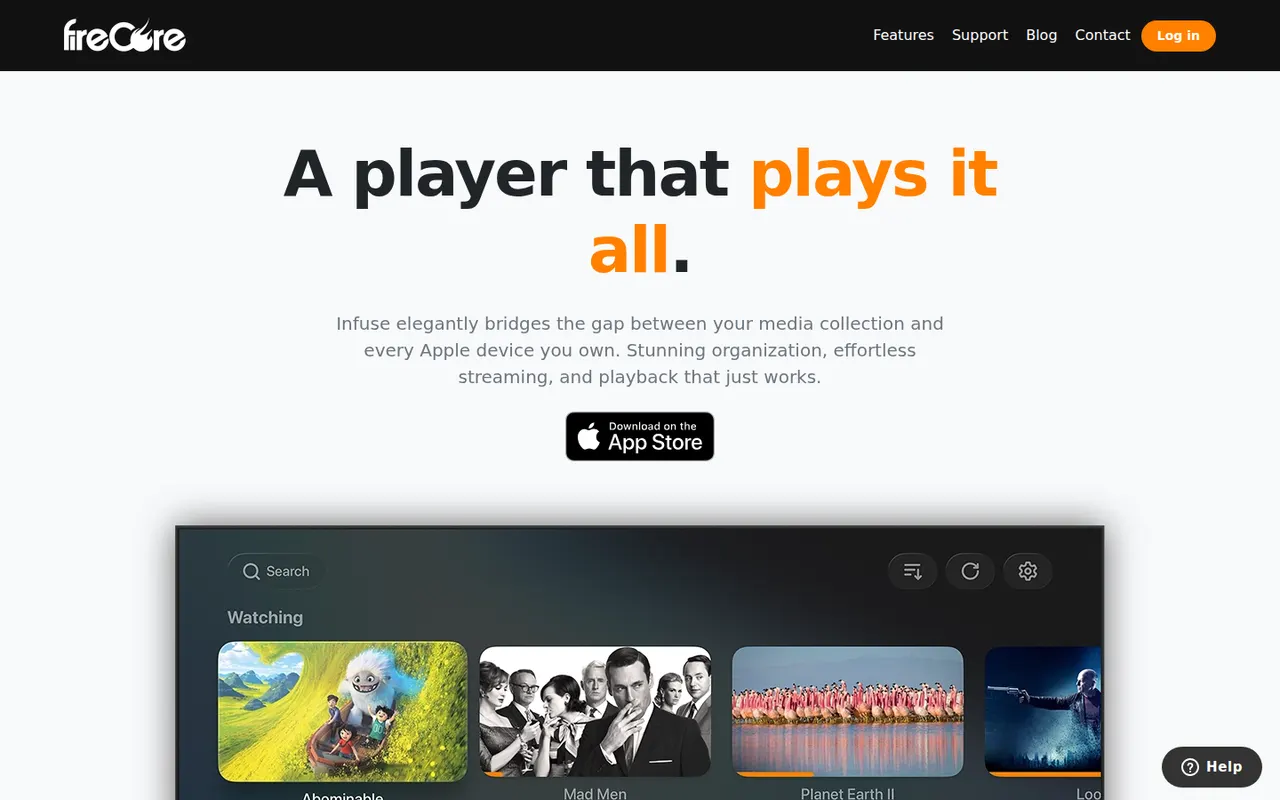
Cost / LicenseFreemiumProprietaryCategoriesInfuse is a video player for iPhone, iPad, Apple TV, Mac and Vision Pro that plays files from network shares, cloud drives and media servers such as Plex, Emby and Jellyfin. It fetches artwork and metadata, downloads subtitles from OpenSubtitles and syncs watch history with Trakt. Core playback is free, while Infuse Pro adds support for more formats, Dolby Vision and Atmos audio, and additional services.
7 Infuse alternativesPros
- Polished playback with artwork and metadata across Apple devices
- Connects to network shares, cloud drives, Plex, Emby and Jellyfin
- Trakt sync and automatic subtitles from OpenSubtitles
Cons
- Apple platforms only, with no Android or Windows app
- Some formats, Dolby Vision and Atmos require Infuse Pro
Cost / LicenseFreemiumProprietaryCategories