
Free Cinema 4D alternatives
Top 3D Modeling & Animation like Cinema 4D
All Cinema 4D alternatives
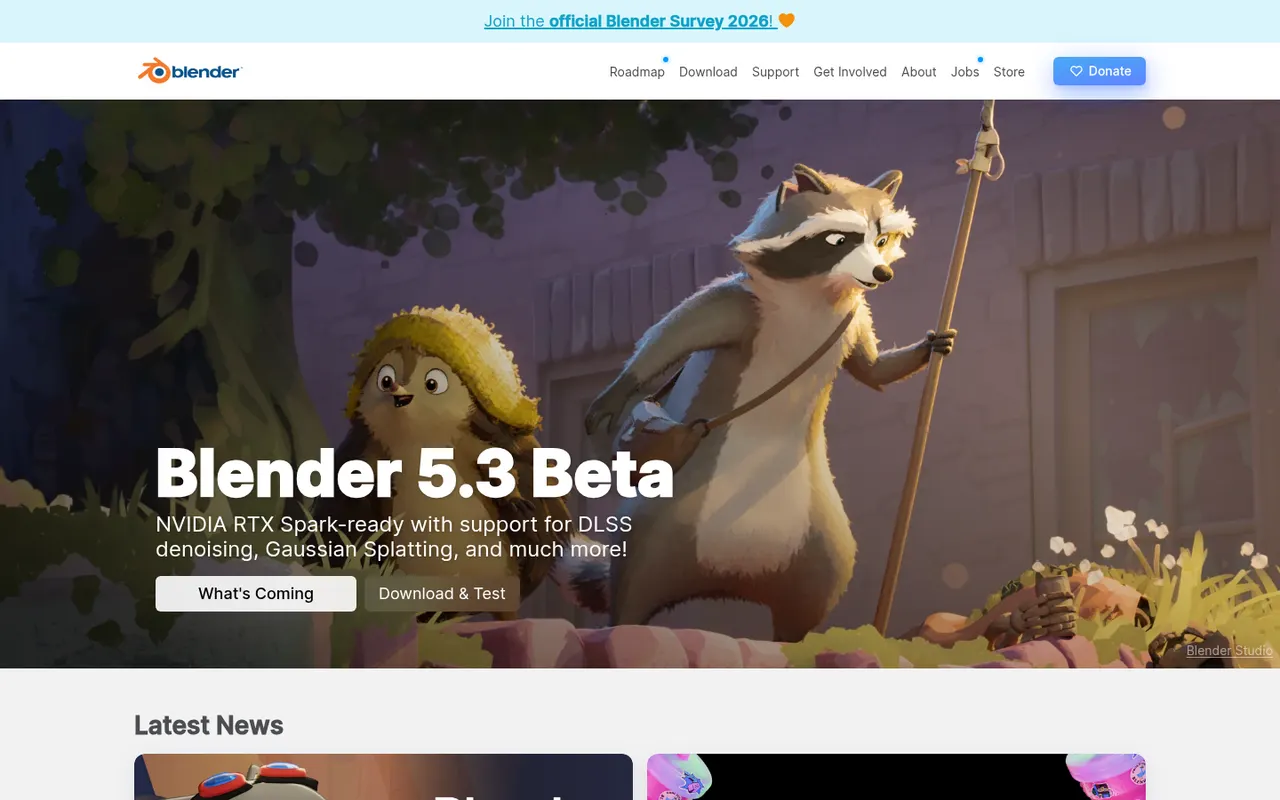
Blender is a free, open source 3D creation suite covering modeling, sculpting, rigging, animation, simulation, rendering with Cycles and EEVEE, compositing and video editing. Its Grease Pencil tools also allow 2D animation inside a 3D space. Developed by the Blender Foundation and a large community, it is used by hobbyists, studios and game developers and can be extended with Python add-ons.
12 Blender alternativesPros
- Completely free and open source, with no license or subscription
- Covers modeling, sculpting, animation, rendering and video editing
- Large community with countless tutorials and Python add-ons
Cons
- Dense interface that takes newcomers time to learn
- Less established than Maya or 3ds Max in some studio pipelines
Cost / LicenseFreeOpen sourceCategoriesHoudini is a 3D animation and visual effects application from SideFX built on a node-based procedural workflow, where every step stays editable. Studios use it for simulations such as fire, smoke, fluids, destruction and crowds, and game developers use it to generate environments and assets procedurally. A free Apprentice edition allows non-commercial learning, alongside paid Indie and studio licenses.
7 Houdini alternativesPros
- Node-based procedural workflow keeps every step editable
- Leading toolset for fire, smoke, fluid and destruction simulations
- Free Apprentice edition for non-commercial learning
Cons
- One of the steepest learning curves among 3D applications
- The free edition watermarks renders and is non-commercial only
- Overkill for simple modeling or quick motion graphics jobs
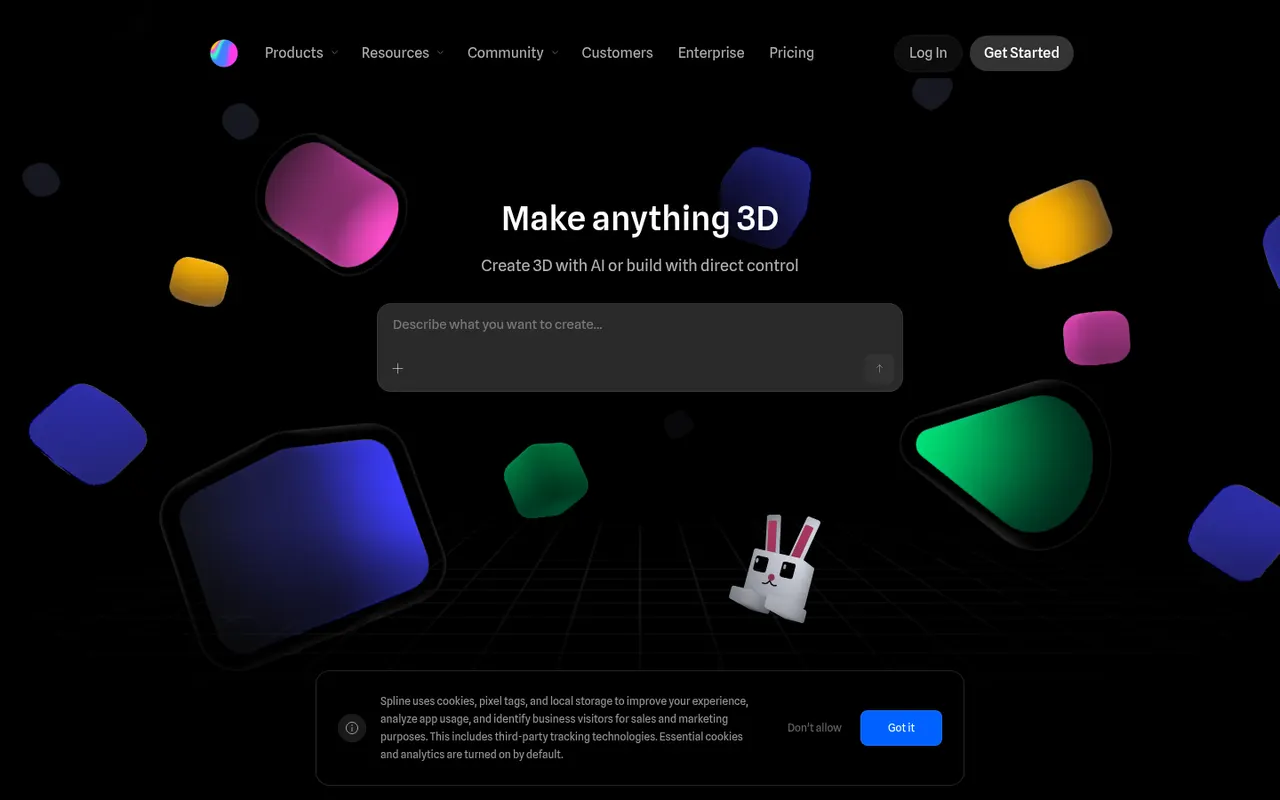
Cost / LicenseFreemiumProprietaryCategoriesSpline is a collaborative 3D design tool that runs in the browser, aimed at designers who want to create interactive 3D scenes, animations and interface elements without learning traditional 3D software. Scenes can react to hover, scroll and clicks, and can be exported as embeddable web code, images or videos, or used in Framer, Webflow and React projects. Teams edit files together in real time.
8 Spline alternativesPros
- Lets designers create 3D scenes without traditional 3D software
- Interactive states respond to hover, scroll and clicks
- Exports to web embeds, Framer, Webflow and React projects
Cons
- Complex scenes can weigh down web pages and slow loading
- Less capable than full 3D suites for detailed modeling
- Advanced exports and team features require a paid plan
Cost / LicenseFreemiumProprietaryPlatformsZBrush is a digital sculpting and painting application used for characters, creatures, collectibles and 3D-printed figures in film, games and toy design. It handles models with millions of polygons using brush-based sculpting, DynaMesh, ZRemesher retopology and Polypaint for surface color. Created by Pixologic and now owned by Maxon, it runs on Windows and macOS, and an iPad version is also available.
6 ZBrush alternativesPros
- Handles models with millions of polygons smoothly
- DynaMesh and ZRemesher speed up sculpting and retopology
- Reference tool for character and creature sculpting
Cons
- Unconventional interface that takes a long time to master
- Not a full 3D suite, so animation and scene work need other tools
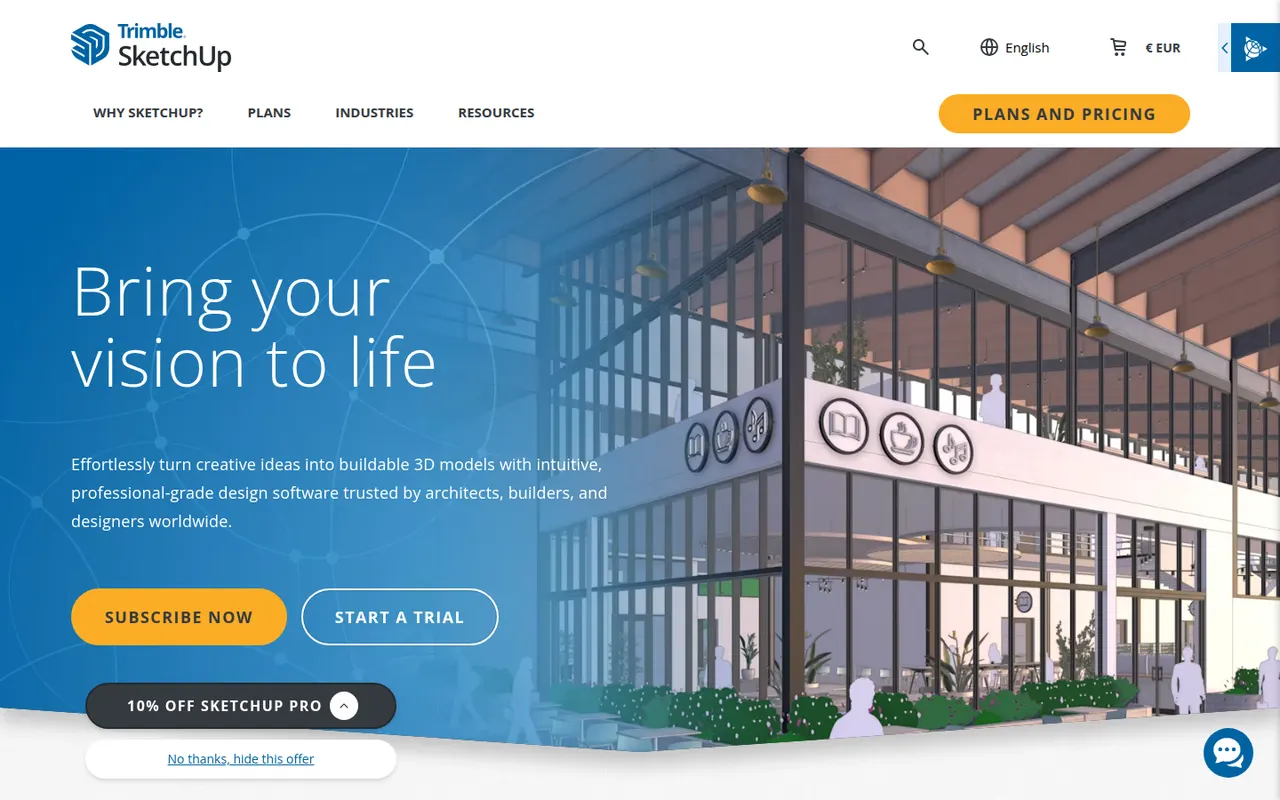
Cost / LicenseFreemiumProprietaryCategoriesSketchUp is a 3D modeling tool from Trimble built around simple push-pull geometry, used by architects, interior designers, landscape designers and woodworkers. The 3D Warehouse offers a large library of ready-made models, and the Extension Warehouse adds plugins for rendering, layout and analysis. A free web version exists for personal use; paid plans add the desktop app, LayOut for 2D drawings and the iPad app.
8 SketchUp alternativesPros
- Push-pull modeling is quick to pick up for beginners
- 3D Warehouse offers a vast library of ready-made models
- Extensions add rendering, layout and analysis tools
Cons
- The free web version is limited to personal use
- Struggles with complex curved and organic shapes
- The desktop app and LayOut require a paid subscription
Cost / LicenseFreemiumProprietaryCategories











Cinema 4D vs its alternatives at a glance
Pricing, platforms and the key features of Cinema 4D, compared with its most popular alternatives.
| App | Pricing | Platforms | Animation | Plugins & extensions | Rendering | Sculpting |
|---|---|---|---|---|---|---|
 Cinema 4D Cinema 4D | Free trial | Windows, Mac | ||||
 Blender Blender | FreeOpen source | Windows, Mac, Linux | ||||
 Houdini Houdini | Freemium | Windows, Mac, Linux | ||||
 Spline Spline | Freemium | Web | ||||
 ZBrush ZBrush | Freemium | Windows, Mac, iPhone | ||||
 SketchUp SketchUp | Freemium | Web, Windows, Mac, iPhone |
Cinema 4D alternatives: frequently asked questions
What is the best alternative to Cinema 4D?
The most popular alternative to Cinema 4D is Blender: Free and open source 3D suite for modeling, animation and rendering. Other great alternatives are Houdini, Spline, ZBrush, and SketchUp.
Is there a free alternative to Cinema 4D?
Yes, 5 alternatives are free or have a free plan, including Blender, Houdini, Spline, and ZBrush.
Is there an open source alternative to Cinema 4D?
Yes, one open source alternative is listed: Blender.
Is Cinema 4D free?
Cinema 4D is a paid app that offers a free trial.
Compare Cinema 4D with its alternatives


Sponsored listings and products made by the publisher of this site are always labeled. How we rank · Know a good alternative? Submit it