Best Forms & Surveys software
Build forms, quizzes and surveys and collect responses.
12 apps
Top Forms & Surveys apps ranked by the community
Typeform is an online form and survey builder that shows one question at a time in a conversational, full-screen layout. It supports logic jumps, calculations, file uploads, payments and quizzes, and connects to tools like HubSpot, Google Sheets and Slack. AI features can generate a form from a prompt, and a free plan allows a limited number of responses per month.
10 Typeform alternativesPros
- One-question-at-a-time layout feels conversational and polished
- Logic jumps, calculations and quizzes for interactive flows
- Integrates with HubSpot, Google Sheets, Slack and many other tools
Cons
- Free plan allows only a small number of responses per month
- Paid plans are expensive compared with most form builders
- One-question format can feel slow for long or data-heavy forms
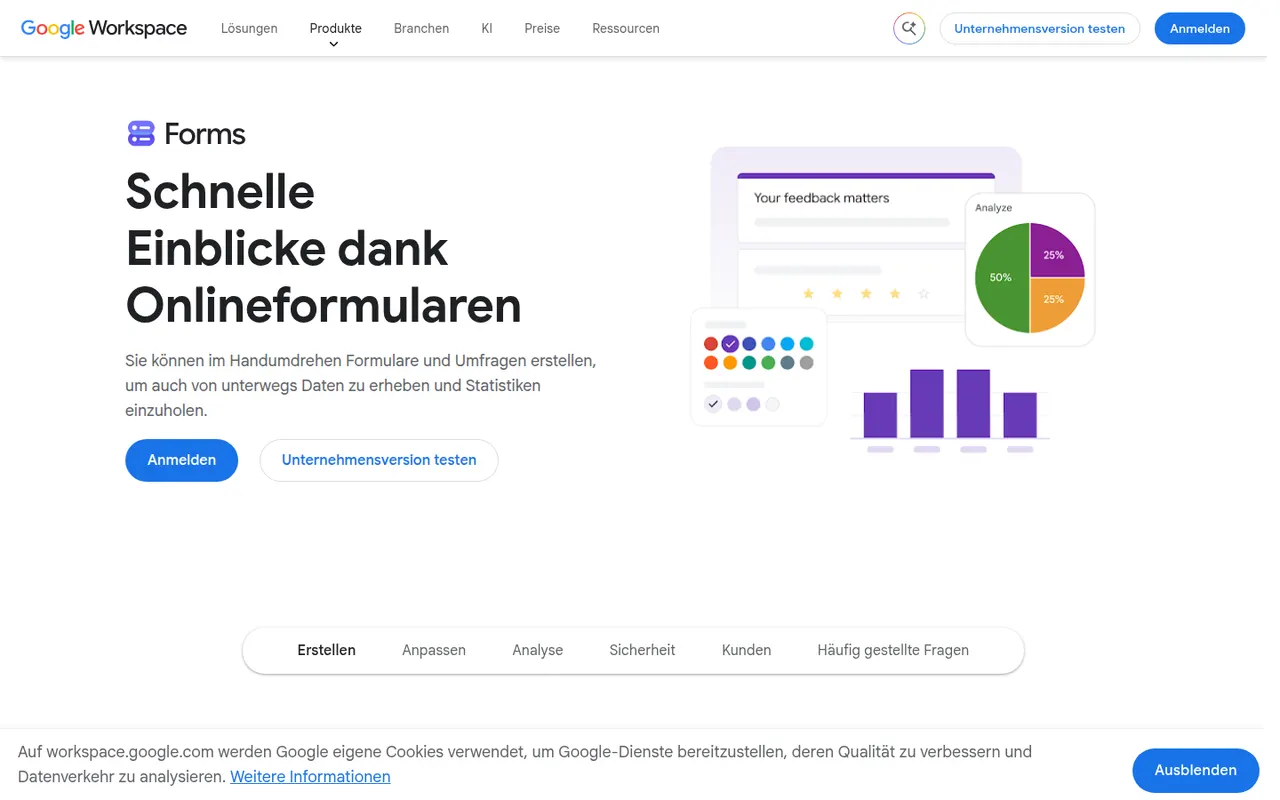
Cost / LicenseFreemiumProprietaryCategoriesPlatformsGoogle Forms is Google's free tool for creating surveys, registration forms and quizzes with a Google account. Responses are summarized with charts and can be sent to Google Sheets, and teachers can create self-grading quizzes integrated with Google Classroom. It supports section branching, file uploads to Drive and collaborative editing, though its design options are basic.
10 Google Forms alternativesPros
- Free with a Google account, with no paid tier to unlock features
- Responses flow straight into Google Sheets for analysis
- Self-grading quizzes work well with Google Classroom
Cons
- Design and theming options are very basic
- Logic is limited to section branching, with no advanced calculations
- File upload questions require respondents to sign in to Google
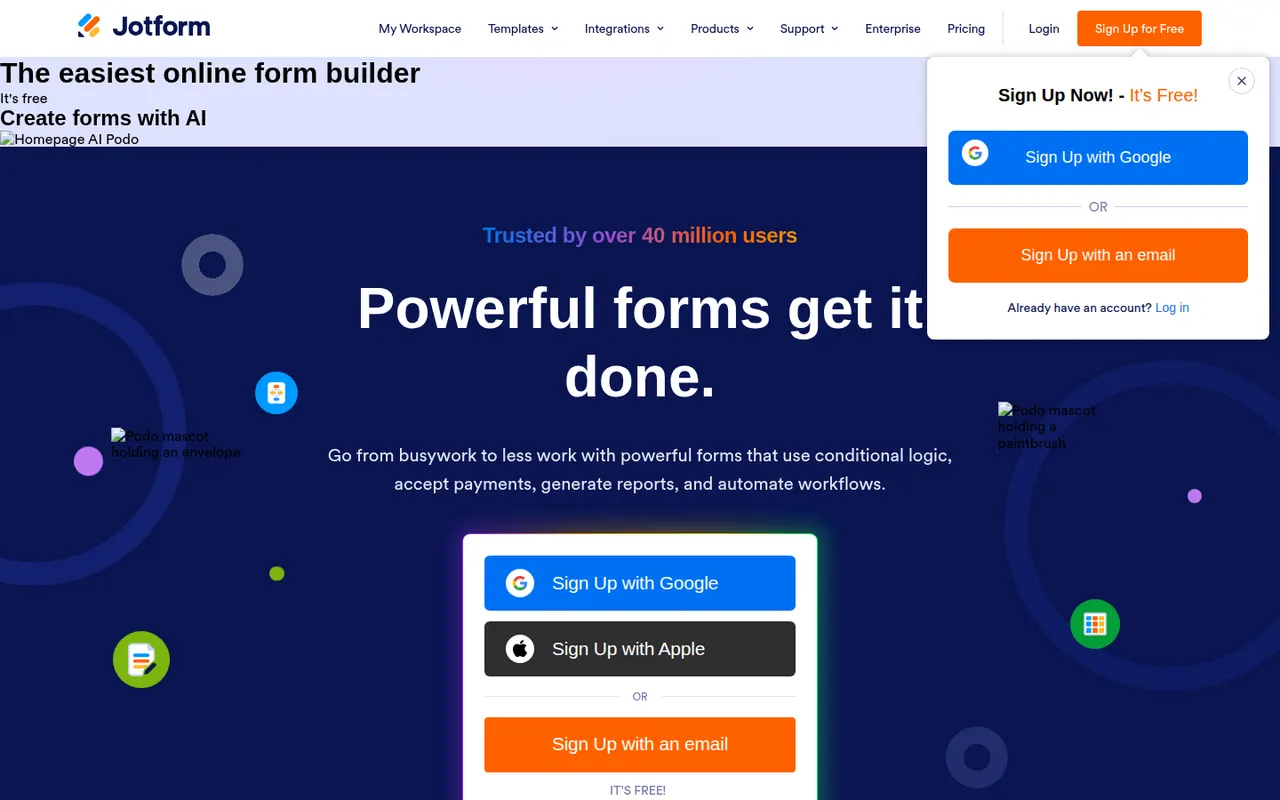
Cost / LicenseFreeProprietaryCategoriesPlatformsJotform is an online form builder with a large template library, a drag-and-drop editor, conditional logic and integrations with many payment gateways. Its mobile apps can collect data offline, and the wider suite adds Jotform Tables, an app builder, PDF generation and e-signatures through Jotform Sign. A free plan covers basic use, and HIPAA-compliant options are available for healthcare.
10 Jotform alternativesPros
- Huge template library and a drag-and-drop editor that is easy to learn
- Many payment gateways, plus e-signatures through Jotform Sign
- Mobile apps can collect submissions offline
Cons
- Free plan caps forms and monthly submissions fairly tightly
- Interface can feel cluttered given how many options and products it bundles
- Forms on the free plan display Jotform branding
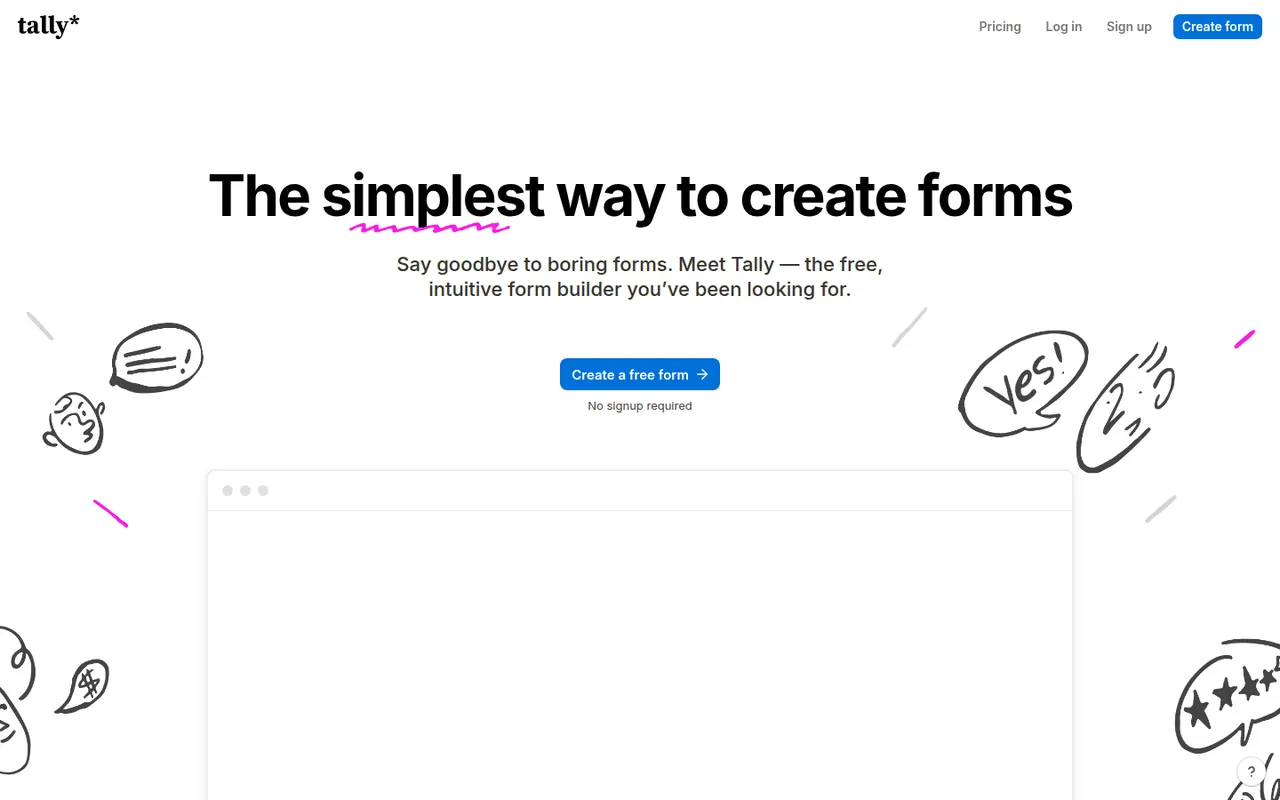
Cost / LicenseFreemiumProprietaryCategoriesTally is a form builder from Belgium where you create forms by typing in a document-like editor, similar to writing in Notion. Its free plan includes unlimited forms and responses along with logic, file uploads, Stripe payments and integrations, while Tally Pro adds branding removal, custom domains and team features. Form data is hosted in the EU.
9 Tally alternativesPros
- Free plan includes unlimited forms and responses, logic and payments
- Building a form feels as fast as typing in a document
- Data hosted in the EU, a plus for GDPR-conscious teams
Cons
- Custom domains, branding removal and team features require Tally Pro
- Fewer design themes and templates than visual drag-and-drop builders
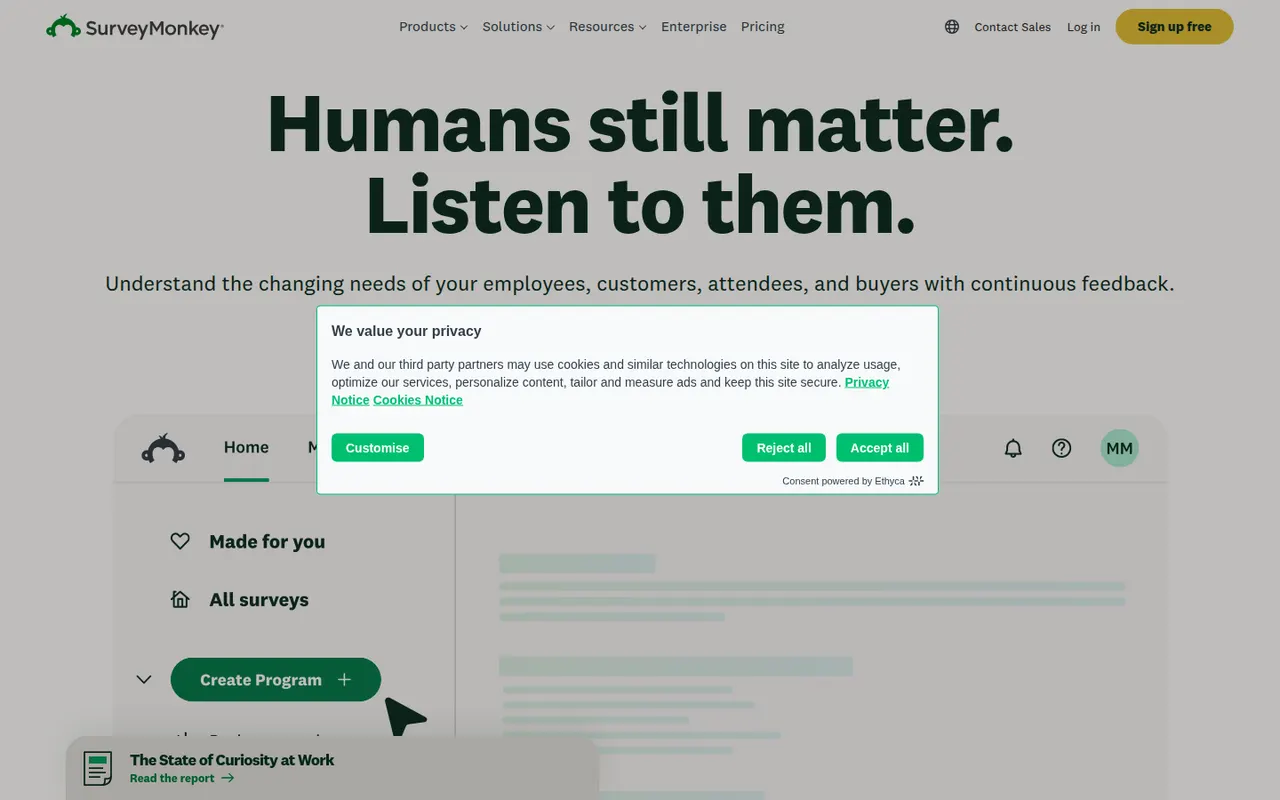
Cost / LicenseFreemiumProprietaryCategoriesPlatformsSurveyMonkey is an online survey platform used for customer feedback, employee engagement, event planning and market research. It offers survey templates, a question bank, skip logic, AI-assisted survey creation and analysis dashboards, and can supply paid respondents through its audience panel. A free Basic plan has limited features, alongside paid individual and team plans.
9 SurveyMonkey alternativesPros
- Large question bank and templates speed up survey creation
- Built-in audience panel can supply paid respondents
- Analysis dashboards and AI help make results easy to read
Cons
- Free Basic plan is very restricted, notably for results and exports
- Paid plans are expensive compared with many form builders
Cost / LicenseFreemiumProprietaryCategoriesMicrosoft Forms is a simple form builder for surveys, polls and quizzes, available free with a Microsoft account and included in Microsoft 365. Results can be viewed in real time, exported to Excel, and used in Teams or automated with Power Automate. It supports branching, auto-graded quizzes for education and Copilot suggestions for drafting questions.
9 Microsoft Forms alternativesPros
- Free with a Microsoft account and included in Microsoft 365
- Results export to Excel and plug into Teams and Power Automate
- Auto-graded quizzes suit classrooms already using Microsoft tools
Cons
- Limited design customization and question types
- Lacks payments and the advanced logic found in dedicated builders
- Most useful for people already inside the Microsoft ecosystem
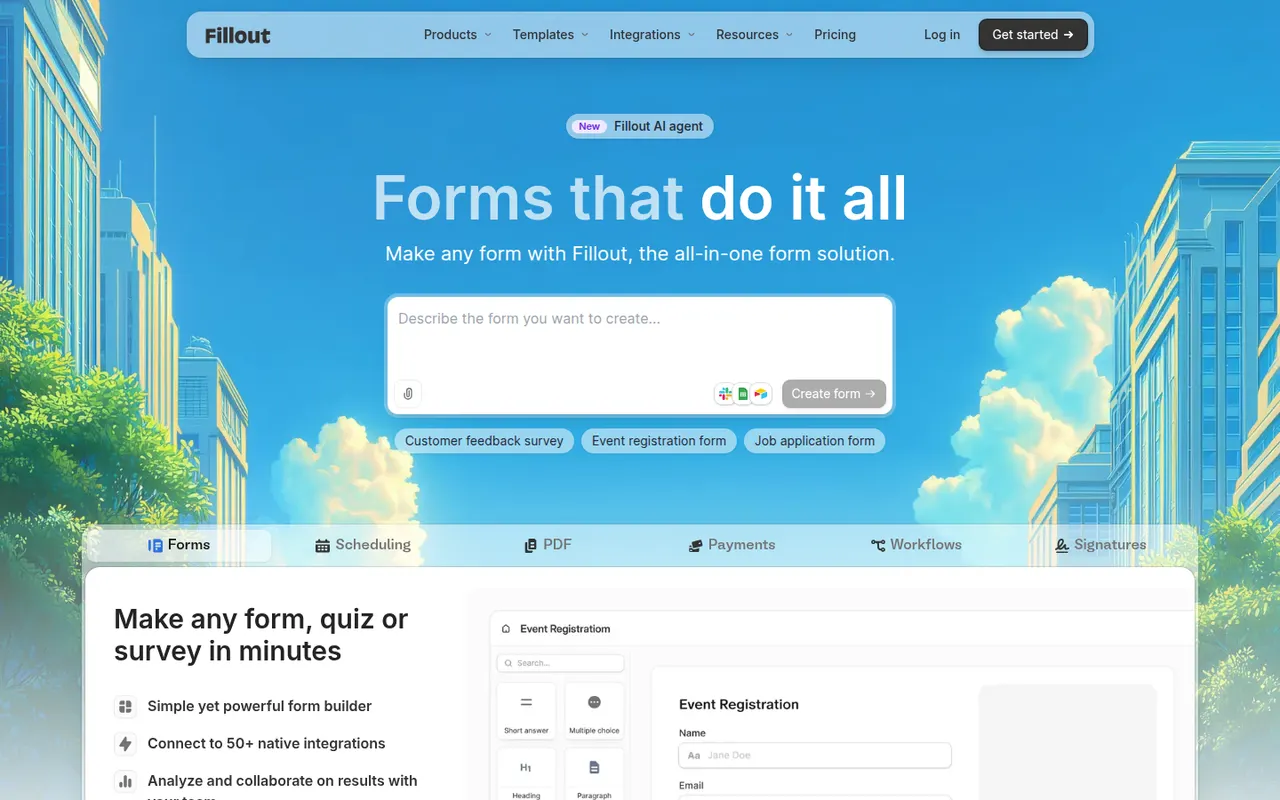
Cost / LicenseFreeProprietaryCategoriesPlatformsFillout is an online form builder with a usable free plan, conditional logic, payments, file uploads, scheduling and multi-page forms. Its main distinction is native two-way connections with tools such as Airtable, Notion, Google Sheets, HubSpot and Salesforce, so forms can create new records or update existing ones. It suits no-code builders and operations teams.
8 Fillout alternativesPros
- Two-way sync with Airtable, Notion or HubSpot can update existing records
- Capable free plan that covers most everyday form needs
- Multi-page forms, scheduling and payments in a single builder
Cons
- Higher response volumes and advanced features need a paid plan
- Smaller template library and community than older form builders
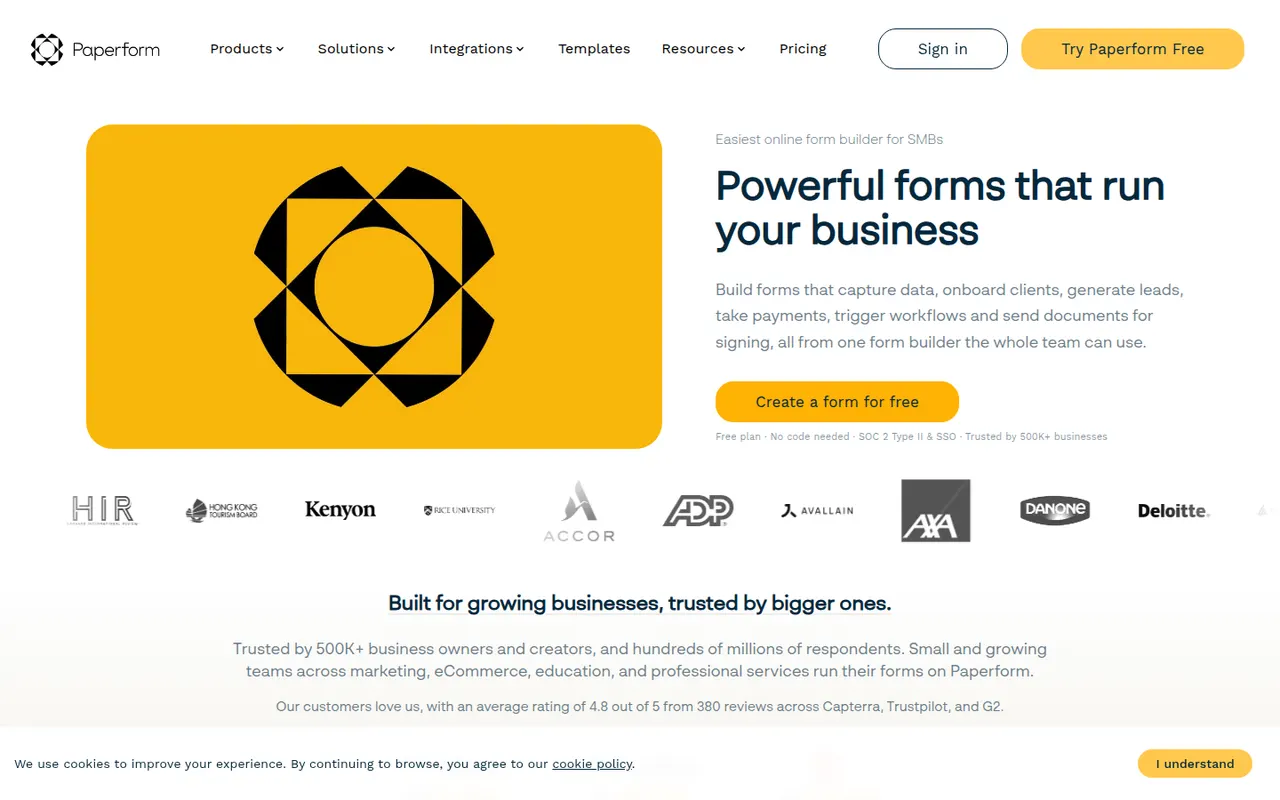
Cost / LicenseFreemiumProprietaryCategoriesPlatformsPaperform is an online form builder from Australia with a document-style editor that mixes questions with text, images and video, so forms read like web pages. It supports conditional logic, calculations, quizzes, product payments and appointment booking, and connects to other apps through native integrations and Zapier. Its sister product Papersign handles e-signatures. There is a free trial but no free plan.
7 Paperform alternativesPros
- Document-style editor makes forms read like polished web pages
- Calculations, payments and appointment booking are built in
- Native integrations plus Zapier connect it to many other apps
Cons
- No free plan once the trial ends
- Calculations and complex logic take some time to set up correctly
Cost / LicenseFree trialProprietaryCategoriesPlatformsQualtrics is an experience management (XM) platform used by large companies and universities to run advanced surveys and analyze customer, employee and market feedback. It offers complex survey logic, panel management, statistical analysis, text analytics and AI-generated insights, with dashboards for different teams. It is sold mainly through custom enterprise contracts, and a basic free account is also offered.
7 Qualtrics alternativesPros
- Very deep survey logic, panel management and statistical analysis
- Text analytics and AI insights help process large volumes of feedback
- Dashboards tailored to customer, employee and market research teams
Cons
- Custom enterprise contracts with no public pricing, costly for small teams
- Steep learning curve given the breadth of features
- Free account is very limited compared with paid plans
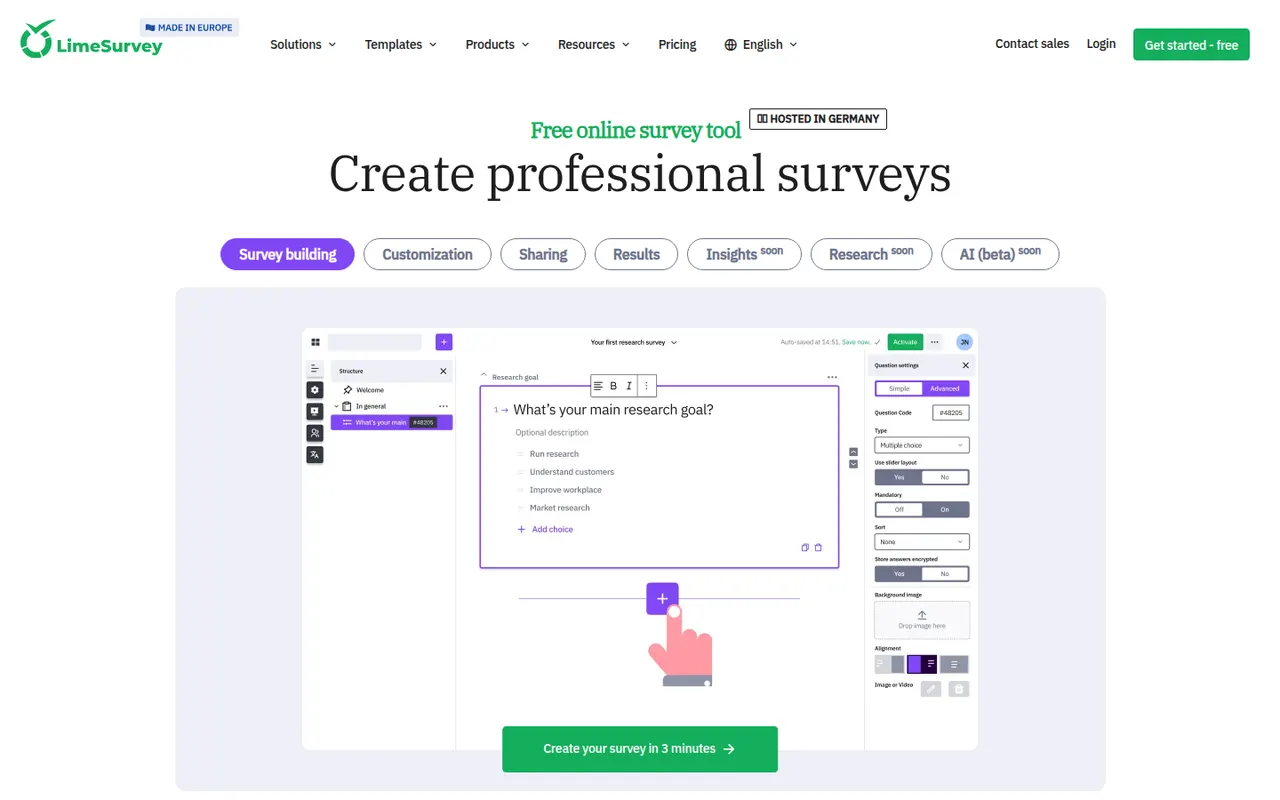
Cost / LicenseFreemiumProprietaryCategoriesLimeSurvey is an open-source online survey tool from Germany, suited to academic and public-sector research. It supports many question types, complex conditions, quotas, multilingual surveys and anonymous responses, with results exportable to SPSS, R and spreadsheets. The Community Edition can be self-hosted for free, and LimeSurvey Cloud offers hosted plans, including a free tier.
8 LimeSurvey alternativesPros
- Advanced logic with quotas, conditions and a wide range of question types
- Free self-hosted edition keeps research data under your control
- Exports results to SPSS, R and spreadsheets for statistical analysis
Cons
- Interface feels dated and takes time to learn
- Survey design looks less polished than modern form builders
- Self-hosting means handling updates and server security yourself
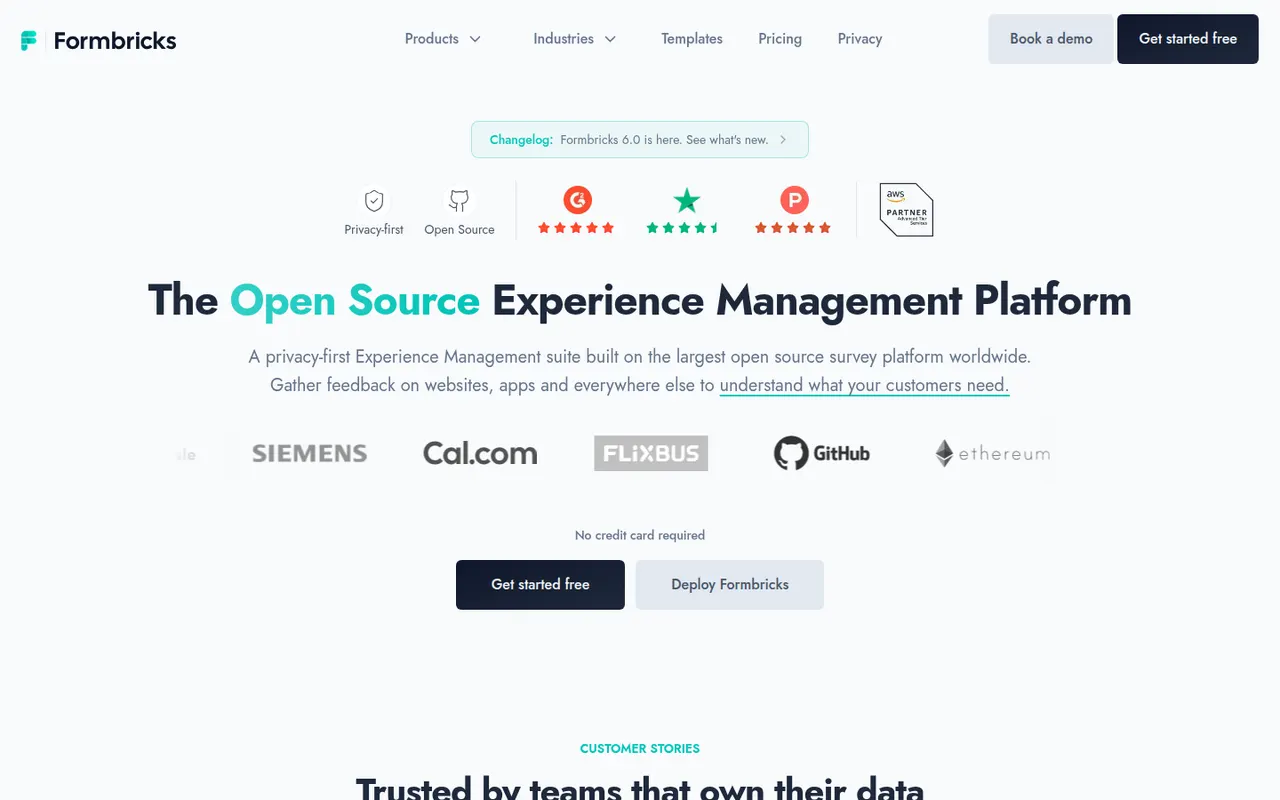
Cost / LicenseFreemiumOpen sourceCategoriesPlatformsFormbricks is an open-source experience management tool for collecting feedback through link surveys, website pop-ups and in-app surveys targeted by user attributes or actions. It integrates with tools like Slack, Notion and Airtable, offers an API and webhooks, and can be self-hosted to keep data on your own servers. Its cloud version has a free plan, and the team is based in Germany.
12 Formbricks alternativesPros
- Open source and self-hostable, so feedback data can stay on your servers
- In-app and website surveys can target users by attributes or actions
- API, webhooks and integrations with Slack, Notion and Airtable
Cons
- Self-hosting requires technical skills and ongoing maintenance
- In-app targeting needs an SDK set up by developers
- Younger product with fewer templates than established survey tools
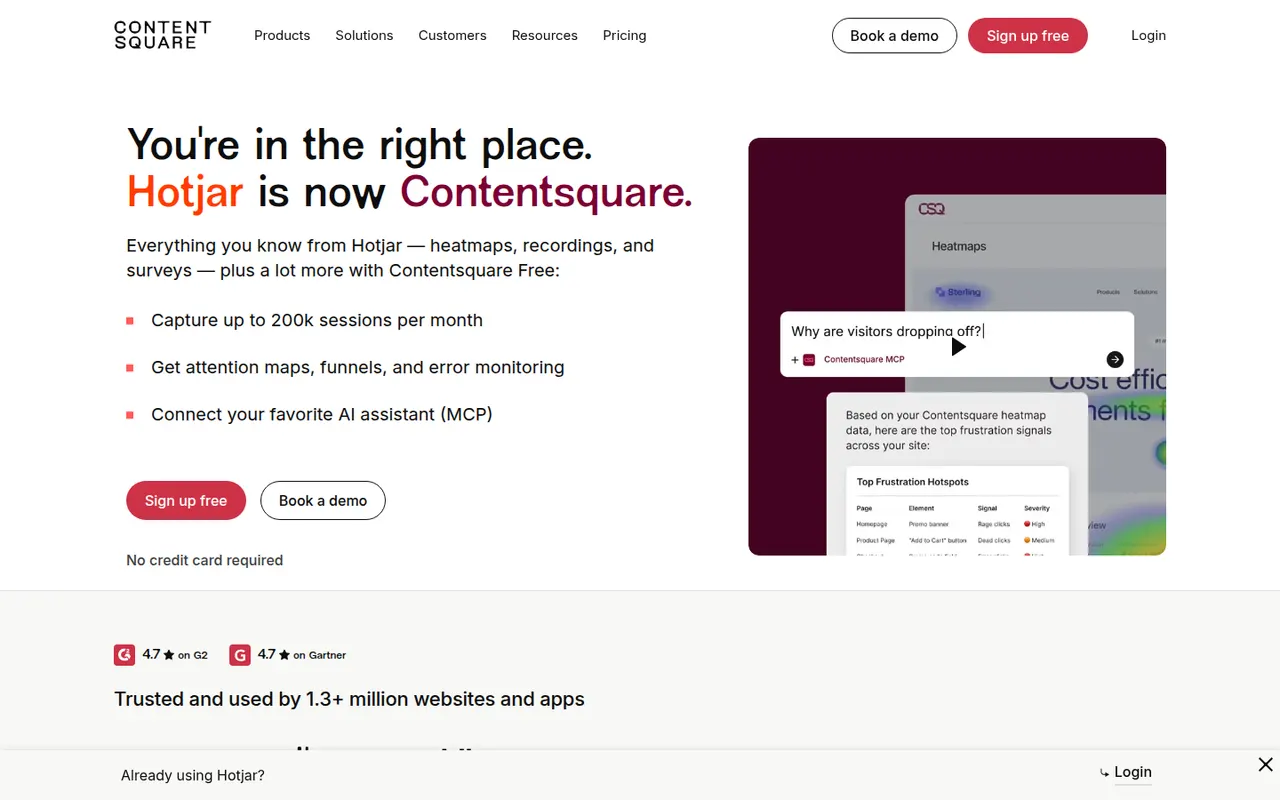
Cost / LicenseFreemiumOpen sourceCategoriesPlatformsHotjar shows how visitors use a website through heatmaps of clicks and scrolling, recordings of real sessions, and on-site surveys and feedback widgets. It complements traffic analytics by revealing where people get stuck or hesitate, and includes AI help to create surveys and summarize responses. Hotjar is part of Contentsquare and is aimed at marketers, designers and product teams.
8 Hotjar alternativesPros
- Heatmaps and session recordings that are easy to set up
- On-site surveys and feedback widgets in the same tool
- Accessible to marketers and designers without analytics expertise
Cons
- Free plan caps the number of sessions captured
- Costs rise quickly with site traffic
- Does not replace a traffic analytics tool for sources and page views
Cost / LicenseFreemiumProprietaryCategoriesPlatforms