Best Hosting & Deployment software
Deploy web apps, sites and backends to the cloud.
14 apps
Top Hosting & Deployment apps ranked by the community
Vercel is a cloud platform for deploying web apps, run by the company behind Next.js. Connecting a Git repository gives automatic builds, a preview URL for every pull request and delivery from a global edge network, with serverless and edge functions for dynamic code. It also offers analytics, storage integrations and AI tooling. A free Hobby plan suits personal projects; paid plans cover teams.
10 Vercel alternativesPros
- First-class Next.js support from the company that builds it
- Automatic builds and a preview URL for every pull request
- Global edge network with serverless and edge functions
Cons
- Usage-based costs can jump sharply when traffic spikes
- The free Hobby plan is limited to personal, non-commercial use
- Some features are tied to Next.js, which raises lock-in concerns
Cost / LicenseFreemiumProprietaryCategoriesPlatformsNetlify is a hosting and deployment platform that builds sites straight from a Git repository and serves them from a global network. Every pull request gets a deploy preview, and serverless functions, edge functions, form handling and build plugins cover dynamic needs without managing a server. It works with most frontend frameworks and static site generators, and offers a free plan alongside paid tiers for teams.
10 Netlify alternativesPros
- Deploy previews for every pull request, straight from Git
- Built-in forms, serverless and edge functions without managing servers
- Works with most frontend frameworks and static site generators
Cons
- Costs can rise quickly as traffic and build usage grow
- Less suited to long-running backends or heavy server workloads
Cost / LicenseFreemiumProprietaryCategoriesPlatformsHeroku is a platform as a service owned by Salesforce that runs applications in managed containers called dynos. Developers deploy with git push or from GitHub, get review apps for pull requests and attach add-ons such as Postgres and Redis. There is no free tier. Since 2026, Salesforce has kept Heroku in a sustaining engineering mode focused on stability and security rather than new features.
9 Heroku alternativesPros
- Famously simple deploys with git push or from GitHub
- Review apps for pull requests and a large add-on marketplace
- Mature platform with managed Postgres and Redis add-ons
Cons
- No free tier, and pricing is high for the resources provided
- In sustaining mode, with no major new features expected
Cost / LicensePaidProprietaryCategoriesPlatformsRender is a cloud application platform for hosting web services, static sites, background workers, cron jobs and managed Postgres and key-value databases. Apps deploy automatically from Git or a Docker image, with free TLS, custom domains, private networking and preview environments for pull requests. It is often chosen as a simpler alternative to Heroku, and free instances let you try services before upgrading.
10 Render alternativesPros
- Heroku-like simplicity for services, workers, cron jobs and databases
- Auto-deploys from Git or Docker with free TLS and private networking
- Preview environments for pull requests
Cons
- Free instances spin down when idle, which causes slow cold starts
- Costs add up as services and databases multiply
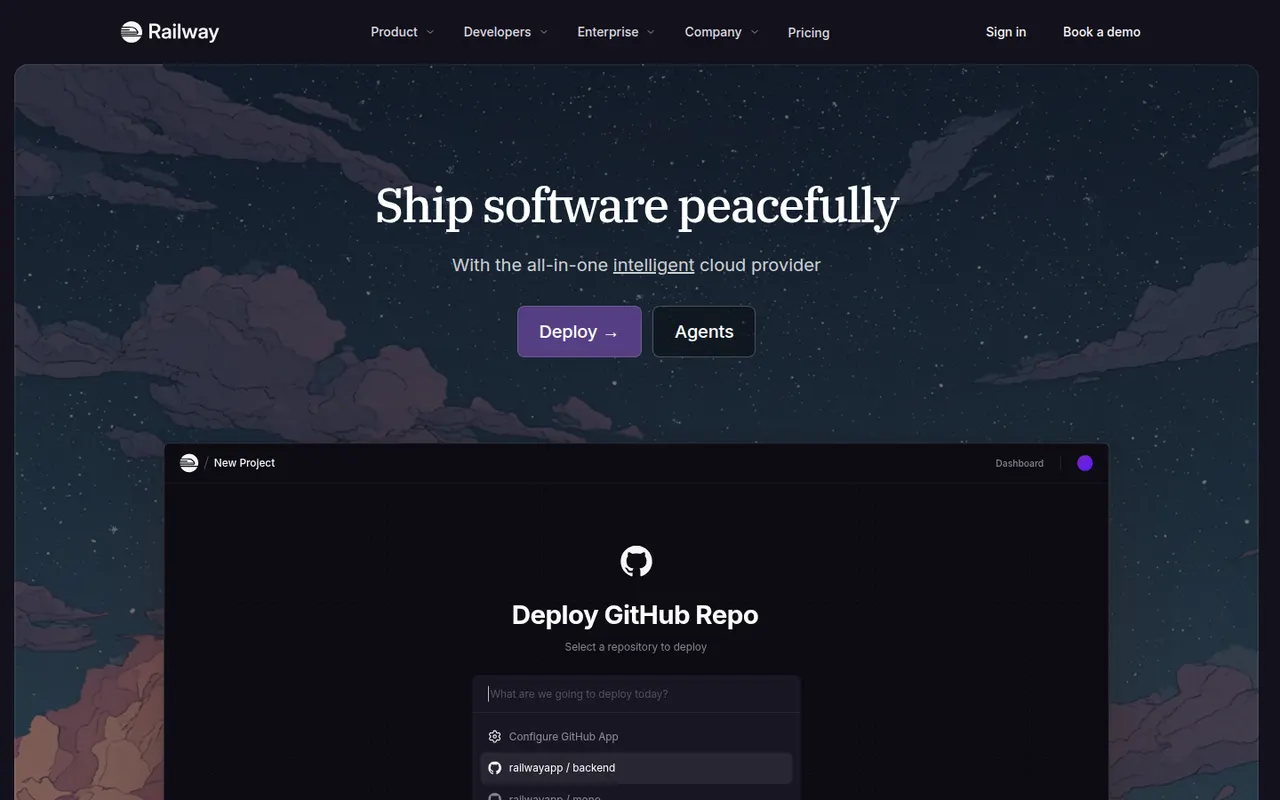
Cost / LicenseFreemiumProprietaryCategoriesPlatformsRailway is a deployment platform where apps, databases and workers sit on a visual canvas and talk over private networking. Services deploy from a GitHub repository, a Dockerfile or a template, and Postgres, MySQL, Redis or MongoDB can be added in a few clicks. Billing follows actual resource usage, and pull requests can spin up temporary environments. A trial with credits leads to a small free plan or paid tiers.
9 Railway alternativesPros
- Visual canvas makes multi-service architectures easy to follow
- Add Postgres, MySQL, Redis or MongoDB in a few clicks
- Temporary environments spin up for pull requests
Cons
- Usage-based billing makes monthly costs harder to predict
- Free plan is small once the trial credits run out
- Fewer regions and less control than the large cloud providers
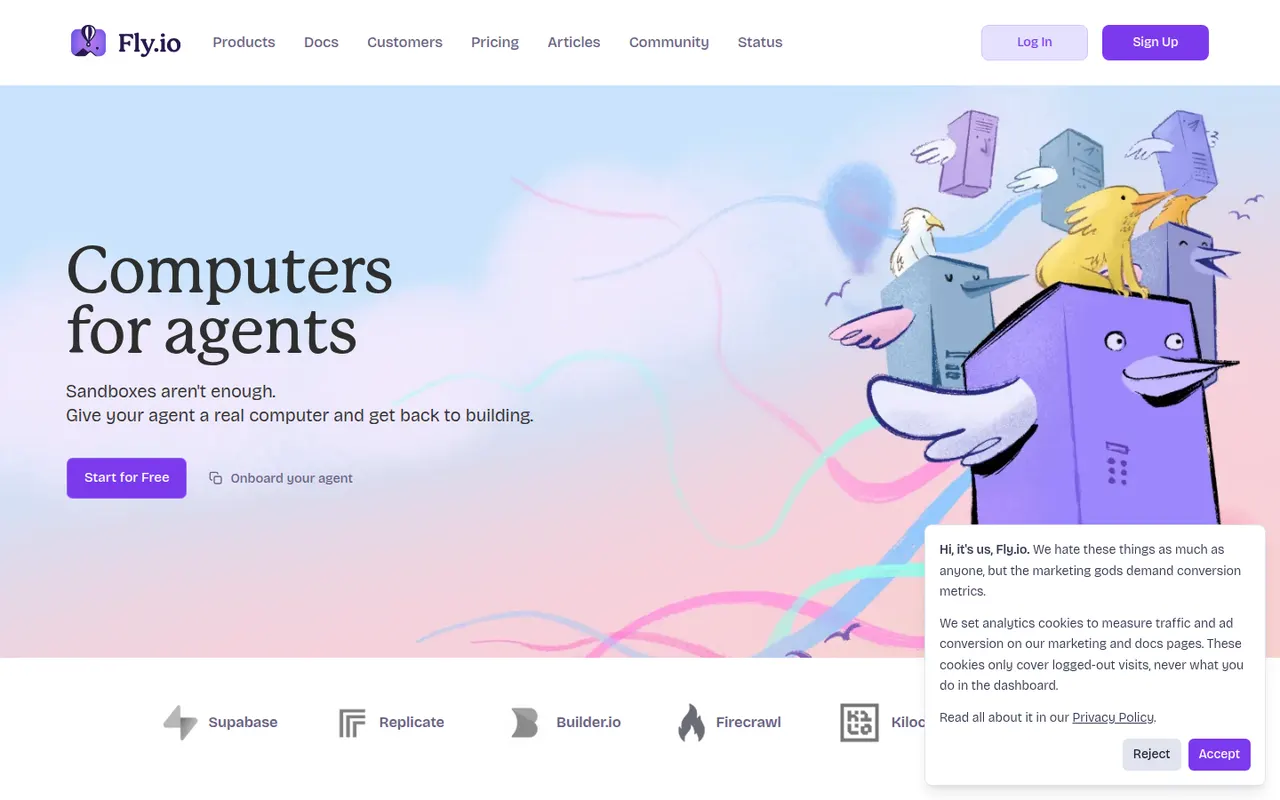
Cost / LicenseFreemiumProprietaryCategoriesPlatformsFly.io runs applications packaged as Docker images in fast-booting Firecracker micro-VMs across regions worldwide, so code can run close to users. It is driven by the flyctl command-line tool and a Machines API, with persistent volumes, private networking and managed Postgres. It suits teams that want more control over placement and infrastructure than a classic platform as a service, with pay-as-you-go pricing.
9 Fly.io alternativesPros
- Runs apps close to users across many regions worldwide
- Fast-booting Firecracker micro-VMs built from standard Docker images
- Fine-grained control through flyctl and the Machines API
Cons
- No free tier, and usage-based pricing can be hard to predict
- More infrastructure concepts to learn than a classic platform as a service
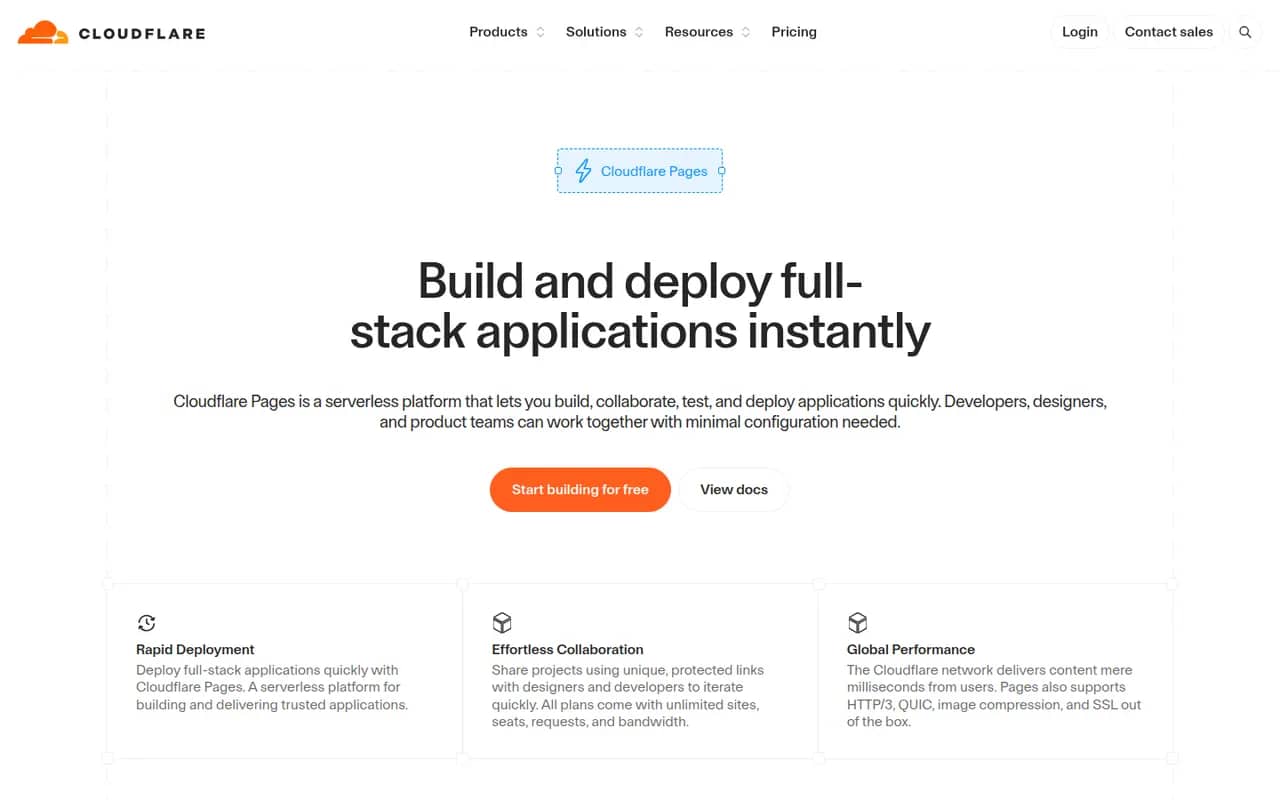
Cost / LicensePaidProprietaryCategoriesPlatformsCloudflare Pages builds sites from a Git repository or direct uploads and serves them from Cloudflare's global network. It provides preview URLs for every branch, custom domains with automatic TLS and Pages Functions for server-side code on Workers. The free plan covers many small sites. Cloudflare now recommends Workers with static assets for new projects, while existing Pages projects remain supported.
8 Cloudflare Pages alternativesPros
- Generous free plan for static and small sites
- Served from Cloudflare’s global network with automatic TLS
- Preview URL for every branch, plus Functions running on Workers
Cons
- Cloudflare now steers new projects toward Workers instead
- Workers runtime is not full Node.js, so some libraries need adapting
- Poorly suited to traditional backends or long-running processes
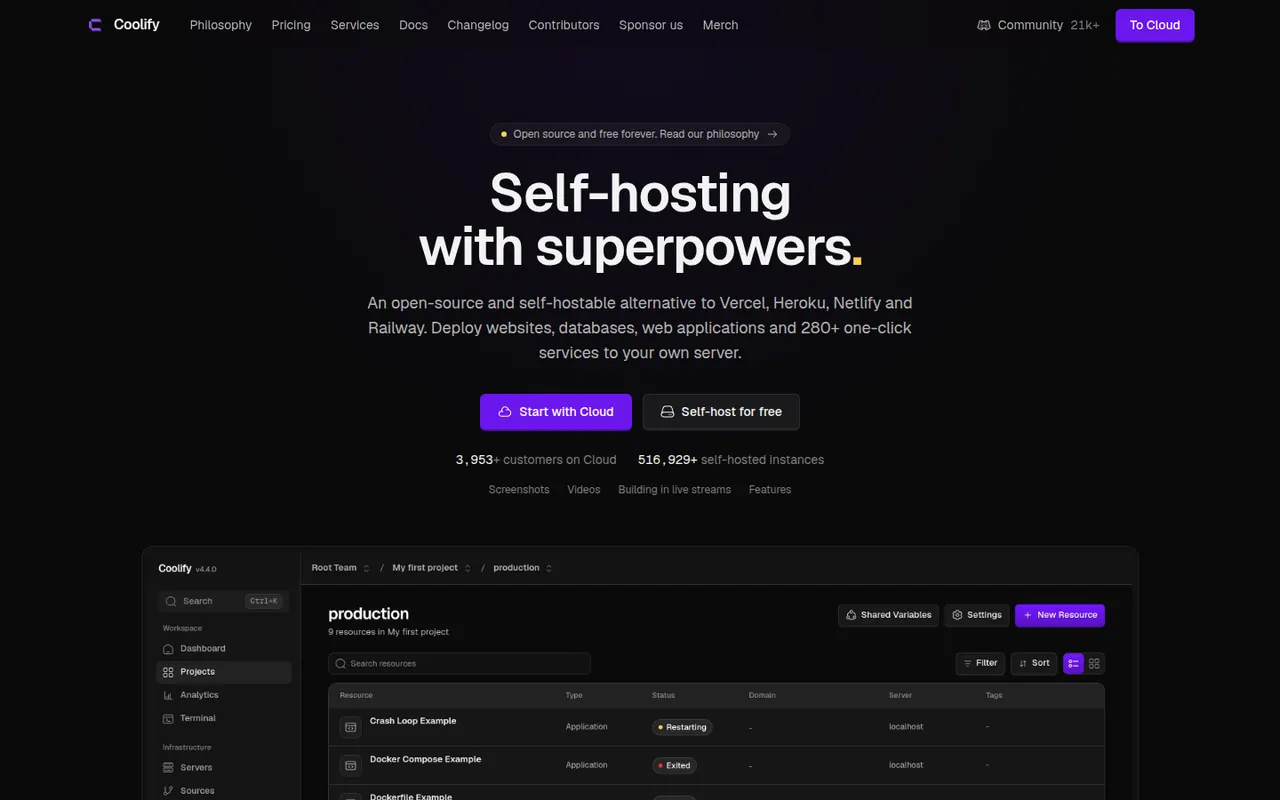
Cost / LicenseFreemiumProprietaryCategoriesPlatformsCoolify is an open source platform as a service you install on your own servers to deploy apps, databases and services. It builds apps from Git repositories, Dockerfiles or Docker Compose files, handles the reverse proxy and automatic SSL, and creates pull request previews. A catalog of one-click services covers common tools. Self-hosting is free; the paid Coolify Cloud hosts the control panel for you.
9 Coolify alternativesPros
- Free and open source, running on your own servers
- Deploys from Git, Dockerfiles or Docker Compose with automatic SSL
- One-click catalog for databases and common self-hosted tools
Cons
- You remain responsible for servers, backups and security
- Troubleshooting failed builds can require Docker and Linux knowledge
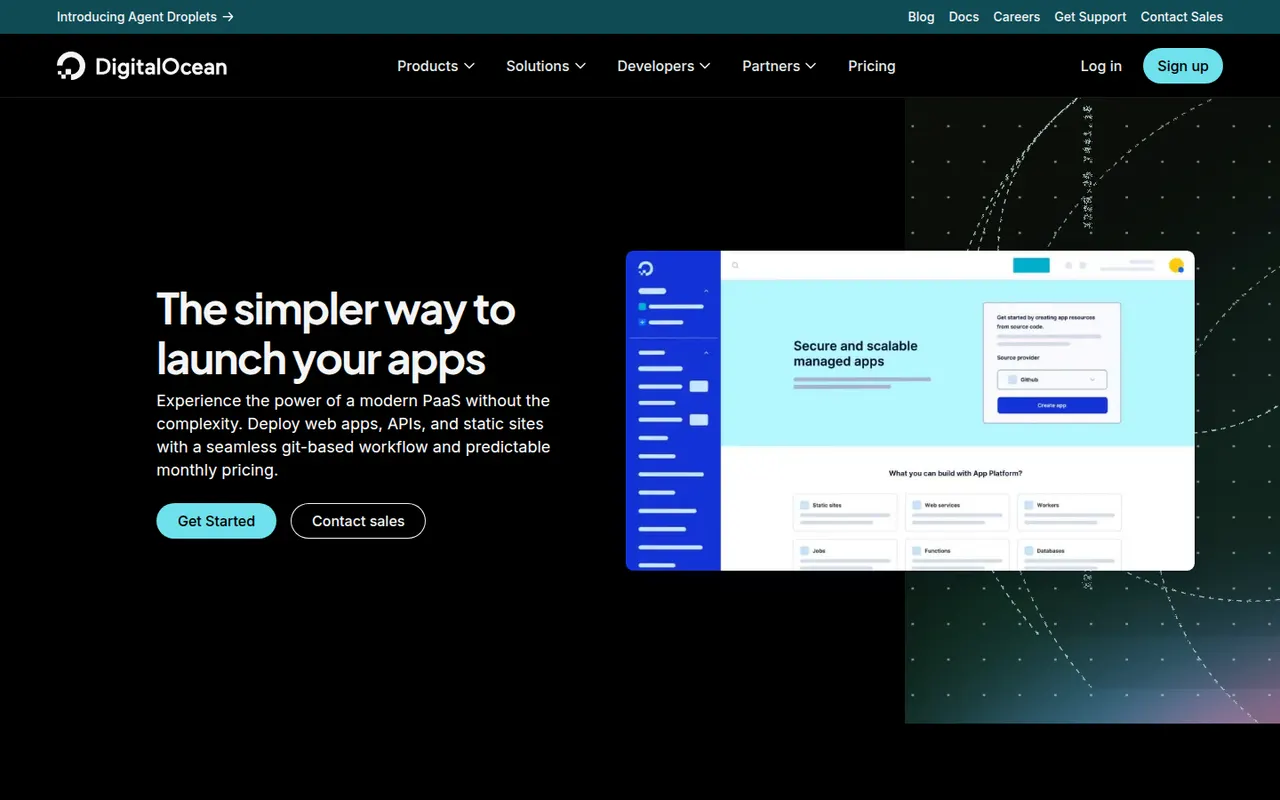
Cost / LicenseFreemiumOpen sourceCategoriesPlatformsDigitalOcean App Platform is a managed platform as a service that builds and runs web services, static sites, workers and jobs from a Git repository or a container image. It handles TLS, scaling and zero-downtime deploys, and connects to DigitalOcean managed databases and Spaces storage. It suits DigitalOcean users who want to deploy without managing Droplets, and static sites can be hosted for free.
10 DigitalOcean App Platform alternativesPros
- Simple deploys from Git or container images, with TLS and scaling handled
- Integrates with DigitalOcean managed databases and Spaces storage
- Static sites can be hosted for free
Cons
- Fewer services and regions than the largest cloud providers
- Costs more for the same resources than managing your own Droplet
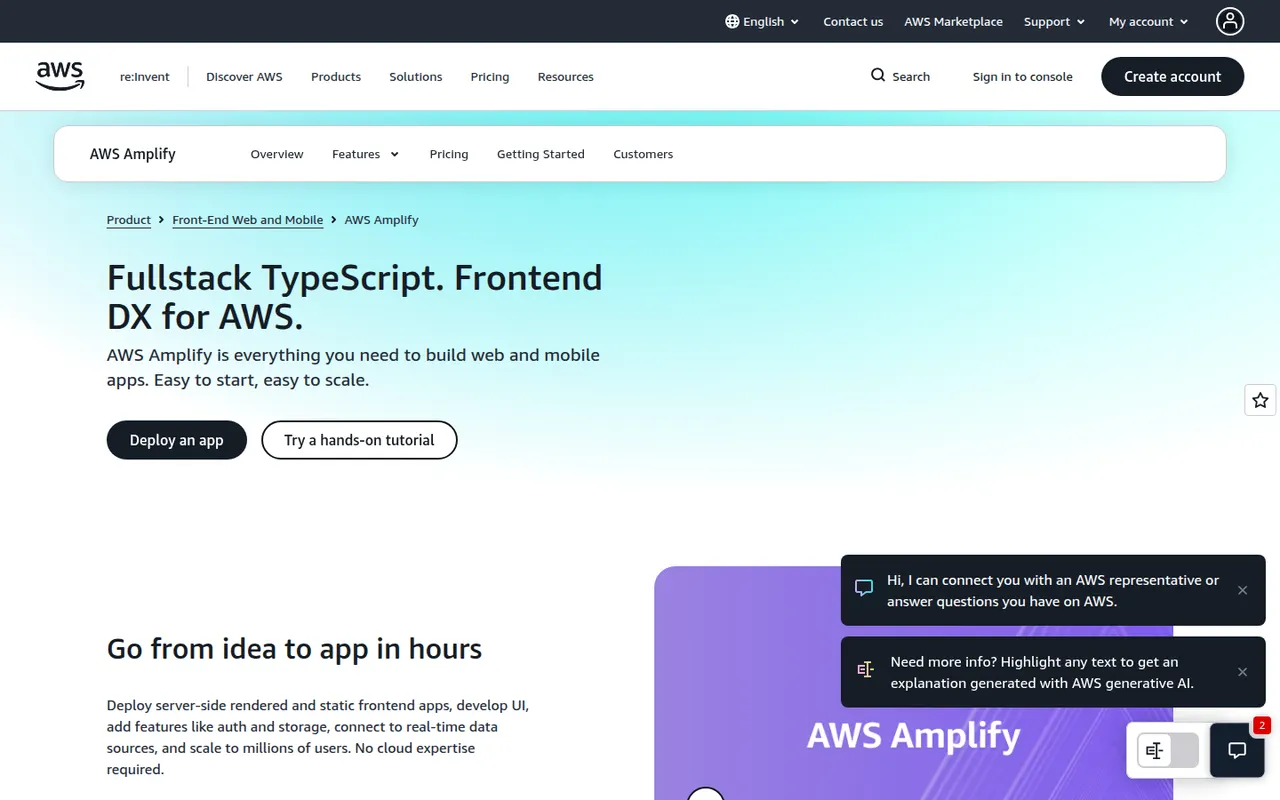
Cost / LicenseFreemiumProprietaryCategoriesPlatformsAWS Amplify is a set of tools and services from Amazon Web Services for building full-stack web and mobile apps. Amplify Hosting deploys frontends from Git with pull request previews and custom domains, while the backend side sets up authentication, data, storage and functions on AWS services, defined in TypeScript code. Its open source client libraries cover JavaScript, React Native, Swift, Android and Flutter.
12 AWS Amplify alternativesPros
- Git-based hosting with pull request previews and custom domains
- Sets up auth, data, storage and functions on AWS from TypeScript code
- Client libraries for JavaScript, React Native, Swift, Android and Flutter
Cons
- Ties your backend closely to AWS services
- Debugging often means digging into the underlying AWS consoles
- Usage-based AWS billing can be hard to predict
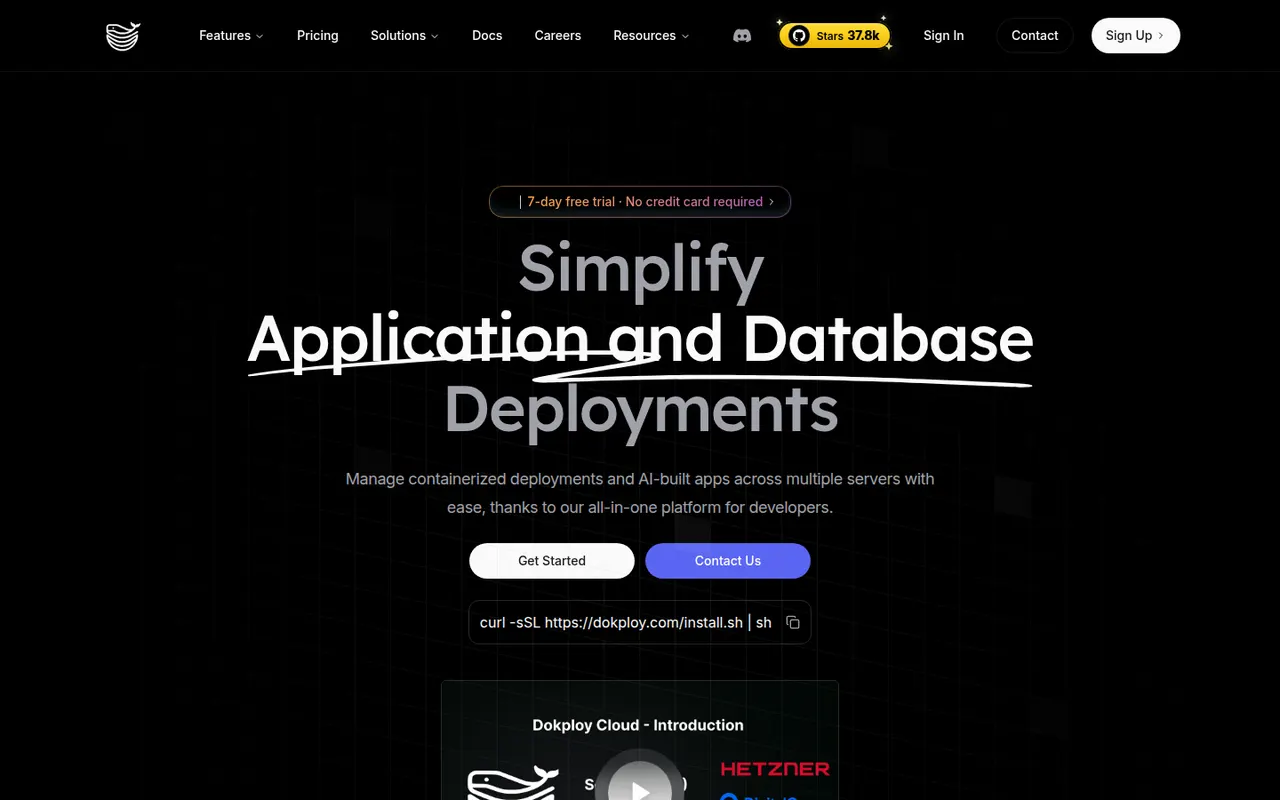
Cost / LicenseFreemiumProprietaryCategoriesPlatformsDokploy is an open source platform as a service for deploying applications and databases on your own servers. It builds from Git, Dockerfiles, buildpacks or Docker Compose, manages domains and certificates through Traefik, schedules database backups and can spread workloads across nodes with Docker Swarm. Templates cover popular self-hosted tools. The core is Apache-2.0 licensed, and a managed Dokploy Cloud exists.
8 Dokploy alternativesPros
- Apache-2.0 open source core you can run on your own servers
- Builds from Git, Dockerfiles, buildpacks or Docker Compose
- Scheduled database backups and multi-node setups with Docker Swarm
Cons
- Self-hosting leaves maintenance and security to you
- Younger project with a smaller community than more established tools
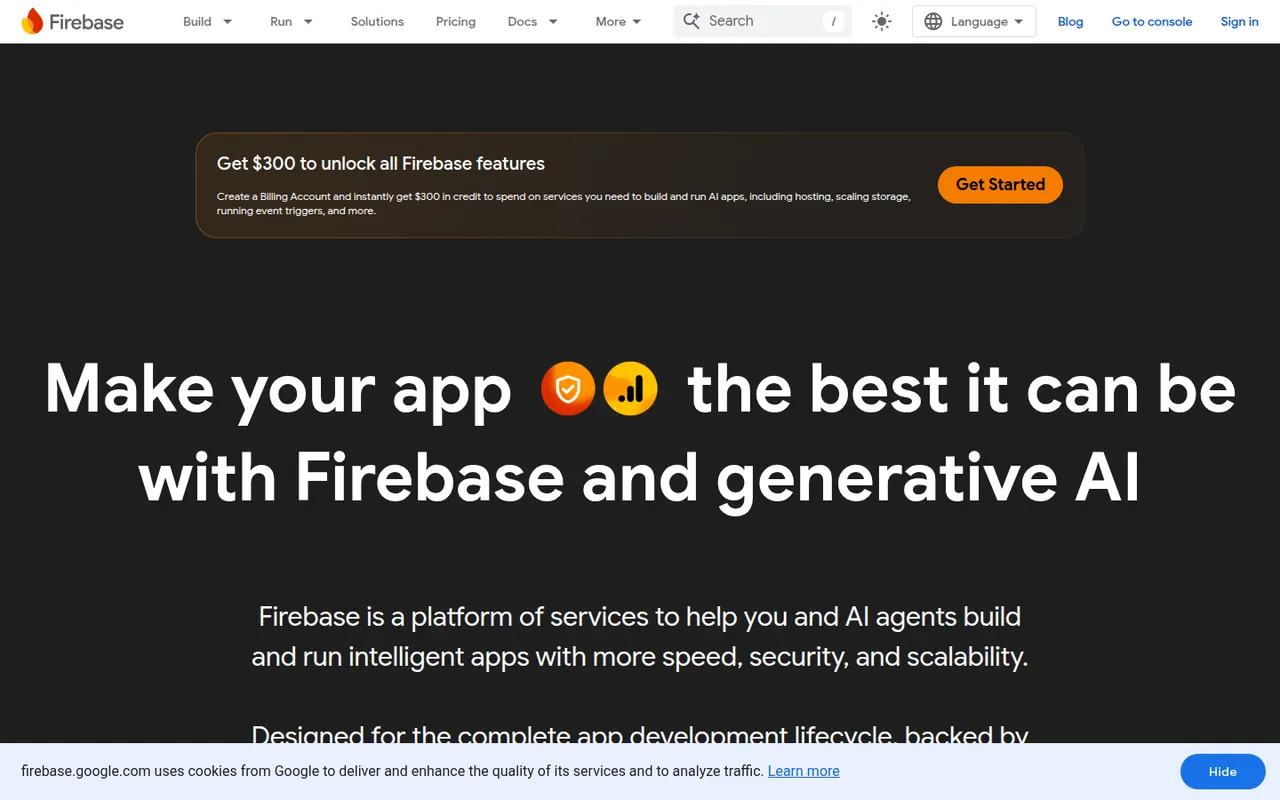
Cost / LicenseFreemiumOpen sourceCategoriesPlatformsFirebase is Google's platform for building web and mobile apps without running your own servers. It provides Cloud Firestore and the Realtime Database, authentication, Cloud Storage, Cloud Functions, hosting, analytics, crash reporting and push messaging, with SDKs for iOS, Android, web, Flutter and Unity, plus Gemini-based AI features. A free Spark plan suits prototypes, with usage-based billing beyond it.
8 Firebase alternativesPros
- Complete toolkit from auth and databases to hosting and crash reports
- Mature SDKs for iOS, Android, web, Flutter and Unity
- The free Spark plan is enough for prototypes
Cons
- Usage-based billing can spike unexpectedly with traffic or inefficient queries
- Firestore’s NoSQL model makes complex queries and reporting awkward
- Strong lock-in to Google Cloud services
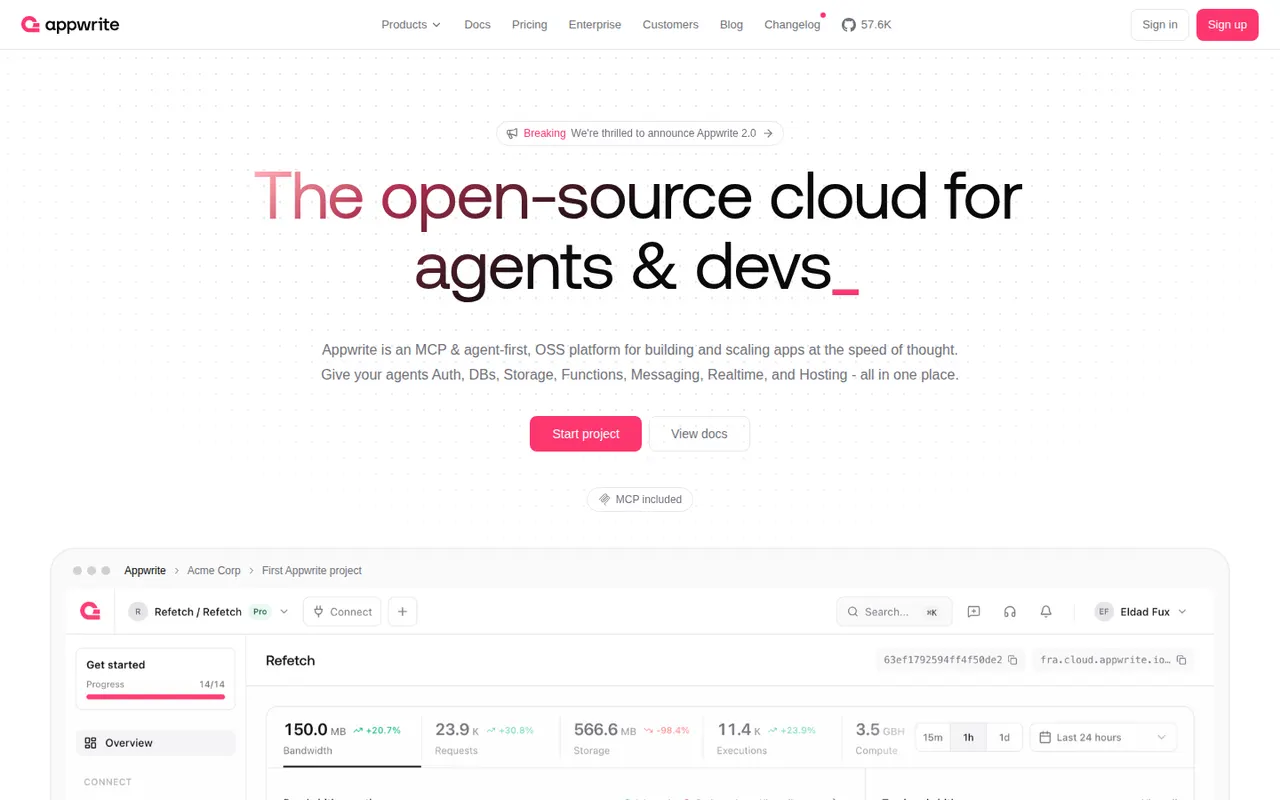
Cost / LicenseFreemiumProprietaryCategoriesPlatformsAppwrite is an open source backend server that bundles authentication, databases, file storage, serverless functions, messaging and realtime events behind one consistent API, with SDKs for web, mobile and Flutter. Since 2025 it also hosts websites and web apps through Appwrite Sites. It can be self-hosted with Docker or used through Appwrite Cloud, which has a free plan.
8 Appwrite alternativesPros
- Auth, database, storage, functions and messaging behind one API
- Open source and straightforward to self-host with Docker
- SDKs for web, mobile and Flutter apps
Cons
- Database queries are more limited than raw SQL
- Self-hosted upgrades between versions can require careful migrations
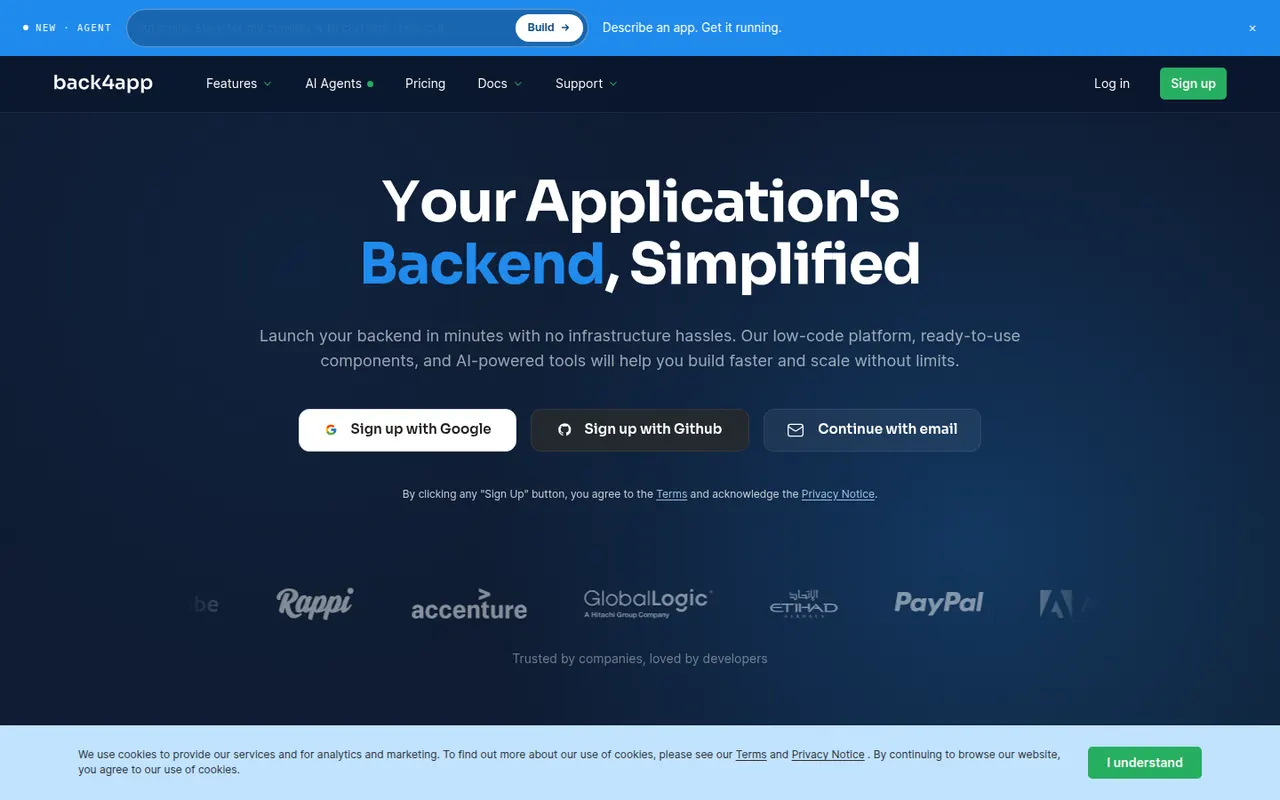
Cost / LicenseFreemiumOpen sourceCategoriesPlatformsBack4app is a backend-as-a-service platform built on the open source Parse Server. It provides a database with auto-generated REST and GraphQL APIs, user authentication, file storage, Cloud Code functions and live queries, managed from a spreadsheet-like dashboard. The company also offers a container-based web deployment platform and an AI agent for building cloud backends. Free plans are available for prototyping.
8 Back4app alternativesPros
- Built on open source Parse Server, which limits lock-in
- Auto-generated REST and GraphQL APIs for your data
- Spreadsheet-like dashboard is approachable for beginners
Cons
- The Parse ecosystem is less active than newer backend platforms
- Free plans are meant for prototypes; production needs a paid plan
Cost / LicenseFreemiumProprietaryCategoriesPlatforms