Apps with Unified inbox
5 apps
Top Unified inbox apps ranked by the community
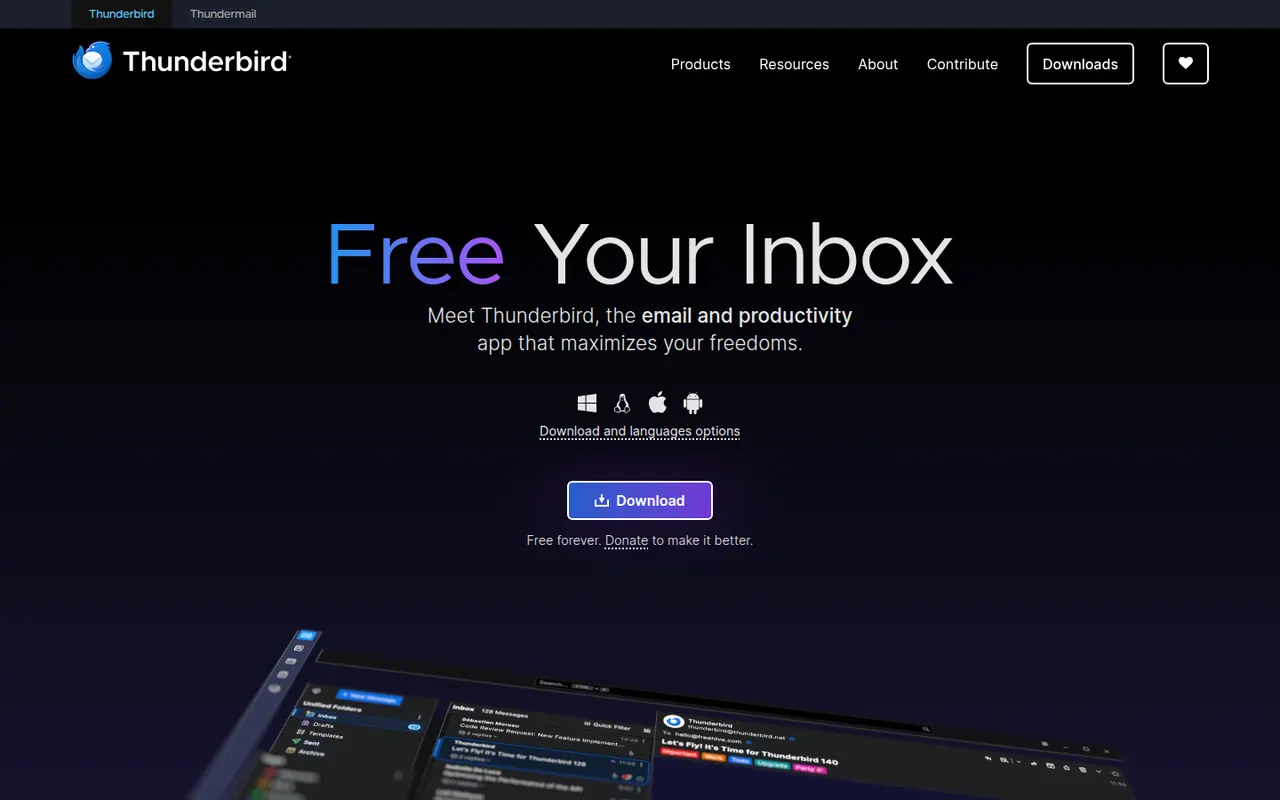
Thunderbird is a free and open-source email client for Windows, macOS and Linux, with an Android app based on K-9 Mail. It manages multiple accounts in a unified inbox and includes a calendar, address book, chat and built-in OpenPGP encryption. Add-ons and themes customize it extensively, and it is developed by MZLA Technologies, a Mozilla Foundation subsidiary funded by user donations.
9 Thunderbird alternativesPros
- Free and open source, funded by donations rather than ads
- Built-in OpenPGP encryption, calendar and address book
- Highly customizable with add-ons and themes
Cons
- Interface feels busier than minimalist modern clients
- Getting the most out of it takes some setup and add-ons
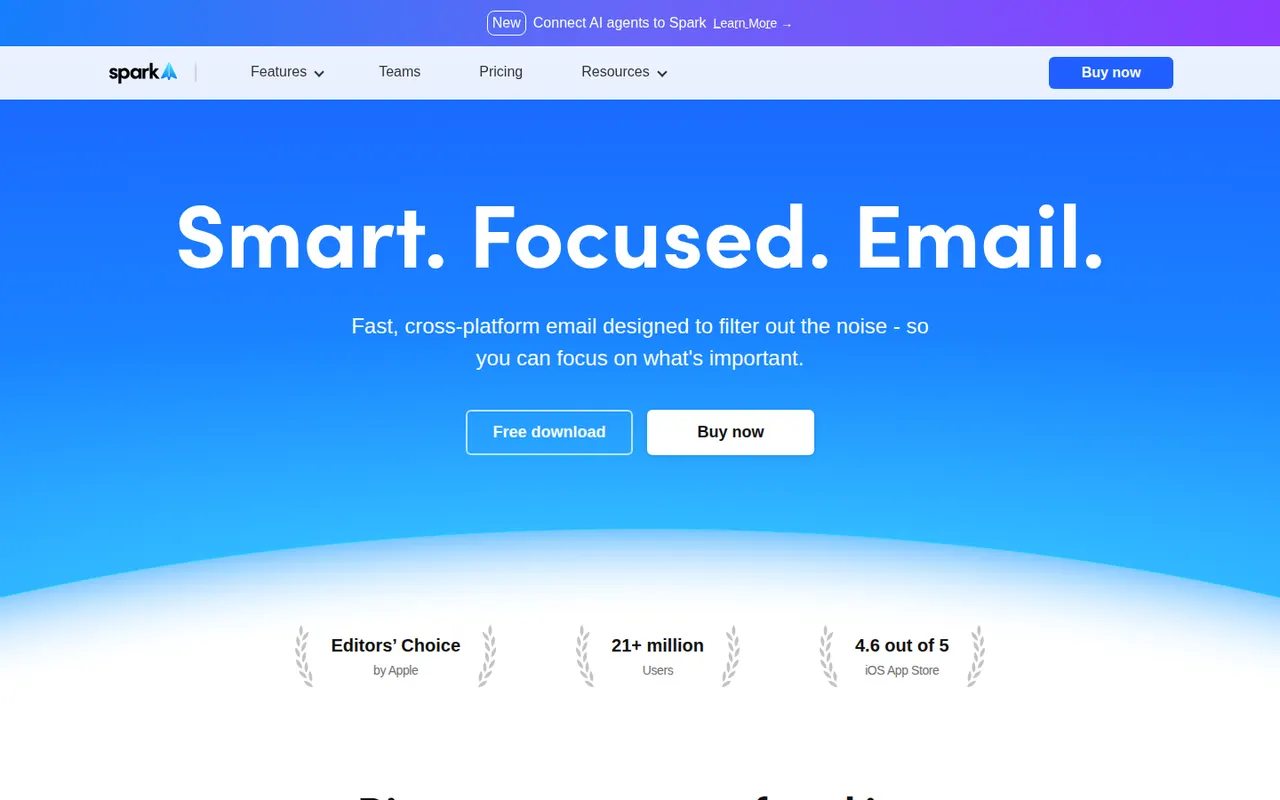
Cost / LicenseFreeOpen sourceCategoriesSpark is an email client from Readdle that works with Gmail, Outlook, iCloud and other IMAP accounts on Mac, Windows, iPhone and Android. Its smart inbox separates personal mail, notifications and newsletters, and it supports send later, snoozing, a gatekeeper for new senders and AI writing help. Teams can share email threads, comment on them privately and draft replies together.
11 Spark alternativesPros
- Smart inbox separates personal mail, notifications and newsletters
- Shared threads and private comments for team email
- Gatekeeper screens new senders before they reach the inbox
Cons
- Sync relies on Readdle’s servers, which raises privacy questions
- AI and team features require a paid plan
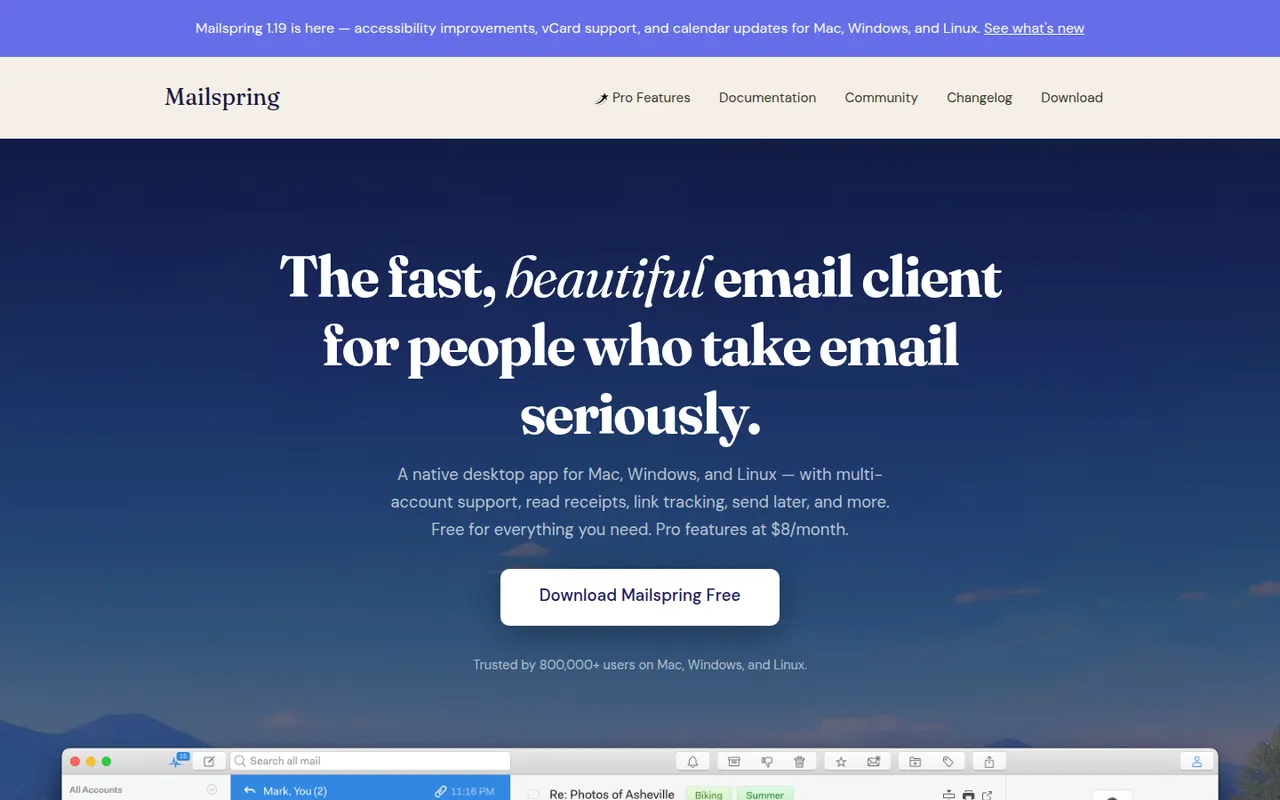
Cost / LicenseFreemiumProprietaryCategoriesMailspring is a free, open-source desktop email client for Windows, macOS and Linux that works with Gmail, Office 365, iCloud and any IMAP account. It offers a unified inbox, fast search, themes and templates, and runs its mail sync engine locally rather than in the cloud. An optional Pro subscription adds read receipts, link tracking, send later and reminders.
7 Mailspring alternativesPros
- Free and open source on Windows, Mac and Linux
- Sync engine runs locally rather than through a cloud service
- Unified inbox, themes and templates in a clean interface
Cons
- Send later, reminders and read receipts require Pro
- A Mailspring ID account is required even for the free version
- No mobile apps to go with the desktop client
Cost / LicenseFreemiumOpen sourceCategorieseM Client is a desktop email client for Windows and macOS that brings email, calendar, tasks, contacts and notes together in one app. It works with Gmail, Exchange, Microsoft 365, iCloud and IMAP accounts, and includes built-in PGP encryption, snoozing, send later and quick templates. A free version is available for personal use with a limited number of accounts, and the Pro license unlocks the rest.
7 eM Client alternativesPros
- Email, calendar, tasks, contacts and notes in one desktop app
- Built-in PGP encryption without extra plugins
- Works with Gmail, Exchange, Microsoft 365, iCloud and IMAP
Cons
- Free version is for personal use with a limited number of accounts
- No Linux version, only Windows and Mac
- Interface can feel dense because of its many features
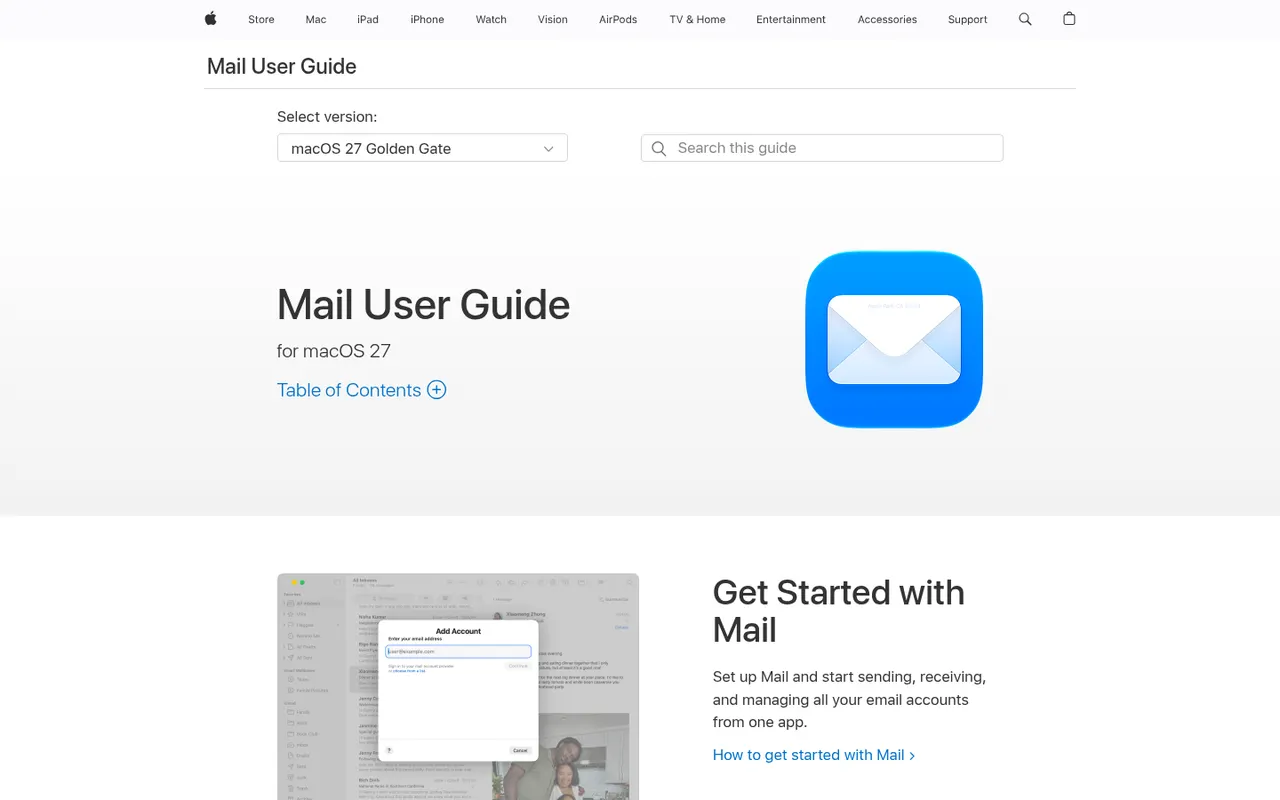
Cost / LicenseFreemiumProprietaryCategoriesApple Mail is the email app included with macOS, iOS and iPadOS, supporting iCloud, Gmail, Exchange and other IMAP accounts in a unified inbox. It offers send later, follow-up reminders, smart search and Mail Privacy Protection, which hides your IP address and stops senders from seeing when you open messages. With iCloud+, Hide My Email creates random addresses that forward to your inbox.
9 Apple Mail alternativesPros
- Free and preinstalled on Mac, iPhone and iPad
- Mail Privacy Protection hides your IP and blocks open tracking
- Unified inbox for iCloud, Gmail, Exchange and IMAP accounts
Cons
- Only available on Apple devices
- Few power-user features or extensions compared with dedicated clients
- Hide My Email requires an iCloud+ subscription
Cost / LicenseFreeProprietaryCategories