
Adobe After Effects alternatives
Top Video Editing like Adobe After Effects
The most popular alternative to Adobe After Effects is DaVinci Resolve, which has a free version. Other great alternatives to Adobe After Effects are Blender, Cinema 4D, Houdini, and Adobe Premiere Pro.
Most alternatives to Adobe After Effects are in the Video Editing category, compared here by price, platform and features.
All Adobe After Effects alternatives
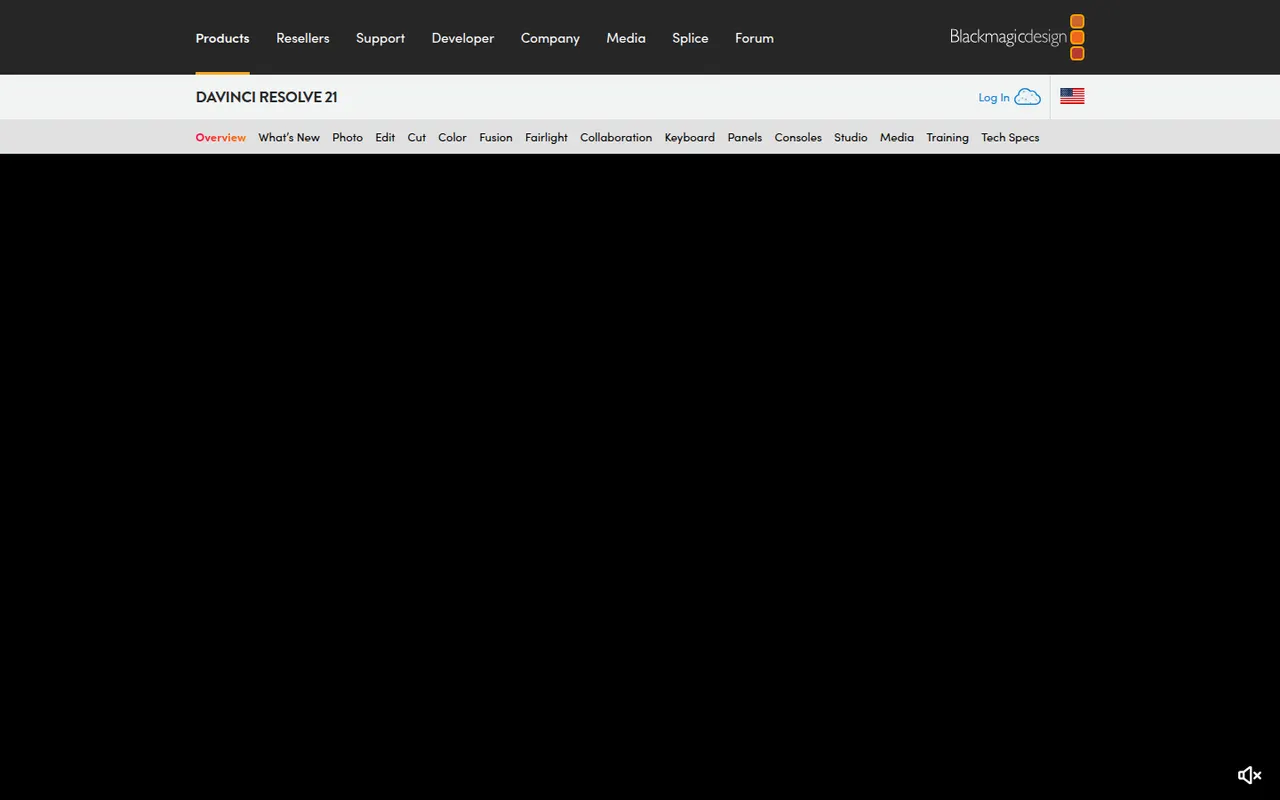
DaVinci Resolve from Blackmagic Design combines video editing, its well-known color grading tools, Fusion visual effects and Fairlight audio post-production in a single application. The free version is unusually complete, while the paid Studio version adds AI tools, higher resolutions and frame rates, and extra effects. It runs on Windows, macOS, Linux and iPad.
10 DaVinci Resolve alternativesPros
- Free version is remarkably complete for professional work
- Renowned color grading tools used in film and television
- Editing, VFX and audio post-production in a single app
Cons
- Steep learning curve, especially for color and Fusion
- Needs a powerful GPU for smooth playback
- Some AI tools and higher resolutions require the paid Studio version
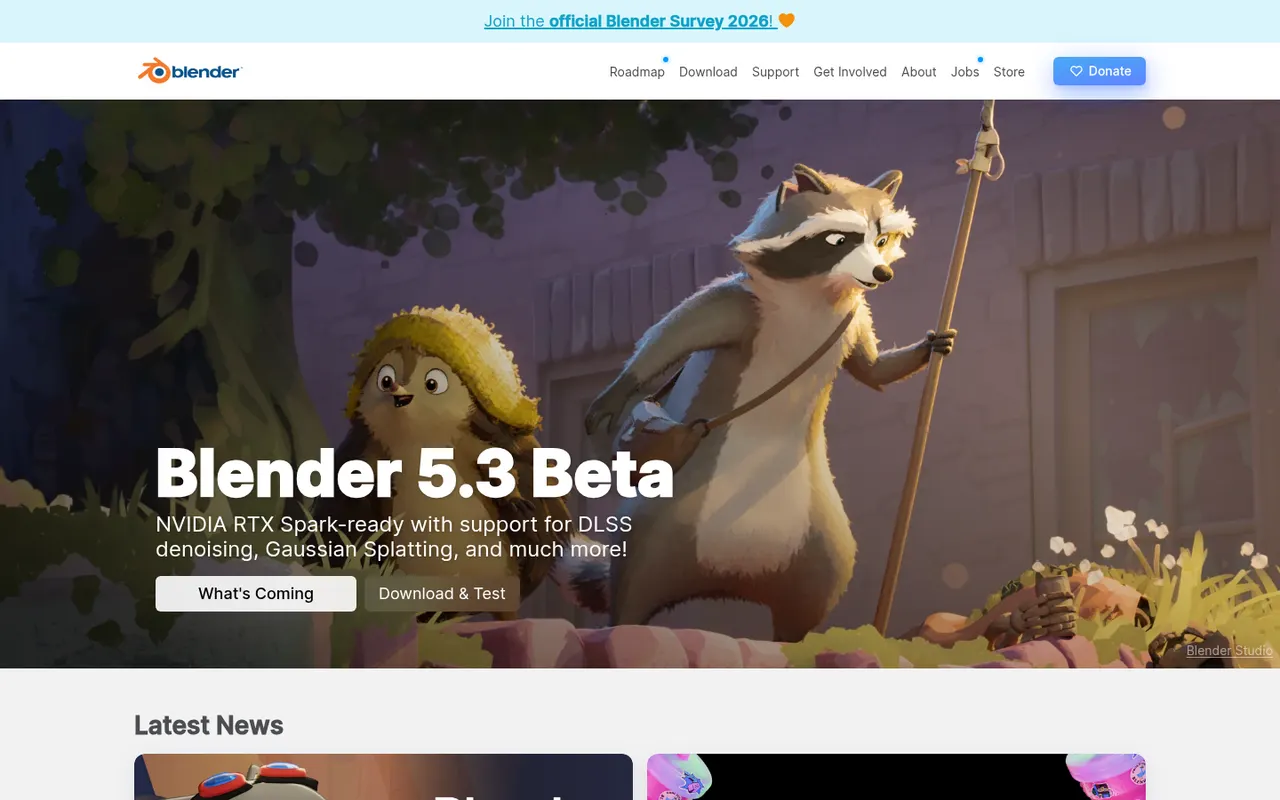
Cost / LicenseFreemiumProprietaryBlender is a free, open source 3D creation suite covering modeling, sculpting, rigging, animation, simulation, rendering with Cycles and EEVEE, compositing and video editing. Its Grease Pencil tools also allow 2D animation inside a 3D space. Developed by the Blender Foundation and a large community, it is used by hobbyists, studios and game developers and can be extended with Python add-ons.
12 Blender alternativesPros
- Completely free and open source, with no license or subscription
- Covers modeling, sculpting, animation, rendering and video editing
- Large community with countless tutorials and Python add-ons
Cons
- Dense interface that takes newcomers time to learn
- Less established than Maya or 3ds Max in some studio pipelines
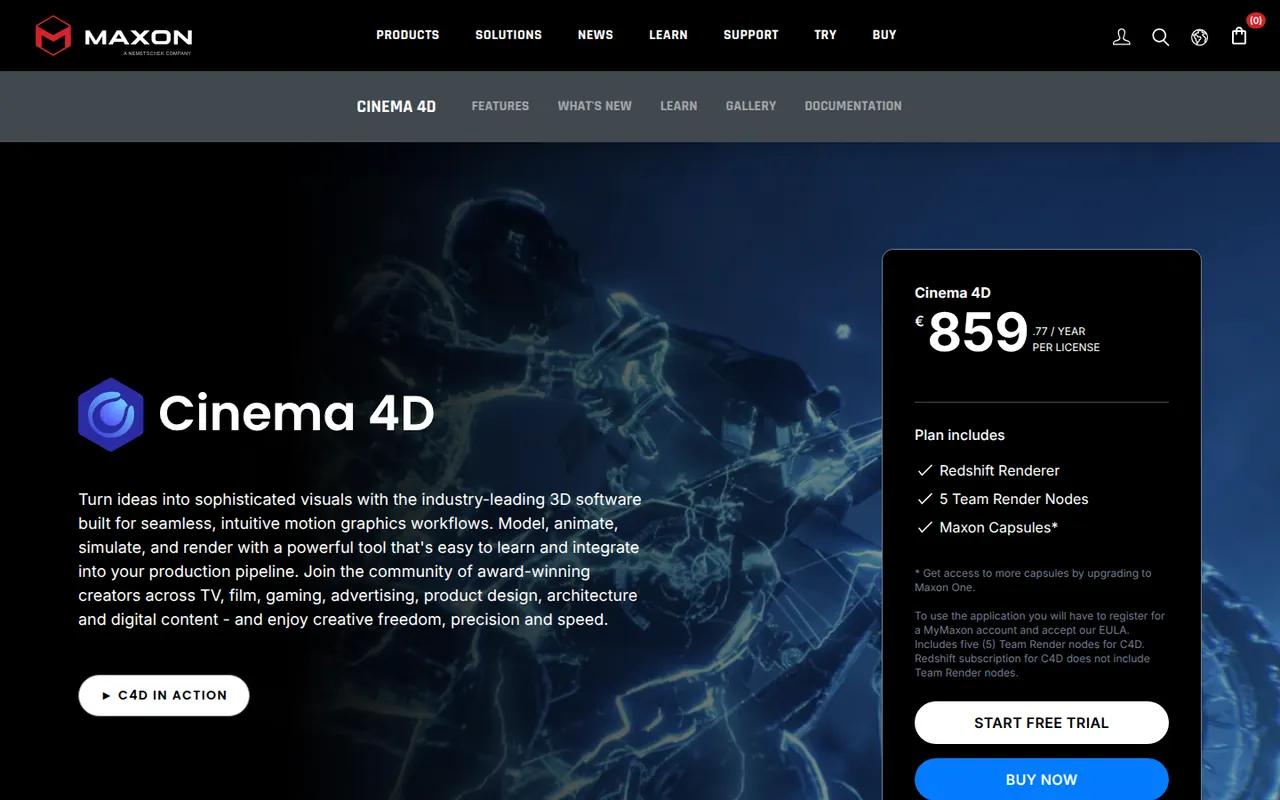
Cost / LicenseFreeOpen sourceCategoriesCinema 4D is a 3D application from Maxon known for its approachable interface and its MoGraph toolset for procedural motion graphics. Designers use it for broadcast graphics, product visuals, title sequences and abstract animation, often alongside After Effects. It integrates the Redshift renderer, simulation tools and character animation features, and runs on Windows and macOS.
8 Cinema 4D alternativesPros
- Approachable interface compared with most 3D suites
- MoGraph tools make procedural motion graphics fast to build
- Fits smoothly alongside After Effects for broadcast and title work
Cons
- Subscription pricing is costly for individual designers
- Runs on Windows and macOS only, with no Linux version
- Less common than Houdini or Maya for heavy simulation and film VFX
Cost / LicenseFree trialProprietaryCategoriesHoudini is a 3D animation and visual effects application from SideFX built on a node-based procedural workflow, where every step stays editable. Studios use it for simulations such as fire, smoke, fluids, destruction and crowds, and game developers use it to generate environments and assets procedurally. A free Apprentice edition allows non-commercial learning, alongside paid Indie and studio licenses.
7 Houdini alternativesPros
- Node-based procedural workflow keeps every step editable
- Leading toolset for fire, smoke, fluid and destruction simulations
- Free Apprentice edition for non-commercial learning
Cons
- One of the steepest learning curves among 3D applications
- The free edition watermarks renders and is non-commercial only
- Overkill for simple modeling or quick motion graphics jobs
Cost / LicenseFreemiumProprietaryCategoriesPremiere Pro is Adobe's timeline-based video editor for film, television, YouTube and corporate work. It handles multi-camera editing, Lumetri color correction, speech-to-text captions and transcript-based editing, and connects with After Effects, Audition and Frame.io for review. It is sold as a Creative Cloud subscription for Windows and macOS.
9 Adobe Premiere Pro alternativesPros
- Widely used in professional video, so skills transfer easily
- Transcript-based editing and automatic captions speed up cuts
- Works smoothly with After Effects, Audition and Frame.io
Cons
- Subscription-only pricing adds up over time
- Can be unstable or sluggish on large projects
- Interface is complex for newcomers
Cost / LicenseFree trialProprietaryCategoriesFinal Cut Pro is Apple's professional video editing software for Mac, with a companion version for iPad. Its magnetic timeline keeps clips in sync as you edit, and it includes color grading tools, multicam editing, automatic captions and a large ecosystem of third-party effects and templates. It is optimized for Apple silicon and available on the App Store, with a free trial.
10 Final Cut Pro alternativesPros
- Magnetic timeline keeps clips in sync while editing
- Very fast performance on Apple silicon
- One-time purchase for the Mac version, with no subscription
Cons
- Only available on Mac and iPad
- Magnetic timeline can feel unfamiliar to editors used to tracks
- Less common than Premiere or Avid in collaborative studio workflows
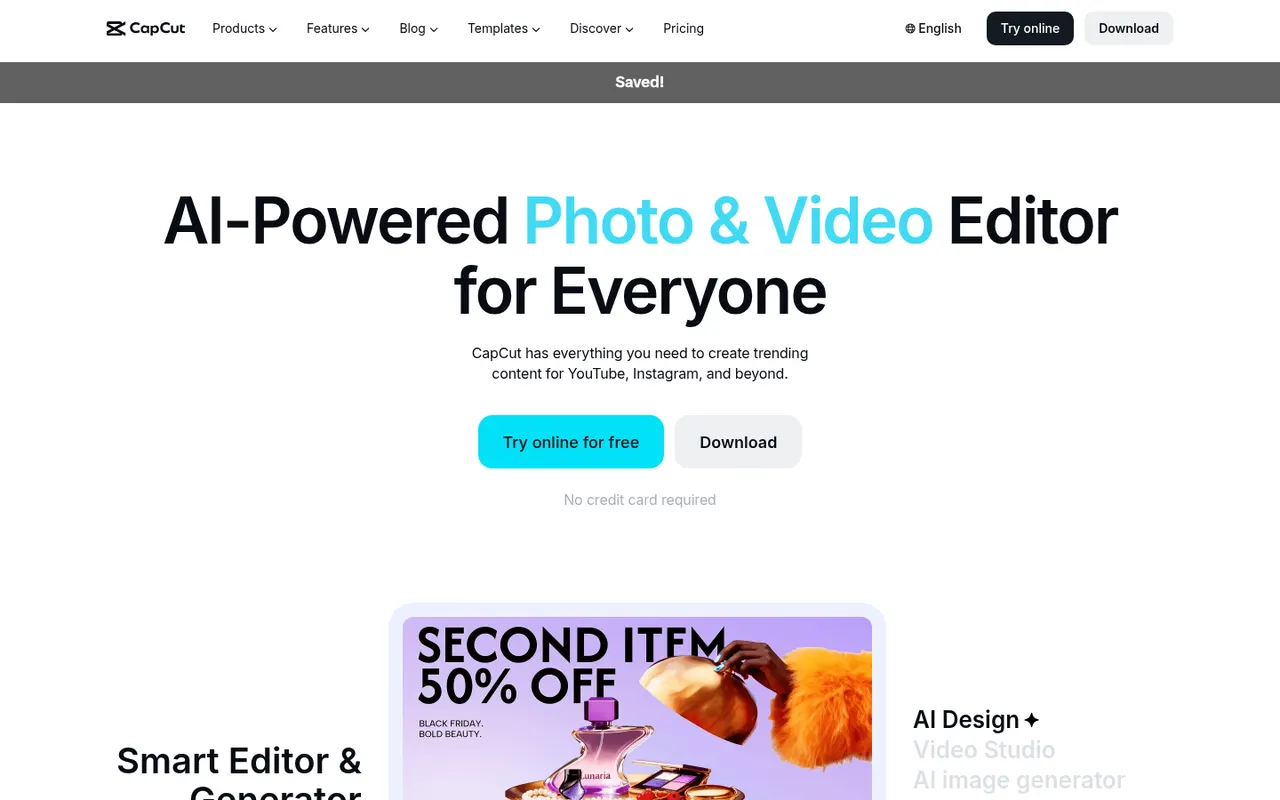
Cost / LicenseFree trialProprietaryCategoriesCapCut is a video editor available on mobile, desktop and the web, with templates, effects, auto captions and AI tools aimed at short-form content.
23 CapCut alternativesPros
- Fast editing with templates and effects tuned for short-form video
- Auto captions and AI tools save time on social content
- Available on mobile, desktop and in the browser
Cons
- Many effects and AI tools require a Pro subscription
- Ownership by ByteDance raises data privacy questions
- Not built for long-form or professional editing
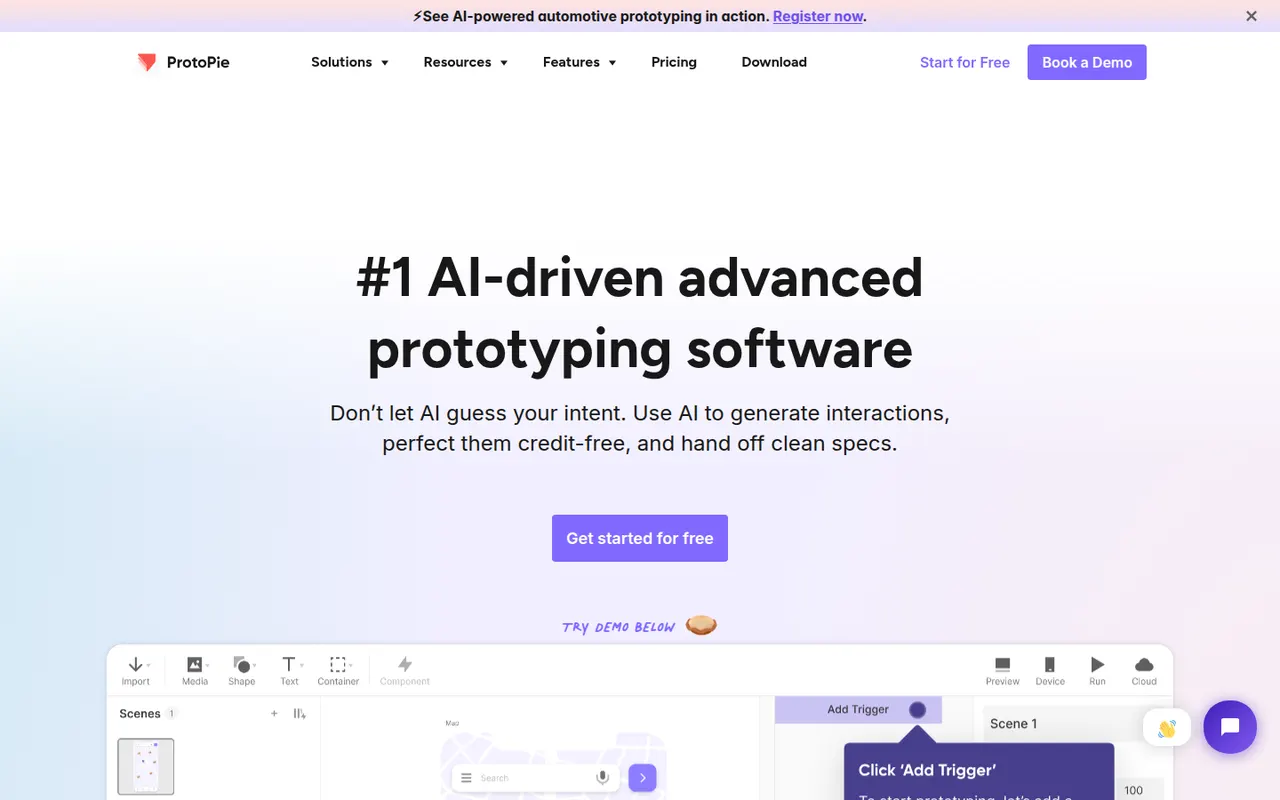
Cost / LicenseFreemiumProprietaryCategoriesProtoPie is a prototyping tool for building realistic interactions without writing code, using triggers, responses, variables and formulas. Prototypes can use device sensors and connect several screens or hardware, which makes it useful for mobile, automotive and IoT interfaces. Designs can be imported from Figma, Sketch or Adobe XD and previewed on phones with the ProtoPie Player app.
8 ProtoPie alternativesPros
- Realistic interactions built with variables, formulas and conditions
- Uses device sensors and connects multiple screens or hardware
- Imports designs from Figma, Sketch and Adobe XD
Cons
- The logic-based approach takes time to learn
- Not a full design tool, so visuals are usually made elsewhere
Cost / LicenseFreemiumProprietaryCategories
















Adobe After Effects vs its alternatives at a glance
Pricing, platforms and the key features of Adobe After Effects, compared with its most popular alternatives.
| App | Pricing | Platforms | Animation | Green screen | Plugins & extensions | Templates |
|---|---|---|---|---|---|---|
 Adobe After Effects Adobe After Effects | Free trial | Windows, Mac | ||||
 DaVinci Resolve DaVinci Resolve | Freemium | Windows, Mac, Linux, iPhone | ||||
 Blender Blender | FreeOpen source | Windows, Mac, Linux | ||||
 Cinema 4D Cinema 4D | Free trial | Windows, Mac | ||||
 Houdini Houdini | Freemium | Windows, Mac, Linux | ||||
 Adobe Premiere Pro Adobe Premiere Pro | Free trial | Windows, Mac |
Adobe After Effects alternatives: frequently asked questions
What is the best alternative to Adobe After Effects?
The most popular alternative to Adobe After Effects is DaVinci Resolve: Editing, color grading, VFX and audio post-production in one app. Other great alternatives are Blender, Cinema 4D, Houdini, and Adobe Premiere Pro.
Is there a free alternative to Adobe After Effects?
Yes, 5 alternatives are free or have a free plan, including DaVinci Resolve, Blender, Houdini, and CapCut.
Is there an open source alternative to Adobe After Effects?
Yes, one open source alternative is listed: Blender.
Is Adobe After Effects free?
Adobe After Effects is a paid app that offers a free trial.
Compare Adobe After Effects with its alternatives


Sponsored listings and products made by the publisher of this site are always labeled. How we rank · Know a good alternative? Submit it