
Free Krita alternatives
Top Photo Editing like Krita
All Krita alternatives
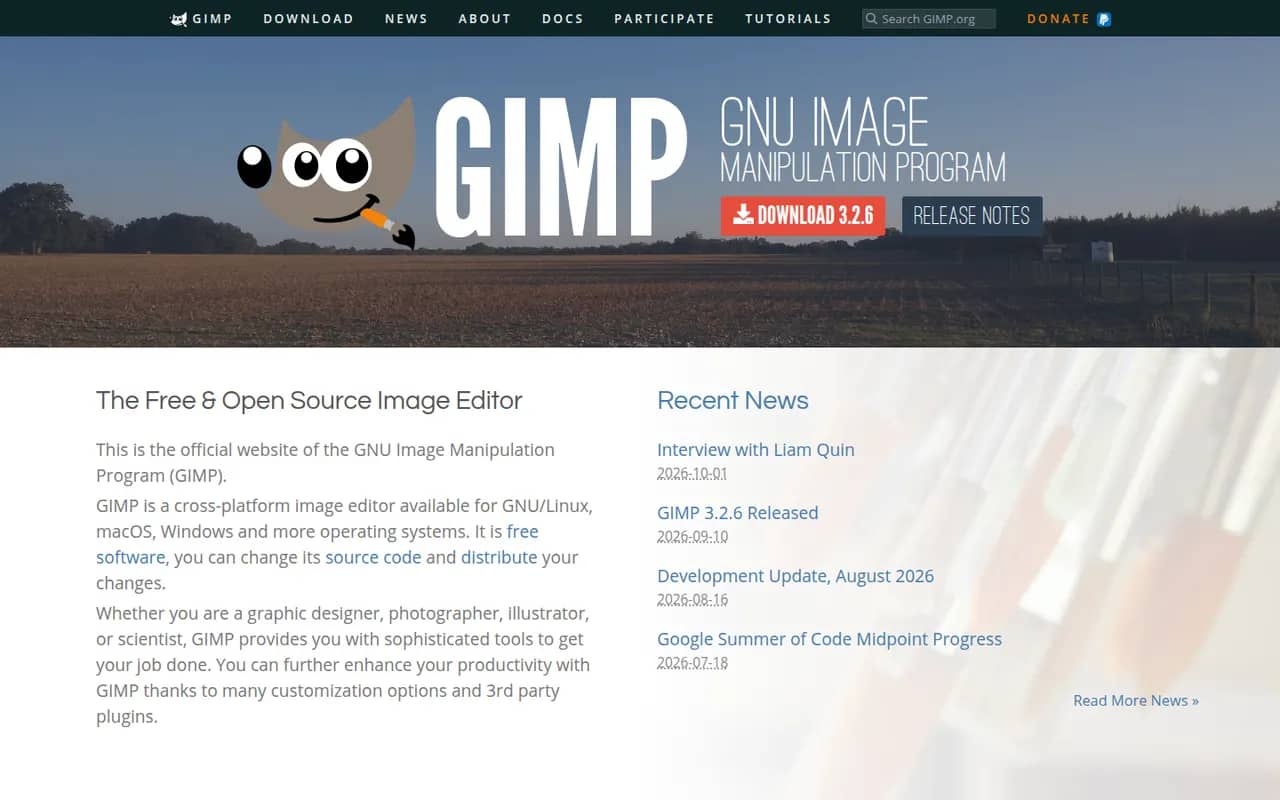
GIMP (GNU Image Manipulation Program) is a free, open source image editor used for photo retouching, image composition and digital artwork. It offers layers, masks, selection tools, a wide range of filters and scripts and plugins in Python or Script-Fu. GIMP 3.0 added non-destructive filters and a refreshed interface, and it is a common Photoshop alternative for people who want to avoid subscriptions.
12 GIMP alternativesPros
- Free, open source and available on Windows, macOS and Linux
- Layers, masks, filters and scripting in Python or Script-Fu
- Non-destructive filters since version 3.0
Cons
- Interface and workflows differ from Photoshop, which slows switchers
- Fewer AI and generative tools than commercial editors
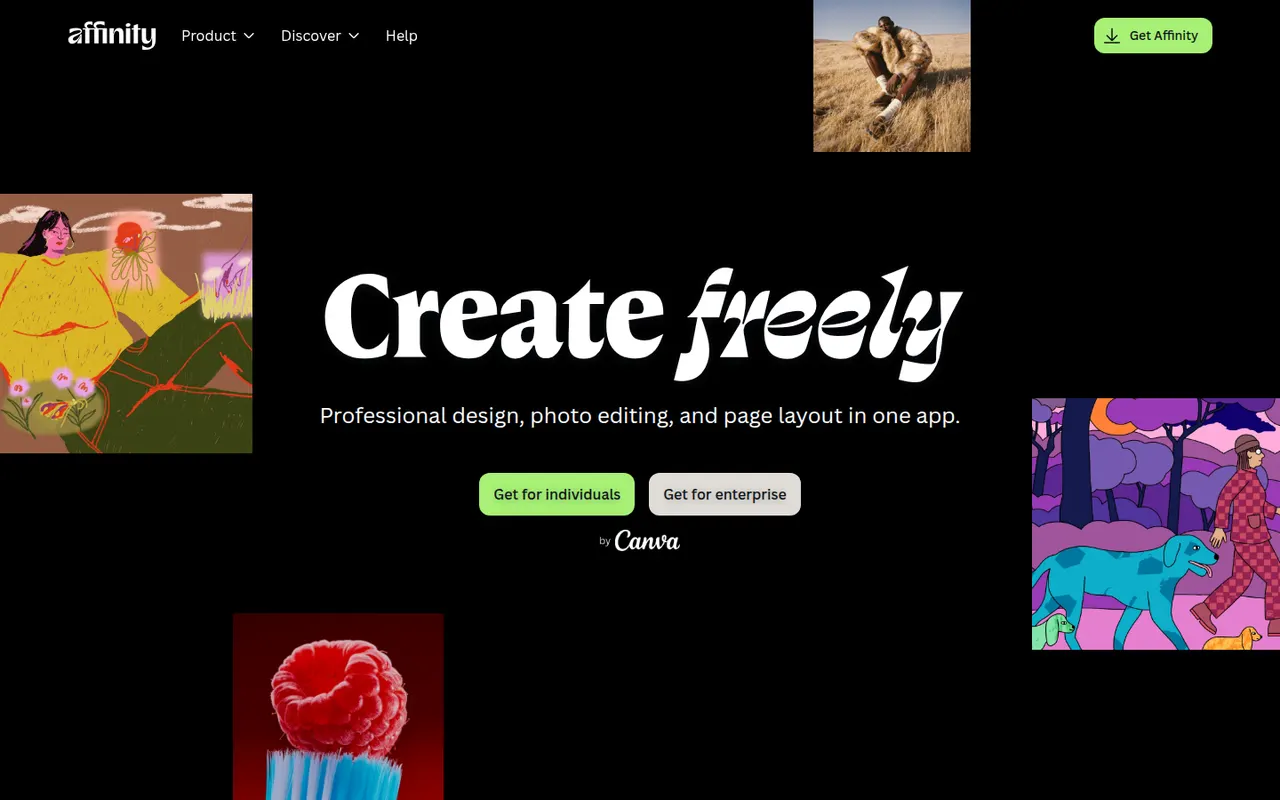
Cost / LicenseFreeOpen sourceCategoriesAffinity is a professional creative app from Canva that merges the former Affinity Designer, Photo and Publisher into one program with vector, pixel and layout workspaces. It is free to download for Windows and macOS, while its optional Canva AI tools require a paid Canva plan. It suits designers who want an alternative to Adobe subscriptions and can import PSD, PDF and IDML files.
12 Affinity alternativesPros
- Free download combining vector, pixel and layout workspaces in one app
- Imports PSD, PDF and IDML files from Adobe workflows
- Professional tools without a mandatory subscription
Cons
- Canva AI tools require a paid Canva plan
- Smaller plugin and training ecosystem than Adobe’s
- Imported Adobe files can need manual adjustments
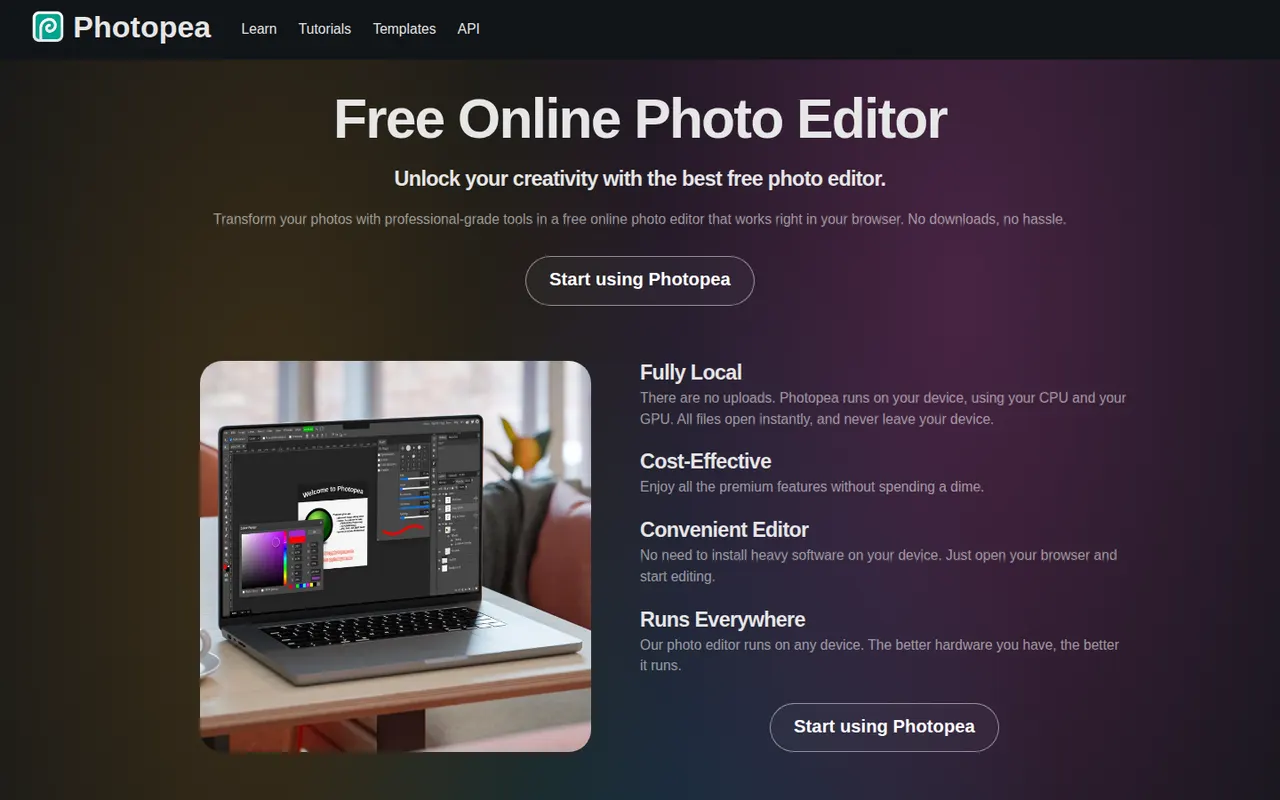
Cost / LicenseFreemiumProprietaryCategoriesPhotopea is an image editor that runs entirely in the web browser and closely follows the Photoshop interface. It opens and saves PSD files, reads formats such as XCF, Sketch, XD, PDF and RAW, and supports layers, masks, adjustment layers, vector shapes and smart objects, with files processed locally. It is free to use with ads, and an optional Premium account removes ads and adds a few extras.
8 Photopea alternativesPros
- Runs in the browser with no installation
- Opens and saves PSD files, and reads XCF, Sketch and XD
- Familiar interface that closely follows Photoshop
Cons
- The free version shows ads
- Slower than desktop apps with large, complex files
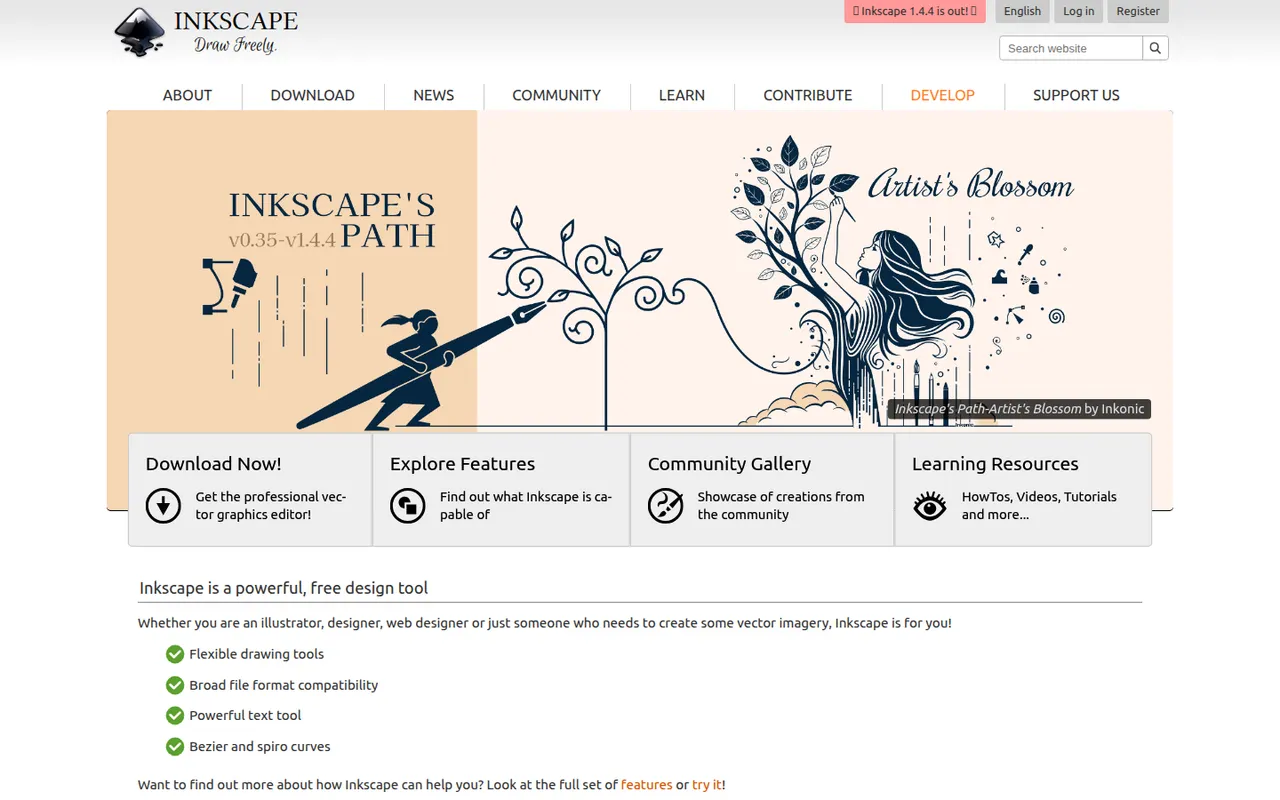
Cost / LicenseFreemiumProprietaryCategoriesPlatformsInkscape is a free, open source vector drawing program for Windows, macOS and Linux that uses SVG as its native format. Illustrators, hobbyists and web designers use it for logos, diagrams, icons, cutting-machine files and print layouts. It provides Bezier and calligraphy tools, path operations, text on path, many extensions and import/export for PDF, EPS and AI files.
10 Inkscape alternativesPros
- Free and open source on Windows, macOS and Linux
- Native SVG format, ideal for web graphics and cutting machines
- Powerful path operations and a large set of extensions
Cons
- Can feel slow with large or complex documents
- Interface is less polished than commercial vector editors
- Limited CMYK support for professional print workflows
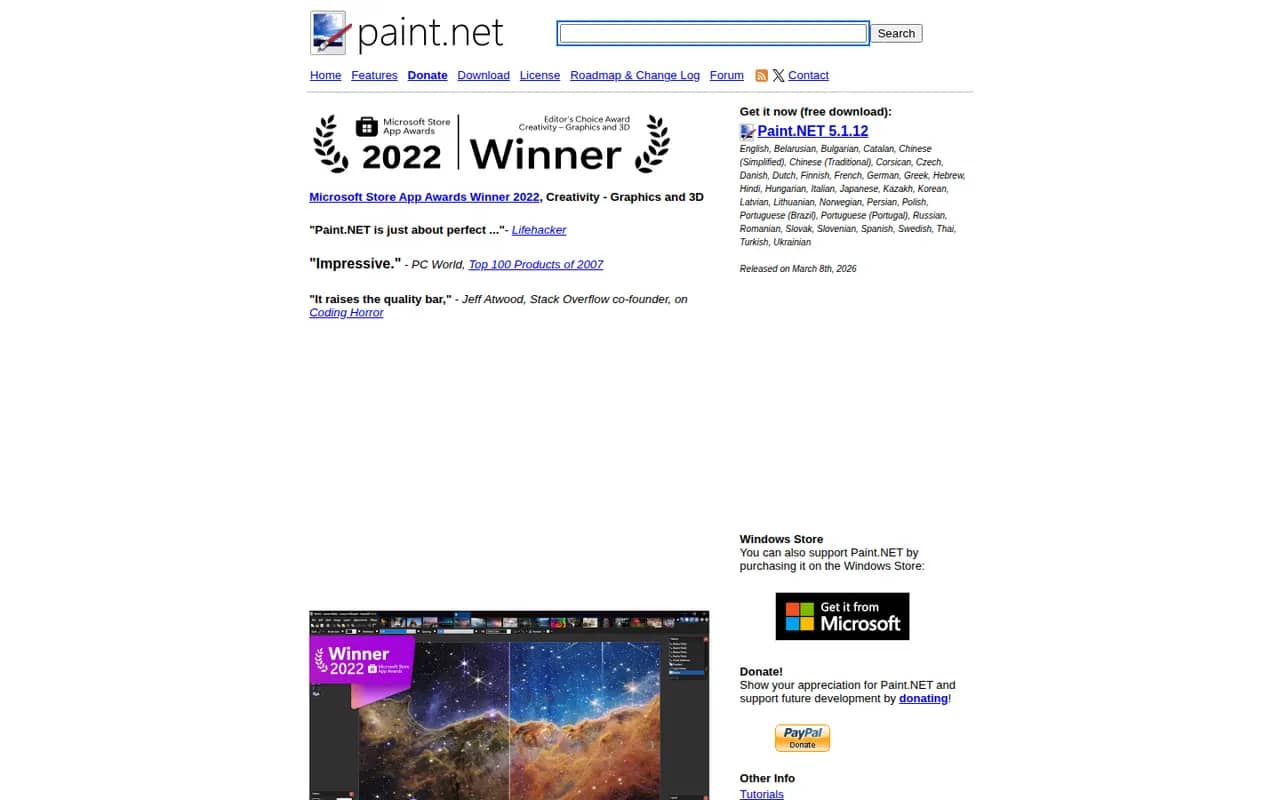
Cost / LicenseFreeOpen sourceCategoriesPaint.NET is a free image editor for Windows that began as a student project to replace Microsoft Paint and grew into a capable photo editing tool. It supports layers, blend modes, unlimited history and a wide set of effects and adjustments, and a large community library of plugins adds new effects and file formats. It is appreciated for its fast startup and simple interface.
6 Paint.NET alternativesPros
- Free, quick to start and simple to use
- Layers, blend modes and unlimited history
- Large library of community plugins
Cons
- Available only on Windows
- Lacks the advanced tools of professional editors
Cost / LicenseFreeProprietaryCategoriesPlatforms







Krita vs its alternatives at a glance
Pricing, platforms and the key features of Krita, compared with its most popular alternatives.
| App | Pricing | Platforms | Animation | Digital painting | Layers | Plugins & extensions |
|---|---|---|---|---|---|---|
 Krita Krita | FreeOpen source | Windows, Mac, Linux, Android | ||||
 GIMP GIMP | FreeOpen source | Windows, Mac, Linux | ||||
 Affinity Affinity | Freemium | Windows, Mac | ||||
 Photopea Photopea | Freemium | Web | ||||
| Inkscape | FreeOpen source | Windows, Mac, Linux | ||||
 Paint.NET Paint.NET | Free | Windows |
Krita alternatives: frequently asked questions
What is the best alternative to Krita?
The most popular alternative to Krita is GIMP: Free and open source raster image editor for Windows, macOS and Linux. Other great alternatives are Affinity, Photopea, Inkscape, and Paint.NET.
Is there a free alternative to Krita?
Yes, 5 alternatives are free or have a free plan, including GIMP, Affinity, Photopea, and Inkscape.
Is there an open source alternative to Krita?
Yes, 2 open source alternatives are listed, including GIMP and Inkscape.
Is Krita free?
Yes, Krita is free to use.
Compare Krita with its alternatives


Sponsored listings and products made by the publisher of this site are always labeled. How we rank · Know a good alternative? Submit it