
Slack alternatives
Top Team Chat like Slack
The most popular alternative to Slack is Microsoft Teams, which has a free version. Other great alternatives to Slack are Discord, Google Chat, Mattermost, and Zulip.
Most alternatives to Slack are in the Team Chat category, compared here by price, platform and features.
All Slack alternatives
Microsoft Teams combines persistent team chat, channels, video meetings, webinars and calling in one app tied to Microsoft 365. Files live in SharePoint and OneDrive and can be co-edited in Word, Excel or PowerPoint without leaving the conversation. It suits organizations already standardized on Microsoft 365, and Copilot adds meeting recaps and chat summaries on eligible licenses.
12 Microsoft Teams alternativesPros
- Chat, meetings and calls in one app tied to Microsoft 365
- Co-edit Word, Excel and PowerPoint files without leaving a conversation
- Enterprise-grade admin, security and compliance controls
Cons
- Can feel heavy and slow, especially on older machines
- Channels, chats and files can be confusing to navigate
- Less appealing outside a Microsoft 365 environment
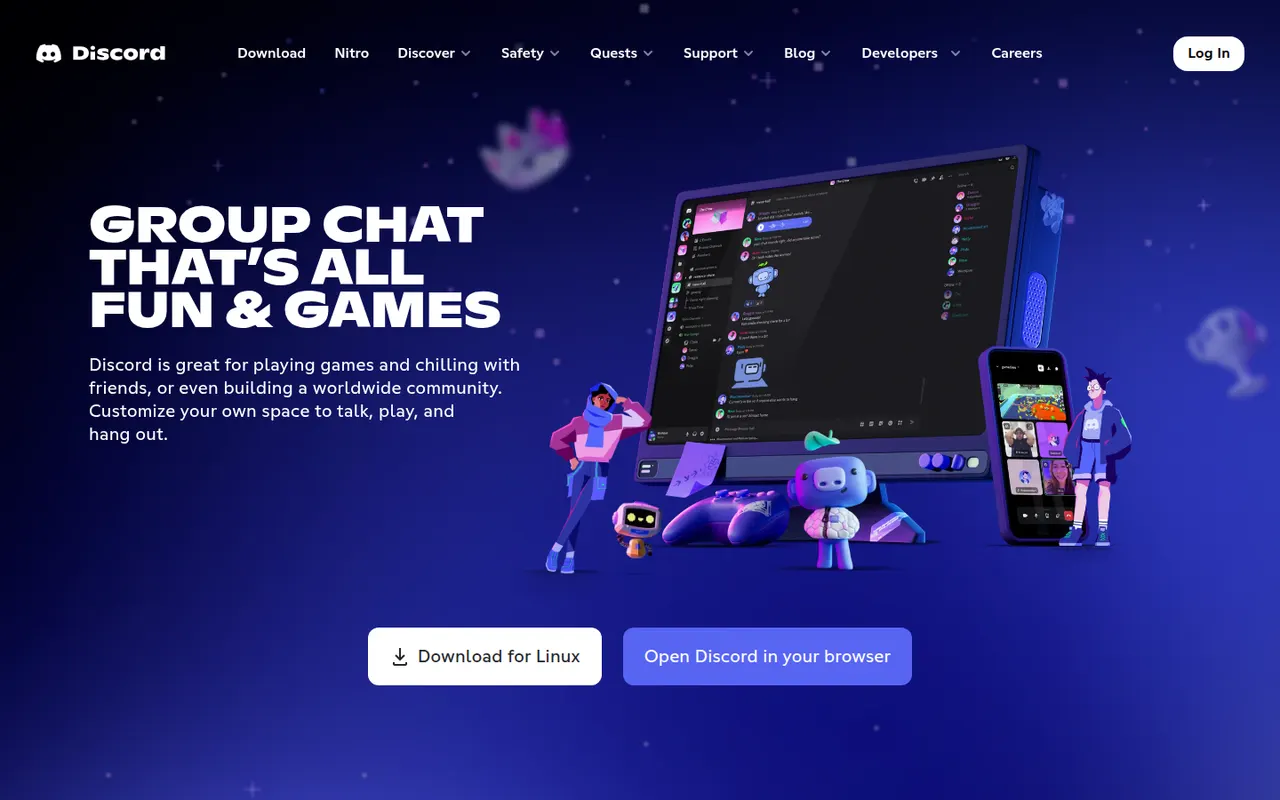
Cost / LicenseFreemiumProprietaryCategoriesDiscord is a chat platform built around servers, each with its own text channels, voice channels and roles. It started with gamers but now hosts communities of every kind, from open-source projects to study groups, with drop-in voice rooms, screen sharing, threads and forums. Bots extend servers, and an optional Nitro subscription adds perks such as larger uploads and higher-quality streaming.
11 Discord alternativesPros
- Drop-in voice channels make spontaneous conversations easy
- Roles, bots and permissions scale to very large communities
- Generous free tier across desktop, mobile and the web
Cons
- Not designed for workplace compliance or admin controls
- Busy servers and notifications can quickly feel overwhelming
- Text messages are not end-to-end encrypted
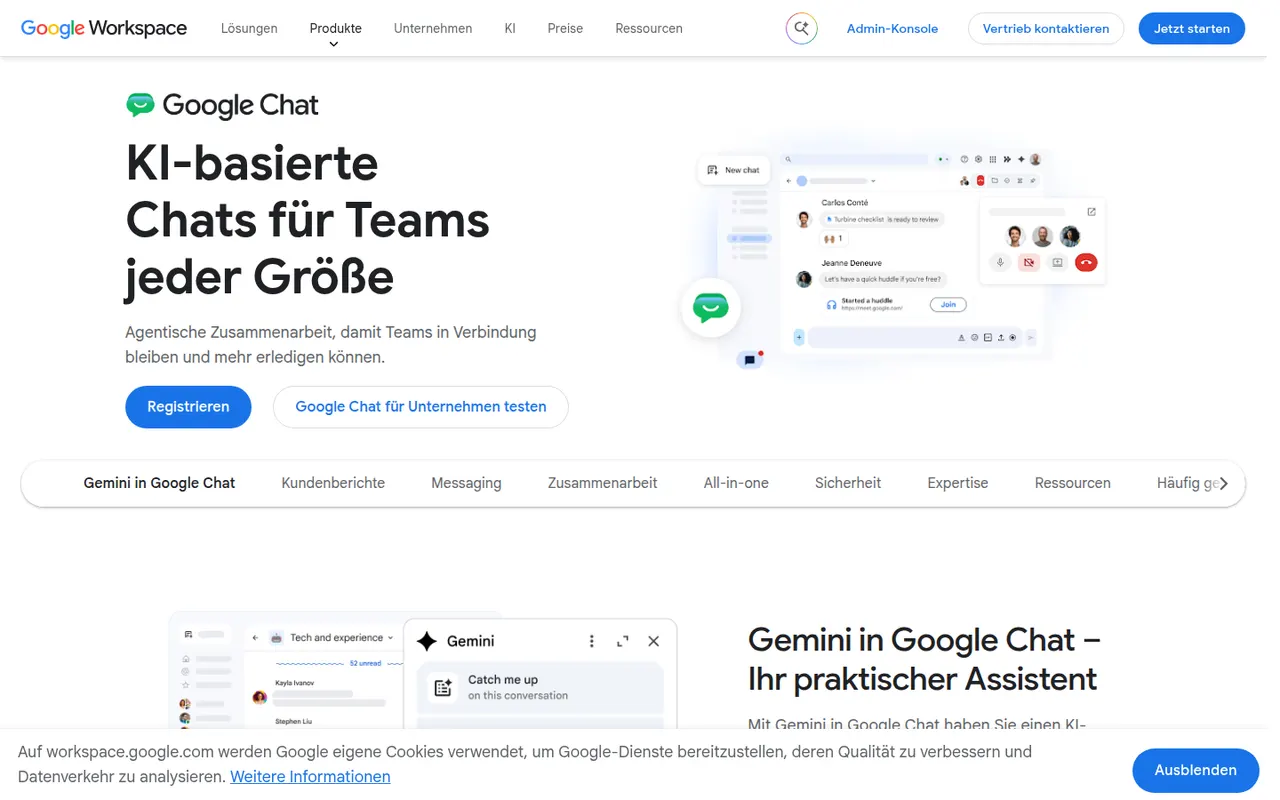
Cost / LicenseFreemiumProprietaryCategoriesGoogle Chat is Google's messaging app for direct messages, group conversations and spaces, the shared rooms where teams discuss projects in threads. It sits next to Gmail and works closely with Drive, Docs and Meet, so files and meetings can be shared without switching apps. It is free with a personal Google account, while companies get admin controls and Gemini features through Google Workspace.
8 Google Chat alternativesPros
- Built into Gmail, so Workspace users need no extra app
- Works closely with Drive, Docs and Meet for files and calls
- Free to use with a personal Google account
Cons
- Fewer third-party integrations and bots than Slack
- Little appeal outside the Google Workspace ecosystem
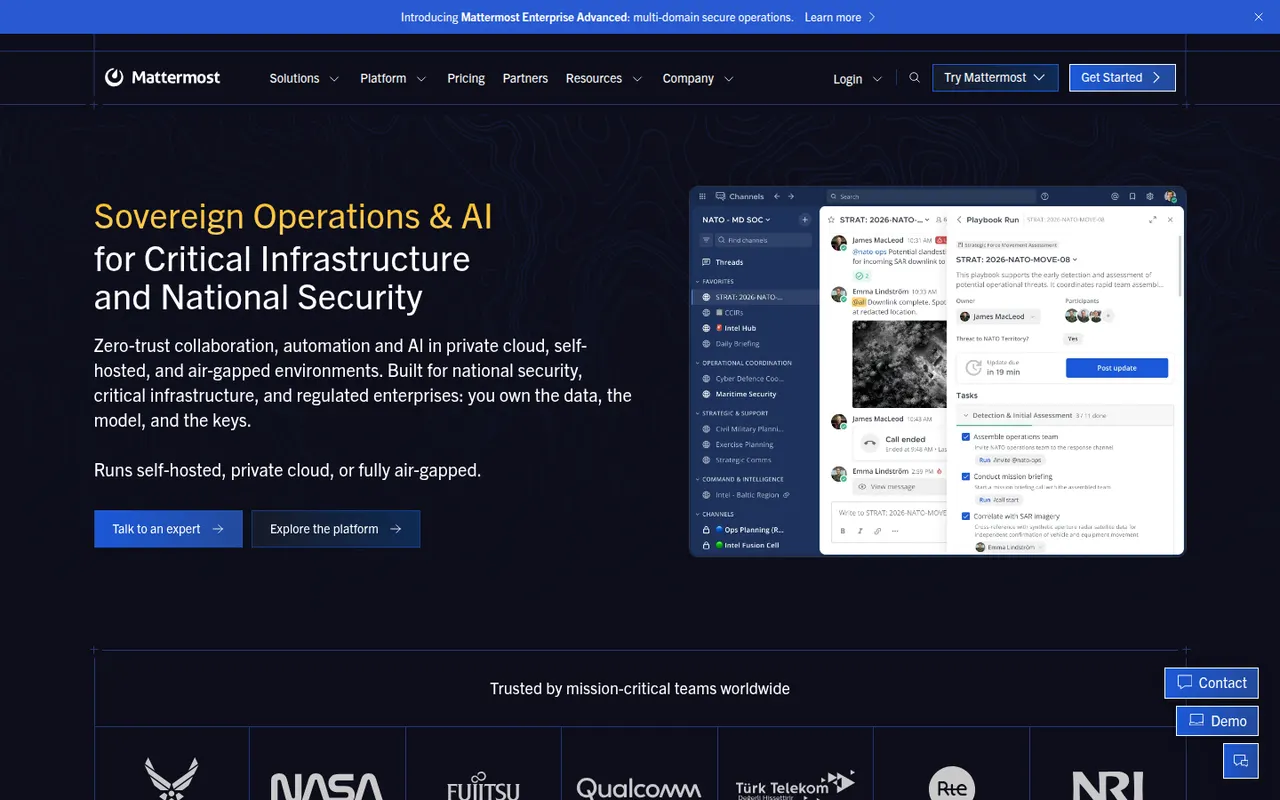
Cost / LicenseFreemiumProprietaryCategoriesMattermost is an open-source collaboration platform offering channels, threads, calls and playbooks for structured workflows. Organizations can run it on their own servers or in a private cloud to keep full control of their data, which appeals to engineering teams, public agencies and regulated industries. Plugins, webhooks and an API connect it to DevOps tools like GitLab, Jira and Jenkins.
8 Mattermost alternativesPros
- Self-hosting keeps full control over data and infrastructure
- Strong DevOps integrations with GitLab, Jira and Jenkins
- Playbooks structure incident response and repeatable workflows
Cons
- Self-hosted deployments need ongoing admin work
- Smaller app ecosystem than Slack
- Advanced compliance and enterprise features require paid plans
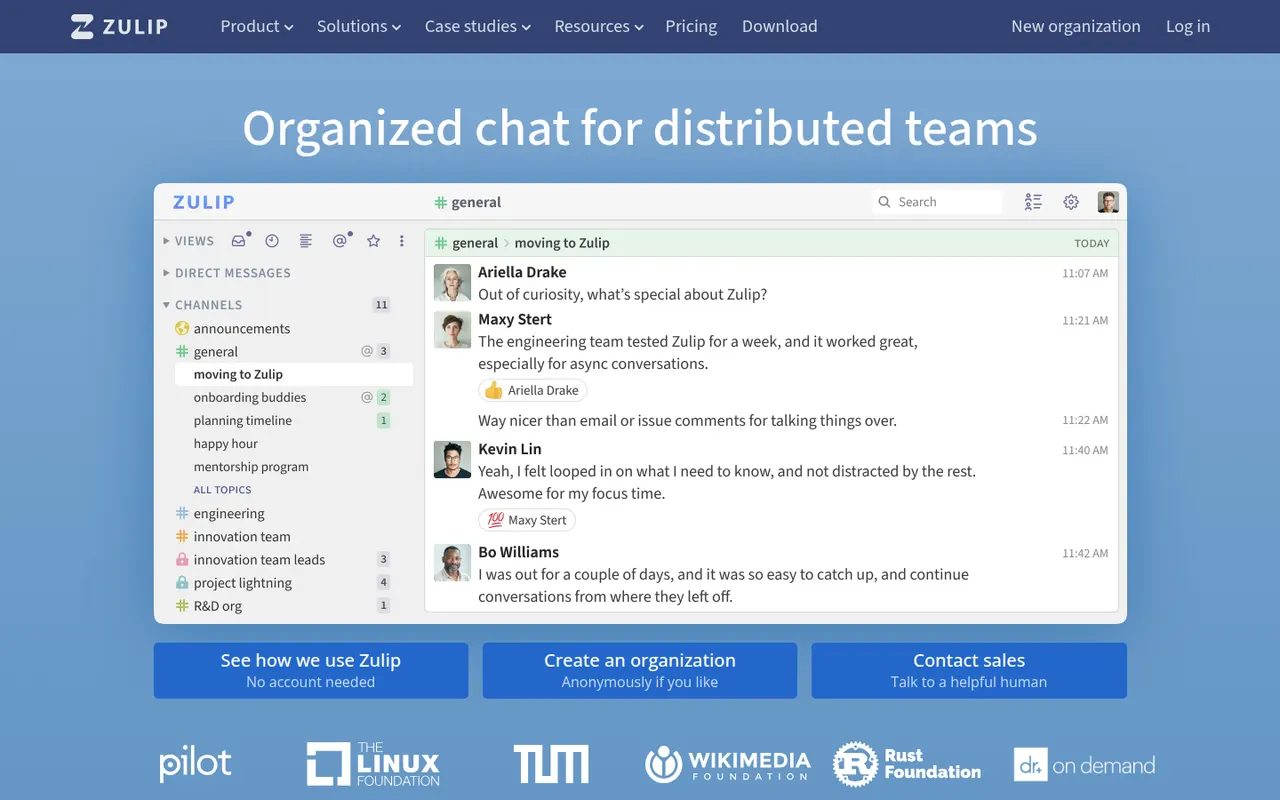
Cost / LicenseFreemiumOpen sourceCategoriesZulip is an open-source team chat app whose threading model files every channel message under a named topic, so people can catch up on several discussions without losing context. It supports Markdown, code blocks and LaTeX math, and integrates with common developer tools. It can be self-hosted for free or used through Zulip Cloud, which suits open-source projects, research groups and remote teams.
8 Zulip alternativesPros
- Topic-based threading makes catching up on discussions easy
- Markdown, code blocks and LaTeX suit technical teams
- Free to self-host under an open source license
Cons
- The topic model takes some getting used to after Slack
- Video calls rely on external services such as Jitsi or Zoom
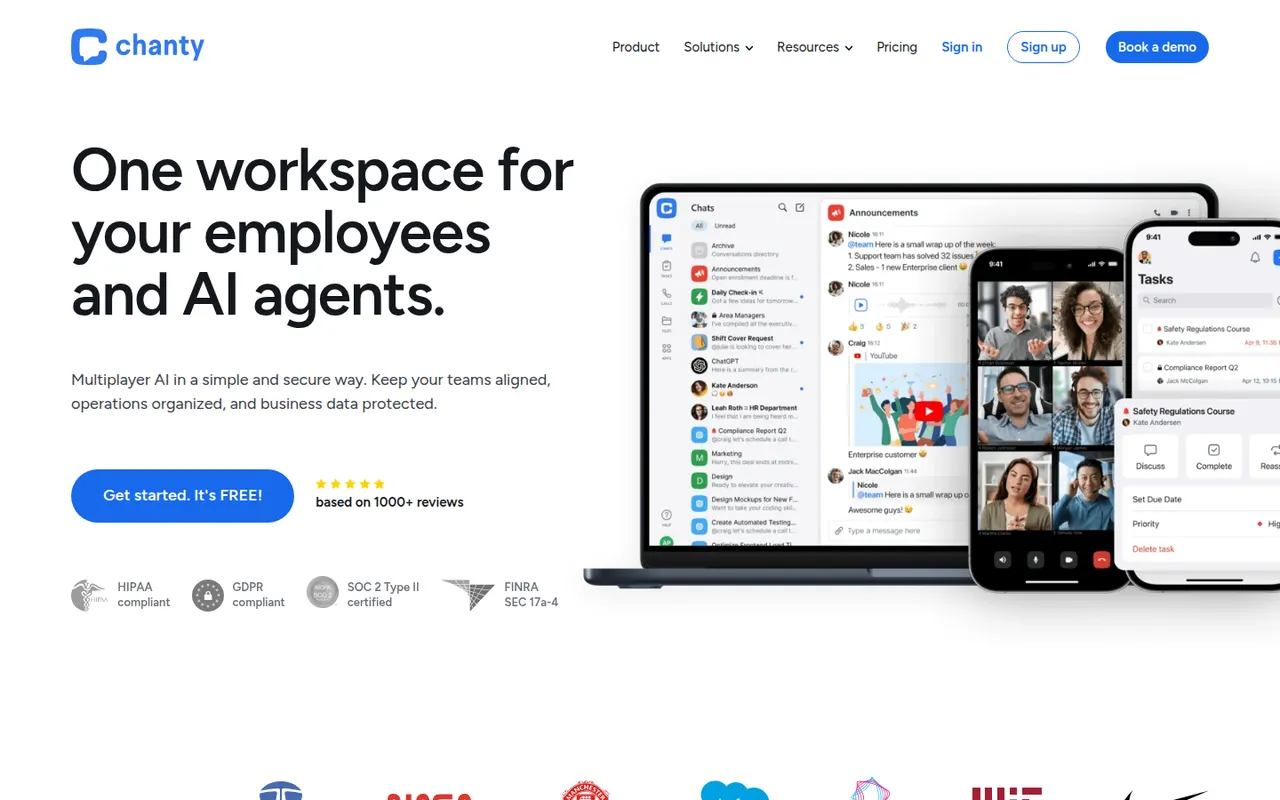
Cost / LicenseFreemiumOpen sourceCategoriesChanty is a team messaging app aimed at small and mid-sized teams who want something simpler than larger chat suites. It offers public and private conversations, audio and video calls with screen sharing, and a built-in task manager with a Kanban board, so messages can be turned into tasks. A free plan covers small teams, and integrations connect it to common workplace tools.
8 Chanty alternativesPros
- Simple interface that small teams pick up quickly
- Built-in Kanban task board turns messages into tasks
- Free plan is enough to get a small team started
Cons
- Smaller integration catalog than Slack or Microsoft Teams
- Task management is basic compared with dedicated tools
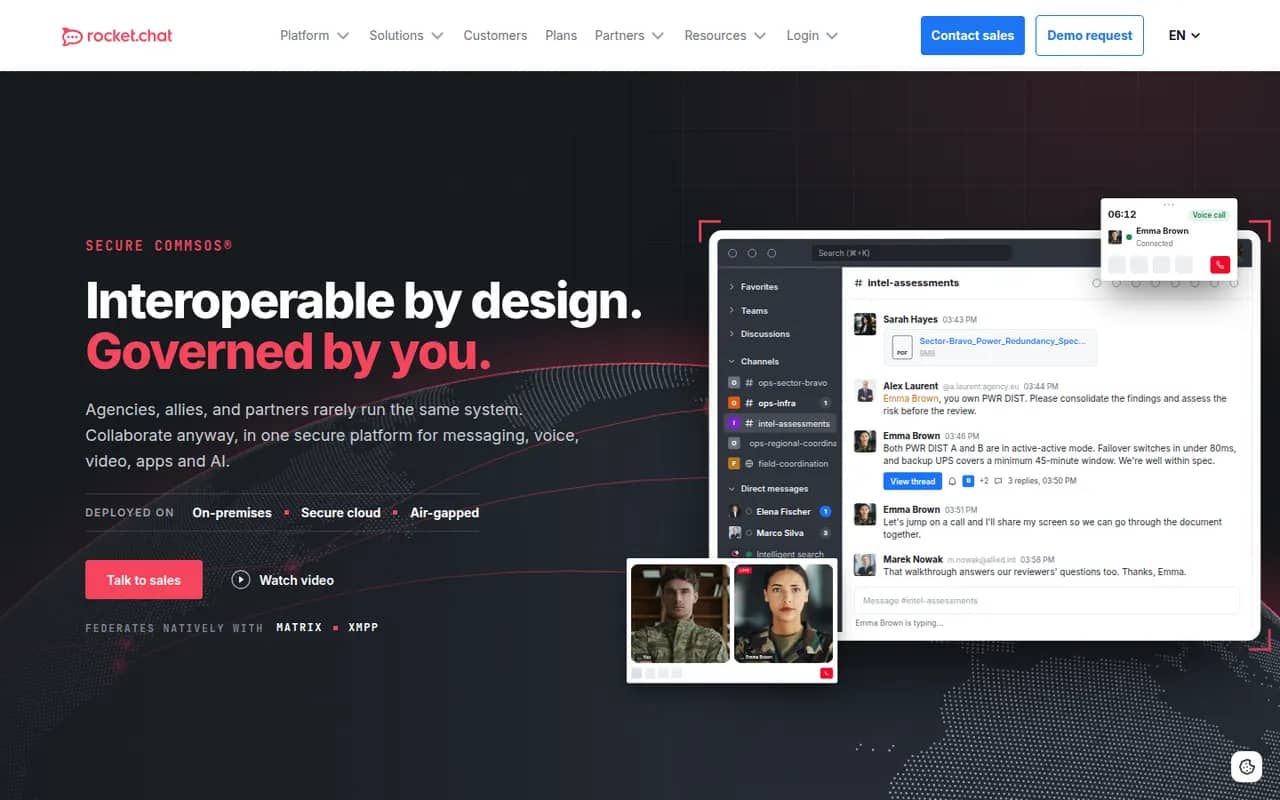
Cost / LicenseFreemiumProprietaryCategoriesRocket.Chat is an open-source communications platform that can be self-hosted or used as a cloud service. Besides team channels, threads, direct messages and calls, it includes an omnichannel module that routes website chat, email and messaging apps to support agents. Its marketplace and APIs let organizations customize it heavily, and self-hosting suits teams with strict data residency needs.
9 Rocket.Chat alternativesPros
- Omnichannel module routes website chat, email and messaging apps
- Self-hostable open source platform for strict data residency needs
- Marketplace and APIs allow deep customization
Cons
- Self-hosted setups require regular maintenance and upgrades
- Some features are reserved for paid editions
- The wide range of settings makes administration complex
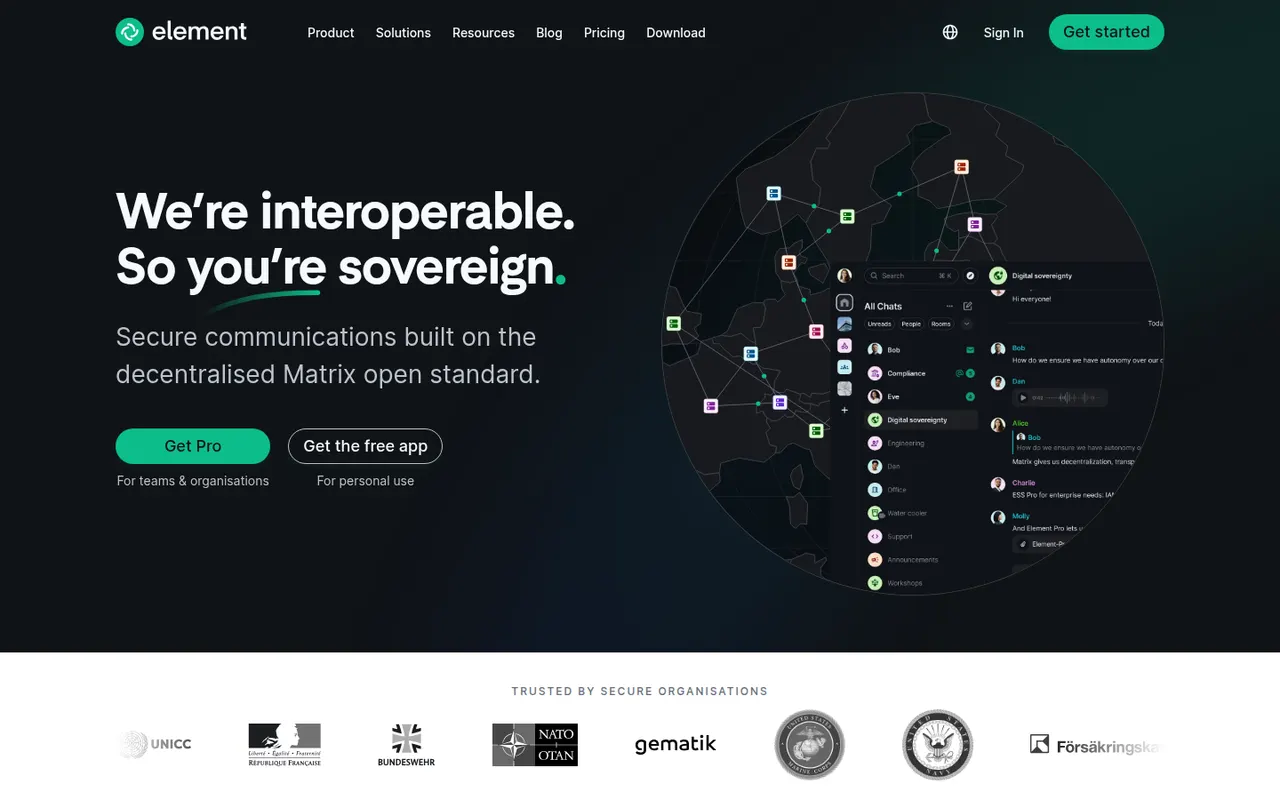
Cost / LicenseFreemiumOpen sourceCategoriesElement is a messaging app from the team that created Matrix, an open standard for decentralized, federated chat. Rooms, direct messages and calls are end-to-end encrypted, and people on different Matrix servers can talk to each other like email. Individuals can join a public server for free, while organizations and governments self-host or buy Element's enterprise server suite, with bridges to other chat networks.
12 Element alternativesPros
- End-to-end encryption by default for private rooms and messages
- Federated Matrix network, so no single company controls your chats
- Open source and self-hostable, popular with public sector bodies
Cons
- Encryption keys and device verification can confuse newcomers
- Running your own Matrix server takes real technical effort
- Fewer business integrations than mainstream team chat apps
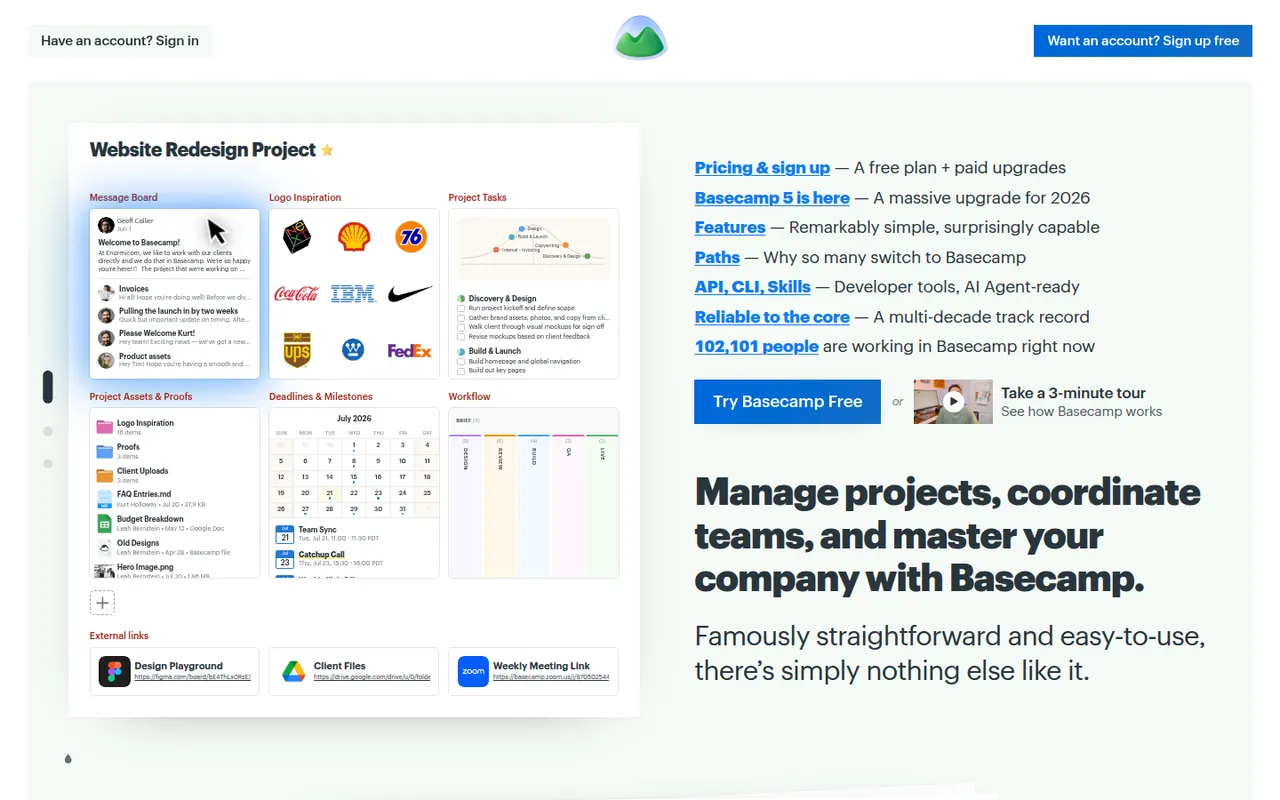
Cost / LicenseFreemiumOpen sourceCategoriesBasecamp, made by 37signals, gives each project its own space with to-dos, a message board, schedule, documents, a card table and group chat, cutting down on email and status meetings. It favors calm, asynchronous communication over Gantt charts and heavy reporting, which suits agencies and small companies that work with clients.
9 Basecamp alternativesPros
- Each project gathers to-dos, messages, files, schedule and chat
- Calm, asynchronous approach cuts down on email and status meetings
- Clients can be invited into projects with controlled visibility
Cons
- No Gantt charts, task dependencies or detailed reporting
- Less customizable than tools like ClickUp or monday.com
- The free plan covers only a single project
Cost / LicenseFreemiumProprietaryCategories
















Slack vs its alternatives at a glance
Pricing, platforms and the key features of Slack, compared with its most popular alternatives.
| App | Pricing | Platforms | AI assistant | API access | Channels | Integrations | Threaded conversations |
|---|---|---|---|---|---|---|---|
 Slack Slack | Freemium | Web, Windows, Mac, Linux, iPhone, Android | |||||
 Microsoft Teams Microsoft Teams | Freemium | Web, Windows, Mac, iPhone, Android | |||||
 Discord Discord | Freemium | Web, Windows, Mac, Linux, iPhone, Android | |||||
 Google Chat Google Chat | Freemium | Web, iPhone, Android | |||||
 Mattermost Mattermost | FreemiumOpen source | Web, Windows, Mac, Linux, iPhone, Android, Self-hosted | |||||
 Zulip Zulip | FreemiumOpen source | Web, Windows, Mac, Linux, iPhone, Android, Self-hosted |
Slack alternatives: frequently asked questions
What is the best alternative to Slack?
The most popular alternative to Slack is Microsoft Teams: Chat, meetings and calls inside the Microsoft 365 ecosystem. Other great alternatives are Discord, Google Chat, Mattermost, and Zulip.
Is there a free alternative to Slack?
Yes, 9 alternatives are free or have a free plan, including Microsoft Teams, Discord, Google Chat, and Mattermost.
Is there an open source alternative to Slack?
Yes, 4 open source alternatives are listed, including Mattermost, Zulip, Rocket.Chat, and Element.
Is Slack free?
Slack has a free plan, with paid plans that unlock more features.
Compare Slack with its alternatives


Sponsored listings and products made by the publisher of this site are always labeled. How we rank · Know a good alternative? Submit it