
Vizard alternatives
Top AI Video Generators like Vizard

All Vizard alternatives
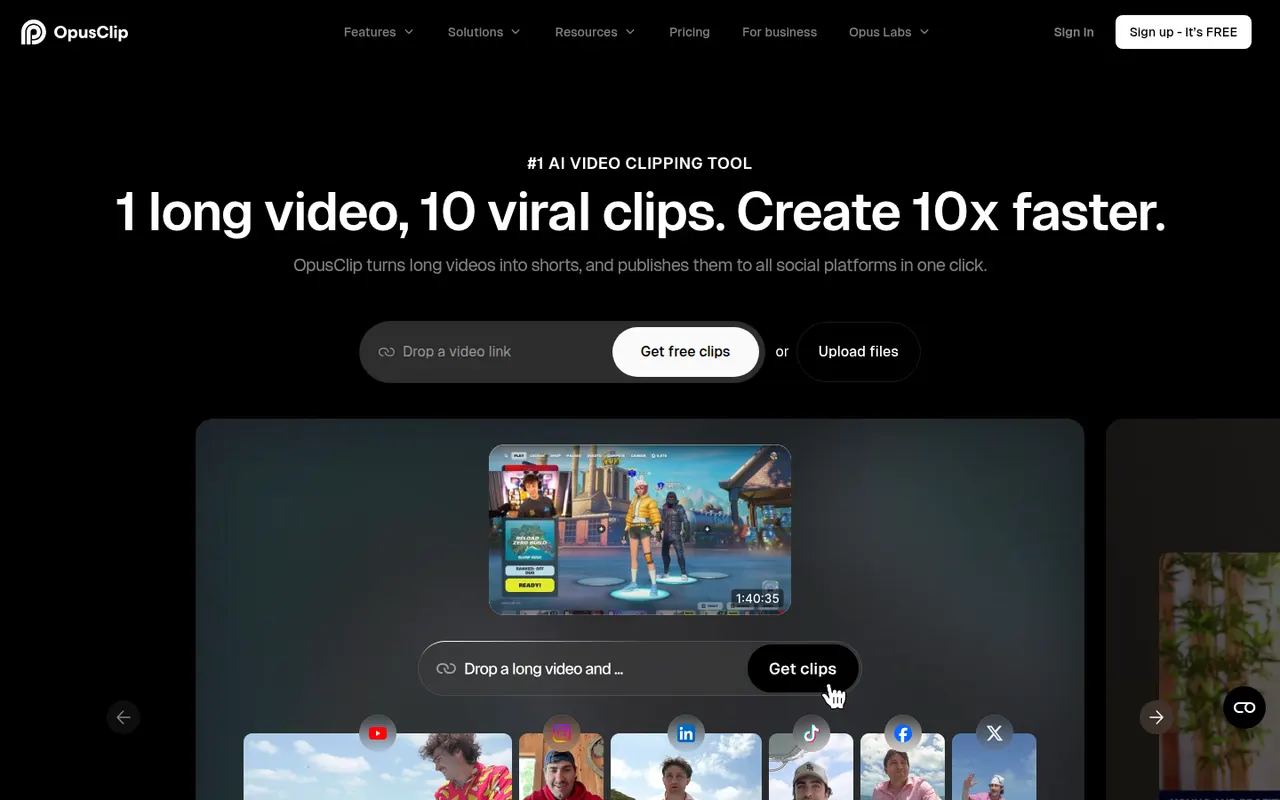
OpusClip analyzes long-form videos, finds the most engaging moments and reframes them into captioned vertical clips ready for social media.
17 OpusClip alternativesPros
- Finds engaging moments in long videos automatically
- Reframes and captions vertical clips for social media
- Schedules and posts clips to social networks
Cons
- Virality scores are only a rough guide to performance
- Free plan has limited credits and adds a watermark
- Works best with talking-head content
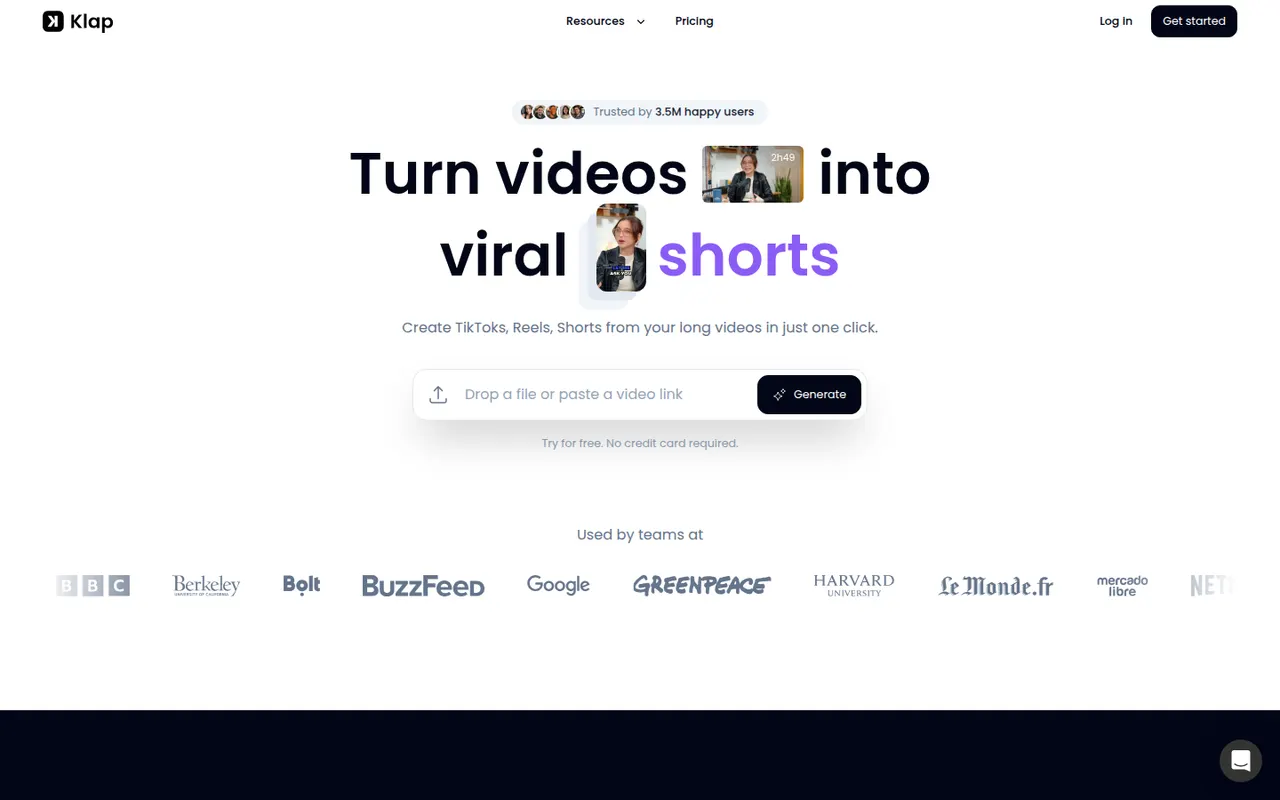
Cost / LicenseFreemiumProprietaryCategoriesPlatformsKlap uses AI to analyze long videos, such as YouTube episodes, podcasts or interviews, and cut them into vertical short clips with automatic reframing and captions. Users can review the suggested clips, adjust them in an editor and publish them to short-form platforms. It is aimed at creators who want to repurpose content without editing by hand.
8 Klap alternativesPros
- Finds and cuts short clips from long videos automatically
- Auto-reframes to vertical and adds captions
- Publishes clips straight to short-form platforms
Cons
- Suggested clips still need review to weed out weak moments
- Editor is basic compared with full video editing software
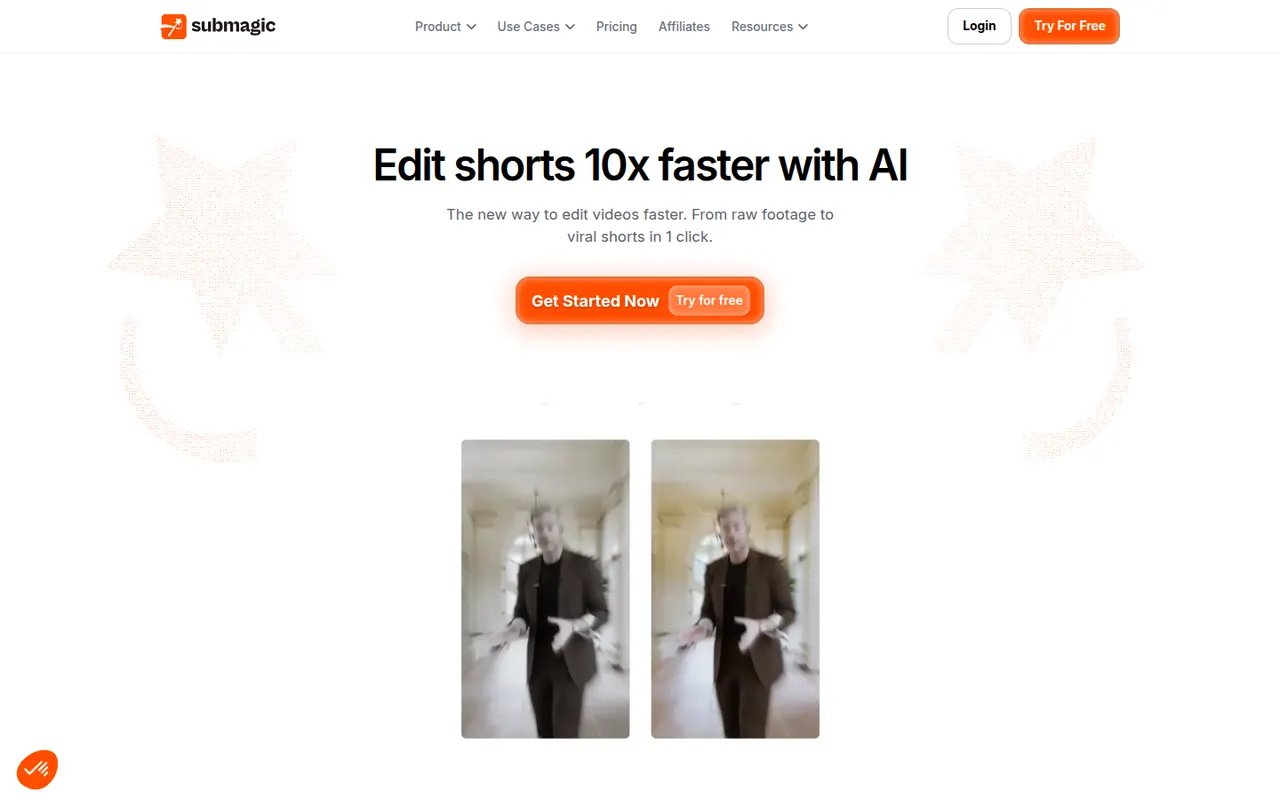
Cost / LicenseFree trialProprietaryCategoriesPlatformsSubmagic is a web app that adds styled, animated captions to short videos, with keyword highlights and emojis, in many languages. It can also insert B-roll, zoom effects, sound effects and transitions automatically, and cut long videos into shorts. Creators, agencies and brands use it to speed up editing for TikTok, Reels and YouTube Shorts.
8 Submagic alternativesPros
- Animated captions with keyword highlights and emojis
- Automatic B-roll, zooms, sound effects and transitions
- Captions available in many languages
Cons
- No lasting free plan, only a trial
- Popular caption styles can make videos look alike
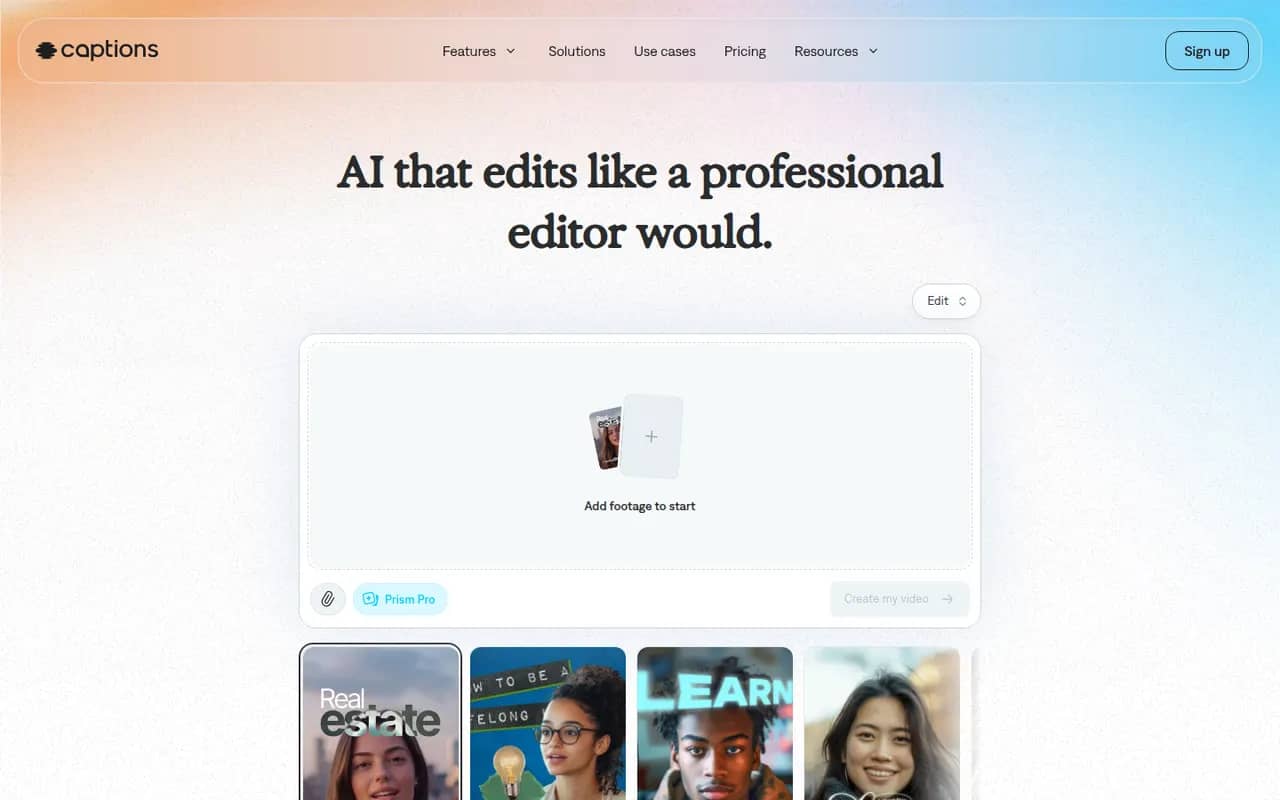
Cost / LicenseFree trialProprietaryCategoriesPlatformsCaptions is an AI-powered video creation app for people who talk on camera. It generates captions automatically, removes filler words and pauses, corrects eye contact, dubs videos into other languages and can produce videos with AI avatars from a script. It started on iPhone and is now also available on Android and the web.
11 Captions alternativesPros
- Automatic captions plus filler word and pause removal
- Eye contact correction and AI dubbing for talking videos
- Mobile-first editing on iPhone and Android, plus a web app
Cons
- Most AI features require a paid subscription
- Less suited to complex edits than a desktop video editor
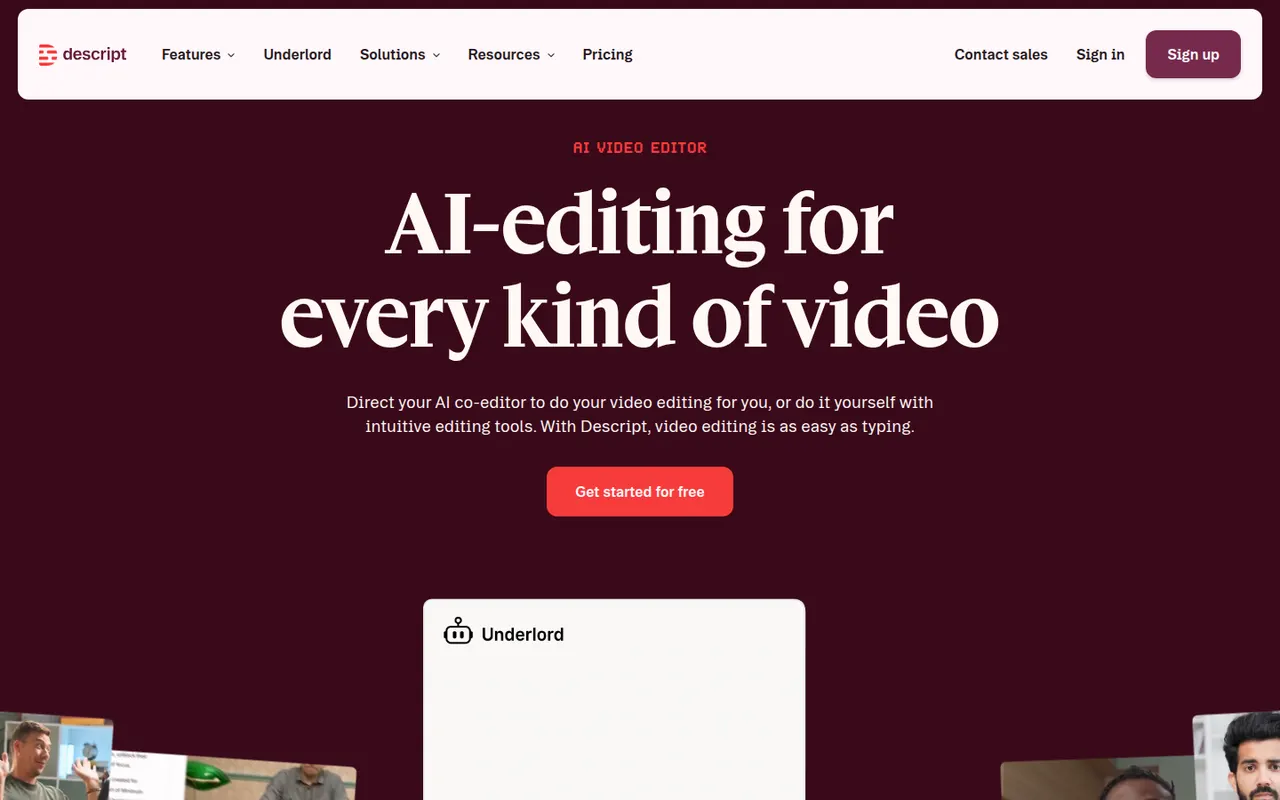
Cost / LicenseFreemiumProprietaryCategoriesDescript transcribes your recordings so you can cut video and audio like a text document, with screen recording, overdub and AI cleanup tools.
17 Descript alternativesPros
- Edit audio and video by editing the transcript like a document
- Filler word removal and AI cleanup speed up podcast editing
- Screen recording and team collaboration built in
Cons
- Less precise than a traditional timeline for complex edits
- Transcription hours and AI features are capped on lower plans
- Can be slow with long or high-resolution projects
Cost / LicenseFreemiumProprietaryCategoriesCapCut is a video editor available on mobile, desktop and the web, with templates, effects, auto captions and AI tools aimed at short-form content.
23 CapCut alternativesPros
- Fast editing with templates and effects tuned for short-form video
- Auto captions and AI tools save time on social content
- Available on mobile, desktop and in the browser
Cons
- Many effects and AI tools require a Pro subscription
- Ownership by ByteDance raises data privacy questions
- Not built for long-form or professional editing
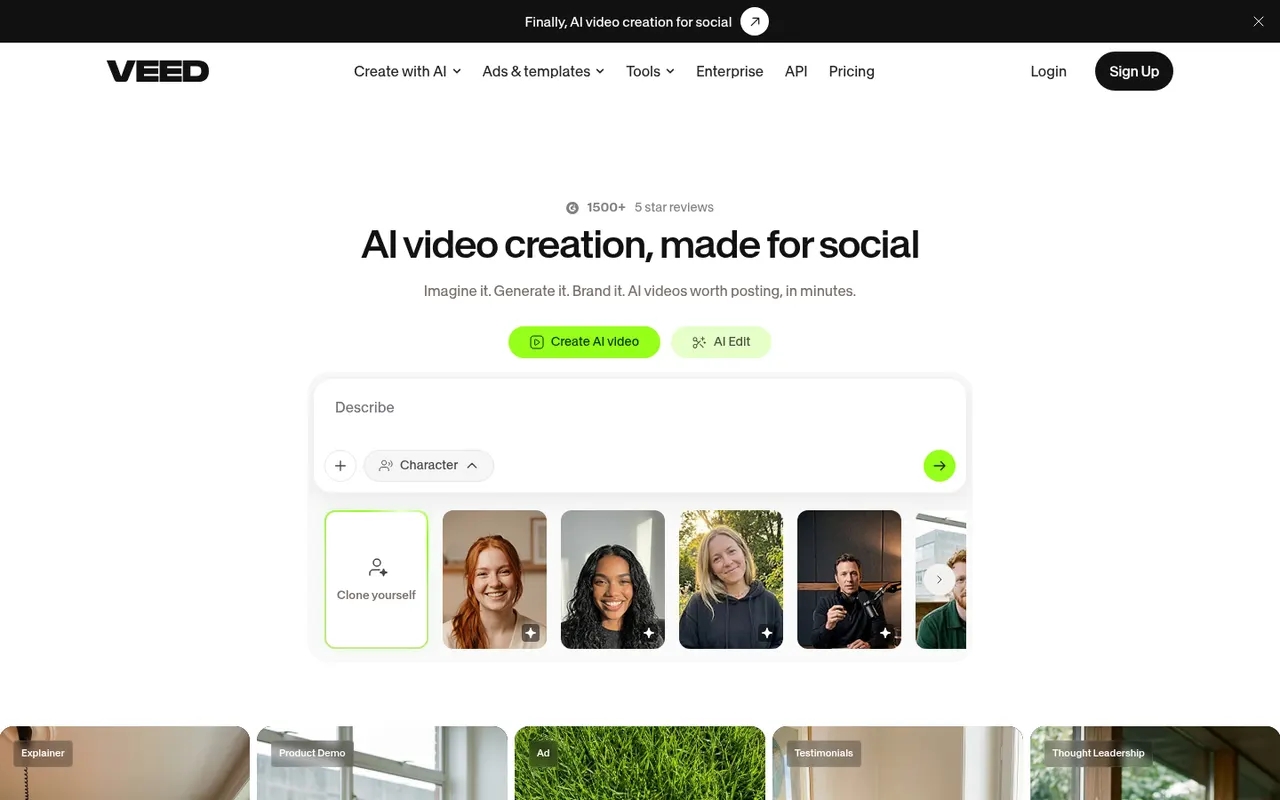
Cost / LicenseFreemiumProprietaryCategoriesVEED is a browser-based video editor with subtitles, translations, avatars and screen recording, built for teams producing social and marketing videos.
21 VEED alternativesPros
- Fast automatic subtitles and translations in the browser
- Screen recording and AI avatars in the same tool
- Team workspaces suit marketing and social video production
Cons
- Free plan exports carry a watermark
- Browser editing can lag on longer videos
- Advanced AI features require higher-tier plans
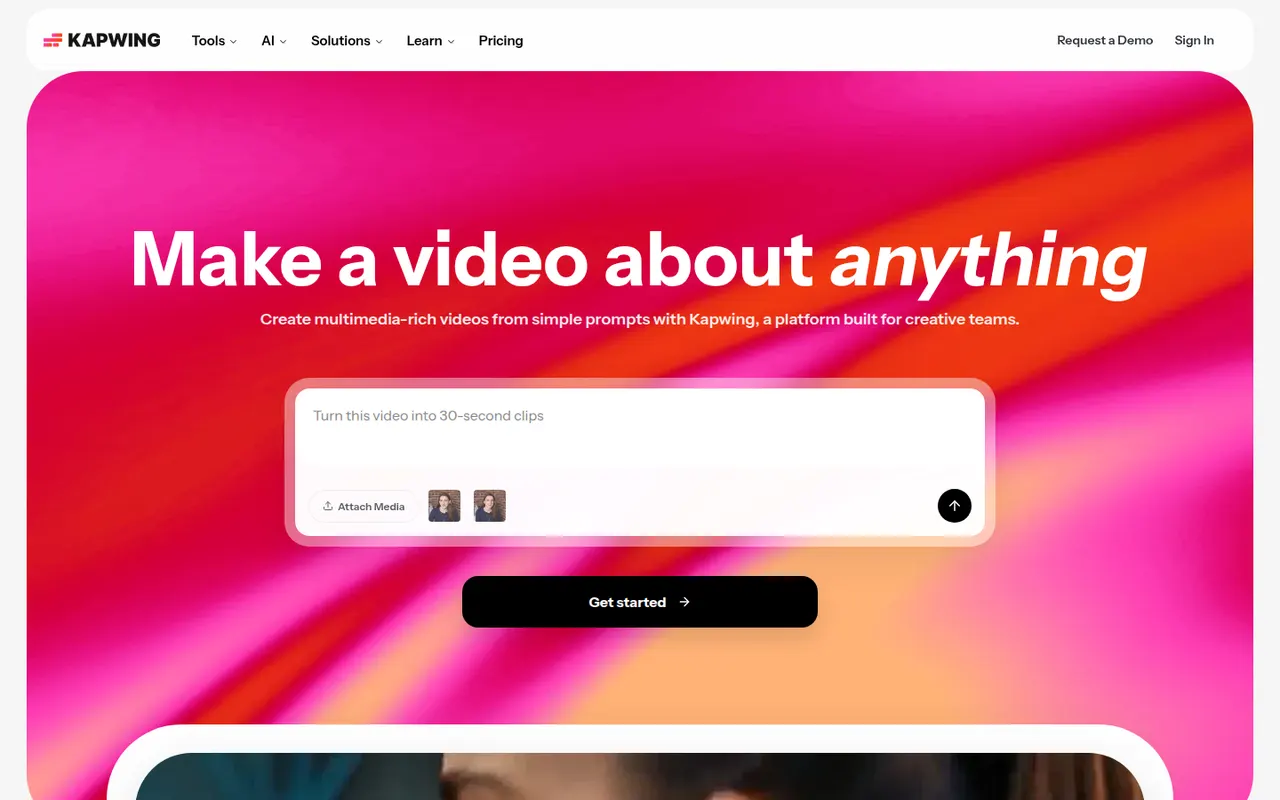
Cost / LicenseFreemiumProprietaryCategoriesPlatformsKapwing is a browser-based video editor built for teams that produce content together in real time. It includes transcript-based editing, automatic subtitles and translation, silence removal, a clip maker for repurposing long videos, and templates for social formats. It requires no installation and offers a free plan with export limits.
9 Kapwing alternativesPros
- Real-time collaborative editing in the browser
- Automatic subtitles, translation and silence removal
- Clip maker repurposes long videos into social shorts
Cons
- Free plan exports are limited
- Browser editing struggles with long or heavy projects
- Fewer advanced controls than desktop editors
Cost / LicenseFreemiumProprietaryCategoriesPlatforms

















Vizard vs its alternatives at a glance
Pricing, platforms and the key features of Vizard, compared with its most popular alternatives.


Vizard alternatives: frequently asked questions
What is the best alternative to Vizard?
The most popular alternative to Vizard is OpusClip: Turn long videos into short viral clips with AI. Other great alternatives are Klap, Submagic, Captions, and Descript.
Is there a free alternative to Vizard?
Yes, 6 alternatives are free or have a free plan, including OpusClip, Captions, Descript, and CapCut.
Is there an open source alternative to Vizard?
No open source alternative to Vizard is listed yet.
Is Vizard free?
Vizard has a free plan, with paid plans that unlock more features.
Compare Vizard with its alternatives


Sponsored listings and products made by the publisher of this site are always labeled. How we rank · Know a good alternative? Submit it