
Free Audacity alternatives
Top Audio Editing & Music Production like Audacity
The most popular alternative to Audacity is ocenaudio, which has a free version. Other great alternatives to Audacity are GarageBand, Adobe Podcast, BandLab, and Auphonic.
Most alternatives to Audacity are in the Audio Editing & Music Production category, compared here by price, platform and features.
All Audacity alternatives
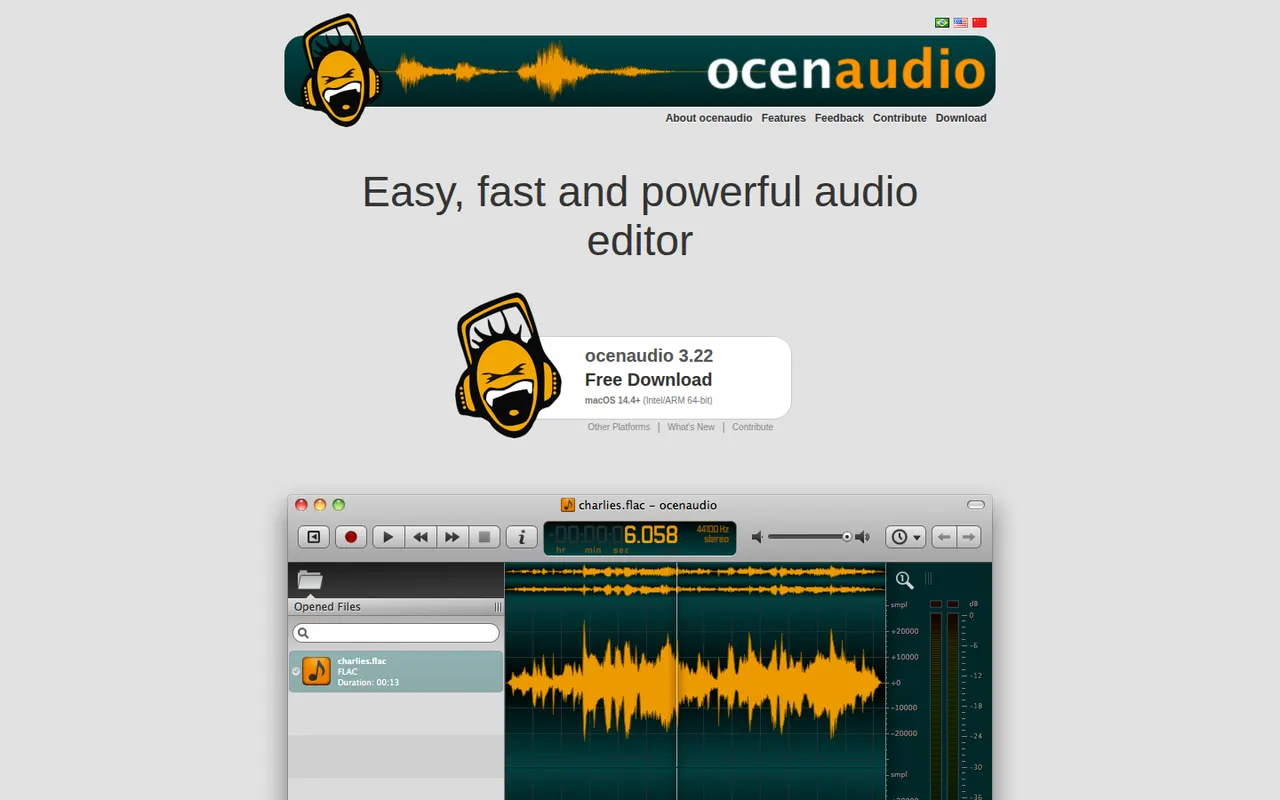
ocenaudio is a free audio editor for Windows, macOS and Linux, intended for users who need more than a basic recorder without the complexity of a full studio. It previews effects in real time, lets you edit several selections at once, handles large files smoothly and supports VST plugins. It is a lightweight alternative to Audacity for quick edits and spectral analysis.
7 ocenaudio alternativesPros
- Real-time effect preview speeds up quick edits
- Lightweight and smooth even with large audio files
- Free on Windows, macOS and Linux with no ads
Cons
- No multitrack editing, so it is not suited to mixing
- Smaller community and fewer tutorials than Audacity
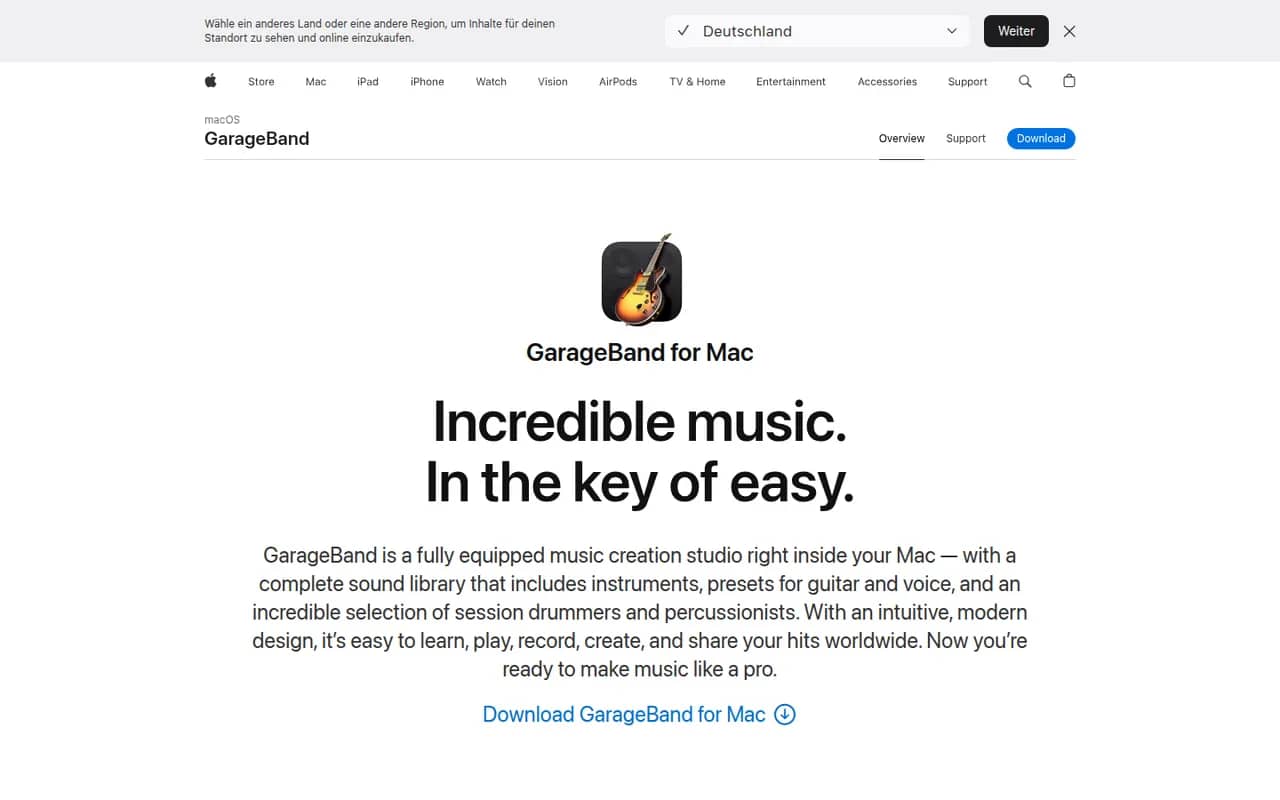
Cost / LicenseFreeProprietaryCategoriesFeaturesGarageBand is Apple's free app for making music and recording audio on Mac, iPhone and iPad. It includes virtual instruments, a sound library with loops, guitar amp simulations, a virtual drummer and multi-track recording, along with piano and guitar lessons on Mac. Projects open in Logic Pro when users need more advanced production tools.
8 GarageBand alternativesPros
- Free, with a friendly interface for beginners
- Virtual drummer, loops and amp simulations get ideas down quickly
- Projects open in Logic Pro when you need more power
Cons
- Apple devices only, with no Windows or Android version
- Limited mixing, automation and routing for serious production
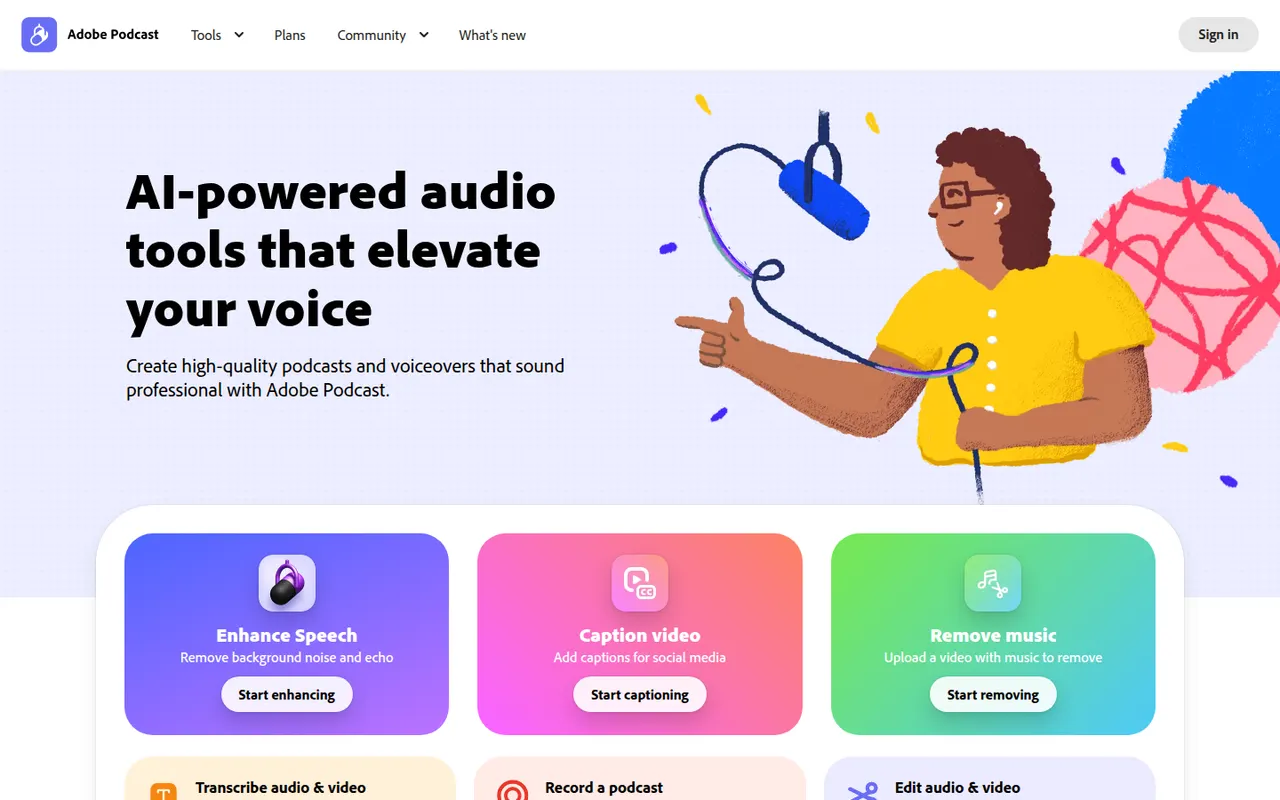
Cost / LicenseFreeProprietaryCategoriesAdobe Podcast is a set of web-based AI audio tools for podcasters and video creators. Its most used tool, Enhance Speech, removes background noise and echo from voice recordings, while Mic Check helps set up microphones and Studio lets you record and edit audio by editing its transcript. Basic use is free, with higher limits in the premium plan.
8 Adobe Podcast alternativesPros
- Enhance Speech cleans up noisy voice recordings in one click
- Runs in the browser with nothing to install
- Transcript-based editing makes cutting speech as easy as editing text
Cons
- Enhanced audio can sound processed or artificial on some voices
- Free use is capped; higher limits require the premium plan
- Requires an Adobe account and uploading audio to Adobe’s servers
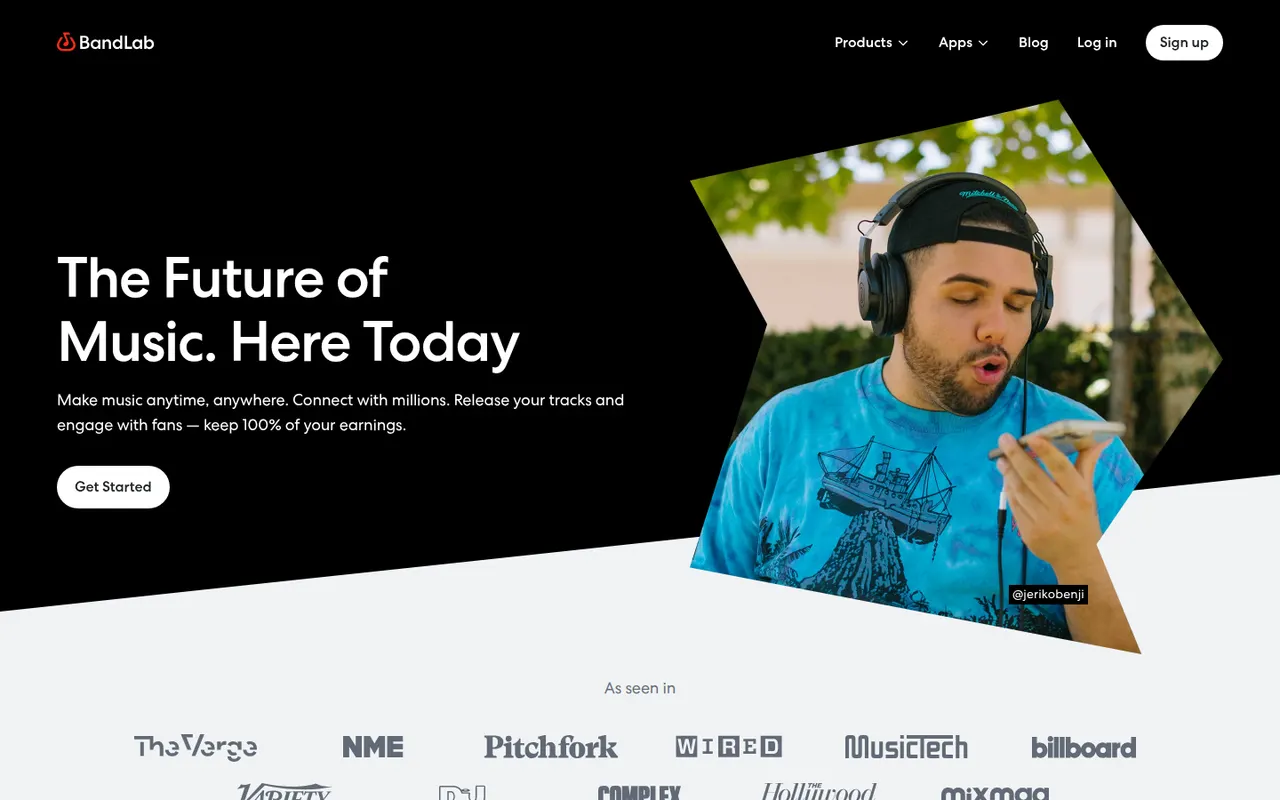
Cost / LicenseFreemiumProprietaryCategoriesPlatformsBandLab is a free, cloud-based music creation platform with a multi-track studio that works in the browser and on iOS and Android. Musicians can record, use loops and virtual instruments, collaborate on projects with others and publish songs to a built-in community. Core features are free, with an optional membership for extra tools and distribution services.
8 BandLab alternativesPros
- Free multitrack studio in the browser and on mobile
- Easy collaboration on songs with other musicians
- Built-in community to publish and discover songs
Cons
- Fewer advanced mixing and editing tools than desktop DAWs
- Cloud-based workflow depends on a good internet connection
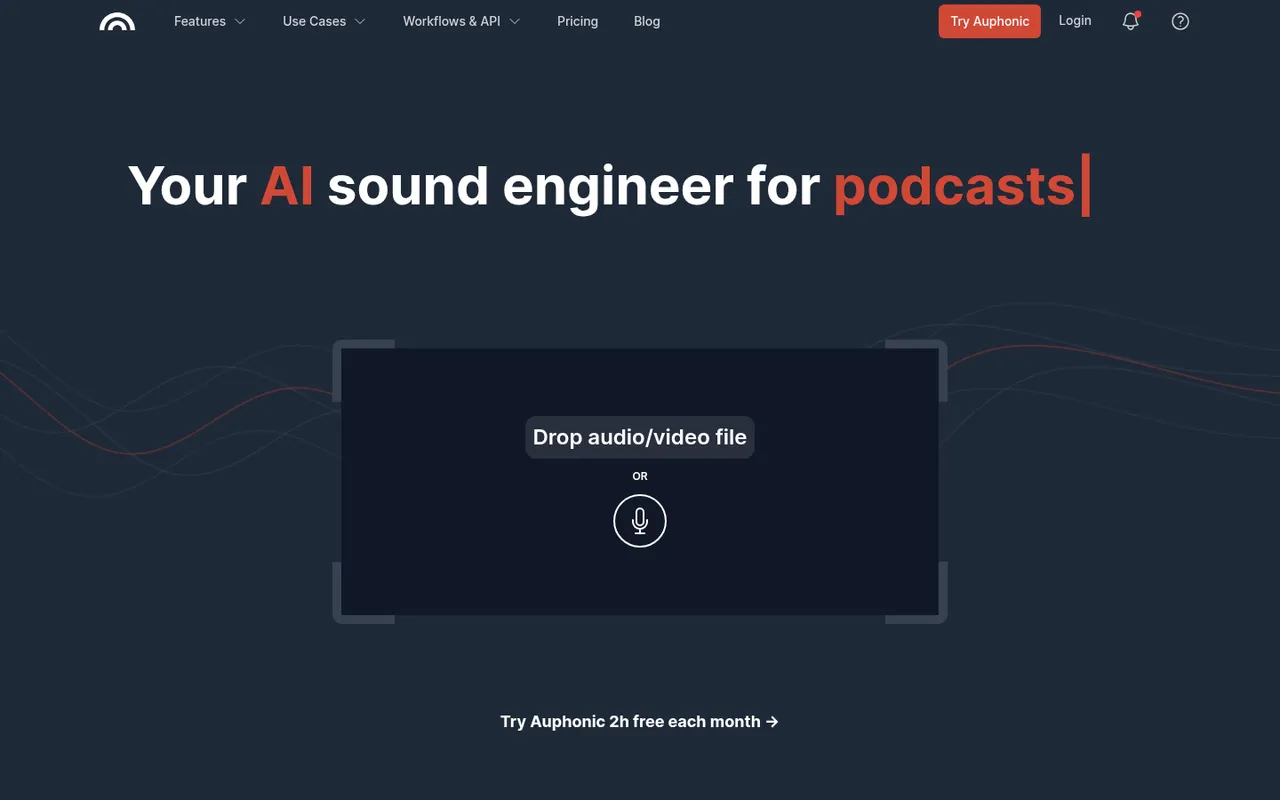
Cost / LicenseFreemiumProprietaryCategoriesAuphonic is a web service that automatically finishes spoken audio: it balances levels between speakers, normalizes loudness to broadcast and podcast standards, reduces noise and hum, and can cut filler words and silences. It also offers speech recognition, chapter marks, direct publishing to hosting services and an API. A monthly amount of free processing time is included.
8 Auphonic alternativesPros
- Automatically levels speakers and normalizes loudness to podcast standards
- Takes repetitive post-production off your plate for recurring shows
- API and direct publishing fit into automated podcast workflows
Cons
- Little manual control compared with editing audio yourself in a DAW
- Free processing time is limited each month
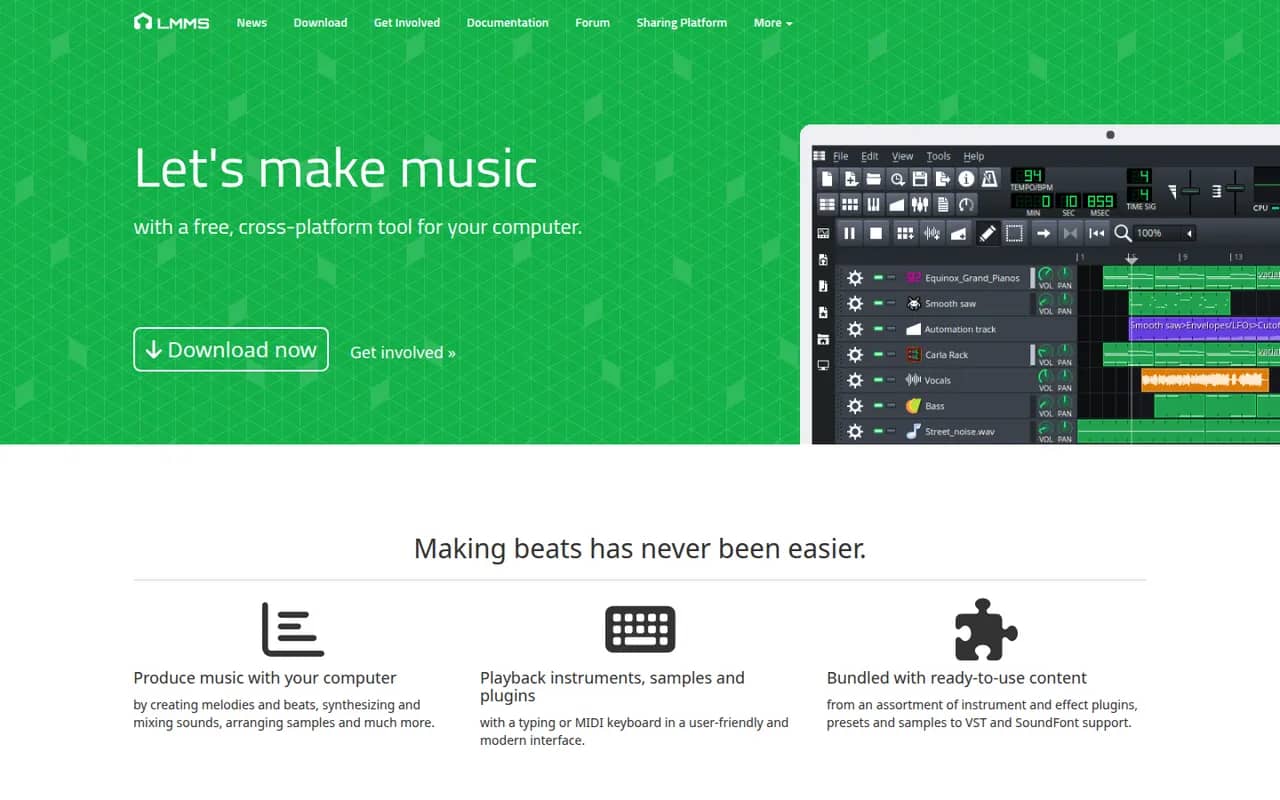
Cost / LicenseFreemiumProprietaryCategoriesPlatformsLMMS is a free, open source digital audio workstation for composing music on Windows, macOS and Linux. It provides a song editor, a beat and bassline editor, a piano roll and built-in synthesizers and samplers, and it can load VST instruments on Windows and Linux. It is a common starting point for beginners and hobbyists who want a no-cost alternative to FL Studio.
8 LMMS alternativesPros
- Free and open source on Windows, macOS and Linux
- Beat and bassline editor and piano roll suit electronic music beginners
- Built-in synthesizers and samplers to start without extra plugins
Cons
- Audio recording is very limited, as it focuses on sequencing
- VST instruments are not supported on macOS
- Interface feels dated next to commercial DAWs
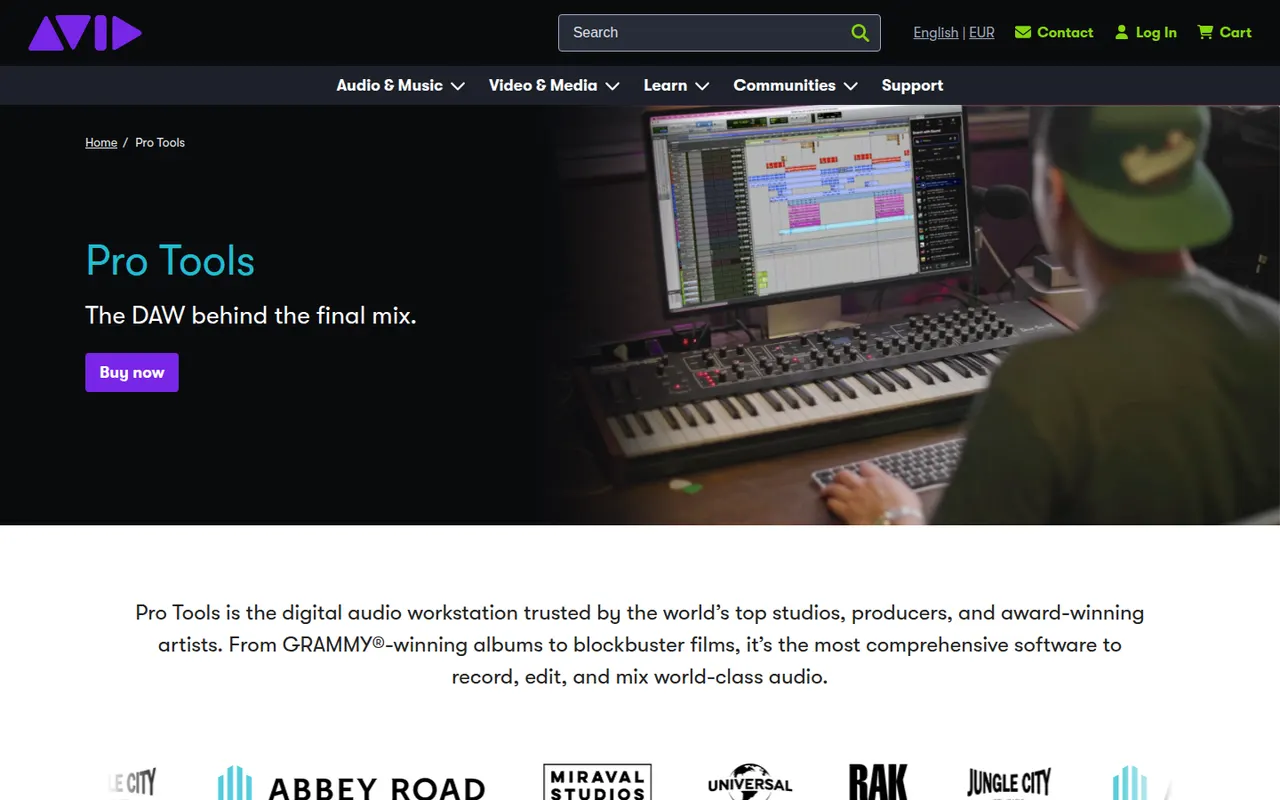
Cost / LicenseFreeOpen sourceCategoriesPro Tools is Avid's digital audio workstation, long established in recording studios and in film and television post-production. It covers multitrack recording, precise audio editing, MIDI and mixing up to Dolby Atmos, and works with Avid control surfaces and AAX plugins. It runs on Windows and macOS, with a free Pro Tools Intro edition and Artist, Studio and Ultimate subscriptions.
6 Pro Tools alternativesPros
- Industry standard in recording studios and post-production
- Precise audio editing and a mature mixing workflow
- Tight integration with Avid control surfaces and Dolby Atmos mixing
Cons
- Paid editions are expensive, especially Studio and Ultimate
- Supports AAX plugins only, not VST
- The free Intro edition is limited in tracks and features
Cost / LicenseFreemiumProprietaryCategoriesRiverside is an online studio for recording podcasts, interviews and video shows with remote guests. Each participant is recorded locally in high quality, so unstable connections do not ruin the result, and files upload progressively. It adds transcription, a text-based editor, background noise removal, AI clips for social media and live streaming, on the web and mobile apps.
7 Riverside alternativesPros
- Local recording keeps quality high even on shaky connections
- Transcript-based editor and AI clips speed up publishing
- Guests join from a browser link or the mobile app
Cons
- Advanced editing and AI features are reserved for paid plans
- Guests must stay connected until their local recording finishes uploading
Cost / LicenseFreemiumProprietary











Audacity vs its alternatives at a glance
Pricing, platforms and the key features of Audacity, compared with its most popular alternatives.
| App | Pricing | Platforms | Multi-track timeline | Noise cancellation | Remote podcast recording | VST plugins |
|---|---|---|---|---|---|---|
 Audacity Audacity | FreeOpen source | Windows, Mac, Linux | ||||
 ocenaudio ocenaudio | Free | Windows, Mac, Linux | ||||
 GarageBand GarageBand | Free | Mac, iPhone | ||||
 Adobe Podcast Adobe Podcast | Freemium | Web | ||||
 BandLab BandLab | Freemium | Web, iPhone, Android | ||||
 Auphonic Auphonic | Freemium | Web |
Audacity alternatives: frequently asked questions
What is the best alternative to Audacity?
The most popular alternative to Audacity is ocenaudio: Free and easy audio editor with real-time effect preview. Other great alternatives are GarageBand, Adobe Podcast, BandLab, and Auphonic.
Is there a free alternative to Audacity?
Yes, 8 alternatives are free or have a free plan, including ocenaudio, GarageBand, Adobe Podcast, and BandLab.
Is there an open source alternative to Audacity?
Yes, one open source alternative is listed: LMMS.
Is Audacity free?
Yes, Audacity is free to use.
Compare Audacity with its alternatives


Sponsored listings and products made by the publisher of this site are always labeled. How we rank · Know a good alternative? Submit it