
Free Camtasia alternatives
Top Screen Recording like Camtasia
The most popular alternative to Camtasia is OBS Studio, which has a free version. Other great alternatives to Camtasia are Descript, Loom, Bandicam, and Filmora.
Most alternatives to Camtasia are in the Screen Recording category, compared here by price, platform and features.
All Camtasia alternatives
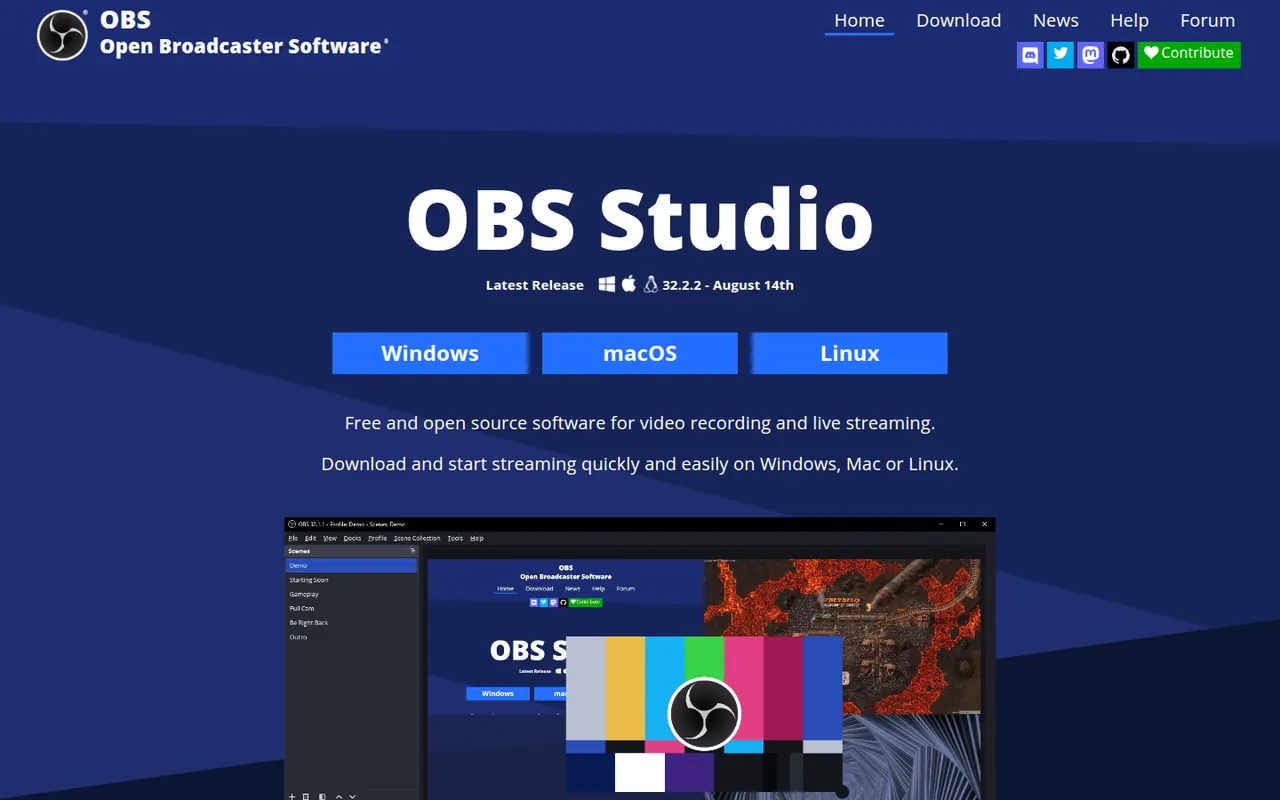
OBS Studio is a free, open source app for recording and live streaming video from your screen, cameras, games and other sources. Scenes can mix multiple sources with audio filters, transitions and chroma key, and it streams to platforms like Twitch and YouTube. Widely used by streamers and educators, it runs on Windows, macOS and Linux and can be extended with plugins.
8 OBS Studio alternativesPros
- Free and open source, with no watermark or time limits
- Scenes mix screens, cameras and media with filters and transitions
- Streams to Twitch, YouTube and more, and is extensible with plugins
Cons
- Steep learning curve for first-time users
- No built-in editor for trimming recordings
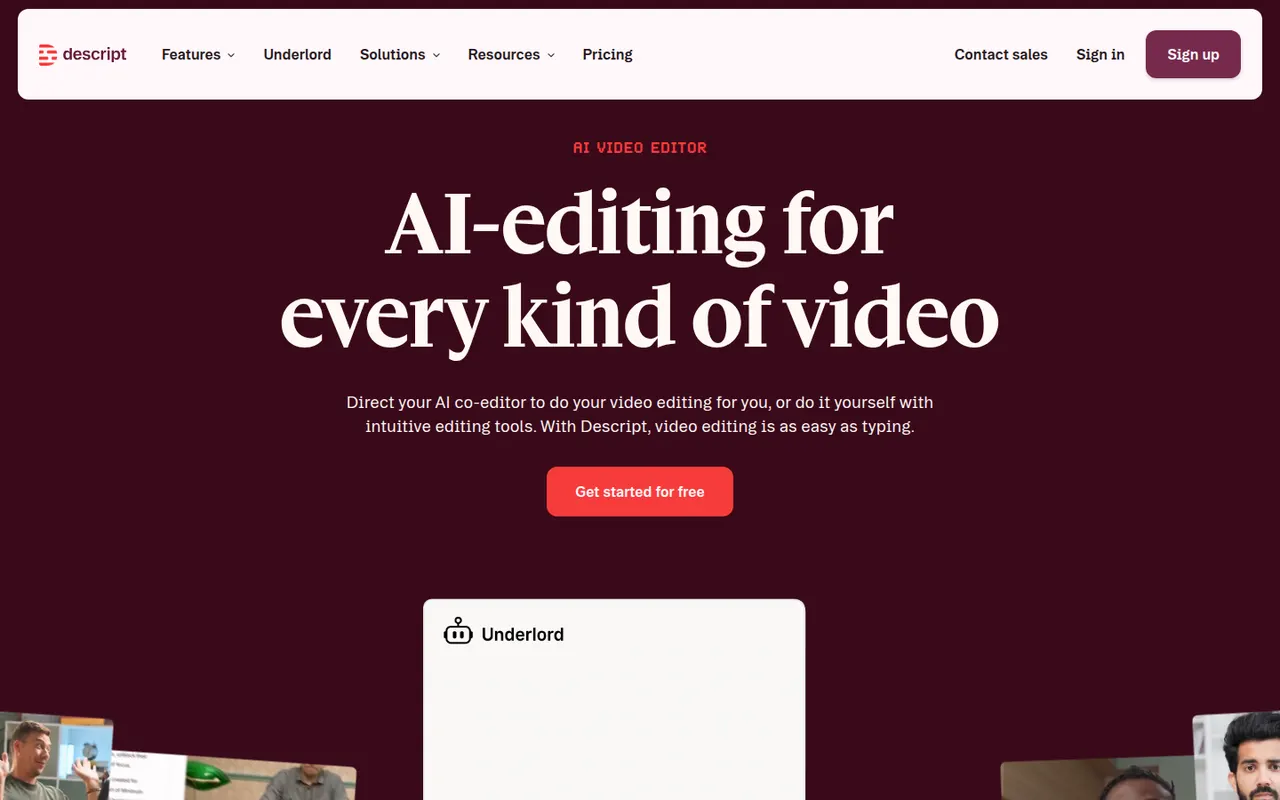
Cost / LicenseFreeOpen sourceCategoriesDescript transcribes your recordings so you can cut video and audio like a text document, with screen recording, overdub and AI cleanup tools.
17 Descript alternativesPros
- Edit audio and video by editing the transcript like a document
- Filler word removal and AI cleanup speed up podcast editing
- Screen recording and team collaboration built in
Cons
- Less precise than a traditional timeline for complex edits
- Transcription hours and AI features are capped on lower plans
- Can be slow with long or high-resolution projects
Cost / LicenseFreemiumProprietaryCategoriesLoom lets you record your screen, camera and voice and share the result instantly as a link, replacing meetings and long written explanations. Viewers can comment and react, and Loom AI generates titles, summaries and chapters. Part of Atlassian since 2023, it works through desktop and mobile apps, a Chrome extension and integrations with tools like Slack, Jira and Notion.
12 Loom alternativesPros
- Record screen and camera and share instantly as a link
- AI titles, summaries and chapters save editing time
- Comments and reactions keep feedback next to the video
Cons
- The free plan limits video length and library size
- Editing is basic compared with dedicated video tools
- Per-seat pricing adds up for large teams
Cost / LicenseFreemiumProprietaryCategoriesBandicam is a Windows screen recorder known for capturing gameplay and desktop activity with a small performance impact. It can record a region or the full screen, DirectX and OpenGL games, webcams and external devices, with real-time drawing and up to 4K output. The free version adds a watermark and limits recording length; a paid license removes both.
6 Bandicam alternativesPros
- Low performance impact while recording games
- Captures DirectX and OpenGL games, webcams and external devices
- Real-time drawing on screen during recording
Cons
- Available on Windows only, with no Mac or Linux version
- The free version adds a watermark and limits recording length
- No built-in editor for trimming or effects
Cost / LicenseFreemiumProprietaryCategoriesPlatformsFilmora is a consumer video editor from Wondershare for YouTubers, educators and small businesses. It pairs a multi-track timeline with a large library of effects, templates and stock media, and adds AI tools such as auto captions, background removal, text-to-speech and audio denoising. It is available for Windows and macOS, with mobile apps; the free version adds a watermark on export.
11 Filmora alternativesPros
- Beginner-friendly interface with a gentle learning curve
- Large library of effects, templates and stock media
- AI tools for captions, background removal and audio denoising
Cons
- Free version adds a watermark to exports
- Some effects and AI features cost extra
- Not suited to complex professional projects
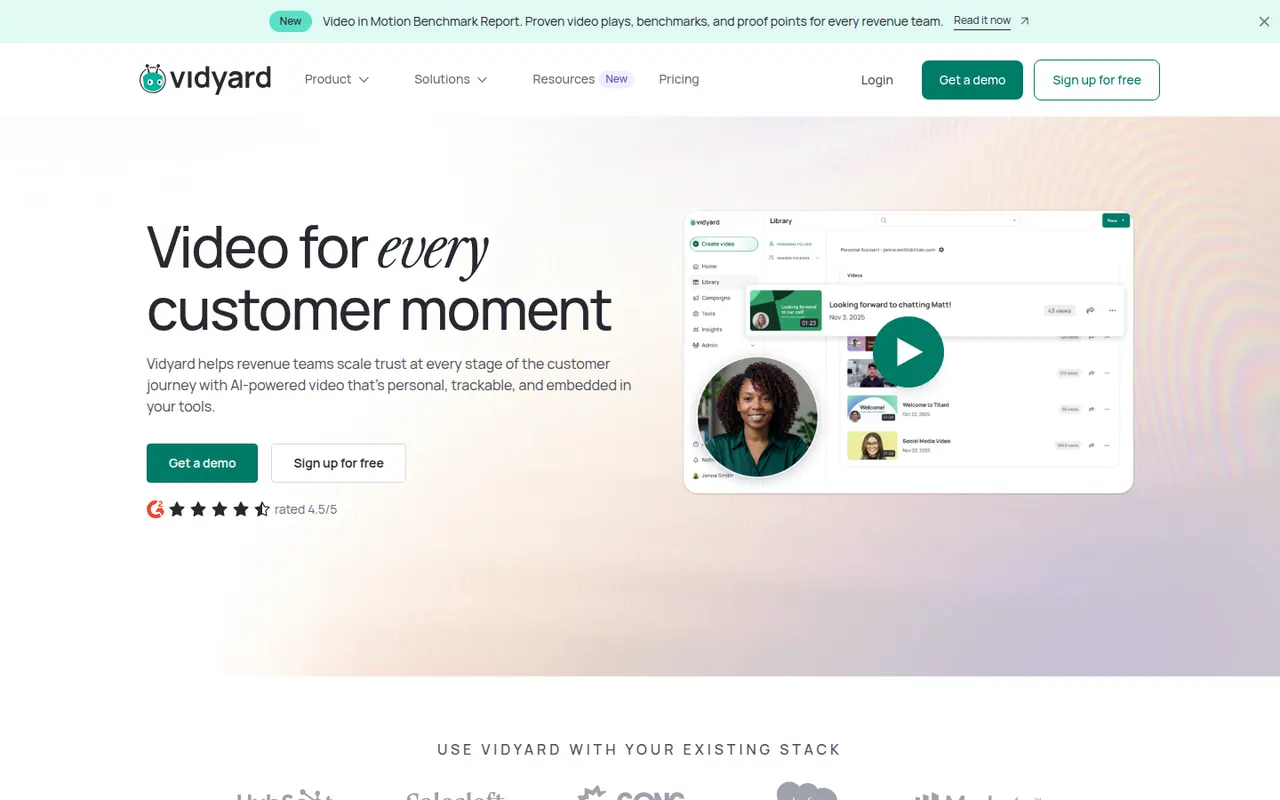
Cost / LicenseFreemiumProprietaryCategoriesVidyard helps businesses record, host and share videos, with a focus on sales outreach and marketing. Users record screen and camera messages from a browser extension or desktop app, embed them in emails, and track who watched and for how long. It integrates with CRMs such as Salesforce and HubSpot and offers a free plan for individuals alongside paid business tiers.
6 Vidyard alternativesPros
- Record screen and camera messages from a browser extension
- Shows who watched each video and for how long
- Integrates with CRMs such as Salesforce and HubSpot
Cons
- Sales-focused features are mostly in paid business tiers
- Overkill for teams that only need quick internal videos
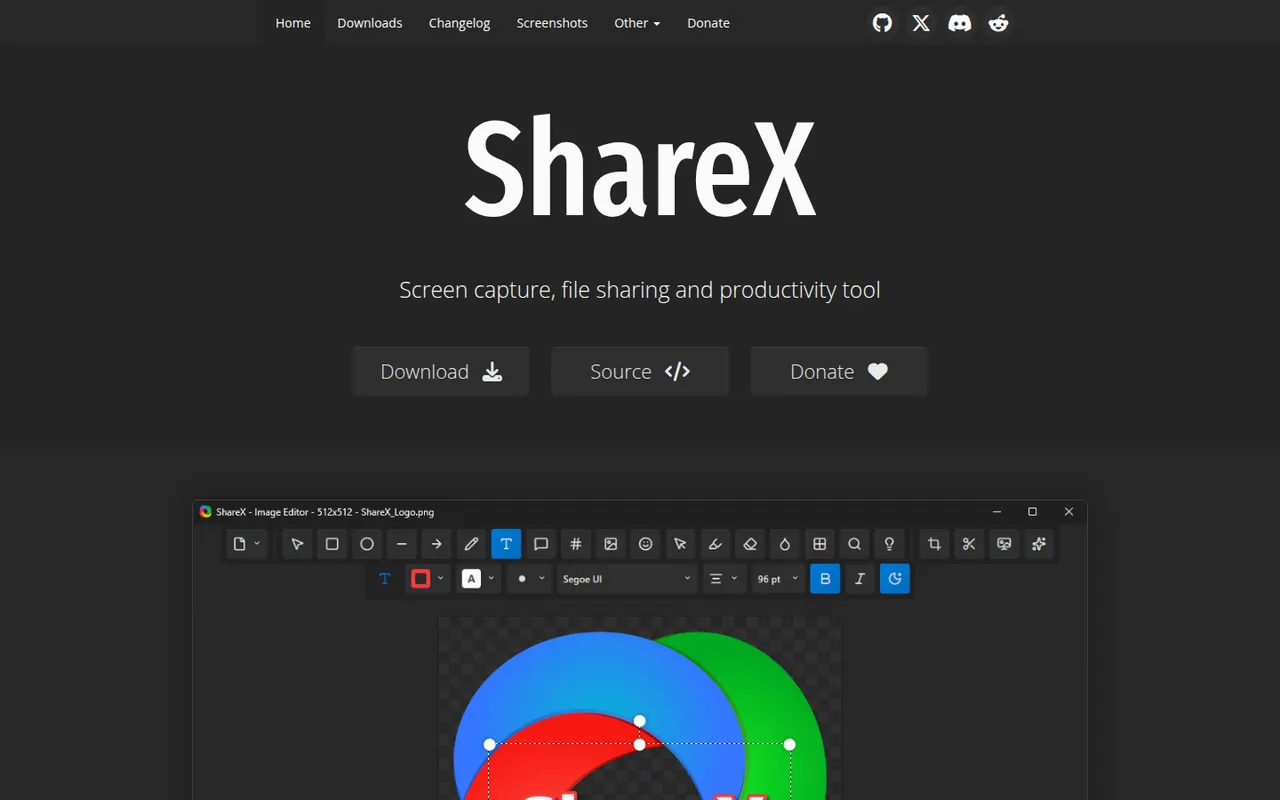
Cost / LicenseFreemiumProprietaryCategoriesPlatformsShareX is a free, open source utility for Windows that captures screenshots, scrolling pages and screen recordings, including GIFs. Captures can be annotated, run through OCR and automatically uploaded to dozens of supported destinations through customizable workflows. It is popular with power users for its depth of options and has no ads.
7 ShareX alternativesPros
- Free, open source and ad-free
- Custom workflows upload captures to dozens of destinations
- Screenshots, scrolling captures, GIFs and OCR in one tool
Cons
- Available on Windows only, with no Mac or Linux version
- Dense settings can overwhelm casual users
Cost / LicenseFreeOpen sourceCategoriesPlatforms














Camtasia vs its alternatives at a glance
Pricing, platforms and the key features of Camtasia, compared with its most popular alternatives.
| App | Pricing | Platforms | Green screen | Multi-track timeline | Screen annotation | Templates | Webcam overlay |
|---|---|---|---|---|---|---|---|
 Camtasia Camtasia | Free trial | Windows, Mac | |||||
 OBS Studio OBS Studio | FreeOpen source | Windows, Mac, Linux | |||||
 Descript Descript | Freemium | Web, Windows, Mac | |||||
 Loom Loom | Freemium | Web, Windows, Mac, iPhone, Android, Browser extension | |||||
 Bandicam Bandicam | Freemium | Windows | |||||
 Filmora Filmora | Freemium | Windows, Mac, iPhone, Android |
Camtasia alternatives: frequently asked questions
What is the best alternative to Camtasia?
The most popular alternative to Camtasia is OBS Studio: Free, open source software for screen recording and live streaming. Other great alternatives are Descript, Loom, Bandicam, and Filmora.
Is there a free alternative to Camtasia?
Yes, 7 alternatives are free or have a free plan, including OBS Studio, Descript, Loom, and Bandicam.
Is there an open source alternative to Camtasia?
Yes, 2 open source alternatives are listed, including OBS Studio and ShareX.
Is Camtasia free?
Camtasia is a paid app that offers a free trial.
Compare Camtasia with its alternatives


Sponsored listings and products made by the publisher of this site are always labeled. How we rank · Know a good alternative? Submit it