
Free WeTransfer alternatives
Top Cloud Storage & File Sharing like WeTransfer
The most popular alternative to WeTransfer is Dropbox, which has a free version. Other great alternatives to WeTransfer are Google Drive, Proton Drive, MEGA, and pCloud.
Most alternatives to WeTransfer are in the Cloud Storage & File Sharing category, compared here by price, platform and features.
All WeTransfer alternatives
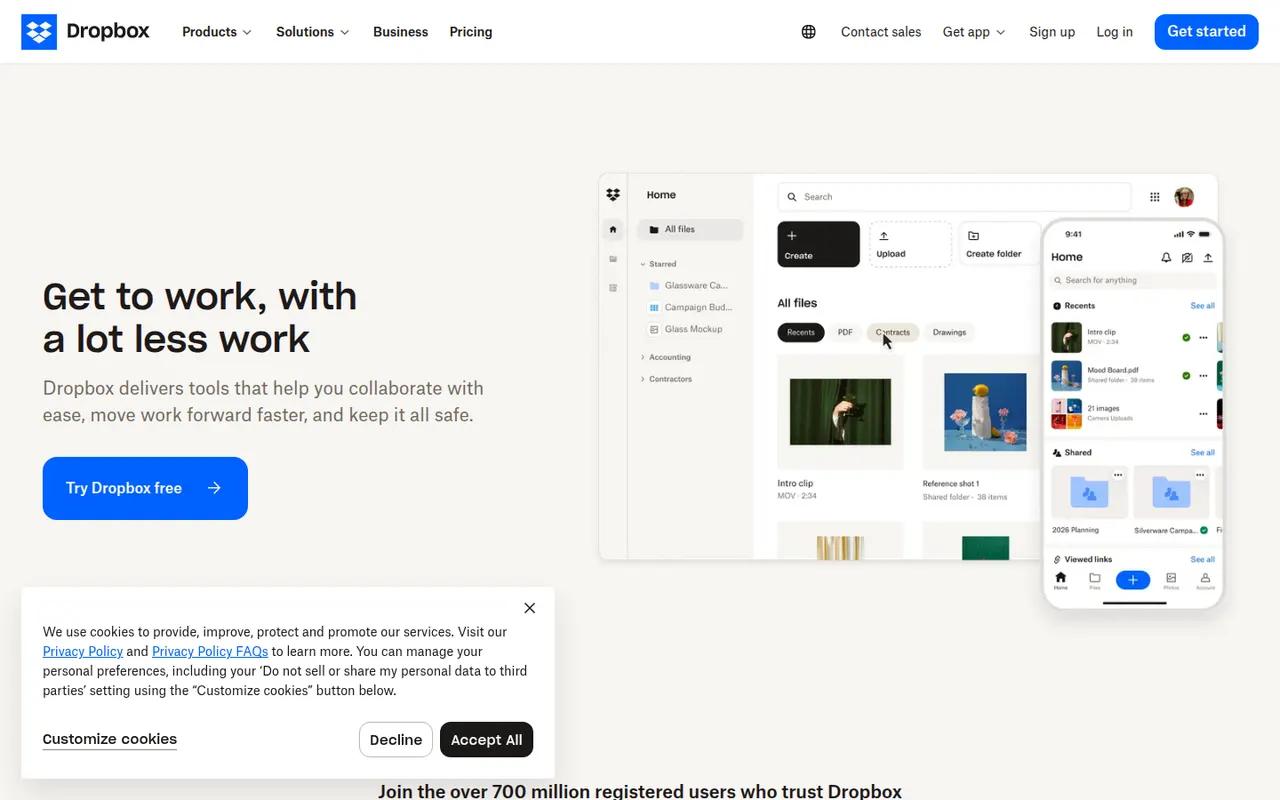
Dropbox keeps a folder in sync across your devices and lets you share files or folders with a link, including with people who have no account. It runs on Windows, macOS and Linux as well as mobile, keeps previous versions of files and can back up phone photos automatically. Paid plans add more storage, large file transfers and team administration.
12 Dropbox alternativesPros
- Reliable, fast sync across Windows, macOS, Linux and mobile
- Share files by link, even with people who have no account
- Version history and automatic photo backup included
Cons
- The free plan offers little storage and limits linked devices
- Files are not end-to-end encrypted on standard plans
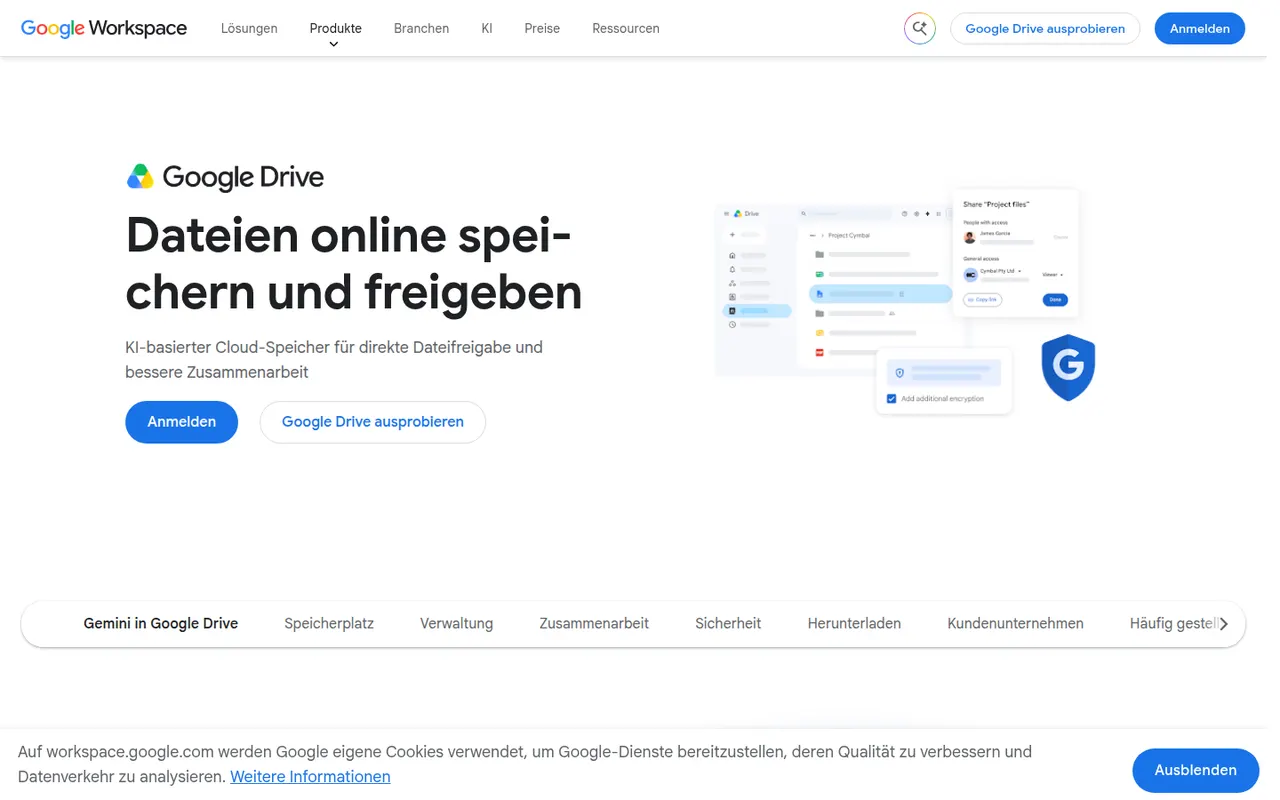
Cost / LicenseFreemiumProprietaryCategoriesGoogle Drive is Google's file storage and sync service, included with every Google account and shared with Gmail and Google Photos. Files can be shared by link or with specific people, and documents open directly in Google Docs, Sheets and Slides for real-time co-editing. Desktop apps for Windows and Mac can mirror folders or stream files on demand.
12 Google Drive alternativesPros
- Real-time co-editing in Google Docs, Sheets and Slides
- Free storage included with every Google account
- Strong search across files, including text inside PDFs and images
Cons
- Free storage is shared with Gmail and Google Photos
- No official desktop client for Linux
- No end-to-end encryption for personal accounts
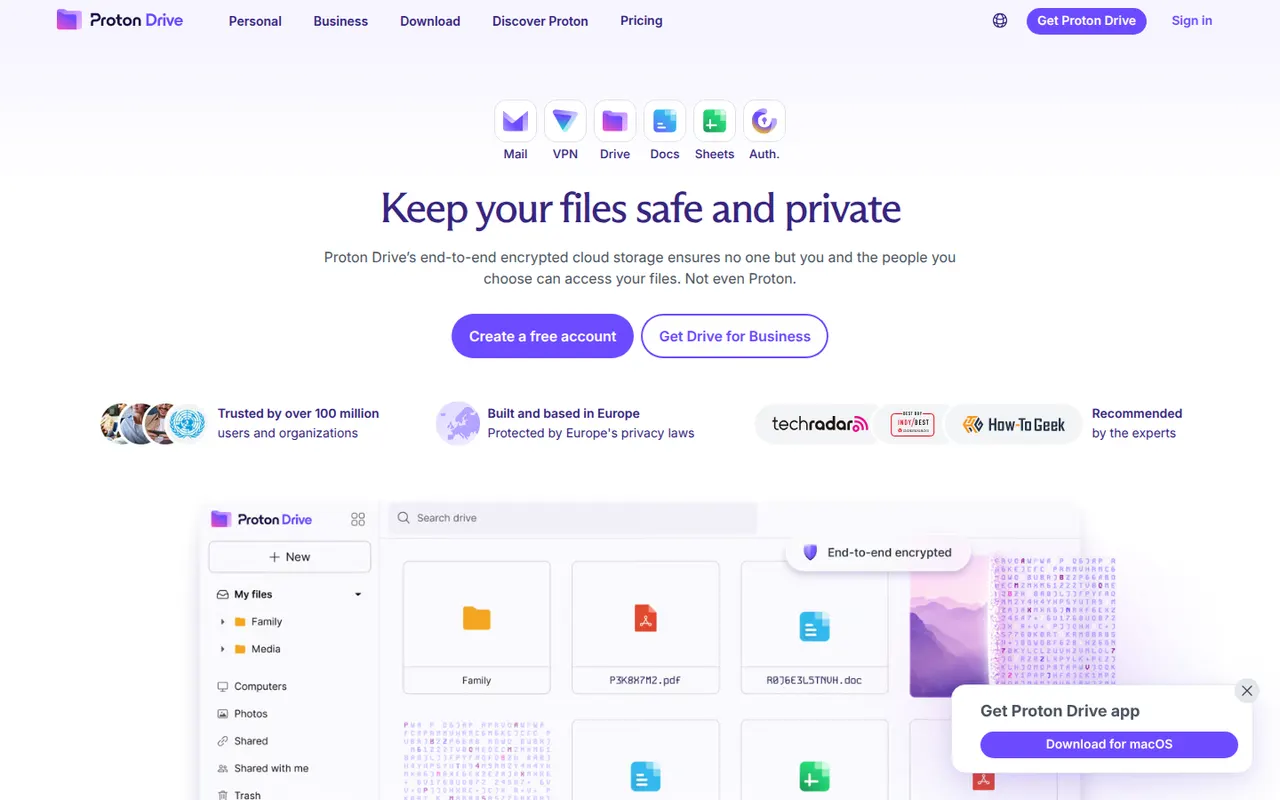
Cost / LicenseFreemiumProprietaryCategoriesProton Drive is the encrypted cloud storage service of Proton, the Swiss company behind Proton Mail. Files and file names are end-to-end encrypted, the apps are open source and files can be shared through password-protected links. It offers desktop sync on Windows and macOS, mobile photo backup and a free plan, with more space in Proton's paid bundles.
12 Proton Drive alternativesPros
- Files and file names are end-to-end encrypted
- Open source apps from a Swiss privacy-focused company
- Password-protected share links and mobile photo backup
Cons
- No desktop app for Linux
- Fewer third-party app integrations than mainstream clouds
- The free plan offers limited storage
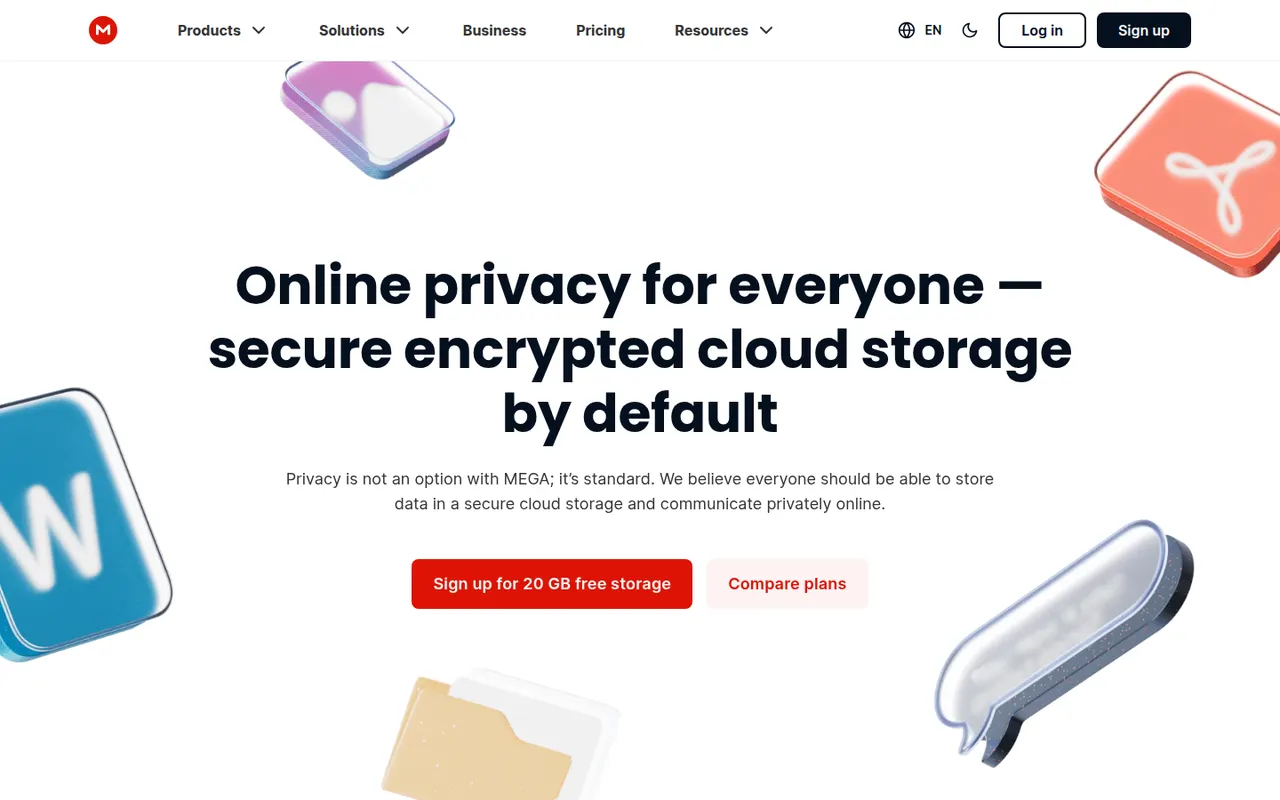
Cost / LicenseFreemiumOpen sourceCategoriesMEGA is a cloud storage service from New Zealand that encrypts files on your device before upload, with keys derived from your password. It offers sync clients for Windows, macOS and Linux, mobile apps with camera uploads, encrypted share links and built-in chat and video meetings. A free plan is available alongside paid plans with more storage and transfer quota.
11 MEGA alternativesPros
- Files are encrypted on your device before upload
- Clients for every major desktop and mobile platform
- Built-in encrypted chat and video meetings
Cons
- Transfer quotas can slow down downloads on free accounts
- Losing both your password and recovery key means losing your data
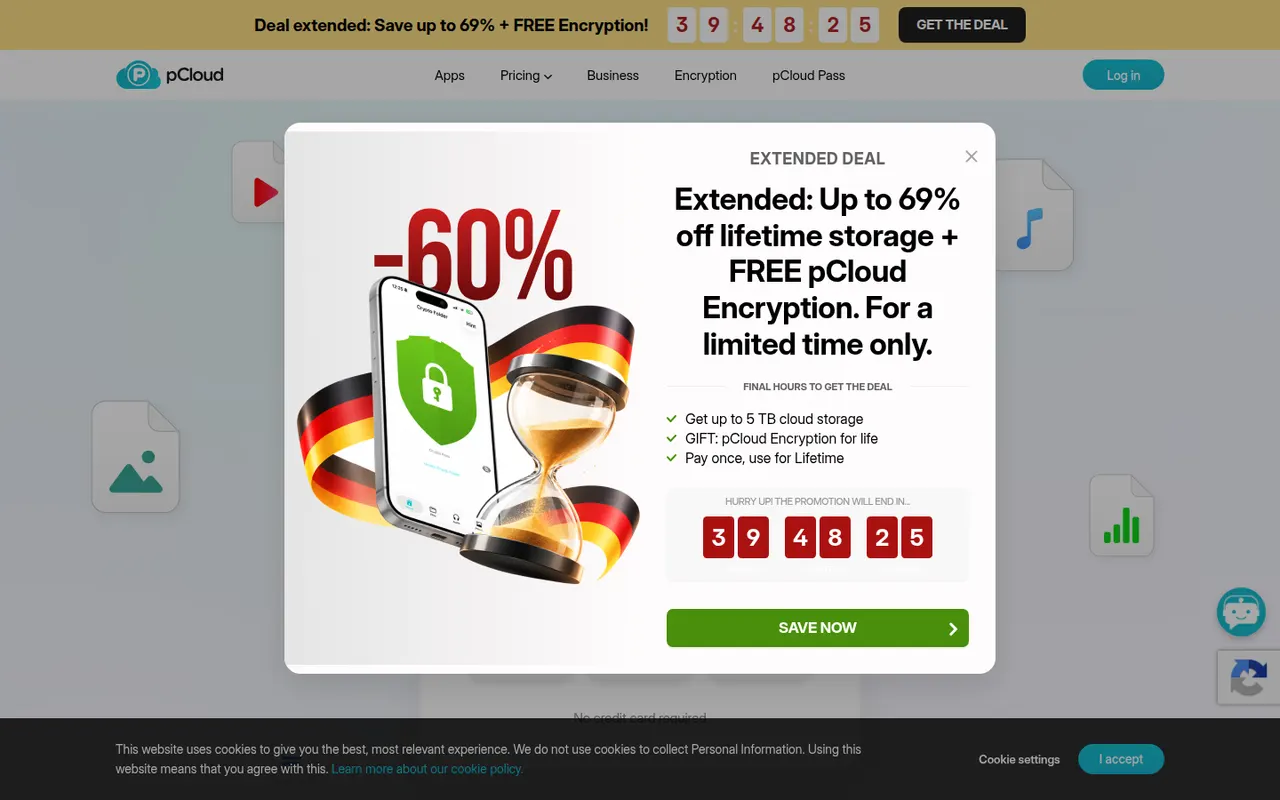
Cost / LicenseFreemiumProprietaryCategoriespCloud is a Swiss cloud storage service that mounts your storage as a virtual drive on Windows, macOS and Linux, so files stay online until you open them. It includes link sharing, automatic phone photo backup, file history and a built-in media player. The paid pCloud Encryption add-on provides client-side encryption, and storage is sold as a subscription or a one-time lifetime plan.
12 pCloud alternativesPros
- Virtual drive saves local disk space on Windows, macOS and Linux
- One-time lifetime plans as an alternative to subscriptions
- Swiss provider with a built-in player for music and video
Cons
- Client-side encryption is a paid add-on
- Collaboration and office editing are limited next to Google Drive or OneDrive
Cost / LicenseFreemiumProprietaryCategoriesOneDrive is Microsoft's file storage service, built into Windows and included with Microsoft 365 subscriptions. It syncs folders across devices, can back up the Desktop, Documents and Pictures folders, and lets several people edit Word, Excel and PowerPoint files at the same time. A Personal Vault adds an extra verification step for sensitive files.
12 OneDrive alternativesPros
- Built into Windows and File Explorer, with files on demand
- Real-time co-editing of Word, Excel and PowerPoint files
- Storage comes bundled with Microsoft 365 subscriptions
Cons
- Windows nudges you into folder backup, which can relocate files unexpectedly
- No official Linux client
- The free plan offers little storage
Cost / LicenseFreemiumProprietaryCategoriesBox is a cloud storage and file sharing platform aimed at companies that need control over their documents. It offers granular permissions, version history, single sign-on, compliance tooling and integrations with Microsoft 365, Google Workspace, Slack and many business apps, plus Box AI for asking questions about stored content. A free individual plan is available.
10 Box alternativesPros
- Granular permissions and compliance tools for regulated companies
- Integrates with Microsoft 365, Google Workspace, Slack and many business apps
- Box AI answers questions about stored documents
Cons
- The free plan is limited in storage and file upload size
- Aimed at businesses, less appealing for personal use
- Many admin and security features sit in higher-tier plans
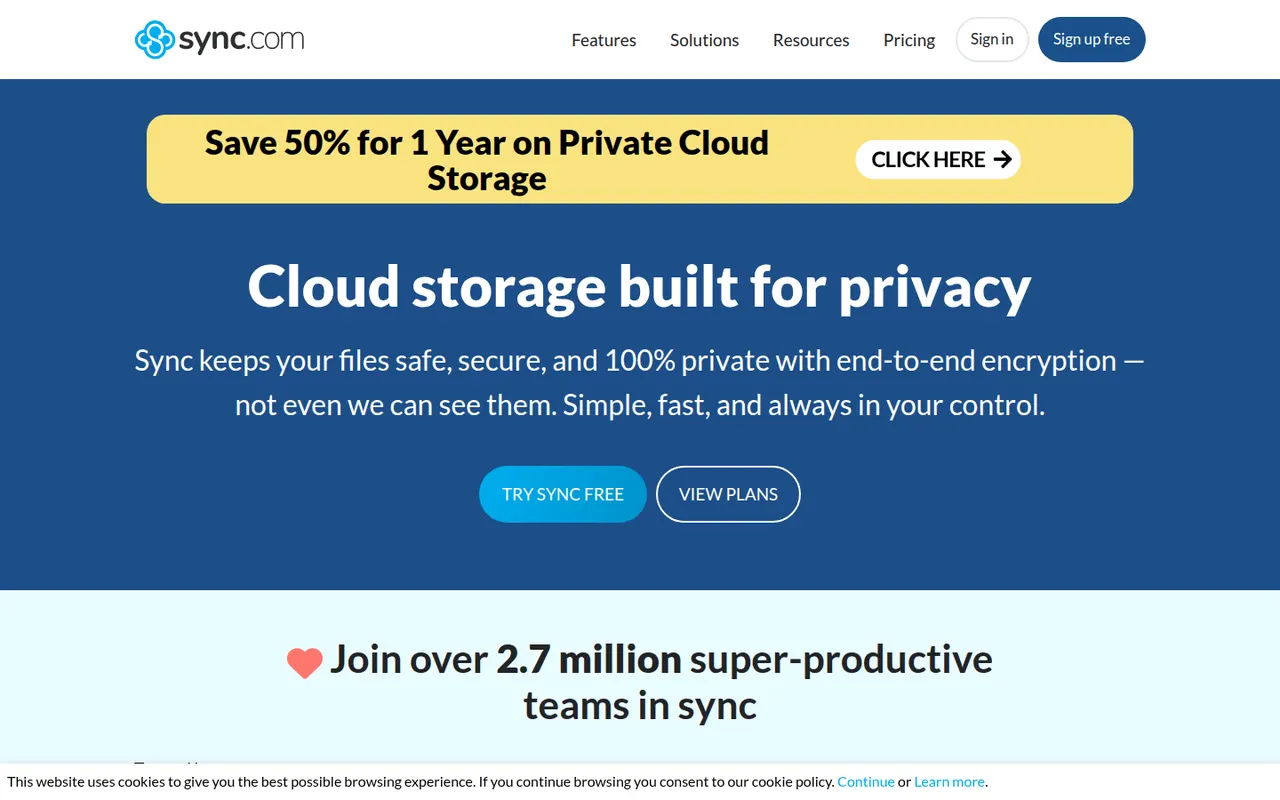
Cost / LicenseFreemiumProprietaryCategoriesSync.com is a Canadian cloud storage service with end-to-end encryption, which means the company cannot read the files you store. It syncs folders on Windows and macOS, backs up photos from iOS and Android, keeps previous file versions and offers share links with optional passwords and expiry dates. Business plans add team folders and admin controls.
11 Sync.com alternativesPros
- Zero-knowledge encryption means the provider cannot read your files
- Share links with optional passwords and expiry dates
- Version history and photo backup from iOS and Android
Cons
- No desktop client for Linux
- Syncing and uploads can be slower than with mainstream services
- Few integrations with third-party apps
Cost / LicenseFreemiumProprietaryCategories















WeTransfer vs its alternatives at a glance
Pricing, platforms and the key features of WeTransfer, compared with its most popular alternatives.
| App | Pricing | Platforms | Large file transfer | Link sharing | Mobile app |
|---|---|---|---|---|---|
 WeTransfer WeTransfer | Freemium | Web, iPhone, Android | |||
 Dropbox Dropbox | Freemium | Web, Windows, Mac, Linux, iPhone, Android | |||
 Google Drive Google Drive | Freemium | Web, Windows, Mac, iPhone, Android | |||
 Proton Drive Proton Drive | FreemiumOpen source | Web, Windows, Mac, iPhone, Android | |||
 MEGA MEGA | Freemium | Web, Windows, Mac, Linux, iPhone, Android, Browser extension | |||
 pCloud pCloud | Freemium | Web, Windows, Mac, Linux, iPhone, Android |
WeTransfer alternatives: frequently asked questions
What is the best alternative to WeTransfer?
The most popular alternative to WeTransfer is Dropbox: File sync and sharing across computers, phones and the web. Other great alternatives are Google Drive, Proton Drive, MEGA, and pCloud.
Is there a free alternative to WeTransfer?
Yes, 8 alternatives are free or have a free plan, including Dropbox, Google Drive, Proton Drive, and MEGA.
Is there an open source alternative to WeTransfer?
Yes, one open source alternative is listed: Proton Drive.
Is WeTransfer free?
WeTransfer has a free plan, with paid plans that unlock more features.
Compare WeTransfer with its alternatives


Sponsored listings and products made by the publisher of this site are always labeled. How we rank · Know a good alternative? Submit it