Apps with AI image editing
13 apps
Top AI image editing apps ranked by the community
Midjourney is a text-to-image service from the independent research lab of the same name, used through its web app or a Discord bot. It produces detailed, stylized images and offers variations, upscaling, an editor for repainting or extending images, and style and character references to keep a consistent look. It can also animate images into short videos. Access requires a paid subscription.
12 Midjourney alternativesPros
- Distinctive, polished artistic style with strong aesthetics
- Style and character references keep a consistent look
- Editor repaints or extends images, which can also be animated
Cons
- No free plan: a paid subscription is required
- Images are public by default, and private mode needs a higher tier
Cost / LicensePaidProprietaryCategoriesPlatformsStable Diffusion is a family of text-to-image models released by Stability AI with downloadable weights. Because they run locally on a capable GPU, a large ecosystem has grown around them: interfaces such as ComfyUI and AUTOMATIC1111, fine-tuned community models, LoRAs and ControlNet. Recent versions use the Stability AI Community License, and Stability also sells hosted API access.
9 Stable Diffusion alternativesPros
- Downloadable weights run locally, offline and in private
- Huge ecosystem of interfaces, community models, LoRAs and ControlNet
- Deeply customizable, from fine-tuning to precise pose control
Cons
- Needs a capable GPU and some technical setup
- Raw results take more prompt work than polished hosted services
- Recent versions use a license that restricts larger commercial users
Cost / LicenseFreemiumSource availableCategoriesPlatformsLeonardo.Ai is an AI image generation platform, owned by Canva since 2024, that offers its own models alongside third-party ones. It covers prompt-based generation with style and character references, a canvas editor for inpainting and outpainting, upscaling, custom model training and short video generation. Free tokens are granted daily, and paid plans add more tokens, private generations and API access.
10 Leonardo.Ai alternativesPros
- Daily free tokens make it easy to try without paying
- Canvas editor handles inpainting and outpainting
- Custom model training for consistent styles or characters
Cons
- Token costs vary by model and settings, which can be confusing
- Private generations and API access require a paid plan
Cost / LicenseFreemiumProprietaryCategoriesIdeogram is an AI image generator designed to render readable text inside images, which makes it useful for posters, logos, packaging, thumbnails and social graphics. Besides text-to-image with style presets and style references, it offers Magic Prompt to expand short ideas, a canvas for editing and extending images, upscaling and an API. A limited free tier is available.
11 Ideogram alternativesPros
- Renders legible, well-placed text inside generated images
- Magic Prompt turns a short idea into a detailed prompt
- Canvas for editing, extending and upscaling images
Cons
- Free tier is tight, and private generations need a paid plan
- Editing tools are lighter than those of full design suites
- No Android app, only the web and iPhone
Cost / LicenseFreemiumProprietaryCategoriesAdobe Firefly is Adobe's family of generative AI models and the app that hosts them. It creates images, vectors and video from text prompts, with style and structure references, and powers features like Generative Fill in Photoshop and Adobe Express. Adobe trains its Firefly models on licensed content and presents them as suitable for commercial use. It runs on the web and mobile, with monthly generative credits.
12 Adobe Firefly alternativesPros
- Trained on licensed content and positioned for commercial use
- Powers Generative Fill in Photoshop and Adobe Express
- Creates images, vectors and video from text prompts
Cons
- Monthly generative credits limit heavy use
- Gets most of its value from a Creative Cloud subscription
- Strict content filters can block some prompts
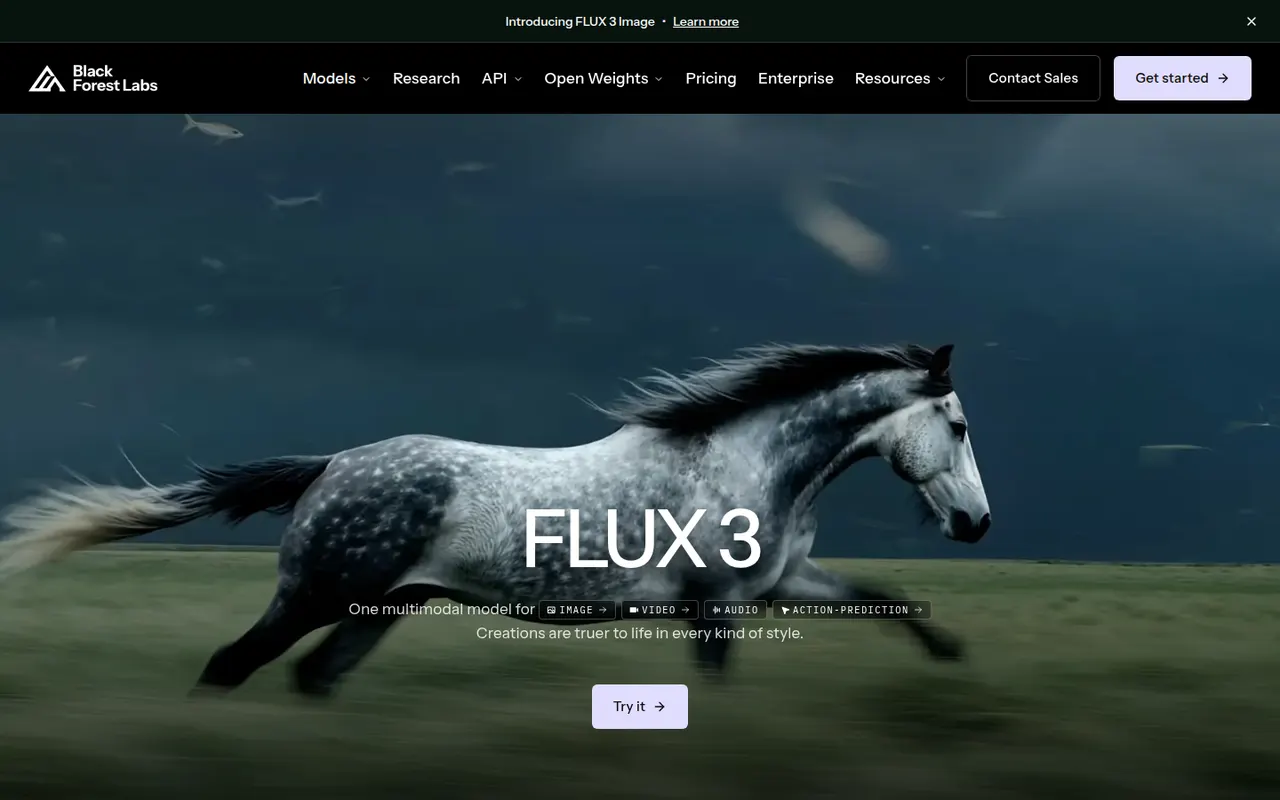
Cost / LicenseFreemiumProprietaryCategoriesFLUX is a family of image generation and editing models from Black Forest Labs, a German lab founded by former Stable Diffusion researchers. Some variants have open weights, under Apache 2.0 or a non-commercial license, and can run locally or be fine-tuned. The most capable Pro and Kontext models are offered through a paid API and many partner platforms. Kontext edits existing images from text instructions.
7 FLUX alternativesPros
- Detailed, photorealistic images that follow prompts closely
- Some variants have open weights you can run locally or fine-tune
- Kontext edits existing images from plain text instructions
Cons
- The most capable Pro models are only available through a paid API
- Running the open weights locally requires a powerful GPU
- Licenses differ by variant, and some forbid commercial use
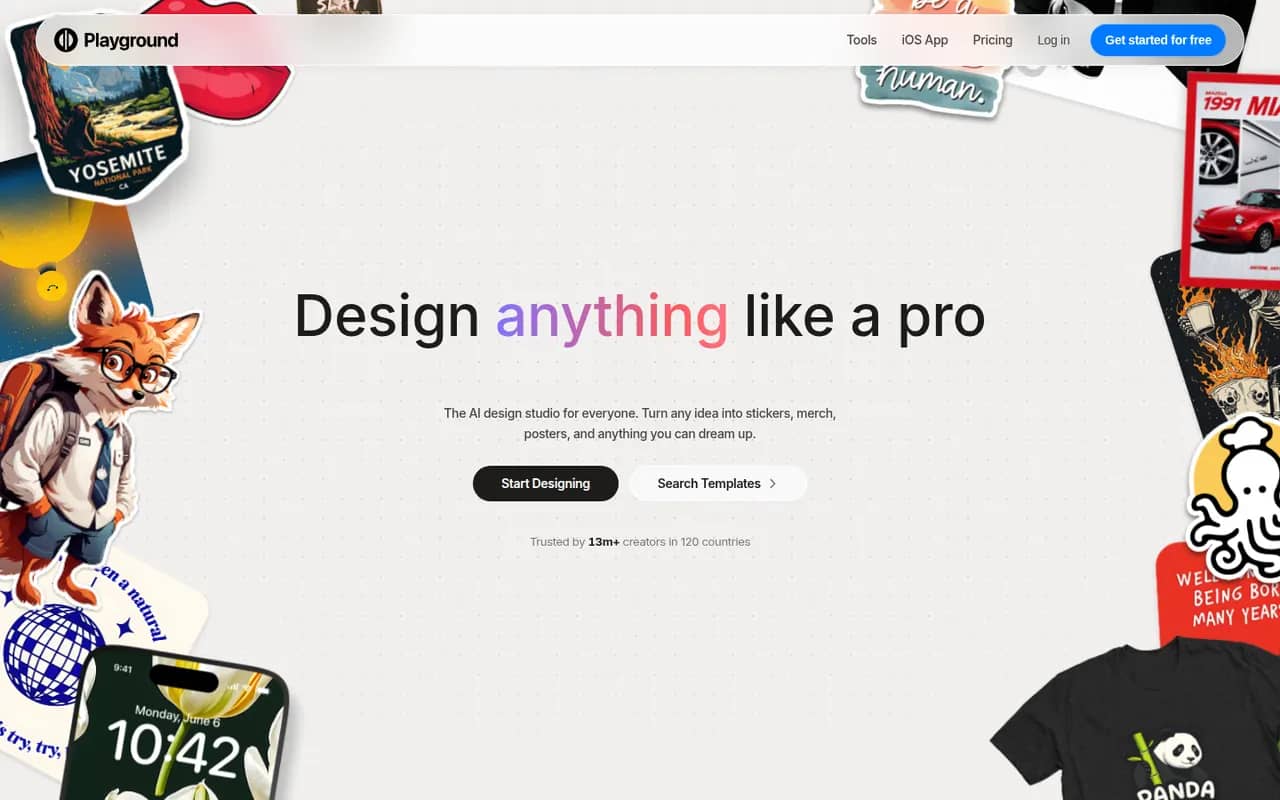
Cost / LicenseFreemiumSource availableCategoriesPlatformsPlayground is a browser-based AI tool that started as a general image generator and now focuses on graphic design. You describe what you need, such as a logo, flyer, t-shirt print or social media post, start from a template library and refine the result through chat or an editor, using an in-house model built to render text. A free plan with daily limits sits alongside paid plans.
10 Playground alternativesPros
- Template library for logos, flyers, t-shirts and social posts
- In-house model built to render text cleanly in designs
- Results can be refined through chat or in an editor
Cons
- Free plan comes with daily generation limits
- Less suited to artistic imagery since its shift to graphic design
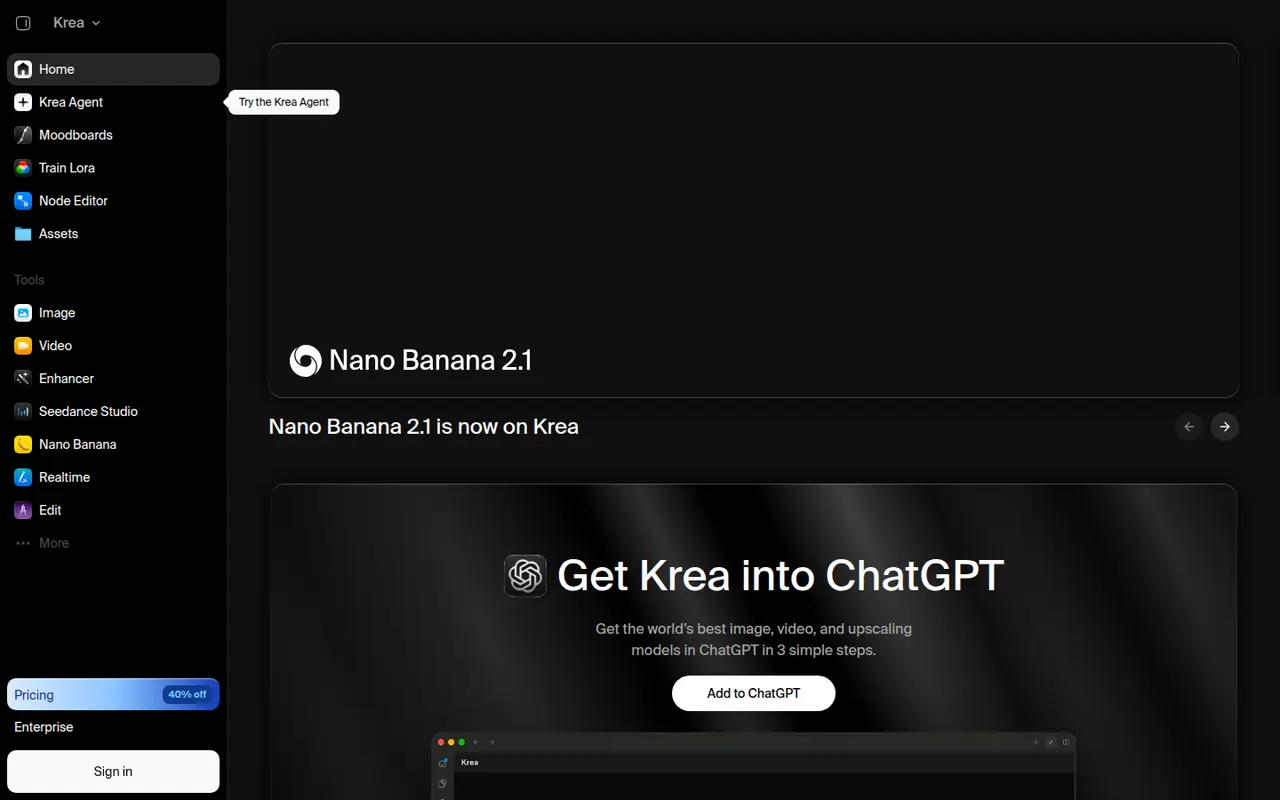
Cost / LicenseFreemiumProprietaryCategoriesPlatformsKrea is a web app for generating and editing images and video with AI. Its real-time mode updates an image as you draw or type, an enhancer upscales and adds detail, and you can train custom styles or characters from your own images. Krea also gives access to many third-party models, such as FLUX and several video models, in one interface. A free plan with limited usage is available.
8 Krea alternativesPros
- Real-time mode updates the image as you draw or type
- Enhancer upscales images and adds fine detail
- Many third-party image and video models in a single interface
Cons
- Free plan has tight usage limits
- Costs vary by model, which makes usage hard to predict
- The number of models and tools can feel overwhelming at first
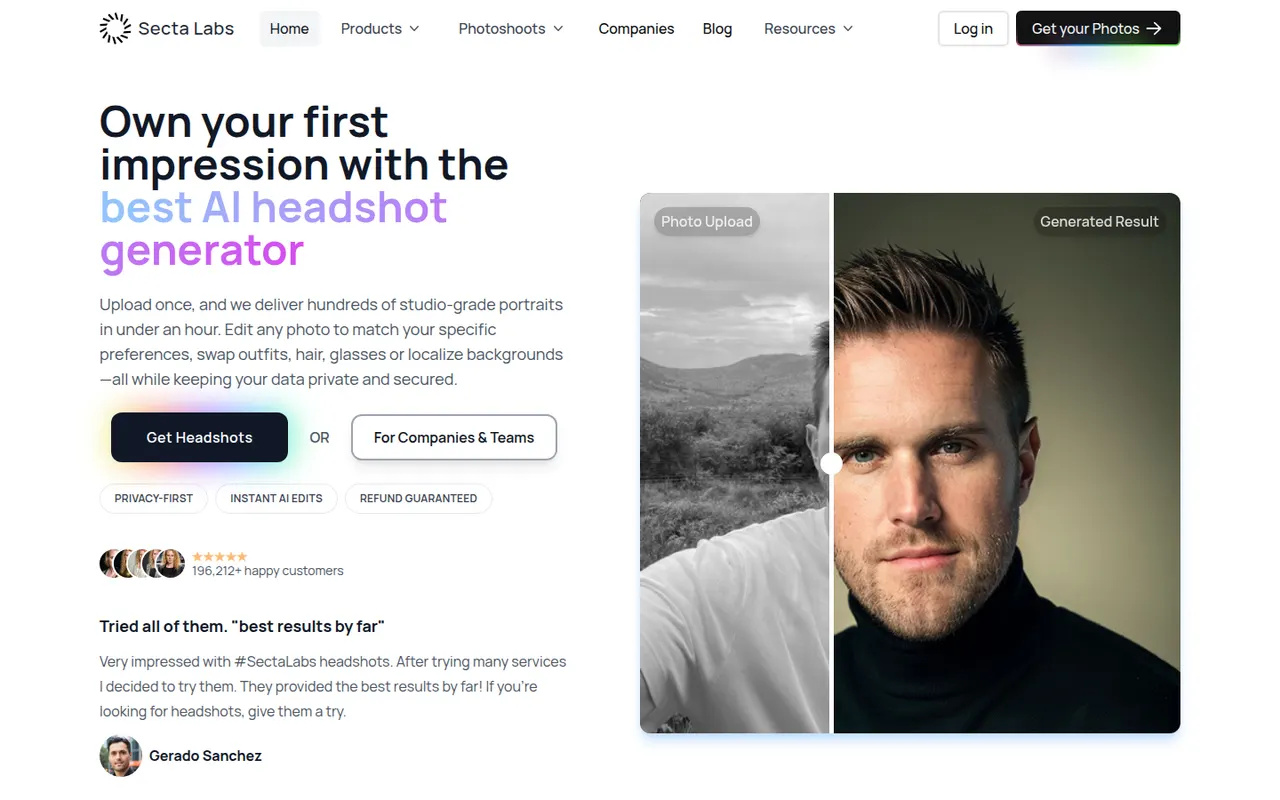
Cost / LicenseFreemiumProprietaryCategoriesPlatformsSecta AI, from Secta Labs, generates professional headshots after you upload a set of selfies. It produces a large batch of portraits in different styles, outfits and backgrounds, and includes tools to remix favorites and touch up details before downloading. It is aimed at professionals who need photos for LinkedIn, resumes or company pages without booking a photographer, and is sold as one-time packages.
6 Secta AI alternativesPros
- Large batch of portraits in varied styles and outfits
- Remix and touch-up tools to refine favorite shots
- Sold as one-time packages rather than a subscription
Cons
- No free option to try before buying
- Sorting through a large batch to find good shots takes time
- Some images show AI artifacts that need touch-ups
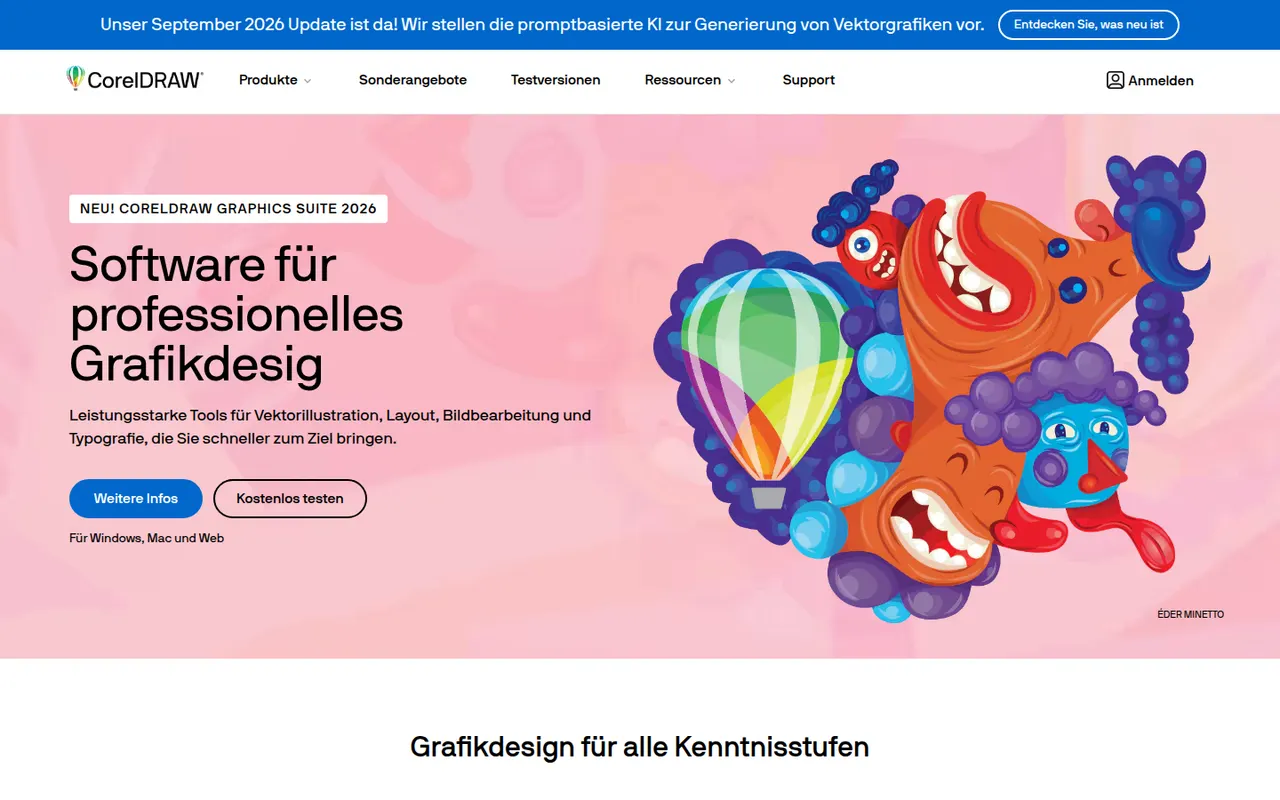
Cost / LicensePaidProprietaryCategoriesPlatformsCorelDRAW Graphics Suite is a long-running vector design package for Windows and macOS, common in sign making, apparel printing, engraving and print shops. Alongside the CorelDRAW drawing and layout app, it bundles Corel PHOTO-PAINT for bitmap editing and a browser-based companion app. It is offered as a subscription or a one-time license, and a free trial is available.
7 CorelDRAW alternativesPros
- Long-standing favorite in sign making, apparel printing and engraving
- Bundles Corel PHOTO-PAINT for bitmap editing
- Choice between a subscription and a one-time license
Cons
- Less common in agencies, which can complicate file exchange with Adobe users
- Expensive for hobbyists and occasional users
- Dense interface with a learning curve for newcomers
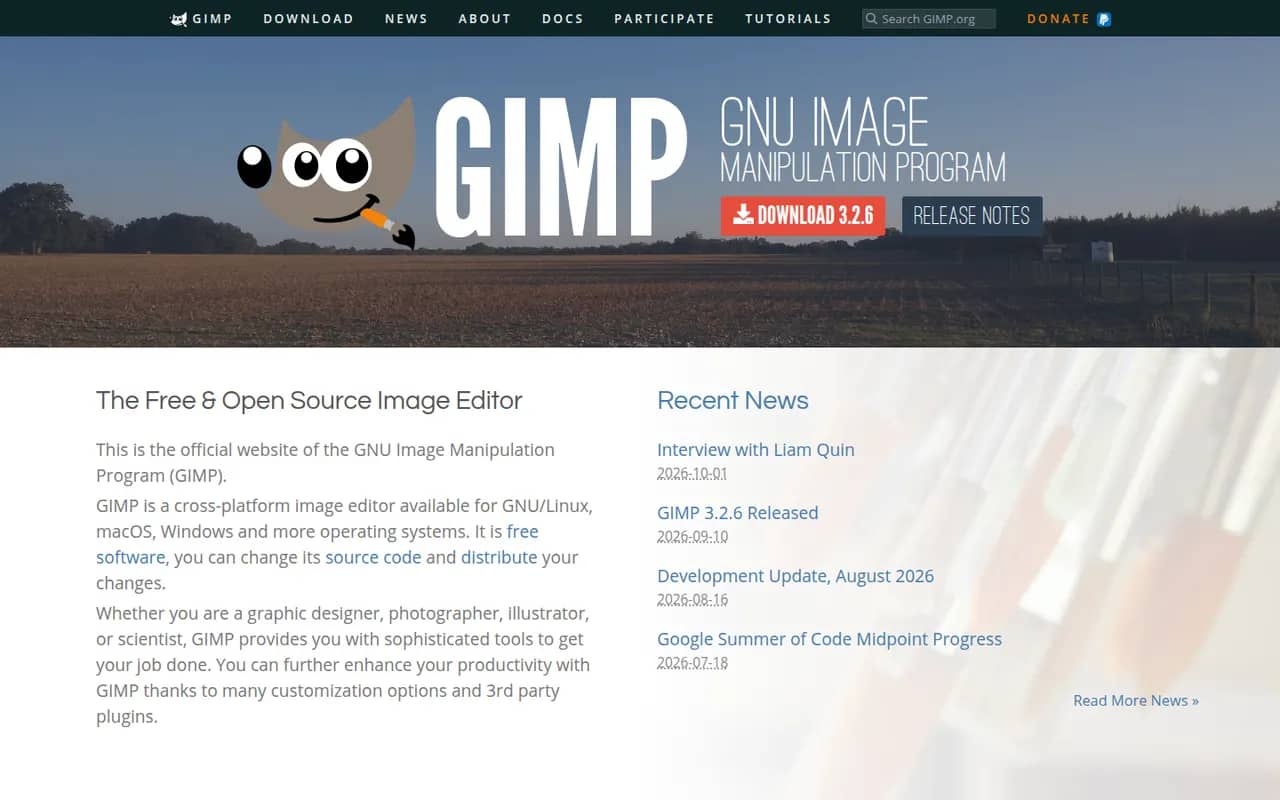
Cost / LicenseFree trialProprietaryCategoriesGIMP (GNU Image Manipulation Program) is a free, open source image editor used for photo retouching, image composition and digital artwork. It offers layers, masks, selection tools, a wide range of filters and scripts and plugins in Python or Script-Fu. GIMP 3.0 added non-destructive filters and a refreshed interface, and it is a common Photoshop alternative for people who want to avoid subscriptions.
12 GIMP alternativesPros
- Free, open source and available on Windows, macOS and Linux
- Layers, masks, filters and scripting in Python or Script-Fu
- Non-destructive filters since version 3.0
Cons
- Interface and workflows differ from Photoshop, which slows switchers
- Fewer AI and generative tools than commercial editors
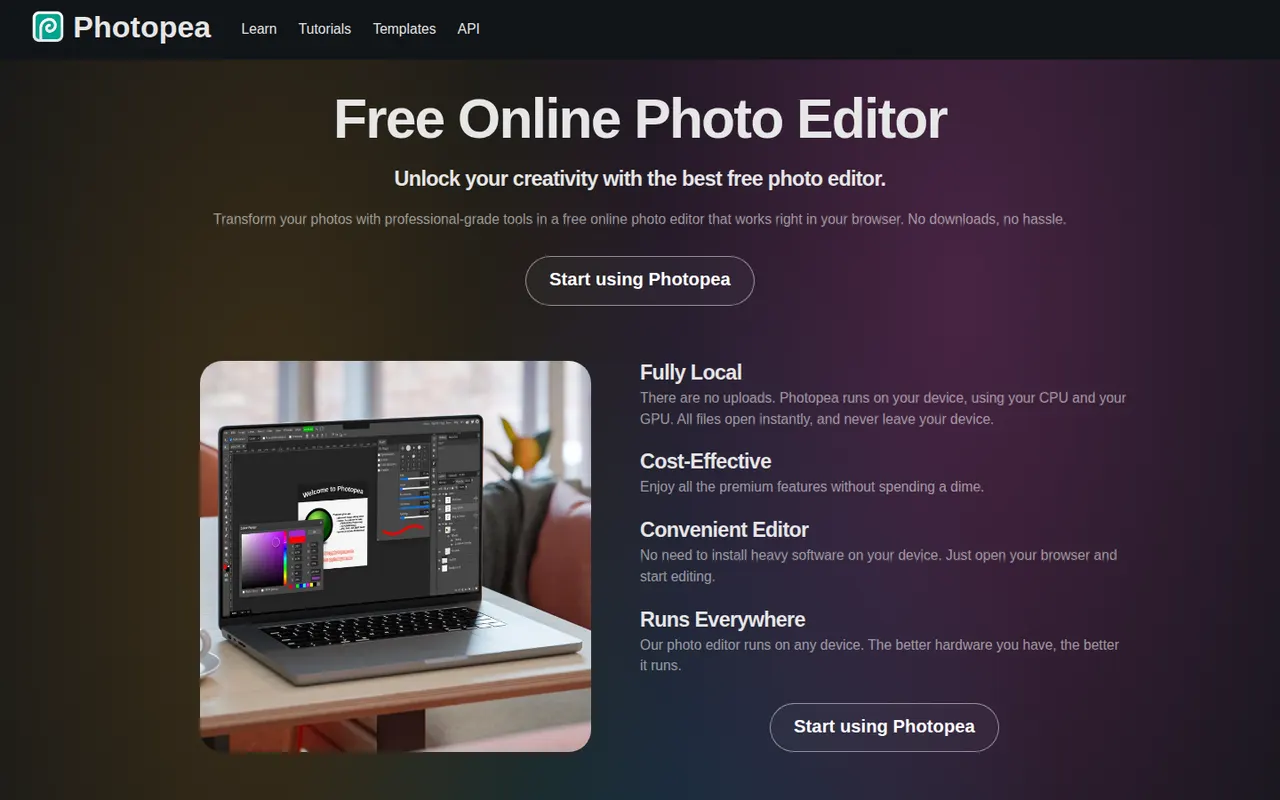
Cost / LicenseFreeOpen sourceCategoriesPhotopea is an image editor that runs entirely in the web browser and closely follows the Photoshop interface. It opens and saves PSD files, reads formats such as XCF, Sketch, XD, PDF and RAW, and supports layers, masks, adjustment layers, vector shapes and smart objects, with files processed locally. It is free to use with ads, and an optional Premium account removes ads and adds a few extras.
8 Photopea alternativesPros
- Runs in the browser with no installation
- Opens and saves PSD files, and reads XCF, Sketch and XD
- Familiar interface that closely follows Photoshop
Cons
- The free version shows ads
- Slower than desktop apps with large, complex files
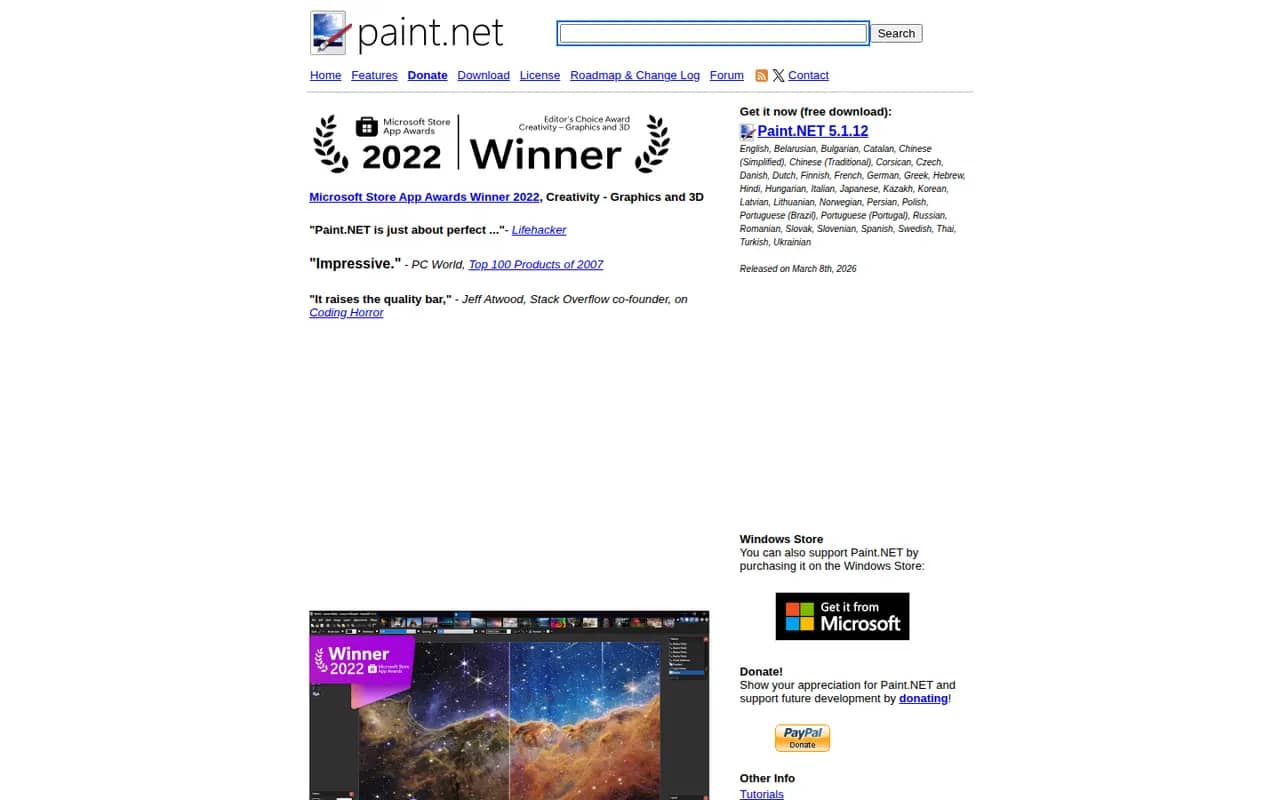
Cost / LicenseFreemiumProprietaryCategoriesPlatformsPaint.NET is a free image editor for Windows that began as a student project to replace Microsoft Paint and grew into a capable photo editing tool. It supports layers, blend modes, unlimited history and a wide set of effects and adjustments, and a large community library of plugins adds new effects and file formats. It is appreciated for its fast startup and simple interface.
6 Paint.NET alternativesPros
- Free, quick to start and simple to use
- Layers, blend modes and unlimited history
- Large library of community plugins
Cons
- Available only on Windows
- Lacks the advanced tools of professional editors
Cost / LicenseFreeProprietaryCategoriesPlatforms