Best apps for Linux
144 apps
Top Linux apps ranked by the community
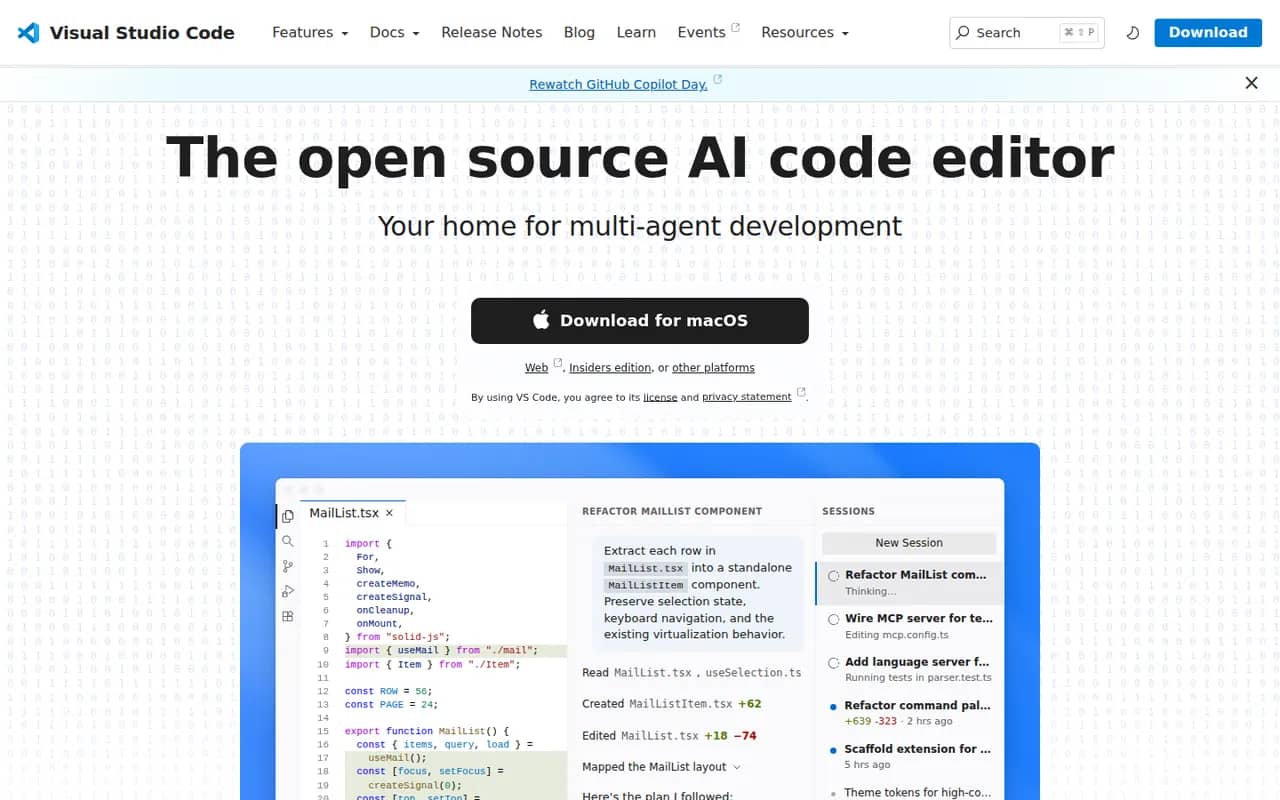
Visual Studio Code is a free source code editor from Microsoft that runs on Windows, macOS, Linux and in the browser. It combines IntelliSense completion, a built-in debugger, Git tools and an integrated terminal with a large extensions marketplace. It is built on the MIT-licensed Code - OSS project and integrates GitHub Copilot for AI chat and agent workflows.
12 Visual Studio Code alternativesPros
- Huge extensions marketplace for almost any language or tool
- Integrated terminal, debugger and Git tools
- Remote development over SSH, in containers and with WSL
Cons
- Official builds include Microsoft telemetry and proprietary components
- As an Electron app it uses more memory than native editors
- Large extension setups can slow it down
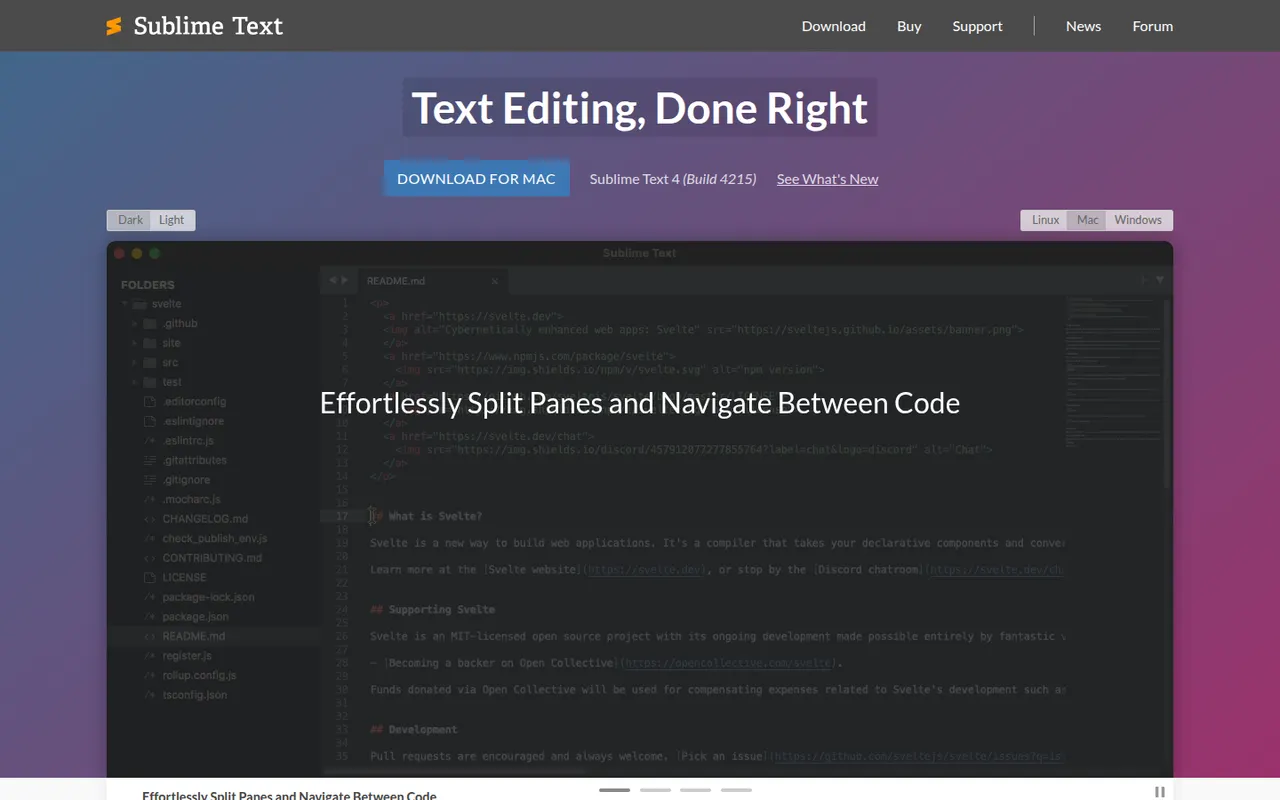
Cost / LicenseFreeOpen sourceCategoriesSublime Text is a cross-platform text and code editor from Sublime HQ, known for its speed and low resource use. Goto Anything, multiple cursors and a command palette make large files and projects quick to navigate. It is extended with Python plugins, usually installed through the community Package Control manager. It can be evaluated for free, but a license is required for continued use.
12 Sublime Text alternativesPros
- Extremely fast, even with very large files
- Multiple cursors and Goto Anything speed up navigation and edits
- Low memory use compared with Electron-based editors
Cons
- A license is required for continued use, with reminders during evaluation
- Fewer built-in IDE features, such as debugging, than VS Code
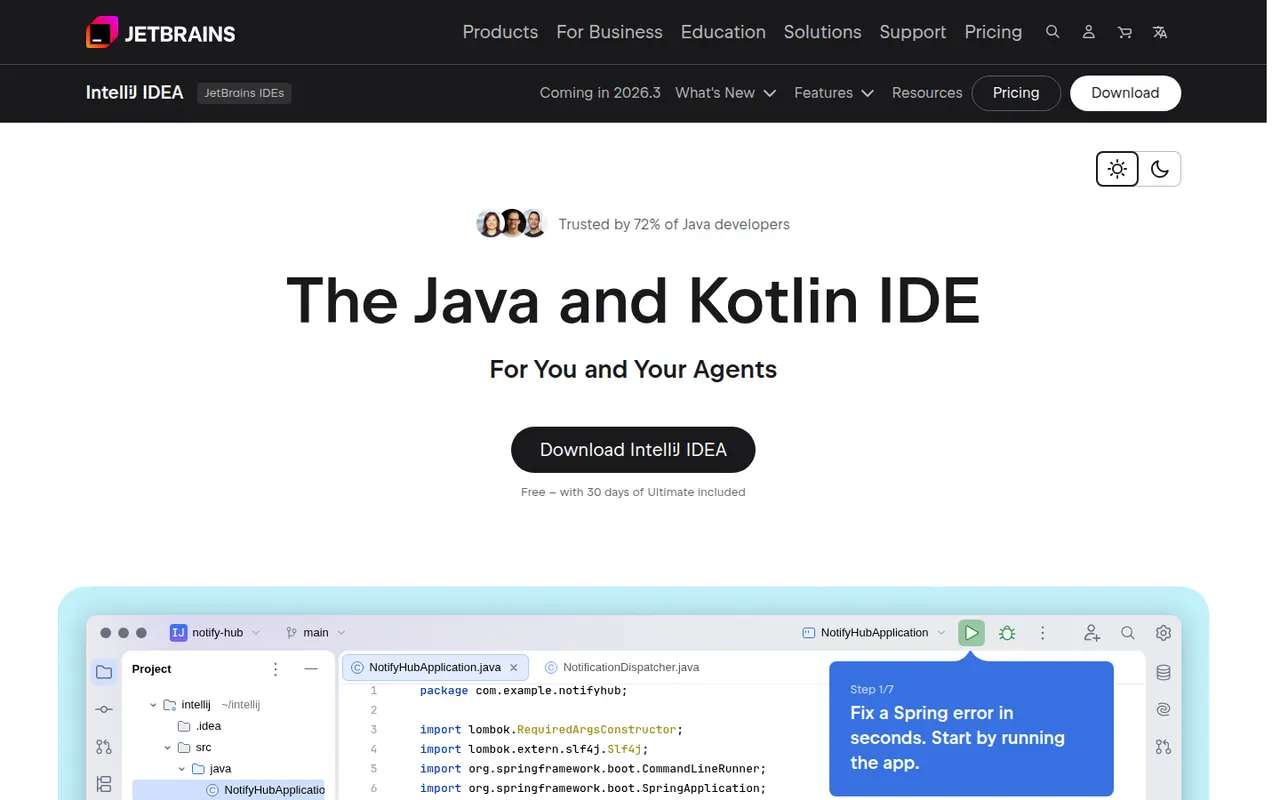
Cost / LicenseFree trialProprietaryCategoriesIntelliJ IDEA is the JetBrains development environment for Java, Kotlin, Groovy and Scala, with deep code analysis, refactoring, a debugger and Maven and Gradle support. Since 2025 it ships as a single download: the core IDE is free, including for commercial work, and a subscription unlocks advanced Ultimate features for enterprise frameworks and web development. JetBrains AI tools are built in.
10 IntelliJ IDEA alternativesPros
- Deep code analysis and safe refactoring for Java and Kotlin
- The core IDE is free, including for commercial work
- Excellent Maven, Gradle and debugger integration
Cons
- Resource-hungry, with slow indexing on large projects
- Enterprise framework and web features require a subscription
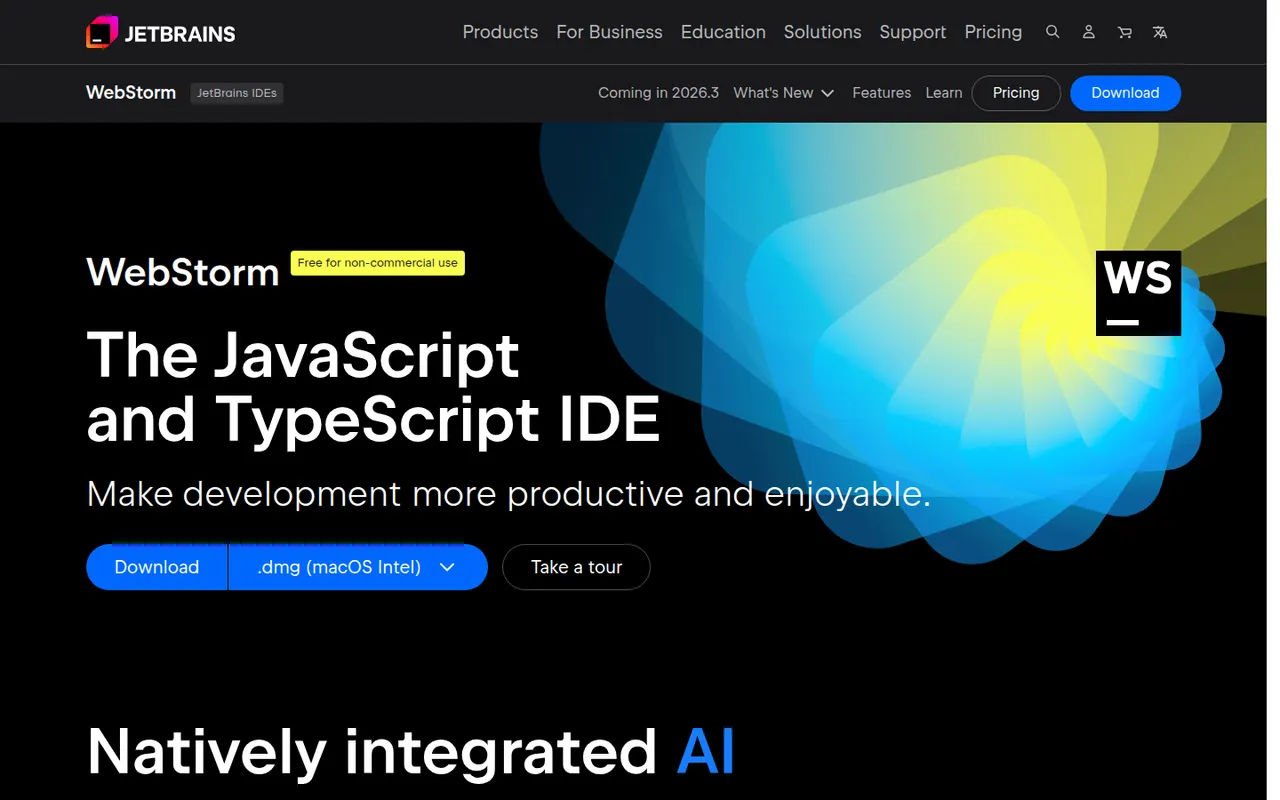
Cost / LicenseFreemiumProprietaryCategoriesWebStorm is a JetBrains IDE dedicated to JavaScript and TypeScript, with built-in support for React, Angular, Vue, Node.js and common test runners. It provides smart completion, safe refactorings, a debugger for browser and Node code, and Git tools without extra plugins. WebStorm is free for non-commercial use, and a paid license is required for commercial work.
8 WebStorm alternativesPros
- Built-in support for React, Angular, Vue and Node.js
- Smart completion and safe refactoring for JavaScript and TypeScript
- Free for non-commercial use
Cons
- Commercial use requires a paid license
- Heavier than VS Code for quick edits
Cost / LicenseFreemiumProprietaryCategoriesPyCharm is the JetBrains IDE for Python, with code completion, inspections, refactoring, a graphical debugger, test runners and virtual environment management. A single distribution provides a free core for everyday Python work, while a Pro subscription unlocks advanced features for web frameworks such as Django, databases and remote development. JetBrains AI features are available in the IDE.
8 PyCharm alternativesPros
- Excellent Python completion, inspections and refactoring
- Graphical debugger, test runners and virtual environment management
- The free core covers everyday Python work
Cons
- Heavy on memory and slower to start than lighter editors
- Django, database and remote development tools require Pro
Cost / LicenseFreemiumProprietaryCategoriesNeovim is a community-driven fork of Vim that keeps modal editing while modernizing the codebase. It adds first-class Lua scripting, a built-in Language Server Protocol client, Tree-sitter syntax highlighting, an embedded terminal and an RPC API that lets other programs use it as an editing engine. It is free and open source, and popular with developers who build a customized, keyboard-driven setup.
12 Neovim alternativesPros
- Lua scripting makes configuration and plugins easier to write
- Built-in LSP client and Tree-sitter highlighting
- Fast, keyboard-driven editing that runs anywhere in a terminal
Cons
- Modal editing has a steep learning curve
- Turning it into a full IDE takes time and ongoing plugin maintenance
Cost / LicenseFreeOpen sourceCategoriesVim is a highly configurable modal text editor derived from the Unix vi editor, preinstalled on many Linux and macOS systems and available for Windows. Editing is driven by keyboard commands and motions, and behavior is extended with Vim script and a large ecosystem of plugins. Created by Bram Moolenaar and now maintained by its community, it is charityware that encourages donations to help children in Uganda.
7 Vim alternativesPros
- Preinstalled on most Linux and macOS systems
- Very efficient modal editing once motions become second nature
- Lightweight, fast and ideal over SSH
Cons
- Steep learning curve for newcomers
- Modern IDE features depend on plugins and configuration
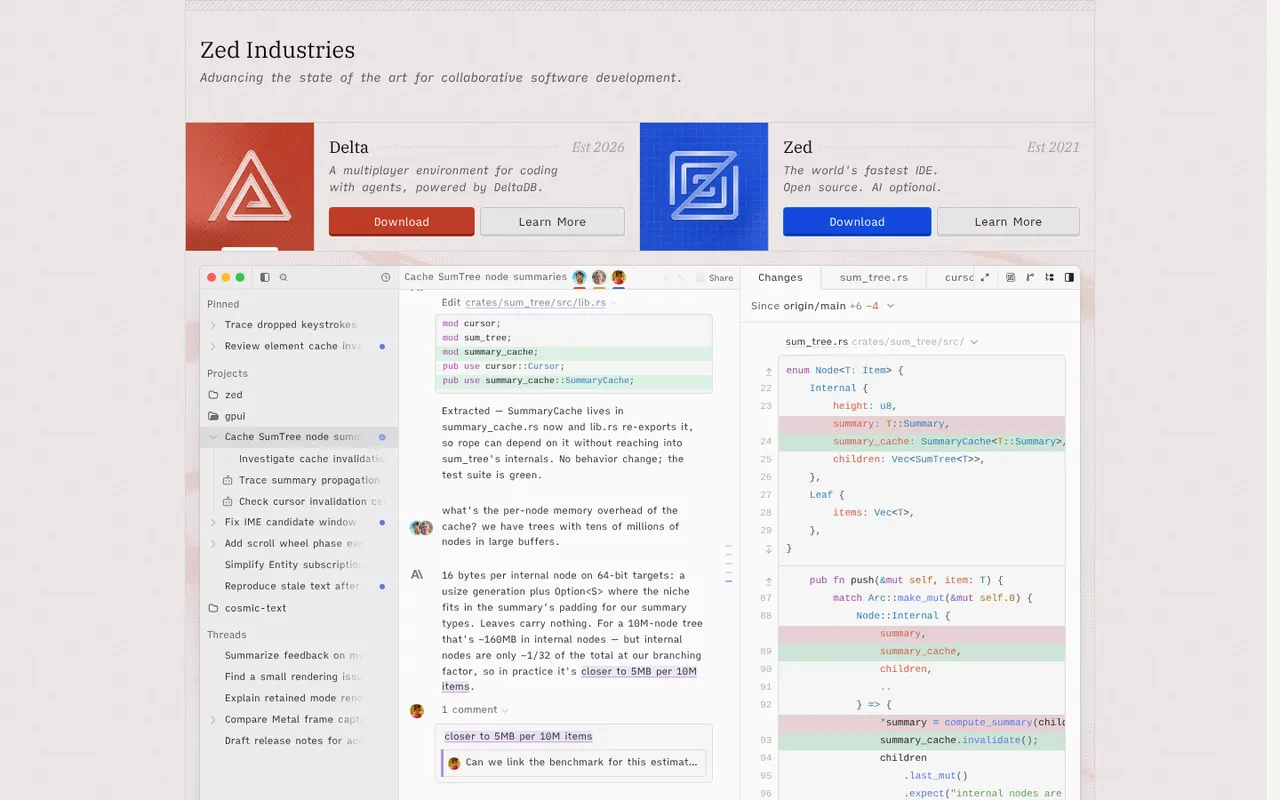
Cost / LicenseFreeOpen sourceCategoriesZed is a code editor written in Rust by the creators of Atom and Tree-sitter, with a GPU-rendered interface that stays fast on large projects. It includes multiplayer editing, an agent panel that works with several AI models, edit predictions, Git tools, remote development over SSH and an extensions registry. Zed is open source under the GPL and runs on macOS, Linux and Windows; paid plans cover hosted AI usage.
12 Zed alternativesPros
- GPU-rendered interface that stays fast on large projects
- Built-in multiplayer editing and an agent panel for several AI models
- Open source under the GPL
Cons
- Smaller extension ecosystem than VS Code
- Some IDE features are less mature than in established editors
- Hosted AI usage requires a paid plan
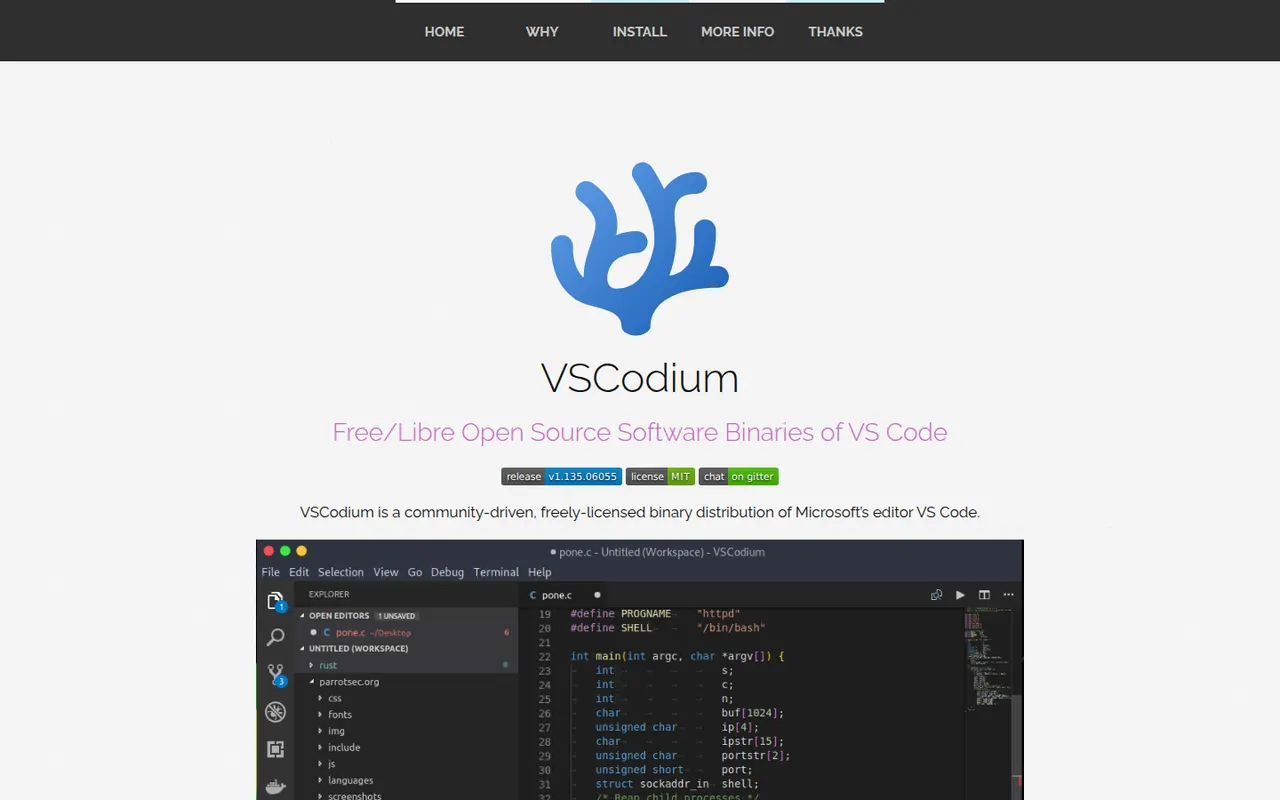
Cost / LicenseFreemiumOpen sourceCategoriesVSCodium is a community project that compiles the open source VS Code codebase into ready-to-use MIT-licensed binaries, with Microsoft telemetry disabled and branding removed. It offers the same editing experience, debugger, terminal and Git tools, and installs extensions from the Open VSX registry instead of the Microsoft marketplace. It suits developers who want the VS Code workflow in a fully open source package.
12 VSCodium alternativesPros
- The VS Code experience without Microsoft telemetry or branding
- Fully open source, MIT-licensed binaries
- Ready-made builds for Windows, macOS and Linux
Cons
- Open VSX lacks some extensions found in the Microsoft marketplace
- Microsoft extensions such as Pylance or Remote SSH are not officially usable
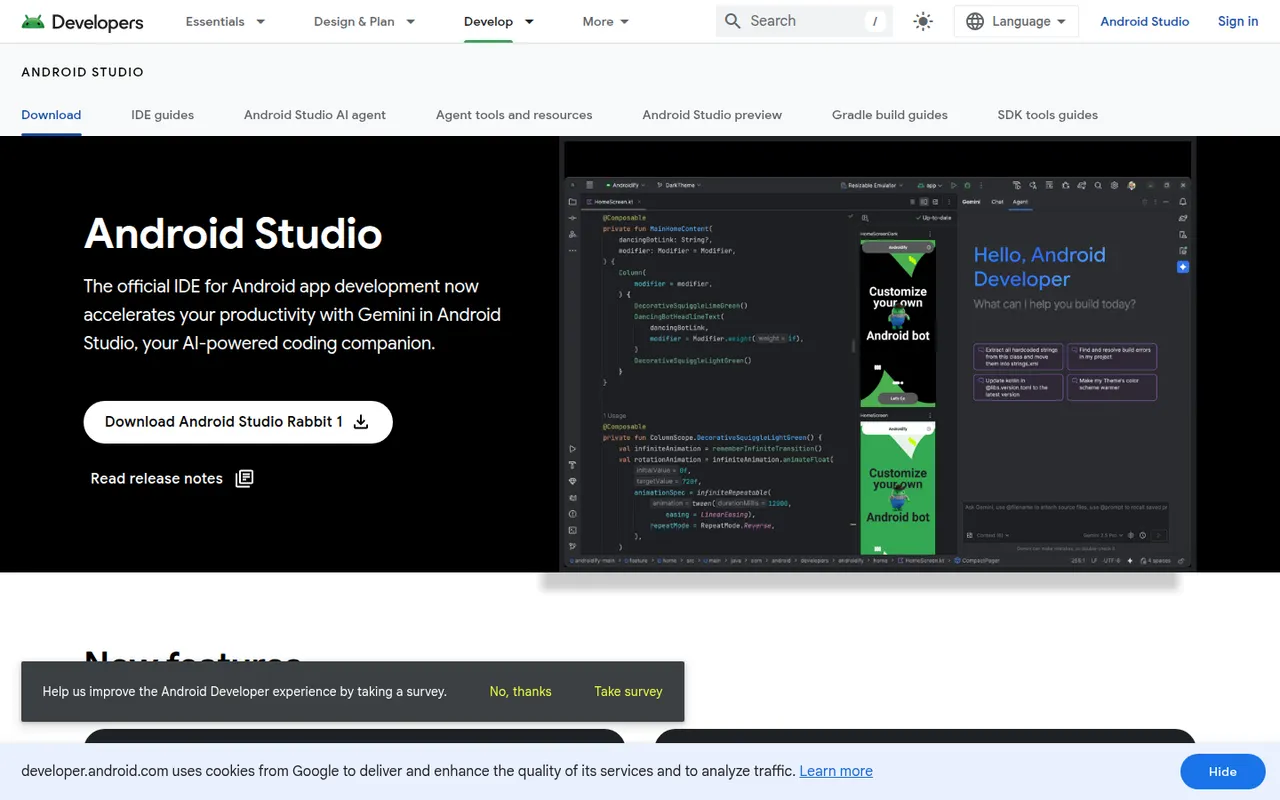
Cost / LicenseFreeOpen sourceCategoriesAndroid Studio is the official development environment for Android, built by Google on the IntelliJ platform. It provides Kotlin and Java editing, a visual layout editor, Jetpack Compose previews, an emulator, profilers and Gradle builds for phones, tablets, Wear OS, Android TV and cars. Gemini in Android Studio adds AI help for writing code and fixing errors. It is free on Windows, macOS, Linux and ChromeOS.
7 Android Studio alternativesPros
- Official, complete Android toolkit, free on all desktop systems
- Emulator, profilers and Compose previews built in
- Gemini helps write code and fix build errors
Cons
- Heavy on RAM and CPU, especially with the emulator running
- Gradle builds can be slow on large projects
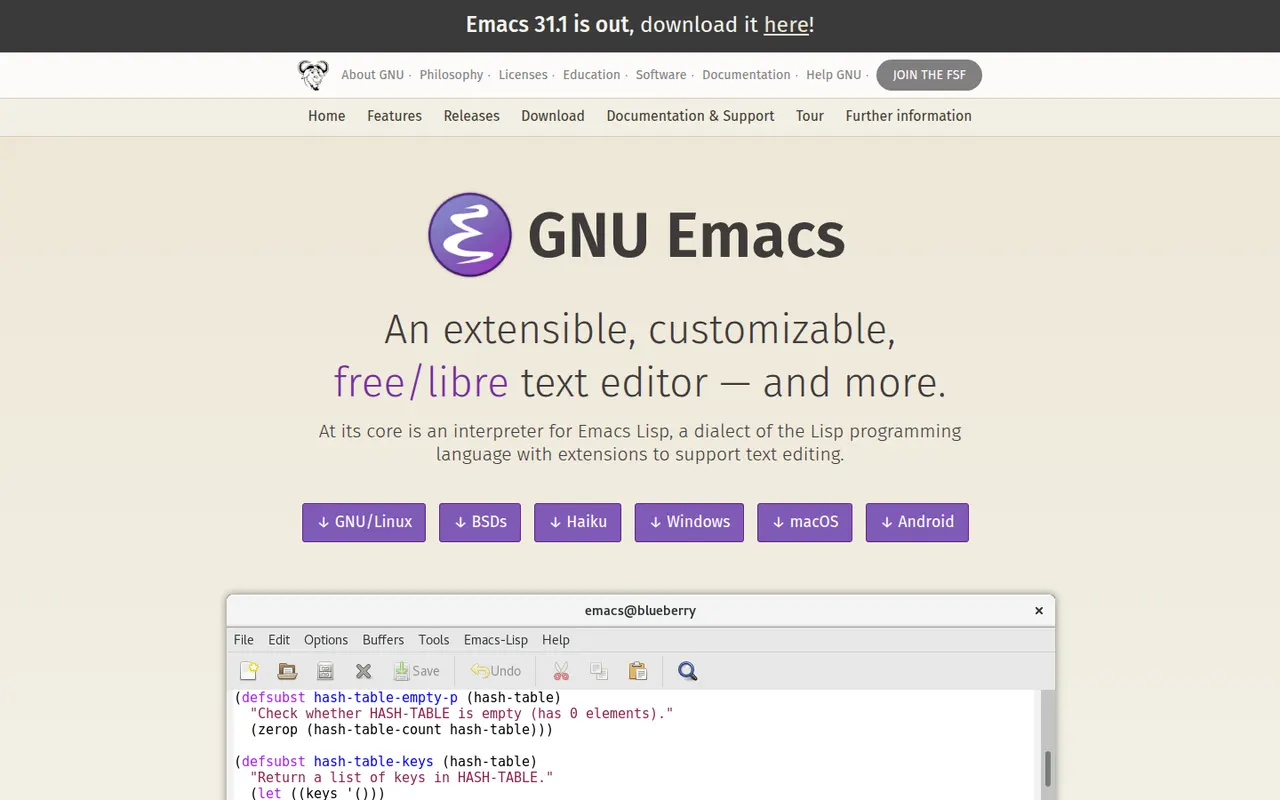
Cost / LicenseFreeProprietaryCategoriesGNU Emacs is a free, extensible text editor built around an Emacs Lisp interpreter, so almost every part of it can be reshaped. It supports programming with language servers through Eglot, debugger integration and built-in shells, and many people also use it for Org mode notes and planning, email and file management. Packages install from ELPA archives. It is part of the GNU Project and licensed under the GPL.
7 GNU Emacs alternativesPros
- Almost every part can be reshaped with Emacs Lisp
- Org mode is a powerful system for notes, tasks and planning
- Huge package ecosystem through the ELPA archives
Cons
- Steep learning curve and unusual default keybindings
- Needs significant configuration to match a modern IDE
- Can slow down with heavy configurations or very large files
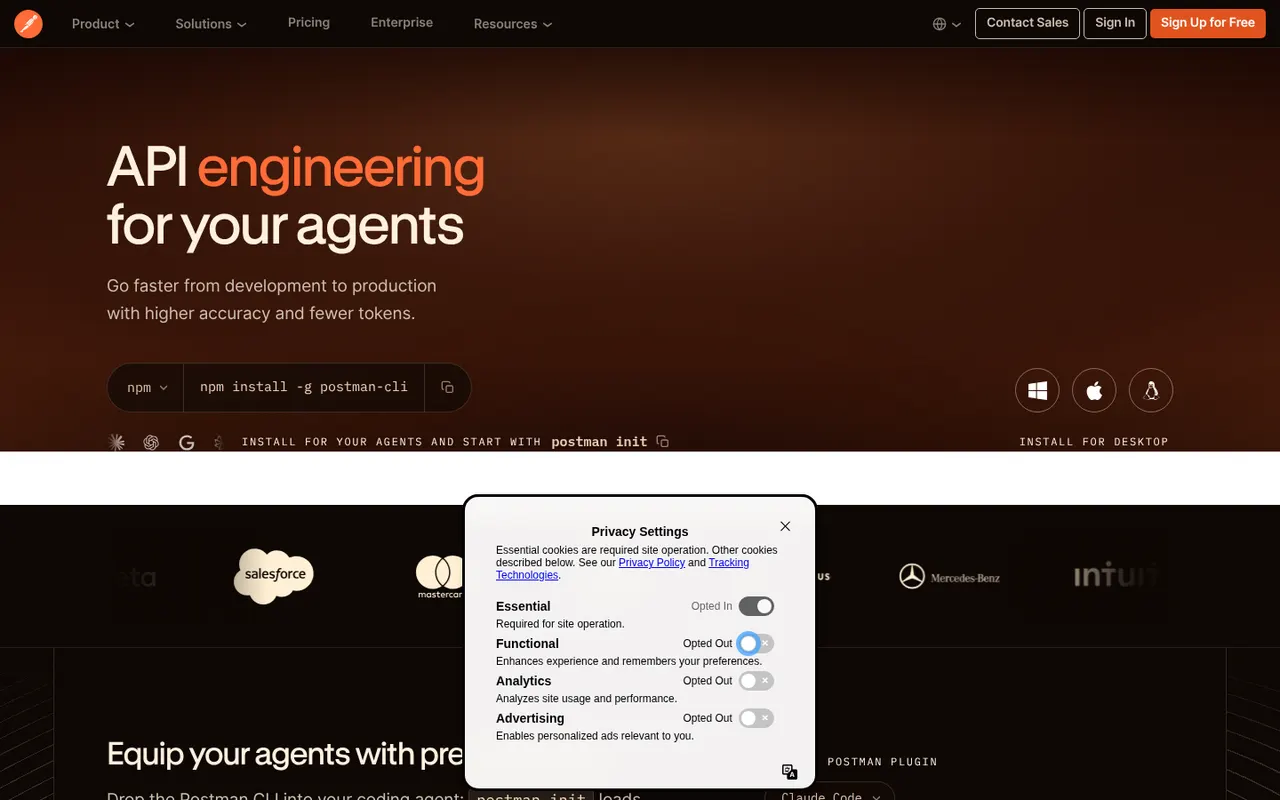
Cost / LicenseFreeOpen sourceCategoriesPostman is an API platform for sending HTTP, GraphQL, gRPC and WebSocket requests, organizing them in collections and automating tests. It also covers API design, documentation, mock servers, monitors and AI-assisted features, with shared workspaces for teams. Postman runs on the web and as a desktop app; the free plan is limited to a single user, and team collaboration requires a paid plan.
6 Postman alternativesPros
- Covers the API lifecycle from design and testing to docs and monitors
- Large public network of shared API collections to start from
- Collection runner and scripts automate test suites, including in CI
Cons
- Free plan is limited to one user; team collaboration requires a paid plan
- The app feels heavy and cluttered for sending a quick request
- Cloud-centric workflow is a concern for teams handling sensitive APIs
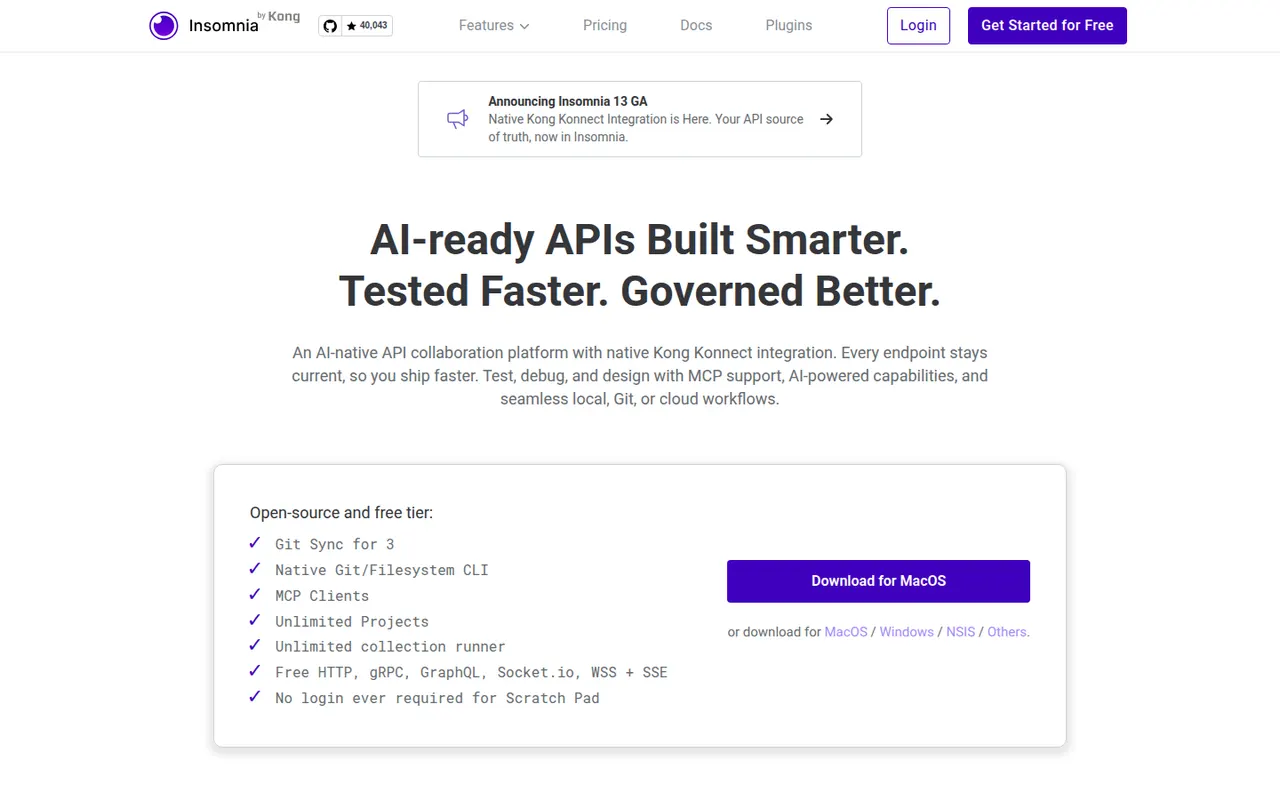
Cost / LicenseFreemiumProprietaryCategoriesInsomnia is an open source API client from Kong for designing and debugging REST, GraphQL, gRPC, WebSocket and server-sent event APIs. It supports collections, environments, scripting, test suites, mock servers, OpenAPI design and plugins. Projects can stay local, sync with Git or live in the cloud with end-to-end encryption, and paid plans add team collaboration and enterprise controls.
6 Insomnia alternativesPros
- REST, GraphQL, gRPC, WebSocket and SSE requests in one client
- Projects can stay local or sync through Git instead of the cloud
- Built-in mock servers, test suites and OpenAPI design
Cons
- Team collaboration and enterprise controls require a paid plan
- Storage options (local, Git, cloud) changed across versions and can be confusing
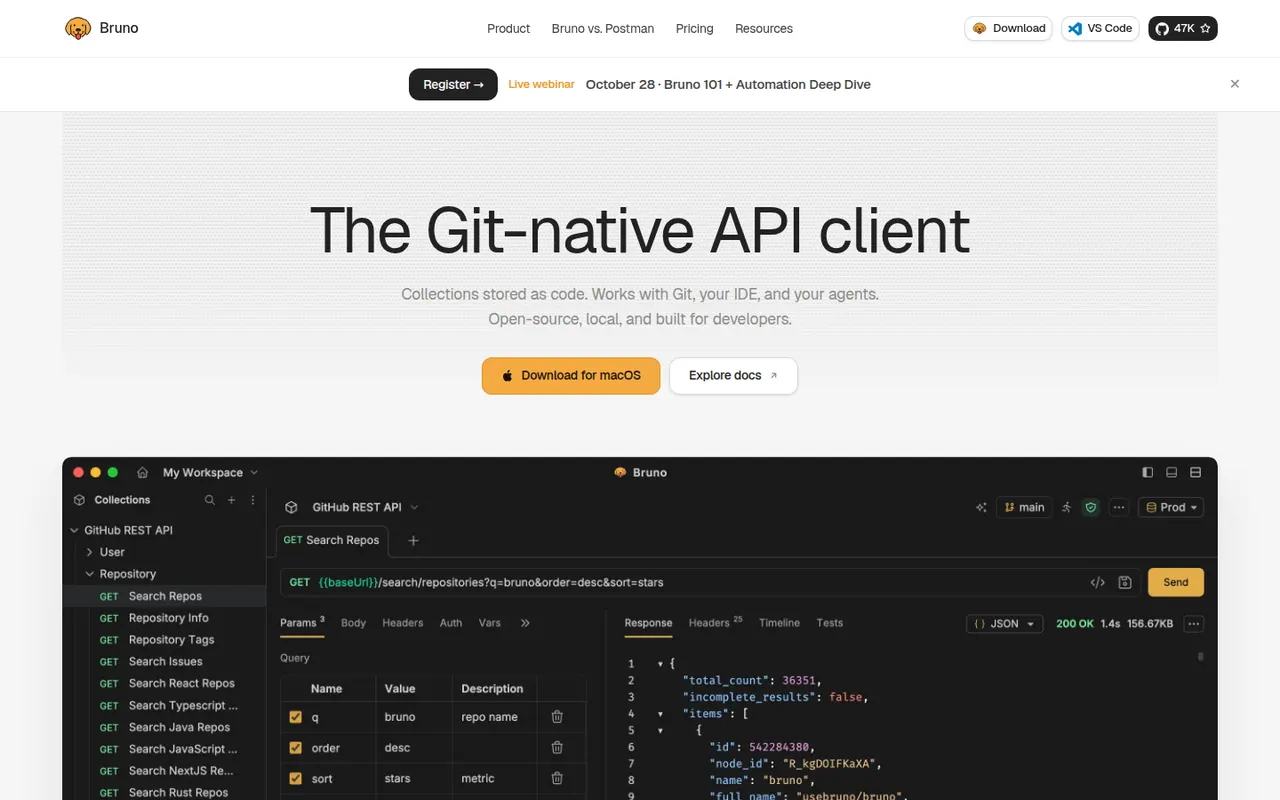
Cost / LicenseFreemiumOpen sourceCategoriesBruno is an open source API client that keeps collections as plain-text files on your disk rather than in a vendor cloud. Requests live next to your code and can be versioned and reviewed with Git like any other file. It handles REST and GraphQL requests, environments, scripting and assertions, and works fully offline without an account. Paid editions add advanced Git tools, AI assistance and enterprise features.
6 Bruno alternativesPros
- Collections stored as plain-text files you can version with Git
- Works fully offline, with no account required
- Open source, with REST, GraphQL, scripting and assertions
Cons
- No built-in cloud sync: teams share collections through Git
- Advanced Git tools and AI features need a paid edition
- Smaller ecosystem than long-established API clients
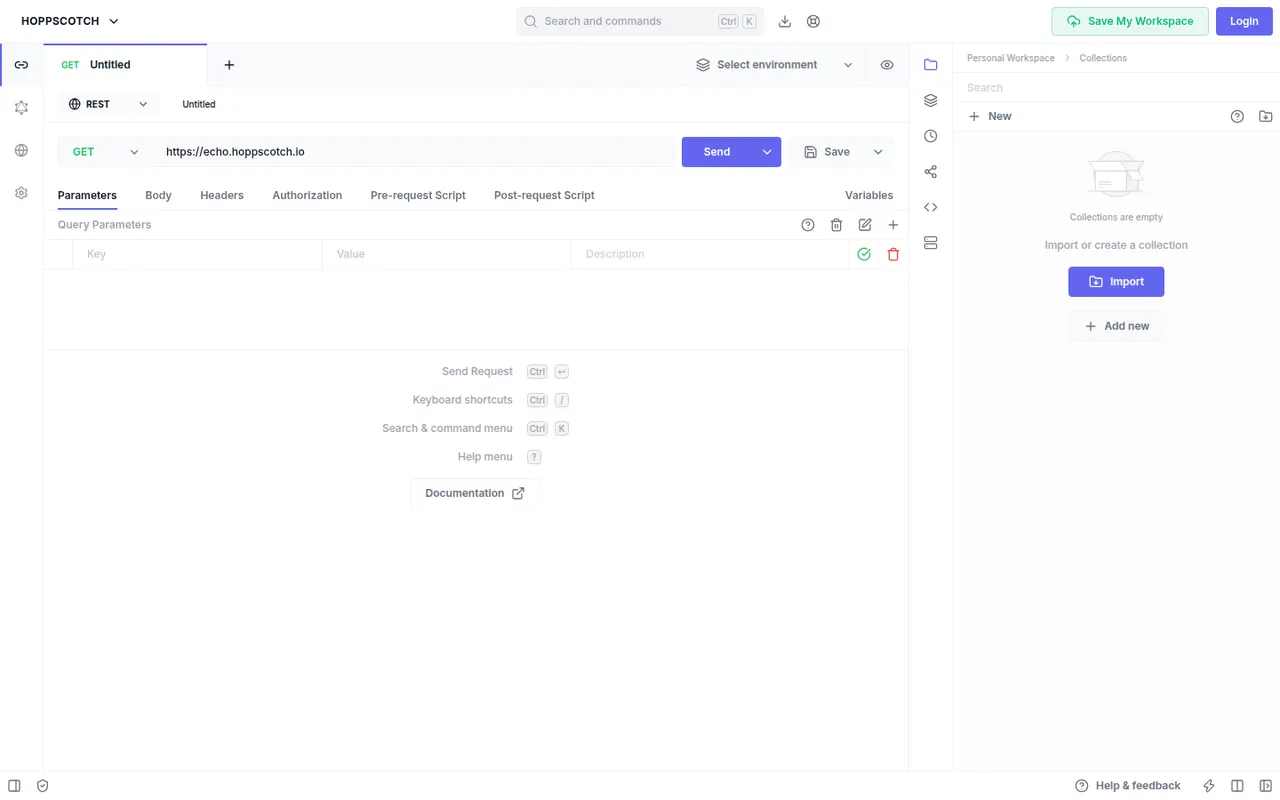
Cost / LicenseFreemiumOpen sourceCategoriesHoppscotch is an open source API client that runs in the browser, as a desktop app or on your own server. It tests REST, GraphQL, WebSocket, Socket.IO, MQTT and server-sent events with collections, environments, pre-request scripts and tests. Teams can share workspaces, and organizations can self-host the whole platform with Docker. A browser extension helps send requests that CORS would otherwise block.
6 Hoppscotch alternativesPros
- Runs in the browser with nothing to install
- Supports REST, GraphQL, WebSocket, Socket.IO, MQTT and SSE
- The whole platform can be self-hosted with Docker
Cons
- In the browser, CORS limits require an extension or proxy
- Some team and enterprise features are paid
Cost / LicenseFreemiumOpen sourceCategoriesHTTPie is a family of HTTP clients designed to make working with APIs readable and quick. The open source command-line tool offers an intuitive syntax, built-in JSON support, colorized output, sessions and plugins, and is widely used in scripts and documentation. HTTPie for Web and Desktop adds a graphical interface with collections and environments, and HTTPie AI turns plain-language prompts into requests.
6 HTTPie alternativesPros
- Readable command-line syntax that is easier to type than curl
- Formatted, colorized JSON output makes responses quick to scan
- One tool covers terminal scripts and a graphical app on desktop and web
Cons
- The graphical app has fewer testing and automation features than full API platforms
- Not preinstalled like curl, so scripts carry an extra dependency
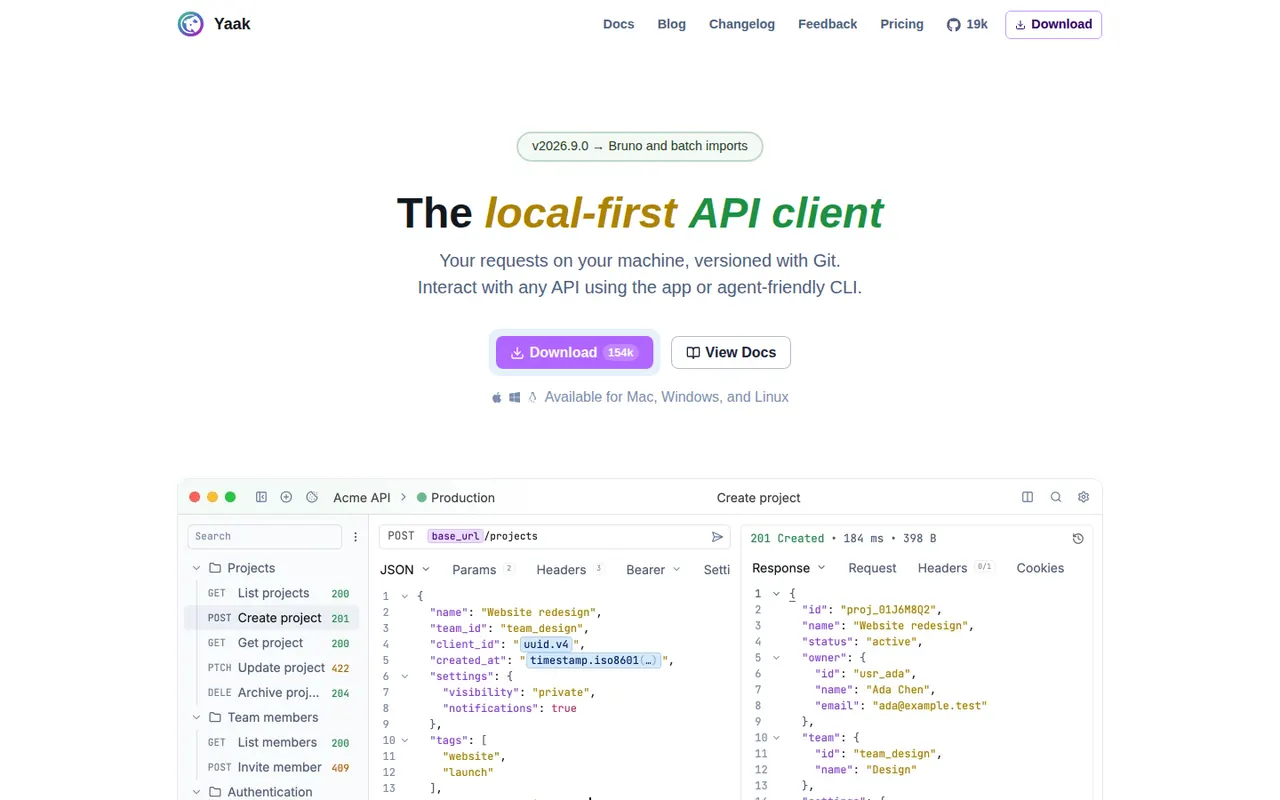
Cost / LicenseFreeOpen sourceCategoriesYaak is a desktop API client created by Gregory Schier, the original author of Insomnia. It handles REST, GraphQL, gRPC, WebSocket and server-sent event requests, stores them as files that work with Git, and supports plugins for auth, importers and template functions. No account is required and secrets can be encrypted. Yaak is open source under MIT and free for personal use, with a paid license for use at work.
6 Yaak alternativesPros
- Requests are stored as plain files that work well with Git
- No account needed, with optional encryption for secrets
- Fast, clean desktop app from the original author of Insomnia
Cons
- Use at work requires a paid license
- Younger project with a smaller plugin ecosystem than Postman
- Desktop only, with team sharing handled through Git rather than a cloud workspace
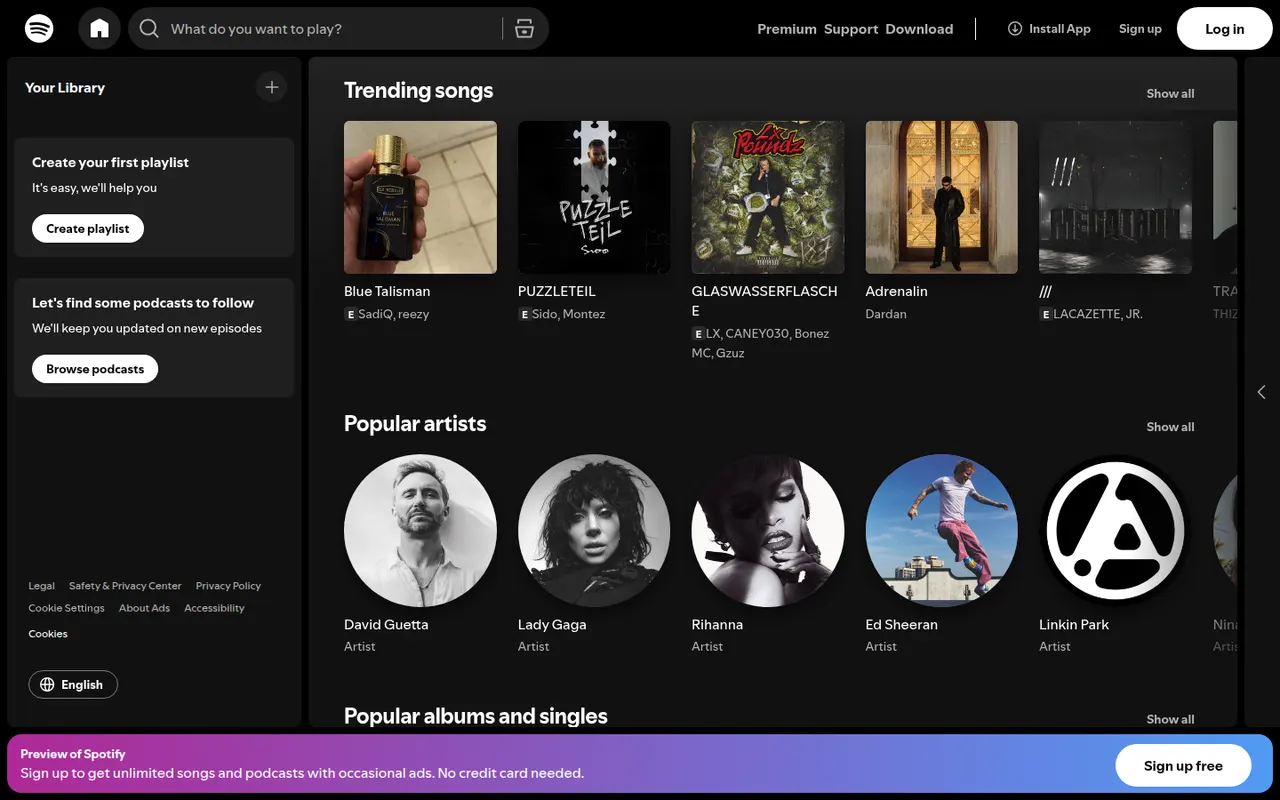
Cost / LicenseFreemiumOpen sourceCategoriesSpotify is a streaming service for music, podcasts and audiobooks, known for personalized playlists such as Discover Weekly and its recommendation features. The free tier is ad-supported with some playback limits, while Premium removes ads, allows offline downloads and includes lossless audio. Spotify Connect lets you move playback between phones, computers, speakers, TVs and cars.
9 Spotify alternativesPros
- Strong personalized playlists and recommendations, like Discover Weekly
- Spotify Connect hands playback between phones, speakers, TVs and cars
- Free ad-supported tier and apps on nearly every platform
Cons
- Free tier has ads and playback limits, especially on mobile
- Podcasts and audiobooks crowd the interface for music-only listeners
- Offline downloads require a Premium subscription
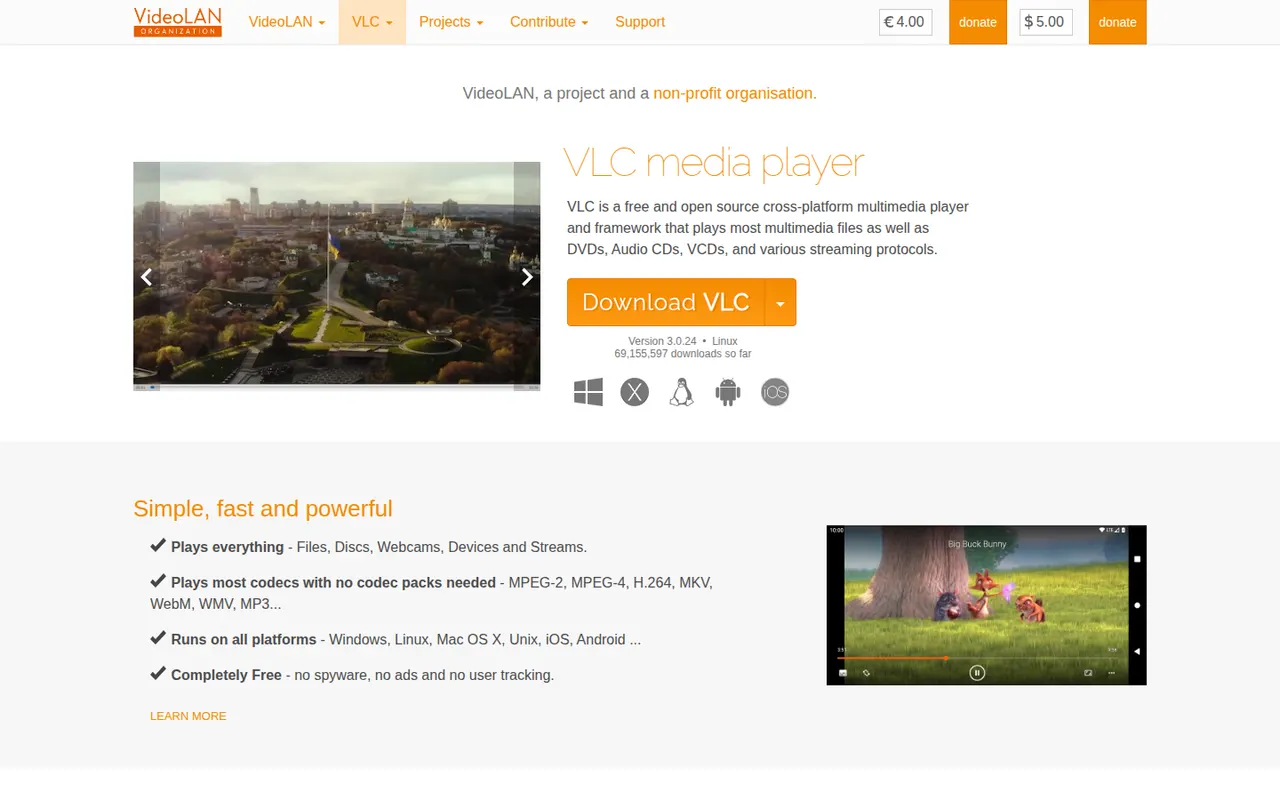
Cost / LicenseFreemiumProprietaryCategoriesVLC is a free and open source media player from the VideoLAN non-profit that handles most video and audio formats, DVDs, audio CDs and network streams without installing extra codecs. It supports subtitles, hardware decoding, filters, format conversion and streaming, and can be extended with add-ons and skins. It runs on desktop and mobile platforms, with no ads, tracking or paid tier.
9 VLC media player alternativesPros
- Plays almost any file, disc or stream without extra codecs
- Free and open source, with no ads or tracking
- Available on desktop and mobile platforms
Cons
- Interface looks dated next to more modern players
- Advanced settings are buried in complex preference menus
Cost / LicenseFreeOpen sourceCategoriesmpv is a free, open source media player for the command line with a minimal on-screen controller. Built on FFmpeg and descended from MPlayer, it plays a wide range of formats, renders high-quality video with GPU shaders and hardware decoding, and is configured through text files and key bindings. Lua and JavaScript scripts extend it, and the libmpv library powers front ends such as IINA.
9 mpv alternativesPros
- Excellent video quality with GPU shaders and hardware decoding
- Highly scriptable with Lua and JavaScript
- libmpv powers other front ends such as IINA
Cons
- Minimal interface with no menus or playlist manager by default
- Configuration lives in text files, which deters casual users
Cost / LicenseFreeOpen sourceCategoriesPlex is a media platform that organizes your movies, shows, music and photos with Plex Media Server and streams them to apps on phones, TVs, consoles and browsers. It fetches artwork and metadata, transcodes when needed and offers free ad-supported movies and live TV. Core features are free, while a Plex Pass subscription unlocks extras such as hardware-accelerated transcoding and remote playback of your own media.
9 Plex alternativesPros
- Polished apps on phones, TVs, consoles and browsers
- Rich artwork and metadata for movies, shows and music
- Free ad-supported movies and live TV alongside your own library
Cons
- Remote playback of your media and hardware transcoding need Plex Pass
- Requires a Plex account, with sign-in depending on Plex servers
- Ad-supported content clutters the interface
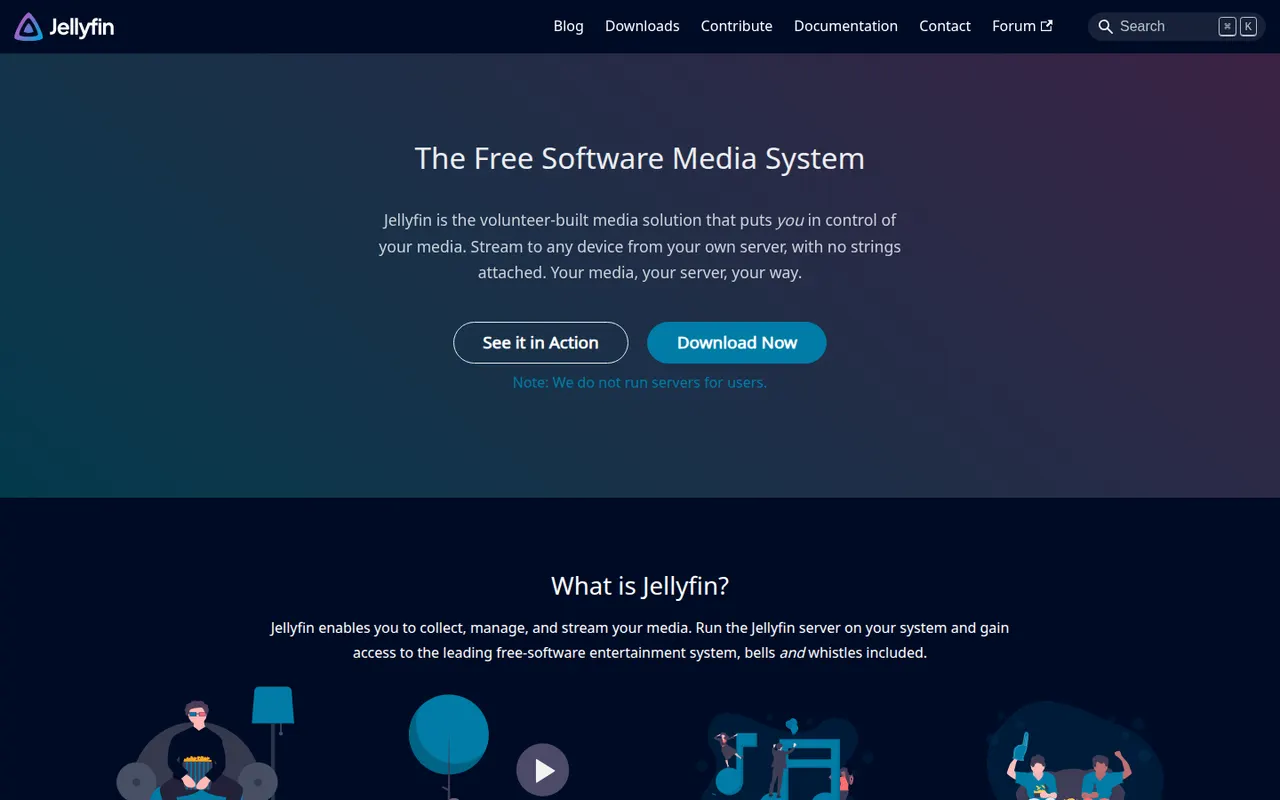
Cost / LicenseFreemiumProprietaryCategoriesJellyfin is a free, open source media server for hosting your own movies, TV shows, music, books and photos and streaming them to web, mobile, TV and desktop clients. Forked from Emby in 2018, it has no premium tier or tracking: hardware transcoding, live TV and DVR, multiple users and plugins are all included. The server runs on Windows, macOS, Linux, Docker and many NAS devices.
9 Jellyfin alternativesPros
- Completely free, with hardware transcoding and DVR included
- Open source, with no tracking and no premium tier
- Runs on Windows, macOS, Linux, Docker and many NAS devices
Cons
- Client apps are less polished than Plex or Emby on some devices
- Remote access needs manual setup such as a reverse proxy or VPN
Cost / LicenseFreeOpen sourceCategoriesKodi is a free, open source media center, originally known as XBMC, designed for the big screen and remote controls. It organizes local and network movies, shows, music and photos with artwork and metadata, plays nearly every format, and is extended through add-ons, skins and PVR backends for live TV. It runs on Windows, macOS, Linux, Android and small devices such as the Raspberry Pi.
9 Kodi alternativesPros
- Big-screen interface designed for remote controls
- Extensible with add-ons, skins and PVR backends for live TV
- Runs on Windows, macOS, Linux, Android and the Raspberry Pi
Cons
- Setup and configuration take time for newcomers
- Third-party add-ons vary in quality, and some carry legal or security risks
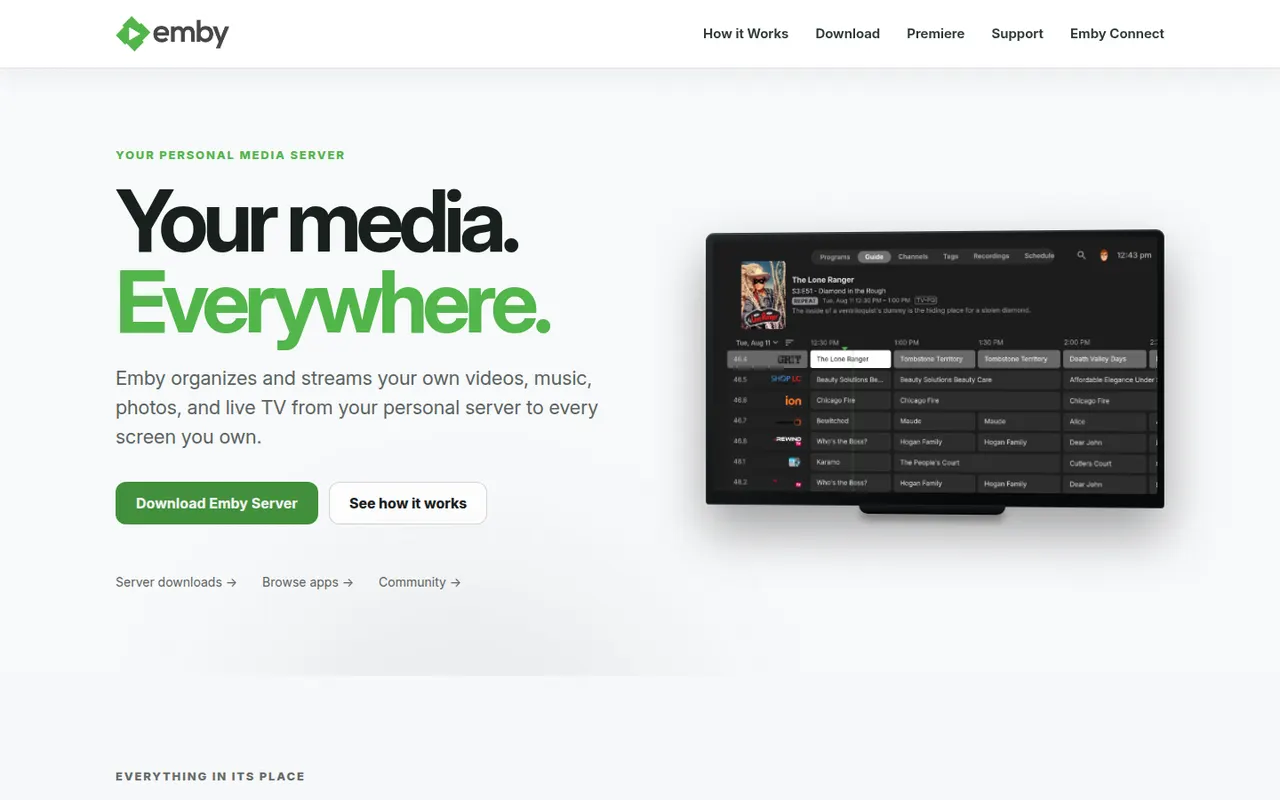
Cost / LicenseFreeOpen sourceCategoriesEmby is a media server that organizes your movies, shows, music and photos and streams them to apps on the web, mobile devices, smart TVs and consoles. It supports multiple user profiles with parental controls, automatic metadata and live TV. The server and basic apps are free, while an Emby Premiere subscription unlocks extras such as hardware transcoding and DVR. Emby moved away from open source in 2018.
7 Emby alternativesPros
- Streams to web, mobile, smart TVs and consoles
- Multiple profiles with parental controls and live TV
- Automatic metadata keeps libraries well organized
Cons
- Hardware transcoding and DVR require an Emby Premiere subscription
- No longer open source, unlike its fork Jellyfin
Cost / LicenseFreemiumProprietaryCategories