Best apps for Web
433 apps
Top Web apps ranked by the community
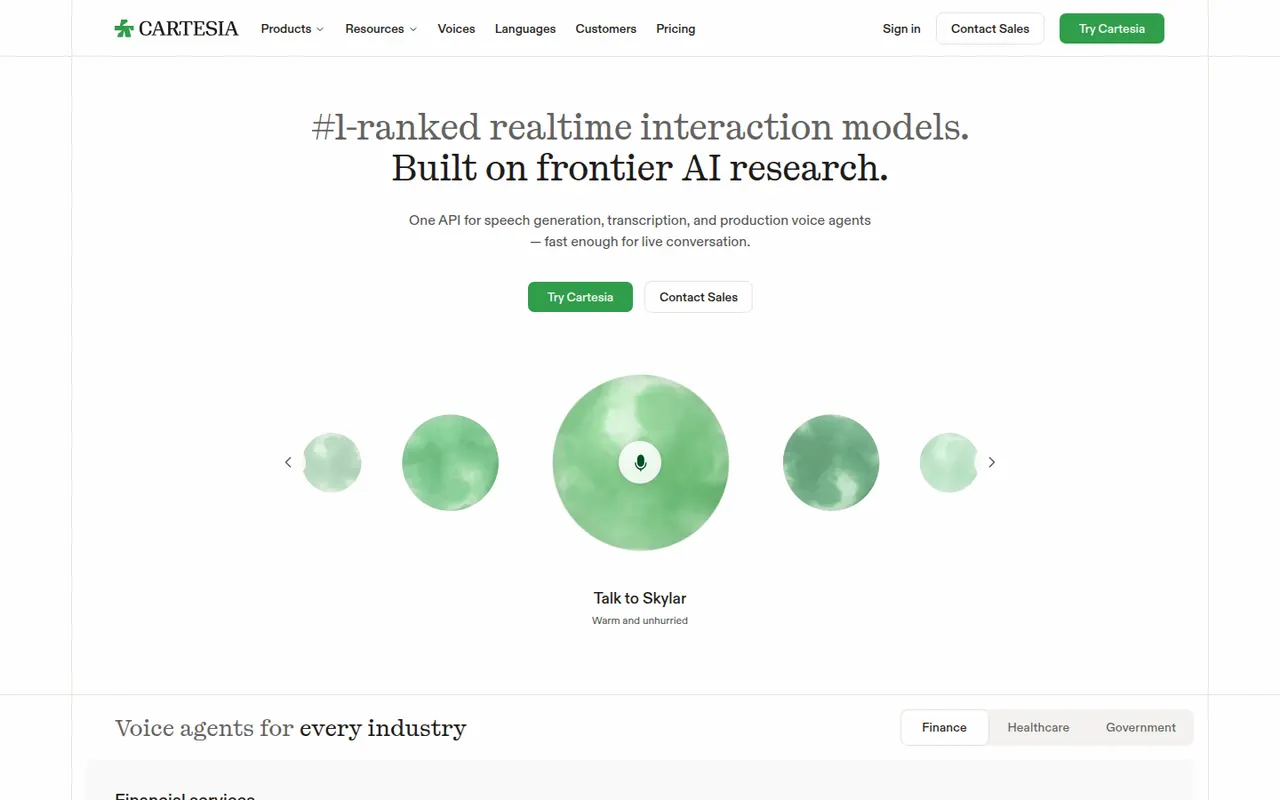
Cartesia builds low-latency voice AI models, led by its Sonic text-to-speech model, for developers creating real-time voice agents, customer service bots and interactive apps. Its API and web playground offer many languages, instant voice cloning and fine control over emotion and speed. The company's research is based on state space model architectures.
5 Cartesia alternativesPros
- Low-latency Sonic text-to-speech suited to real-time voice agents
- Instant voice cloning from a short recording
- Fine control over emotion and speaking speed
Cons
- Developer-focused, with little for non-technical creators
- Higher volumes and advanced features require paid plans
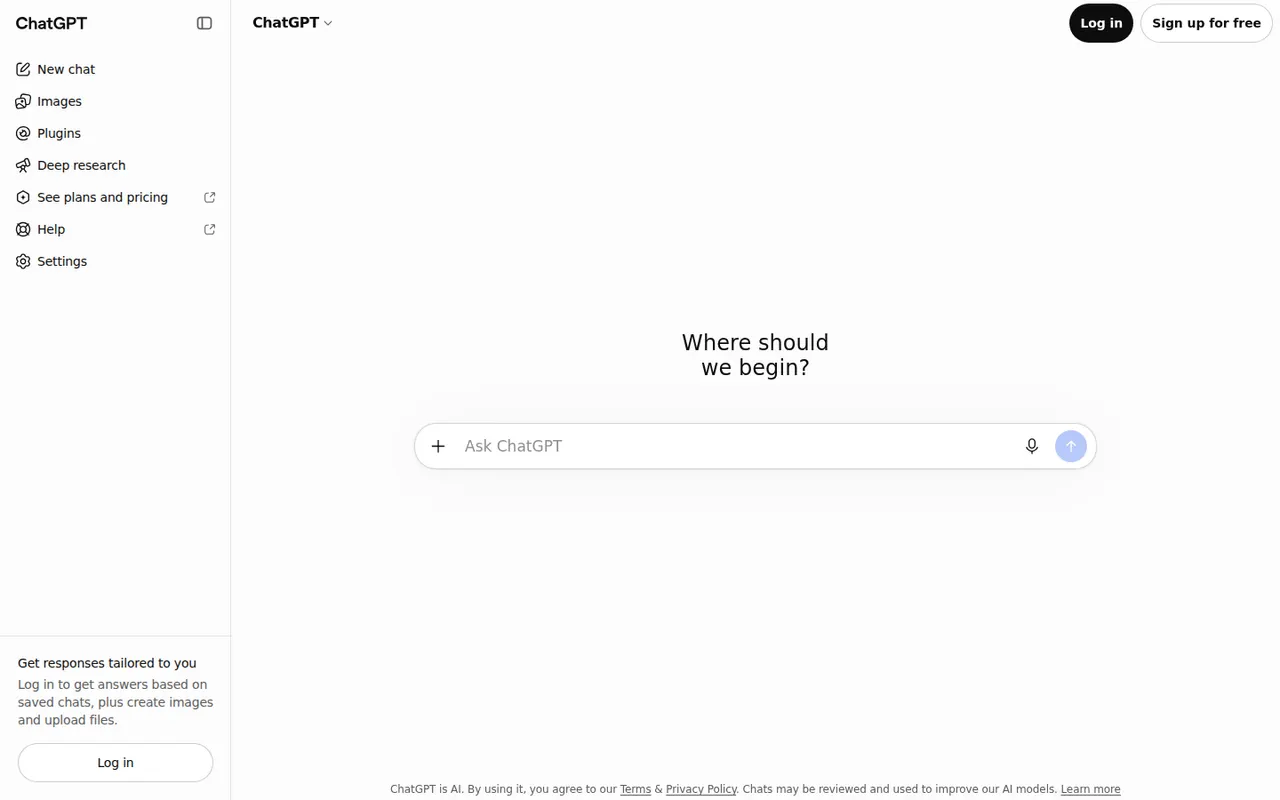
Cost / LicenseFreemiumProprietaryCategoriesPlatformsChatGPT is OpenAI's general-purpose AI assistant. You can use it to draft and edit text, get answers backed by live web search, analyze uploaded files and data, generate images and hold voice conversations. Custom GPTs let anyone build an assistant for a specific task, and apps are available on desktop and mobile alongside the web version.
12 ChatGPT alternativesPros
- Versatile assistant for writing, analysis, coding and images
- Polished apps on the web, desktop and mobile
- Custom GPTs adapt it to specific tasks
Cons
- Can state wrong information confidently, so answers need checking
- Top models and higher limits require a paid plan
- Conversations may be used for training unless you opt out
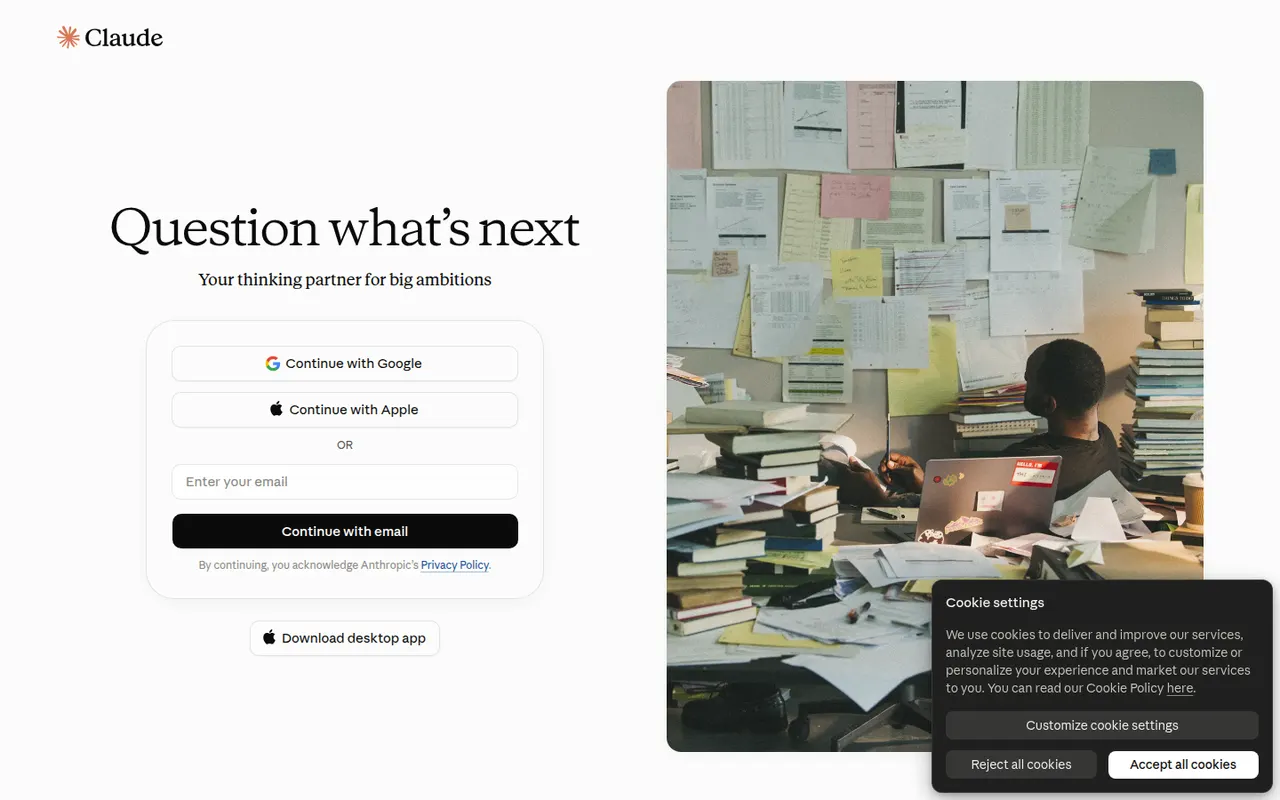
Cost / LicenseFreemiumProprietaryClaude is an AI assistant built by Anthropic. It handles long documents and files, writing and editing, data analysis and programming help, and can search the web when needed. Projects keep related chats and reference files together, and connectors based on the Model Context Protocol link Claude to other apps. It runs on the web, desktop and mobile, and through an API.
12 Claude alternativesPros
- Handles long documents, nuanced writing and coding tasks well
- Projects keep related chats and reference files together
- MCP connectors link it to other apps and data
Cons
- Usage limits can be reached quickly, even on paid plans
- No built-in image generation
- Can still make mistakes, so answers need checking
Cost / LicenseFreemiumProprietaryGemini is Google's AI assistant, available on the web and as a mobile app that can replace Google Assistant on Android. It answers questions grounded in Google Search, analyzes files and images, generates images and supports spoken conversations through Gemini Live. Gems let you save custom assistants, and Gemini can pull information from Gmail, Drive, Maps or YouTube when you allow it.
11 Gemini alternativesPros
- Answers grounded in Google Search results
- Connects to Gmail, Drive, Maps and YouTube when you allow it
- Gemini Live supports natural spoken conversations
Cons
- Chats are used to improve Google products by default
- Top models and higher limits require a paid Google plan
- Features vary by country, account type and device
Cost / LicenseFreemiumProprietaryCategoriesMicrosoft Copilot is the consumer AI assistant from Microsoft, built into Windows and Edge and available as a web, desktop and mobile app. It answers questions with Bing-powered web results, helps draft and summarize text, creates images and supports voice conversations. A Microsoft 365 subscription adds Copilot features inside Word, Excel, PowerPoint and Outlook.
11 Microsoft Copilot alternativesPros
- Built into Windows and Edge for quick access
- Bing-powered answers backed by web results
- Free image creation and voice conversations
Cons
- Copilot inside Word, Excel and Outlook needs Microsoft 365
- Overlapping Copilot products and branding can be confusing
- Tightly woven into Microsoft's ecosystem and services
Cost / LicenseFreemiumProprietaryCategoriesPerplexity is an AI search assistant that answers questions in natural language and lists the web sources behind each answer, so claims can be checked. Follow-up questions keep context, deeper research modes run multi-step searches, and you can upload files to analyze. It runs on the web, desktop, mobile and as a browser extension, and the paid plan lets you choose between several AI models.
11 Perplexity alternativesPros
- Every answer lists its web sources for easy checking
- Deep research modes run multi-step searches
- The paid plan lets you choose between several AI models
Cons
- Summaries can misread or overstate what sources say
- The free plan limits advanced searches and model choice
- Less suited to long creative writing than general chatbots
Cost / LicenseFreemiumProprietaryCategoriesLe Chat is the AI assistant from Mistral AI, a French company that develops its own language models. It offers web search with cited sources, document and image analysis, image generation and agents you can configure for recurring tasks. It is available on the web and mobile, with a free tier, a Pro plan and team options for organizations that prefer a European provider.
10 Le Chat (Mistral AI) alternativesPros
- European provider, appealing to GDPR-conscious teams
- Web search answers come with cited sources
- Configurable agents for recurring tasks
Cons
- Smaller ecosystem of integrations than the largest assistants
- Advanced features and higher limits require the Pro plan
Cost / LicenseFreemiumProprietaryCategoriesGrok is the AI assistant developed by xAI, Elon Musk's artificial intelligence company. Besides general chat, it can search the web and posts on X to follow recent events, analyze files, generate images and hold voice conversations. It is available on grok.com, in dedicated mobile apps and inside X, with higher usage limits and newer models on paid tiers.
9 Grok alternativesPros
- Real-time access to posts on X for following the news
- Image generation and voice mode included
- Available inside X as well as in its own apps
Cons
- Answers drawn from X posts can repeat misinformation
- Looser moderation has led to controversial outputs
- Newest models and higher limits are reserved for paid tiers
Cost / LicenseFreemiumProprietaryCategoriesDeepSeek is the chat assistant from the Chinese AI lab of the same name, running on its own models. The web and mobile apps are free and offer web search, file reading and a DeepThink reasoning mode. The model weights are published under the MIT license and can run on your own hardware. A pay-as-you-go API is offered to developers, and data from the hosted service is processed in China.
9 DeepSeek alternativesPros
- Free web and mobile apps with a reasoning mode
- Open-weight models under the MIT license can run locally
- Low-cost pay-as-you-go API for developers
Cons
- The hosted service processes data in China, a privacy concern
- Answers on politically sensitive topics are censored
- No image generation in the chat app
Cost / LicenseFreeOpen sourceCategoriesPlatformsMeta AI is the assistant Meta builds into WhatsApp, Instagram, Messenger and Facebook, also offered as a standalone app and on the web. It runs on Meta's Llama models and can answer questions with web results, create and edit images and talk by voice. The app also serves as the companion for Ray-Ban Meta smart glasses. It is free to use, but availability varies by country.
8 Meta AI alternativesPros
- Free and built into WhatsApp, Instagram and Messenger
- Creates and edits images directly in chats
- Companion app for Ray-Ban Meta smart glasses
Cons
- Availability varies by country
- Raises privacy questions given Meta's ad-driven business
Cost / LicenseFreeProprietaryCategoriesPoe, made by Quora, brings models from several AI providers into a single chat app, covering text, image and video generation. You can bring other bots into a conversation, compare answers and create your own bots from a custom prompt or code. A free daily allowance is included, and a subscription adds compute points for heavier use. Poe runs on the web, desktop and mobile.
8 Poe alternativesPros
- Many AI models from different providers in one app
- Compare answers and bring several bots into one chat
- Create your own bots from a prompt or from code
Cons
- The compute point system makes usage costs hard to predict
- The free daily allowance runs out fast with premium models
- Fewer advanced features than the providers' own apps
Cost / LicenseFreemiumProprietaryCategoriesCharacter.AI is a chat platform where you talk with AI characters such as fictional heroes, historical figures or companions created by other users. You can design your own character with a personality and greeting, start group chats and make voice calls with character voices. It is aimed at entertainment and role-play rather than productivity, and the paid c.ai+ plan adds faster responses and extras.
8 Character.AI alternativesPros
- Huge library of community-made characters to chat with
- Easy to create your own character with a custom personality
- Voice calls and group chats add variety
Cons
- Built for entertainment, not reliable for factual questions
- Content filters can interrupt role-play
- Long conversations can lose track of earlier context
Cost / LicenseFreemiumProprietaryCategoriesDuck.ai is DuckDuckGo's AI chat service. It gives access to several third-party models, including ones from OpenAI, Anthropic, Meta and Mistral, without an account. Requests go through DuckDuckGo, which hides your IP address from the providers, and they have agreed not to train on these chats. Recent conversations are stored on your device, and a DuckDuckGo subscription unlocks more advanced models.
8 Duck.ai alternativesPros
- No account needed to chat with several AI models
- Hides your IP address from the model providers
- Providers have agreed not to train on these chats
Cons
- Fewer features than the providers' own apps
- The most advanced models require a DuckDuckGo subscription
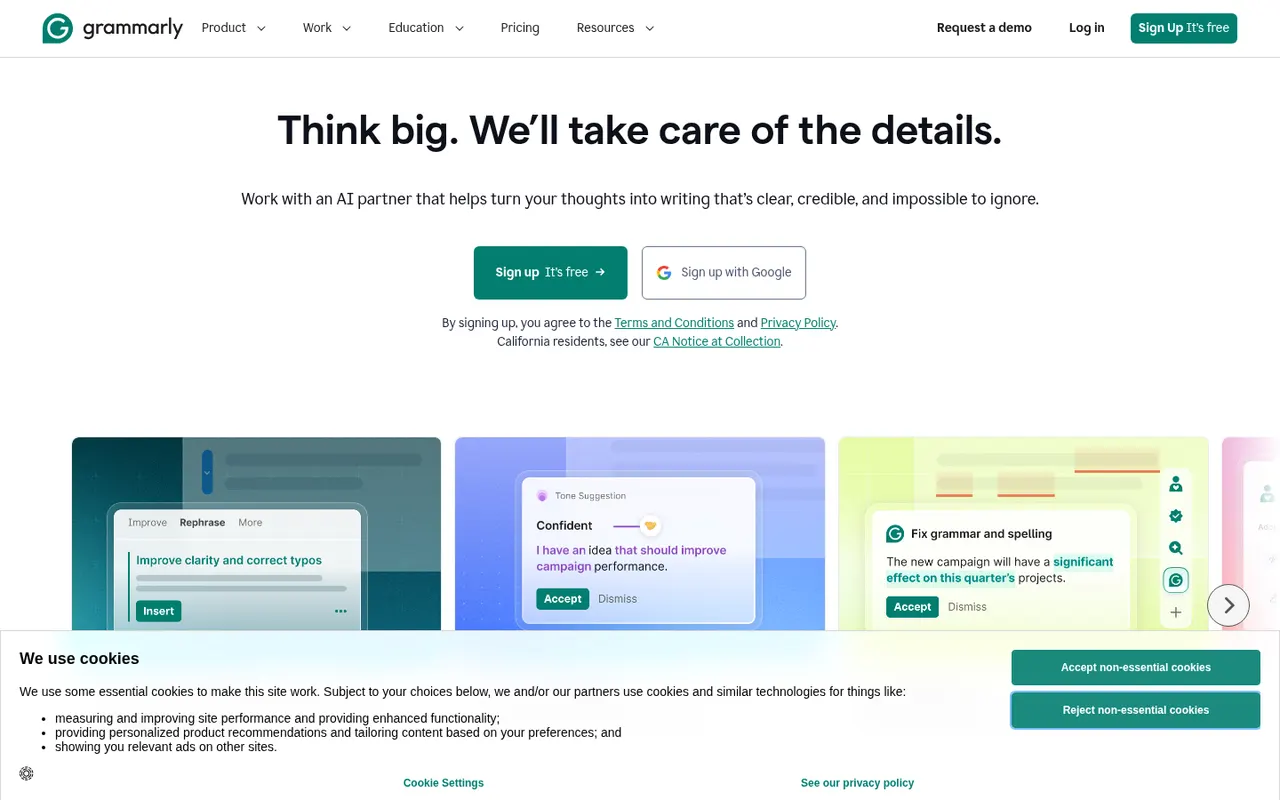
Cost / LicenseFreemiumProprietaryCategoriesFeaturesGrammarly checks spelling, grammar and punctuation as you write and suggests clearer, more concise phrasing. It works in browsers, desktop apps, Microsoft Office and on mobile through a keyboard, and includes generative AI for drafting and rewriting. Its core checks are designed for English. Paid plans add tone and style rewrites, a plagiarism checker and, for teams, shared style guides and brand tones.
10 Grammarly alternativesPros
- Works in browsers, desktop apps, Microsoft Office and on mobile
- Clear suggestions for grammar, clarity and conciseness
- Shared style guides and brand tones for teams
Cons
- Core checks are designed for English only
- Tone rewrites and the plagiarism checker need a paid plan
- Text is processed in the cloud, which some companies restrict
Cost / LicenseFreemiumProprietaryCategoriesJasper is an AI writing platform aimed at marketing teams. It produces blog posts, ads, emails and social copy from ready-made templates and apps, and keeps output consistent through brand voice profiles, style guides and a shared knowledge base. A browser extension and an API bring it into other tools, and workspaces support team collaboration. There is no free plan, only a trial.
10 Jasper alternativesPros
- Brand voice profiles and style guides keep content consistent
- Templates and apps for blogs, ads, emails and social posts
- Browser extension and API bring it into other tools
Cons
- No free plan, only a trial
- Pricing is steep for solo creators
- Output still needs fact-checking and editing
Cost / LicenseFree trialProprietaryCategoriesPlatformsCopy.ai started as an AI copywriting tool and now focuses on go-to-market teams. Besides a chat interface and templates for marketing copy, it offers workflows that chain AI steps to automate tasks such as prospect research, outreach emails, content repurposing or SEO briefs. Brand voice settings, team workspaces, CRM integrations and an API are included, with a limited free plan.
9 Copy.ai alternativesPros
- Workflows chain AI steps to automate go-to-market tasks
- Brand voice settings keep copy consistent
- CRM integrations and an API for sales and marketing teams
Cons
- Its focus on GTM workflows makes it less suited to solo writers
- Free plan is limited compared with paid tiers
- Generated copy still needs editing to sound original
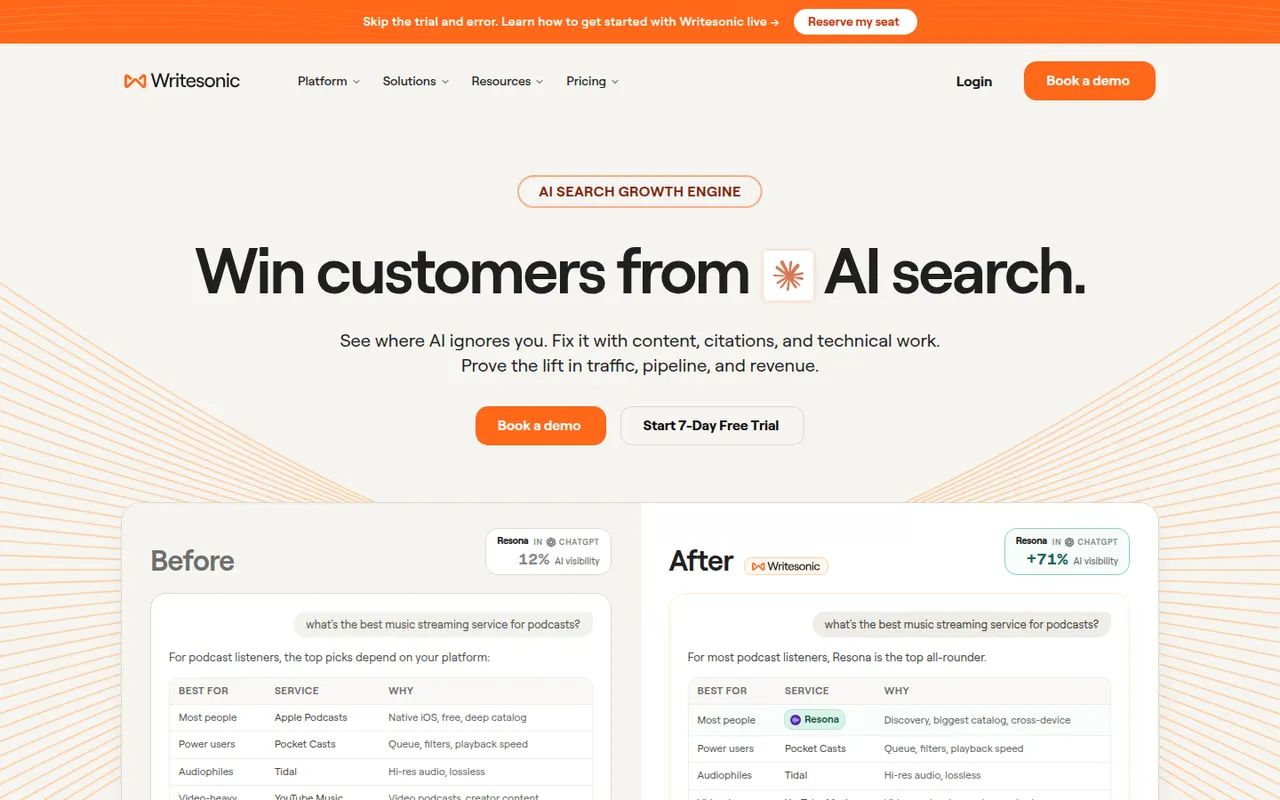
Cost / LicenseFreemiumProprietaryCategoriesPlatformsWritesonic combines an AI writer for SEO articles and marketing copy with tools for generative engine optimization. It tracks how often a brand is mentioned and cited by AI assistants such as ChatGPT, Perplexity and Google AI Overviews, compares it with competitors and suggests content fixes. Articles can follow a brand voice and be published directly to WordPress. It is aimed at marketers and SEO teams.
10 Writesonic alternativesPros
- Combines an AI article writer with AI search visibility tracking
- Tracks mentions and citations in ChatGPT, Perplexity and AI Overviews
- Publishes articles directly to WordPress
Cons
- The broad feature set can feel scattered
- Generated articles need editing and fact-checking
- No lasting free plan, only a trial
Cost / LicenseFree trialProprietaryPlatformsQuillBot is built around a paraphraser that rewrites sentences in several modes, such as fluent, formal or shorter, while keeping their meaning. The suite also includes a grammar checker, summarizer, translator, citation generator, AI detector and, on Premium, a plagiarism checker. It runs in the browser, as a Chrome extension, in Microsoft Word and as desktop apps, and is aimed at students and researchers.
11 QuillBot alternativesPros
- Paraphraser with modes such as fluent, formal or shorter
- Grammar checker, summarizer and citation generator included
- Works in Chrome, Microsoft Word and desktop apps
Cons
- Free paraphraser limits text length and available modes
- Plagiarism checker is only available on Premium
- Heavy paraphrasing can blur the original meaning
Cost / LicenseFreemiumProprietaryCategoriesPlatformsWordtune, from the Israeli company AI21 Labs, suggests other ways to phrase a sentence: more casual, more formal, shorter or expanded. It also fixes spelling and grammar, can continue or explain text, and summarizes articles, documents and videos. It works in a web editor and through a Chrome extension that adds suggestions to Gmail, Google Docs, LinkedIn and other sites, with daily limits on the free plan.
10 Wordtune alternativesPros
- Suggests casual, formal, shorter or expanded phrasings
- Extension works in Gmail, Google Docs, LinkedIn and more
- Summarizes articles, documents and videos
Cons
- Free plan has daily limits on rewrites
- Less thorough than a dedicated grammar checker
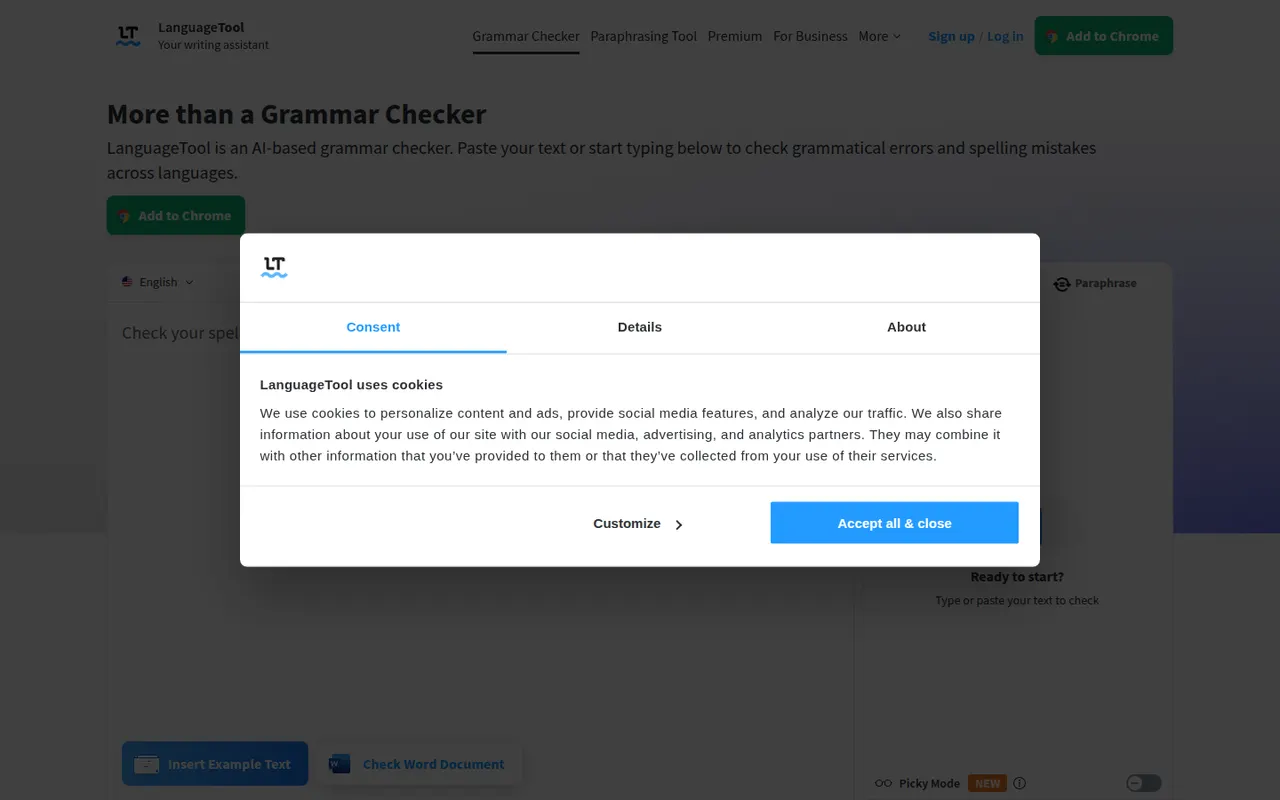
Cost / LicenseFreemiumProprietaryCategoriesPlatformsLanguageTool checks grammar, spelling, punctuation and style in dozens of languages, including English, French, German, Spanish and Portuguese. It integrates with browsers, Microsoft Word, Google Docs, LibreOffice and desktop apps, and Premium adds AI rephrasing and deeper style checks. The core engine is open source under the LGPL, so organizations can run their own server for privacy.
6 LanguageTool alternativesPros
- Checks grammar and style in dozens of languages
- Open source core can run on your own server for privacy
- Integrates with Word, Google Docs, LibreOffice and browsers
Cons
- AI rephrasing and deeper style checks require Premium
- A self-hosted server lacks the Premium checks
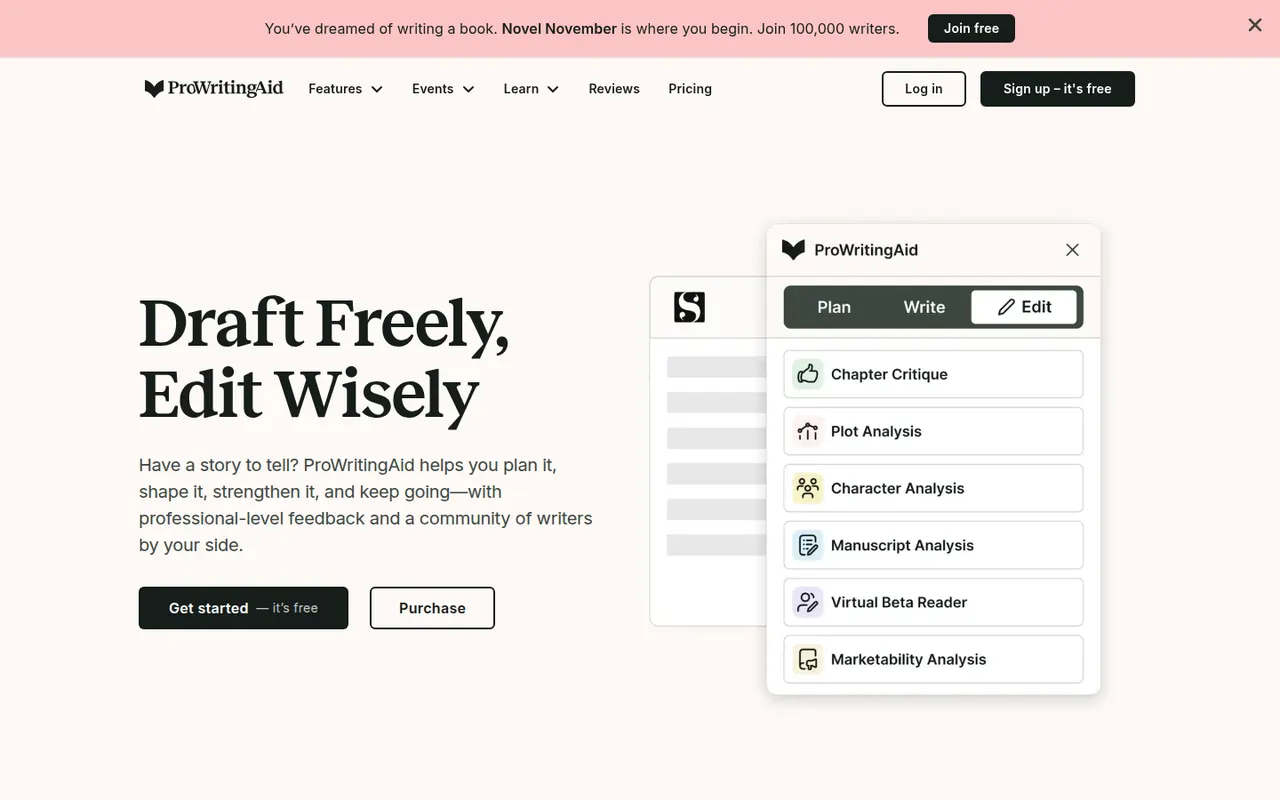
Cost / LicenseFreemiumOpen sourceCategoriesProWritingAid is a grammar checker and style editor designed for long-form English writing, from business documents to novels. Alongside real-time corrections, it produces reports on readability, overused words, repetition, sentence length, pacing and dialogue, and offers AI rephrasing and critique. It works on the web, in desktop apps, in browsers and inside Word, Google Docs and Scrivener.
7 ProWritingAid alternativesPros
- In-depth reports on readability, pacing, repetition and dialogue
- Works inside Word, Google Docs and Scrivener
- Well suited to long-form writing, including fiction
Cons
- The number of reports can feel overwhelming
- Designed for English only
- Free version limits how much text you can check
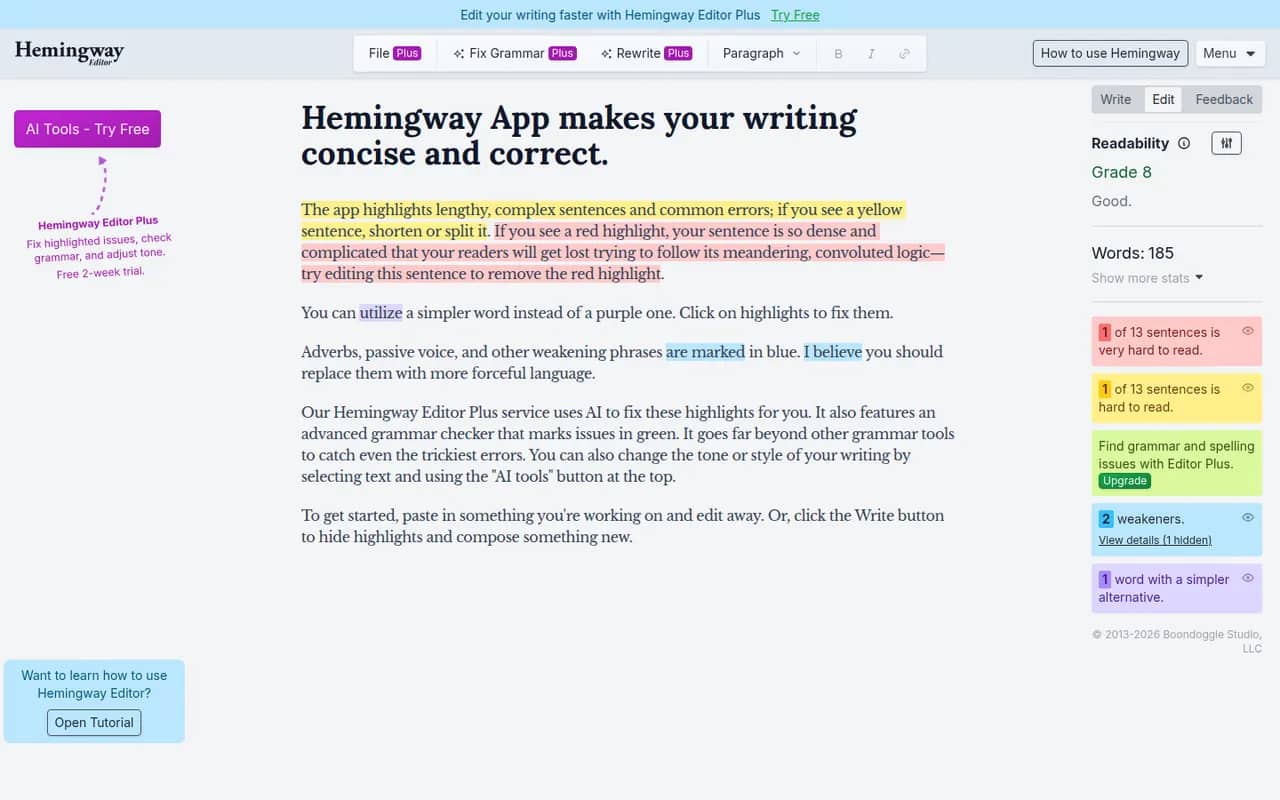
Cost / LicenseFreemiumProprietaryCategoriesPlatformsHemingway Editor highlights long and hard-to-read sentences, adverbs, passive voice and complex words, and shows a readability grade to help you simplify your writing. The free web version covers the core checks, a desktop app bought once works offline on Windows and Mac, and the Hemingway Editor Plus subscription adds AI fixes and a grammar check. It is designed for English.
7 Hemingway Editor alternativesPros
- Highlights dense sentences, adverbs and passive voice
- Readability grade gives instant feedback
- Desktop app bought once works offline
Cons
- Designed for English only
- Grammar checks and AI fixes need the Plus subscription
- Its rules can push toward overly plain prose
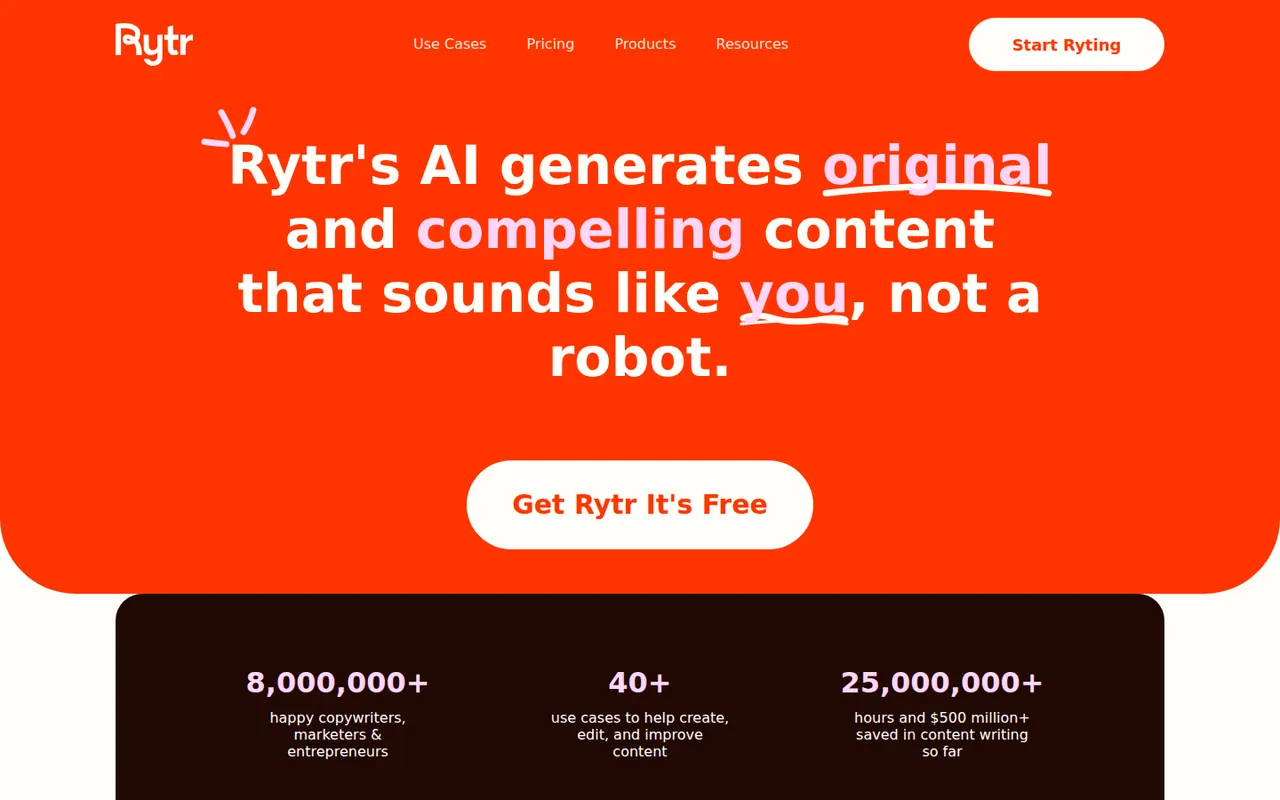
Cost / LicenseFreemiumProprietaryCategoriesRytr is an AI writing assistant for short-form content such as emails, product descriptions, social posts, ads and blog sections. You pick a use case, a language and a tone, then refine the draft in its editor with rewrite, expand and shorten commands. It also offers custom tones based on your own writing, a plagiarism check and a Chrome extension, with a free plan limited by monthly characters.
8 Rytr alternativesPros
- Wide range of short-form use cases, languages and tones
- Rewrite, expand and shorten commands in the editor
- Custom tones based on your own writing
Cons
- Free plan is capped by monthly characters
- Less suited to long-form articles
- Output can be generic without careful prompting
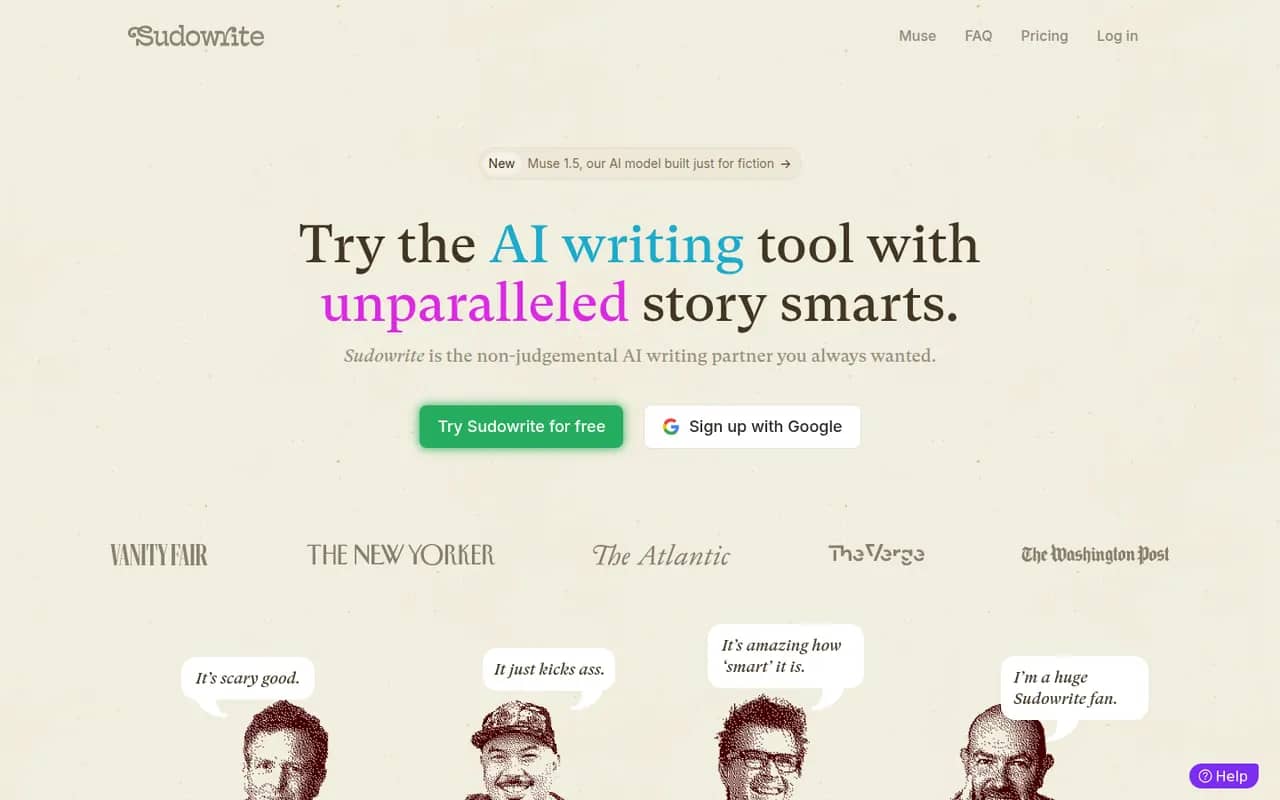
Cost / LicenseFreemiumProprietaryCategoriesPlatformsSudowrite is an AI writing tool made for fiction. It helps novelists brainstorm, expand scenes, rewrite passages, add sensory description and get feedback, while a Story Bible keeps characters, worldbuilding and outlines in one place to guide longer drafts. It can match your prose style and offers a choice of AI models. It runs in the browser, with paid plans after a free trial.
9 Sudowrite alternativesPros
- Built specifically for fiction and novel writing
- Story Bible keeps characters, worldbuilding and outlines together
- Can match the style of your own prose
Cons
- Paid plans only once the trial ends
- Credit-based usage can run short on long drafts
- Not designed for nonfiction or business writing
Cost / LicenseFree trialProprietaryCategoriesPlatformsDeepL Write is an AI writing assistant from the German company behind the DeepL translator. It corrects grammar, spelling and punctuation and suggests rephrasings of whole sentences in languages such as English, German, French, Spanish and Portuguese. Write Pro adds writing styles and tones and does not keep your texts after processing. It works on the web and in the DeepL desktop apps.
7 DeepL Write alternativesPros
- Rephrases whole sentences, not just grammar fixes
- Natural results in English, German, French and more
- Write Pro does not keep your texts after processing
Cons
- Supports far fewer languages than the DeepL translator
- No plagiarism checker or in-depth style reports
- Writing styles and tones are reserved for Write Pro
Cost / LicenseFreemiumProprietaryCategoriesMidjourney is a text-to-image service from the independent research lab of the same name, used through its web app or a Discord bot. It produces detailed, stylized images and offers variations, upscaling, an editor for repainting or extending images, and style and character references to keep a consistent look. It can also animate images into short videos. Access requires a paid subscription.
12 Midjourney alternativesPros
- Distinctive, polished artistic style with strong aesthetics
- Style and character references keep a consistent look
- Editor repaints or extends images, which can also be animated
Cons
- No free plan: a paid subscription is required
- Images are public by default, and private mode needs a higher tier
Cost / LicensePaidProprietaryCategoriesPlatformsLeonardo.Ai is an AI image generation platform, owned by Canva since 2024, that offers its own models alongside third-party ones. It covers prompt-based generation with style and character references, a canvas editor for inpainting and outpainting, upscaling, custom model training and short video generation. Free tokens are granted daily, and paid plans add more tokens, private generations and API access.
10 Leonardo.Ai alternativesPros
- Daily free tokens make it easy to try without paying
- Canvas editor handles inpainting and outpainting
- Custom model training for consistent styles or characters
Cons
- Token costs vary by model and settings, which can be confusing
- Private generations and API access require a paid plan
Cost / LicenseFreemiumProprietaryCategoriesIdeogram is an AI image generator designed to render readable text inside images, which makes it useful for posters, logos, packaging, thumbnails and social graphics. Besides text-to-image with style presets and style references, it offers Magic Prompt to expand short ideas, a canvas for editing and extending images, upscaling and an API. A limited free tier is available.
11 Ideogram alternativesPros
- Renders legible, well-placed text inside generated images
- Magic Prompt turns a short idea into a detailed prompt
- Canvas for editing, extending and upscaling images
Cons
- Free tier is tight, and private generations need a paid plan
- Editing tools are lighter than those of full design suites
- No Android app, only the web and iPhone
Cost / LicenseFreemiumProprietaryCategoriesAdobe Firefly is Adobe's family of generative AI models and the app that hosts them. It creates images, vectors and video from text prompts, with style and structure references, and powers features like Generative Fill in Photoshop and Adobe Express. Adobe trains its Firefly models on licensed content and presents them as suitable for commercial use. It runs on the web and mobile, with monthly generative credits.
12 Adobe Firefly alternativesPros
- Trained on licensed content and positioned for commercial use
- Powers Generative Fill in Photoshop and Adobe Express
- Creates images, vectors and video from text prompts
Cons
- Monthly generative credits limit heavy use
- Gets most of its value from a Creative Cloud subscription
- Strict content filters can block some prompts
Cost / LicenseFreemiumProprietaryCategoriesFLUX is a family of image generation and editing models from Black Forest Labs, a German lab founded by former Stable Diffusion researchers. Some variants have open weights, under Apache 2.0 or a non-commercial license, and can run locally or be fine-tuned. The most capable Pro and Kontext models are offered through a paid API and many partner platforms. Kontext edits existing images from text instructions.
7 FLUX alternativesPros
- Detailed, photorealistic images that follow prompts closely
- Some variants have open weights you can run locally or fine-tune
- Kontext edits existing images from plain text instructions
Cons
- The most capable Pro models are only available through a paid API
- Running the open weights locally requires a powerful GPU
- Licenses differ by variant, and some forbid commercial use
Cost / LicenseFreemiumSource availableCategoriesPlatforms