Best apps for Web
433 apps
Top Web apps ranked by the community
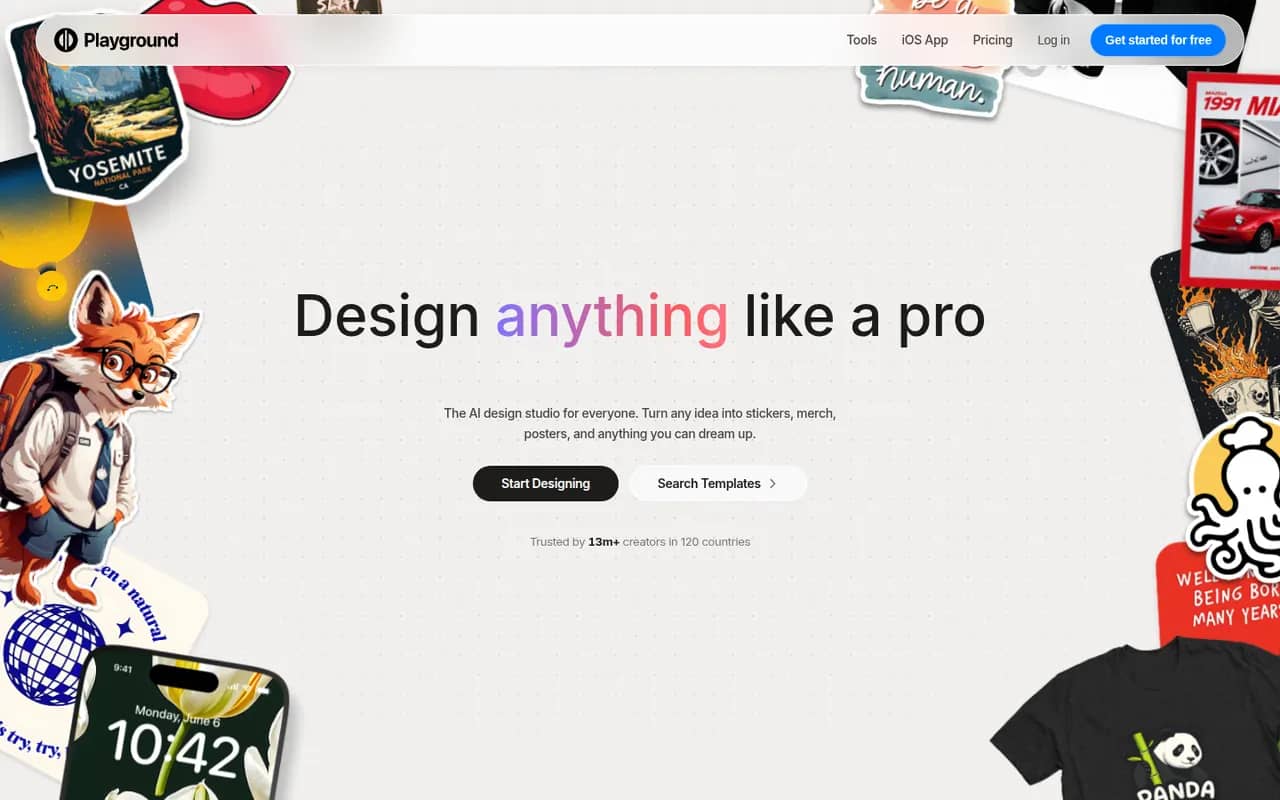
Playground is a browser-based AI tool that started as a general image generator and now focuses on graphic design. You describe what you need, such as a logo, flyer, t-shirt print or social media post, start from a template library and refine the result through chat or an editor, using an in-house model built to render text. A free plan with daily limits sits alongside paid plans.
10 Playground alternativesPros
- Template library for logos, flyers, t-shirts and social posts
- In-house model built to render text cleanly in designs
- Results can be refined through chat or in an editor
Cons
- Free plan comes with daily generation limits
- Less suited to artistic imagery since its shift to graphic design
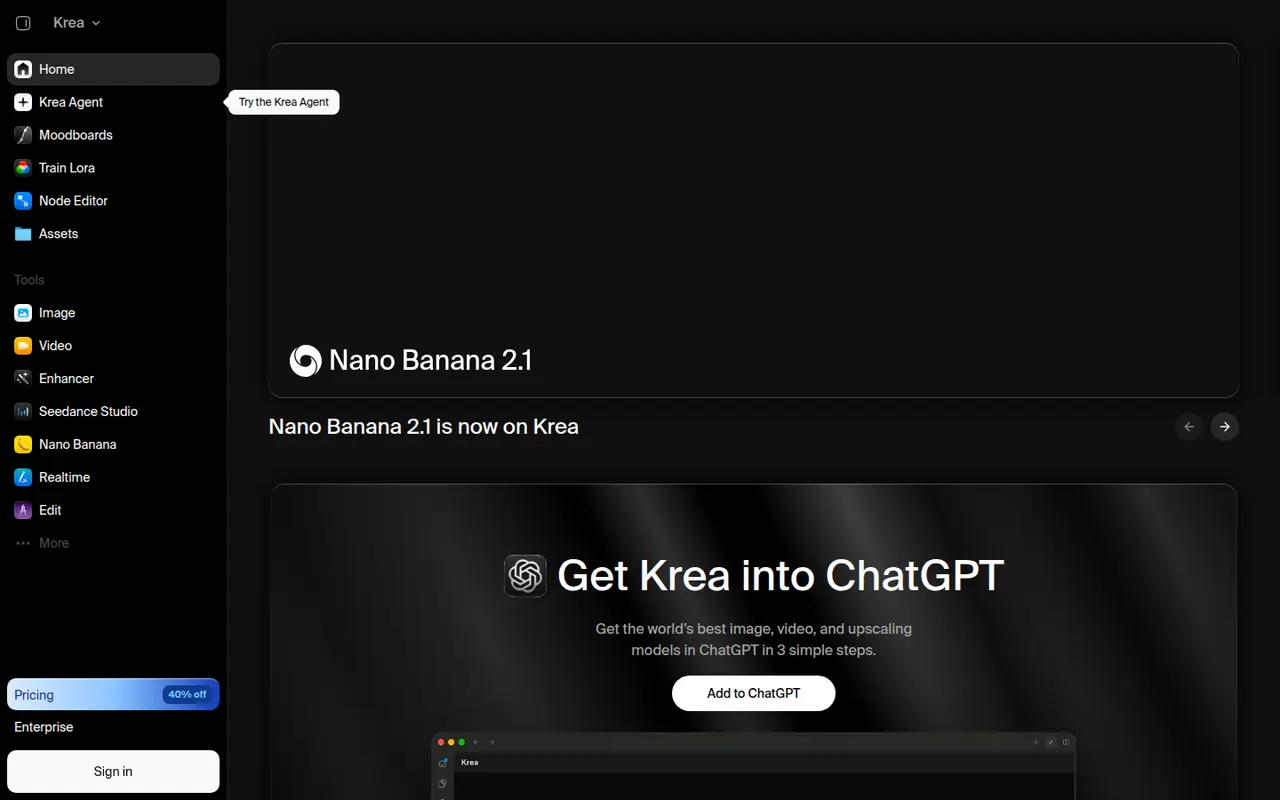
Cost / LicenseFreemiumProprietaryCategoriesPlatformsKrea is a web app for generating and editing images and video with AI. Its real-time mode updates an image as you draw or type, an enhancer upscales and adds detail, and you can train custom styles or characters from your own images. Krea also gives access to many third-party models, such as FLUX and several video models, in one interface. A free plan with limited usage is available.
8 Krea alternativesPros
- Real-time mode updates the image as you draw or type
- Enhancer upscales images and adds fine detail
- Many third-party image and video models in a single interface
Cons
- Free plan has tight usage limits
- Costs vary by model, which makes usage hard to predict
- The number of models and tools can feel overwhelming at first
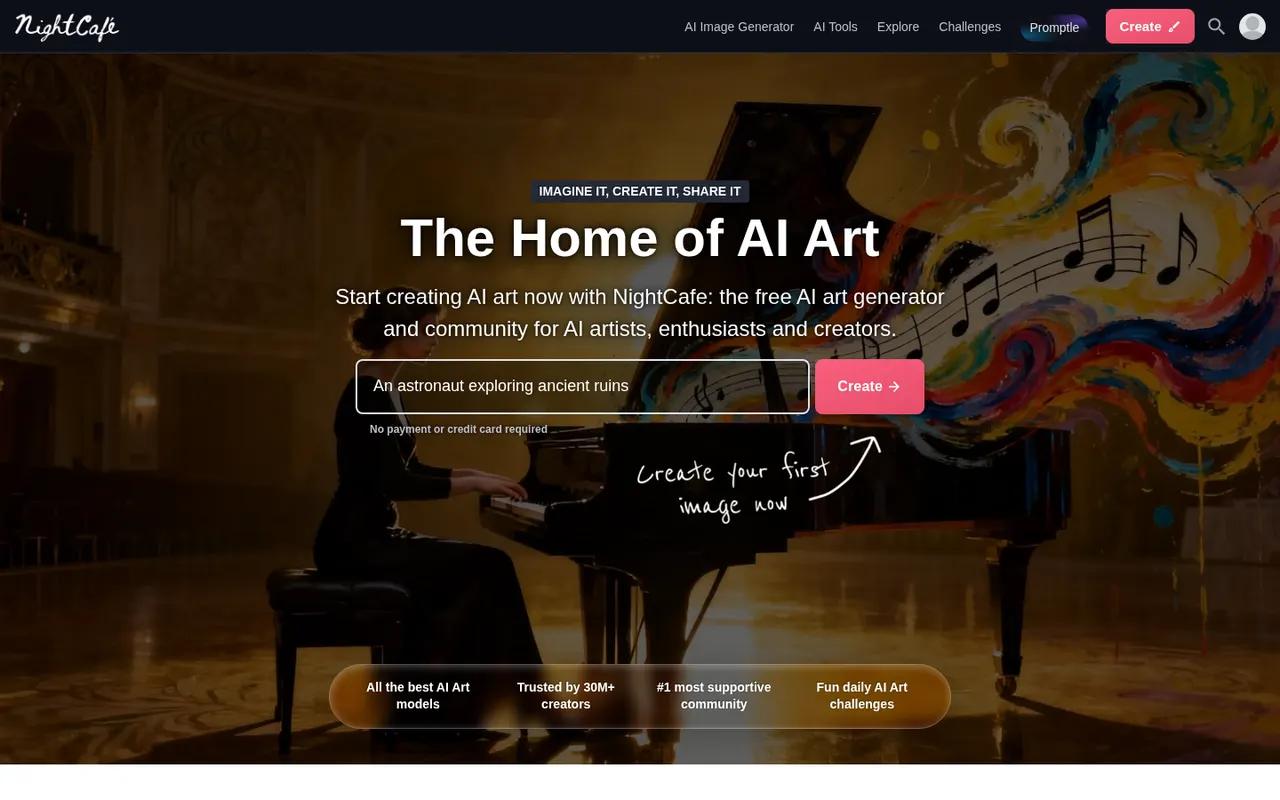
Cost / LicenseFreemiumProprietaryCategoriesPlatformsNightCafe is an AI art generator that brings several image models, including Stable Diffusion and FLUX, together in one place. Beyond creating and upscaling images, it puts emphasis on community, with public galleries, likes, comments and daily art challenges. Free credits are topped up every day, and more can be bought or included in a subscription. It works on the web and in mobile apps.
7 NightCafe alternativesPros
- Several image models, including Stable Diffusion and FLUX, in one app
- Daily free credits let you keep creating without paying
- Active community with public galleries and daily challenges
Cons
- Premium models and high resolutions burn through credits quickly
- Editing tools are basic compared with dedicated image editors
Cost / LicenseFreemiumProprietaryCategoriesRecraft is an AI design tool that generates both raster images and editable vector graphics (SVG), which suits icons, illustrations, logos and marketing assets. You can create custom styles from reference images so a whole set stays on brand, and its canvas includes background removal, upscaling, inpainting and mockups. It targets designers and marketers, with a free plan and an API for developers.
11 Recraft alternativesPros
- Generates editable SVG vector graphics, not just raster images
- Custom styles from reference images keep asset sets on brand
- Canvas includes background removal, upscaling and mockups
Cons
- Complex vector output can still need manual cleanup
- Higher limits and advanced features are reserved for paid plans
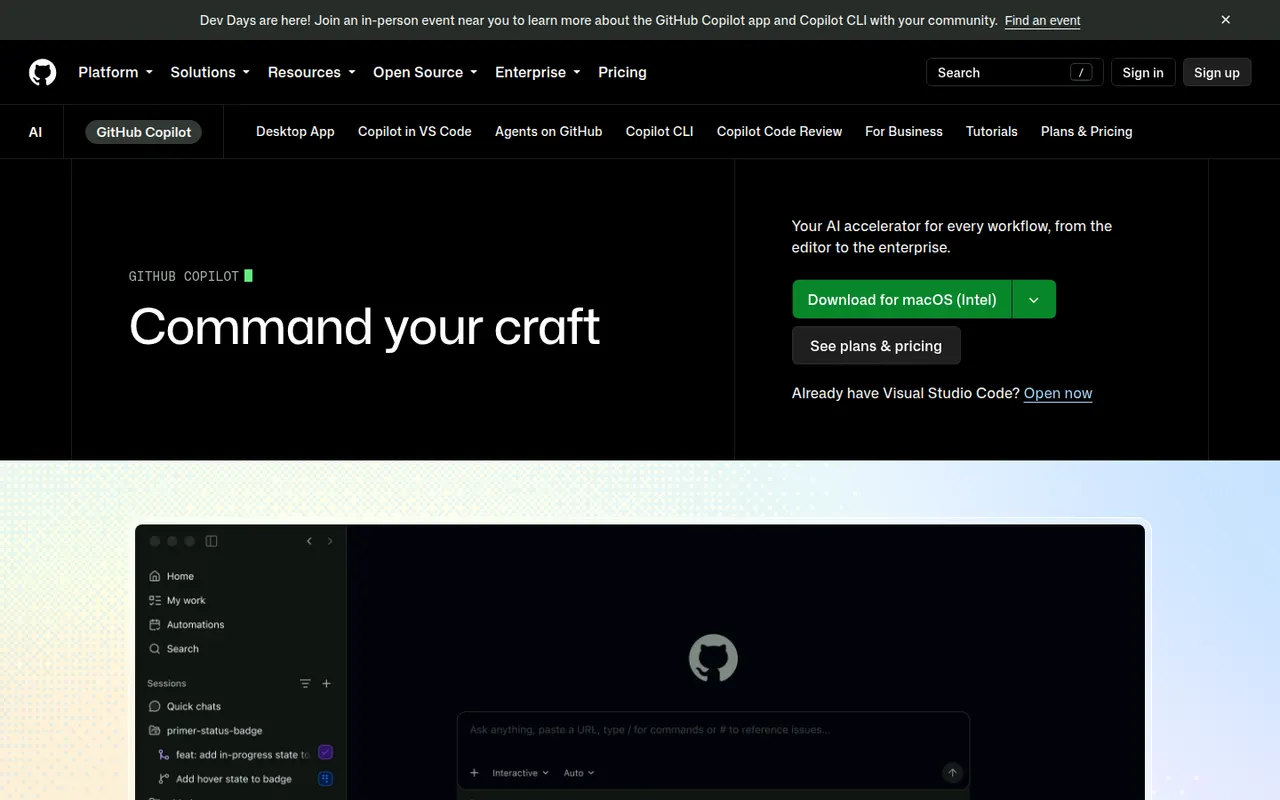
Cost / LicenseFreemiumProprietaryCategoriesPlatformsGitHub Copilot is GitHub's AI coding assistant. It suggests code as you type and offers chat in editors such as VS Code, Visual Studio, JetBrains IDEs, Xcode and Neovim, with a choice of models from several providers. Its coding agent can take a GitHub issue, work in the background and open a pull request, and Copilot also reviews pull requests and works in the terminal. A limited free plan is available.
10 GitHub Copilot alternativesPros
- Works in many editors, from VS Code to Xcode and Neovim
- Coding agent turns GitHub issues into pull requests
- Choice of models from several providers
Cons
- The free plan has tight monthly limits
- Premium requests can add extra costs on paid plans
- Agent features assume your code is hosted on GitHub
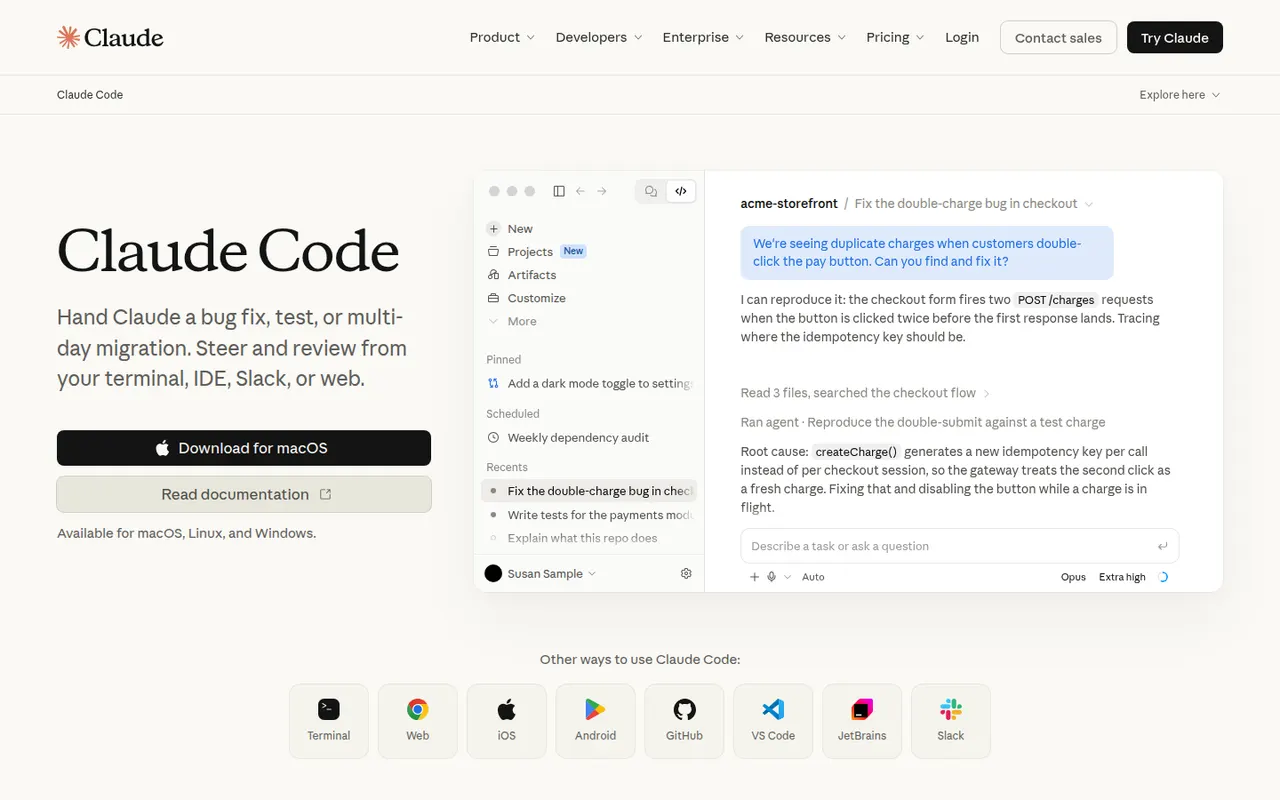
Cost / LicenseFreemiumProprietaryCategoriesClaude Code is an agentic coding tool from Anthropic. It runs in the terminal, in VS Code and JetBrains IDEs and on the web. It reads your codebase, edits files, runs commands and tests, and handles git workflows from natural-language requests. It can be extended with MCP servers, custom slash commands, subagents, hooks and plugins. Using it requires a paid Claude plan or API billing.
10 Claude Code alternativesPros
- Works across the whole codebase from the terminal
- Runs commands and tests, and handles git workflows
- Extensible with MCP servers, hooks, subagents and plugins
Cons
- Requires a paid Claude plan or API billing, with no free tier
- Heavy agentic sessions can hit usage limits or run up API costs
- Autonomous edits still need careful review before merging
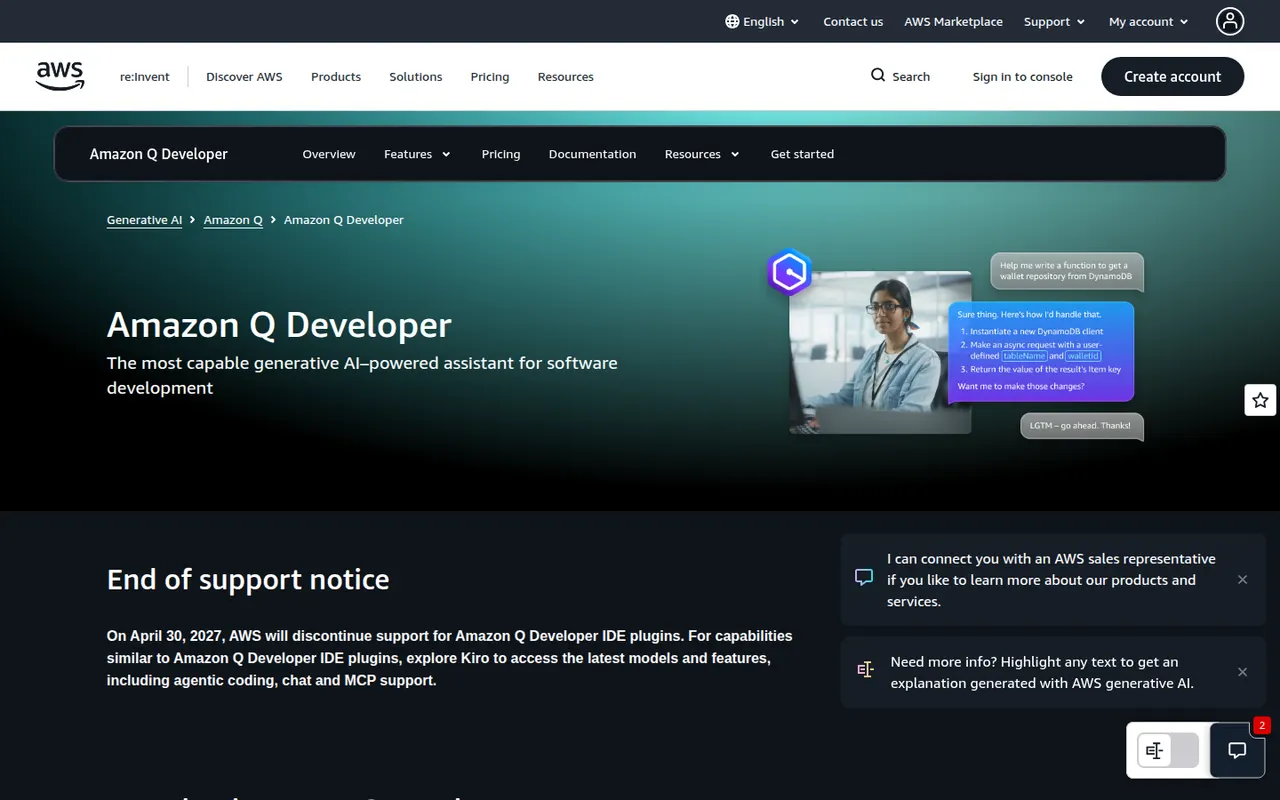
Cost / LicensePaidProprietaryCategoriesAmazon Q Developer is the generative AI assistant from AWS for software development. It offers inline code suggestions, chat and agents that implement features, write tests and documentation, review code and upgrade Java applications, in VS Code, JetBrains and Visual Studio and on the command line. It also answers questions about AWS resources in the console, with a free tier alongside the Pro plan.
8 Amazon Q Developer alternativesPros
- In-depth knowledge of AWS services and console resources
- Agents help upgrade Java applications
- Free tier, with VS Code, JetBrains and command-line support
Cons
- Most useful for teams already invested in AWS
- The free tier caps agent requests and code transformations
Cost / LicenseFreemiumProprietaryCategoriesCodex is OpenAI's software engineering agent. Connected to a GitHub repository, it works on tasks in a cloud sandbox from ChatGPT and proposes pull requests. The open source Codex CLI runs locally in the terminal, and an IDE extension brings the same agent to VS Code-based editors. It can build features, fix bugs, answer questions about a codebase and review code. Access comes with paid ChatGPT plans or API billing.
8 OpenAI Codex alternativesPros
- Cloud tasks run in a sandbox and come back as pull requests
- Open source CLI for local work in the terminal
- Same agent across the cloud, the terminal and the IDE
Cons
- Requires a paid ChatGPT plan or API billing
- Cloud tasks depend on connecting your GitHub repository
- Changes still need careful review before merging
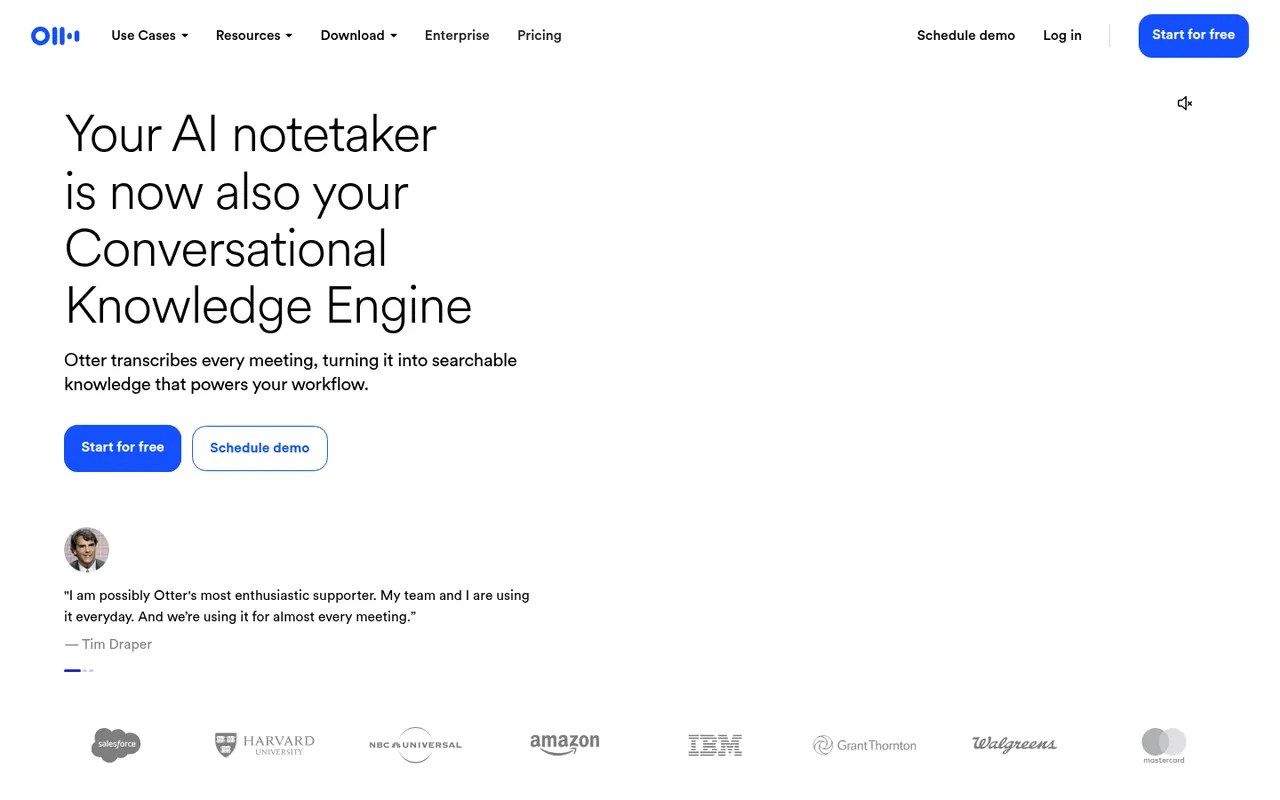
Cost / LicensePaidProprietaryCategoriesOtter.ai records and transcribes meetings in real time, either by sending its assistant to Zoom, Google Meet and Microsoft Teams calls or by recording in person from the mobile app. It generates summaries and action items, lets you search and comment on transcripts, and its AI chat answers questions across past meetings. It transcribes English, French and Spanish and has a limited free plan.
9 Otter.ai alternativesPros
- Live transcription you can follow during the meeting
- AI chat answers questions across past meetings
- Mobile app records in-person conversations
Cons
- Transcribes only English, French and Spanish
- Free plan is limited in minutes and file imports
- The assistant can join calls automatically, which may surprise attendees
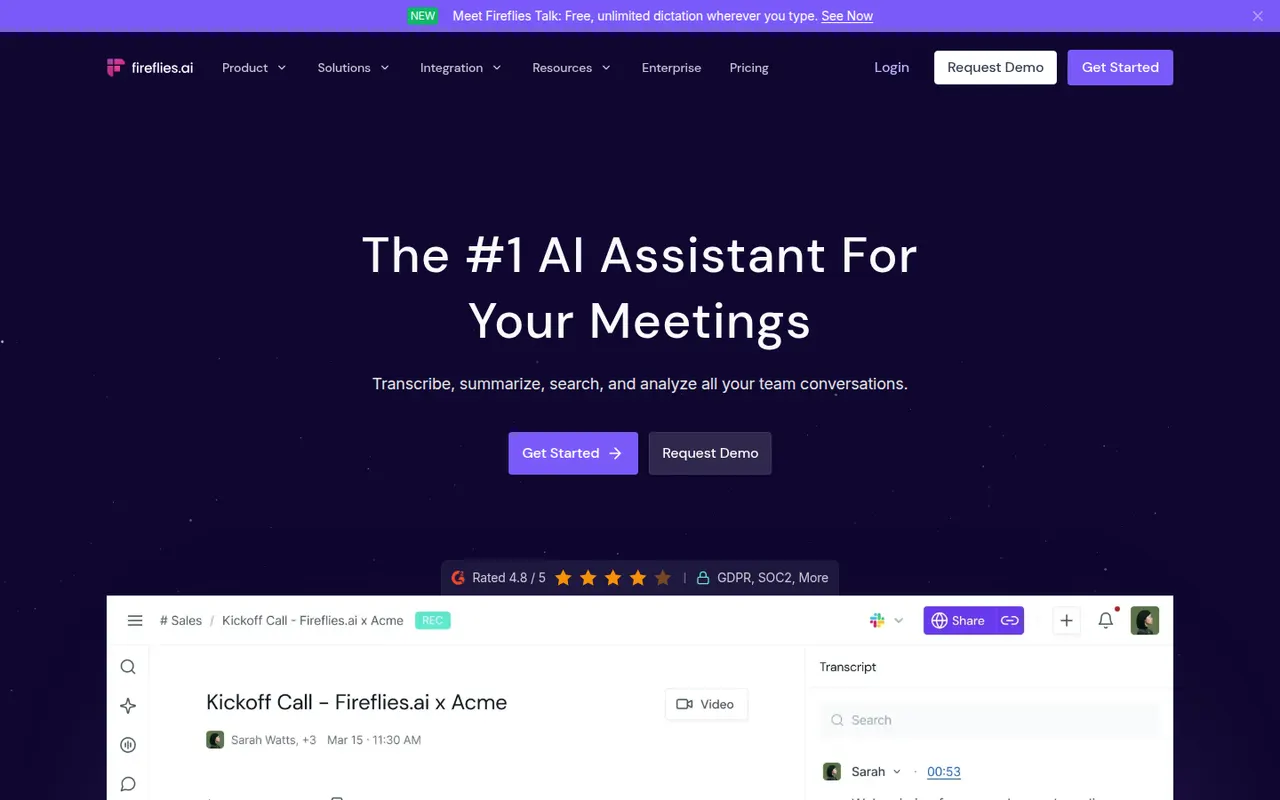
Cost / LicenseFreemiumProprietaryCategoriesPlatformsFireflies.ai joins video calls on Zoom, Google Meet, Microsoft Teams and other platforms to record and transcribe them in many languages. It produces summaries and action items, offers conversation analytics such as talk time and topic tracking, and pushes notes to CRMs like Salesforce and HubSpot or to Slack and Notion. You can search across meetings, query them with an AI assistant and start on a free plan.
9 Fireflies.ai alternativesPros
- Works across Zoom, Meet, Teams and other call platforms
- Transcribes in many languages, with search across all meetings
- Pushes notes to CRMs, Slack and Notion
Cons
- Auto-join settings can bring the bot into calls unexpectedly
- Free plan limits storage and advanced AI features
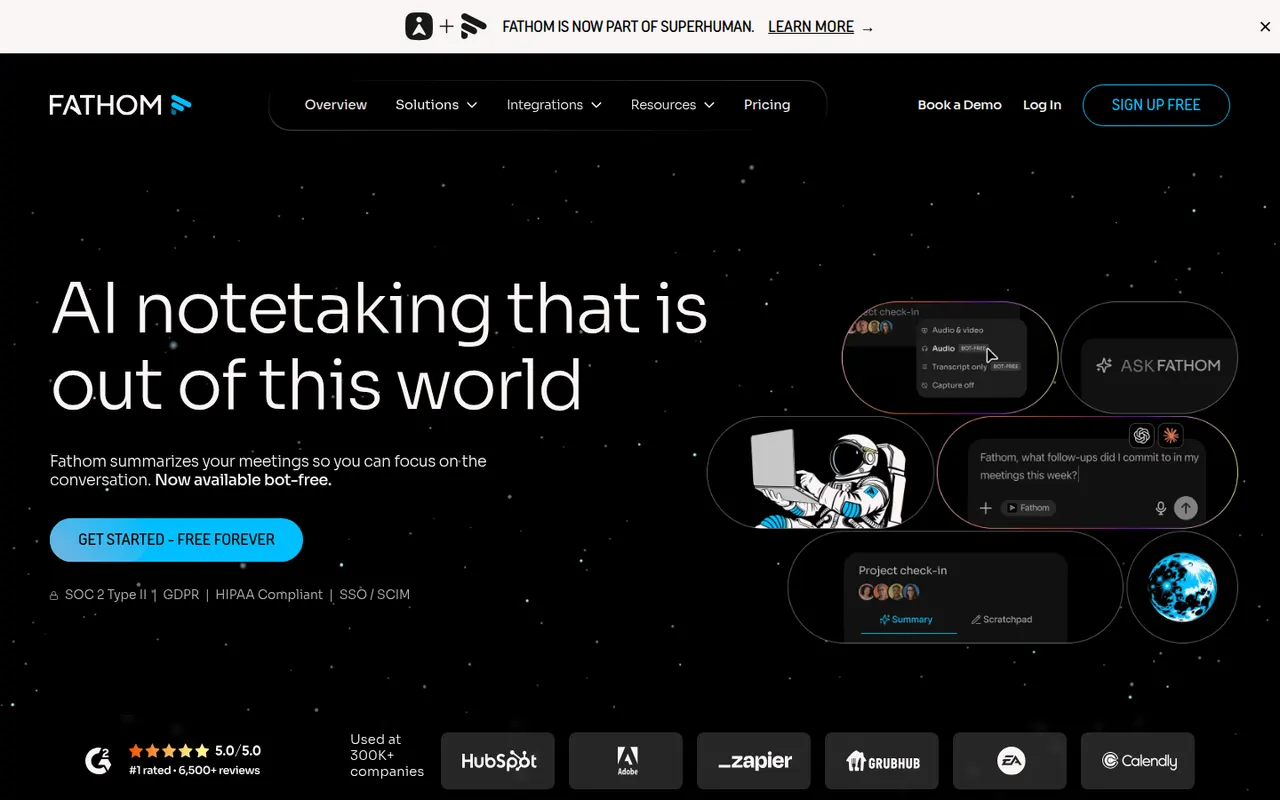
Cost / LicenseFreemiumProprietaryCategoriesPlatformsFathom records, transcribes and summarizes meetings on Zoom, Google Meet and Microsoft Teams, delivering notes and action items shortly after each call. You can highlight key moments, share clips, ask questions about past calls and sync notes to CRMs such as HubSpot and Salesforce. The free plan includes unlimited recordings and transcripts, while paid plans add advanced AI summaries and team features.
9 Fathom alternativesPros
- Free plan includes unlimited recordings and transcripts
- Notes and action items arrive shortly after each call
- Highlight key moments and share them as clips
Cons
- Advanced AI summaries and team features need a paid plan
- A bot joins the call, which not every participant welcomes
Cost / LicenseFreemiumProprietaryCategoriestl;dv records and transcribes Google Meet, Zoom and Microsoft Teams calls and turns them into AI notes, summaries and timestamps you can share. It can produce reports across many meetings, follow sales frameworks and sync notes to CRMs like HubSpot and Salesforce or to Slack and Notion. The company is based in Germany and emphasizes GDPR compliance, and a free plan is available.
9 tl;dv alternativesPros
- Timestamped notes make it easy to jump to key moments
- Reports across many meetings, with sales framework templates
- German company with a strong focus on GDPR compliance
Cons
- A recording bot joins the call, which not everyone welcomes
- Advanced AI and CRM features require a paid plan
Cost / LicenseFreemiumProprietaryCategoriesPlatformsRead AI joins or records meetings on Zoom, Google Meet and Microsoft Teams to produce transcripts, summaries, action items and highlight reels. It also measures engagement, sentiment and talk time to help people run better meetings, and can summarize email and chat threads so you can search meetings, messages and documents in one place. A free plan covers a limited number of meetings.
9 Read AI alternativesPros
- Engagement, sentiment and talk-time metrics for meetings
- Search across meetings, email and chat in one place
- Highlight reels sum up long meetings quickly
Cons
- Engagement scoring can feel intrusive to participants
- Connecting email and chat means granting broad data access
- Free plan covers only a limited number of meetings
Cost / LicenseFreemiumProprietaryCategoriesPlatformsAvoma is an AI meeting assistant built for sales and customer success teams. It records and transcribes calls, writes structured notes and syncs them to CRMs such as Salesforce and HubSpot, then adds conversation intelligence, deal and pipeline insights, coaching scorecards and a built-in scheduler with lead routing. It suits revenue teams that want notes, call analysis and scheduling in a single tool.
8 Avoma alternativesPros
- Notes, call analysis and scheduling in a single tool
- Structured notes sync to CRMs such as Salesforce and HubSpot
- Coaching scorecards and deal insights for revenue teams
Cons
- Built for sales teams, so it is overkill for casual note-taking
- The breadth of features takes time to set up and learn
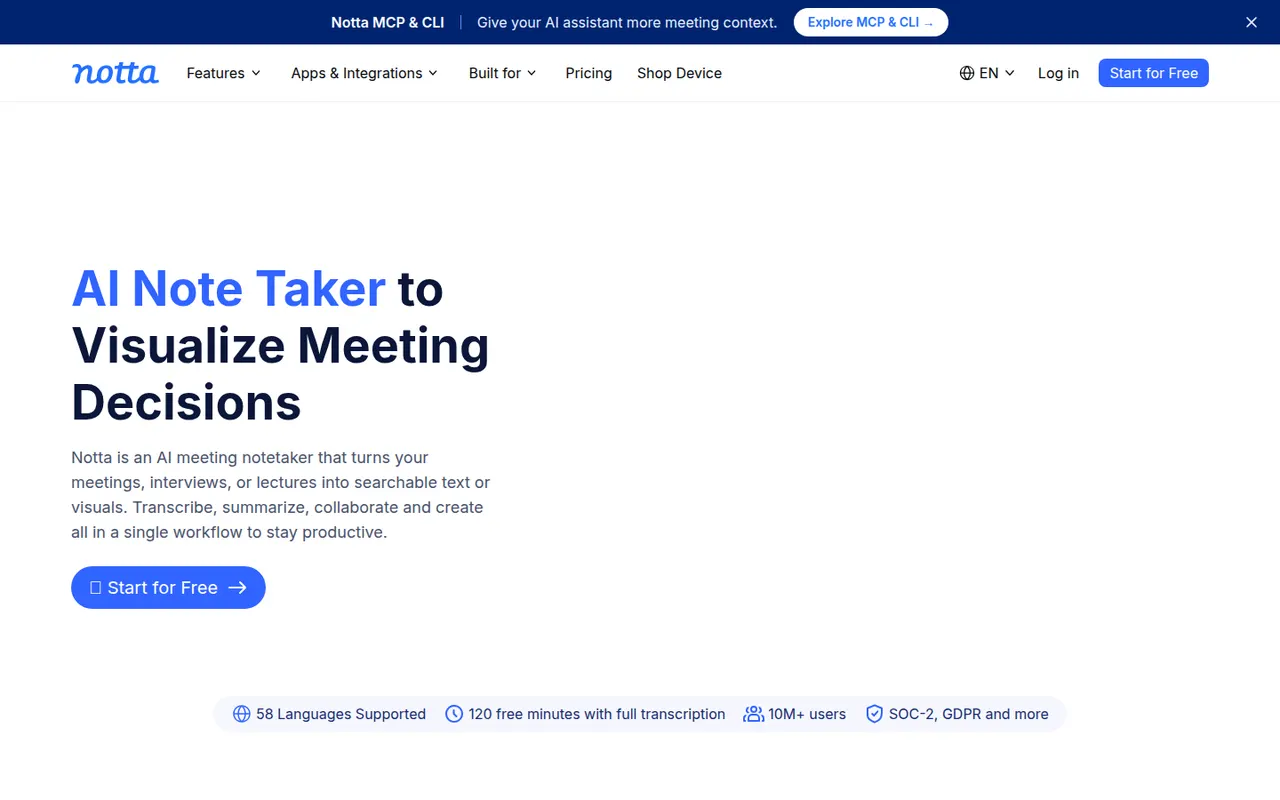
Cost / LicenseFree trialProprietaryCategoriesPlatformsNotta transcribes meetings, recordings and uploaded audio or video files in dozens of languages, and can translate transcripts. Its bot can join Zoom, Google Meet and Microsoft Teams calls, while the mobile apps and Chrome extension record in person or in the browser. AI summaries highlight key points and next steps, and notes export to formats such as Word, PDF or SRT or to tools like Notion.
9 Notta alternativesPros
- Transcribes and translates in dozens of languages
- Records through a meeting bot, mobile apps or a Chrome extension
- Exports to Word, PDF, SRT or tools like Notion
Cons
- Free plan has tight limits on transcription time
- Fewer analytics and CRM features than sales-focused tools
Cost / LicenseFreemiumProprietaryCategoriesPlatformsTactiq is a Chrome extension that captures live transcripts of Google Meet, Zoom and Microsoft Teams calls running in the browser, without adding a bot to the meeting. During or after the call you can highlight moments, generate summaries, action items or follow-up emails with custom prompts, and save notes to Google Docs, Notion, Confluence or Slack. A free plan covers a limited number of meetings.
9 Tactiq alternativesPros
- Captures live transcripts without adding a bot to the meeting
- Custom prompts for summaries, action items and follow-up emails
- Saves notes to Google Docs, Notion, Confluence or Slack
Cons
- Only captures calls running in the browser, not desktop apps
- No mobile option for in-person conversations
- Free plan covers a limited number of meetings
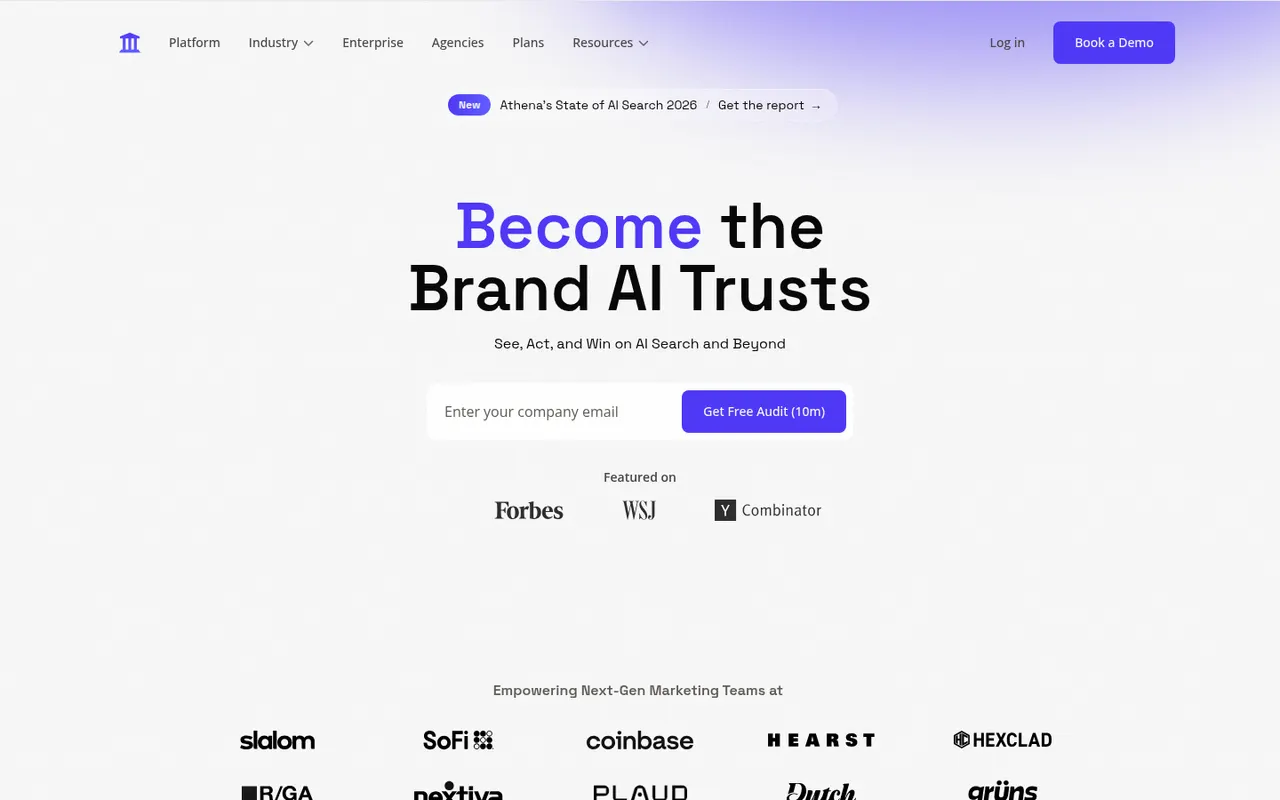
Cost / LicenseFreemiumProprietaryCategoriesPlatformsAthenaHQ is a generative engine optimization (GEO) platform for marketing teams. It monitors how brands appear in answers from ChatGPT, Perplexity, Google AI Overviews, Gemini, Claude and other assistants, shows which sources get cited, benchmarks share of voice against competitors and recommends content changes to improve visibility. It is a paid, web-based service.
8 AthenaHQ alternativesPros
- Tracks brand presence in ChatGPT, Perplexity, Gemini and more
- Shows which sources AI answers cite about your brand
- Recommends content changes to improve AI visibility
Cons
- No free plan, paid access only
- AI answers shift between runs, so scores are directional
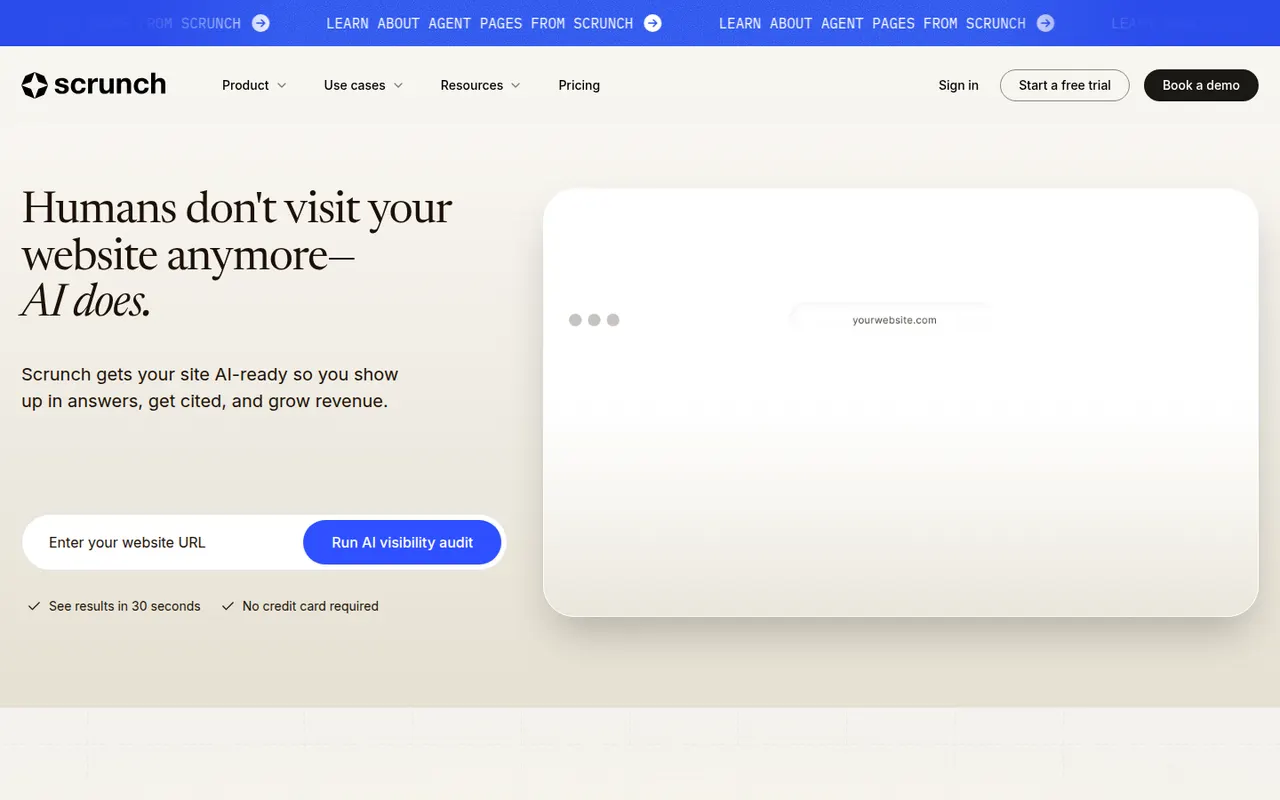
Cost / LicensePaidProprietaryCategoriesPlatformsScrunch AI helps brands understand and shape how they appear in AI assistants such as ChatGPT, Perplexity, Gemini, Claude and Google AI Overviews. It tracks prompts, mentions, citations and sentiment, compares results with competitors, and flags content gaps or inaccurate information. Its Agent Experience Platform serves an AI-friendly version of a website to AI crawlers. It is a paid web service for marketing teams.
8 Scrunch AI alternativesPros
- Flags content gaps and inaccurate information in AI answers
- Tracks mentions, citations and sentiment across major assistants
- Agent Experience Platform serves an AI-friendly site to crawlers
Cons
- No free plan, paid access only
- Serving a separate version to AI crawlers adds technical overhead
- AI answers vary, so metrics are best read as trends
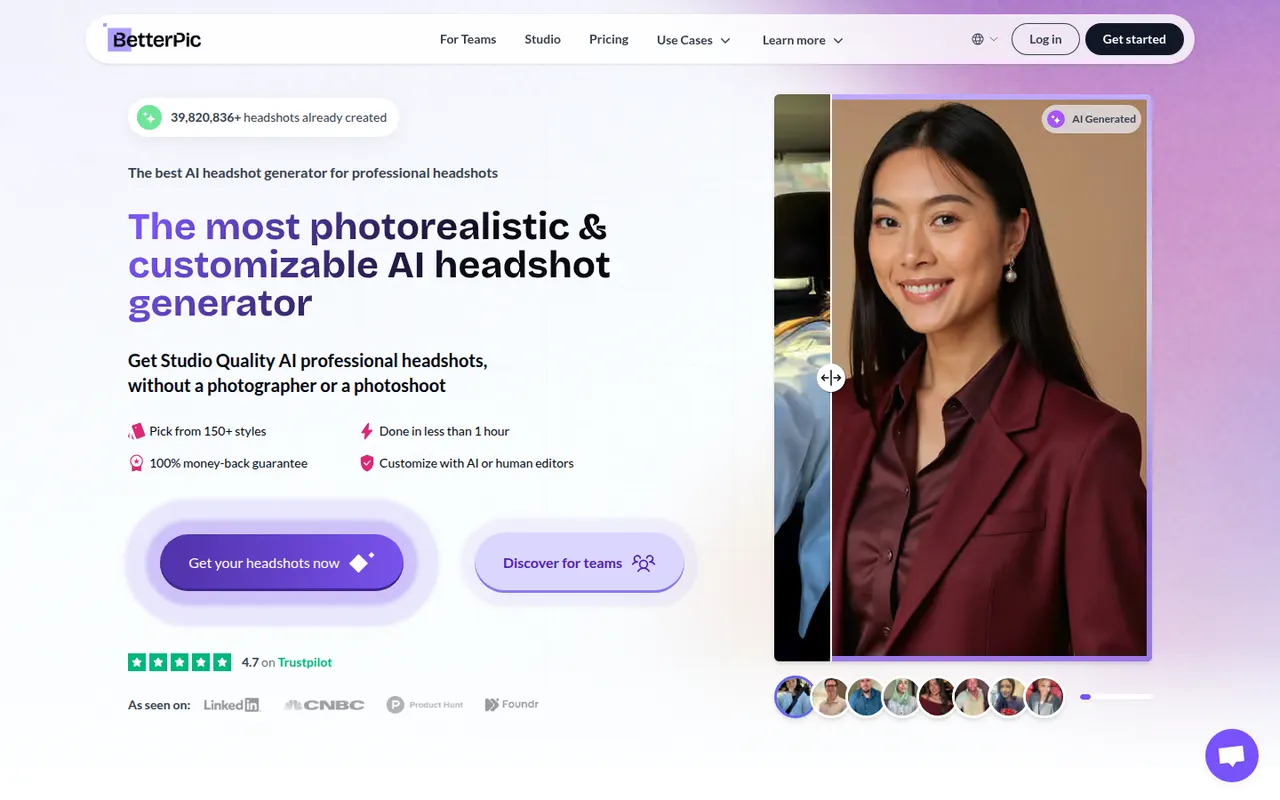
Cost / LicensePaidProprietaryCategoriesPlatformsBetterPic turns a set of casual selfies into professional headshots for LinkedIn, resumes, company websites and team pages. You upload photos, choose outfits and backgrounds, and receive a batch of high-resolution portraits generated by AI. Team plans let companies collect photos from employees and produce consistent headshots across the organization. Packages are paid per order.
6 BetterPic alternativesPros
- Choice of outfits and backgrounds for each order
- Team plans produce consistent headshots across a company
- High-resolution portraits for profiles and company pages
Cons
- Paid per order, with no free plan
- Results vary, so finding a true likeness can take some sorting
- Requires sharing personal photos with an external service
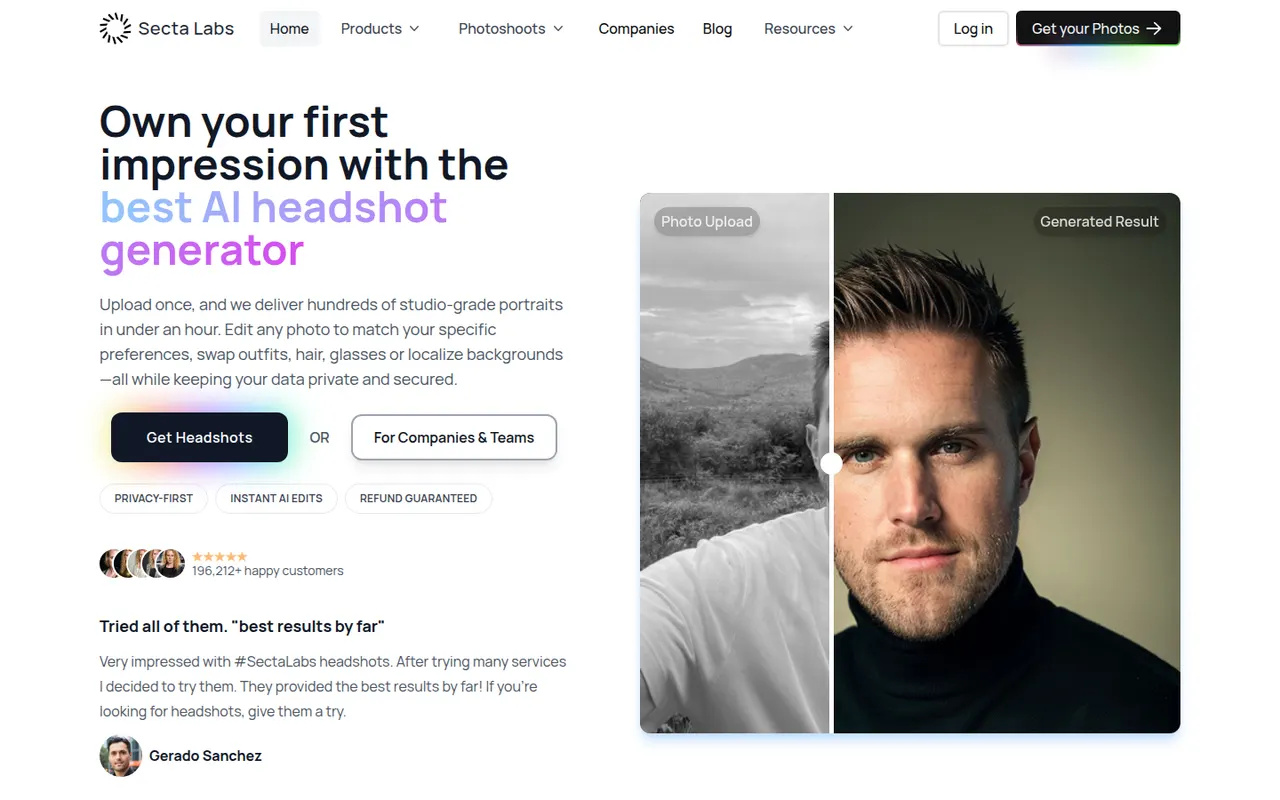
Cost / LicensePaidProprietaryCategoriesPlatformsSecta AI, from Secta Labs, generates professional headshots after you upload a set of selfies. It produces a large batch of portraits in different styles, outfits and backgrounds, and includes tools to remix favorites and touch up details before downloading. It is aimed at professionals who need photos for LinkedIn, resumes or company pages without booking a photographer, and is sold as one-time packages.
6 Secta AI alternativesPros
- Large batch of portraits in varied styles and outfits
- Remix and touch-up tools to refine favorite shots
- Sold as one-time packages rather than a subscription
Cons
- No free option to try before buying
- Sorting through a large batch to find good shots takes time
- Some images show AI artifacts that need touch-ups
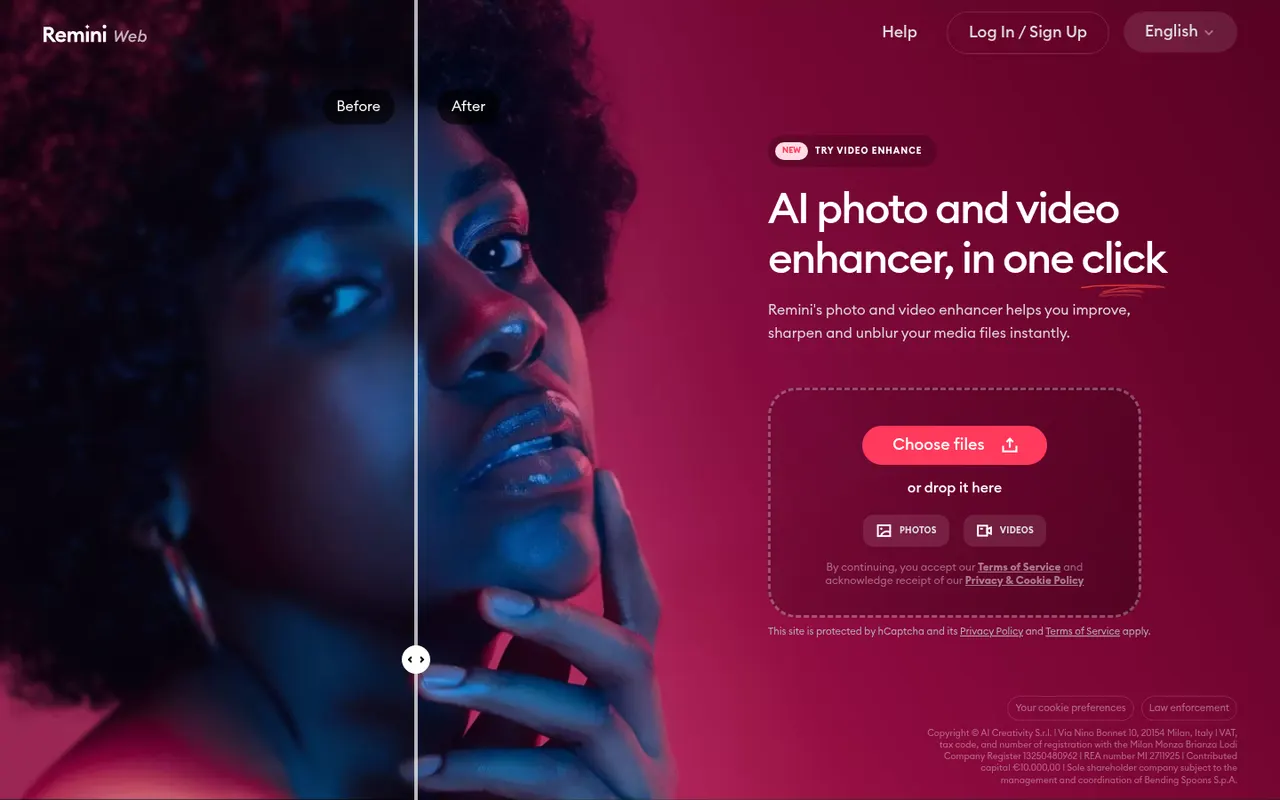
Cost / LicensePaidProprietaryCategoriesPlatformsRemini, owned by Bending Spoons, is a mobile and web app that uses AI to enhance photos and videos: it sharpens blurry or low-resolution images, restores old pictures and improves faces. It can also generate AI portraits of you in different styles from a few selfies, including professional headshots. The app can be used for free with limits, and a subscription unlocks more processing and features.
8 Remini alternativesPros
- Sharpens blurry or low-resolution photos in a tap
- Restores old pictures and enhances faces
- Available on iOS, Android and the web
Cons
- Free version is limited, with frequent prompts to subscribe
- Face enhancement can look artificial or alter features
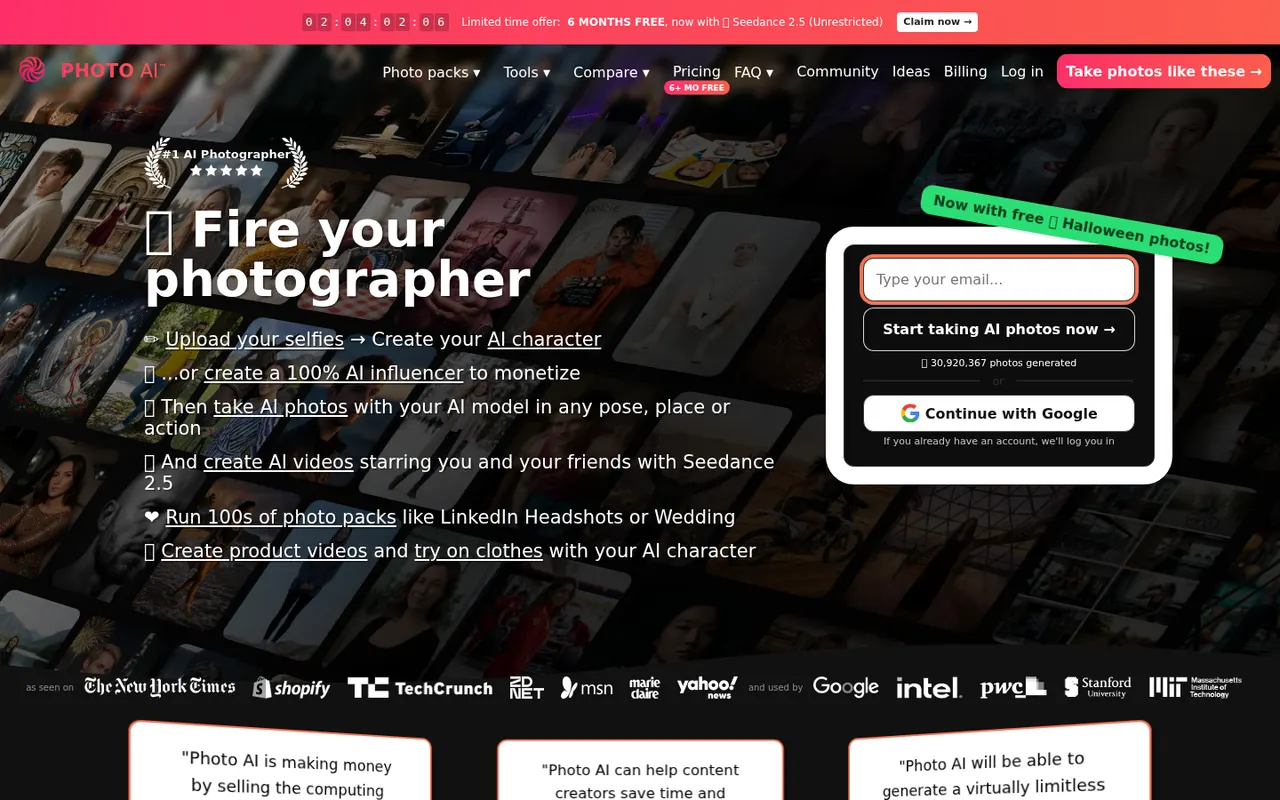
Cost / LicenseFreemiumProprietaryCategoriesPhoto AI, created by indie developer Pieter Levels, trains a personal AI model on a few of your selfies and then generates realistic photos of you in any outfit, pose or location. Photo packs cover common needs such as LinkedIn headshots, dating profiles, travel shots and fashion, and it can also create short videos and virtual try-ons. It is a subscription service that runs in the browser.
8 Photo AI alternativesPros
- Personal AI model places you in almost any setting
- Packs cover headshots, dating profiles and travel shots
- Also creates short videos and virtual try-ons
Cons
- Subscription required, with no free plan
- Realistic generated photos raise honesty concerns on dating profiles
- Results can be uneven and take many generations
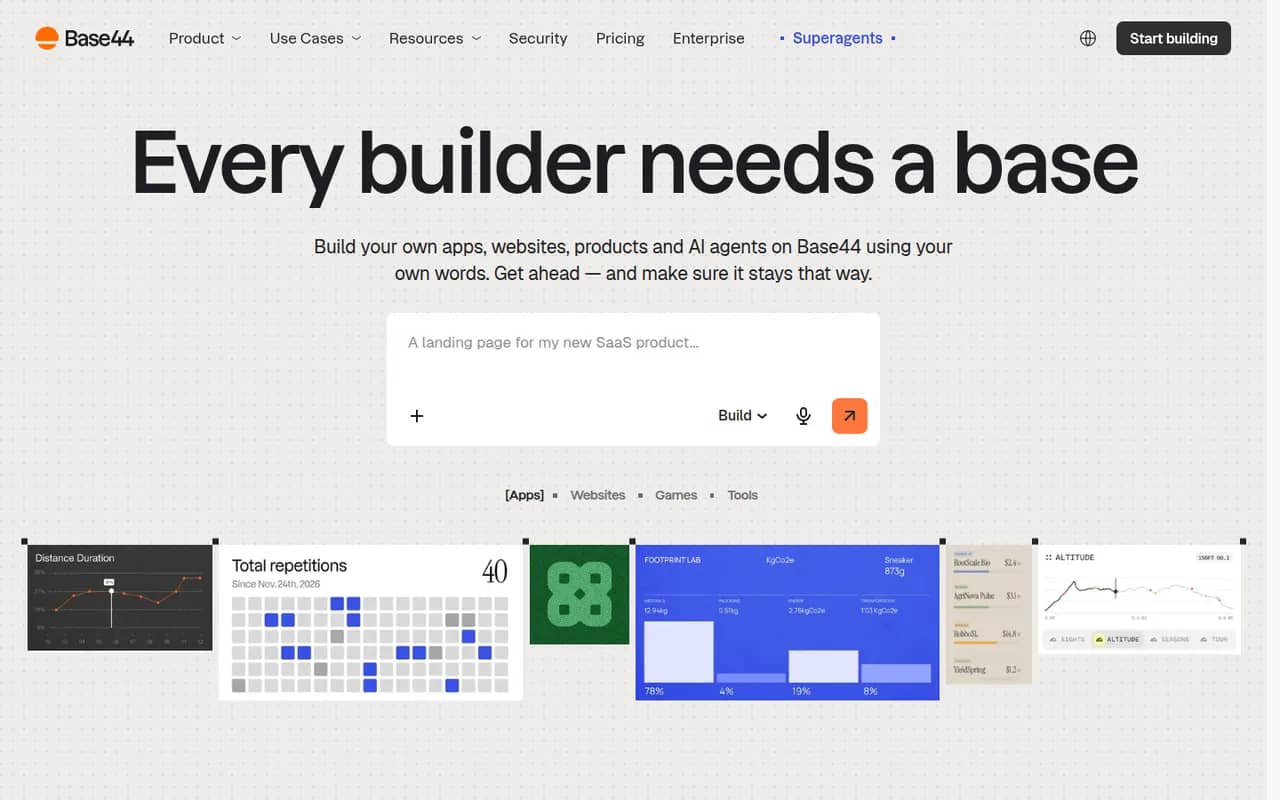
Cost / LicensePaidProprietaryPlatformsBase44 is an AI app builder, acquired by Wix in 2025, that turns plain-language descriptions into working web apps. Generated apps include a built-in database, user authentication, file storage, integrations such as email and payments, and one-click hosting with custom domains, so non-developers can ship internal tools, portals or MVPs without managing infrastructure. A free plan with limited credits is available.
10 Base44 alternativesPros
- Turns a plain-language description into a working web app
- Database, authentication and hosting included out of the box
- Lets non-developers ship internal tools without managing servers
Cons
- The free plan's limited credits run out quickly when iterating
- Apps depend on Base44's backend and hosting, which limits portability
- Getting the right result often takes several rounds of prompting
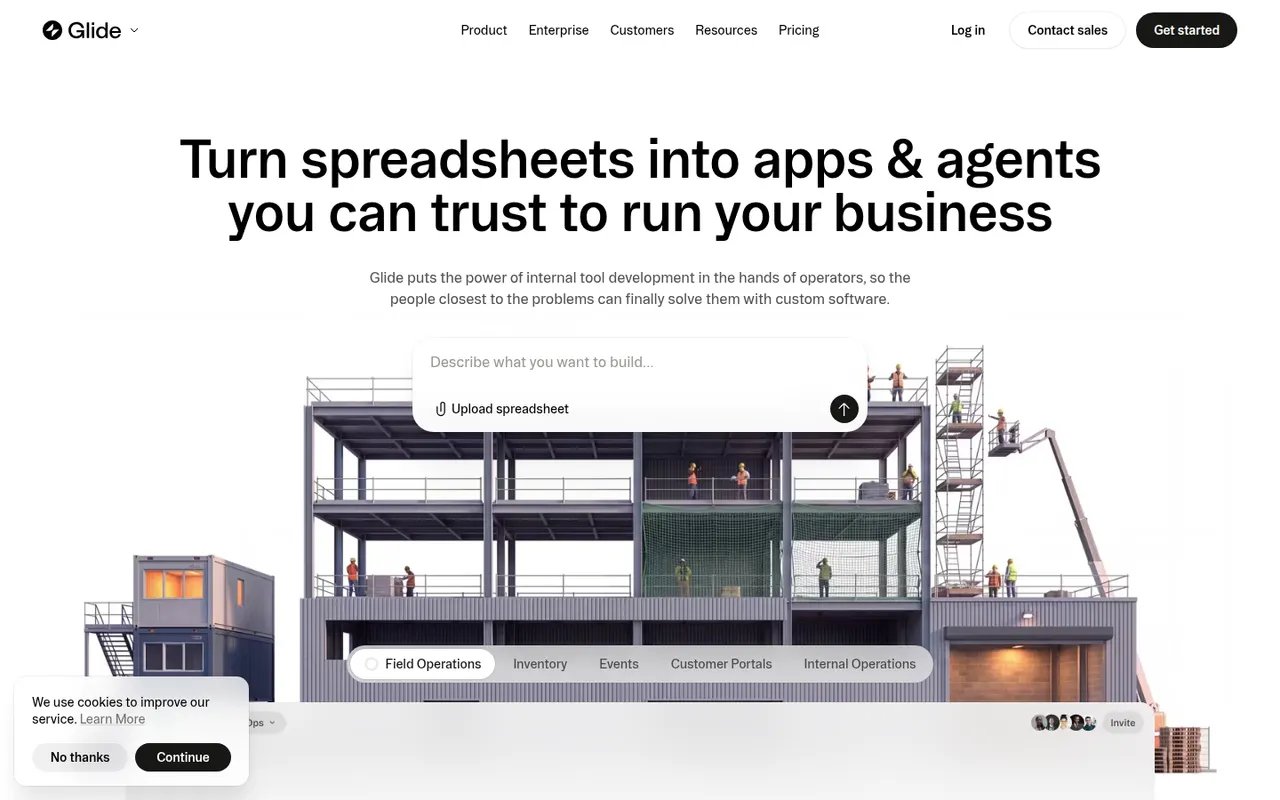
Cost / LicenseFreemiumProprietaryCategoriesPlatformsGlide lets teams build custom business apps without code, starting from data in Google Sheets, Excel, Airtable, SQL databases or Glide's own tables. Apps are assembled from ready-made components in a visual editor, run in desktop and mobile browsers, and can include user roles, workflows and AI features such as extracting text from images or generating content. A free plan is available to get started.
8 Glide alternativesPros
- Turns a spreadsheet into a working business app quickly
- Ready-made components look polished by default
- Runs in desktop and mobile browsers without app store publishing
Cons
- No native apps for the App Store or Google Play
- Quotas on users and data updates can push costs up quickly
- Limited design freedom compared with more flexible builders
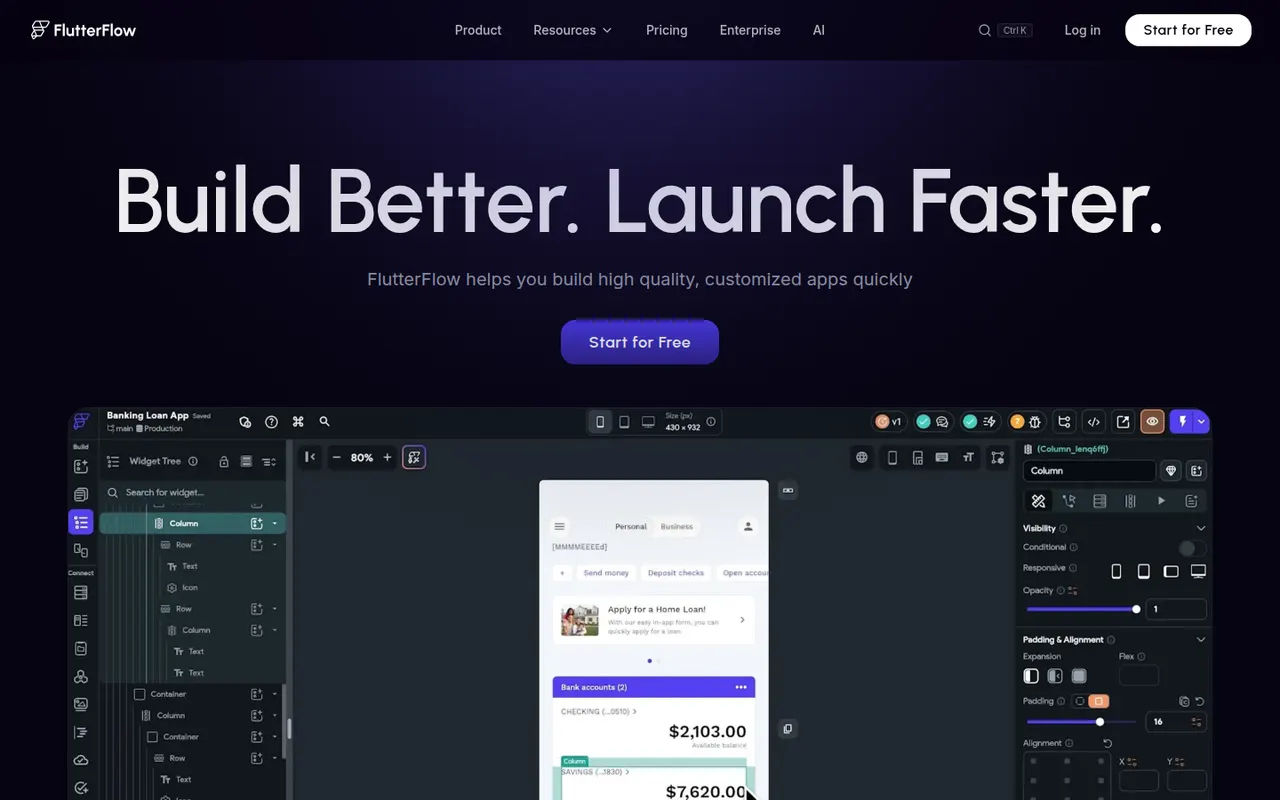
Cost / LicenseFreemiumProprietaryCategoriesPlatformsFlutterFlow is a low-code builder for mobile, web and desktop apps based on Google's Flutter framework. You design screens visually, connect Firebase, Supabase or REST APIs, add logic and authentication, then export the Flutter code or deploy straight to app stores and the web. It targets developers and technical founders who want speed without losing access to the code, and includes AI page generation.
8 FlutterFlow alternativesPros
- Exports Flutter code you can keep developing on your own
- Builds mobile, web and desktop apps from one project
- Ready-made Firebase and Supabase integrations
Cons
- Code export and some deployment options require paid plans
- Assumes more technical knowledge than typical no-code tools
- Complex custom logic can be awkward to build visually
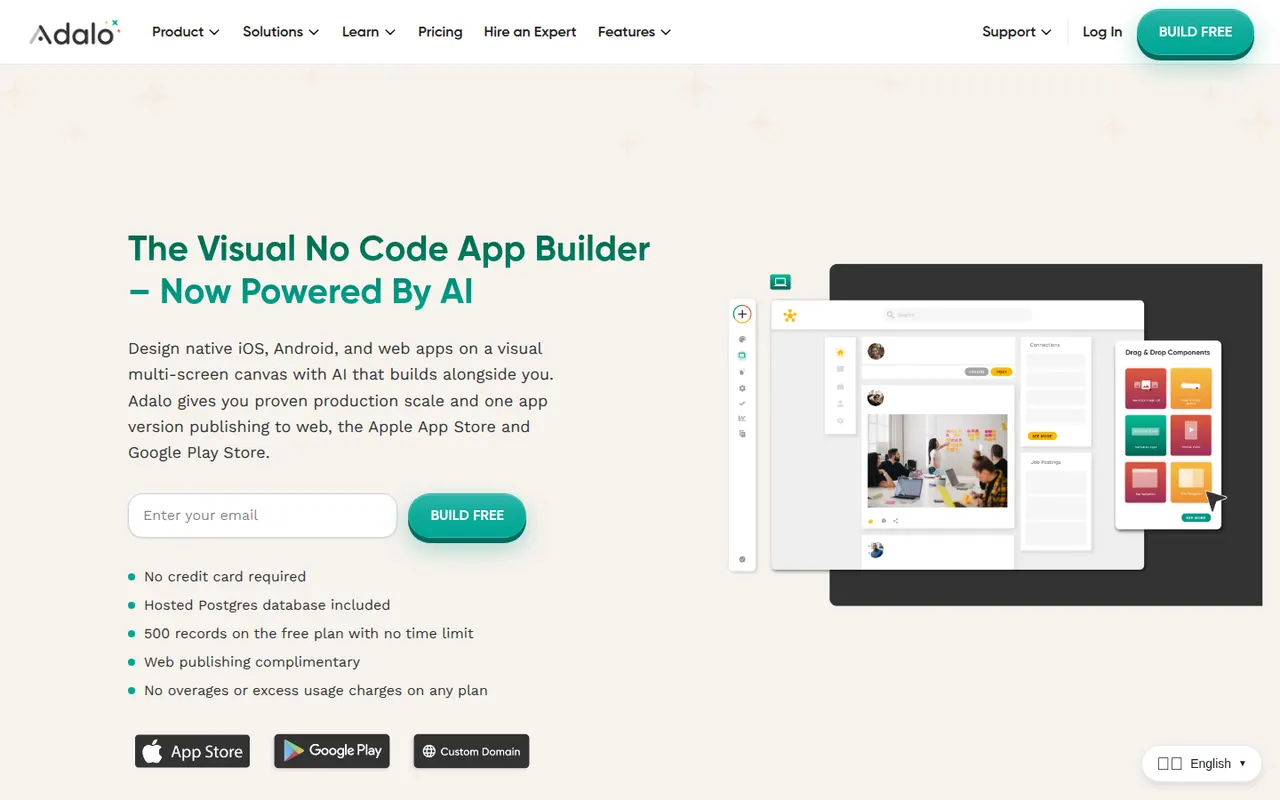
Cost / LicenseFreemiumProprietaryCategoriesAdalo is a no-code app builder for creating native iOS and Android apps and web apps with a drag-and-drop editor. Apps use Adalo's built-in database or external sources such as Airtable and Xano, can be extended with components from a marketplace, and are published to the App Store, Google Play or the web from one project. It suits small businesses and founders building MVPs, with a free plan for prototyping.
8 Adalo alternativesPros
- Publishes native iOS and Android apps from a single project
- Drag-and-drop editor approachable for non-developers
- Connects to Airtable, Xano and other external data sources
Cons
- Apps can slow down as data and screens grow
- No source code export, which ties your app to the platform
- Publishing apps requires a paid plan
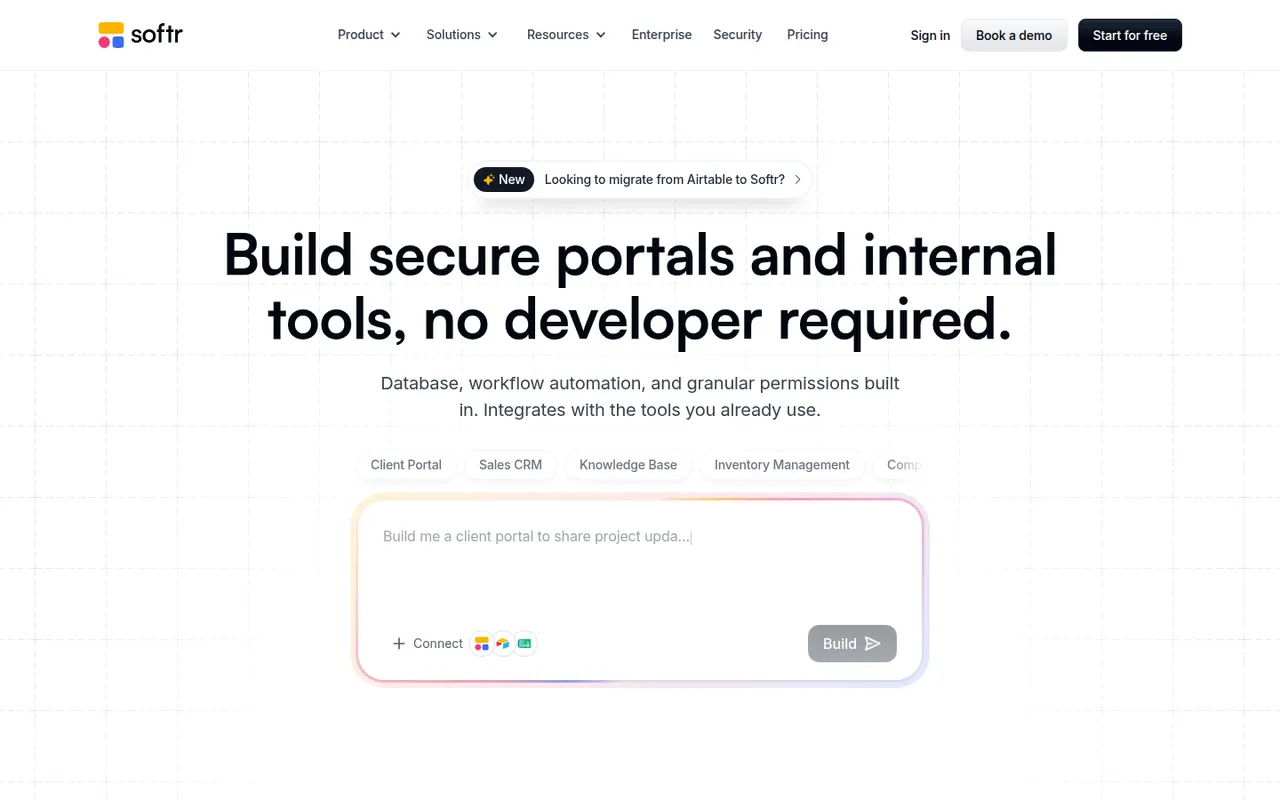
Cost / LicenseFreemiumProprietaryCategoriesPlatformsSoftr lets businesses build client portals, internal tools, directories and simple CRMs without code. Apps are put together from blocks in a visual editor on top of data from Airtable, Google Sheets, SQL databases, HubSpot or Softr's own databases, with user logins, permissions by user group and workflows. AI can generate a first version of an app from a prompt. A free plan is available.
9 Softr alternativesPros
- Quick way to build client portals on Airtable or Google Sheets
- User groups and permissions without writing code
- Block-based editor that non-technical teams pick up fast
Cons
- Layout flexibility is limited by the block system
- More users and advanced features require paid plans
- Performance depends on the connected data source
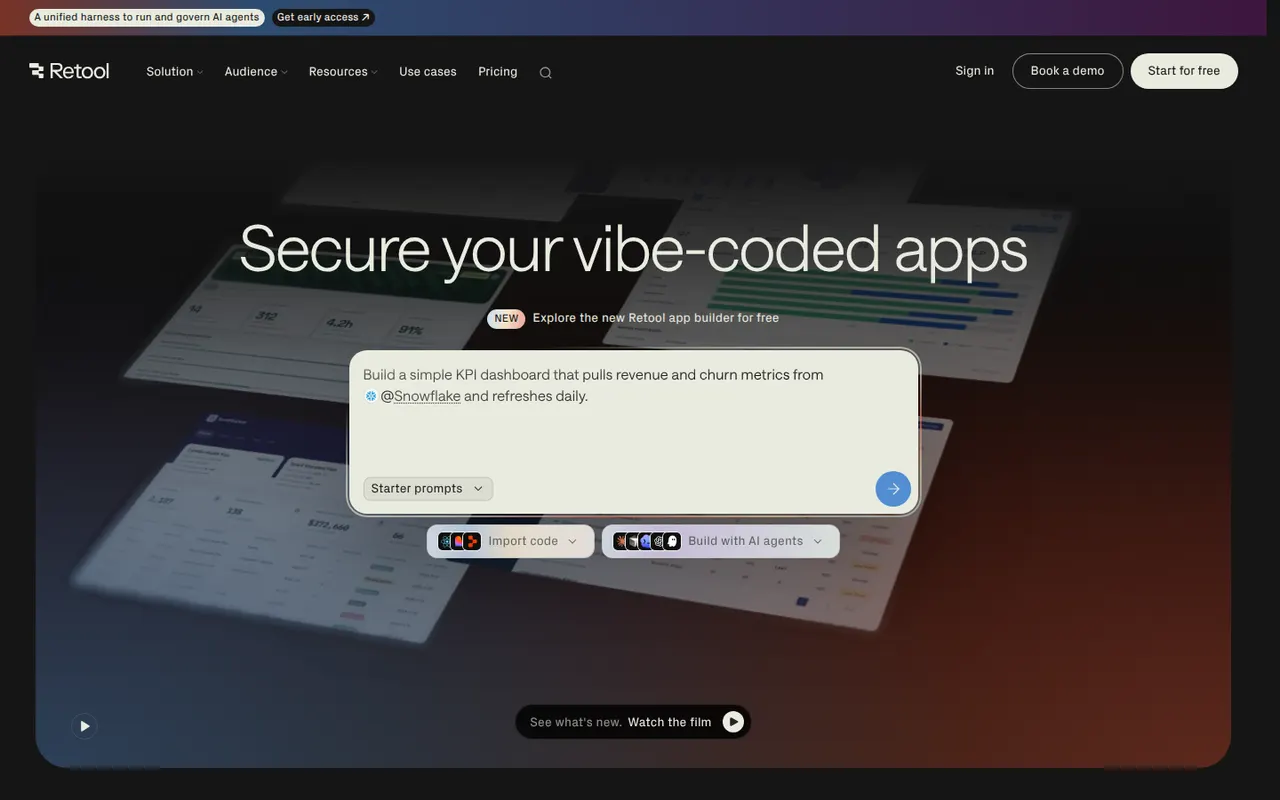
Cost / LicenseFreemiumProprietaryCategoriesPlatformsRetool is a developer-focused platform for building internal tools such as admin panels, dashboards and back-office apps. You drag components onto a canvas, connect them to databases and APIs, and write JavaScript or SQL where needed, with AI that can generate apps and agents that automate tasks. It runs in the cloud or self-hosted, with SSO and audit logs for enterprises and a free plan for small teams.
11 Retool alternativesPros
- Fast way to build admin panels and dashboards on your data
- Connects to most databases and APIs, with JavaScript and SQL as needed
- Self-hosting option plus enterprise controls like SSO and audit logs
Cons
- Aimed at developers, so non-technical users may struggle
- Costs rise quickly as more users need access
- Limited design control beyond the standard components
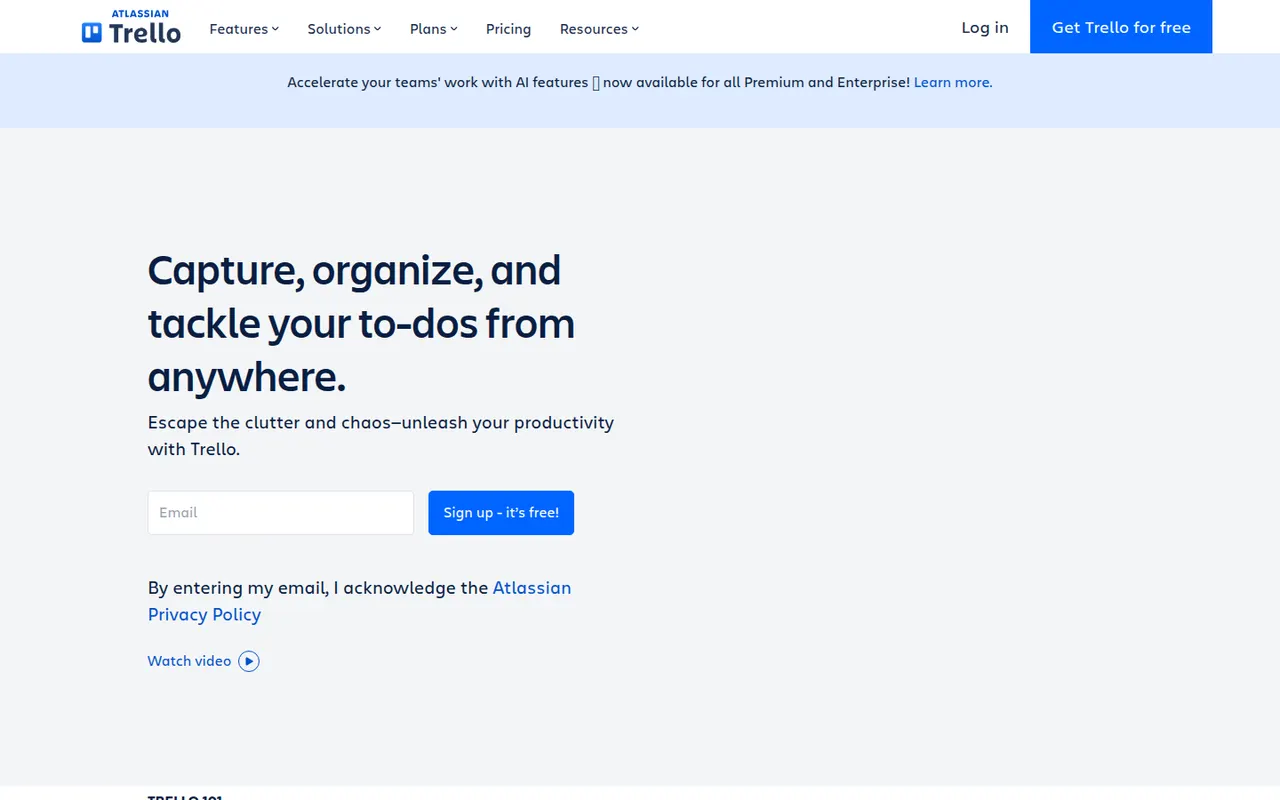
Cost / LicenseFreemiumProprietaryCategoriesPlatformsTrello organizes work on boards made of lists and cards that you drag from one stage to the next, a model that suits small teams, personal projects and simple workflows. Owned by Atlassian, it adds calendar, timeline and table views, Butler automations and Power-Ups that connect boards to Slack, Google Drive, Jira and many other tools.
12 Trello alternativesPros
- Simple card-and-list model anyone can learn in minutes
- Power-Ups connect boards to Slack, Google Drive, Jira and more
- Butler automations take care of repetitive card moves
Cons
- Gets hard to manage for large or complex projects
- Timeline, calendar and table views require a paid plan
- Reporting is limited without add-ons
Cost / LicenseFreemiumProprietaryAsana helps teams plan projects, assign tasks and track progress in list, board, timeline and calendar views. It is aimed at cross-functional teams in mid-size and large companies, with portfolios and goals to follow work across departments, rule-based automations, a large catalog of integrations and built-in AI features.
12 Asana alternativesPros
- List, board, timeline and calendar views for the same project
- Goals and portfolios connect work across departments
- Large catalog of integrations and rule-based automations
Cons
- Per-seat pricing gets expensive as teams grow
- Timeline, goals and portfolios require paid plans
- A task can only have one assignee
Cost / LicenseFreemiumProprietaryCategories