Best apps for Web
433 apps
Top Web apps ranked by the community
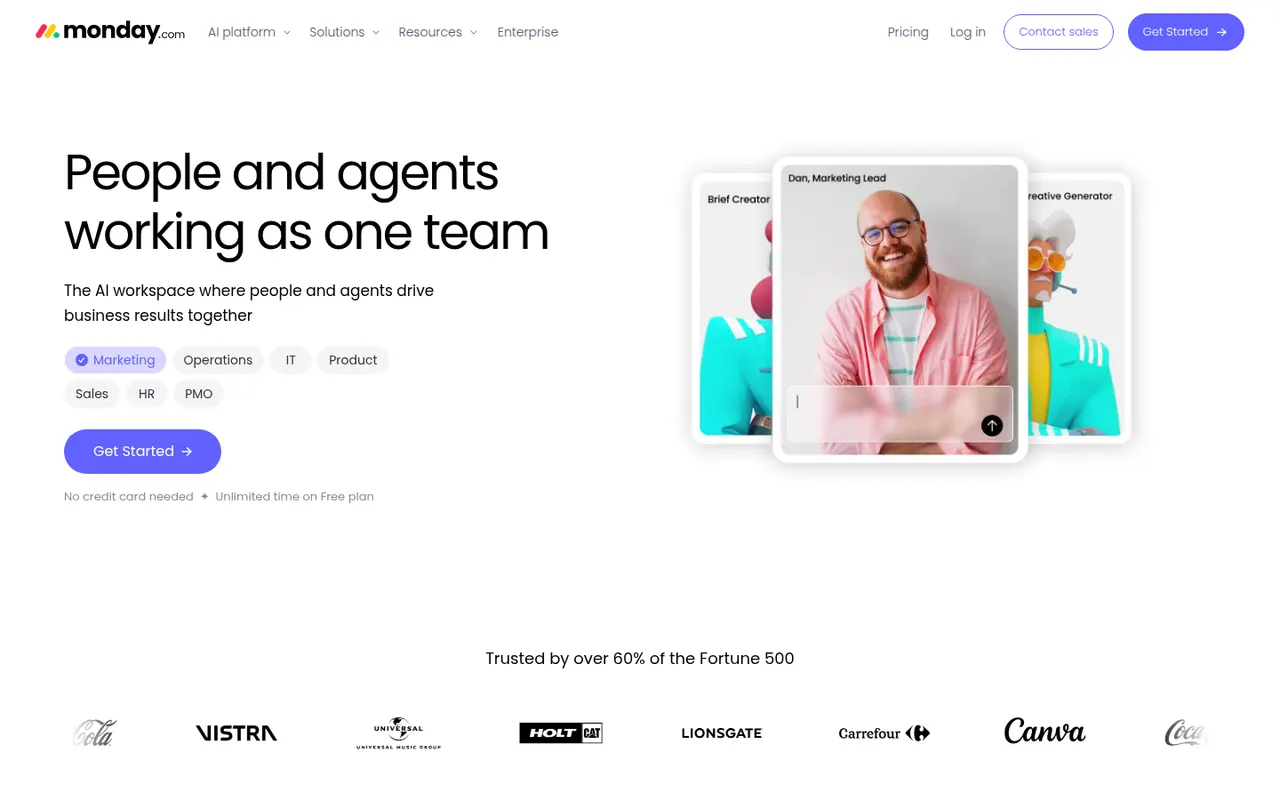
monday.com is a work management platform where teams build boards with custom columns to track projects, requests or pipelines, then switch between table, Kanban, Gantt and calendar views. No-code automations, dashboards and integrations make it suit operations, marketing and other non-technical teams, and the same platform powers the separate monday CRM and monday dev products.
12 monday.com alternativesPros
- Colorful, flexible boards adapt to projects, requests or pipelines
- No-code automations and dashboards that non-technical teams can build
- Switch between table, Kanban, Gantt and calendar views
Cons
- Seats are sold in bundles, which raises the cost for small teams
- Automation and integration actions are capped by plan
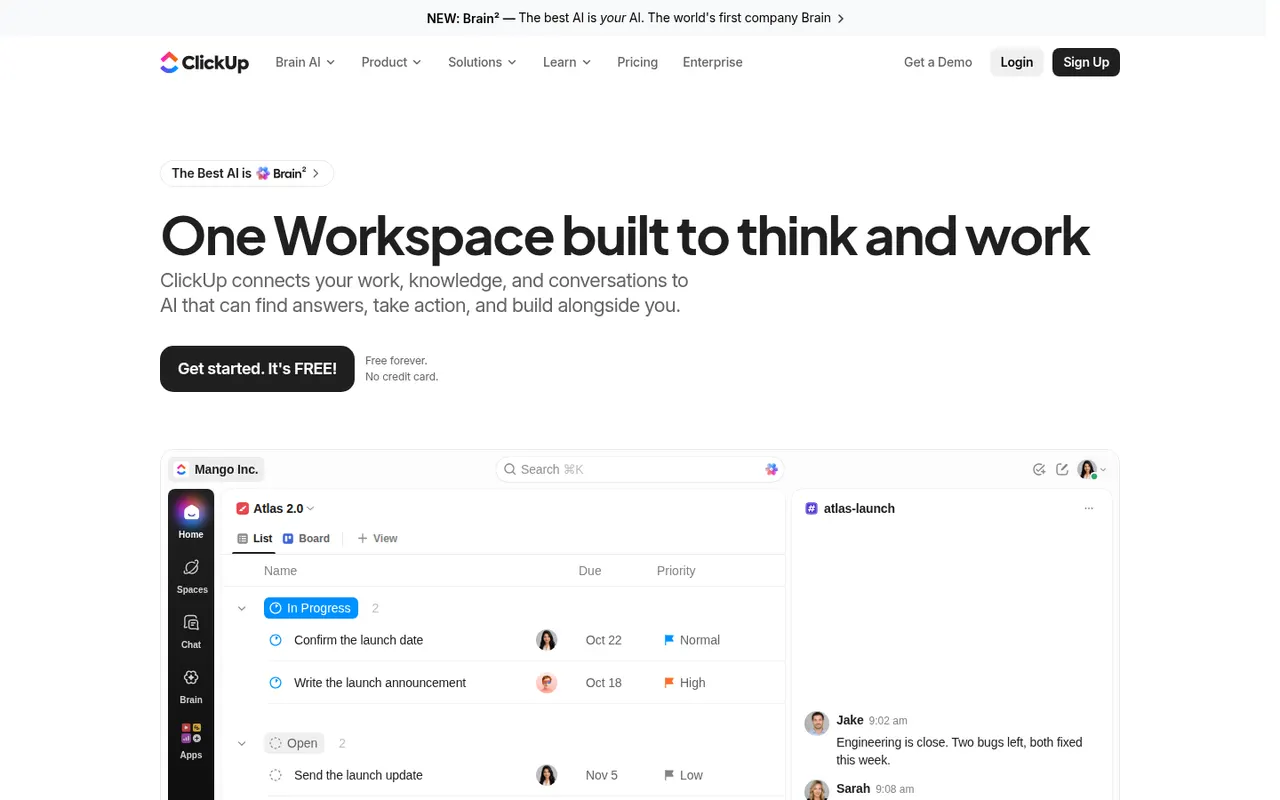
Cost / LicenseFreemiumProprietaryCategoriesClickUp combines tasks, documents, whiteboards, goals, chat and time tracking in a single workspace, with more than a dozen views including list, board, Gantt and calendar. Its depth and customization appeal to teams that want to replace several tools at once, and ClickUp Brain adds AI search, writing and summaries across the workspace.
12 ClickUp alternativesPros
- Tasks, docs, whiteboards, goals and chat in a single workspace
- More than a dozen views, from list and board to Gantt and calendar
- Deep customization of fields, statuses and automations
Cons
- The sheer number of features creates a steep learning curve
- The interface can feel slow and cluttered in large workspaces
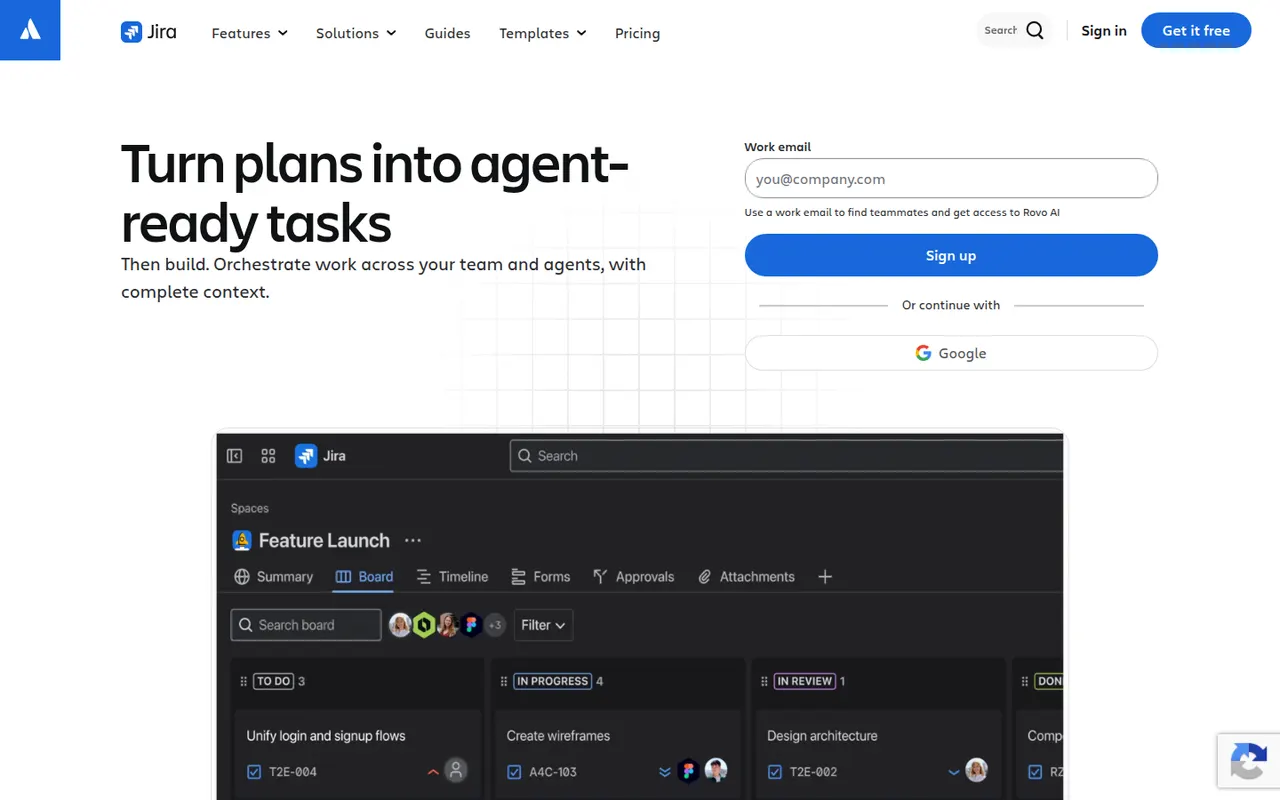
Cost / LicenseFreemiumProprietaryCategoriesJira is Atlassian's tracker for software teams, built around issues, Scrum and Kanban boards, backlogs, sprints and configurable workflows. It connects to Confluence, Bitbucket and GitHub, offers a large marketplace of apps and rule-based automation, and is available in the cloud or as a self-managed Data Center edition for large organizations.
12 Jira alternativesPros
- Mature Scrum and Kanban boards with backlogs and sprints
- Highly configurable workflows, fields and automation rules
- Tight links with Confluence, Bitbucket and GitHub, plus a large app marketplace
Cons
- Complex to set up and administer without a dedicated admin
- Can feel heavy and slow for small teams or simple projects
- Marketplace apps add to the cost on top of per-user pricing
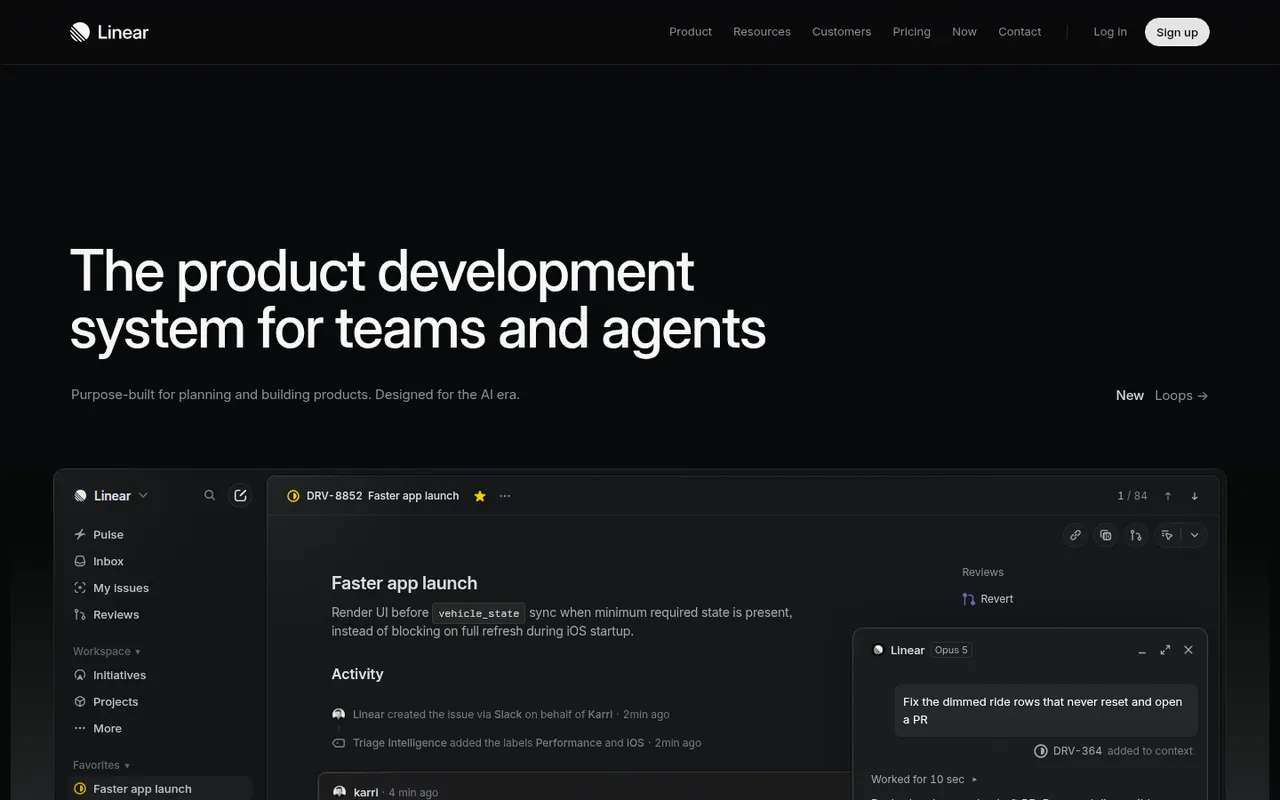
Cost / LicenseFreemiumProprietaryCategoriesPlatformsLinear is an issue tracker for software teams that emphasizes speed, keyboard shortcuts and an opinionated workflow with cycles, projects, roadmaps and triage. It syncs with GitHub and GitLab to update issues from pull requests, integrates with Slack and support tools, and exposes a GraphQL API for custom automation.
9 Linear alternativesPros
- Fast interface built around keyboard shortcuts
- GitHub and GitLab sync updates issues from pull requests
- Cycles, projects and roadmaps follow a clear, opinionated workflow
Cons
- The opinionated workflow leaves little room for custom processes
- Designed for software teams, less suited to other departments
- Cloud only, with no self-hosted option
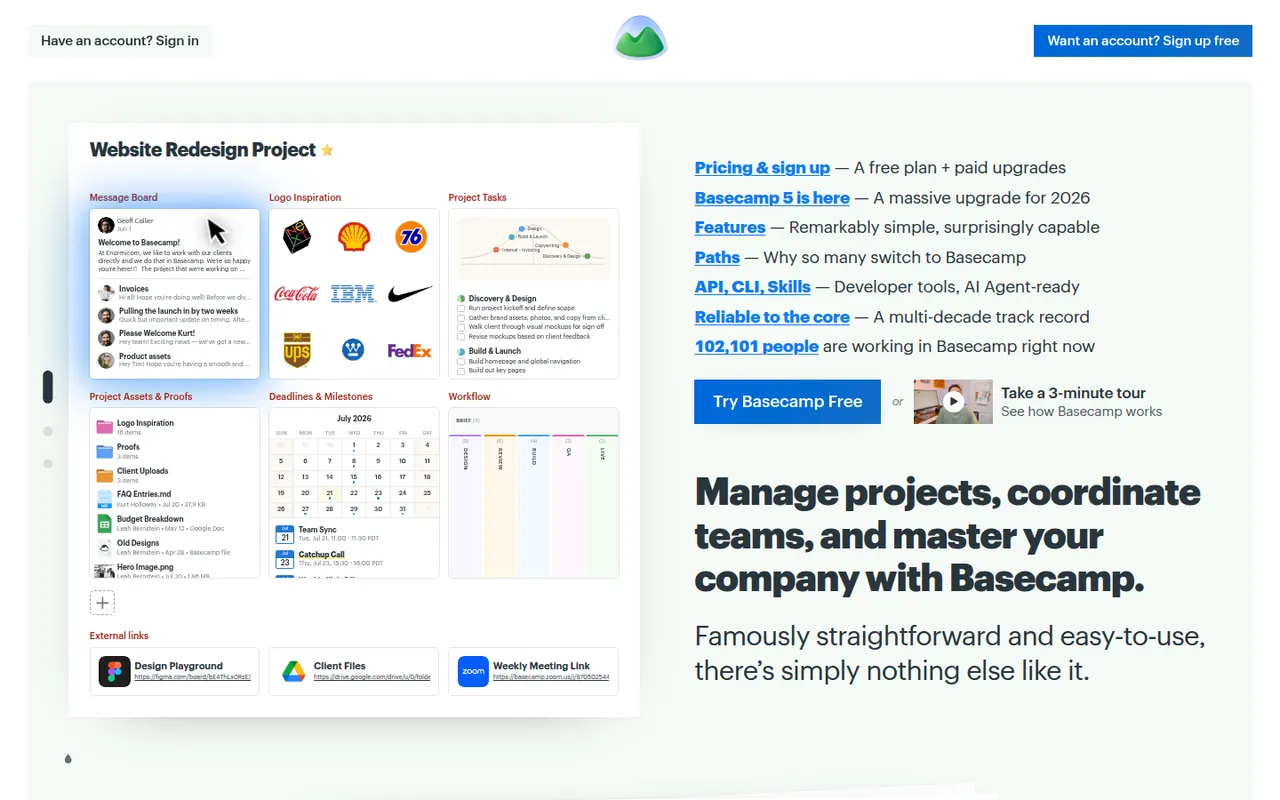
Cost / LicenseFreemiumProprietaryCategoriesBasecamp, made by 37signals, gives each project its own space with to-dos, a message board, schedule, documents, a card table and group chat, cutting down on email and status meetings. It favors calm, asynchronous communication over Gantt charts and heavy reporting, which suits agencies and small companies that work with clients.
9 Basecamp alternativesPros
- Each project gathers to-dos, messages, files, schedule and chat
- Calm, asynchronous approach cuts down on email and status meetings
- Clients can be invited into projects with controlled visibility
Cons
- No Gantt charts, task dependencies or detailed reporting
- Less customizable than tools like ClickUp or monday.com
- The free plan covers only a single project
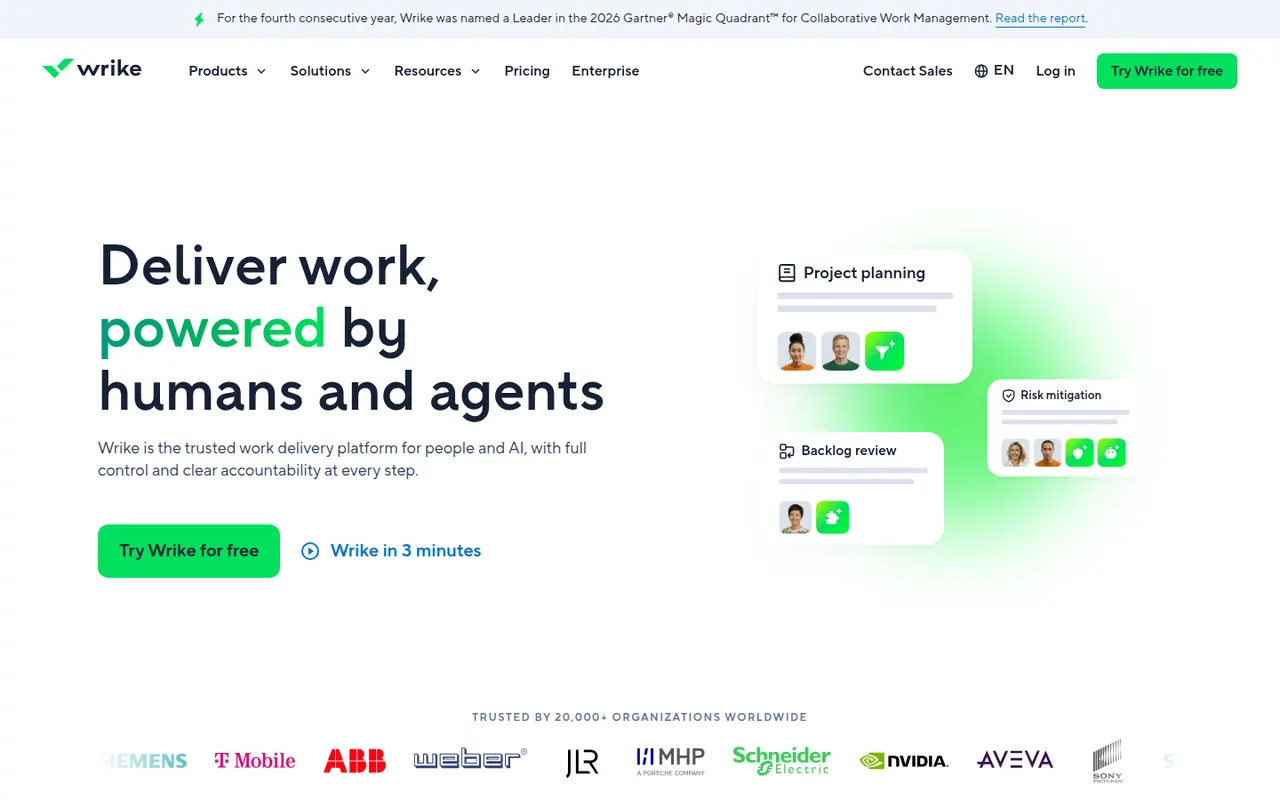
Cost / LicenseFreemiumProprietaryCategoriesWrike is a work management platform for organizations that run many projects at once, combining Gantt charts, Kanban boards, workload views and built-in time tracking. Custom request forms, approval workflows, tasks shared across several projects and AI features help marketing, professional services and PMO teams standardize how work is planned and delivered.
11 Wrike alternativesPros
- Handles many parallel projects with Gantt, Kanban and workload views
- Custom request forms and approval workflows standardize intake
- Built-in time tracking and tasks shared across several projects
Cons
- Steep learning curve and a dense interface
- Advanced features and analytics sit in the more expensive tiers
- Often overkill for small teams with simple needs
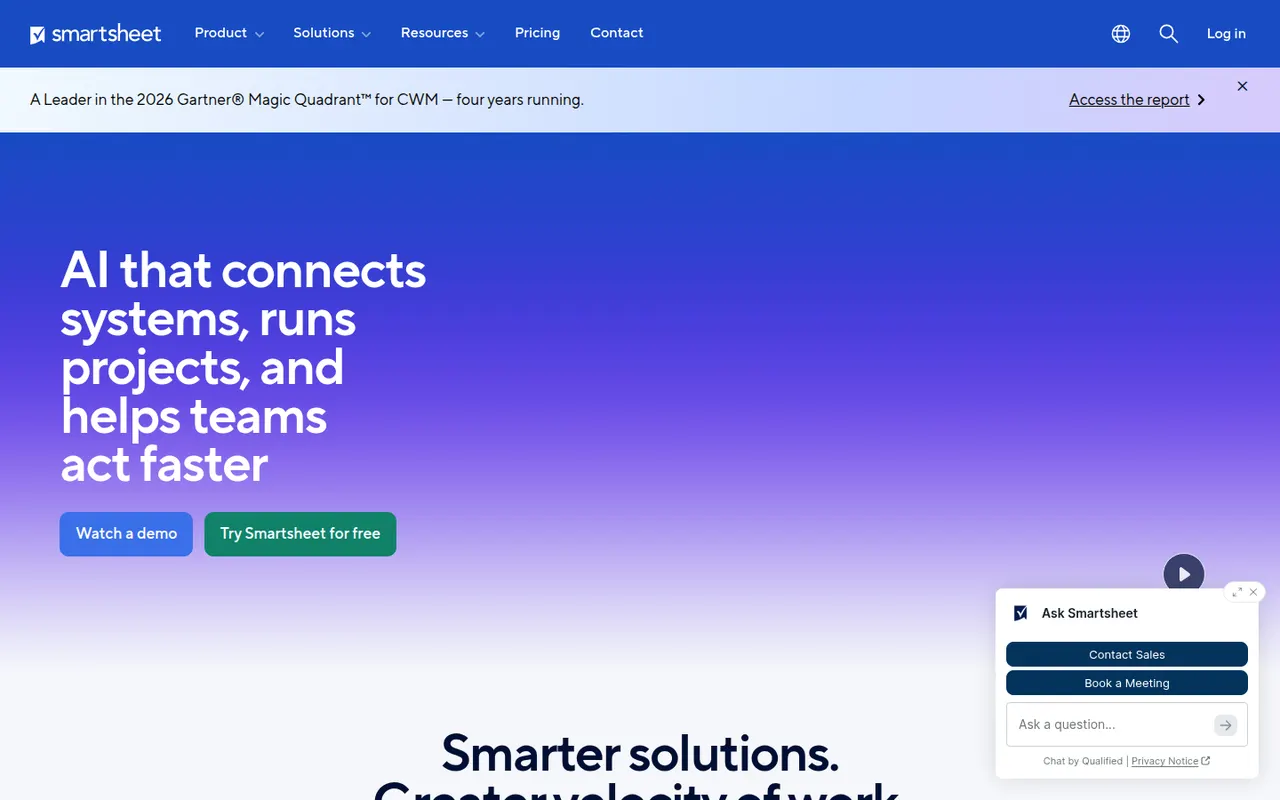
Cost / LicenseFreemiumProprietaryCategoriesSmartsheet manages projects and business processes in sheets that look like spreadsheets but add Gantt, card and calendar views, dependencies, forms and automated workflows. It targets enterprises and PMOs that need reports, dashboards and portfolio views across many projects, and connects to Microsoft 365, Google Workspace, Salesforce and Jira.
12 Smartsheet alternativesPros
- Spreadsheet-like interface feels familiar to Excel users
- Strong reports and dashboards across portfolios of projects
- Gantt views with dependencies, forms and automated workflows
Cons
- No free plan beyond the trial period
- Costs rise quickly with team size and premium add-ons
- The interface feels less modern than newer work management tools
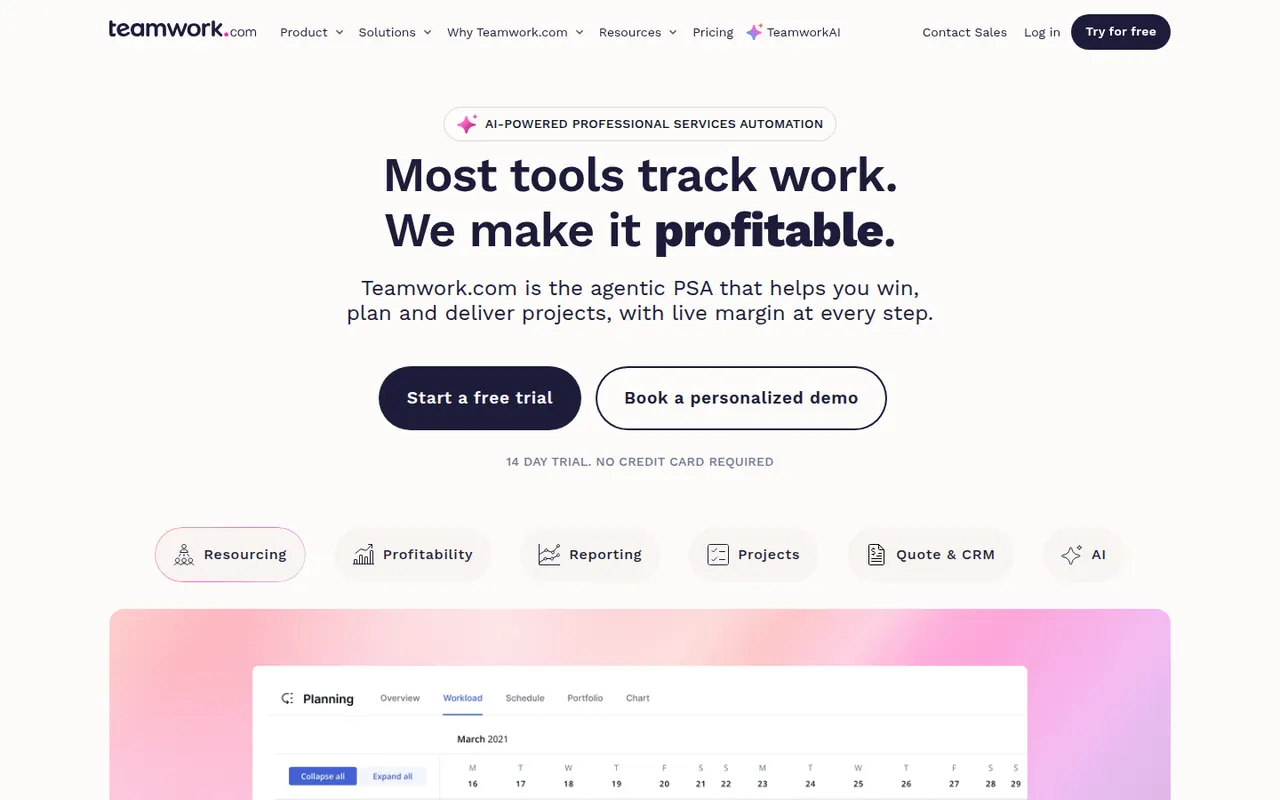
Cost / LicenseFree trialProprietaryTeamwork.com is project management software designed for agencies and service businesses that deliver work for clients. Alongside tasks, boards and Gantt charts, it includes time tracking, budgets, resource planning and client access to projects, so teams can see which projects are profitable and who has capacity.
8 Teamwork.com alternativesPros
- Built for agencies, with budgets and profitability tracked per project
- Time tracking and resource planning included
- Clients can be given direct access to their projects
Cons
- The breadth of features slows onboarding for small teams
- Advanced agency features are reserved for higher paid plans
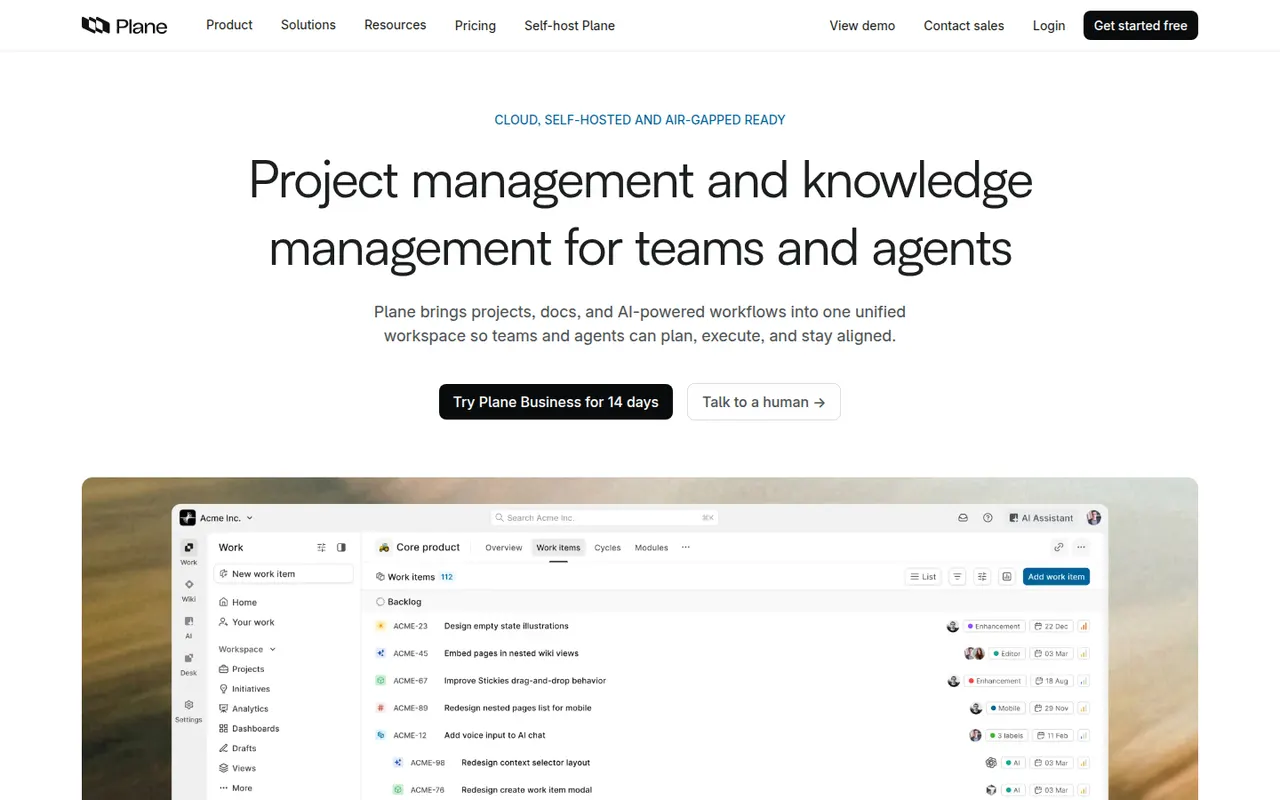
Cost / LicenseFreemiumProprietaryCategoriesPlane is an open source project management tool for software teams, covering issues, cycles, modules, pages and several layouts including list, Kanban, calendar and spreadsheet. It positions itself as a self-hostable alternative to Jira and Linear, and is also offered as a hosted cloud service with a free tier and paid plans.
8 Plane alternativesPros
- Open source, self-hostable alternative to Jira and Linear
- Modern interface with list, Kanban, calendar and spreadsheet layouts
- Cycles, modules and pages cover planning and docs in one place
Cons
- Younger product with fewer integrations than established trackers
- Some advanced features are limited to paid editions
- Self-hosting means handling upgrades and backups yourself
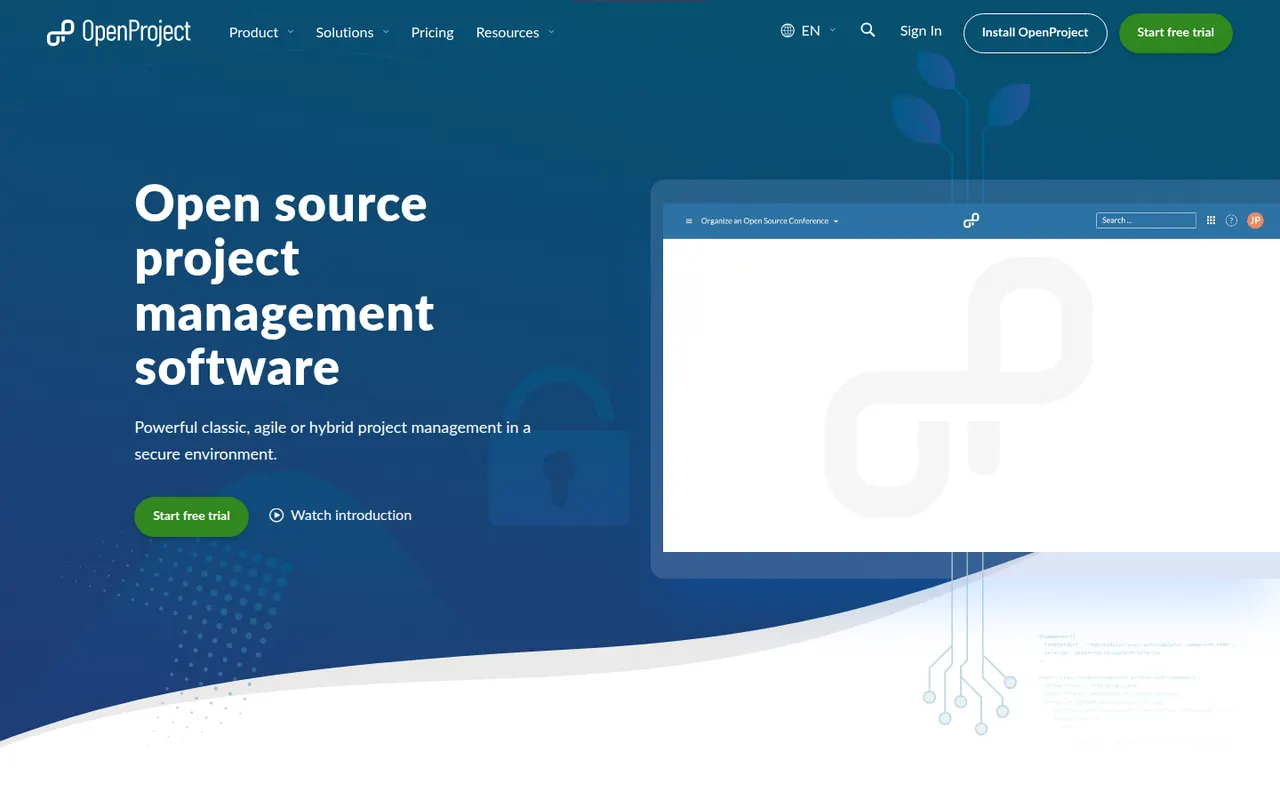
Cost / LicenseFreemiumOpen sourceCategoriesPlatformsOpenProject is an open source project management platform developed in Germany, covering classic, agile and hybrid methods with Gantt charts, Scrum and Kanban boards, time and cost tracking, wikis and meetings. The Community edition is free to self-host, and the company sells an Enterprise edition and a hosted cloud aimed at organizations that care about data sovereignty.
9 OpenProject alternativesPros
- Open source and free to self-host with the Community edition
- Gantt charts, agile boards, time and cost tracking in one tool
- Developed in Germany with a focus on data sovereignty and GDPR
Cons
- The interface feels dated and dense next to newer tools
- Several advanced features are reserved for the Enterprise edition
- Self-hosting requires server setup and ongoing maintenance
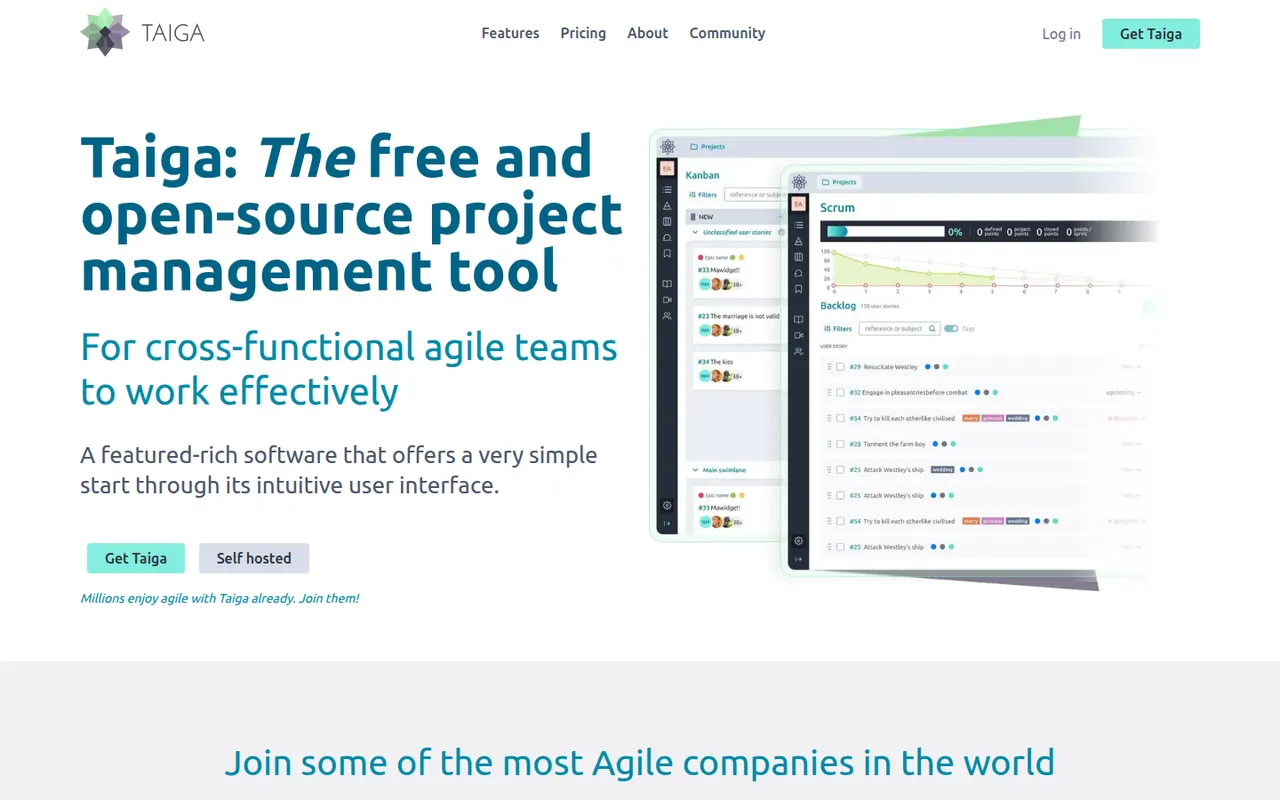
Cost / LicenseFreemiumOpen sourceCategoriesPlatformsTaiga is an open source project management tool for agile teams, offering Scrum backlogs with sprints and user stories, Kanban boards, issue tracking and a project wiki. Developed by Kaleidos, it can be self-hosted or used as a hosted service at taiga.io, and its clean interface also suits designers and product people, not only developers.
7 Taiga alternativesPros
- Open source, with Scrum backlogs, sprints and Kanban boards
- Clean interface that also suits designers and product people
- Can be self-hosted or used as a hosted service
Cons
- Fewer integrations than mainstream project management tools
- Limited reporting and cross-project views for larger organizations
- Self-hosting requires technical know-how
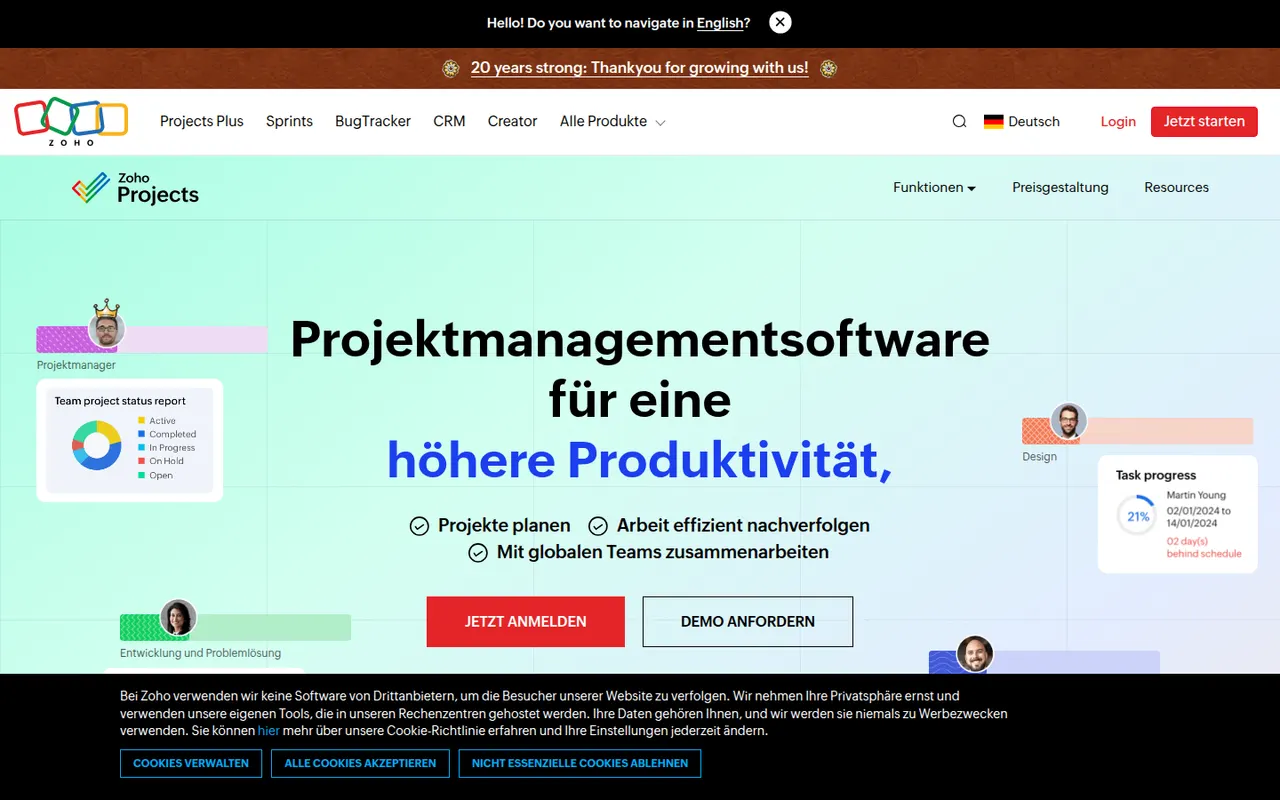
Cost / LicenseFreemiumOpen sourceCategoriesPlatformsZoho Projects is a cloud project management app with task lists, Gantt charts, Kanban boards, timesheets, issue tracking and Blueprint workflows. It fits companies that already use Zoho apps such as CRM, Books or Desk, and includes the Zia assistant, client access and a free plan for very small teams.
10 Zoho Projects alternativesPros
- Connects natively with Zoho CRM, Books, Desk and other Zoho apps
- Gantt charts, timesheets and issue tracking in one tool
- Blueprint workflows enforce each step of a process
Cons
- The interface feels less polished than leading competitors
- Most valuable for companies already invested in Zoho
- The free plan only suits very small teams
Cost / LicenseFreemiumProprietaryCategoriesMicrosoft Planner is the task and project planning app of Microsoft 365, usable on the web, inside Teams and on mobile. Basic plans offer Kanban-style boards, charts and a schedule view, while premium plans, which absorbed Project for the web, add timelines with dependencies, sprints and Copilot assistance.
10 Microsoft Planner alternativesPros
- Included in Microsoft 365 and usable directly inside Teams
- Simple Kanban boards that anyone can pick up quickly
- Assigned tasks also appear in Microsoft To Do
Cons
- Basic plans lack dependencies, timelines and advanced reporting
- Mainly practical for organizations already on Microsoft 365
- Premium planning features and Copilot cost extra
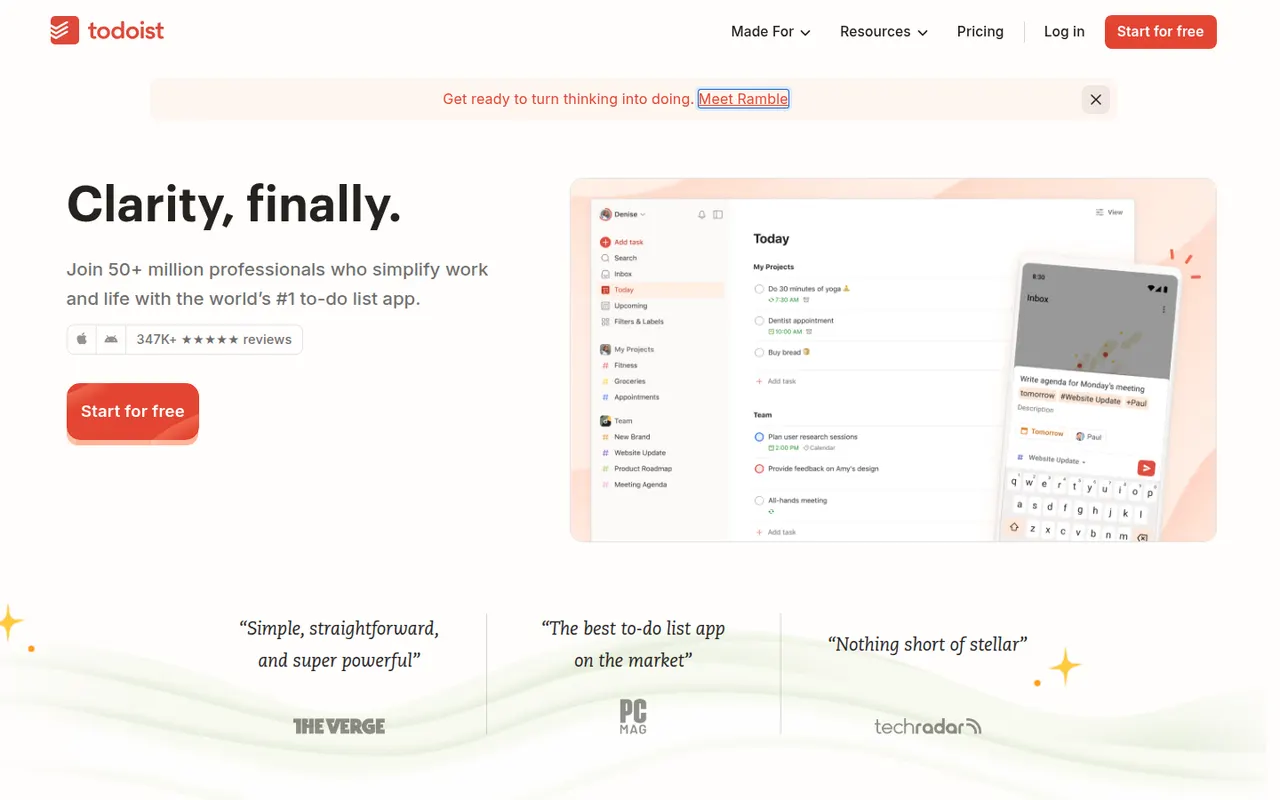
Cost / LicensePaidProprietaryCategoriesTodoist is a task manager by Doist that captures tasks quickly with natural language dates, such as every Monday at 9am, and organizes them into projects, sections, labels and filters. It runs on almost every platform, offers list, board and calendar layouts, supports shared projects for small teams and integrates with calendars, email and many other apps.
12 Todoist alternativesPros
- Fast natural language capture for dates and recurring tasks
- Runs on almost every platform with reliable sync
- Projects, labels and filters scale from simple to complex lists
Cons
- Several useful features are limited to paid plans
- Collaboration is basic for larger team projects
- No built-in time tracking without integrations
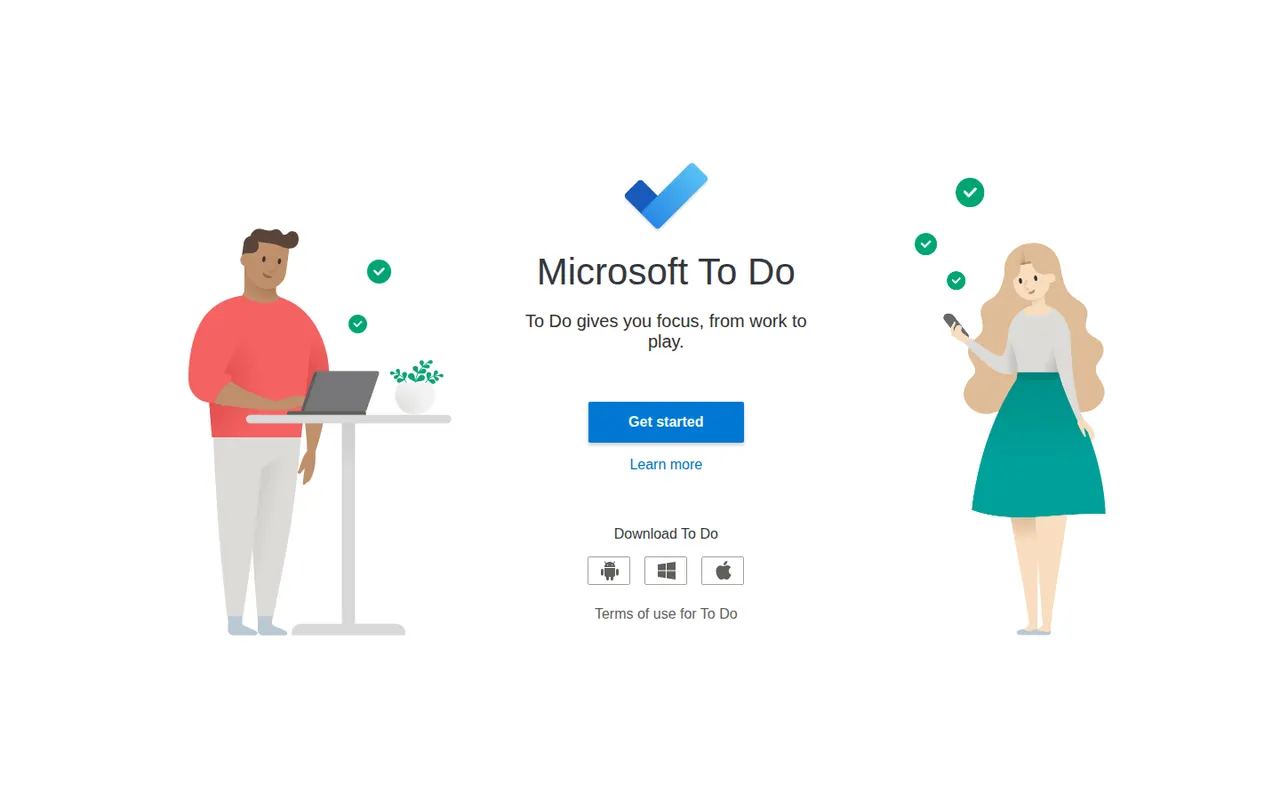
Cost / LicenseFreemiumProprietaryCategoriesMicrosoft To Do is a free task manager, the successor to Wunderlist, that syncs lists, reminders and recurring tasks across devices with a Microsoft account. Its My Day view helps pick what to tackle today, lists can be shared with family or colleagues, and flagged Outlook emails and Planner tasks show up next to personal to-dos.
9 Microsoft To Do alternativesPros
- Completely free with a Microsoft account
- My Day view keeps daily planning simple
- Flagged Outlook emails and Planner tasks appear next to your to-dos
Cons
- No board or timeline views for organizing projects
- Few integrations outside the Microsoft ecosystem
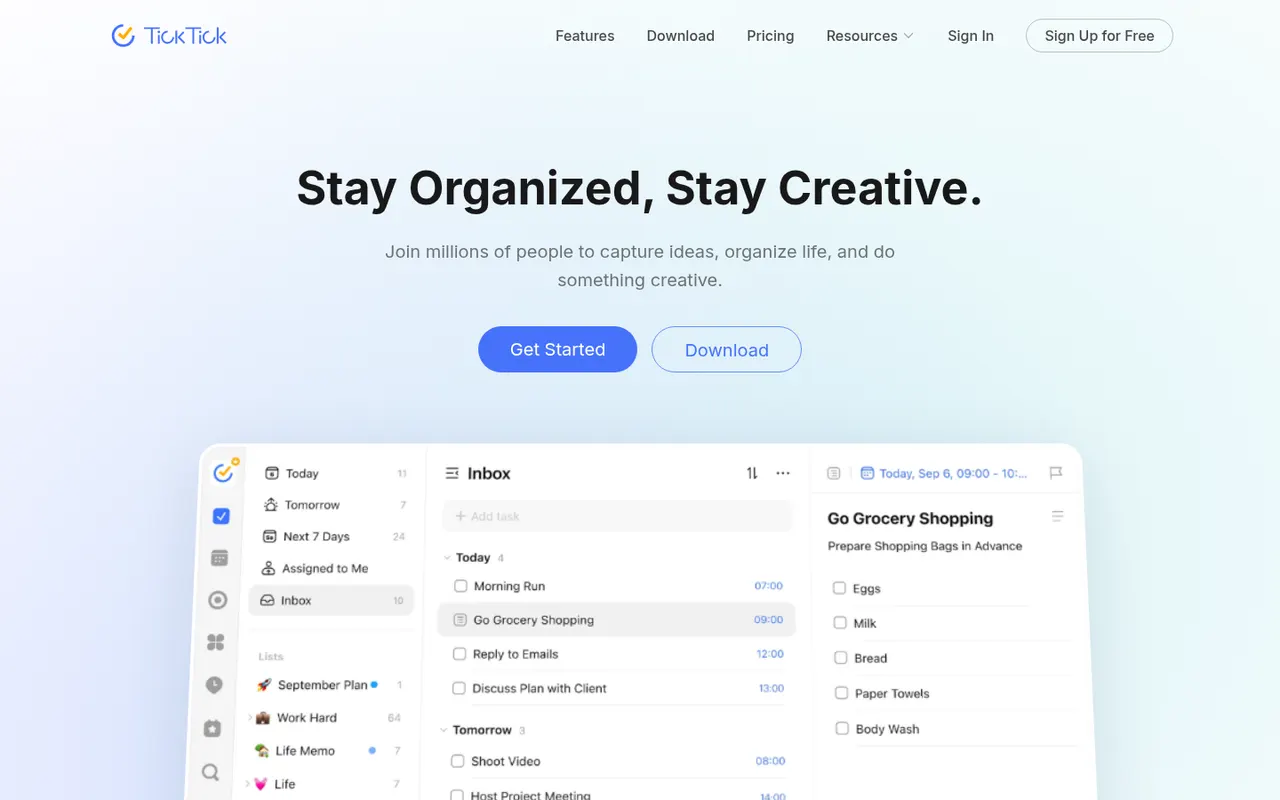
Cost / LicenseFreeProprietaryCategoriesTickTick is a cross-platform to-do app that combines tasks and checklists with a built-in calendar, habit tracker and Pomodoro focus timer. It understands dates typed in natural language, offers list, Kanban and timeline views, and a Premium subscription unlocks the full calendar views and higher limits.
11 TickTick alternativesPros
- Tasks, calendar, habit tracker and Pomodoro timer in one app
- Natural language dates speed up task entry
- Available on nearly every platform, including browser extensions
Cons
- Full calendar views require Premium
- The packed feature set can make the interface feel busy
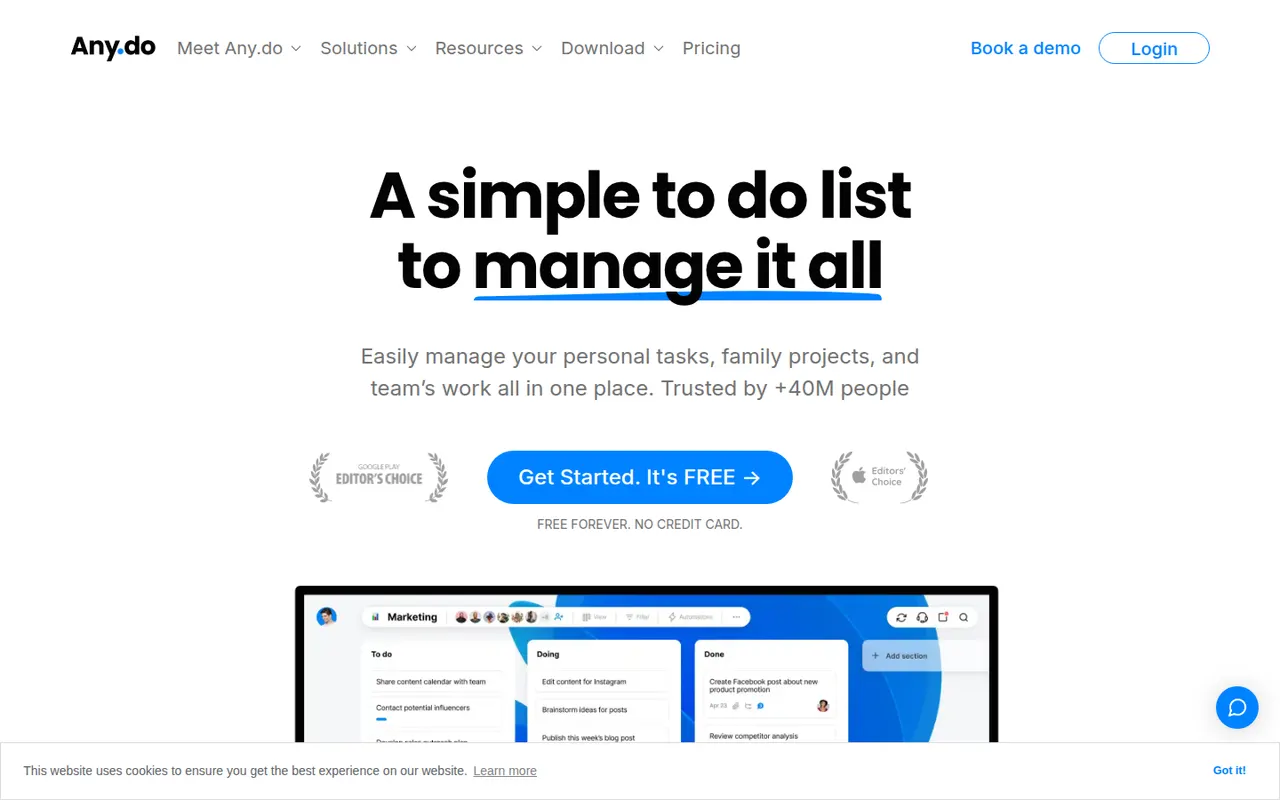
Cost / LicenseFreemiumProprietaryCategoriesAny.do is a task manager and daily planner that brings lists, reminders and a calendar together, with a planning routine to review what lies ahead each day. It syncs across mobile, desktop and the web, can send reminders through WhatsApp, and offers shared spaces for families and small teams on paid plans.
10 Any.do alternativesPros
- Lists, reminders and calendar combined in a clean app
- Daily planning routine helps review the day ahead
- Reminders can be delivered through WhatsApp
Cons
- Many useful features sit behind the Premium subscription
- Less suited to complex projects than full task managers
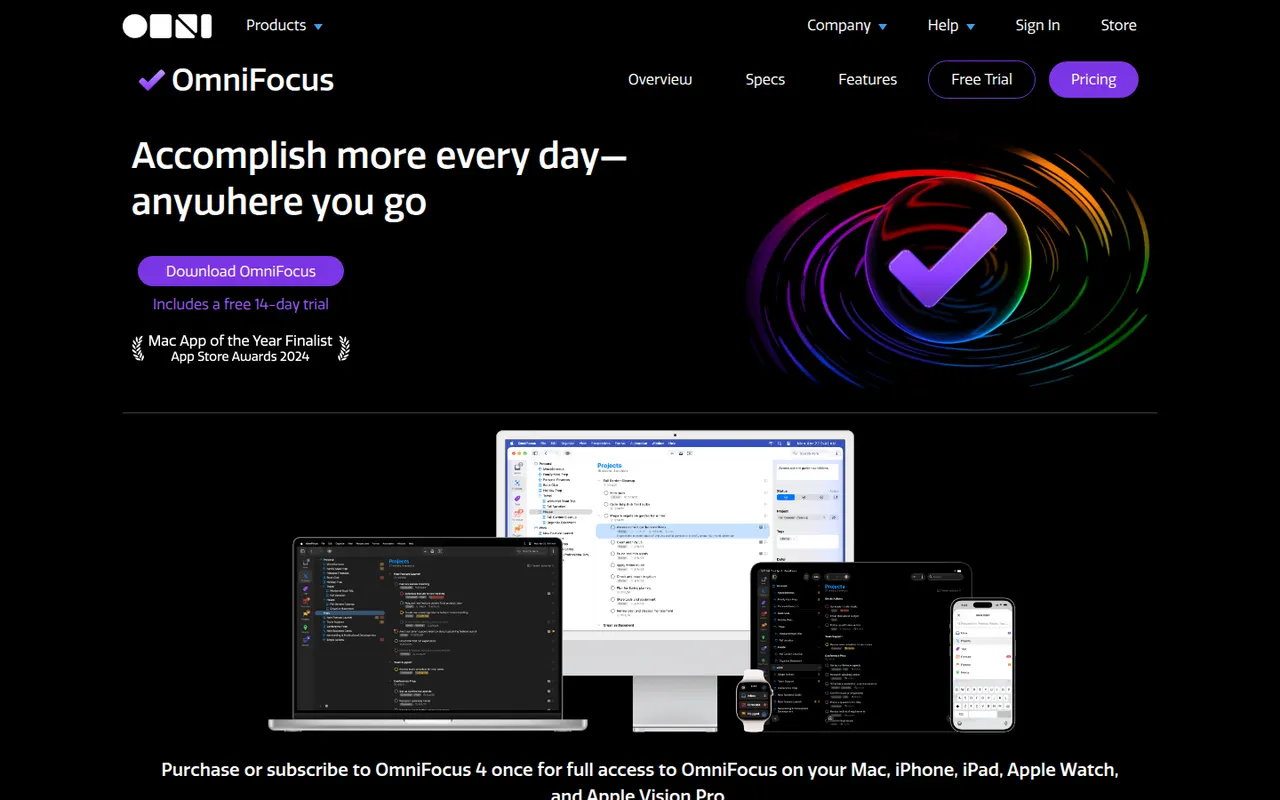
Cost / LicenseFreemiumProprietaryCategoriesOmniFocus is a task manager from The Omni Group designed around the Getting Things Done method, with projects, tags, defer and due dates, and regular reviews. Custom perspectives and Omni Automation scripts let power users shape it to their own system. It runs on Mac, iPhone, iPad and Apple Watch, with a web version for subscribers and encrypted sync.
8 OmniFocus alternativesPros
- Deep GTD support with projects, tags, defer dates and reviews
- Custom perspectives and automation scripts for power users
- Native apps across Mac, iPhone, iPad and Apple Watch
Cons
- Steep learning curve for people new to GTD
- Expensive compared with most to-do apps
- No native apps for Windows or Android
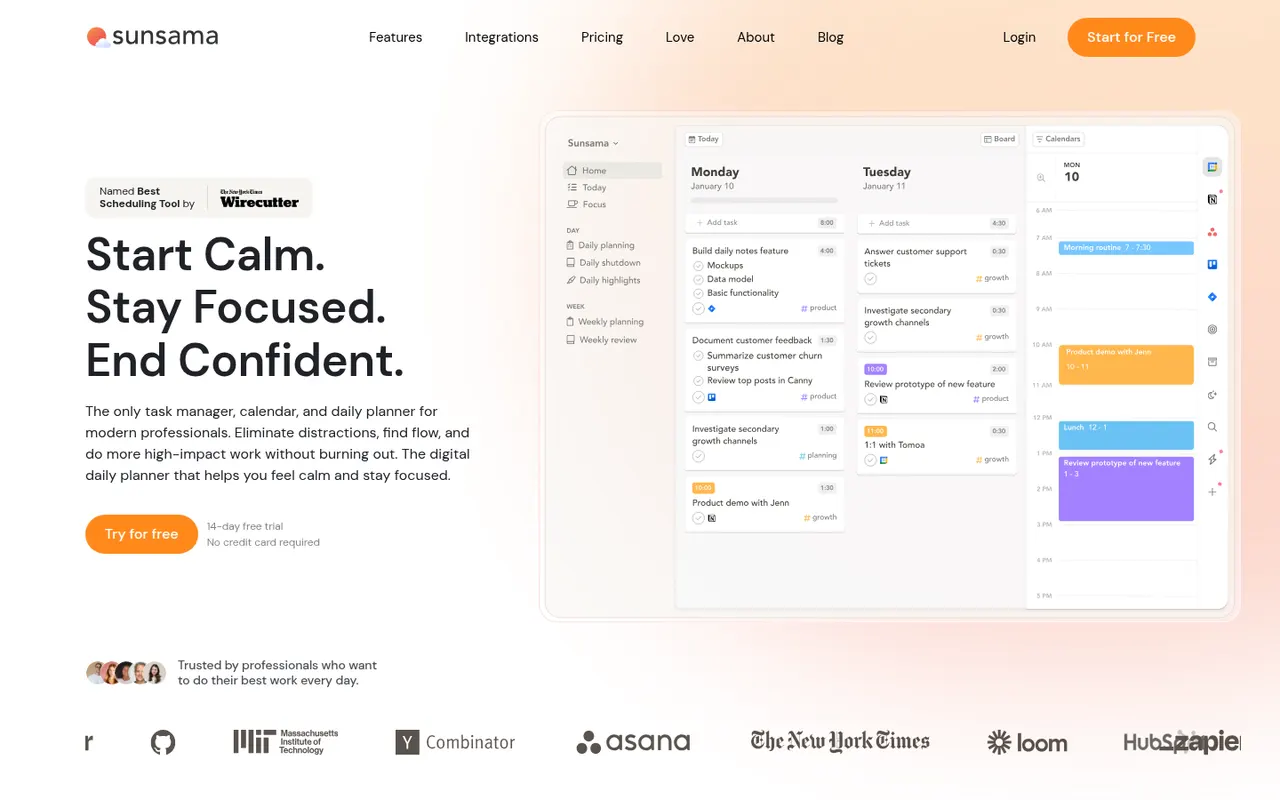
Cost / LicenseFree trialProprietaryCategoriesSunsama is a daily planner for professionals who want a calmer workday. Each morning it walks you through picking tasks from Asana, Trello, Jira, Gmail, Slack and other tools, estimating their duration and dragging them onto your calendar, then closes the day with a shutdown ritual and a short review. There is no free plan beyond the trial.
9 Sunsama alternativesPros
- Guided morning planning ritual encourages realistic workdays
- Pulls in tasks from Asana, Trello, Jira, Gmail and Slack
- Daily shutdown and review help prevent overwork
Cons
- No free plan and a high subscription price
- The daily ritual can feel like overhead on busy days
- Built for individuals rather than team planning
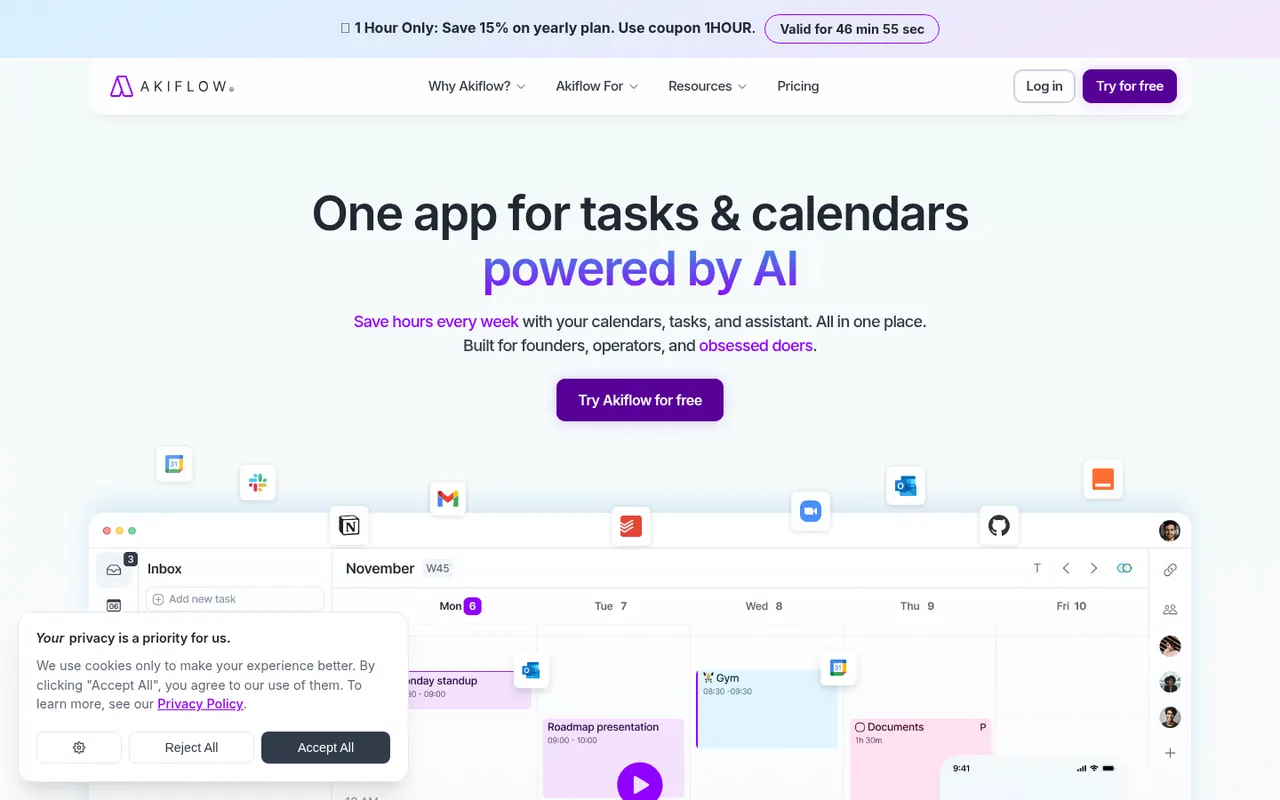
Cost / LicenseFree trialProprietaryAkiflow collects tasks from email, Slack, Notion, Asana, Todoist and other tools into one inbox, then lets you time-block them on your calendar with drag and drop. A command bar with natural language input and keyboard shortcuts suits people who live in their calendar and juggle many meetings and sources of work.
9 Akiflow alternativesPros
- Pulls tasks from email, Slack, Notion and more into one inbox
- Drag-and-drop time blocking straight onto your calendar
- Command bar and keyboard shortcuts make capture very fast
Cons
- No free plan, and the subscription is on the expensive side
- Connecting every source and building the habit takes time
- Not designed for team project management
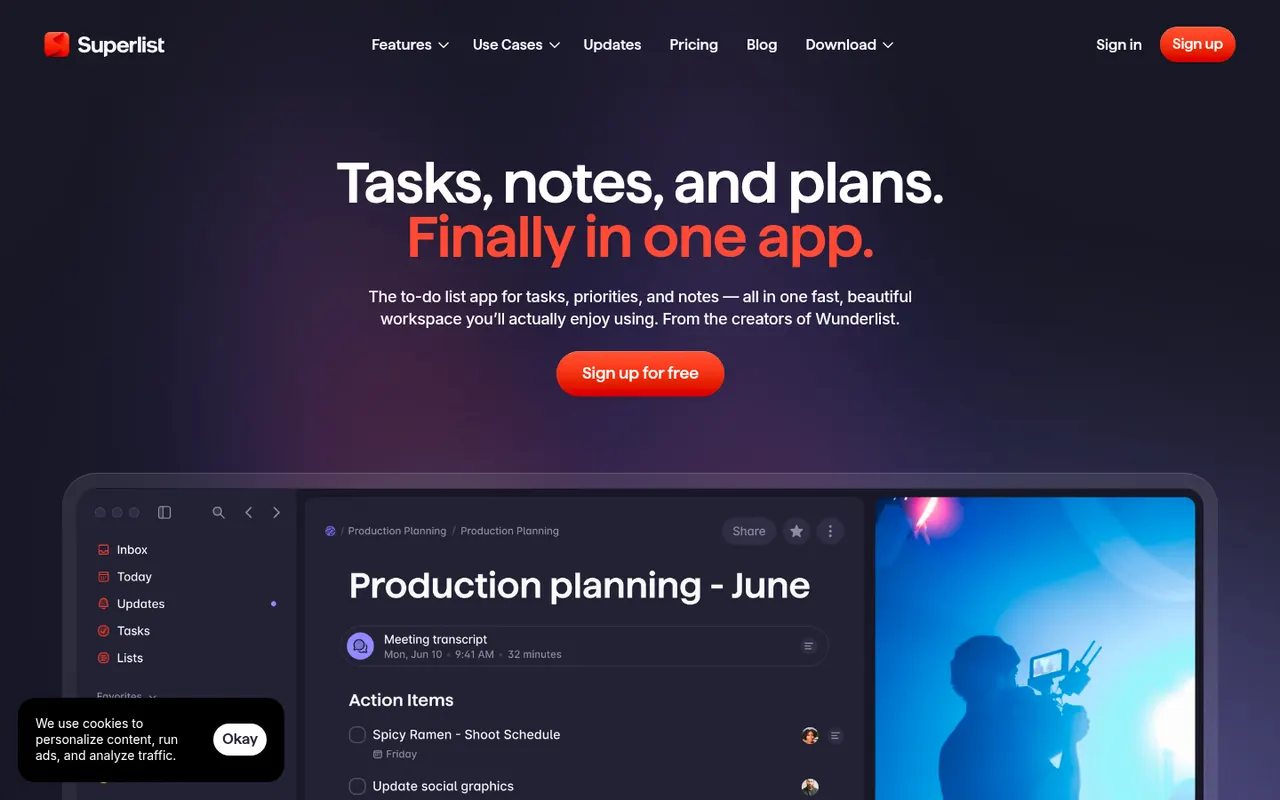
Cost / LicenseFree trialProprietarySuperlist is a task and notes app co-founded by Wunderlist creator Christian Reber, where each list doubles as a document mixing text, headings and checkable tasks. Lists can be shared for real-time collaboration, tasks can be pulled in from Slack and Gmail, and AI features can draft a list from a short prompt.
9 Superlist alternativesPros
- Lists double as documents mixing notes and tasks
- Real-time collaboration on shared lists
- Pulls tasks in from Slack and Gmail
Cons
- Younger app with fewer advanced features than established rivals
- Smaller integration catalog than established task managers
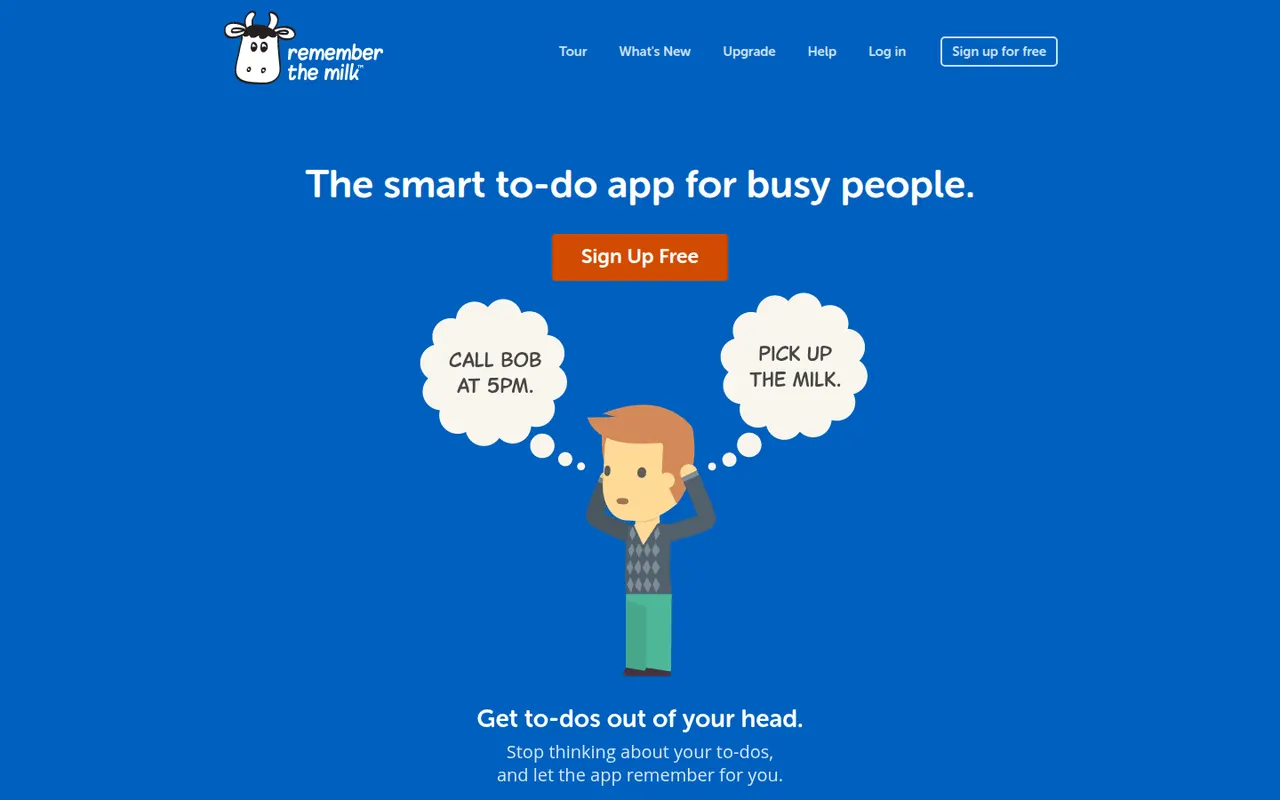
Cost / LicenseFreemiumProprietaryCategoriesRemember The Milk is an online to-do service launched in 2005 and available on the web, desktop and mobile. Smart Add understands dates, priorities, tags and lists typed in a single line, smart lists save advanced searches, and reminders can arrive by email, text message or push notification. A Pro subscription unlocks extras such as subtasks and wider sharing.
7 Remember The Milk alternativesPros
- Smart Add parses dates, tags and priorities from a single line
- Smart lists save advanced searches as dynamic views
- Reminders by email, text message or push notification
Cons
- Interface looks dated next to newer to-do apps
- Subtasks and wider sharing require the Pro plan
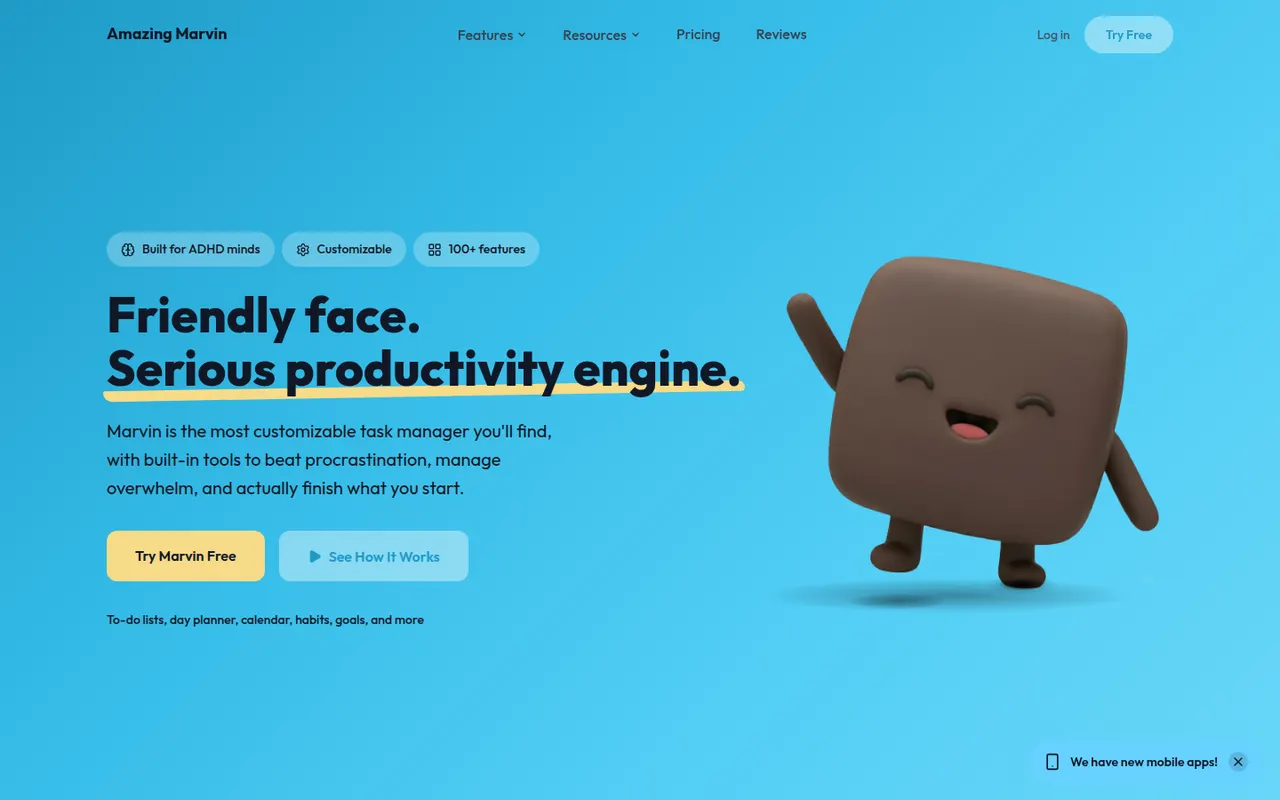
Cost / LicenseFreemiumProprietaryCategoriesAmazing Marvin is a personal task manager whose features, called strategies, are switched on one by one, from time blocking and Pomodoro to habit tracking, rewards and procrastination helpers. It suits people who have struggled with rigid to-do apps, including people with ADHD, and runs on the web, desktop and mobile after a free trial.
8 Amazing Marvin alternativesPros
- Strategies let you switch on only the features you need
- Tools against procrastination and ADHD-friendly planning
- Combines time blocking, Pomodoro and habit tracking
Cons
- The sheer number of options can be overwhelming at first
- Interface feels less polished than mainstream to-do apps
- No free plan after the trial
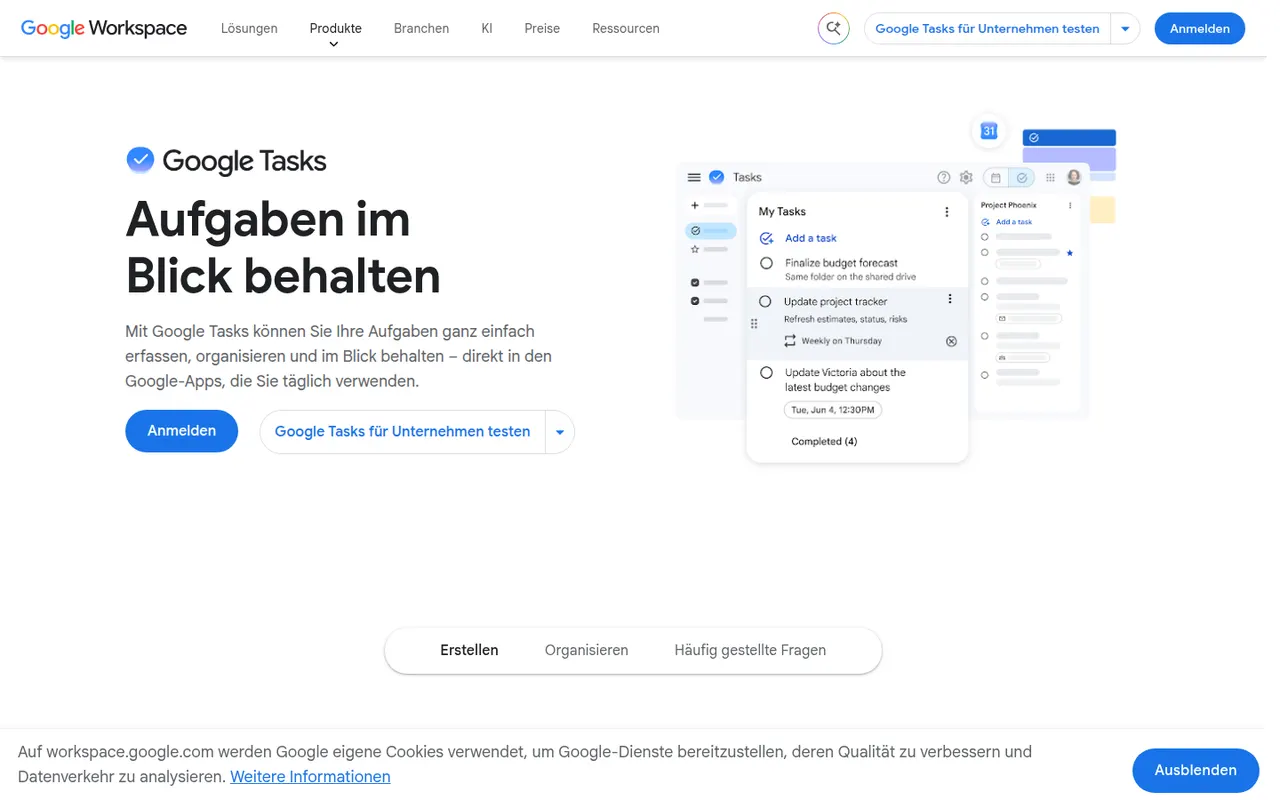
Cost / LicenseFree trialProprietaryCategoriesGoogle Tasks is a free, minimal task manager tied to your Google account. Tasks can be created from Gmail messages, appear on their dates in Google Calendar and sync to the mobile apps, with support for subtasks, due dates and repeating tasks. It suits people who want basic lists inside Google Workspace rather than a full productivity system.
8 Google Tasks alternativesPros
- Free and built into Gmail and Google Calendar
- Turns an email into a task in a couple of clicks
- Minimal interface with practically no learning curve
Cons
- No labels, priority levels or advanced filters
- Very limited sharing and collaboration options
- No dedicated desktop app
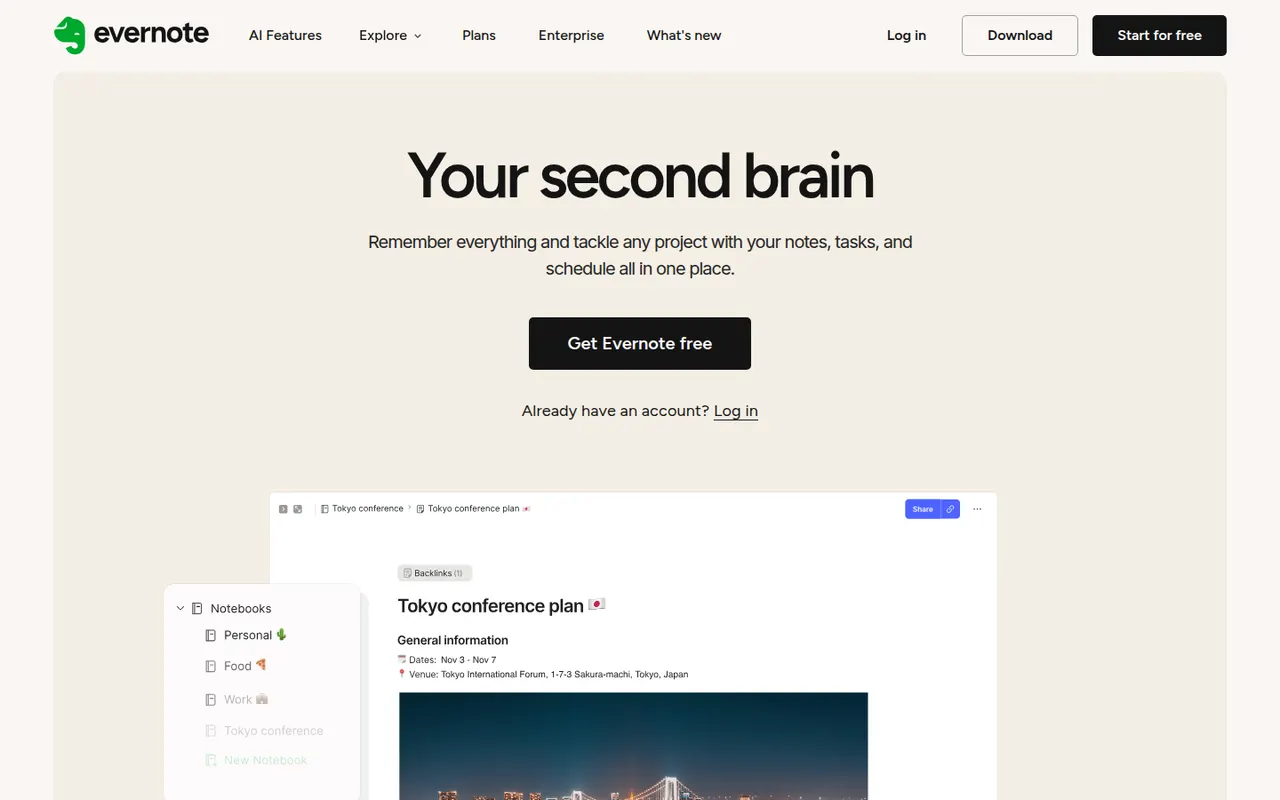
Cost / LicenseFreeProprietaryCategoriesEvernote is a long-standing note-taking app, owned by Bending Spoons since 2023, that stores notes, web clips, PDFs, scans and audio in notebooks with tags and full-text search, including text inside images. Recent versions add tasks, calendar integration and AI features, while the free plan has become very limited compared with the paid tiers.
12 Evernote alternativesPros
- Mature web clipper and full-text search, even inside images
- Stores notes, PDFs, scans and audio in one place
- Tasks and calendar integration alongside notes
Cons
- The free plan is very limited compared with paid tiers
- Paid plans are expensive compared with many note apps
- Apps can feel heavier and slower than lighter note tools
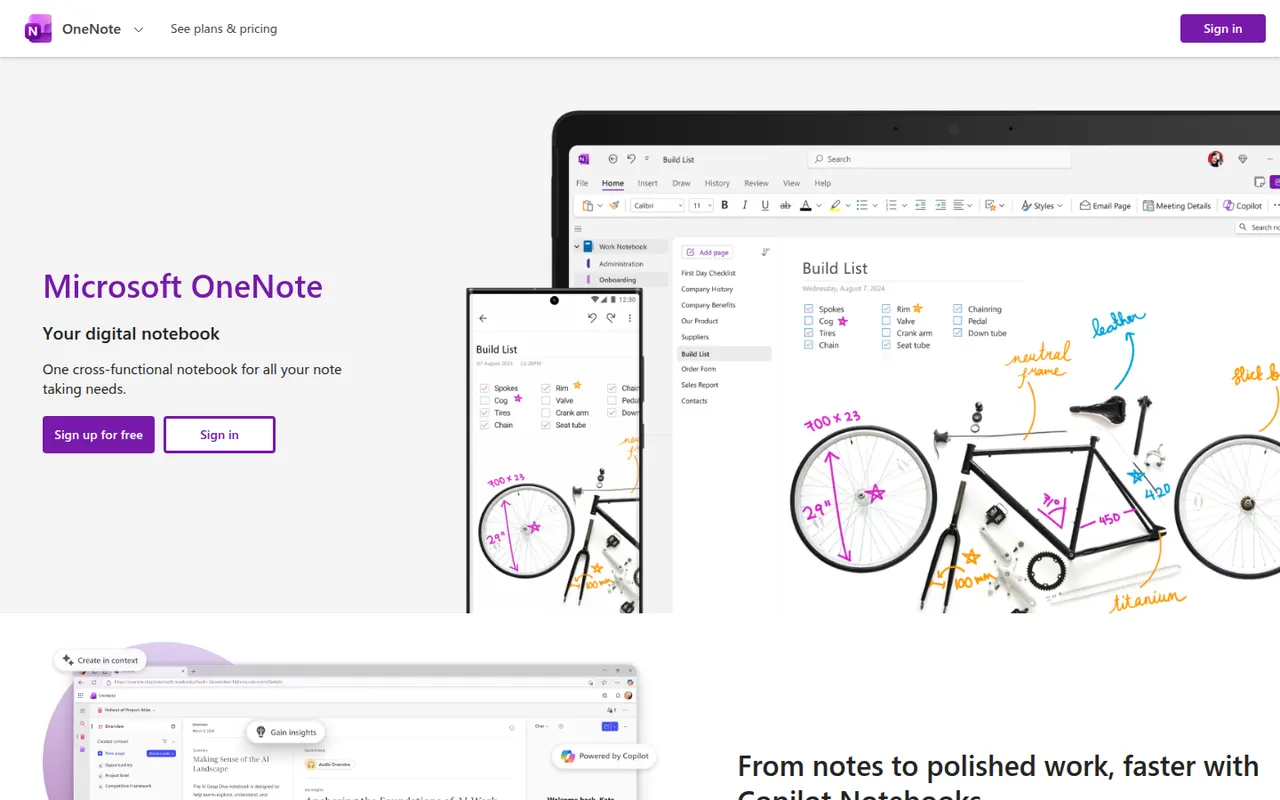
Cost / LicenseFreemiumProprietaryCategoriesMicrosoft OneNote is a free digital notebook that organizes notes into notebooks, sections and pages, where text, images, drawings and handwriting can be placed anywhere on the page. It syncs through OneDrive, supports shared notebooks for classes and teams, and works closely with Outlook, Teams and the rest of Microsoft 365.
9 Microsoft OneNote alternativesPros
- Freeform pages for text, drawings and handwriting anywhere
- Free, with OneDrive sync on all major platforms
- Works closely with Outlook, Teams and Microsoft 365
Cons
- The freeform layout gets messy and is hard to export
- Sync can lag or conflict with large notebooks
- No native app for Linux desktops
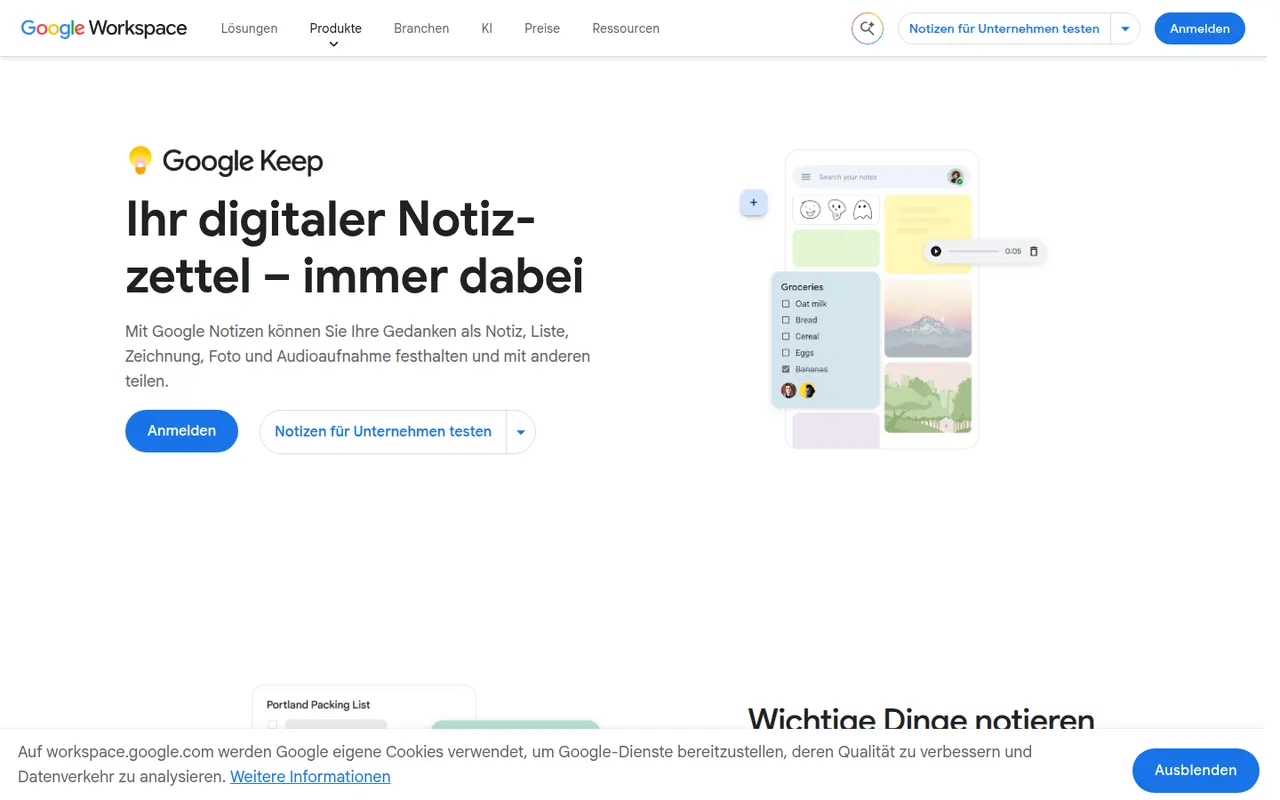
Cost / LicenseFreeProprietaryCategoriesGoogle Keep is a free note app for quick thoughts, checklists, voice memos and photos, shown as colorful cards that can be pinned, labeled and shared. Reminders can be tied to a time or a place, text can be extracted from images, and notes are available from Gmail, Google Docs and Android devices.
8 Google Keep alternativesPros
- Fast capture of notes, checklists, voice memos and photos
- Reminders tied to a time or a place
- Integrated with Gmail, Google Docs and Android
Cons
- No desktop app outside the browser
- Limited formatting makes it a poor fit for long documents
- Organization relies on labels only, with no folders or nesting
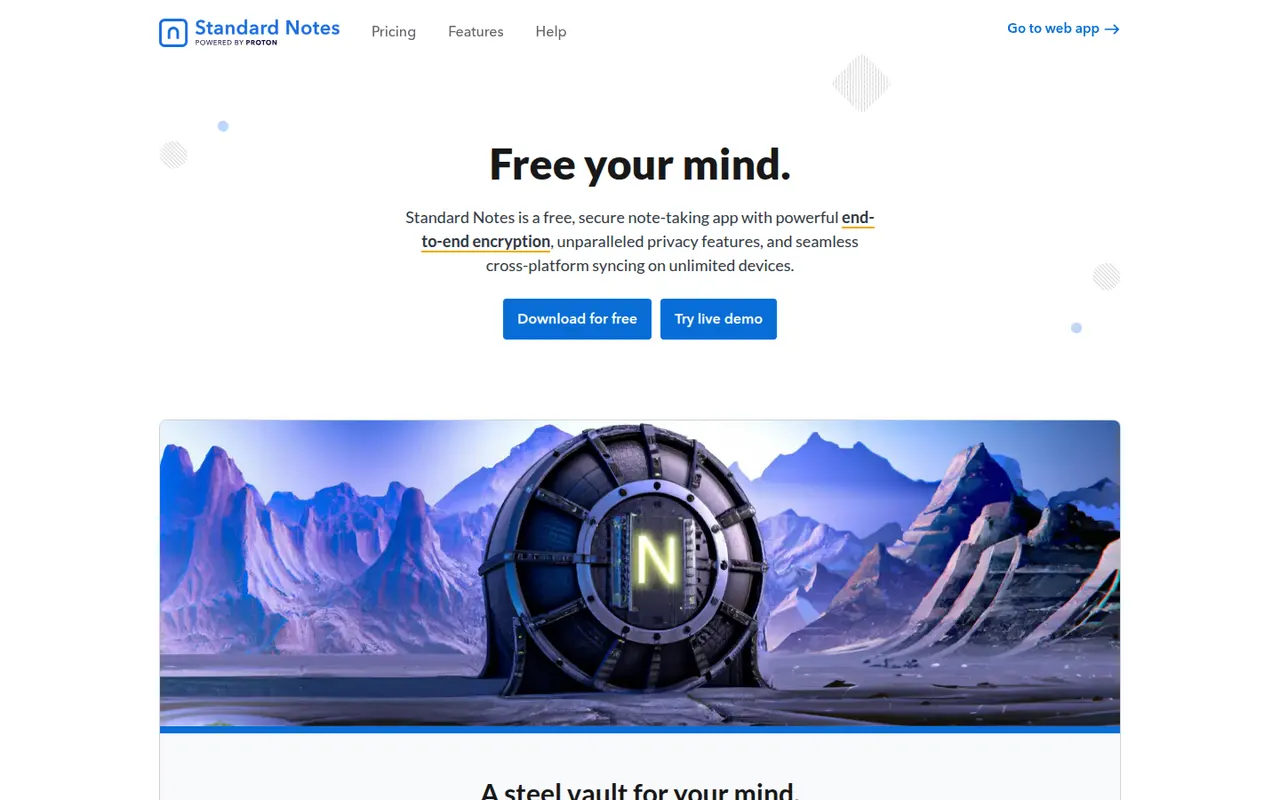
Cost / LicenseFreeProprietaryPlatformsStandard Notes is an open source note-taking app focused on privacy, with end-to-end encryption for every note and file and apps on all major platforms. Notes work offline and sync across devices, and paid plans add rich editors, file storage and longer revision history. The company became part of Proton in 2024, and the sync server can be self-hosted.
9 Standard Notes alternativesPros
- End-to-end encryption for every note and file
- Open source apps on all major platforms
- The sync server can be self-hosted
Cons
- Rich editors, file storage and longer history need a paid plan
- Collaboration features are minimal compared with mainstream apps
Cost / LicenseFreemiumOpen sourceCategoriesSimplenote is a free note app from Automattic, the company behind WordPress.com, that sticks to plain text with optional Markdown, tags and quick search. Notes sync instantly across web, desktop and mobile apps, every change is kept in version history, and notes can be shared with collaborators or published as a web page. The apps are open source.
8 Simplenote alternativesPros
- Free, ad-free and fast plain-text notes
- Instant sync across web, desktop and mobile
- Version history keeps every change to a note
Cons
- No images, attachments or rich formatting
- Organization is limited to tags and search
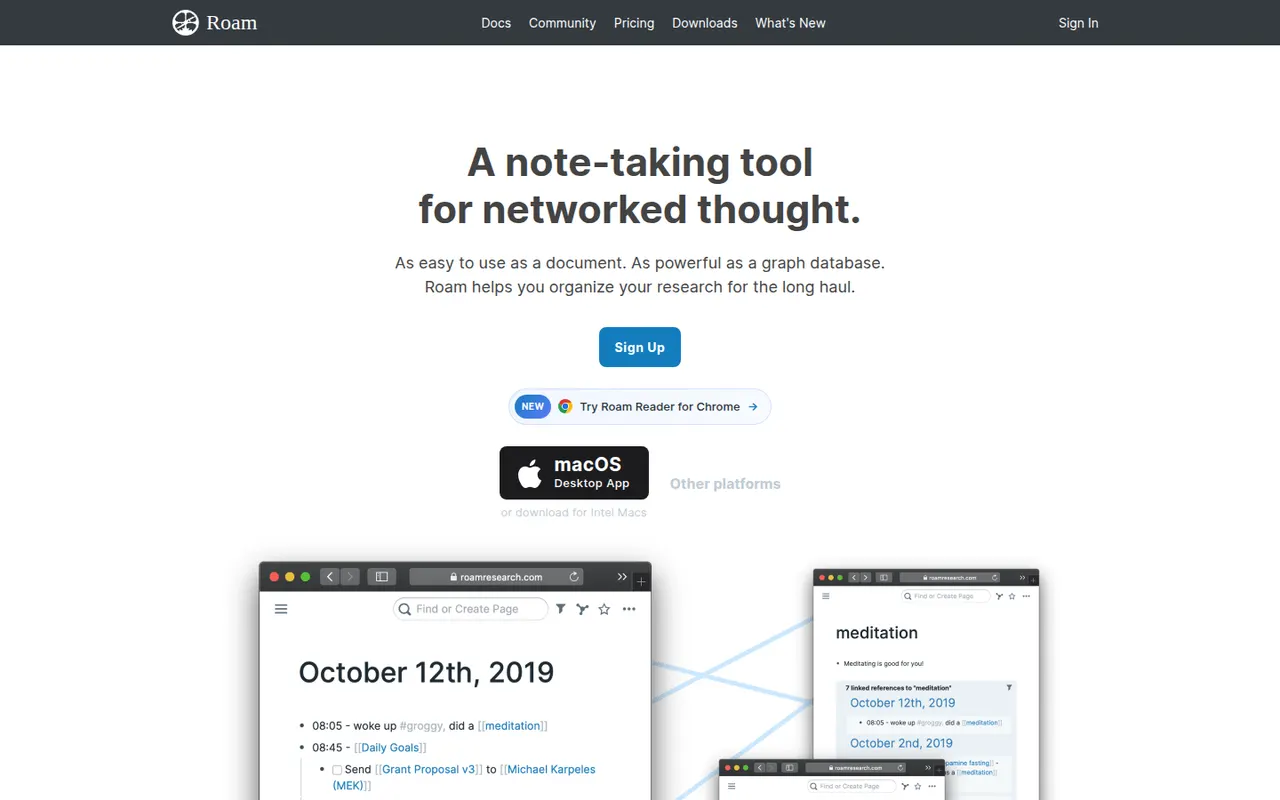
Cost / LicenseFreeOpen sourceCategoriesRoam Research is an outliner for networked thought that helped popularize bidirectional links, block references and daily notes pages among researchers and writers. Every page and block can be linked and embedded elsewhere, a graph shows how ideas connect, and Roam Depot provides community extensions. It is a paid subscription after a trial period.
8 Roam Research alternativesPros
- Pioneer of block references and bidirectional links
- Daily notes pages make quick capture a habit
- Roam Depot adds community extensions
Cons
- Paid subscription after the trial, with no free plan
- The outliner and its conventions have a steep learning curve
- Mobile use is less comfortable than on desktop
Cost / LicenseFree trialProprietaryCategories