Best apps for Web
433 apps
Top Web apps ranked by the community
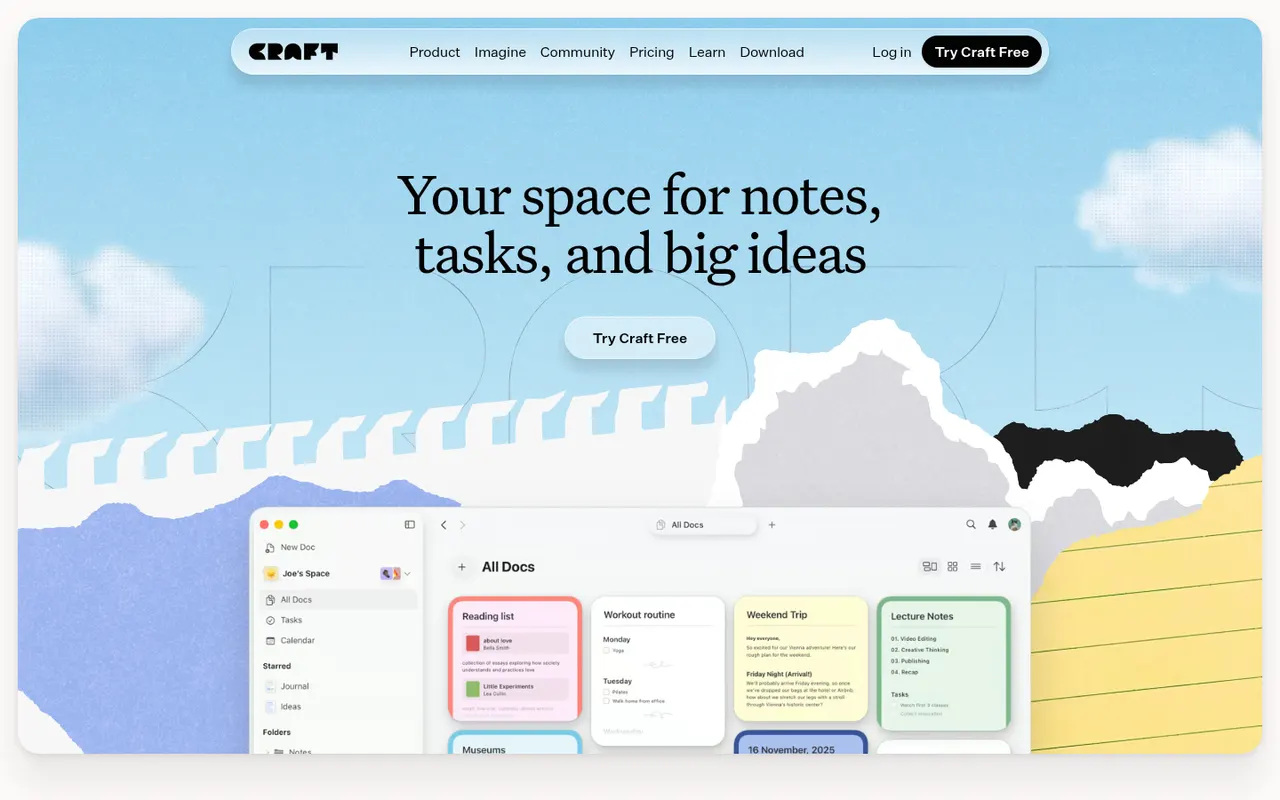
Craft is a document and note-taking app with a native, polished design on Mac, iPhone and iPad, also available on Windows and the web. Notes are built from blocks and nested pages with backlinks, can be shared as public web pages or edited together in real time, and include AI writing help, tasks and daily notes.
12 Craft alternativesPros
- Polished native design on Mac, iPhone and iPad
- Block-based pages can be shared as public web pages
- Real-time collaboration plus built-in AI writing help
Cons
- The experience is best on Apple devices, other platforms feel secondary
- Advanced features and AI usage are reserved for paid plans
- Less suited to large databases than Notion-style tools
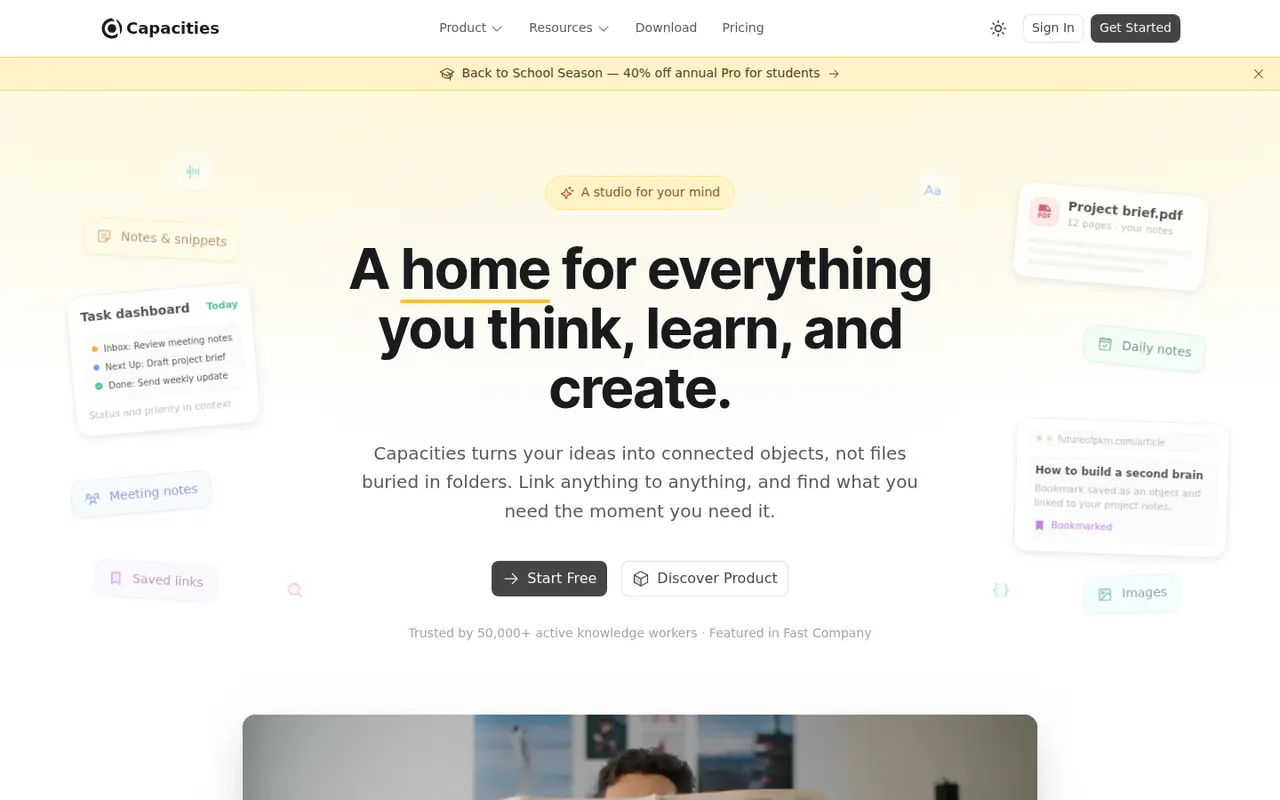
Cost / LicenseFreemiumProprietaryCapacities is a note-taking app that organizes knowledge as objects such as people, books, meetings and ideas, each with its own properties and templates, instead of folders. Objects link to each other through backlinks and a graph, daily notes collect everyday thoughts, and the Pro plan adds an AI assistant. It is developed by a small team in Germany.
8 Capacities alternativesPros
- Object types like people, books and meetings give notes structure
- Backlinks, graph view and daily notes connect ideas
- Available on web, desktop and mobile with sync
Cons
- The object-based approach takes time to get used to
- The AI assistant and some features need the Pro plan
- Cloud-based storage gives less control than local-first apps
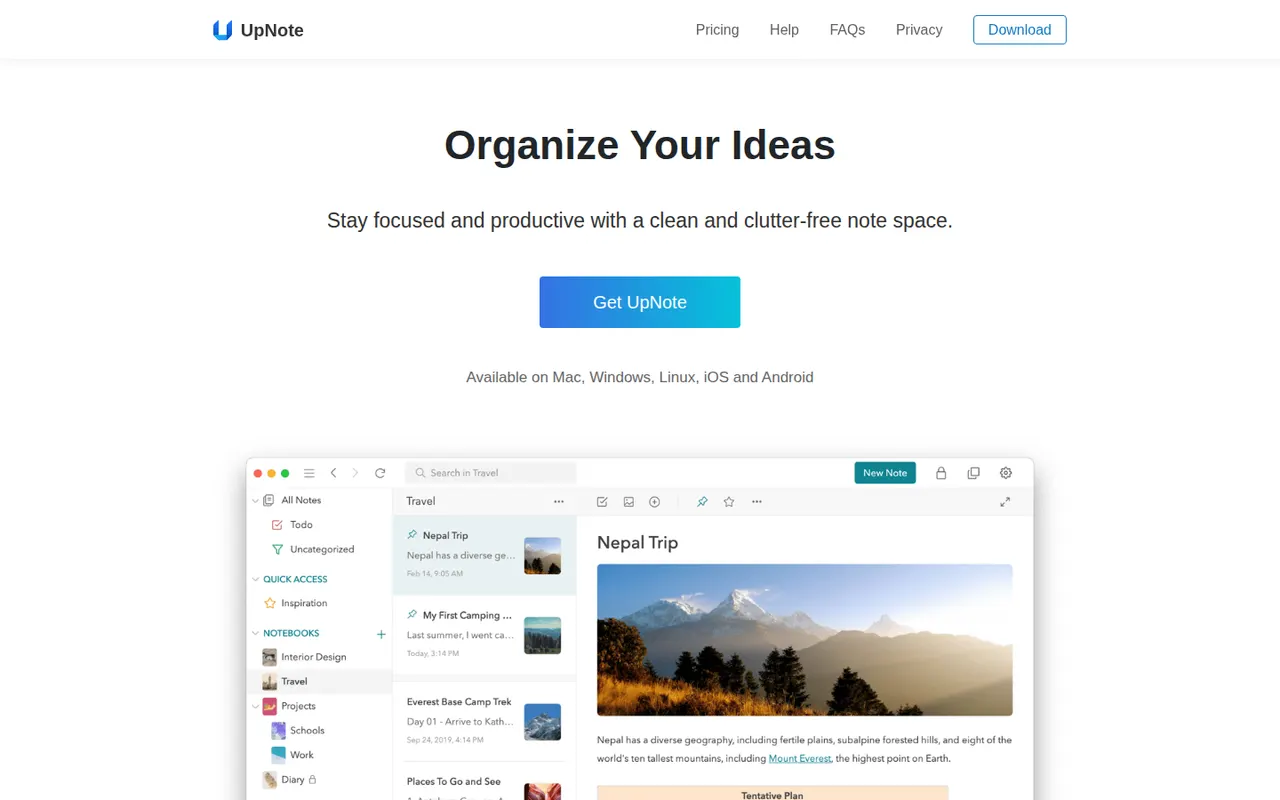
Cost / LicenseFreemiumProprietaryCategoriesUpNote is a note-taking app with a clean editor, notebooks, tags and links between notes, available on the web, Windows, Mac, Linux, iOS and Android. Notes are stored locally for offline use and synced across devices, with a web clipper and Markdown shortcuts. The free version is capped at a small number of notes, and Premium can be bought once or as a subscription.
11 UpNote alternativesPros
- Clean editor with notebooks, tags and links between notes
- Apps on every platform, including Linux and the web
- Premium is available as a one-time purchase
Cons
- The free version is capped at a small number of notes
- No shared notebooks or real-time collaboration
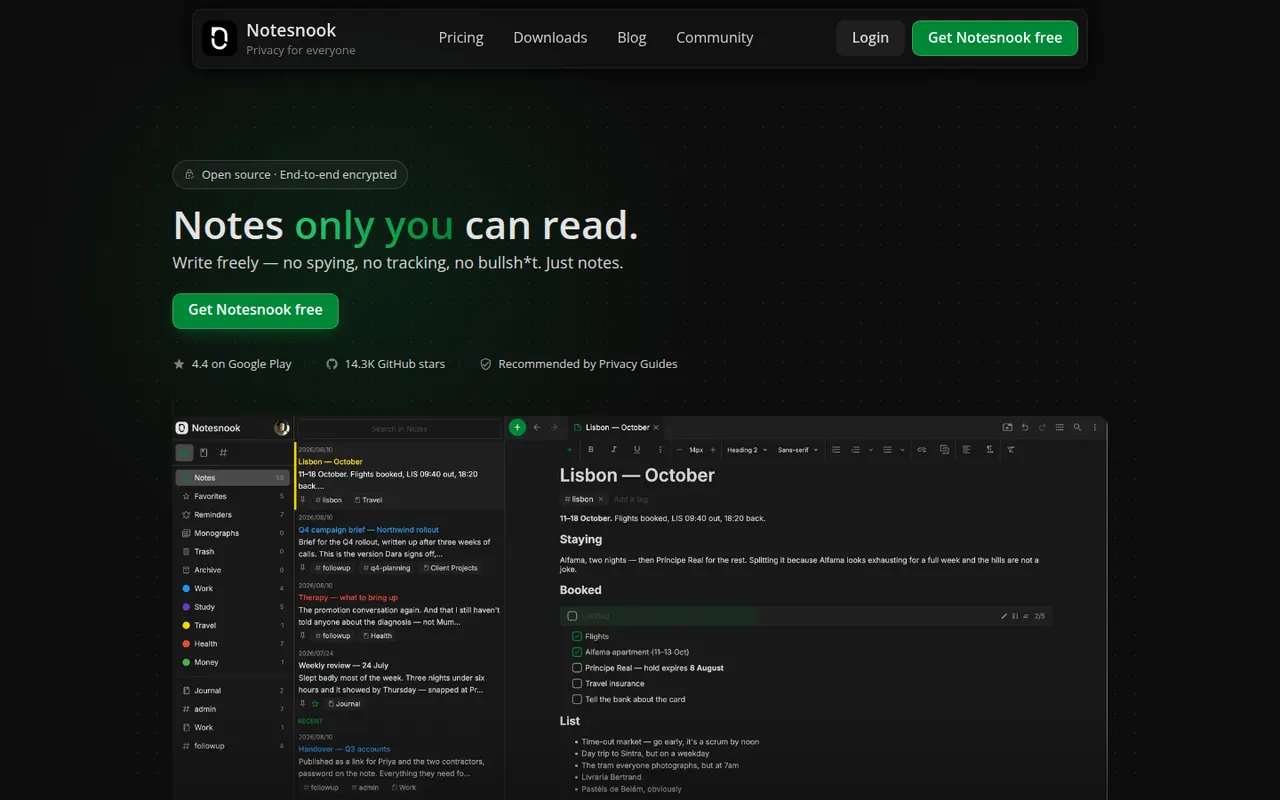
Cost / LicenseFreemiumProprietaryCategoriesNotesnook is an open source note-taking app that encrypts every note end to end on your device before syncing it. It offers notebooks, tags, rich text with Markdown shortcuts, an app lock, a private vault and a web clipper, on the web, desktop and mobile. A free plan is available, and the sync server can also be self-hosted.
9 Notesnook alternativesPros
- Every note is end-to-end encrypted on your device before syncing
- Open source apps on web, desktop and mobile
- The sync server can be self-hosted
Cons
- Fewer integrations and plugins than mainstream note apps
- Some features are limited on the free plan
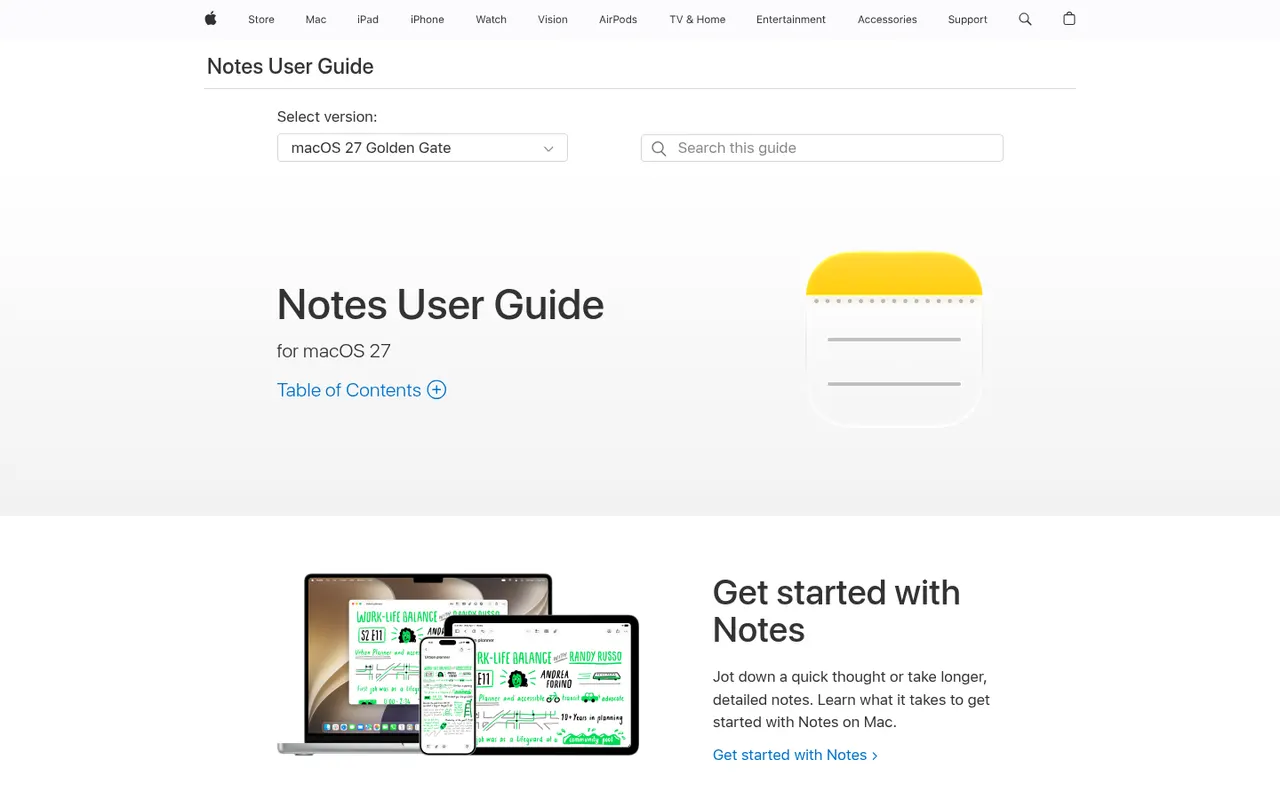
Cost / LicenseFreemiumOpen sourceCategoriesApple Notes is the free notes app included with iPhone, iPad and Mac, synced through iCloud and also reachable on the web at iCloud.com. It handles checklists, tables, Apple Pencil sketches, document scanning and searchable text in images, plus shared notes and folders, tags, smart folders and locked notes.
9 Apple Notes alternativesPros
- Free and built into every iPhone, iPad and Mac
- Document scanning, Pencil sketches and text search inside images
- Shared notes and folders with real-time collaboration
Cons
- No native apps for Windows or Android, only iCloud.com
- Fewer organization options than dedicated knowledge tools
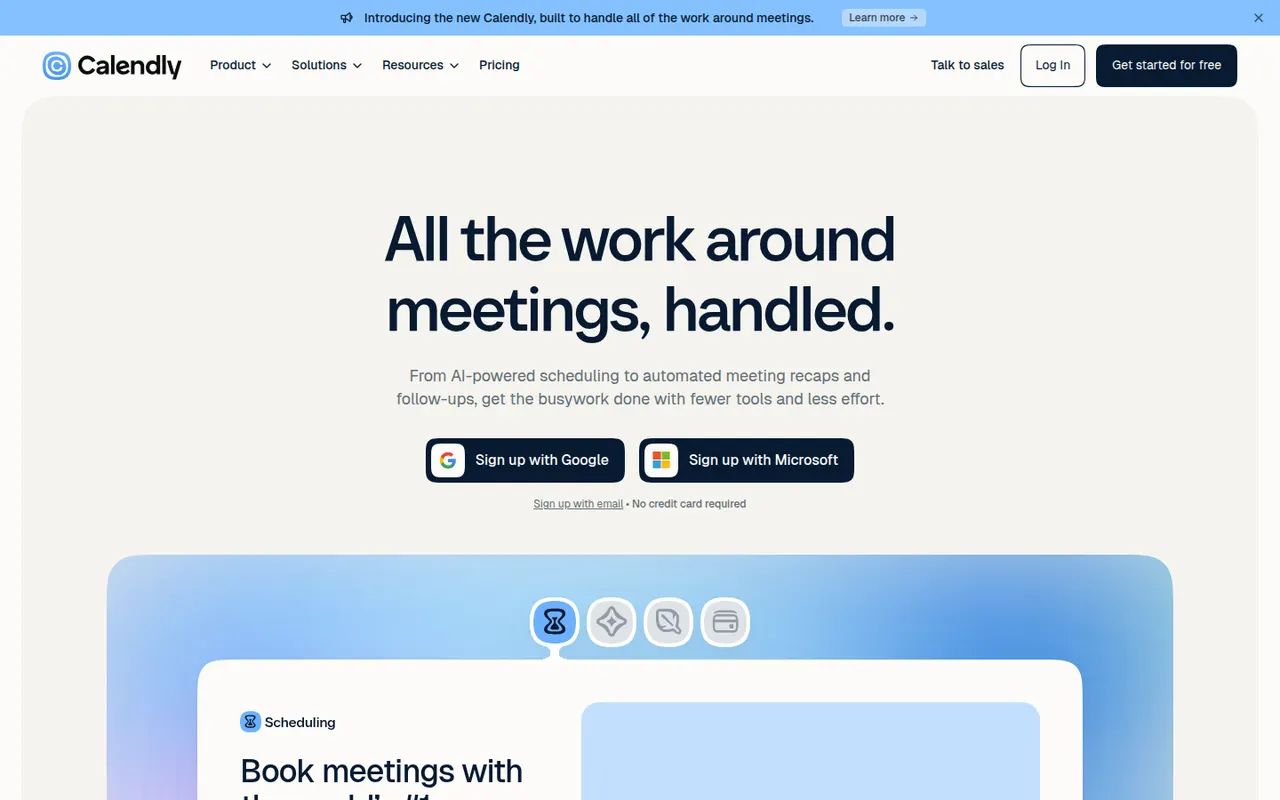
Cost / LicenseFreeProprietaryCategoriesCalendly lets people book time with you through a shareable link that reflects your real availability across Google, Outlook and iCloud calendars. Teams can distribute meetings round robin or book them collectively, collect payments with Stripe or PayPal, and send automatic reminders and follow-ups. It targets sales, recruiting and customer success teams and connects to CRMs such as Salesforce and HubSpot.
12 Calendly alternativesPros
- Booking links reflect real availability across several calendars
- Round-robin and collective scheduling for teams
- CRM integrations with Salesforce and HubSpot
Cons
- The free plan is restrictive, with key features on paid tiers
- Costs add up for teams that need routing and CRM features
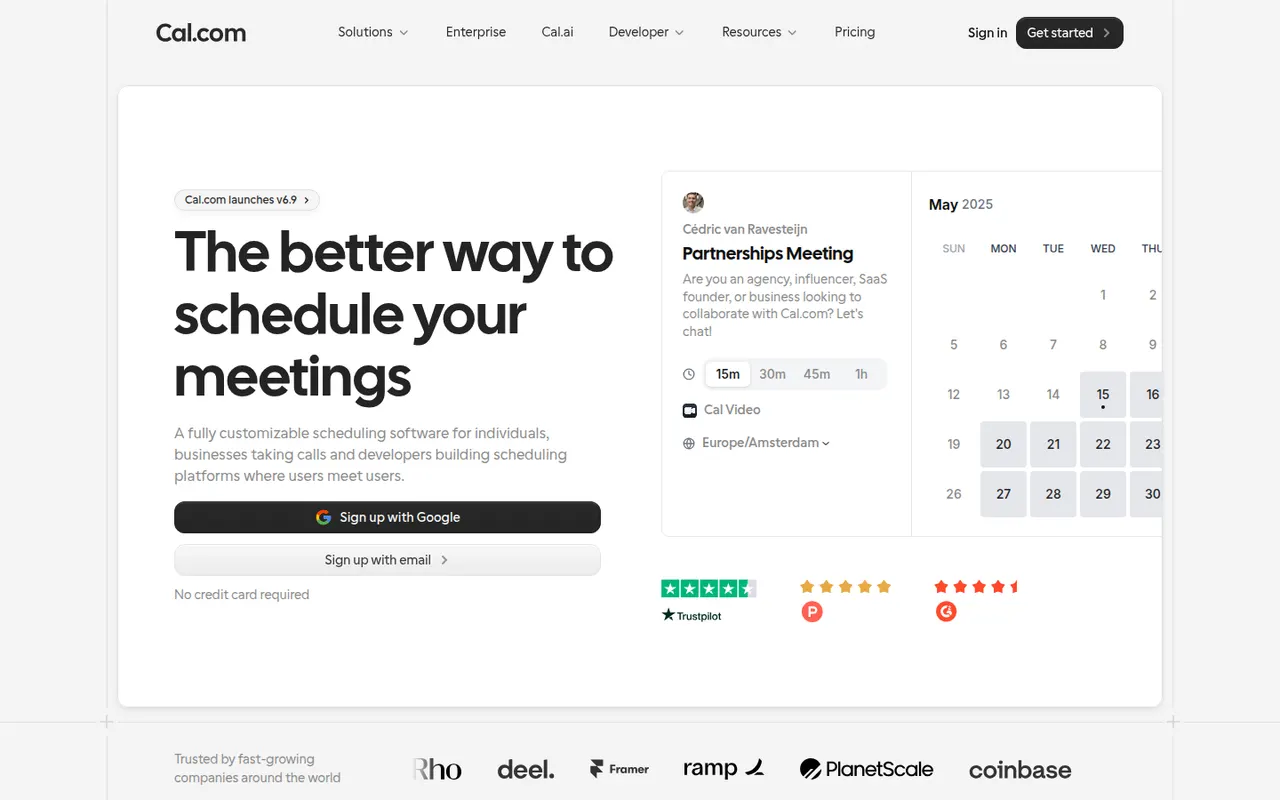
Cost / LicenseFreemiumProprietaryCategoriesPlatformsCal.com is an open source scheduling platform positioned as an alternative to Calendly, with booking pages, team round-robin, routing forms, paid bookings and automated workflows. It can be used as a hosted service with a free plan for individuals or self-hosted, and developers can embed it or build on its API.
7 Cal.com alternativesPros
- Open source and self-hostable, with a hosted option
- Free hosted plan for individuals
- API and embeds let developers build scheduling into their products
Cons
- Self-hosting takes technical effort to set up and maintain
- Team and enterprise features require paid plans
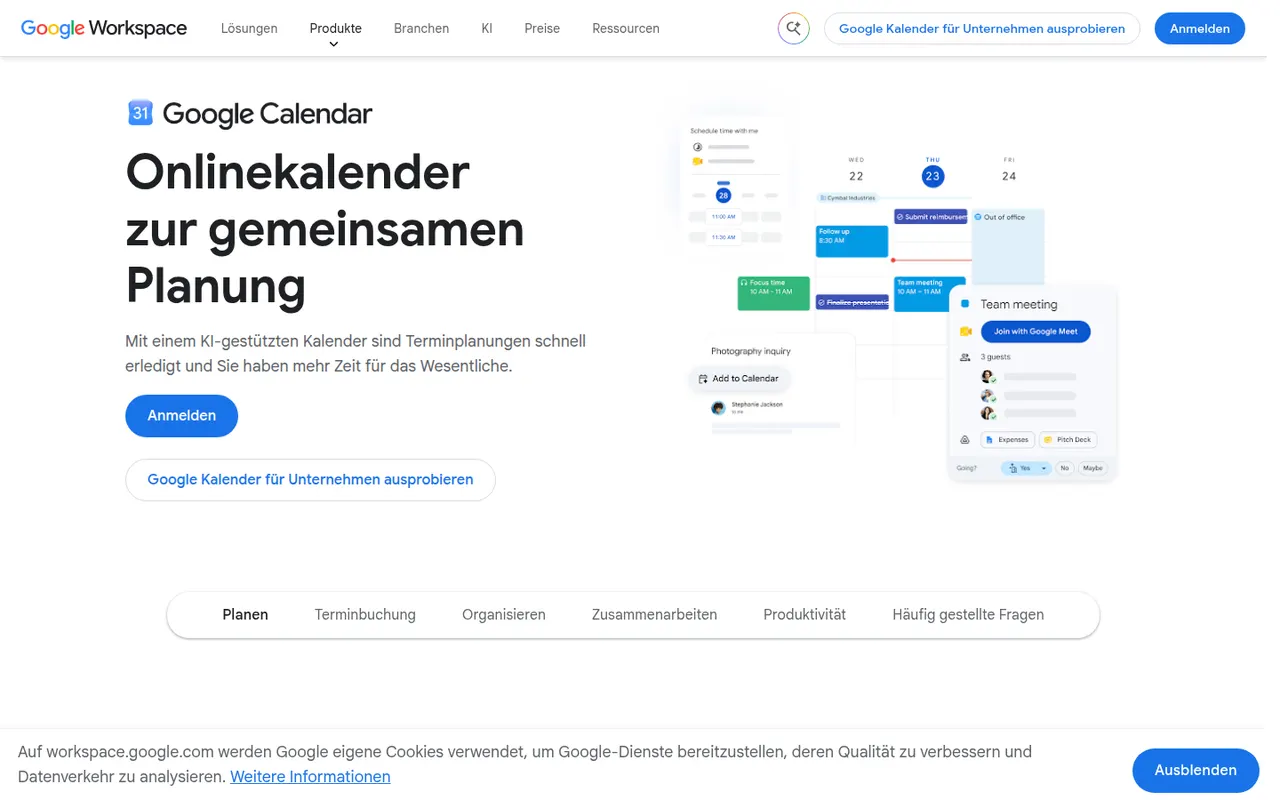
Cost / LicenseFreemiumOpen sourceCategoriesPlatformsGoogle Calendar is a free calendar service tied to your Google account, with shared calendars, event invitations, events detected from Gmail and Google Meet links added to meetings. Appointment schedules provide simple booking pages, and Google Workspace accounts add features such as focus time, working locations and room booking.
12 Google Calendar alternativesPros
- Free and tightly integrated with Gmail and Google Meet
- Calendar sharing and event invitations are easy to manage
- Appointment schedules provide simple booking pages
Cons
- Advanced appointment schedule options require a paid Workspace plan
- No official desktop app, only web and mobile
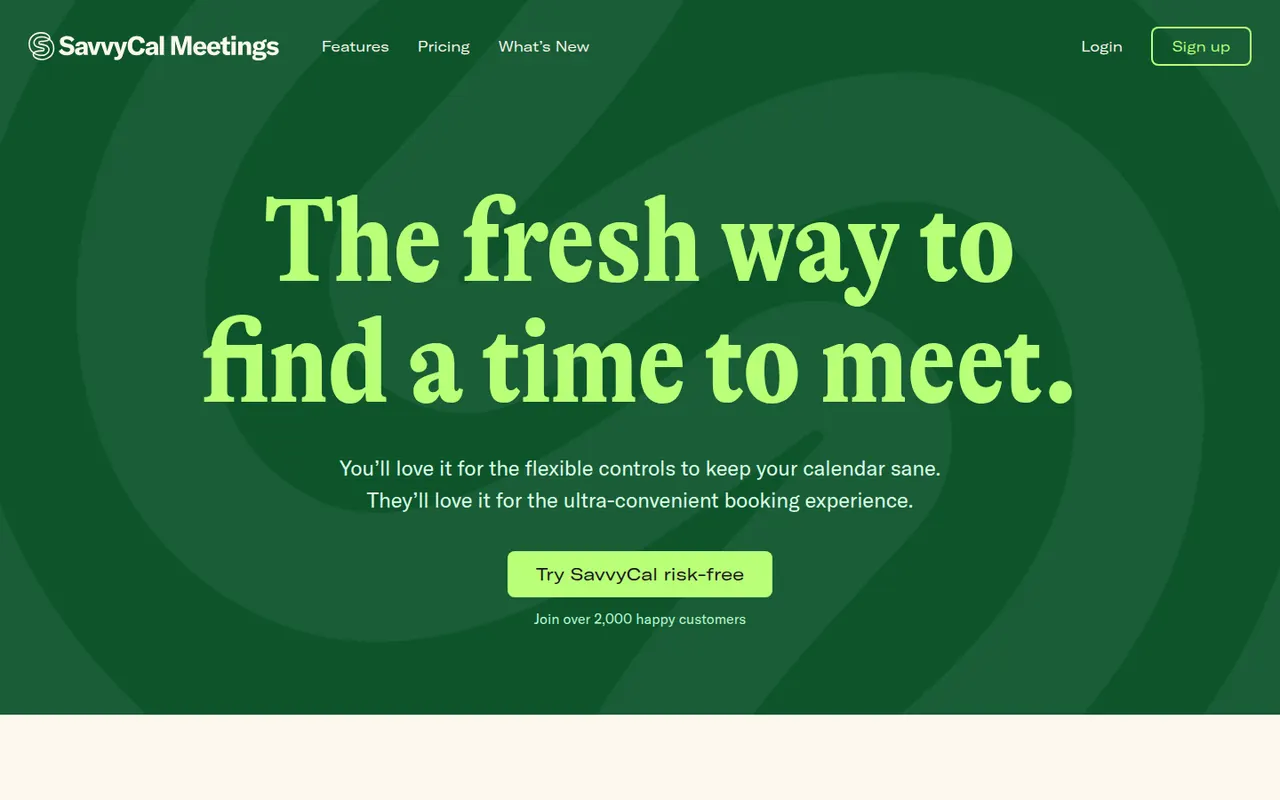
Cost / LicenseFreeProprietaryCategoriesSavvyCal is a scheduling tool built around the experience of the person booking: invitees can overlay their own calendar on your availability to spot a time that works for both. It supports personal and team links with round-robin, preferred time slots, buffers and frequency limits, and integrates with Google, Outlook, Zoom and Zapier.
8 SavvyCal alternativesPros
- Invitees can overlay their own calendar to find a common slot
- Preferred slots, buffers and frequency limits give fine control
- Polished booking experience for both sides
Cons
- Web only, with no mobile apps
- Smaller integration catalog than the largest schedulers
- Team features require a paid plan
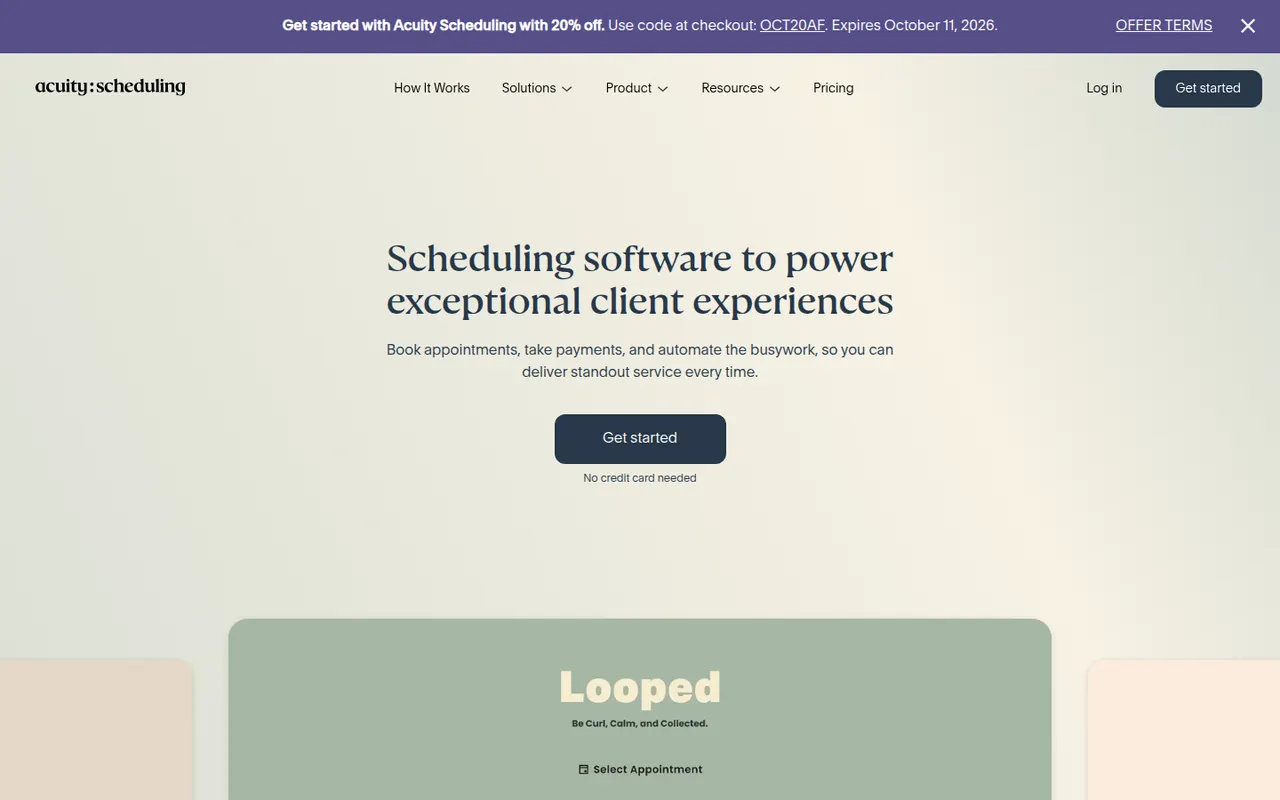
Cost / LicenseFreemiumProprietaryCategoriesPlatformsAcuity Scheduling, owned by Squarespace, is an appointment booking tool for coaches, salons, clinics and other service businesses. Clients book through a branded page, fill in intake forms and pay or leave a deposit online, while the business manages packages, gift certificates, staff calendars and automatic email and text reminders.
7 Acuity Scheduling alternativesPros
- Intake forms, deposits and online payments built into booking
- Packages and gift certificates suit coaches, salons and clinics
- Automatic email and text reminders help reduce no-shows
Cons
- No free plan, only a trial
- The admin interface feels dated compared with newer schedulers
Cost / LicenseFree trialProprietaryCategoriesDoodle is a Swiss scheduling service built around group polls, where participants vote on proposed time slots to find a date that suits everyone without a long email thread. It also offers booking pages and one-on-one scheduling, connects to Google, Outlook and video conferencing tools, and has a free ad-supported plan.
8 Doodle alternativesPros
- Group polls make it easy to agree on a date with many people
- Participants can vote without creating an account
- Connects to Google, Outlook and video conferencing tools
Cons
- The free plan shows ads
- Booking pages are less advanced than in dedicated schedulers
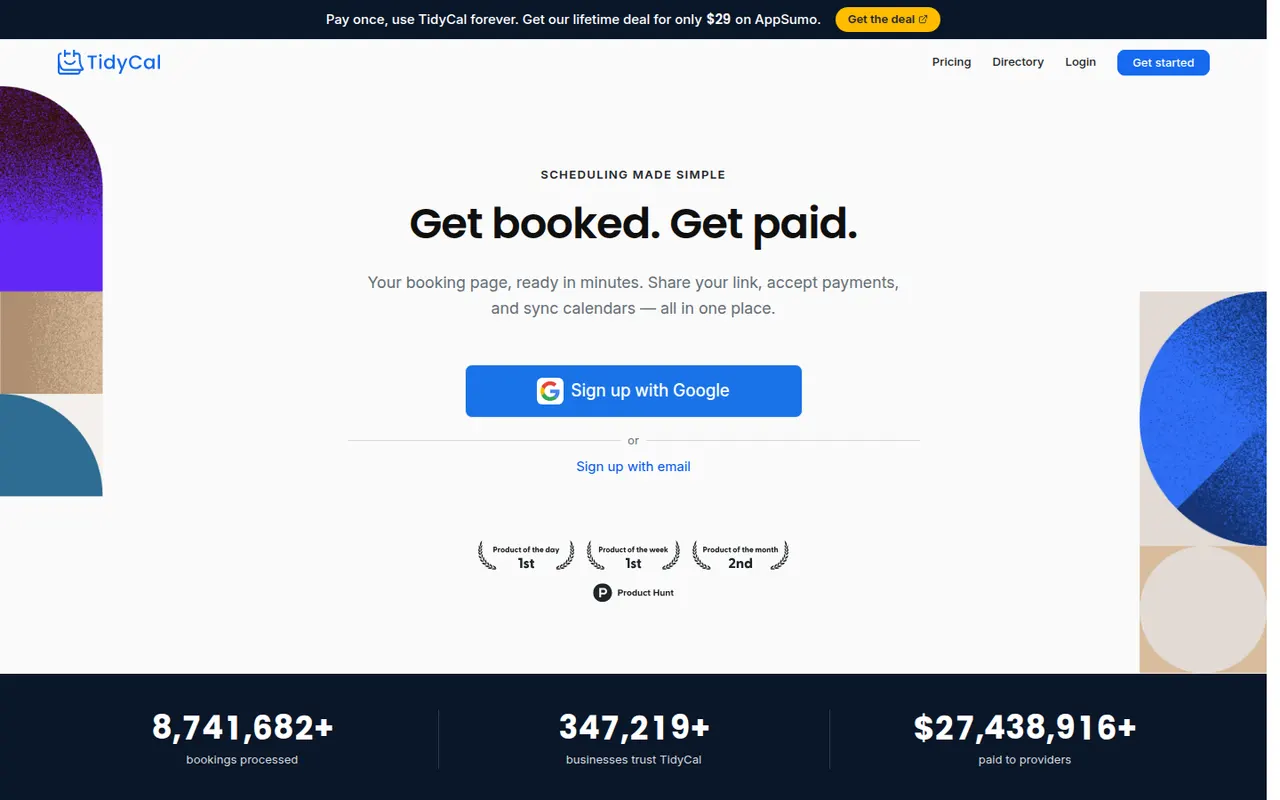
Cost / LicenseFreemiumProprietaryCategoriesTidyCal is a lightweight scheduling tool from AppSumo for freelancers and small businesses. It provides booking pages, group bookings and paid bookings through Stripe or PayPal, and connects to Google and Outlook calendars as well as Zoom and Google Meet. Beyond the free plan, its Pro features are sold as a one-time purchase instead of a subscription.
7 TidyCal alternativesPros
- Pro features are a one-time purchase instead of a subscription
- Paid bookings through Stripe or PayPal, plus group bookings
- Quick setup suited to freelancers
Cons
- Fewer team and routing features than Calendly or Cal.com
- Limited branding and integration options
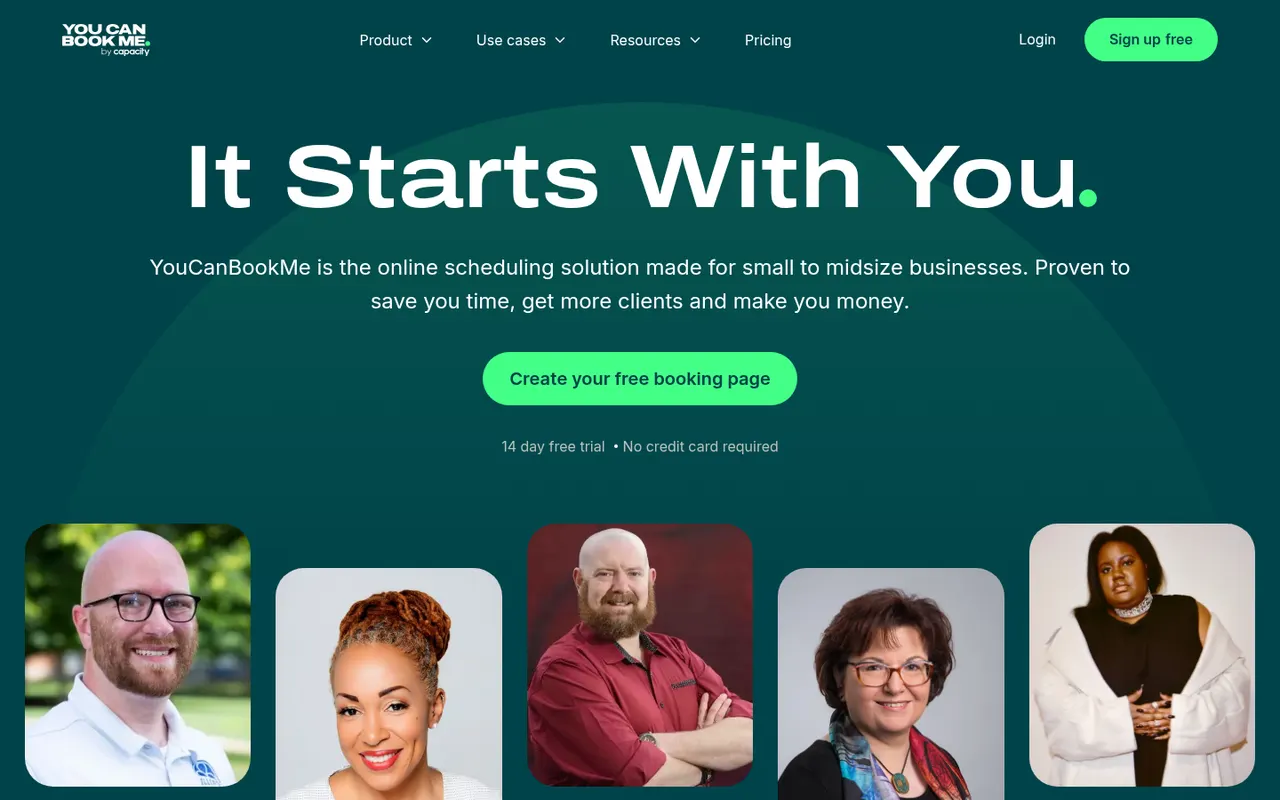
Cost / LicenseFreemiumProprietaryCategoriesPlatformsYouCanBookMe is a UK-based scheduling tool that turns your Google or Microsoft calendar into a customizable booking page. It supports team and round-robin bookings, custom booking forms, Stripe payments and email or SMS reminders, and suits tutors, consultants and universities that need flexible booking rules.
7 YouCanBookMe alternativesPros
- Highly customizable booking pages and forms
- Flexible booking rules suit tutors, consultants and universities
- Email and SMS reminders, plus Stripe payments
Cons
- Web only, with no mobile apps
- The many settings can feel overwhelming at first
- Most useful features require a paid plan
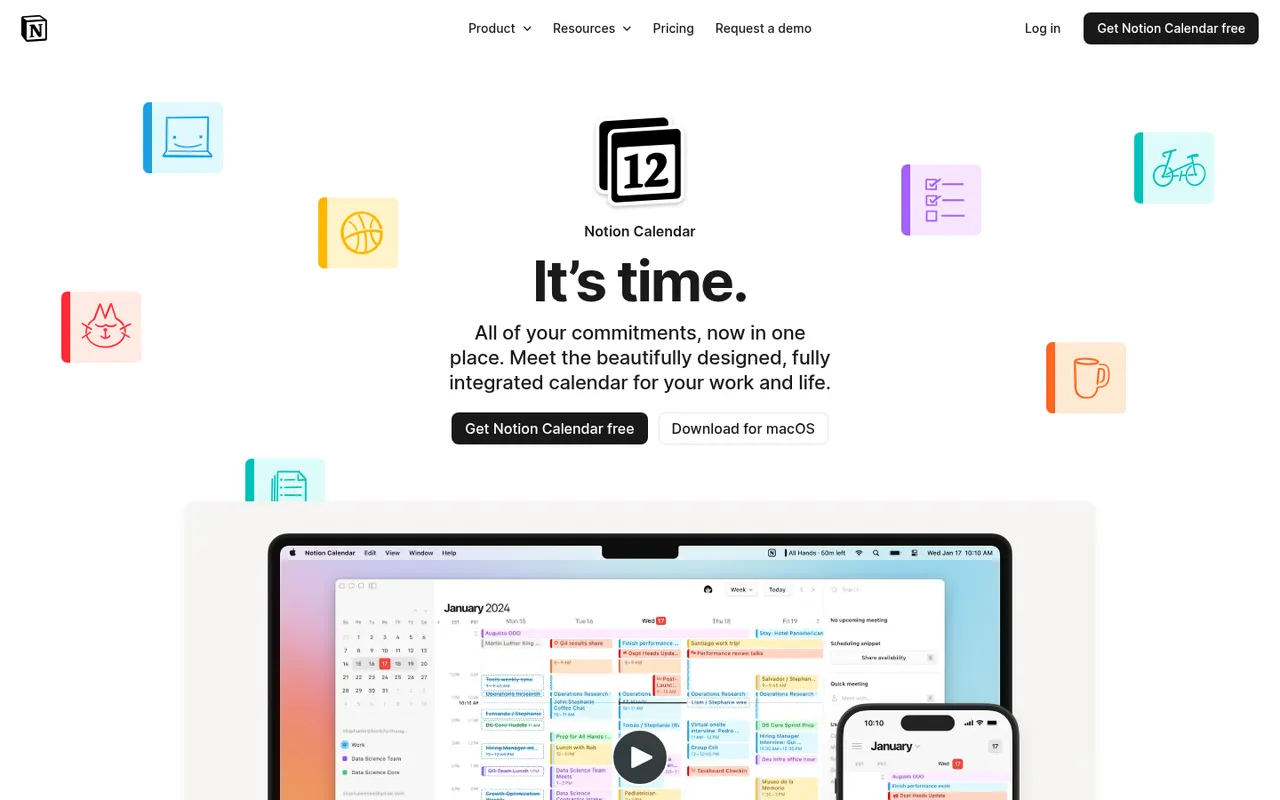
Cost / LicenseFreemiumProprietaryCategoriesPlatformsNotion Calendar, formerly Cron, is a free calendar for desktop, web and iPhone that works on top of Google Calendar accounts and connects to Notion databases, so pages with dates appear next to meetings. It is designed for keyboard-heavy users, with many shortcuts, a menu bar for joining calls, multiple time zones and availability sharing.
8 Notion Calendar alternativesPros
- Free, fast and designed for keyboard use
- Shows dated Notion database pages next to meetings
- Handles multiple time zones and availability sharing well
Cons
- Built on Google Calendar accounts, a poor fit for Outlook or iCloud users
- Few planning features beyond the link with Notion
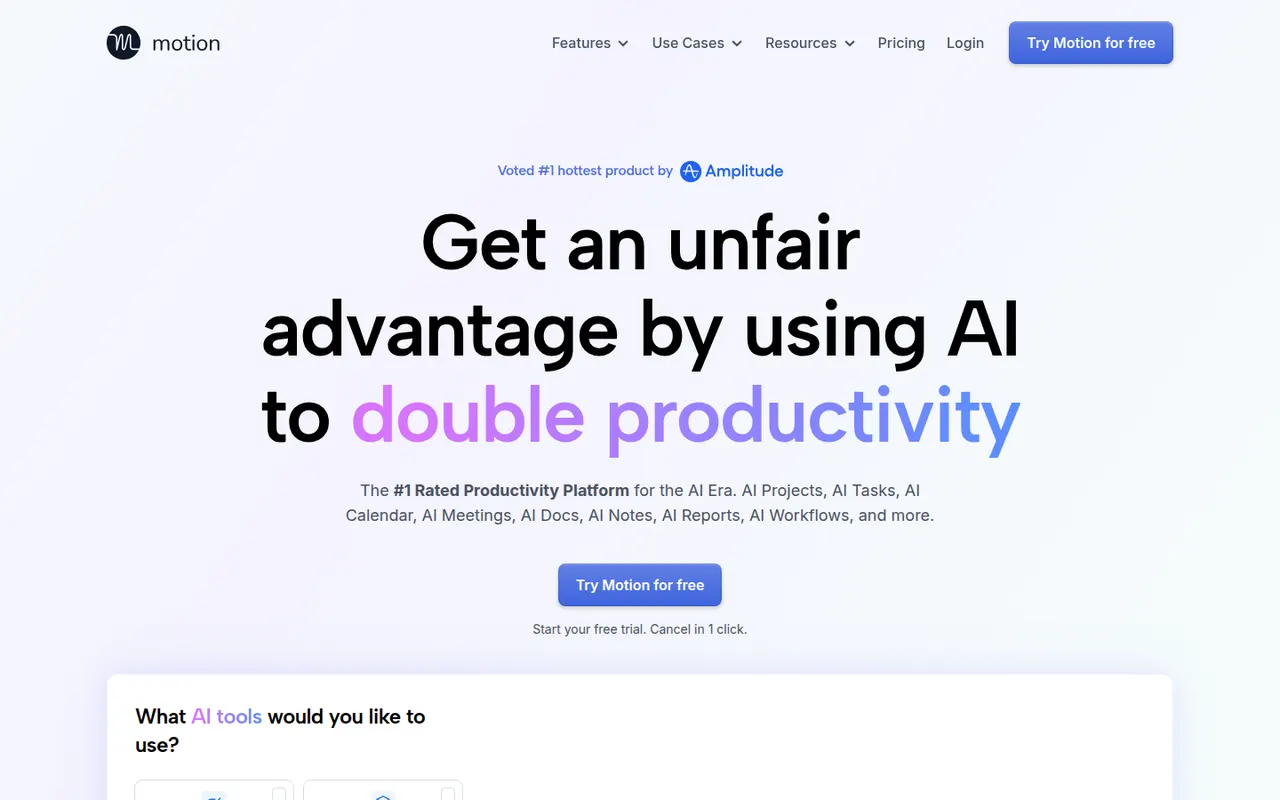
Cost / LicenseFreeProprietaryCategoriesMotion is a planning tool that uses AI to place tasks on your calendar automatically based on deadlines, priorities and meetings, and reshuffles the plan when things change. It combines a calendar, task manager, project views and booking pages, and has expanded into AI agents and docs for teams. Access starts with a free trial rather than a free plan.
11 Motion alternativesPros
- AI places tasks around meetings and deadlines automatically
- Replans the day when priorities or meetings change
- Combines calendar, tasks, projects and booking pages
Cons
- No free plan, only a trial
- Priced well above traditional calendar and to-do apps
- Handing your schedule to an algorithm can feel hard to control
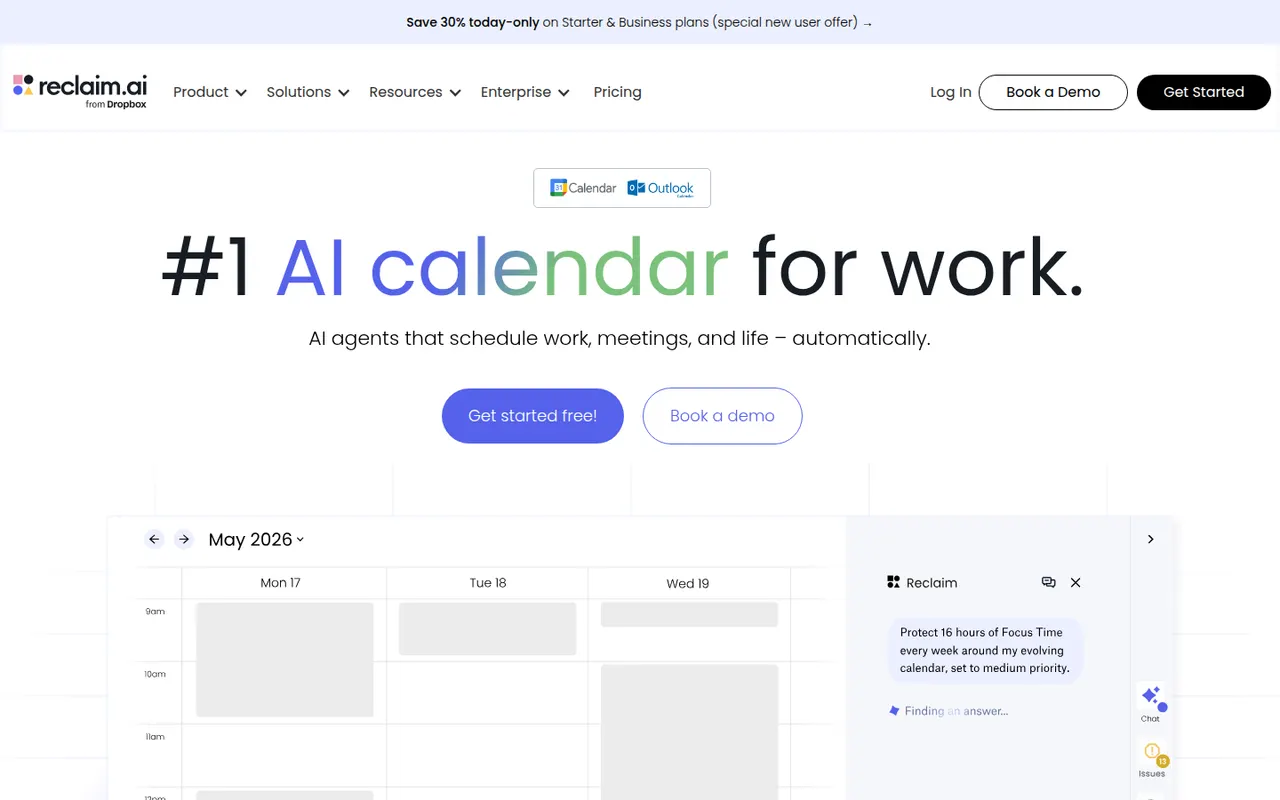
Cost / LicenseFree trialProprietaryReclaim.ai is a scheduling assistant for Google Calendar and Outlook that automatically blocks time for tasks, recurring habits, focus time and breaks, then adjusts those blocks as meetings move. It syncs tasks from Asana, Todoist, Jira, ClickUp and Linear, offers scheduling links and time analytics, and has been part of Dropbox since 2024.
9 Reclaim.ai alternativesPros
- Automatically protects time for tasks, habits, focus and breaks
- Time blocks adjust automatically as meetings move
- Syncs tasks from Asana, Todoist, Jira, ClickUp and Linear
Cons
- Works only with Google Calendar and Outlook
- Heavy automatic blocking can clutter shared calendars
- Advanced features and team analytics require paid plans
Cost / LicenseFreemiumProprietaryCategoriesPlatformsMiro is a visual collaboration platform built around an infinite whiteboard where teams run workshops, brainstorms, retrospectives and planning sessions with sticky notes, diagrams and mind maps. It offers thousands of community templates, AI features for clustering and summarizing content, and integrations with Jira, Slack, Teams and Zoom.
12 Miro alternativesPros
- Huge library of community templates for workshops and planning
- Integrations with Jira, Slack, Teams and Zoom
- Apps on the web, desktop and mobile
Cons
- Free plan limits the number of editable boards
- Large boards can become slow and cluttered
- Per-seat pricing adds up for big teams
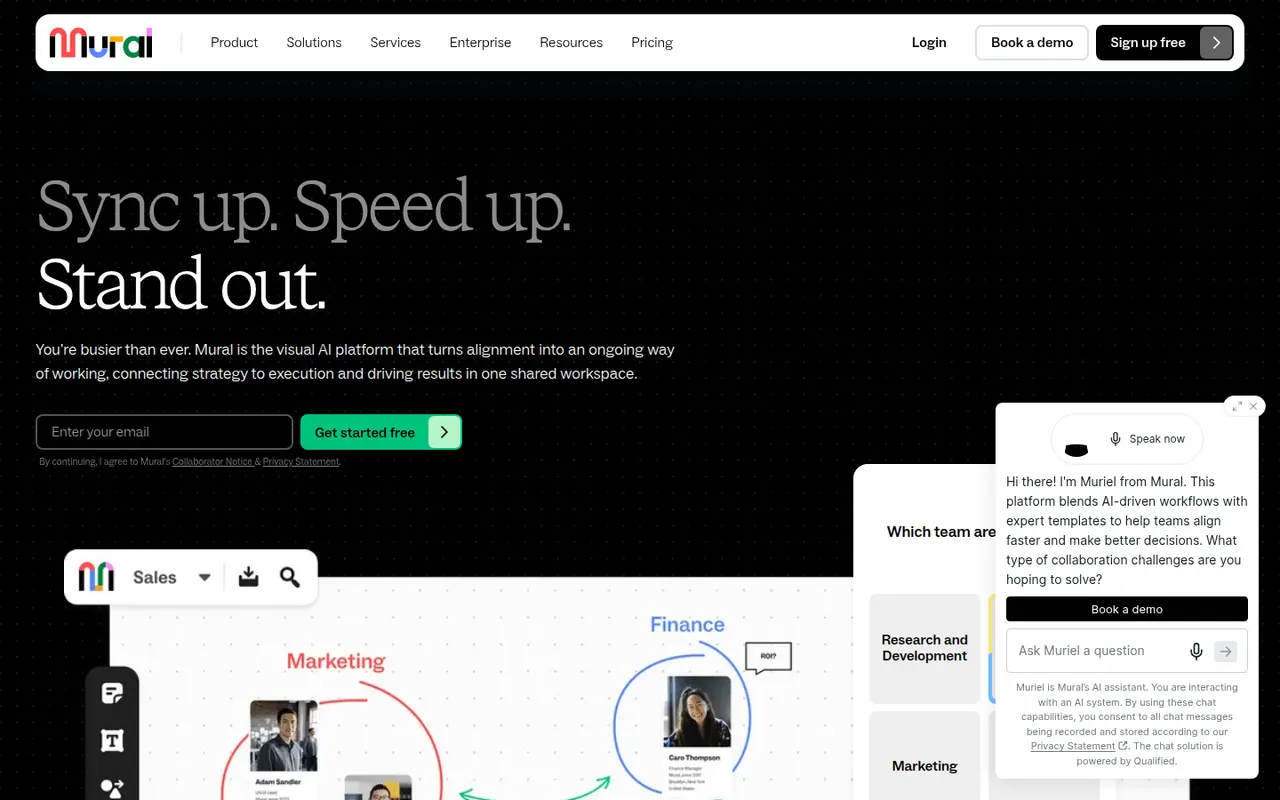
Cost / LicenseFreemiumProprietaryCategoriesMural is a digital whiteboard for collaborative workshops and meetings, with facilitation tools such as a timer, voting, private mode and the ability to bring all participants to the same spot. It is aimed at enterprise teams running design thinking, agile ceremonies and strategy sessions, supported by templates, AI assistance and integrations with Microsoft Teams, Zoom and Webex.
9 Mural alternativesPros
- Facilitation tools: timer, voting, private mode and summoning participants
- Templates for design thinking and agile ceremonies
- Integrations with Microsoft Teams, Zoom and Webex
Cons
- Geared toward enterprises, with pricing to match
- Free plan limits the number of boards
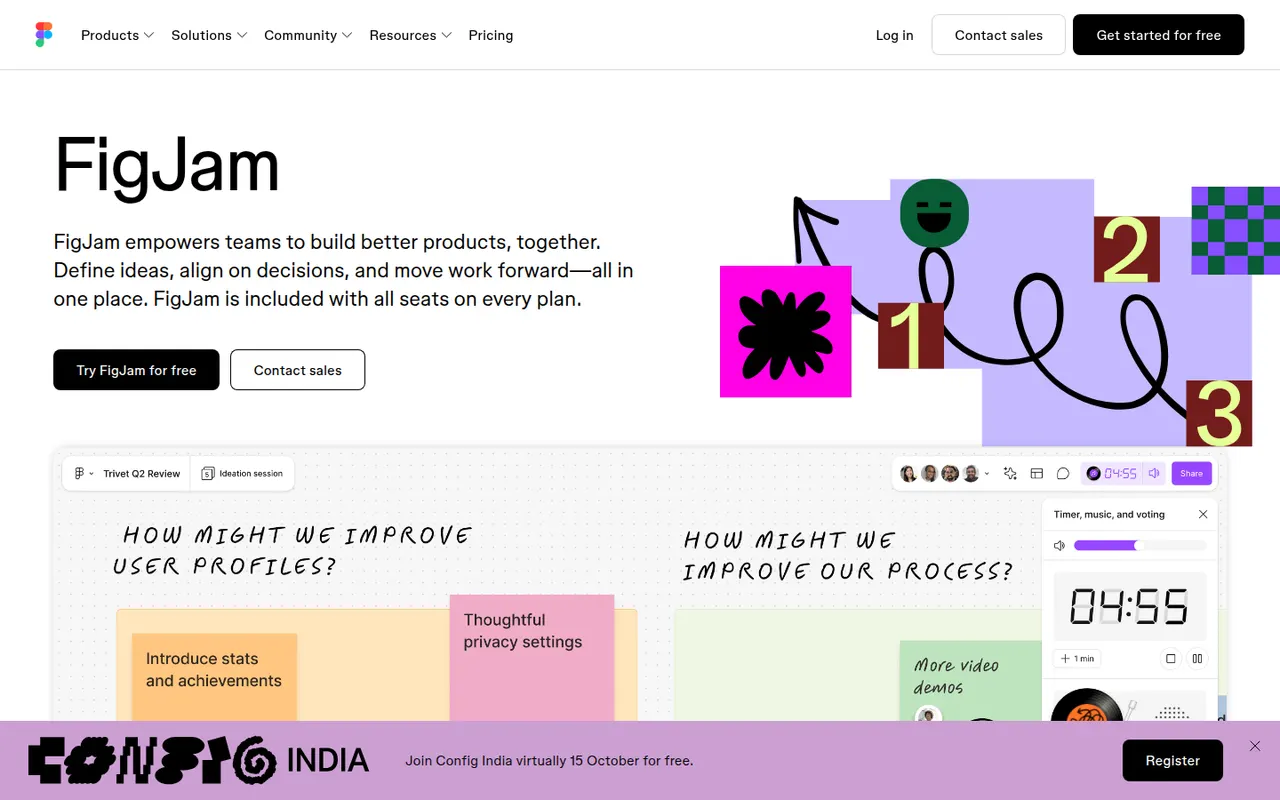
Cost / LicenseFreemiumProprietaryCategoriesFigJam is the collaborative whiteboard from Figma, used for brainstorming, user flows, retrospectives and diagrams alongside design files. It offers sticky notes, stamps, voting, timers, widgets and plugins, AI that can generate boards or diagrams from a prompt, and shares accounts and libraries with Figma, which keeps product and design teams in one tool.
12 FigJam alternativesPros
- Shares accounts and libraries with Figma design files
- Playful facilitation tools such as stamps, voting and timers
- AI can generate boards and diagrams from a prompt
Cons
- Most valuable for teams already using Figma
- Free plan limits how many boards you can keep
- Fewer advanced diagramming features than dedicated tools
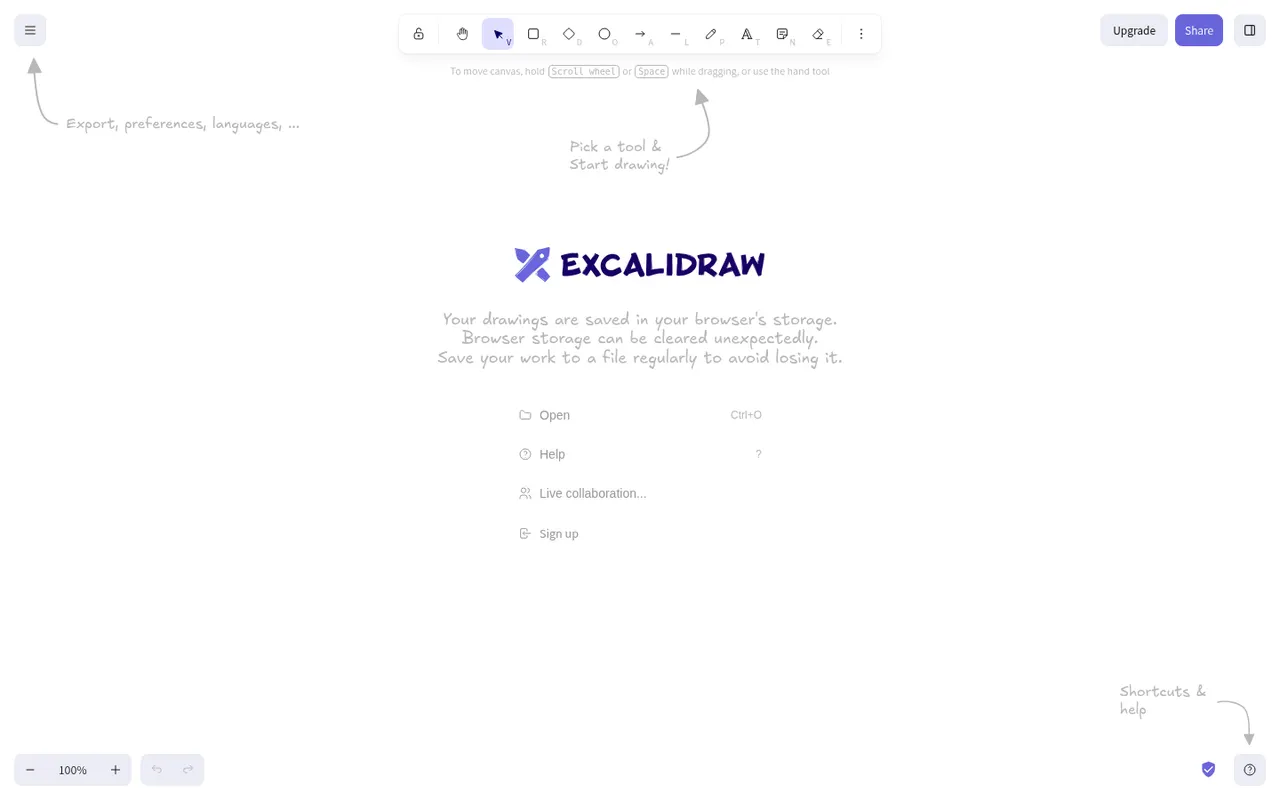
Cost / LicenseFreemiumProprietaryCategoriesExcalidraw is an open source virtual whiteboard that produces diagrams and sketches with a hand-drawn look. It runs in the browser without an account, works offline, offers end-to-end encrypted live collaboration and shareable links, and has a large community library of shapes. Excalidraw+ adds cloud workspaces and team features, and the editor can be embedded as a React component.
11 Excalidraw alternativesPros
- Hand-drawn style that makes sketches feel approachable
- Works in the browser offline and without an account
- End-to-end encrypted live collaboration
Cons
- Hand-drawn look is less suited to formal diagrams
- Cloud workspaces and team features require Excalidraw+
- Fewer diagramming features than dedicated tools
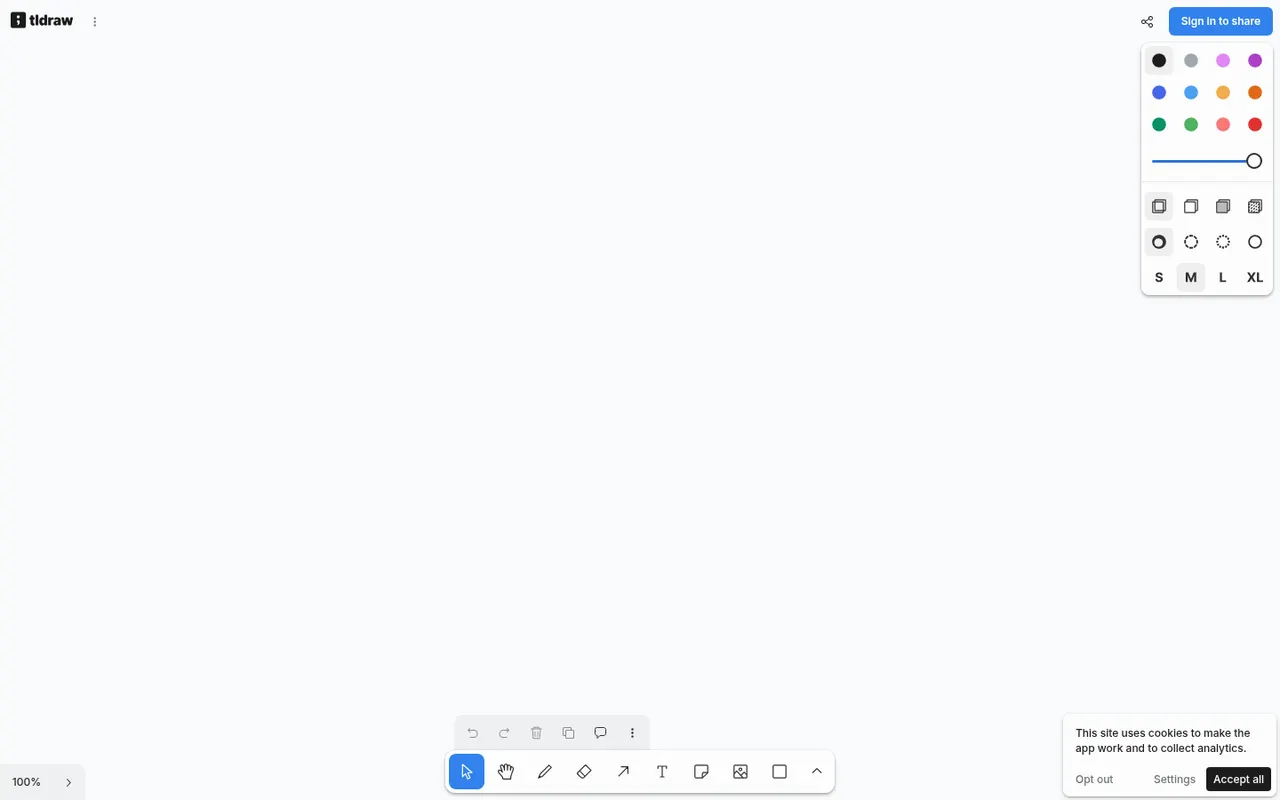
Cost / LicenseFreemiumOpen sourceCategoriesPlatformstldraw is a free online whiteboard at tldraw.com with an infinite canvas, clean drawing tools, sticky notes, arrows and real-time multiplayer collaboration. The same technology is offered as an SDK that developers embed in their own apps to build canvas-based products, with its code public on GitHub under tldraw's own source-available license and commercial terms.
7 tldraw alternativesPros
- Free whiteboard with clean, responsive drawing tools
- Real-time multiplayer collaboration through shared links
- SDK lets developers build canvas features into their own apps
Cons
- Source-available license, with commercial terms for the SDK in production
- Fewer templates and integrations than full whiteboard suites
Cost / LicenseFreeSource availableCategoriesPlatformsMicrosoft Whiteboard is a freeform digital canvas for sketching, brainstorming and teaching together, with pen and touch input, sticky notes, templates and reactions. It is built into Microsoft Teams meetings, saves boards to OneDrive, and is free with a Microsoft account on the web, Windows, iOS and Android.
8 Microsoft Whiteboard alternativesPros
- Free with a Microsoft account on web, Windows and mobile
- Built into Microsoft Teams meetings
- Natural pen and touch input for sketching
Cons
- Fewer templates and integrations than Miro or Mural
- No native Mac app, only the web version
- Best suited to teams in the Microsoft ecosystem
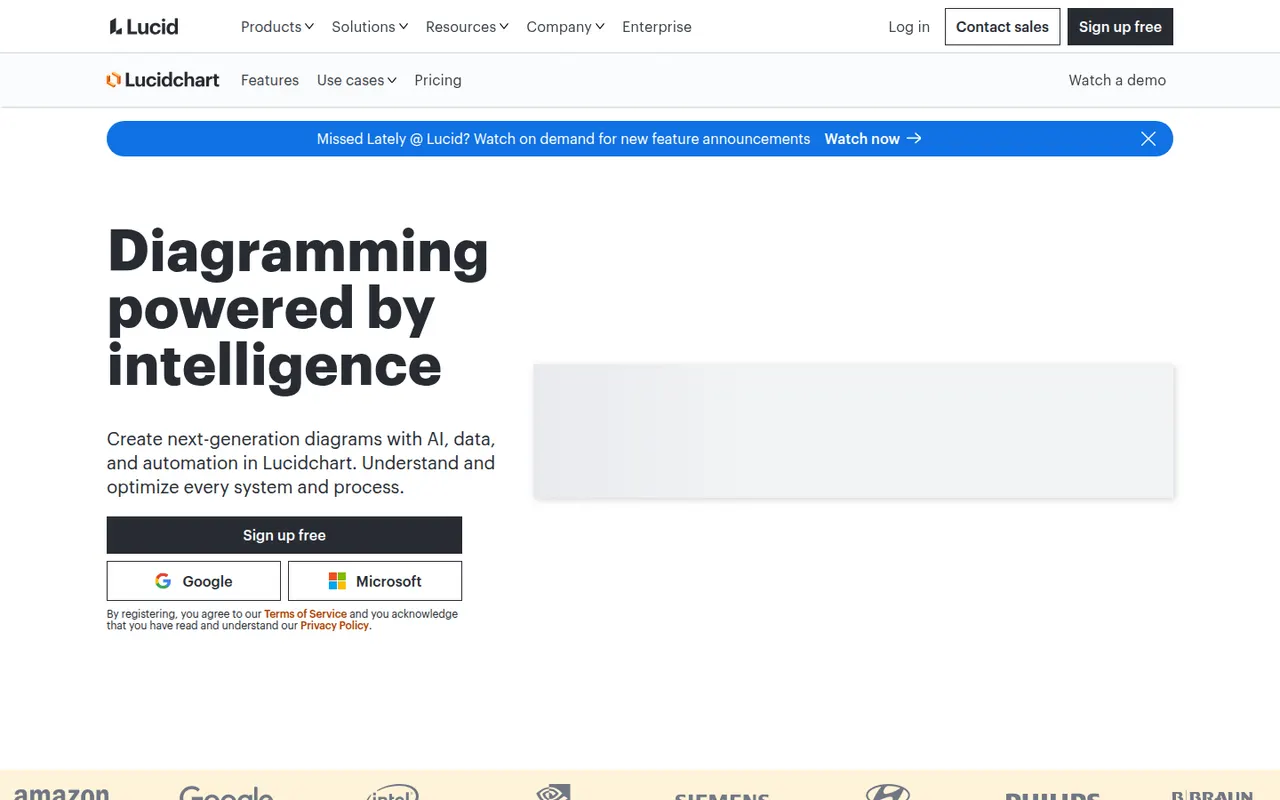
Cost / LicenseFreeProprietaryCategoriesLucidchart is a browser-based diagramming tool from Lucid Software for flowcharts, org charts, network and cloud architecture diagrams, ERDs and process maps. Teams edit diagrams together in real time, link shapes to live data, import Visio files and generate diagrams with AI, with integrations for Google Workspace, Microsoft 365, Atlassian and Slack.
10 Lucidchart alternativesPros
- Broad shape libraries for flowcharts, ERDs and cloud architecture
- Imports Visio files and links shapes to live data
- Integrates with Google Workspace, Microsoft 365, Atlassian and Slack
Cons
- Free plan caps the number of documents and shapes
- Team plans get expensive as seats are added
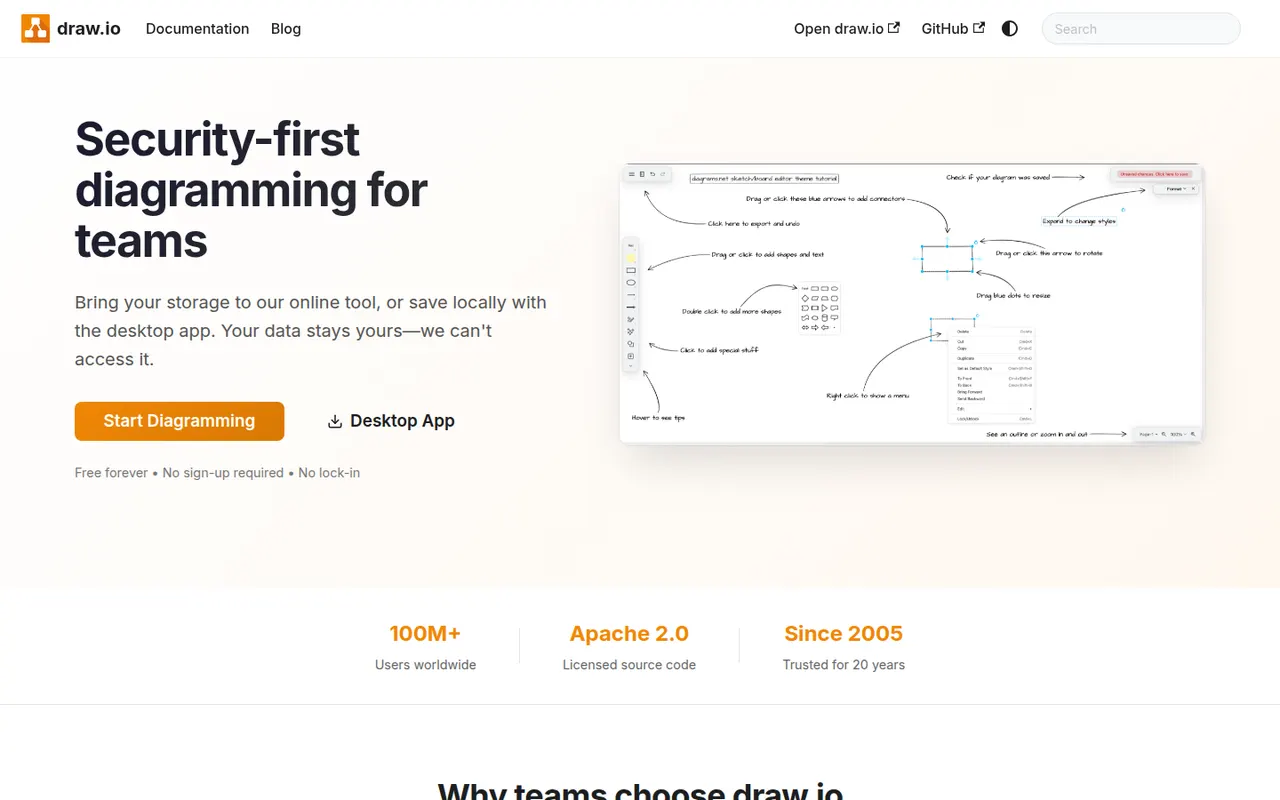
Cost / LicenseFreemiumProprietaryCategoriesdraw.io, also known as diagrams.net, is a free and open source diagramming tool from JGraph for flowcharts, UML, network, BPMN and org charts. It requires no account, saves diagrams wherever you choose, such as your device, Google Drive, OneDrive or GitHub, and is available as a desktop app for offline use and as an integration for Confluence and Jira.
10 draw.io alternativesPros
- Completely free and open source, with no account required
- Saves diagrams to your device, Google Drive, OneDrive or GitHub
- Offline desktop app plus Confluence and Jira integrations
Cons
- Interface looks dated next to modern whiteboard tools
- Real-time collaboration is more limited than in paid rivals
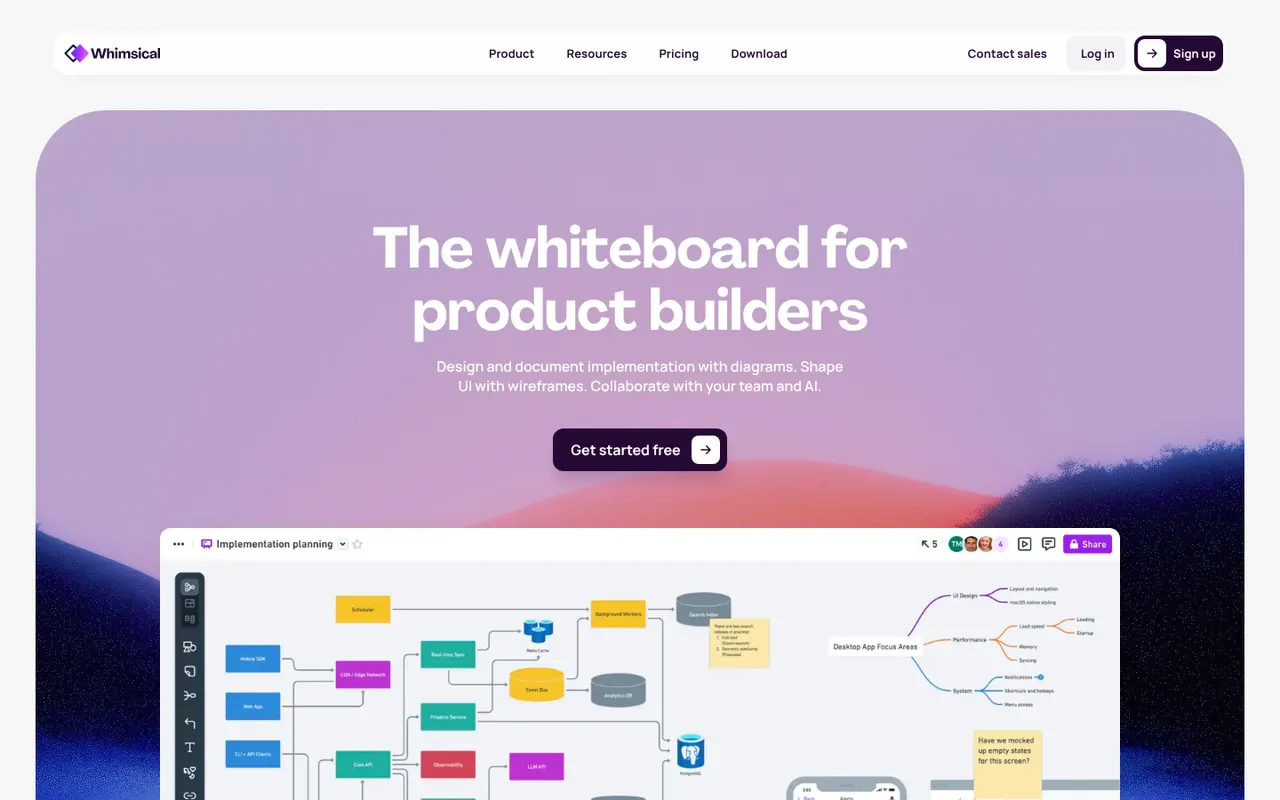
Cost / LicenseFreeOpen sourceCategoriesPlatformsWhimsical is a visual workspace that combines flowcharts, wireframes, mind maps, sticky-note boards and docs in one place. Its deliberately simple editor with smart connectors and keyboard shortcuts makes diagrams quick to produce, AI can generate flowcharts or mind maps from a prompt, and boards can be shared with teammates for real-time editing.
12 Whimsical alternativesPros
- Flowcharts, wireframes, mind maps and docs in one place
- Smart connectors and shortcuts make diagrams fast to draw
- Clean, simple editor that is quick to pick up
Cons
- Deliberate simplicity limits styling and advanced diagram options
- Free plan caps how much content you can create
Cost / LicenseFreemiumProprietaryCategoriesPlatformsMicrosoft Visio is a diagramming application for flowcharts, floor plans, network diagrams, org charts and engineering schematics, with large stencil libraries and support for standards such as BPMN and UML. The full desktop app runs on Windows, a lighter web version is included with many Microsoft 365 business plans, and diagrams can be co-authored and linked to Excel data.
8 Microsoft Visio alternativesPros
- Extensive stencil libraries with BPMN and UML support
- Diagrams can be linked to Excel data
- Web version included with many Microsoft 365 business plans
Cons
- Full desktop app runs only on Windows
- Expensive for occasional use, with no free plan
- Interface feels heavy compared with modern web tools
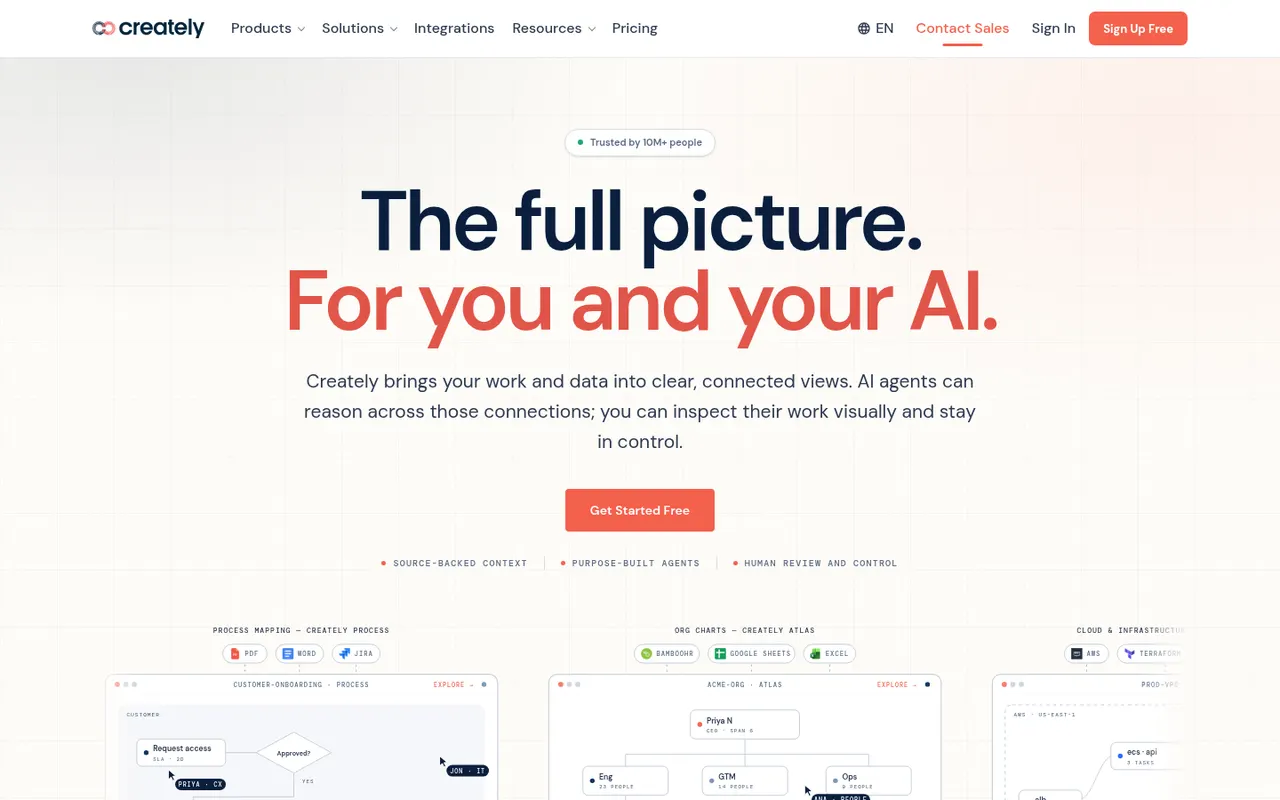
Cost / LicensePaidProprietaryCategoriesCreately is an online visual workspace from Cinergix for diagrams, mind maps, process maps and planning boards on an infinite canvas. Shapes can carry data fields and be reused across views, which turns diagrams into lightweight databases, and it comes with a large template library and real-time collaboration.
8 Creately alternativesPros
- Shapes can hold data fields, turning diagrams into lightweight databases
- Large template library for diagrams and planning boards
- Real-time collaboration on an infinite canvas
Cons
- Free plan is restrictive for regular use
- Data-driven features add complexity to simple diagrams
- Available only in the browser
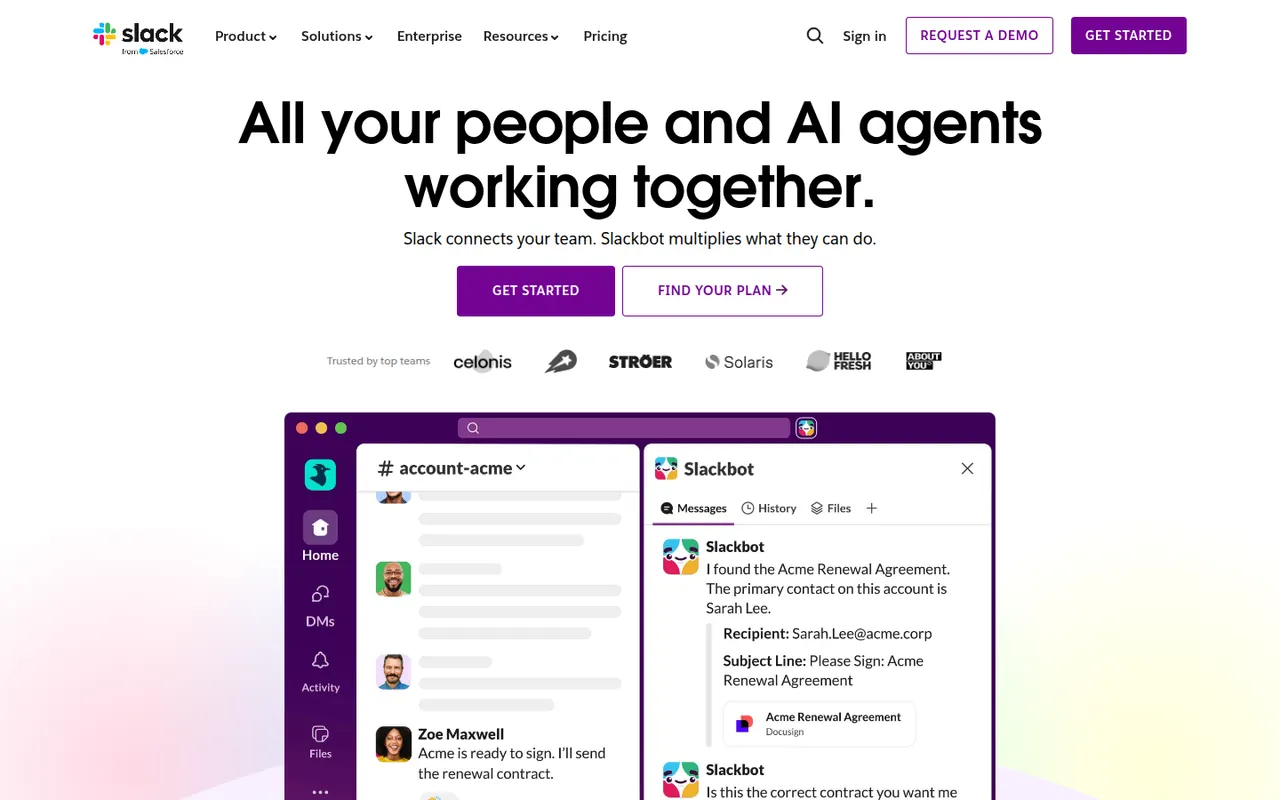
Cost / LicenseFreemiumProprietaryCategoriesPlatformsSlack is a workplace messaging app that organizes conversations into channels by team, project or topic, with threads, direct messages and huddles for quick audio or video calls. A large app directory and an open API connect it to most business tools, and Slack Connect lets companies share channels with clients and partners. AI summaries and search are available on paid plans.
9 Slack alternativesPros
- Huge app directory connects to almost any business tool
- Slack Connect shares channels with clients and partners
- Huddles make quick audio and video calls effortless
Cons
- Free plan hides older message history
- Paid plans get costly for large teams
- Constant notifications can hurt focus
Cost / LicenseFreemiumProprietaryCategoriesMicrosoft Teams combines persistent team chat, channels, video meetings, webinars and calling in one app tied to Microsoft 365. Files live in SharePoint and OneDrive and can be co-edited in Word, Excel or PowerPoint without leaving the conversation. It suits organizations already standardized on Microsoft 365, and Copilot adds meeting recaps and chat summaries on eligible licenses.
12 Microsoft Teams alternativesPros
- Chat, meetings and calls in one app tied to Microsoft 365
- Co-edit Word, Excel and PowerPoint files without leaving a conversation
- Enterprise-grade admin, security and compliance controls
Cons
- Can feel heavy and slow, especially on older machines
- Channels, chats and files can be confusing to navigate
- Less appealing outside a Microsoft 365 environment
Cost / LicenseFreemiumProprietaryCategoriesDiscord is a chat platform built around servers, each with its own text channels, voice channels and roles. It started with gamers but now hosts communities of every kind, from open-source projects to study groups, with drop-in voice rooms, screen sharing, threads and forums. Bots extend servers, and an optional Nitro subscription adds perks such as larger uploads and higher-quality streaming.
11 Discord alternativesPros
- Drop-in voice channels make spontaneous conversations easy
- Roles, bots and permissions scale to very large communities
- Generous free tier across desktop, mobile and the web
Cons
- Not designed for workplace compliance or admin controls
- Busy servers and notifications can quickly feel overwhelming
- Text messages are not end-to-end encrypted
Cost / LicenseFreemiumProprietaryCategories