Best apps for Web
433 apps
Top Web apps ranked by the community
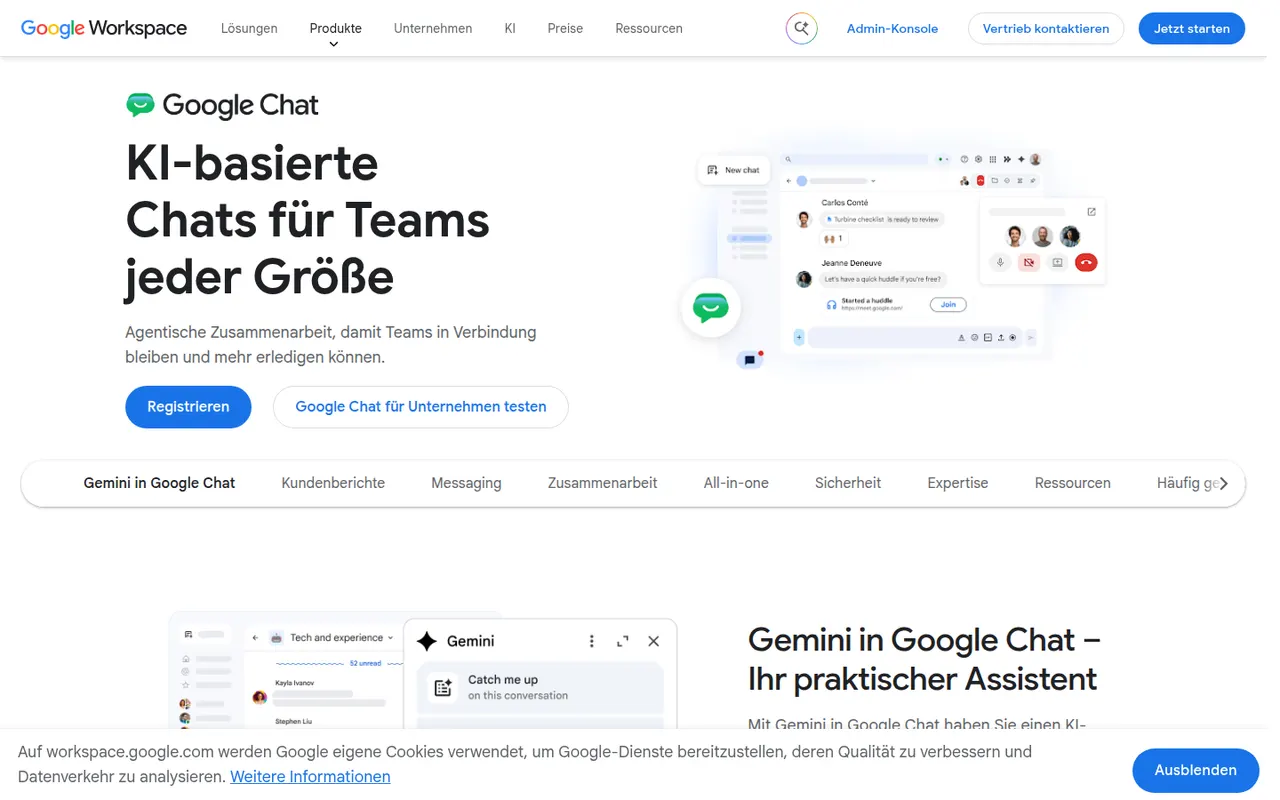
Google Chat is Google's messaging app for direct messages, group conversations and spaces, the shared rooms where teams discuss projects in threads. It sits next to Gmail and works closely with Drive, Docs and Meet, so files and meetings can be shared without switching apps. It is free with a personal Google account, while companies get admin controls and Gemini features through Google Workspace.
8 Google Chat alternativesPros
- Built into Gmail, so Workspace users need no extra app
- Works closely with Drive, Docs and Meet for files and calls
- Free to use with a personal Google account
Cons
- Fewer third-party integrations and bots than Slack
- Little appeal outside the Google Workspace ecosystem
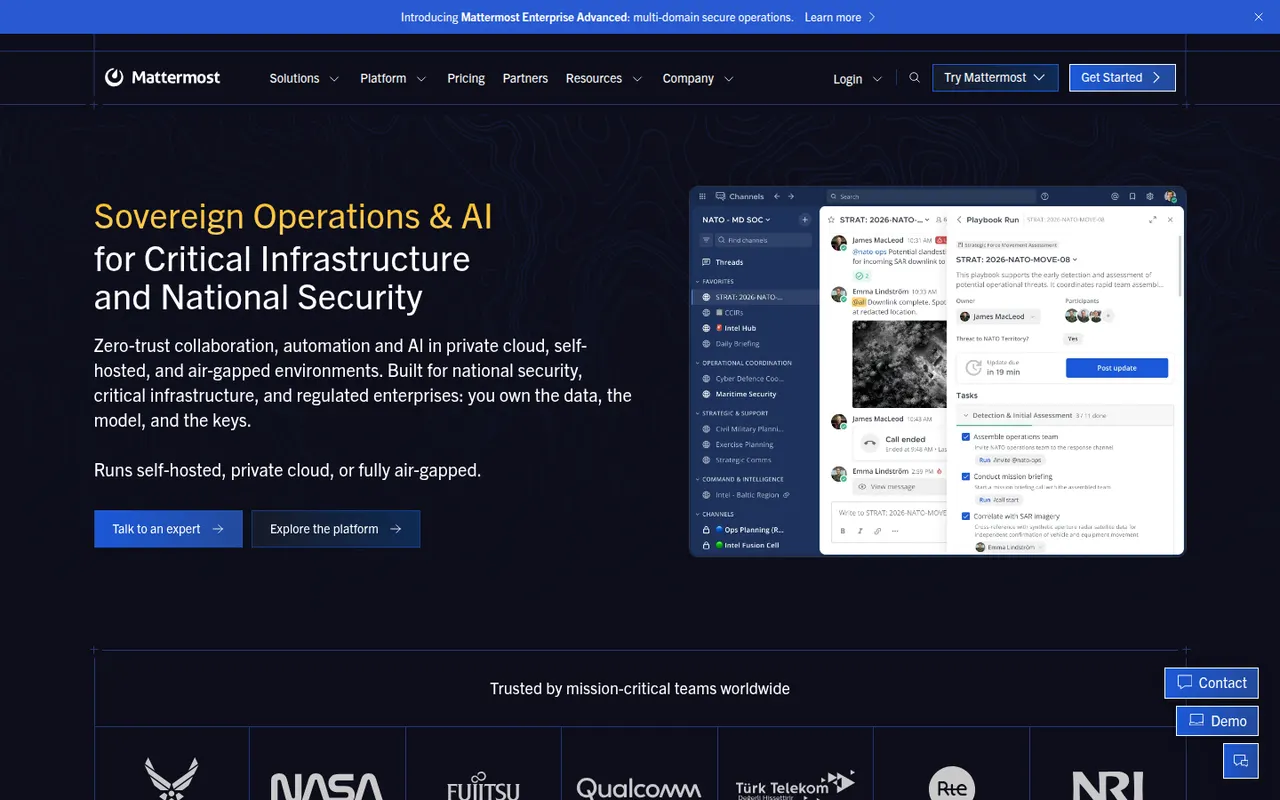
Cost / LicenseFreemiumProprietaryCategoriesMattermost is an open-source collaboration platform offering channels, threads, calls and playbooks for structured workflows. Organizations can run it on their own servers or in a private cloud to keep full control of their data, which appeals to engineering teams, public agencies and regulated industries. Plugins, webhooks and an API connect it to DevOps tools like GitLab, Jira and Jenkins.
8 Mattermost alternativesPros
- Self-hosting keeps full control over data and infrastructure
- Strong DevOps integrations with GitLab, Jira and Jenkins
- Playbooks structure incident response and repeatable workflows
Cons
- Self-hosted deployments need ongoing admin work
- Smaller app ecosystem than Slack
- Advanced compliance and enterprise features require paid plans
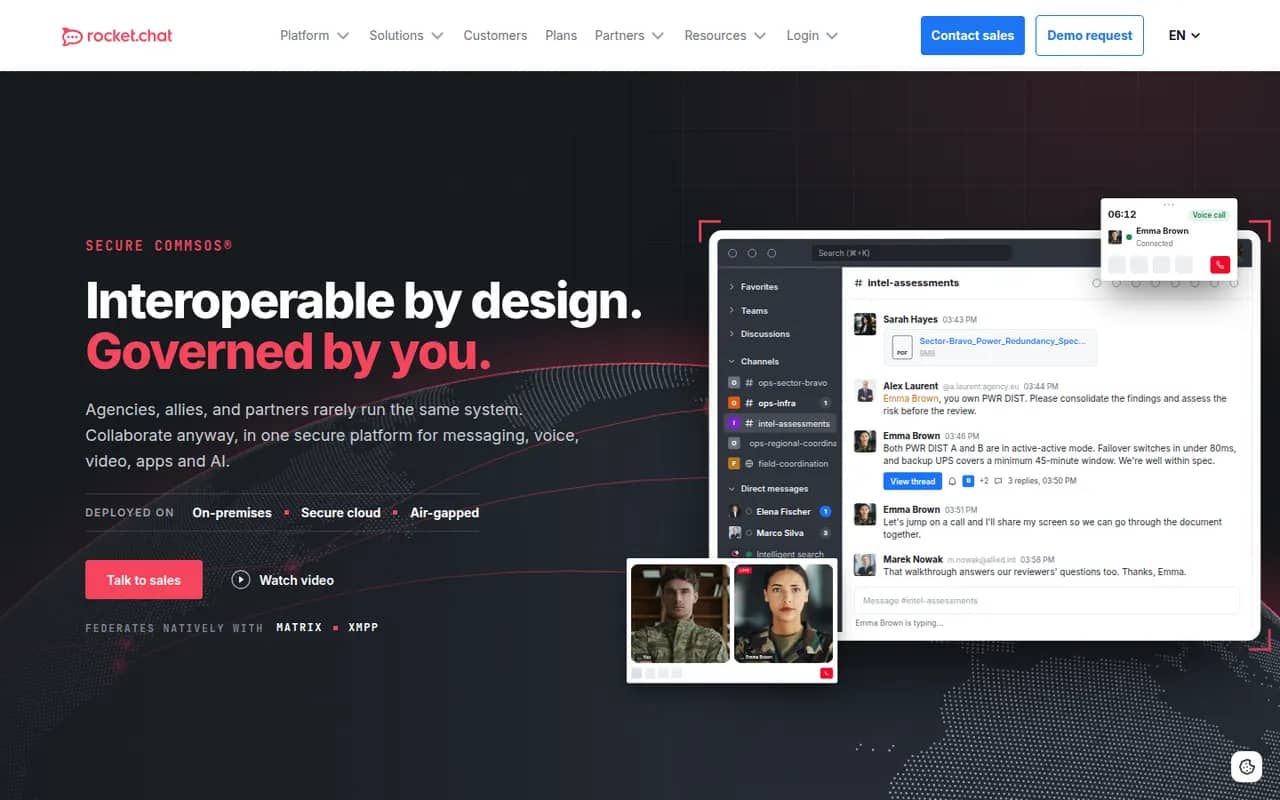
Cost / LicenseFreemiumOpen sourceCategoriesRocket.Chat is an open-source communications platform that can be self-hosted or used as a cloud service. Besides team channels, threads, direct messages and calls, it includes an omnichannel module that routes website chat, email and messaging apps to support agents. Its marketplace and APIs let organizations customize it heavily, and self-hosting suits teams with strict data residency needs.
9 Rocket.Chat alternativesPros
- Omnichannel module routes website chat, email and messaging apps
- Self-hostable open source platform for strict data residency needs
- Marketplace and APIs allow deep customization
Cons
- Self-hosted setups require regular maintenance and upgrades
- Some features are reserved for paid editions
- The wide range of settings makes administration complex
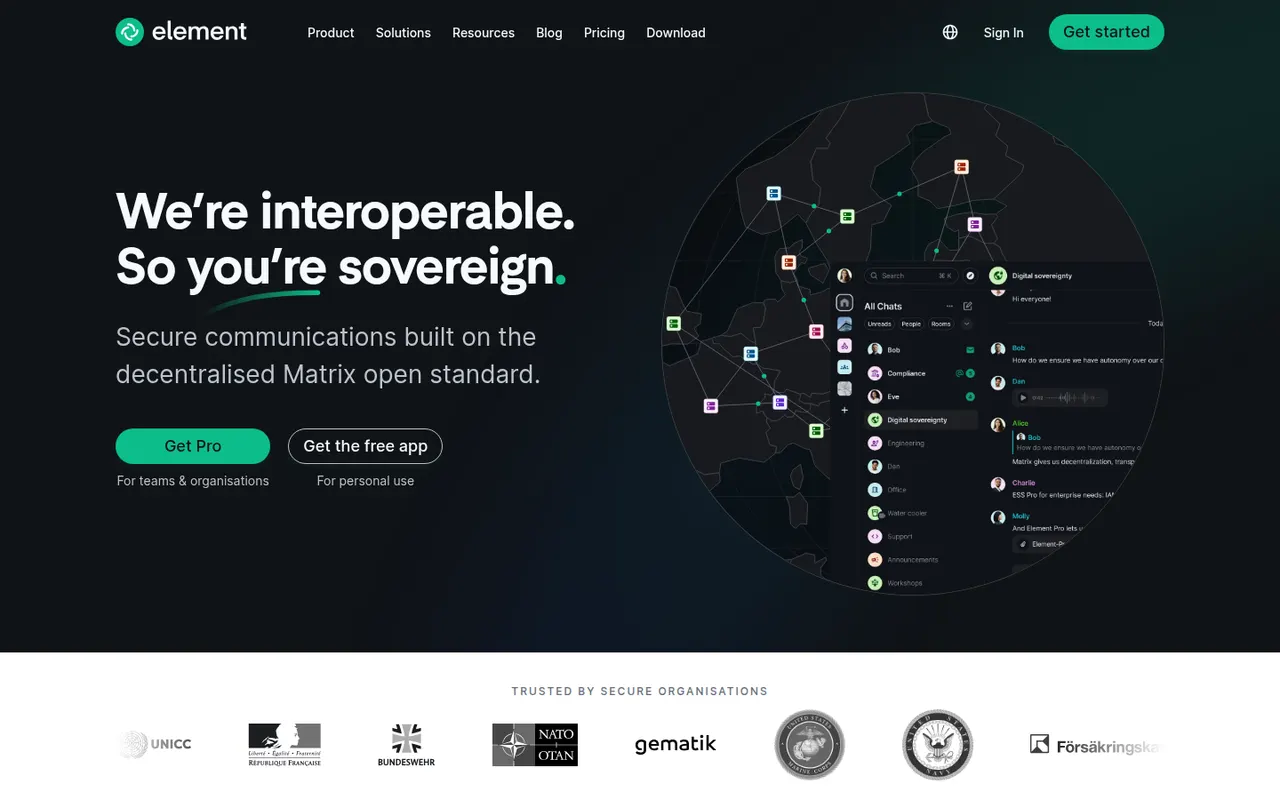
Cost / LicenseFreemiumOpen sourceCategoriesElement is a messaging app from the team that created Matrix, an open standard for decentralized, federated chat. Rooms, direct messages and calls are end-to-end encrypted, and people on different Matrix servers can talk to each other like email. Individuals can join a public server for free, while organizations and governments self-host or buy Element's enterprise server suite, with bridges to other chat networks.
12 Element alternativesPros
- End-to-end encryption by default for private rooms and messages
- Federated Matrix network, so no single company controls your chats
- Open source and self-hostable, popular with public sector bodies
Cons
- Encryption keys and device verification can confuse newcomers
- Running your own Matrix server takes real technical effort
- Fewer business integrations than mainstream team chat apps
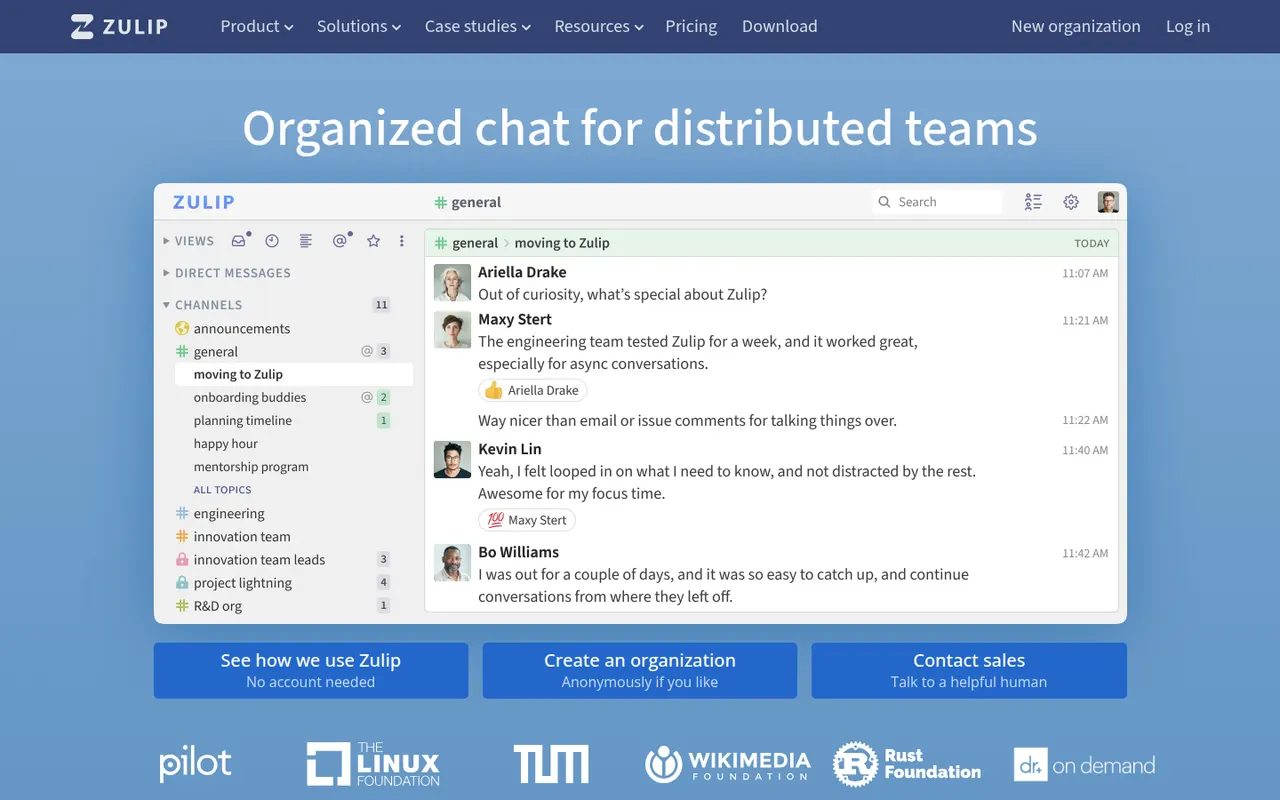
Cost / LicenseFreemiumOpen sourceCategoriesZulip is an open-source team chat app whose threading model files every channel message under a named topic, so people can catch up on several discussions without losing context. It supports Markdown, code blocks and LaTeX math, and integrates with common developer tools. It can be self-hosted for free or used through Zulip Cloud, which suits open-source projects, research groups and remote teams.
8 Zulip alternativesPros
- Topic-based threading makes catching up on discussions easy
- Markdown, code blocks and LaTeX suit technical teams
- Free to self-host under an open source license
Cons
- The topic model takes some getting used to after Slack
- Video calls rely on external services such as Jitsi or Zoom
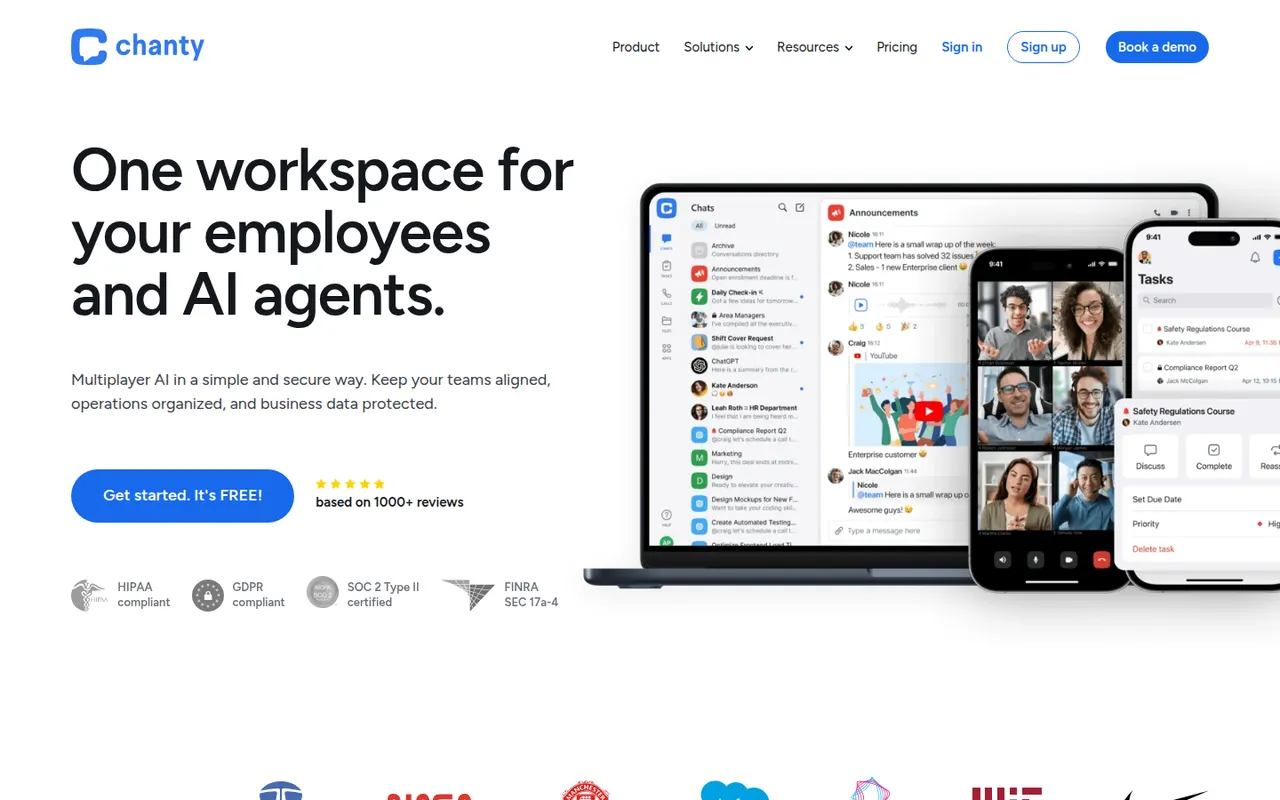
Cost / LicenseFreemiumOpen sourceCategoriesChanty is a team messaging app aimed at small and mid-sized teams who want something simpler than larger chat suites. It offers public and private conversations, audio and video calls with screen sharing, and a built-in task manager with a Kanban board, so messages can be turned into tasks. A free plan covers small teams, and integrations connect it to common workplace tools.
8 Chanty alternativesPros
- Simple interface that small teams pick up quickly
- Built-in Kanban task board turns messages into tasks
- Free plan is enough to get a small team started
Cons
- Smaller integration catalog than Slack or Microsoft Teams
- Task management is basic compared with dedicated tools
Cost / LicenseFreemiumProprietaryCategoriesWhatsApp is Meta's messaging app for text, voice notes, photos, group chats and voice or video calls. Personal messages and calls are end-to-end encrypted by default using the Signal Protocol, and each account is linked to a phone number. Companion apps run on desktop and the web, and WhatsApp Business lets companies chat with their customers.
8 WhatsApp alternativesPros
- Huge user base makes it easy to reach almost anyone
- Personal chats and calls are encrypted by default with the Signal Protocol
- WhatsApp Business lets companies talk with their customers
Cons
- Owned by Meta, which collects metadata about how you use it
- Every account is tied to a phone number
Cost / LicenseFreeProprietaryCategoriesTelegram is a cloud-based messaging app that syncs chats across phones, desktops and the web, with very large groups, broadcast channels and an extensive bot platform. Its client apps are open source, but the server is not, and only the optional Secret Chats are end-to-end encrypted. Telegram Premium adds extras such as bigger uploads and faster downloads.
10 Telegram alternativesPros
- Cloud sync across phone, desktop and web
- Huge groups, broadcast channels and a powerful bot platform
- Open source clients that are fast and polished
Cons
- Regular chats are not end-to-end encrypted, only Secret Chats are
- Secret Chats do not sync across devices and are unavailable in groups
- Server code is closed, unlike the client apps
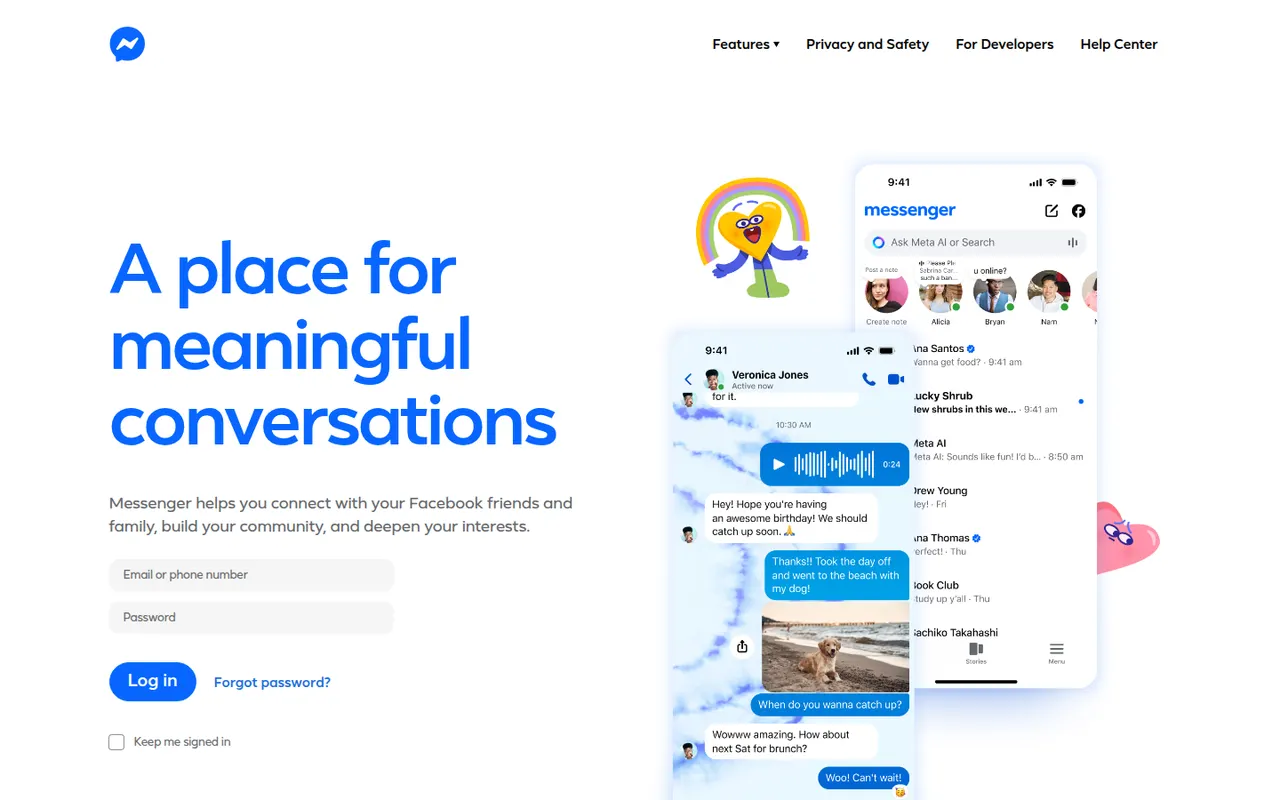
Cost / LicenseFreemiumOpen sourceCategoriesMessenger is Meta's chat app for messaging and calling people you know on Facebook, with group chats, voice and video calls, reactions, stickers and media sharing. Personal chats and calls have been end-to-end encrypted by default since late 2023, and disappearing messages are available. It runs on iPhone, iPad and Android as well as in the browser.
8 Messenger alternativesPros
- Easy way to reach Facebook contacts without swapping phone numbers
- Personal chats and calls are end-to-end encrypted by default
- Rich group chats, video calls, reactions and stickers
Cons
- Collects extensive data linked to your Meta profile
- Requires a Facebook account to use
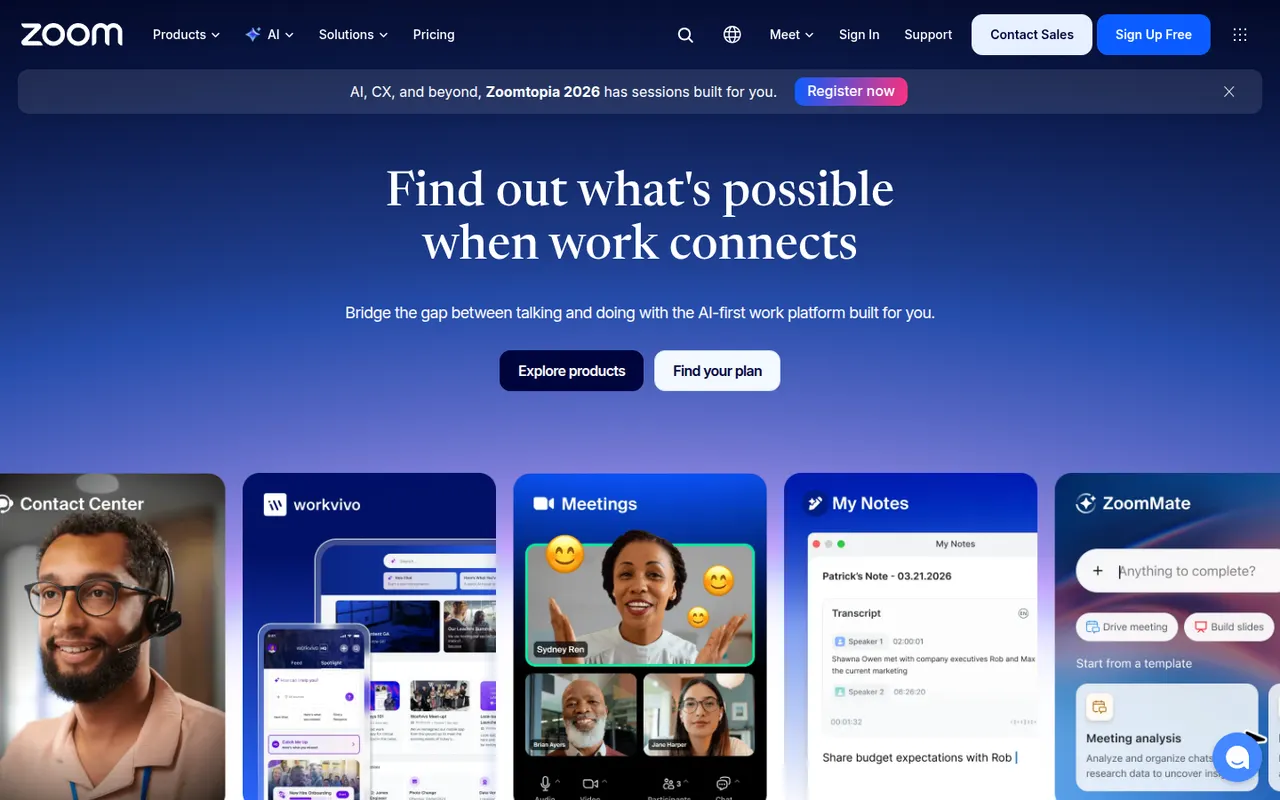
Cost / LicenseFreeProprietaryCategoriesZoom is a video conferencing service used for team meetings, classes and large webinars, with screen sharing, recording, breakout rooms and virtual backgrounds. The Zoom Workplace suite adds team chat, phone, whiteboards and docs, and AI Companion can summarize meetings and draft follow-ups on paid accounts. A free plan covers short meetings with a limited number of participants.
9 Zoom alternativesPros
- Reliable video quality, even on modest connections
- Breakout rooms, webinars and recording cover most meeting needs
- Widely known, so guests rarely need help joining
Cons
- Free meetings are capped in length and participants
- AI Companion requires a paid account
- Has faced privacy and security criticism in the past
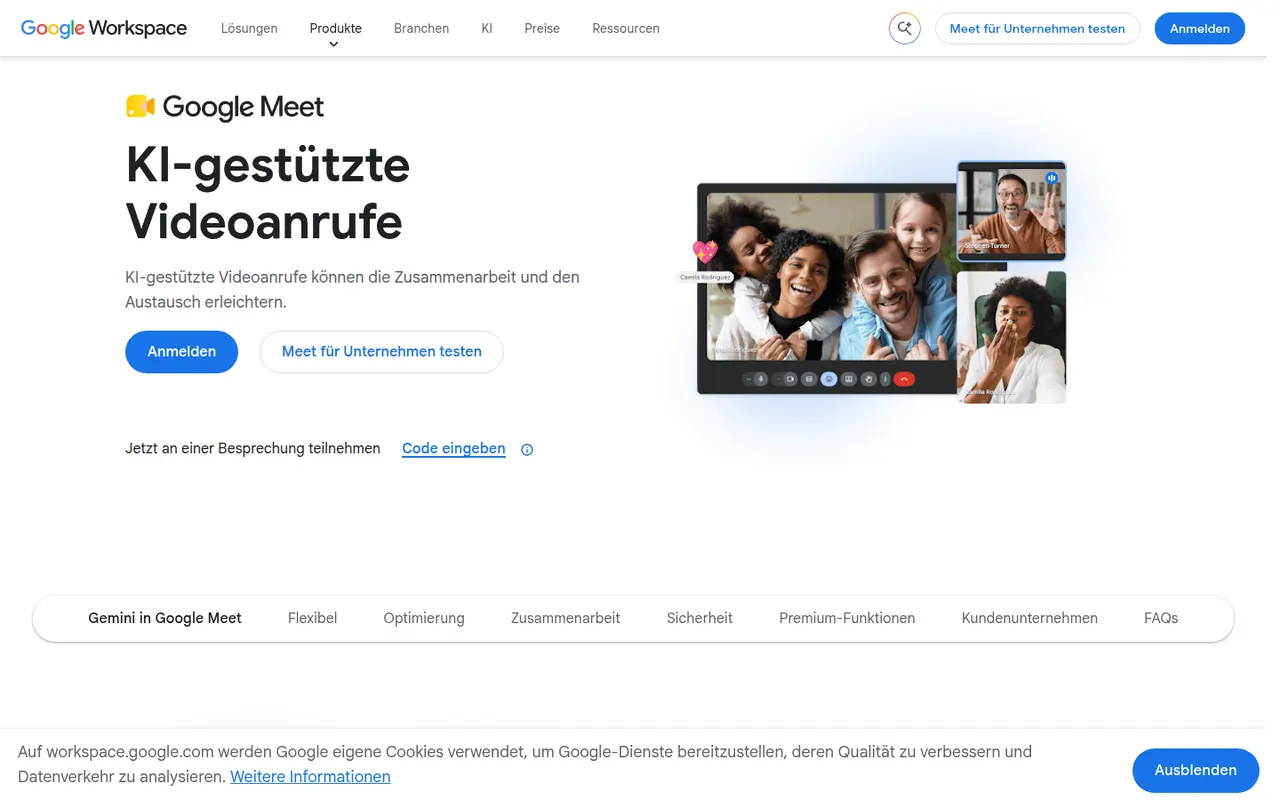
Cost / LicenseFreemiumProprietaryCategoriesGoogle Meet is Google's video meeting service, usable directly in the browser or in mobile apps without installing software. It integrates with Google Calendar and Gmail for scheduling and joining, and offers screen sharing, live captions, background effects and noise cancellation. Recording, breakout rooms and Gemini note-taking need a paid Workspace plan; personal accounts can host shorter group calls for free.
8 Google Meet alternativesPros
- Joins directly from the browser with nothing to install
- Tight integration with Google Calendar and Gmail
- Live captions and noise cancellation built in
Cons
- Recording and breakout rooms require a paid Workspace plan
- Free group calls have a time limit
- Fewer advanced webinar features than dedicated platforms
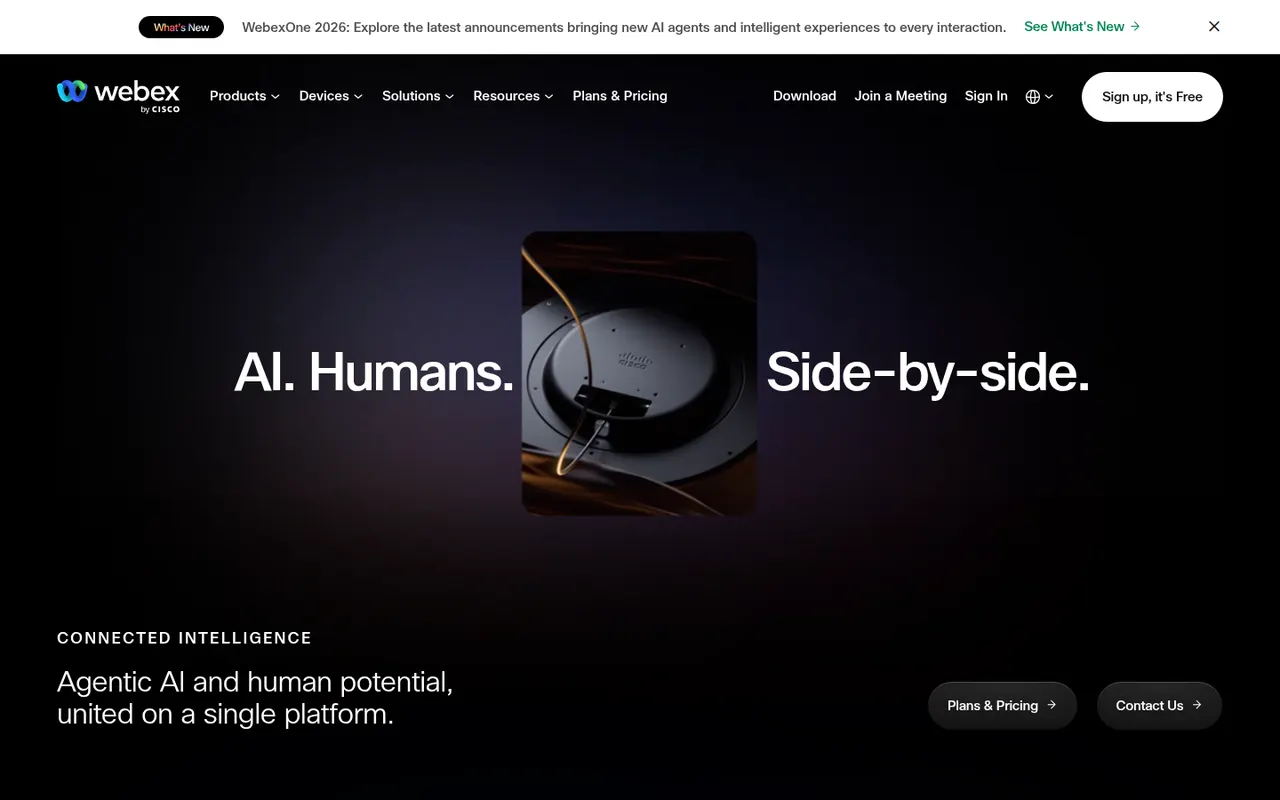
Cost / LicenseFreemiumProprietaryCategoriesWebex is Cisco's collaboration suite covering video meetings, team messaging, webinars and cloud calling, built with large enterprises and their security requirements in mind. Meetings can be end-to-end encrypted, and an AI Assistant provides summaries, noise removal and real-time translation. Webex also integrates with Cisco's meeting room hardware, and a free plan is available for basic meetings.
8 Webex alternativesPros
- Enterprise-grade security with end-to-end encrypted meetings
- AI Assistant provides summaries and real-time translation
- Integrates with Cisco meeting room hardware
Cons
- Interface can feel complex compared with simpler meeting apps
- Free plan is limited to basic meetings
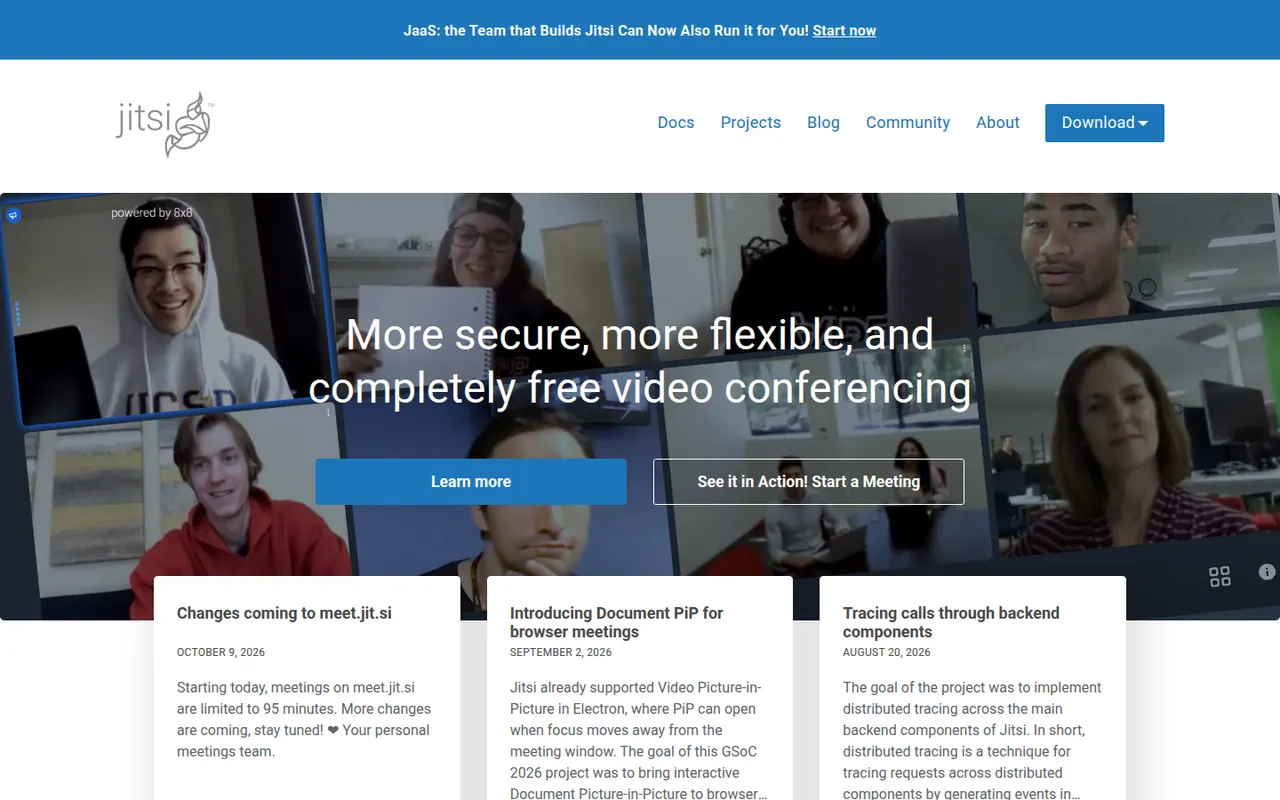
Cost / LicenseFreemiumProprietaryCategoriesJitsi Meet is an open-source video conferencing app that runs in the browser, with mobile and desktop apps as well. Anyone can host meetings for free on the public meet.jit.si service or deploy their own server for full control. It includes screen sharing, chat, breakout rooms, background blur, live streaming to YouTube and optional end-to-end encryption. The project is maintained by 8x8.
9 Jitsi Meet alternativesPros
- Free meetings on meet.jit.si, with guests joining from the browser
- Open source and self-hostable for full control
- Optional end-to-end encryption and live streaming to YouTube
Cons
- Call quality can degrade with many participants
- Fewer admin and scheduling features than commercial suites
- Self-hosting at scale needs tuning and plenty of bandwidth
Cost / LicenseFreeOpen sourceCategoriesWhereby is a Norwegian video meeting service where each host gets a permanent room link that guests open in their browser, with no download or account needed. It offers screen sharing, recording, breakout groups and in-room integrations with tools like Miro and Google Docs, which suits small teams, coaches and online consultations. Developers can also embed Whereby video rooms in their own apps through its API.
8 Whereby alternativesPros
- Permanent room links that guests open without an account
- Nothing to install, since meetings run in the browser
- API to embed video rooms in your own apps
Cons
- Less suited to large meetings or webinars than bigger platforms
- Fewer enterprise admin controls than Zoom or Teams
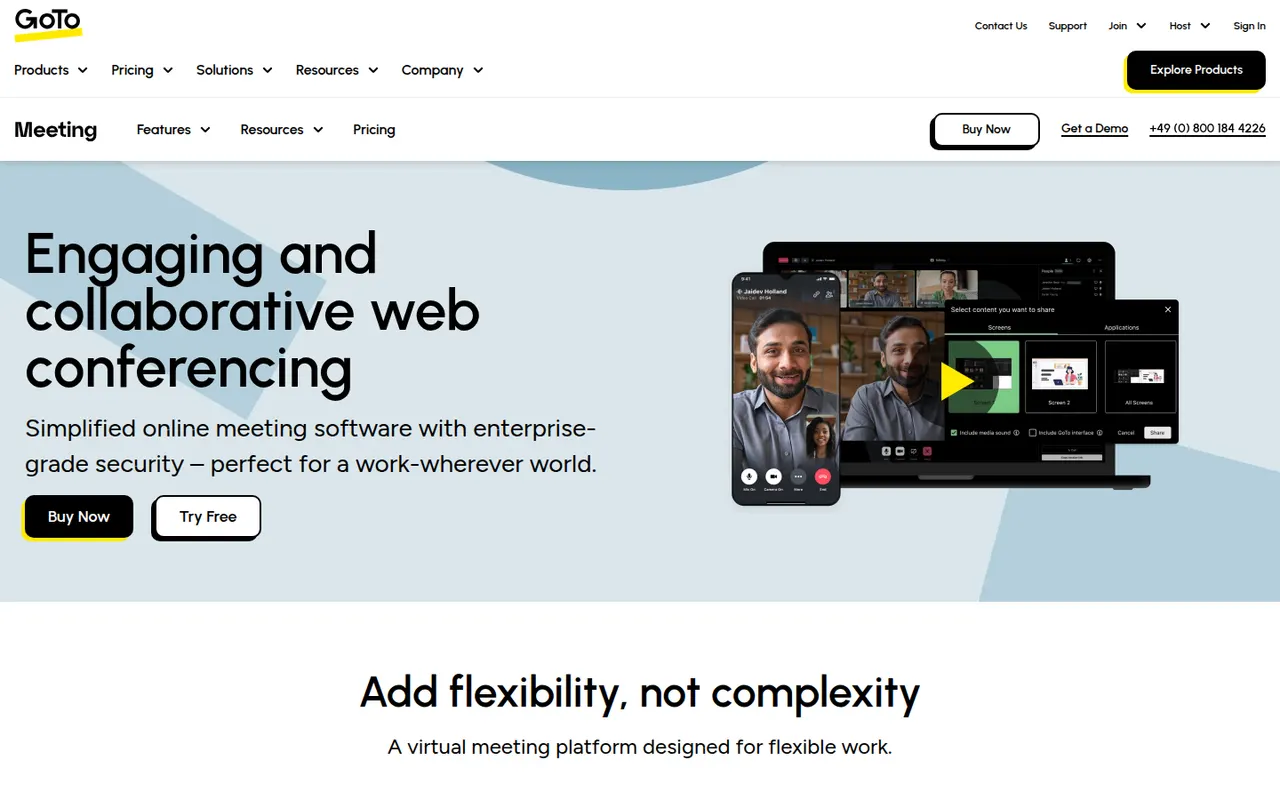
Cost / LicenseFreemiumProprietaryCategoriesGoTo Meeting is a video conferencing service from GoTo, the company formerly known as LogMeIn. It covers business meetings with screen sharing, recording, drawing tools, breakout rooms and calendar integrations, and can be joined from a browser or from desktop and mobile apps. It fits companies already using other GoTo products, such as GoTo Connect for business phone or GoTo Webinar.
8 GoTo Meeting alternativesPros
- Dependable business meetings with drawing tools and recording
- Join from a browser or from desktop and mobile apps
- Fits well alongside GoTo Connect and GoTo Webinar
Cons
- Interface feels dated next to newer meeting apps
- Less widely used than Zoom or Teams, so guests may be unfamiliar
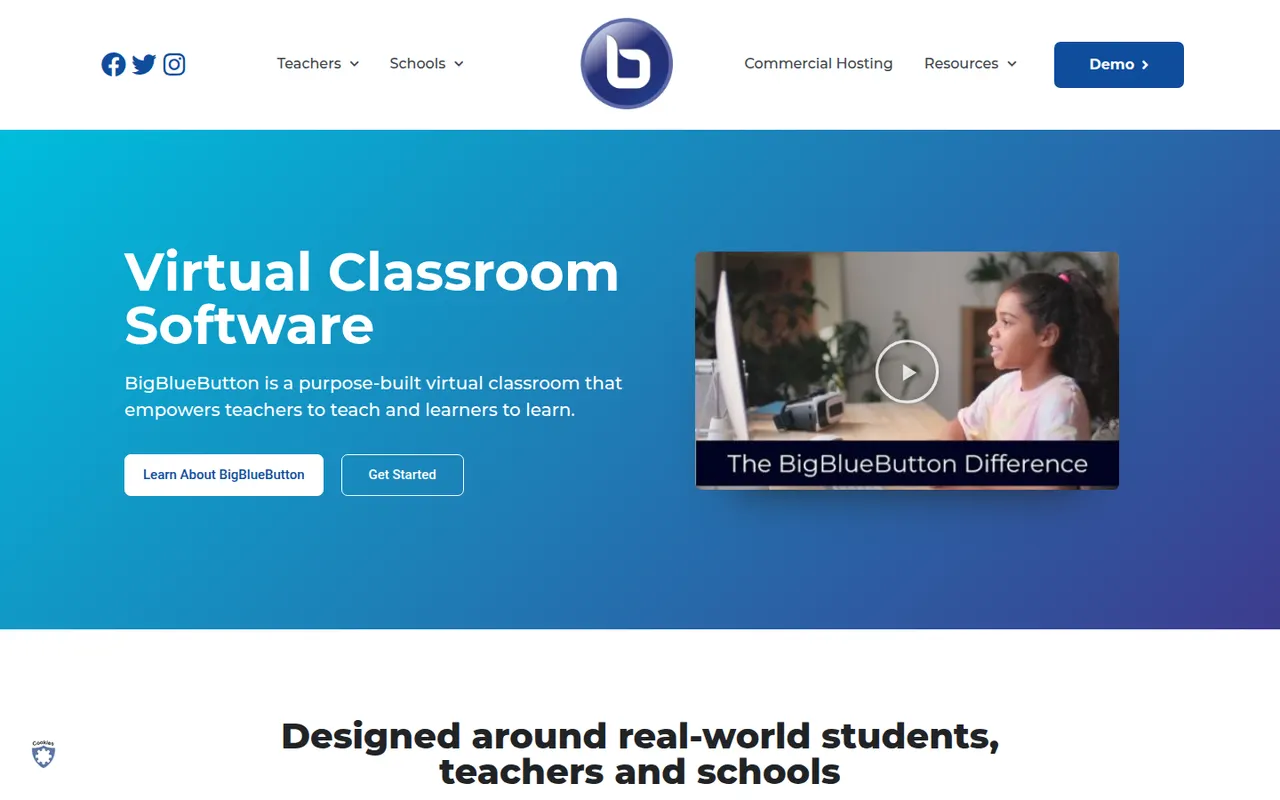
Cost / LicenseFree trialProprietaryCategoriesBigBlueButton is an open-source web conferencing system designed for online teaching. It includes a multi-user whiteboard, shared notes, polls, breakout rooms, screen sharing and recordings that can be replayed later. Schools and universities typically self-host it or use a hosting provider, and it plugs into learning management systems such as Moodle, Canvas and Sakai.
8 BigBlueButton alternativesPros
- Designed for teaching, with whiteboard, polls and breakout rooms
- Integrates with Moodle, Canvas and other learning platforms
- Free and open source, with recordings that can be replayed later
Cons
- Self-hosting requires a dedicated server and admin skills
- Interface feels dated next to Zoom or Teams
- Less suited to business meetings than to online classes
Cost / LicenseFreeOpen sourceCategoriesPlatformsLivestorm is a French video engagement platform for webinars, virtual events and online meetings that run entirely in the browser. It covers the whole event workflow: registration pages, email reminders, polls, Q&A, on-demand replays and attendee analytics, with integrations for CRMs and marketing tools. A free plan allows short sessions, and paid plans add longer events and automation.
8 Livestorm alternativesPros
- Runs entirely in the browser for hosts and attendees
- Covers the full webinar flow from registration to replays
- CRM and marketing integrations plus attendee analytics
Cons
- Free plan is limited to short sessions
- Paid plans get expensive for larger audiences
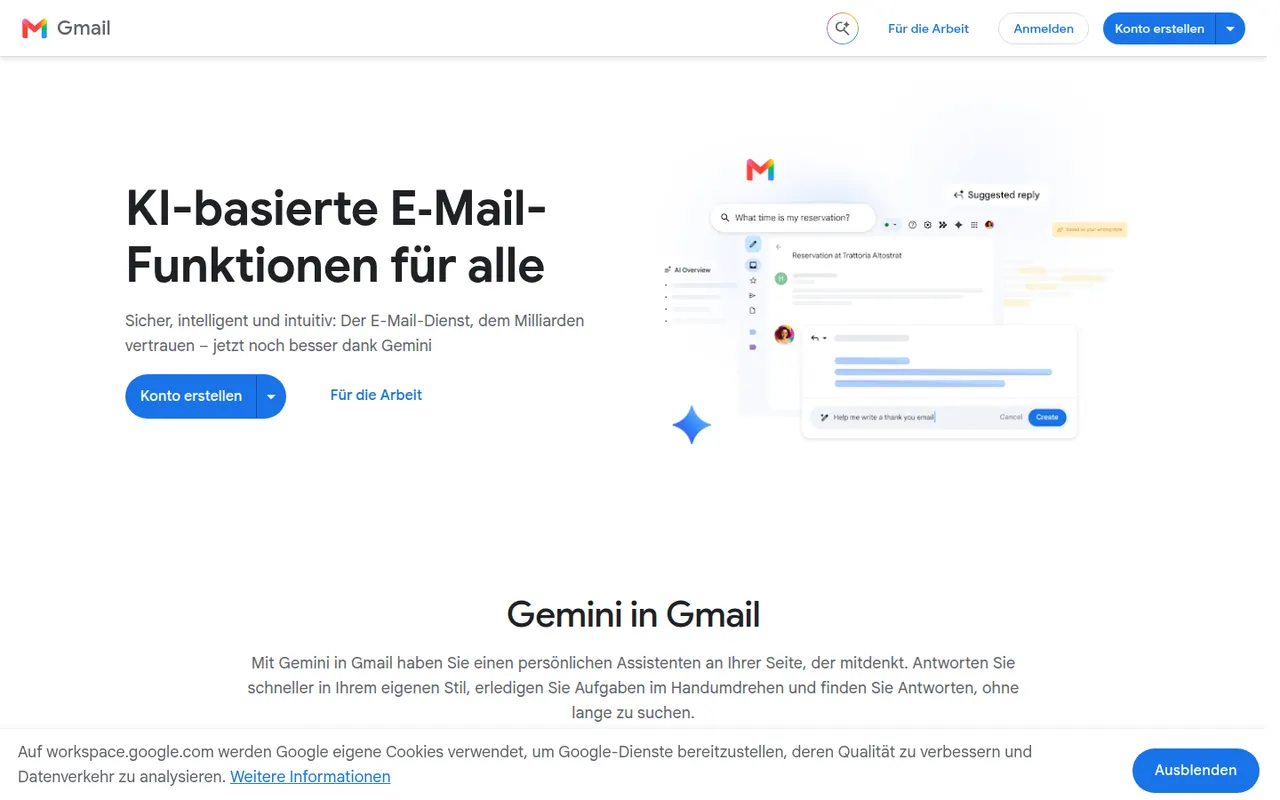
Cost / LicenseFreemiumProprietaryCategoriesPlatformsGmail is Google's email service, used through the web and mobile apps or any IMAP client. It offers automatic spam filtering, labels and inbox categories, fast search, scheduled sending and close links with Calendar, Drive and Meet. Personal accounts are free and share storage with Drive and Photos, while Google Workspace adds custom domains and admin tools; Gemini can draft and summarize emails.
12 Gmail alternativesPros
- Excellent spam filtering and fast search
- Tight links with Google Calendar, Drive and Meet
- Free personal accounts on web, mobile and any IMAP client
Cons
- Free storage is shared with Drive and Photos and fills up quickly
- Google’s data practices raise privacy concerns
- Custom domains require a paid Google Workspace plan
Cost / LicenseFreemiumProprietaryCategoriesMicrosoft Outlook is an email and calendar app available on Windows, Mac, mobile and the web, used with Outlook.com, Exchange and Microsoft 365 accounts as well as Gmail and other IMAP services. It combines mail with calendars, contacts and tasks, supports shared mailboxes and scheduled sending, and integrates with Teams for meetings. Copilot can draft replies and summarize threads on eligible plans.
12 Microsoft Outlook alternativesPros
- Email, calendar, contacts and tasks in one app
- Shared mailboxes and Teams integration for businesses
- Available on Windows, Mac, mobile and the web
Cons
- The move from classic to new Outlook on Windows has been disruptive
- Free Outlook.com accounts show ads
- Copilot features require an eligible paid plan
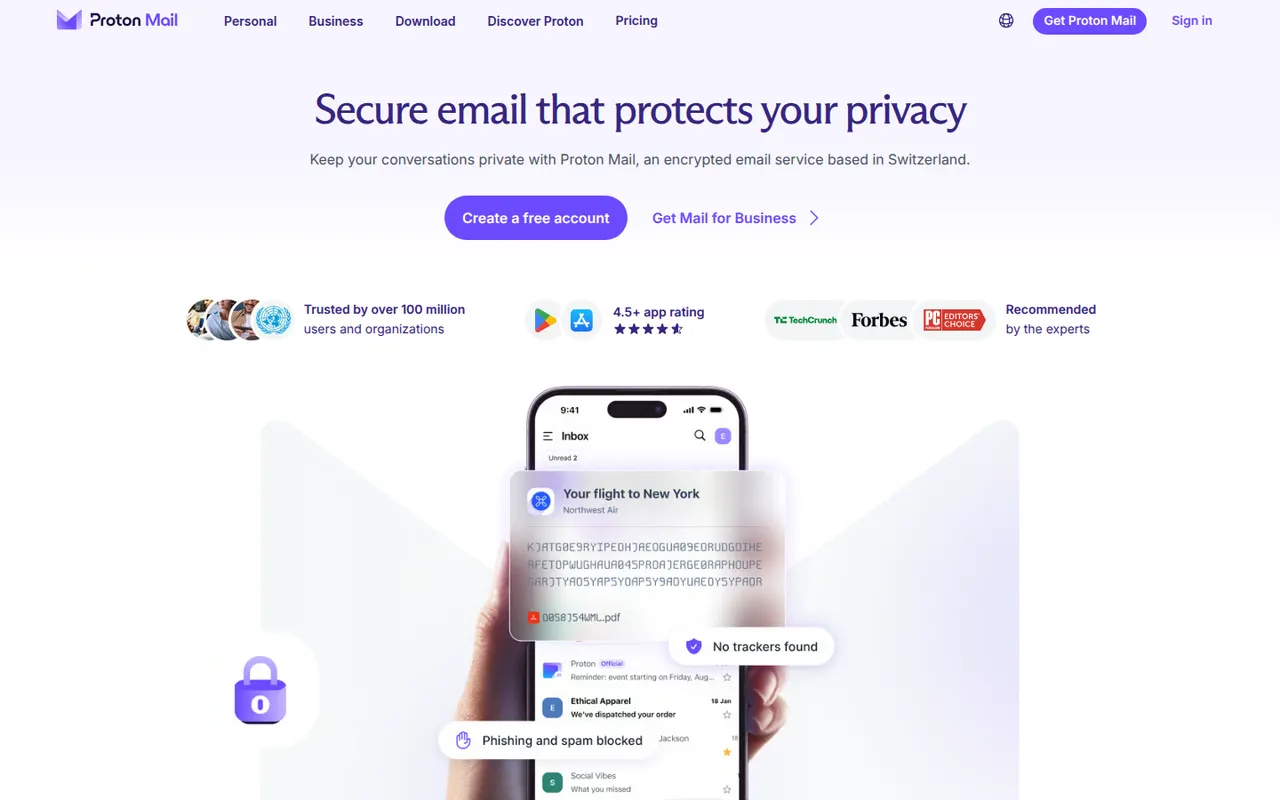
Cost / LicenseFreemiumProprietaryProton Mail is an end-to-end encrypted email service based in Switzerland. Messages between Proton users are encrypted automatically, emails to others can be password-protected, and stored mail uses zero-access encryption so Proton cannot read it. Its apps are open source, paid plans add custom domains and more addresses, and it is part of a suite with Proton Calendar, Drive, VPN and Pass.
9 Proton Mail alternativesPros
- End-to-end and zero-access encryption protect stored mail
- Based in Switzerland, with open source apps
- Part of a suite with Proton Calendar, Drive, VPN and Pass
Cons
- Free plan is tight on storage and addresses
- Using IMAP clients requires Proton Mail Bridge and a paid plan
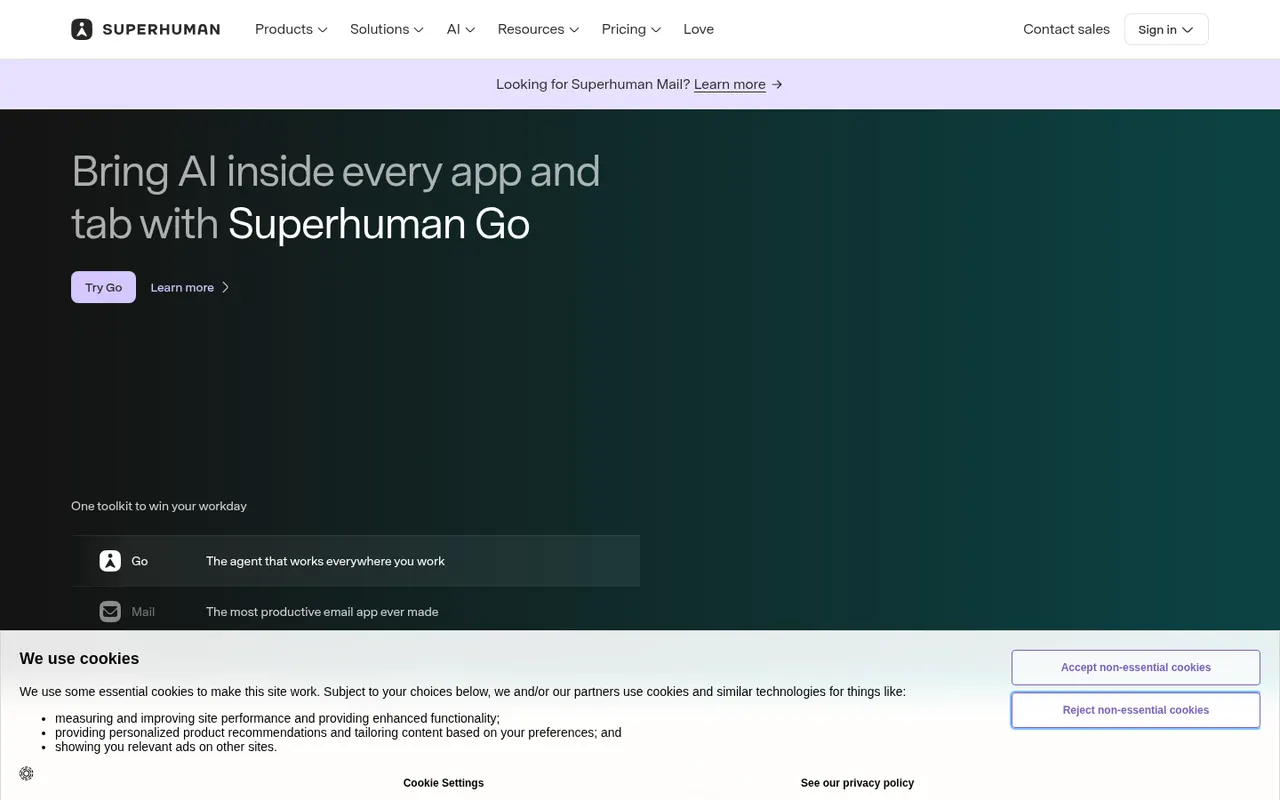
Cost / LicenseFreemiumOpen sourceCategoriesSuperhuman is a premium email client for Gmail and Microsoft accounts, designed around keyboard shortcuts and speed. It offers split inboxes, reminders, scheduled sending, read statuses, snippets and AI features that draft replies and summarize threads. It targets professionals and executives who handle large volumes of email, and is sold as a subscription with no free plan.
8 Superhuman alternativesPros
- Keyboard shortcuts make triaging email very fast
- Split inboxes, reminders and snippets for heavy email users
- AI drafts replies and summarizes long threads
Cons
- Expensive subscription with no free plan
- Only works with Gmail and Microsoft accounts
- Read statuses rely on tracking pixels, a privacy concern
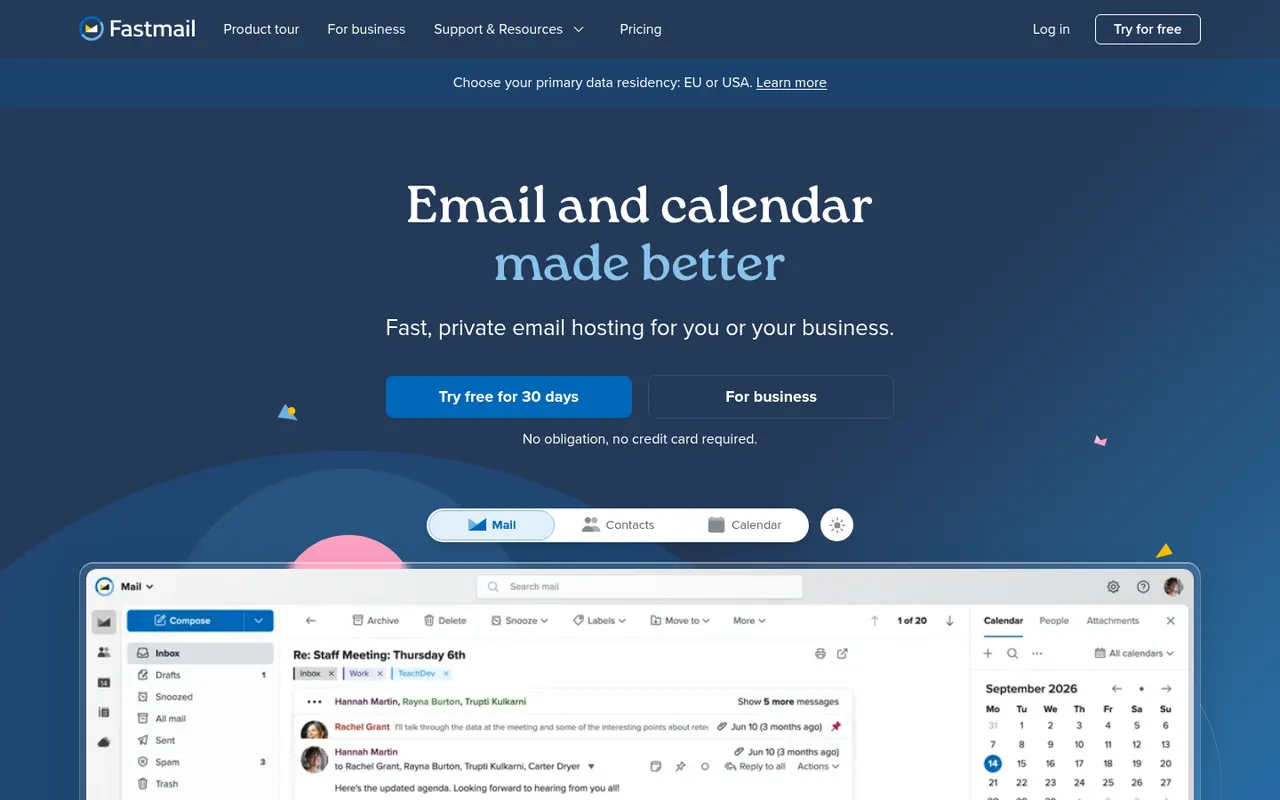
Cost / LicensePaidProprietaryCategoriesFastmail is an independent email provider from Australia that bundles email, calendar and contacts with no ads. It supports custom domains, aliases and Masked Email addresses generated through its 1Password integration, and works with any client via IMAP, CalDAV and CardDAV. Fastmail also led the creation of JMAP, an open standard for faster email sync. It is paid, with a free trial.
9 Fastmail alternativesPros
- Ad-free service funded by subscriptions rather than advertising
- Masked Email addresses through the 1Password integration
- Standard IMAP, CalDAV and CardDAV work with any client
Cons
- No free plan beyond the trial
- No end-to-end encryption like Proton Mail or Tuta
- Fewer collaboration tools than Google Workspace or Microsoft 365
Cost / LicenseFree trialProprietaryCategoriesTuta, formerly Tutanota, is an open-source encrypted email and calendar service based in Germany. It encrypts mailbox contents end to end, including subject lines and contacts, and uses post-quantum cryptography for new accounts. Because it relies on its own encryption, it works through Tuta's apps rather than IMAP clients. A free plan exists, and paid plans add custom domains and more aliases.
7 Tuta alternativesPros
- Encrypts subjects and contacts, not just message bodies
- Post-quantum cryptography for new accounts
- Open source apps and a free plan, with servers in Germany
Cons
- No IMAP support, so you must use Tuta’s own apps
- Free plan is limited in storage and features
- Fewer integrations and features than mainstream providers
Cost / LicenseFreemiumOpen sourceCategoriesHEY is a paid email service from 37signals, the makers of Basecamp, that rethinks how mail is triaged. First-time senders must be approved in the Screener, newsletters go to The Feed, receipts to the Paper Trail, and spy pixels are blocked automatically. It includes a calendar and supports custom domains for businesses, but works only with HEY addresses rather than existing Gmail or IMAP accounts.
9 HEY alternativesPros
- Screener lets you approve first-time senders before they reach you
- Spy pixels in emails are blocked automatically
- The Feed and Paper Trail set newsletters and receipts aside
Cons
- Works only with HEY addresses, not existing Gmail or IMAP accounts
- Opinionated workflow that doesn’t suit everyone
- No free plan beyond the trial
Cost / LicenseFree trialProprietaryCategoriesZoho Mail is an ad-free business email service from Zoho that hosts mailboxes on your own domain, with calendar, contacts, tasks and notes included. Admins get a control panel for users, security policies and retention, and the service integrates with Zoho's office, CRM and collaboration apps through Zoho Workplace. A free plan is available for small teams, with paid plans adding more storage and features.
8 Zoho Mail alternativesPros
- Ad-free business email on your own domain, with a free plan
- Admin console for users, security policies and retention
- Integrates with Zoho’s office, CRM and collaboration apps
Cons
- Free plan lacks IMAP and POP access for desktop clients
- Interface feels less polished than Gmail or Outlook
Cost / LicenseFreemiumProprietaryCategoriesZendesk is a customer service platform that brings email, chat, phone, social and messaging requests into a single ticketing system. It includes a help center for self-service articles, workflow automation, reporting and AI agents that can resolve common questions. A large marketplace of apps connects it to CRMs and e-commerce tools, and it serves support teams from startups to large enterprises.
12 Zendesk alternativesPros
- Mature ticketing that handles email, chat, phone and social at scale
- Large marketplace of apps for CRMs and e-commerce tools
- Help center and AI agents deflect common questions
Cons
- Expensive per agent, especially with AI and add-ons
- Setup and administration take time for complex workflows
- No free plan beyond the trial
Cost / LicenseFree trialProprietaryCategoriesIntercom is a customer service platform that combines a chat messenger for websites and apps with a shared inbox, ticketing and a help center. Its AI agent, Fin, answers customer questions using your support content and can hand conversations over to human agents; it can also be added to other help desks. Product tours and proactive messages help onboard and engage users.
12 Intercom alternativesPros
- Fin AI agent answers questions from your support content
- Polished messenger for websites and mobile apps
- Product tours and proactive messages help onboard users
Cons
- Expensive, with AI resolutions billed on top of seats
- Pricing structure is complex and hard to predict
- More than a small team needs for basic live chat
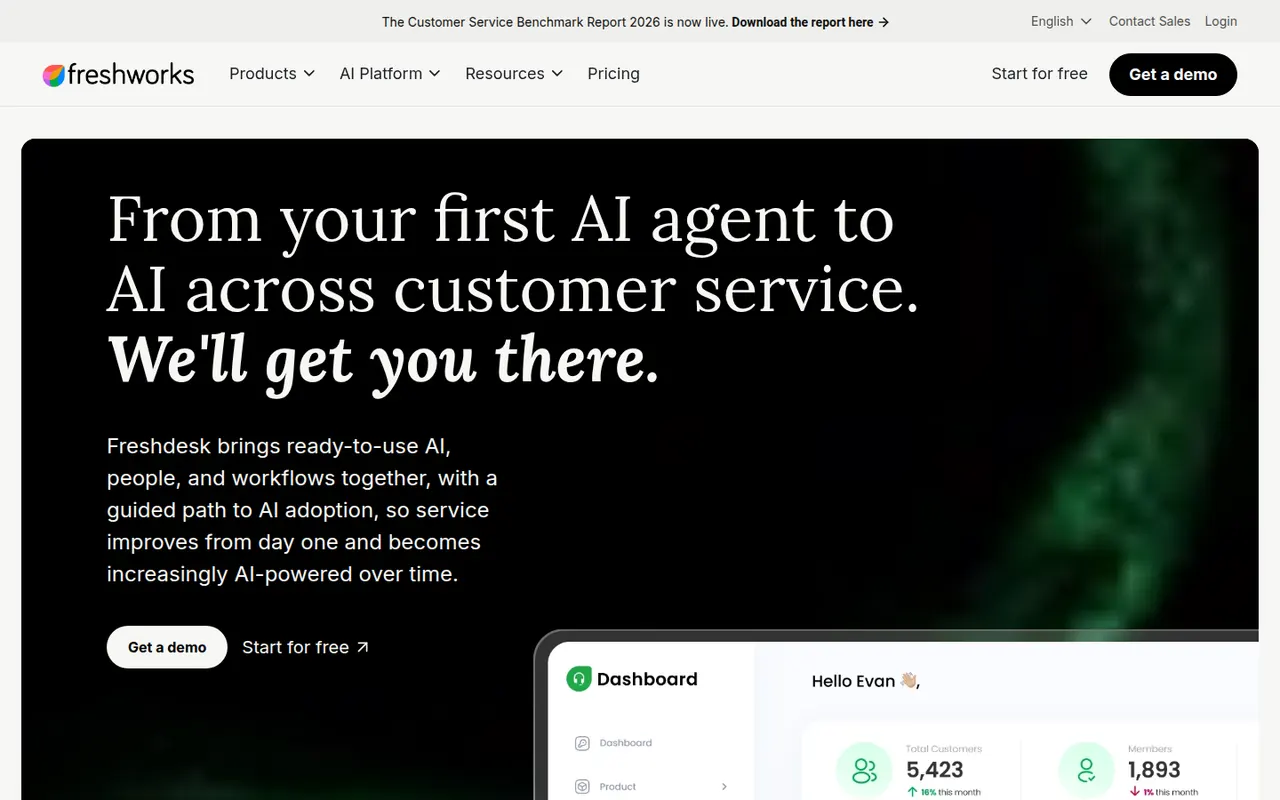
Cost / LicenseFree trialProprietaryCategoriesFreshdesk is a help desk tool from Freshworks that turns emails, web forms, chats, calls and social messages into tickets for support teams. It includes a knowledge base, SLA management, automations, collision detection and reporting, plus Freddy AI for suggested replies and self-service bots. A free plan covers small teams, and it connects with Freshworks' CRM and other business apps.
12 Freshdesk alternativesPros
- Free plan for small teams with core ticketing
- Turns email, forms, chat, calls and social messages into tickets
- SLA rules, collision detection and automations for busy teams
Cons
- AI features and advanced automation cost extra or need top tiers
- Admin settings get complex as workflows grow
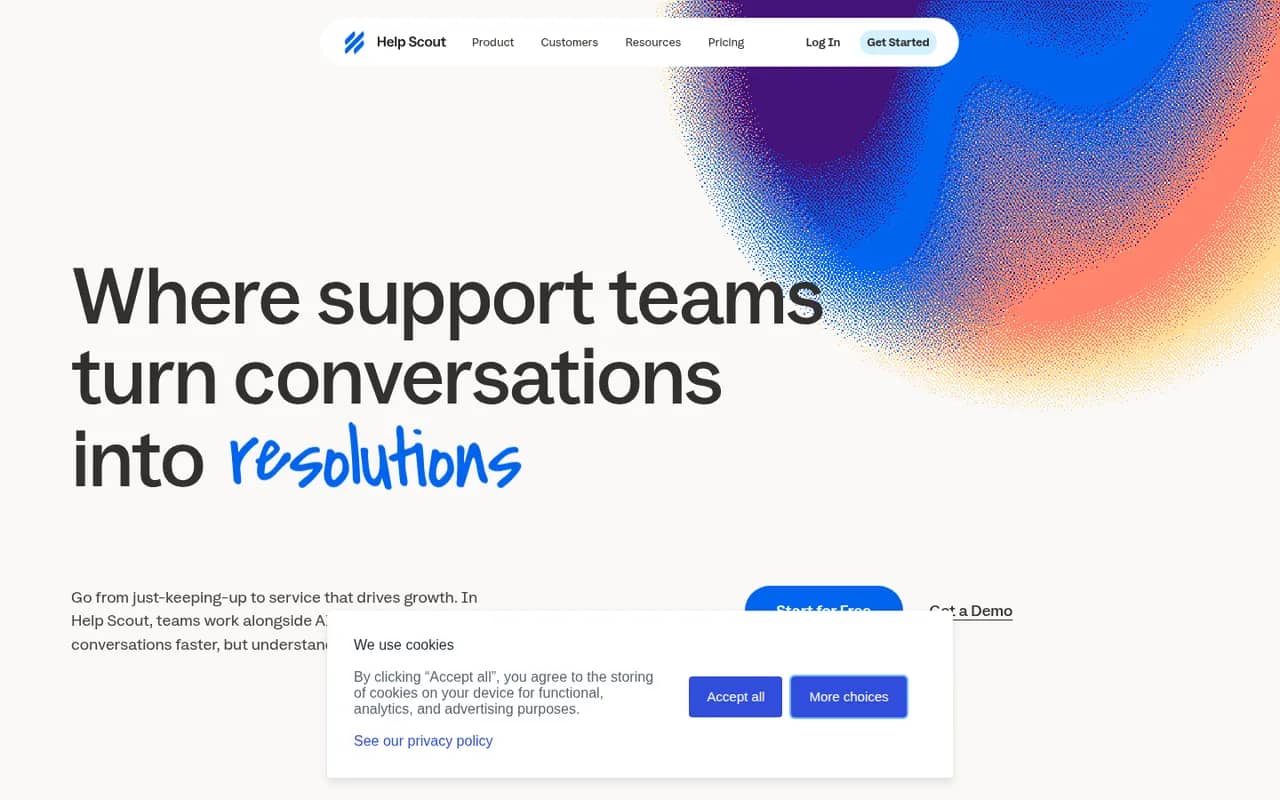
Cost / LicenseFreemiumProprietaryCategoriesHelp Scout is a customer support platform built around a shared inbox that feels like personal email to customers, without ticket numbers or portals. It adds a knowledge base (Docs), the embeddable Beacon widget for live chat and self-service, customer profiles, reporting and AI tools for drafting and summarizing replies. It suits small and mid-sized companies that value a personal tone.
8 Help Scout alternativesPros
- Replies feel like personal email, with no ticket numbers for customers
- Beacon widget combines live chat and help articles on any site
- Clean interface that new agents learn quickly
Cons
- Fewer advanced workflow and reporting options than enterprise help desks
- Free plan is limited, so key features require a paid plan
Cost / LicenseFreemiumProprietaryCategoriesCrisp is a French customer messaging platform that gathers website chat, email, WhatsApp, Instagram, Messenger and other channels into one shared inbox. It includes a chatbot builder, AI answers based on your own content, a knowledge base, email campaigns and a status page. A free plan covers basic live chat, and paid plans add automation, AI features and more channels.
8 Crisp alternativesPros
- Shared inbox for chat, email, WhatsApp, Instagram and Messenger
- Bundles a knowledge base, email campaigns and a status page
- French company with a GDPR-minded approach to customer data
Cons
- Free plan is limited to basic chat, while AI and automation need paid plans
- Reporting is lighter than in help desks built for large enterprises
Cost / LicenseFreemiumProprietaryCategories