Best apps for Web
433 apps
Top Web apps ranked by the community
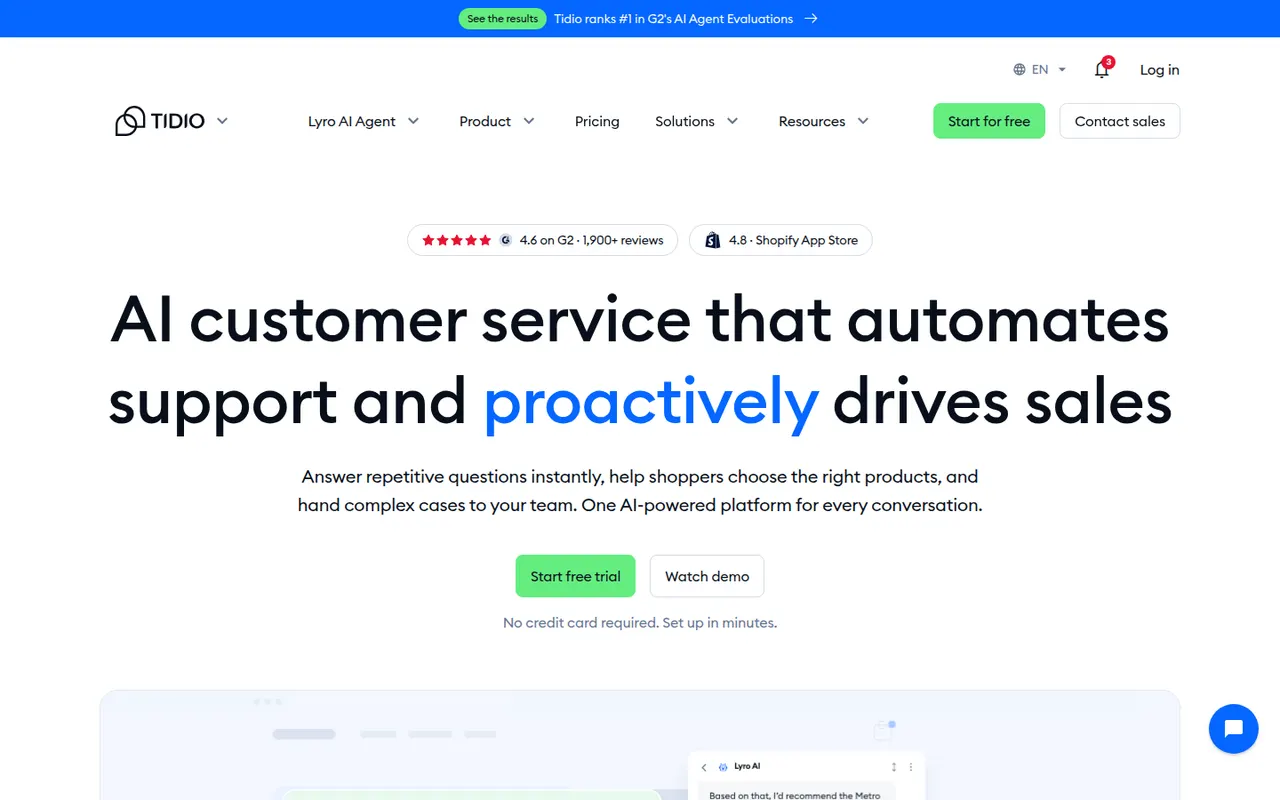
Tidio is a customer service tool that combines a website live chat widget, a multichannel inbox and ticketing with Lyro, an AI agent that answers common questions from your help content. Visual chatbot flows can greet visitors, recover abandoned carts or collect leads. It integrates with Shopify, WordPress, Wix and other platforms, and mainly targets small businesses and online stores.
8 Tidio alternativesPros
- Easy to install on Shopify, WordPress and Wix stores
- Lyro AI agent answers common questions from your help content
- Visual chatbot flows for lead capture and abandoned carts
Cons
- AI and chatbot usage limits can push costs up quickly
- Free plan becomes tight for a growing store
- Reporting is basic for larger support teams
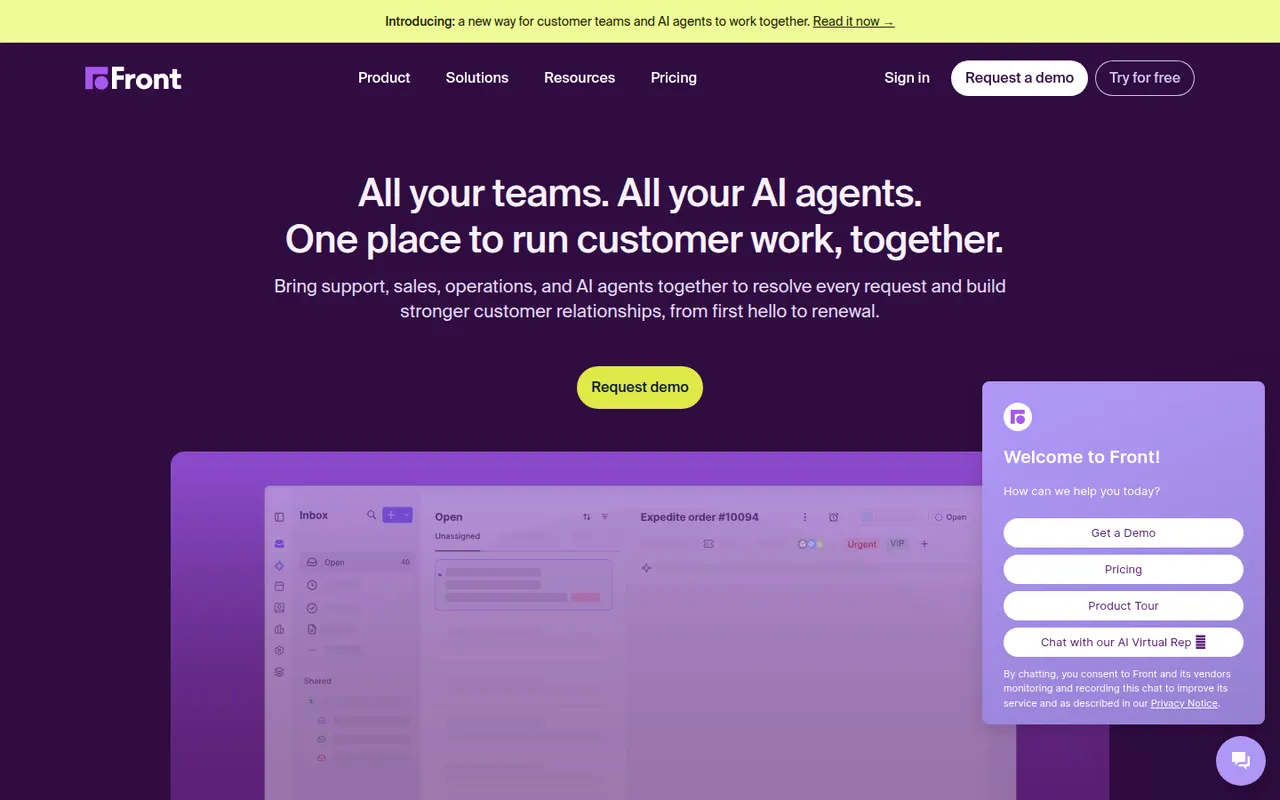
Cost / LicenseFreemiumProprietaryCategoriesFront is a customer operations platform that turns email, SMS, chat, WhatsApp and social messages into a shared inbox teams can work in together. Messages can be assigned, commented on internally and routed with rules, while analytics track response times and workload. Front AI drafts replies and summarizes threads, and the tool serves support, sales and account teams who prefer an email-like workflow.
8 Front alternativesPros
- Email-like shared inbox that feels familiar to new users
- Internal comments and assignment replace forwarding and CCs
- Rules and analytics help balance workload and response times
Cons
- Per-seat pricing adds up quickly for larger teams
- Advanced analytics and automation are reserved for higher plans
- No free plan beyond the trial
Cost / LicenseFree trialProprietaryGorgias is a customer support platform designed for online stores, with deep integrations for Shopify and other e-commerce platforms. Agents see order details next to each ticket and can edit, refund or cancel orders without leaving the help desk. It centralizes email, chat, social media and SMS, and its AI Agent can handle common requests such as order tracking and returns.
8 Gorgias alternativesPros
- Order details appear next to each ticket for Shopify stores
- Agents can refund, edit or cancel orders without leaving the help desk
- AI agent handles routine requests like order tracking and returns
Cons
- Built for e-commerce, so less suited to other types of businesses
- Pricing tied to ticket volume can be hard to predict in busy seasons
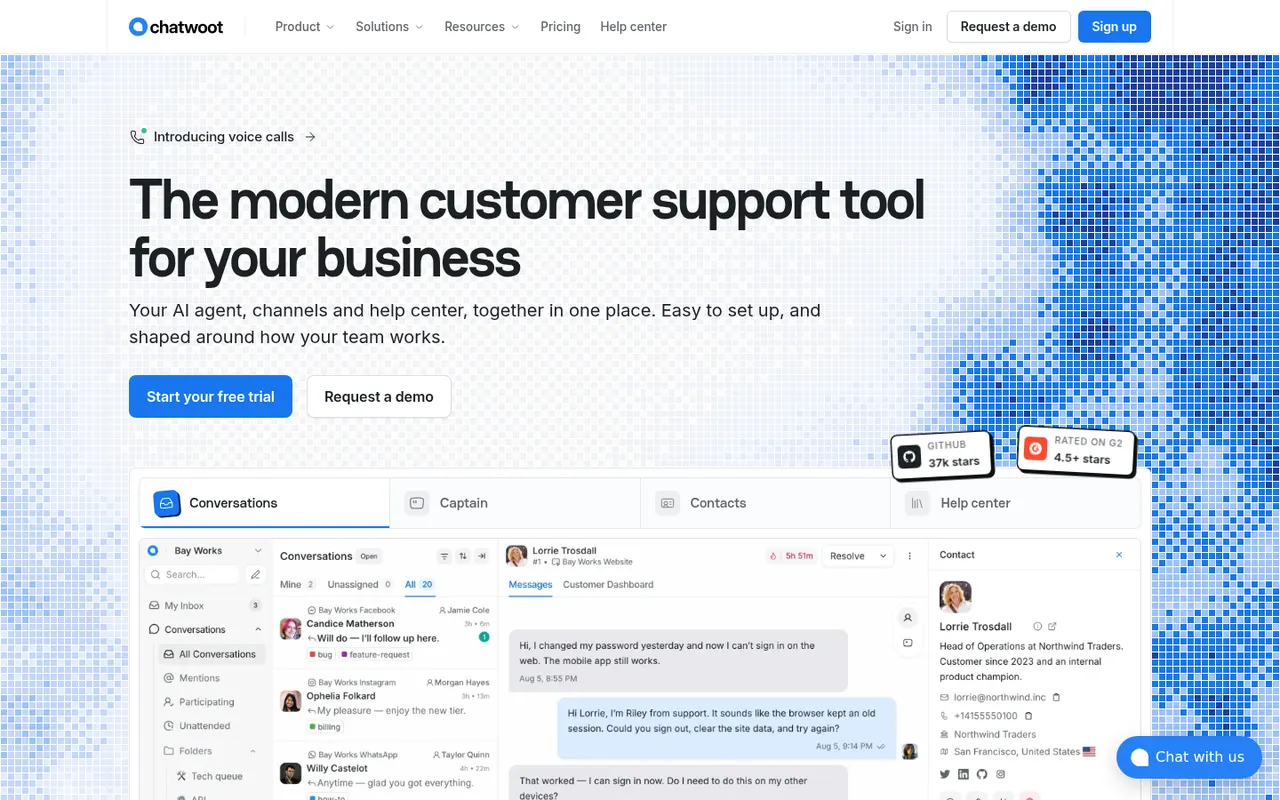
Cost / LicenseFree trialProprietaryCategoriesPlatformsChatwoot is an open-source customer engagement platform positioned as an alternative to Intercom and Zendesk. It unifies website live chat, email, WhatsApp, Facebook, Instagram, Telegram and SMS in one shared inbox, with a help center, canned responses, automation rules and an AI assistant called Captain. Teams can self-host it for free or use the paid cloud version.
11 Chatwoot alternativesPros
- Open source and free to self-host, keeping conversations on your servers
- One inbox for chat, email, WhatsApp, social channels and SMS
- Includes a help center, canned responses and automation rules
Cons
- Self-hosting requires maintaining the server, updates and integrations
- Reporting and workflows are less deep than in Zendesk or Intercom
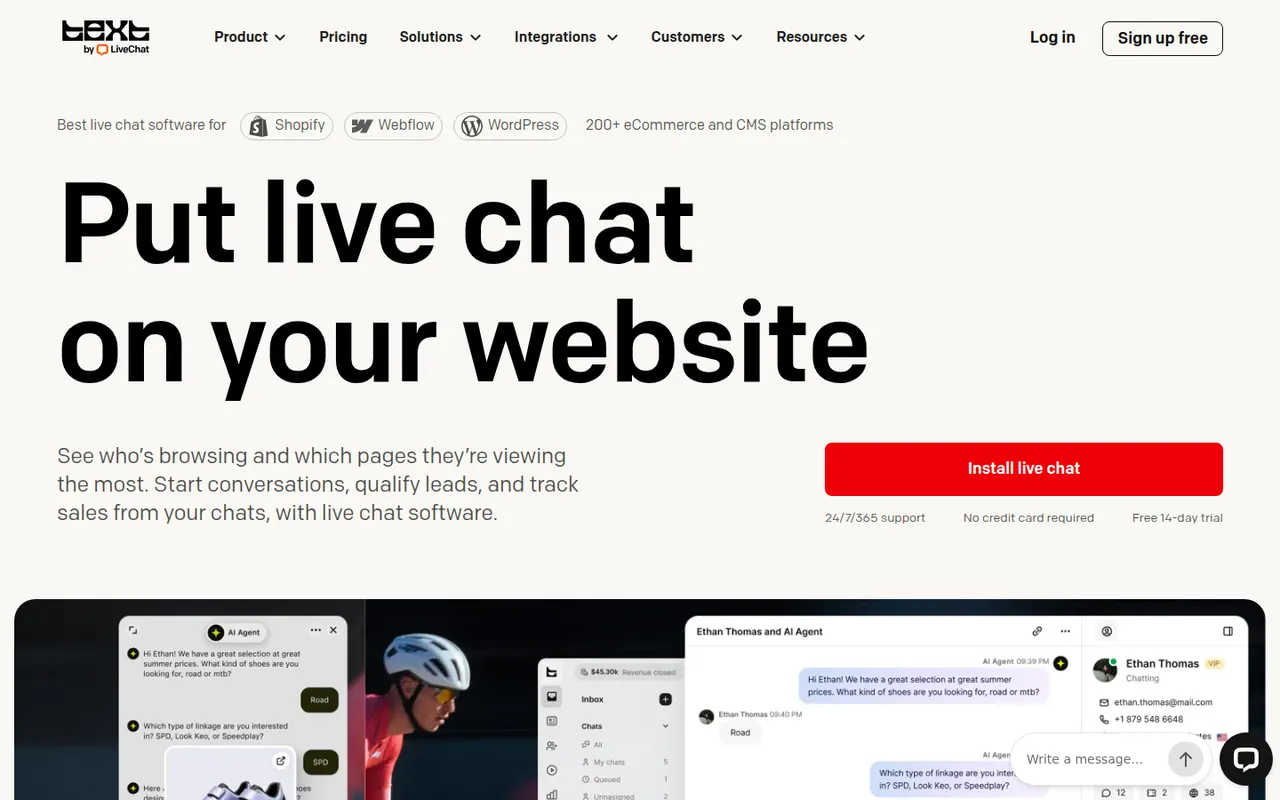
Cost / LicenseFreemiumOpen sourceCategoriesPlatformsLiveChat is a live chat tool that lets support and sales teams talk with website visitors in real time. Agents get canned responses, chat routing, visitor tracking, a preview of messages as they are typed and performance reports, with AI help for writing replies. It is made by Text, the company behind ChatBot, HelpDesk and KnowledgeBase, and connects to many e-commerce and CRM tools.
9 LiveChat alternativesPros
- Message preview shows what visitors type before they send it
- Canned responses, routing and visitor tracking for fast replies
- Many integrations with e-commerce and CRM tools
Cons
- Per-agent pricing becomes expensive as the team grows
- Chatbots and ticketing require separate products from the same company
- No free plan beyond the trial
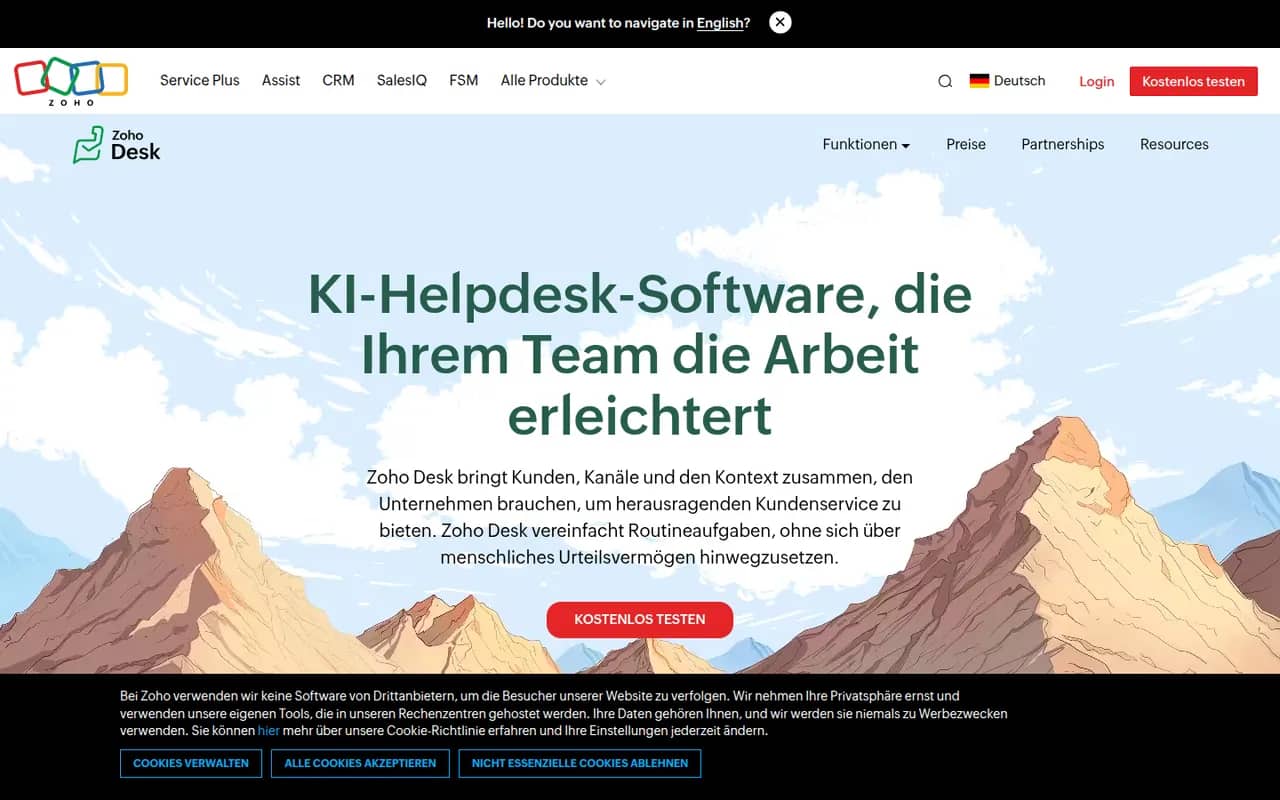
Cost / LicenseFree trialProprietaryCategoriesZoho Desk is a help desk application from Zoho that manages customer requests from email, phone, chat, social media and web forms as tickets. It offers a self-service knowledge base, SLA rules, workflow automation, analytics and Zia, an AI assistant that suggests answers and detects customer sentiment. It integrates tightly with Zoho CRM and has a free plan for small teams.
10 Zoho Desk alternativesPros
- Tight integration with Zoho CRM shows customer context on tickets
- Zia suggests answers and detects customer sentiment
- Free plan for small teams, with paid tiers for SLAs and automation
Cons
- Interface feels busy, with many settings to learn
- Works best when you already use other Zoho apps
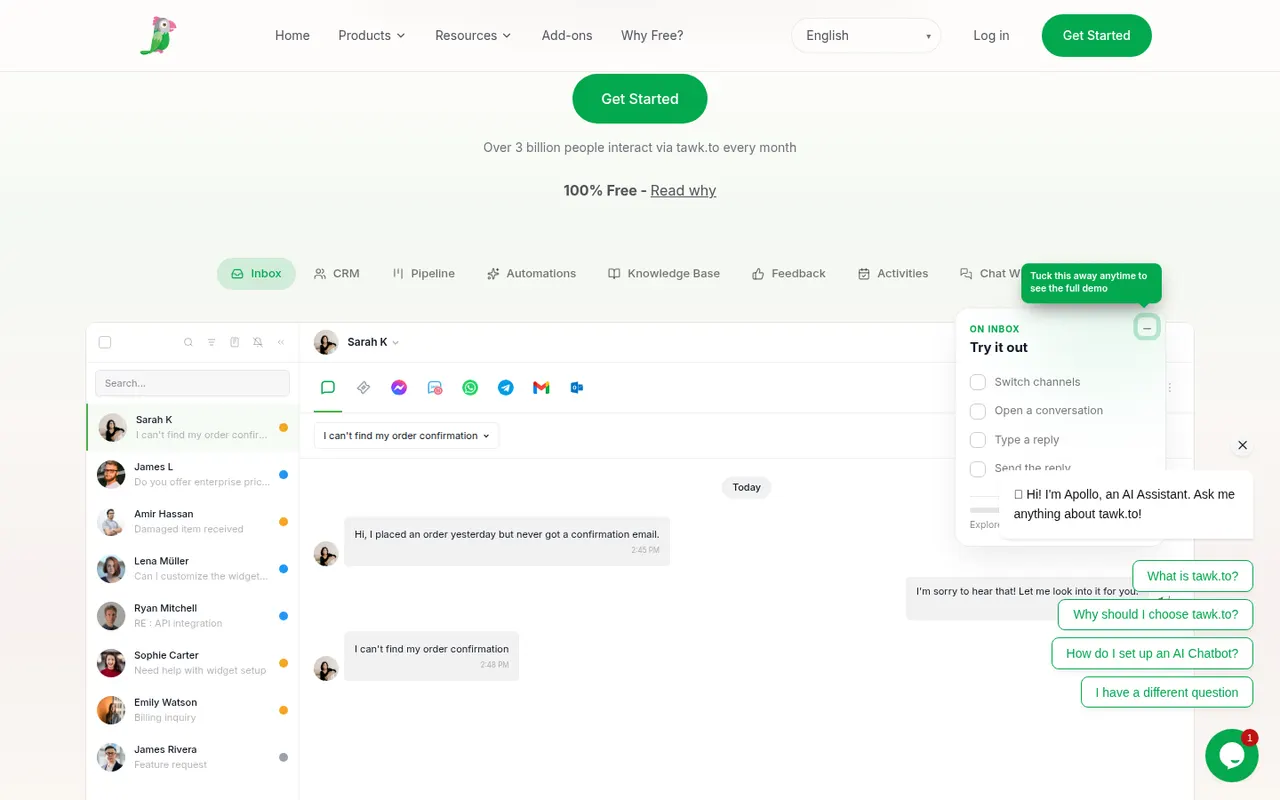
Cost / LicenseFreemiumProprietaryCategoriestawk.to is a free live chat platform that lets businesses add a chat widget to their website and answer visitors from the web, desktop or mobile apps, with no limit on agents. It also includes ticketing, a knowledge base and real-time visitor monitoring. The company earns money through optional paid add-ons, such as removing its branding, AI assistance or hiring agents to staff the chat.
8 tawk.to alternativesPros
- Free live chat with no limit on the number of agents
- Includes ticketing, a knowledge base and visitor monitoring
- Web, desktop and mobile apps to answer from anywhere
Cons
- Removing tawk.to branding requires a paid add-on
- Interface and reporting feel basic next to premium tools
- AI assistance is sold as a paid extra
Cost / LicenseFreemiumProprietaryCategoriesTypeform is an online form and survey builder that shows one question at a time in a conversational, full-screen layout. It supports logic jumps, calculations, file uploads, payments and quizzes, and connects to tools like HubSpot, Google Sheets and Slack. AI features can generate a form from a prompt, and a free plan allows a limited number of responses per month.
10 Typeform alternativesPros
- One-question-at-a-time layout feels conversational and polished
- Logic jumps, calculations and quizzes for interactive flows
- Integrates with HubSpot, Google Sheets, Slack and many other tools
Cons
- Free plan allows only a small number of responses per month
- Paid plans are expensive compared with most form builders
- One-question format can feel slow for long or data-heavy forms
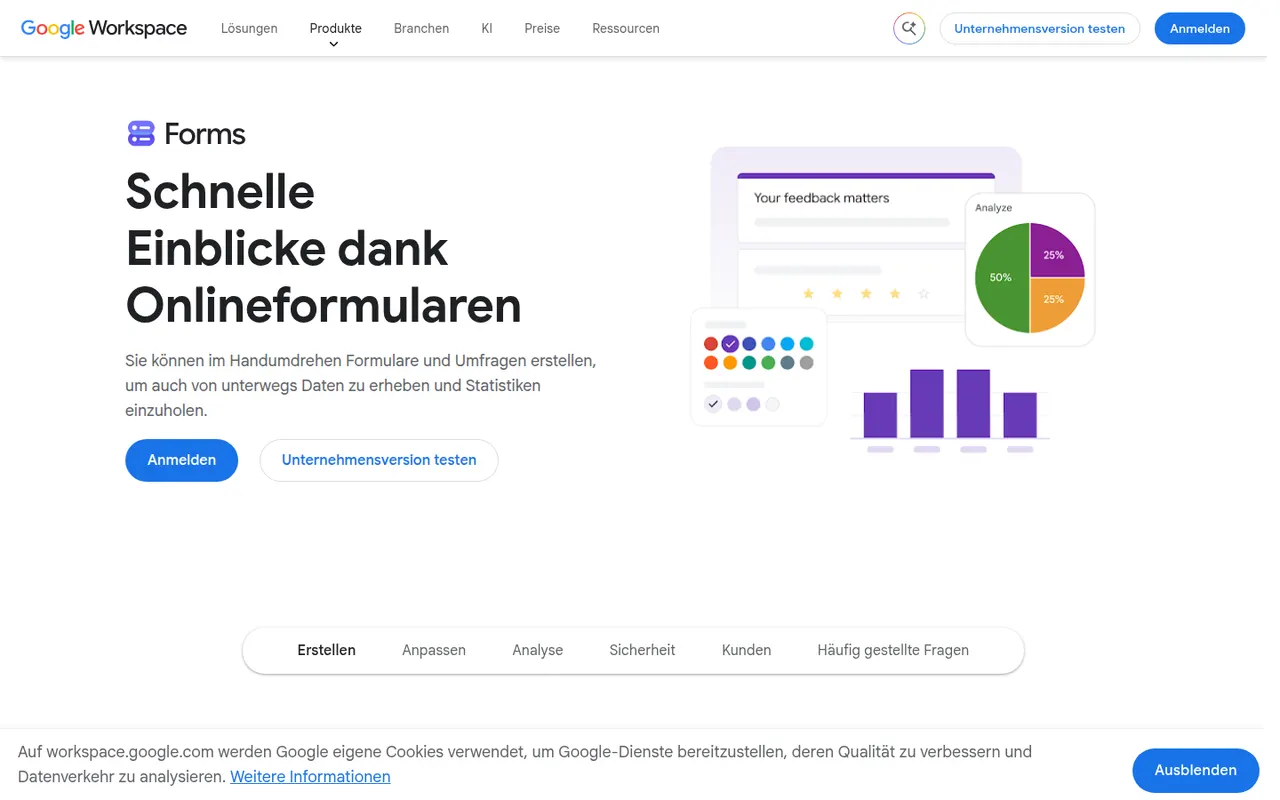
Cost / LicenseFreemiumProprietaryCategoriesPlatformsGoogle Forms is Google's free tool for creating surveys, registration forms and quizzes with a Google account. Responses are summarized with charts and can be sent to Google Sheets, and teachers can create self-grading quizzes integrated with Google Classroom. It supports section branching, file uploads to Drive and collaborative editing, though its design options are basic.
10 Google Forms alternativesPros
- Free with a Google account, with no paid tier to unlock features
- Responses flow straight into Google Sheets for analysis
- Self-grading quizzes work well with Google Classroom
Cons
- Design and theming options are very basic
- Logic is limited to section branching, with no advanced calculations
- File upload questions require respondents to sign in to Google
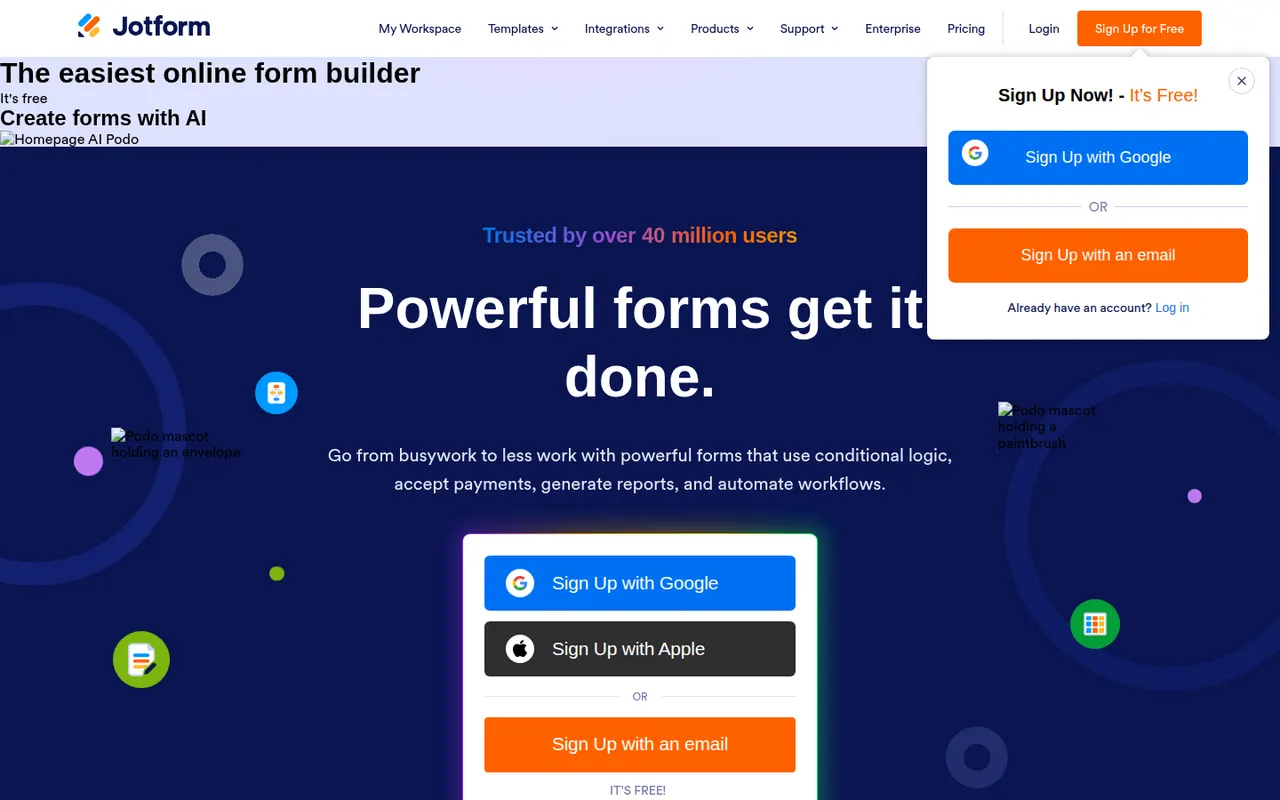
Cost / LicenseFreeProprietaryCategoriesPlatformsJotform is an online form builder with a large template library, a drag-and-drop editor, conditional logic and integrations with many payment gateways. Its mobile apps can collect data offline, and the wider suite adds Jotform Tables, an app builder, PDF generation and e-signatures through Jotform Sign. A free plan covers basic use, and HIPAA-compliant options are available for healthcare.
10 Jotform alternativesPros
- Huge template library and a drag-and-drop editor that is easy to learn
- Many payment gateways, plus e-signatures through Jotform Sign
- Mobile apps can collect submissions offline
Cons
- Free plan caps forms and monthly submissions fairly tightly
- Interface can feel cluttered given how many options and products it bundles
- Forms on the free plan display Jotform branding
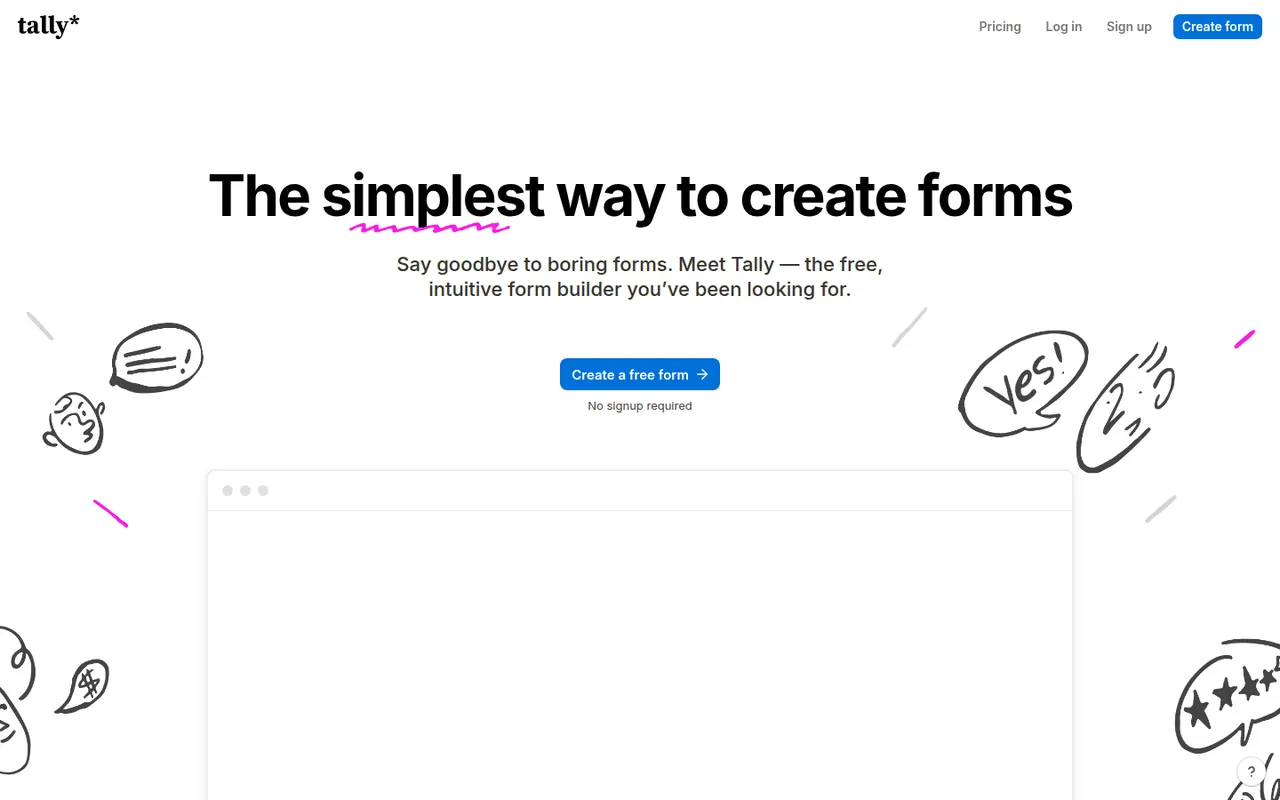
Cost / LicenseFreemiumProprietaryCategoriesTally is a form builder from Belgium where you create forms by typing in a document-like editor, similar to writing in Notion. Its free plan includes unlimited forms and responses along with logic, file uploads, Stripe payments and integrations, while Tally Pro adds branding removal, custom domains and team features. Form data is hosted in the EU.
9 Tally alternativesPros
- Free plan includes unlimited forms and responses, logic and payments
- Building a form feels as fast as typing in a document
- Data hosted in the EU, a plus for GDPR-conscious teams
Cons
- Custom domains, branding removal and team features require Tally Pro
- Fewer design themes and templates than visual drag-and-drop builders
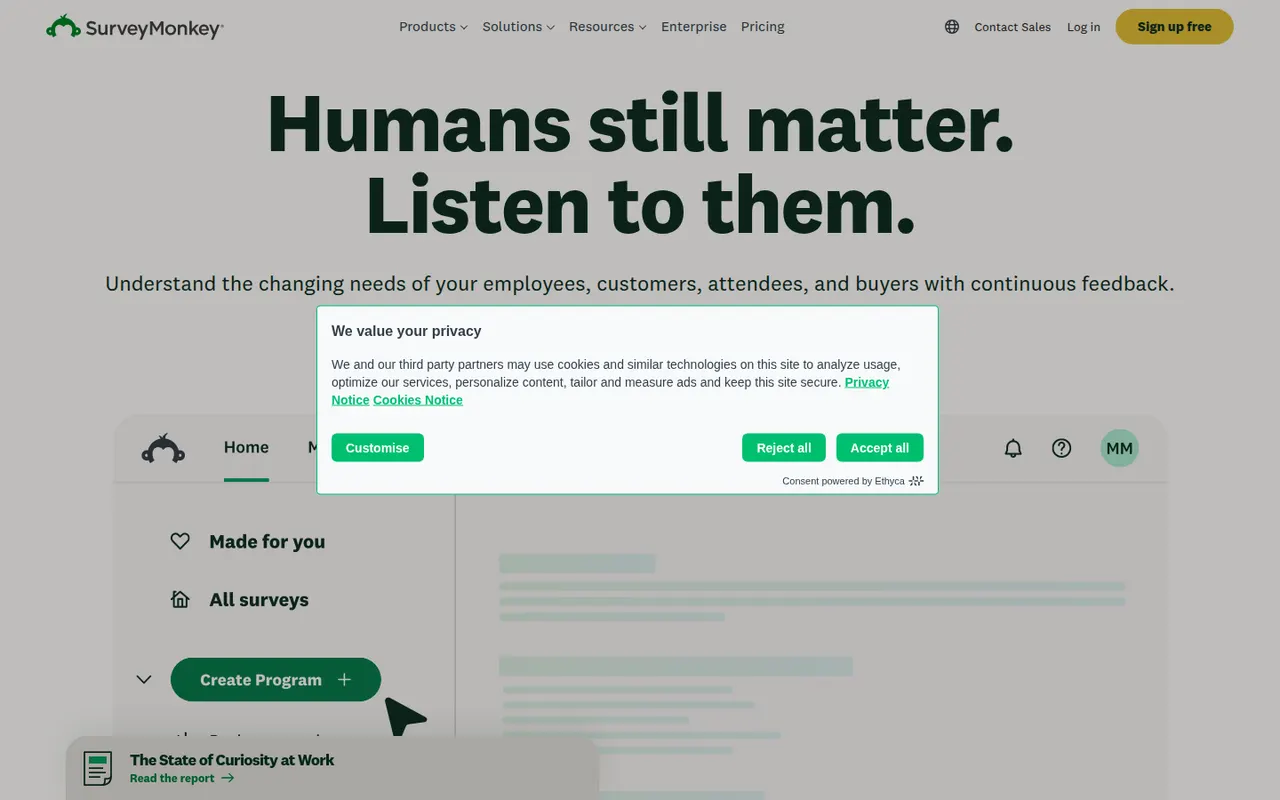
Cost / LicenseFreemiumProprietaryCategoriesPlatformsSurveyMonkey is an online survey platform used for customer feedback, employee engagement, event planning and market research. It offers survey templates, a question bank, skip logic, AI-assisted survey creation and analysis dashboards, and can supply paid respondents through its audience panel. A free Basic plan has limited features, alongside paid individual and team plans.
9 SurveyMonkey alternativesPros
- Large question bank and templates speed up survey creation
- Built-in audience panel can supply paid respondents
- Analysis dashboards and AI help make results easy to read
Cons
- Free Basic plan is very restricted, notably for results and exports
- Paid plans are expensive compared with many form builders
Cost / LicenseFreemiumProprietaryCategoriesMicrosoft Forms is a simple form builder for surveys, polls and quizzes, available free with a Microsoft account and included in Microsoft 365. Results can be viewed in real time, exported to Excel, and used in Teams or automated with Power Automate. It supports branching, auto-graded quizzes for education and Copilot suggestions for drafting questions.
9 Microsoft Forms alternativesPros
- Free with a Microsoft account and included in Microsoft 365
- Results export to Excel and plug into Teams and Power Automate
- Auto-graded quizzes suit classrooms already using Microsoft tools
Cons
- Limited design customization and question types
- Lacks payments and the advanced logic found in dedicated builders
- Most useful for people already inside the Microsoft ecosystem
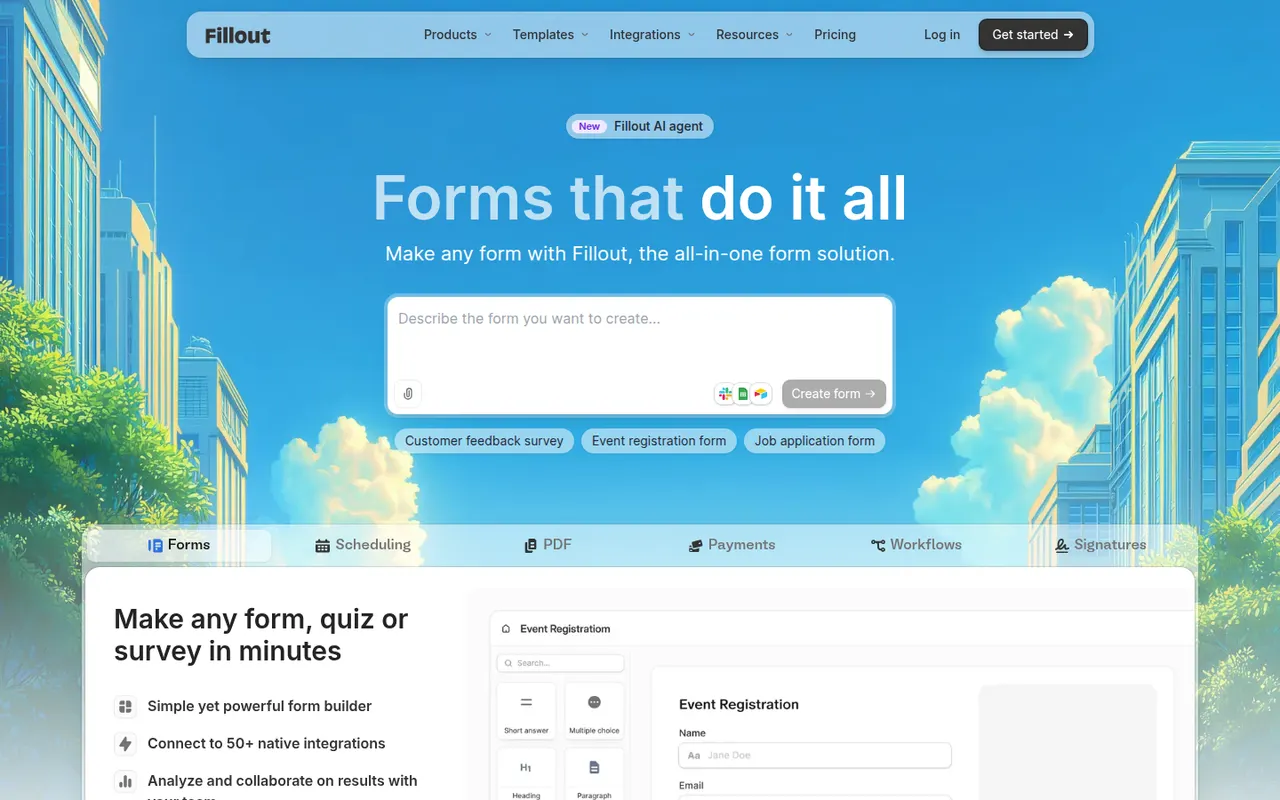
Cost / LicenseFreeProprietaryCategoriesPlatformsFillout is an online form builder with a usable free plan, conditional logic, payments, file uploads, scheduling and multi-page forms. Its main distinction is native two-way connections with tools such as Airtable, Notion, Google Sheets, HubSpot and Salesforce, so forms can create new records or update existing ones. It suits no-code builders and operations teams.
8 Fillout alternativesPros
- Two-way sync with Airtable, Notion or HubSpot can update existing records
- Capable free plan that covers most everyday form needs
- Multi-page forms, scheduling and payments in a single builder
Cons
- Higher response volumes and advanced features need a paid plan
- Smaller template library and community than older form builders
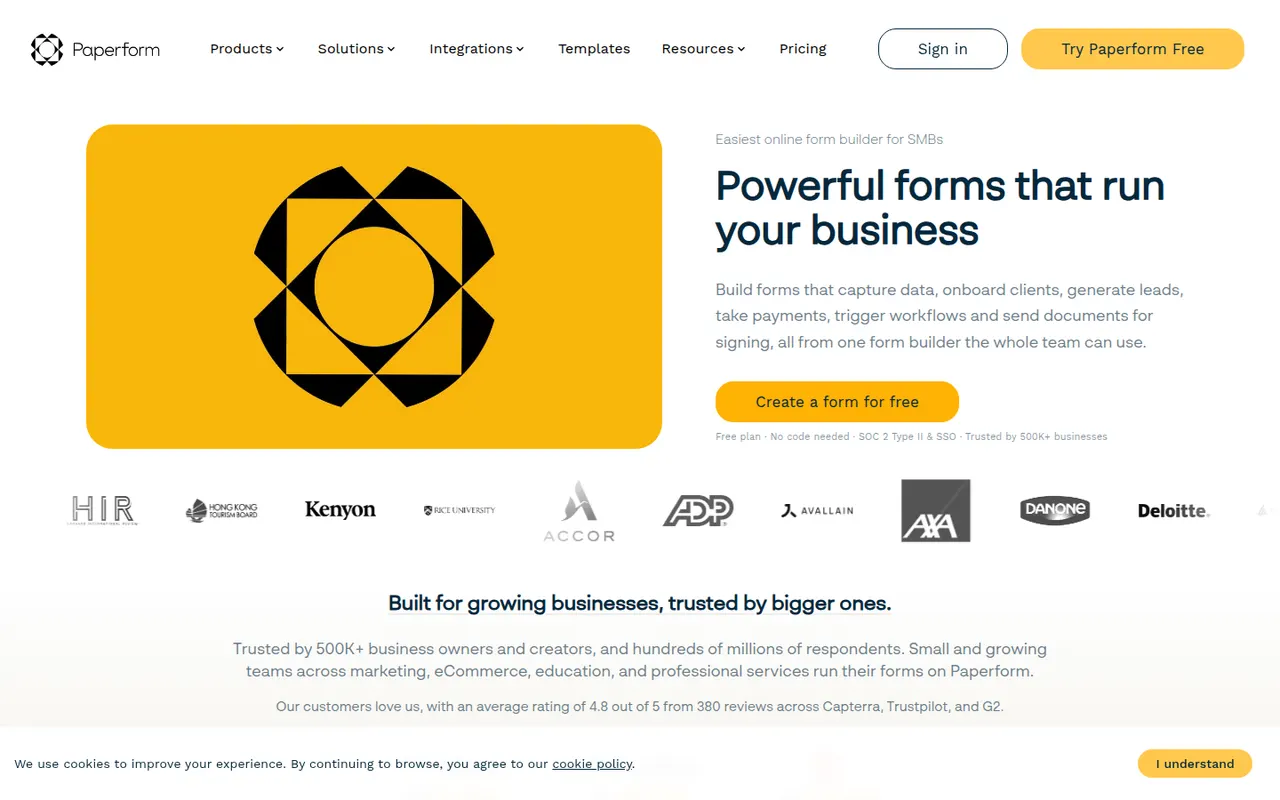
Cost / LicenseFreemiumProprietaryCategoriesPlatformsPaperform is an online form builder from Australia with a document-style editor that mixes questions with text, images and video, so forms read like web pages. It supports conditional logic, calculations, quizzes, product payments and appointment booking, and connects to other apps through native integrations and Zapier. Its sister product Papersign handles e-signatures. There is a free trial but no free plan.
7 Paperform alternativesPros
- Document-style editor makes forms read like polished web pages
- Calculations, payments and appointment booking are built in
- Native integrations plus Zapier connect it to many other apps
Cons
- No free plan once the trial ends
- Calculations and complex logic take some time to set up correctly
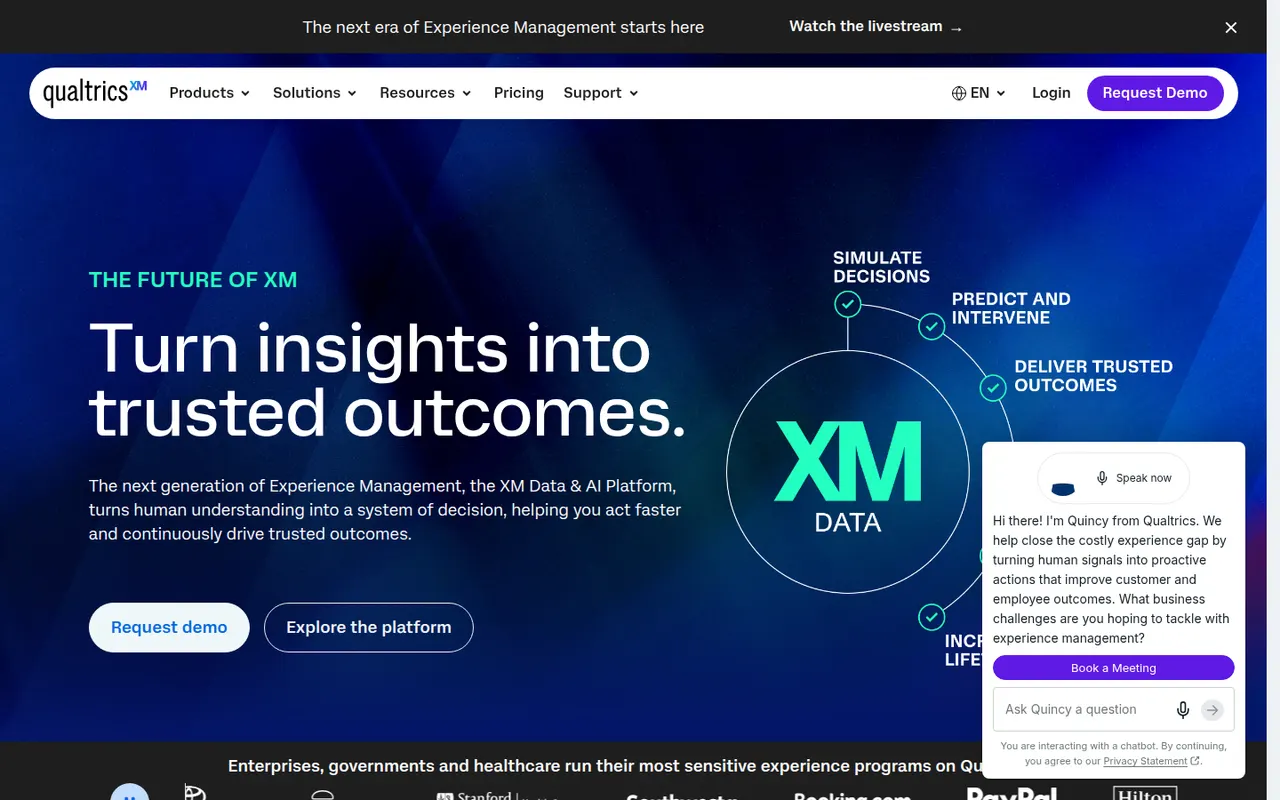
Cost / LicenseFree trialProprietaryCategoriesPlatformsQualtrics is an experience management (XM) platform used by large companies and universities to run advanced surveys and analyze customer, employee and market feedback. It offers complex survey logic, panel management, statistical analysis, text analytics and AI-generated insights, with dashboards for different teams. It is sold mainly through custom enterprise contracts, and a basic free account is also offered.
7 Qualtrics alternativesPros
- Very deep survey logic, panel management and statistical analysis
- Text analytics and AI insights help process large volumes of feedback
- Dashboards tailored to customer, employee and market research teams
Cons
- Custom enterprise contracts with no public pricing, costly for small teams
- Steep learning curve given the breadth of features
- Free account is very limited compared with paid plans
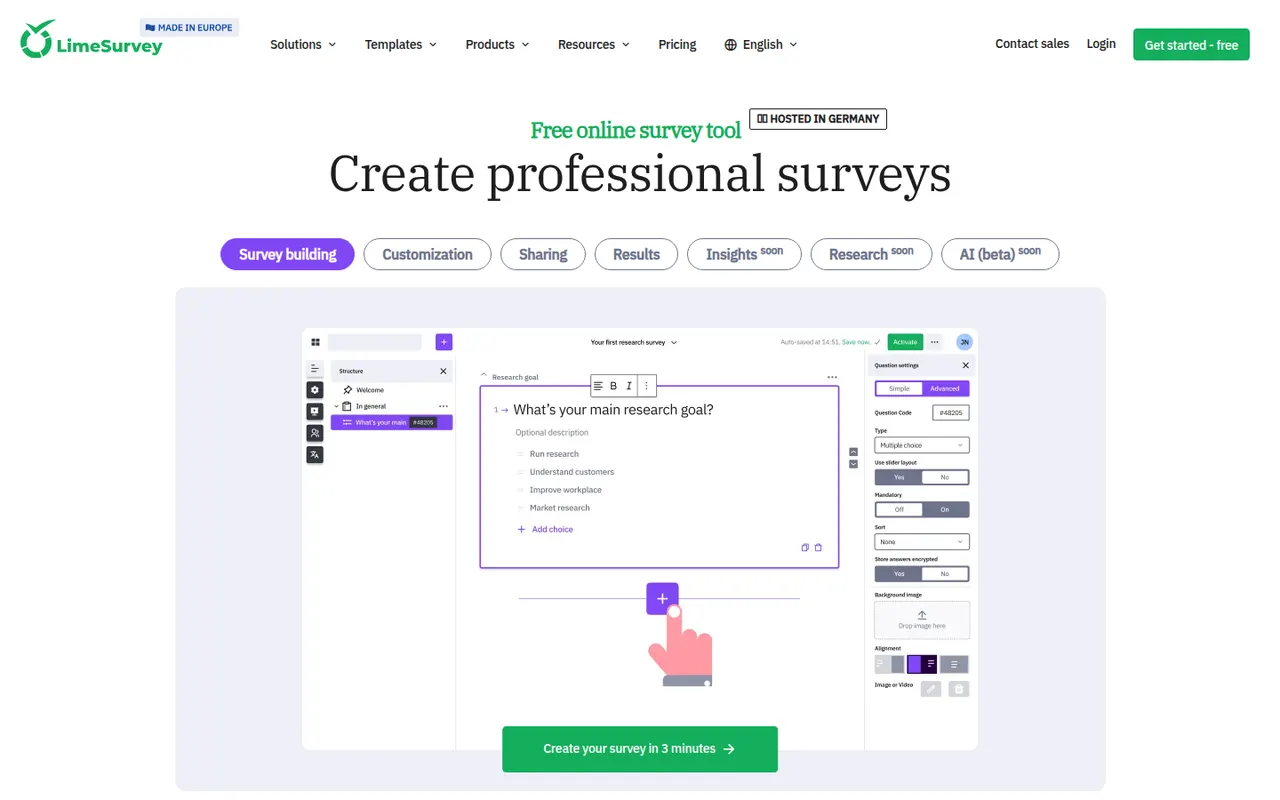
Cost / LicenseFreemiumProprietaryCategoriesLimeSurvey is an open-source online survey tool from Germany, suited to academic and public-sector research. It supports many question types, complex conditions, quotas, multilingual surveys and anonymous responses, with results exportable to SPSS, R and spreadsheets. The Community Edition can be self-hosted for free, and LimeSurvey Cloud offers hosted plans, including a free tier.
8 LimeSurvey alternativesPros
- Advanced logic with quotas, conditions and a wide range of question types
- Free self-hosted edition keeps research data under your control
- Exports results to SPSS, R and spreadsheets for statistical analysis
Cons
- Interface feels dated and takes time to learn
- Survey design looks less polished than modern form builders
- Self-hosting means handling updates and server security yourself
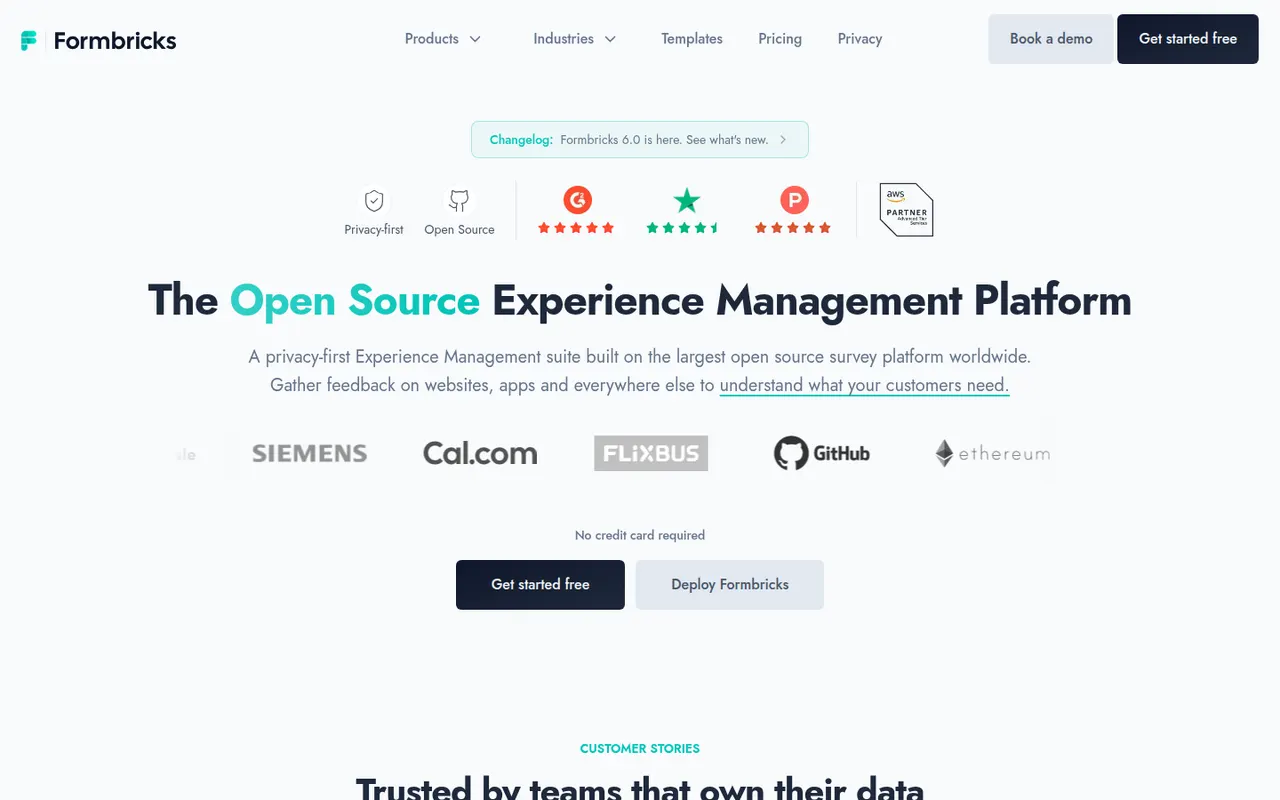
Cost / LicenseFreemiumOpen sourceCategoriesPlatformsFormbricks is an open-source experience management tool for collecting feedback through link surveys, website pop-ups and in-app surveys targeted by user attributes or actions. It integrates with tools like Slack, Notion and Airtable, offers an API and webhooks, and can be self-hosted to keep data on your own servers. Its cloud version has a free plan, and the team is based in Germany.
12 Formbricks alternativesPros
- Open source and self-hostable, so feedback data can stay on your servers
- In-app and website surveys can target users by attributes or actions
- API, webhooks and integrations with Slack, Notion and Airtable
Cons
- Self-hosting requires technical skills and ongoing maintenance
- In-app targeting needs an SDK set up by developers
- Younger product with fewer templates than established survey tools
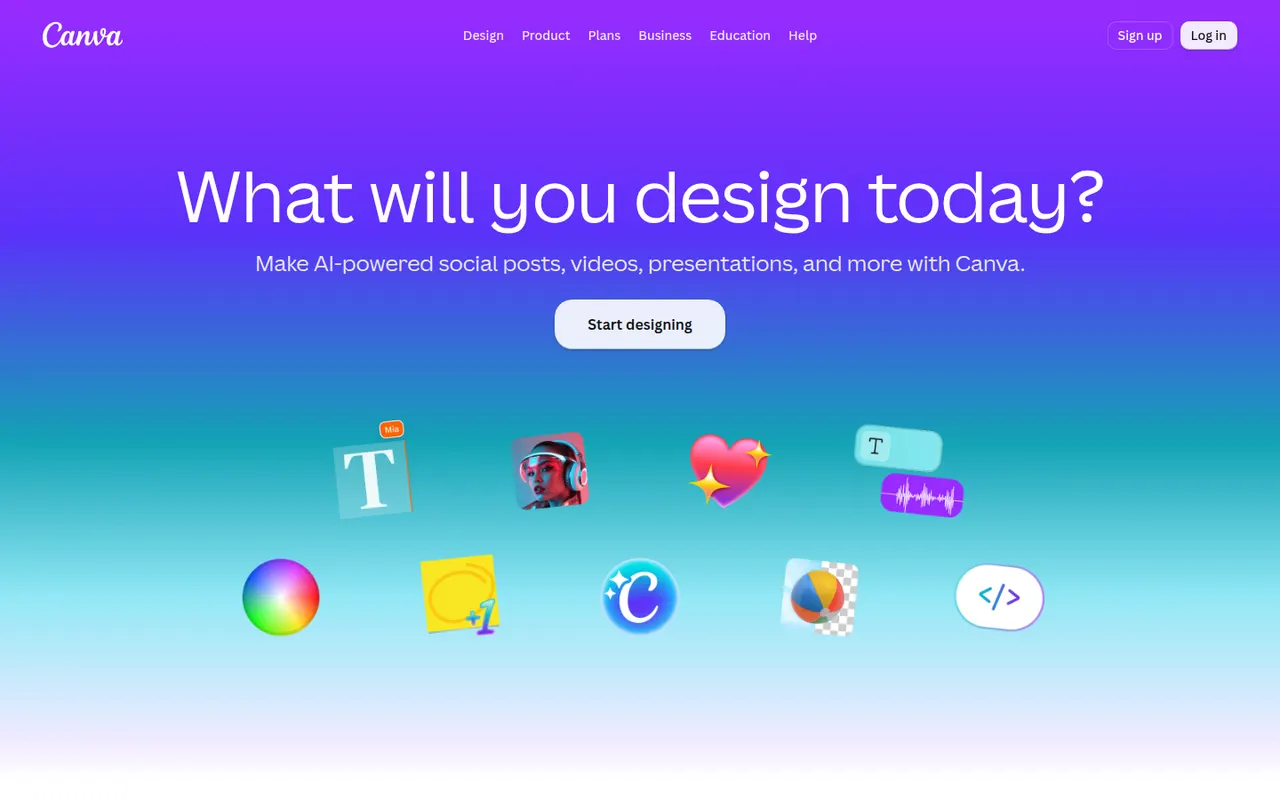
Cost / LicenseFreemiumOpen sourceCategoriesPlatformsCanva is an online design editor built around drag-and-drop templates for social media graphics, presentations, posters, videos and documents. It targets non-designers and marketing teams, with a large stock library, brand kits, real-time collaboration and Magic Studio AI tools for creating and editing images and text. It runs in the browser and as desktop and mobile apps.
12 Canva alternativesPros
- Huge template library makes design accessible to non-designers
- Real-time collaboration and brand kits for marketing teams
- Available on web, desktop and mobile, with Magic Studio AI tools
Cons
- Many templates, assets and AI features sit behind the Pro plan
- Popular templates can make designs look like everyone else’s
- Limited precision for print production or advanced vector work
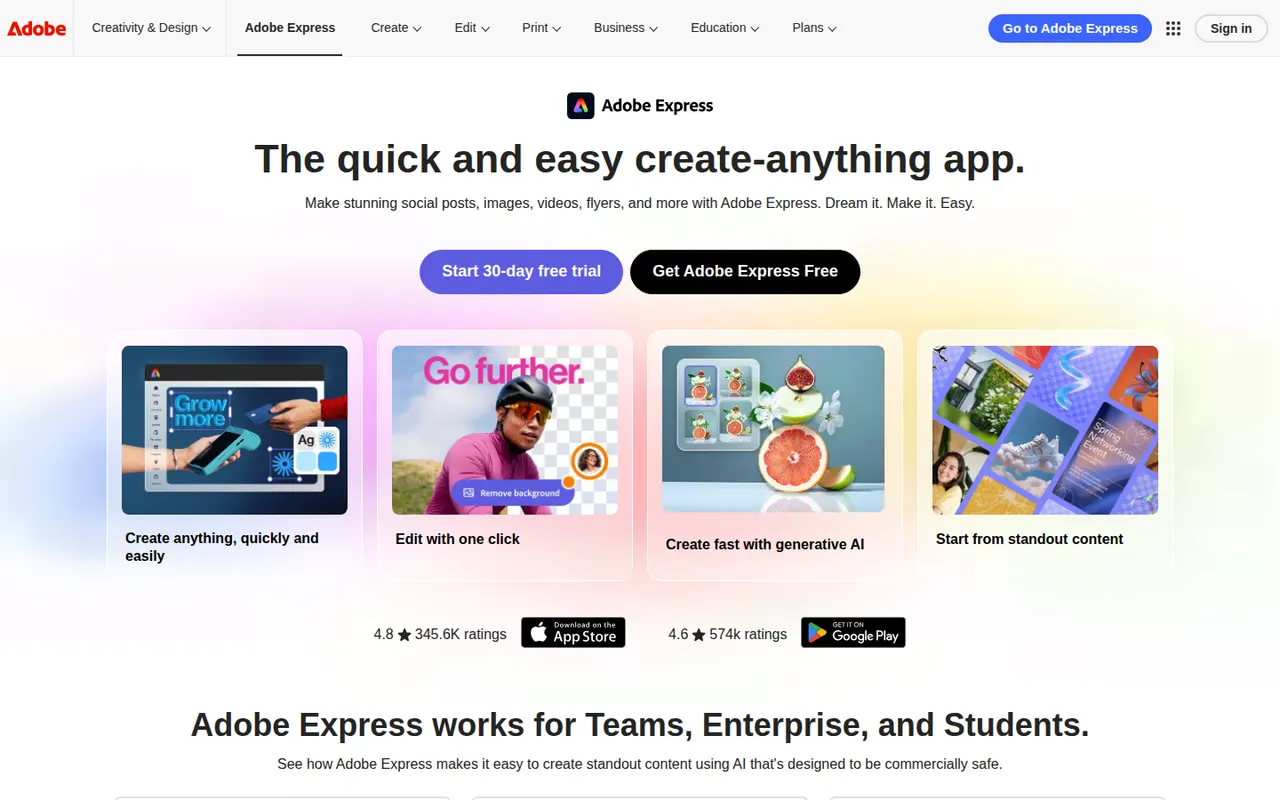
Cost / LicenseFreemiumProprietaryCategoriesAdobe Express is a web and mobile design app for producing social media posts, flyers, logos, short videos and simple web pages from templates. It includes Adobe Stock assets, Adobe Fonts, brand kits, one-click background removal and Firefly generative AI. It is aimed at small businesses, students and marketers who need quick results without a full Creative Cloud workflow.
11 Adobe Express alternativesPros
- Templates plus Adobe Stock and Adobe Fonts for quick, polished results
- One-click background removal and Firefly generative AI
- Brand kits and mobile apps keep content consistent on the go
Cons
- Premium templates, assets and generative credits require a paid plan
- Less precise than Creative Cloud apps for detailed design work
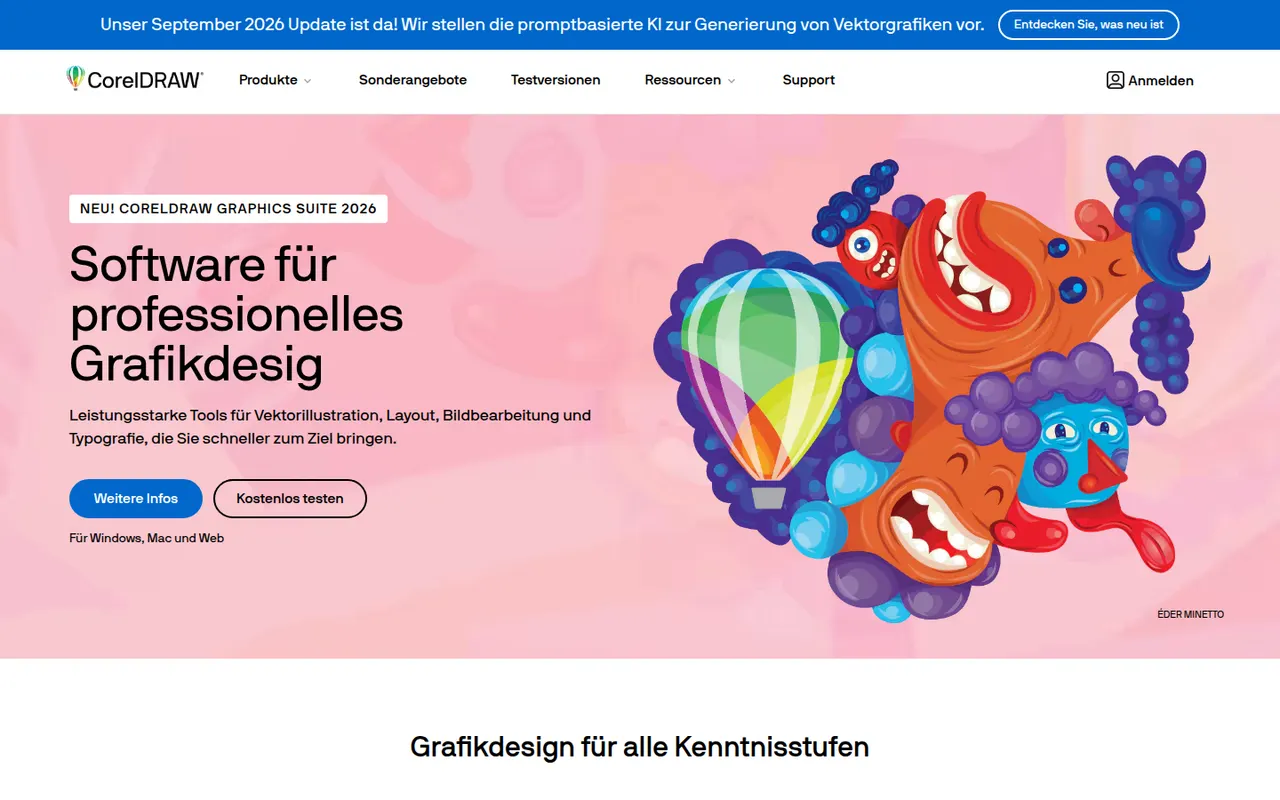
Cost / LicenseFreemiumProprietaryCategoriesCorelDRAW Graphics Suite is a long-running vector design package for Windows and macOS, common in sign making, apparel printing, engraving and print shops. Alongside the CorelDRAW drawing and layout app, it bundles Corel PHOTO-PAINT for bitmap editing and a browser-based companion app. It is offered as a subscription or a one-time license, and a free trial is available.
7 CorelDRAW alternativesPros
- Long-standing favorite in sign making, apparel printing and engraving
- Bundles Corel PHOTO-PAINT for bitmap editing
- Choice between a subscription and a one-time license
Cons
- Less common in agencies, which can complicate file exchange with Adobe users
- Expensive for hobbyists and occasional users
- Dense interface with a learning curve for newcomers
Cost / LicenseFree trialProprietaryCategoriesKittl is a browser-based design tool focused on typography-heavy graphics such as logos, t-shirt prints, labels, posters and social posts. It combines a template library, text effects, vector editing and AI image generation in one editor, and is aimed at print-on-demand sellers and small brands that want polished results without installing desktop software.
10 Kittl alternativesPros
- Strong typography effects for logos, merch and labels
- Templates designed with print-on-demand sellers in mind
- Browser-based, combining vector editing and AI image generation
Cons
- Premium templates and larger AI allowances require a paid plan
- Web-only, so it needs a steady internet connection
- Less suited to multi-page documents or presentations
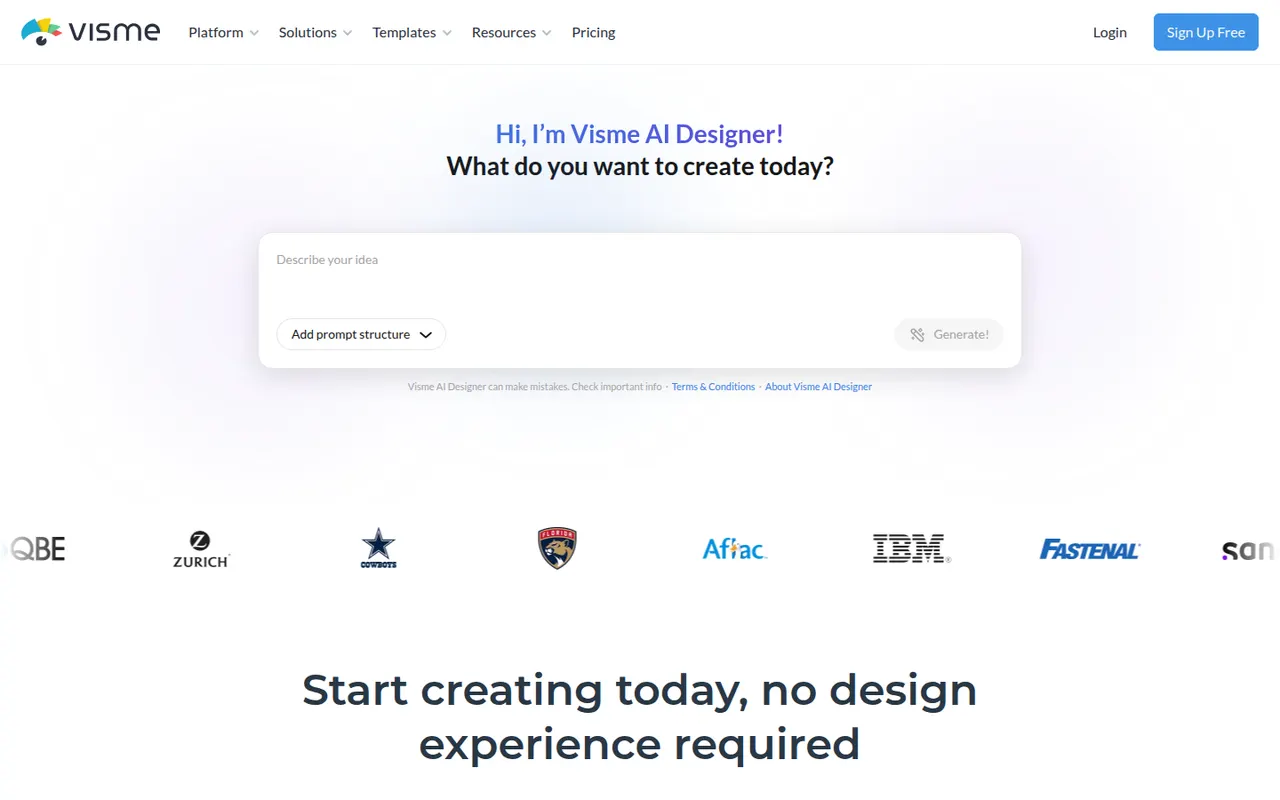
Cost / LicenseFreemiumProprietaryCategoriesPlatformsVisme is an online design tool for visual content that has to communicate data or ideas, such as presentations, infographics, reports, charts and social graphics. It offers templates, brand kits, animated and interactive elements, team workspaces and viewer analytics for shared projects. Marketing, training and communications teams use it in place of separate slide and graphics tools.
8 Visme alternativesPros
- Presentations, infographics, reports and charts in one tool
- Animated and interactive elements make content more engaging
- Viewer analytics show how shared projects are consumed
Cons
- Free plan is limited and adds Visme branding to designs
- Broad feature set comes with a learning curve
Cost / LicenseFreemiumProprietaryCategoriesPlatformsVistaCreate, formerly Crello, is an online graphic design editor owned by Vista, the printing company. It provides ready-made templates for social posts, ads, flyers and animated graphics, a stock library of photos, videos and illustrations, brand kits and a background remover. Finished designs can be ordered as prints through Vista, which makes it practical for small businesses.
6 VistaCreate alternativesPros
- Ready-made templates for social posts, ads and animated graphics
- Stock library of photos, videos and illustrations included
- Designs can be ordered as prints directly through Vista
Cons
- Fewer advanced and collaboration features than Canva
- Premium assets and features require a paid plan
- Limited control for detailed or precise design work
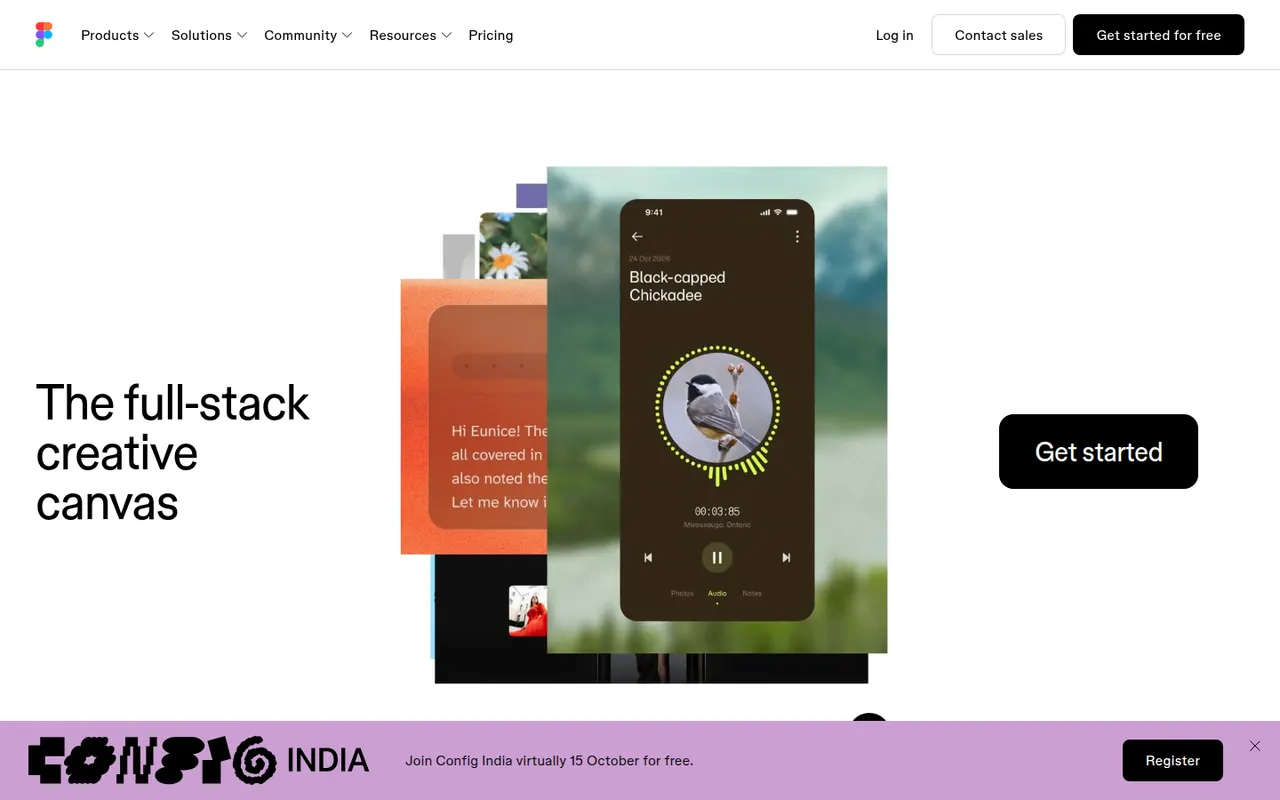
Cost / LicenseFreemiumProprietaryCategoriesFigma is a design platform for user interfaces, websites and apps where teams edit the same file in real time from the browser or the desktop app. It covers vector design, interactive prototypes, shared component libraries and variables for design systems, and Dev Mode for developer handoff. Plugins, FigJam whiteboards and AI features extend it for product and design teams.
12 Figma alternativesPros
- Real-time multiplayer editing in the browser or desktop app
- Components and variables make design systems manageable
- Huge ecosystem of plugins and community files
Cons
- Paid seats add up quickly for growing teams
- Most work requires an internet connection
- Large files can become slow and memory-hungry
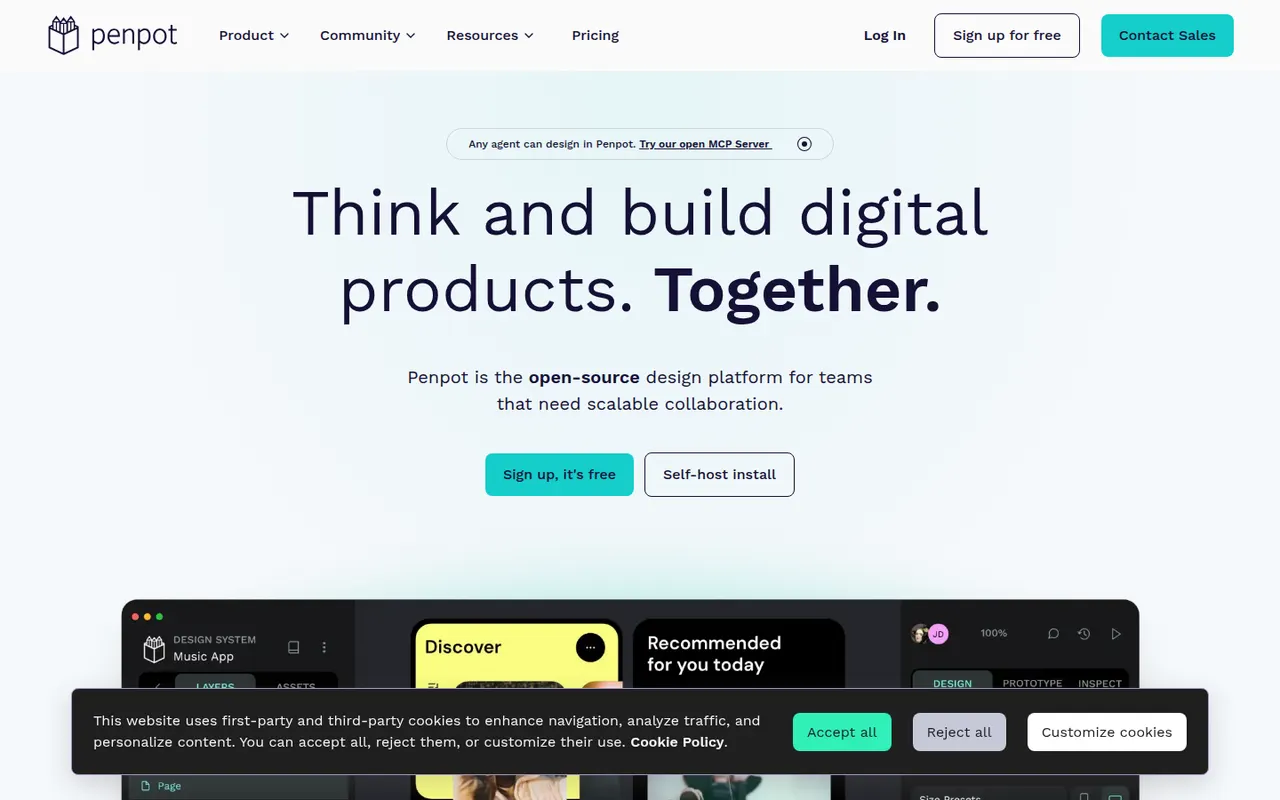
Cost / LicenseFreemiumProprietaryCategoriesPenpot is an open source alternative to Figma for designing interfaces and prototypes in the browser. Its data model is based on SVG, CSS and HTML, so developers can inspect designs and copy usable code, while teams work with components, design tokens and real-time collaboration. It is available as a hosted cloud service or can be self-hosted with Docker to keep full control over data.
10 Penpot alternativesPros
- Open source and self-hostable for full control over data
- Built on SVG, CSS and HTML, so developers get usable code
- Components, design tokens and real-time collaboration
Cons
- Performance can lag on large, complex files
- Smaller plugin ecosystem and fewer community resources than Figma
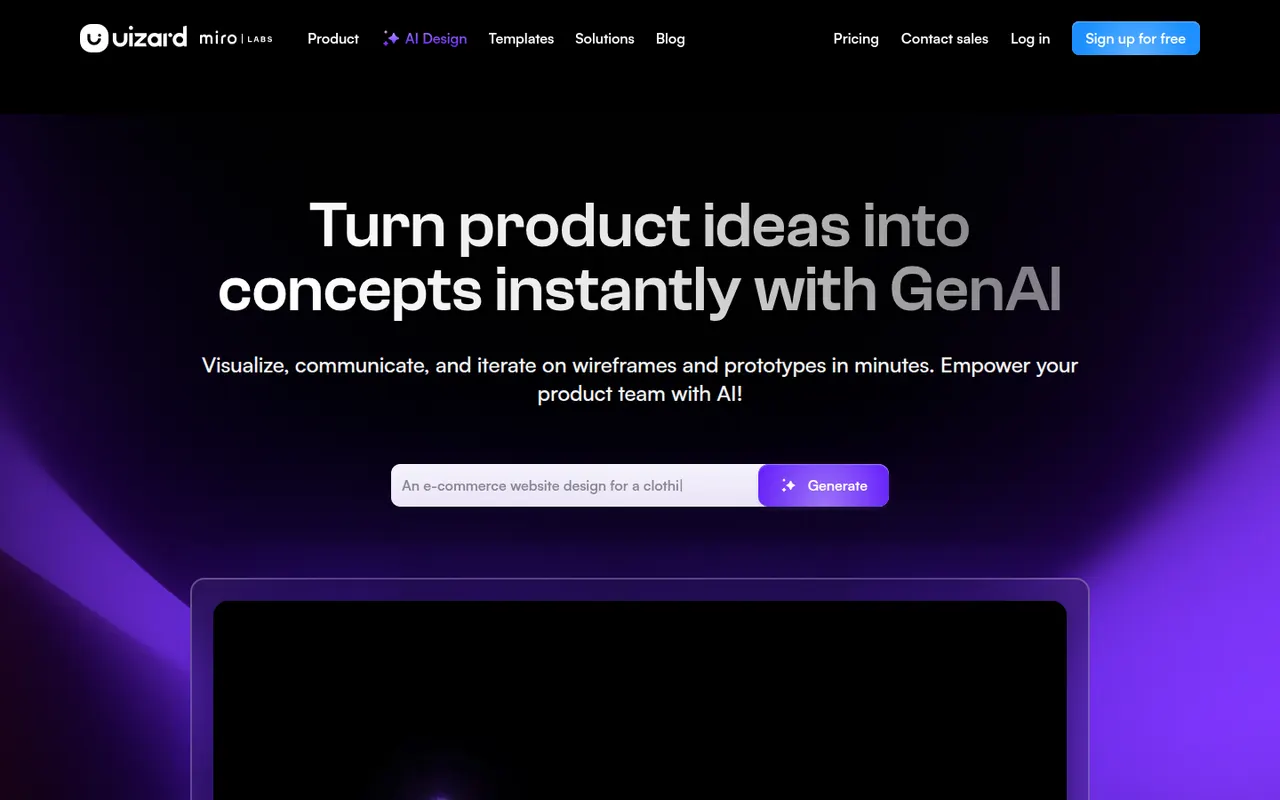
Cost / LicenseFreemiumOpen sourceCategoriesPlatformsUizard is a browser-based UI design tool aimed at founders, product managers and other non-designers. It can generate multi-screen app and web mockups from a text prompt, convert hand-drawn sketches or screenshots into editable designs, and link screens into clickable prototypes. Templates and simple collaboration help teams test ideas quickly. The company was acquired by Miro in 2024.
10 Uizard alternativesPros
- Generates multi-screen mockups from a text prompt
- Converts hand-drawn sketches and screenshots into editable designs
- Approachable for founders and other non-designers
Cons
- Generated designs often need significant manual cleanup
- Lacks the depth of professional tools for production design
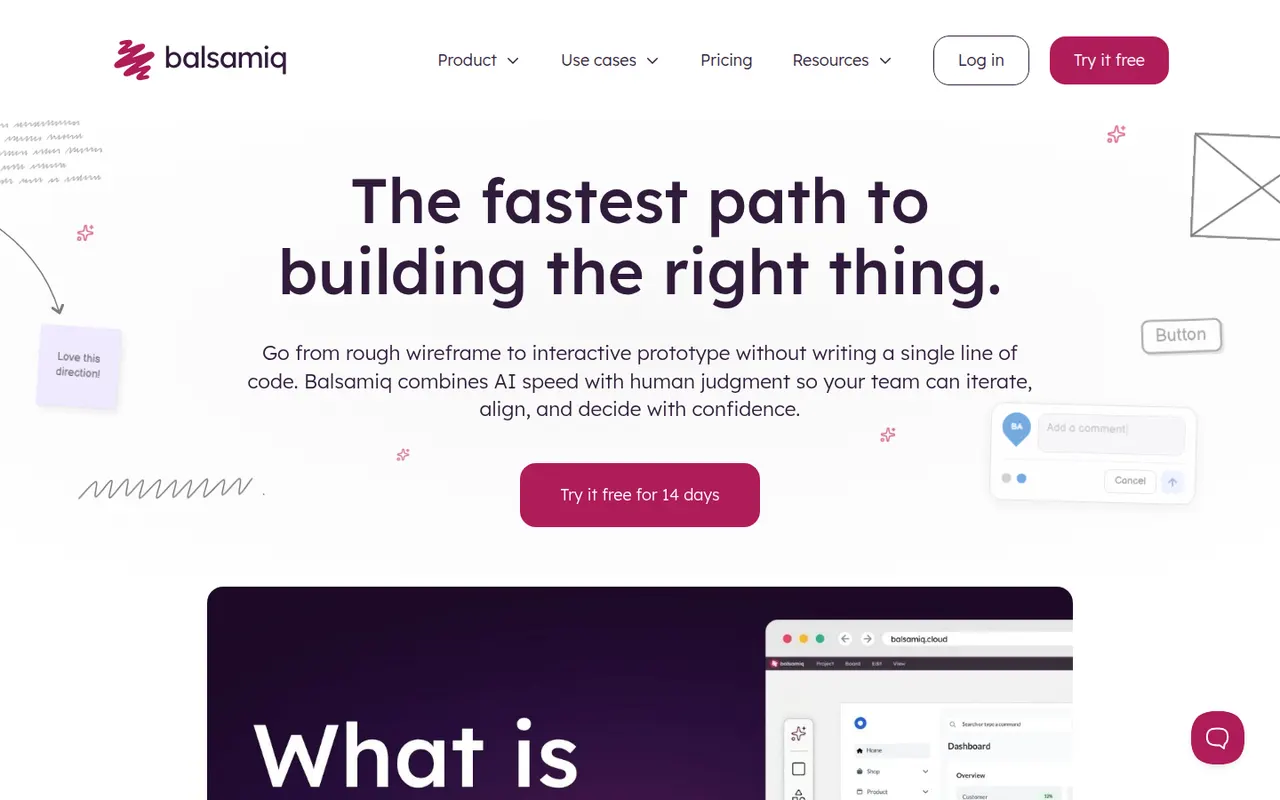
Cost / LicenseFreemiumProprietaryCategoriesPlatformsBalsamiq is a wireframing tool that deliberately keeps mockups rough and sketch-like, so discussions focus on structure and flow rather than visual polish. It offers a drag-and-drop library of UI controls, links between screens for simple click-through prototypes and comments for feedback. It is available as a web app and a desktop app for Windows and macOS, with integrations for Confluence, Jira and Google Drive.
8 Balsamiq alternativesPros
- Sketch style keeps discussions on structure, not visual polish
- Very easy to learn, even for non-designers
- Integrations with Confluence, Jira and Google Drive
Cons
- Not suited to high-fidelity designs or detailed prototypes
- No free plan once the trial ends
Cost / LicenseFree trialProprietaryCategoriesAdobe Photoshop is a professional image editor used for retouching, compositing, graphic design and digital painting. It combines layers, masks, adjustment layers, Camera Raw processing and a large plugin ecosystem with Firefly-powered tools such as Generative Fill and object removal. It runs on Windows and macOS, with web, iPad and iPhone versions that sync through Creative Cloud.
12 Adobe Photoshop alternativesPros
- Industry standard for retouching and compositing
- Generative Fill and object removal powered by Firefly
- Vast ecosystem of plugins and tutorials
Cons
- Subscription only, which adds up over time
- Steep learning curve for beginners
- Demanding on hardware with large files
Cost / LicenseFree trialProprietaryCategoriesAdobe Lightroom is a non-destructive photo editor and organizer for processing RAW files, adjusting color and light, and managing large libraries with ratings, keywords and AI-based search. The cloud-based Lightroom syncs edits across desktop, web and mobile, while Lightroom Classic keeps catalogs on the local disk. Presets, masking and AI removal tools serve both enthusiasts and professionals.
9 Adobe Lightroom alternativesPros
- Non-destructive RAW editing with powerful masking
- Library tools with ratings, keywords and AI search
- The cloud version syncs edits across desktop, web and mobile
Cons
- Subscription only, with no perpetual license
- Choosing between Lightroom and Lightroom Classic can be confusing
- Cloud storage adds to the cost for large libraries
Cost / LicenseFreemiumProprietaryCategories