Best apps for Web
433 apps
Top Web apps ranked by the community
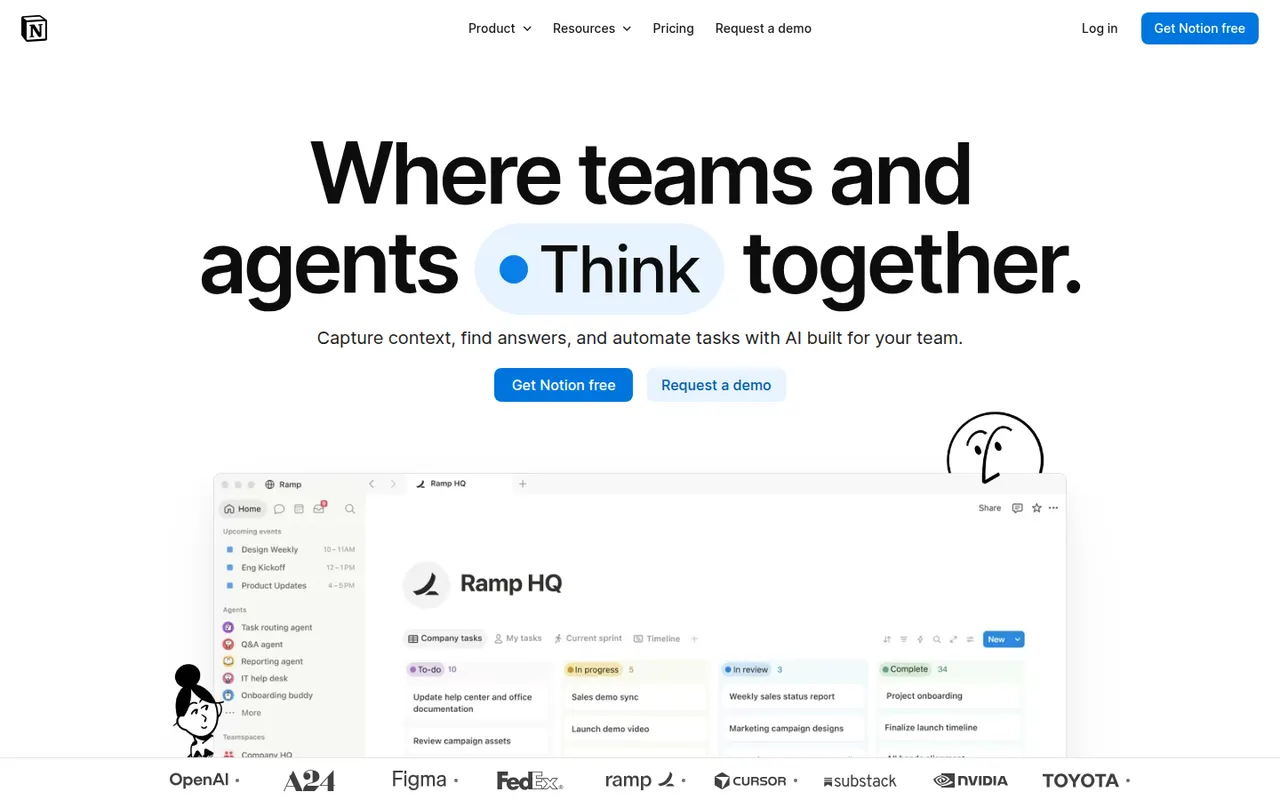
Notion combines notes, documents, databases and project management in a flexible block-based workspace, with an integrated AI assistant.
17 Notion alternativesPros
- Docs, wikis and databases combined in one flexible workspace
- Large template gallery for roadmaps, trackers and wikis
- Real-time collaboration with comments, mentions and an API
Cons
- Databases and relations take time to master
- Offline access is limited compared with local-first apps
- Large workspaces can feel slow to load
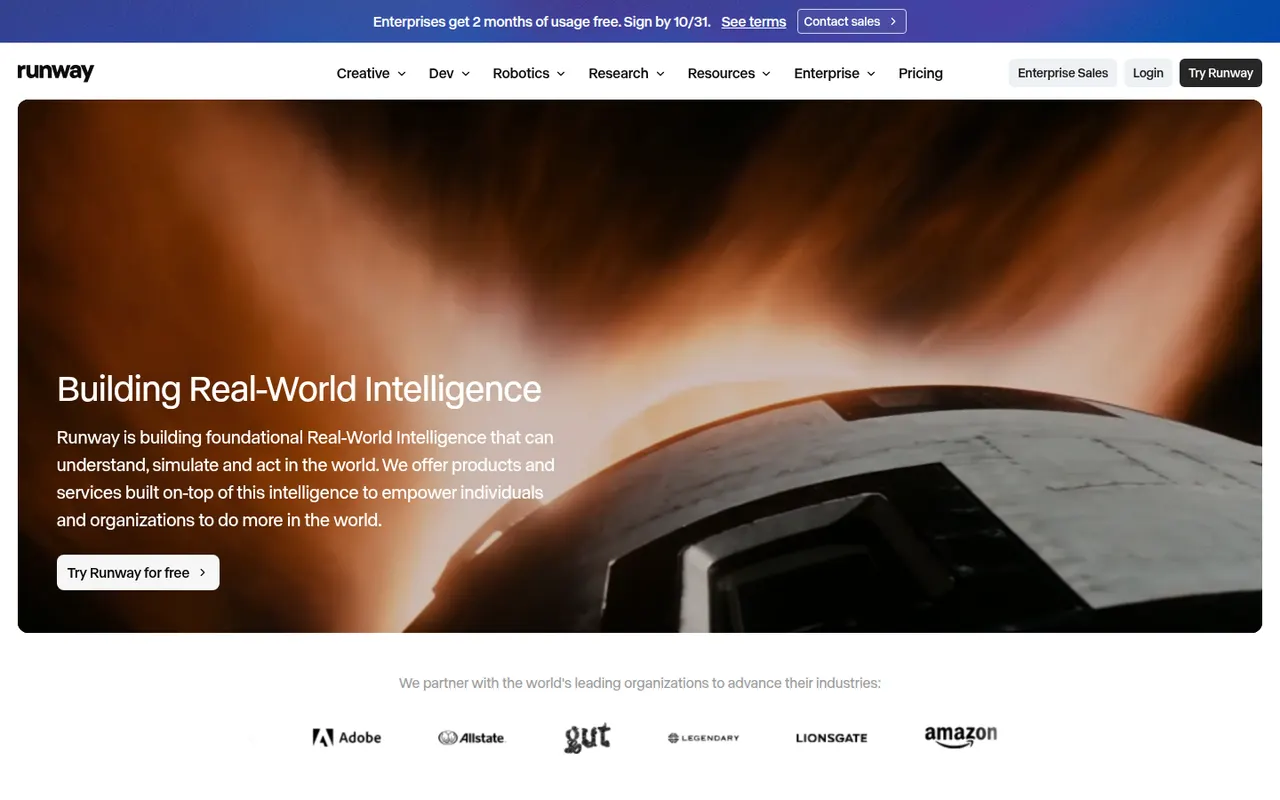
Cost / LicenseFreemiumProprietaryCategoriesRunway is a web-based creative suite built around its own generative video models. It turns text prompts, images or existing clips into new footage, and adds AI tools for tasks such as removing backgrounds, expanding frames or restyling video. It is used by filmmakers, designers and agencies, and also offers an API and an iOS app.
8 Runway alternativesPros
- In-house video models that work from text, images or footage
- AI tools to remove backgrounds, expand frames or restyle clips
- API and iOS app alongside the web suite
Cons
- Credits run out fast on high-quality generations
- Free plan only gives a one-time batch of credits
- The range of tools means a steeper learning curve
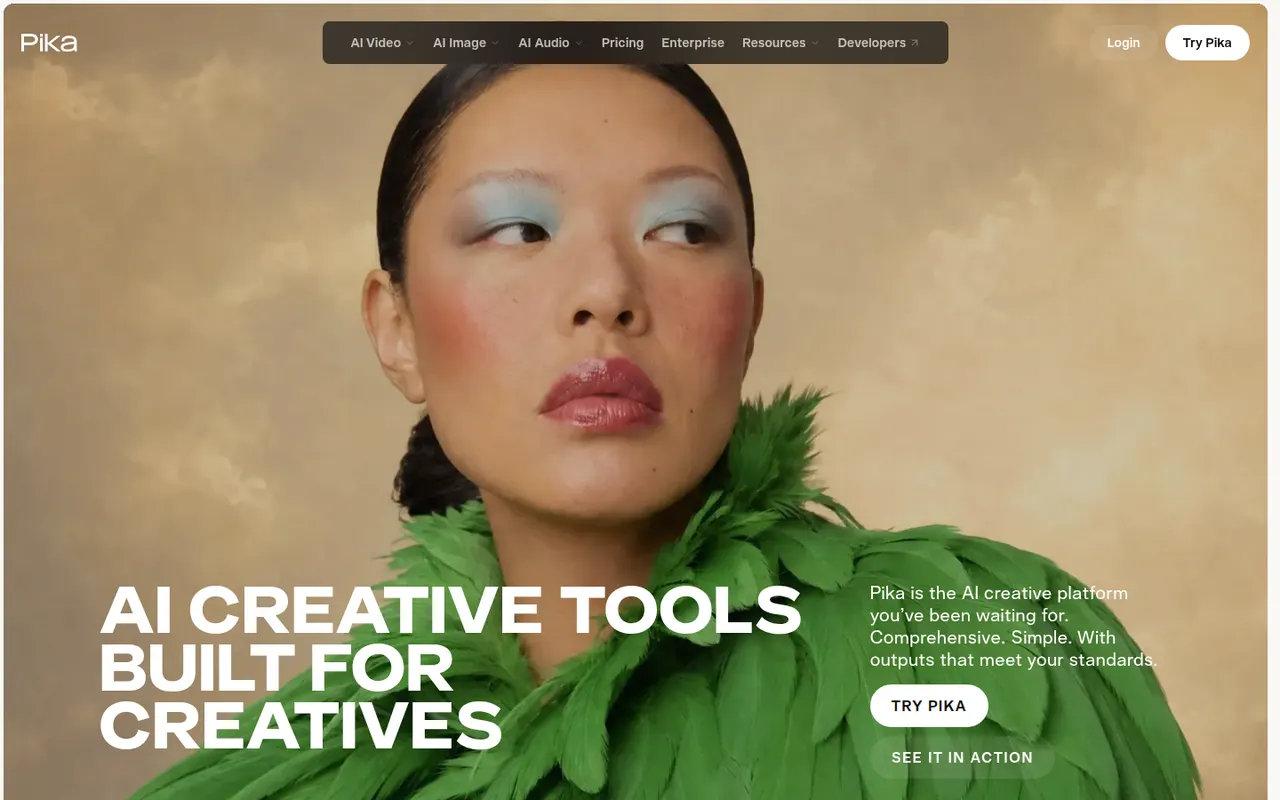
Cost / LicenseFreemiumProprietaryCategoriesPika is an AI video generator that creates short clips from text prompts or images. Beyond plain generation, it is known for effect-driven tools that swap objects, add elements or apply stylized transformations to footage, which makes it popular for social media content. It runs in the browser and offers a free tier alongside paid plans with more credits.
8 Pika alternativesPros
- Effect tools swap objects or add elements to footage
- Fun, stylized results suited to social media content
- Free tier to experiment before paying
Cons
- Short clips, with less realism than leading video models
- Commercial use and more credits require a paid plan
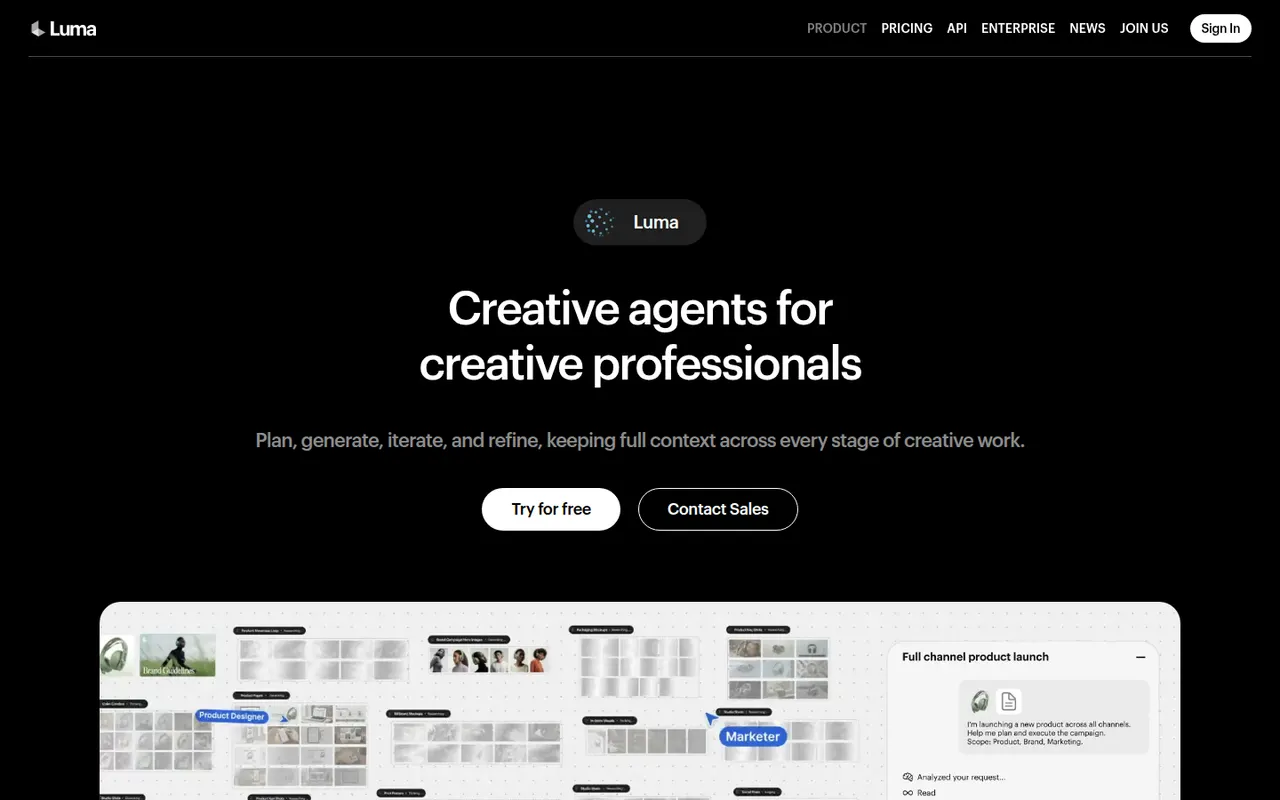
Cost / LicenseFreemiumProprietaryCategoriesPlatformsDream Machine is Luma AI's creative app for generating video clips and images from text prompts or reference images. It runs on Luma's own models (Ray for video, Photon for images) and lets users iterate on a chat-like board, extend shots and control camera motion. It is available on the web and iOS, and the models are also offered through an API.
8 Luma Dream Machine alternativesPros
- Runs on Luma's own Ray video and Photon image models
- Chat-like board makes iterating on ideas easy
- Camera motion control and shot extension
Cons
- Clips are short and often need several attempts
- Free plan is limited, with better quality on paid plans
- No Android app, only the web and iOS
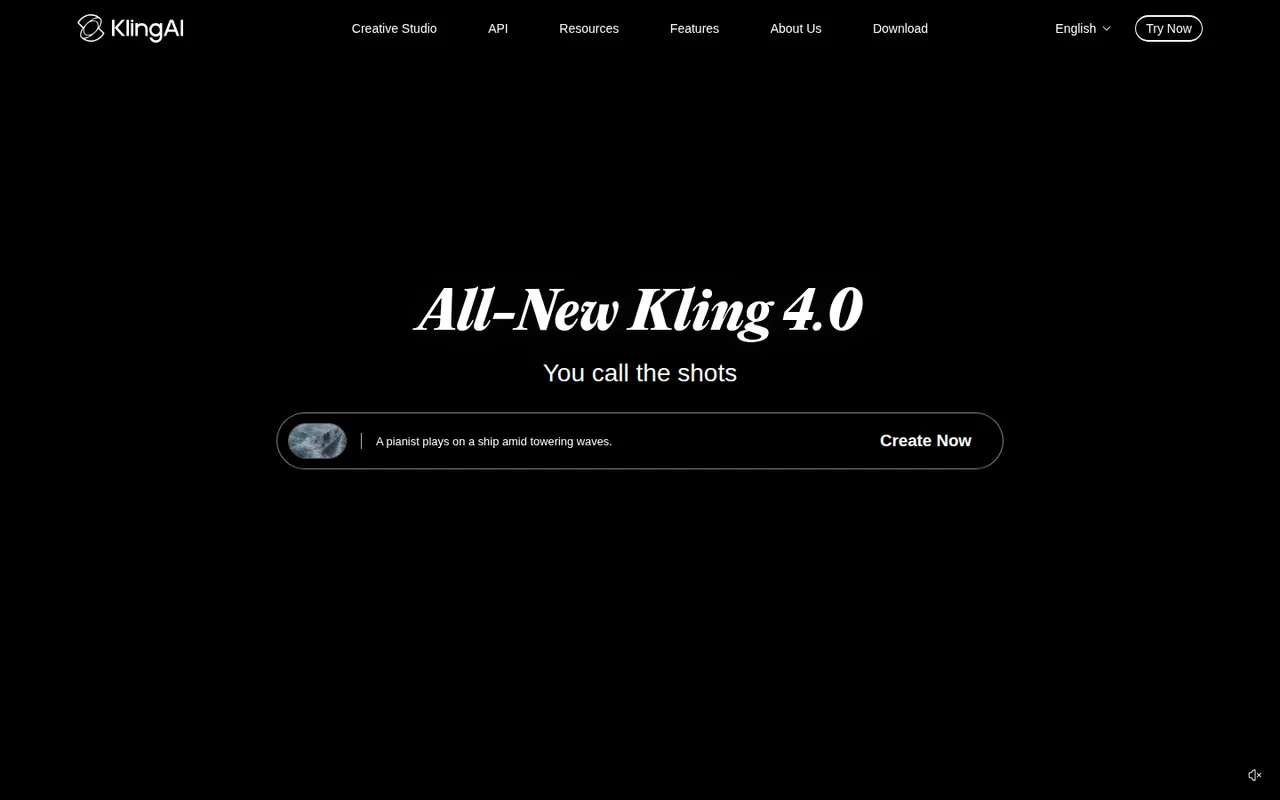
Cost / LicenseFreemiumProprietaryCategoriesKling AI is a video generation platform developed by Kuaishou, the company behind the Kwai short-video app. It creates clips from text or images with realistic motion and adds tools such as lip sync, video extension and image generation. A daily allowance of free credits lets users try it, with paid plans and an API for heavier use.
8 Kling AI alternativesPros
- Realistic motion in clips made from text or images
- Lip sync and video extension tools built in
- Daily free credits to try it out
Cons
- Generation can be slow when demand is high
- High-quality clips burn through credits quickly
- Ownership by a China-based company may raise data concerns
Cost / LicenseFreemiumProprietaryCategoriesPlatformsSora is OpenAI's video generation model, available through a web app and mobile apps for iOS and Android. It creates short clips with synchronized audio from text prompts or images, and the Sora app adds a social feed where users can remix videos and, with consent, appear in each other's creations. Developers can also access the model through the OpenAI API.
8 Sora alternativesPros
- Short clips with synchronized audio from text or images
- Social feed for discovering and remixing videos
- Available on web, iOS, Android and through the OpenAI API
Cons
- Cameo and remix features raise likeness and consent concerns
- Availability and generation limits vary by country and plan
Cost / LicenseFreemiumProprietaryCategoriesVeo is Google DeepMind's family of video generation models. Recent versions produce high-resolution clips with native audio, including dialogue and sound effects, from text or image prompts. Veo is not a standalone app: it is used through the Gemini app, the Flow filmmaking tool, Vertex AI and the Gemini API, mostly with paid Google AI plans.
8 Google Veo alternativesPros
- Generates clips with native audio, including dialogue and effects
- High-resolution output from text or image prompts
- Available through Gemini, Flow, Vertex AI and the Gemini API
Cons
- No standalone app: access is spread across Google products
- Mostly requires a paid Google AI plan
- Generation quotas limit how many clips you can make
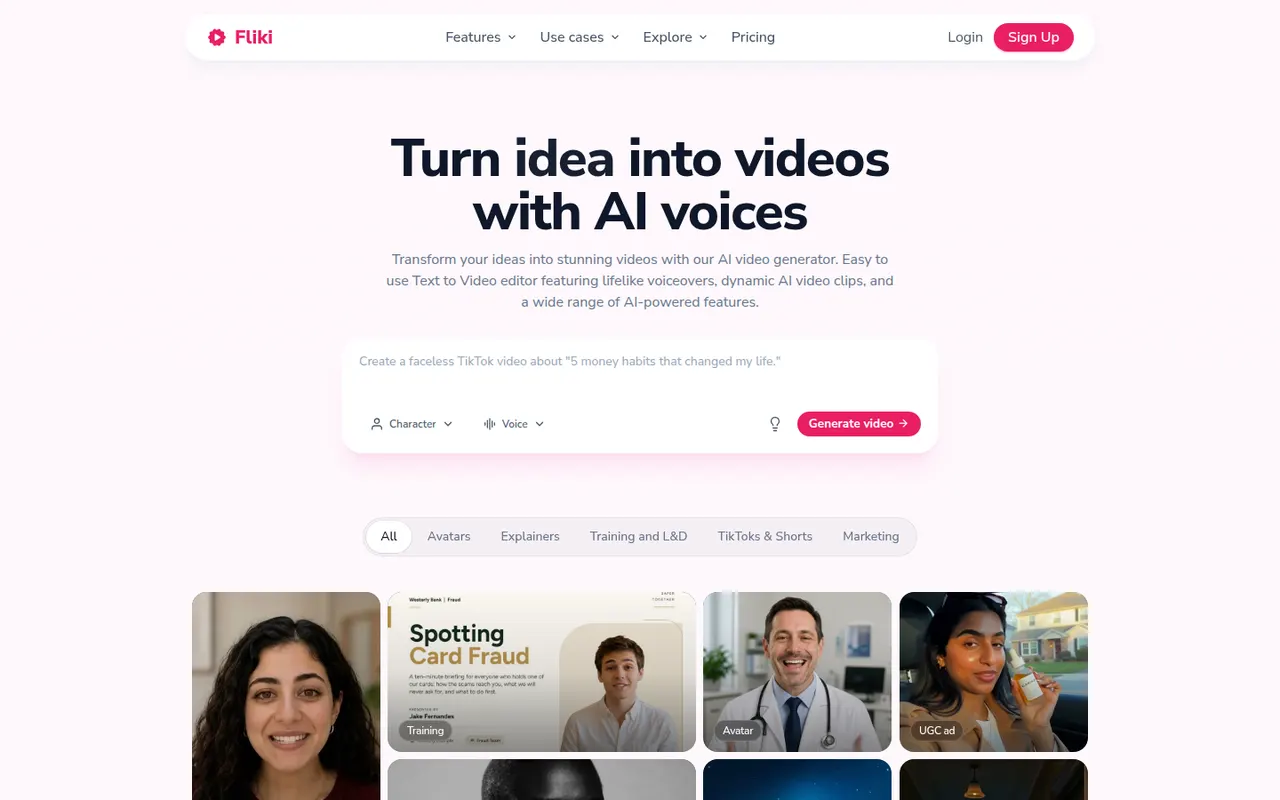
Cost / LicensePaidProprietaryCategoriesFliki is a web app that turns text, blog posts, presentations or ideas into narrated videos. It matches scenes with stock footage and images, adds AI voiceovers in many languages and accents, and can use avatars or a cloned voice. It suits marketers, educators and creators who want faceless videos or audio content without recording themselves.
12 Fliki alternativesPros
- Turns blog posts, scripts or slides into narrated videos
- AI voices in many languages and accents, plus voice cloning
- Scenes are matched with stock footage automatically
Cons
- Stock footage picks often need manual swapping
- Free plan is limited and adds a watermark
- Little room for custom footage or detailed editing
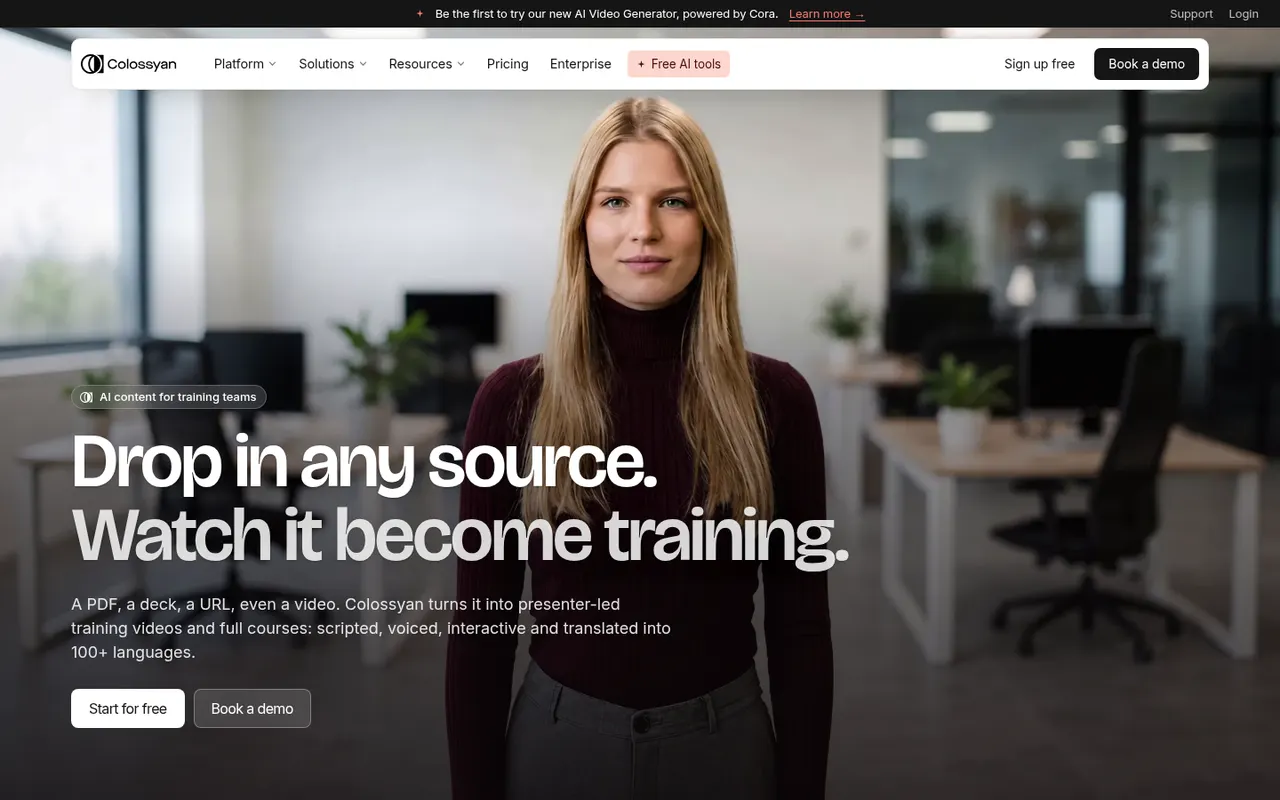
Cost / LicenseFreemiumProprietaryPlatformsColossyan is a web platform for creating training and explainer videos with AI avatars that read a script in many languages. It is aimed at learning and development teams, with features such as scenario-based conversations between avatars, quizzes, document-to-video conversion, brand kits and export to e-learning formats like SCORM.
7 Colossyan alternativesPros
- Scenario-based conversations between avatars for training
- Exports to e-learning formats such as SCORM
- Document-to-video conversion speeds up course creation
Cons
- Avatars can still look stiff in longer videos
- Free plan is limited, with key features on paid tiers
- Focused on corporate training rather than creative content
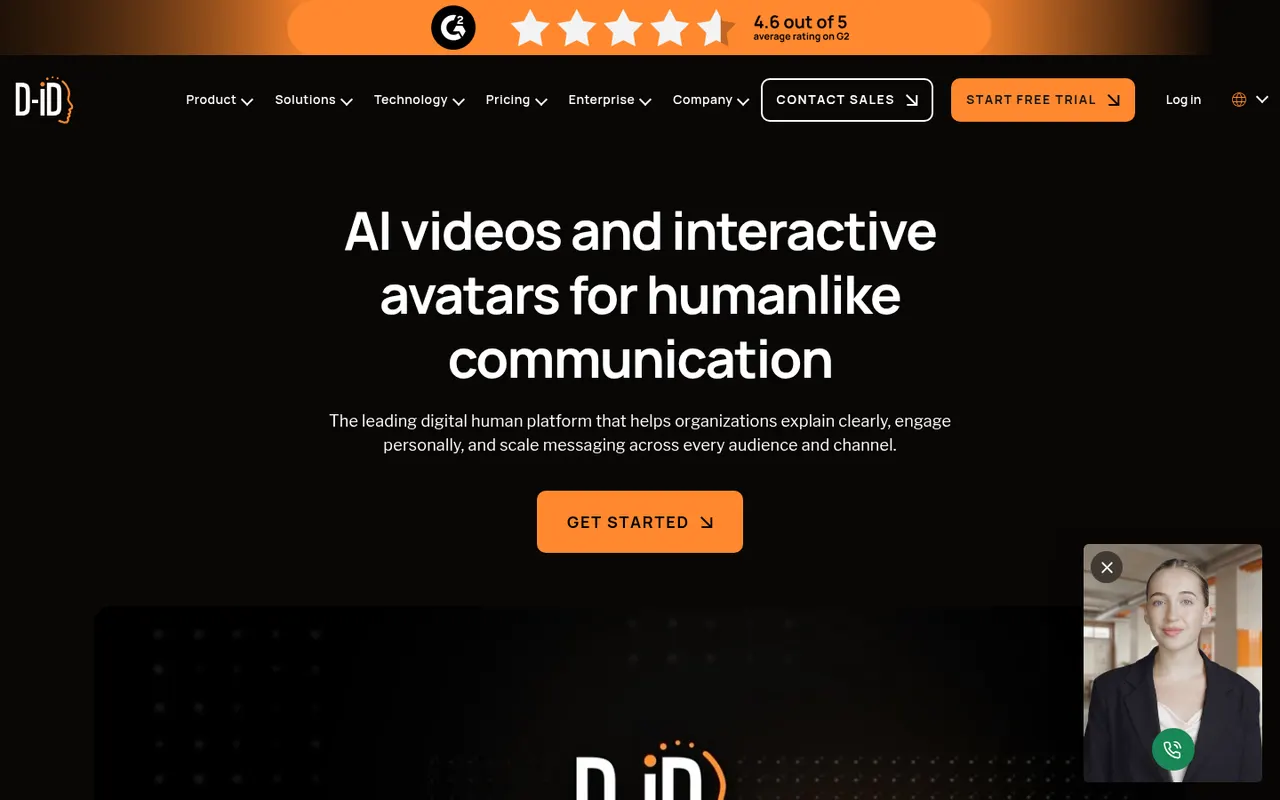
Cost / LicenseFreemiumProprietaryCategoriesPlatformsD-ID turns a still photo or a stock avatar into a talking presenter driven by text or recorded audio. Its Creative Reality Studio is used for marketing, training and personalized videos, while its API and interactive agents let companies build real-time conversational avatars into websites and apps.
7 D-ID alternativesPros
- Turns a single photo into a talking presenter
- API and interactive agents for real-time conversational avatars
- Avatars can be driven by typed text or recorded audio
Cons
- Photo-based animation can look less natural than video avatars
- No lasting free plan, only a trial
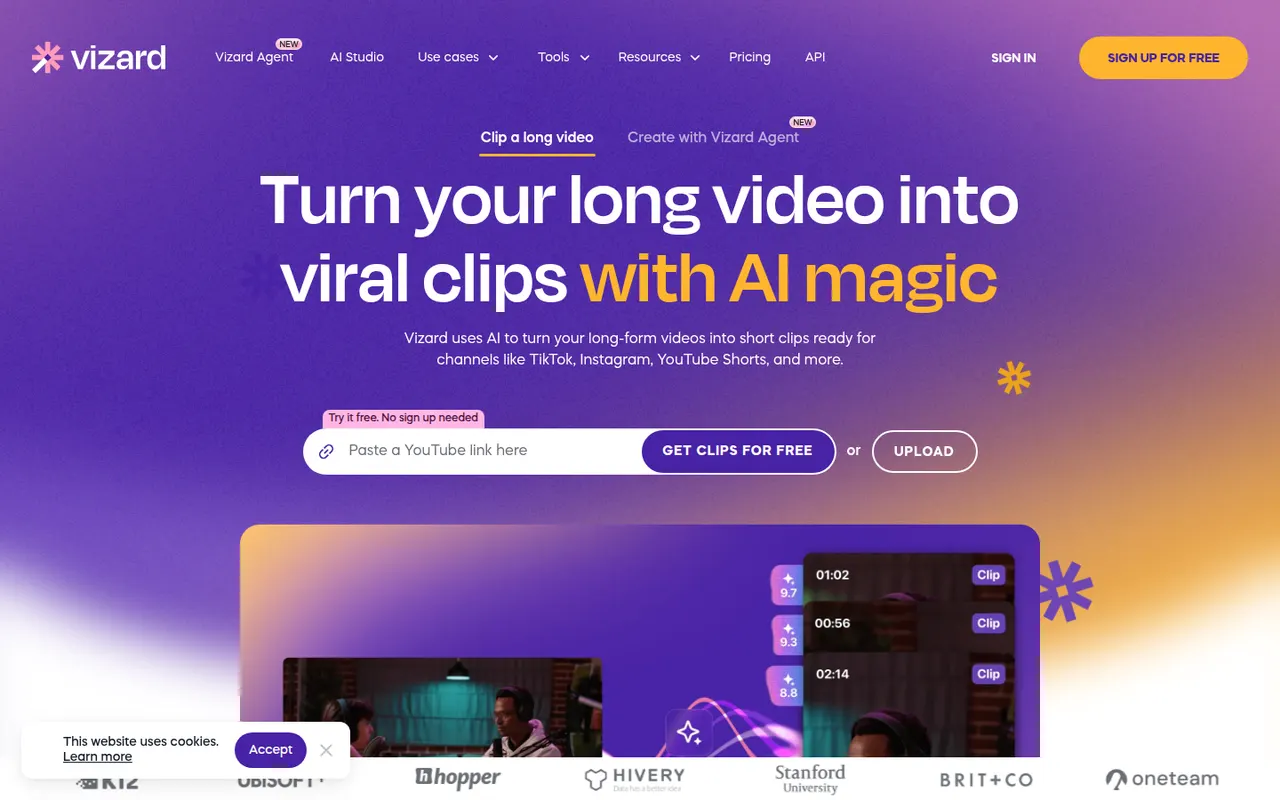
Cost / LicenseFree trialProprietaryCategoriesPlatformsVizard is a browser-based tool that finds the most engaging moments in long videos such as podcasts, webinars or streams and turns them into vertical clips. It adds animated captions, reframes speakers automatically and includes a simple editor, plus options to schedule and publish clips to social networks. It is built for creators and marketing teams repurposing content.
8 Vizard alternativesPros
- Finds engaging moments in podcasts, webinars and streams
- Automatic speaker reframing and animated captions
- Schedules and publishes clips to social networks
Cons
- The simple editor limits detailed adjustments
- AI clip picks often need manual review
- Free plan has limited usage and features
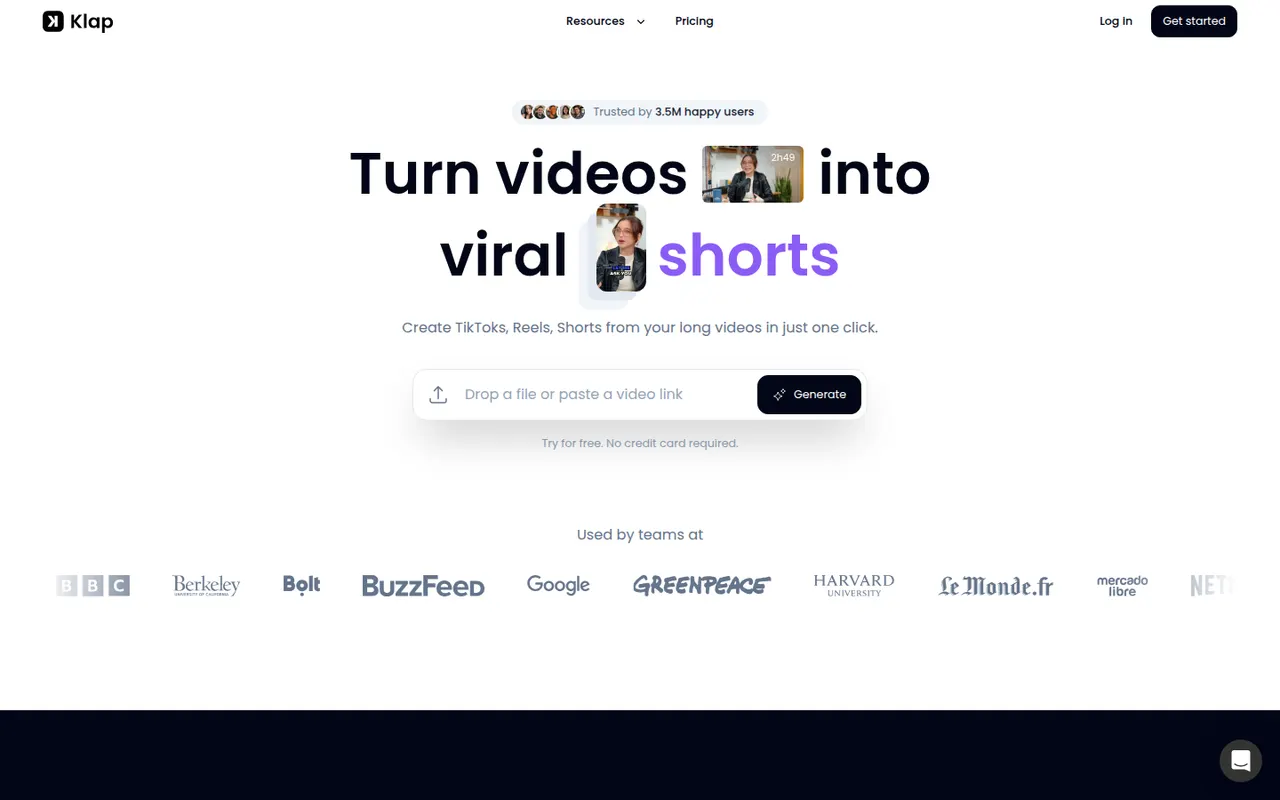
Cost / LicenseFreemiumProprietaryCategoriesPlatformsKlap uses AI to analyze long videos, such as YouTube episodes, podcasts or interviews, and cut them into vertical short clips with automatic reframing and captions. Users can review the suggested clips, adjust them in an editor and publish them to short-form platforms. It is aimed at creators who want to repurpose content without editing by hand.
8 Klap alternativesPros
- Finds and cuts short clips from long videos automatically
- Auto-reframes to vertical and adds captions
- Publishes clips straight to short-form platforms
Cons
- Suggested clips still need review to weed out weak moments
- Editor is basic compared with full video editing software
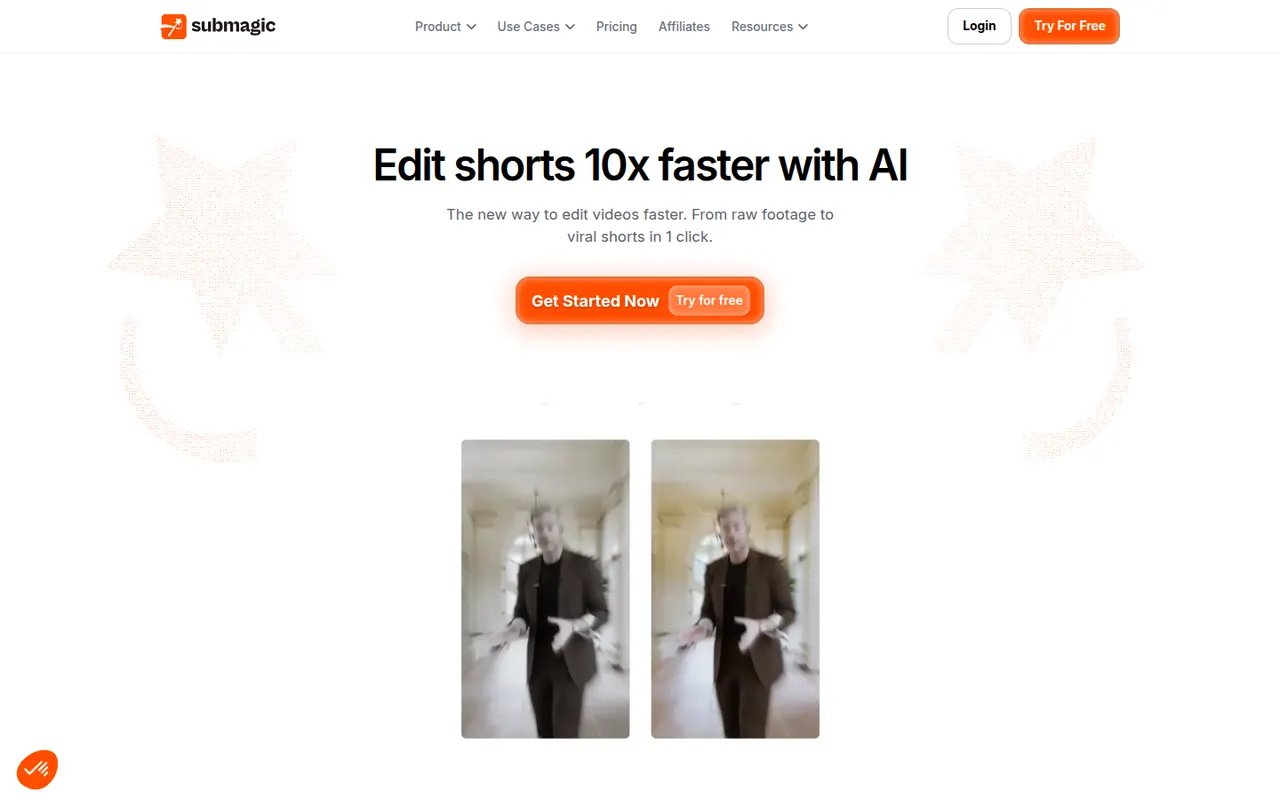
Cost / LicenseFree trialProprietaryCategoriesPlatformsSubmagic is a web app that adds styled, animated captions to short videos, with keyword highlights and emojis, in many languages. It can also insert B-roll, zoom effects, sound effects and transitions automatically, and cut long videos into shorts. Creators, agencies and brands use it to speed up editing for TikTok, Reels and YouTube Shorts.
8 Submagic alternativesPros
- Animated captions with keyword highlights and emojis
- Automatic B-roll, zooms, sound effects and transitions
- Captions available in many languages
Cons
- No lasting free plan, only a trial
- Popular caption styles can make videos look alike
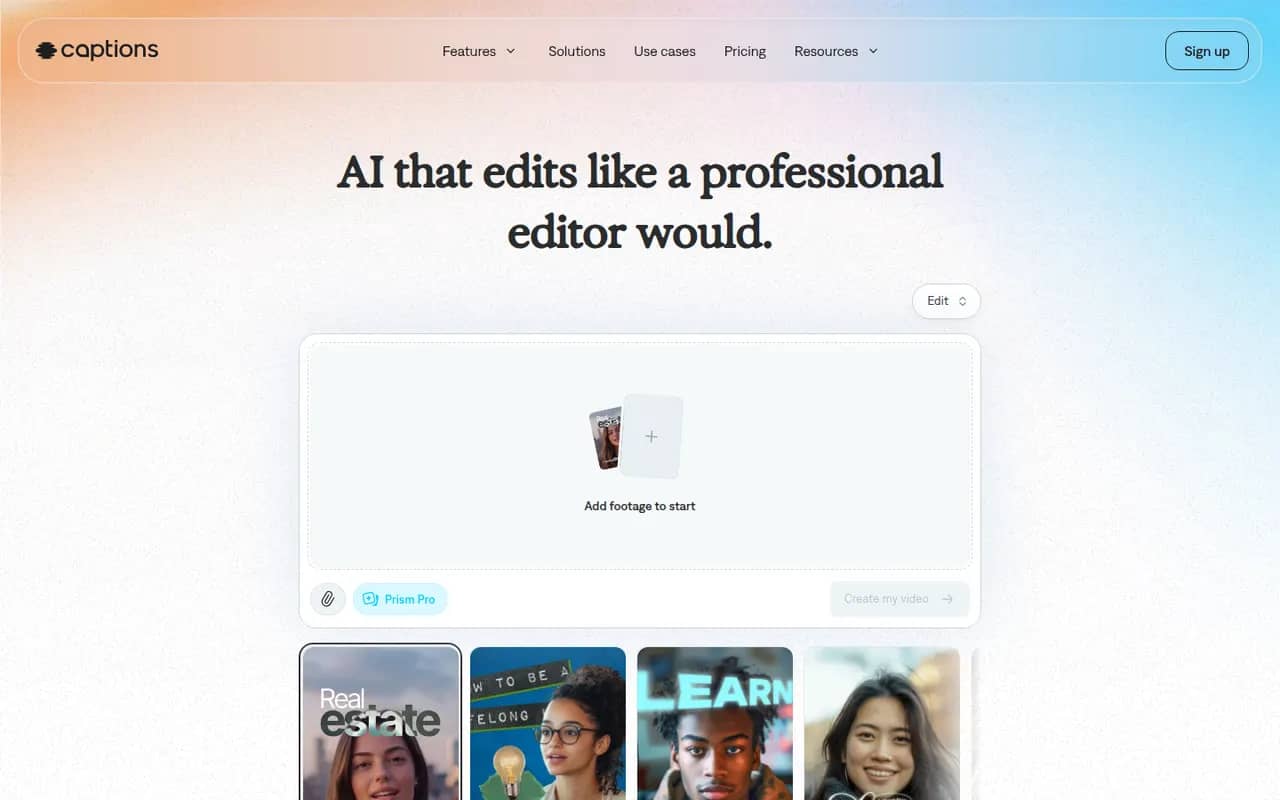
Cost / LicenseFree trialProprietaryCategoriesPlatformsCaptions is an AI-powered video creation app for people who talk on camera. It generates captions automatically, removes filler words and pauses, corrects eye contact, dubs videos into other languages and can produce videos with AI avatars from a script. It started on iPhone and is now also available on Android and the web.
11 Captions alternativesPros
- Automatic captions plus filler word and pause removal
- Eye contact correction and AI dubbing for talking videos
- Mobile-first editing on iPhone and Android, plus a web app
Cons
- Most AI features require a paid subscription
- Less suited to complex edits than a desktop video editor
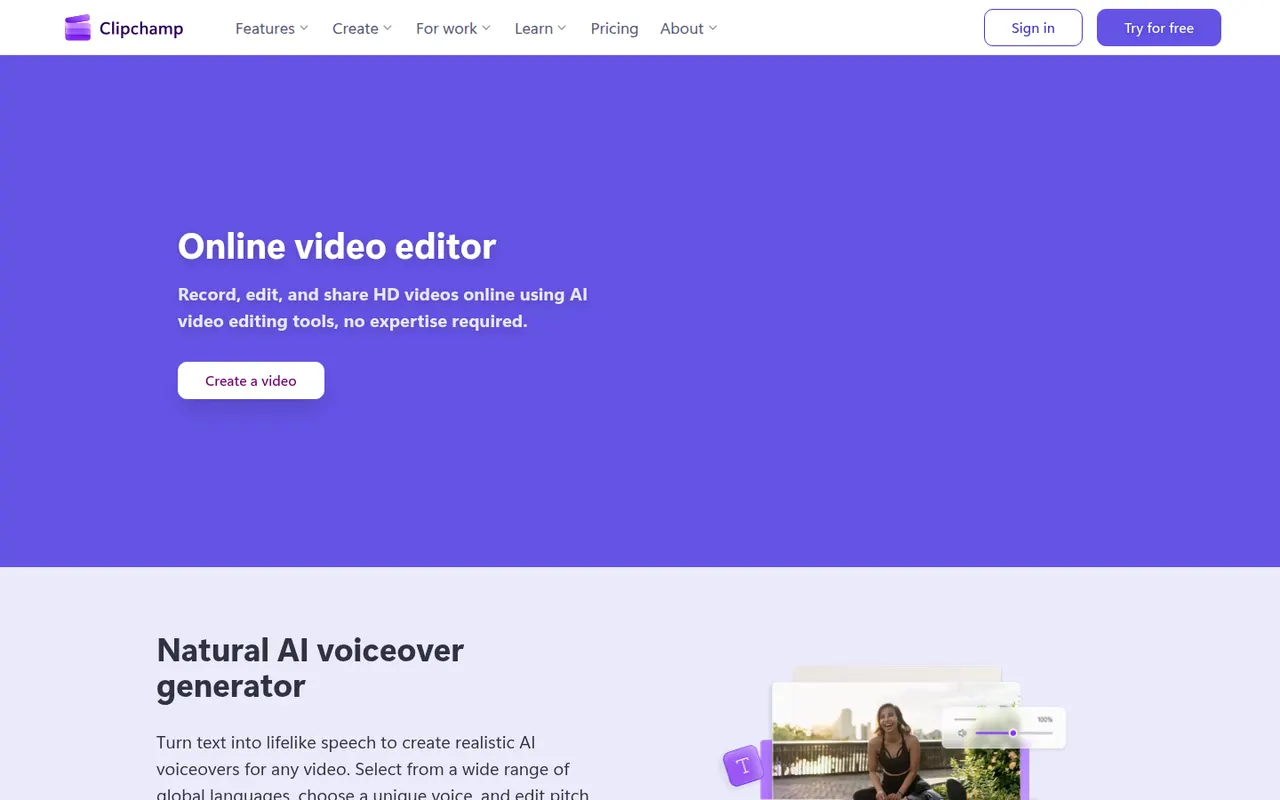
Cost / LicenseFreemiumProprietaryCategoriesClipchamp is Microsoft's easy video editor, included with Windows 11 and available in the browser and with Microsoft 365. It focuses on quick edits with templates, stock media, text-to-speech voiceovers, auto captions and green screen, which suits social videos, presentations and work updates. The free plan exports in 1080p, while Premium unlocks 4K and more stock content.
9 Clipchamp alternativesPros
- Included with Windows 11 and easy for beginners
- Templates, stock media and text-to-speech voiceovers built in
- Free plan exports in 1080p without a watermark
Cons
- 4K export and premium stock content require a paid plan
- Limited for advanced work such as multicam or detailed color grading
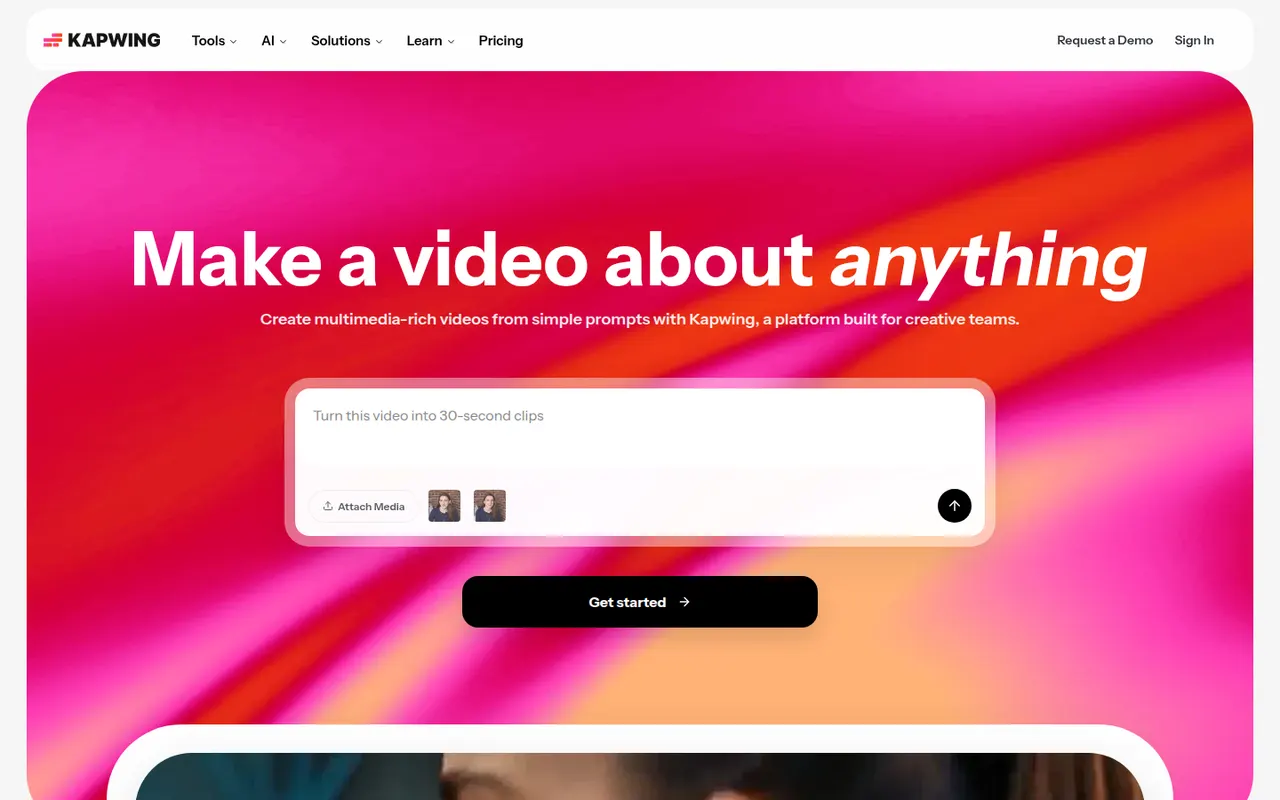
Cost / LicenseFreemiumProprietaryCategoriesKapwing is a browser-based video editor built for teams that produce content together in real time. It includes transcript-based editing, automatic subtitles and translation, silence removal, a clip maker for repurposing long videos, and templates for social formats. It requires no installation and offers a free plan with export limits.
9 Kapwing alternativesPros
- Real-time collaborative editing in the browser
- Automatic subtitles, translation and silence removal
- Clip maker repurposes long videos into social shorts
Cons
- Free plan exports are limited
- Browser editing struggles with long or heavy projects
- Fewer advanced controls than desktop editors
Cost / LicenseFreemiumProprietaryCategoriesPlatformsLoom lets you record your screen, camera and voice and share the result instantly as a link, replacing meetings and long written explanations. Viewers can comment and react, and Loom AI generates titles, summaries and chapters. Part of Atlassian since 2023, it works through desktop and mobile apps, a Chrome extension and integrations with tools like Slack, Jira and Notion.
12 Loom alternativesPros
- Record screen and camera and share instantly as a link
- AI titles, summaries and chapters save editing time
- Comments and reactions keep feedback next to the video
Cons
- The free plan limits video length and library size
- Editing is basic compared with dedicated video tools
- Per-seat pricing adds up for large teams
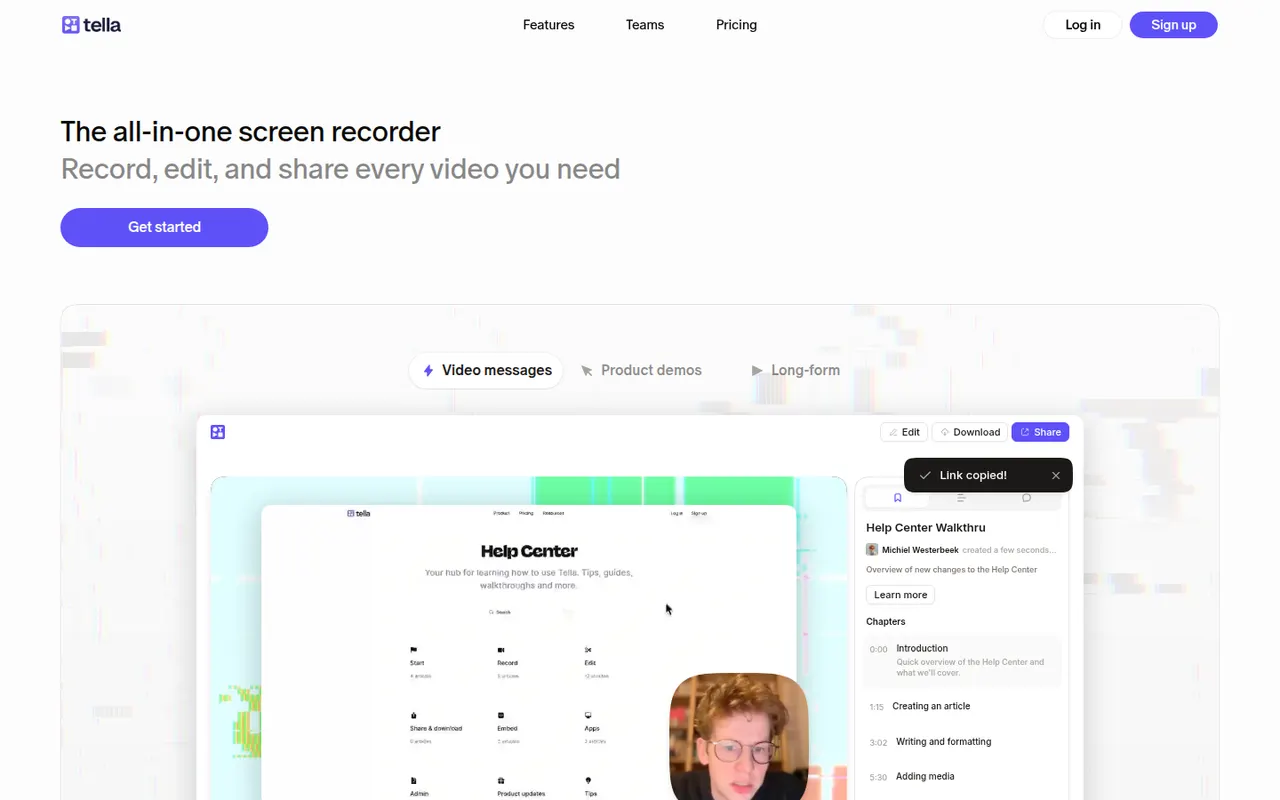
Cost / LicenseFreemiumProprietaryCategoriesTella records your screen and camera in short clips that you can retake and rearrange. It adds layouts, backgrounds, captions and transcript-based trimming, so creators, founders and teams can publish product demos, tutorials and online courses without a separate editor. Videos can be shared by link or exported in high resolution.
8 Tella alternativesPros
- Record in short clips you can retake and rearrange
- Layouts, backgrounds and captions give a polished look quickly
- Transcript-based trimming speeds up editing
Cons
- No free plan beyond the trial
- The desktop app is Mac only, other systems rely on the browser
- Limited editing for complex videos
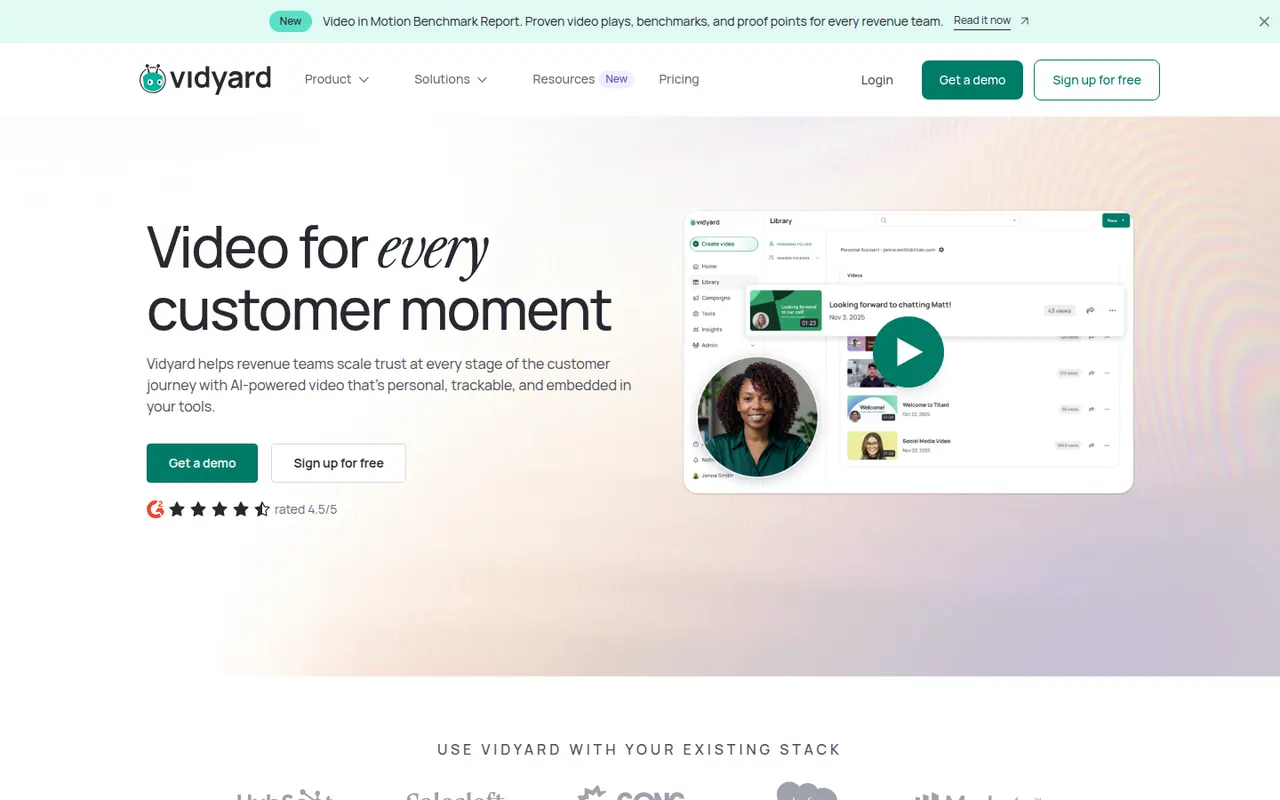
Cost / LicenseFree trialProprietaryCategoriesVidyard helps businesses record, host and share videos, with a focus on sales outreach and marketing. Users record screen and camera messages from a browser extension or desktop app, embed them in emails, and track who watched and for how long. It integrates with CRMs such as Salesforce and HubSpot and offers a free plan for individuals alongside paid business tiers.
6 Vidyard alternativesPros
- Record screen and camera messages from a browser extension
- Shows who watched each video and for how long
- Integrates with CRMs such as Salesforce and HubSpot
Cons
- Sales-focused features are mostly in paid business tiers
- Overkill for teams that only need quick internal videos
Cost / LicenseFreemiumProprietaryCategoriesPlatformsRiverside is an online studio for recording podcasts, interviews and video shows with remote guests. Each participant is recorded locally in high quality, so unstable connections do not ruin the result, and files upload progressively. It adds transcription, a text-based editor, background noise removal, AI clips for social media and live streaming, on the web and mobile apps.
7 Riverside alternativesPros
- Local recording keeps quality high even on shaky connections
- Transcript-based editor and AI clips speed up publishing
- Guests join from a browser link or the mobile app
Cons
- Advanced editing and AI features are reserved for paid plans
- Guests must stay connected until their local recording finishes uploading
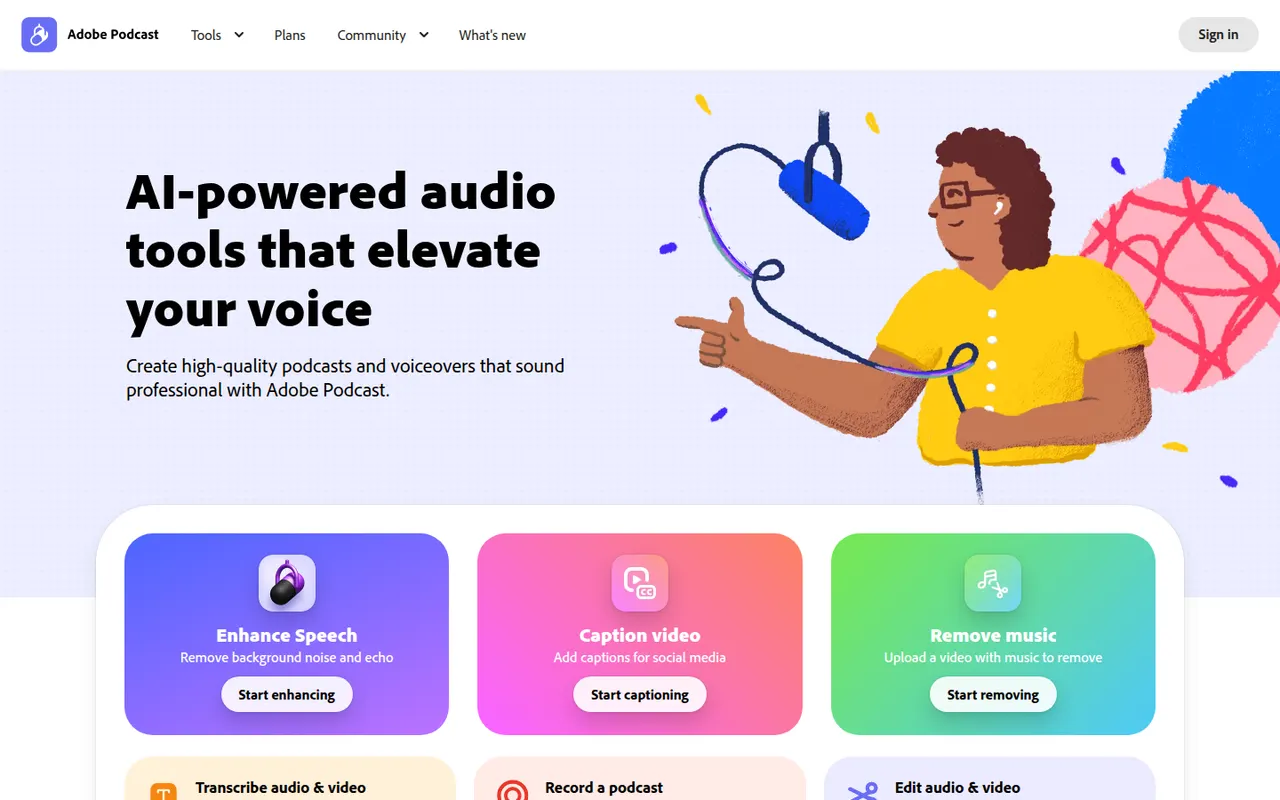
Cost / LicenseFreemiumProprietaryAdobe Podcast is a set of web-based AI audio tools for podcasters and video creators. Its most used tool, Enhance Speech, removes background noise and echo from voice recordings, while Mic Check helps set up microphones and Studio lets you record and edit audio by editing its transcript. Basic use is free, with higher limits in the premium plan.
8 Adobe Podcast alternativesPros
- Enhance Speech cleans up noisy voice recordings in one click
- Runs in the browser with nothing to install
- Transcript-based editing makes cutting speech as easy as editing text
Cons
- Enhanced audio can sound processed or artificial on some voices
- Free use is capped; higher limits require the premium plan
- Requires an Adobe account and uploading audio to Adobe’s servers
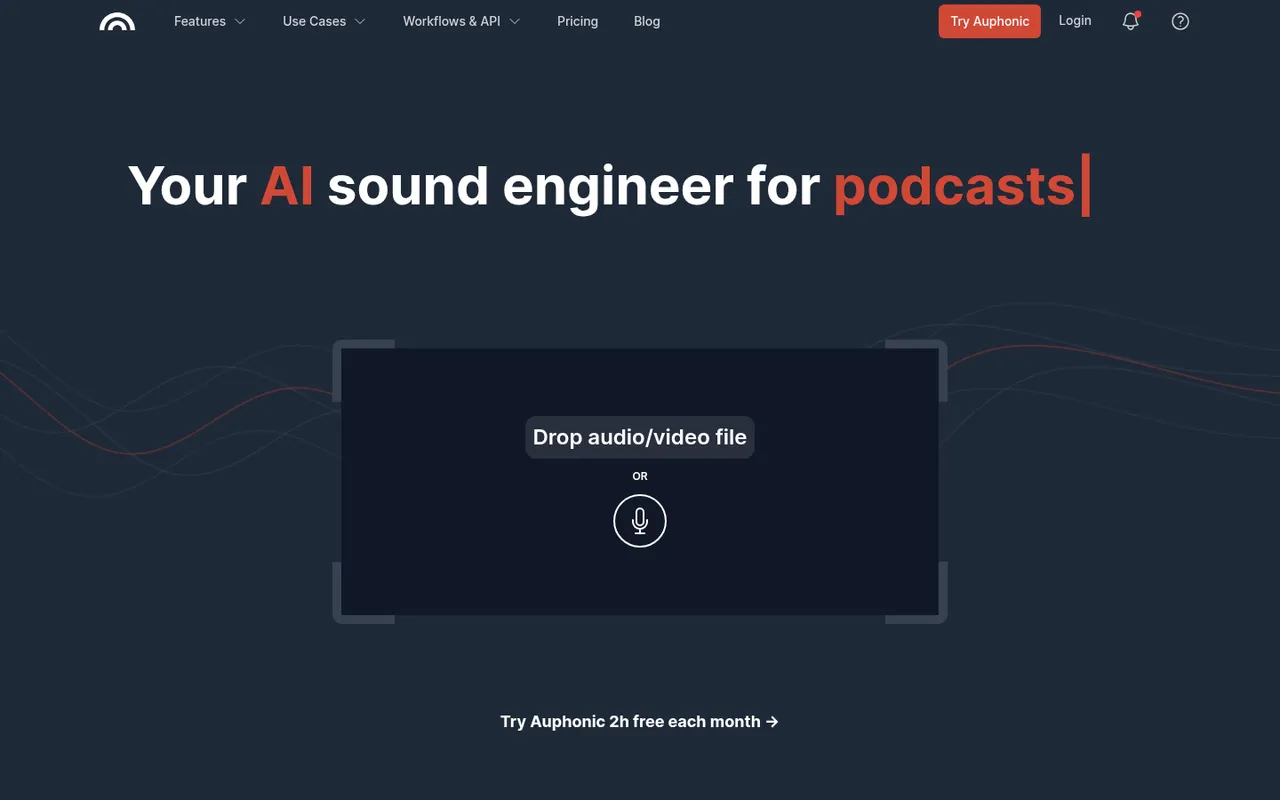
Cost / LicenseFreemiumProprietaryCategoriesPlatformsAuphonic is a web service that automatically finishes spoken audio: it balances levels between speakers, normalizes loudness to broadcast and podcast standards, reduces noise and hum, and can cut filler words and silences. It also offers speech recognition, chapter marks, direct publishing to hosting services and an API. A monthly amount of free processing time is included.
8 Auphonic alternativesPros
- Automatically levels speakers and normalizes loudness to podcast standards
- Takes repetitive post-production off your plate for recurring shows
- API and direct publishing fit into automated podcast workflows
Cons
- Little manual control compared with editing audio yourself in a DAW
- Free processing time is limited each month
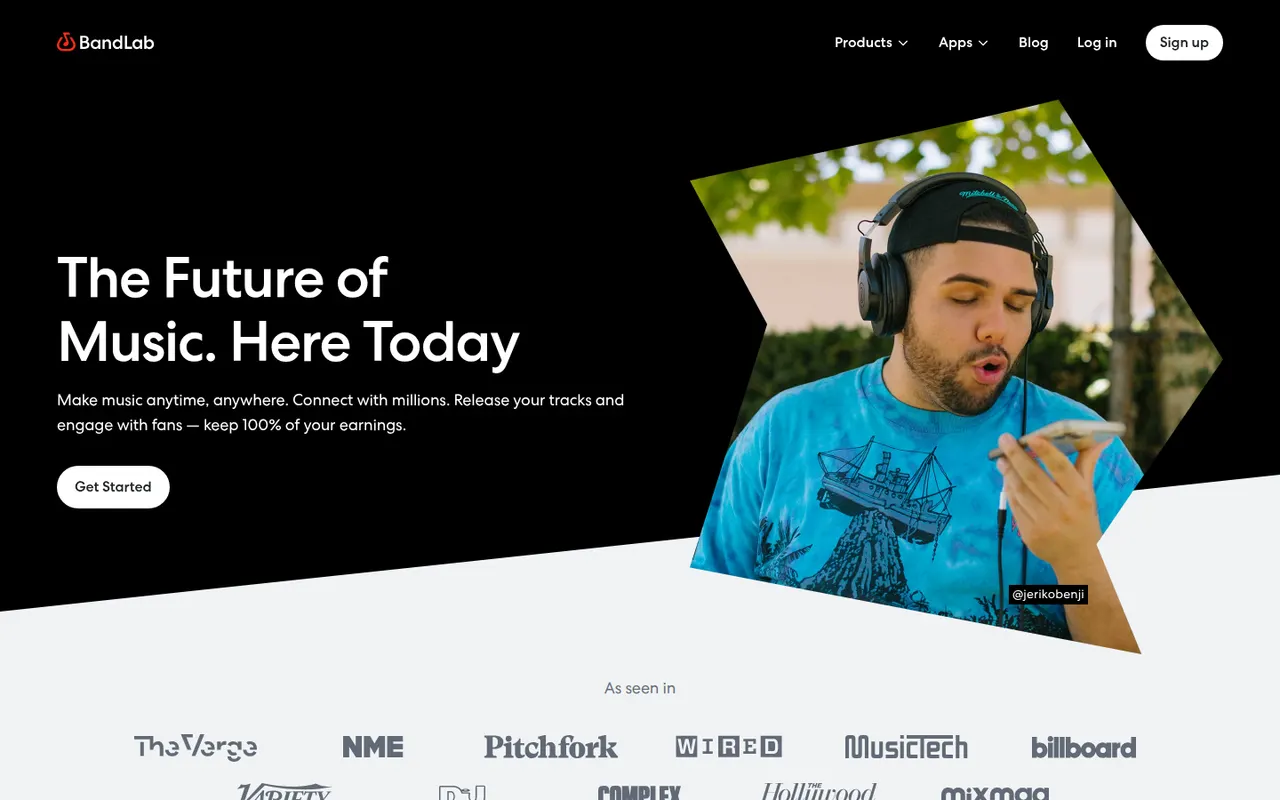
Cost / LicenseFreemiumProprietaryCategoriesPlatformsBandLab is a free, cloud-based music creation platform with a multi-track studio that works in the browser and on iOS and Android. Musicians can record, use loops and virtual instruments, collaborate on projects with others and publish songs to a built-in community. Core features are free, with an optional membership for extra tools and distribution services.
8 BandLab alternativesPros
- Free multitrack studio in the browser and on mobile
- Easy collaboration on songs with other musicians
- Built-in community to publish and discover songs
Cons
- Fewer advanced mixing and editing tools than desktop DAWs
- Cloud-based workflow depends on a good internet connection
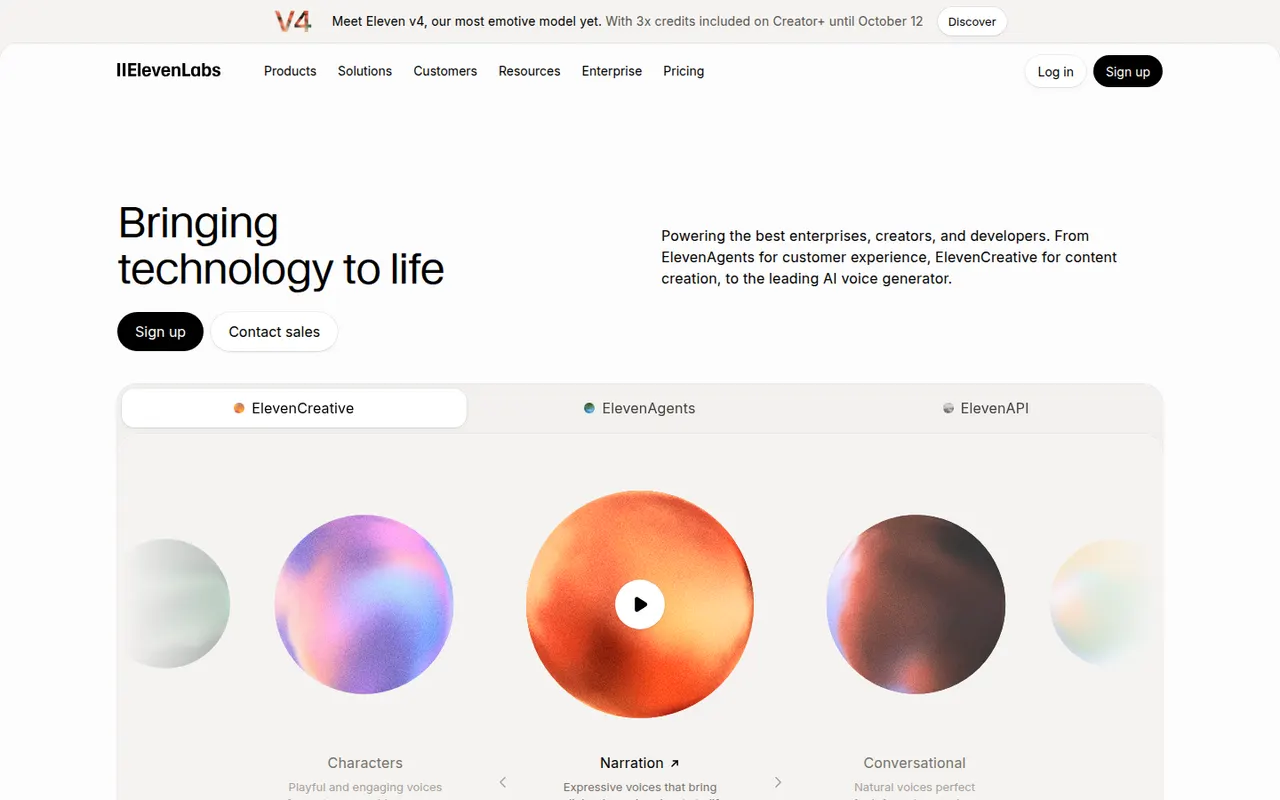
Cost / LicenseFreemiumProprietaryCategoriesElevenLabs is an AI audio company offering natural-sounding text-to-speech in many languages, voice cloning, a voice library, automatic dubbing, speech-to-text and sound effect generation. Creators use its web studio for narration and audiobooks, while developers rely on its API to build conversational voice agents. It has a free tier, and paid plans include commercial usage rights.
11 ElevenLabs alternativesPros
- Natural-sounding speech in many languages
- Voice cloning, dubbing and a large voice library
- API for building conversational voice agents
Cons
- Credits run out quickly on long narration projects
- Commercial usage rights require a paid plan
- Voice cloning raises misuse and consent concerns
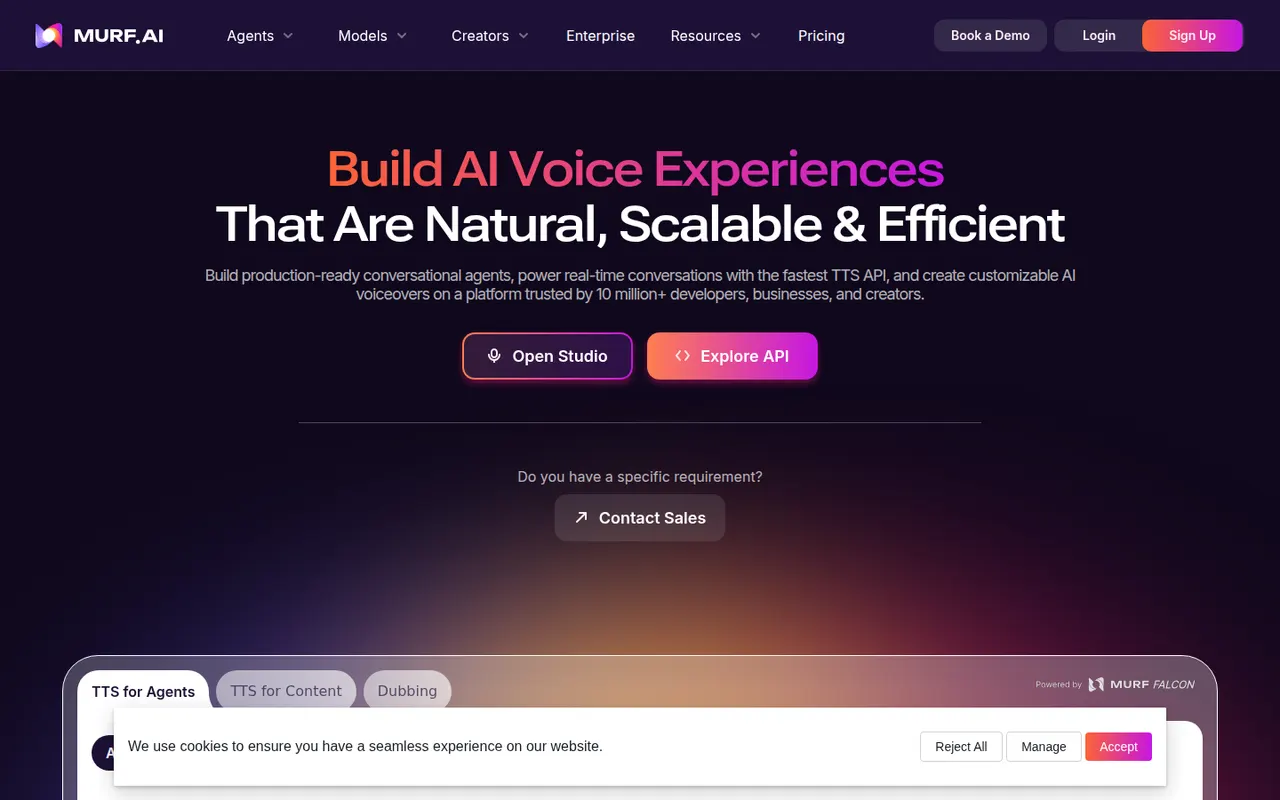
Cost / LicenseFreemiumProprietaryCategoriesMurf is an AI voice generator with a studio where you write a script, pick from a library of voices in many languages, and adjust pitch, speed, pauses and emphasis. Voiceovers can be synced with video, images or slides on a timeline, which suits training content, explainers and ads. It also offers voice cloning, dubbing, team workspaces and an API.
8 Murf AI alternativesPros
- Fine control over pitch, speed, pauses and emphasis
- Timeline syncs voiceovers with video, images or slides
- Team workspaces, voice cloning and an API
Cons
- Free plan is limited and restricts downloads
- Voices can sound flat without manual tuning
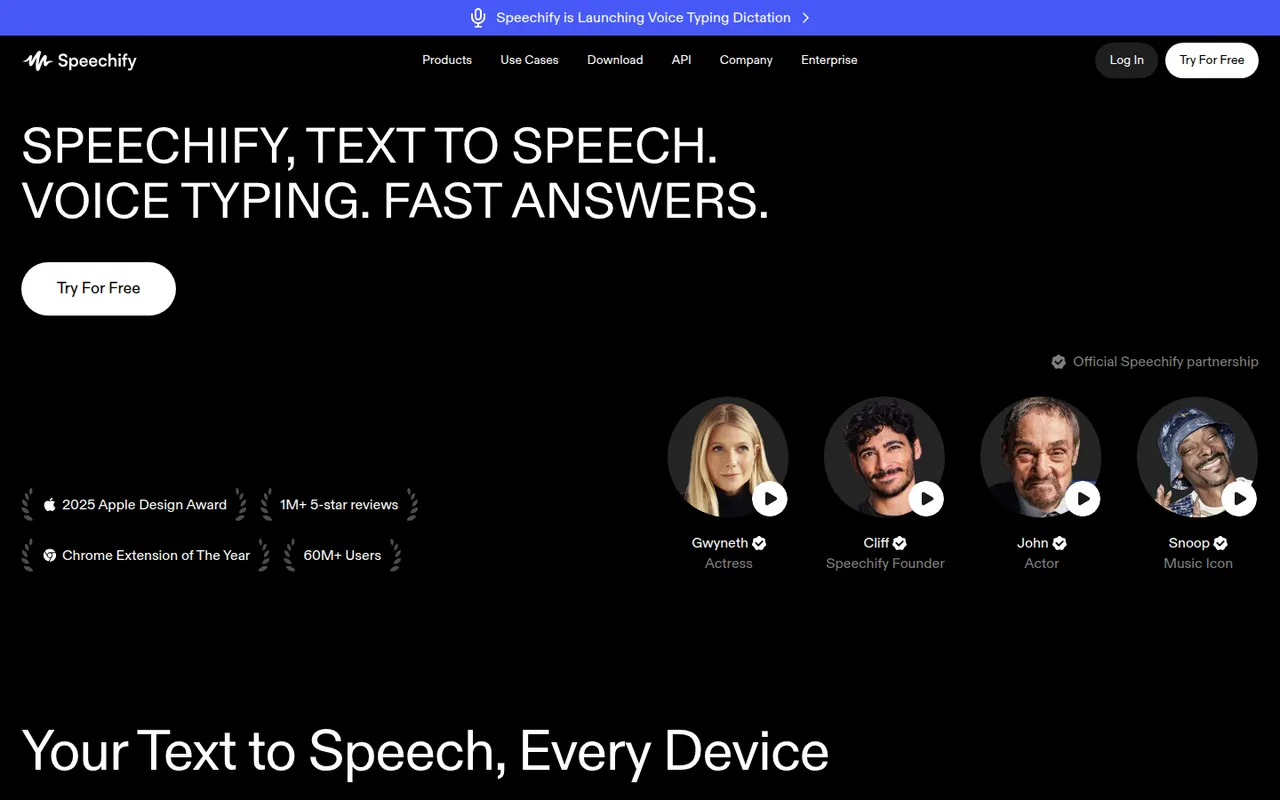
Cost / LicenseFreemiumProprietaryCategoriesPlatformsSpeechify reads text aloud from PDFs, documents, emails, web pages and scanned pages, with adjustable speed and a choice of natural-sounding voices in many languages. Used by students, people with dyslexia and busy professionals, it syncs across its mobile apps, Mac app, web app and Chrome extension. A separate studio offers AI voiceovers, voice cloning and dubbing.
6 Speechify alternativesPros
- Reads PDFs, documents, emails and scanned pages aloud
- Syncs across mobile, Mac, web and the Chrome extension
- Adjustable speed and natural voices in many languages
Cons
- Premium voices and features sit behind a pricey subscription
- Upgrade prompts are frequent in the free version
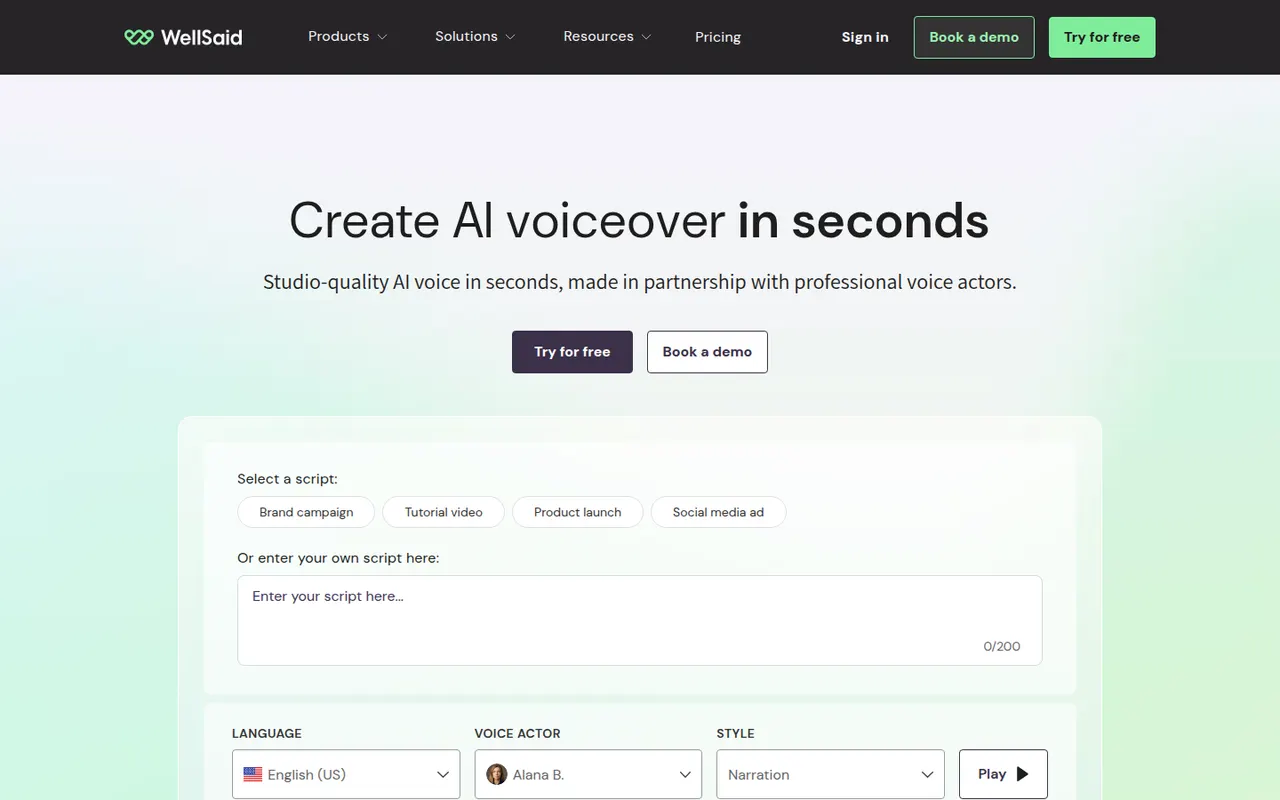
Cost / LicenseFreemiumProprietaryCategoriesPlatformsWellSaid is an AI text-to-speech platform for businesses that produce a lot of training, marketing and product content. Its voices are built from recordings of paid voice actors who consented to their use, and its studio lets teams control pronunciation, pacing and emphasis, share projects and keep a consistent brand voice. An API is also available for integration.
8 WellSaid alternativesPros
- Voices built from paid voice actors who consented to their use
- Pronunciation, pacing and emphasis controls
- Shared projects help teams keep a consistent brand voice
Cons
- Aimed at businesses, with pricing to match
- No lasting free plan, only a trial
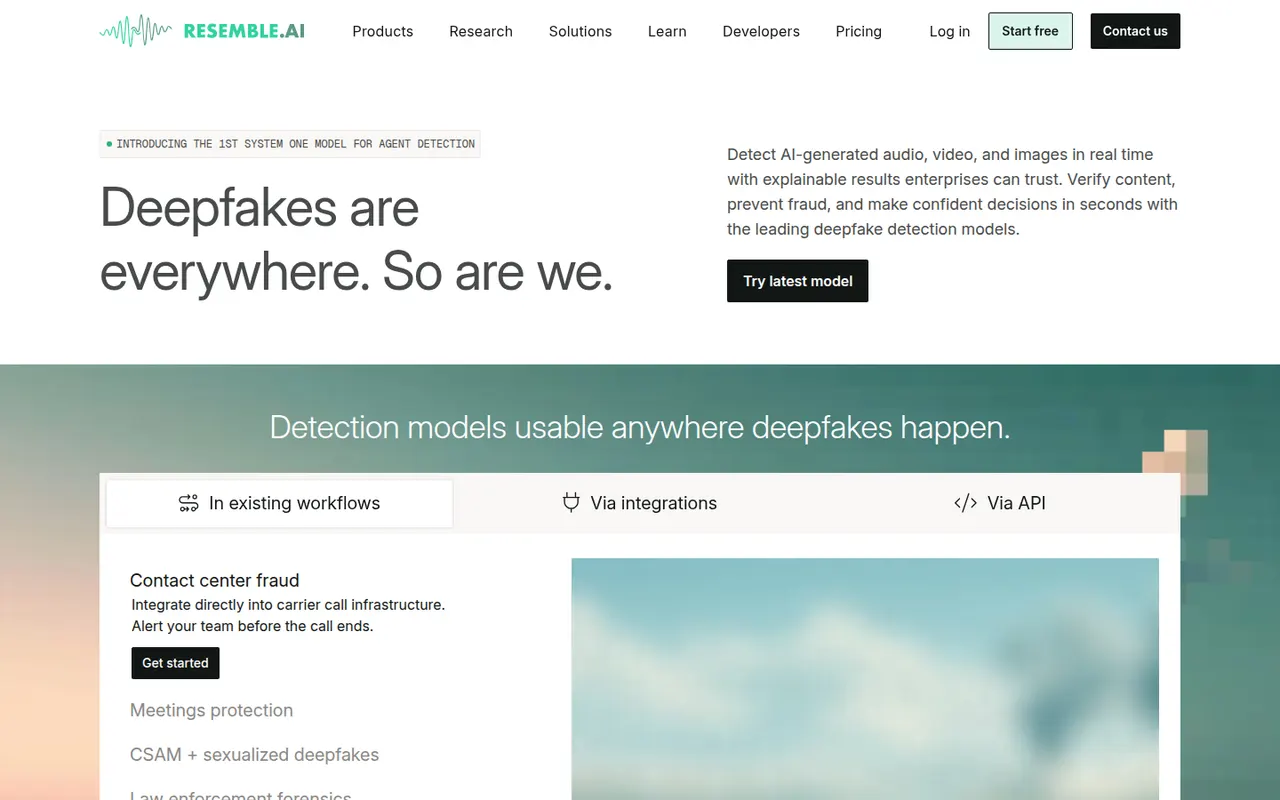
Cost / LicenseFree trialProprietaryCategoriesPlatformsResemble AI is a voice platform for creating custom AI voices from recorded samples, generating speech in multiple languages and converting one voice into another. It stands out for its focus on security, with audio watermarking and a deepfake detection product, and for its developer API. The company has also released Chatterbox, an open source text-to-speech model.
6 Resemble AI alternativesPros
- Custom voices from recorded samples, plus voice conversion
- Audio watermarking and a deepfake detection product
- Released Chatterbox, an open source text-to-speech model
Cons
- Developer-oriented, with a steeper learning curve
- High-quality custom voices depend on clean recordings
- Advanced features require paid plans
Cost / LicenseFreemiumProprietaryCategoriesPlatformsLOVO offers Genny, a web app that combines AI text-to-speech with a simple video editor. Users choose from a large library of voices, emotions and languages, clone their own voice, generate subtitles and assemble voiceovers with footage for marketing, training and social videos. It also includes AI scriptwriting and image generation to produce content in one place.
8 LOVO alternativesPros
- Combines text-to-speech with a simple video editor
- Large library of voices, emotions and languages
- Scriptwriting and image generation in the same app
Cons
- Video editor is too basic for complex projects
- Free plan is limited in generation time and downloads
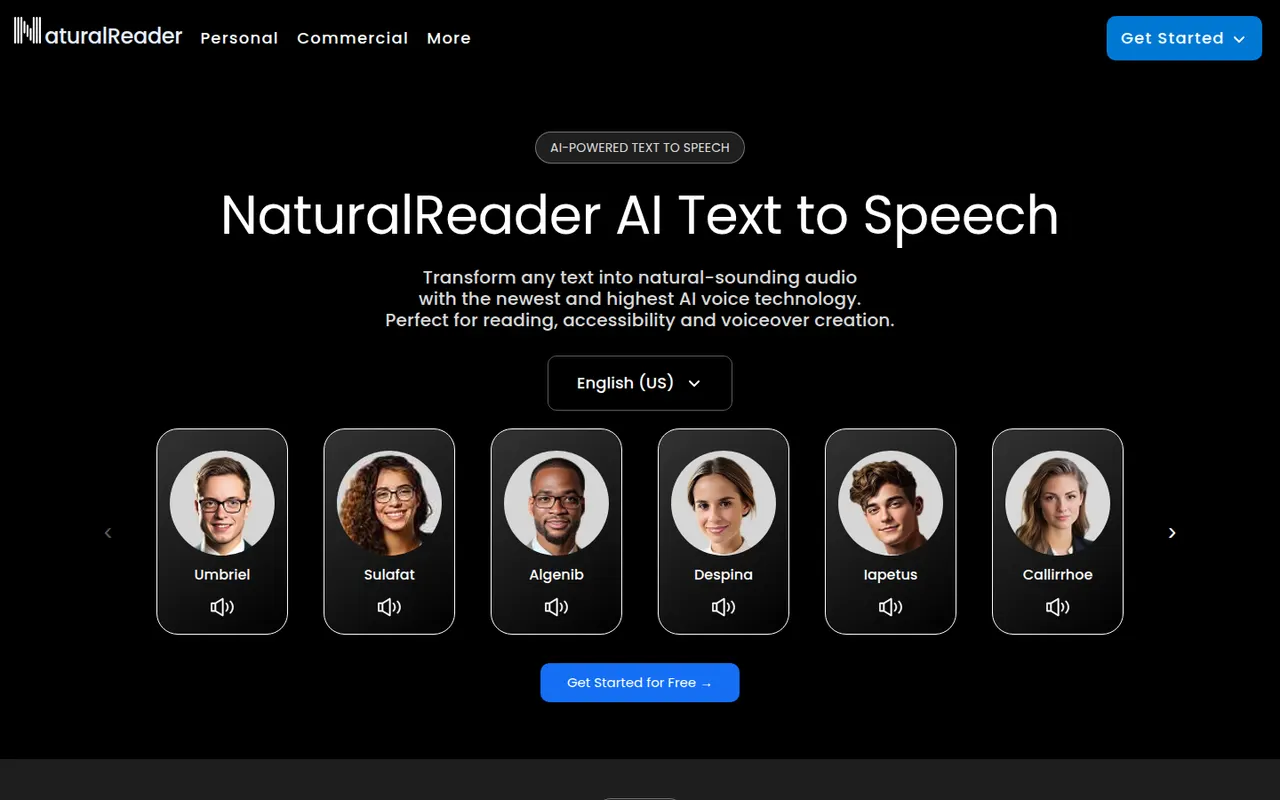
Cost / LicenseFreemiumProprietaryCategoriesPlatformsNaturalReader is a text-to-speech app that reads documents, PDFs, ebooks and web pages aloud in natural-sounding voices across many languages. It is available on the web, as desktop software, as mobile apps that can scan printed text, and as a Chrome extension. It serves students, people with reading difficulties and professionals, with a separate commercial edition for voiceovers.
5 NaturalReader alternativesPros
- Reads PDFs, ebooks and web pages aloud
- Available on web, desktop, mobile and as a Chrome extension
- Mobile apps can scan and read printed text
Cons
- The most natural voices are reserved for paid plans
- Commercial voiceovers require a separate edition
Cost / LicenseFreemiumProprietaryCategories