
Scrivener alternatives
Top Word Processors like Scrivener
The most popular alternative to Scrivener is Ulysses. Other great alternatives to Scrivener are iA Writer, Microsoft Word, Google Docs, and Obsidian.
Most alternatives to Scrivener are in the Word Processors category, compared here by price, platform and features.
All Scrivener alternatives
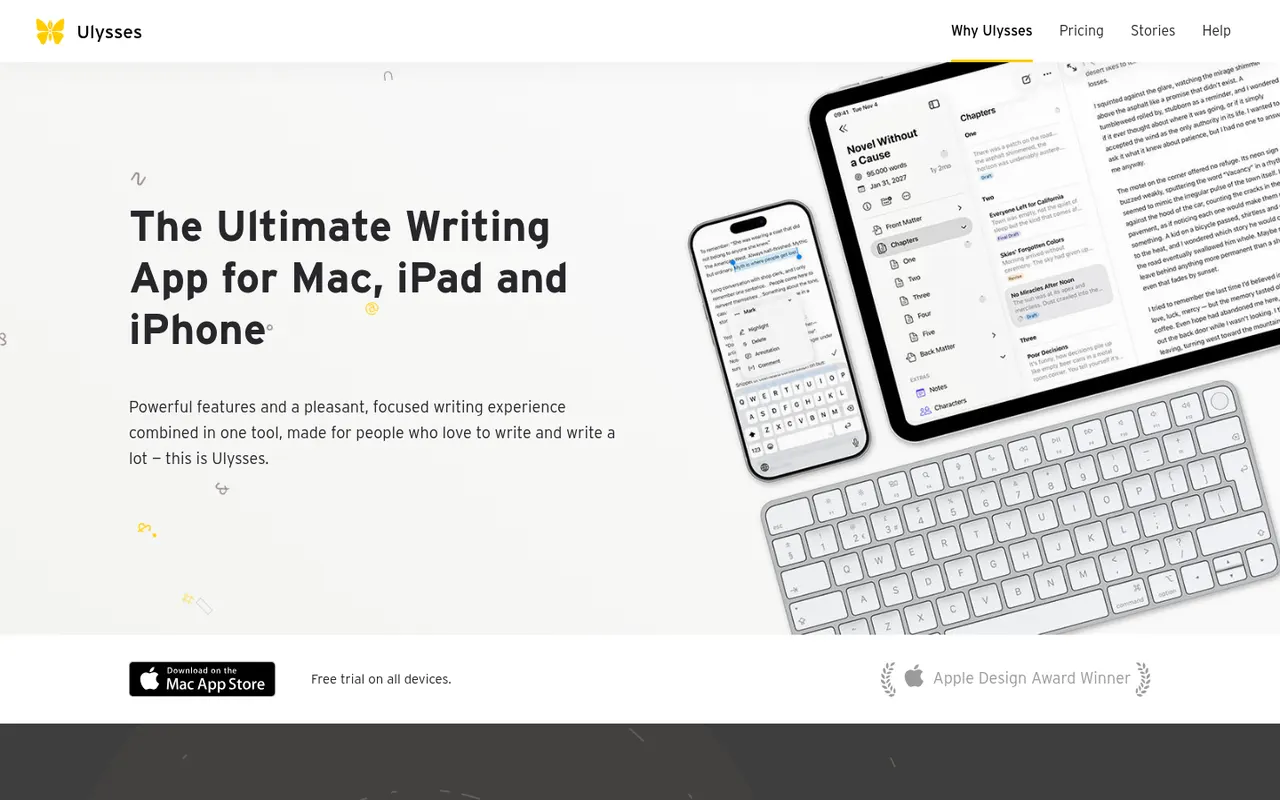
Ulysses is a writing app for Apple devices made by the German company Ulysses GmbH. Texts live in a single library synced through iCloud, are written in a Markdown-based markup and can be exported to PDF, Word or ePub or published directly to WordPress, Ghost and other platforms. It suits bloggers, authors and students and is sold as a subscription after a free trial.
8 Ulysses alternativesPros
- Single library synced across Mac, iPhone and iPad via iCloud
- Publishes directly to WordPress, Ghost and other platforms
- Distraction-free writing with Markdown-based markup
Cons
- Only available on Apple devices
- Sold only as a subscription
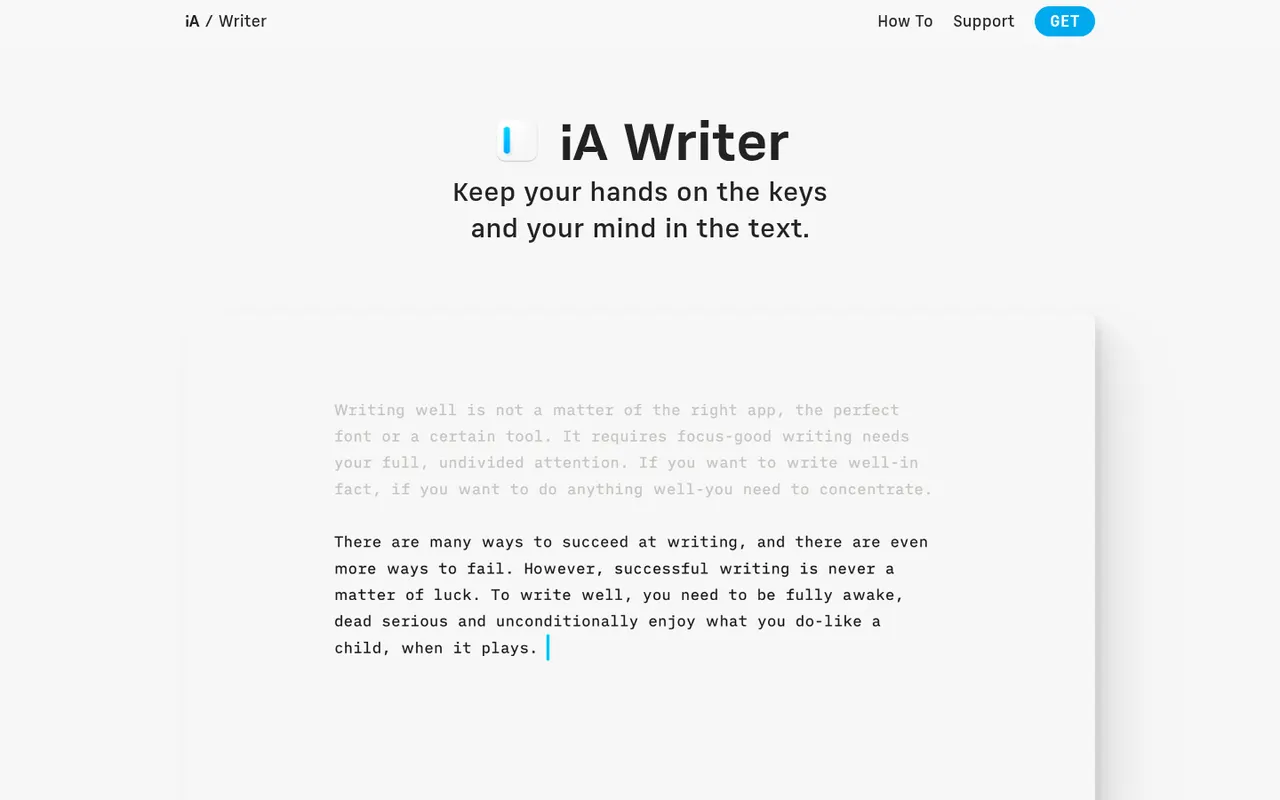
Cost / LicenseFree trialProprietaryCategoriesiA Writer is a minimalist Markdown editor from the design studio Information Architects. Its Focus Mode, syntax highlighting and style check help tighten prose, and it can mark text pasted from AI tools to keep track of what you wrote yourself. Files stay as plain text, locally or in iCloud and Dropbox, with export to HTML, PDF and Word. It is a one-time purchase per platform, after a free trial.
9 iA Writer alternativesPros
- Focus Mode and style check help tighten prose
- Plain-text Markdown files stored wherever you choose
- One-time purchase instead of a subscription
Cons
- A separate purchase is needed for each platform
- No real-time collaboration
- Formatting options are minimal by design
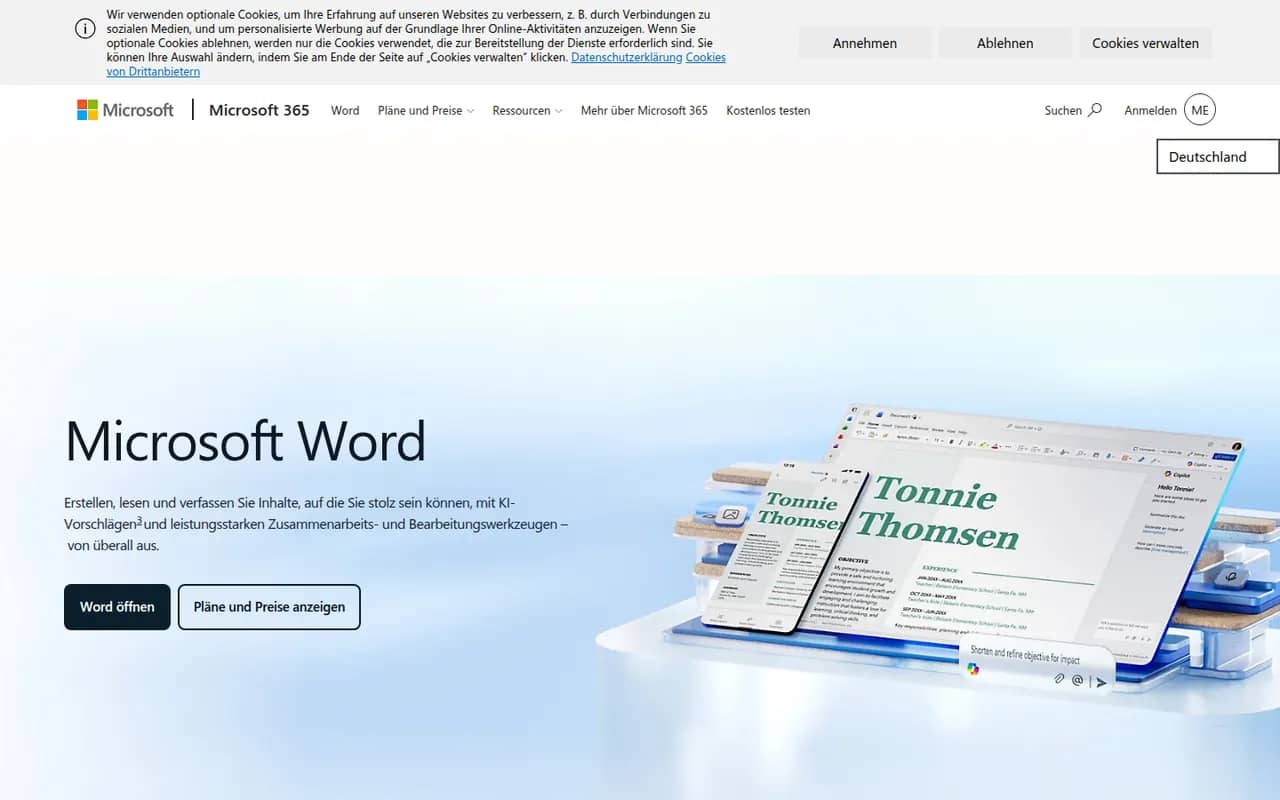
Cost / LicenseFree trialProprietaryCategoriesMicrosoft Word is the word processor in Microsoft 365 and the reference for the .docx format used in many workplaces. It offers styles, track changes, comments, mail merge, references and real-time co-authoring through OneDrive or SharePoint, plus Copilot drafting in eligible plans. Word runs on Windows, Mac, mobile and the web, where a free version is available with a Microsoft account.
11 Microsoft Word alternativesPros
- The reference for the .docx format used in many workplaces
- Powerful styles, track changes, references and mail merge
- Available on Windows, Mac, mobile and the web
Cons
- Full desktop features require a Microsoft 365 subscription
- Dense interface packed with features most people never use
- Copilot features are limited to eligible plans
Cost / LicenseFreemiumProprietaryCategoriesGoogle Docs is Google's online word processor, used for writing and editing documents together in real time. Comments, suggestion mode, version history and sharing links are built in, and files can be edited offline or exported as Word, PDF or OpenDocument. It is free with a Google account, with Gemini AI and business controls available through paid Google Workspace plans.
11 Google Docs alternativesPros
- Real-time co-editing with comments and suggestion mode
- Free with a Google account and accessible from any browser
- Version history makes every change recoverable
Cons
- Fewer layout and formatting options than desktop word processors
- Offline editing has to be set up in advance
- Gemini and business controls require paid Workspace plans
Cost / LicenseFreemiumProprietaryCategoriesObsidian stores notes as plain Markdown files on your device, links them into a knowledge graph and extends with a large plugin ecosystem.
17 Obsidian alternativesPros
- Notes are plain Markdown files stored on your device
- Large ecosystem of community plugins and themes
- Graph view and backlinks for connected notes
Cons
- Official sync and publishing are paid add-ons
- Plugin-heavy setups take time to configure and maintain
- No real-time collaboration on notes
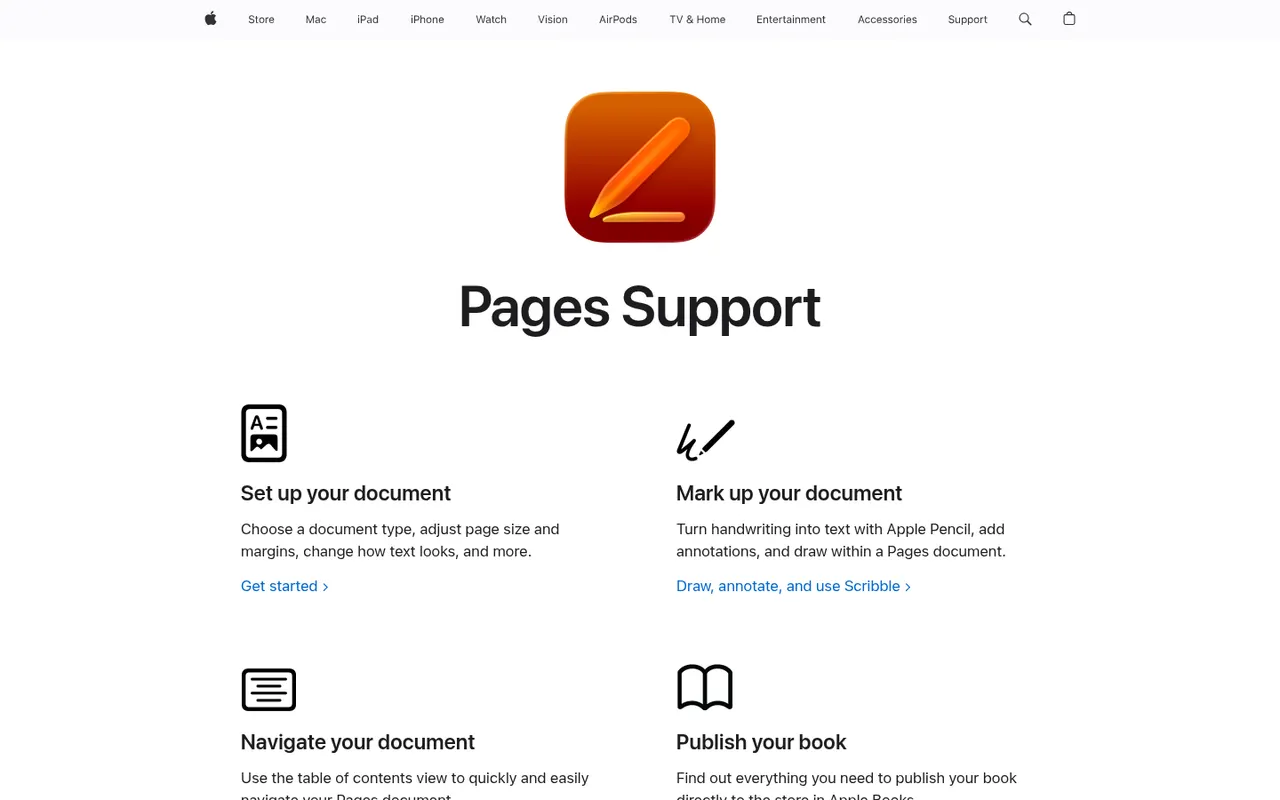
Cost / LicenseFreemiumProprietaryCategoriesPages is Apple's free word processor for Mac, iPhone and iPad, also usable in the browser through iCloud.com. It mixes word processing with page layout, offering designed templates for reports, flyers and books, plus EPUB export. Documents sync via iCloud, can be edited with others in real time and can be exported to Word or PDF.
9 Pages alternativesPros
- Free on Mac, iPhone and iPad, with well-designed templates
- Combines word processing and page layout
- Exports to Word, PDF and EPUB
Cons
- Native apps only on Apple devices, others must use iCloud.com
- Word conversion can lose formatting in complex documents
- Fewer advanced features than Word for long documents
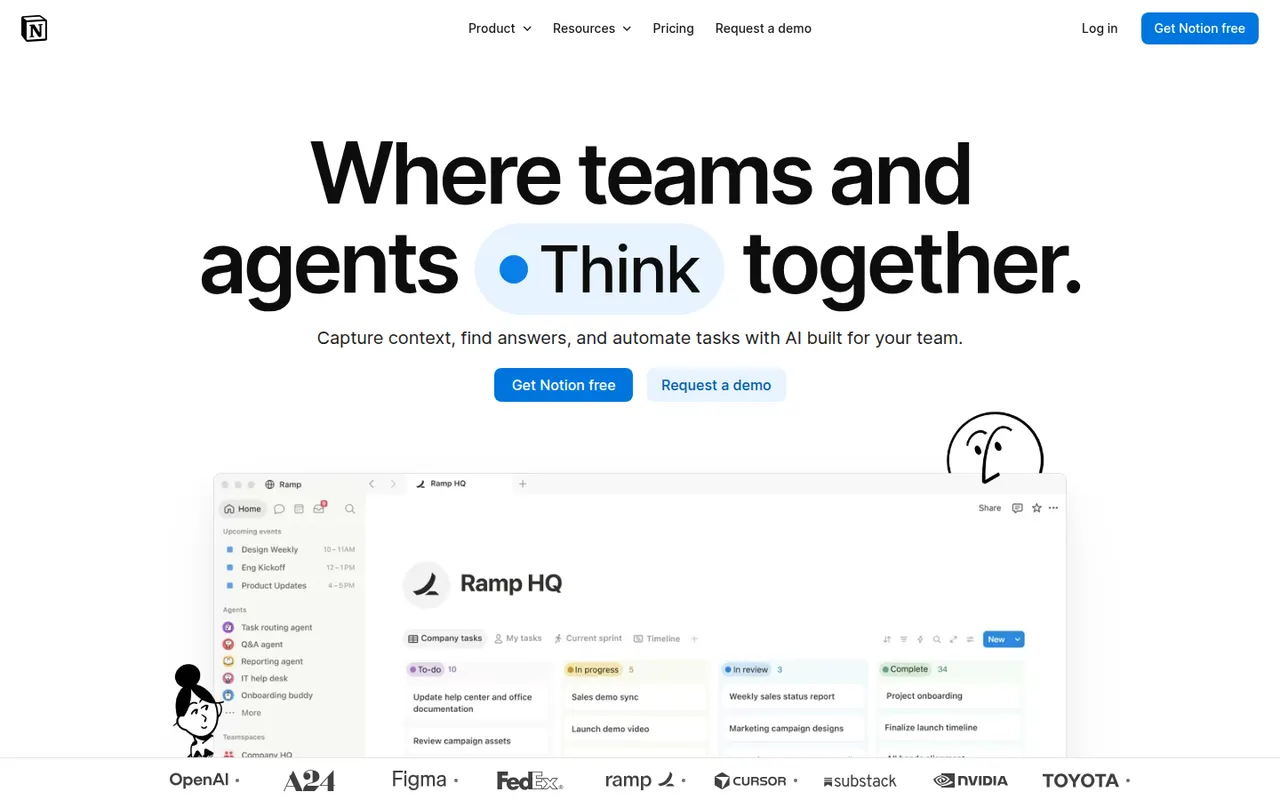
Cost / LicenseFreeProprietaryCategoriesNotion combines notes, documents, databases and project management in a flexible block-based workspace, with an integrated AI assistant.
17 Notion alternativesPros
- Docs, wikis and databases combined in one flexible workspace
- Large template gallery for roadmaps, trackers and wikis
- Real-time collaboration with comments, mentions and an API
Cons
- Databases and relations take time to master
- Offline access is limited compared with local-first apps
- Large workspaces can feel slow to load
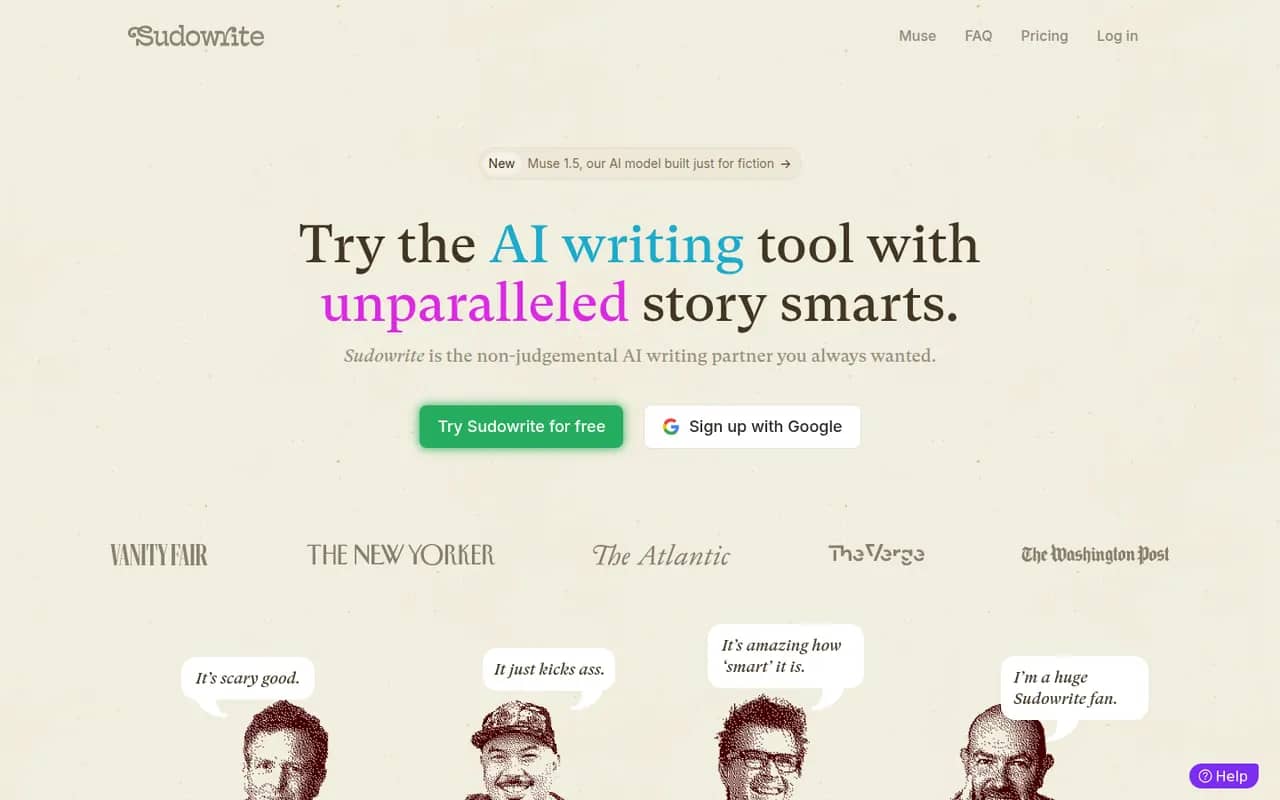
Cost / LicenseFreemiumProprietaryCategoriesSudowrite is an AI writing tool made for fiction. It helps novelists brainstorm, expand scenes, rewrite passages, add sensory description and get feedback, while a Story Bible keeps characters, worldbuilding and outlines in one place to guide longer drafts. It can match your prose style and offers a choice of AI models. It runs in the browser, with paid plans after a free trial.
9 Sudowrite alternativesPros
- Built specifically for fiction and novel writing
- Story Bible keeps characters, worldbuilding and outlines together
- Can match the style of your own prose
Cons
- Paid plans only once the trial ends
- Credit-based usage can run short on long drafts
- Not designed for nonfiction or business writing
Cost / LicenseFree trialProprietaryCategoriesPlatforms

















Scrivener vs its alternatives at a glance
Pricing, platforms and the key features of Scrivener, compared with its most popular alternatives.
| App | Pricing | Platforms | Cross-device sync | Offline mode | Templates |
|---|---|---|---|---|---|
 Scrivener Scrivener | Free trial | Windows, Mac, iPhone | |||
 Ulysses Ulysses | Free trial | Mac, iPhone | |||
 iA Writer iA Writer | Free trial | Windows, Mac, iPhone, Android | |||
 Microsoft Word Microsoft Word | Freemium | Web, Windows, Mac, iPhone, Android | |||
 Google Docs Google Docs | Freemium | Web, iPhone, Android | |||
 Obsidian Obsidian | Freemium | Windows, Mac, Linux, iPhone, Android |
Scrivener alternatives: frequently asked questions
What is the best alternative to Scrivener?
The most popular alternative to Scrivener is Ulysses: Distraction-free Markdown writing app for Mac, iPhone and iPad. Other great alternatives are iA Writer, Microsoft Word, Google Docs, and Obsidian.
Is there a free alternative to Scrivener?
Yes, 5 alternatives are free or have a free plan, including Microsoft Word, Google Docs, Obsidian, and Pages.
Is there an open source alternative to Scrivener?
No open source alternative to Scrivener is listed yet.
Is Scrivener free?
Scrivener is a paid app that offers a free trial.
Compare Scrivener with its alternatives


Sponsored listings and products made by the publisher of this site are always labeled. How we rank · Know a good alternative? Submit it