Best apps for Mac
286 apps
Top Mac apps ranked by the community
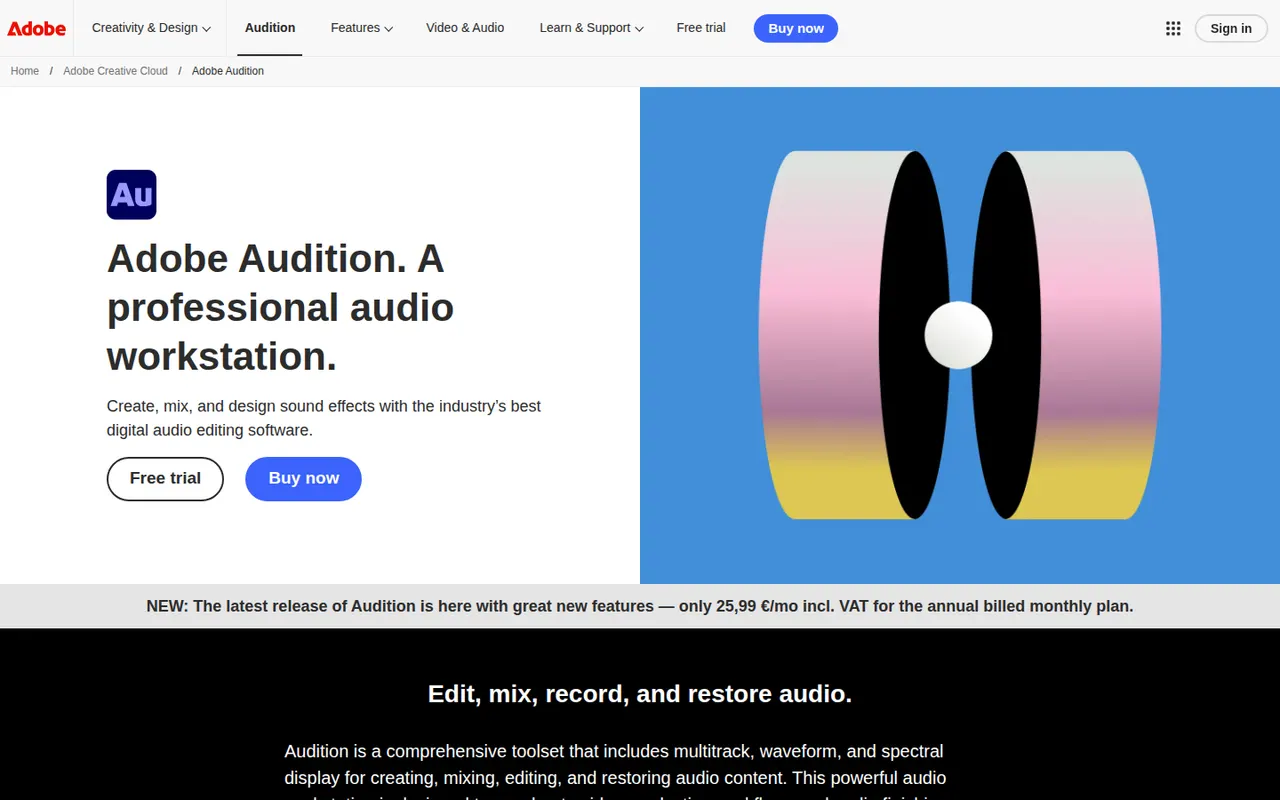
Adobe Audition is a digital audio workstation for editing, mixing and restoring audio, aimed at podcasters, broadcasters and video editors. It combines waveform and multitrack editing with a spectral frequency display, noise reduction, loudness tools and Essential Sound presets. It integrates with Premiere Pro and is included in Creative Cloud for Windows and macOS.
9 Adobe Audition alternativesPros
- Spectral frequency display allows precise noise and click removal
- Strong restoration and loudness tools for podcasts and broadcast
- Smooth round-trips with Premiere Pro for video projects
Cons
- Only available by subscription through Creative Cloud
- Little support for MIDI or music composition compared with a full DAW
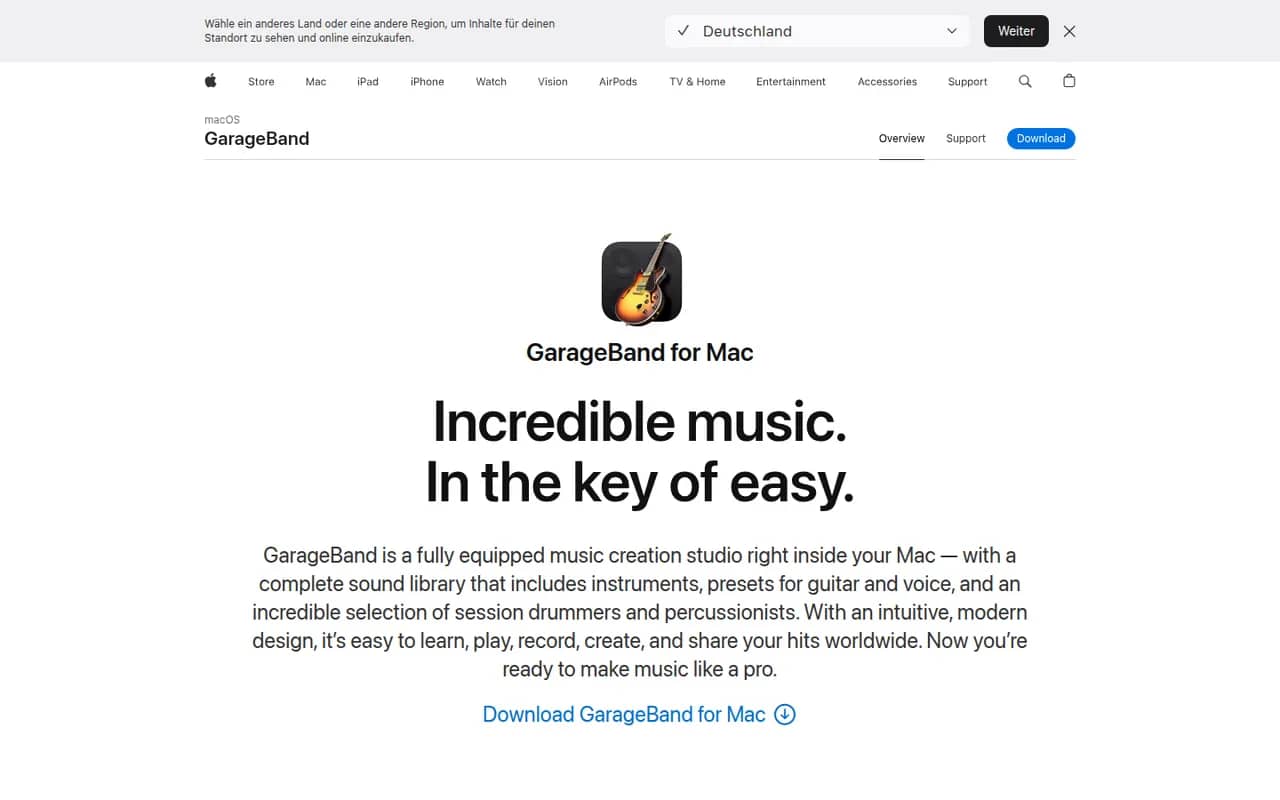
Cost / LicenseFree trialProprietaryCategoriesGarageBand is Apple's free app for making music and recording audio on Mac, iPhone and iPad. It includes virtual instruments, a sound library with loops, guitar amp simulations, a virtual drummer and multi-track recording, along with piano and guitar lessons on Mac. Projects open in Logic Pro when users need more advanced production tools.
8 GarageBand alternativesPros
- Free, with a friendly interface for beginners
- Virtual drummer, loops and amp simulations get ideas down quickly
- Projects open in Logic Pro when you need more power
Cons
- Apple devices only, with no Windows or Android version
- Limited mixing, automation and routing for serious production
Cost / LicenseFreeProprietaryCategoriesAbleton Live is a digital audio workstation for music production and live performance, especially common in electronic music. Its Session View lets artists launch clips and loops in real time alongside a traditional arrangement timeline, with built-in instruments, effects, MIDI tools and Max for Live in the Suite edition. It runs on Windows and macOS in Intro, Standard and Suite editions, with a free trial.
8 Ableton Live alternativesPros
- Session View makes clip launching and live improvisation natural
- Fast workflow for electronic music, sampling and warping audio
- Max for Live in Suite opens up custom instruments and devices
Cons
- Suite edition is expensive compared with many other DAWs
- Intro and Standard leave out many instruments and Max for Live
- No Linux version, only Windows and macOS
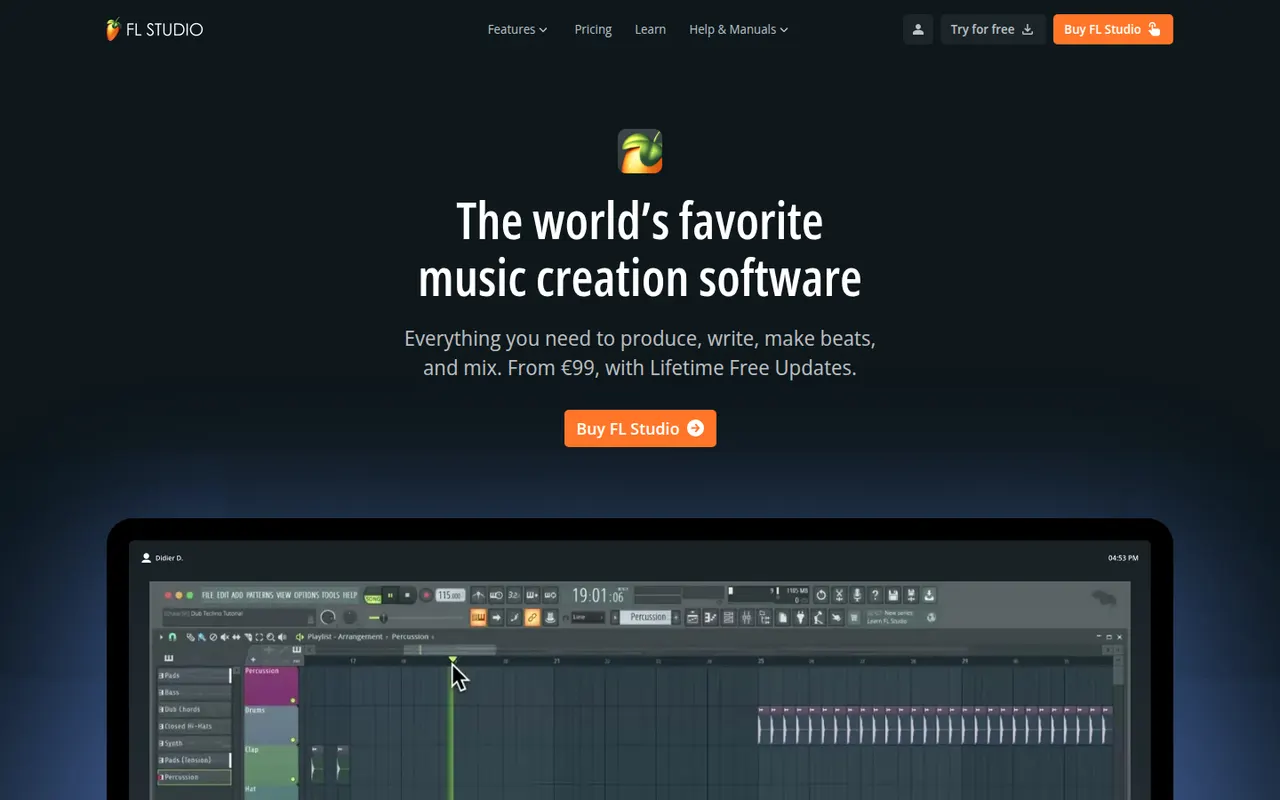
Cost / LicenseFree trialProprietaryCategoriesFL Studio is a digital audio workstation from Image-Line, known for its fast pattern-based workflow, step sequencer and piano roll, widely used by hip-hop and electronic producers. It includes many instruments and effects, supports VST plugins and runs on Windows and macOS. Every edition comes with lifetime free updates, and the trial is unlimited in time but cannot reopen saved projects.
7 FL Studio alternativesPros
- Step sequencer and piano roll make beat-making very fast
- Every edition comes with lifetime free updates
- Many instruments and effects included out of the box
Cons
- Recording and editing live instruments feels less natural than in linear DAWs
- The trial cannot reopen saved projects
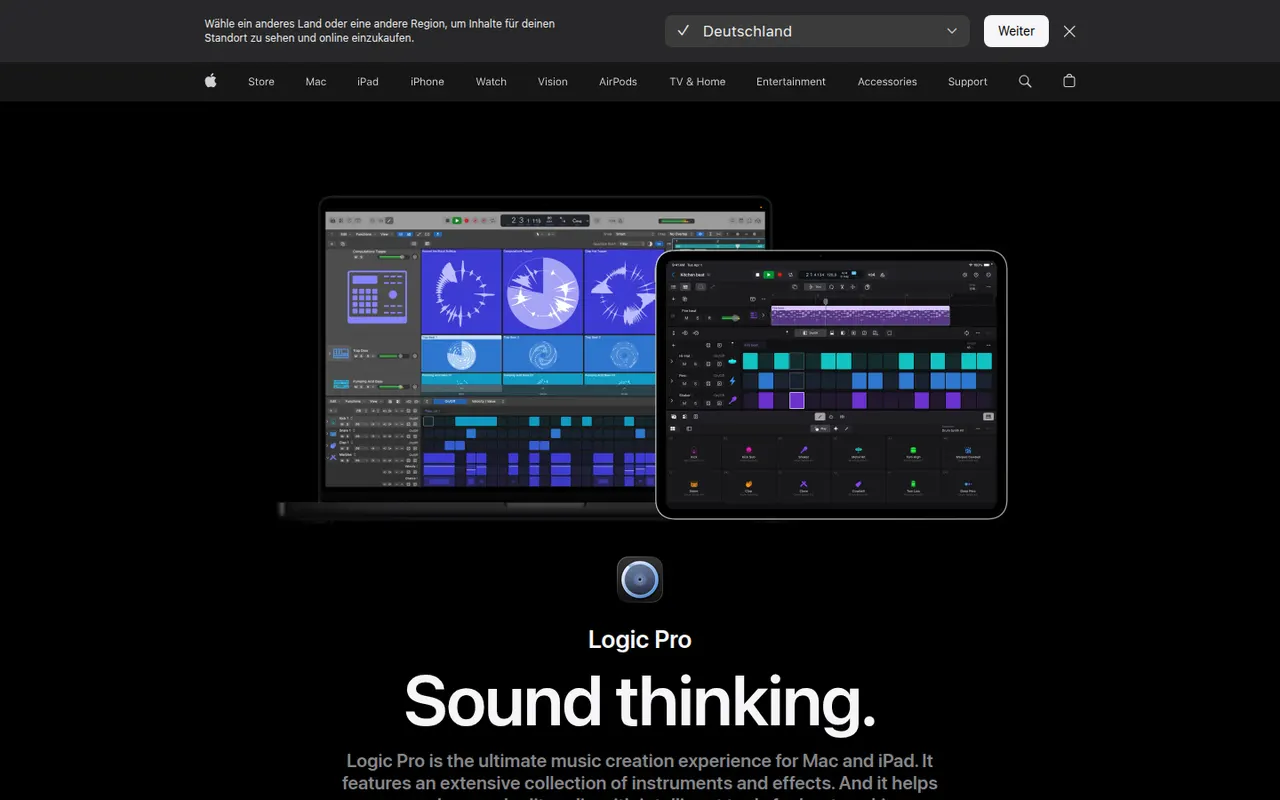
Cost / LicenseFree trialProprietaryCategoriesLogic Pro is Apple's digital audio workstation for recording, producing and mixing music on Mac, with a touch-optimized version for iPad. It ships with a large library of instruments, loops and effects, AI-assisted Session Players and stem splitting, plus Dolby Atmos spatial audio mixing. It opens GarageBand projects and is available on the App Store, with a free trial on Mac.
8 Logic Pro alternativesPros
- Huge bundled library of instruments, loops and effects
- The Mac version is a one-time purchase rather than a subscription
- Dolby Atmos mixing, Session Players and stem splitting built in
Cons
- Mac and iPad only, so projects cannot move to Windows collaborators
- Deep feature set takes time to master
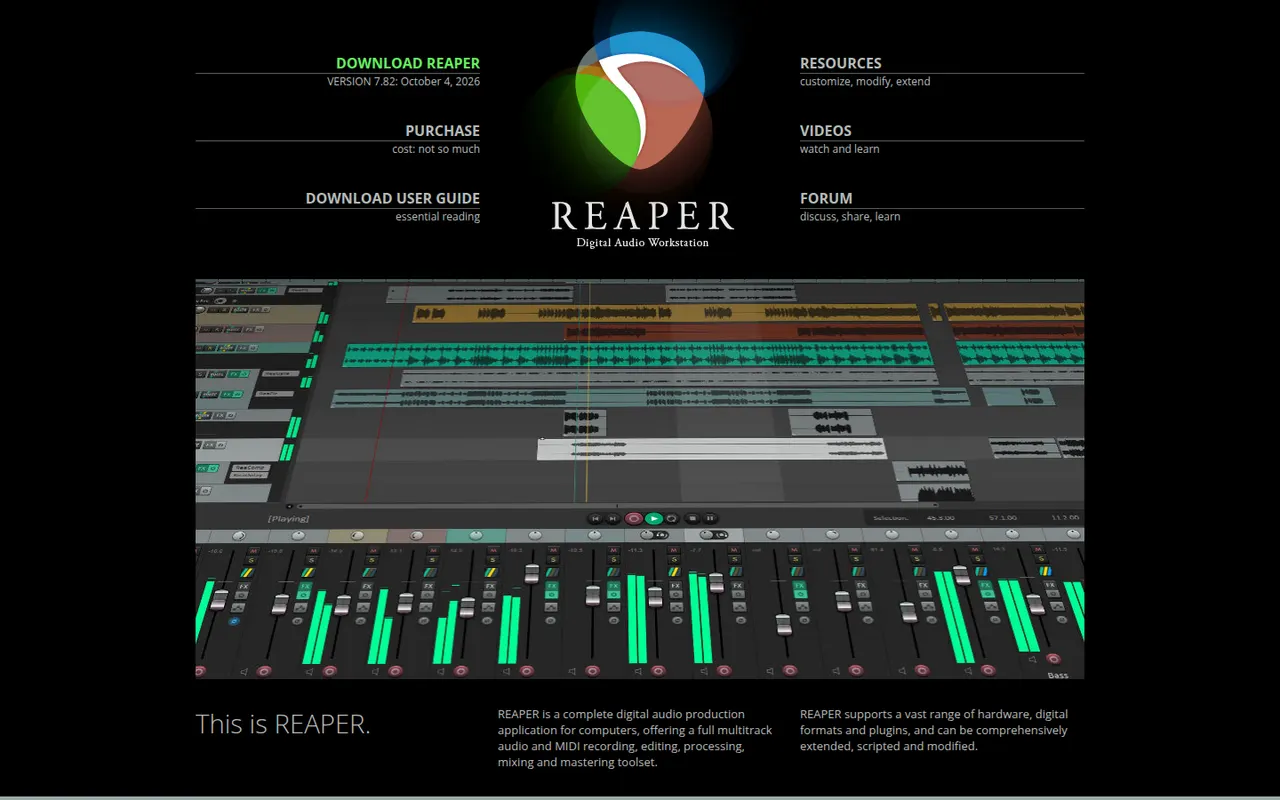
Cost / LicenseFree trialProprietaryCategoriesREAPER is a digital audio workstation from Cockos for recording, editing, mixing and mastering audio and MIDI. It is known for its small installer, efficient performance, deep customization through scripts and themes, and wide plugin support. It runs on Windows, macOS and Linux and offers a fully functional 60-day evaluation before a license is required.
11 REAPER alternativesPros
- Small, efficient app that runs well on modest hardware
- Deeply customizable with scripts, actions and themes
- Fully functional evaluation before you buy a license
Cons
- Default interface looks plain and takes setup to feel comfortable
- Few bundled instruments and sounds compared with other DAWs
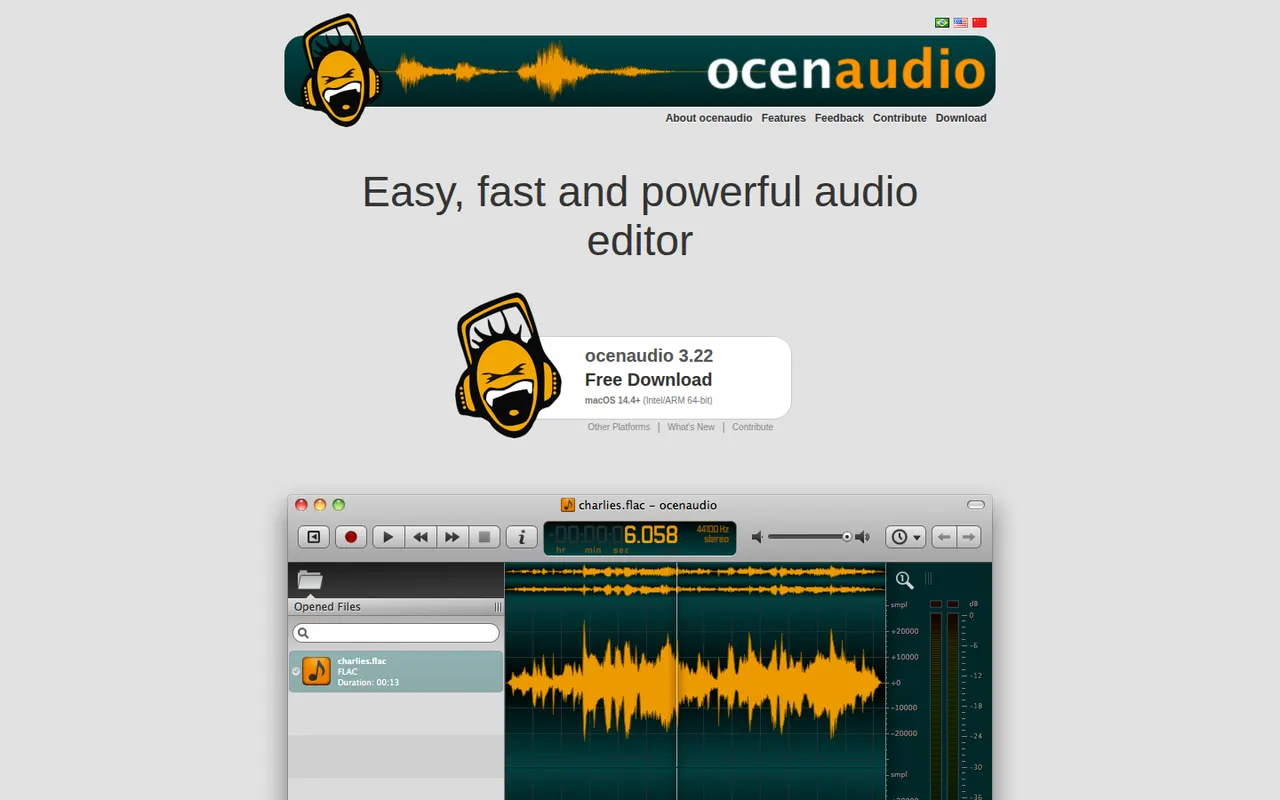
Cost / LicenseFree trialProprietaryCategoriesocenaudio is a free audio editor for Windows, macOS and Linux, intended for users who need more than a basic recorder without the complexity of a full studio. It previews effects in real time, lets you edit several selections at once, handles large files smoothly and supports VST plugins. It is a lightweight alternative to Audacity for quick edits and spectral analysis.
7 ocenaudio alternativesPros
- Real-time effect preview speeds up quick edits
- Lightweight and smooth even with large audio files
- Free on Windows, macOS and Linux with no ads
Cons
- No multitrack editing, so it is not suited to mixing
- Smaller community and fewer tutorials than Audacity
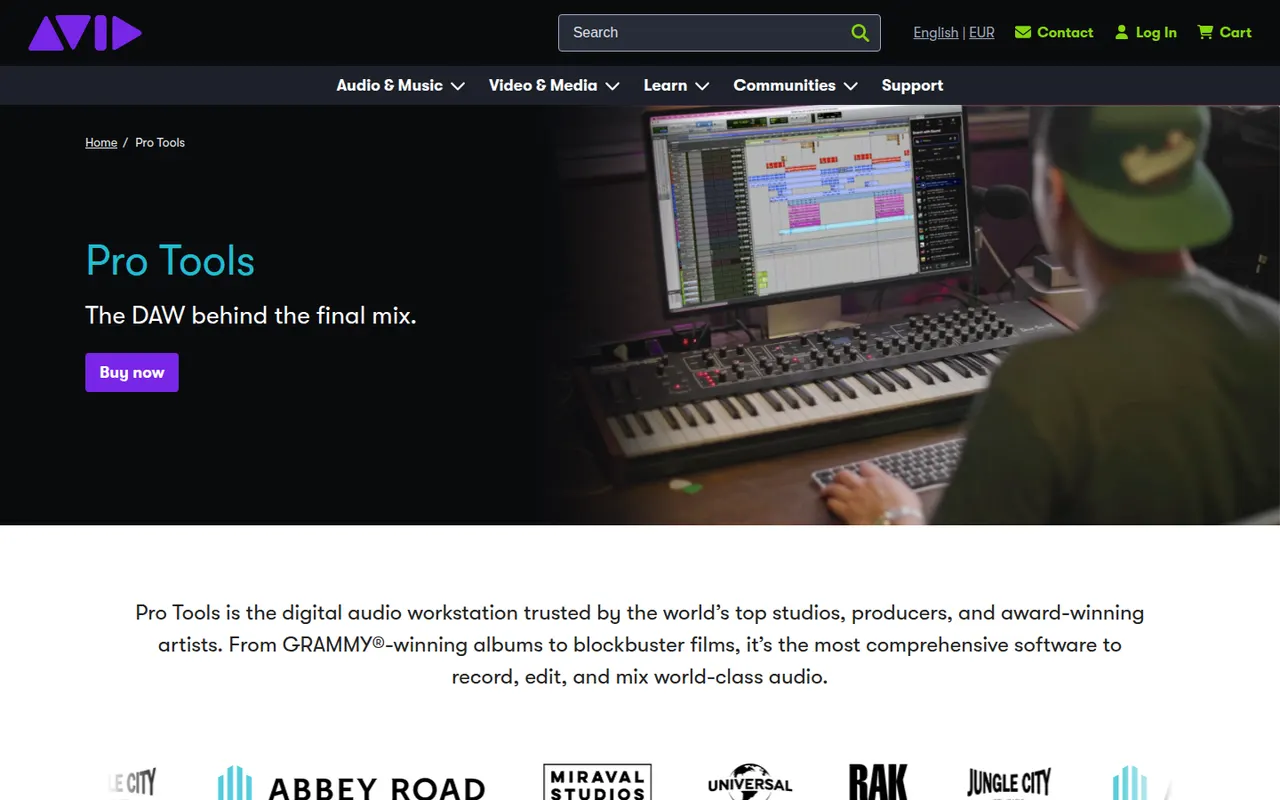
Cost / LicenseFreeProprietaryCategoriesFeaturesPro Tools is Avid's digital audio workstation, long established in recording studios and in film and television post-production. It covers multitrack recording, precise audio editing, MIDI and mixing up to Dolby Atmos, and works with Avid control surfaces and AAX plugins. It runs on Windows and macOS, with a free Pro Tools Intro edition and Artist, Studio and Ultimate subscriptions.
6 Pro Tools alternativesPros
- Industry standard in recording studios and post-production
- Precise audio editing and a mature mixing workflow
- Tight integration with Avid control surfaces and Dolby Atmos mixing
Cons
- Paid editions are expensive, especially Studio and Ultimate
- Supports AAX plugins only, not VST
- The free Intro edition is limited in tracks and features
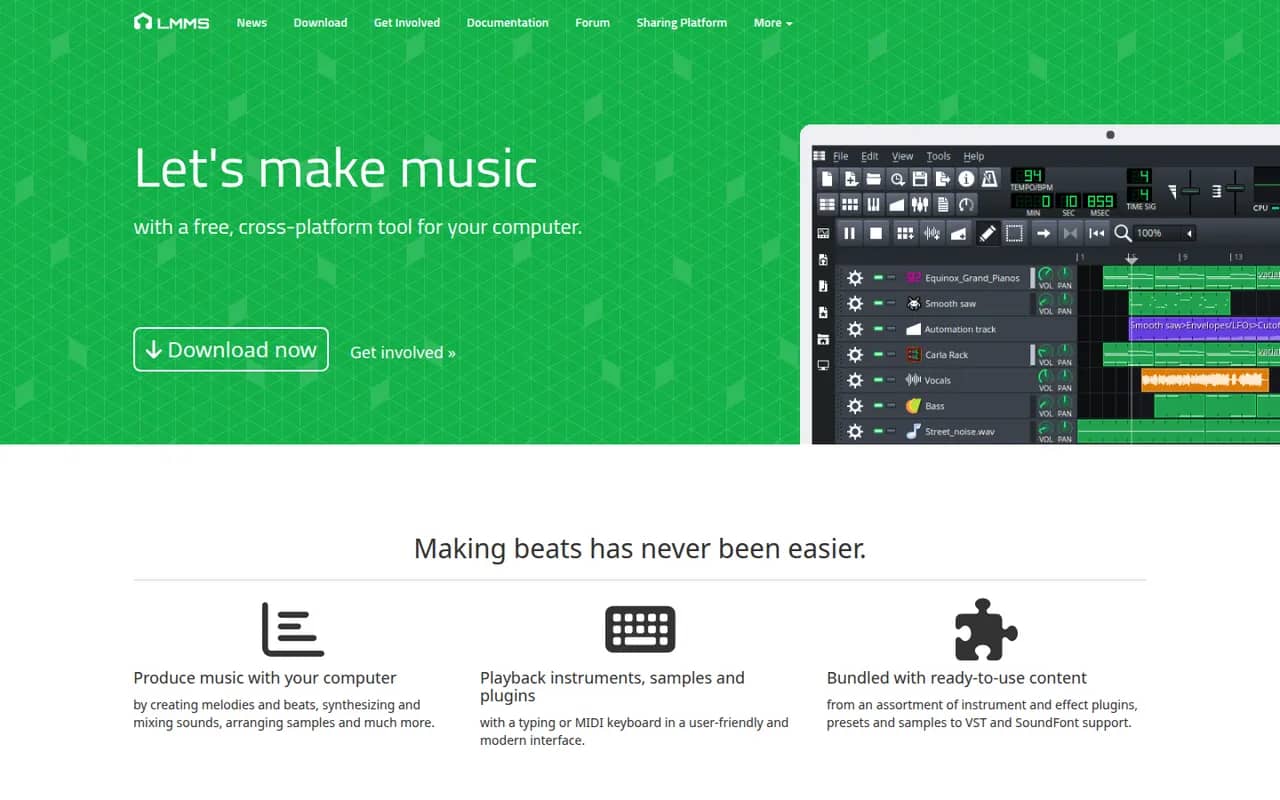
Cost / LicenseFreemiumProprietaryCategoriesLMMS is a free, open source digital audio workstation for composing music on Windows, macOS and Linux. It provides a song editor, a beat and bassline editor, a piano roll and built-in synthesizers and samplers, and it can load VST instruments on Windows and Linux. It is a common starting point for beginners and hobbyists who want a no-cost alternative to FL Studio.
8 LMMS alternativesPros
- Free and open source on Windows, macOS and Linux
- Beat and bassline editor and piano roll suit electronic music beginners
- Built-in synthesizers and samplers to start without extra plugins
Cons
- Audio recording is very limited, as it focuses on sequencing
- VST instruments are not supported on macOS
- Interface feels dated next to commercial DAWs
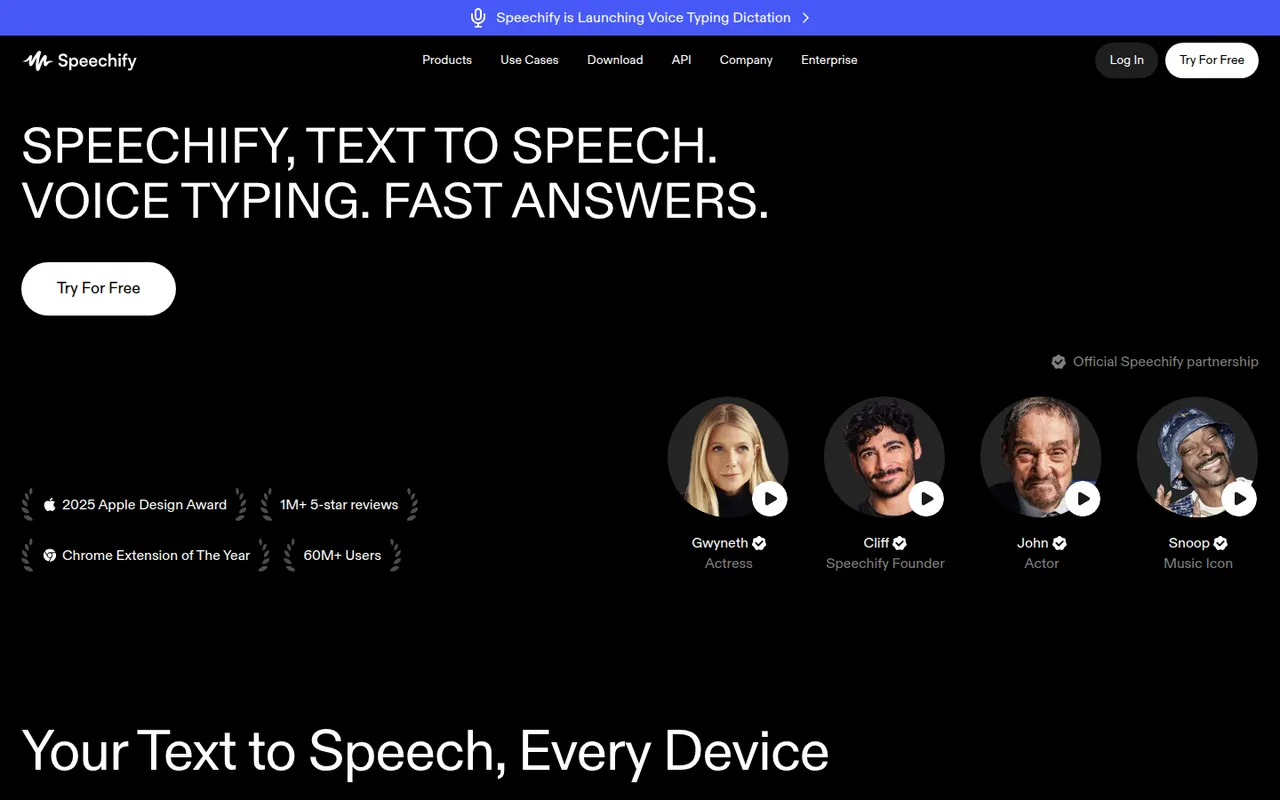
Cost / LicenseFreeOpen sourceCategoriesSpeechify reads text aloud from PDFs, documents, emails, web pages and scanned pages, with adjustable speed and a choice of natural-sounding voices in many languages. Used by students, people with dyslexia and busy professionals, it syncs across its mobile apps, Mac app, web app and Chrome extension. A separate studio offers AI voiceovers, voice cloning and dubbing.
6 Speechify alternativesPros
- Reads PDFs, documents, emails and scanned pages aloud
- Syncs across mobile, Mac, web and the Chrome extension
- Adjustable speed and natural voices in many languages
Cons
- Premium voices and features sit behind a pricey subscription
- Upgrade prompts are frequent in the free version
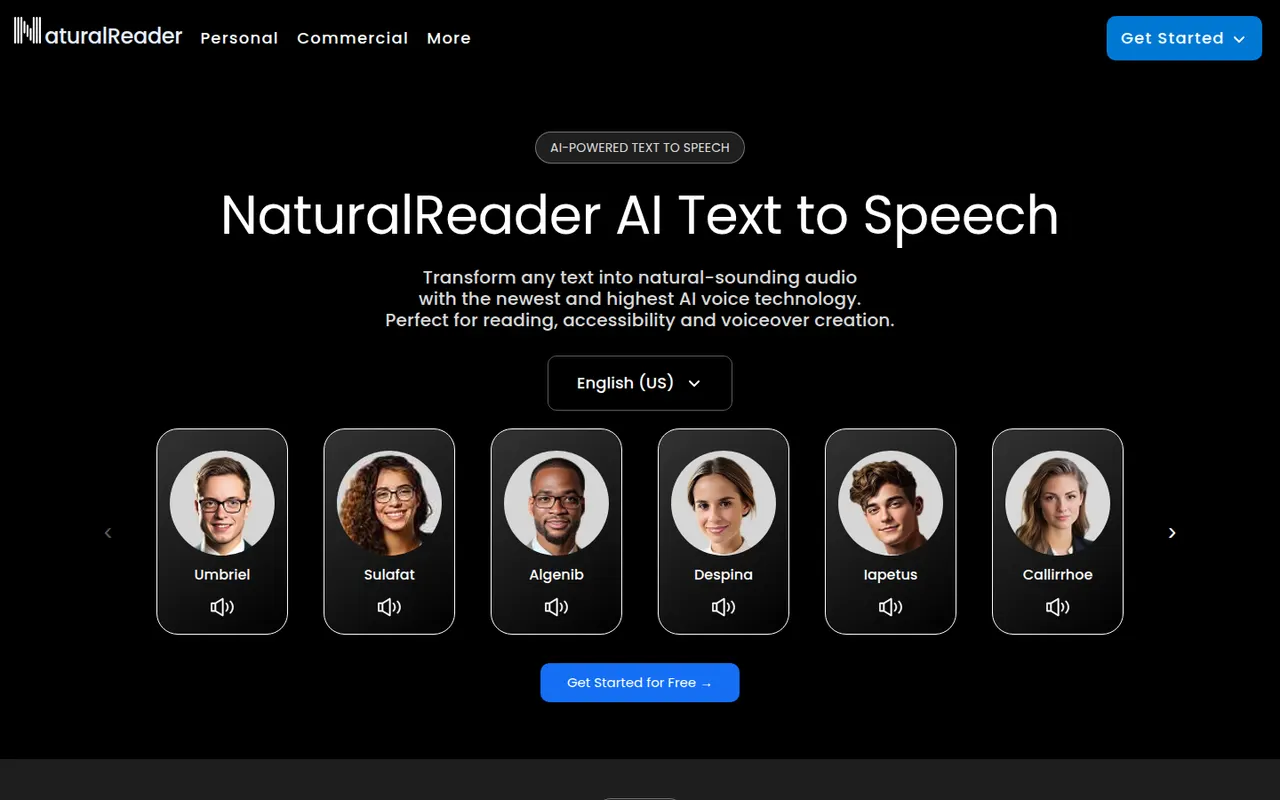
Cost / LicenseFreemiumProprietaryCategoriesPlatformsNaturalReader is a text-to-speech app that reads documents, PDFs, ebooks and web pages aloud in natural-sounding voices across many languages. It is available on the web, as desktop software, as mobile apps that can scan printed text, and as a Chrome extension. It serves students, people with reading difficulties and professionals, with a separate commercial edition for voiceovers.
5 NaturalReader alternativesPros
- Reads PDFs, ebooks and web pages aloud
- Available on web, desktop, mobile and as a Chrome extension
- Mobile apps can scan and read printed text
Cons
- The most natural voices are reserved for paid plans
- Commercial voiceovers require a separate edition
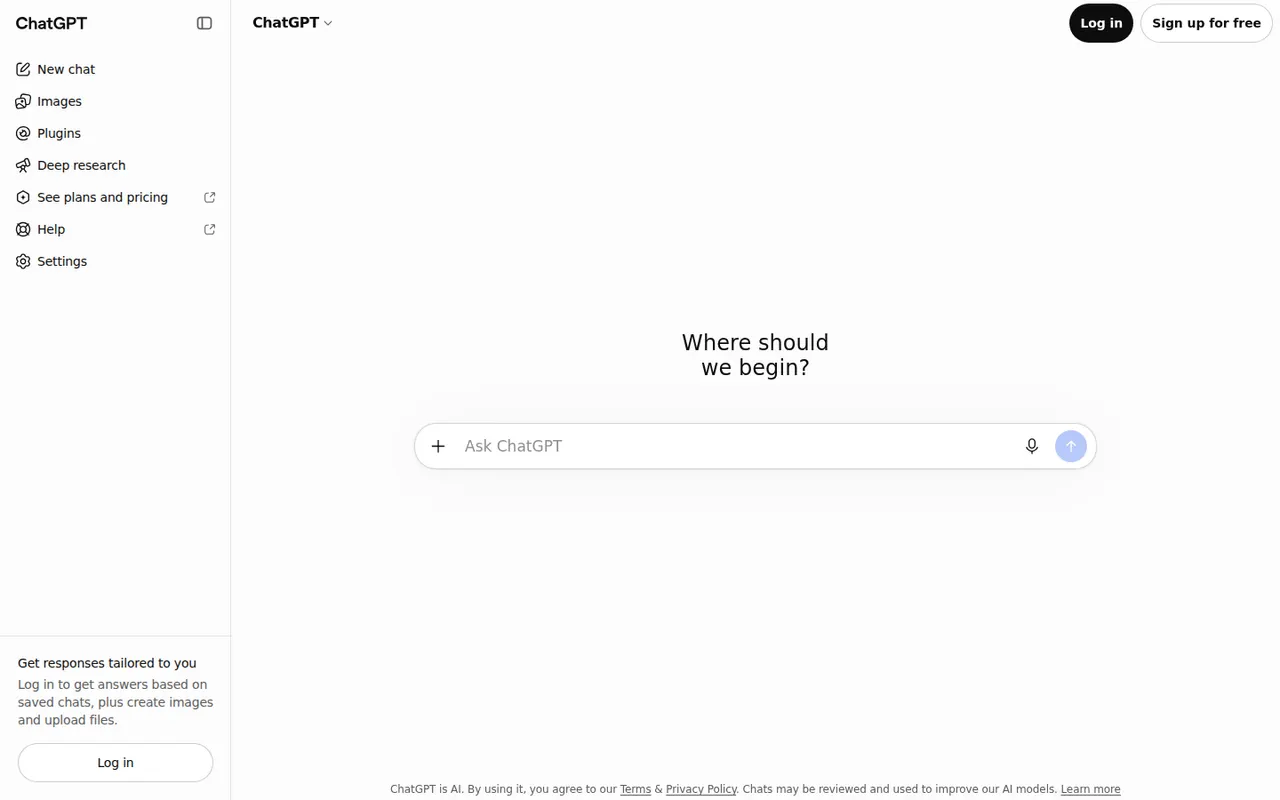
Cost / LicenseFreemiumProprietaryCategoriesChatGPT is OpenAI's general-purpose AI assistant. You can use it to draft and edit text, get answers backed by live web search, analyze uploaded files and data, generate images and hold voice conversations. Custom GPTs let anyone build an assistant for a specific task, and apps are available on desktop and mobile alongside the web version.
12 ChatGPT alternativesPros
- Versatile assistant for writing, analysis, coding and images
- Polished apps on the web, desktop and mobile
- Custom GPTs adapt it to specific tasks
Cons
- Can state wrong information confidently, so answers need checking
- Top models and higher limits require a paid plan
- Conversations may be used for training unless you opt out
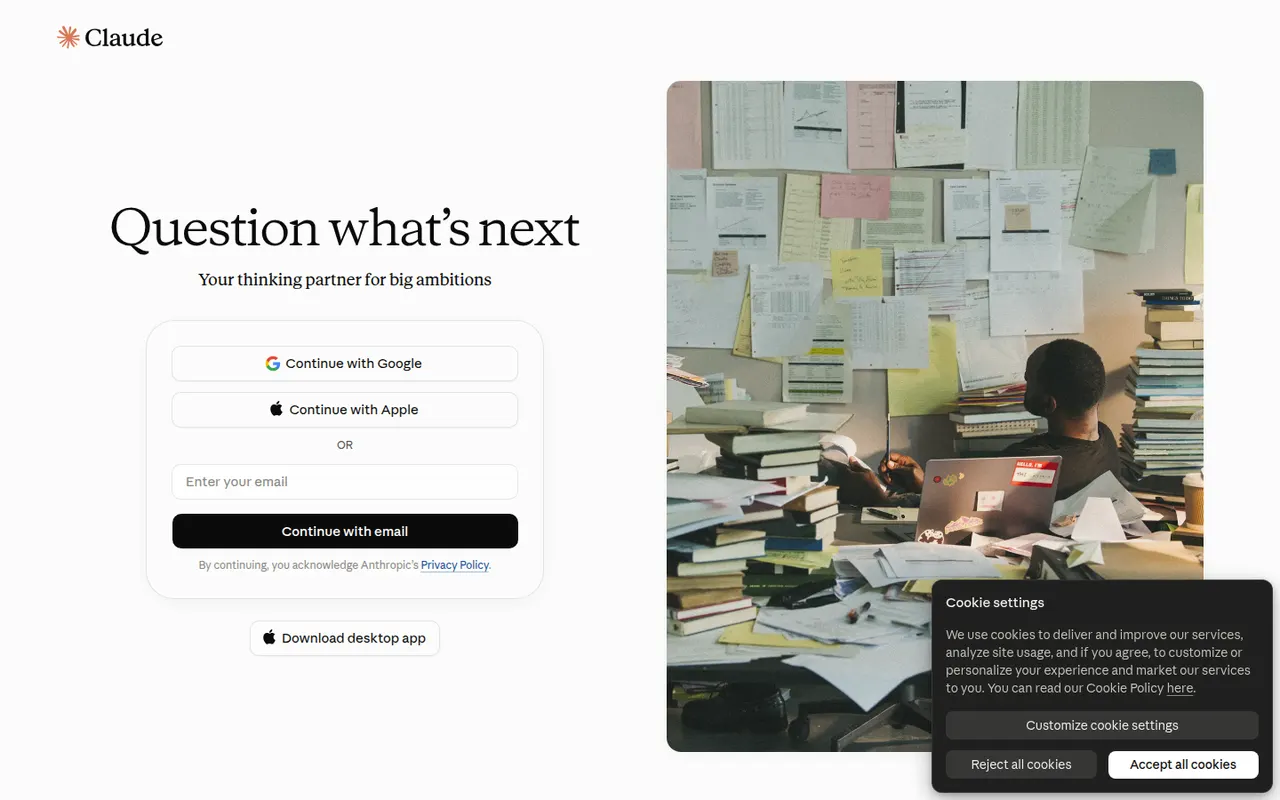
Cost / LicenseFreemiumProprietaryClaude is an AI assistant built by Anthropic. It handles long documents and files, writing and editing, data analysis and programming help, and can search the web when needed. Projects keep related chats and reference files together, and connectors based on the Model Context Protocol link Claude to other apps. It runs on the web, desktop and mobile, and through an API.
12 Claude alternativesPros
- Handles long documents, nuanced writing and coding tasks well
- Projects keep related chats and reference files together
- MCP connectors link it to other apps and data
Cons
- Usage limits can be reached quickly, even on paid plans
- No built-in image generation
- Can still make mistakes, so answers need checking
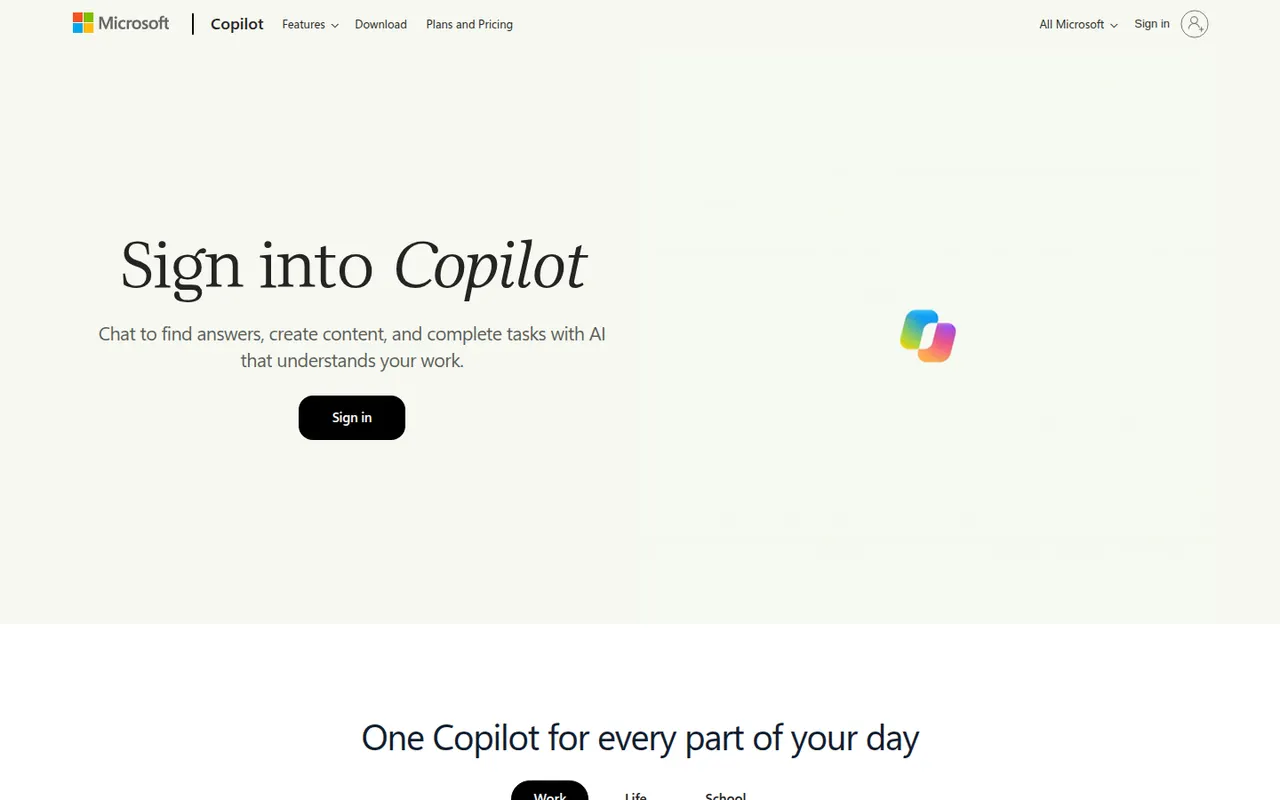
Cost / LicenseFreemiumProprietaryMicrosoft Copilot is the consumer AI assistant from Microsoft, built into Windows and Edge and available as a web, desktop and mobile app. It answers questions with Bing-powered web results, helps draft and summarize text, creates images and supports voice conversations. A Microsoft 365 subscription adds Copilot features inside Word, Excel, PowerPoint and Outlook.
11 Microsoft Copilot alternativesPros
- Built into Windows and Edge for quick access
- Bing-powered answers backed by web results
- Free image creation and voice conversations
Cons
- Copilot inside Word, Excel and Outlook needs Microsoft 365
- Overlapping Copilot products and branding can be confusing
- Tightly woven into Microsoft's ecosystem and services
Cost / LicenseFreemiumProprietaryCategoriesPerplexity is an AI search assistant that answers questions in natural language and lists the web sources behind each answer, so claims can be checked. Follow-up questions keep context, deeper research modes run multi-step searches, and you can upload files to analyze. It runs on the web, desktop, mobile and as a browser extension, and the paid plan lets you choose between several AI models.
11 Perplexity alternativesPros
- Every answer lists its web sources for easy checking
- Deep research modes run multi-step searches
- The paid plan lets you choose between several AI models
Cons
- Summaries can misread or overstate what sources say
- The free plan limits advanced searches and model choice
- Less suited to long creative writing than general chatbots
Cost / LicenseFreemiumProprietaryCategoriesPoe, made by Quora, brings models from several AI providers into a single chat app, covering text, image and video generation. You can bring other bots into a conversation, compare answers and create your own bots from a custom prompt or code. A free daily allowance is included, and a subscription adds compute points for heavier use. Poe runs on the web, desktop and mobile.
8 Poe alternativesPros
- Many AI models from different providers in one app
- Compare answers and bring several bots into one chat
- Create your own bots from a prompt or from code
Cons
- The compute point system makes usage costs hard to predict
- The free daily allowance runs out fast with premium models
- Fewer advanced features than the providers' own apps
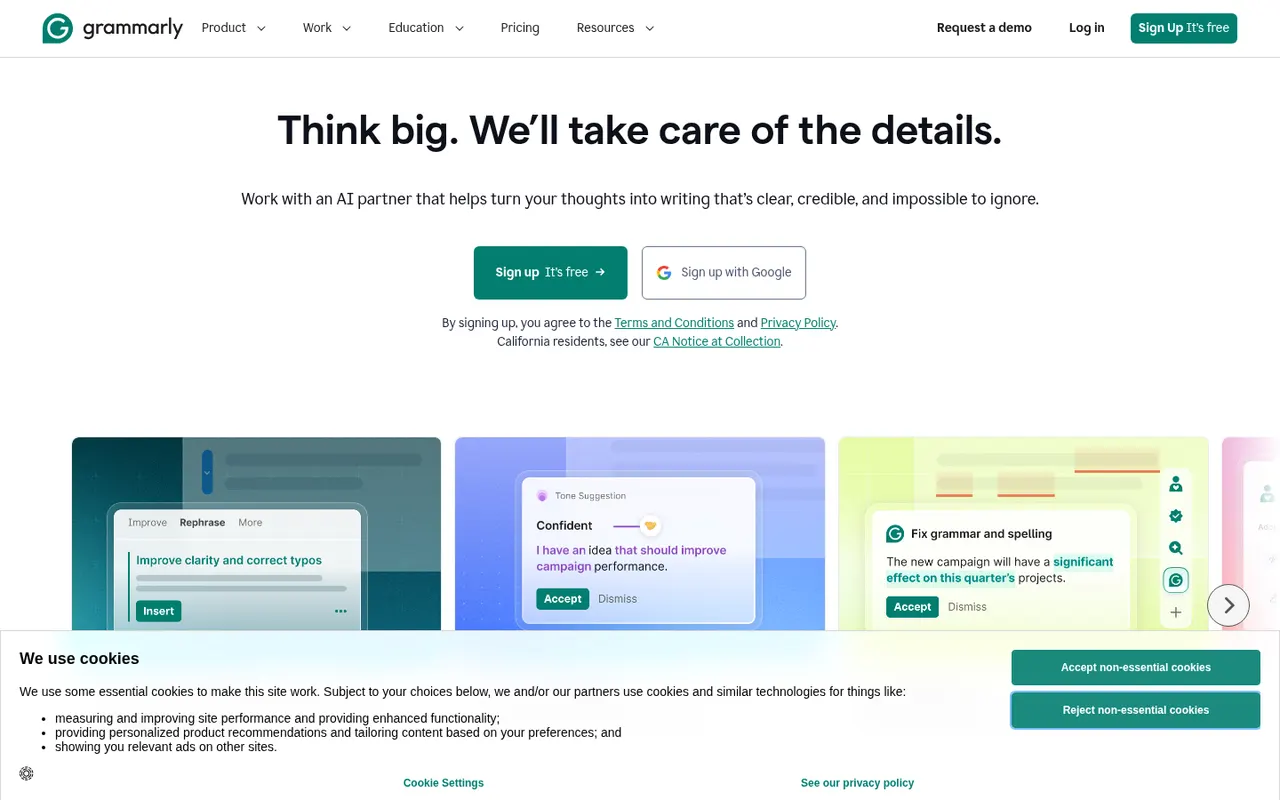
Cost / LicenseFreemiumProprietaryCategoriesGrammarly checks spelling, grammar and punctuation as you write and suggests clearer, more concise phrasing. It works in browsers, desktop apps, Microsoft Office and on mobile through a keyboard, and includes generative AI for drafting and rewriting. Its core checks are designed for English. Paid plans add tone and style rewrites, a plagiarism checker and, for teams, shared style guides and brand tones.
10 Grammarly alternativesPros
- Works in browsers, desktop apps, Microsoft Office and on mobile
- Clear suggestions for grammar, clarity and conciseness
- Shared style guides and brand tones for teams
Cons
- Core checks are designed for English only
- Tone rewrites and the plagiarism checker need a paid plan
- Text is processed in the cloud, which some companies restrict
Cost / LicenseFreemiumProprietaryCategoriesQuillBot is built around a paraphraser that rewrites sentences in several modes, such as fluent, formal or shorter, while keeping their meaning. The suite also includes a grammar checker, summarizer, translator, citation generator, AI detector and, on Premium, a plagiarism checker. It runs in the browser, as a Chrome extension, in Microsoft Word and as desktop apps, and is aimed at students and researchers.
11 QuillBot alternativesPros
- Paraphraser with modes such as fluent, formal or shorter
- Grammar checker, summarizer and citation generator included
- Works in Chrome, Microsoft Word and desktop apps
Cons
- Free paraphraser limits text length and available modes
- Plagiarism checker is only available on Premium
- Heavy paraphrasing can blur the original meaning
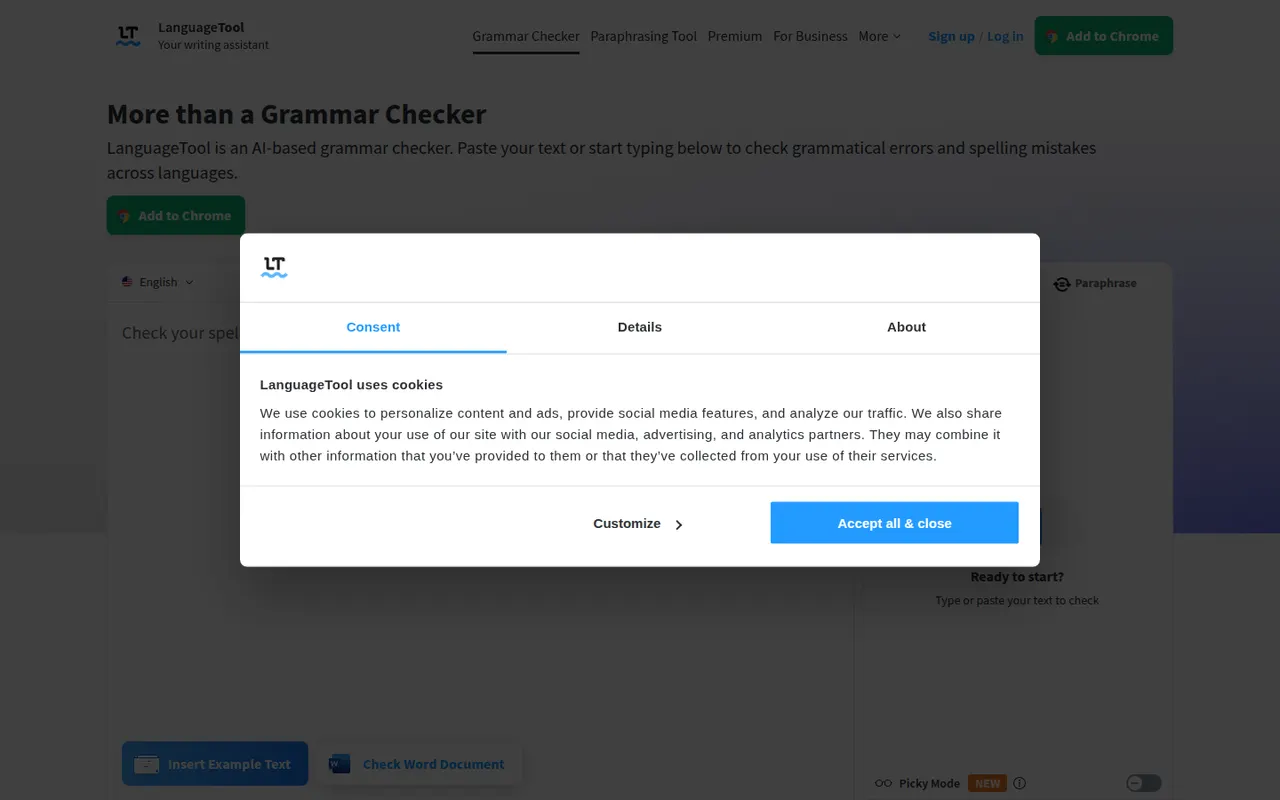
Cost / LicenseFreemiumProprietaryCategoriesPlatformsLanguageTool checks grammar, spelling, punctuation and style in dozens of languages, including English, French, German, Spanish and Portuguese. It integrates with browsers, Microsoft Word, Google Docs, LibreOffice and desktop apps, and Premium adds AI rephrasing and deeper style checks. The core engine is open source under the LGPL, so organizations can run their own server for privacy.
6 LanguageTool alternativesPros
- Checks grammar and style in dozens of languages
- Open source core can run on your own server for privacy
- Integrates with Word, Google Docs, LibreOffice and browsers
Cons
- AI rephrasing and deeper style checks require Premium
- A self-hosted server lacks the Premium checks
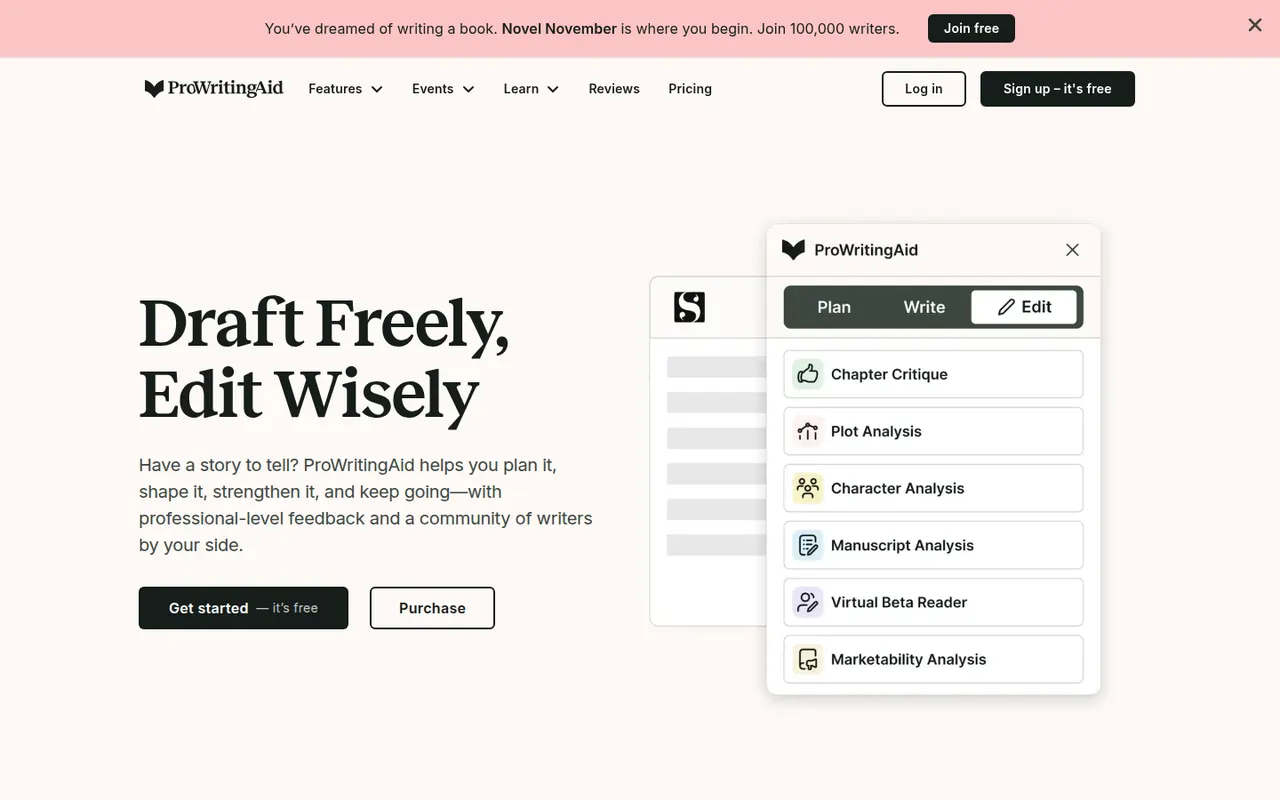
Cost / LicenseFreemiumOpen sourceCategoriesProWritingAid is a grammar checker and style editor designed for long-form English writing, from business documents to novels. Alongside real-time corrections, it produces reports on readability, overused words, repetition, sentence length, pacing and dialogue, and offers AI rephrasing and critique. It works on the web, in desktop apps, in browsers and inside Word, Google Docs and Scrivener.
7 ProWritingAid alternativesPros
- In-depth reports on readability, pacing, repetition and dialogue
- Works inside Word, Google Docs and Scrivener
- Well suited to long-form writing, including fiction
Cons
- The number of reports can feel overwhelming
- Designed for English only
- Free version limits how much text you can check
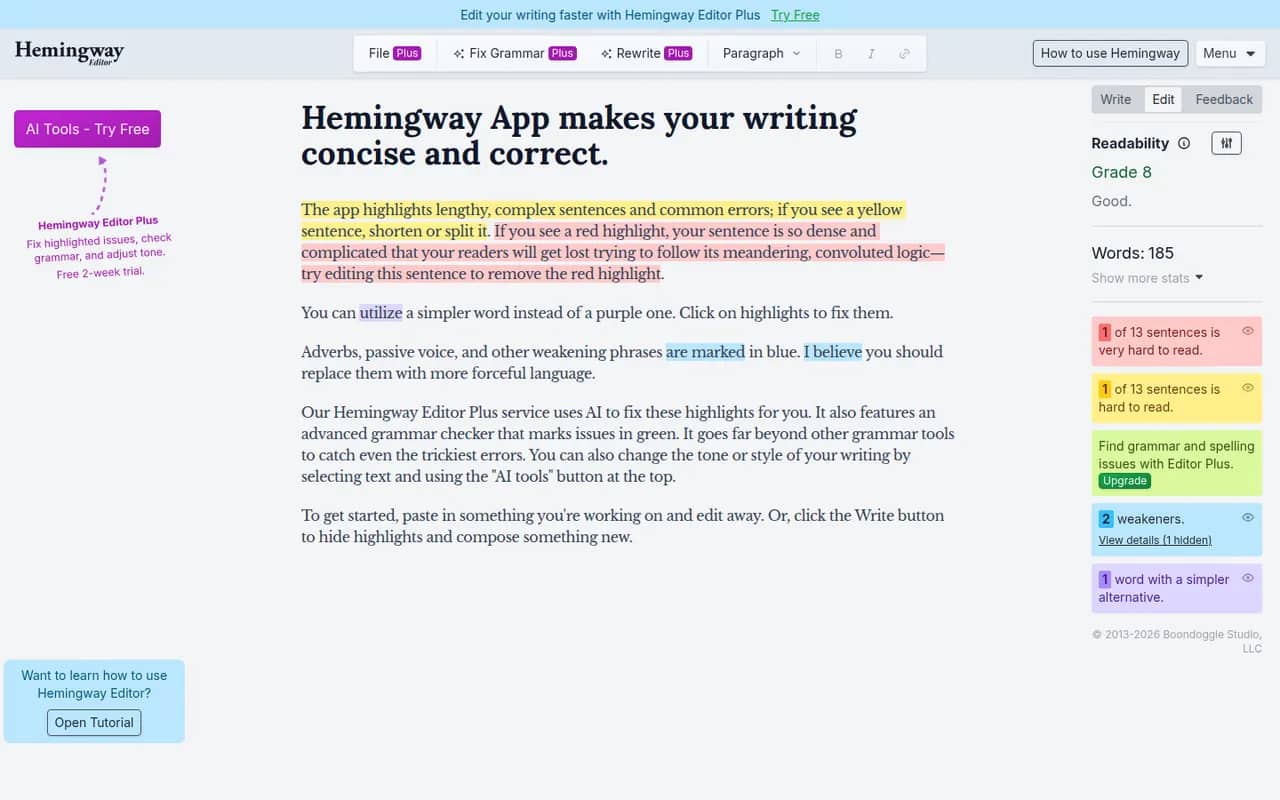
Cost / LicenseFreemiumProprietaryCategoriesPlatformsHemingway Editor highlights long and hard-to-read sentences, adverbs, passive voice and complex words, and shows a readability grade to help you simplify your writing. The free web version covers the core checks, a desktop app bought once works offline on Windows and Mac, and the Hemingway Editor Plus subscription adds AI fixes and a grammar check. It is designed for English.
7 Hemingway Editor alternativesPros
- Highlights dense sentences, adverbs and passive voice
- Readability grade gives instant feedback
- Desktop app bought once works offline
Cons
- Designed for English only
- Grammar checks and AI fixes need the Plus subscription
- Its rules can push toward overly plain prose
Cost / LicenseFreemiumProprietaryCategoriesDeepL Write is an AI writing assistant from the German company behind the DeepL translator. It corrects grammar, spelling and punctuation and suggests rephrasings of whole sentences in languages such as English, German, French, Spanish and Portuguese. Write Pro adds writing styles and tones and does not keep your texts after processing. It works on the web and in the DeepL desktop apps.
7 DeepL Write alternativesPros
- Rephrases whole sentences, not just grammar fixes
- Natural results in English, German, French and more
- Write Pro does not keep your texts after processing
Cons
- Supports far fewer languages than the DeepL translator
- No plagiarism checker or in-depth style reports
- Writing styles and tones are reserved for Write Pro
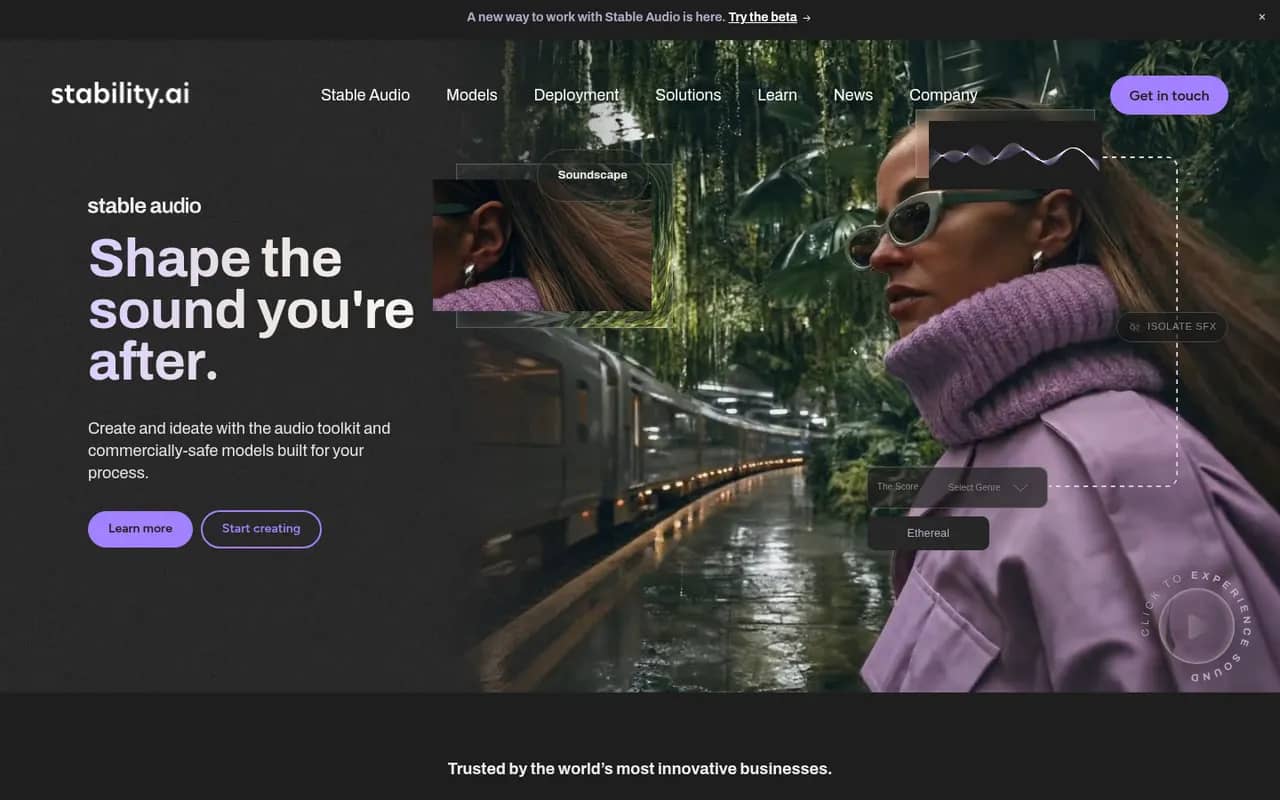
Cost / LicenseFreemiumProprietaryCategoriesStable Diffusion is a family of text-to-image models released by Stability AI with downloadable weights. Because they run locally on a capable GPU, a large ecosystem has grown around them: interfaces such as ComfyUI and AUTOMATIC1111, fine-tuned community models, LoRAs and ControlNet. Recent versions use the Stability AI Community License, and Stability also sells hosted API access.
9 Stable Diffusion alternativesPros
- Downloadable weights run locally, offline and in private
- Huge ecosystem of interfaces, community models, LoRAs and ControlNet
- Deeply customizable, from fine-tuning to precise pose control
Cons
- Needs a capable GPU and some technical setup
- Raw results take more prompt work than polished hosted services
- Recent versions use a license that restricts larger commercial users
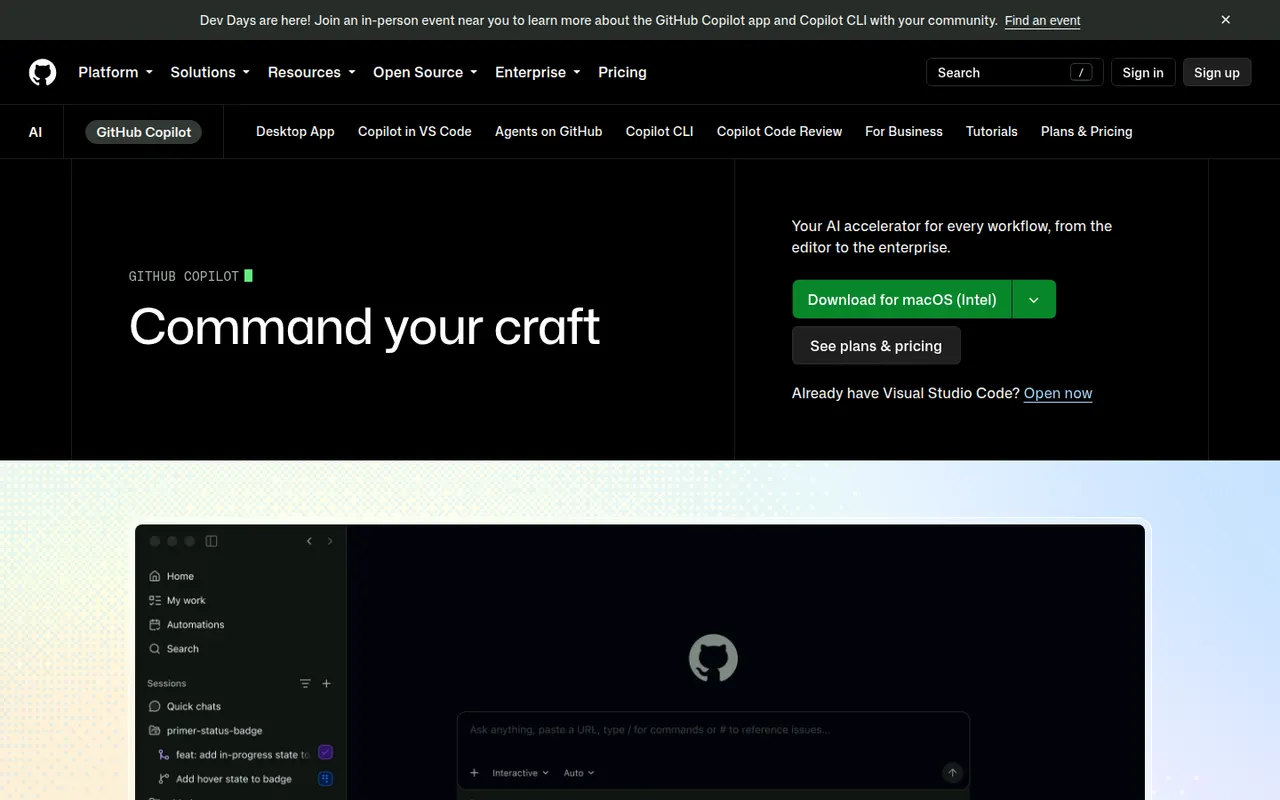
Cost / LicenseFreemiumSource availableCategoriesPlatformsGitHub Copilot is GitHub's AI coding assistant. It suggests code as you type and offers chat in editors such as VS Code, Visual Studio, JetBrains IDEs, Xcode and Neovim, with a choice of models from several providers. Its coding agent can take a GitHub issue, work in the background and open a pull request, and Copilot also reviews pull requests and works in the terminal. A limited free plan is available.
10 GitHub Copilot alternativesPros
- Works in many editors, from VS Code to Xcode and Neovim
- Coding agent turns GitHub issues into pull requests
- Choice of models from several providers
Cons
- The free plan has tight monthly limits
- Premium requests can add extra costs on paid plans
- Agent features assume your code is hosted on GitHub
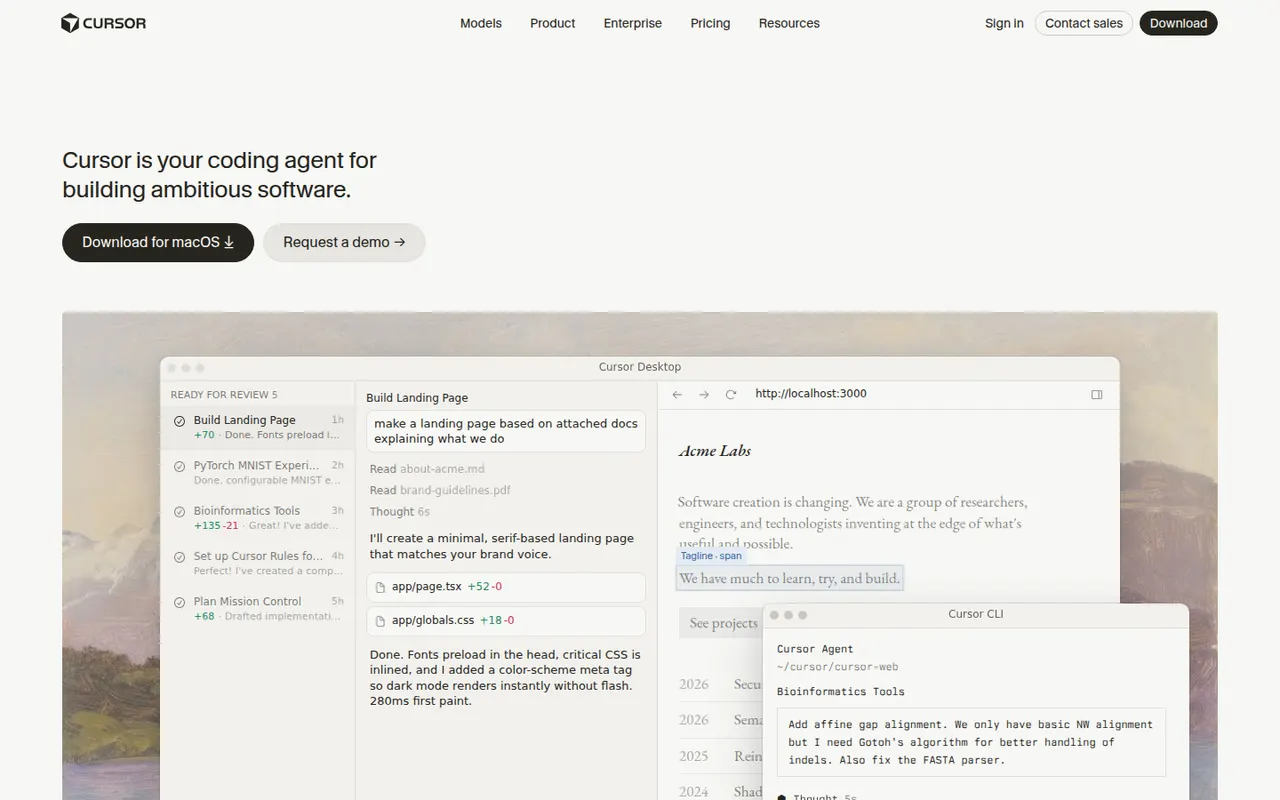
Cost / LicenseFreemiumProprietaryCategoriesCursor is a code editor from Anysphere, forked from VS Code, with AI integrated throughout the workflow. Its Tab model predicts multi-line edits, chat understands the whole codebase, and agent mode plans and applies changes across files while running terminal commands. Background agents can also work on tasks in the cloud. It stays compatible with VS Code extensions, themes and keybindings, and has a free Hobby plan.
12 Cursor alternativesPros
- Tab completion predicts multi-line edits as you type
- Agent mode applies changes across files and runs commands
- Keeps VS Code extensions, themes and keybindings
Cons
- Request limits and usage-based billing can be confusing
- As a VS Code fork, it can lag behind upstream updates
- The free Hobby plan is quickly limiting for daily work
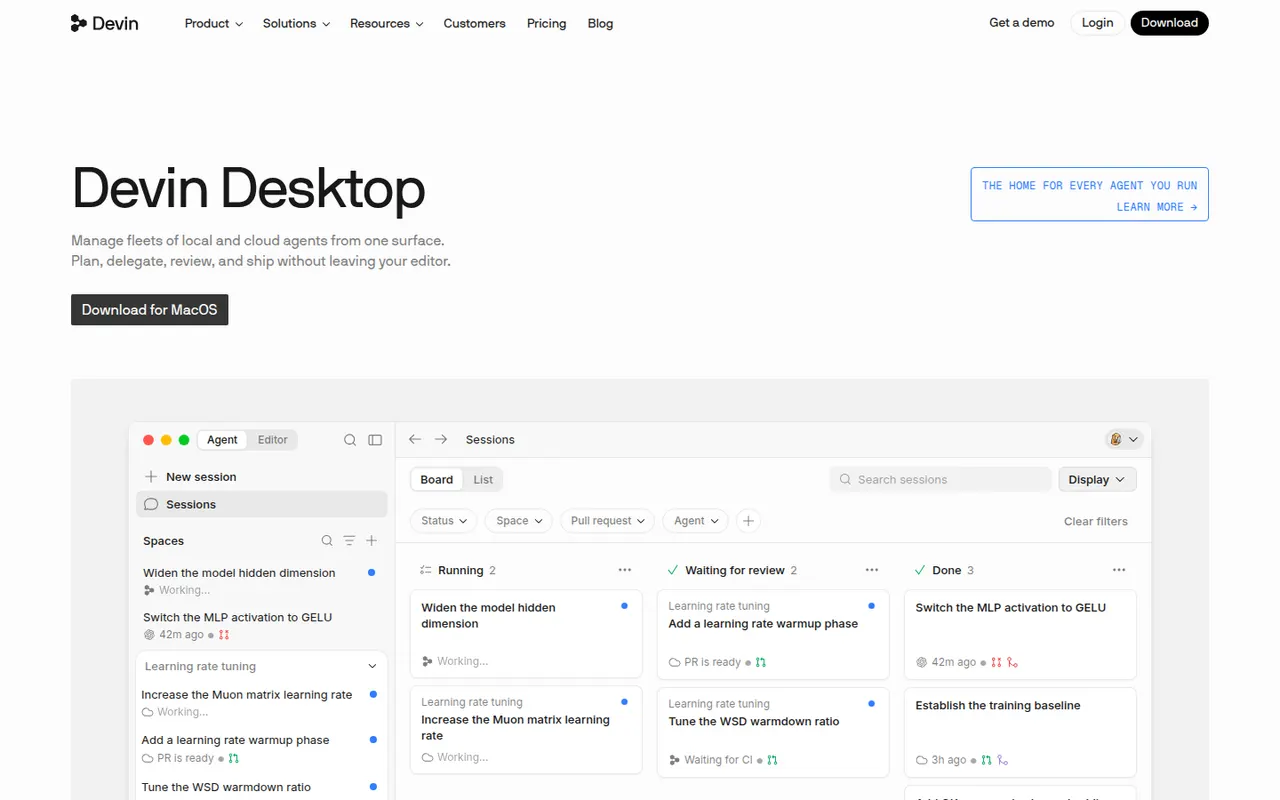
Cost / LicenseFreemiumProprietaryCategoriesWindsurf is an AI code editor based on VS Code, created by the team behind Codeium and now owned by Cognition, the company behind Devin. Its Cascade agent understands the codebase, edits multiple files, runs terminal commands and remembers project context, while Tab suggests next edits as you type. Plugins also bring its features to JetBrains IDEs and other editors. A free plan is available.
12 Windsurf alternativesPros
- Cascade agent edits multiple files and runs commands
- Remembers project context across sessions
- Plugins bring its features to JetBrains and other editors
Cons
- Ownership changes have made its roadmap less predictable
- Credit-based limits can run out with heavy use
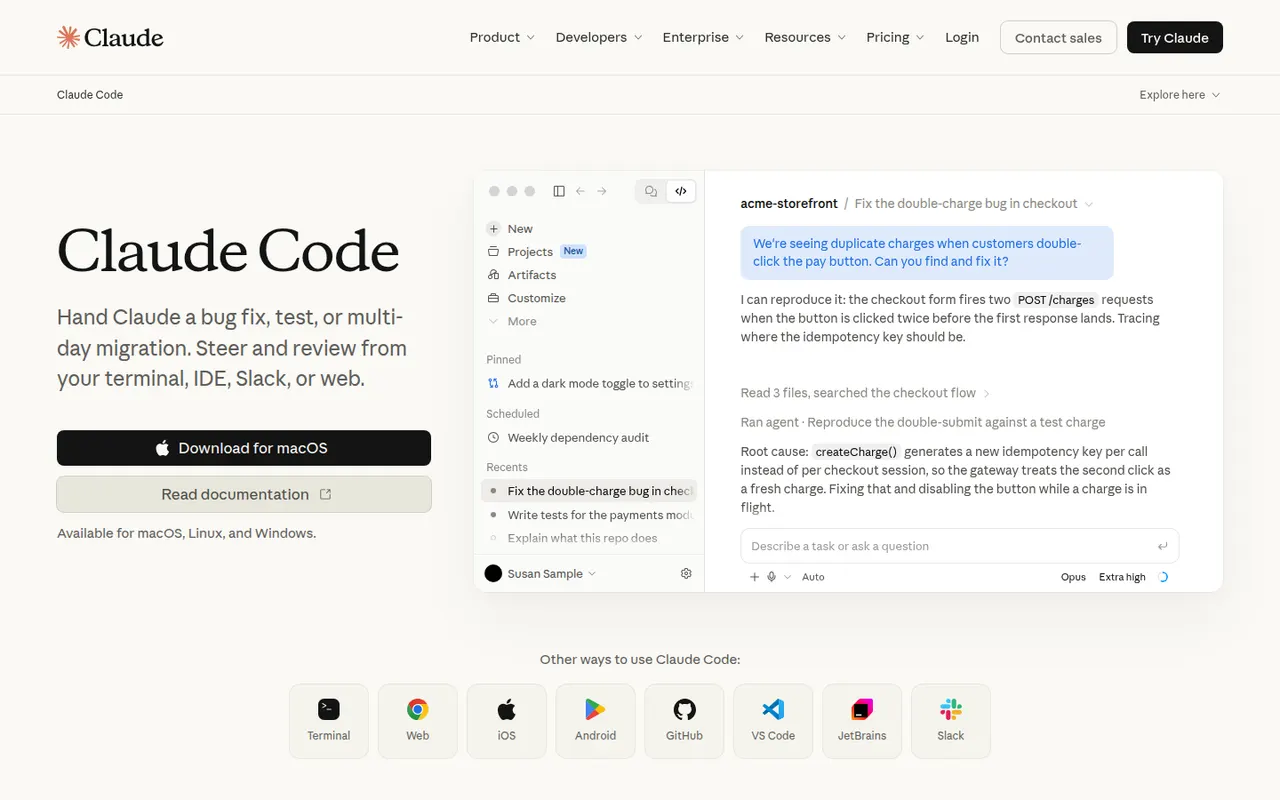
Cost / LicenseFreemiumProprietaryCategoriesClaude Code is an agentic coding tool from Anthropic. It runs in the terminal, in VS Code and JetBrains IDEs and on the web. It reads your codebase, edits files, runs commands and tests, and handles git workflows from natural-language requests. It can be extended with MCP servers, custom slash commands, subagents, hooks and plugins. Using it requires a paid Claude plan or API billing.
10 Claude Code alternativesPros
- Works across the whole codebase from the terminal
- Runs commands and tests, and handles git workflows
- Extensible with MCP servers, hooks, subagents and plugins
Cons
- Requires a paid Claude plan or API billing, with no free tier
- Heavy agentic sessions can hit usage limits or run up API costs
- Autonomous edits still need careful review before merging
Cost / LicensePaidProprietaryCategoriesTabnine is an AI coding assistant focused on privacy and control for companies. It provides code completion and a chat that helps generate tests, write documentation and review code in VS Code, JetBrains IDEs, Visual Studio and Eclipse. Tabnine can be deployed as SaaS, in a private VPC, on-premises or fully air-gapped, does not retain customer code, and can use an organization's repositories as context.
8 Tabnine alternativesPros
- Can be deployed on-premises or fully air-gapped
- Does not retain customer code
- Supports Eclipse and Visual Studio as well as VS Code and JetBrains
Cons
- Paid after the trial, with no free tier
- Offer and pricing target companies more than individuals
Cost / LicenseFree trialProprietaryCategoriesPlatformsAmazon Q Developer is the generative AI assistant from AWS for software development. It offers inline code suggestions, chat and agents that implement features, write tests and documentation, review code and upgrade Java applications, in VS Code, JetBrains and Visual Studio and on the command line. It also answers questions about AWS resources in the console, with a free tier alongside the Pro plan.
8 Amazon Q Developer alternativesPros
- In-depth knowledge of AWS services and console resources
- Agents help upgrade Java applications
- Free tier, with VS Code, JetBrains and command-line support
Cons
- Most useful for teams already invested in AWS
- The free tier caps agent requests and code transformations
Cost / LicenseFreemiumProprietaryCategoriesGemini Code Assist brings Google's Gemini models into VS Code and JetBrains IDEs for code completion, generation and chat that takes your local codebase into account. Agent mode can plan and carry out multi-step changes, and a GitHub app reviews pull requests. The individual edition is free, while Standard and Enterprise add Google Cloud integrations, private repository customization and admin controls.
10 Gemini Code Assist alternativesPros
- Free edition for individual developers
- GitHub app reviews pull requests automatically
- Agent mode carries out multi-step changes
Cons
- Enterprise features are tied to Google Cloud
- Supports fewer editors than some competing assistants
Cost / LicenseFreemiumProprietaryCategories