Best apps for Mac
286 apps
Top Mac apps ranked by the community
OneDrive is Microsoft's file storage service, built into Windows and included with Microsoft 365 subscriptions. It syncs folders across devices, can back up the Desktop, Documents and Pictures folders, and lets several people edit Word, Excel and PowerPoint files at the same time. A Personal Vault adds an extra verification step for sensitive files.
12 OneDrive alternativesPros
- Built into Windows and File Explorer, with files on demand
- Real-time co-editing of Word, Excel and PowerPoint files
- Storage comes bundled with Microsoft 365 subscriptions
Cons
- Windows nudges you into folder backup, which can relocate files unexpectedly
- No official Linux client
- The free plan offers little storage
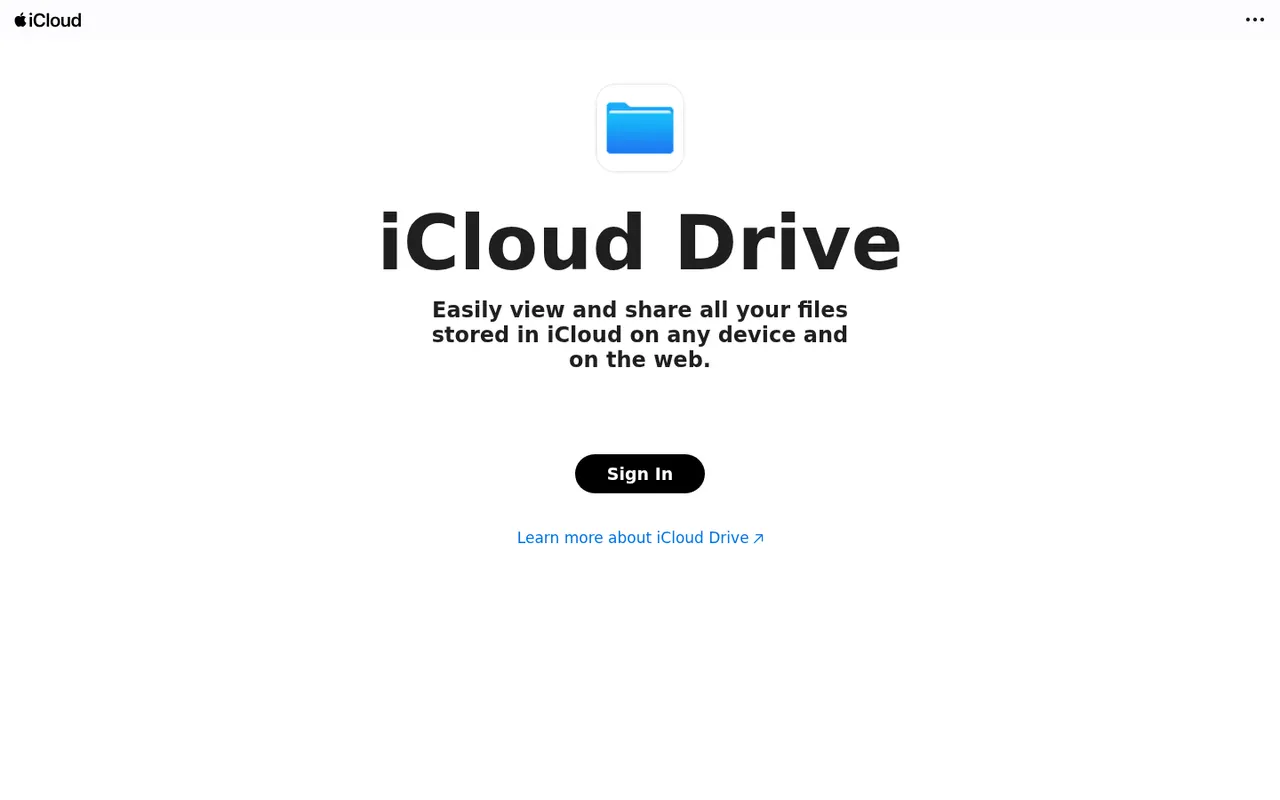
Cost / LicenseFreemiumProprietaryCategoriesiCloud Drive stores files in Apple's cloud and keeps them in sync across Mac, iPhone and iPad, with access from Windows and from a browser on icloud.com. It is built into the Finder and the Files app, can sync the Mac Desktop and Documents folders, and supports shared folders. Optional Advanced Data Protection extends end-to-end encryption to iCloud Drive.
8 iCloud Drive alternativesPros
- Built into Finder and Files, with seamless sync across Apple devices
- Desktop and Documents folders can sync automatically
- Advanced Data Protection adds end-to-end encryption
Cons
- Small free storage, quickly filled by device backups and photos
- No Android or Linux app, and Windows support is more basic
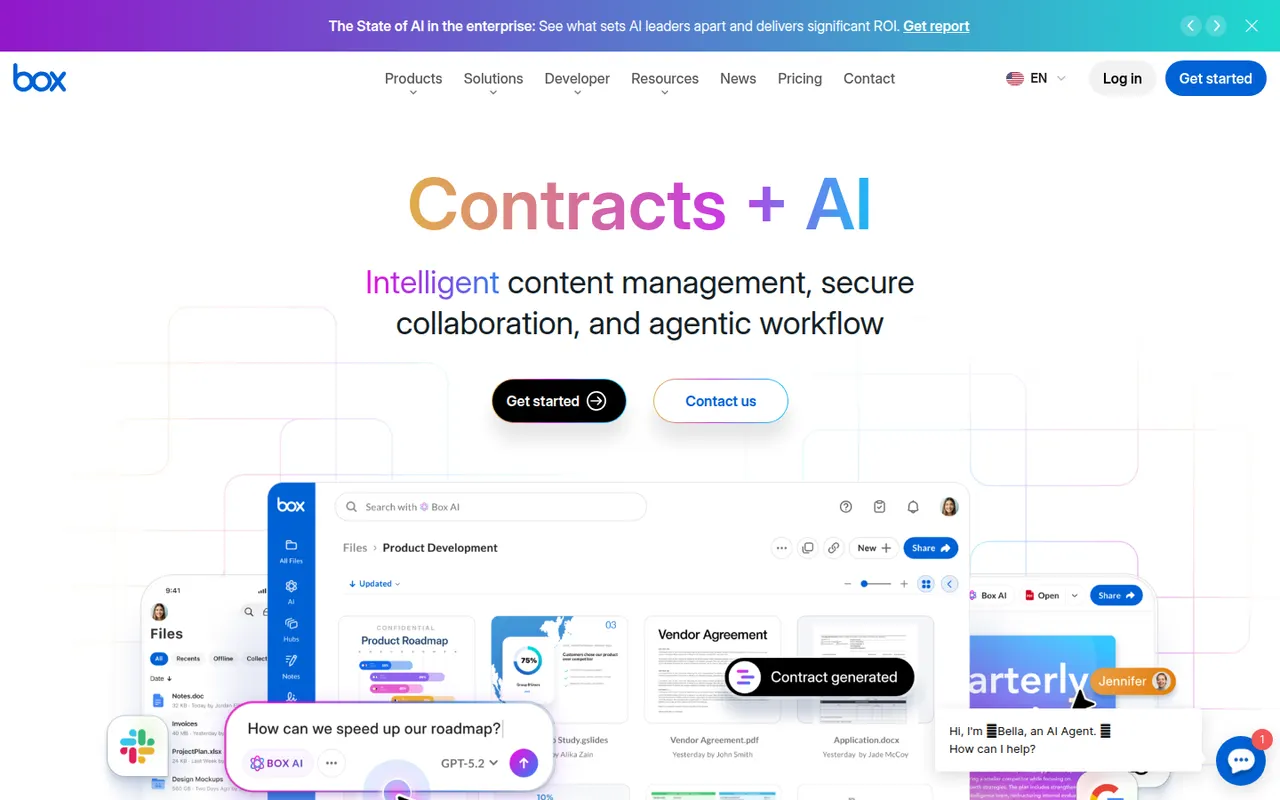
Cost / LicenseFreemiumProprietaryCategoriesBox is a cloud storage and file sharing platform aimed at companies that need control over their documents. It offers granular permissions, version history, single sign-on, compliance tooling and integrations with Microsoft 365, Google Workspace, Slack and many business apps, plus Box AI for asking questions about stored content. A free individual plan is available.
10 Box alternativesPros
- Granular permissions and compliance tools for regulated companies
- Integrates with Microsoft 365, Google Workspace, Slack and many business apps
- Box AI answers questions about stored documents
Cons
- The free plan is limited in storage and file upload size
- Aimed at businesses, less appealing for personal use
- Many admin and security features sit in higher-tier plans
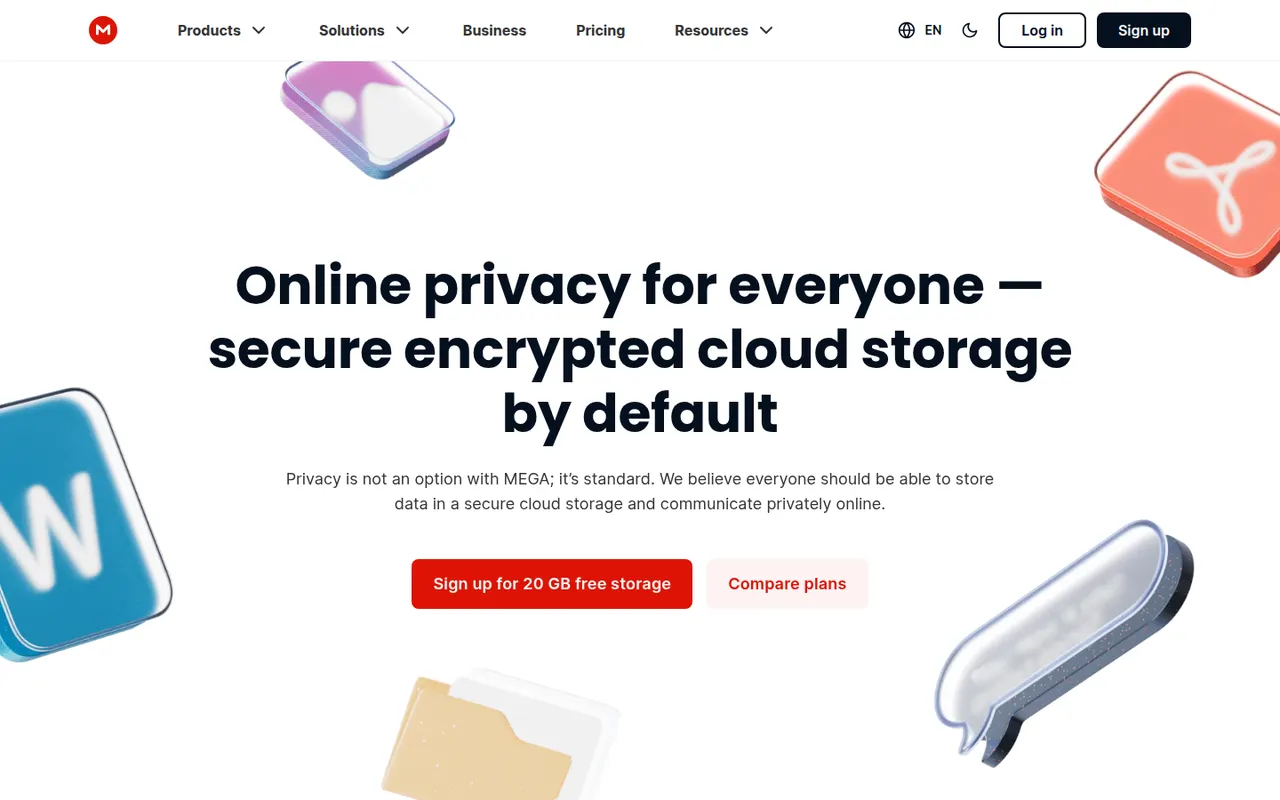
Cost / LicenseFreemiumProprietaryCategoriesMEGA is a cloud storage service from New Zealand that encrypts files on your device before upload, with keys derived from your password. It offers sync clients for Windows, macOS and Linux, mobile apps with camera uploads, encrypted share links and built-in chat and video meetings. A free plan is available alongside paid plans with more storage and transfer quota.
11 MEGA alternativesPros
- Files are encrypted on your device before upload
- Clients for every major desktop and mobile platform
- Built-in encrypted chat and video meetings
Cons
- Transfer quotas can slow down downloads on free accounts
- Losing both your password and recovery key means losing your data
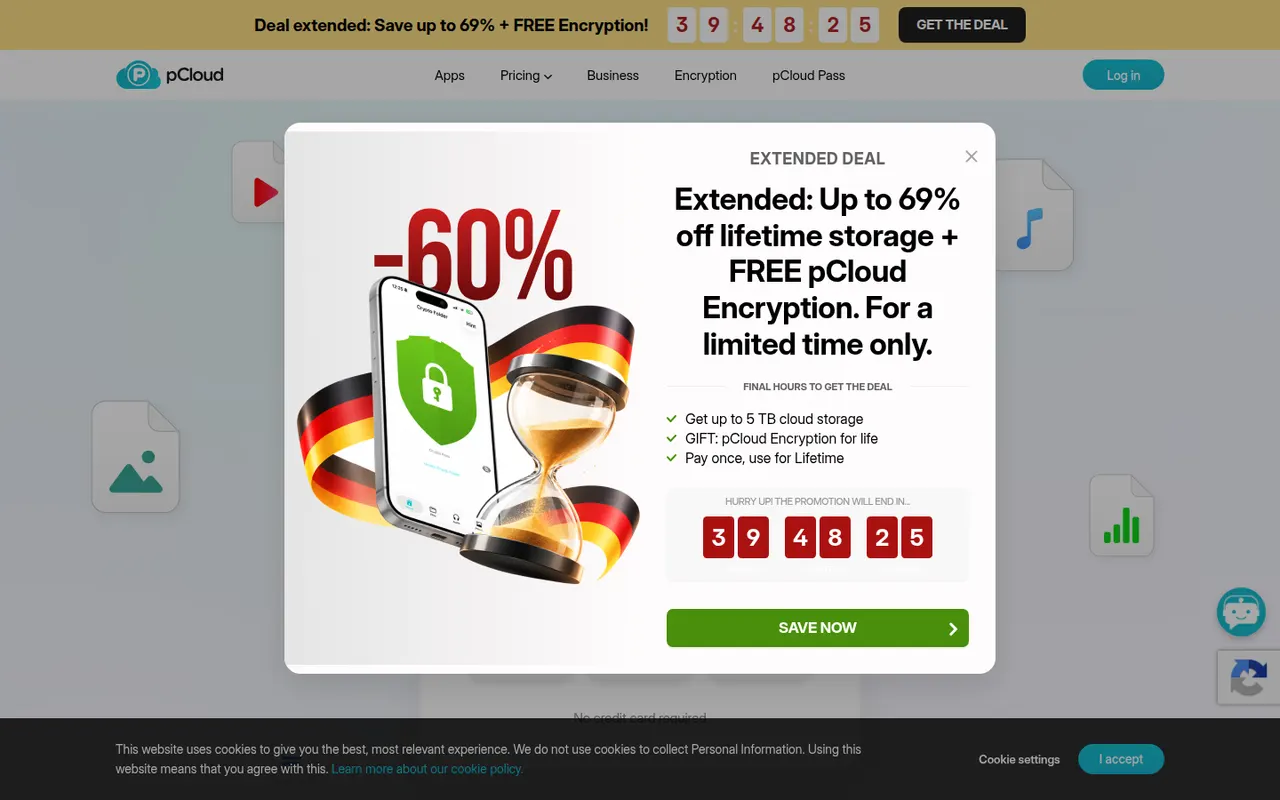
Cost / LicenseFreemiumProprietaryCategoriespCloud is a Swiss cloud storage service that mounts your storage as a virtual drive on Windows, macOS and Linux, so files stay online until you open them. It includes link sharing, automatic phone photo backup, file history and a built-in media player. The paid pCloud Encryption add-on provides client-side encryption, and storage is sold as a subscription or a one-time lifetime plan.
12 pCloud alternativesPros
- Virtual drive saves local disk space on Windows, macOS and Linux
- One-time lifetime plans as an alternative to subscriptions
- Swiss provider with a built-in player for music and video
Cons
- Client-side encryption is a paid add-on
- Collaboration and office editing are limited next to Google Drive or OneDrive
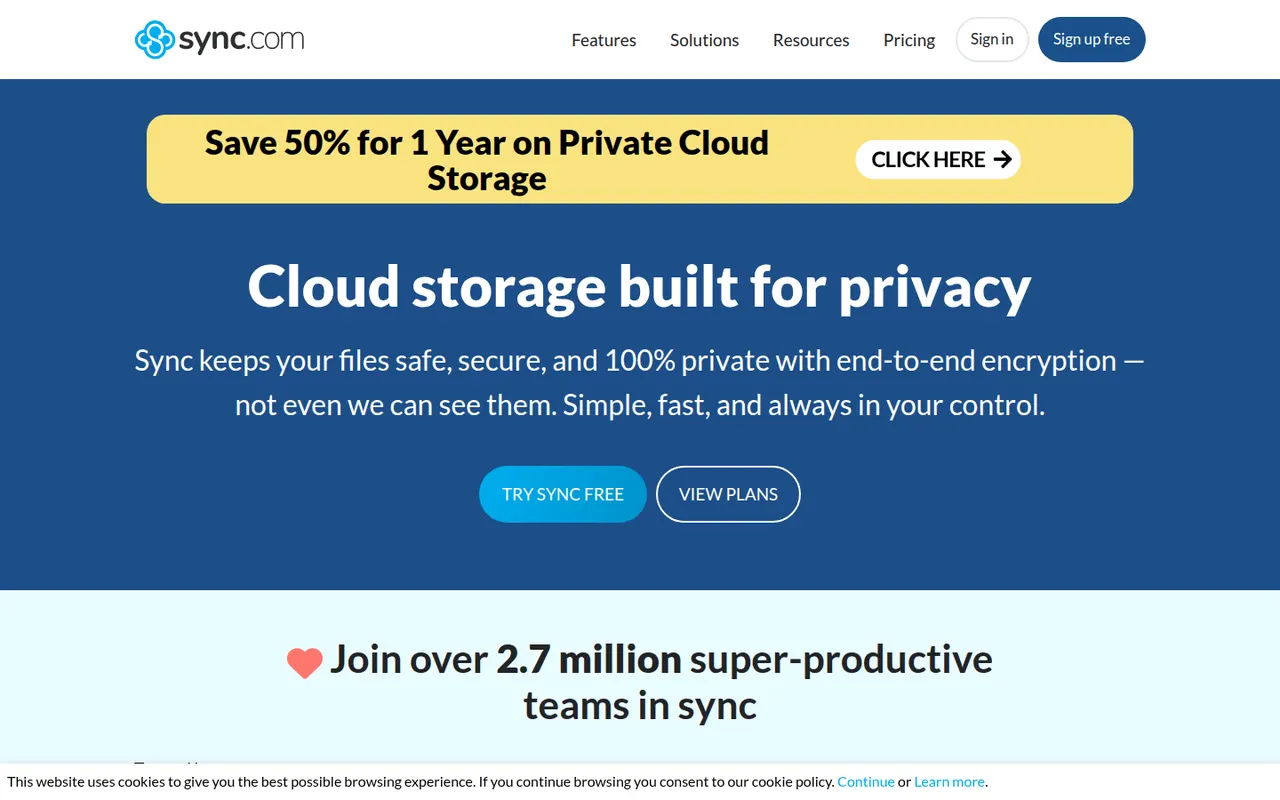
Cost / LicenseFreemiumProprietaryCategoriesSync.com is a Canadian cloud storage service with end-to-end encryption, which means the company cannot read the files you store. It syncs folders on Windows and macOS, backs up photos from iOS and Android, keeps previous file versions and offers share links with optional passwords and expiry dates. Business plans add team folders and admin controls.
11 Sync.com alternativesPros
- Zero-knowledge encryption means the provider cannot read your files
- Share links with optional passwords and expiry dates
- Version history and photo backup from iOS and Android
Cons
- No desktop client for Linux
- Syncing and uploads can be slower than with mainstream services
- Few integrations with third-party apps
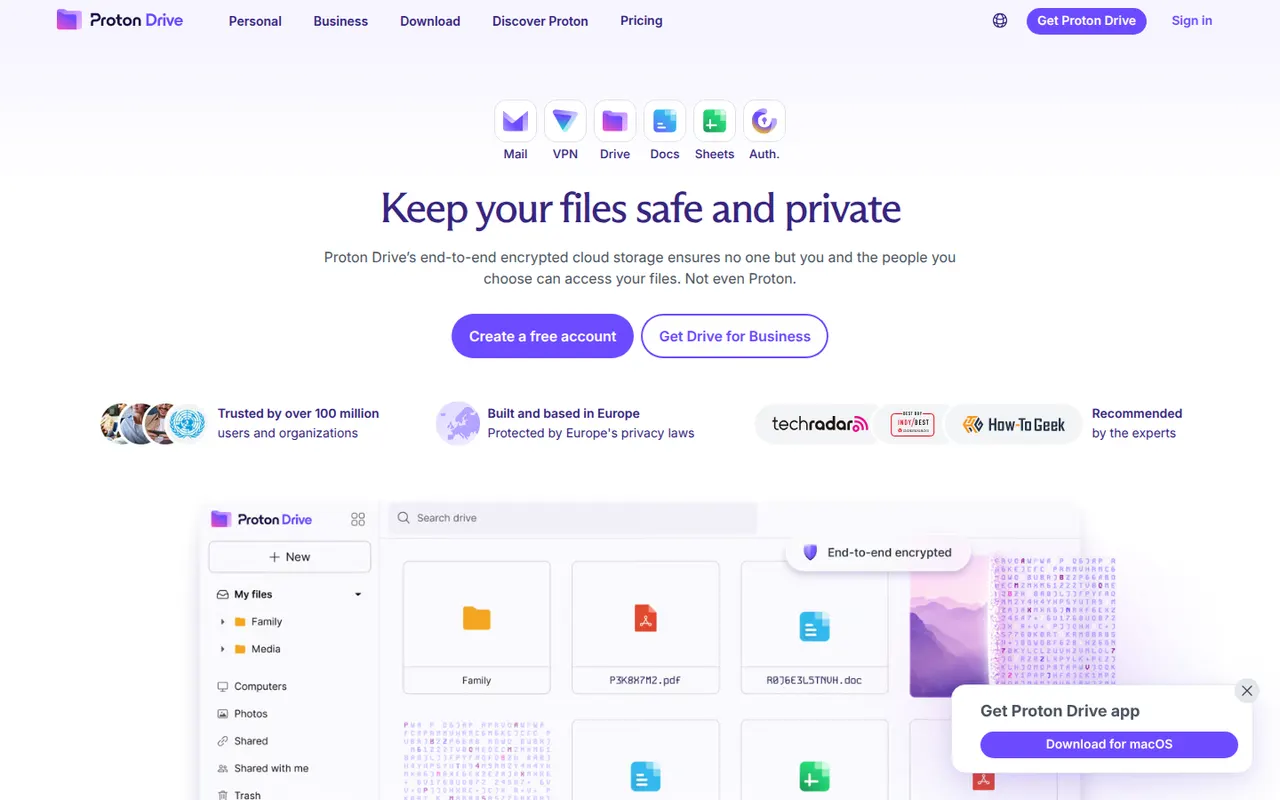
Cost / LicenseFreemiumProprietaryCategoriesProton Drive is the encrypted cloud storage service of Proton, the Swiss company behind Proton Mail. Files and file names are end-to-end encrypted, the apps are open source and files can be shared through password-protected links. It offers desktop sync on Windows and macOS, mobile photo backup and a free plan, with more space in Proton's paid bundles.
12 Proton Drive alternativesPros
- Files and file names are end-to-end encrypted
- Open source apps from a Swiss privacy-focused company
- Password-protected share links and mobile photo backup
Cons
- No desktop app for Linux
- Fewer third-party app integrations than mainstream clouds
- The free plan offers limited storage
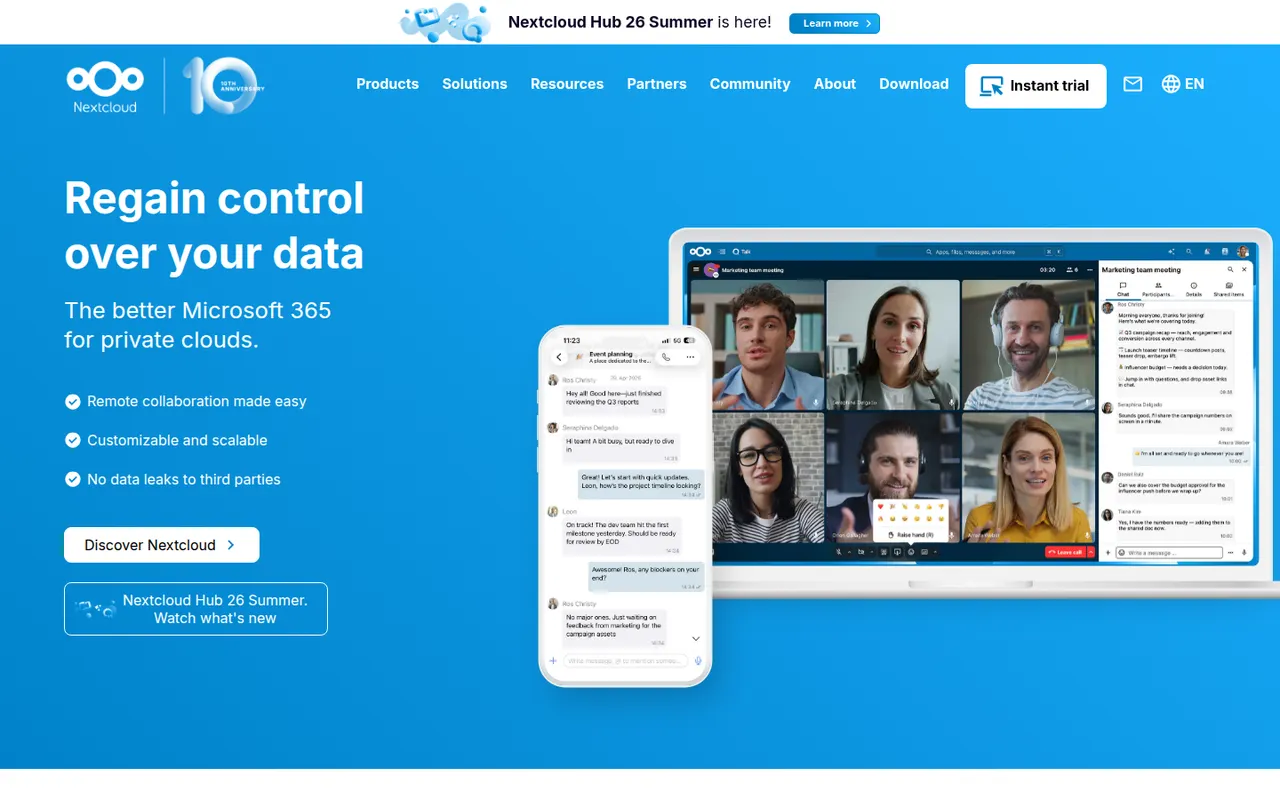
Cost / LicenseFreemiumOpen sourceCategoriesNextcloud is an open source platform you install on your own server to sync and share files, keeping data under your control instead of with a third-party cloud. Beyond file storage with desktop and mobile clients, its app store adds calendars, contacts, video calls (Talk), online office editing and many other extensions. Self-hosting is free, and Nextcloud GmbH sells enterprise support.
12 Nextcloud alternativesPros
- Keeps files on your own server instead of a third-party cloud
- App store adds calendars, contacts, Talk calls and office editing
- Desktop and mobile clients for every major platform
Cons
- Installing, securing and updating the server is your responsibility
- Performance can be sluggish without careful server tuning
- Quality varies across third-party apps
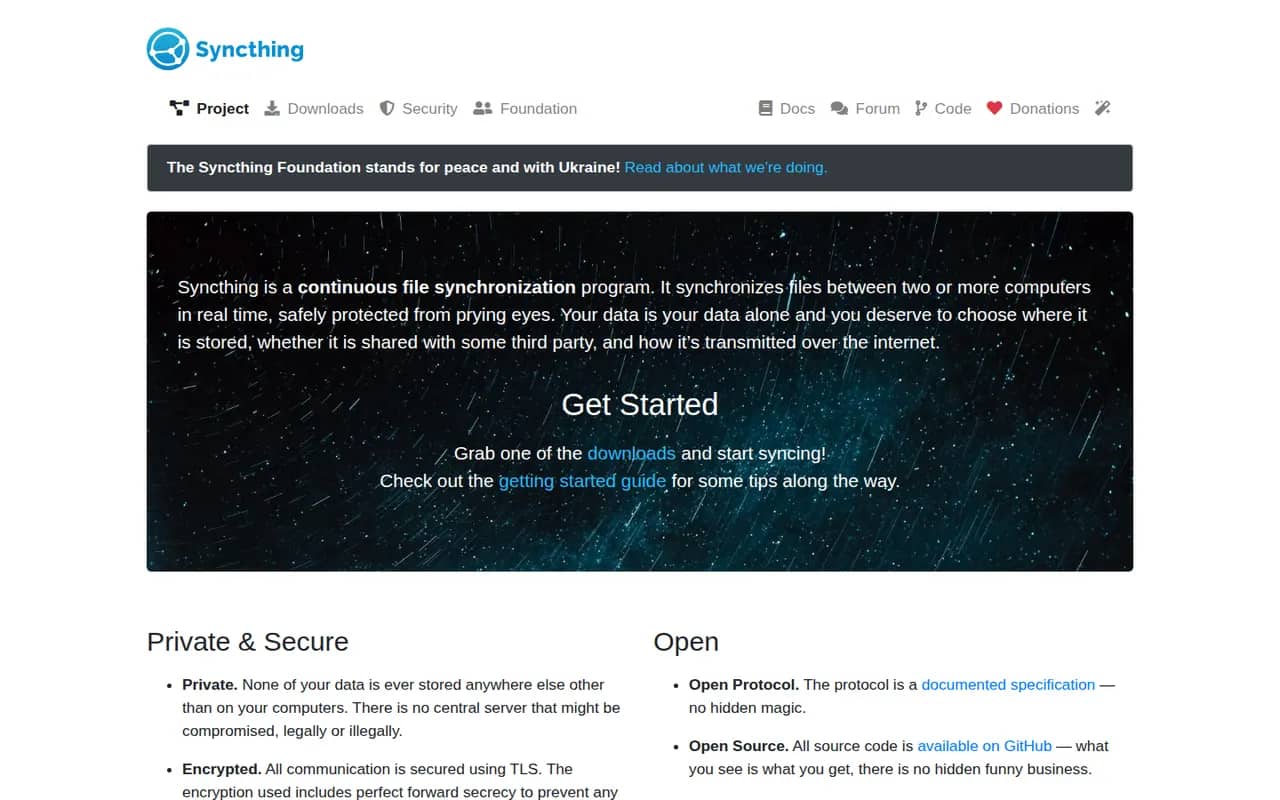
Cost / LicenseFreemiumOpen sourceCategoriesSyncthing continuously synchronizes folders directly between your computers and servers, without storing anything on a third-party cloud. Connections are encrypted and authenticated, devices find each other on the local network or through relays, and per-folder versioning keeps old copies of changed files. It is free, open source and configured through a local web interface.
8 Syncthing alternativesPros
- Syncs directly between your devices with no third-party cloud
- Free and open source, with encrypted connections
- Per-folder versioning keeps copies of changed files
Cons
- Configuration through a web interface is less approachable for non-technical users
- Devices must be online at the same time to sync
- No official mobile apps
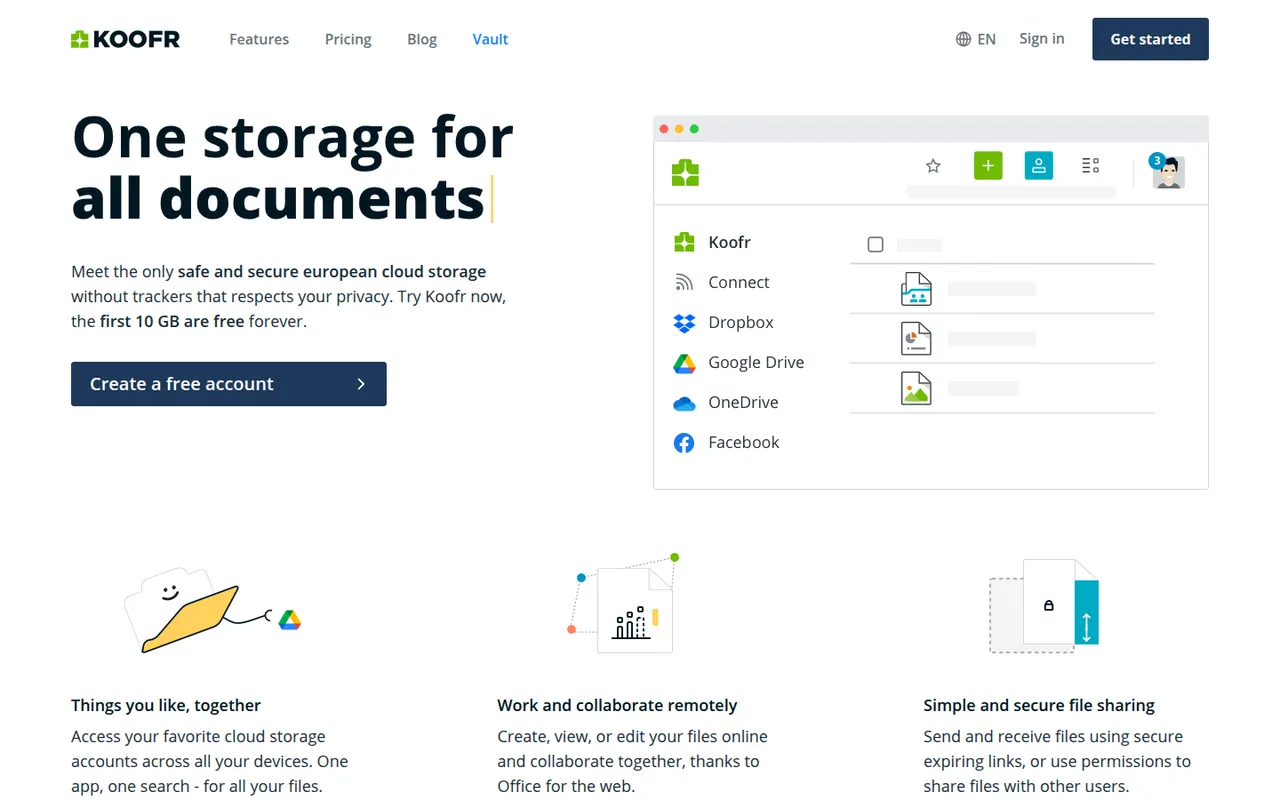
Cost / LicenseFreeOpen sourceCategoriesPlatformsKoofr is a privacy-focused cloud storage service from Slovenia that keeps data in the EU. Besides its own storage, it can connect Dropbox, Google Drive and OneDrive accounts so you can browse and move files between them in one place. It has desktop sync apps, mobile photo backup, share links and Koofr Vault, an open source end-to-end encrypted folder.
9 Koofr alternativesPros
- Data stays in the EU with a privacy-focused European provider
- Connects Dropbox, Google Drive and OneDrive in one interface
- Koofr Vault adds an open source end-to-end encrypted folder
Cons
- Standard storage is not end-to-end encrypted outside Vault
- Fewer collaboration features than the big cloud providers
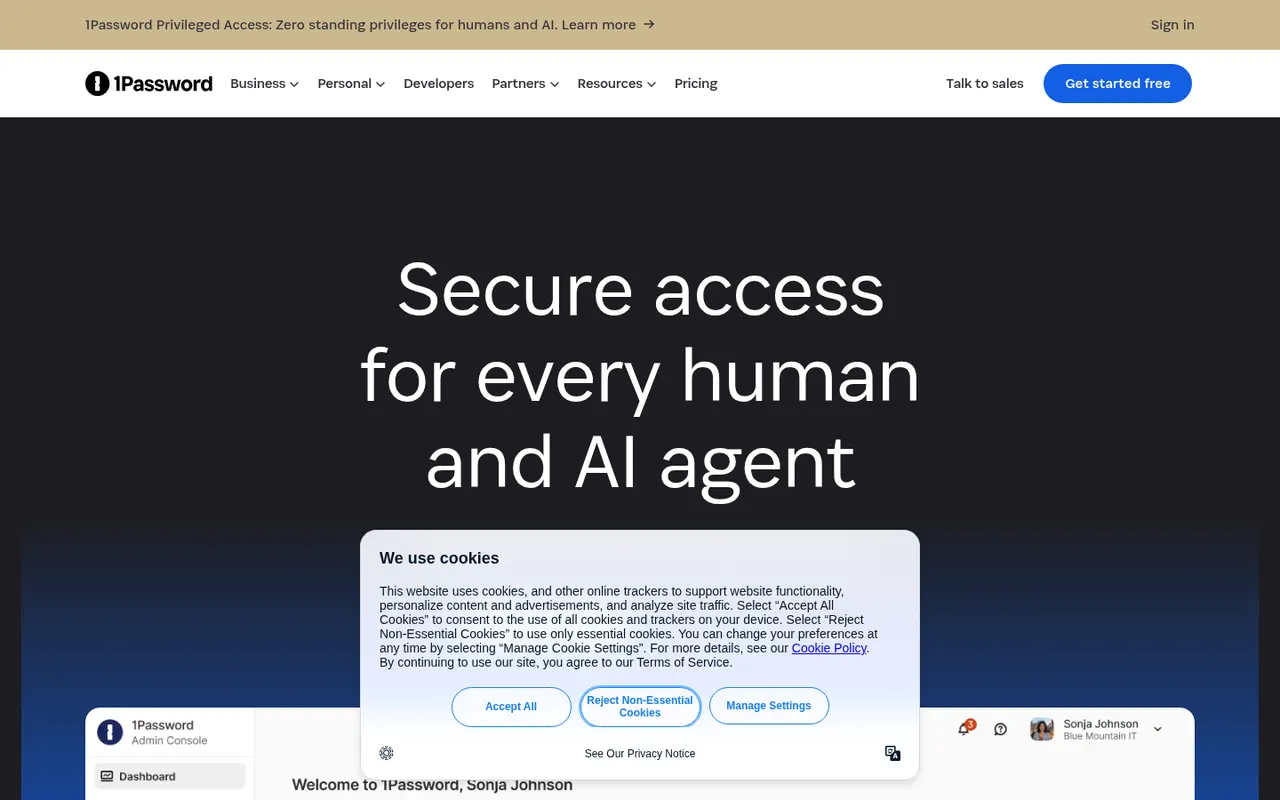
Cost / LicenseFreemiumProprietaryCategories1Password stores passwords, passkeys, credit cards, secure notes and documents in encrypted vaults that sync across devices and fill into browsers and apps. Watchtower flags weak, reused or breached passwords, and shared vaults make it practical for families and teams. It is a paid service with a free trial, and it also offers developer tools such as an SSH agent and a command-line interface.
10 1Password alternativesPros
- Polished apps on every platform with reliable autofill
- Watchtower flags weak, reused or breached passwords
- Shared vaults, plus developer tools like an SSH agent and a CLI
Cons
- No free plan, only a trial before paying
- Cloud-only vaults, with no self-hosting option
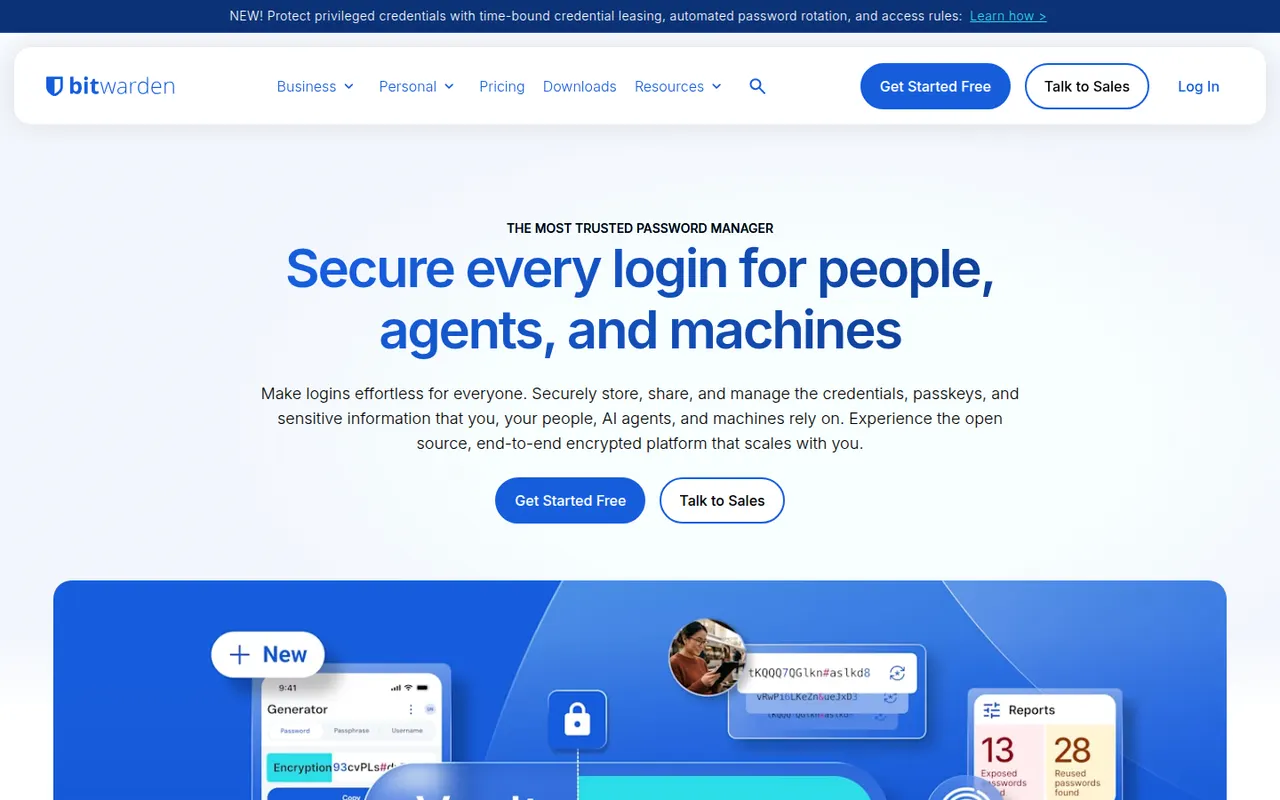
Cost / LicenseFree trialProprietaryCategoriesBitwarden is an open source password manager that keeps logins, passkeys, cards and notes in an end-to-end encrypted vault available on every major platform. The free plan covers unlimited passwords on unlimited devices, while paid plans add encrypted attachments, vault health reports, an integrated authenticator and sharing for families or teams. The server can also be self-hosted.
10 Bitwarden alternativesPros
- Free plan with unlimited passwords on unlimited devices
- Open source code with published third-party audits
- The server can be self-hosted
Cons
- Interface is more functional than polished
- Attachments, vault health reports and the authenticator need a paid plan
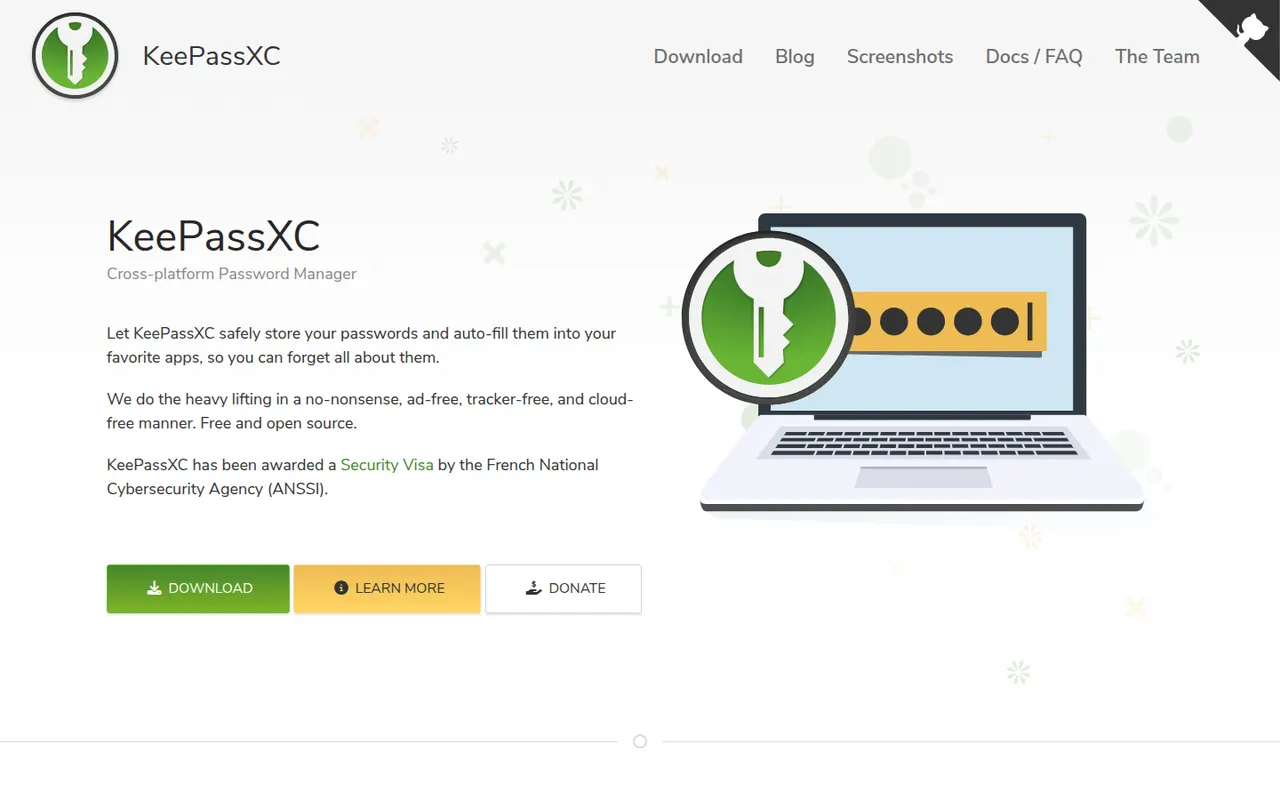
Cost / LicenseFreemiumOpen sourceCategoriesKeePassXC is a community-developed, open source password manager for Windows, macOS and Linux that stores everything in a local, KeePass-compatible encrypted database. It adds browser integration through its own extension, a built-in TOTP generator, passkey support and SSH agent integration, all without an account or cloud. Syncing is up to you, for example with Syncthing or a cloud folder.
8 KeePassXC alternativesPros
- Native apps for Windows, macOS and Linux
- Browser extension, TOTP codes, passkeys and SSH agent built in
- Local encrypted database with no account or cloud
Cons
- No official mobile apps, so you need third-party KeePass clients
- Syncing between devices is left to you
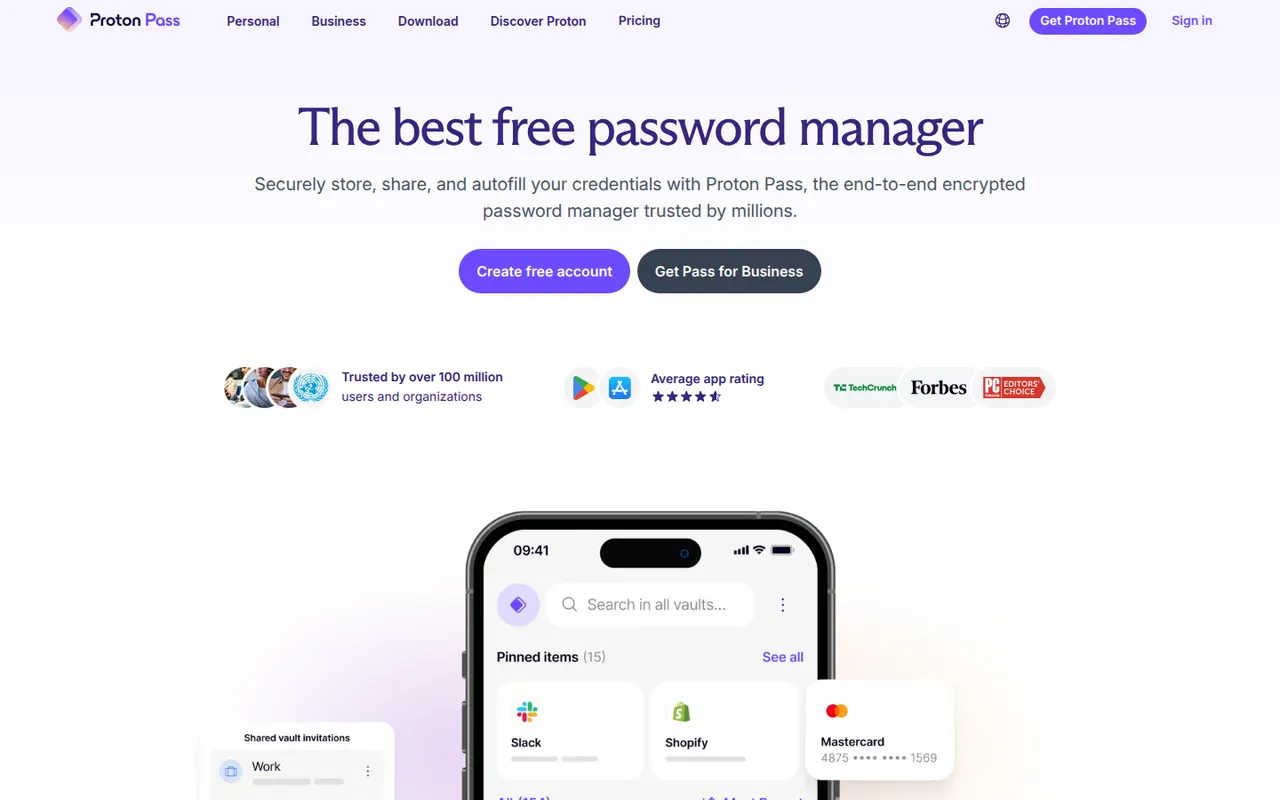
Cost / LicenseFreeOpen sourceCategoriesPlatformsProton Pass is the password manager of Proton, the Swiss company behind Proton Mail and Proton VPN. Everything in the vault is end-to-end encrypted and the apps are open source. It supports passkeys, has a built-in 2FA code generator and creates hide-my-email aliases that protect your real address, with a free plan that allows unlimited logins and devices.
10 Proton Pass alternativesPros
- Free plan with unlimited logins and devices
- Hide-my-email aliases protect your real address
- Open source, end-to-end encrypted apps with a built-in 2FA generator
Cons
- Younger product with fewer advanced features than long-standing rivals
- The free plan limits the number of email aliases
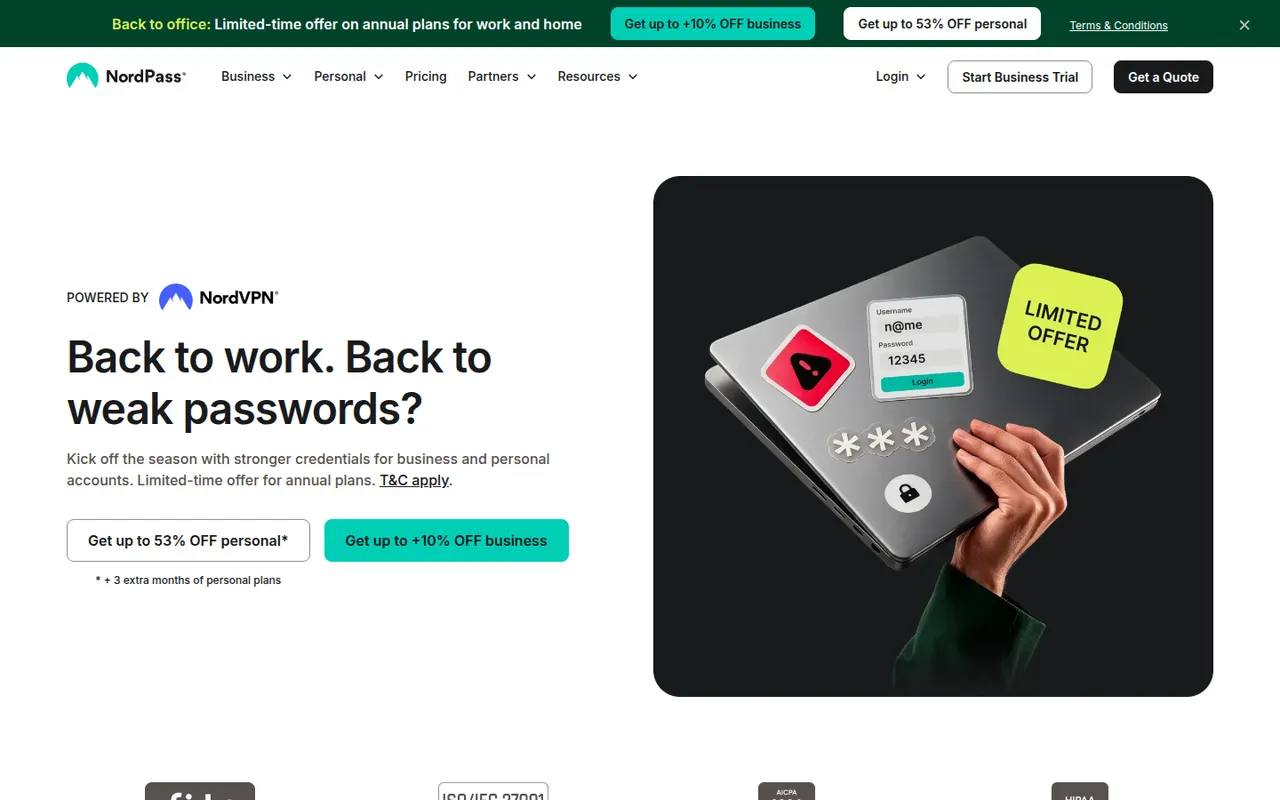
Cost / LicenseFreemiumOpen sourceCategoriesNordPass is the password manager of Nord Security, the company behind NordVPN. It stores passwords, passkeys, credit cards and notes in a vault encrypted with XChaCha20 and fills them through browser extensions and apps on desktop and mobile. Premium adds a data breach scanner, password health reports, email masking and sharing, while a free plan covers basic password storage.
8 NordPass alternativesPros
- XChaCha20-encrypted vault with apps on every major platform
- Clean, simple interface for everyday use
- Autofills passwords, passkeys and cards via extensions and apps
Cons
- Breach scanner, password health and sharing require Premium
- Closed source, unlike Bitwarden or Proton Pass
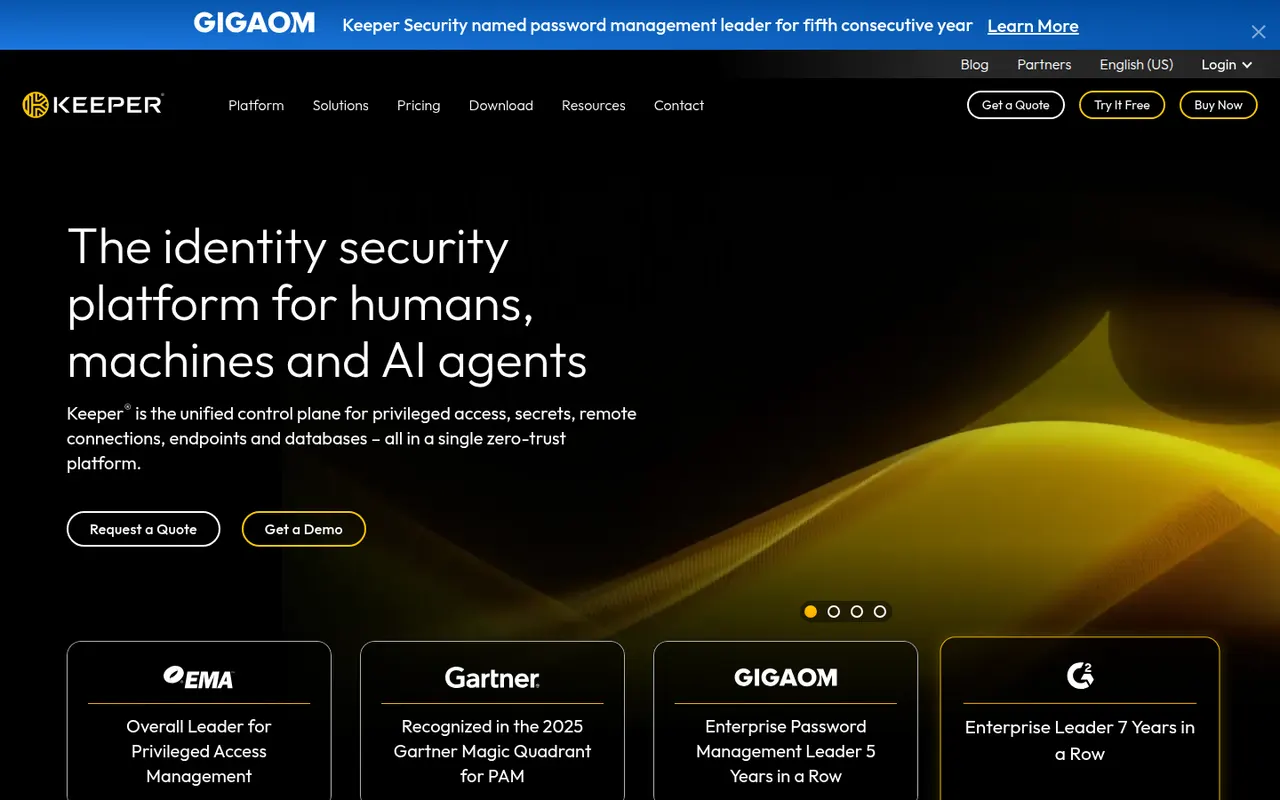
Cost / LicenseFreemiumProprietaryCategoriesKeeper is a password manager with a strong focus on businesses and public-sector organizations, offering zero-knowledge encrypted vaults, role-based policies and single sign-on integration. Its apps cover desktop, mobile and browser extensions, with passkey storage, built-in 2FA codes and secure file storage. The optional BreachWatch add-on monitors the dark web for leaked credentials.
7 Keeper alternativesPros
- Zero-knowledge vaults with role-based policies for businesses
- SSO integration and admin controls for large organizations
- Secure file storage plus built-in 2FA codes
Cons
- BreachWatch dark web monitoring is a paid add-on
- The free plan is very limited compared with paid tiers
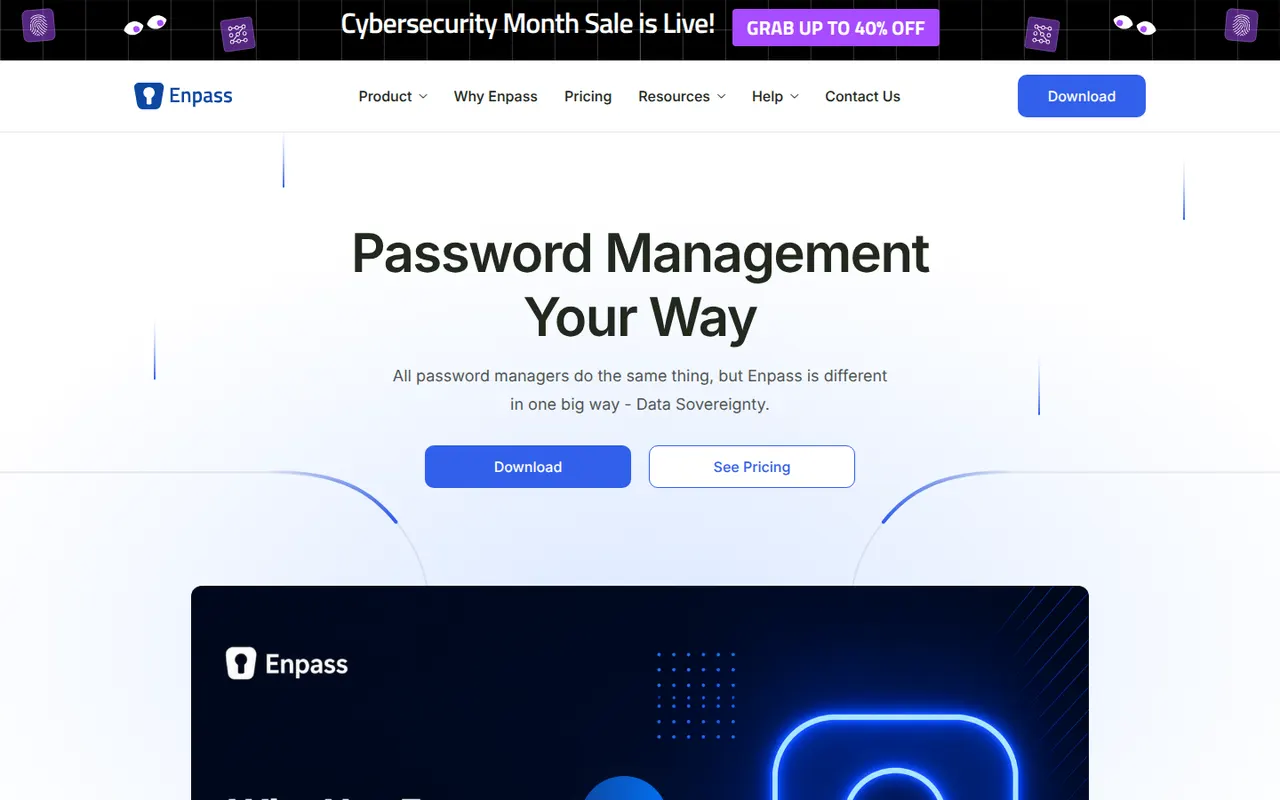
Cost / LicenseFreemiumProprietaryCategoriesEnpass is a password manager that keeps your vault on your devices rather than on its own servers, and syncs it through a cloud account you choose, such as iCloud, Google Drive, Dropbox, OneDrive or a WebDAV server. It supports autofill, passkeys, built-in TOTP codes and breach alerts. The desktop apps are free for personal use, with paid plans for full mobile use and a lifetime option.
10 Enpass alternativesPros
- Your vault stays on your devices, not on Enpass servers
- Syncs through your own iCloud, Google Drive, Dropbox or WebDAV
- Lifetime license available instead of a subscription
Cons
- Full mobile use requires a paid plan
- Setting up sync with your own cloud takes extra steps
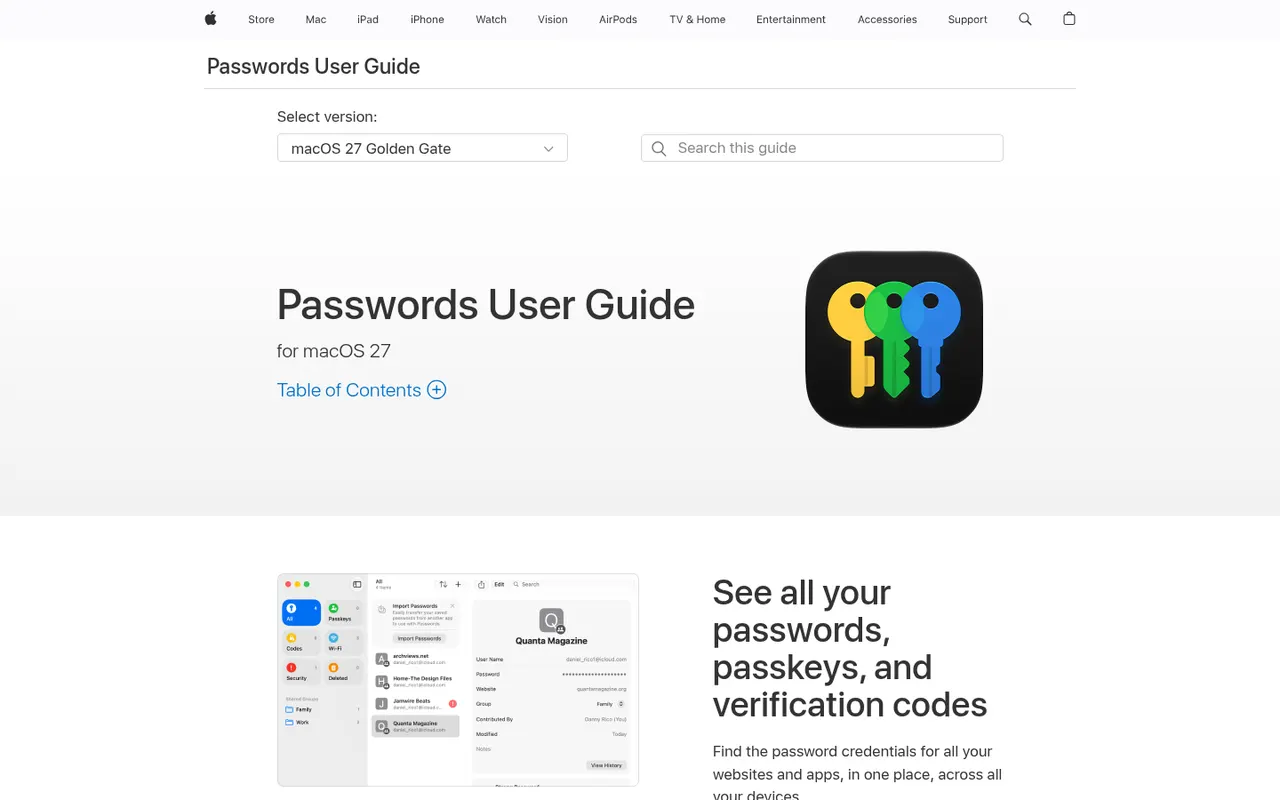
Cost / LicenseFreemiumProprietaryCategoriesPasswords is Apple's free password manager, built on iCloud Keychain and available as a standalone app since iOS 18 and macOS Sequoia. It stores passwords, passkeys, Wi-Fi passwords and verification codes, syncs them with end-to-end encryption across Apple devices and fills them in Safari and apps. Shared groups let families share logins, and Windows users get access through iCloud for Windows.
9 Apple Passwords alternativesPros
- Free and built into iPhone, iPad and Mac
- End-to-end encrypted sync of passkeys and verification codes
- Shared groups make family logins easy to share
Cons
- No Android app and limited support outside Apple devices
- Fewer advanced features than dedicated password managers
Cost / LicenseFreeProprietaryCategoriesPlatformsNordVPN is a paid VPN service from Nord Security with servers in many countries, apps for all major platforms and an audited no-logs policy. Its NordLynx protocol is built on WireGuard, and extras include Threat Protection against ads, trackers and malware, Meshnet for linking your own devices, dark web monitoring, split tunneling and a kill switch.
10 NordVPN alternativesPros
- NordLynx protocol based on WireGuard keeps connections fast
- Large server network that works well with streaming services
- Meshnet and Threat Protection go beyond a basic VPN
Cons
- Renewal prices are much higher than introductory deals
- Apps and checkout push bundled add-ons and upgrades
- Closed source apps, unlike some privacy-focused rivals
Cost / LicensePaidProprietaryCategoriesExpressVPN is a subscription VPN with servers in many countries and apps for desktop, mobile, routers and browsers. It uses its own open source Lightway protocol, runs its servers from RAM only (TrustedServer) and has had its no-logs policy audited. Features include the Network Lock kill switch, split tunneling, ad and tracker blocking, and servers that work with popular streaming services.
10 ExpressVPN alternativesPros
- Open source Lightway protocol designed for speed and reliability
- RAM-only servers and an audited no-logs policy
- Works with popular streaming services across many countries
Cons
- Priced higher than most rival VPN services
- Simplicity means fewer advanced settings than some rivals
Cost / LicensePaidProprietaryCategoriesProton VPN is the VPN service of Proton, the Swiss company behind Proton Mail. Its apps are open source, its no-logs policy has been independently audited, and the free plan has no data limit and no ads. Paid plans unlock servers in many more countries, streaming support, NetShield ad and malware blocking, Secure Core multi-hop routing and more devices.
11 Proton VPN alternativesPros
- Free plan with no data cap and no ads
- Open source apps and an audited no-logs policy from a Swiss company
- Secure Core multi-hop routing on paid plans
Cons
- Free plan offers few locations and no streaming support
- Paid plans cost more than many mainstream VPNs
- Free servers can slow down at peak times
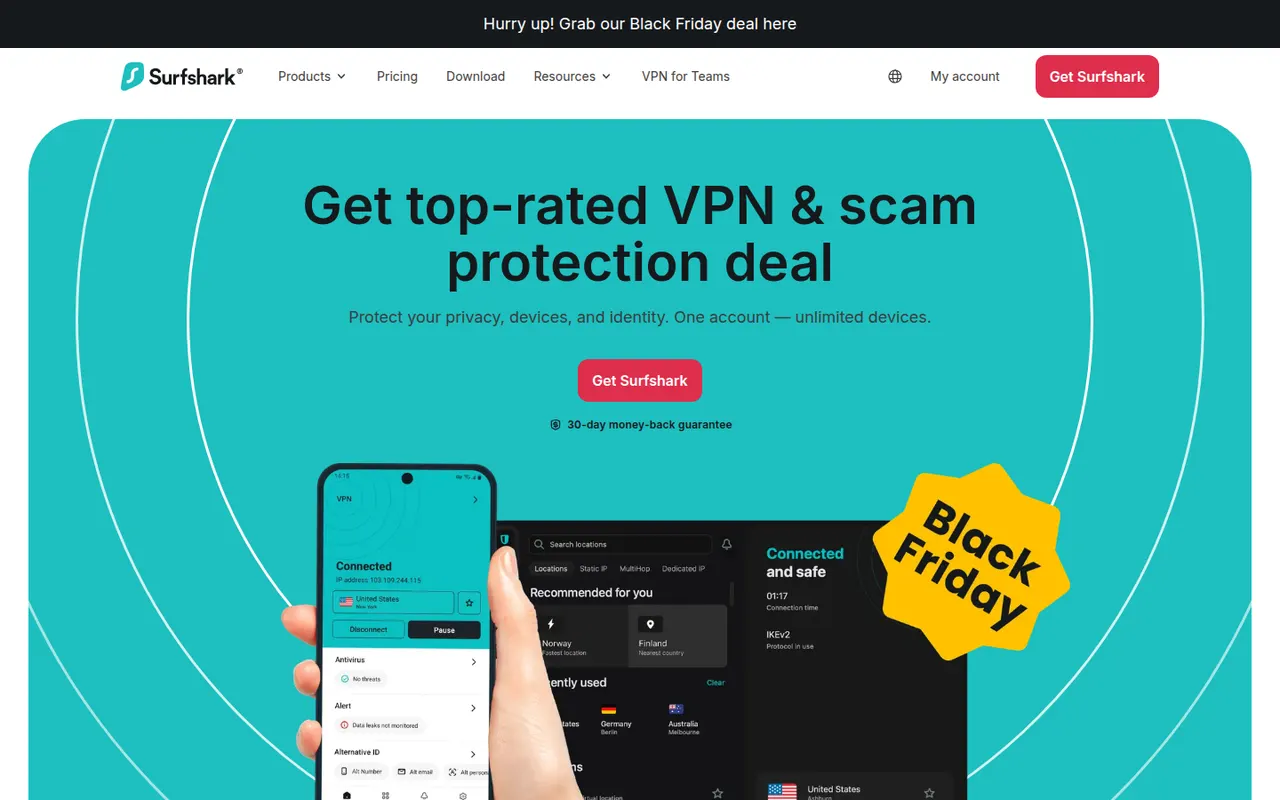
Cost / LicenseFreemiumOpen sourceCategoriesSurfshark is a paid VPN service that allows an unlimited number of devices on a single subscription, which suits households with many devices. Apps cover Windows, macOS, Linux, iOS, Android and browsers, with WireGuard, a kill switch, split tunneling (Bypasser) and CleanWeb ad and tracker blocking. Higher tiers bundle data breach alerts, antivirus and a private search engine.
10 Surfshark alternativesPros
- Unlimited devices on a single subscription
- CleanWeb blocks ads and trackers across devices
- Apps for every major platform, including Linux and browsers
Cons
- Renewal prices are higher than the first-term deals
- Antivirus and breach alerts require pricier tiers
- Closed source apps, unlike some privacy-first VPNs
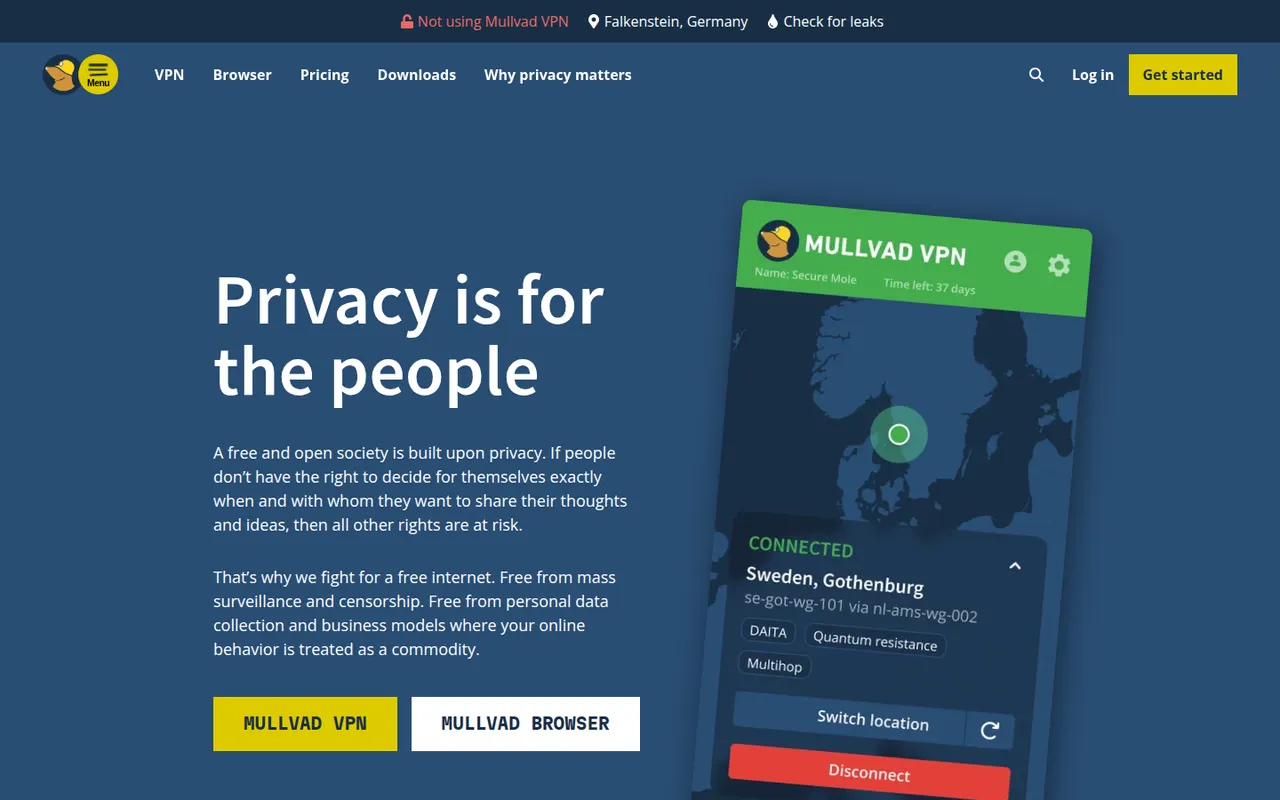
Cost / LicensePaidProprietaryCategoriesMullvad VPN is a Swedish VPN service that asks for no email or personal details: you get a random account number and can even pay in cash or cryptocurrency. Its open source apps use WireGuard and include a kill switch, split tunneling, DNS-based ad and tracker blocking and multihop, all for a single flat monthly price with no tiers or long-term plans.
9 Mullvad VPN alternativesPros
- Anonymous account numbers with no email or personal details required
- One flat monthly price with no tiers or long-term commitments
- Open source WireGuard apps with multihop and DNS-based blocking
Cons
- No free plan and no discounts for longer subscriptions
- Not designed for unblocking streaming catalogs
- Port forwarding is not supported, a drawback for torrenting
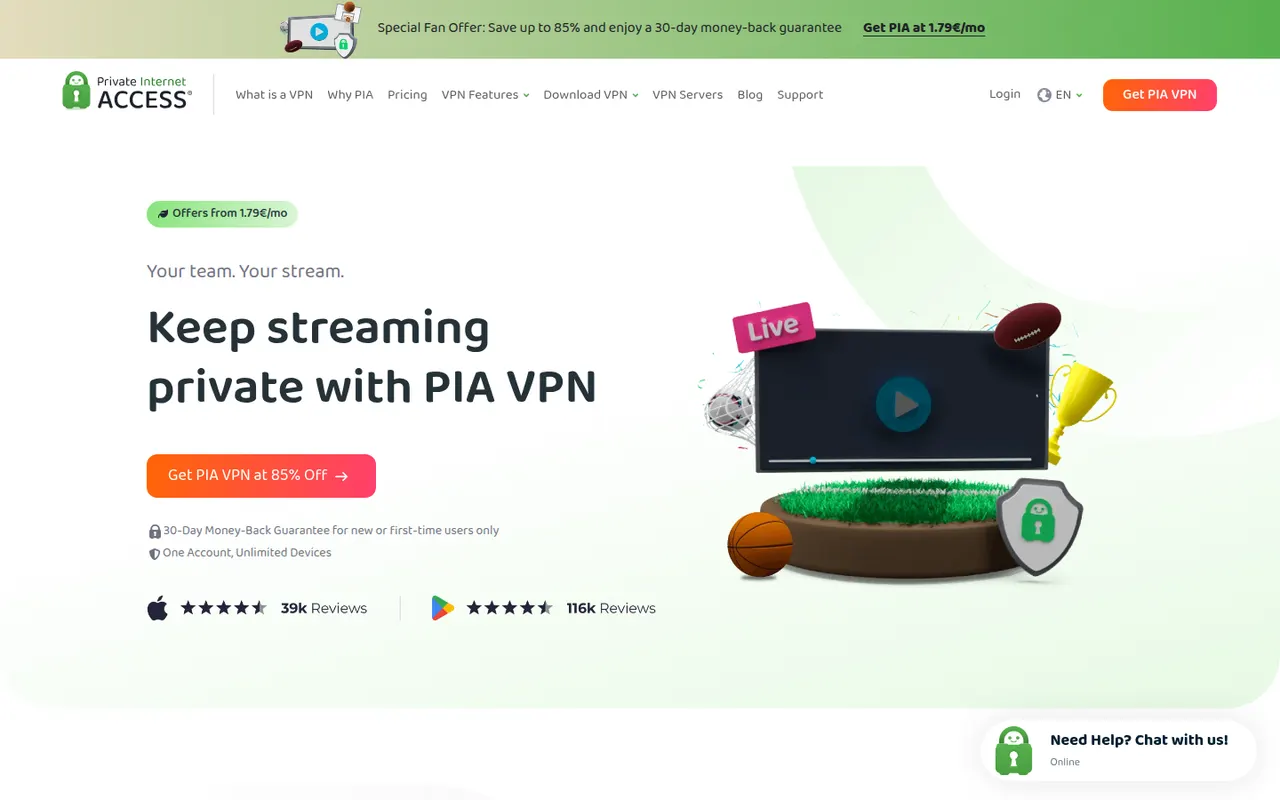
Cost / LicensePaidOpen sourceCategoriesPrivate Internet Access (PIA) is a US-based paid VPN with open source apps, unlimited simultaneous connections and a no-logs policy that has held up in court cases and an independent audit. It supports WireGuard and OpenVPN with configurable encryption, port forwarding, split tunneling, a kill switch and MACE, which blocks ads, trackers and malicious domains.
8 Private Internet Access alternativesPros
- Unlimited simultaneous connections on one subscription
- Port forwarding and configurable encryption for advanced users
- Open source apps and a no-logs policy tested in court
Cons
- US jurisdiction is less appealing for privacy than some alternatives
- The many settings can overwhelm beginners
- Renewal prices are higher than introductory offers
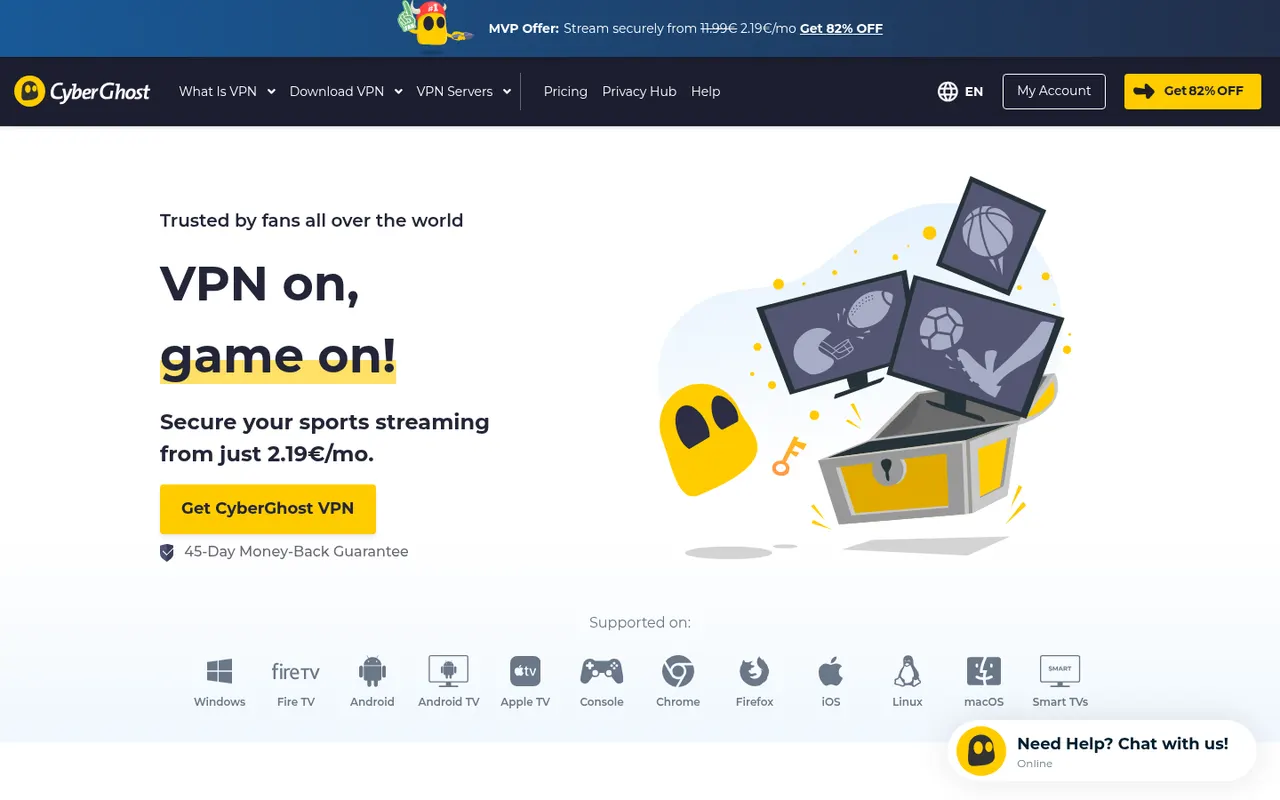
Cost / LicensePaidOpen sourceCategoriesCyberGhost is a paid VPN service based in Romania, with simple apps for Windows, macOS, iOS and Android and a command-line client for Linux. Servers are labeled by use, such as streaming, torrenting or gaming, and the apps include WireGuard, a kill switch, split tunneling and a content blocker for ads and trackers. Subscriptions come with a long money-back period.
7 CyberGhost VPN alternativesPros
- Servers labeled for streaming, torrenting and gaming
- Simple apps that suit VPN beginners
- Long money-back period on subscriptions
Cons
- Linux client is command-line only
- Lowest prices require committing to multi-year plans
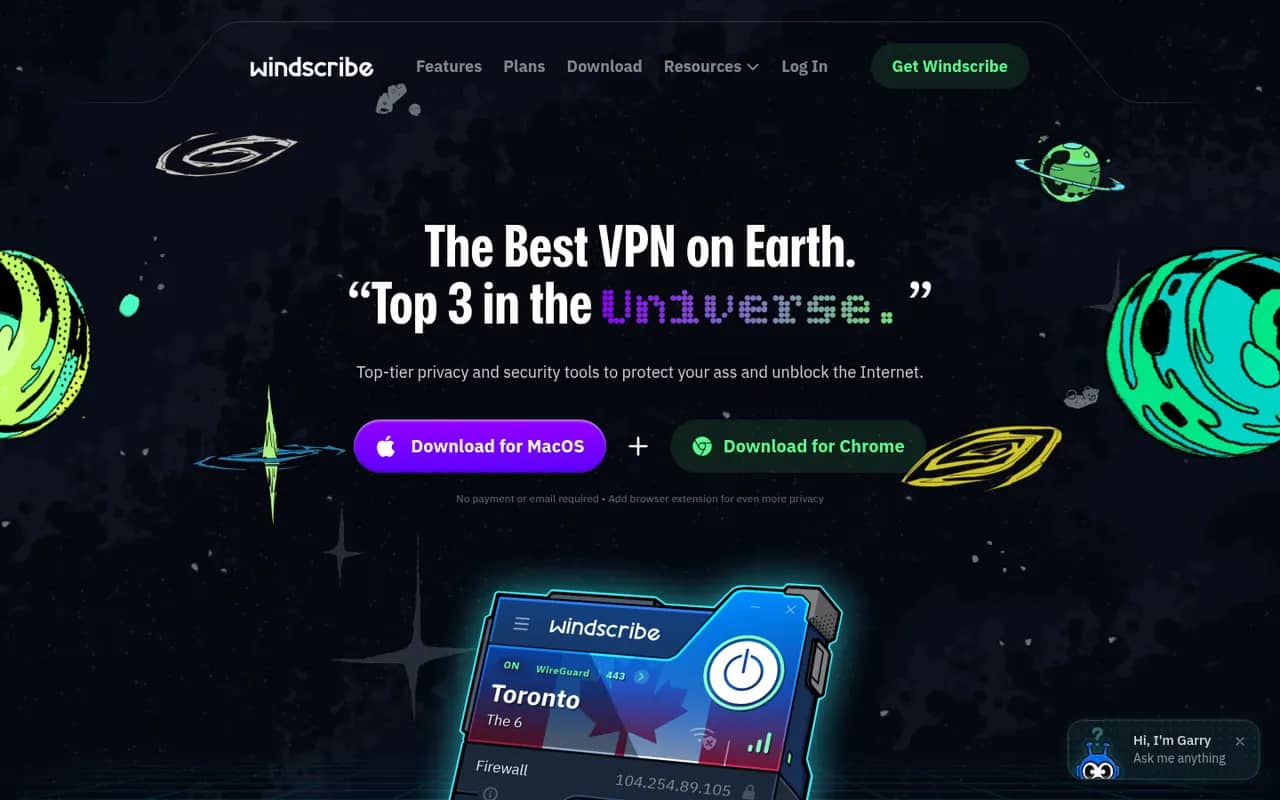
Cost / LicensePaidProprietaryCategoriesWindscribe is a Canadian VPN service with a free plan that includes a monthly data allowance and a choice of locations, along with paid plans and a build-your-own option billed per location. Its apps include a firewall that acts as a kill switch, split tunneling, WireGuard and R.O.B.E.R.T., a customizable DNS blocker for ads, trackers and malware.
10 Windscribe alternativesPros
- Free plan with a monthly data allowance and several locations
- R.O.B.E.R.T. offers customizable DNS blocking of ads and malware
- Build-your-own plan lets you pay only for the locations you need
Cons
- Free data allowance is too small for heavy use
- Many options and some jargon can confuse newcomers
Cost / LicenseFreemiumProprietaryCategoriesTunnelBear is a consumer VPN owned by McAfee, known for its playful bear-themed design and straightforward apps for Windows, macOS, iOS, Android and browsers. It has published independent security audits and offers a free plan with a limited monthly data allowance, plus paid plans with unlimited data. Apps include a kill switch (VigilantBear) and, on some platforms, split tunneling (SplitBear).
7 TunnelBear alternativesPros
- Friendly, playful design that suits VPN beginners
- Independent security audits have been published
- Free plan to try the service without paying
Cons
- Free plan's monthly data allowance runs out quickly
- Smaller server network and fewer advanced settings than rivals
- No Linux app, and split tunneling only on some platforms
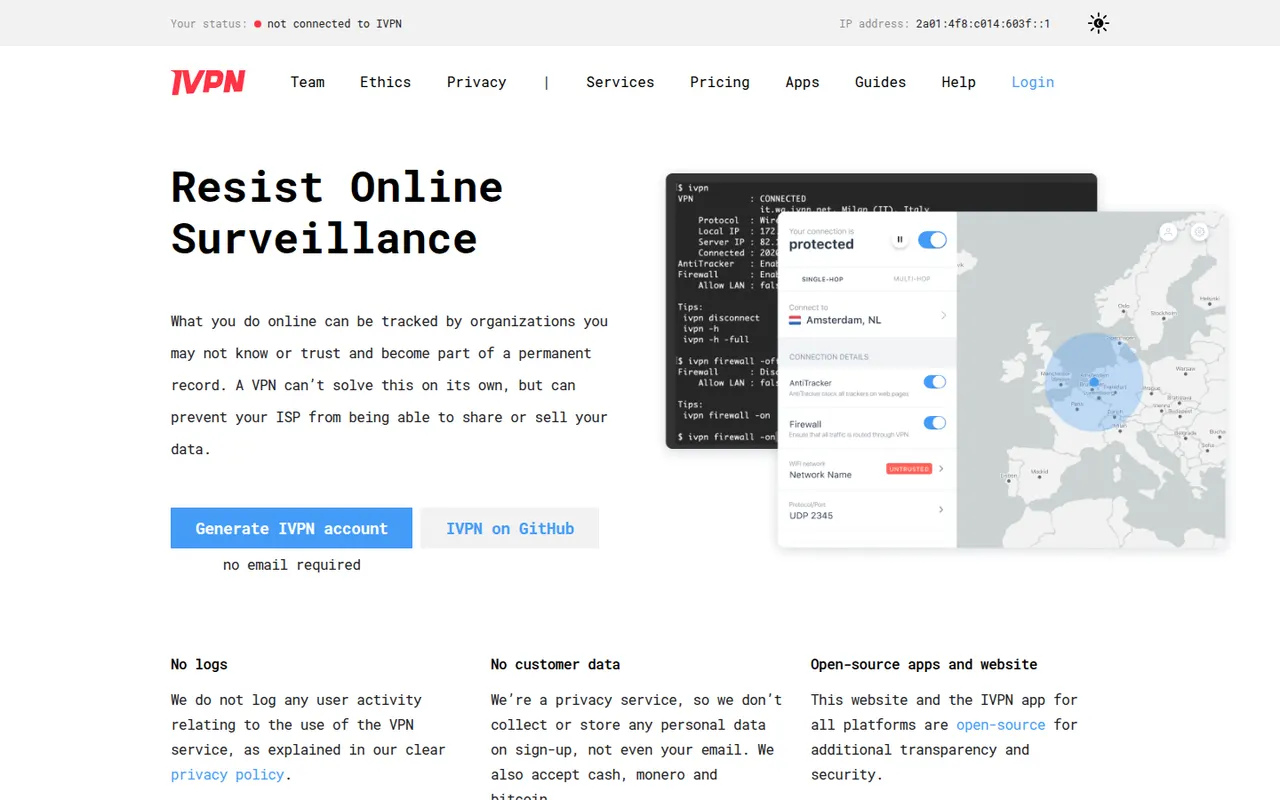
Cost / LicenseFreemiumProprietaryCategoriesIVPN is a Gibraltar-based VPN service focused on privacy and transparency: accounts need no email, you can pay in cash or Monero, the apps are open source and the no-logs policy has been audited. It offers WireGuard, multi-hop connections, a firewall-based kill switch, split tunneling on some platforms and AntiTracker for blocking ads and trackers, and runs no affiliate program.
8 IVPN alternativesPros
- Signup needs no email and accepts cash or Monero payments
- Open source apps and an independently audited no-logs policy
- Multi-hop routing and AntiTracker blocking are built in
Cons
- Smaller server network than the big commercial VPNs
- No free plan is available
- Not designed for unblocking streaming catalogs
Cost / LicensePaidOpen sourceCategoriesCloudflare WARP, delivered through the 1.1.1.1 app, encrypts traffic between your device and Cloudflare's network and uses its 1.1.1.1 DNS resolver. Unlike a classic VPN, it does not let you pick a server country or hide your general location, so it is meant for securing connections on public networks rather than unblocking content. The base service is free, and WARP+ is a paid upgrade.
7 Cloudflare WARP alternativesPros
- Free base service with no data cap
- Encrypts traffic on public Wi-Fi with minimal setup
- Built on WireGuard and Cloudflare's network for low overhead
Cons
- Cannot pick a server country or unblock streaming content
- Does not hide your general location like a classic VPN
- All traffic goes through Cloudflare, so you must trust one company
Cost / LicenseFreemiumProprietaryCategoriesGoogle Chrome is Google's web browser, built on the open source Chromium project and available on desktop and mobile. It syncs bookmarks, passwords, history and tabs through a Google account, gives access to the large Chrome Web Store extension catalog, and includes tab groups, Incognito mode, a built-in password manager and Gemini AI features in some countries.
11 Google Chrome alternativesPros
- Largest extension catalog through the Chrome Web Store
- Smooth sync of tabs, passwords and history across devices
- Excellent site compatibility, since most sites are tested on it
Cons
- Ties browsing closely to a Google account and its data collection
- Can be heavy on memory with many tabs open
- Manifest V3 has weakened ad blockers such as uBlock Origin
Cost / LicenseFreeProprietaryCategories