Best Spreadsheets & Databases software
Spreadsheets and no-code databases to organize and analyze data.
15 apps
Top Spreadsheets & Databases apps ranked by the community
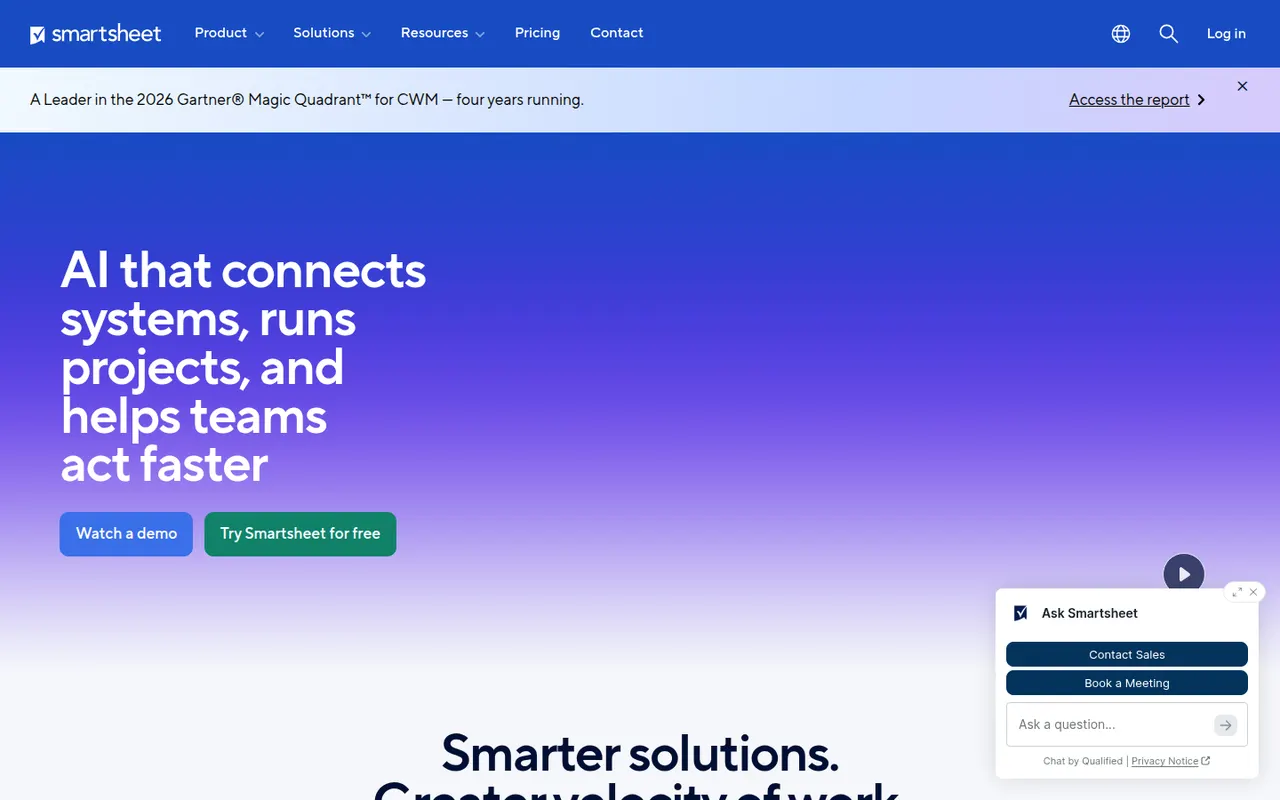
Smartsheet manages projects and business processes in sheets that look like spreadsheets but add Gantt, card and calendar views, dependencies, forms and automated workflows. It targets enterprises and PMOs that need reports, dashboards and portfolio views across many projects, and connects to Microsoft 365, Google Workspace, Salesforce and Jira.
12 Smartsheet alternativesPros
- Spreadsheet-like interface feels familiar to Excel users
- Strong reports and dashboards across portfolios of projects
- Gantt views with dependencies, forms and automated workflows
Cons
- No free plan beyond the trial period
- Costs rise quickly with team size and premium add-ons
- The interface feels less modern than newer work management tools
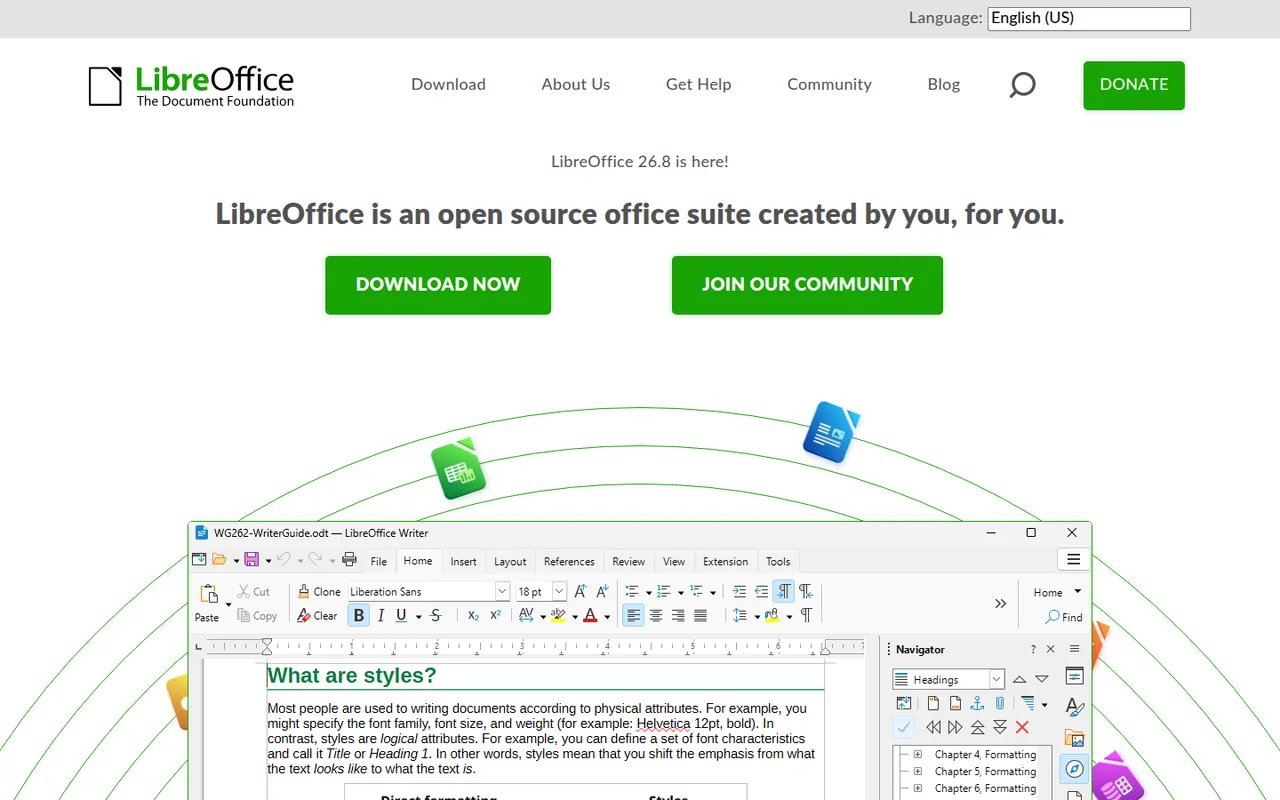
Cost / LicenseFree trialProprietaryLibreOffice is a desktop office suite maintained by The Document Foundation, with Writer, Calc, Impress, Draw, Base and Math. It uses the OpenDocument format natively and opens and saves Microsoft Office files. It is free for any use, works fully offline and can be extended with community extensions and templates.
12 LibreOffice alternativesPros
- Free for any use, with no account or subscription
- Full suite with Writer, Calc, Impress, Draw and Base
- Native OpenDocument support and fully offline use
Cons
- Interface feels dated next to Microsoft 365
- Complex Office files can lose formatting
- No real-time collaboration in the desktop apps
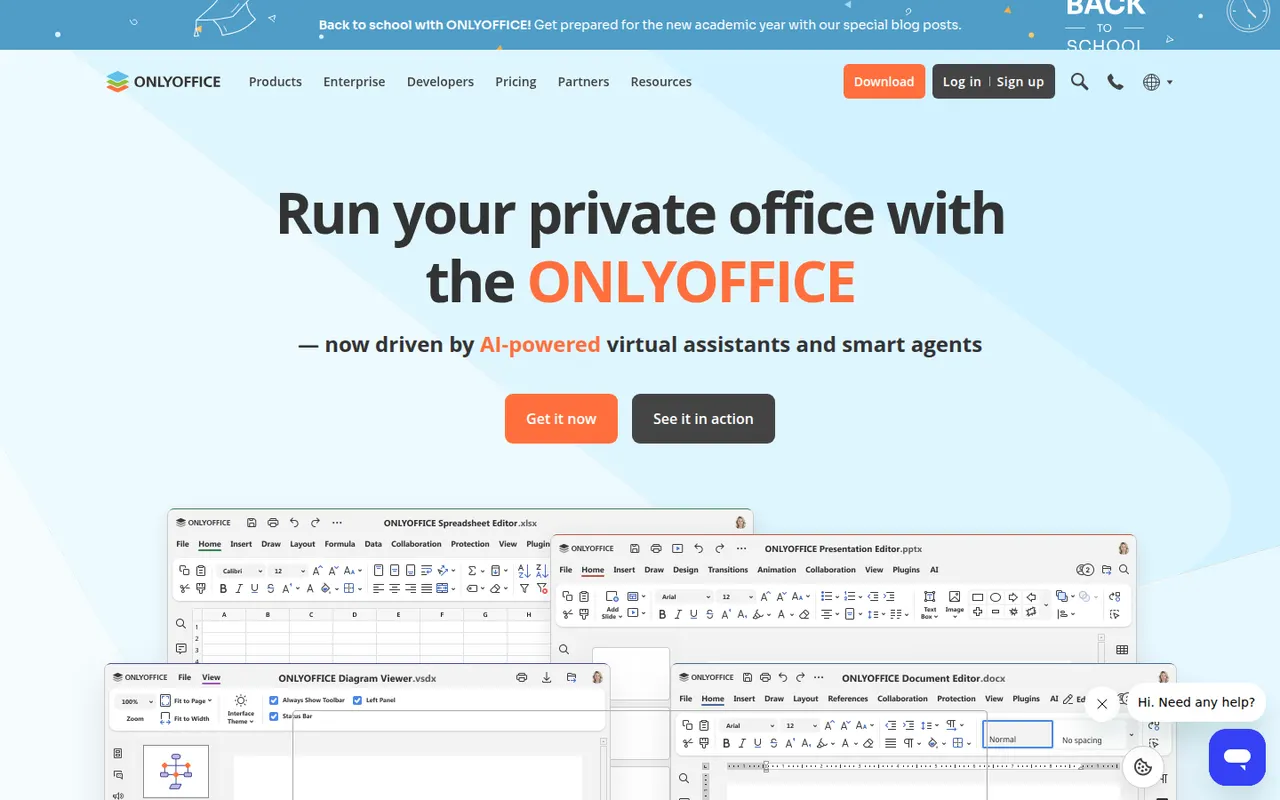
Cost / LicenseFreeOpen sourceONLYOFFICE is an office suite from Ascensio System with editors for documents, spreadsheets, presentations, PDFs and forms, built around Microsoft Office formats. The desktop and mobile apps are free, and the online editors can be self-hosted or integrated into Nextcloud and other platforms, with paid cloud and enterprise editions. It supports real-time co-editing, plugins and AI assistants.
12 ONLYOFFICE alternativesPros
- Strong compatibility with Microsoft Office formats
- Free desktop and mobile apps, plus self-hostable online editors
- Real-time co-editing and Nextcloud integration
Cons
- A self-hosted server needs technical setup
- Enterprise features and support require paid editions
- Fewer advanced features than Microsoft Office
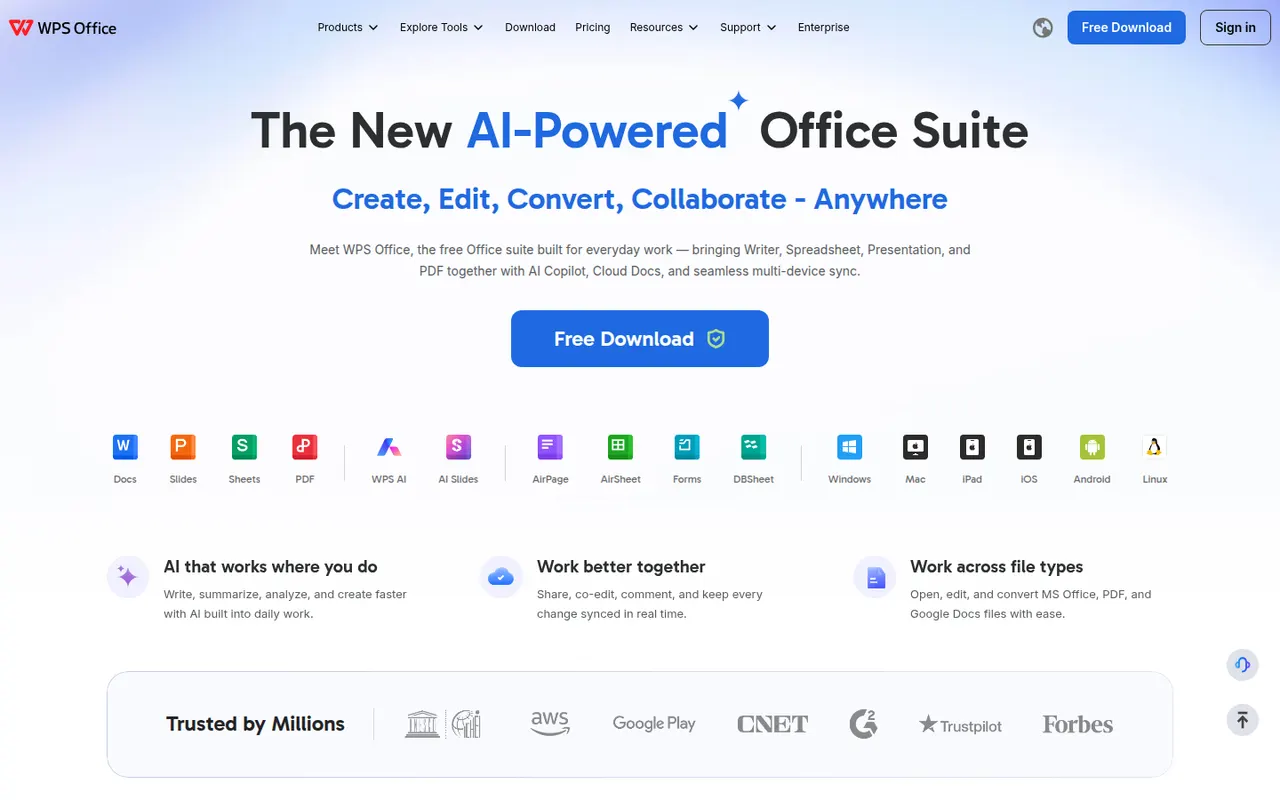
Cost / LicenseFreemiumOpen sourceWPS Office is an office suite developed by Kingsoft that combines a word processor, spreadsheet, presentation app and PDF tools in one interface with document tabs. It is compatible with Microsoft Office formats and available on desktop and mobile. The free version shows ads, while a paid subscription removes them and unlocks extra PDF features, cloud storage and WPS AI.
12 WPS Office alternativesPros
- Tabbed interface for documents, sheets, slides and PDF tools
- Good compatibility with Microsoft Office formats
- Free on desktop and mobile, including Linux
Cons
- The free version shows ads
- Extra PDF tools and WPS AI require a subscription
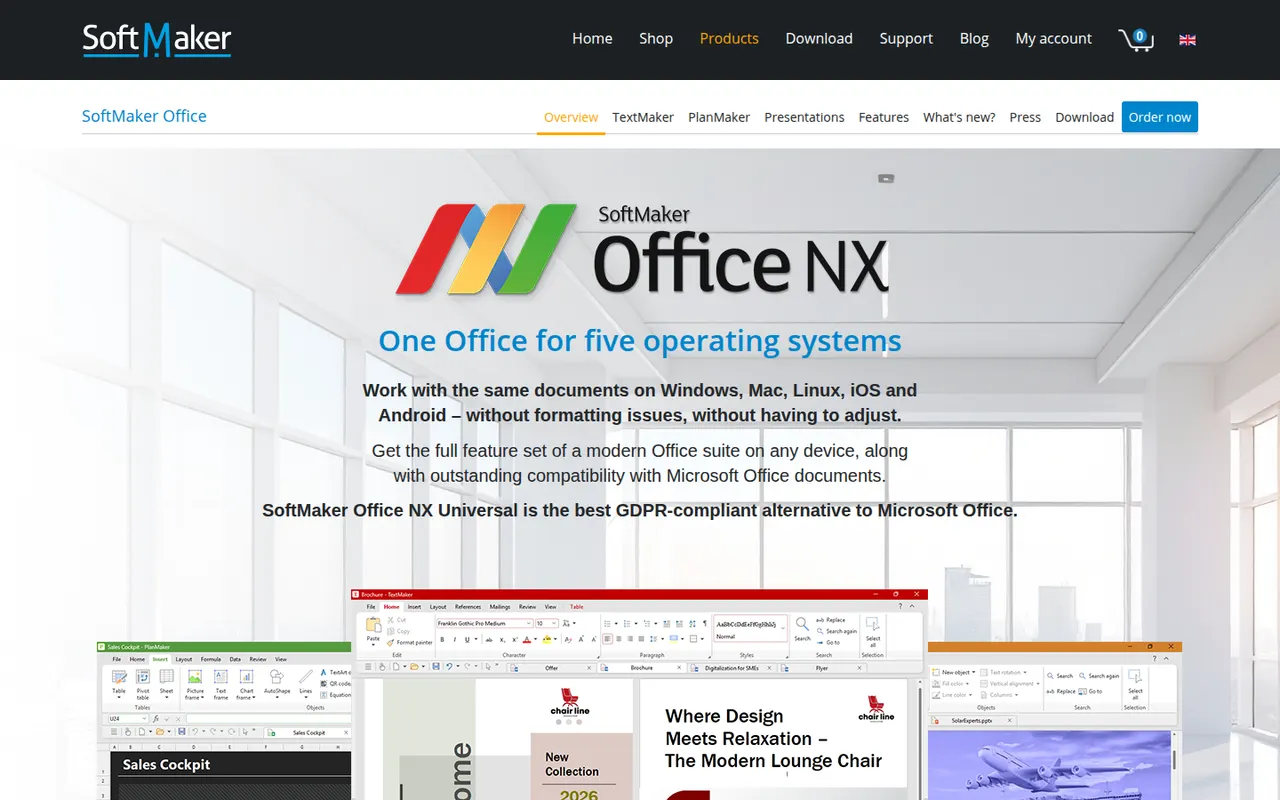
Cost / LicenseFreemiumProprietarySoftMaker Office is a commercial office suite from the German company SoftMaker, consisting of TextMaker, PlanMaker and Presentations. It is built for close compatibility with Microsoft Office files and runs natively on Windows, macOS, Linux and Android. It is sold as a subscription or a one-time license after a free trial; the separate FreeOffice edition is free with fewer features.
8 SoftMaker Office alternativesPros
- Close compatibility with Microsoft Office files
- Native apps on Windows, macOS, Linux and Android
- One-time license available as an alternative to subscriptions
Cons
- Paid after the trial, and the free FreeOffice edition offers less
- No cloud collaboration or web version
- Smaller community and fewer resources than Office or LibreOffice
Cost / LicenseFree trialProprietaryCollabora Online is an open source office suite from Collabora Productivity that runs LibreOffice technology in the browser, on your own server or through a hosting partner. It plugs into Nextcloud, ownCloud, Seafile and similar platforms for co-editing Office and OpenDocument files on infrastructure you control. A free development edition sits alongside paid supported versions and Collabora Office apps.
9 Collabora Online alternativesPros
- Open source online office suite you can host on your own servers
- Integrates with Nextcloud, ownCloud and Seafile for co-editing
- Keeps documents on infrastructure you control
Cons
- Interface feels dated next to Google Docs or Microsoft 365
- Self-hosting requires server setup and maintenance
- Supported production versions are paid
Cost / LicenseFreemiumOpen sourceMicrosoft Excel is the spreadsheet in Microsoft 365, used in many organisations for budgets, financial models and data analysis. It offers hundreds of functions, pivot tables, charts, Power Query for importing and cleaning data, VBA macros and Python in Excel, plus Copilot in eligible plans. It runs on Windows, Mac, mobile and the web, where a free version is available with a Microsoft account.
8 Microsoft Excel alternativesPros
- Standard tool for financial models and business analysis
- Power Query, pivot tables and macros handle complex data work
- Huge range of functions, templates and learning resources
Cons
- Full desktop features require a Microsoft 365 subscription
- The free web version lacks many advanced desktop features
- Advanced features have a steep learning curve
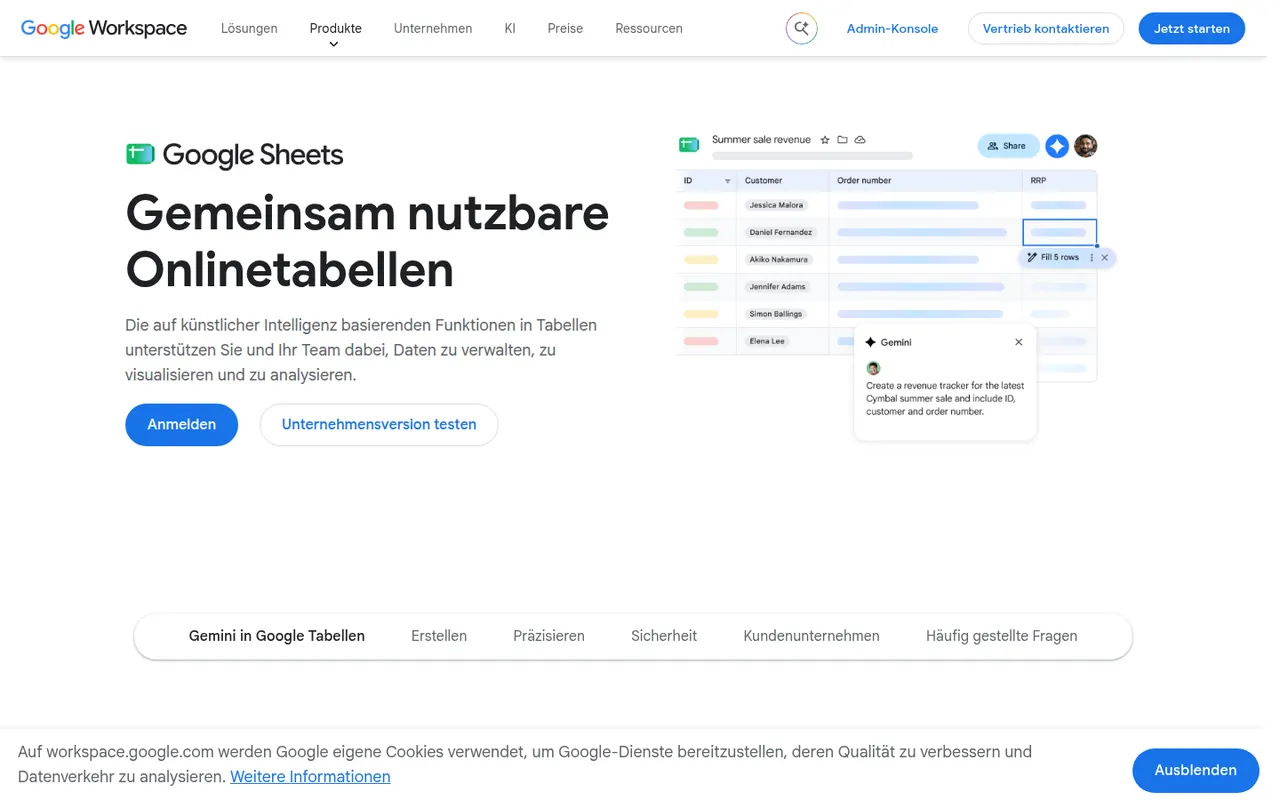
Cost / LicenseFreemiumProprietaryCategoriesGoogle Sheets is Google's browser-based spreadsheet, made for working on the same file with others at the same time. It supports formulas, pivot tables, charts, connected data sources and add-ons, and Apps Script can automate tasks or link sheets to other Google services. It is free with a Google account; Gemini AI features and business controls come with paid Google Workspace plans.
11 Google Sheets alternativesPros
- Real-time co-editing works smoothly in the browser
- Free with a Google account, with easy sharing and comments
- Apps Script and add-ons automate tasks across Google services
Cons
- Slows down noticeably with very large datasets
- Fewer advanced analysis features than desktop Excel
- Gemini features require a paid Google Workspace plan
Cost / LicenseFreemiumProprietaryCategoriesNumbers is Apple's free spreadsheet app for Mac, iPhone and iPad, also available in the browser on iCloud.com. Instead of one large grid, each sheet is a free-form canvas where tables, charts, text and images can be placed side by side. It includes several hundred functions, pivot tables and real-time collaboration through iCloud, and can import and export Excel files.
7 Numbers alternativesPros
- Free on Apple devices, with a browser version on iCloud.com
- Free-form canvas mixes tables, charts and text on one sheet
- Polished templates produce good-looking sheets with little effort
Cons
- Fewer advanced functions and analysis tools than Excel
- Excel files with macros or complex formatting do not convert cleanly
- No native apps for Windows or Android
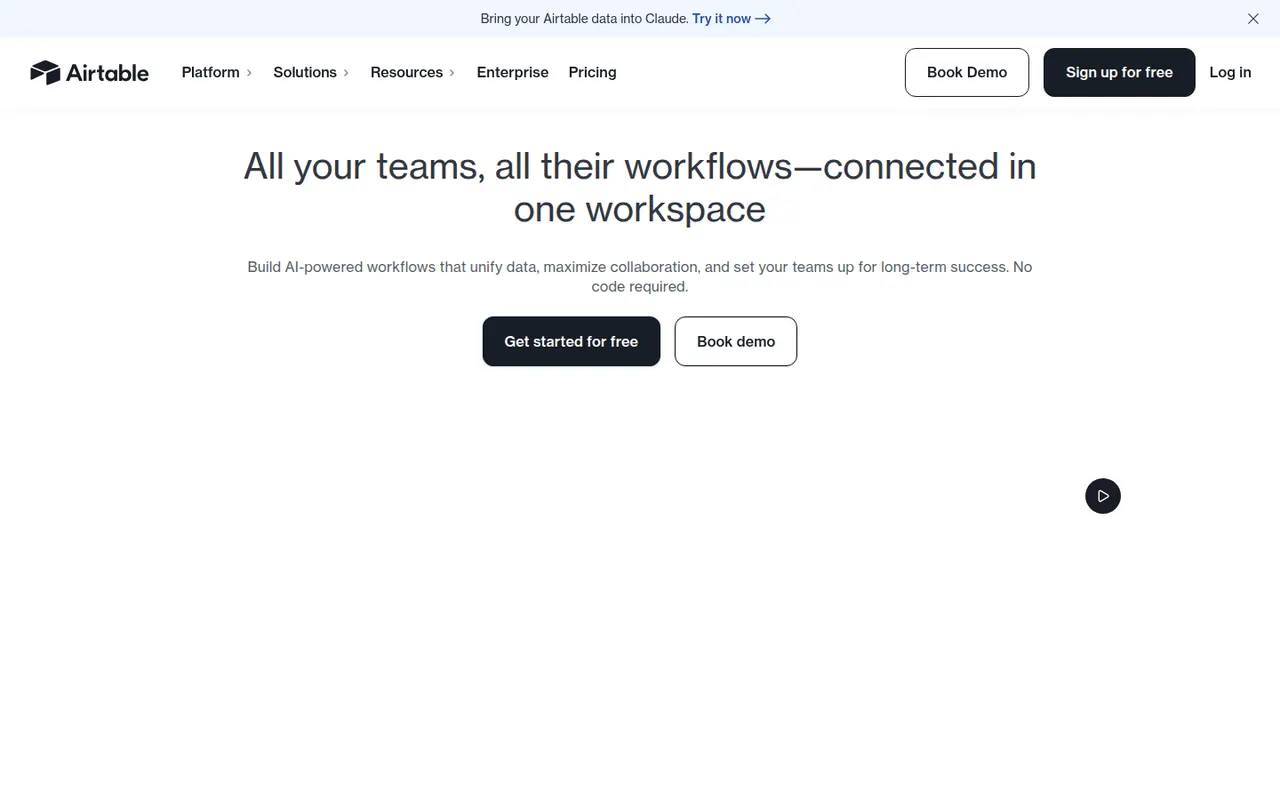
Cost / LicenseFreeProprietaryCategoriesAirtable combines the look of a spreadsheet with a relational database, letting teams link records across tables and view them as grids, kanban boards, calendars, galleries or forms. Interfaces, automations and AI features turn bases into lightweight internal apps for content calendars, product roadmaps or inventories. A free plan exists, with paid plans adding capacity and admin features.
12 Airtable alternativesPros
- Linked records give spreadsheet users real relational database power
- Grid, kanban, calendar, gallery and form views on the same data
- Interfaces and automations turn bases into lightweight internal apps
Cons
- Free plan limits on records and automations are reached quickly
- Paid seats get expensive for larger teams
- Complex bases can slow down and take effort to maintain
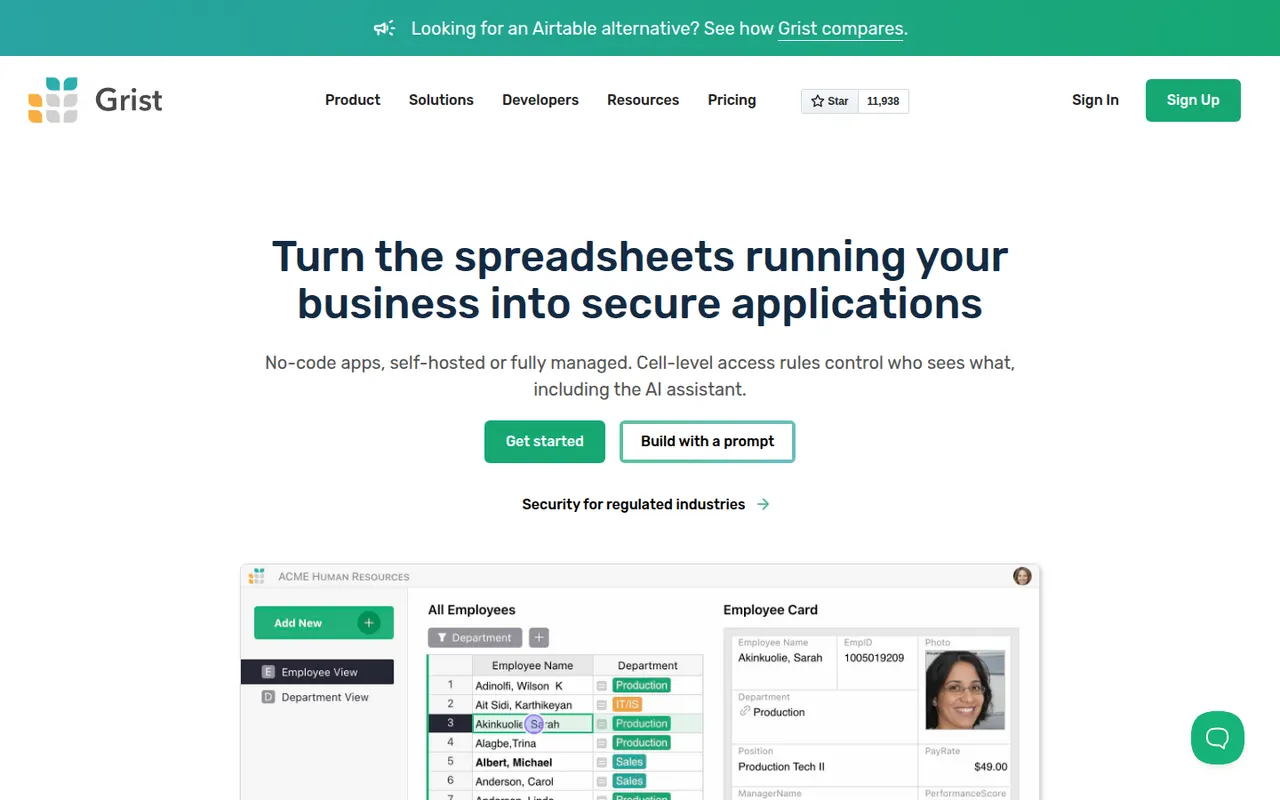
Cost / LicenseFreemiumProprietaryGrist is a relational spreadsheet from Grist Labs that combines a familiar grid with typed columns, linked tables and custom layouts. Formulas are written in Python, and granular access rules control who can see or edit each row or column. It is open source under Apache 2.0, can be self-hosted or run as a desktop app, and is also offered as a hosted service with a free tier.
8 Grist alternativesPros
- Formulas are written in Python, a big plus for technical users
- Granular access rules down to individual rows and columns
- Open source and self-hostable, with a desktop app option
Cons
- Less familiar than a classic spreadsheet for Excel users
- Smaller template and integration ecosystem than Airtable
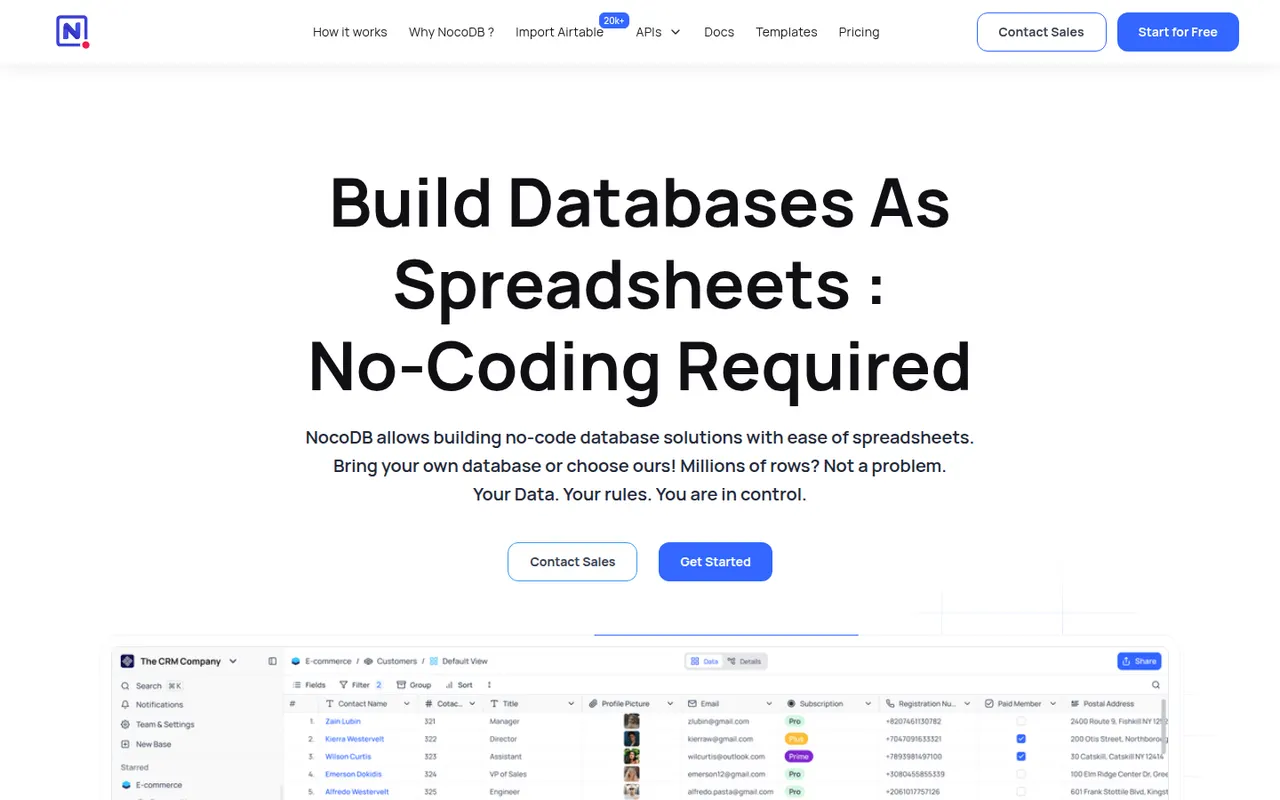
Cost / LicenseFreemiumOpen sourceCategoriesPlatformsNocoDB is a no-code database platform that puts a spreadsheet-style interface on top of new or existing PostgreSQL and MySQL databases. Teams get grid, kanban, gallery, form and calendar views, role-based access and automatically generated REST APIs. It can be self-hosted with Docker or used as a cloud service, and its source code is published under the fair-code Sustainable Use License.
8 NocoDB alternativesPros
- Connects to existing PostgreSQL and MySQL databases
- Auto-generated REST APIs for every table
- Self-hostable with Docker for full control over data
Cons
- Fair-code license is not open source in the OSI sense
- Fewer native integrations and automations than Airtable
- Self-hosting requires technical skills to maintain
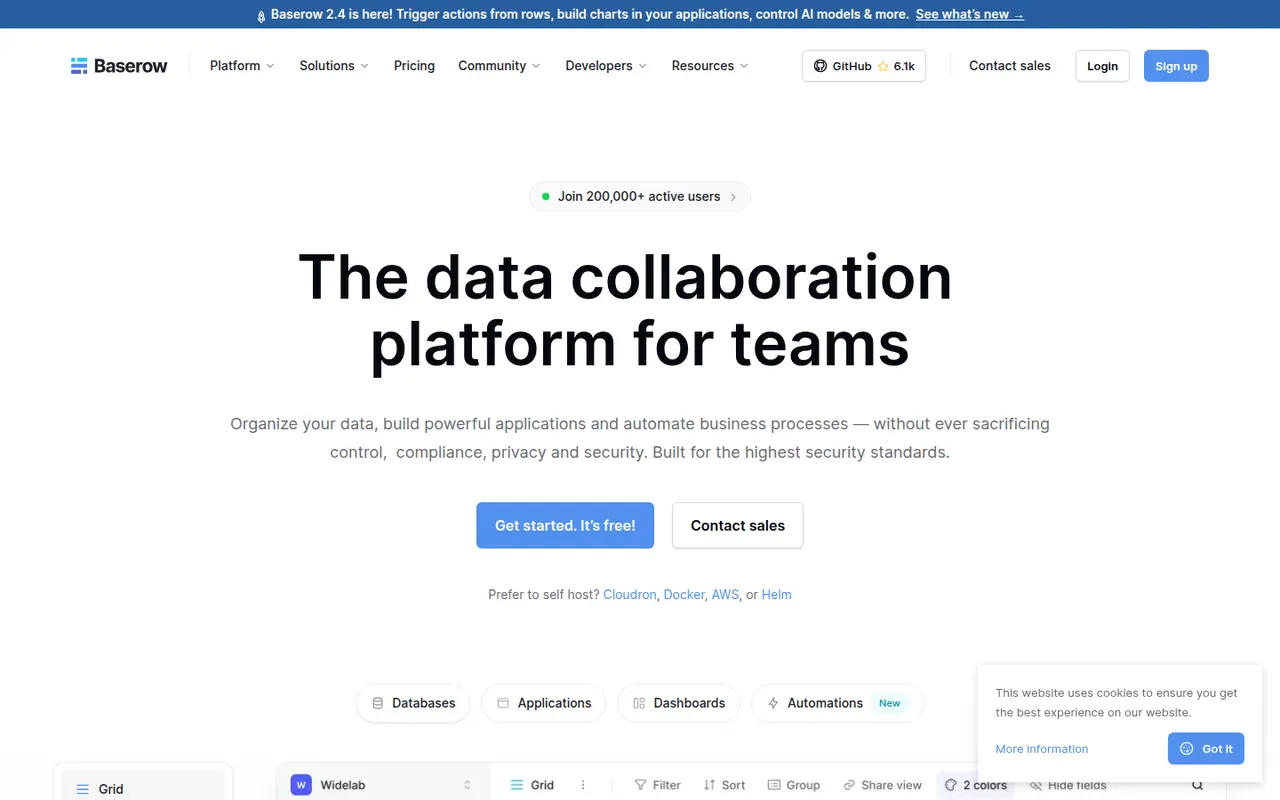
Cost / LicenseFreemiumSource availableCategoriesPlatformsBaserow is a no-code database from the Dutch company of the same name, with a spreadsheet-like interface, linked tables, multiple views and a REST API. It also includes an application builder and AI fields for turning data into internal tools. The core is open source under MIT and can be self-hosted; the cloud version, hosted in the EU, has a free plan and paid tiers.
8 Baserow alternativesPros
- Open source core that can be self-hosted at no cost
- Familiar spreadsheet-style interface with linked tables and views
- EU-hosted cloud option helps with GDPR requirements
Cons
- Smaller integration ecosystem than Airtable
- Some advanced features are reserved for paid plans
- Self-hosting requires server maintenance and updates
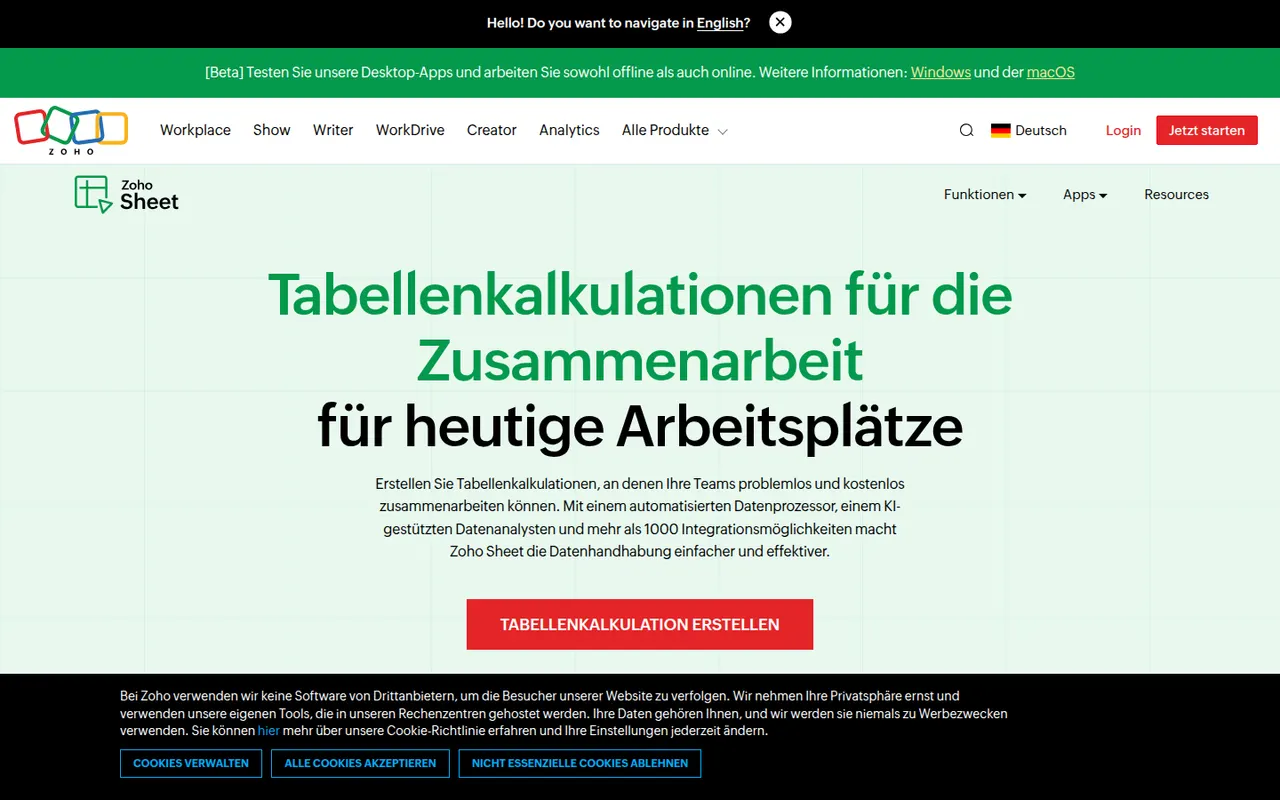
Cost / LicenseFreemiumOpen sourceCategoriesPlatformsZoho Sheet is a cloud spreadsheet from Zoho for building and sharing spreadsheets with real-time co-editing, comments and cell-level change history. It handles pivot tables, data cleaning and imports from Excel and CSV files, while the Zia assistant suggests charts and answers questions about the data. It is free for individuals and part of paid Zoho Workplace plans for businesses.
8 Zoho Sheet alternativesPros
- Free for individuals, with real-time co-editing and comments
- Cell-level change history makes edits easy to trace
- Zia assistant suggests charts and answers questions about the data
Cons
- Fewer add-ons and third-party integrations than Google Sheets
- Most valuable for companies already using the Zoho ecosystem
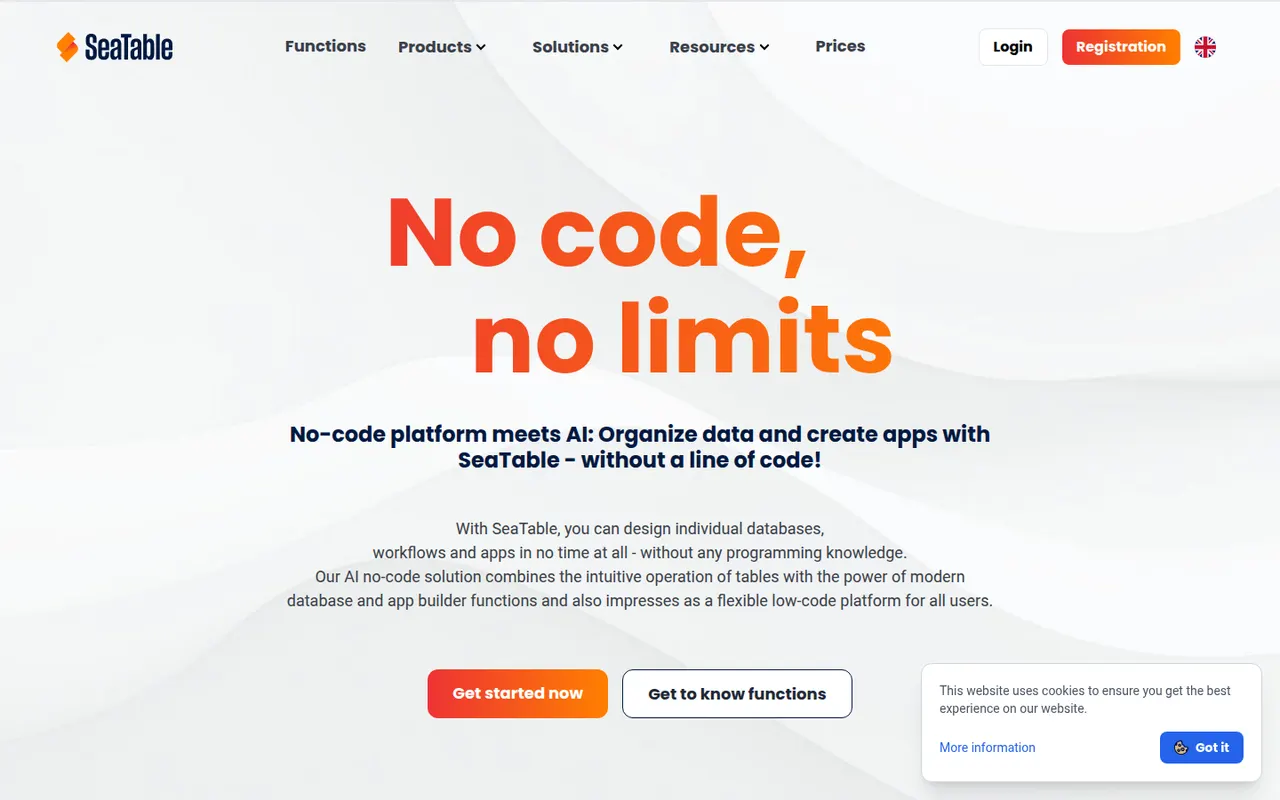
Cost / LicenseFreemiumProprietaryCategoriesSeaTable is a spreadsheet-style database made by SeaTable GmbH in Germany, letting teams link tables, attach files, build forms and create custom views. Automations, Python and JavaScript scripts and an API turn tables into business processes without writing a full application. It can be used in the cloud, with a free plan, or installed on your own servers.
7 SeaTable alternativesPros
- German vendor offering both GDPR-friendly cloud and self-hosting
- Python and JavaScript scripts extend tables into business processes
- Linked tables, forms and file attachments in one workspace
Cons
- Smaller community and template library than Airtable
- Advanced features are reserved for paid plans
Cost / LicenseFreemiumProprietaryCategoriesPlatforms