Apps with Digital painting
5 apps
Top Digital painting apps ranked by the community
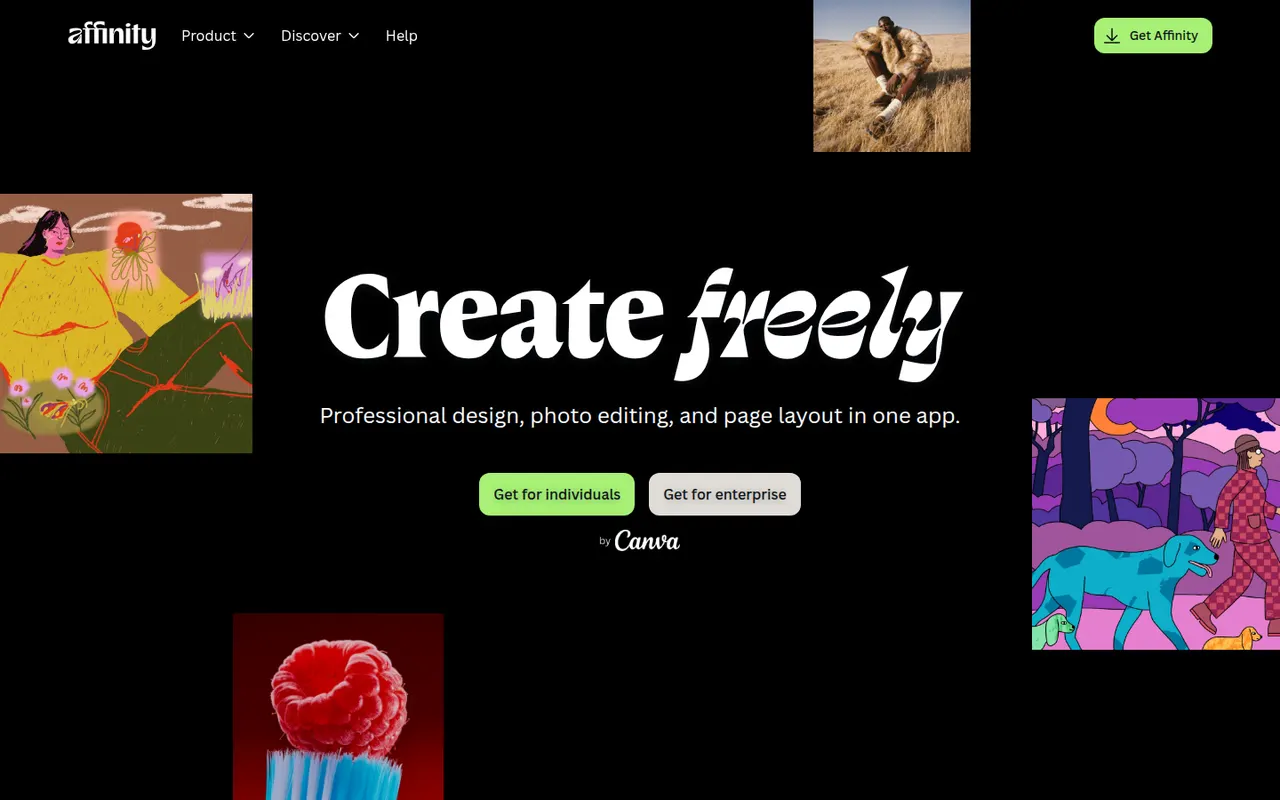
Affinity is a professional creative app from Canva that merges the former Affinity Designer, Photo and Publisher into one program with vector, pixel and layout workspaces. It is free to download for Windows and macOS, while its optional Canva AI tools require a paid Canva plan. It suits designers who want an alternative to Adobe subscriptions and can import PSD, PDF and IDML files.
12 Affinity alternativesPros
- Free download combining vector, pixel and layout workspaces in one app
- Imports PSD, PDF and IDML files from Adobe workflows
- Professional tools without a mandatory subscription
Cons
- Canva AI tools require a paid Canva plan
- Smaller plugin and training ecosystem than Adobe’s
- Imported Adobe files can need manual adjustments
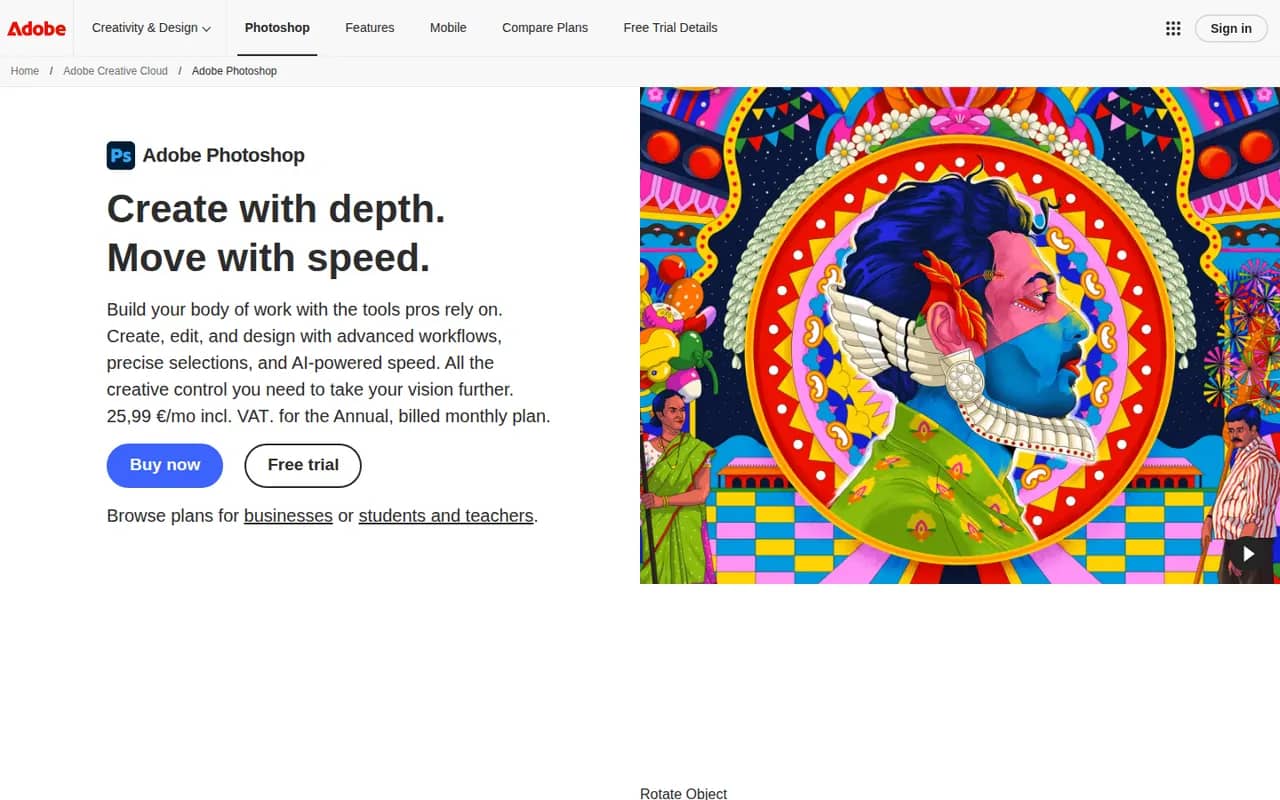
Cost / LicenseFreemiumProprietaryCategoriesAdobe Photoshop is a professional image editor used for retouching, compositing, graphic design and digital painting. It combines layers, masks, adjustment layers, Camera Raw processing and a large plugin ecosystem with Firefly-powered tools such as Generative Fill and object removal. It runs on Windows and macOS, with web, iPad and iPhone versions that sync through Creative Cloud.
12 Adobe Photoshop alternativesPros
- Industry standard for retouching and compositing
- Generative Fill and object removal powered by Firefly
- Vast ecosystem of plugins and tutorials
Cons
- Subscription only, which adds up over time
- Steep learning curve for beginners
- Demanding on hardware with large files
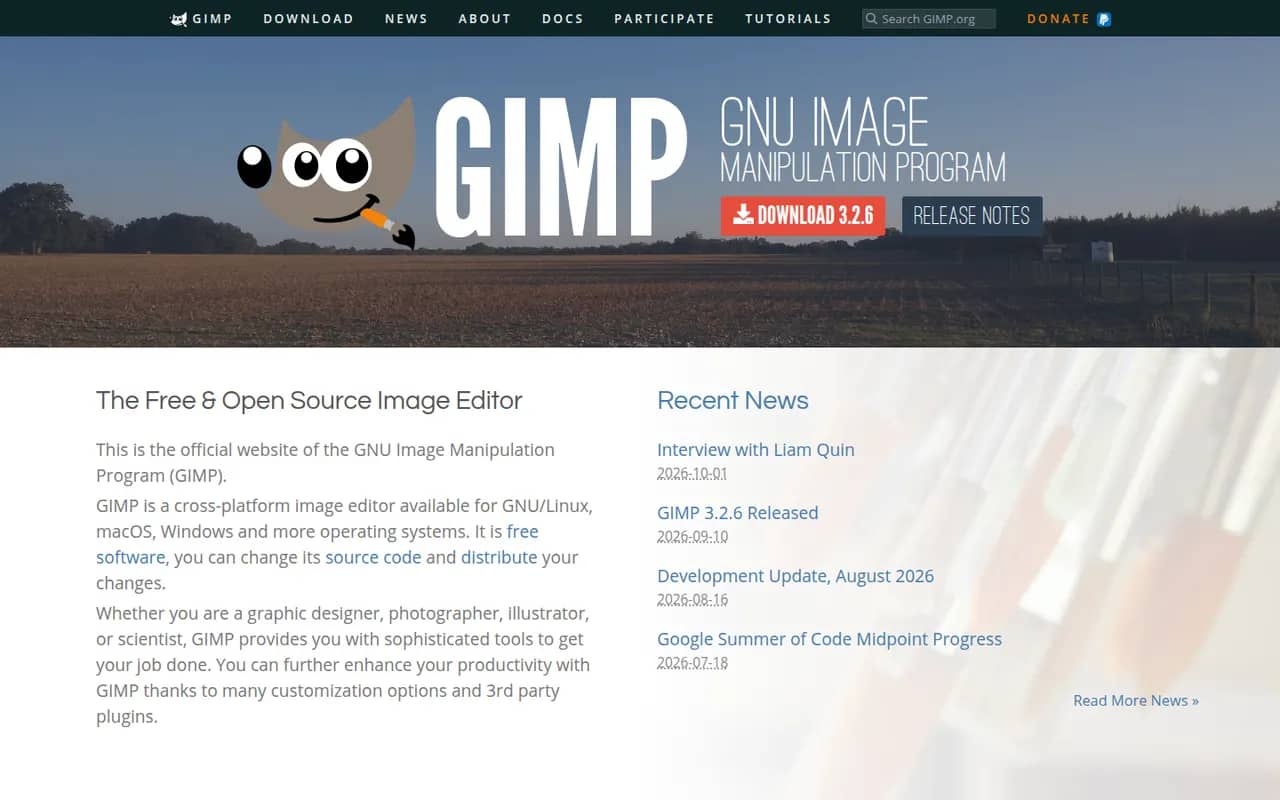
Cost / LicenseFree trialProprietaryCategoriesGIMP (GNU Image Manipulation Program) is a free, open source image editor used for photo retouching, image composition and digital artwork. It offers layers, masks, selection tools, a wide range of filters and scripts and plugins in Python or Script-Fu. GIMP 3.0 added non-destructive filters and a refreshed interface, and it is a common Photoshop alternative for people who want to avoid subscriptions.
12 GIMP alternativesPros
- Free, open source and available on Windows, macOS and Linux
- Layers, masks, filters and scripting in Python or Script-Fu
- Non-destructive filters since version 3.0
Cons
- Interface and workflows differ from Photoshop, which slows switchers
- Fewer AI and generative tools than commercial editors
Cost / LicenseFreeOpen sourceCategoriesKrita is a free, open source digital painting program developed by the KDE community for illustrators, comic artists, concept artists and texture painters. It offers customizable brush engines, a brush stabilizer, layers and masks, a wrap-around mode for seamless textures and frame-by-frame 2D animation. It runs on Windows, macOS and Linux, with a version for Android tablets and Chromebooks.
8 Krita alternativesPros
- Free, open source painting app with powerful brush engines
- Brush stabilizer and wrap-around mode for seamless textures
- Frame-by-frame 2D animation built in
Cons
- Not designed for photo editing
- Can be demanding on hardware with large canvases
- No version available for iPad
Cost / LicenseFreeOpen sourceCategoriesProcreate is a raster painting app built for iPad and Apple Pencil, used by illustrators, comic artists, letterers and hobbyists. It offers many customizable brushes, layers and blend modes, time-lapse recording of each artwork and Animation Assist for simple frame-by-frame animation. It is sold as a one-time purchase, and its developer has committed to keeping generative AI out of the app.
6 Procreate alternativesPros
- Responsive brush engine built for Apple Pencil
- One-time purchase with no subscription
- Time-lapse recording and Animation Assist built in
Cons
- Limited to iPad and iPhone, with no desktop version
- No vector tools for scalable artwork
Cost / LicensePaidProprietaryCategoriesPlatforms