Apps with Send later
9 apps
Top Send later apps ranked by the community
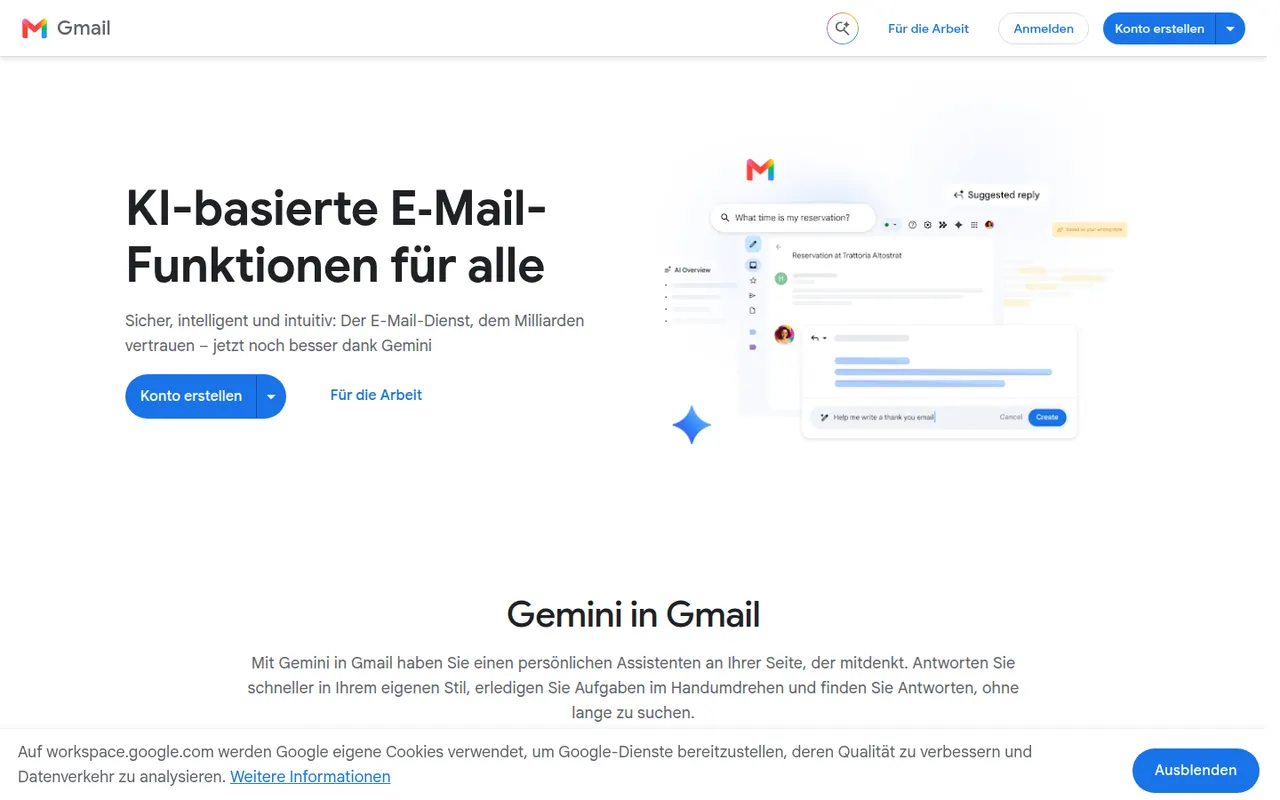
Gmail is Google's email service, used through the web and mobile apps or any IMAP client. It offers automatic spam filtering, labels and inbox categories, fast search, scheduled sending and close links with Calendar, Drive and Meet. Personal accounts are free and share storage with Drive and Photos, while Google Workspace adds custom domains and admin tools; Gemini can draft and summarize emails.
12 Gmail alternativesPros
- Excellent spam filtering and fast search
- Tight links with Google Calendar, Drive and Meet
- Free personal accounts on web, mobile and any IMAP client
Cons
- Free storage is shared with Drive and Photos and fills up quickly
- Google’s data practices raise privacy concerns
- Custom domains require a paid Google Workspace plan
Cost / LicenseFreemiumProprietaryCategoriesMicrosoft Outlook is an email and calendar app available on Windows, Mac, mobile and the web, used with Outlook.com, Exchange and Microsoft 365 accounts as well as Gmail and other IMAP services. It combines mail with calendars, contacts and tasks, supports shared mailboxes and scheduled sending, and integrates with Teams for meetings. Copilot can draft replies and summarize threads on eligible plans.
12 Microsoft Outlook alternativesPros
- Email, calendar, contacts and tasks in one app
- Shared mailboxes and Teams integration for businesses
- Available on Windows, Mac, mobile and the web
Cons
- The move from classic to new Outlook on Windows has been disruptive
- Free Outlook.com accounts show ads
- Copilot features require an eligible paid plan
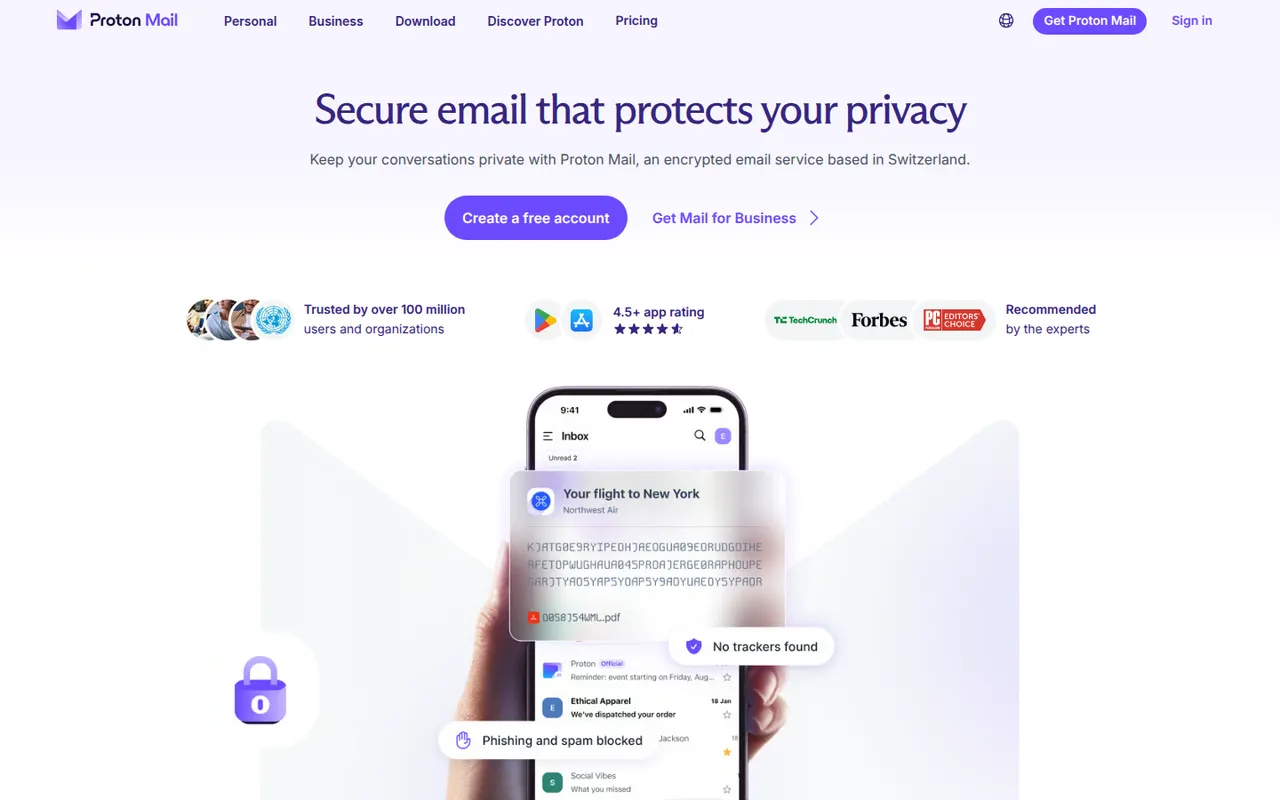
Cost / LicenseFreemiumProprietaryProton Mail is an end-to-end encrypted email service based in Switzerland. Messages between Proton users are encrypted automatically, emails to others can be password-protected, and stored mail uses zero-access encryption so Proton cannot read it. Its apps are open source, paid plans add custom domains and more addresses, and it is part of a suite with Proton Calendar, Drive, VPN and Pass.
9 Proton Mail alternativesPros
- End-to-end and zero-access encryption protect stored mail
- Based in Switzerland, with open source apps
- Part of a suite with Proton Calendar, Drive, VPN and Pass
Cons
- Free plan is tight on storage and addresses
- Using IMAP clients requires Proton Mail Bridge and a paid plan
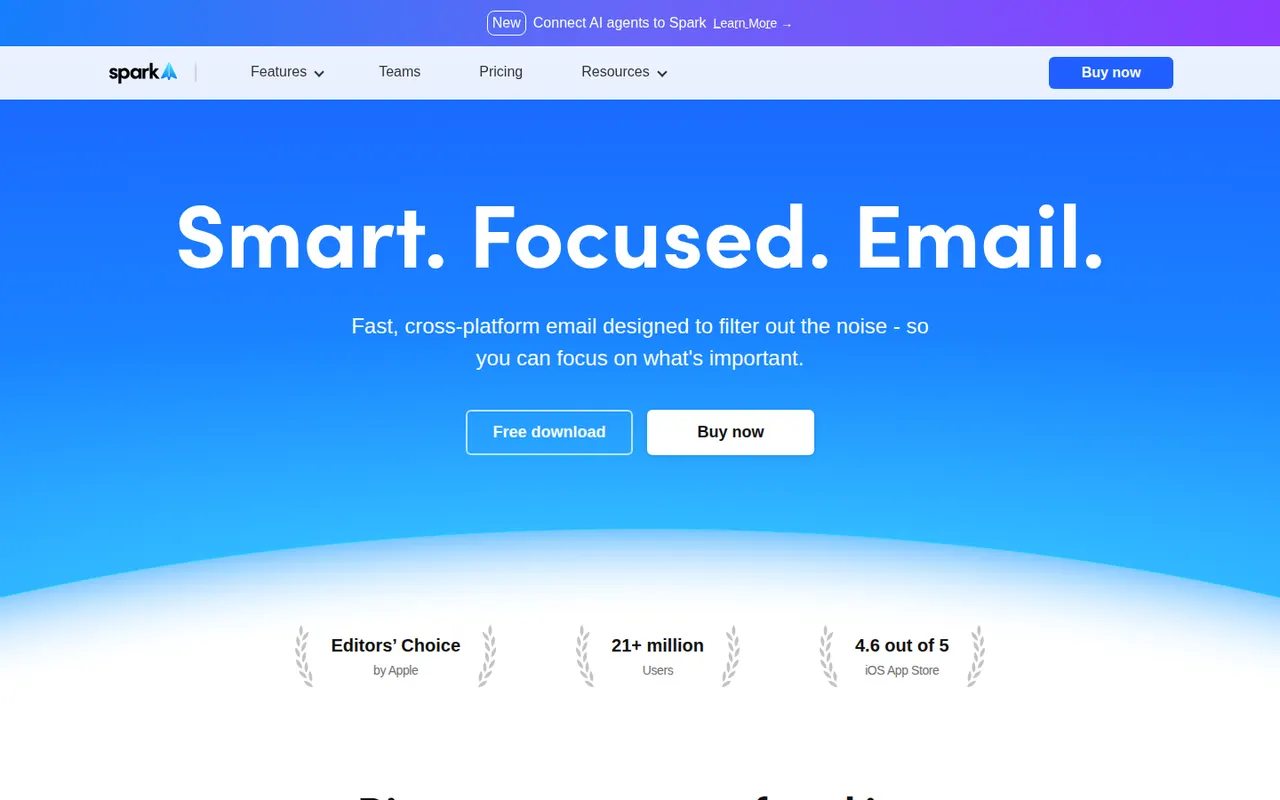
Cost / LicenseFreemiumOpen sourceCategoriesSpark is an email client from Readdle that works with Gmail, Outlook, iCloud and other IMAP accounts on Mac, Windows, iPhone and Android. Its smart inbox separates personal mail, notifications and newsletters, and it supports send later, snoozing, a gatekeeper for new senders and AI writing help. Teams can share email threads, comment on them privately and draft replies together.
11 Spark alternativesPros
- Smart inbox separates personal mail, notifications and newsletters
- Shared threads and private comments for team email
- Gatekeeper screens new senders before they reach the inbox
Cons
- Sync relies on Readdle’s servers, which raises privacy questions
- AI and team features require a paid plan
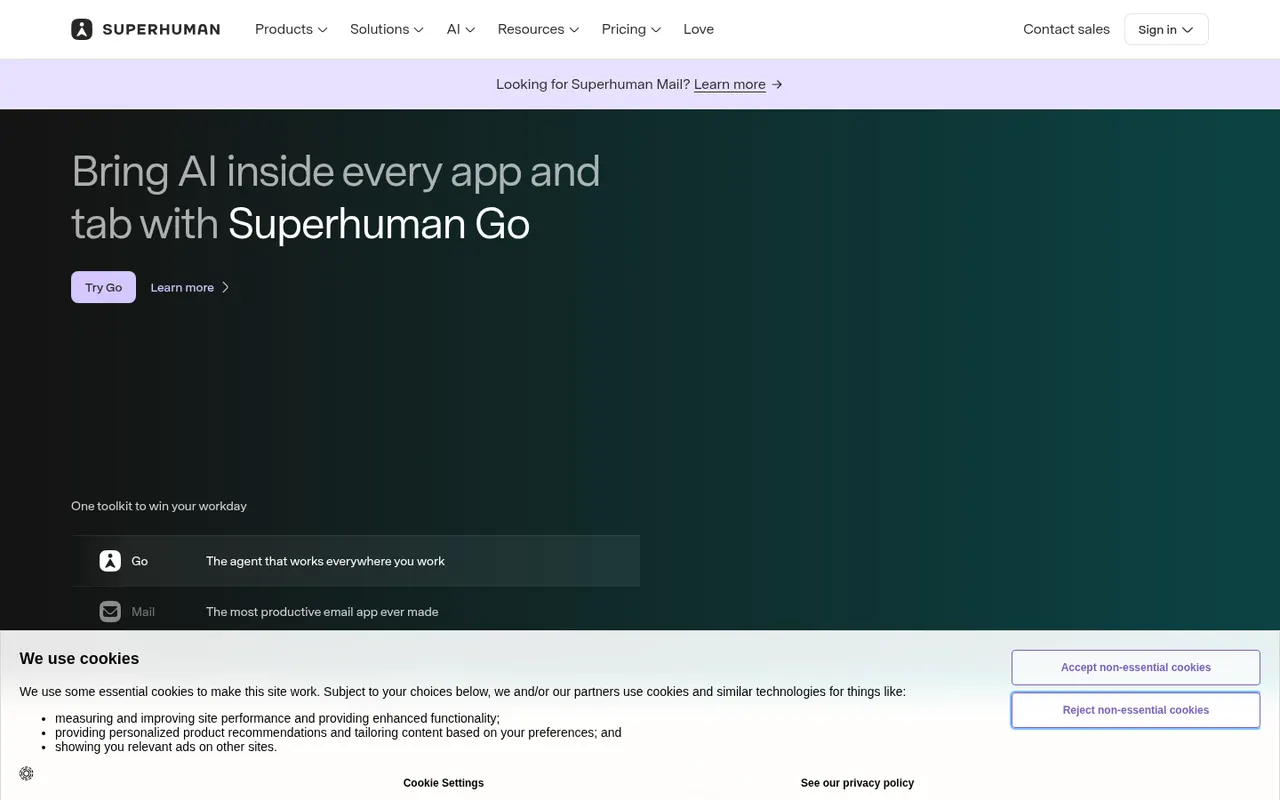
Cost / LicenseFreemiumProprietaryCategoriesSuperhuman is a premium email client for Gmail and Microsoft accounts, designed around keyboard shortcuts and speed. It offers split inboxes, reminders, scheduled sending, read statuses, snippets and AI features that draft replies and summarize threads. It targets professionals and executives who handle large volumes of email, and is sold as a subscription with no free plan.
8 Superhuman alternativesPros
- Keyboard shortcuts make triaging email very fast
- Split inboxes, reminders and snippets for heavy email users
- AI drafts replies and summarizes long threads
Cons
- Expensive subscription with no free plan
- Only works with Gmail and Microsoft accounts
- Read statuses rely on tracking pixels, a privacy concern
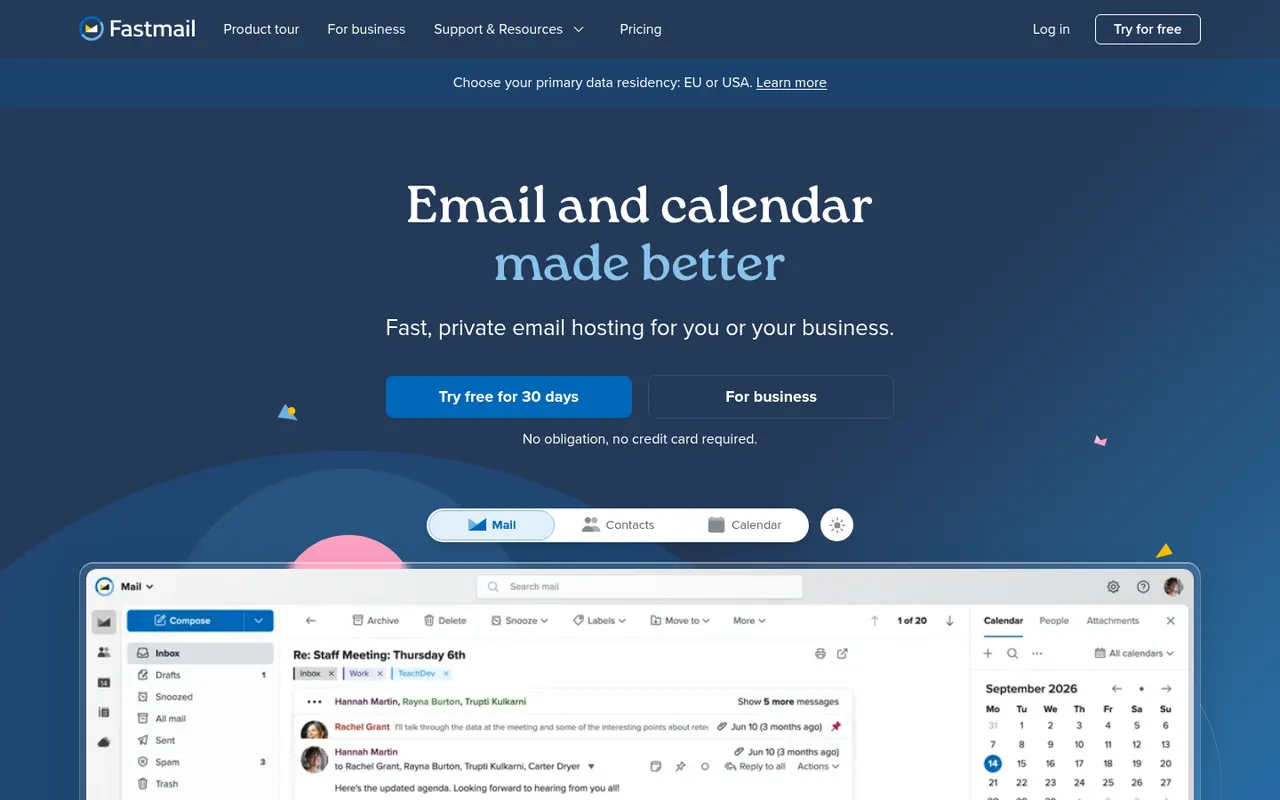
Cost / LicensePaidProprietaryCategoriesFastmail is an independent email provider from Australia that bundles email, calendar and contacts with no ads. It supports custom domains, aliases and Masked Email addresses generated through its 1Password integration, and works with any client via IMAP, CalDAV and CardDAV. Fastmail also led the creation of JMAP, an open standard for faster email sync. It is paid, with a free trial.
9 Fastmail alternativesPros
- Ad-free service funded by subscriptions rather than advertising
- Masked Email addresses through the 1Password integration
- Standard IMAP, CalDAV and CardDAV work with any client
Cons
- No free plan beyond the trial
- No end-to-end encryption like Proton Mail or Tuta
- Fewer collaboration tools than Google Workspace or Microsoft 365
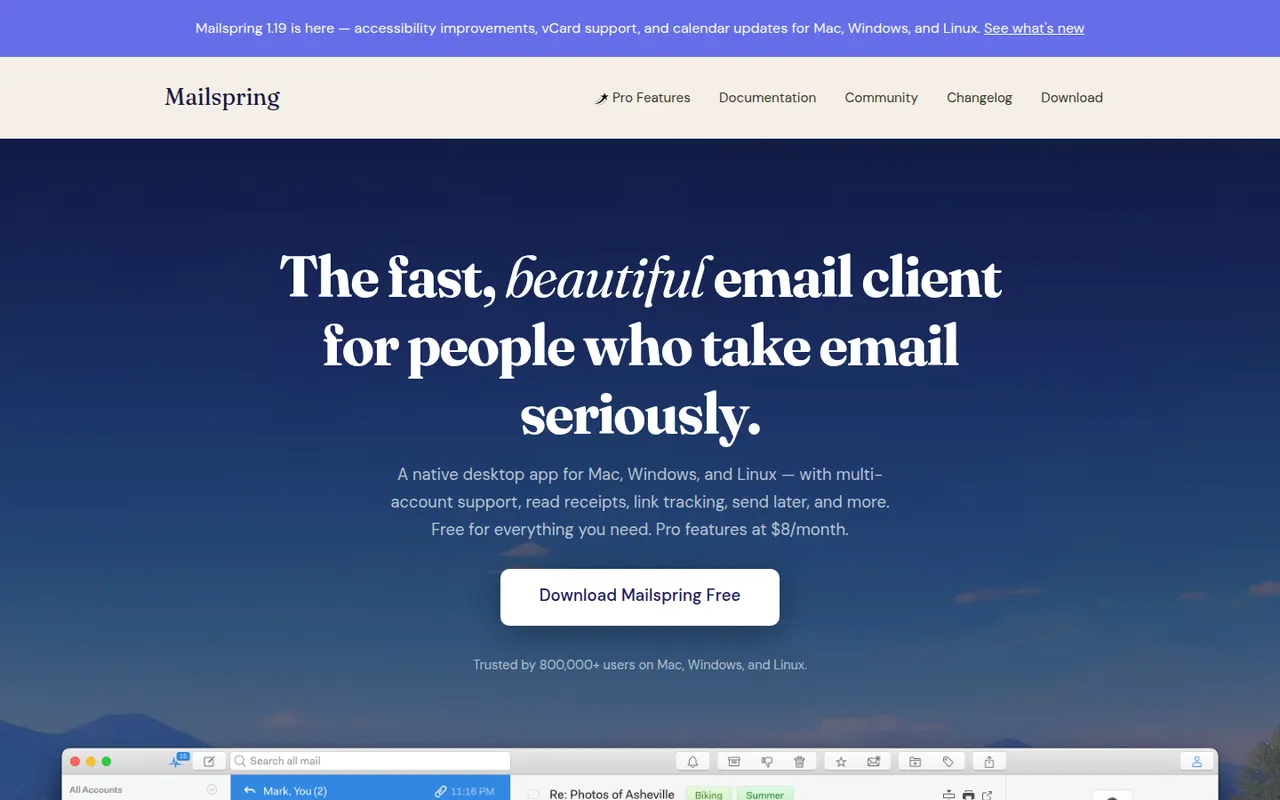
Cost / LicenseFree trialProprietaryCategoriesMailspring is a free, open-source desktop email client for Windows, macOS and Linux that works with Gmail, Office 365, iCloud and any IMAP account. It offers a unified inbox, fast search, themes and templates, and runs its mail sync engine locally rather than in the cloud. An optional Pro subscription adds read receipts, link tracking, send later and reminders.
7 Mailspring alternativesPros
- Free and open source on Windows, Mac and Linux
- Sync engine runs locally rather than through a cloud service
- Unified inbox, themes and templates in a clean interface
Cons
- Send later, reminders and read receipts require Pro
- A Mailspring ID account is required even for the free version
- No mobile apps to go with the desktop client
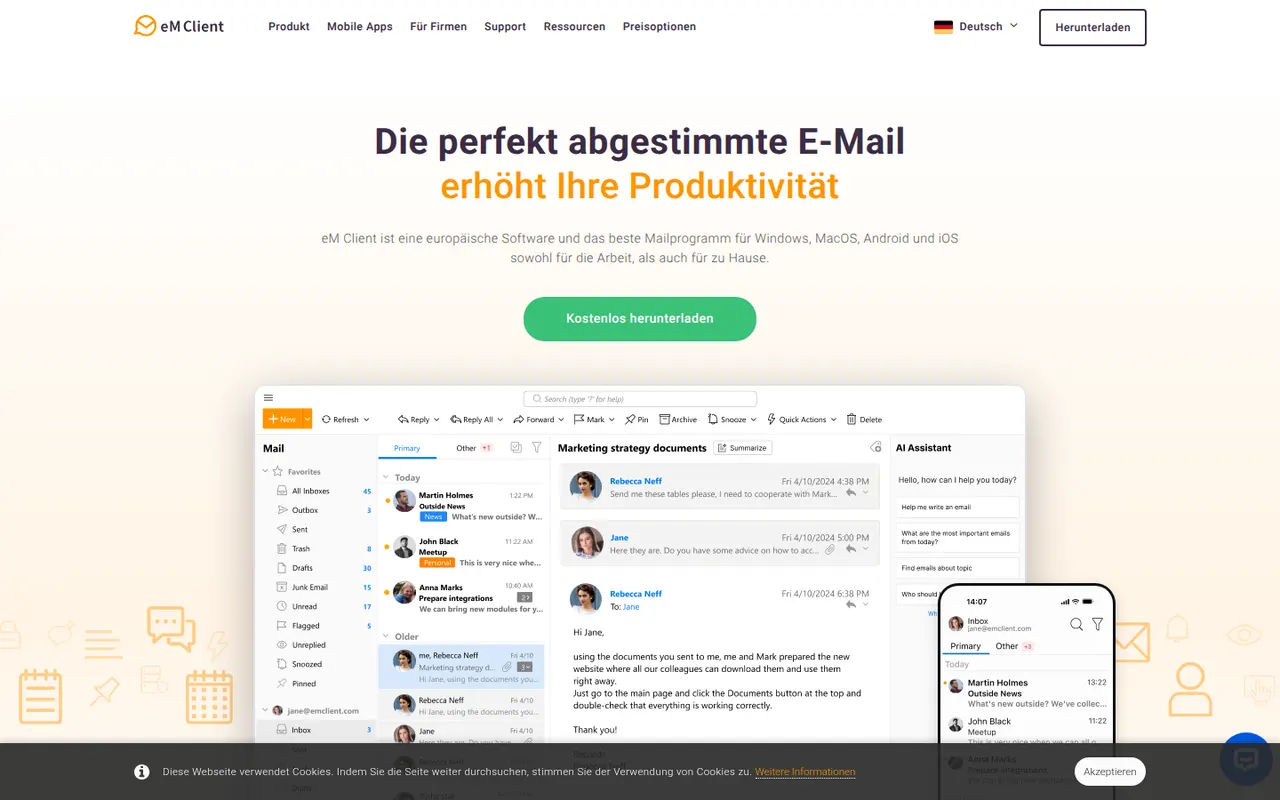
Cost / LicenseFreemiumOpen sourceCategorieseM Client is a desktop email client for Windows and macOS that brings email, calendar, tasks, contacts and notes together in one app. It works with Gmail, Exchange, Microsoft 365, iCloud and IMAP accounts, and includes built-in PGP encryption, snoozing, send later and quick templates. A free version is available for personal use with a limited number of accounts, and the Pro license unlocks the rest.
7 eM Client alternativesPros
- Email, calendar, tasks, contacts and notes in one desktop app
- Built-in PGP encryption without extra plugins
- Works with Gmail, Exchange, Microsoft 365, iCloud and IMAP
Cons
- Free version is for personal use with a limited number of accounts
- No Linux version, only Windows and Mac
- Interface can feel dense because of its many features
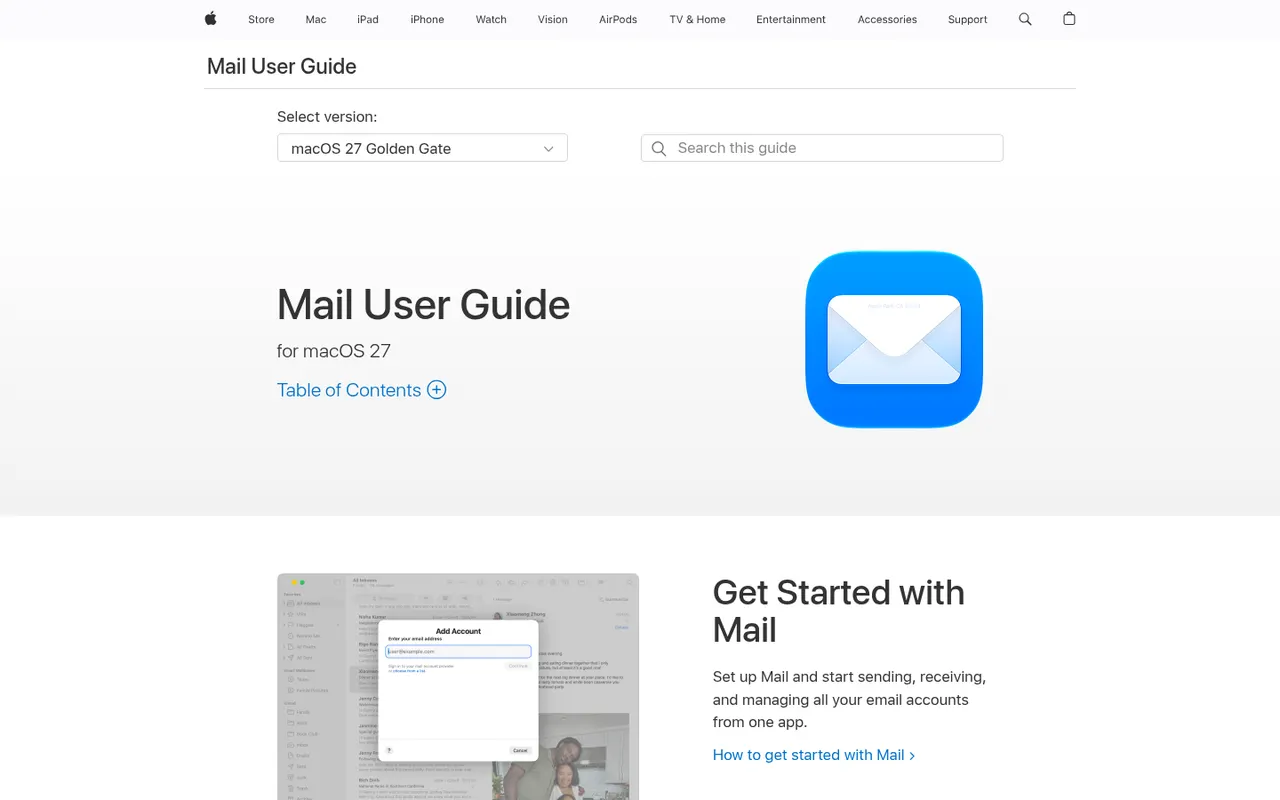
Cost / LicenseFreemiumProprietaryCategoriesApple Mail is the email app included with macOS, iOS and iPadOS, supporting iCloud, Gmail, Exchange and other IMAP accounts in a unified inbox. It offers send later, follow-up reminders, smart search and Mail Privacy Protection, which hides your IP address and stops senders from seeing when you open messages. With iCloud+, Hide My Email creates random addresses that forward to your inbox.
9 Apple Mail alternativesPros
- Free and preinstalled on Mac, iPhone and iPad
- Mail Privacy Protection hides your IP and blocks open tracking
- Unified inbox for iCloud, Gmail, Exchange and IMAP accounts
Cons
- Only available on Apple devices
- Few power-user features or extensions compared with dedicated clients
- Hide My Email requires an iCloud+ subscription
Cost / LicenseFreeProprietaryCategories