Apps with Natural language input
5 apps
Top Natural language input apps ranked by the community
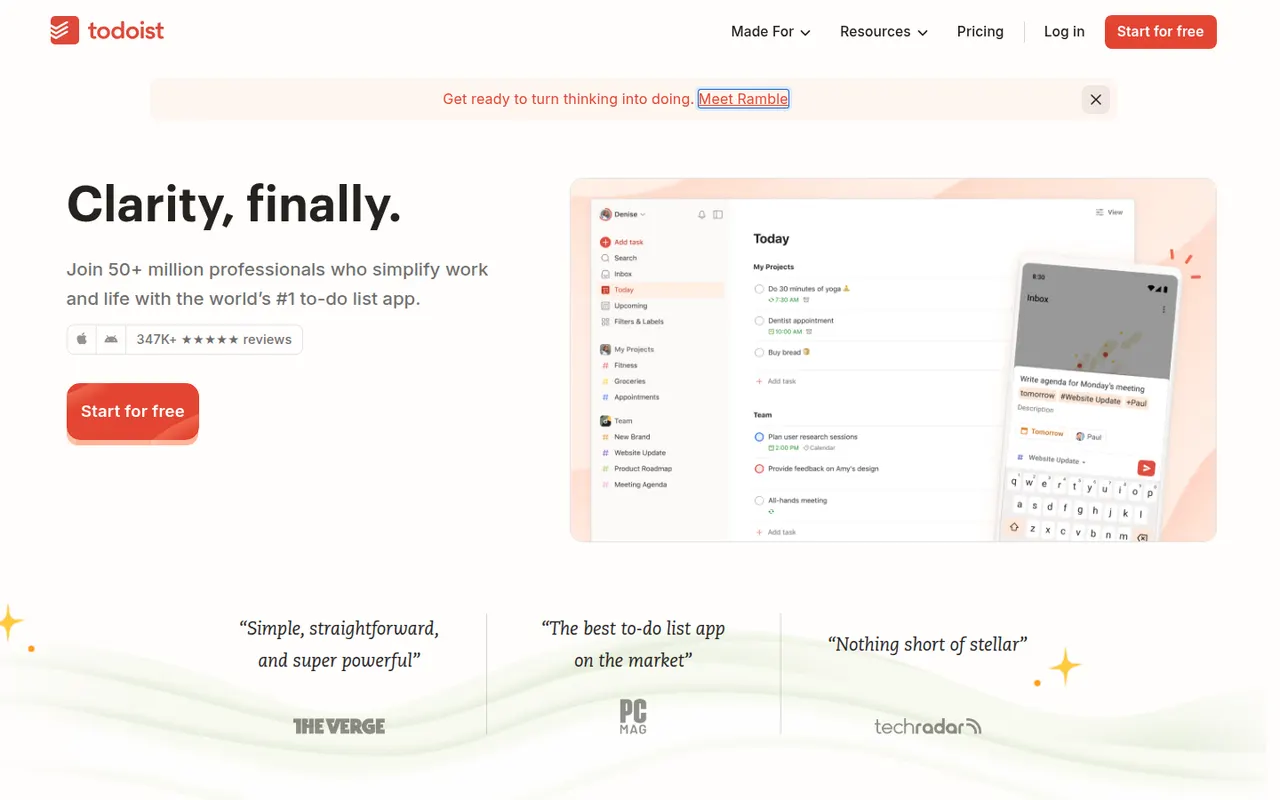
Todoist is a task manager by Doist that captures tasks quickly with natural language dates, such as every Monday at 9am, and organizes them into projects, sections, labels and filters. It runs on almost every platform, offers list, board and calendar layouts, supports shared projects for small teams and integrates with calendars, email and many other apps.
12 Todoist alternativesPros
- Fast natural language capture for dates and recurring tasks
- Runs on almost every platform with reliable sync
- Projects, labels and filters scale from simple to complex lists
Cons
- Several useful features are limited to paid plans
- Collaboration is basic for larger team projects
- No built-in time tracking without integrations
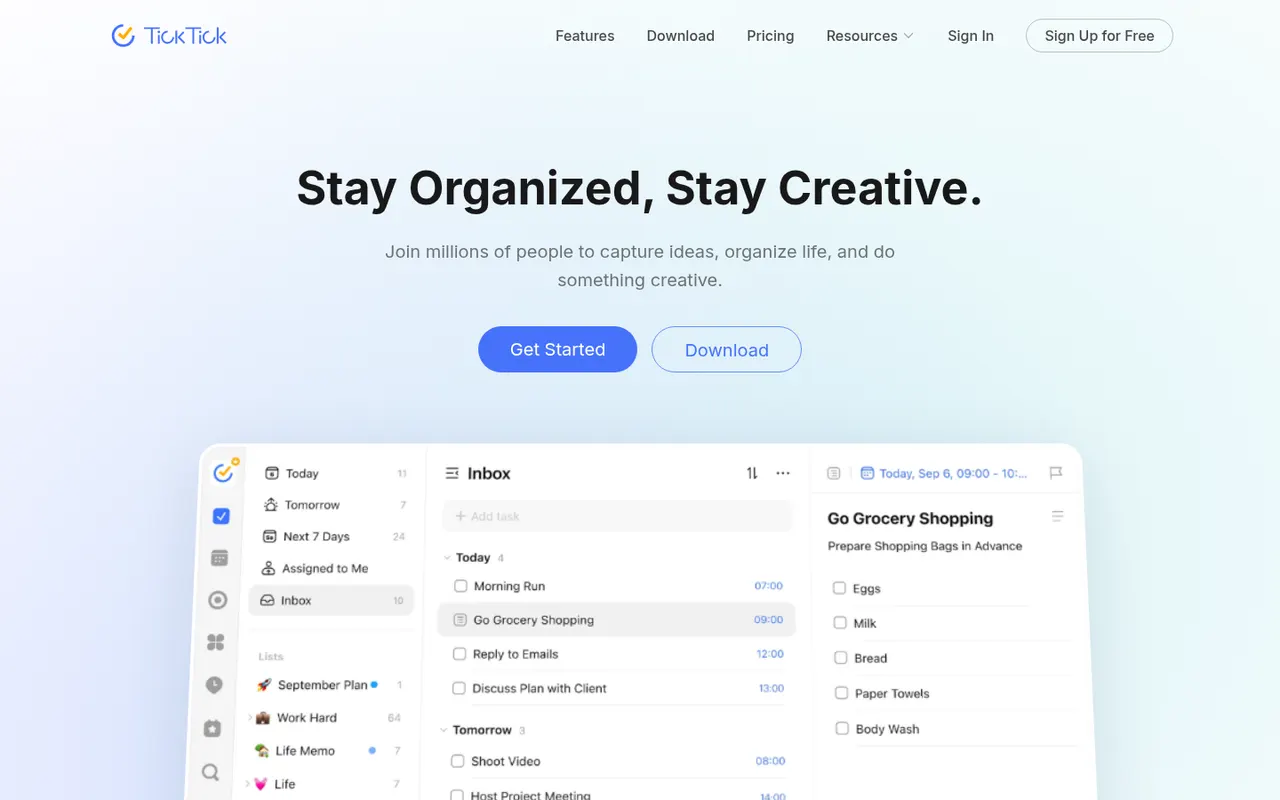
Cost / LicenseFreemiumProprietaryCategoriesTickTick is a cross-platform to-do app that combines tasks and checklists with a built-in calendar, habit tracker and Pomodoro focus timer. It understands dates typed in natural language, offers list, Kanban and timeline views, and a Premium subscription unlocks the full calendar views and higher limits.
11 TickTick alternativesPros
- Tasks, calendar, habit tracker and Pomodoro timer in one app
- Natural language dates speed up task entry
- Available on nearly every platform, including browser extensions
Cons
- Full calendar views require Premium
- The packed feature set can make the interface feel busy
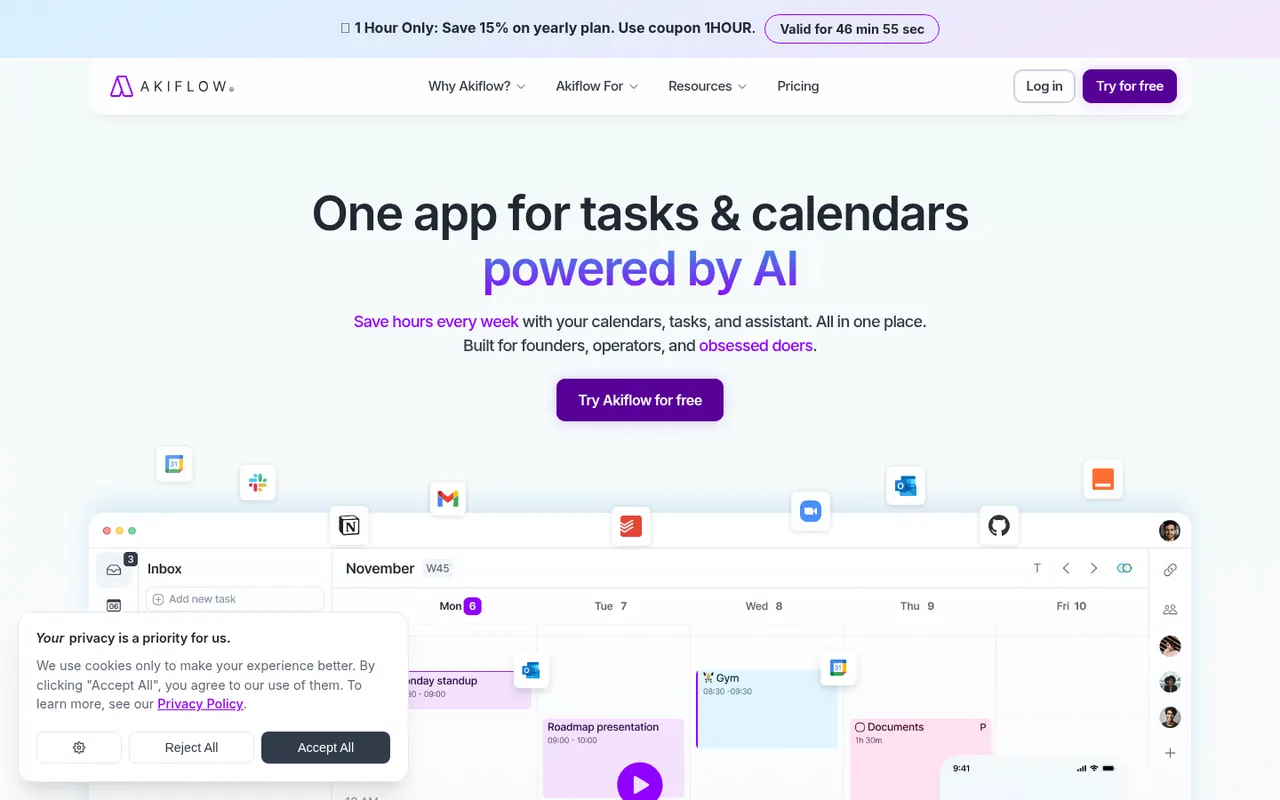
Cost / LicenseFreemiumProprietaryCategoriesAkiflow collects tasks from email, Slack, Notion, Asana, Todoist and other tools into one inbox, then lets you time-block them on your calendar with drag and drop. A command bar with natural language input and keyboard shortcuts suits people who live in their calendar and juggle many meetings and sources of work.
9 Akiflow alternativesPros
- Pulls tasks from email, Slack, Notion and more into one inbox
- Drag-and-drop time blocking straight onto your calendar
- Command bar and keyboard shortcuts make capture very fast
Cons
- No free plan, and the subscription is on the expensive side
- Connecting every source and building the habit takes time
- Not designed for team project management
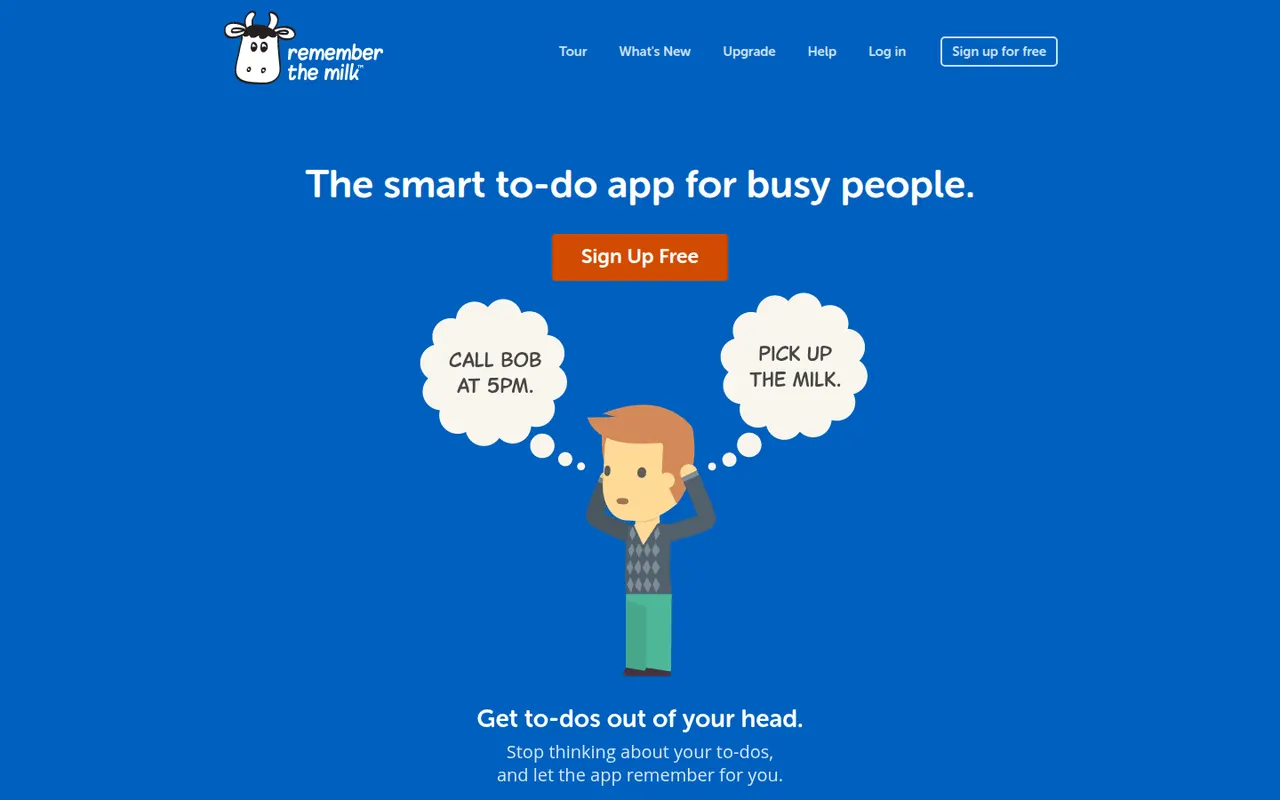
Cost / LicenseFree trialProprietaryRemember The Milk is an online to-do service launched in 2005 and available on the web, desktop and mobile. Smart Add understands dates, priorities, tags and lists typed in a single line, smart lists save advanced searches, and reminders can arrive by email, text message or push notification. A Pro subscription unlocks extras such as subtasks and wider sharing.
7 Remember The Milk alternativesPros
- Smart Add parses dates, tags and priorities from a single line
- Smart lists save advanced searches as dynamic views
- Reminders by email, text message or push notification
Cons
- Interface looks dated next to newer to-do apps
- Subtasks and wider sharing require the Pro plan
Cost / LicenseFreemiumProprietaryCategoriesFantastical is a calendar app from Flexibits, first built for Apple devices and now also available on Windows, that creates events and reminders from plain sentences such as lunch with Sam Friday at noon. It combines Google, iCloud and Exchange calendars, adds calendar sets, weather and meeting proposals, and a Premium subscription unlocks Openings booking pages.
8 Fantastical alternativesPros
- Natural language input turns plain sentences into events
- Combines Google, iCloud and Exchange calendars in one view
- Calendar sets switch between work and personal contexts
Cons
- Many features require a Premium subscription
- No Android app, unlike most rival calendar apps
Cost / LicenseFreemiumProprietaryCategories