Best apps for iPhone
291 apps
Top iPhone apps ranked by the community
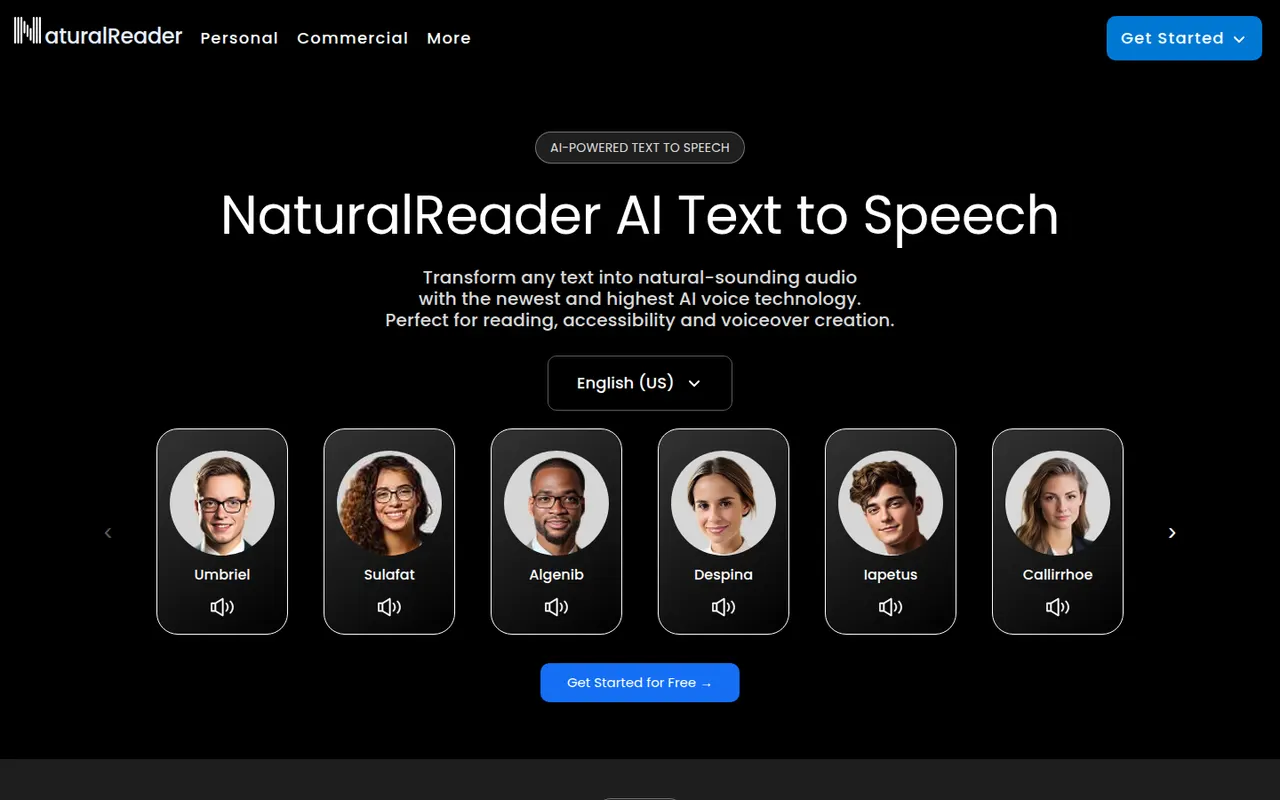
NaturalReader is a text-to-speech app that reads documents, PDFs, ebooks and web pages aloud in natural-sounding voices across many languages. It is available on the web, as desktop software, as mobile apps that can scan printed text, and as a Chrome extension. It serves students, people with reading difficulties and professionals, with a separate commercial edition for voiceovers.
5 NaturalReader alternativesPros
- Reads PDFs, ebooks and web pages aloud
- Available on web, desktop, mobile and as a Chrome extension
- Mobile apps can scan and read printed text
Cons
- The most natural voices are reserved for paid plans
- Commercial voiceovers require a separate edition
Cost / LicenseFreemiumProprietaryCategoriesChatGPT is OpenAI's general-purpose AI assistant. You can use it to draft and edit text, get answers backed by live web search, analyze uploaded files and data, generate images and hold voice conversations. Custom GPTs let anyone build an assistant for a specific task, and apps are available on desktop and mobile alongside the web version.
12 ChatGPT alternativesPros
- Versatile assistant for writing, analysis, coding and images
- Polished apps on the web, desktop and mobile
- Custom GPTs adapt it to specific tasks
Cons
- Can state wrong information confidently, so answers need checking
- Top models and higher limits require a paid plan
- Conversations may be used for training unless you opt out
Cost / LicenseFreemiumProprietaryClaude is an AI assistant built by Anthropic. It handles long documents and files, writing and editing, data analysis and programming help, and can search the web when needed. Projects keep related chats and reference files together, and connectors based on the Model Context Protocol link Claude to other apps. It runs on the web, desktop and mobile, and through an API.
12 Claude alternativesPros
- Handles long documents, nuanced writing and coding tasks well
- Projects keep related chats and reference files together
- MCP connectors link it to other apps and data
Cons
- Usage limits can be reached quickly, even on paid plans
- No built-in image generation
- Can still make mistakes, so answers need checking
Cost / LicenseFreemiumProprietaryGemini is Google's AI assistant, available on the web and as a mobile app that can replace Google Assistant on Android. It answers questions grounded in Google Search, analyzes files and images, generates images and supports spoken conversations through Gemini Live. Gems let you save custom assistants, and Gemini can pull information from Gmail, Drive, Maps or YouTube when you allow it.
11 Gemini alternativesPros
- Answers grounded in Google Search results
- Connects to Gmail, Drive, Maps and YouTube when you allow it
- Gemini Live supports natural spoken conversations
Cons
- Chats are used to improve Google products by default
- Top models and higher limits require a paid Google plan
- Features vary by country, account type and device
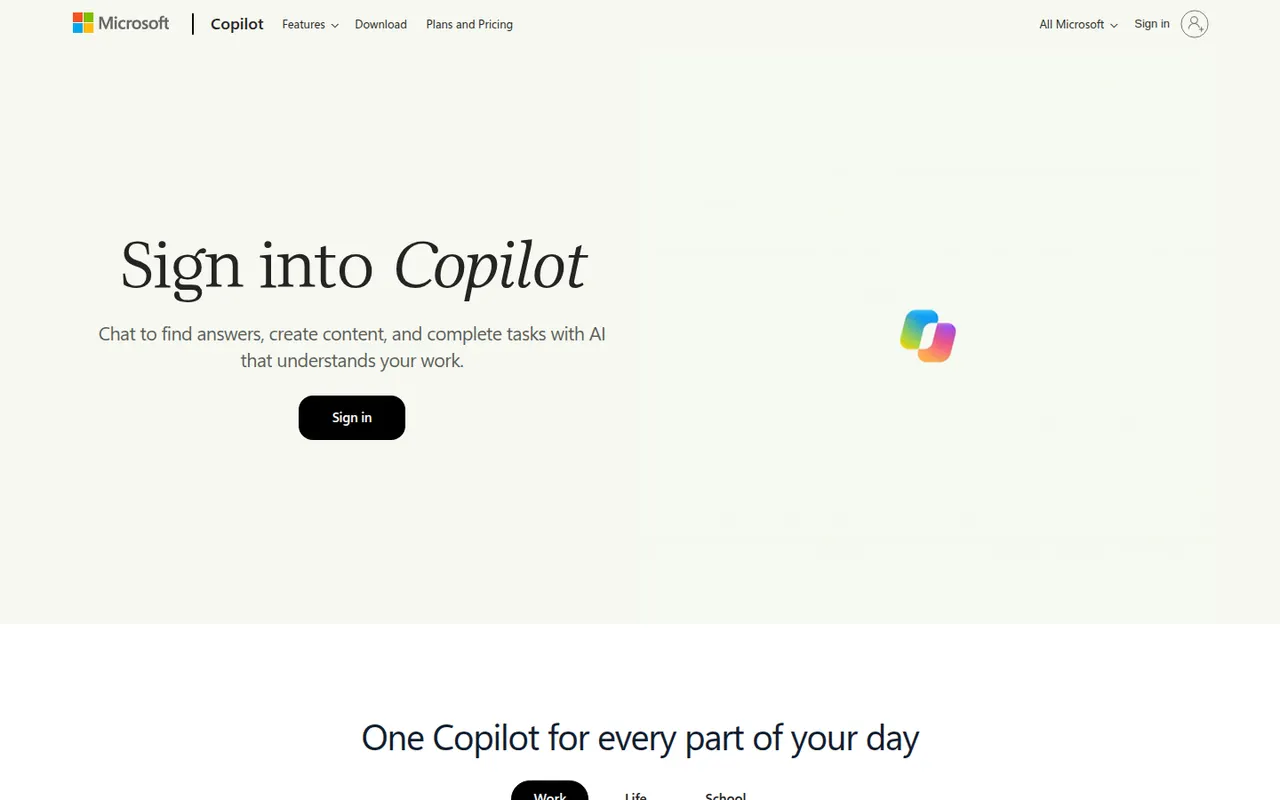
Cost / LicenseFreemiumProprietaryCategoriesMicrosoft Copilot is the consumer AI assistant from Microsoft, built into Windows and Edge and available as a web, desktop and mobile app. It answers questions with Bing-powered web results, helps draft and summarize text, creates images and supports voice conversations. A Microsoft 365 subscription adds Copilot features inside Word, Excel, PowerPoint and Outlook.
11 Microsoft Copilot alternativesPros
- Built into Windows and Edge for quick access
- Bing-powered answers backed by web results
- Free image creation and voice conversations
Cons
- Copilot inside Word, Excel and Outlook needs Microsoft 365
- Overlapping Copilot products and branding can be confusing
- Tightly woven into Microsoft's ecosystem and services
Cost / LicenseFreemiumProprietaryCategoriesPerplexity is an AI search assistant that answers questions in natural language and lists the web sources behind each answer, so claims can be checked. Follow-up questions keep context, deeper research modes run multi-step searches, and you can upload files to analyze. It runs on the web, desktop, mobile and as a browser extension, and the paid plan lets you choose between several AI models.
11 Perplexity alternativesPros
- Every answer lists its web sources for easy checking
- Deep research modes run multi-step searches
- The paid plan lets you choose between several AI models
Cons
- Summaries can misread or overstate what sources say
- The free plan limits advanced searches and model choice
- Less suited to long creative writing than general chatbots
Cost / LicenseFreemiumProprietaryCategoriesLe Chat is the AI assistant from Mistral AI, a French company that develops its own language models. It offers web search with cited sources, document and image analysis, image generation and agents you can configure for recurring tasks. It is available on the web and mobile, with a free tier, a Pro plan and team options for organizations that prefer a European provider.
10 Le Chat (Mistral AI) alternativesPros
- European provider, appealing to GDPR-conscious teams
- Web search answers come with cited sources
- Configurable agents for recurring tasks
Cons
- Smaller ecosystem of integrations than the largest assistants
- Advanced features and higher limits require the Pro plan
Cost / LicenseFreemiumProprietaryCategoriesGrok is the AI assistant developed by xAI, Elon Musk's artificial intelligence company. Besides general chat, it can search the web and posts on X to follow recent events, analyze files, generate images and hold voice conversations. It is available on grok.com, in dedicated mobile apps and inside X, with higher usage limits and newer models on paid tiers.
9 Grok alternativesPros
- Real-time access to posts on X for following the news
- Image generation and voice mode included
- Available inside X as well as in its own apps
Cons
- Answers drawn from X posts can repeat misinformation
- Looser moderation has led to controversial outputs
- Newest models and higher limits are reserved for paid tiers
Cost / LicenseFreemiumProprietaryCategoriesDeepSeek is the chat assistant from the Chinese AI lab of the same name, running on its own models. The web and mobile apps are free and offer web search, file reading and a DeepThink reasoning mode. The model weights are published under the MIT license and can run on your own hardware. A pay-as-you-go API is offered to developers, and data from the hosted service is processed in China.
9 DeepSeek alternativesPros
- Free web and mobile apps with a reasoning mode
- Open-weight models under the MIT license can run locally
- Low-cost pay-as-you-go API for developers
Cons
- The hosted service processes data in China, a privacy concern
- Answers on politically sensitive topics are censored
- No image generation in the chat app
Cost / LicenseFreeOpen sourceCategoriesPlatformsMeta AI is the assistant Meta builds into WhatsApp, Instagram, Messenger and Facebook, also offered as a standalone app and on the web. It runs on Meta's Llama models and can answer questions with web results, create and edit images and talk by voice. The app also serves as the companion for Ray-Ban Meta smart glasses. It is free to use, but availability varies by country.
8 Meta AI alternativesPros
- Free and built into WhatsApp, Instagram and Messenger
- Creates and edits images directly in chats
- Companion app for Ray-Ban Meta smart glasses
Cons
- Availability varies by country
- Raises privacy questions given Meta's ad-driven business
Cost / LicenseFreeProprietaryCategoriesPoe, made by Quora, brings models from several AI providers into a single chat app, covering text, image and video generation. You can bring other bots into a conversation, compare answers and create your own bots from a custom prompt or code. A free daily allowance is included, and a subscription adds compute points for heavier use. Poe runs on the web, desktop and mobile.
8 Poe alternativesPros
- Many AI models from different providers in one app
- Compare answers and bring several bots into one chat
- Create your own bots from a prompt or from code
Cons
- The compute point system makes usage costs hard to predict
- The free daily allowance runs out fast with premium models
- Fewer advanced features than the providers' own apps
Cost / LicenseFreemiumProprietaryCategoriesCharacter.AI is a chat platform where you talk with AI characters such as fictional heroes, historical figures or companions created by other users. You can design your own character with a personality and greeting, start group chats and make voice calls with character voices. It is aimed at entertainment and role-play rather than productivity, and the paid c.ai+ plan adds faster responses and extras.
8 Character.AI alternativesPros
- Huge library of community-made characters to chat with
- Easy to create your own character with a custom personality
- Voice calls and group chats add variety
Cons
- Built for entertainment, not reliable for factual questions
- Content filters can interrupt role-play
- Long conversations can lose track of earlier context
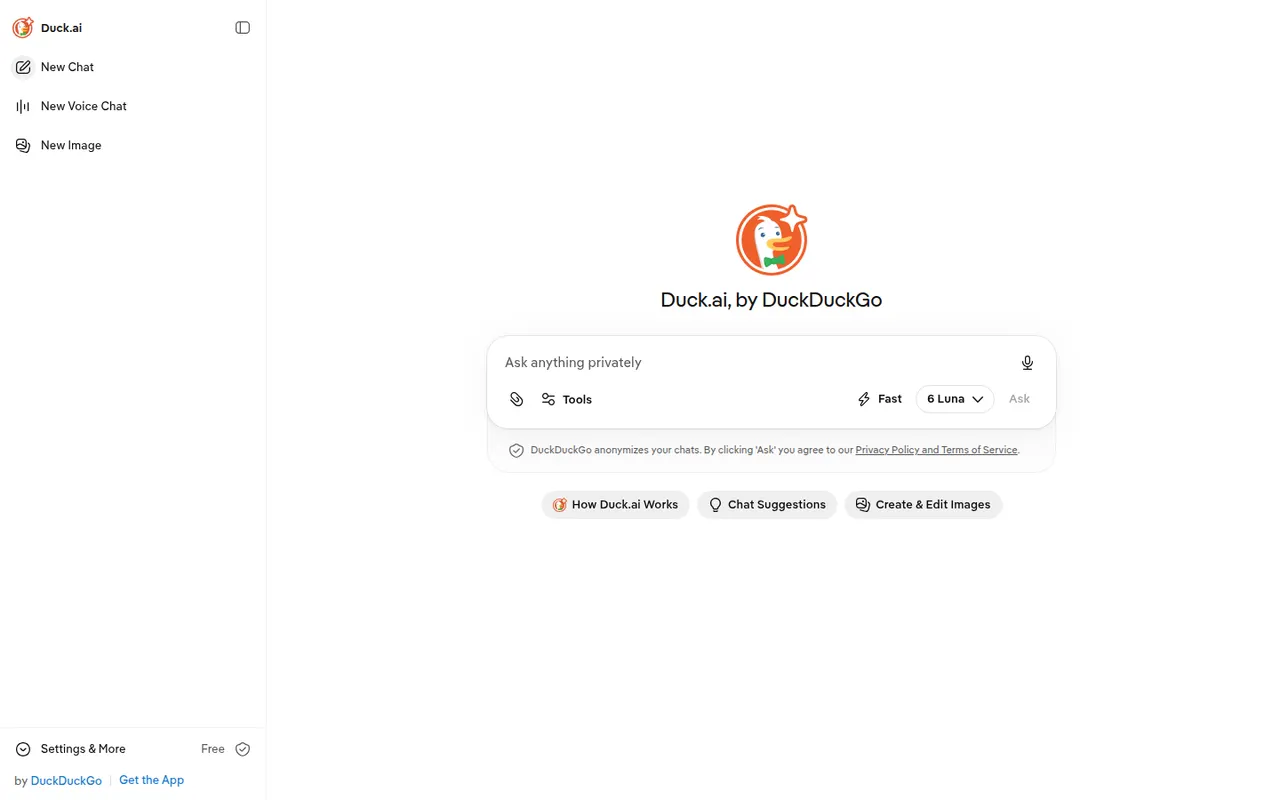
Cost / LicenseFreemiumProprietaryCategoriesDuck.ai is DuckDuckGo's AI chat service. It gives access to several third-party models, including ones from OpenAI, Anthropic, Meta and Mistral, without an account. Requests go through DuckDuckGo, which hides your IP address from the providers, and they have agreed not to train on these chats. Recent conversations are stored on your device, and a DuckDuckGo subscription unlocks more advanced models.
8 Duck.ai alternativesPros
- No account needed to chat with several AI models
- Hides your IP address from the model providers
- Providers have agreed not to train on these chats
Cons
- Fewer features than the providers' own apps
- The most advanced models require a DuckDuckGo subscription
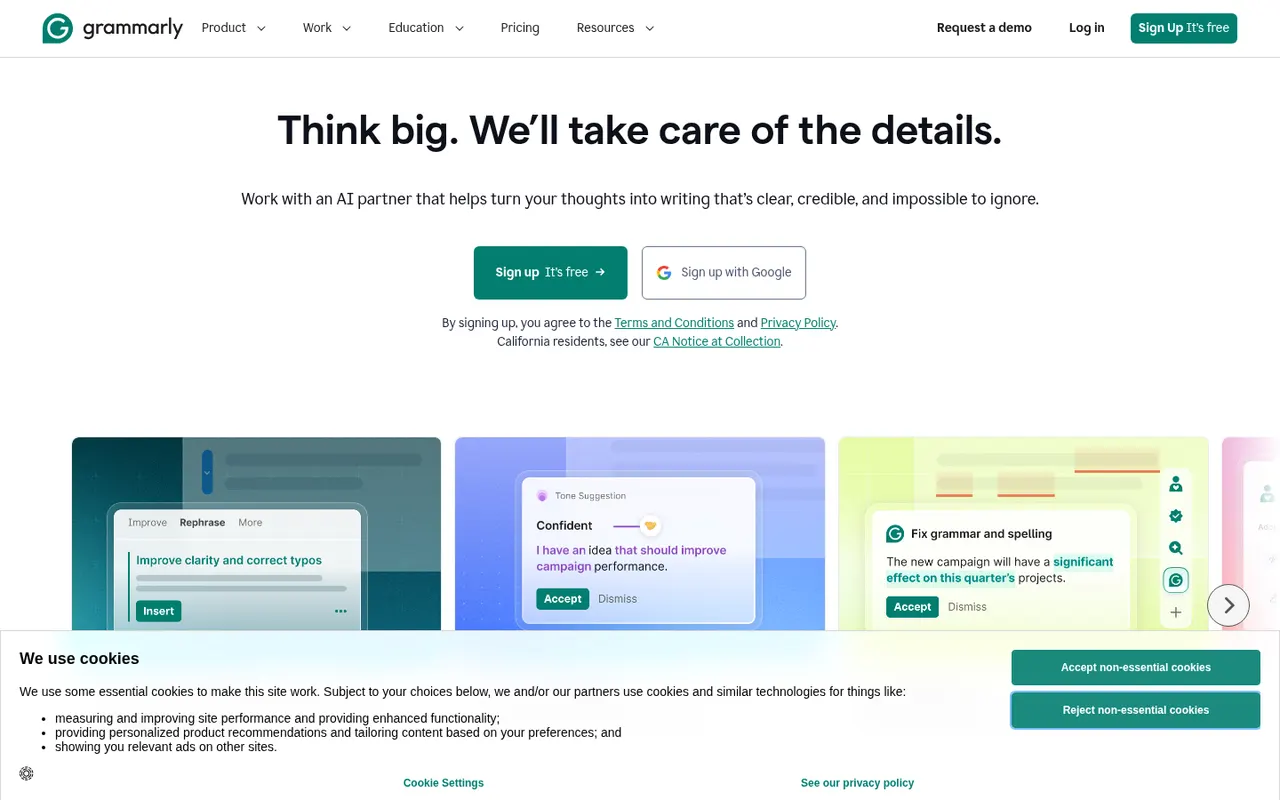
Cost / LicenseFreemiumProprietaryCategoriesFeaturesGrammarly checks spelling, grammar and punctuation as you write and suggests clearer, more concise phrasing. It works in browsers, desktop apps, Microsoft Office and on mobile through a keyboard, and includes generative AI for drafting and rewriting. Its core checks are designed for English. Paid plans add tone and style rewrites, a plagiarism checker and, for teams, shared style guides and brand tones.
10 Grammarly alternativesPros
- Works in browsers, desktop apps, Microsoft Office and on mobile
- Clear suggestions for grammar, clarity and conciseness
- Shared style guides and brand tones for teams
Cons
- Core checks are designed for English only
- Tone rewrites and the plagiarism checker need a paid plan
- Text is processed in the cloud, which some companies restrict
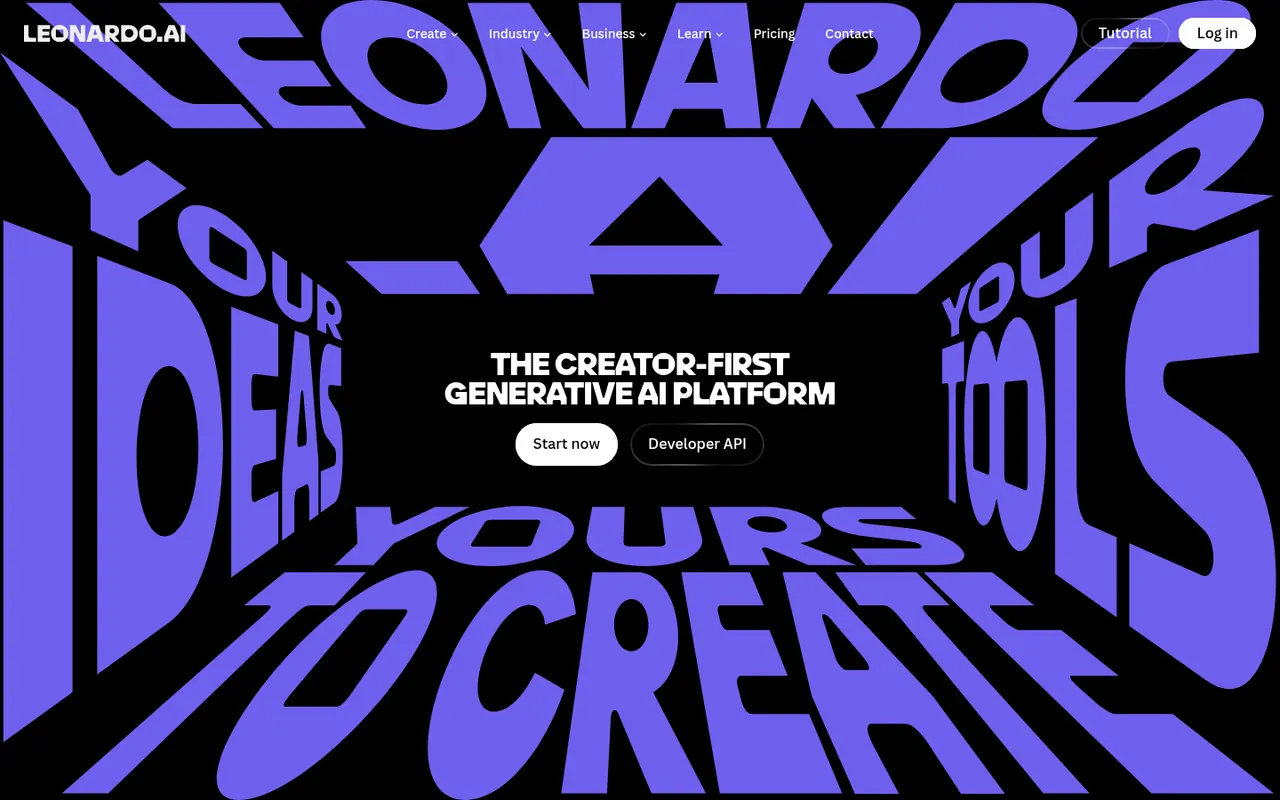
Cost / LicenseFreemiumProprietaryCategoriesLeonardo.Ai is an AI image generation platform, owned by Canva since 2024, that offers its own models alongside third-party ones. It covers prompt-based generation with style and character references, a canvas editor for inpainting and outpainting, upscaling, custom model training and short video generation. Free tokens are granted daily, and paid plans add more tokens, private generations and API access.
10 Leonardo.Ai alternativesPros
- Daily free tokens make it easy to try without paying
- Canvas editor handles inpainting and outpainting
- Custom model training for consistent styles or characters
Cons
- Token costs vary by model and settings, which can be confusing
- Private generations and API access require a paid plan
Cost / LicenseFreemiumProprietaryCategoriesIdeogram is an AI image generator designed to render readable text inside images, which makes it useful for posters, logos, packaging, thumbnails and social graphics. Besides text-to-image with style presets and style references, it offers Magic Prompt to expand short ideas, a canvas for editing and extending images, upscaling and an API. A limited free tier is available.
11 Ideogram alternativesPros
- Renders legible, well-placed text inside generated images
- Magic Prompt turns a short idea into a detailed prompt
- Canvas for editing, extending and upscaling images
Cons
- Free tier is tight, and private generations need a paid plan
- Editing tools are lighter than those of full design suites
- No Android app, only the web and iPhone
Cost / LicenseFreemiumProprietaryCategoriesAdobe Firefly is Adobe's family of generative AI models and the app that hosts them. It creates images, vectors and video from text prompts, with style and structure references, and powers features like Generative Fill in Photoshop and Adobe Express. Adobe trains its Firefly models on licensed content and presents them as suitable for commercial use. It runs on the web and mobile, with monthly generative credits.
12 Adobe Firefly alternativesPros
- Trained on licensed content and positioned for commercial use
- Powers Generative Fill in Photoshop and Adobe Express
- Creates images, vectors and video from text prompts
Cons
- Monthly generative credits limit heavy use
- Gets most of its value from a Creative Cloud subscription
- Strict content filters can block some prompts
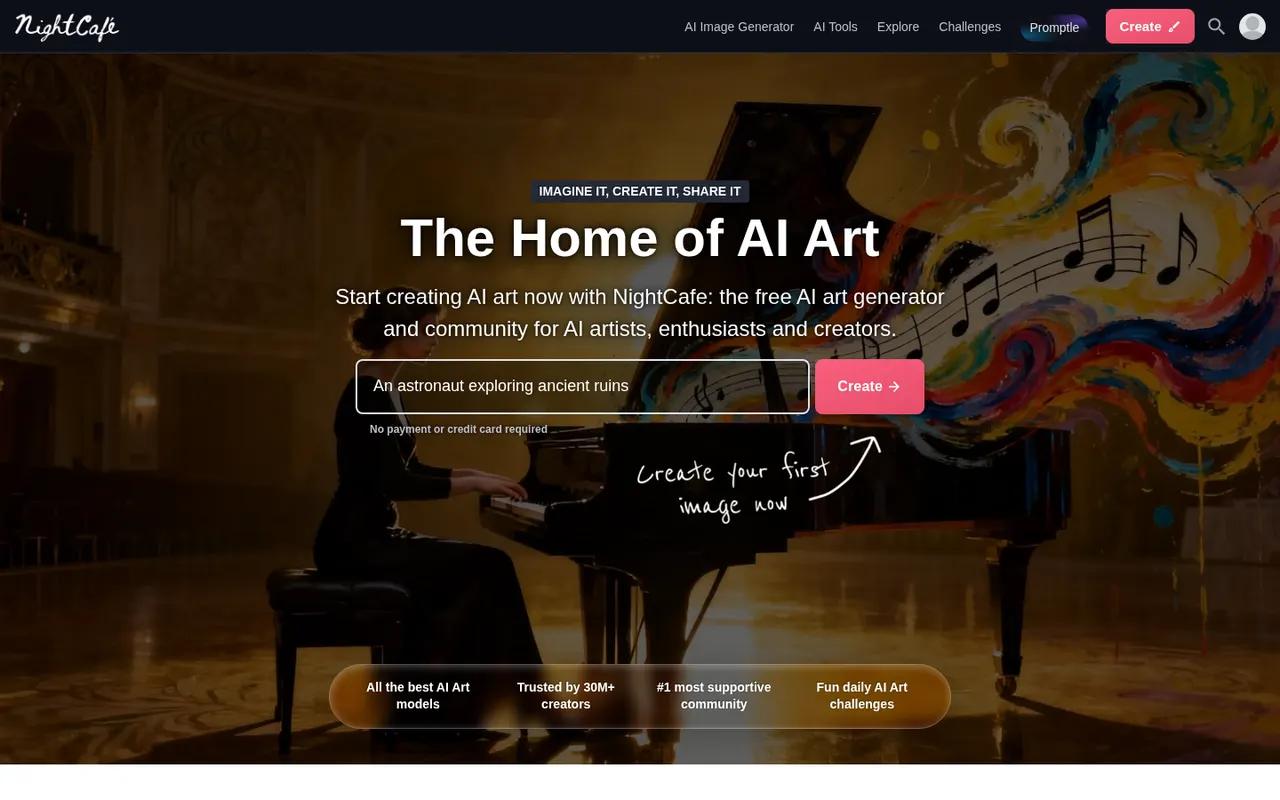
Cost / LicenseFreemiumProprietaryCategoriesNightCafe is an AI art generator that brings several image models, including Stable Diffusion and FLUX, together in one place. Beyond creating and upscaling images, it puts emphasis on community, with public galleries, likes, comments and daily art challenges. Free credits are topped up every day, and more can be bought or included in a subscription. It works on the web and in mobile apps.
7 NightCafe alternativesPros
- Several image models, including Stable Diffusion and FLUX, in one app
- Daily free credits let you keep creating without paying
- Active community with public galleries and daily challenges
Cons
- Premium models and high resolutions burn through credits quickly
- Editing tools are basic compared with dedicated image editors
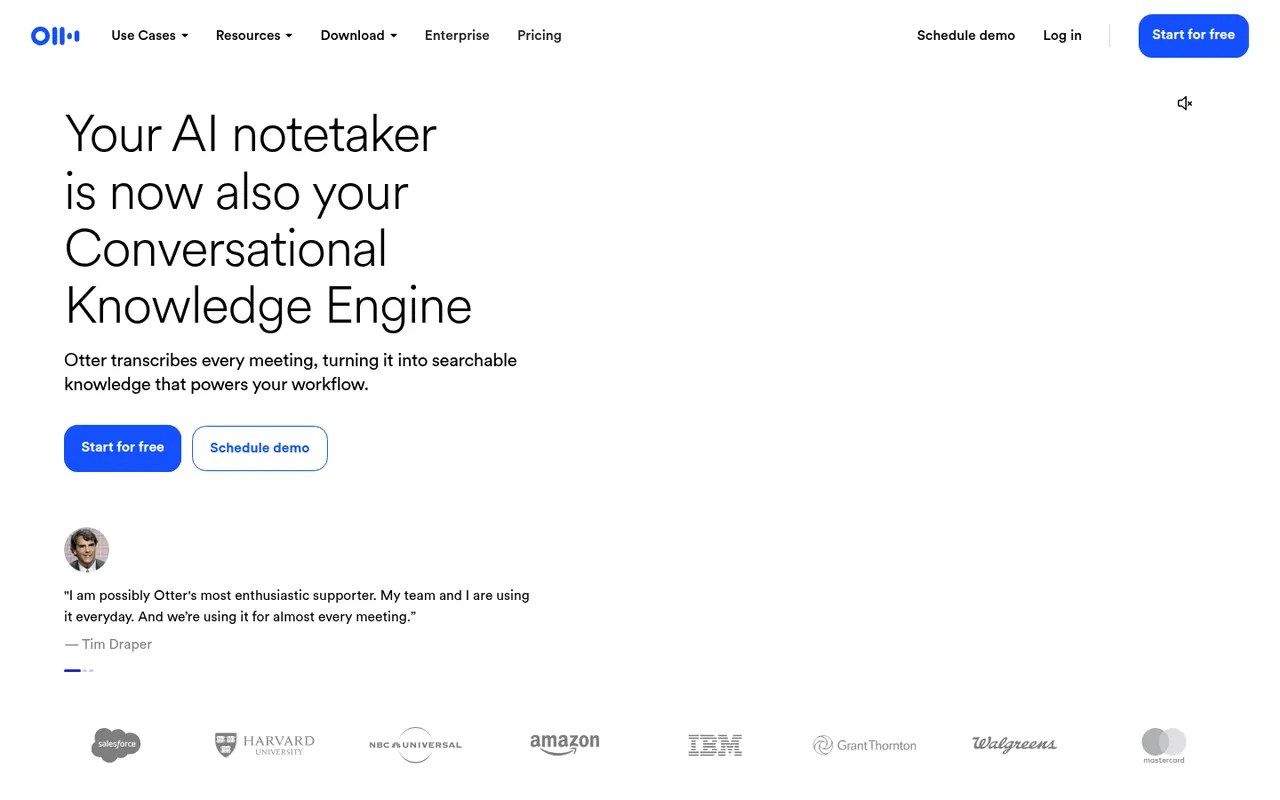
Cost / LicenseFreemiumProprietaryCategoriesOtter.ai records and transcribes meetings in real time, either by sending its assistant to Zoom, Google Meet and Microsoft Teams calls or by recording in person from the mobile app. It generates summaries and action items, lets you search and comment on transcripts, and its AI chat answers questions across past meetings. It transcribes English, French and Spanish and has a limited free plan.
9 Otter.ai alternativesPros
- Live transcription you can follow during the meeting
- AI chat answers questions across past meetings
- Mobile app records in-person conversations
Cons
- Transcribes only English, French and Spanish
- Free plan is limited in minutes and file imports
- The assistant can join calls automatically, which may surprise attendees
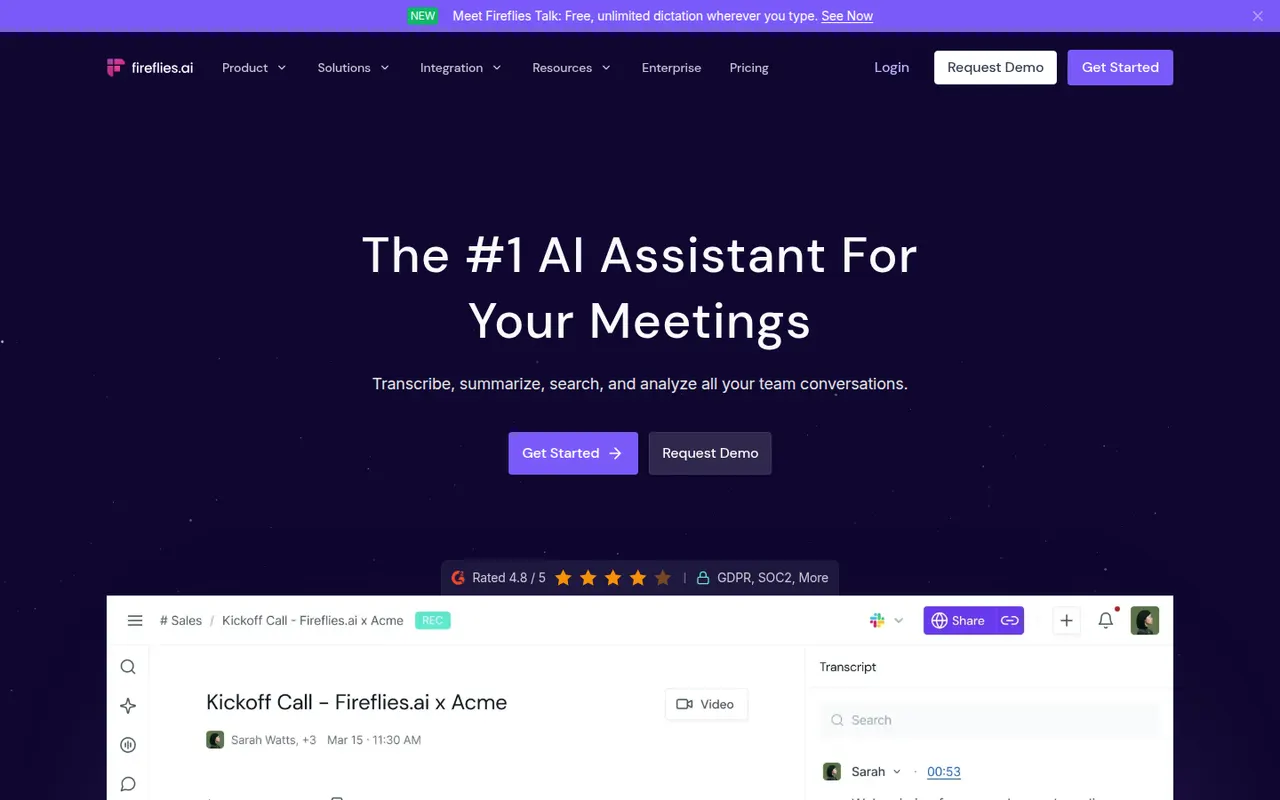
Cost / LicenseFreemiumProprietaryCategoriesPlatformsFireflies.ai joins video calls on Zoom, Google Meet, Microsoft Teams and other platforms to record and transcribe them in many languages. It produces summaries and action items, offers conversation analytics such as talk time and topic tracking, and pushes notes to CRMs like Salesforce and HubSpot or to Slack and Notion. You can search across meetings, query them with an AI assistant and start on a free plan.
9 Fireflies.ai alternativesPros
- Works across Zoom, Meet, Teams and other call platforms
- Transcribes in many languages, with search across all meetings
- Pushes notes to CRMs, Slack and Notion
Cons
- Auto-join settings can bring the bot into calls unexpectedly
- Free plan limits storage and advanced AI features
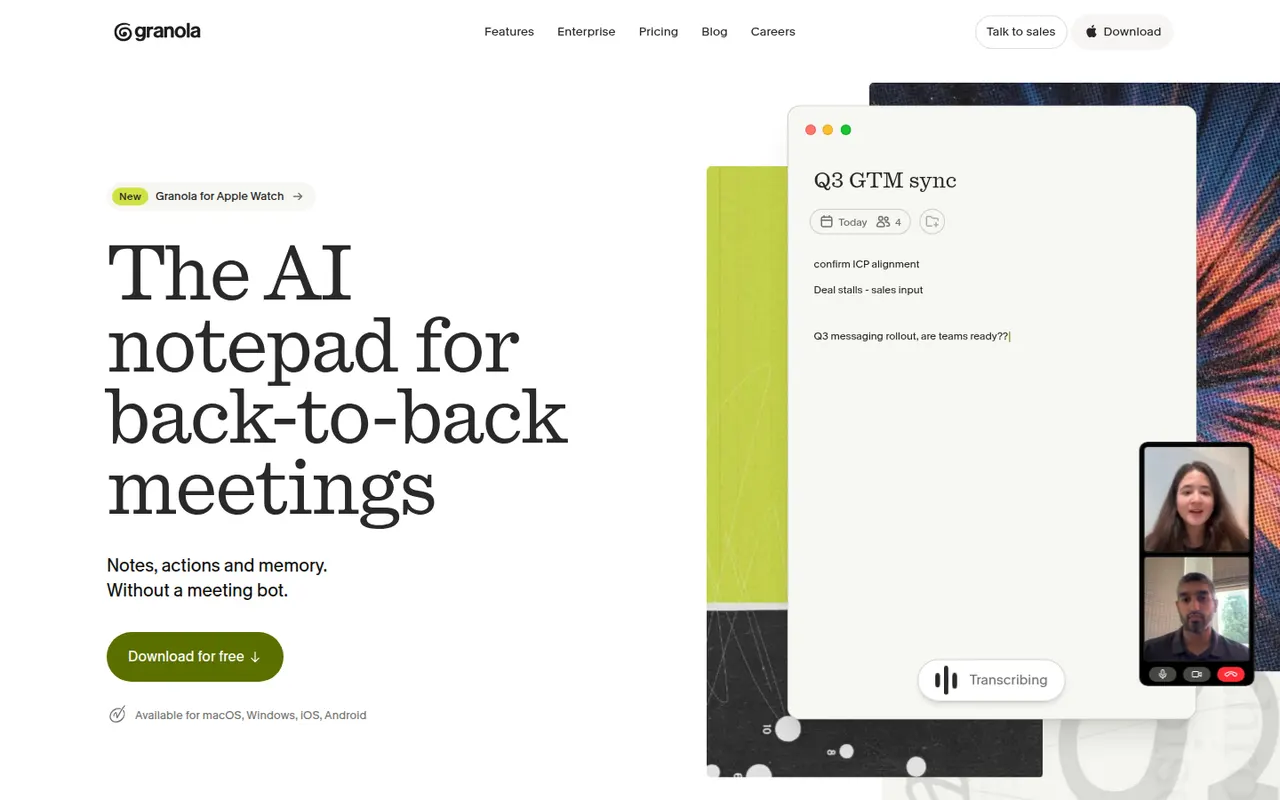
Cost / LicenseFreemiumProprietaryCategoriesPlatformsGranola is an AI notepad for people with back-to-back meetings. It transcribes audio directly from your computer instead of adding a bot to the call, and when the meeting ends it combines your rough notes with the transcript into structured notes you can edit. Templates adapt the output to the meeting type, notes can be shared and queried by chat across folders, and apps exist for Mac, Windows and iPhone.
10 Granola alternativesPros
- No bot joins the call: audio is captured on your computer
- Merges your rough notes with the transcript into clean notes
- Templates adapt the output to each type of meeting
Cons
- No web or Android app
- Without a visible bot, informing participants is up to you
- Heavier use requires a paid subscription
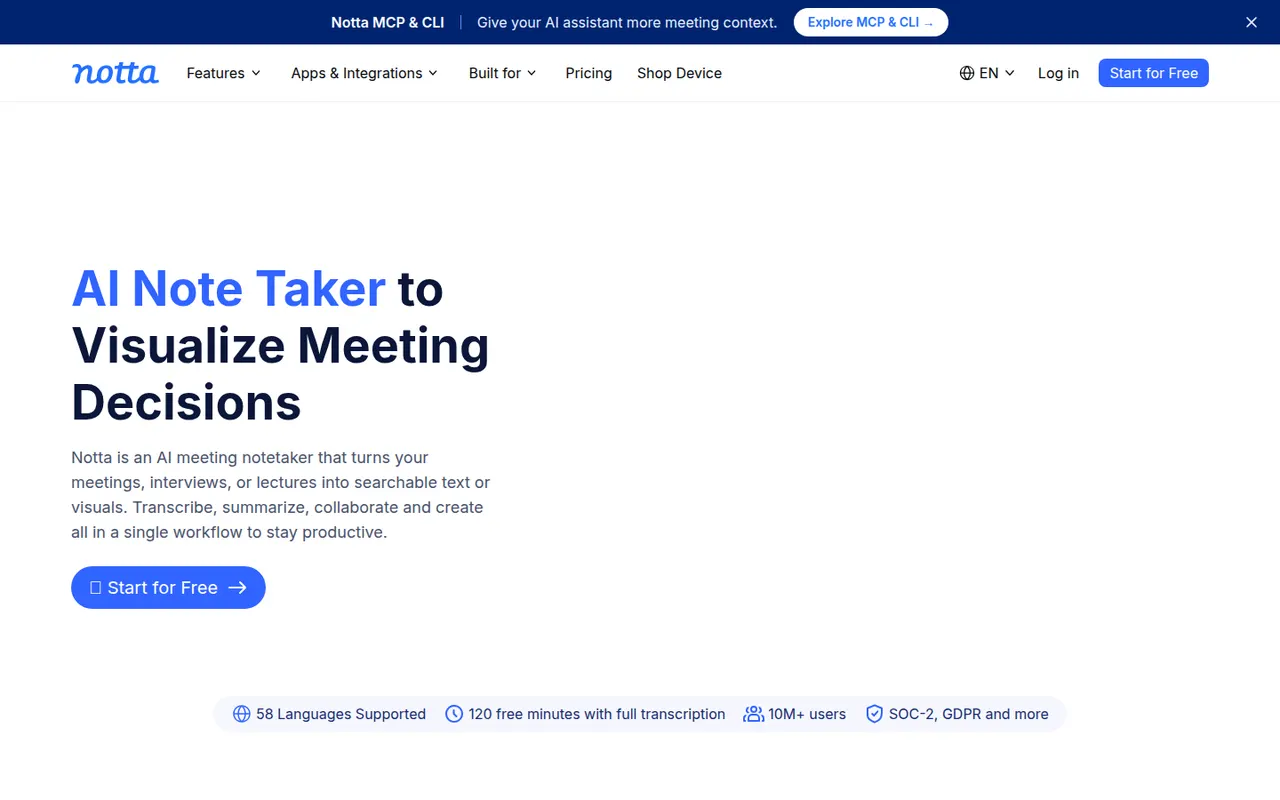
Cost / LicenseFreemiumProprietaryNotta transcribes meetings, recordings and uploaded audio or video files in dozens of languages, and can translate transcripts. Its bot can join Zoom, Google Meet and Microsoft Teams calls, while the mobile apps and Chrome extension record in person or in the browser. AI summaries highlight key points and next steps, and notes export to formats such as Word, PDF or SRT or to tools like Notion.
9 Notta alternativesPros
- Transcribes and translates in dozens of languages
- Records through a meeting bot, mobile apps or a Chrome extension
- Exports to Word, PDF, SRT or tools like Notion
Cons
- Free plan has tight limits on transcription time
- Fewer analytics and CRM features than sales-focused tools
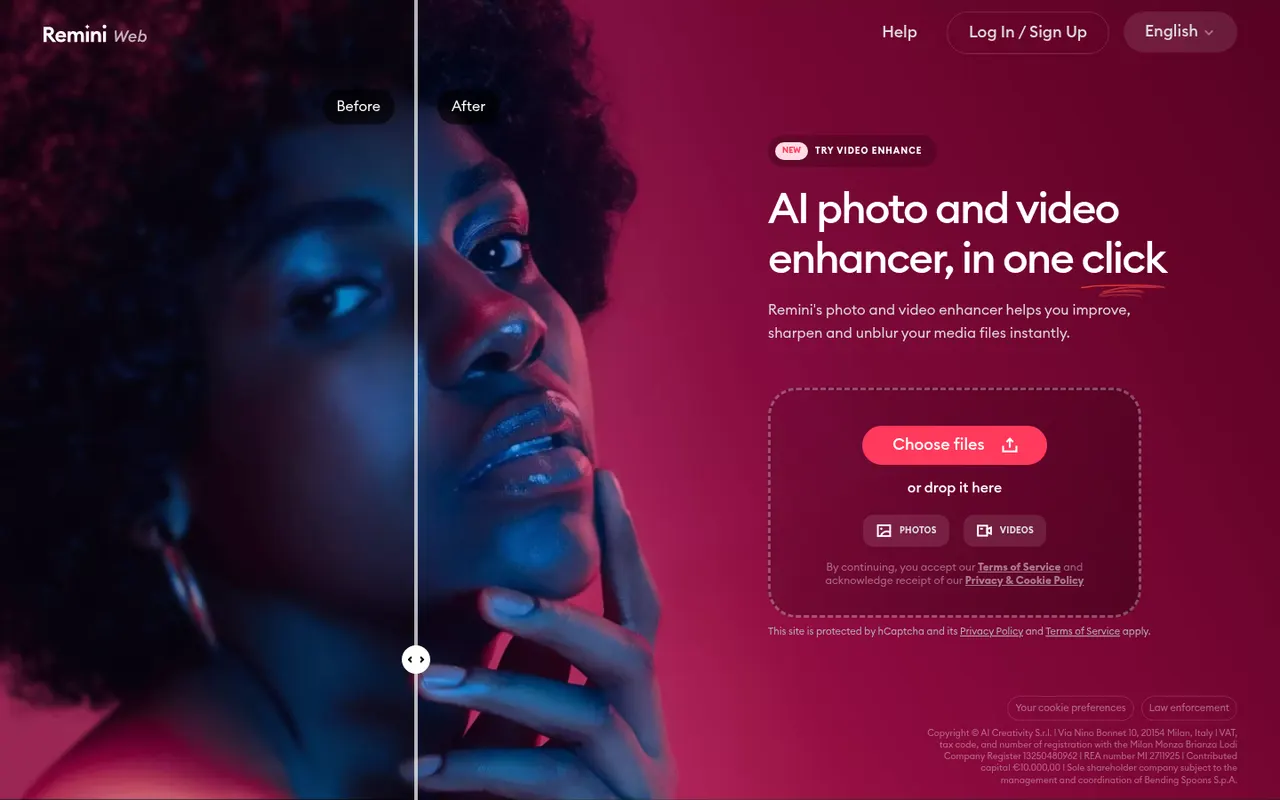
Cost / LicenseFreemiumProprietaryCategoriesPlatformsRemini, owned by Bending Spoons, is a mobile and web app that uses AI to enhance photos and videos: it sharpens blurry or low-resolution images, restores old pictures and improves faces. It can also generate AI portraits of you in different styles from a few selfies, including professional headshots. The app can be used for free with limits, and a subscription unlocks more processing and features.
8 Remini alternativesPros
- Sharpens blurry or low-resolution photos in a tap
- Restores old pictures and enhances faces
- Available on iOS, Android and the web
Cons
- Free version is limited, with frequent prompts to subscribe
- Face enhancement can look artificial or alter features
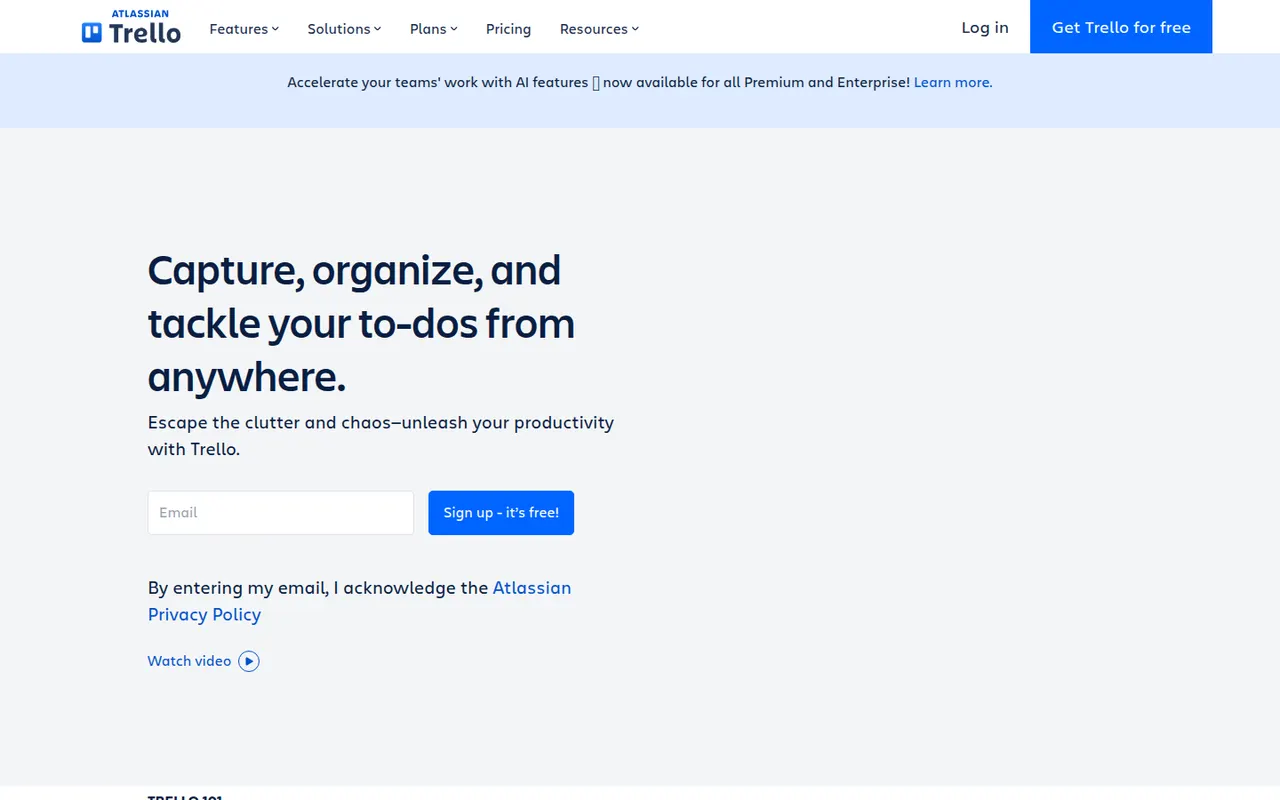
Cost / LicenseFreemiumProprietaryCategoriesTrello organizes work on boards made of lists and cards that you drag from one stage to the next, a model that suits small teams, personal projects and simple workflows. Owned by Atlassian, it adds calendar, timeline and table views, Butler automations and Power-Ups that connect boards to Slack, Google Drive, Jira and many other tools.
12 Trello alternativesPros
- Simple card-and-list model anyone can learn in minutes
- Power-Ups connect boards to Slack, Google Drive, Jira and more
- Butler automations take care of repetitive card moves
Cons
- Gets hard to manage for large or complex projects
- Timeline, calendar and table views require a paid plan
- Reporting is limited without add-ons
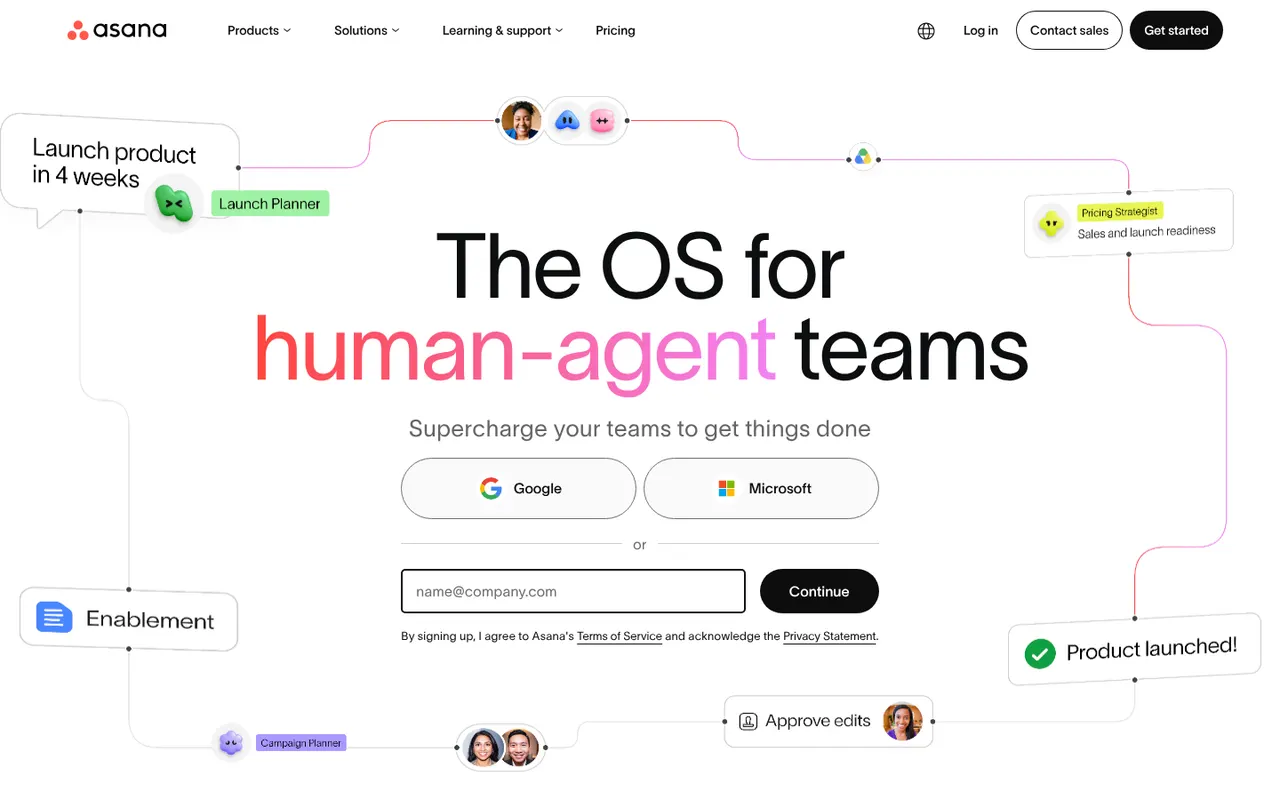
Cost / LicenseFreemiumProprietaryAsana helps teams plan projects, assign tasks and track progress in list, board, timeline and calendar views. It is aimed at cross-functional teams in mid-size and large companies, with portfolios and goals to follow work across departments, rule-based automations, a large catalog of integrations and built-in AI features.
12 Asana alternativesPros
- List, board, timeline and calendar views for the same project
- Goals and portfolios connect work across departments
- Large catalog of integrations and rule-based automations
Cons
- Per-seat pricing gets expensive as teams grow
- Timeline, goals and portfolios require paid plans
- A task can only have one assignee
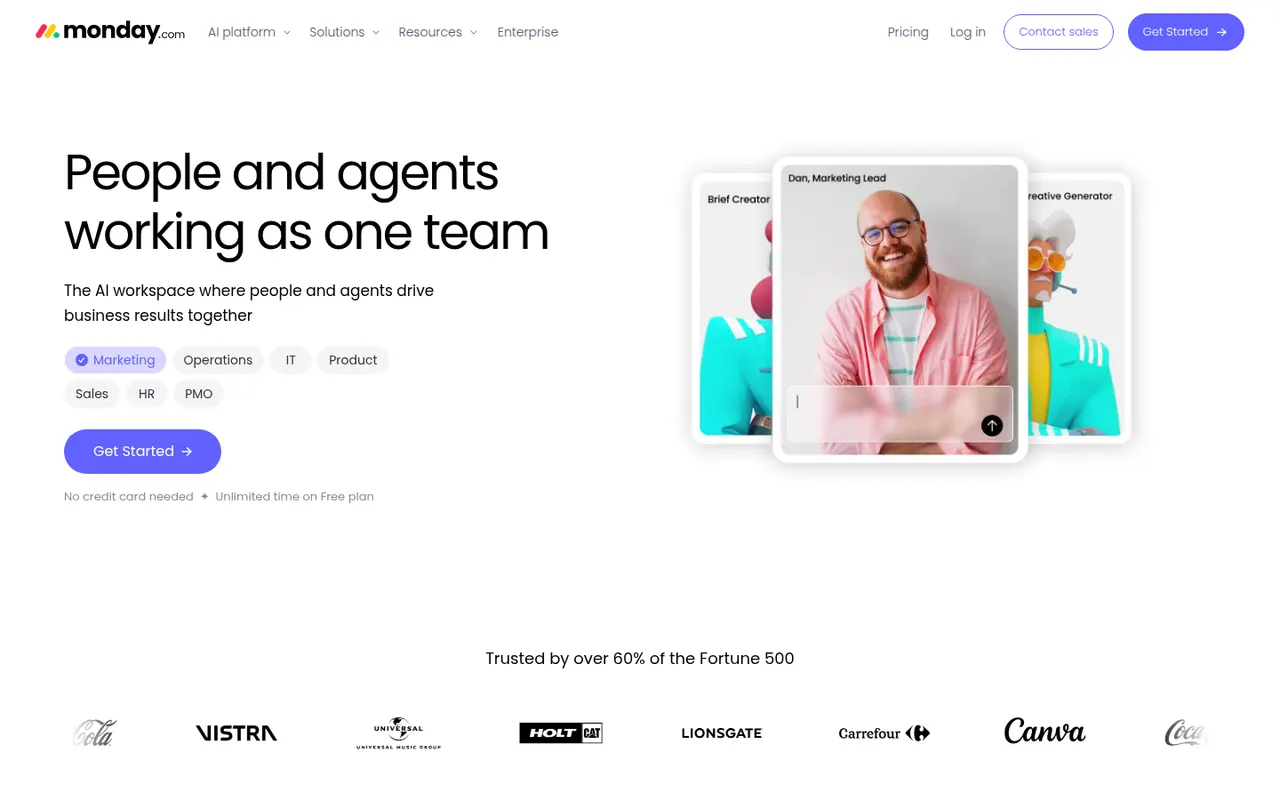
Cost / LicenseFreemiumProprietaryCategoriesmonday.com is a work management platform where teams build boards with custom columns to track projects, requests or pipelines, then switch between table, Kanban, Gantt and calendar views. No-code automations, dashboards and integrations make it suit operations, marketing and other non-technical teams, and the same platform powers the separate monday CRM and monday dev products.
12 monday.com alternativesPros
- Colorful, flexible boards adapt to projects, requests or pipelines
- No-code automations and dashboards that non-technical teams can build
- Switch between table, Kanban, Gantt and calendar views
Cons
- Seats are sold in bundles, which raises the cost for small teams
- Automation and integration actions are capped by plan
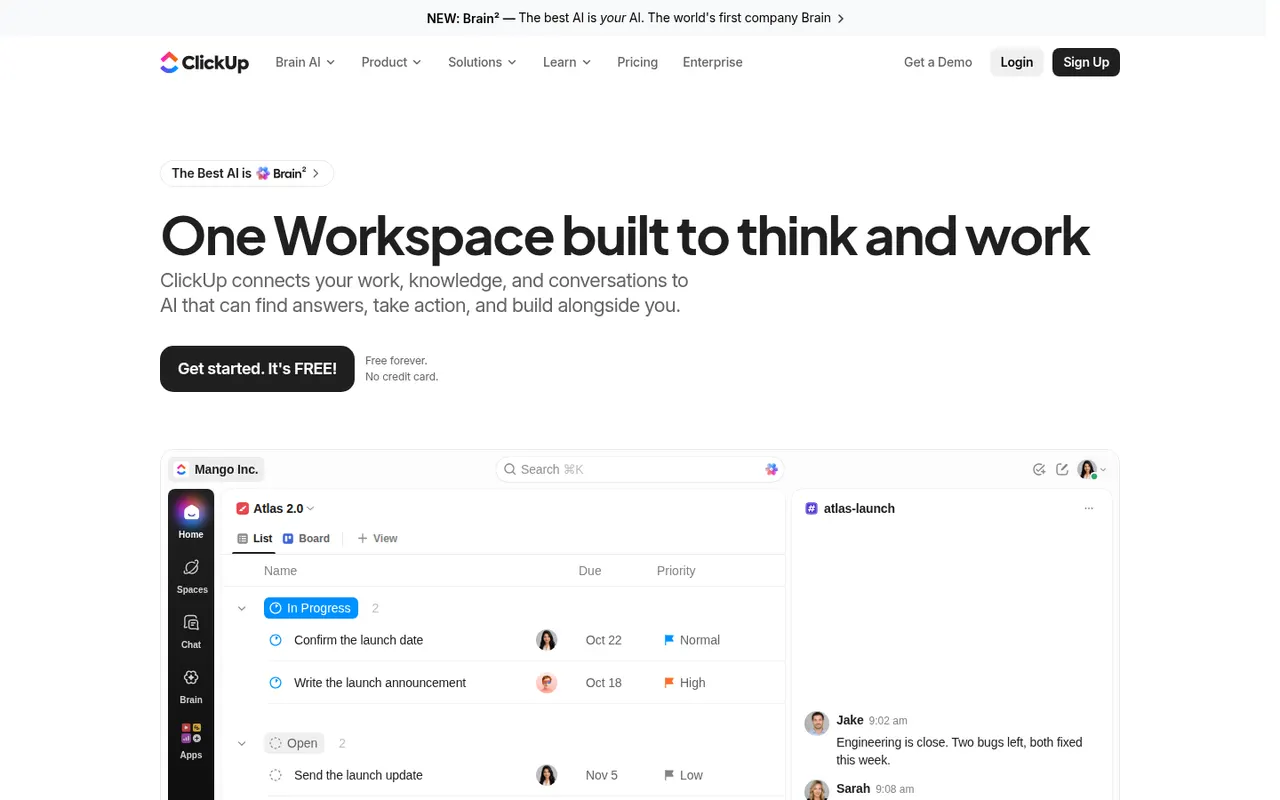
Cost / LicenseFreemiumProprietaryCategoriesClickUp combines tasks, documents, whiteboards, goals, chat and time tracking in a single workspace, with more than a dozen views including list, board, Gantt and calendar. Its depth and customization appeal to teams that want to replace several tools at once, and ClickUp Brain adds AI search, writing and summaries across the workspace.
12 ClickUp alternativesPros
- Tasks, docs, whiteboards, goals and chat in a single workspace
- More than a dozen views, from list and board to Gantt and calendar
- Deep customization of fields, statuses and automations
Cons
- The sheer number of features creates a steep learning curve
- The interface can feel slow and cluttered in large workspaces
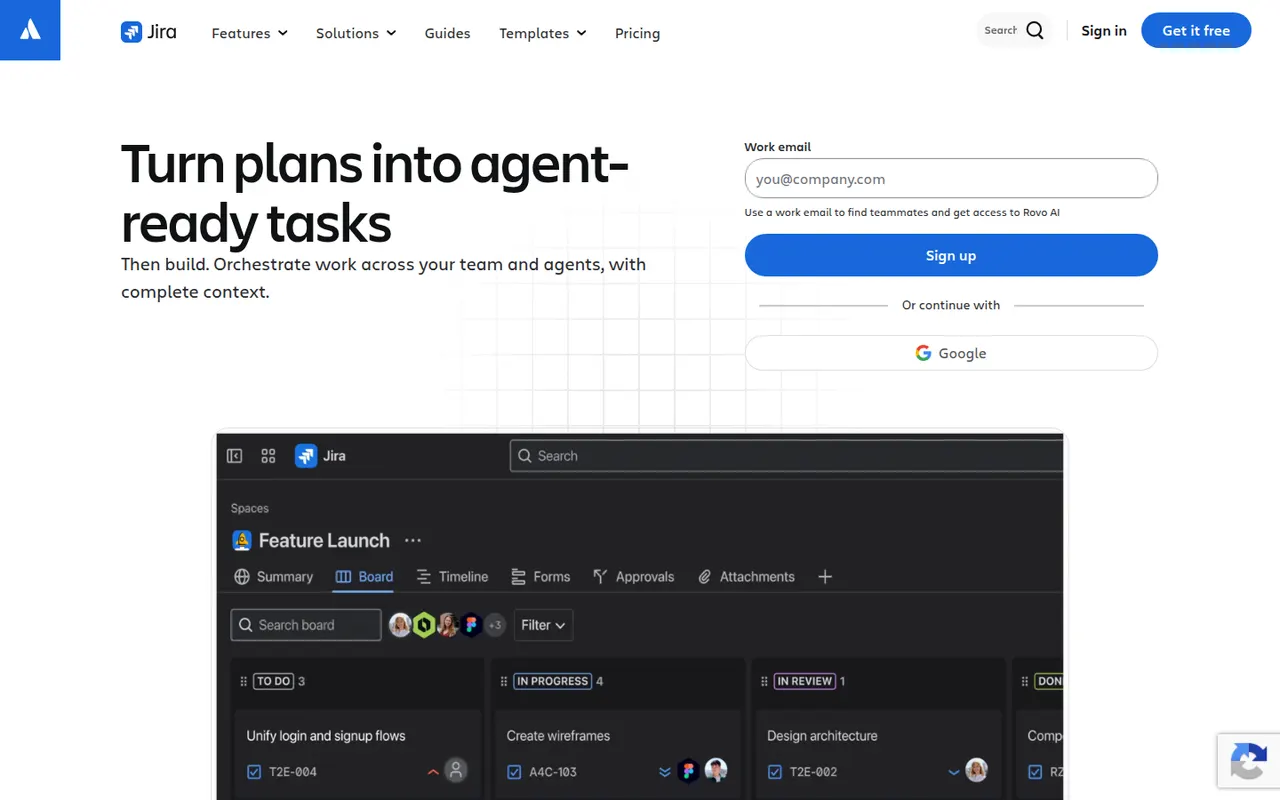
Cost / LicenseFreemiumProprietaryCategoriesJira is Atlassian's tracker for software teams, built around issues, Scrum and Kanban boards, backlogs, sprints and configurable workflows. It connects to Confluence, Bitbucket and GitHub, offers a large marketplace of apps and rule-based automation, and is available in the cloud or as a self-managed Data Center edition for large organizations.
12 Jira alternativesPros
- Mature Scrum and Kanban boards with backlogs and sprints
- Highly configurable workflows, fields and automation rules
- Tight links with Confluence, Bitbucket and GitHub, plus a large app marketplace
Cons
- Complex to set up and administer without a dedicated admin
- Can feel heavy and slow for small teams or simple projects
- Marketplace apps add to the cost on top of per-user pricing
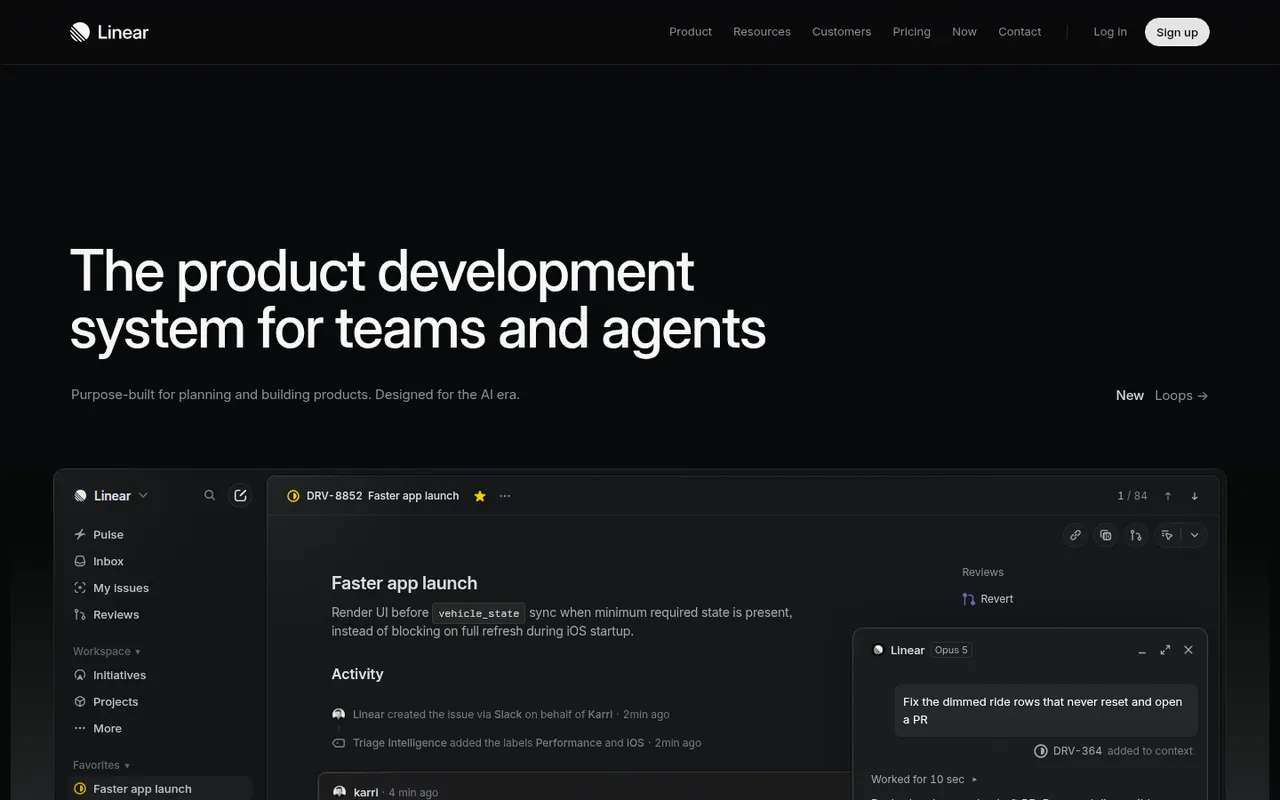
Cost / LicenseFreemiumProprietaryCategoriesPlatformsLinear is an issue tracker for software teams that emphasizes speed, keyboard shortcuts and an opinionated workflow with cycles, projects, roadmaps and triage. It syncs with GitHub and GitLab to update issues from pull requests, integrates with Slack and support tools, and exposes a GraphQL API for custom automation.
9 Linear alternativesPros
- Fast interface built around keyboard shortcuts
- GitHub and GitLab sync updates issues from pull requests
- Cycles, projects and roadmaps follow a clear, opinionated workflow
Cons
- The opinionated workflow leaves little room for custom processes
- Designed for software teams, less suited to other departments
- Cloud only, with no self-hosted option
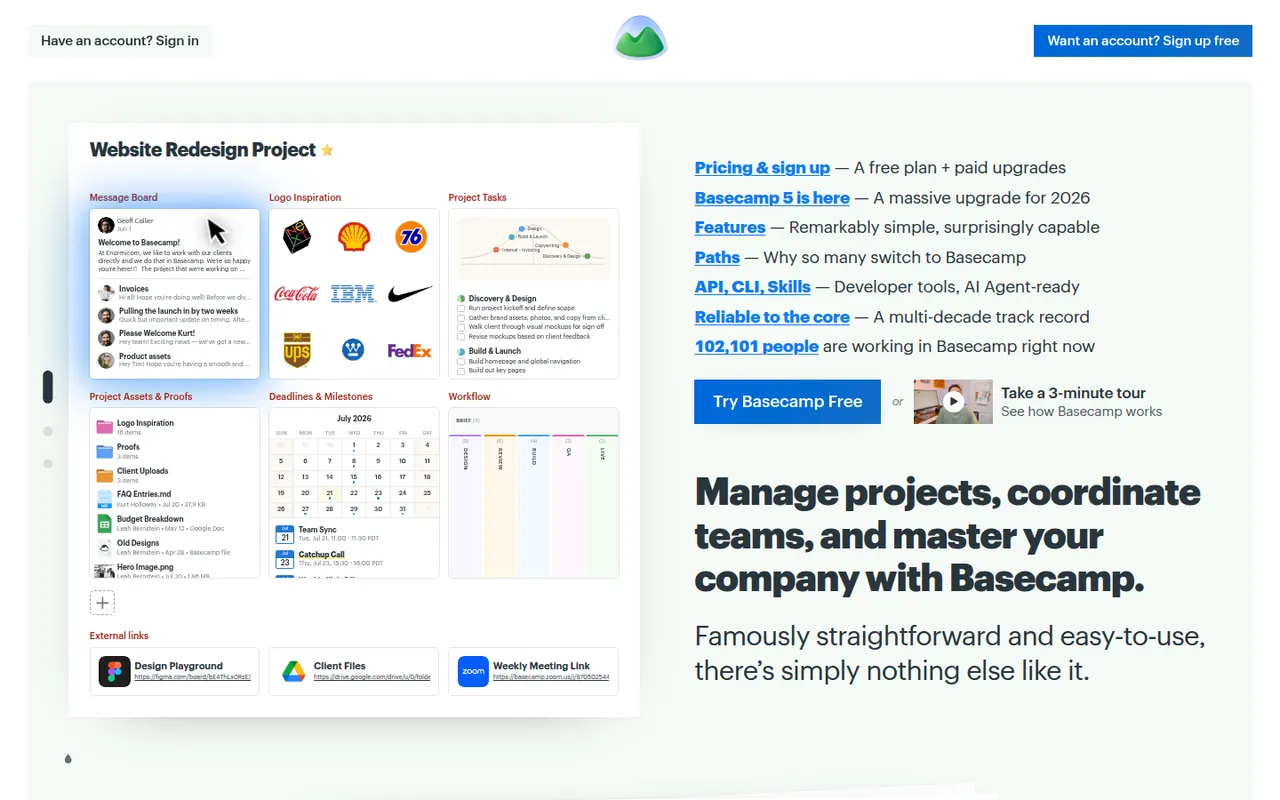
Cost / LicenseFreemiumProprietaryCategoriesBasecamp, made by 37signals, gives each project its own space with to-dos, a message board, schedule, documents, a card table and group chat, cutting down on email and status meetings. It favors calm, asynchronous communication over Gantt charts and heavy reporting, which suits agencies and small companies that work with clients.
9 Basecamp alternativesPros
- Each project gathers to-dos, messages, files, schedule and chat
- Calm, asynchronous approach cuts down on email and status meetings
- Clients can be invited into projects with controlled visibility
Cons
- No Gantt charts, task dependencies or detailed reporting
- Less customizable than tools like ClickUp or monday.com
- The free plan covers only a single project
Cost / LicenseFreemiumProprietaryCategories