Best apps for Web
433 apps
Top Web apps ranked by the community
Veo is Google DeepMind's family of video generation models. Recent versions produce high-resolution clips with native audio, including dialogue and sound effects, from text or image prompts. Veo is not a standalone app: it is used through the Gemini app, the Flow filmmaking tool, Vertex AI and the Gemini API, mostly with paid Google AI plans.
8 Google Veo alternativesPros
- Generates clips with native audio, including dialogue and effects
- High-resolution output from text or image prompts
- Available through Gemini, Flow, Vertex AI and the Gemini API
Cons
- No standalone app: access is spread across Google products
- Mostly requires a paid Google AI plan
- Generation quotas limit how many clips you can make
Cost / LicensePaidProprietaryCategoriesStoryShort
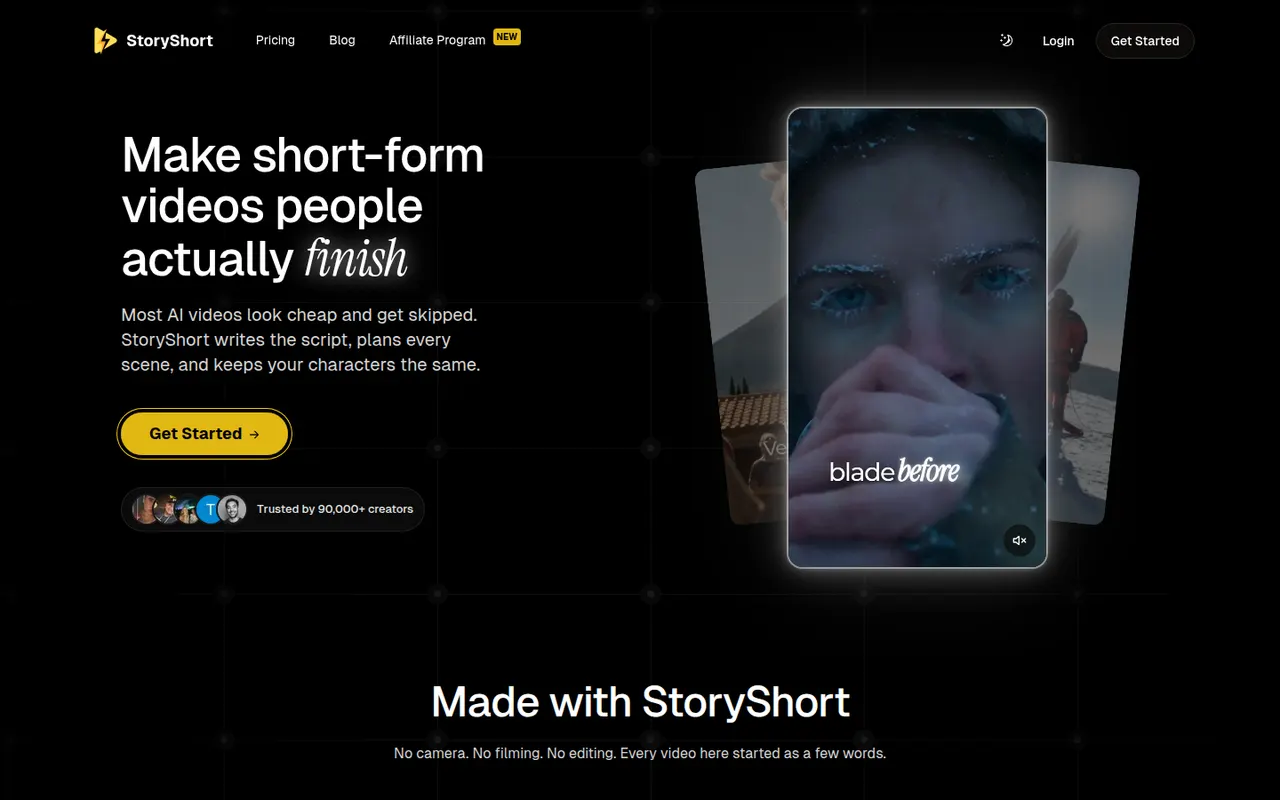
By the publisherStoryShort writes the script, generates visuals, voiceover and captions, then publishes faceless short videos to TikTok, YouTube Shorts and Instagram Reels on a schedule.
9 StoryShort alternativesPros
- Script, visuals, voiceover and captions handled in one flow
- Auto-posts to TikTok, YouTube Shorts and Instagram Reels on a schedule
- Templates suited to recurring faceless video series
Cons
- No free plan, paid subscription only
- Automated videos can feel generic without manual tweaks
- Less creative control than a full video editor
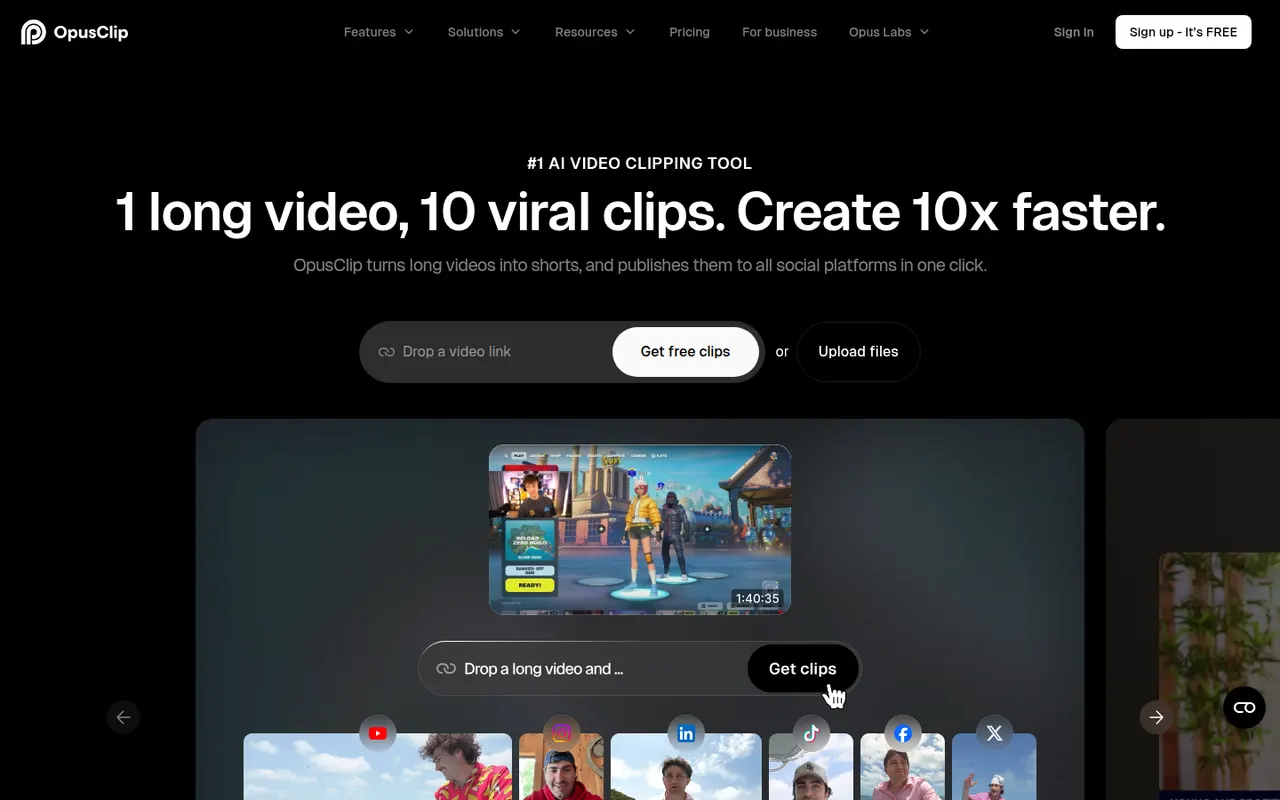
Cost / LicensePaidProprietaryCategoriesPlatformsOpusClip analyzes long-form videos, finds the most engaging moments and reframes them into captioned vertical clips ready for social media.
17 OpusClip alternativesPros
- Finds engaging moments in long videos automatically
- Reframes and captions vertical clips for social media
- Schedules and posts clips to social networks
Cons
- Virality scores are only a rough guide to performance
- Free plan has limited credits and adds a watermark
- Works best with talking-head content
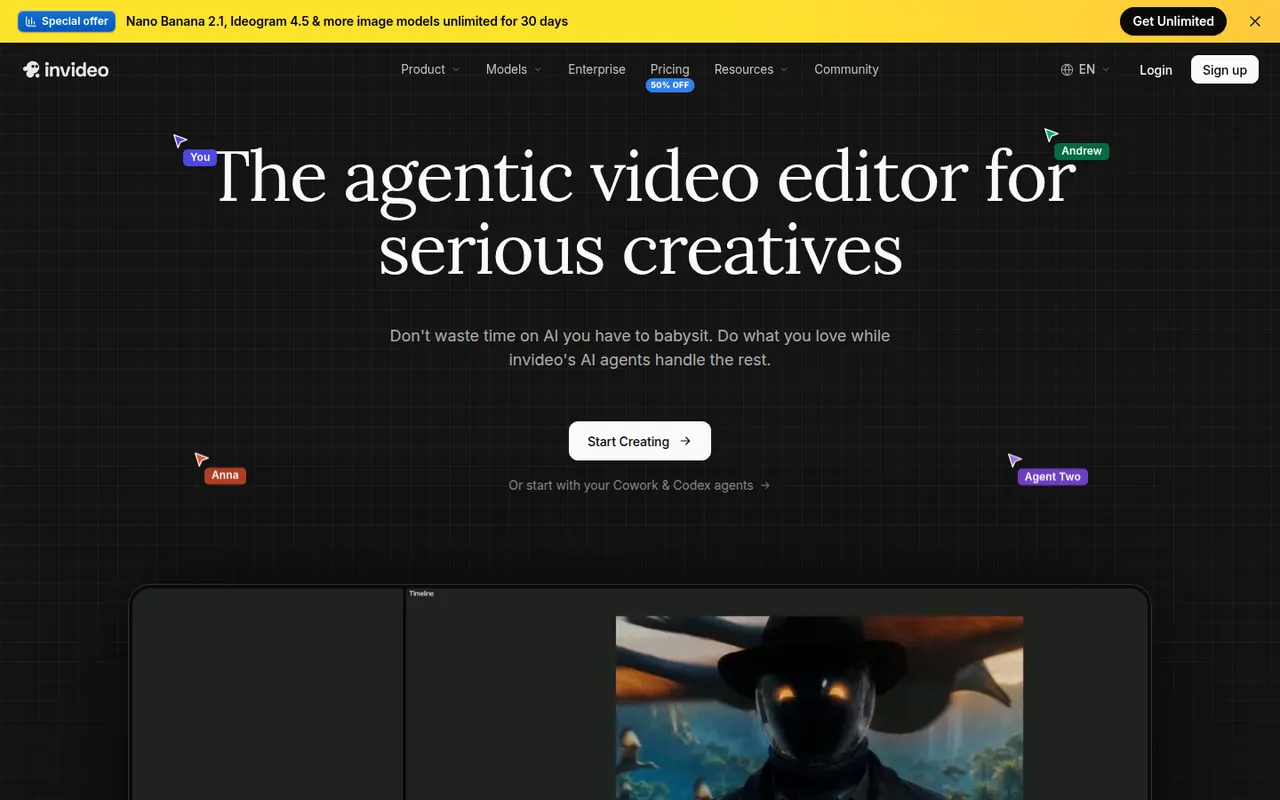
Cost / LicenseFreemiumProprietaryCategoriesPlatformsInVideo AI turns a prompt into a full video with script, stock footage, voiceover and subtitles, then lets you edit the result with text commands.
20 InVideo AI alternativesPros
- Builds a full video from one prompt: script, footage, voice and subtitles
- Edit the result with plain text commands
- Templates and stock media cover many video formats
Cons
- Stock footage picks can feel generic or off-topic
- Free plan exports carry a watermark
- Precise edits are harder than in a timeline editor
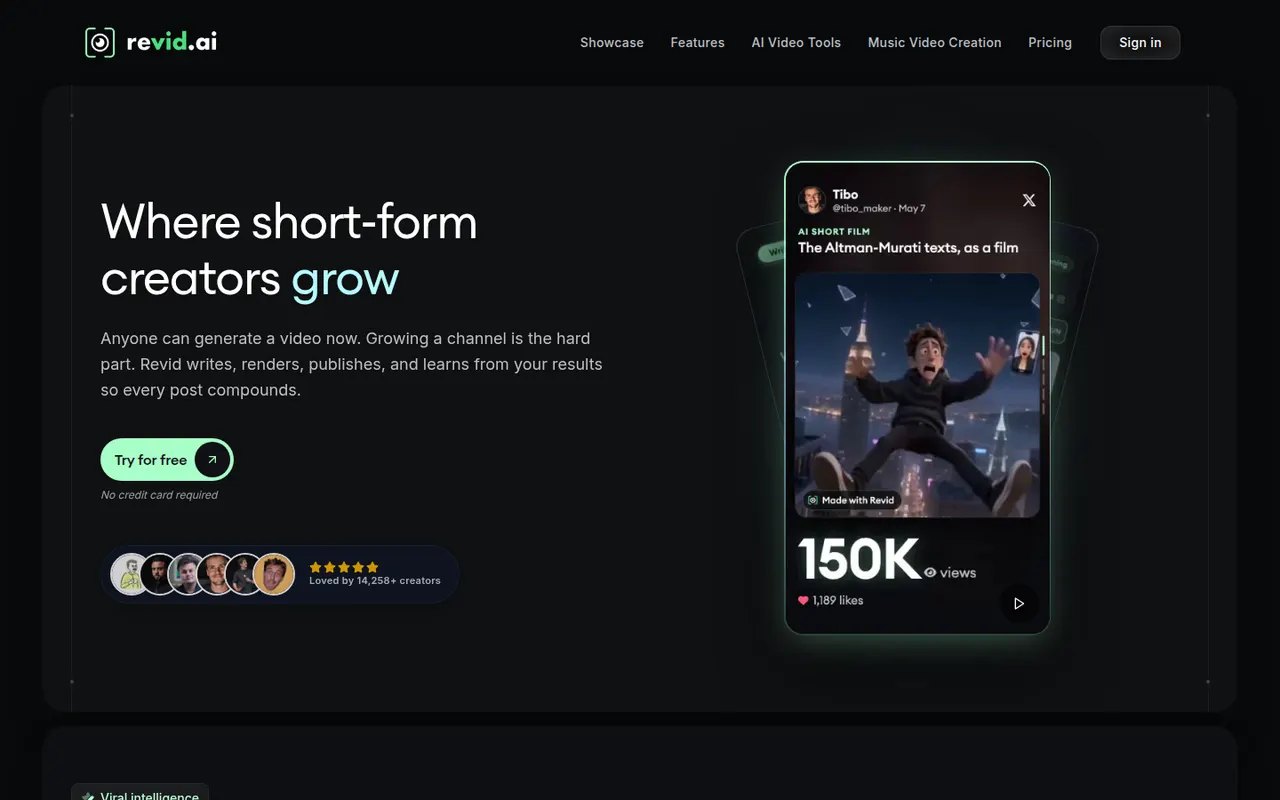
Cost / LicenseFreemiumProprietaryCategoriesRevid AI helps creators produce short-form videos from ideas, articles or existing clips, with AI scripts, voices and trending templates.
11 Revid AI alternativesPros
- Turns ideas, articles or existing clips into short videos
- AI scripts and voices speed up production
- Templates inspired by trending short-form formats
Cons
- Template-driven videos can look similar to others
- Advanced features and higher limits need a paid plan
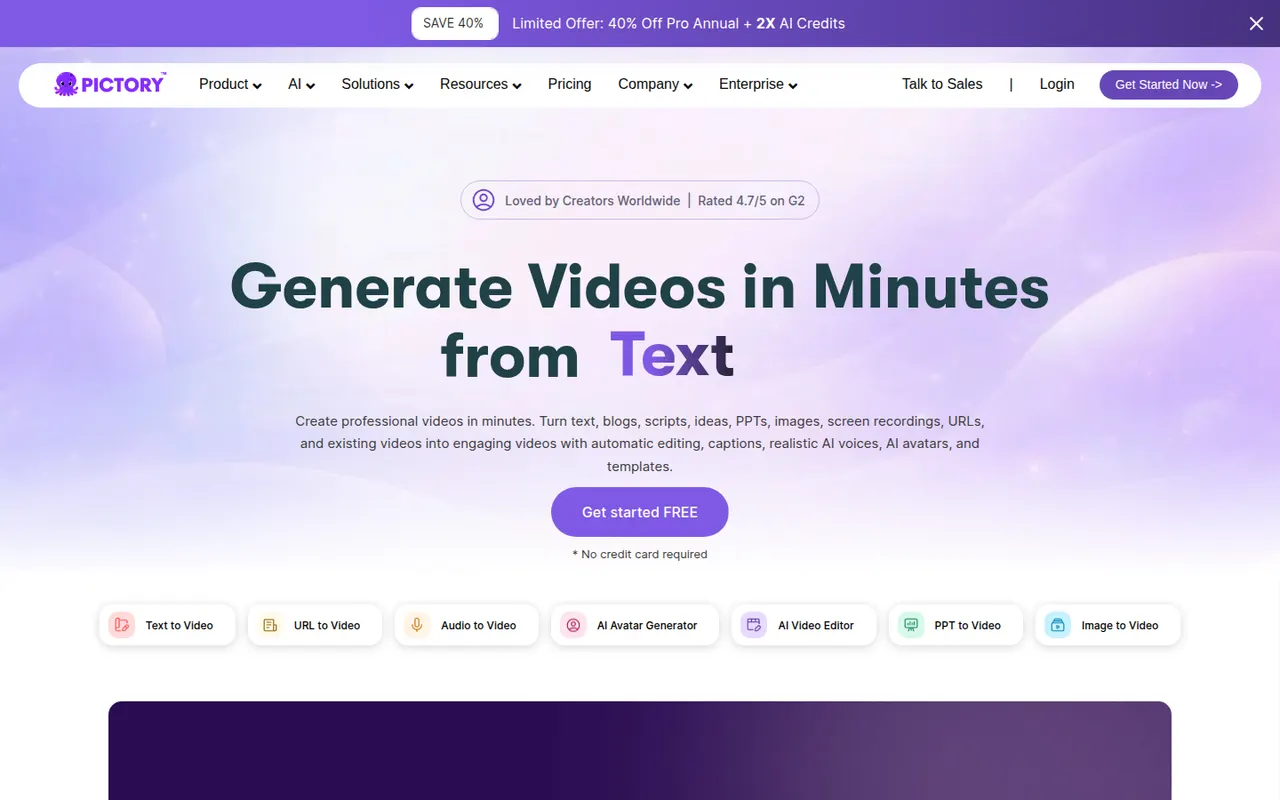
Cost / LicenseFreemiumProprietaryCategoriesPlatformsPictory converts blog posts, scripts and recordings into branded videos with automatic visuals, voiceover and captions.
10 Pictory alternativesPros
- Converts blog posts and scripts into branded videos
- Automatic visuals, voiceover and captions
- Turns long recordings into shorter highlight videos
Cons
- Stock visuals often need manual replacement
- Templates can make videos look generic
- No lasting free plan, only a trial
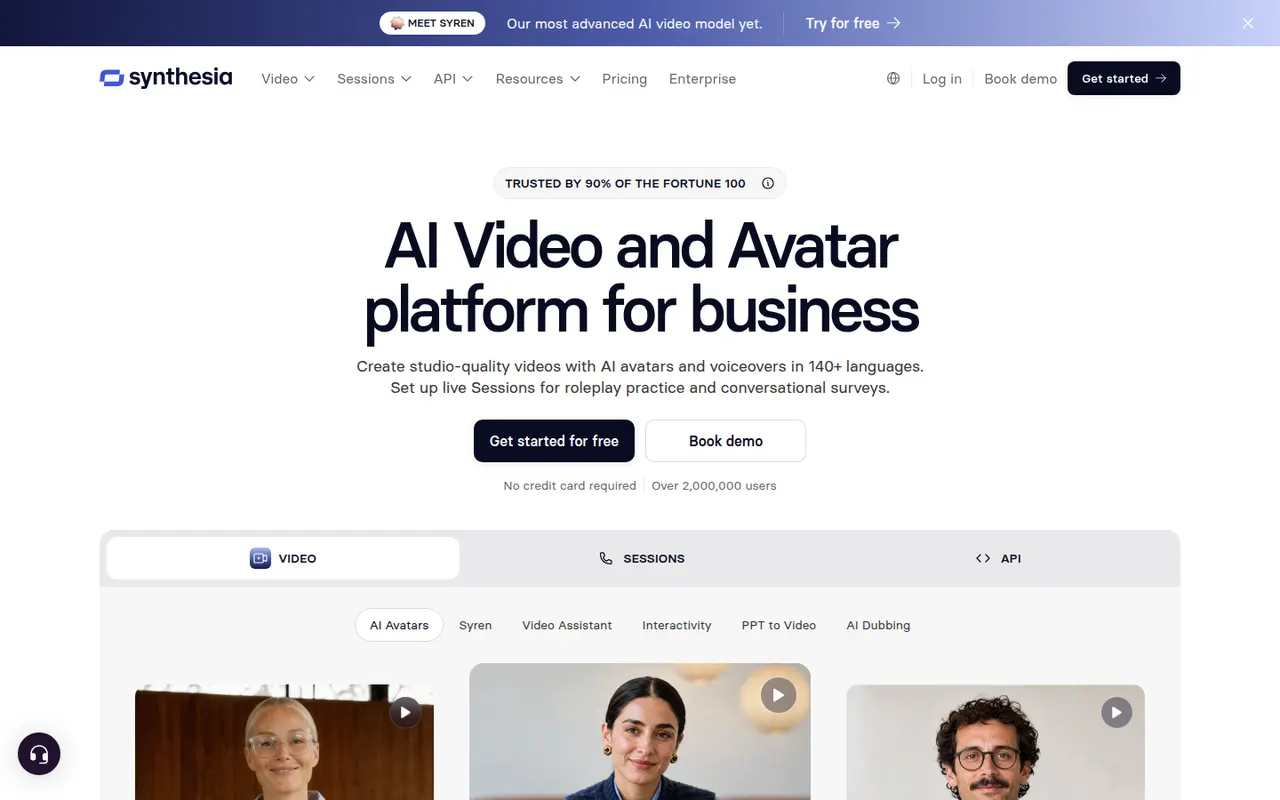
Cost / LicenseFree trialProprietaryCategoriesPlatformsSynthesia creates presenter-led videos from text using realistic AI avatars and voices in many languages, mostly for training and corporate communication.
12 Synthesia alternativesPros
- Realistic avatars and voices in many languages
- Update a video by editing text instead of reshooting
- Templates and team collaboration for corporate videos
Cons
- Avatars can feel stiff for emotional or creative content
- Free plan is very limited, with most features on paid tiers
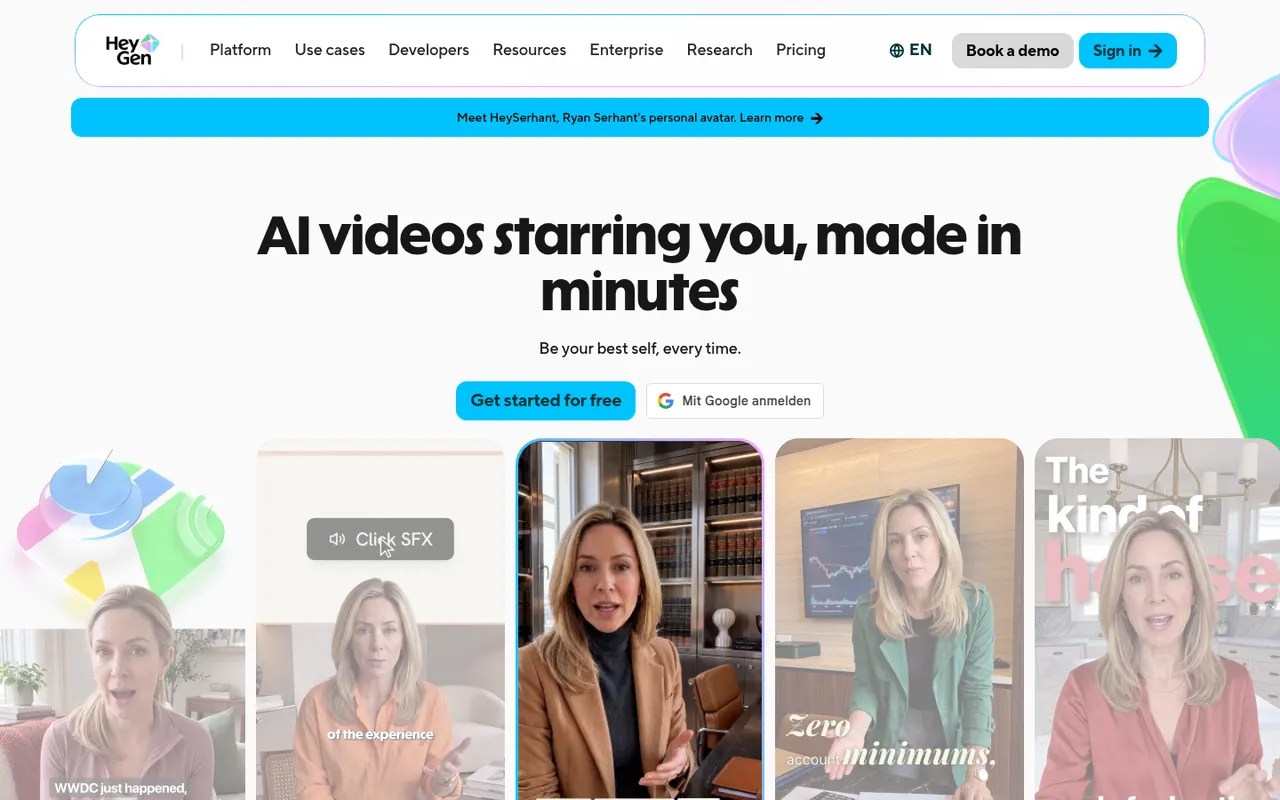
Cost / LicenseFreemiumProprietaryCategoriesPlatformsHeyGen generates videos with AI avatars, clones your own avatar and voice, and translates videos into other languages with lip-sync.
18 HeyGen alternativesPros
- Clone your own avatar and voice for presenter videos
- Video translation with lip-sync into other languages
- API for generating avatar videos at scale
Cons
- Free plan is limited and adds a watermark
- Avatars can show unnatural gestures in longer videos
- Credit usage adds up quickly on long videos
Cost / LicenseFreemiumProprietaryCategoriesPlatformsCapCut is a video editor available on mobile, desktop and the web, with templates, effects, auto captions and AI tools aimed at short-form content.
23 CapCut alternativesPros
- Fast editing with templates and effects tuned for short-form video
- Auto captions and AI tools save time on social content
- Available on mobile, desktop and in the browser
Cons
- Many effects and AI tools require a Pro subscription
- Ownership by ByteDance raises data privacy questions
- Not built for long-form or professional editing
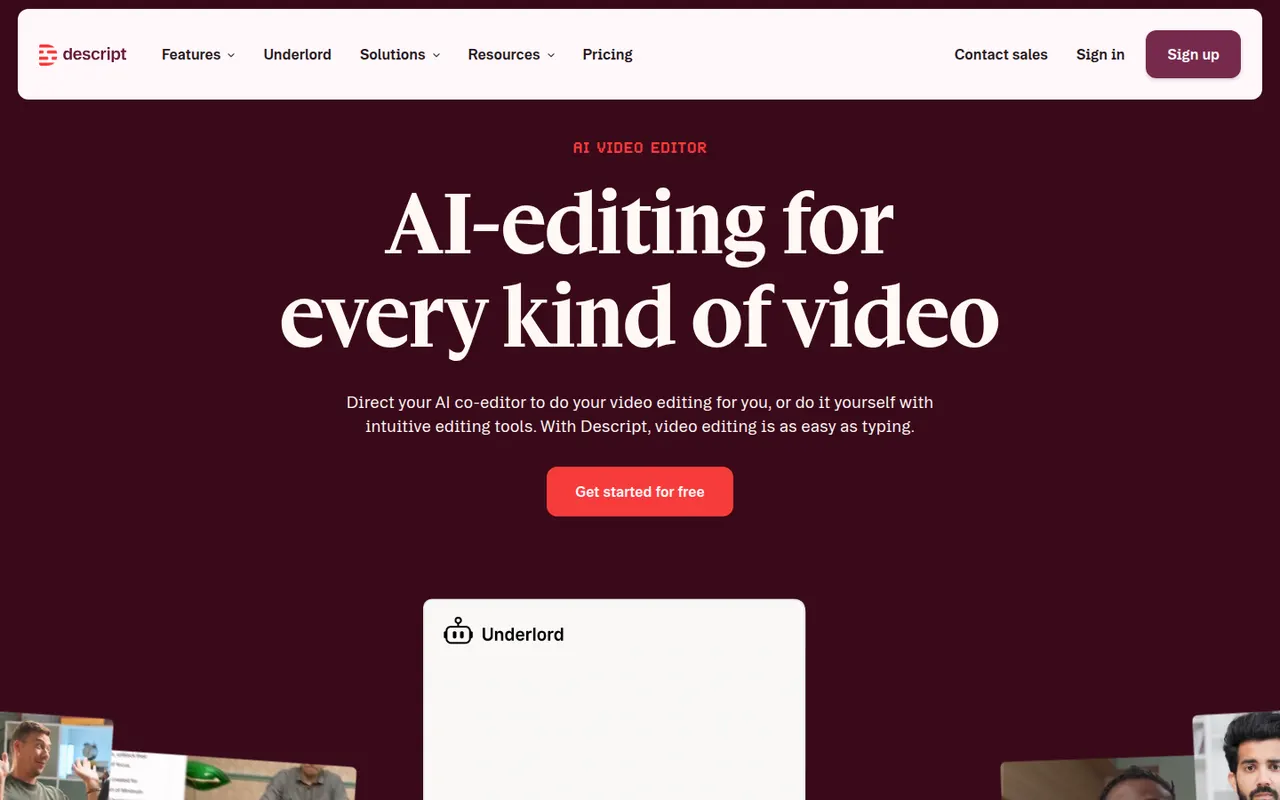
Cost / LicenseFreemiumProprietaryCategoriesDescript transcribes your recordings so you can cut video and audio like a text document, with screen recording, overdub and AI cleanup tools.
17 Descript alternativesPros
- Edit audio and video by editing the transcript like a document
- Filler word removal and AI cleanup speed up podcast editing
- Screen recording and team collaboration built in
Cons
- Less precise than a traditional timeline for complex edits
- Transcription hours and AI features are capped on lower plans
- Can be slow with long or high-resolution projects
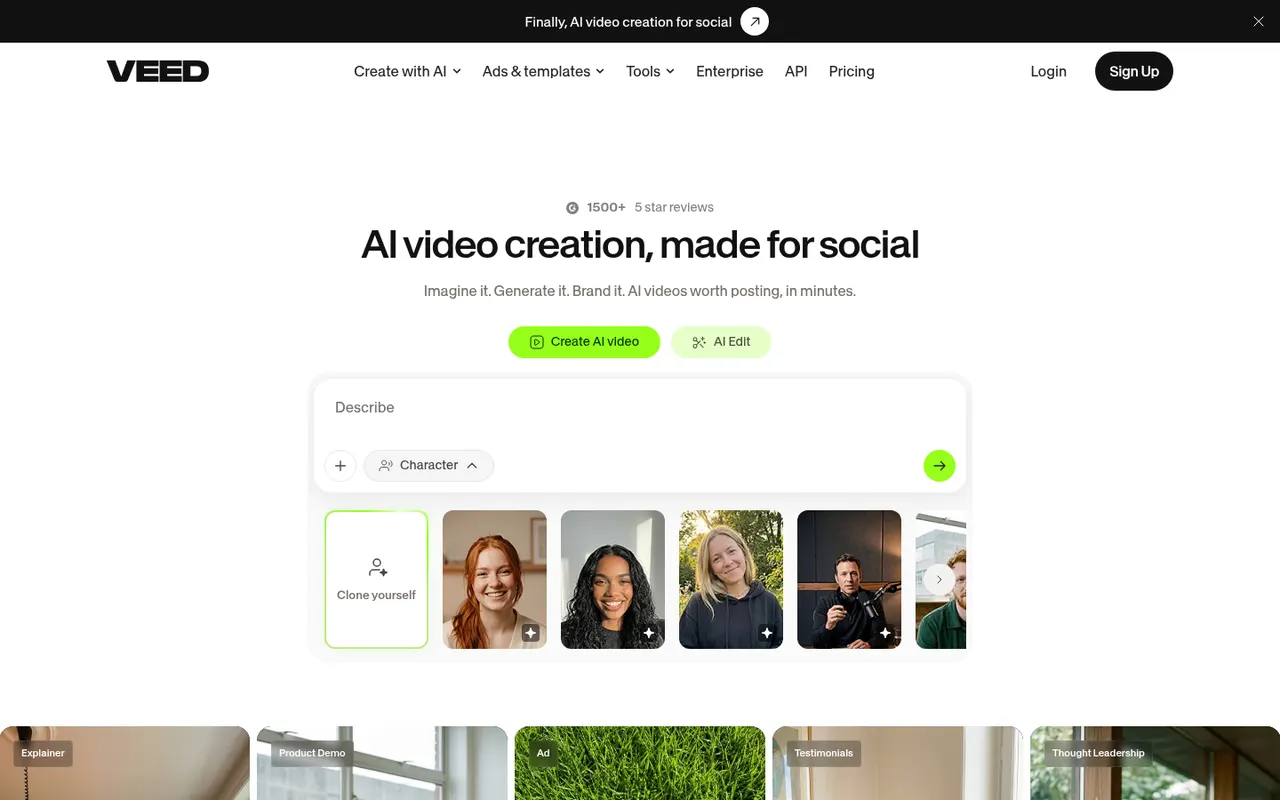
Cost / LicenseFreemiumProprietaryCategoriesVEED is a browser-based video editor with subtitles, translations, avatars and screen recording, built for teams producing social and marketing videos.
21 VEED alternativesPros
- Fast automatic subtitles and translations in the browser
- Screen recording and AI avatars in the same tool
- Team workspaces suit marketing and social video production
Cons
- Free plan exports carry a watermark
- Browser editing can lag on longer videos
- Advanced AI features require higher-tier plans
Cost / LicenseFreemiumProprietaryCategoriesPlatformsCapacity
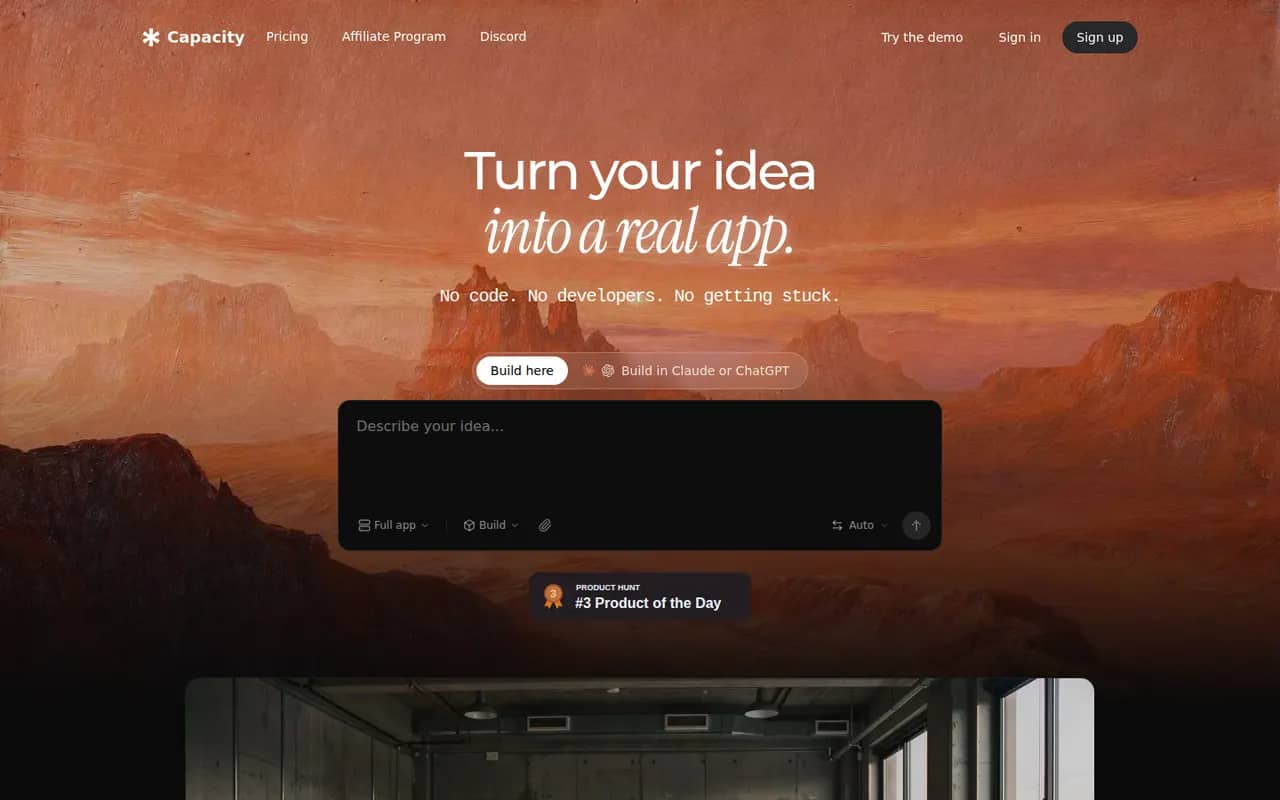
By the publisherCapacity turns a conversation into a working full-stack web application, with database, authentication and one-click deployment.
6 Capacity alternativesPros
- Builds a full-stack app with database and auth from a chat
- Code export keeps your project portable
- One-click deployment without configuring hosting
Cons
- Smaller community and fewer tutorials than better-known builders
- Complex apps still need several rounds of prompting and review
- Heavier use requires a paid plan
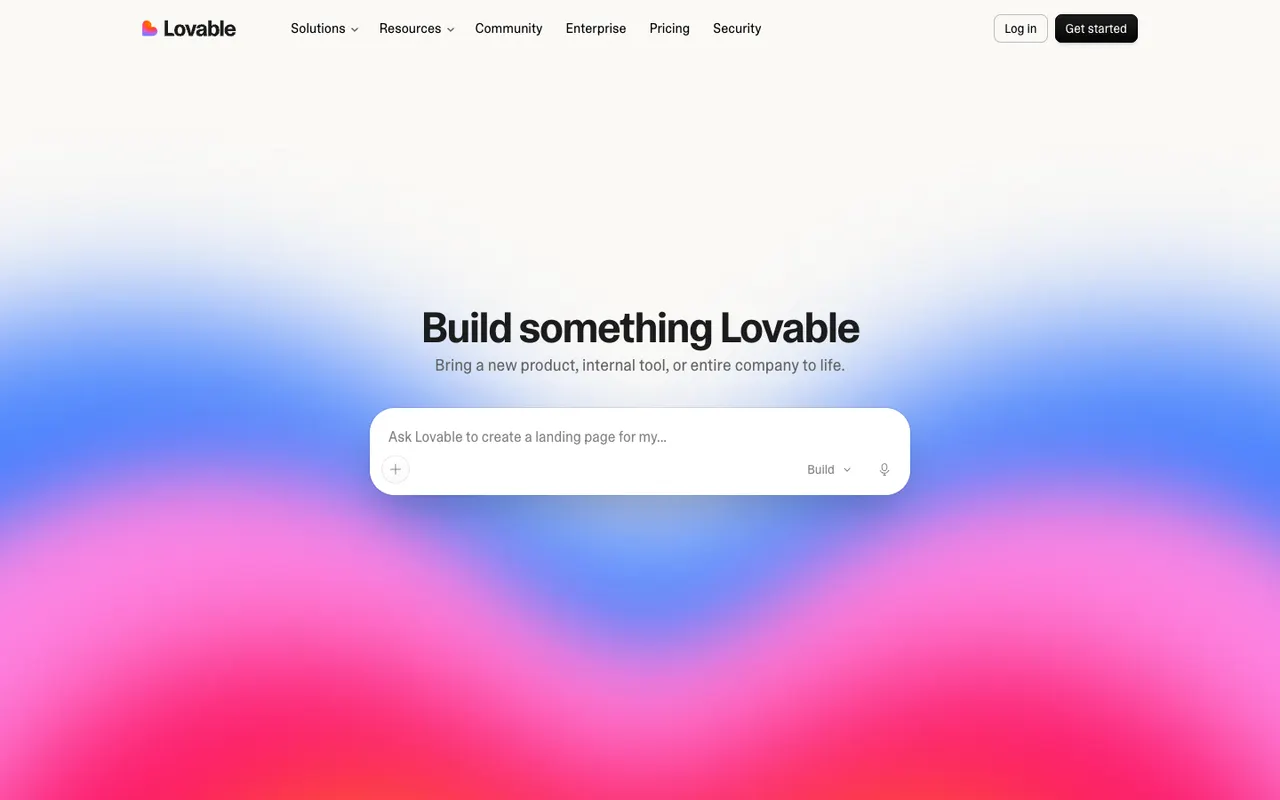
Cost / LicenseFreemiumProprietaryCategoriesPlatformsLovable generates full-stack web apps from natural language, with a visual editor, GitHub sync and integrations for databases and payments.
12 Lovable alternativesPros
- Generates full-stack web apps from plain-language prompts
- GitHub sync lets developers take over the code
- Visual editor for tweaking the interface without prompting
Cons
- Credits can run out quickly during debugging
- Generated code needs a review for security and edge cases
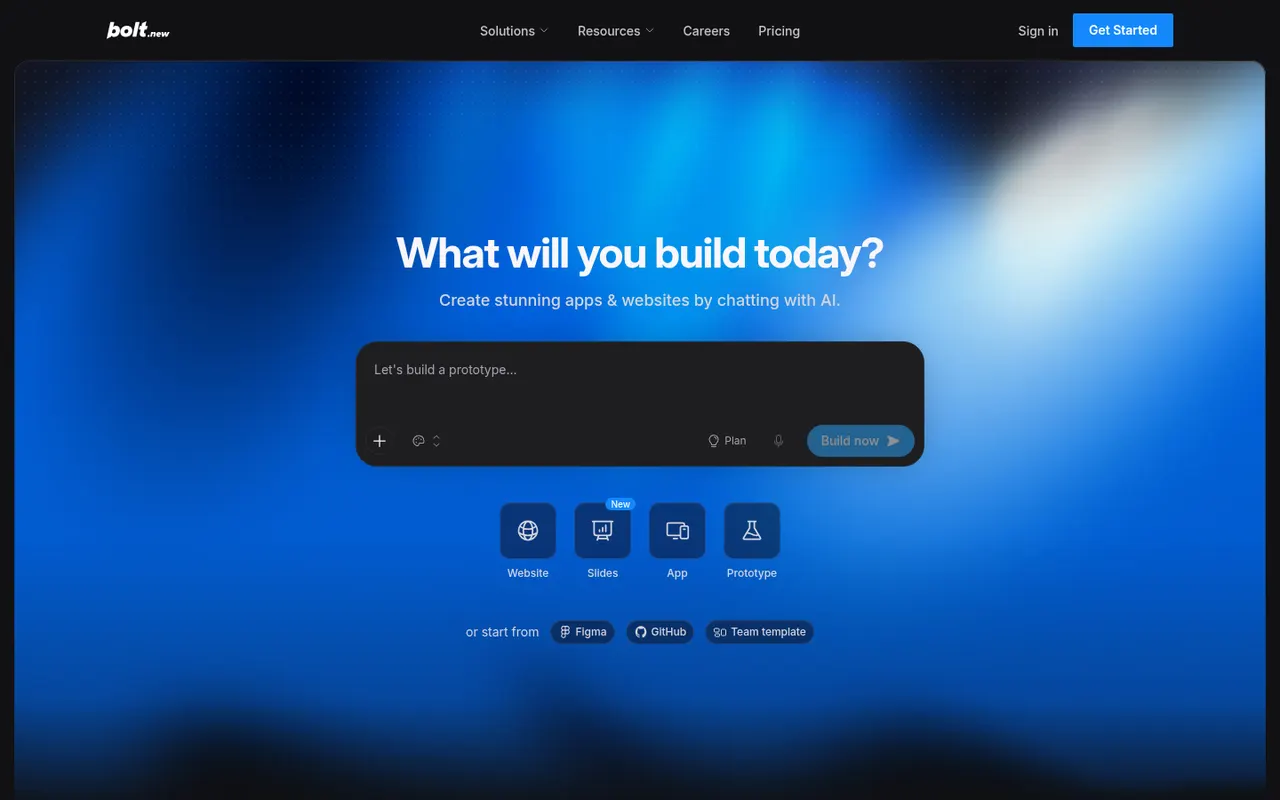
Cost / LicenseFreemiumProprietaryCategoriesPlatformsBolt.new by StackBlitz lets you prompt an AI agent that writes, runs and deploys full-stack applications entirely in the browser.
7 Bolt.new alternativesPros
- Runs, edits and previews full-stack apps right in the browser
- Generated code stays accessible, editable and exportable
- One-click deployment from the same workspace
Cons
- Token-based usage can get expensive on complex projects
- The agent can get stuck fixing its own errors and burn tokens
- Generated code needs review before going to production
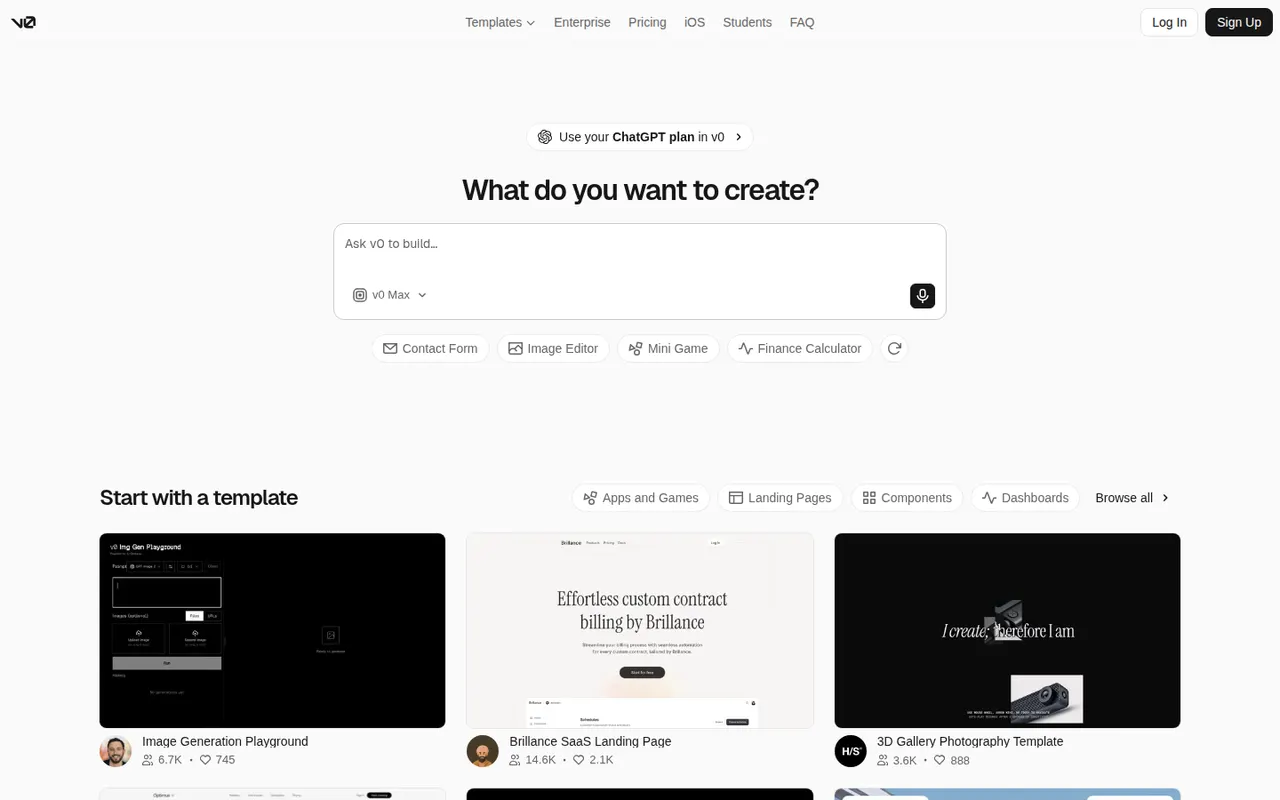
Cost / LicenseFreemiumProprietaryCategoriesPlatformsv0 is Vercel’s AI builder that generates React interfaces and full-stack Next.js apps from prompts, with one-click deployment to Vercel.
7 v0 alternativesPros
- Generates React and Next.js interfaces from prompts
- One-click deployment to Vercel
- Code can be copied or exported into your own project
Cons
- Closely tied to React, Next.js and the Vercel ecosystem
- Free plan usage is capped by credits
- Generated code still needs developer review for production
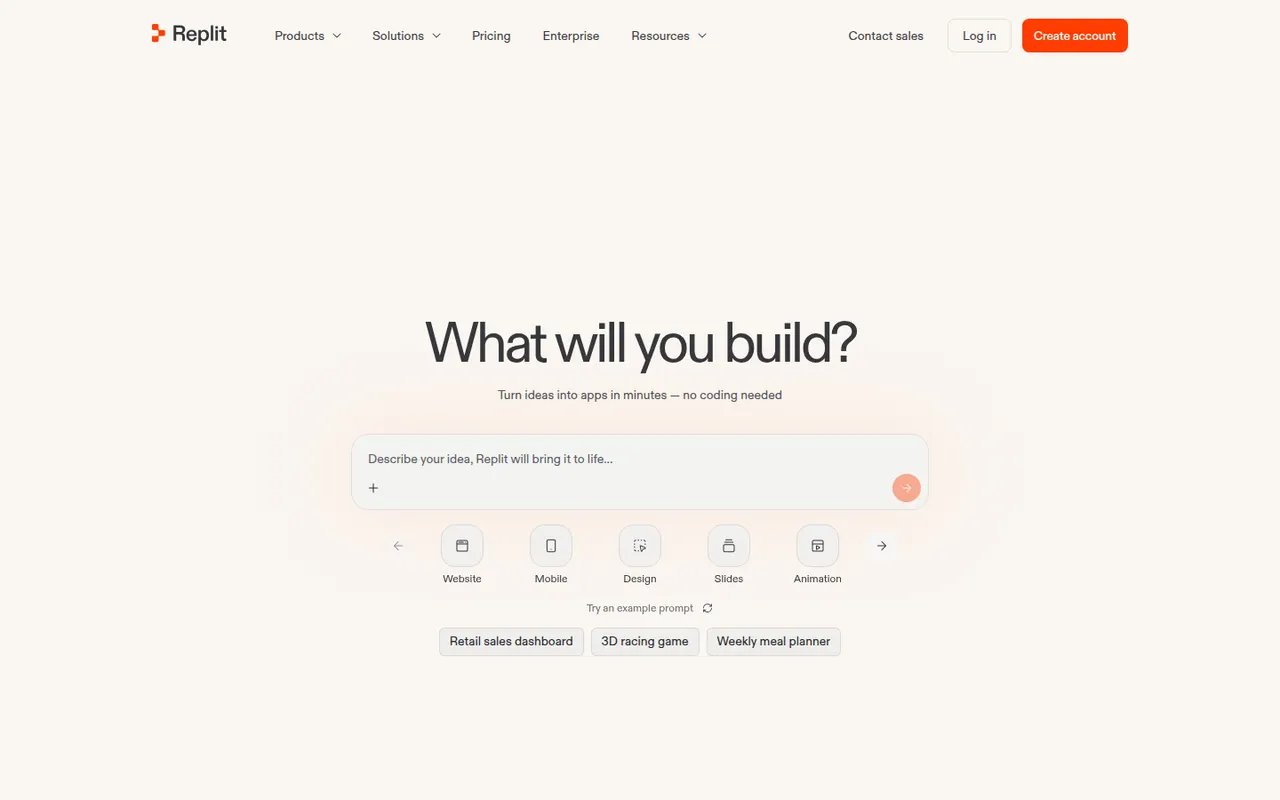
Cost / LicenseFreemiumProprietaryCategoriesPlatformsReplit is a cloud development environment where an AI agent can build, run and host applications, with collaboration and built-in databases.
9 Replit alternativesPros
- Code, run and host apps without any local setup
- AI agent builds and deploys apps from a description
- Real-time multiplayer editing for collaboration
Cons
- Agent usage costs can be hard to predict
- Hosting and databases tie projects to Replit's platform
- Free plan resources are limited for serious projects
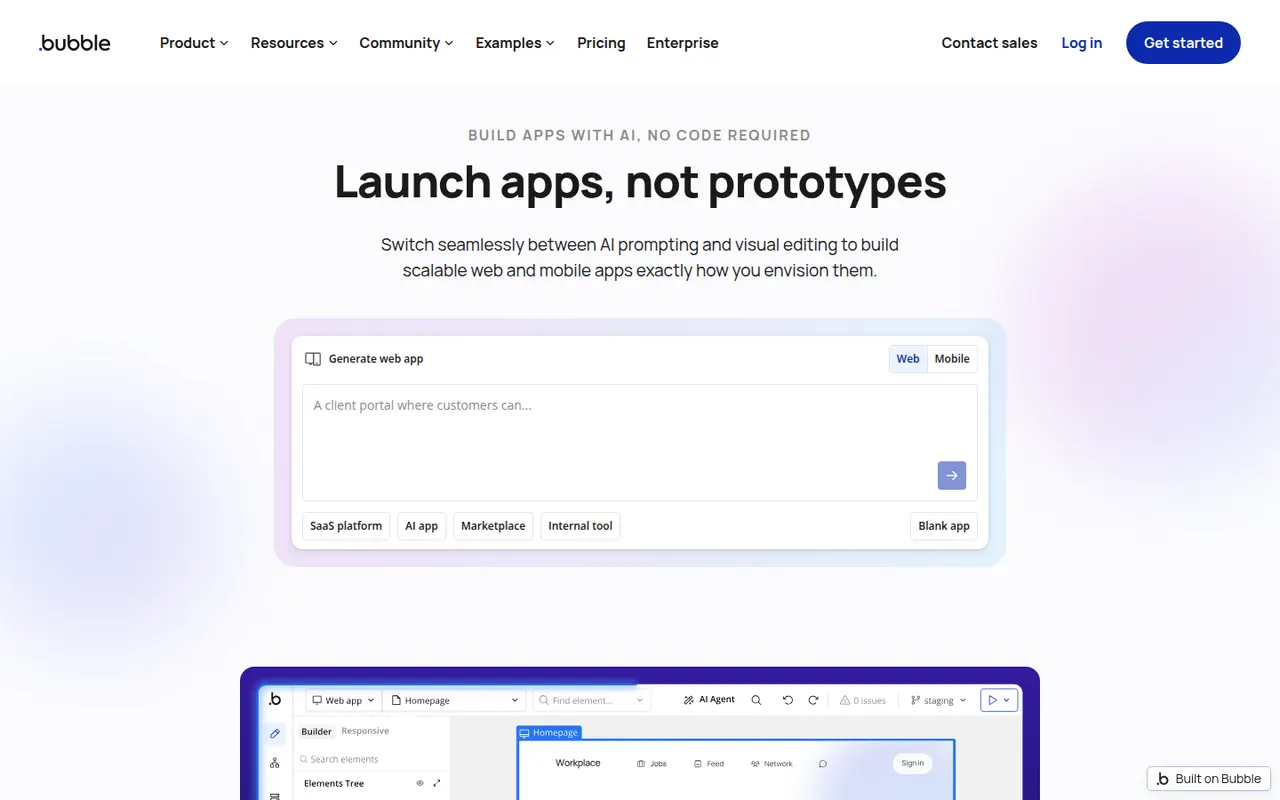
Cost / LicenseFreemiumProprietaryCategoriesBubble is a visual programming platform to design, develop and host web applications without writing code, now with AI generation.
11 Bubble alternativesPros
- Mature visual programming for complex web app logic
- Built-in database, hosting and API connector
- Large plugin marketplace and template library
Cons
- Steep learning curve for a no-code tool
- No code export, so apps stay locked into Bubble
- Workload-based pricing can be hard to predict
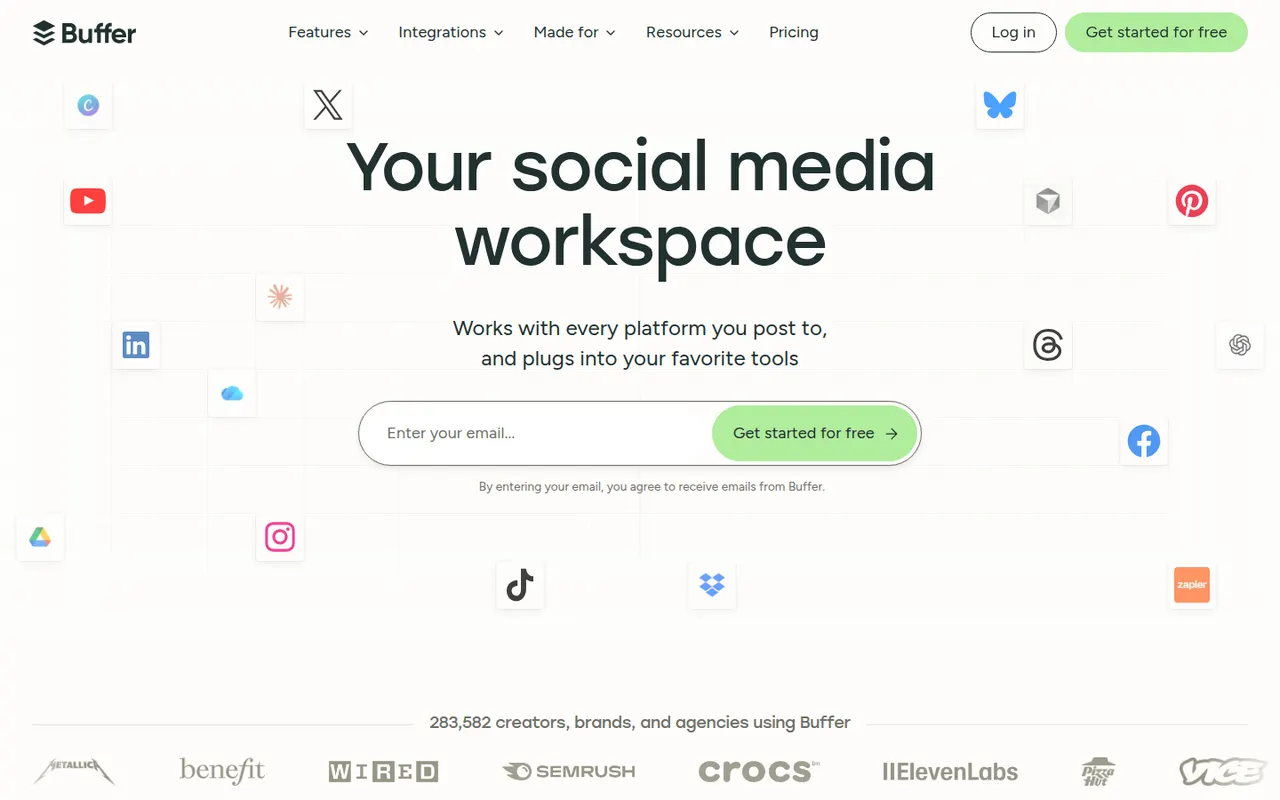
Cost / LicenseFreemiumProprietaryCategoriesPlatformsBuffer lets individuals and small teams schedule posts across the main social networks, collaborate on drafts and track engagement.
12 Buffer alternativesPros
- Clean, simple interface for scheduling on major networks
- Free plan for a few channels
- Draft collaboration and engagement analytics
Cons
- Engagement tools are limited compared with full social suites
- Per-channel pricing adds up with many accounts
- Analytics are too basic for agency reporting
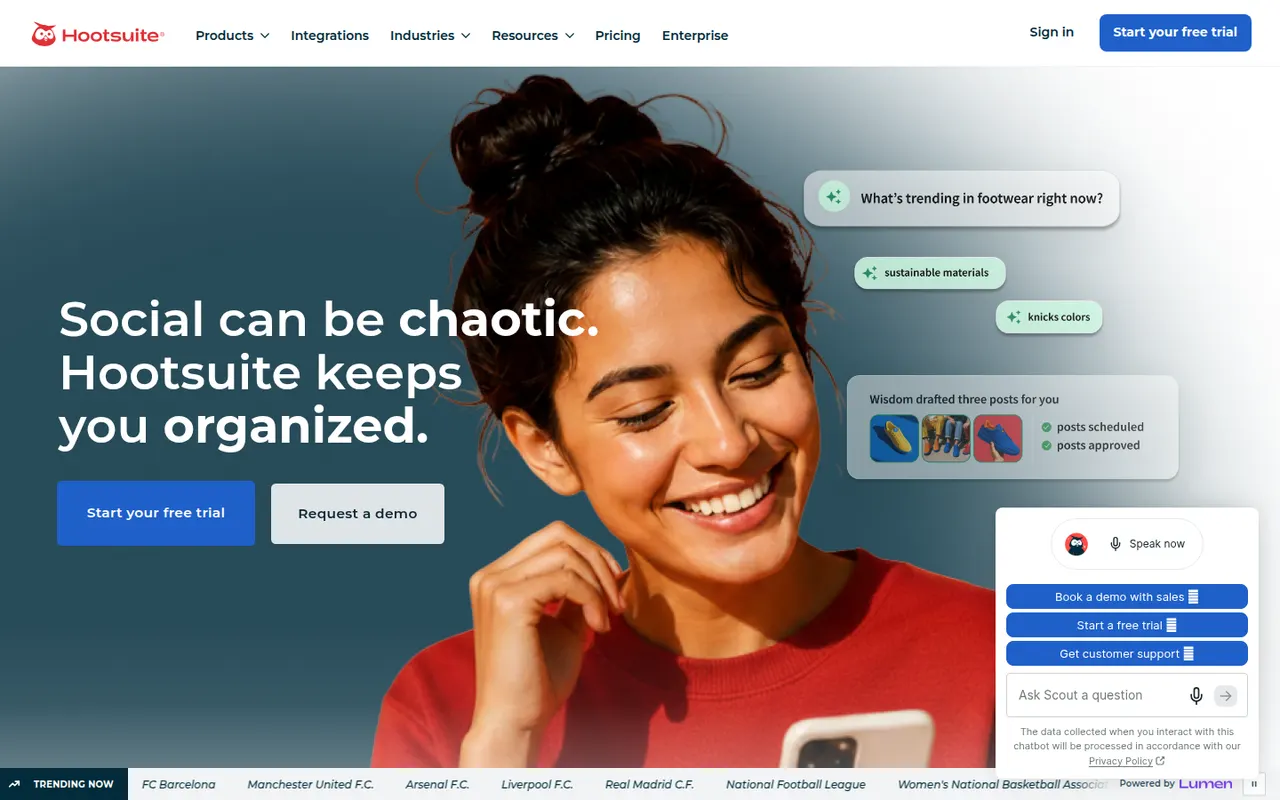
Cost / LicenseFreemiumProprietaryCategoriesHootsuite centralizes publishing, social inbox, listening and reporting for organizations managing many social accounts.
12 Hootsuite alternativesPros
- Publishing, inbox, listening and reporting in one platform
- Handles many accounts across large organizations
- A large app directory extends the platform
Cons
- Expensive for individuals and small businesses
- No free plan, only a trial
- The interface can feel cluttered and unintuitive
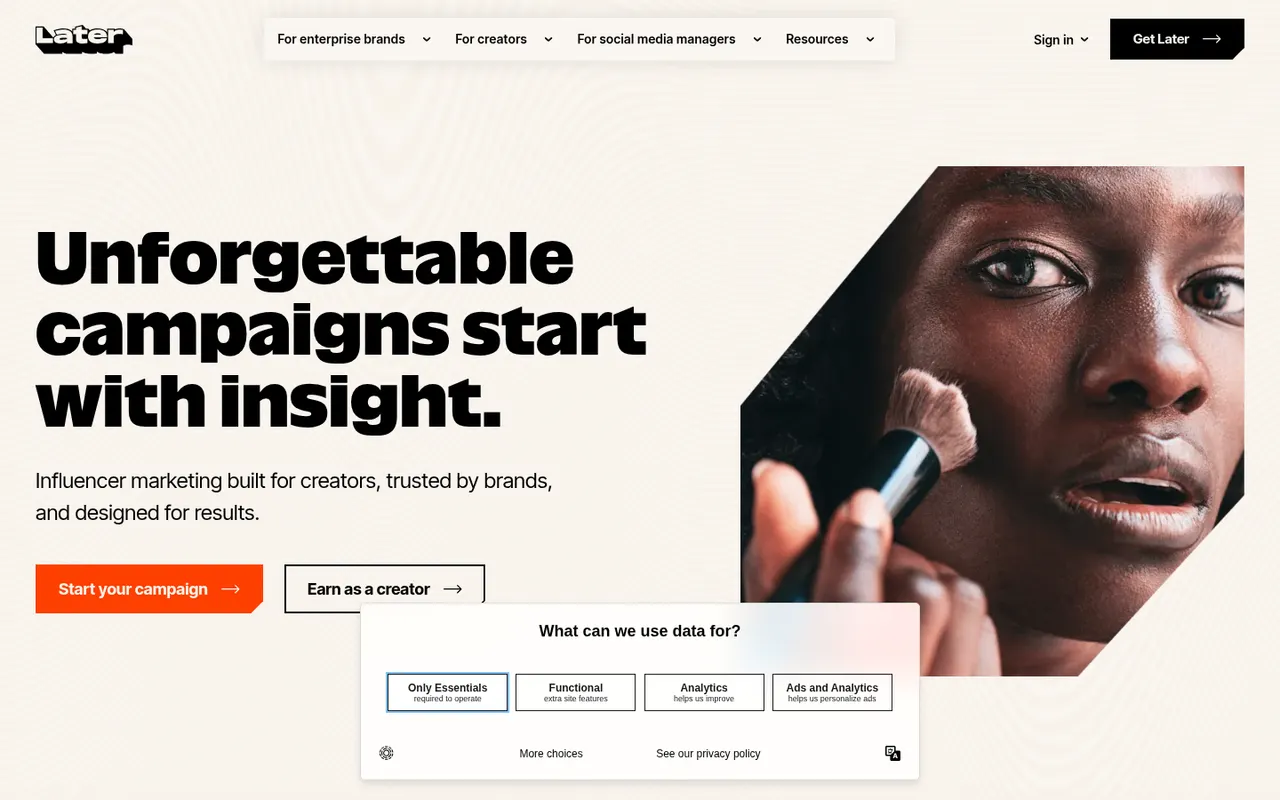
Cost / LicenseFree trialProprietaryCategoriesLater helps brands and creators plan visual content for Instagram, TikTok and other networks with a drag-and-drop calendar and analytics.
11 Later alternativesPros
- Visual drag-and-drop calendar for planning feeds
- Strong focus on Instagram and TikTok
- Auto-publishing with analytics on post performance
Cons
- No free plan, only a trial
- Built for visual content, less suited to text-heavy networks
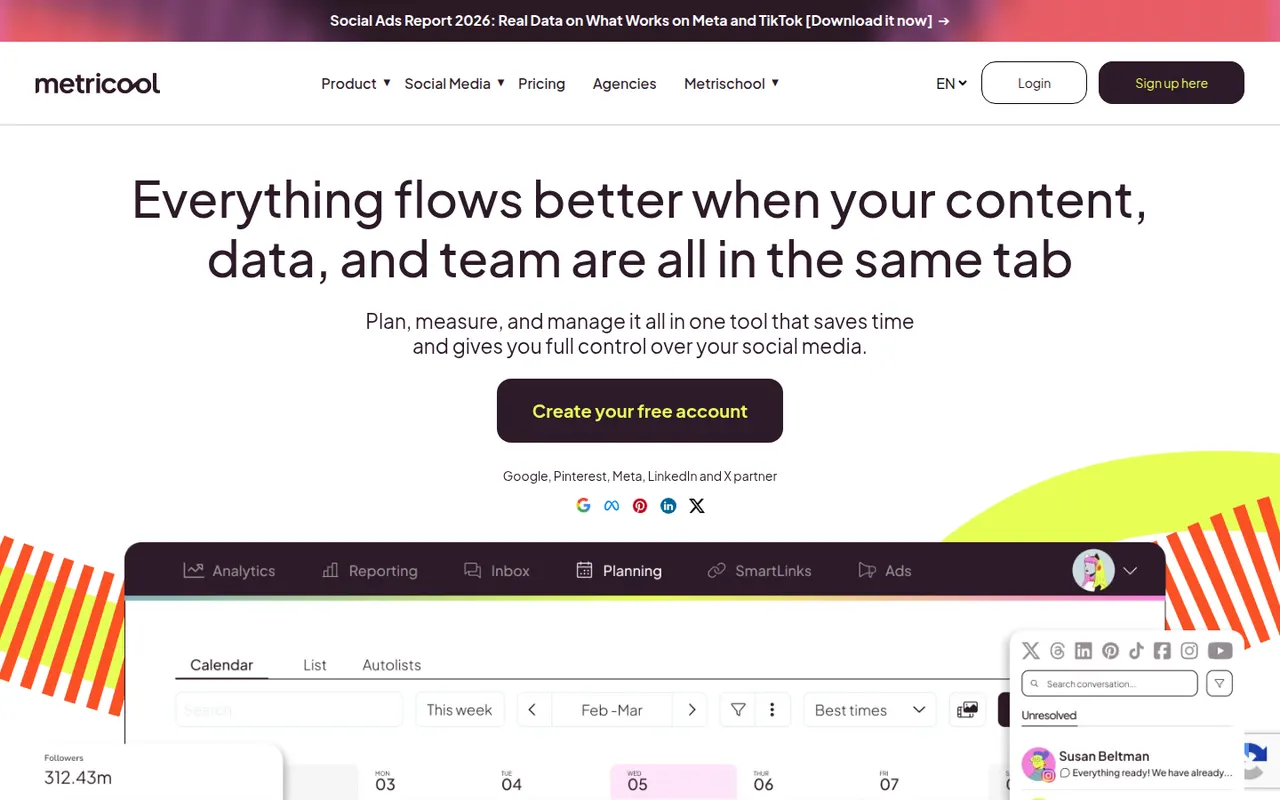
Cost / LicenseFree trialProprietaryCategoriesMetricool combines scheduling, analytics and ad reporting for social networks, blogs and ad accounts, popular with freelancers and agencies.
10 Metricool alternativesPros
- Scheduling, analytics and ad reporting in one tool
- Covers blogs and ad accounts alongside social networks
- Free plan for a single brand
Cons
- The interface packs a lot of data and can feel busy
- Advanced reports and integrations require paid plans
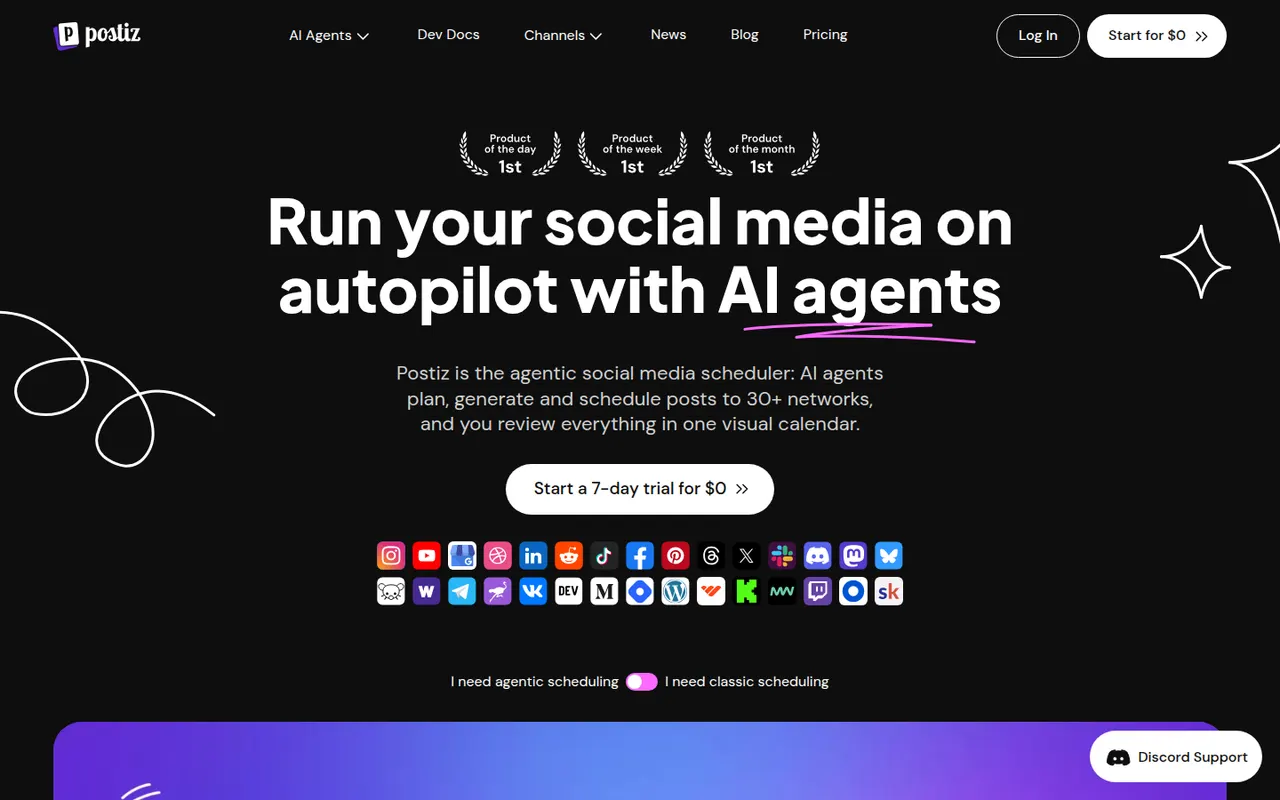
Cost / LicenseFreemiumProprietaryCategoriesPostiz is a self-hostable social media scheduler with AI-assisted writing, team workflows and support for many networks.
6 Postiz alternativesPros
- Open source and self-hostable, keeping your data under your control
- Supports many social networks from one dashboard
- AI-assisted writing and team workflows
Cons
- Younger project, less polished than established tools
- Self-hosting requires technical setup and maintenance
Cost / LicenseFreemiumOpen sourceCategoriesPlatformsMentioned
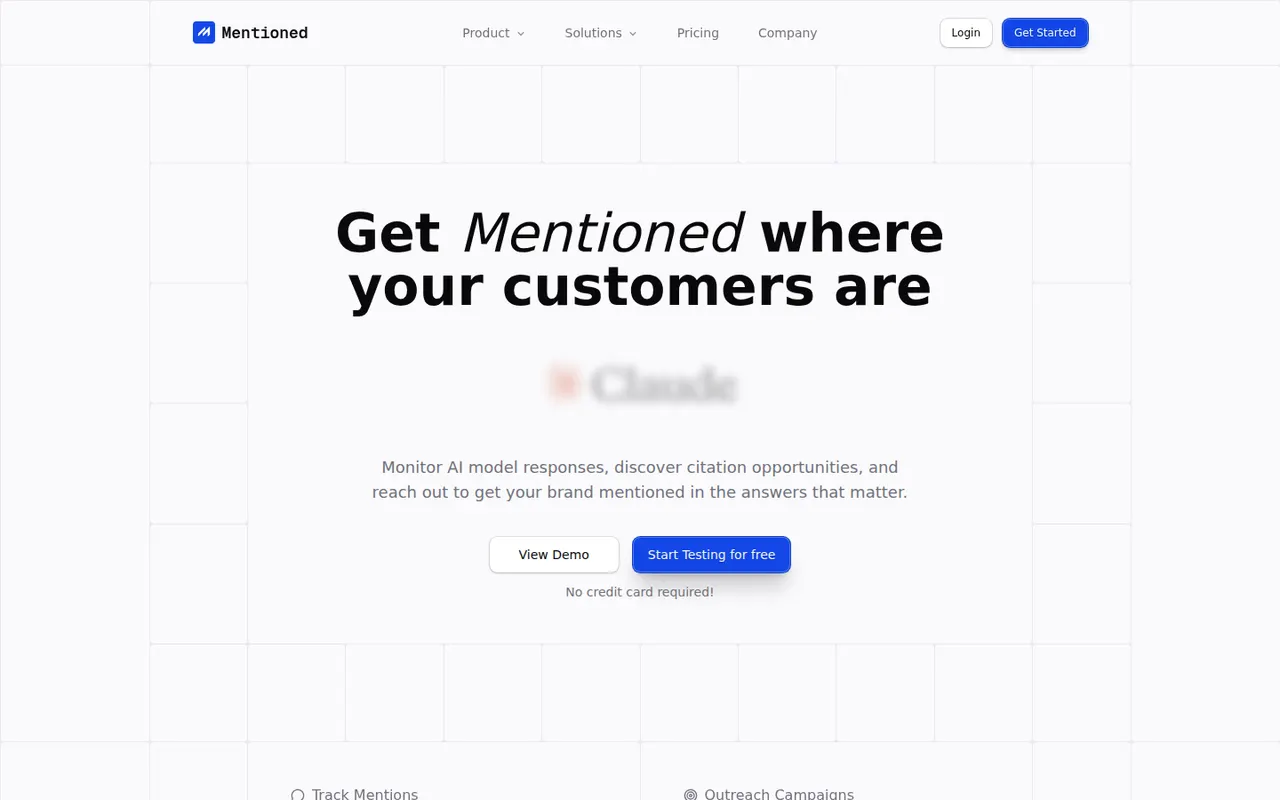
By the publisherMentioned tracks your brand across ChatGPT, Perplexity, Gemini and other assistants with versioned prompt panels and traceable answer evidence.
7 Mentioned alternativesPros
- Versioned prompt panels keep tracking consistent over time
- Each result is backed by traceable evidence from the AI answer
- Benchmarks your brand against competitors across assistants
Cons
- No free plan, paid subscription only
- AI answers fluctuate, so single results need careful reading
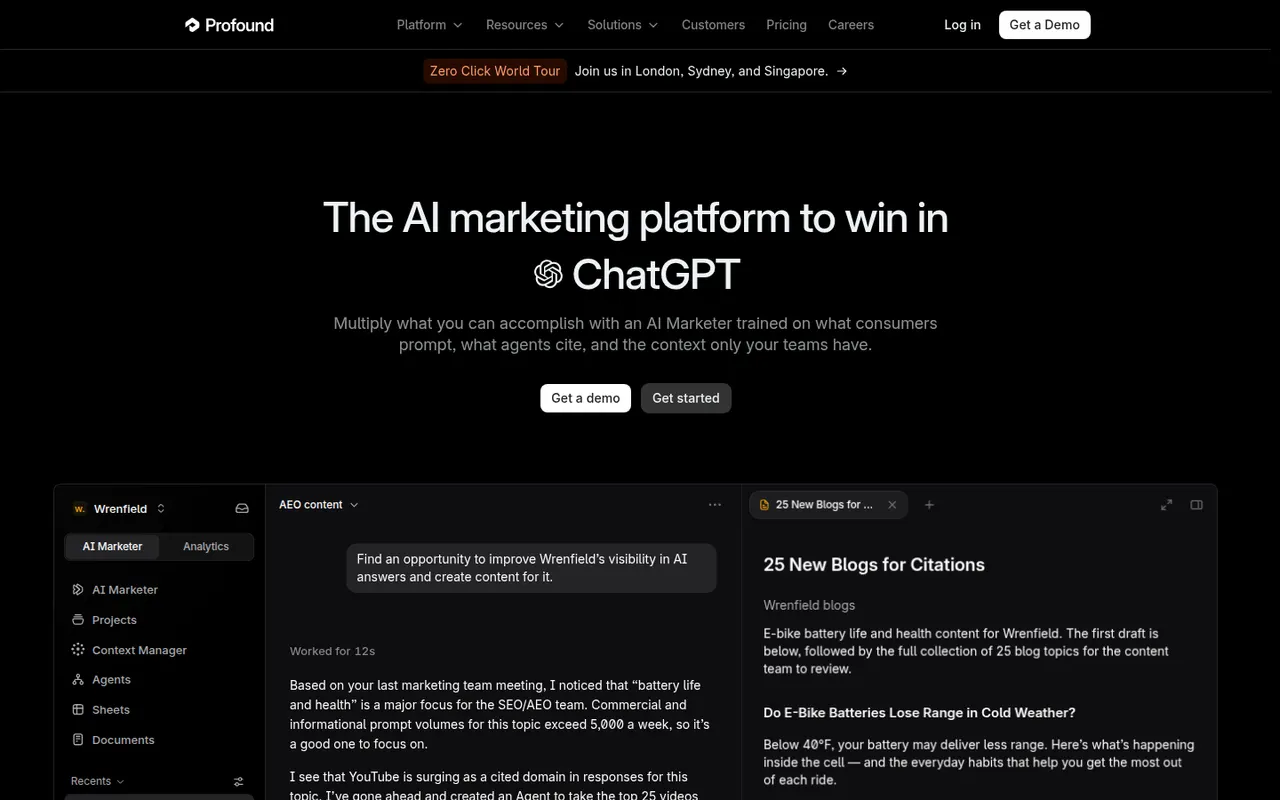
Cost / LicensePaidProprietaryCategoriesPlatformsProfound helps enterprise marketing teams measure and improve how their brand appears in AI-generated answers.
8 Profound alternativesPros
- Built for enterprise marketing teams and their reporting needs
- Prompt tracking shows where your brand appears in AI answers
- Competitor benchmarking across AI assistants
Cons
- Enterprise focus puts it out of reach for small teams
- No free plan to evaluate it before buying
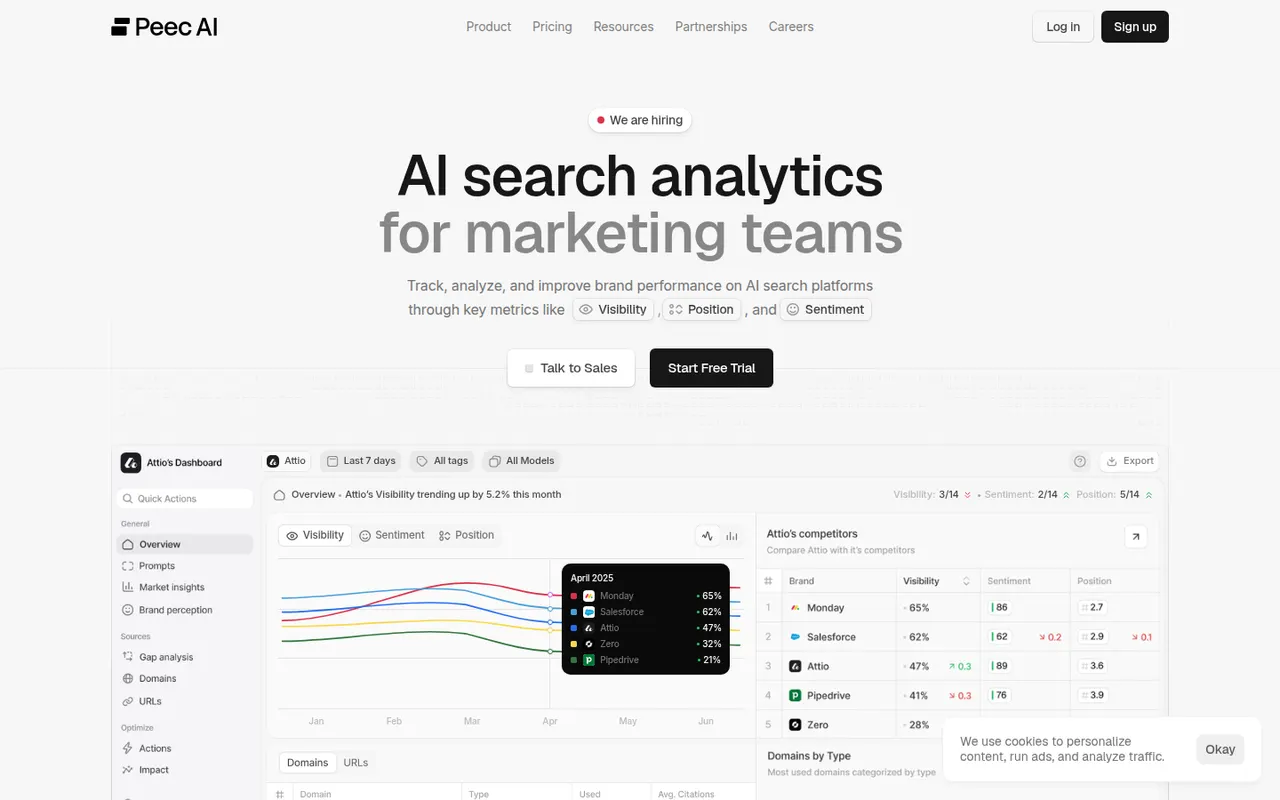
Cost / LicensePaidProprietaryCategoriesPlatformsPeec AI tracks visibility, position and sentiment of brands in AI search engines, with source analysis and competitor comparisons.
8 Peec AI alternativesPros
- Tracks brand visibility, position and sentiment in AI search
- Source analysis shows which sites shape AI answers
- Side-by-side comparison with competitors
Cons
- No free plan, paid access only
- Results depend heavily on the prompts you choose to track
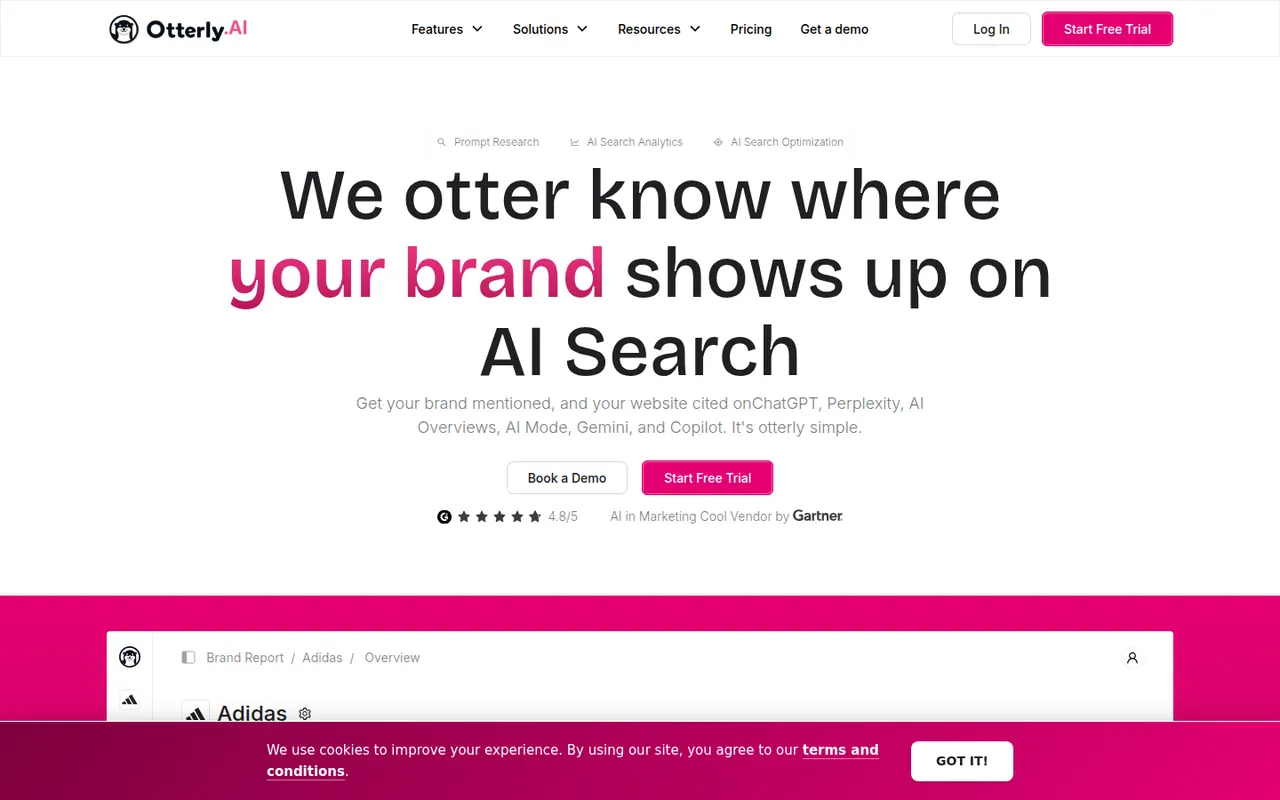
Cost / LicensePaidProprietaryCategoriesPlatformsOtterly.AI monitors brand mentions and website citations in ChatGPT, Perplexity and Google AI Overviews, with automated reports.
7 Otterly.AI alternativesPros
- Covers ChatGPT, Perplexity and Google AI Overviews
- Tracks both brand mentions and website citations
- Automated reports reduce manual checking
Cons
- No free plan beyond the trial
- Tracked prompts only approximate what real users ask
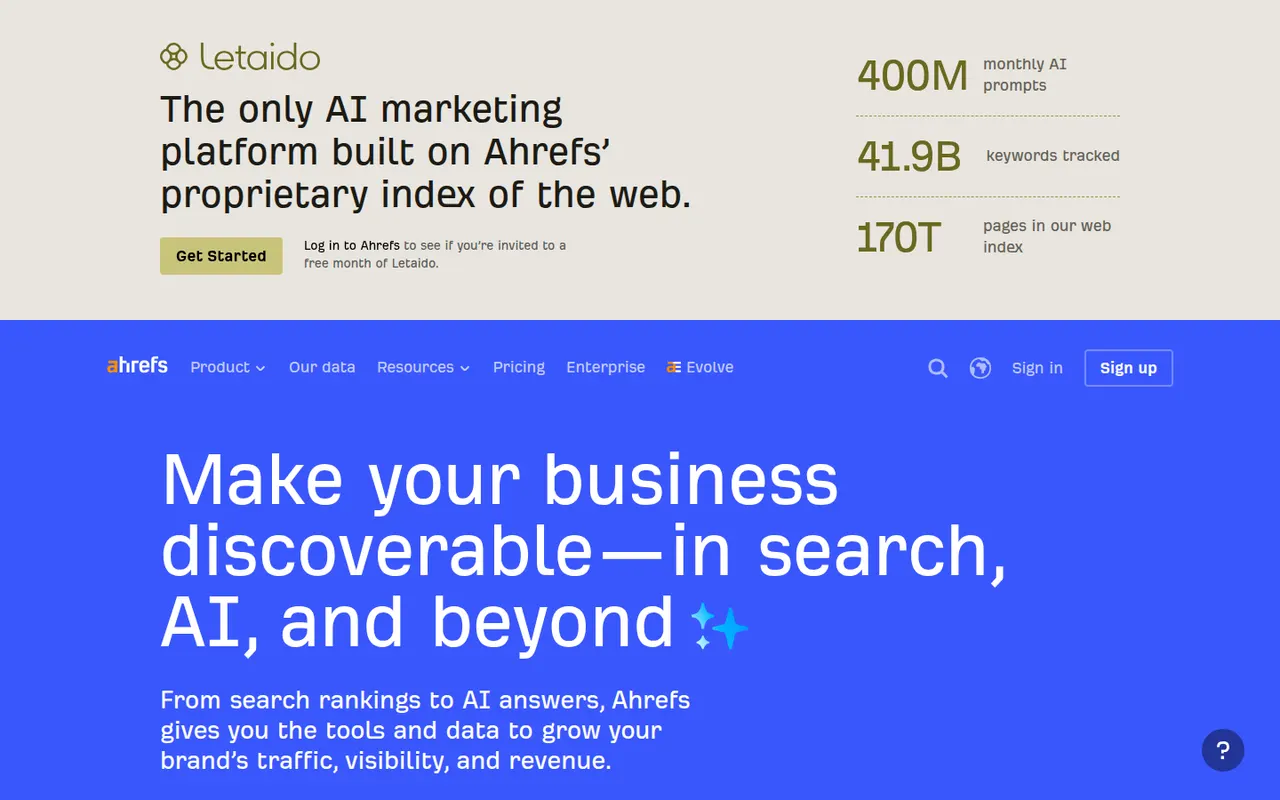
Cost / LicenseFree trialProprietaryCategoriesPlatformsFeaturesAhrefs offers keyword research, backlink analysis, rank tracking and site audits, plus Brand Radar to track brand mentions in AI answers.
16 Ahrefs alternativesPros
- Large backlink index with detailed link analysis
- Keyword research, rank tracking and site audits in one suite
- Brand Radar tracks brand mentions in AI answers
Cons
- Expensive for freelancers and small businesses
- Usage limits can hold back heavy research
- Takes time for beginners to learn
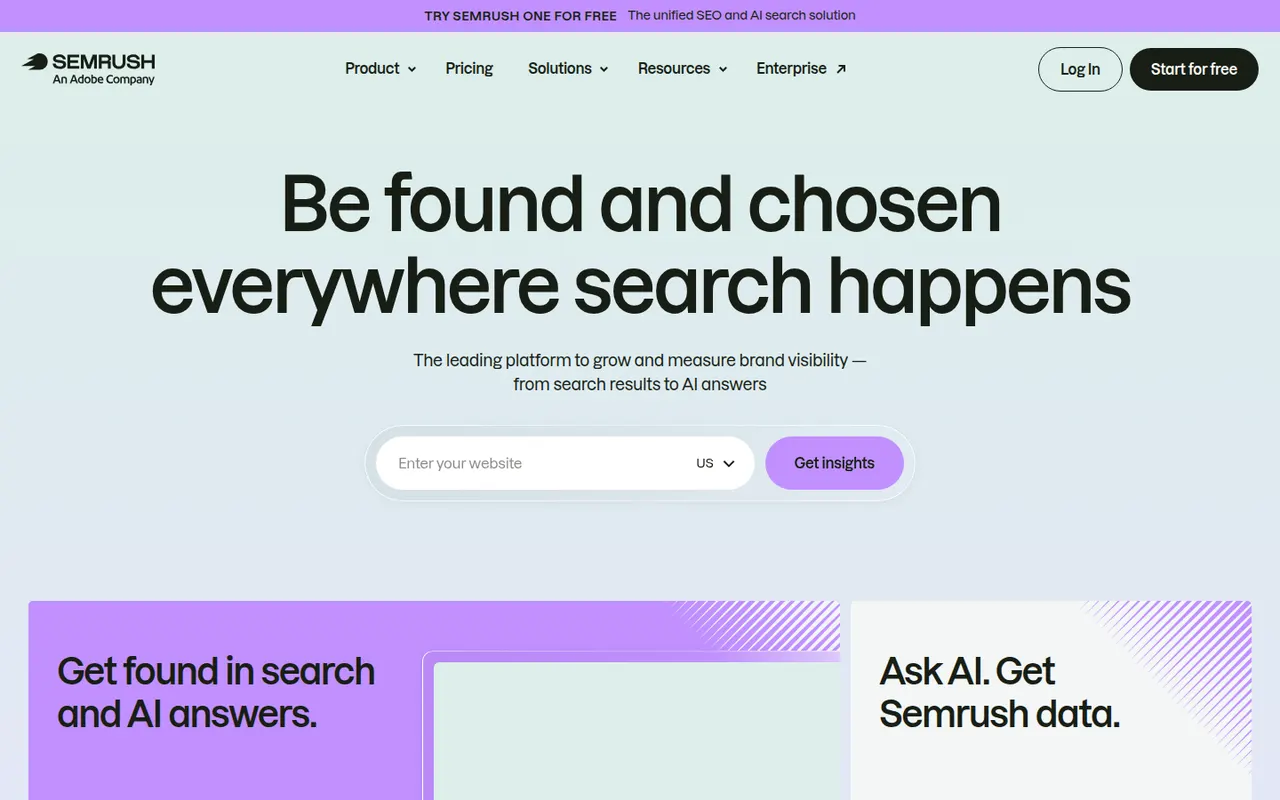
Cost / LicenseFreemiumProprietaryCategoriesPlatformsSemrush covers SEO, content marketing, competitor research, advertising and social media, with an AI toolkit for search visibility.
17 Semrush alternativesPros
- Covers SEO, content, ads and social in one platform
- In-depth competitor research on keywords, traffic and ads
- AI toolkit to monitor visibility in search
Cons
- Expensive, especially with extra users and add-ons
- The breadth of tools makes the interface overwhelming at first
- The free account allows only a few searches per day
Cost / LicenseFreemiumProprietaryCategoriesPlatformsPortraitLabs
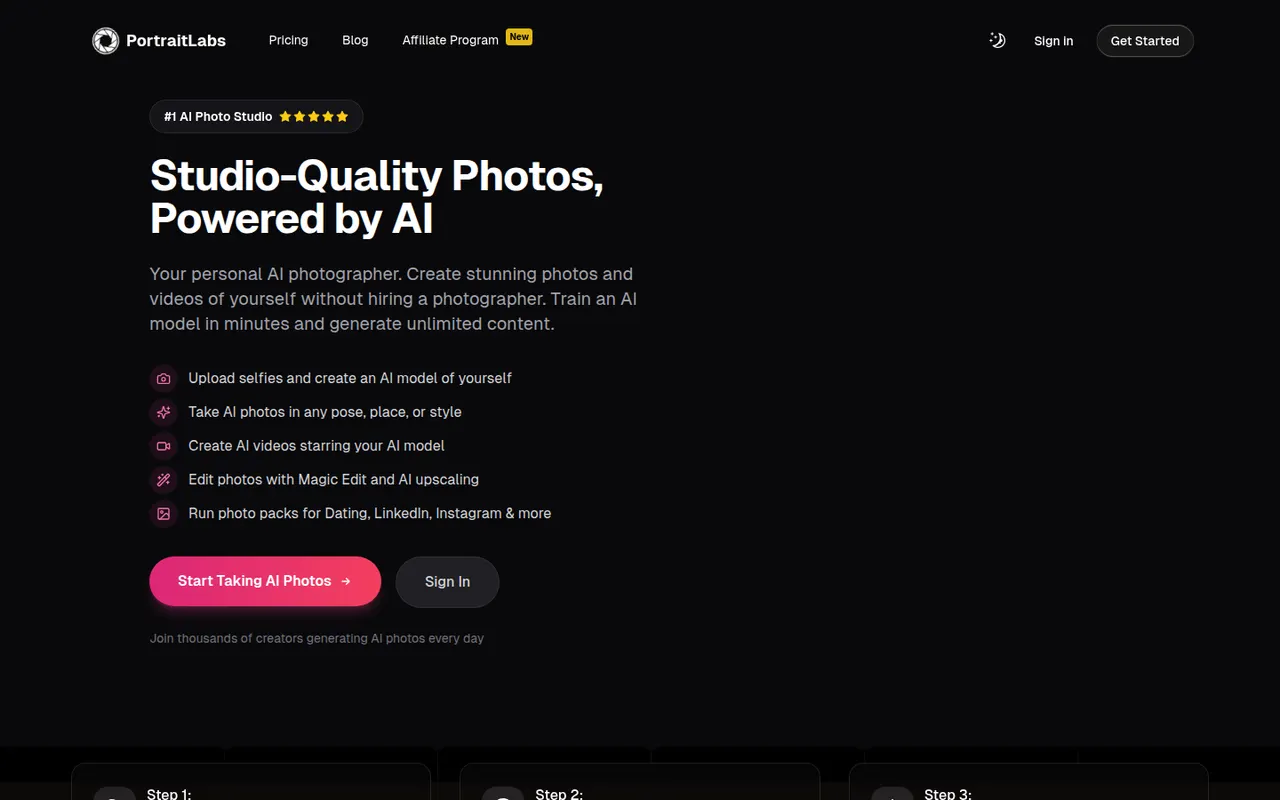
By the publisherPortraitLabs trains a model on a few of your photos and generates studio-quality headshots and portraits in many styles.
6 PortraitLabs alternativesPros
- Wide range of styles beyond standard corporate headshots
- Only needs a few of your photos to train your model
- Runs in the browser with nothing to install
Cons
- Paid only, with no free plan to test results
- Results vary, and not every portrait looks like you
- Requires sharing personal photos with an external service
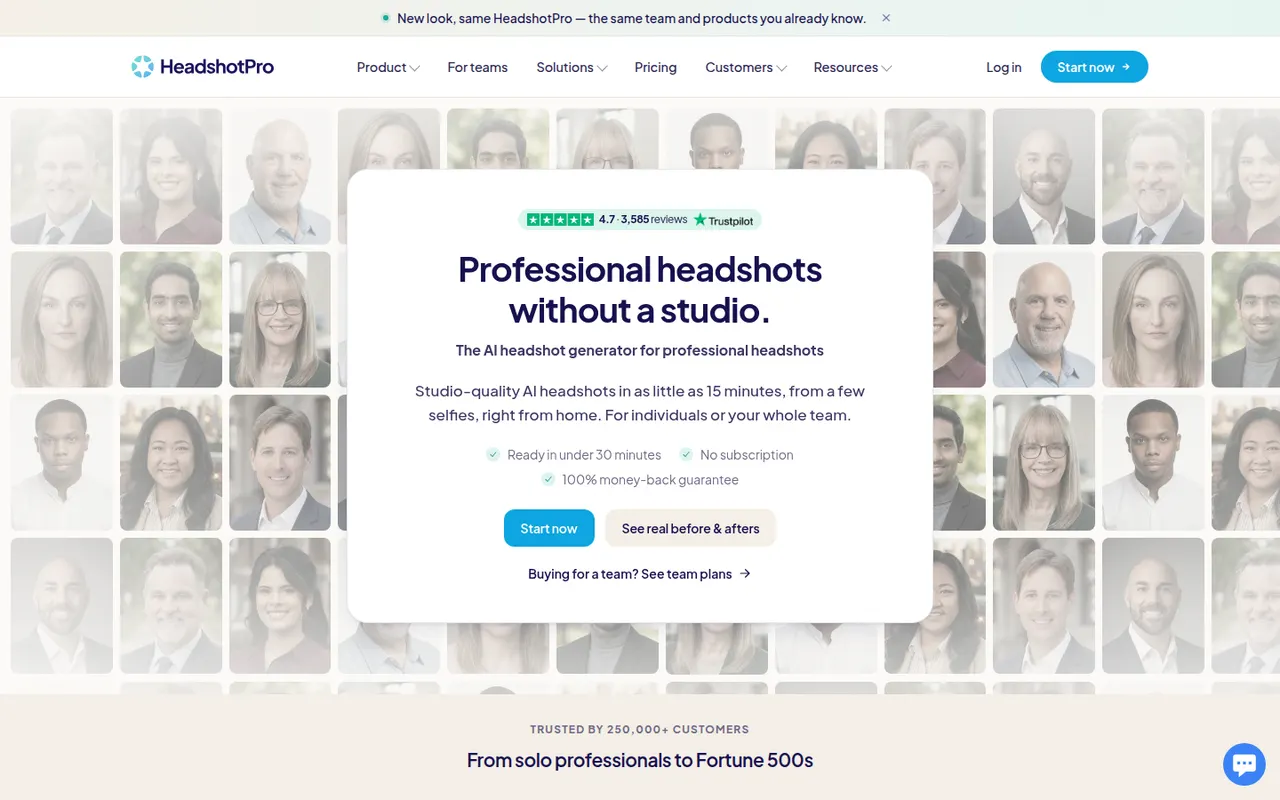
Cost / LicensePaidProprietaryCategoriesPlatformsFeaturesHeadshotPro generates corporate headshots from selfies for individuals and remote teams, with consistent backgrounds and outfits.
6 HeadshotPro alternativesPros
- Turns everyday selfies into corporate-style headshots
- Keeps backgrounds and outfits consistent across a team
- Saves organizing photo shoots for remote employees
Cons
- Paid only, with no free plan
- Some generated photos look artificial or off-likeness
- Styles lean corporate, with limited creative range
Cost / LicensePaidProprietaryCategoriesPlatforms