
Free InVideo AI alternatives
Top AI Video Generators like InVideo AI

All InVideo AI alternatives
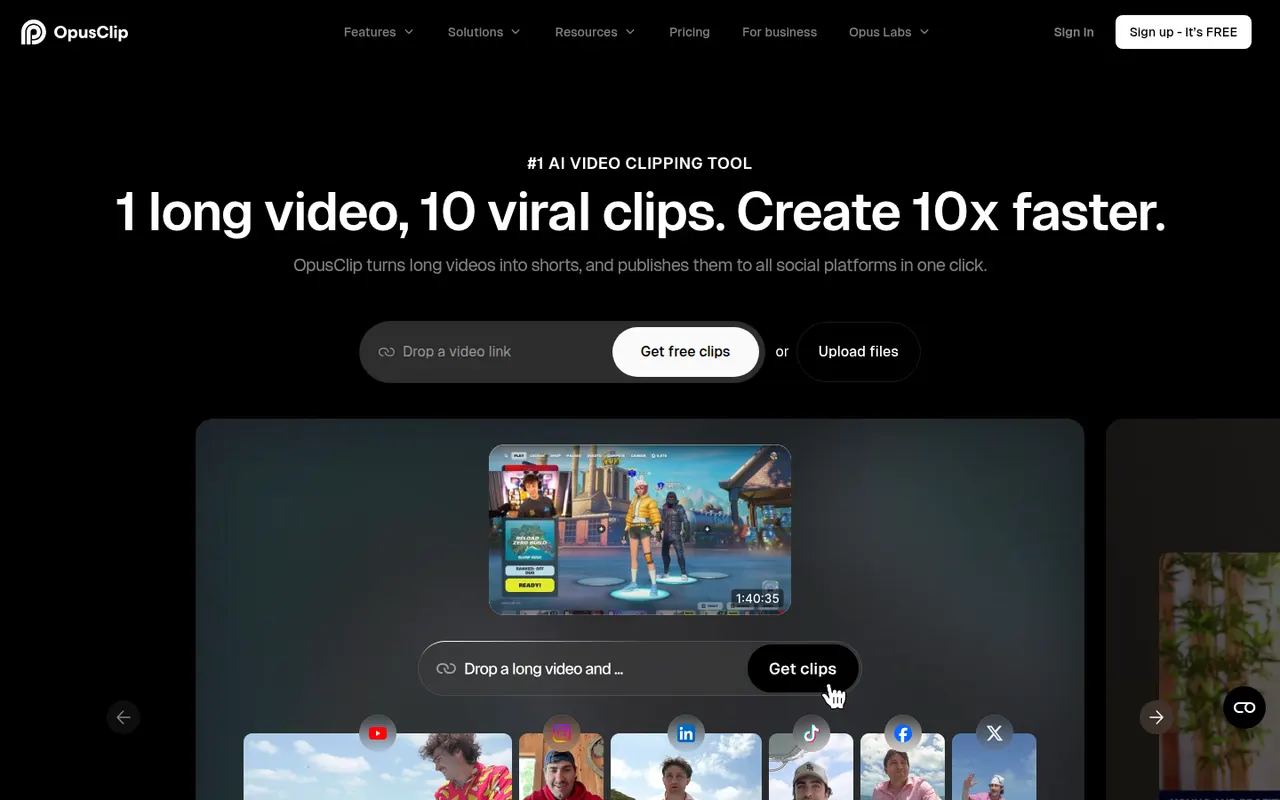
OpusClip analyzes long-form videos, finds the most engaging moments and reframes them into captioned vertical clips ready for social media.
17 OpusClip alternativesPros
- Finds engaging moments in long videos automatically
- Reframes and captions vertical clips for social media
- Schedules and posts clips to social networks
Cons
- Virality scores are only a rough guide to performance
- Free plan has limited credits and adds a watermark
- Works best with talking-head content
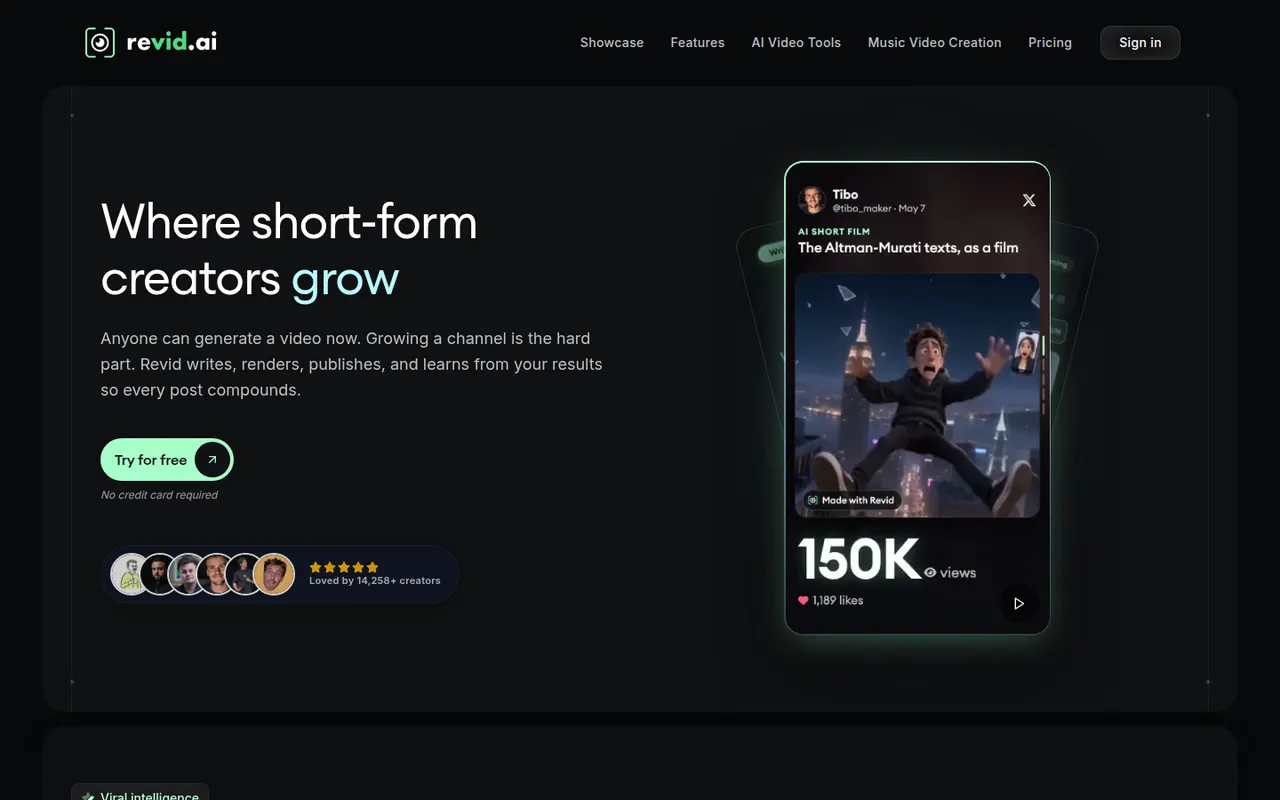
Cost / LicenseFreemiumProprietaryCategoriesPlatformsRevid AI helps creators produce short-form videos from ideas, articles or existing clips, with AI scripts, voices and trending templates.
11 Revid AI alternativesPros
- Turns ideas, articles or existing clips into short videos
- AI scripts and voices speed up production
- Templates inspired by trending short-form formats
Cons
- Template-driven videos can look similar to others
- Advanced features and higher limits need a paid plan
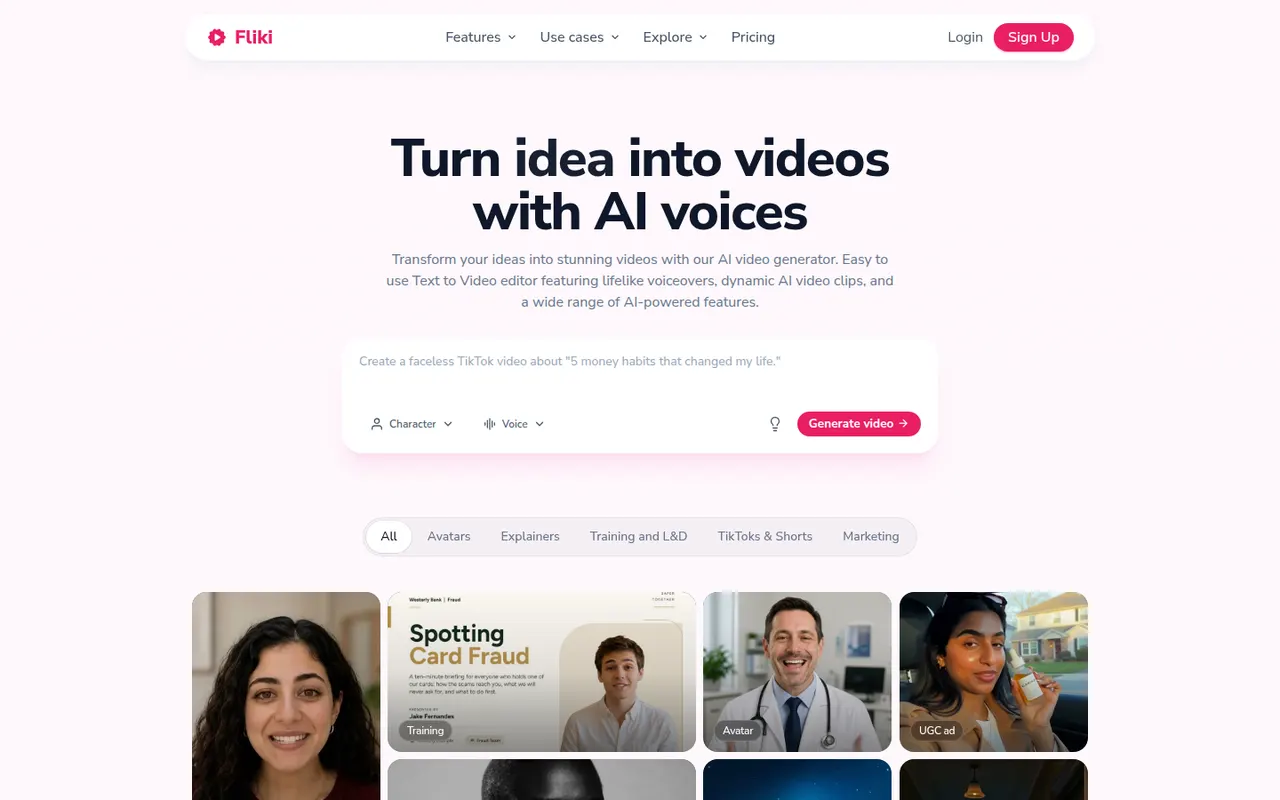
Cost / LicenseFreemiumProprietaryCategoriesPlatformsFliki is a web app that turns text, blog posts, presentations or ideas into narrated videos. It matches scenes with stock footage and images, adds AI voiceovers in many languages and accents, and can use avatars or a cloned voice. It suits marketers, educators and creators who want faceless videos or audio content without recording themselves.
12 Fliki alternativesPros
- Turns blog posts, scripts or slides into narrated videos
- AI voices in many languages and accents, plus voice cloning
- Scenes are matched with stock footage automatically
Cons
- Stock footage picks often need manual swapping
- Free plan is limited and adds a watermark
- Little room for custom footage or detailed editing
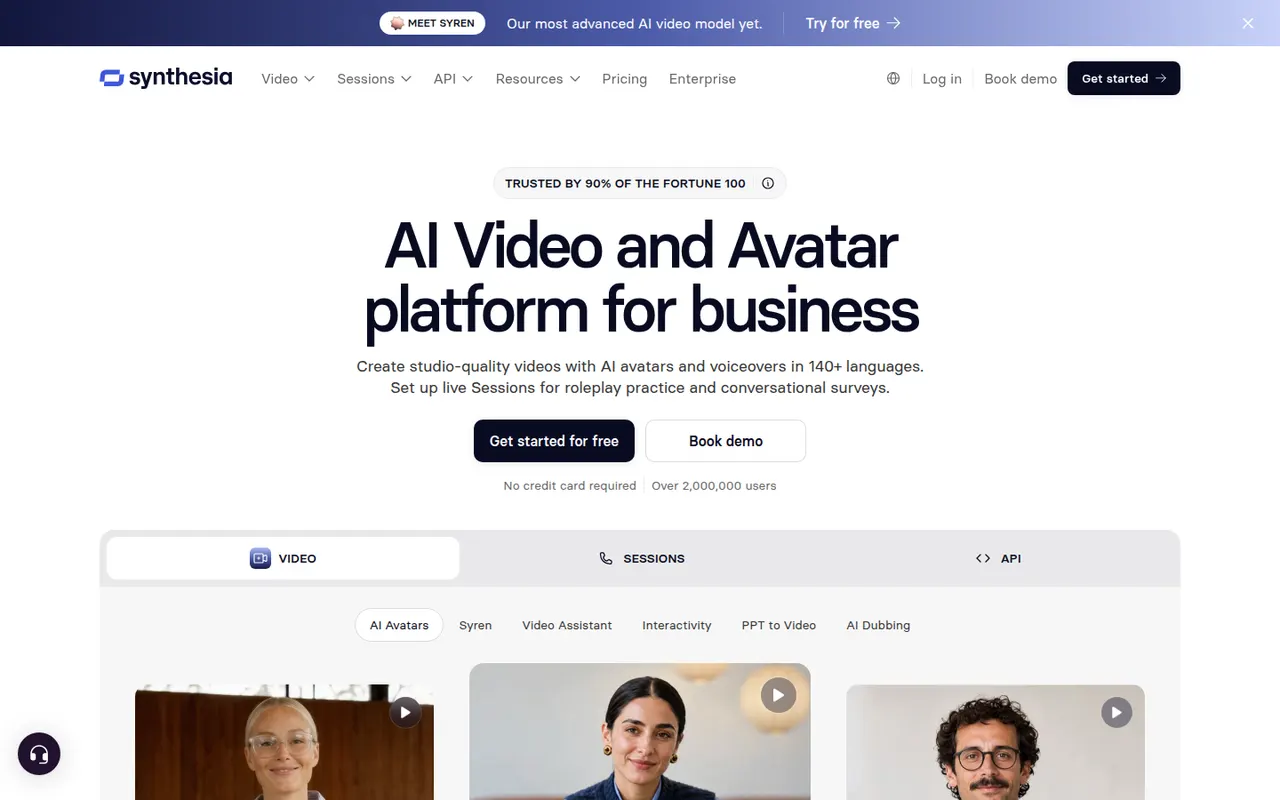
Cost / LicenseFreemiumProprietaryPlatformsSynthesia creates presenter-led videos from text using realistic AI avatars and voices in many languages, mostly for training and corporate communication.
12 Synthesia alternativesPros
- Realistic avatars and voices in many languages
- Update a video by editing text instead of reshooting
- Templates and team collaboration for corporate videos
Cons
- Avatars can feel stiff for emotional or creative content
- Free plan is very limited, with most features on paid tiers
Cost / LicenseFreemiumProprietaryCategoriesPlatformsColossyan is a web platform for creating training and explainer videos with AI avatars that read a script in many languages. It is aimed at learning and development teams, with features such as scenario-based conversations between avatars, quizzes, document-to-video conversion, brand kits and export to e-learning formats like SCORM.
7 Colossyan alternativesPros
- Scenario-based conversations between avatars for training
- Exports to e-learning formats such as SCORM
- Document-to-video conversion speeds up course creation
Cons
- Avatars can still look stiff in longer videos
- Free plan is limited, with key features on paid tiers
- Focused on corporate training rather than creative content
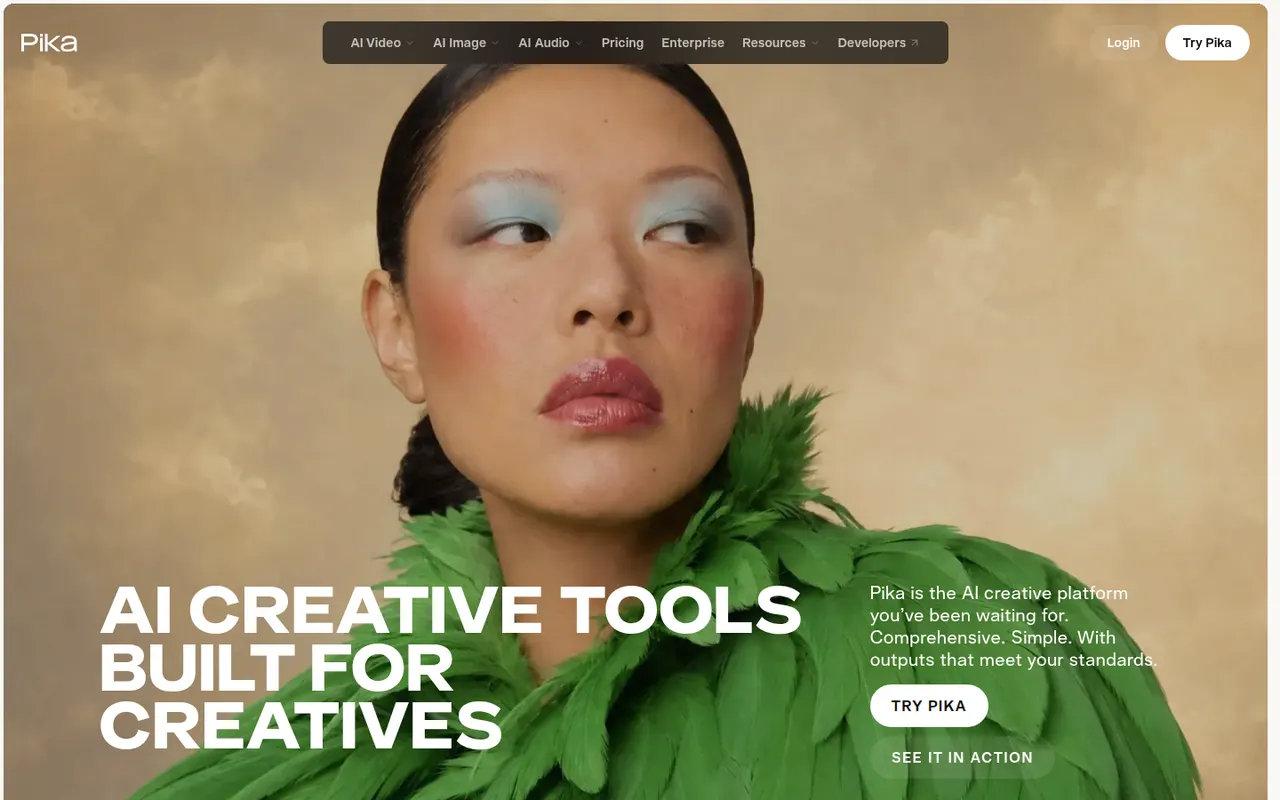
Cost / LicenseFreemiumProprietaryCategoriesPlatformsPika is an AI video generator that creates short clips from text prompts or images. Beyond plain generation, it is known for effect-driven tools that swap objects, add elements or apply stylized transformations to footage, which makes it popular for social media content. It runs in the browser and offers a free tier alongside paid plans with more credits.
8 Pika alternativesPros
- Effect tools swap objects or add elements to footage
- Fun, stylized results suited to social media content
- Free tier to experiment before paying
Cons
- Short clips, with less realism than leading video models
- Commercial use and more credits require a paid plan
Cost / LicenseFreemiumProprietaryCategoriesPlatformsKling AI is a video generation platform developed by Kuaishou, the company behind the Kwai short-video app. It creates clips from text or images with realistic motion and adds tools such as lip sync, video extension and image generation. A daily allowance of free credits lets users try it, with paid plans and an API for heavier use.
8 Kling AI alternativesPros
- Realistic motion in clips made from text or images
- Lip sync and video extension tools built in
- Daily free credits to try it out
Cons
- Generation can be slow when demand is high
- High-quality clips burn through credits quickly
- Ownership by a China-based company may raise data concerns
Cost / LicenseFreemiumProprietaryCategoriesPlatformsSora is OpenAI's video generation model, available through a web app and mobile apps for iOS and Android. It creates short clips with synchronized audio from text prompts or images, and the Sora app adds a social feed where users can remix videos and, with consent, appear in each other's creations. Developers can also access the model through the OpenAI API.
8 Sora alternativesPros
- Short clips with synchronized audio from text or images
- Social feed for discovering and remixing videos
- Available on web, iOS, Android and through the OpenAI API
Cons
- Cameo and remix features raise likeness and consent concerns
- Availability and generation limits vary by country and plan
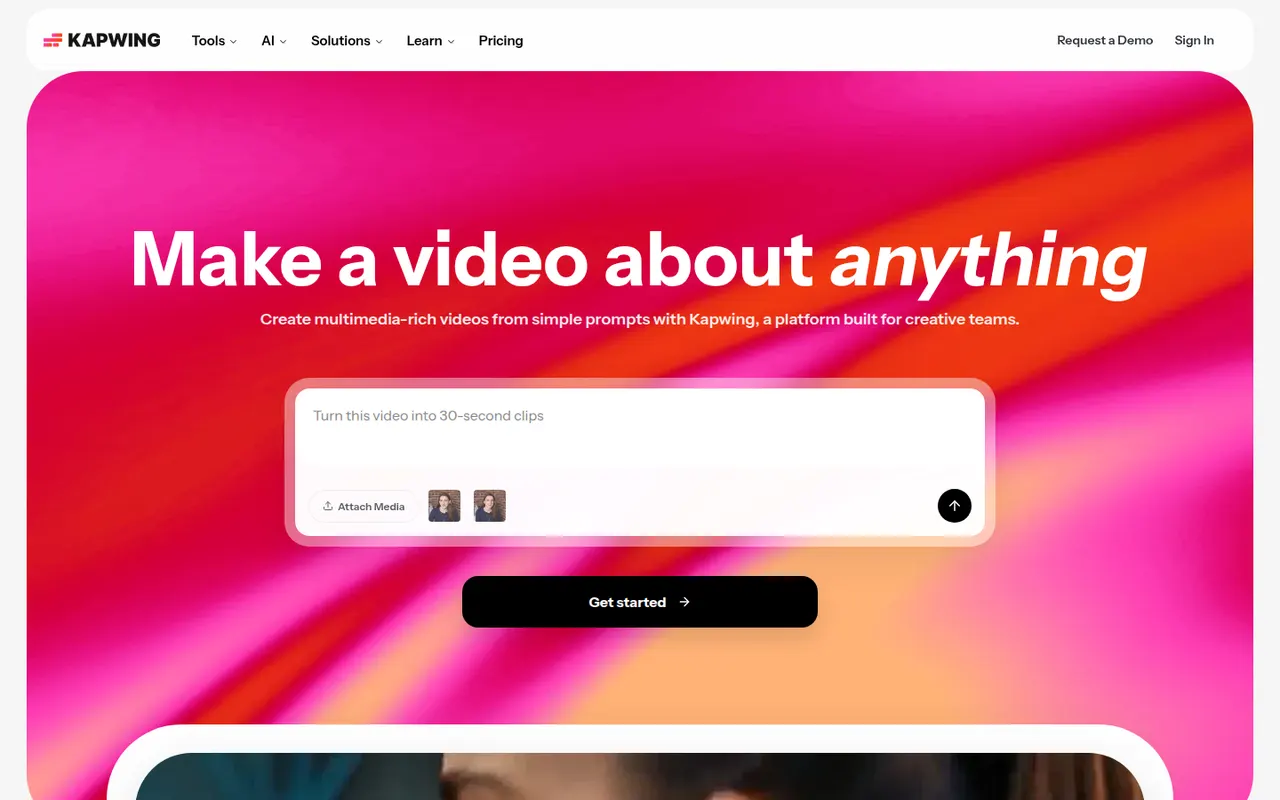
Cost / LicenseFreemiumProprietaryCategoriesKapwing is a browser-based video editor built for teams that produce content together in real time. It includes transcript-based editing, automatic subtitles and translation, silence removal, a clip maker for repurposing long videos, and templates for social formats. It requires no installation and offers a free plan with export limits.
9 Kapwing alternativesPros
- Real-time collaborative editing in the browser
- Automatic subtitles, translation and silence removal
- Clip maker repurposes long videos into social shorts
Cons
- Free plan exports are limited
- Browser editing struggles with long or heavy projects
- Fewer advanced controls than desktop editors
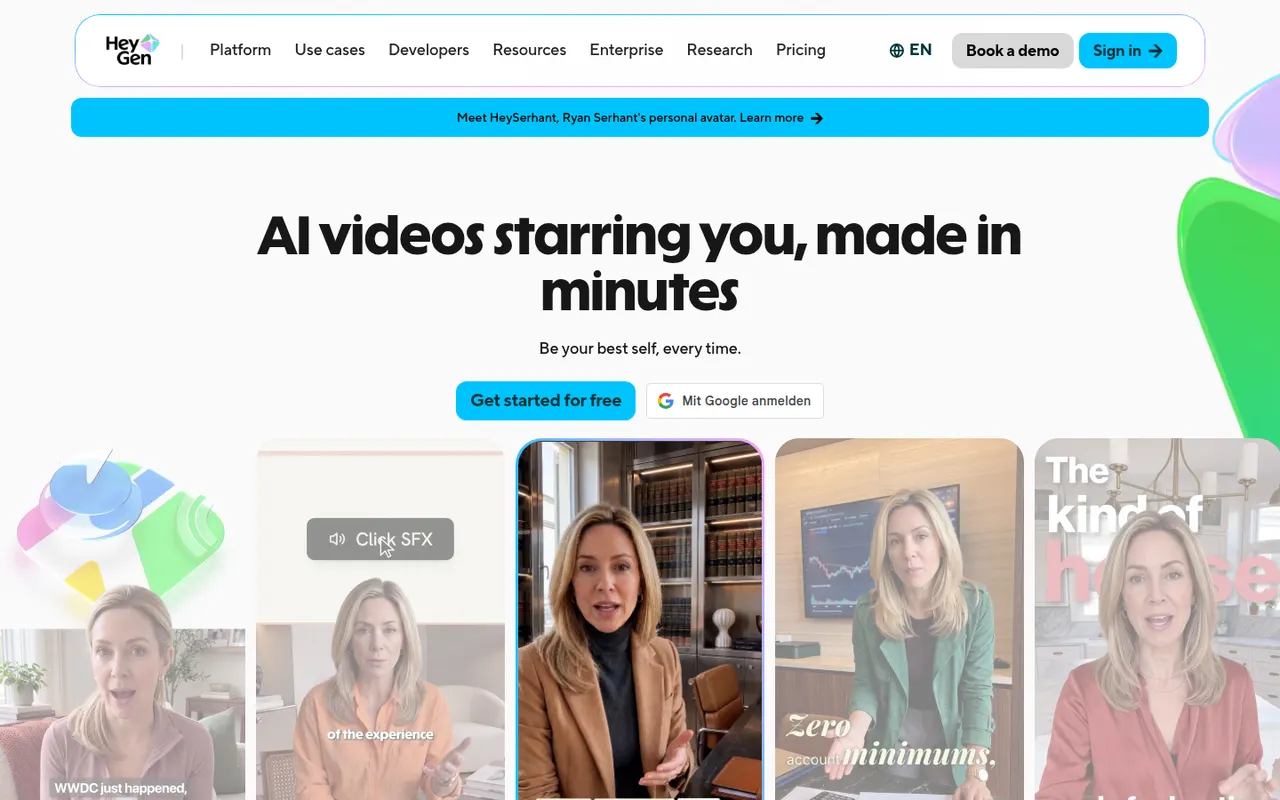
Cost / LicenseFreemiumProprietaryCategoriesPlatformsHeyGen generates videos with AI avatars, clones your own avatar and voice, and translates videos into other languages with lip-sync.
18 HeyGen alternativesPros
- Clone your own avatar and voice for presenter videos
- Video translation with lip-sync into other languages
- API for generating avatar videos at scale
Cons
- Free plan is limited and adds a watermark
- Avatars can show unnatural gestures in longer videos
- Credit usage adds up quickly on long videos
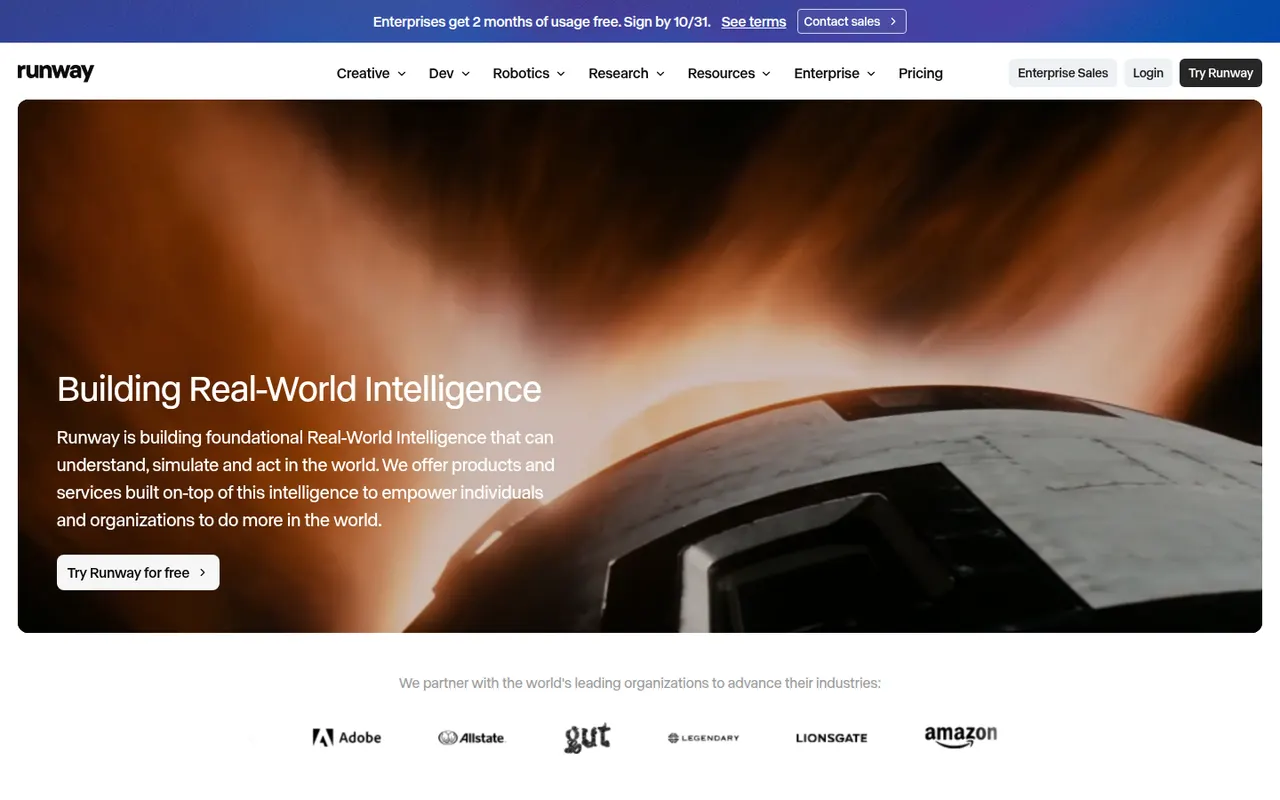
Cost / LicenseFreemiumProprietaryCategoriesPlatformsRunway is a web-based creative suite built around its own generative video models. It turns text prompts, images or existing clips into new footage, and adds AI tools for tasks such as removing backgrounds, expanding frames or restyling video. It is used by filmmakers, designers and agencies, and also offers an API and an iOS app.
8 Runway alternativesPros
- In-house video models that work from text, images or footage
- AI tools to remove backgrounds, expand frames or restyle clips
- API and iOS app alongside the web suite
Cons
- Credits run out fast on high-quality generations
- Free plan only gives a one-time batch of credits
- The range of tools means a steeper learning curve
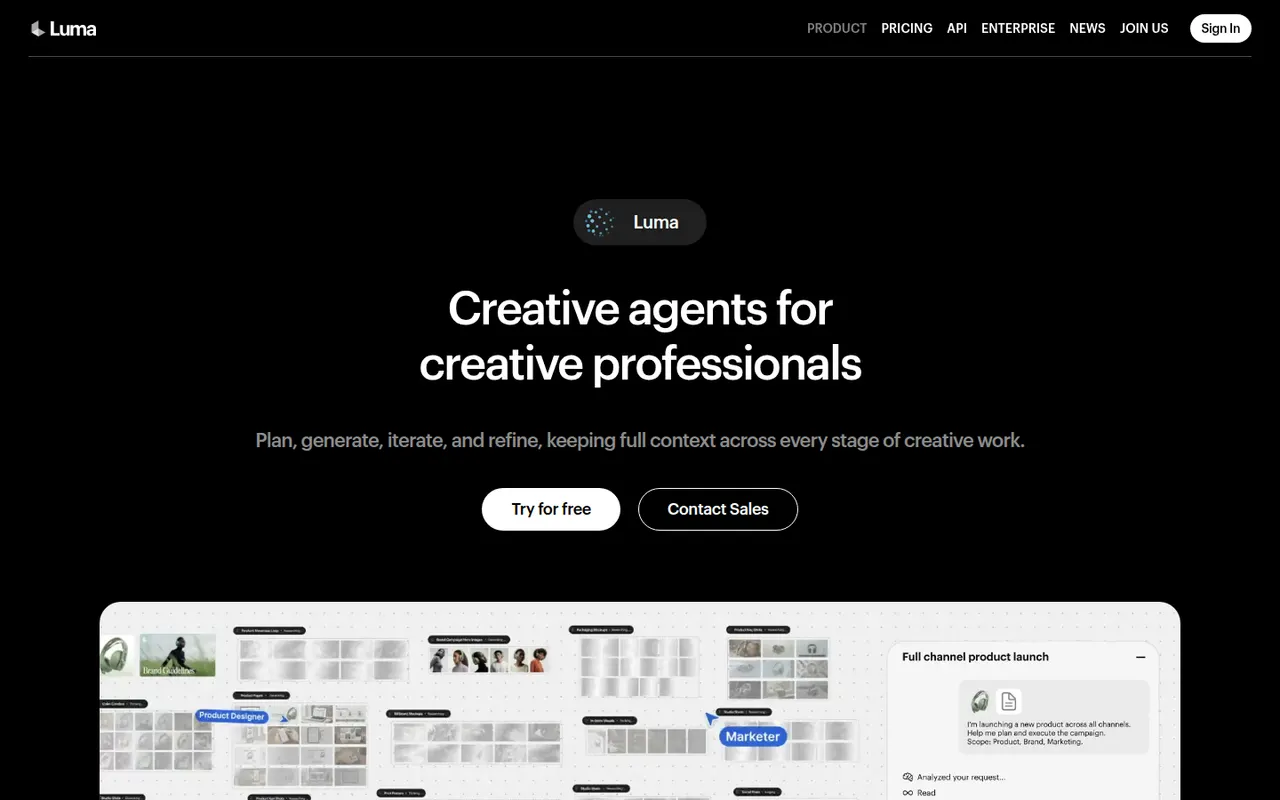
Cost / LicenseFreemiumProprietaryCategoriesDream Machine is Luma AI's creative app for generating video clips and images from text prompts or reference images. It runs on Luma's own models (Ray for video, Photon for images) and lets users iterate on a chat-like board, extend shots and control camera motion. It is available on the web and iOS, and the models are also offered through an API.
8 Luma Dream Machine alternativesPros
- Runs on Luma's own Ray video and Photon image models
- Chat-like board makes iterating on ideas easy
- Camera motion control and shot extension
Cons
- Clips are short and often need several attempts
- Free plan is limited, with better quality on paid plans
- No Android app, only the web and iOS
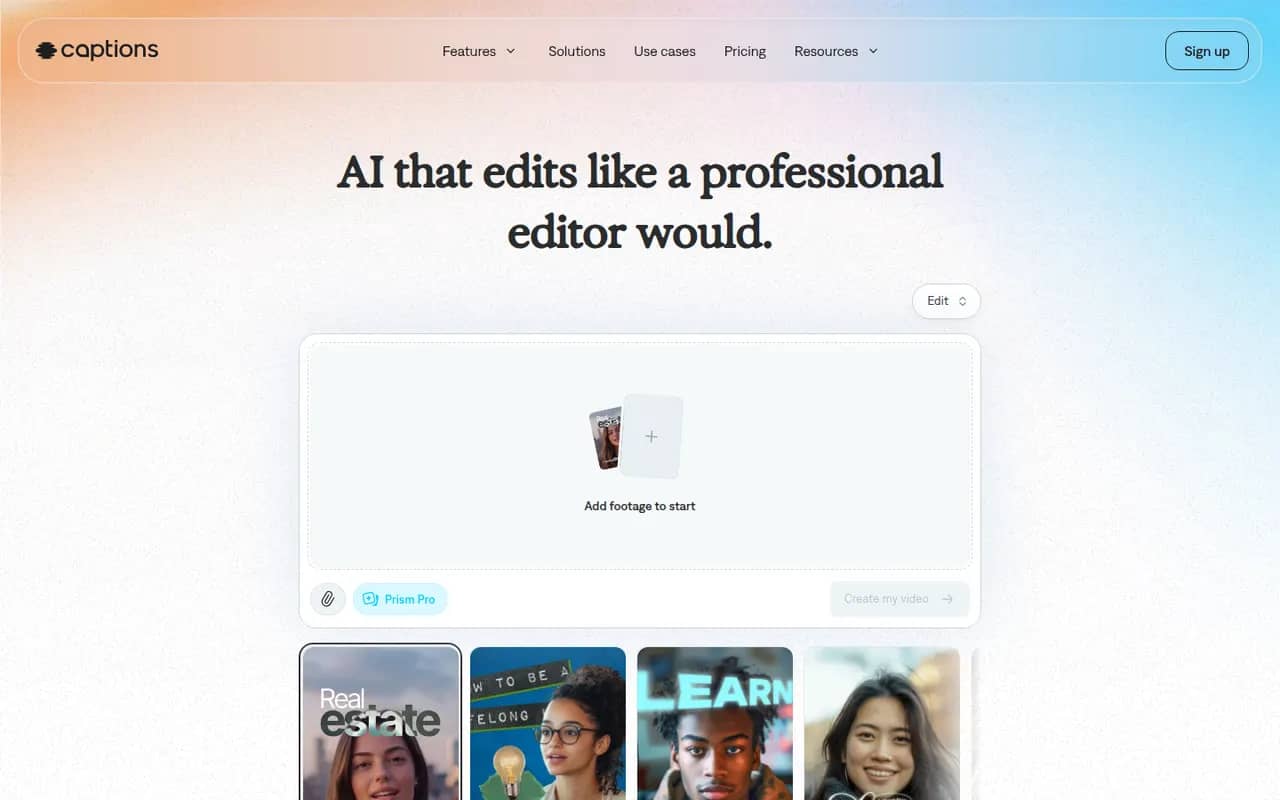
Cost / LicenseFreemiumProprietaryCategoriesCaptions is an AI-powered video creation app for people who talk on camera. It generates captions automatically, removes filler words and pauses, corrects eye contact, dubs videos into other languages and can produce videos with AI avatars from a script. It started on iPhone and is now also available on Android and the web.
11 Captions alternativesPros
- Automatic captions plus filler word and pause removal
- Eye contact correction and AI dubbing for talking videos
- Mobile-first editing on iPhone and Android, plus a web app
Cons
- Most AI features require a paid subscription
- Less suited to complex edits than a desktop video editor
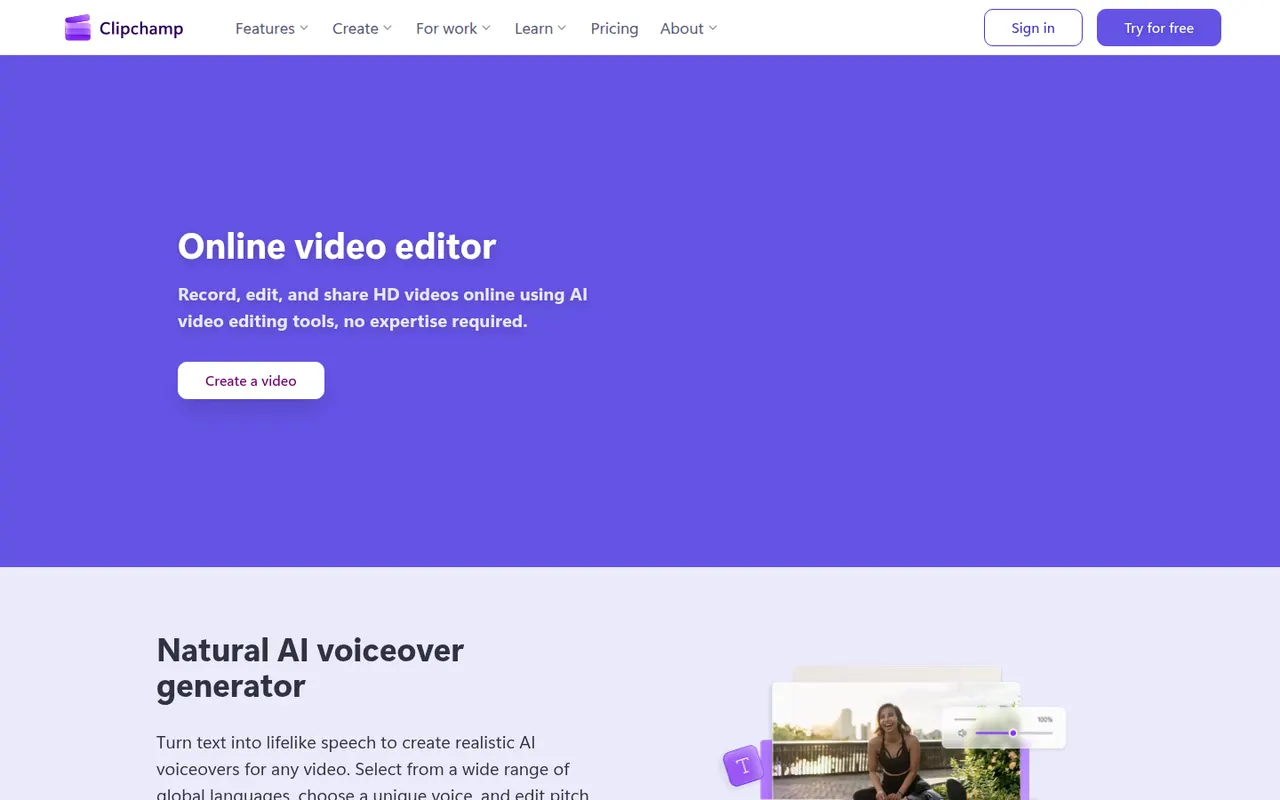
Cost / LicenseFreemiumProprietaryCategoriesClipchamp is Microsoft's easy video editor, included with Windows 11 and available in the browser and with Microsoft 365. It focuses on quick edits with templates, stock media, text-to-speech voiceovers, auto captions and green screen, which suits social videos, presentations and work updates. The free plan exports in 1080p, while Premium unlocks 4K and more stock content.
9 Clipchamp alternativesPros
- Included with Windows 11 and easy for beginners
- Templates, stock media and text-to-speech voiceovers built in
- Free plan exports in 1080p without a watermark
Cons
- 4K export and premium stock content require a paid plan
- Limited for advanced work such as multicam or detailed color grading
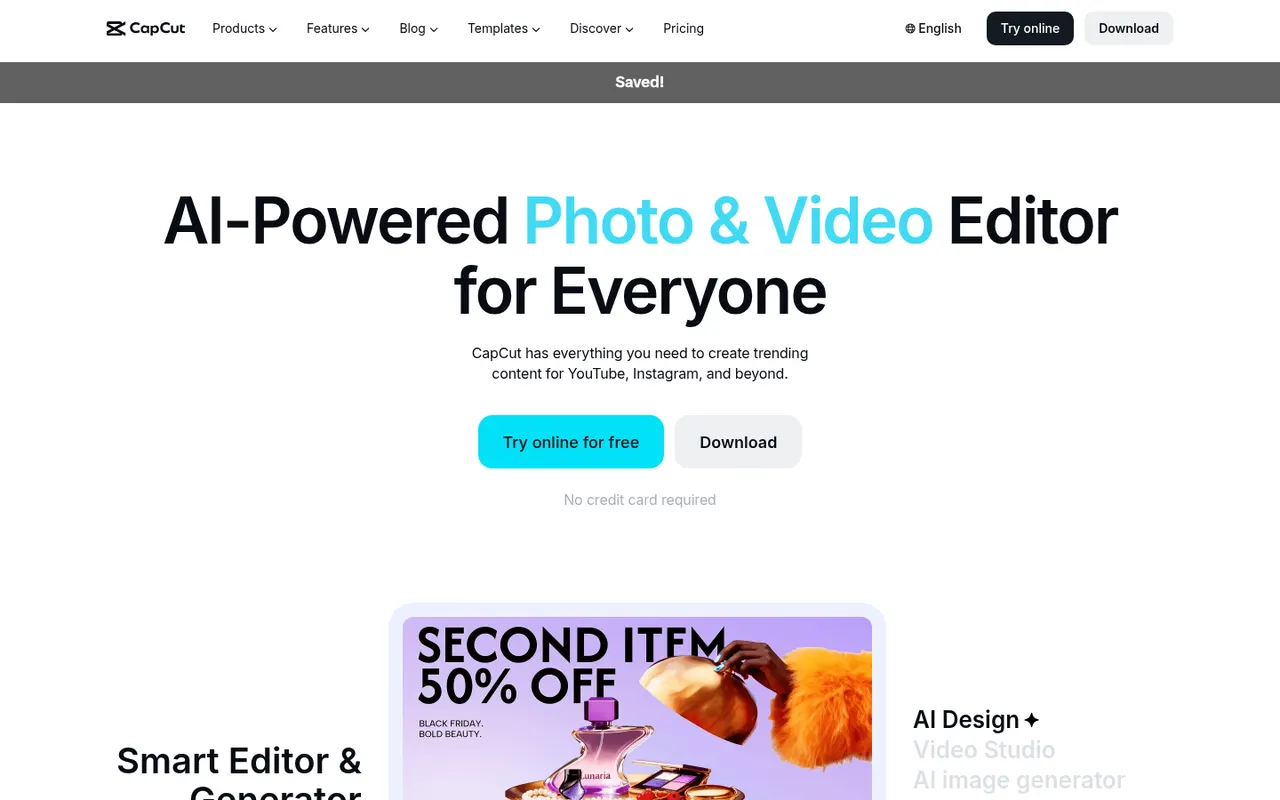
Cost / LicenseFreemiumProprietaryCategoriesCapCut is a video editor available on mobile, desktop and the web, with templates, effects, auto captions and AI tools aimed at short-form content.
23 CapCut alternativesPros
- Fast editing with templates and effects tuned for short-form video
- Auto captions and AI tools save time on social content
- Available on mobile, desktop and in the browser
Cons
- Many effects and AI tools require a Pro subscription
- Ownership by ByteDance raises data privacy questions
- Not built for long-form or professional editing
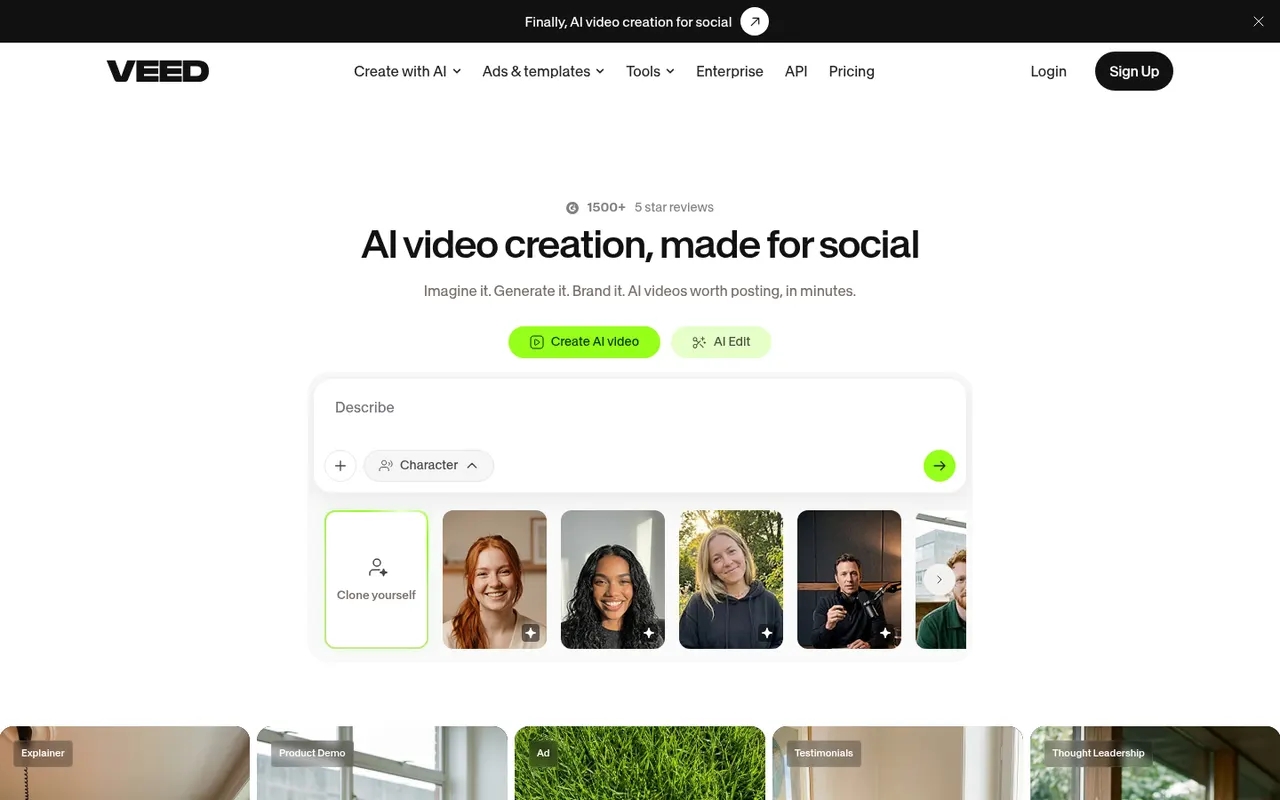
Cost / LicenseFreemiumProprietaryCategoriesVEED is a browser-based video editor with subtitles, translations, avatars and screen recording, built for teams producing social and marketing videos.
21 VEED alternativesPros
- Fast automatic subtitles and translations in the browser
- Screen recording and AI avatars in the same tool
- Team workspaces suit marketing and social video production
Cons
- Free plan exports carry a watermark
- Browser editing can lag on longer videos
- Advanced AI features require higher-tier plans
Cost / LicenseFreemiumProprietaryCategoriesPlatforms


































InVideo AI vs its alternatives at a glance
Pricing, platforms and the key features of InVideo AI, compared with its most popular alternatives.


InVideo AI alternatives: frequently asked questions
What is the best alternative to InVideo AI?
The most popular alternative to InVideo AI is OpusClip: Turn long videos into short viral clips with AI. Other great alternatives are Revid AI, Fliki, Synthesia, and Colossyan.
Is there a free alternative to InVideo AI?
Yes, 16 alternatives are free or have a free plan, including OpusClip, Revid AI, Fliki, and Synthesia.
Is there an open source alternative to InVideo AI?
No open source alternative to InVideo AI is listed yet.
Is InVideo AI free?
InVideo AI has a free plan, with paid plans that unlock more features.
Compare InVideo AI with its alternatives


Sponsored listings and products made by the publisher of this site are always labeled. How we rank · Know a good alternative? Submit it