
Trello alternatives
Top Project Management like Trello
The most popular alternative to Trello is Asana, which has a free version. Other great alternatives to Trello are monday.com, ClickUp, Notion, and Microsoft Planner.
Most alternatives to Trello are in the Project Management category, compared here by price, platform and features.
All Trello alternatives
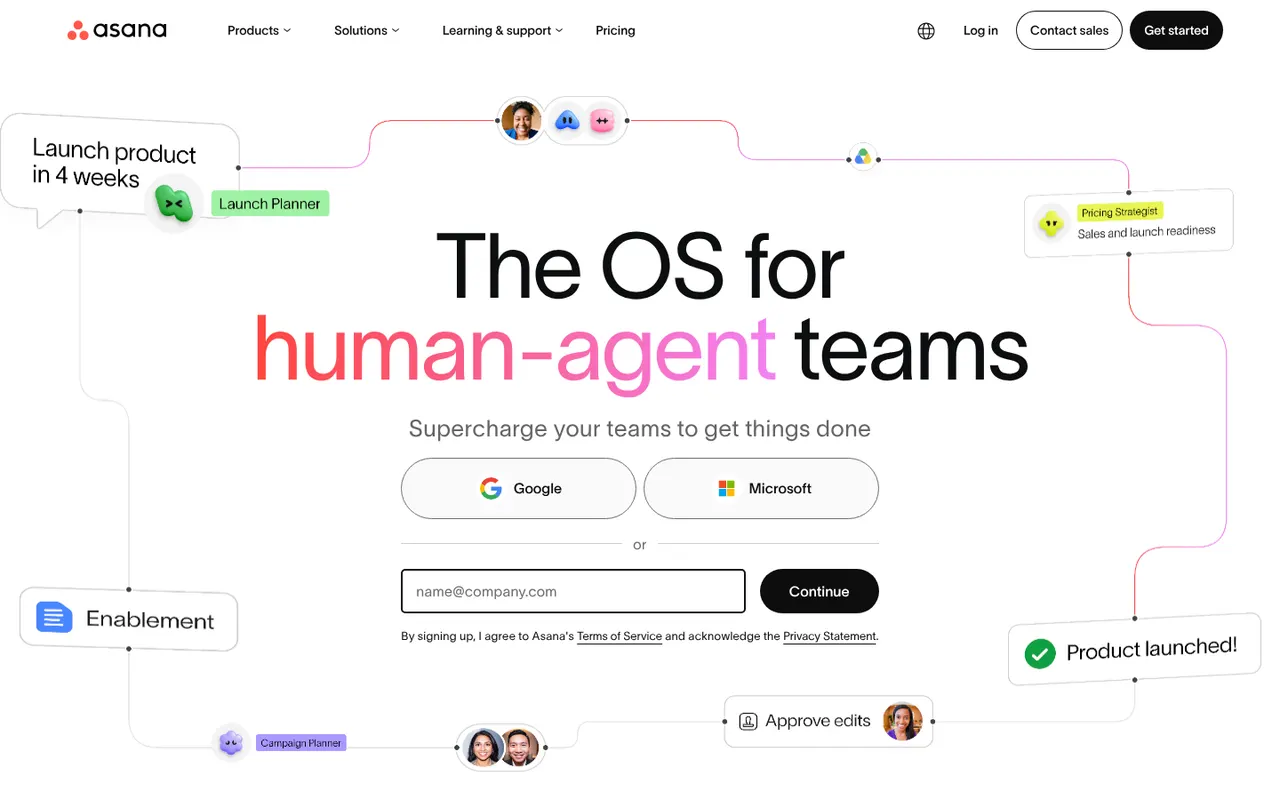
Asana helps teams plan projects, assign tasks and track progress in list, board, timeline and calendar views. It is aimed at cross-functional teams in mid-size and large companies, with portfolios and goals to follow work across departments, rule-based automations, a large catalog of integrations and built-in AI features.
12 Asana alternativesPros
- List, board, timeline and calendar views for the same project
- Goals and portfolios connect work across departments
- Large catalog of integrations and rule-based automations
Cons
- Per-seat pricing gets expensive as teams grow
- Timeline, goals and portfolios require paid plans
- A task can only have one assignee
Cost / LicenseFreemiumProprietaryCategoriesmonday.com is a work management platform where teams build boards with custom columns to track projects, requests or pipelines, then switch between table, Kanban, Gantt and calendar views. No-code automations, dashboards and integrations make it suit operations, marketing and other non-technical teams, and the same platform powers the separate monday CRM and monday dev products.
12 monday.com alternativesPros
- Colorful, flexible boards adapt to projects, requests or pipelines
- No-code automations and dashboards that non-technical teams can build
- Switch between table, Kanban, Gantt and calendar views
Cons
- Seats are sold in bundles, which raises the cost for small teams
- Automation and integration actions are capped by plan
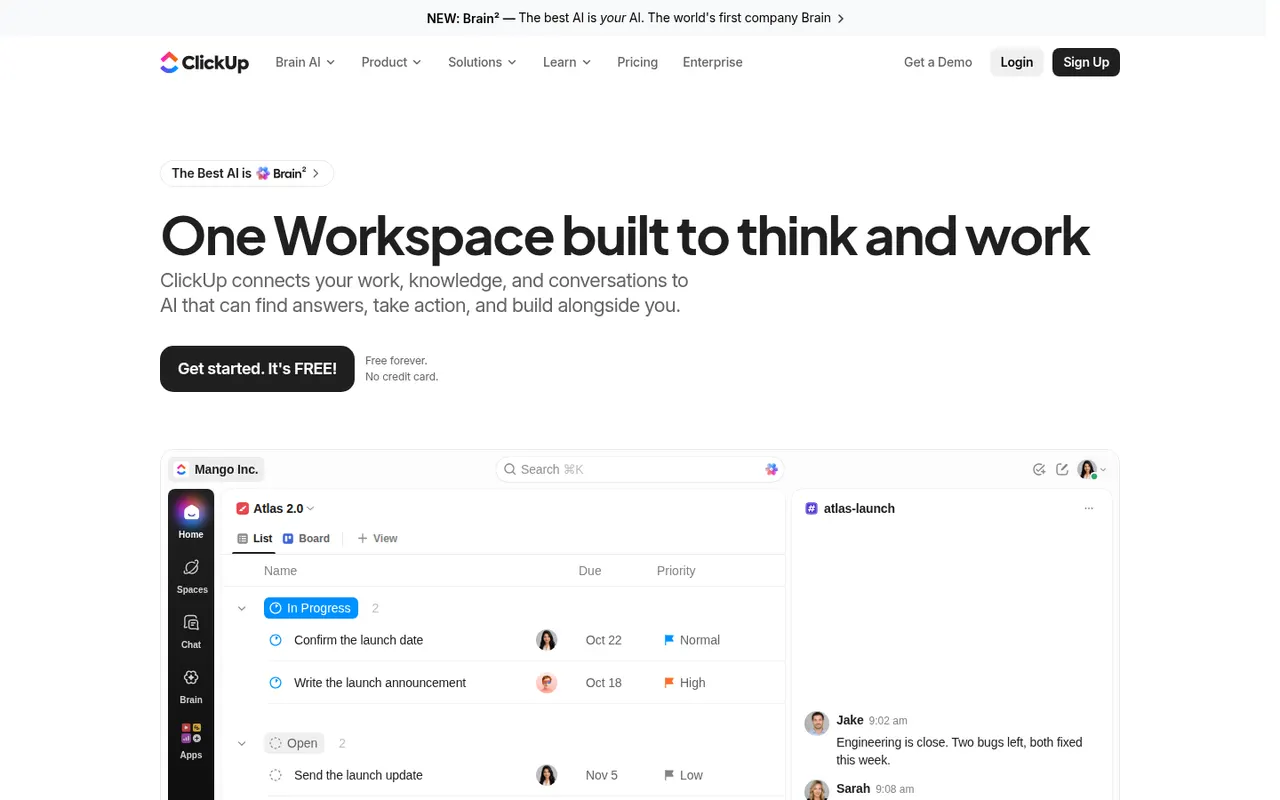
Cost / LicenseFreemiumProprietaryCategoriesClickUp combines tasks, documents, whiteboards, goals, chat and time tracking in a single workspace, with more than a dozen views including list, board, Gantt and calendar. Its depth and customization appeal to teams that want to replace several tools at once, and ClickUp Brain adds AI search, writing and summaries across the workspace.
12 ClickUp alternativesPros
- Tasks, docs, whiteboards, goals and chat in a single workspace
- More than a dozen views, from list and board to Gantt and calendar
- Deep customization of fields, statuses and automations
Cons
- The sheer number of features creates a steep learning curve
- The interface can feel slow and cluttered in large workspaces
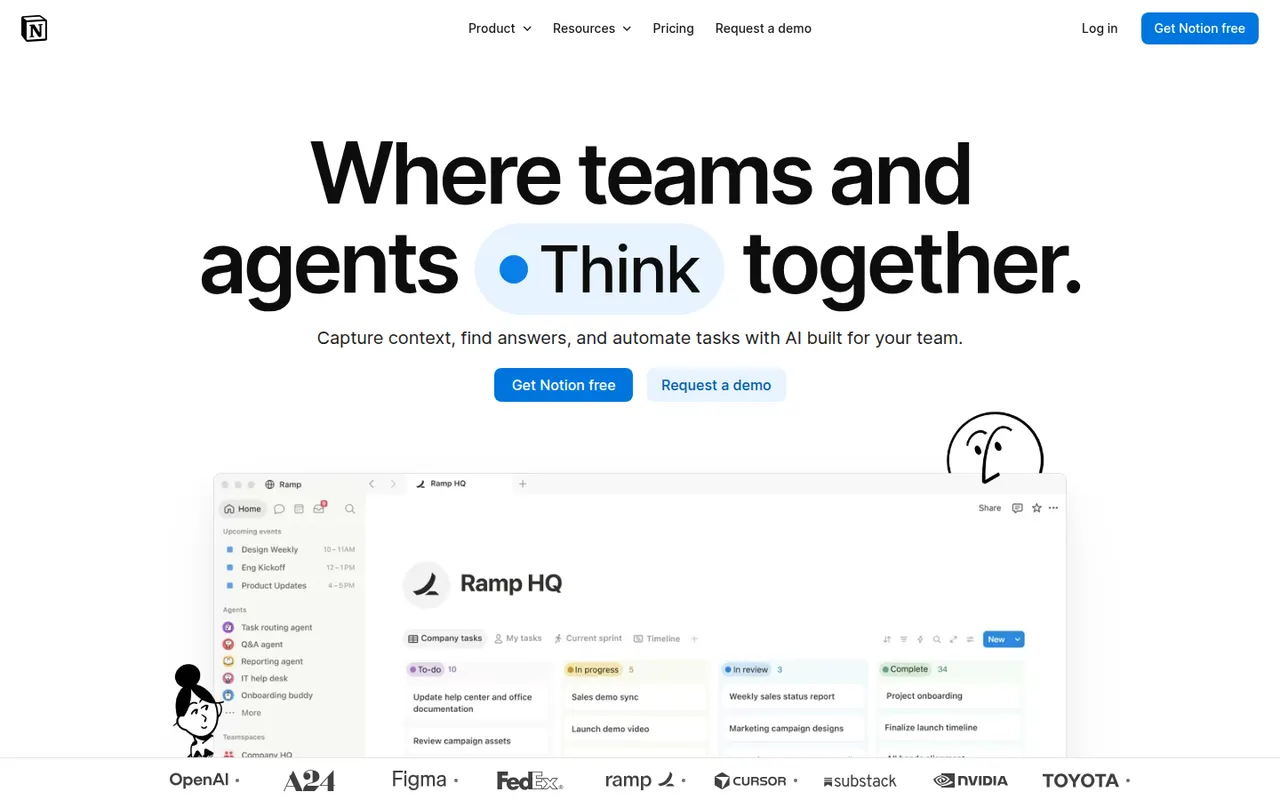
Cost / LicenseFreemiumProprietaryCategoriesNotion combines notes, documents, databases and project management in a flexible block-based workspace, with an integrated AI assistant.
17 Notion alternativesPros
- Docs, wikis and databases combined in one flexible workspace
- Large template gallery for roadmaps, trackers and wikis
- Real-time collaboration with comments, mentions and an API
Cons
- Databases and relations take time to master
- Offline access is limited compared with local-first apps
- Large workspaces can feel slow to load
Cost / LicenseFreemiumProprietaryCategoriesMicrosoft Planner is the task and project planning app of Microsoft 365, usable on the web, inside Teams and on mobile. Basic plans offer Kanban-style boards, charts and a schedule view, while premium plans, which absorbed Project for the web, add timelines with dependencies, sprints and Copilot assistance.
10 Microsoft Planner alternativesPros
- Included in Microsoft 365 and usable directly inside Teams
- Simple Kanban boards that anyone can pick up quickly
- Assigned tasks also appear in Microsoft To Do
Cons
- Basic plans lack dependencies, timelines and advanced reporting
- Mainly practical for organizations already on Microsoft 365
- Premium planning features and Copilot cost extra
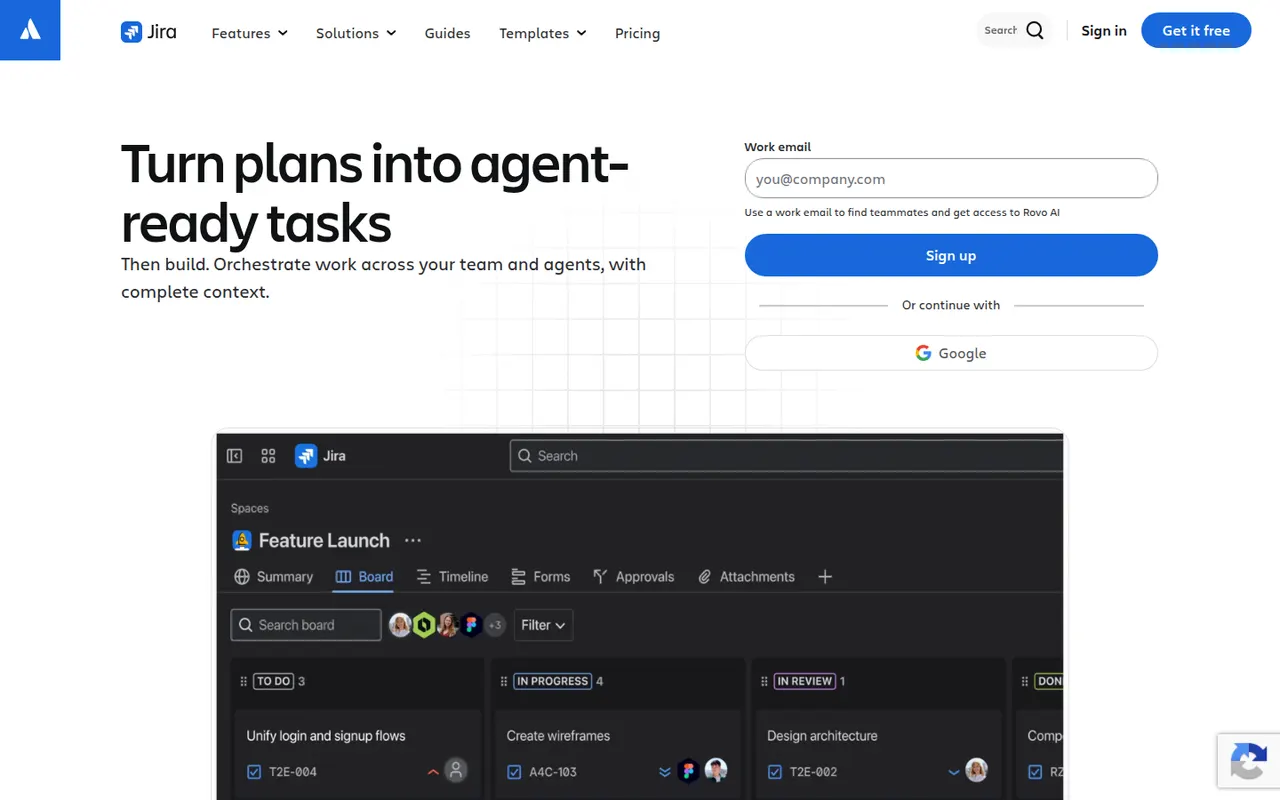
Cost / LicensePaidProprietaryCategoriesJira is Atlassian's tracker for software teams, built around issues, Scrum and Kanban boards, backlogs, sprints and configurable workflows. It connects to Confluence, Bitbucket and GitHub, offers a large marketplace of apps and rule-based automation, and is available in the cloud or as a self-managed Data Center edition for large organizations.
12 Jira alternativesPros
- Mature Scrum and Kanban boards with backlogs and sprints
- Highly configurable workflows, fields and automation rules
- Tight links with Confluence, Bitbucket and GitHub, plus a large app marketplace
Cons
- Complex to set up and administer without a dedicated admin
- Can feel heavy and slow for small teams or simple projects
- Marketplace apps add to the cost on top of per-user pricing
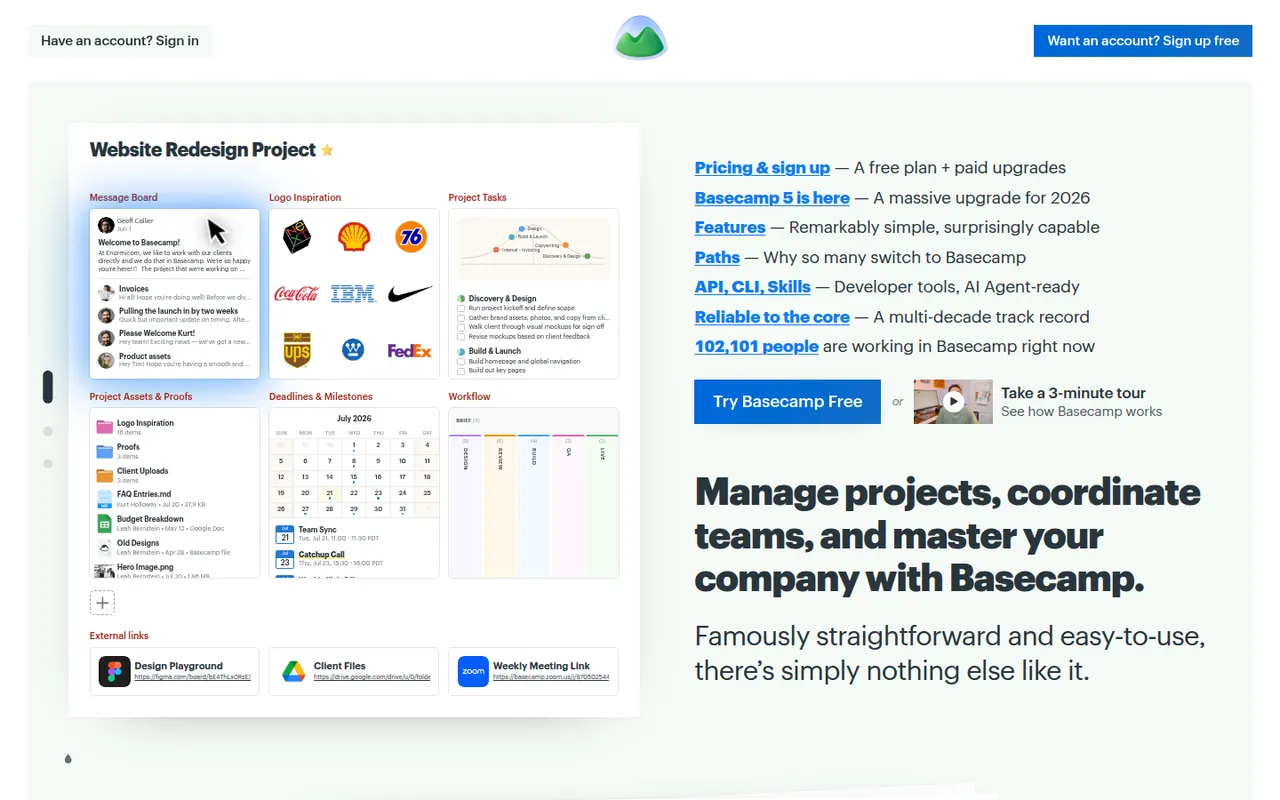
Cost / LicenseFreemiumProprietaryCategoriesPlatformsBasecamp, made by 37signals, gives each project its own space with to-dos, a message board, schedule, documents, a card table and group chat, cutting down on email and status meetings. It favors calm, asynchronous communication over Gantt charts and heavy reporting, which suits agencies and small companies that work with clients.
9 Basecamp alternativesPros
- Each project gathers to-dos, messages, files, schedule and chat
- Calm, asynchronous approach cuts down on email and status meetings
- Clients can be invited into projects with controlled visibility
Cons
- No Gantt charts, task dependencies or detailed reporting
- Less customizable than tools like ClickUp or monday.com
- The free plan covers only a single project
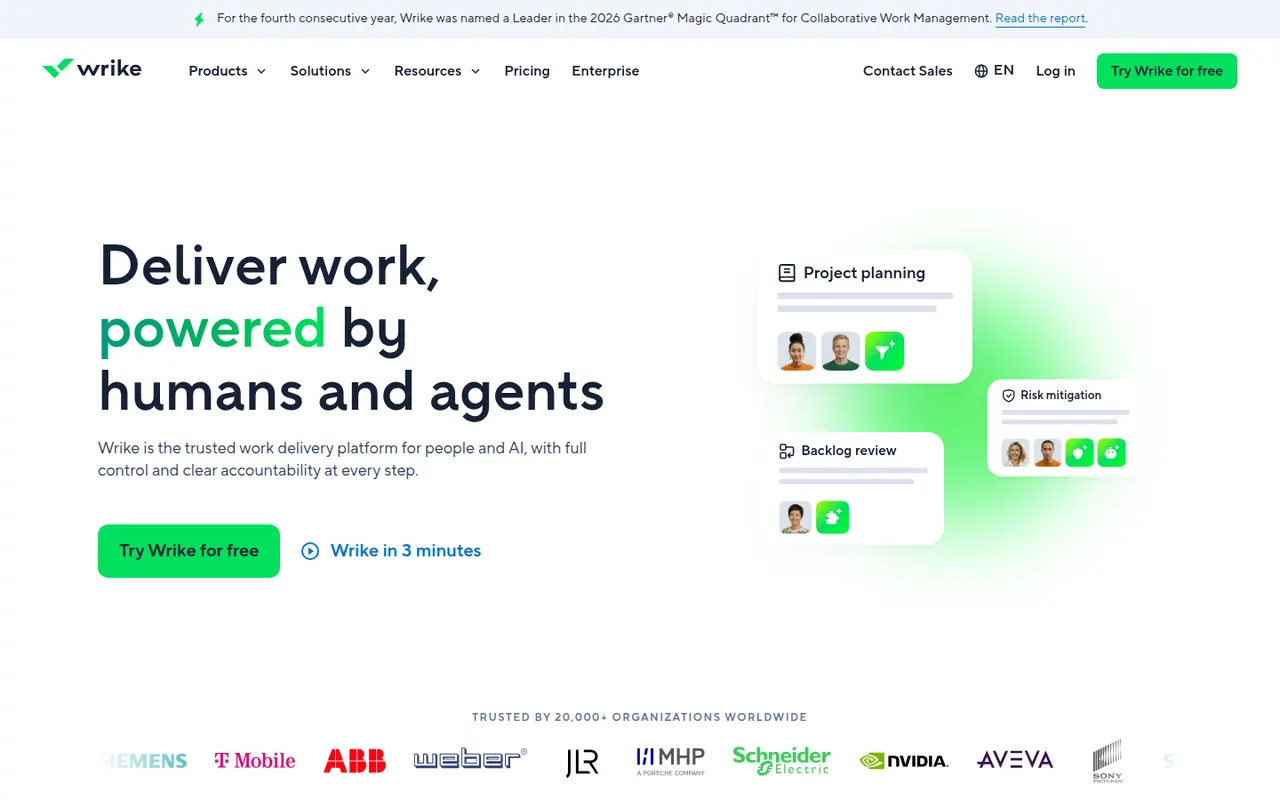
Cost / LicenseFreemiumProprietaryCategoriesWrike is a work management platform for organizations that run many projects at once, combining Gantt charts, Kanban boards, workload views and built-in time tracking. Custom request forms, approval workflows, tasks shared across several projects and AI features help marketing, professional services and PMO teams standardize how work is planned and delivered.
11 Wrike alternativesPros
- Handles many parallel projects with Gantt, Kanban and workload views
- Custom request forms and approval workflows standardize intake
- Built-in time tracking and tasks shared across several projects
Cons
- Steep learning curve and a dense interface
- Advanced features and analytics sit in the more expensive tiers
- Often overkill for small teams with simple needs
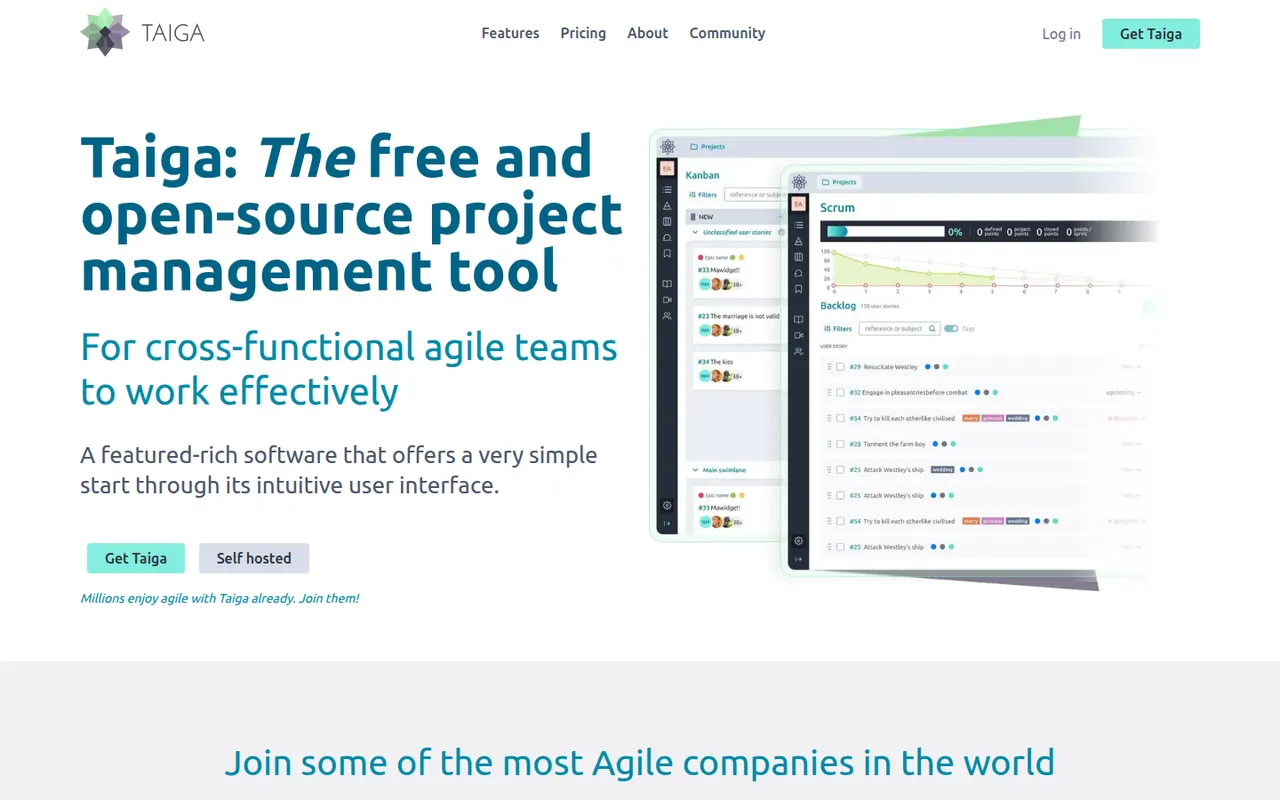
Cost / LicenseFreemiumProprietaryCategoriesTaiga is an open source project management tool for agile teams, offering Scrum backlogs with sprints and user stories, Kanban boards, issue tracking and a project wiki. Developed by Kaleidos, it can be self-hosted or used as a hosted service at taiga.io, and its clean interface also suits designers and product people, not only developers.
7 Taiga alternativesPros
- Open source, with Scrum backlogs, sprints and Kanban boards
- Clean interface that also suits designers and product people
- Can be self-hosted or used as a hosted service
Cons
- Fewer integrations than mainstream project management tools
- Limited reporting and cross-project views for larger organizations
- Self-hosting requires technical know-how
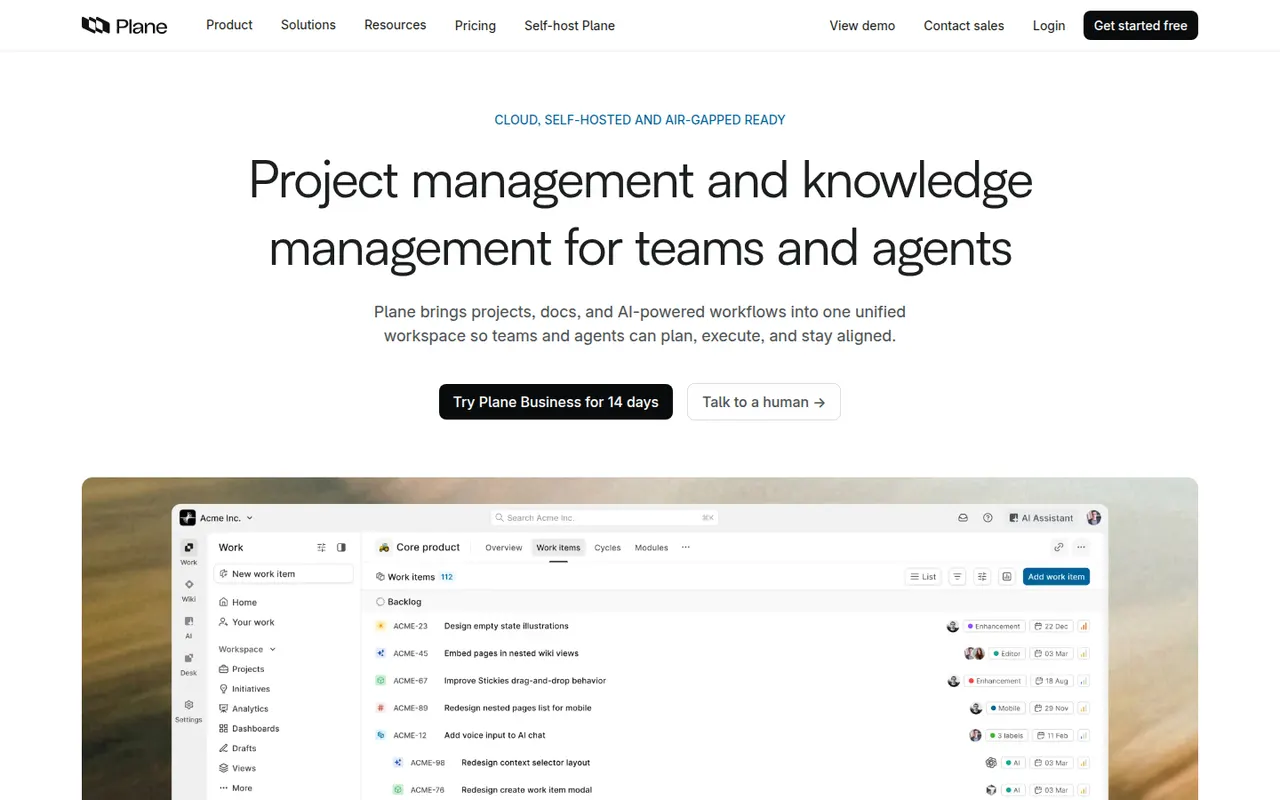
Cost / LicenseFreemiumOpen sourceCategoriesPlatformsPlane is an open source project management tool for software teams, covering issues, cycles, modules, pages and several layouts including list, Kanban, calendar and spreadsheet. It positions itself as a self-hostable alternative to Jira and Linear, and is also offered as a hosted cloud service with a free tier and paid plans.
8 Plane alternativesPros
- Open source, self-hostable alternative to Jira and Linear
- Modern interface with list, Kanban, calendar and spreadsheet layouts
- Cycles, modules and pages cover planning and docs in one place
Cons
- Younger product with fewer integrations than established trackers
- Some advanced features are limited to paid editions
- Self-hosting means handling upgrades and backups yourself
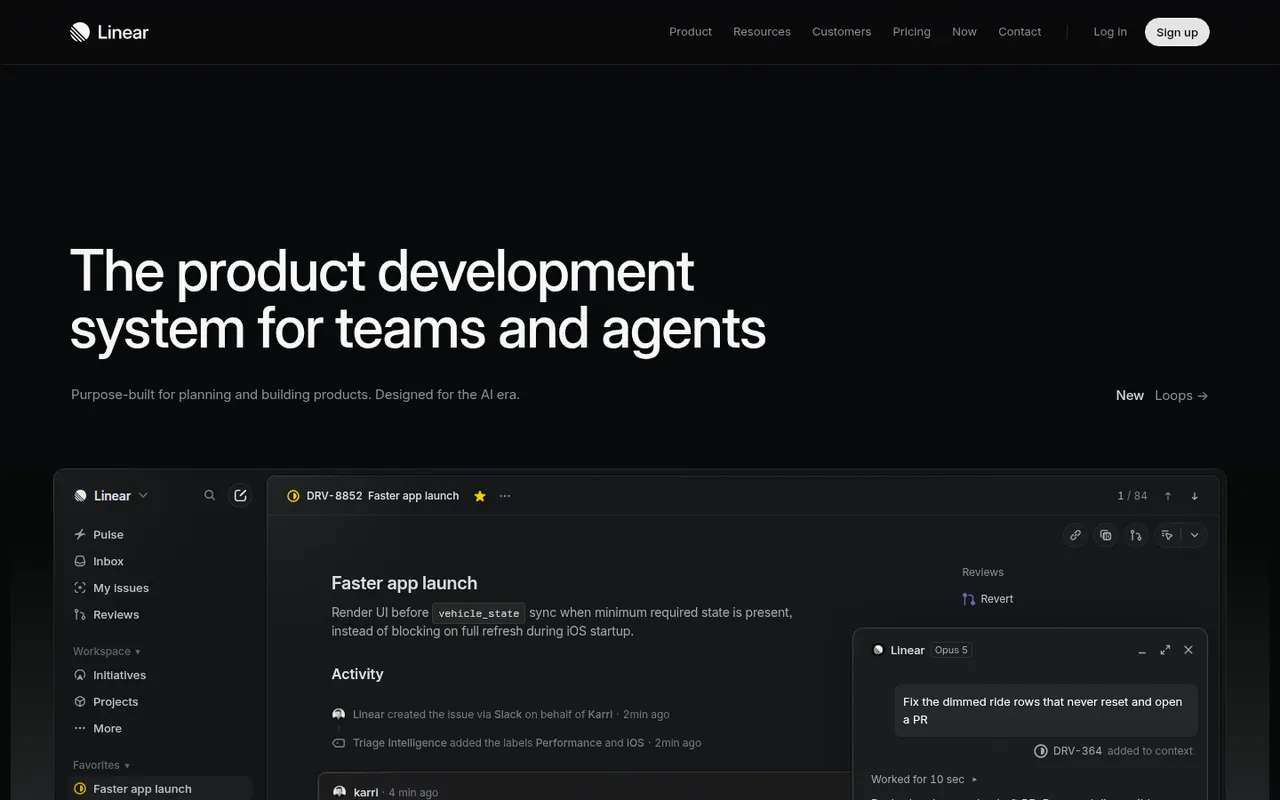
Cost / LicenseFreemiumOpen sourceCategoriesPlatformsLinear is an issue tracker for software teams that emphasizes speed, keyboard shortcuts and an opinionated workflow with cycles, projects, roadmaps and triage. It syncs with GitHub and GitLab to update issues from pull requests, integrates with Slack and support tools, and exposes a GraphQL API for custom automation.
9 Linear alternativesPros
- Fast interface built around keyboard shortcuts
- GitHub and GitLab sync updates issues from pull requests
- Cycles, projects and roadmaps follow a clear, opinionated workflow
Cons
- The opinionated workflow leaves little room for custom processes
- Designed for software teams, less suited to other departments
- Cloud only, with no self-hosted option
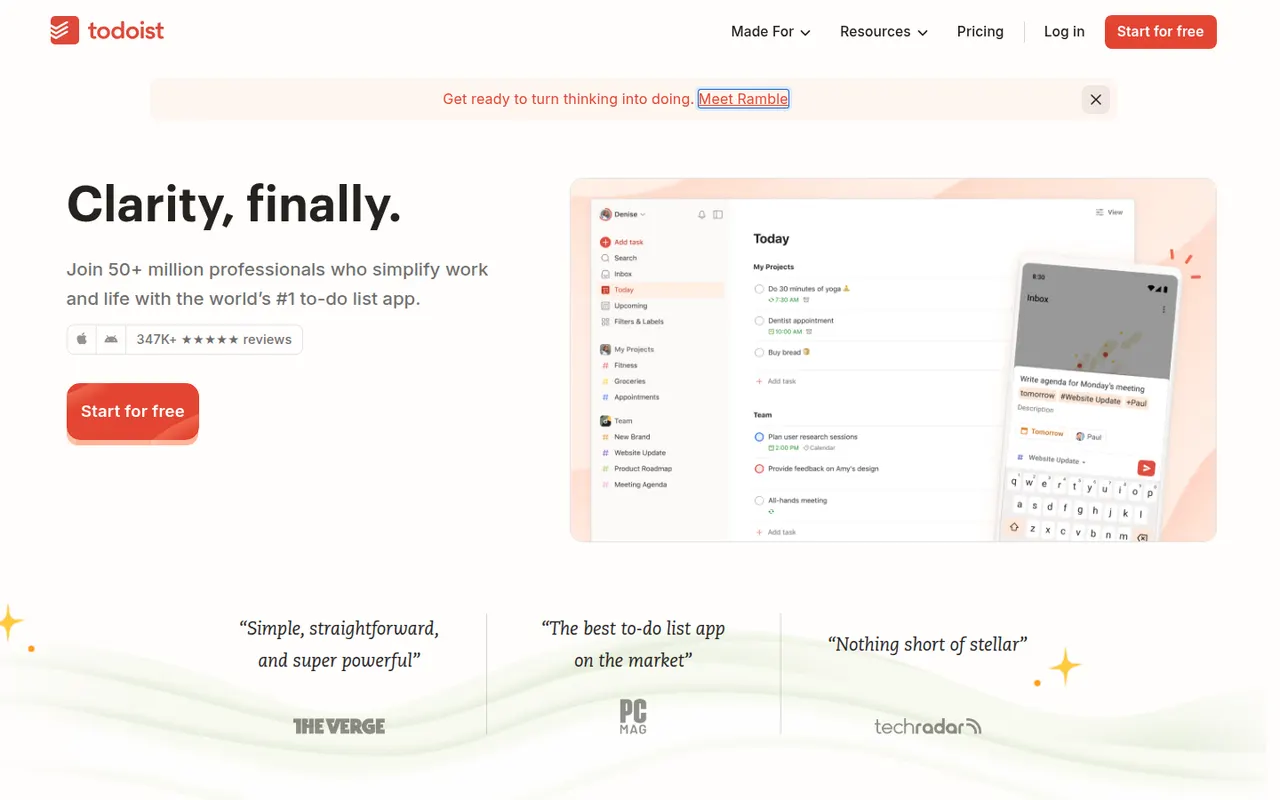
Cost / LicenseFreemiumProprietaryCategoriesTodoist is a task manager by Doist that captures tasks quickly with natural language dates, such as every Monday at 9am, and organizes them into projects, sections, labels and filters. It runs on almost every platform, offers list, board and calendar layouts, supports shared projects for small teams and integrates with calendars, email and many other apps.
12 Todoist alternativesPros
- Fast natural language capture for dates and recurring tasks
- Runs on almost every platform with reliable sync
- Projects, labels and filters scale from simple to complex lists
Cons
- Several useful features are limited to paid plans
- Collaboration is basic for larger team projects
- No built-in time tracking without integrations
Cost / LicenseFreemiumProprietaryCategories























Trello vs its alternatives at a glance
Pricing, platforms and the key features of Trello, compared with its most popular alternatives.
| App | Pricing | Platforms | Built-in automations | Calendar view | Integrations | Kanban boards | Plugins & extensions |
|---|---|---|---|---|---|---|---|
 Trello Trello | Freemium | Web, Windows, Mac, iPhone, Android | |||||
| Asana | Freemium | Web, Windows, Mac, iPhone, Android | |||||
 monday.com monday.com | Freemium | Web, Windows, Mac, iPhone, Android | |||||
 ClickUp ClickUp | Freemium | Web, Windows, Mac, Linux, iPhone, Android | |||||
 Notion Notion | Freemium | Web, Windows, Mac, iPhone, Android | |||||
 Microsoft Planner Microsoft Planner | Paid | Web, iPhone, Android |
Trello alternatives: frequently asked questions
What is the best alternative to Trello?
The most popular alternative to Trello is Asana: Work management for planning projects and team goals. Other great alternatives are monday.com, ClickUp, Notion, and Microsoft Planner.
Is there a free alternative to Trello?
Yes, 11 alternatives are free or have a free plan, including Asana, monday.com, ClickUp, and Notion.
Is there an open source alternative to Trello?
Yes, 2 open source alternatives are listed, including Taiga and Plane.
Is Trello free?
Trello has a free plan, with paid plans that unlock more features.
Compare Trello with its alternatives


Sponsored listings and products made by the publisher of this site are always labeled. How we rank · Know a good alternative? Submit it