Apps with Custom domains
28 apps
Top Custom domains apps ranked by the community
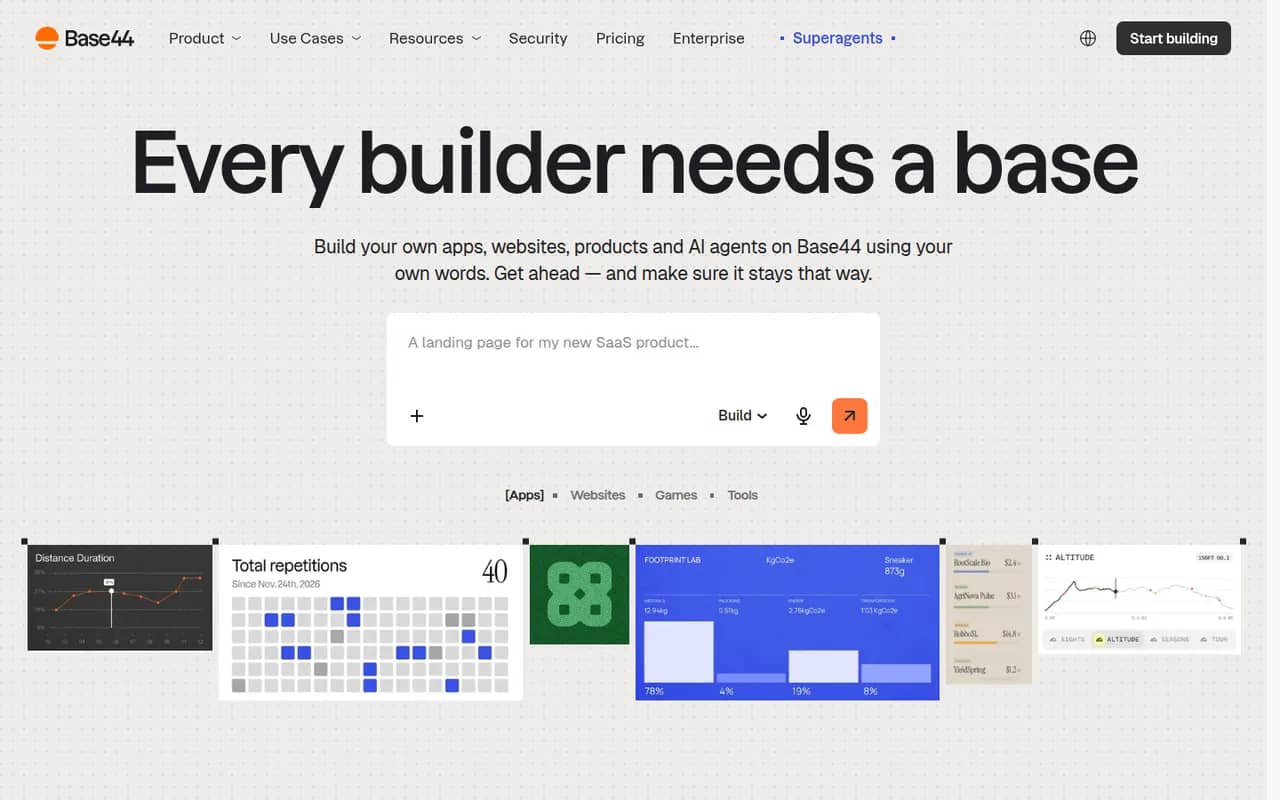
Base44 is an AI app builder, acquired by Wix in 2025, that turns plain-language descriptions into working web apps. Generated apps include a built-in database, user authentication, file storage, integrations such as email and payments, and one-click hosting with custom domains, so non-developers can ship internal tools, portals or MVPs without managing infrastructure. A free plan with limited credits is available.
10 Base44 alternativesPros
- Turns a plain-language description into a working web app
- Database, authentication and hosting included out of the box
- Lets non-developers ship internal tools without managing servers
Cons
- The free plan's limited credits run out quickly when iterating
- Apps depend on Base44's backend and hosting, which limits portability
- Getting the right result often takes several rounds of prompting
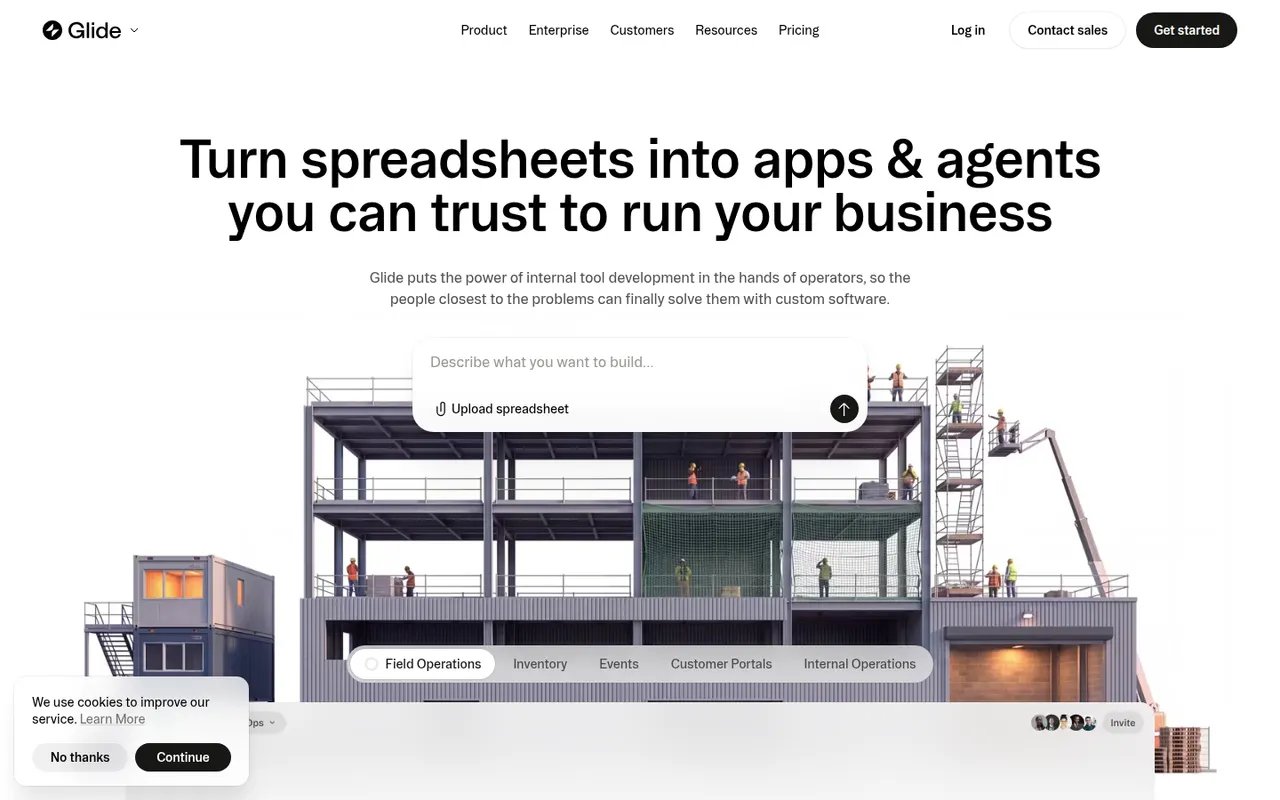
Cost / LicenseFreemiumProprietaryCategoriesPlatformsGlide lets teams build custom business apps without code, starting from data in Google Sheets, Excel, Airtable, SQL databases or Glide's own tables. Apps are assembled from ready-made components in a visual editor, run in desktop and mobile browsers, and can include user roles, workflows and AI features such as extracting text from images or generating content. A free plan is available to get started.
8 Glide alternativesPros
- Turns a spreadsheet into a working business app quickly
- Ready-made components look polished by default
- Runs in desktop and mobile browsers without app store publishing
Cons
- No native apps for the App Store or Google Play
- Quotas on users and data updates can push costs up quickly
- Limited design freedom compared with more flexible builders
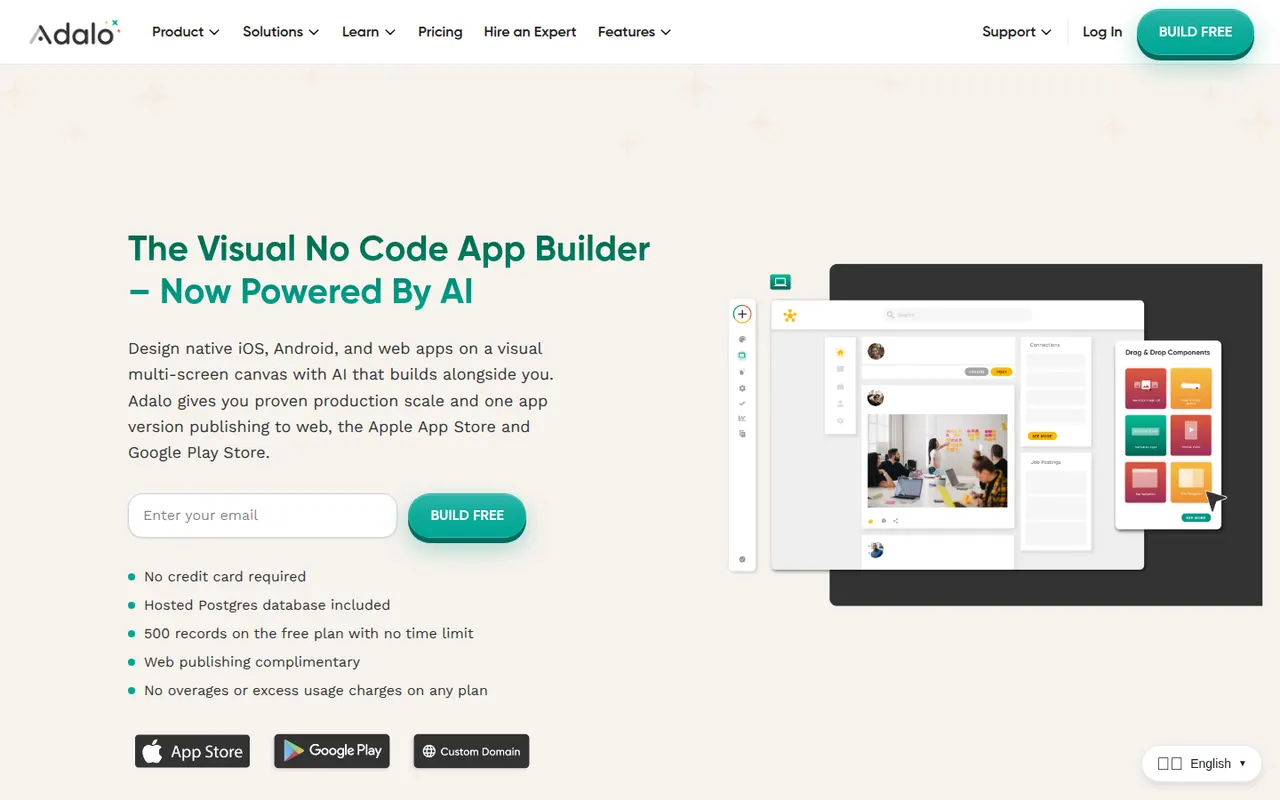
Cost / LicenseFreemiumProprietaryCategoriesPlatformsAdalo is a no-code app builder for creating native iOS and Android apps and web apps with a drag-and-drop editor. Apps use Adalo's built-in database or external sources such as Airtable and Xano, can be extended with components from a marketplace, and are published to the App Store, Google Play or the web from one project. It suits small businesses and founders building MVPs, with a free plan for prototyping.
8 Adalo alternativesPros
- Publishes native iOS and Android apps from a single project
- Drag-and-drop editor approachable for non-developers
- Connects to Airtable, Xano and other external data sources
Cons
- Apps can slow down as data and screens grow
- No source code export, which ties your app to the platform
- Publishing apps requires a paid plan
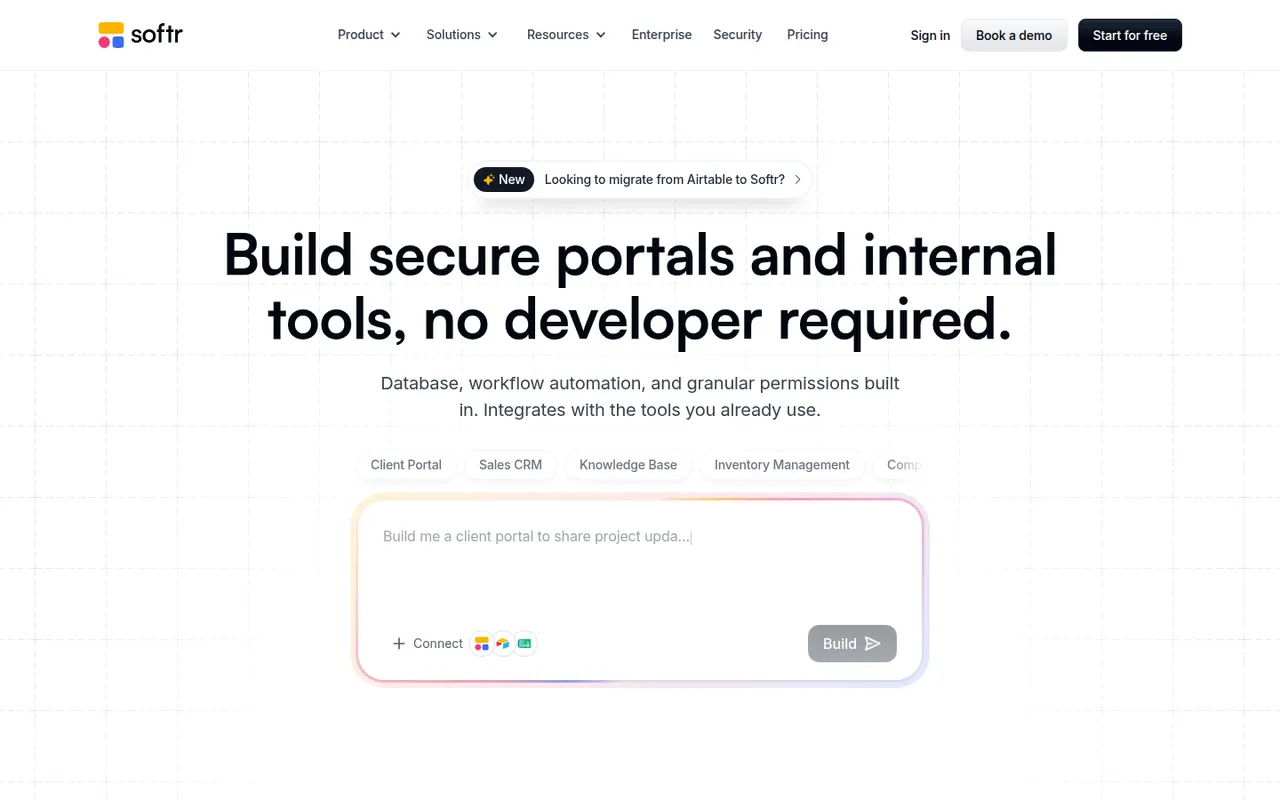
Cost / LicenseFreemiumProprietaryCategoriesPlatformsSoftr lets businesses build client portals, internal tools, directories and simple CRMs without code. Apps are put together from blocks in a visual editor on top of data from Airtable, Google Sheets, SQL databases, HubSpot or Softr's own databases, with user logins, permissions by user group and workflows. AI can generate a first version of an app from a prompt. A free plan is available.
9 Softr alternativesPros
- Quick way to build client portals on Airtable or Google Sheets
- User groups and permissions without writing code
- Block-based editor that non-technical teams pick up fast
Cons
- Layout flexibility is limited by the block system
- More users and advanced features require paid plans
- Performance depends on the connected data source
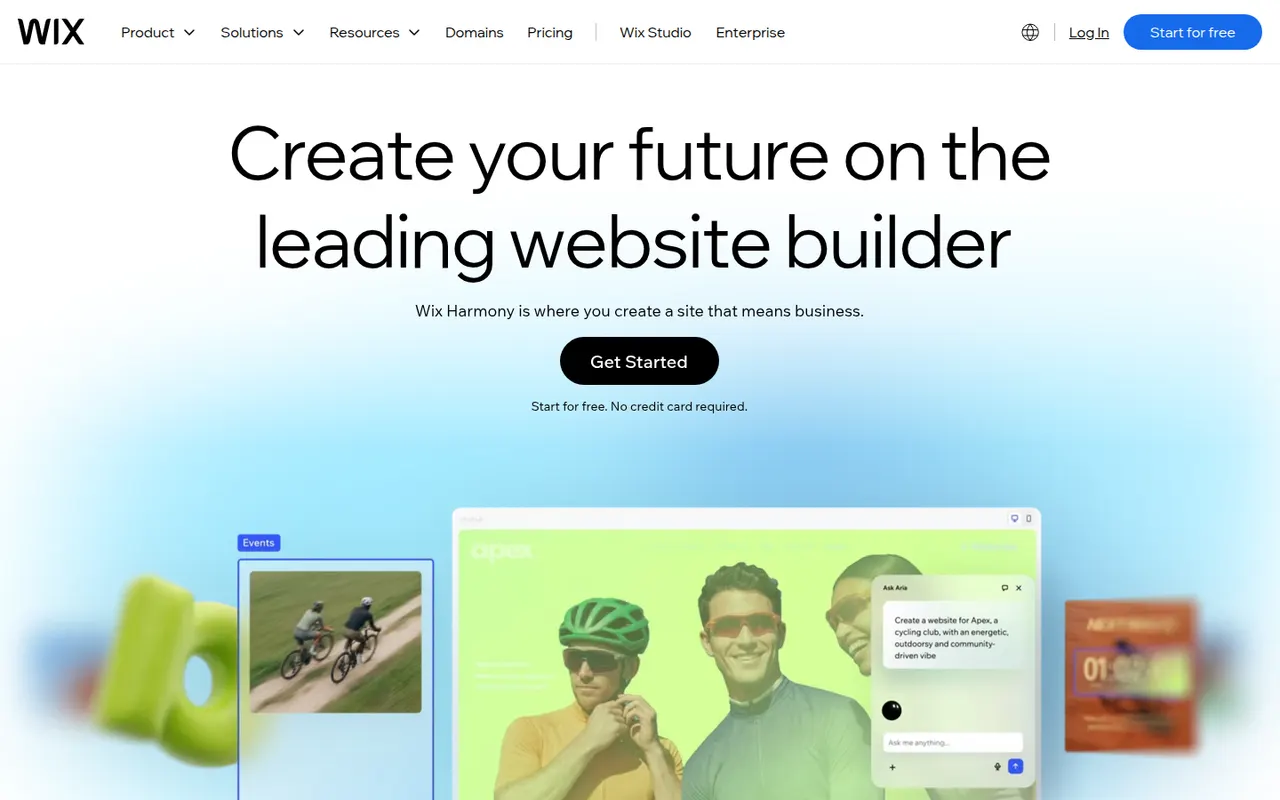
Cost / LicenseFreemiumProprietaryCategoriesPlatformsWix is a hosted website builder that lets you design pages by placing elements freely on a canvas or by starting from a template. Hosting, domains, an online store, bookings and blogging are built in, and an AI tool can draft a first version of a site from a few questions. It suits small businesses and individuals who want everything in one place.
12 Wix alternativesPros
- Free-form canvas lets you place elements anywhere
- Online store, bookings and blog built in
- AI tool drafts a first version from a few questions
Cons
- Switching templates later means rebuilding the site
- Free plan shows Wix ads and uses a Wix subdomain
- Sites cannot be exported to another host
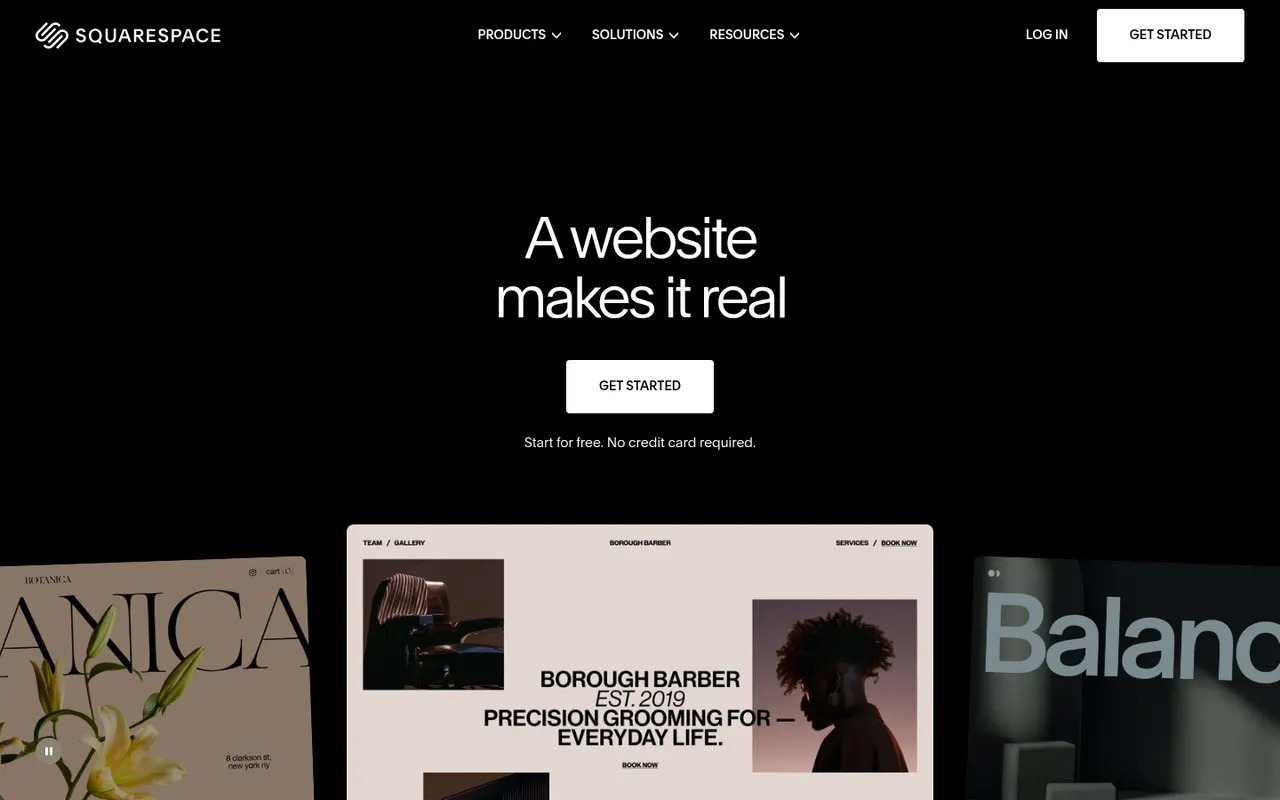
Cost / LicenseFreemiumProprietaryCategoriesSquarespace is a hosted platform for building websites, portfolios and online stores from designer templates. It bundles hosting, domains, e-commerce, email campaigns and appointment scheduling, with a section-based editor that keeps layouts consistent. It appeals to creatives and small businesses who care about design and prefer not to manage plugins.
12 Squarespace alternativesPros
- Polished designer templates with consistent layouts
- Hosting, commerce, email campaigns and scheduling in one place
- No plugins to install or keep updated
Cons
- No free plan beyond the trial
- Less layout freedom than canvas-based builders
- Fewer third-party extensions than WordPress
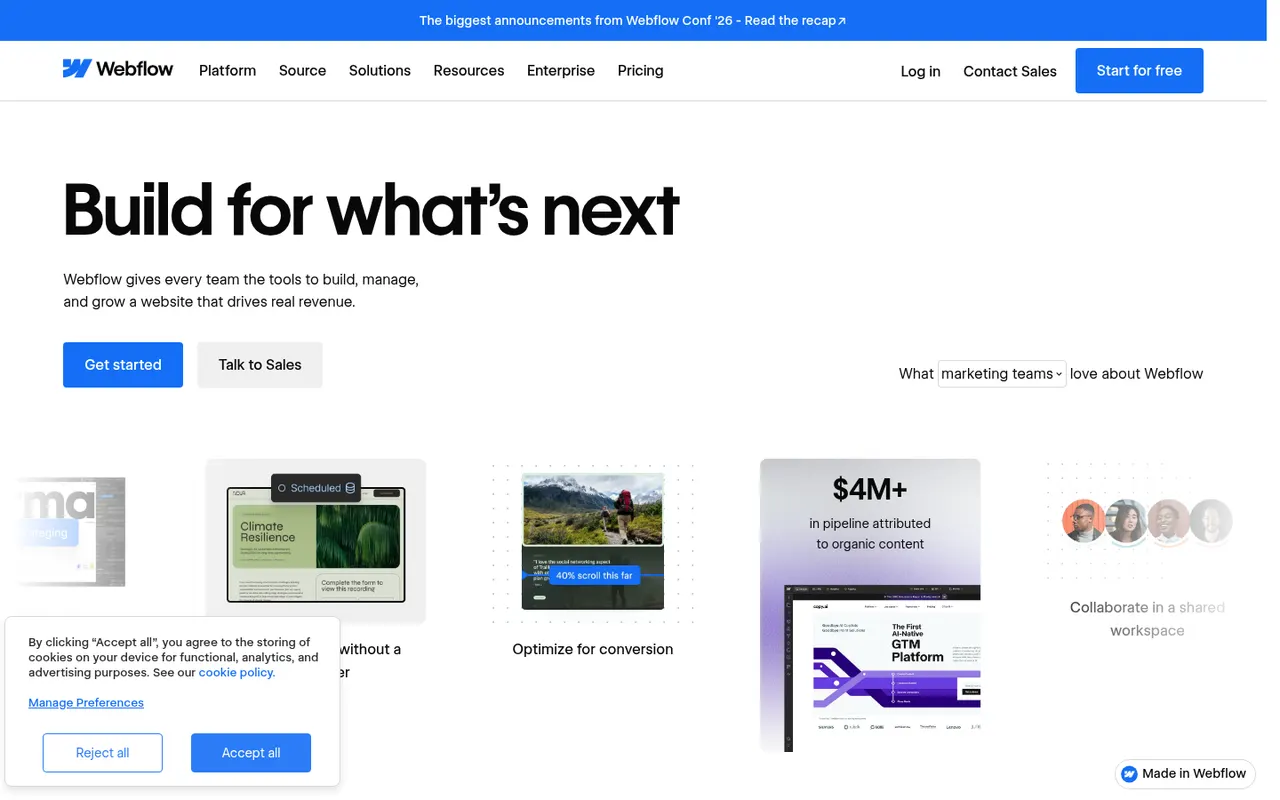
Cost / LicenseFree trialProprietaryCategoriesWebflow is a browser-based visual builder that exposes real HTML and CSS concepts such as boxes, flexbox and classes, so designers can produce custom, responsive sites without writing code. It includes a CMS for structured content, interactions and animations, hosting and localization. It is aimed at designers, agencies and marketing teams who want more control than template builders offer.
9 Webflow alternativesPros
- Visual control over real HTML and CSS concepts
- Flexible CMS for structured content
- Interactions and animations without writing code
Cons
- Steep learning curve for non-designers
- Pricing is complex, with separate site and workspace plans
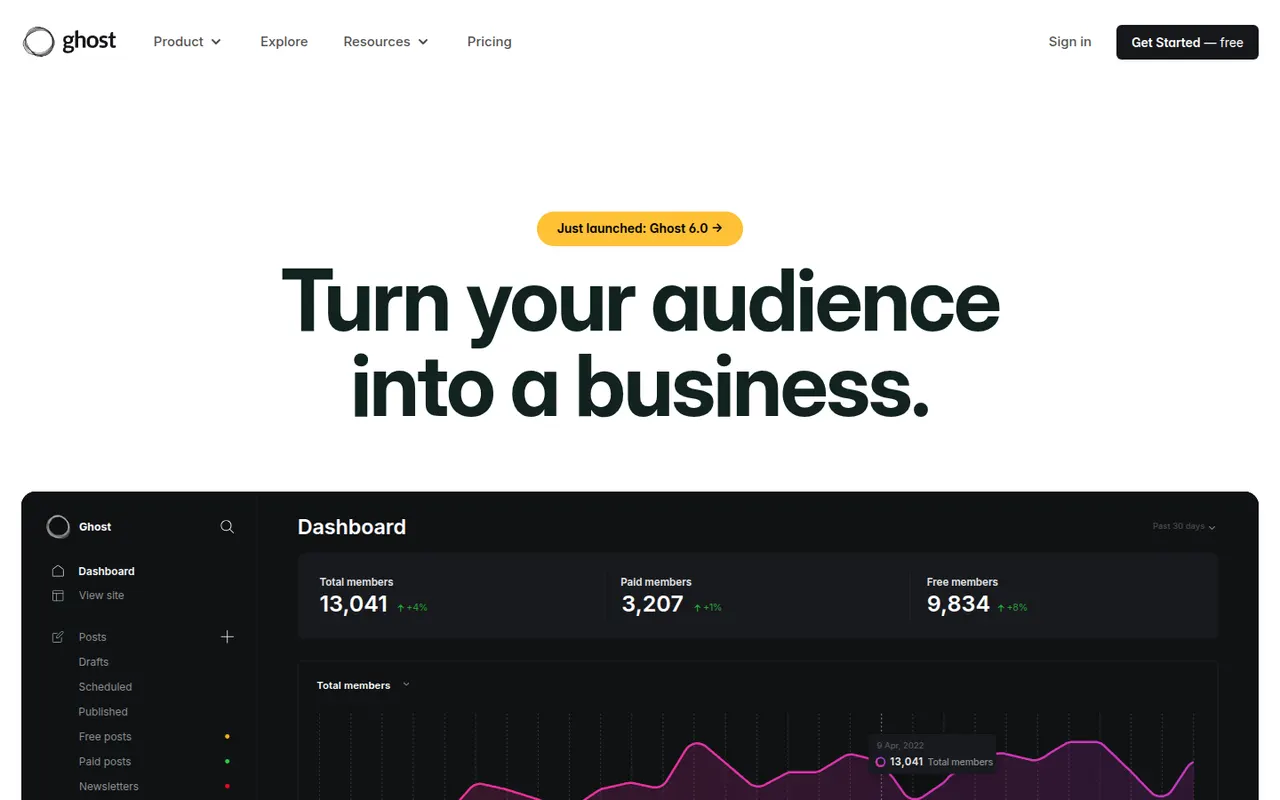
Cost / LicenseFreemiumProprietaryCategoriesPlatformsGhost is an open source platform for independent publishers that combines a website, a newsletter and paid memberships in one product. Writers publish in a clean editor, send posts by email and charge for subscriptions through Stripe, with no revenue share taken by Ghost. It can be self-hosted for free or run on the managed Ghost(Pro) service, and is maintained by a non-profit foundation.
9 Ghost alternativesPros
- Website, newsletter and paid memberships in one product
- No revenue share taken on subscriptions
- Open source and free to self-host
Cons
- Fewer themes and integrations than WordPress
- Self-hosting needs technical skills and an email delivery service
- Ghost(Pro) gets expensive as your member list grows
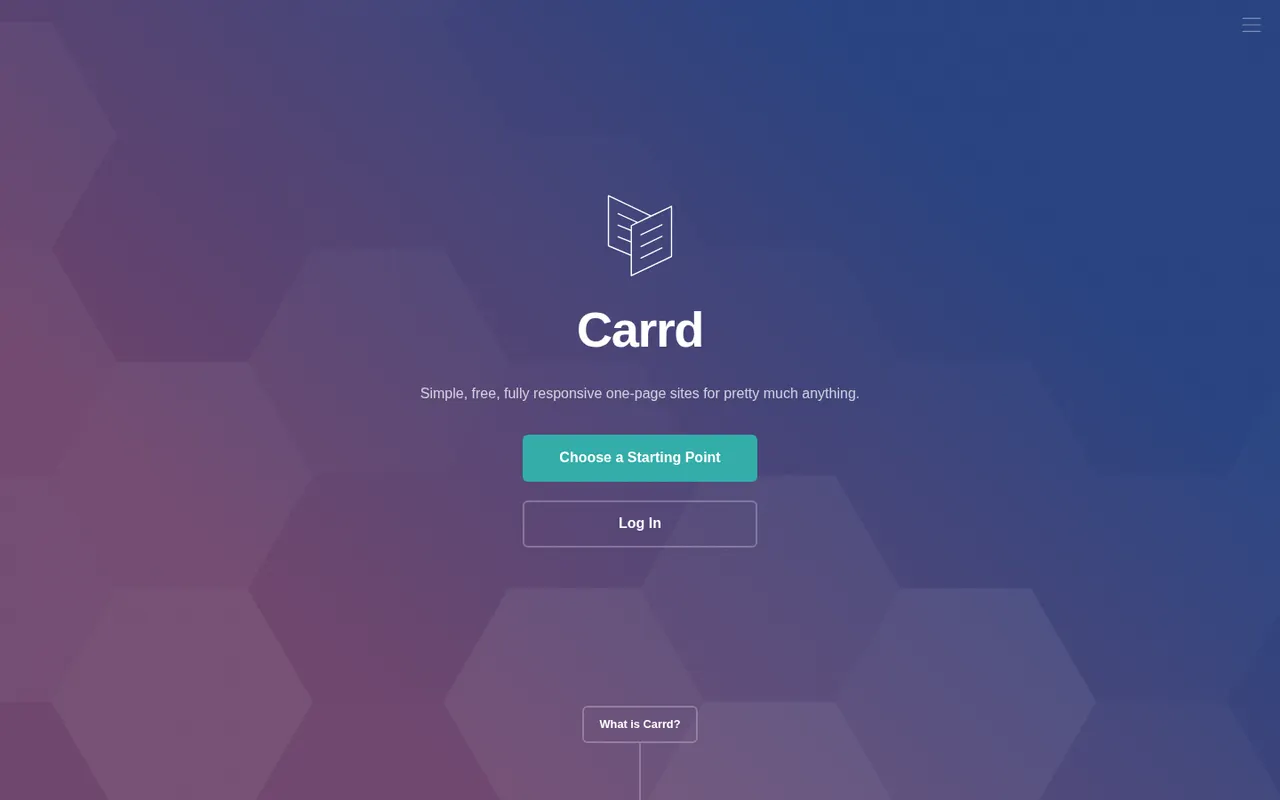
Cost / LicenseFreemiumOpen sourcePlatformsCarrd is a minimal builder focused on single-page websites such as personal profiles, link pages, portfolios and product landing pages. You start from a template, edit sections in a straightforward editor and publish to a carrd.co address, or to your own domain on a paid plan. Its deliberately narrow scope makes it very quick to learn.
9 Carrd alternativesPros
- Very quick to learn thanks to a deliberately narrow scope
- Good-looking templates for profiles and landing pages
- Low-cost paid plans unlock custom domains
Cons
- Limited to single-page sites
- No blog or full online store
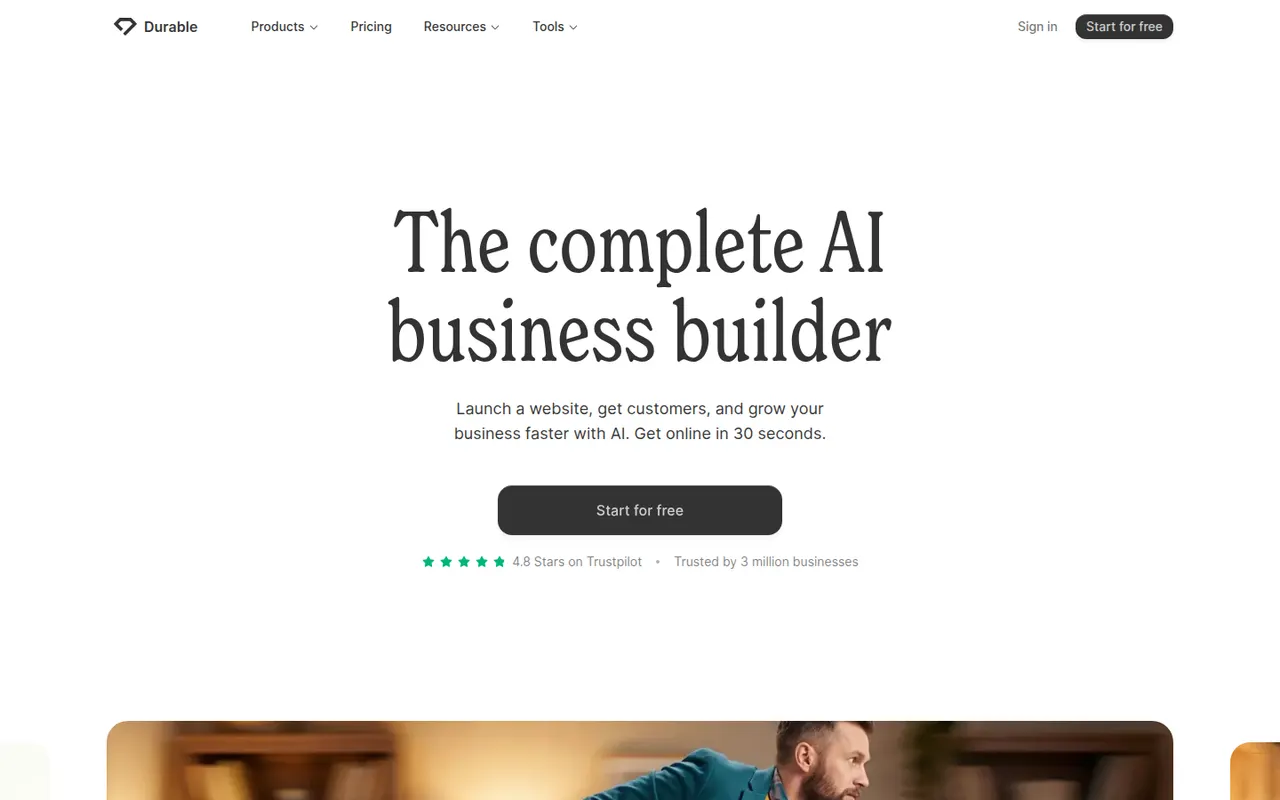
Cost / LicenseFreemiumProprietaryCategoriesPlatformsDurable is an AI website builder for small businesses and solo service providers. You describe your business and it generates a complete site with copy and images, which you then adjust in a simple editor. Alongside the website it offers tools for running a small business, such as a basic CRM, invoicing and AI-assisted marketing content.
7 Durable alternativesPros
- Generates a full site with copy and images from a short brief
- Simple editor suited to non-technical business owners
- Bundles a basic CRM, invoicing and marketing tools
Cons
- Generated sites look generic without manual editing
- Less design control than traditional website builders
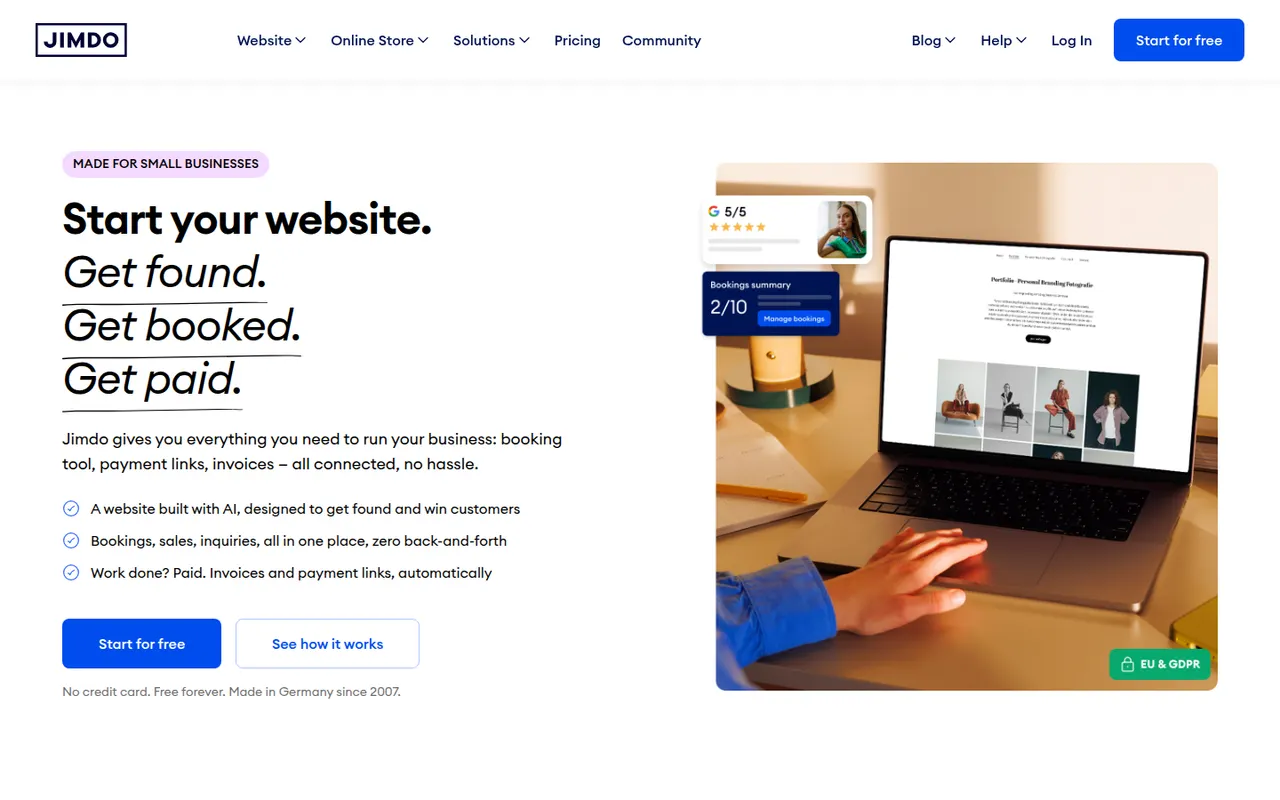
Cost / LicenseFreemiumProprietaryCategoriesPlatformsJimdo is a German website builder aimed at small businesses, freelancers and people with no web experience. A guided setup asks a few questions about your business and assembles a site you can then edit, and paid plans add a domain, an online store and basic SEO settings. Options are deliberately limited so that a site can go live and be maintained with little effort.
8 Jimdo alternativesPros
- Guided setup gets a site online quickly
- Easy to maintain for people with no web experience
- Free plan to get started
Cons
- Limited design and layout options
- Free plan shows Jimdo branding on a Jimdo subdomain
- Online store features are basic
Cost / LicenseFreemiumProprietaryCategoriesPlatformsHostinger Website Builder, formerly known as Zyro, is a drag-and-drop editor included with Hostinger hosting plans. It offers templates, an AI generator that creates a first draft of a site from a description, and AI tools for writing text and producing images. Plans include hosting, a domain and basic e-commerce, making it a simple all-in-one option for small sites.
8 Hostinger Website Builder alternativesPros
- Hosting, domain and builder bundled in one plan
- AI generator drafts a first version of the site
- Drag-and-drop editor that is easy for beginners
Cons
- No free plan is available
- Less design flexibility and fewer integrations than larger builders
- Best prices require long upfront commitments
Cost / LicensePaidProprietaryCategoriesPlatformsWordPress.com is the hosted version of WordPress run by Automattic, so you get the WordPress editor, themes and blogging tools without managing a server. Free sites use a wordpress.com address, while paid plans add custom domains, plugins, e-commerce and more storage. It suits bloggers and small businesses who want WordPress without handling updates, backups and security themselves.
11 WordPress.com alternativesPros
- WordPress without managing servers, updates or backups
- Free plan to start a blog quickly
- Same WordPress editor, themes and blogging tools
Cons
- Installing plugins requires a paid plan
- Free sites show ads and use a wordpress.com address
- Less control over hosting than self-hosted WordPress
Cost / LicenseFreemiumProprietaryCategoriesPayhip is an e-commerce platform for creators selling digital downloads, online courses, coaching, memberships and physical products. It provides a hosted store or embeddable buy buttons, handles EU and UK VAT on digital sales, and includes email marketing, coupons and affiliate tools. The free plan charges a fee on each sale, which paid plans reduce or remove.
7 Payhip alternativesPros
- Free plan to start selling digital products, with fees per sale
- Handles EU and UK VAT on digital sales
- Courses, coaching, memberships and coupons in one storefront
Cons
- Store design options are fairly limited
- Transaction fees on the free plan cut into margins
- Marketing tools are basic compared with dedicated email platforms
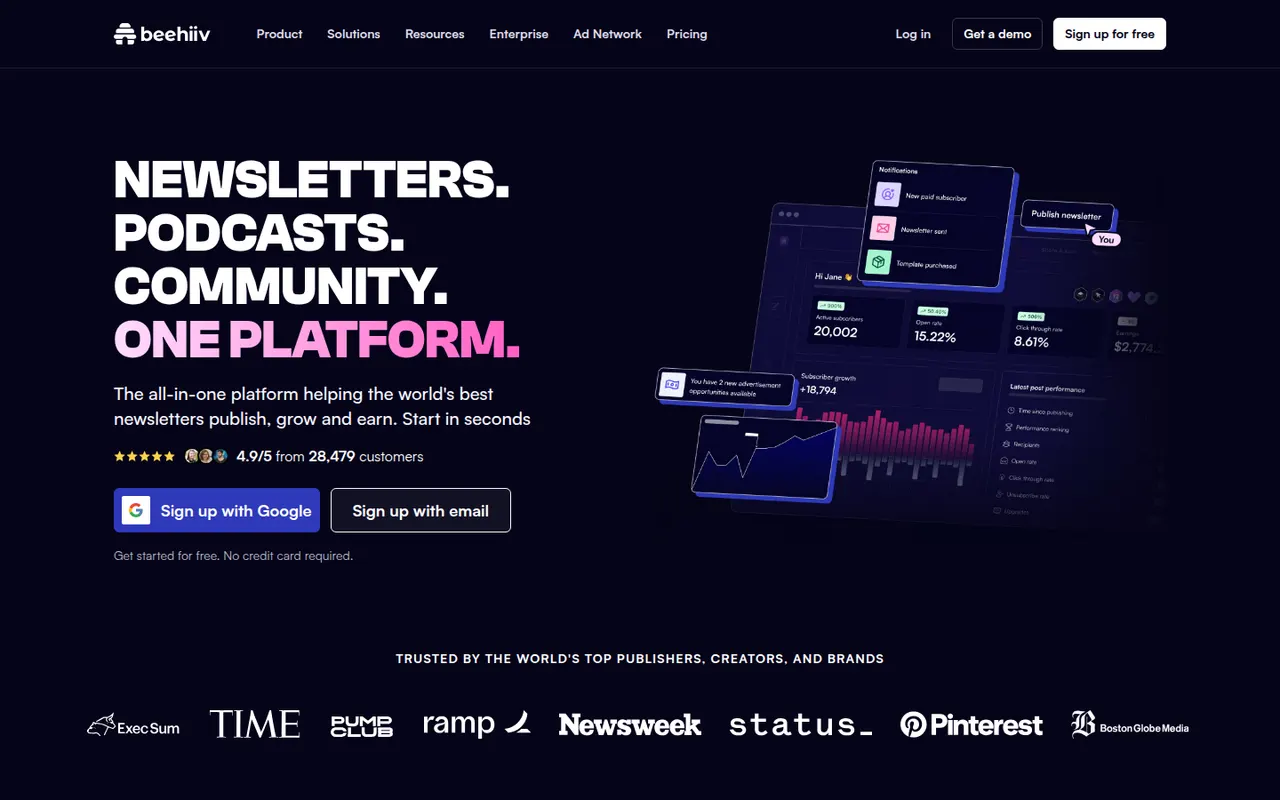
Cost / LicenseFreemiumProprietaryCategoriesPlatformsbeehiiv is a newsletter platform created by former Morning Brew team members, combining an editor, a hosted website and email delivery. It focuses on growth and monetization, with a referral program, recommendations between newsletters, an ad network and paid subscriptions. Publishers also get detailed analytics, A/B testing of subject lines and AI writing tools.
6 beehiiv alternativesPros
- Growth tools like referrals and cross-newsletter recommendations
- Monetization through an ad network and paid subscriptions
- Hosted website and detailed analytics included
Cons
- Most monetization and growth features sit on paid plans
- Less suited to advanced marketing automation or e-commerce
Cost / LicenseFreemiumProprietaryCategoriesPlatformsSubstack lets writers start a newsletter with a web archive, podcast and video hosting, and turn on paid subscriptions when they are ready. Publishing is free: Substack takes a share of subscription revenue instead of charging for a plan. Its reader app, Notes feed and cross-recommendations connect publications into a network that helps writers find readers.
7 Substack alternativesPros
- Free to publish, with no setup or hosting to manage
- Built-in paid subscriptions, podcasts and video
- Notes and cross-recommendations help writers find readers
Cons
- Takes a share of revenue from paid subscriptions
- Limited design and branding customization
- Your audience lives inside Substack’s network rather than your own brand
Cost / LicenseFreeProprietaryCategoriesButtondown is a small, independent newsletter service for writers and developers who prefer a lightweight tool. You write in Markdown or a rich text editor, publish an archive on the web and can charge for subscriptions through Stripe. It offers a complete API, custom domains and RSS-to-email, and is built by a very small team.
6 Buttondown alternativesPros
- Write in Markdown or a rich text editor
- Complete API and RSS-to-email for developers
- Paid subscriptions through Stripe and custom domains
Cons
- Templates and design options are minimal
- Few audience growth tools compared with beehiiv or Substack
Cost / LicenseFreemiumProprietaryCategoriesPlatformsVercel is a cloud platform for deploying web apps, run by the company behind Next.js. Connecting a Git repository gives automatic builds, a preview URL for every pull request and delivery from a global edge network, with serverless and edge functions for dynamic code. It also offers analytics, storage integrations and AI tooling. A free Hobby plan suits personal projects; paid plans cover teams.
10 Vercel alternativesPros
- First-class Next.js support from the company that builds it
- Automatic builds and a preview URL for every pull request
- Global edge network with serverless and edge functions
Cons
- Usage-based costs can jump sharply when traffic spikes
- The free Hobby plan is limited to personal, non-commercial use
- Some features are tied to Next.js, which raises lock-in concerns
Cost / LicenseFreemiumProprietaryCategoriesPlatformsNetlify is a hosting and deployment platform that builds sites straight from a Git repository and serves them from a global network. Every pull request gets a deploy preview, and serverless functions, edge functions, form handling and build plugins cover dynamic needs without managing a server. It works with most frontend frameworks and static site generators, and offers a free plan alongside paid tiers for teams.
10 Netlify alternativesPros
- Deploy previews for every pull request, straight from Git
- Built-in forms, serverless and edge functions without managing servers
- Works with most frontend frameworks and static site generators
Cons
- Costs can rise quickly as traffic and build usage grow
- Less suited to long-running backends or heavy server workloads
Cost / LicenseFreemiumProprietaryCategoriesPlatformsHeroku is a platform as a service owned by Salesforce that runs applications in managed containers called dynos. Developers deploy with git push or from GitHub, get review apps for pull requests and attach add-ons such as Postgres and Redis. There is no free tier. Since 2026, Salesforce has kept Heroku in a sustaining engineering mode focused on stability and security rather than new features.
9 Heroku alternativesPros
- Famously simple deploys with git push or from GitHub
- Review apps for pull requests and a large add-on marketplace
- Mature platform with managed Postgres and Redis add-ons
Cons
- No free tier, and pricing is high for the resources provided
- In sustaining mode, with no major new features expected
Cost / LicensePaidProprietaryCategoriesPlatformsRender is a cloud application platform for hosting web services, static sites, background workers, cron jobs and managed Postgres and key-value databases. Apps deploy automatically from Git or a Docker image, with free TLS, custom domains, private networking and preview environments for pull requests. It is often chosen as a simpler alternative to Heroku, and free instances let you try services before upgrading.
10 Render alternativesPros
- Heroku-like simplicity for services, workers, cron jobs and databases
- Auto-deploys from Git or Docker with free TLS and private networking
- Preview environments for pull requests
Cons
- Free instances spin down when idle, which causes slow cold starts
- Costs add up as services and databases multiply
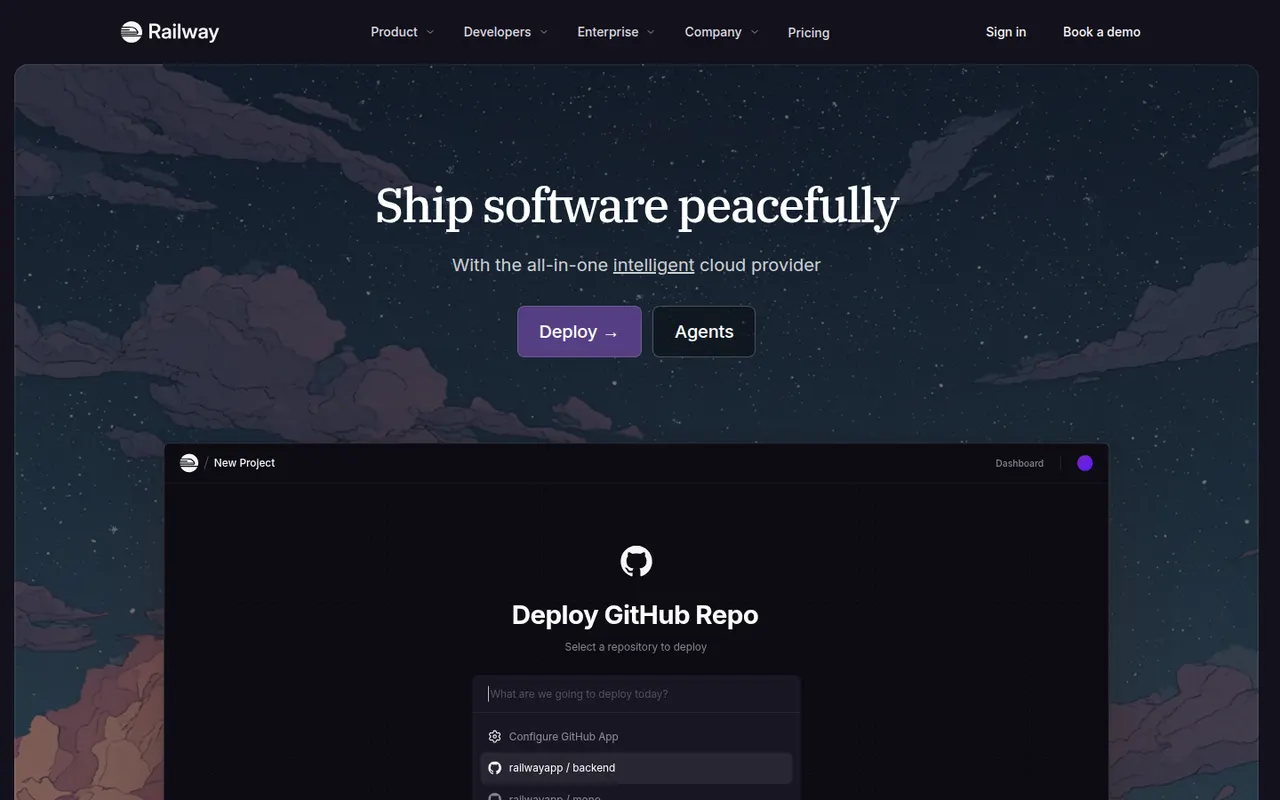
Cost / LicenseFreemiumProprietaryCategoriesPlatformsRailway is a deployment platform where apps, databases and workers sit on a visual canvas and talk over private networking. Services deploy from a GitHub repository, a Dockerfile or a template, and Postgres, MySQL, Redis or MongoDB can be added in a few clicks. Billing follows actual resource usage, and pull requests can spin up temporary environments. A trial with credits leads to a small free plan or paid tiers.
9 Railway alternativesPros
- Visual canvas makes multi-service architectures easy to follow
- Add Postgres, MySQL, Redis or MongoDB in a few clicks
- Temporary environments spin up for pull requests
Cons
- Usage-based billing makes monthly costs harder to predict
- Free plan is small once the trial credits run out
- Fewer regions and less control than the large cloud providers
Cost / LicenseFreemiumProprietaryCategoriesPlatformsFly.io runs applications packaged as Docker images in fast-booting Firecracker micro-VMs across regions worldwide, so code can run close to users. It is driven by the flyctl command-line tool and a Machines API, with persistent volumes, private networking and managed Postgres. It suits teams that want more control over placement and infrastructure than a classic platform as a service, with pay-as-you-go pricing.
9 Fly.io alternativesPros
- Runs apps close to users across many regions worldwide
- Fast-booting Firecracker micro-VMs built from standard Docker images
- Fine-grained control through flyctl and the Machines API
Cons
- No free tier, and usage-based pricing can be hard to predict
- More infrastructure concepts to learn than a classic platform as a service
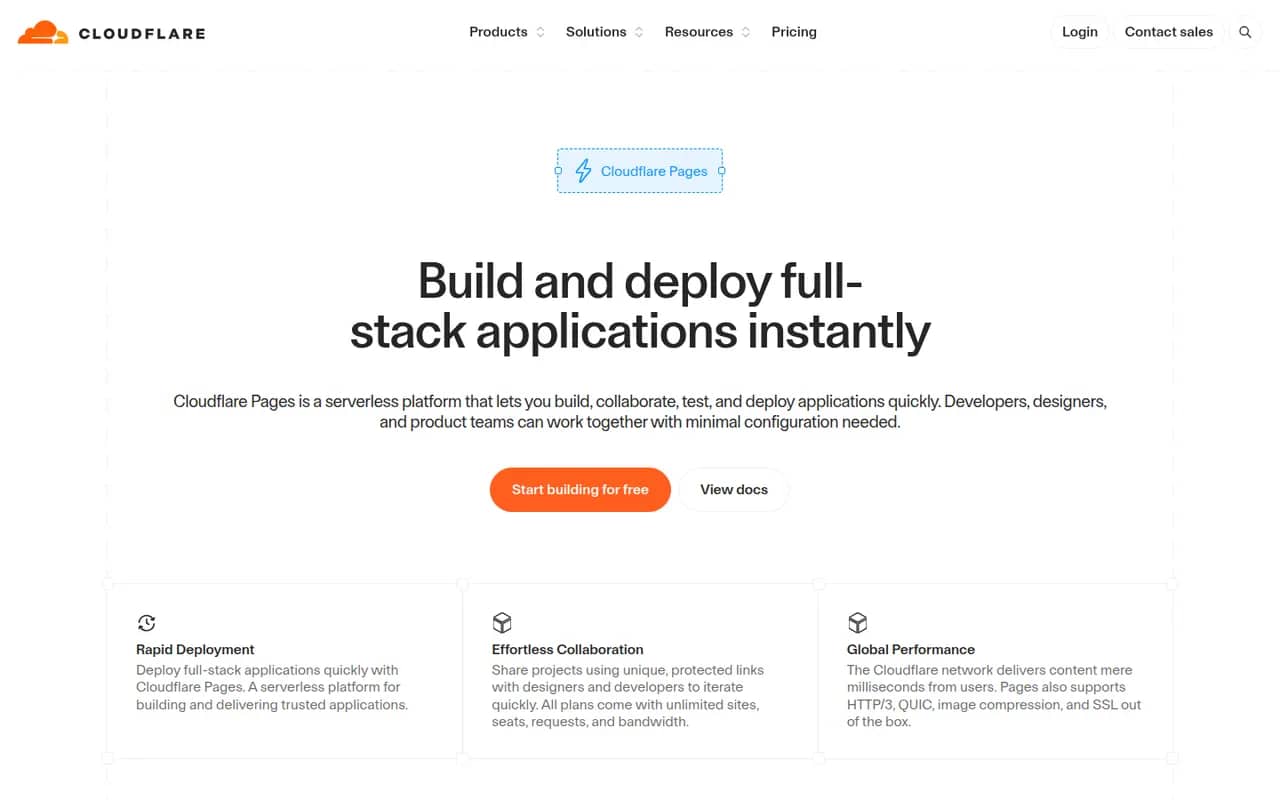
Cost / LicensePaidProprietaryCategoriesPlatformsCloudflare Pages builds sites from a Git repository or direct uploads and serves them from Cloudflare's global network. It provides preview URLs for every branch, custom domains with automatic TLS and Pages Functions for server-side code on Workers. The free plan covers many small sites. Cloudflare now recommends Workers with static assets for new projects, while existing Pages projects remain supported.
8 Cloudflare Pages alternativesPros
- Generous free plan for static and small sites
- Served from Cloudflare’s global network with automatic TLS
- Preview URL for every branch, plus Functions running on Workers
Cons
- Cloudflare now steers new projects toward Workers instead
- Workers runtime is not full Node.js, so some libraries need adapting
- Poorly suited to traditional backends or long-running processes
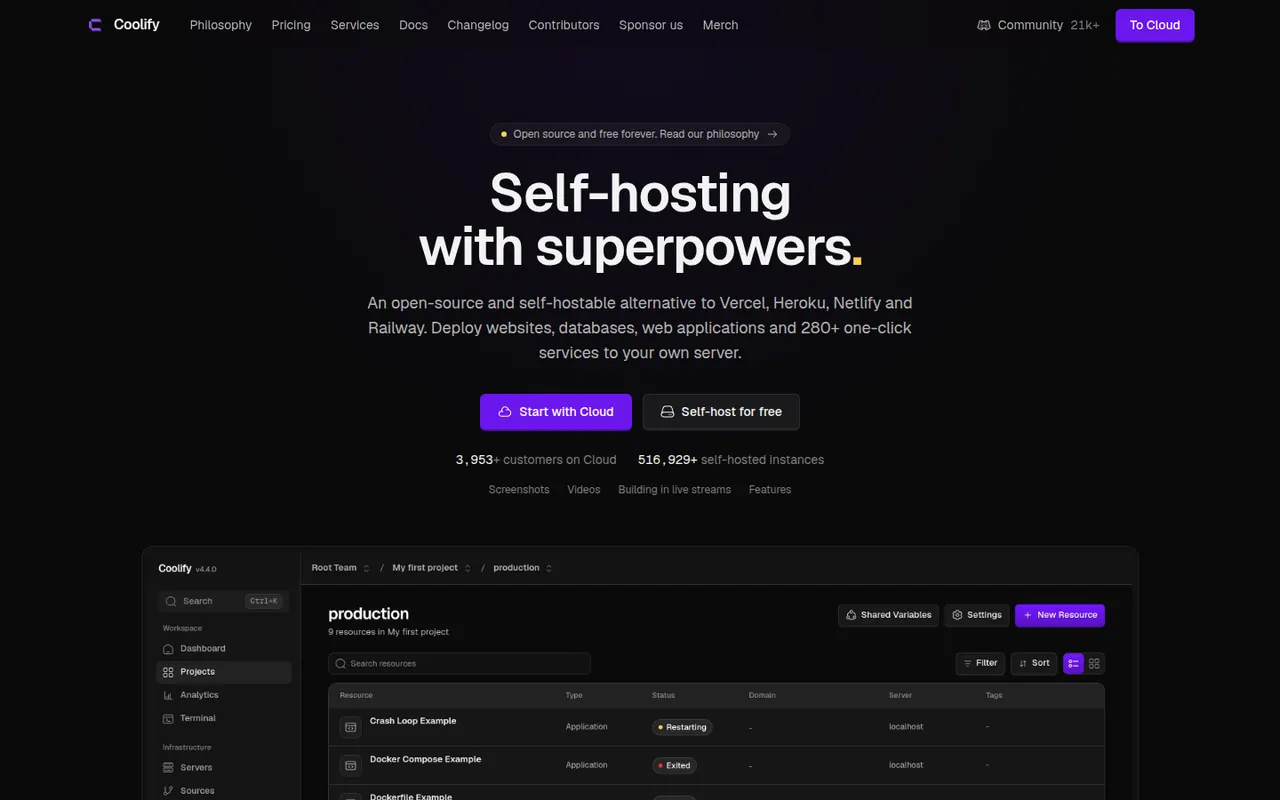
Cost / LicenseFreemiumProprietaryCategoriesPlatformsCoolify is an open source platform as a service you install on your own servers to deploy apps, databases and services. It builds apps from Git repositories, Dockerfiles or Docker Compose files, handles the reverse proxy and automatic SSL, and creates pull request previews. A catalog of one-click services covers common tools. Self-hosting is free; the paid Coolify Cloud hosts the control panel for you.
9 Coolify alternativesPros
- Free and open source, running on your own servers
- Deploys from Git, Dockerfiles or Docker Compose with automatic SSL
- One-click catalog for databases and common self-hosted tools
Cons
- You remain responsible for servers, backups and security
- Troubleshooting failed builds can require Docker and Linux knowledge
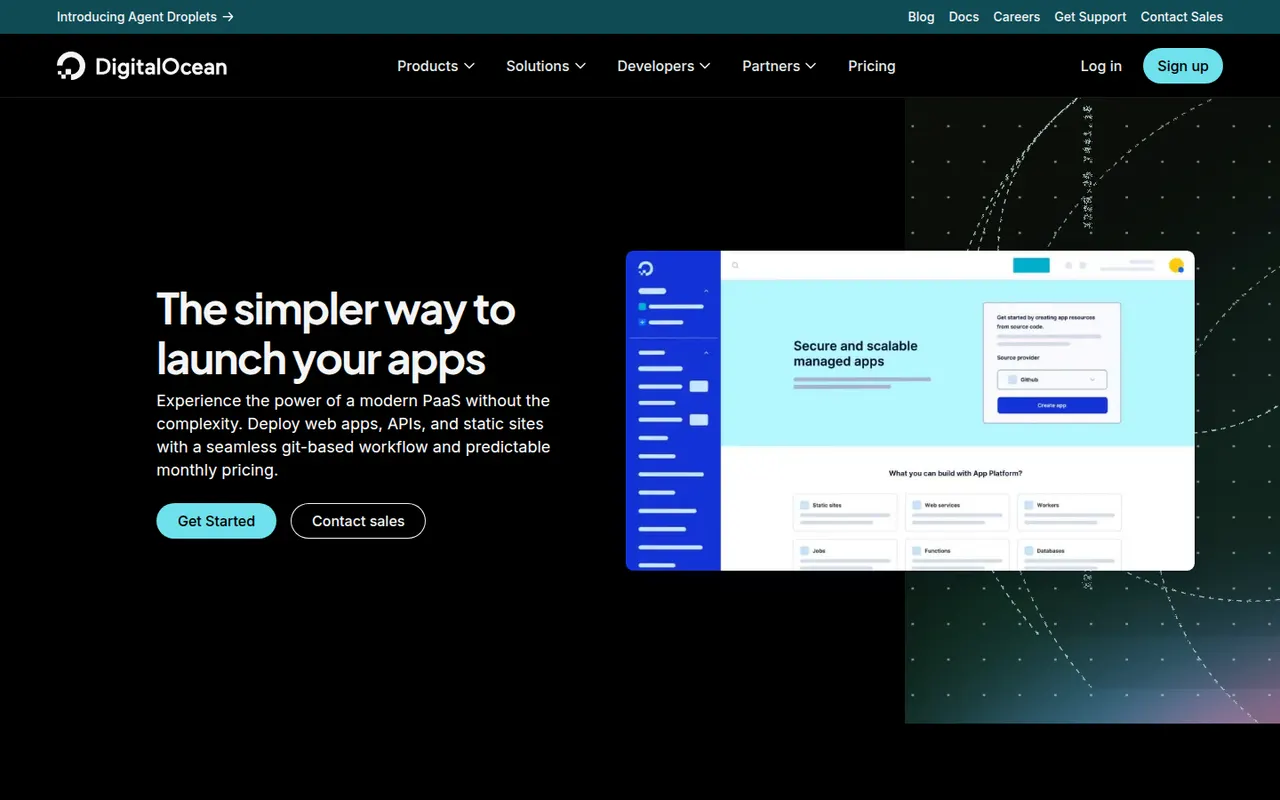
Cost / LicenseFreemiumOpen sourceCategoriesPlatformsDigitalOcean App Platform is a managed platform as a service that builds and runs web services, static sites, workers and jobs from a Git repository or a container image. It handles TLS, scaling and zero-downtime deploys, and connects to DigitalOcean managed databases and Spaces storage. It suits DigitalOcean users who want to deploy without managing Droplets, and static sites can be hosted for free.
10 DigitalOcean App Platform alternativesPros
- Simple deploys from Git or container images, with TLS and scaling handled
- Integrates with DigitalOcean managed databases and Spaces storage
- Static sites can be hosted for free
Cons
- Fewer services and regions than the largest cloud providers
- Costs more for the same resources than managing your own Droplet
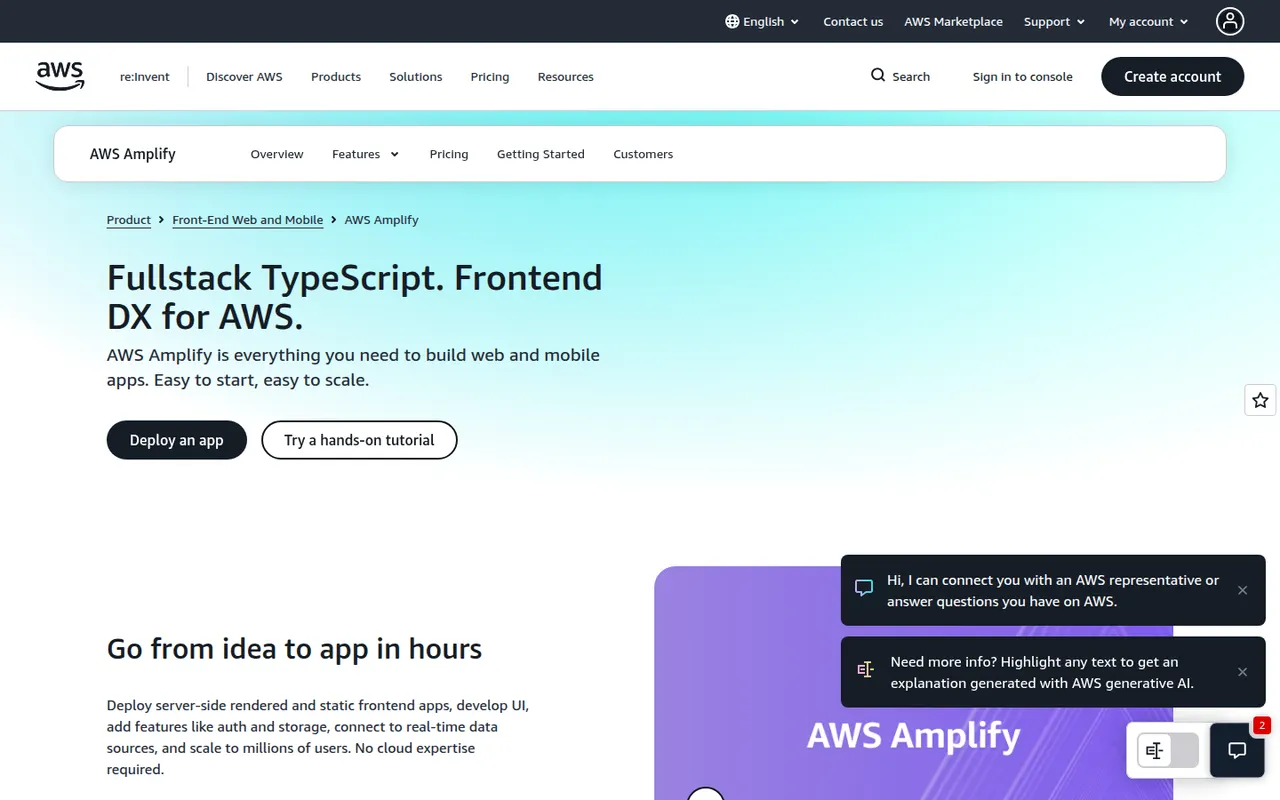
Cost / LicenseFreemiumProprietaryCategoriesPlatformsAWS Amplify is a set of tools and services from Amazon Web Services for building full-stack web and mobile apps. Amplify Hosting deploys frontends from Git with pull request previews and custom domains, while the backend side sets up authentication, data, storage and functions on AWS services, defined in TypeScript code. Its open source client libraries cover JavaScript, React Native, Swift, Android and Flutter.
12 AWS Amplify alternativesPros
- Git-based hosting with pull request previews and custom domains
- Sets up auth, data, storage and functions on AWS from TypeScript code
- Client libraries for JavaScript, React Native, Swift, Android and Flutter
Cons
- Ties your backend closely to AWS services
- Debugging often means digging into the underlying AWS consoles
- Usage-based AWS billing can be hard to predict
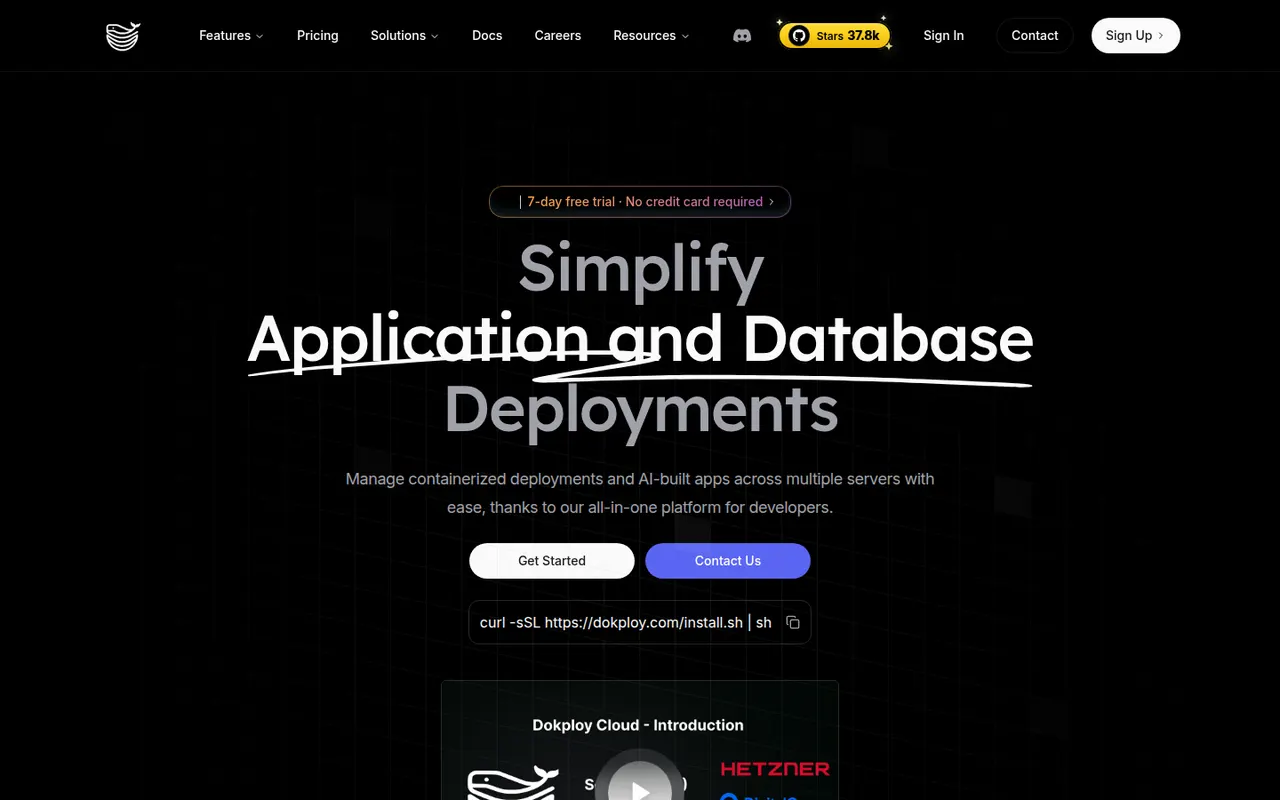
Cost / LicenseFreemiumProprietaryCategoriesPlatformsDokploy is an open source platform as a service for deploying applications and databases on your own servers. It builds from Git, Dockerfiles, buildpacks or Docker Compose, manages domains and certificates through Traefik, schedules database backups and can spread workloads across nodes with Docker Swarm. Templates cover popular self-hosted tools. The core is Apache-2.0 licensed, and a managed Dokploy Cloud exists.
8 Dokploy alternativesPros
- Apache-2.0 open source core you can run on your own servers
- Builds from Git, Dockerfiles, buildpacks or Docker Compose
- Scheduled database backups and multi-node setups with Docker Swarm
Cons
- Self-hosting leaves maintenance and security to you
- Younger project with a smaller community than more established tools
Cost / LicenseFreemiumOpen sourceCategoriesPlatforms