
Microsoft Planner alternatives
Top Project Management like Microsoft Planner
The most popular alternative to Microsoft Planner is Trello, which has a free version. Other great alternatives to Microsoft Planner are Asana, monday.com, ClickUp, and Wrike.
Most alternatives to Microsoft Planner are in the Project Management category, compared here by price, platform and features.
All Microsoft Planner alternatives
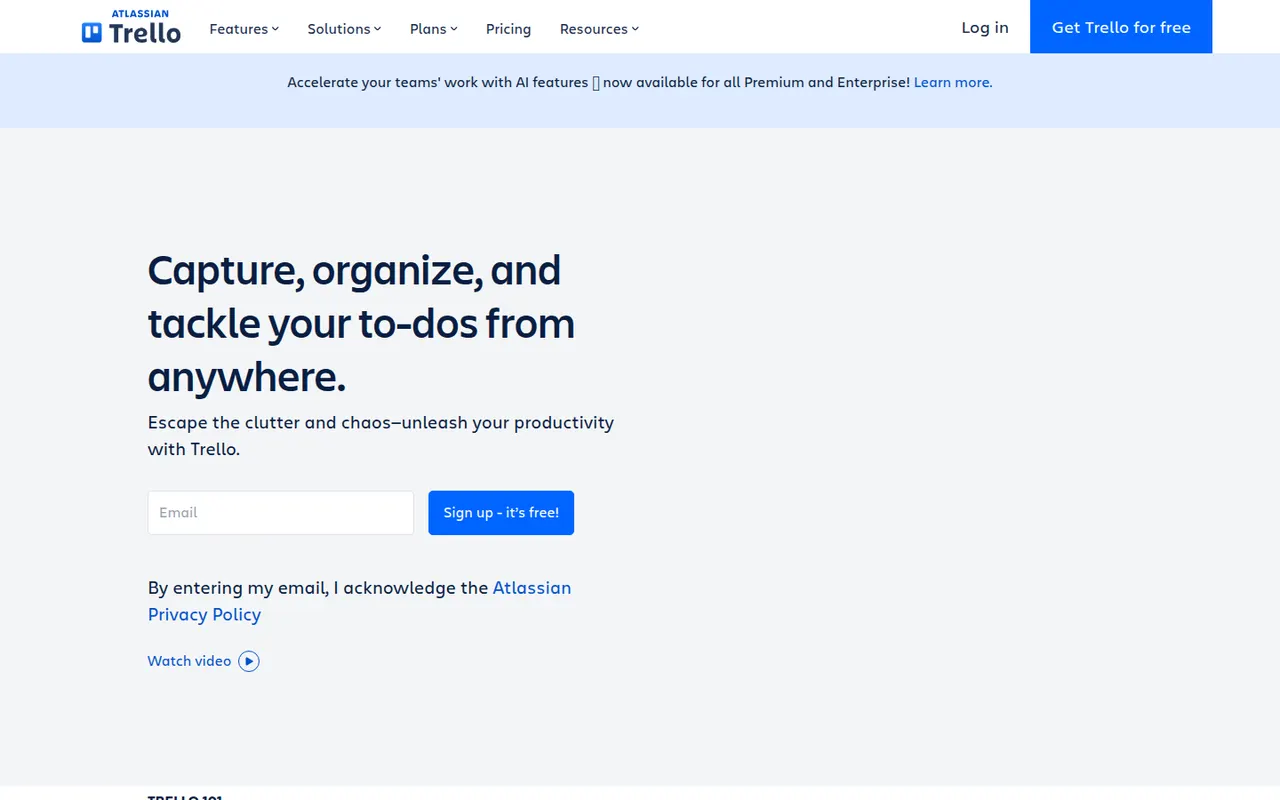
Trello organizes work on boards made of lists and cards that you drag from one stage to the next, a model that suits small teams, personal projects and simple workflows. Owned by Atlassian, it adds calendar, timeline and table views, Butler automations and Power-Ups that connect boards to Slack, Google Drive, Jira and many other tools.
12 Trello alternativesPros
- Simple card-and-list model anyone can learn in minutes
- Power-Ups connect boards to Slack, Google Drive, Jira and more
- Butler automations take care of repetitive card moves
Cons
- Gets hard to manage for large or complex projects
- Timeline, calendar and table views require a paid plan
- Reporting is limited without add-ons
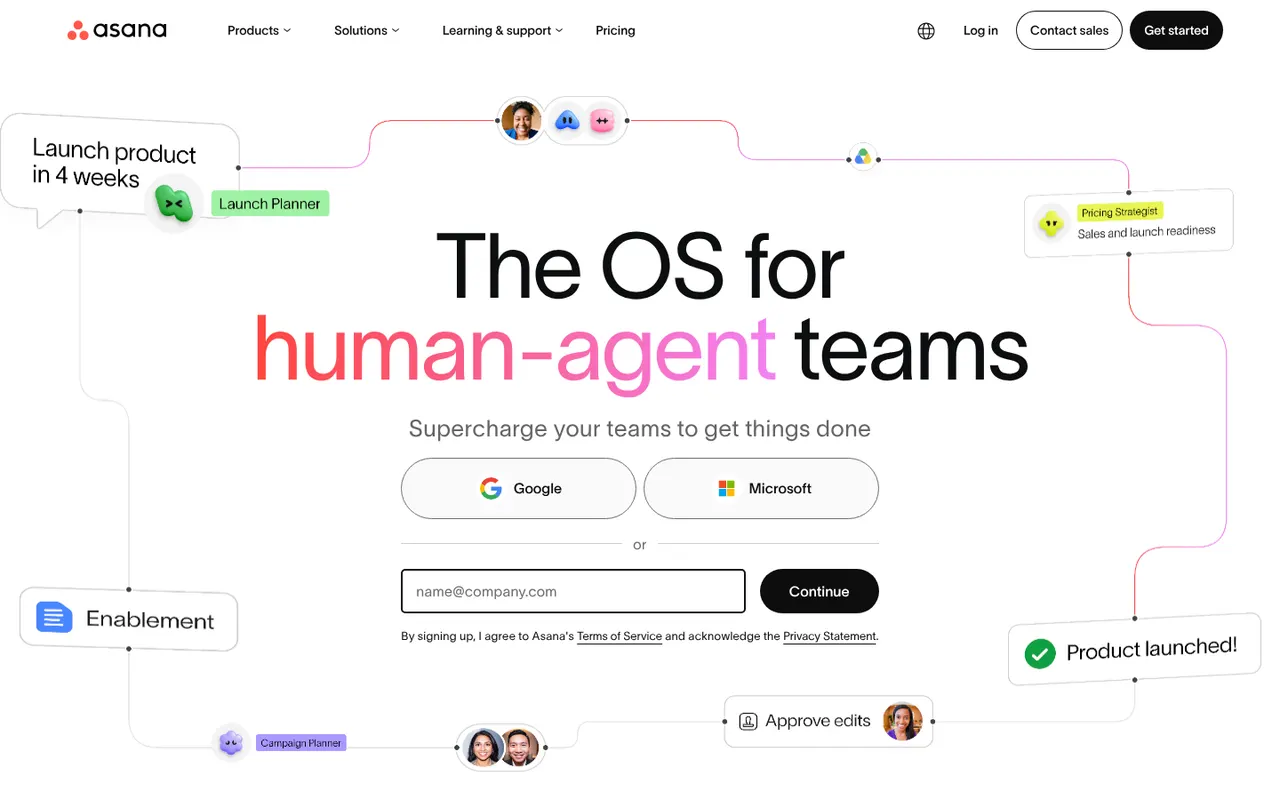
Cost / LicenseFreemiumProprietaryAsana helps teams plan projects, assign tasks and track progress in list, board, timeline and calendar views. It is aimed at cross-functional teams in mid-size and large companies, with portfolios and goals to follow work across departments, rule-based automations, a large catalog of integrations and built-in AI features.
12 Asana alternativesPros
- List, board, timeline and calendar views for the same project
- Goals and portfolios connect work across departments
- Large catalog of integrations and rule-based automations
Cons
- Per-seat pricing gets expensive as teams grow
- Timeline, goals and portfolios require paid plans
- A task can only have one assignee
Cost / LicenseFreemiumProprietaryCategoriesmonday.com is a work management platform where teams build boards with custom columns to track projects, requests or pipelines, then switch between table, Kanban, Gantt and calendar views. No-code automations, dashboards and integrations make it suit operations, marketing and other non-technical teams, and the same platform powers the separate monday CRM and monday dev products.
12 monday.com alternativesPros
- Colorful, flexible boards adapt to projects, requests or pipelines
- No-code automations and dashboards that non-technical teams can build
- Switch between table, Kanban, Gantt and calendar views
Cons
- Seats are sold in bundles, which raises the cost for small teams
- Automation and integration actions are capped by plan
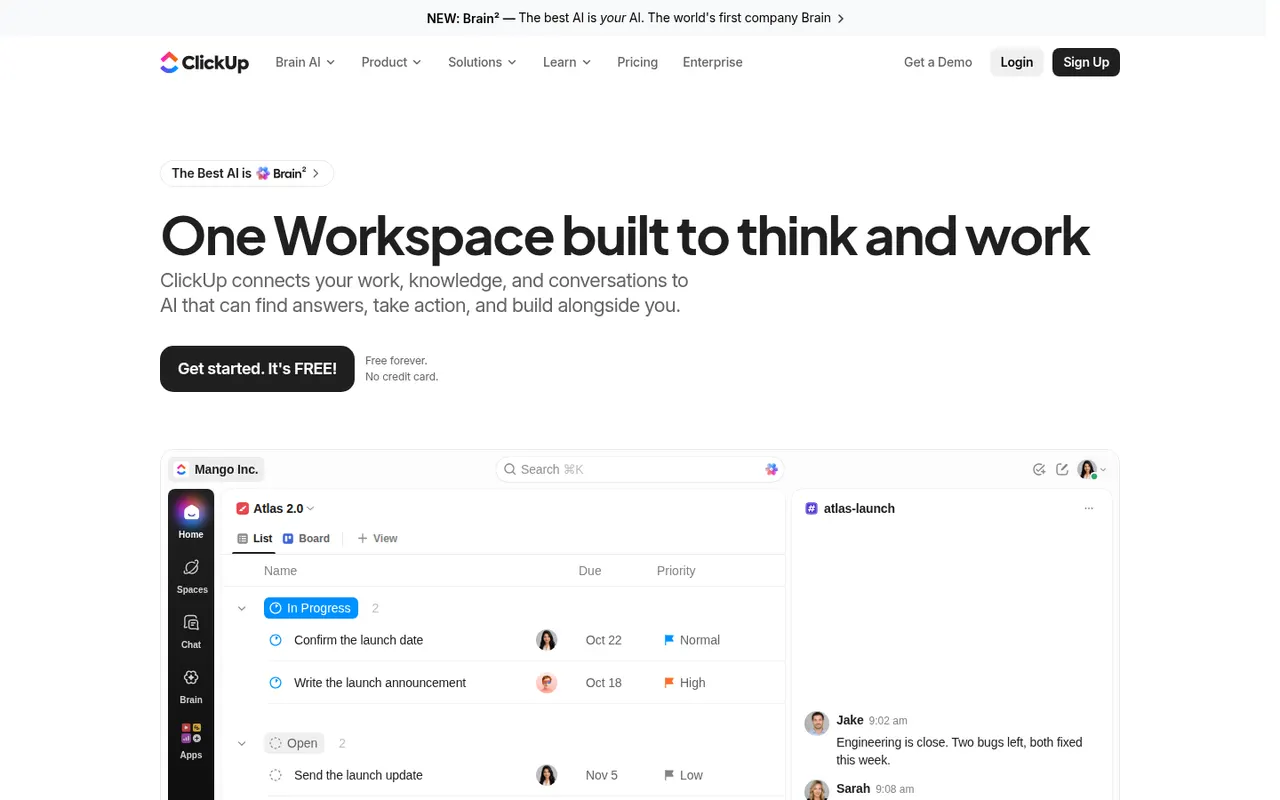
Cost / LicenseFreemiumProprietaryCategoriesClickUp combines tasks, documents, whiteboards, goals, chat and time tracking in a single workspace, with more than a dozen views including list, board, Gantt and calendar. Its depth and customization appeal to teams that want to replace several tools at once, and ClickUp Brain adds AI search, writing and summaries across the workspace.
12 ClickUp alternativesPros
- Tasks, docs, whiteboards, goals and chat in a single workspace
- More than a dozen views, from list and board to Gantt and calendar
- Deep customization of fields, statuses and automations
Cons
- The sheer number of features creates a steep learning curve
- The interface can feel slow and cluttered in large workspaces
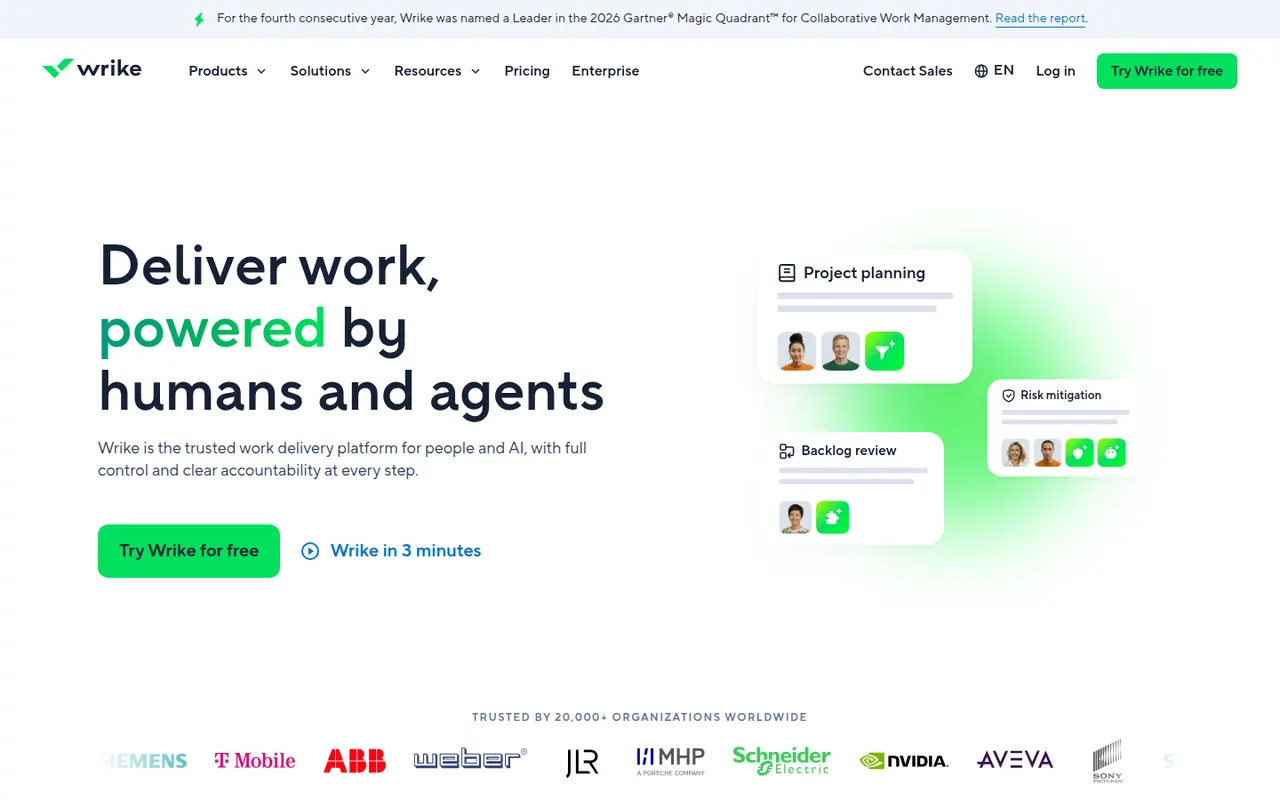
Cost / LicenseFreemiumProprietaryCategoriesWrike is a work management platform for organizations that run many projects at once, combining Gantt charts, Kanban boards, workload views and built-in time tracking. Custom request forms, approval workflows, tasks shared across several projects and AI features help marketing, professional services and PMO teams standardize how work is planned and delivered.
11 Wrike alternativesPros
- Handles many parallel projects with Gantt, Kanban and workload views
- Custom request forms and approval workflows standardize intake
- Built-in time tracking and tasks shared across several projects
Cons
- Steep learning curve and a dense interface
- Advanced features and analytics sit in the more expensive tiers
- Often overkill for small teams with simple needs
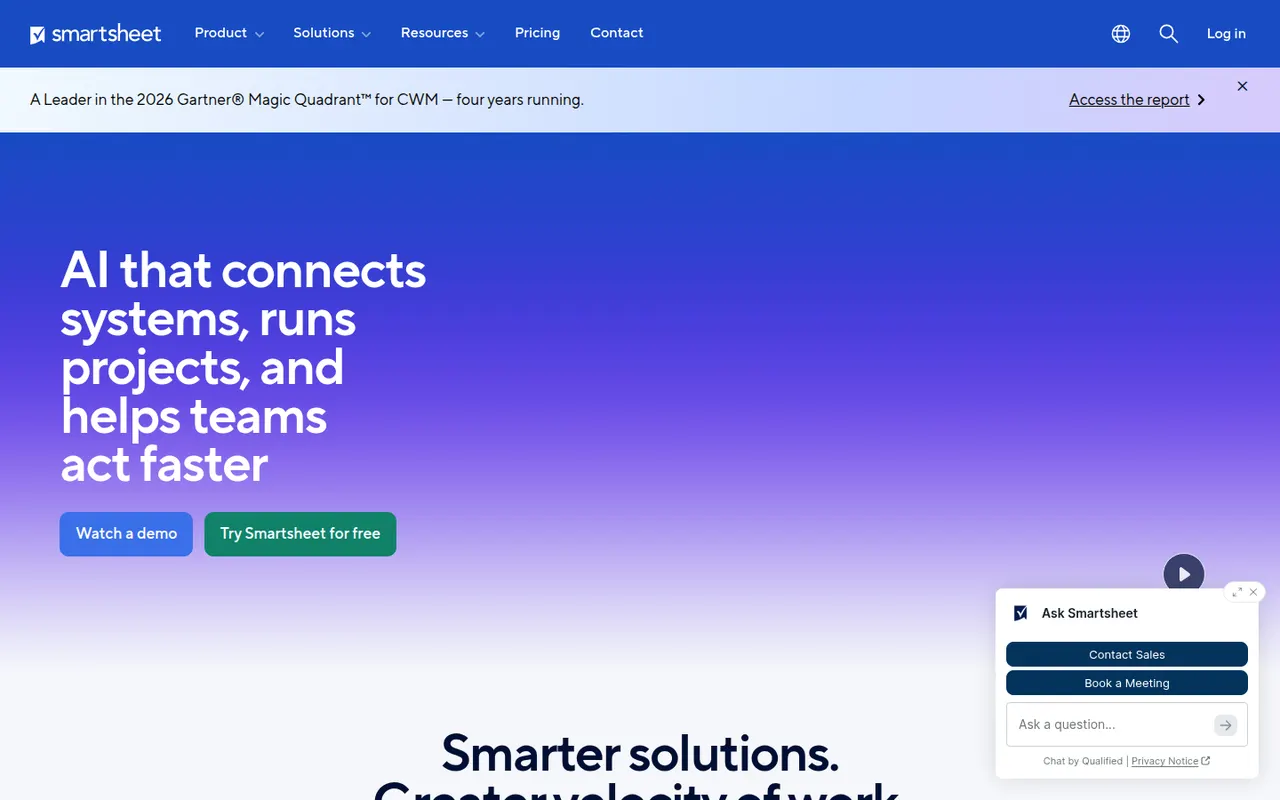
Cost / LicenseFreemiumProprietaryCategoriesSmartsheet manages projects and business processes in sheets that look like spreadsheets but add Gantt, card and calendar views, dependencies, forms and automated workflows. It targets enterprises and PMOs that need reports, dashboards and portfolio views across many projects, and connects to Microsoft 365, Google Workspace, Salesforce and Jira.
12 Smartsheet alternativesPros
- Spreadsheet-like interface feels familiar to Excel users
- Strong reports and dashboards across portfolios of projects
- Gantt views with dependencies, forms and automated workflows
Cons
- No free plan beyond the trial period
- Costs rise quickly with team size and premium add-ons
- The interface feels less modern than newer work management tools
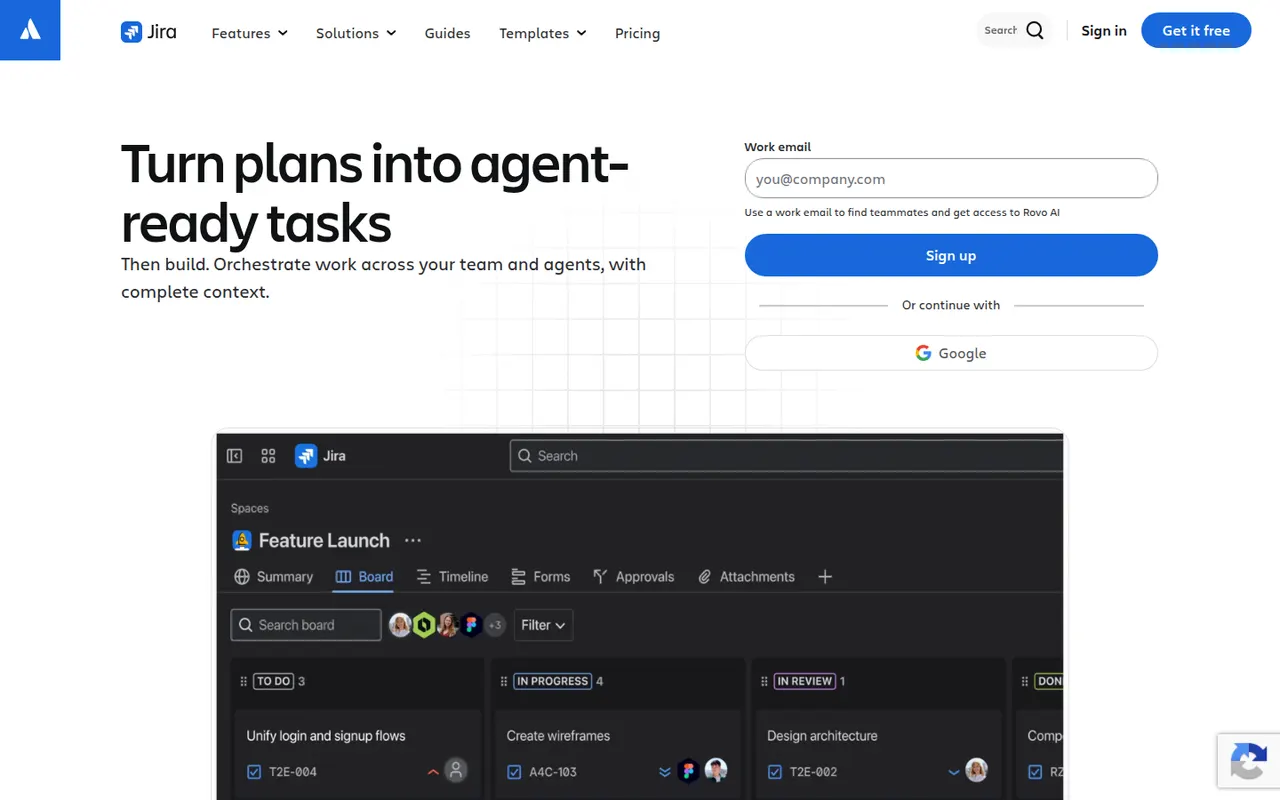
Cost / LicenseFree trialProprietaryJira is Atlassian's tracker for software teams, built around issues, Scrum and Kanban boards, backlogs, sprints and configurable workflows. It connects to Confluence, Bitbucket and GitHub, offers a large marketplace of apps and rule-based automation, and is available in the cloud or as a self-managed Data Center edition for large organizations.
12 Jira alternativesPros
- Mature Scrum and Kanban boards with backlogs and sprints
- Highly configurable workflows, fields and automation rules
- Tight links with Confluence, Bitbucket and GitHub, plus a large app marketplace
Cons
- Complex to set up and administer without a dedicated admin
- Can feel heavy and slow for small teams or simple projects
- Marketplace apps add to the cost on top of per-user pricing
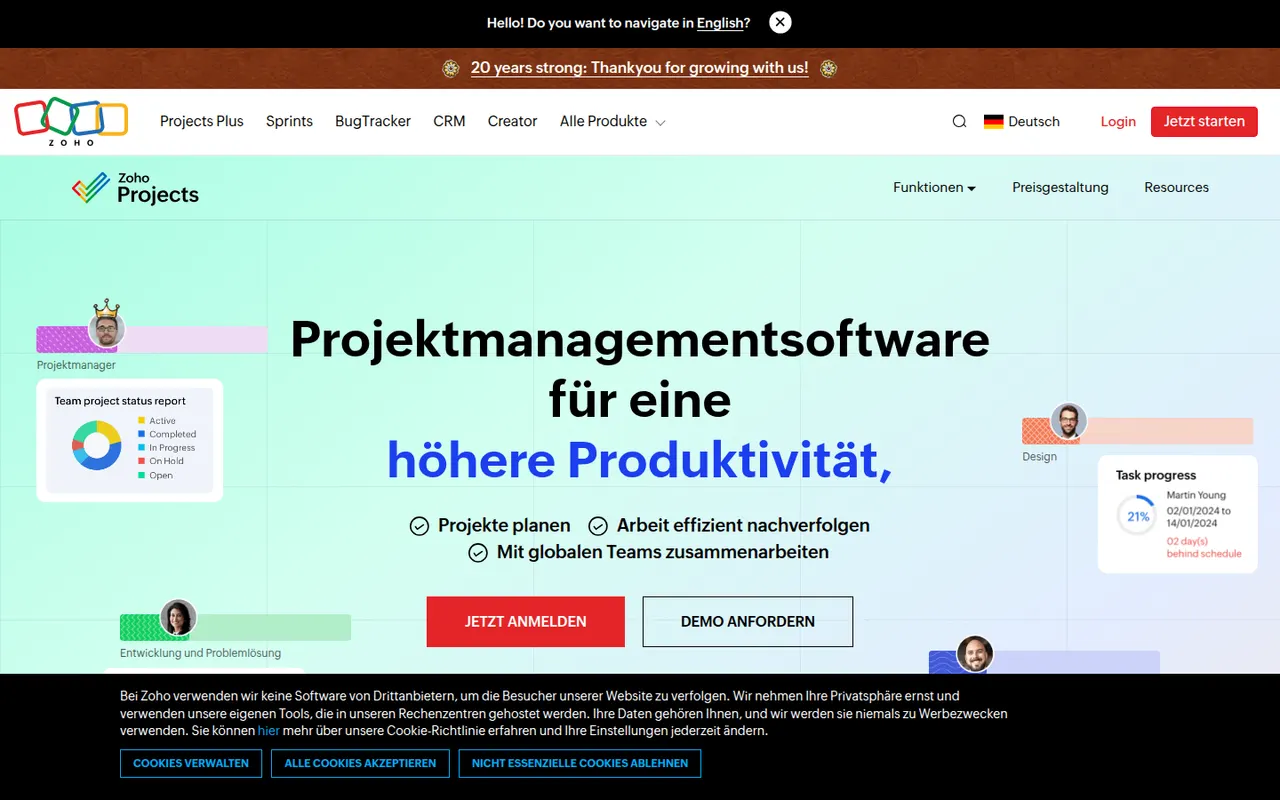
Cost / LicenseFreemiumProprietaryCategoriesPlatformsZoho Projects is a cloud project management app with task lists, Gantt charts, Kanban boards, timesheets, issue tracking and Blueprint workflows. It fits companies that already use Zoho apps such as CRM, Books or Desk, and includes the Zia assistant, client access and a free plan for very small teams.
10 Zoho Projects alternativesPros
- Connects natively with Zoho CRM, Books, Desk and other Zoho apps
- Gantt charts, timesheets and issue tracking in one tool
- Blueprint workflows enforce each step of a process
Cons
- The interface feels less polished than leading competitors
- Most valuable for companies already invested in Zoho
- The free plan only suits very small teams
Cost / LicenseFreemiumProprietaryCategoriesMicrosoft To Do is a free task manager, the successor to Wunderlist, that syncs lists, reminders and recurring tasks across devices with a Microsoft account. Its My Day view helps pick what to tackle today, lists can be shared with family or colleagues, and flagged Outlook emails and Planner tasks show up next to personal to-dos.
9 Microsoft To Do alternativesPros
- Completely free with a Microsoft account
- My Day view keeps daily planning simple
- Flagged Outlook emails and Planner tasks appear next to your to-dos
Cons
- No board or timeline views for organizing projects
- Few integrations outside the Microsoft ecosystem
Cost / LicenseFreeProprietaryCategoriesOpenProject is an open source project management platform developed in Germany, covering classic, agile and hybrid methods with Gantt charts, Scrum and Kanban boards, time and cost tracking, wikis and meetings. The Community edition is free to self-host, and the company sells an Enterprise edition and a hosted cloud aimed at organizations that care about data sovereignty.
9 OpenProject alternativesPros
- Open source and free to self-host with the Community edition
- Gantt charts, agile boards, time and cost tracking in one tool
- Developed in Germany with a focus on data sovereignty and GDPR
Cons
- The interface feels dated and dense next to newer tools
- Several advanced features are reserved for the Enterprise edition
- Self-hosting requires server setup and ongoing maintenance
Cost / LicenseFreemiumOpen sourceCategoriesPlatforms





















Microsoft Planner vs its alternatives at a glance
Pricing, platforms and the key features of Microsoft Planner, compared with its most popular alternatives.
| App | Pricing | Platforms | Calendar view | Gantt charts | Integrations | Kanban boards | Team collaboration |
|---|---|---|---|---|---|---|---|
 Microsoft Planner Microsoft Planner | Paid | Web, iPhone, Android | |||||
 Trello Trello | Freemium | Web, Windows, Mac, iPhone, Android | |||||
| Asana | Freemium | Web, Windows, Mac, iPhone, Android | |||||
 monday.com monday.com | Freemium | Web, Windows, Mac, iPhone, Android | |||||
 ClickUp ClickUp | Freemium | Web, Windows, Mac, Linux, iPhone, Android | |||||
 Wrike Wrike | Freemium | Web, Windows, Mac, iPhone, Android |
Microsoft Planner alternatives: frequently asked questions
What is the best alternative to Microsoft Planner?
The most popular alternative to Microsoft Planner is Trello: Kanban boards, lists and cards to organize team work. Other great alternatives are Asana, monday.com, ClickUp, and Wrike.
Is there a free alternative to Microsoft Planner?
Yes, 9 alternatives are free or have a free plan, including Trello, Asana, monday.com, and ClickUp.
Is there an open source alternative to Microsoft Planner?
Yes, one open source alternative is listed: OpenProject.
Is Microsoft Planner free?
No, Microsoft Planner is a paid app.
Compare Microsoft Planner with its alternatives


Sponsored listings and products made by the publisher of this site are always labeled. How we rank · Know a good alternative? Submit it