Apps with Ad-free
25 apps
Top Ad-free apps ranked by the community
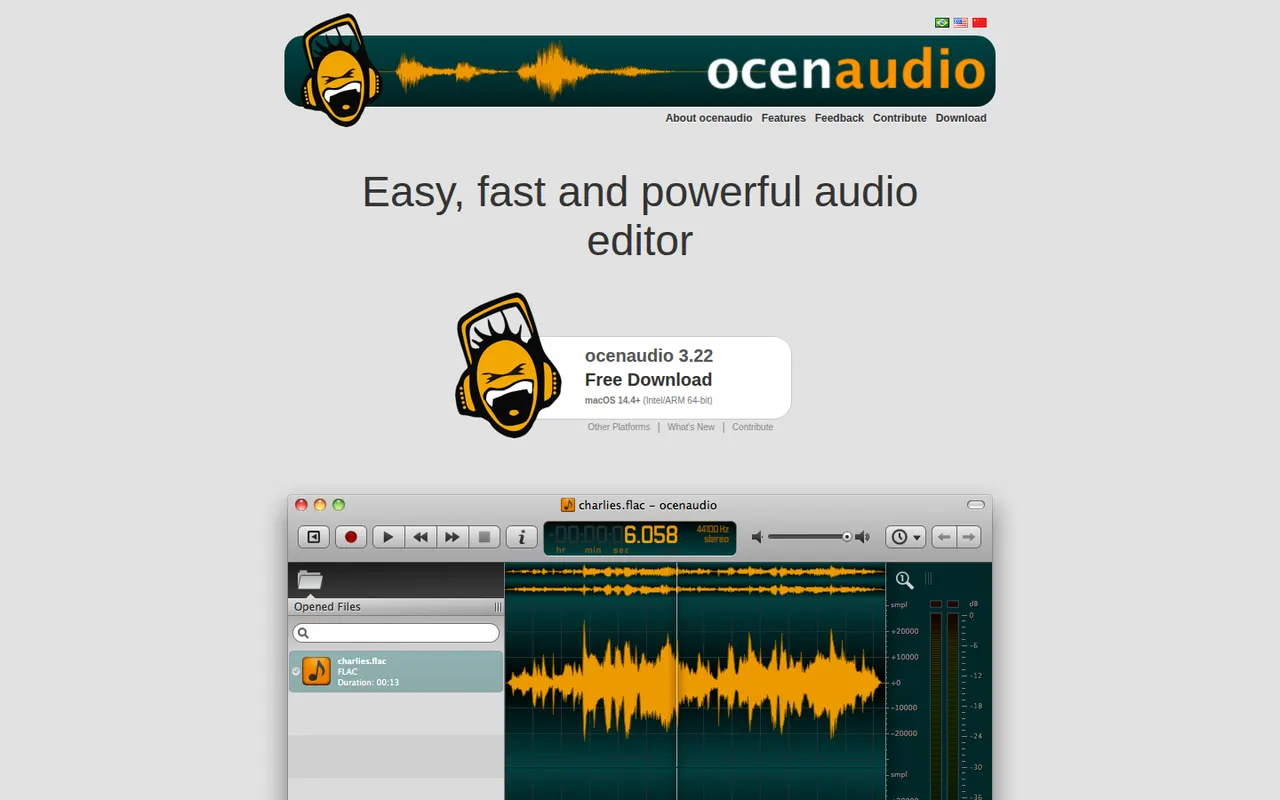
ocenaudio is a free audio editor for Windows, macOS and Linux, intended for users who need more than a basic recorder without the complexity of a full studio. It previews effects in real time, lets you edit several selections at once, handles large files smoothly and supports VST plugins. It is a lightweight alternative to Audacity for quick edits and spectral analysis.
7 ocenaudio alternativesPros
- Real-time effect preview speeds up quick edits
- Lightweight and smooth even with large audio files
- Free on Windows, macOS and Linux with no ads
Cons
- No multitrack editing, so it is not suited to mixing
- Smaller community and fewer tutorials than Audacity
Cost / LicenseFreeProprietaryCategoriesFeaturesSimplenote is a free note app from Automattic, the company behind WordPress.com, that sticks to plain text with optional Markdown, tags and quick search. Notes sync instantly across web, desktop and mobile apps, every change is kept in version history, and notes can be shared with collaborators or published as a web page. The apps are open source.
8 Simplenote alternativesPros
- Free, ad-free and fast plain-text notes
- Instant sync across web, desktop and mobile
- Version history keeps every change to a note
Cons
- No images, attachments or rich formatting
- Organization is limited to tags and search
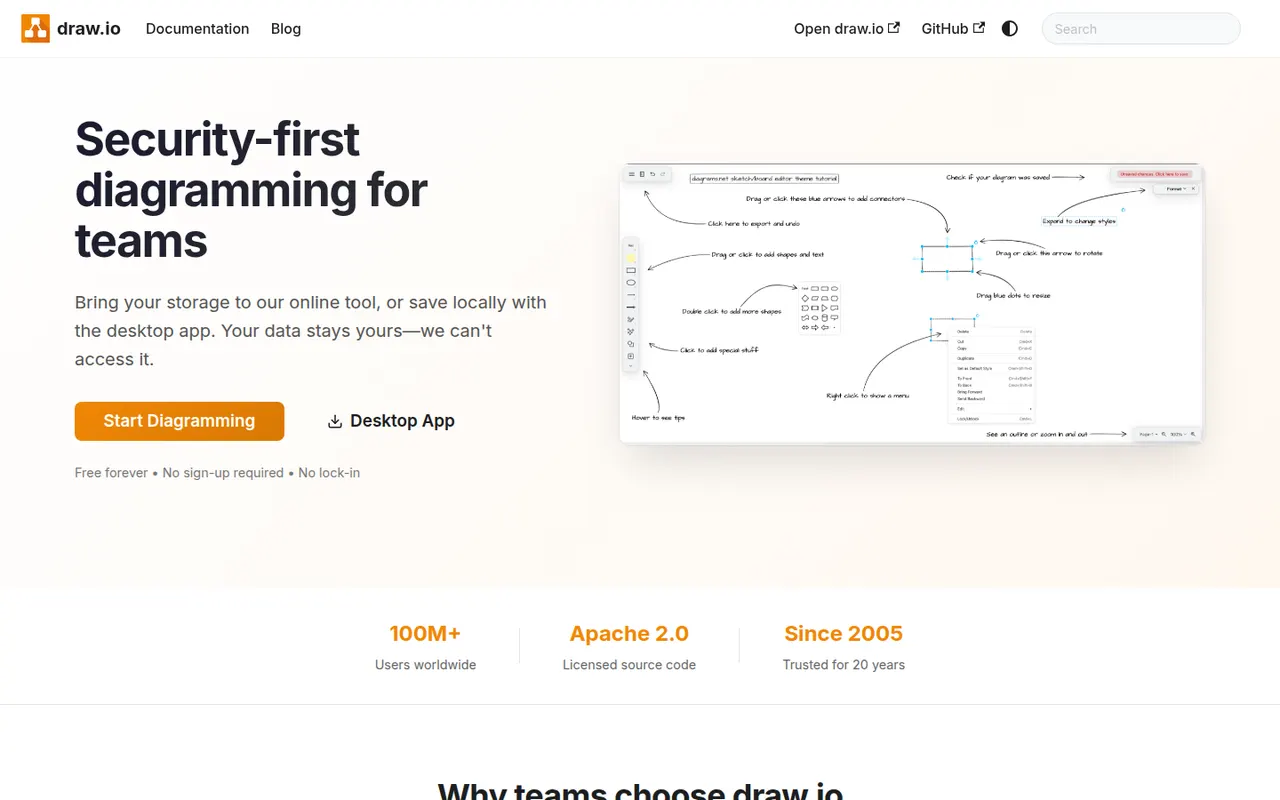
Cost / LicenseFreeOpen sourceCategoriesdraw.io, also known as diagrams.net, is a free and open source diagramming tool from JGraph for flowcharts, UML, network, BPMN and org charts. It requires no account, saves diagrams wherever you choose, such as your device, Google Drive, OneDrive or GitHub, and is available as a desktop app for offline use and as an integration for Confluence and Jira.
10 draw.io alternativesPros
- Completely free and open source, with no account required
- Saves diagrams to your device, Google Drive, OneDrive or GitHub
- Offline desktop app plus Confluence and Jira integrations
Cons
- Interface looks dated next to modern whiteboard tools
- Real-time collaboration is more limited than in paid rivals
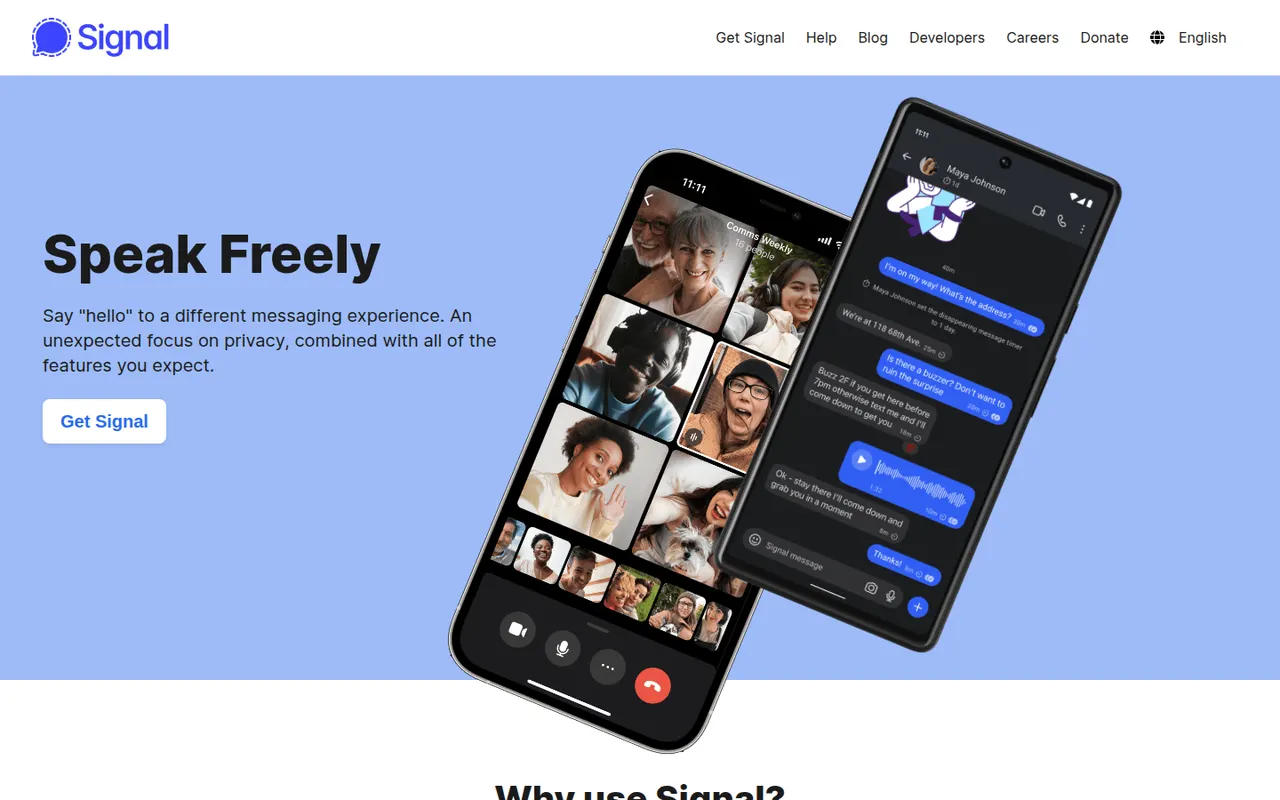
Cost / LicenseFreeOpen sourceCategoriesPlatformsSignal is a free, open-source messenger run by the nonprofit Signal Foundation. Messages, calls, group chats and media are end-to-end encrypted with the Signal Protocol, and the service is designed to collect as little metadata as possible. Registration requires a phone number, though usernames let you chat without sharing it, and the app has no ads or trackers.
10 Signal alternativesPros
- Signal Protocol encrypts messages, calls and groups end to end
- Run by a nonprofit, with minimal metadata and no ads
- Usernames let you chat without revealing your phone number
Cons
- A phone number is still required to register
- Fewer of your contacts are likely to use it than mainstream apps
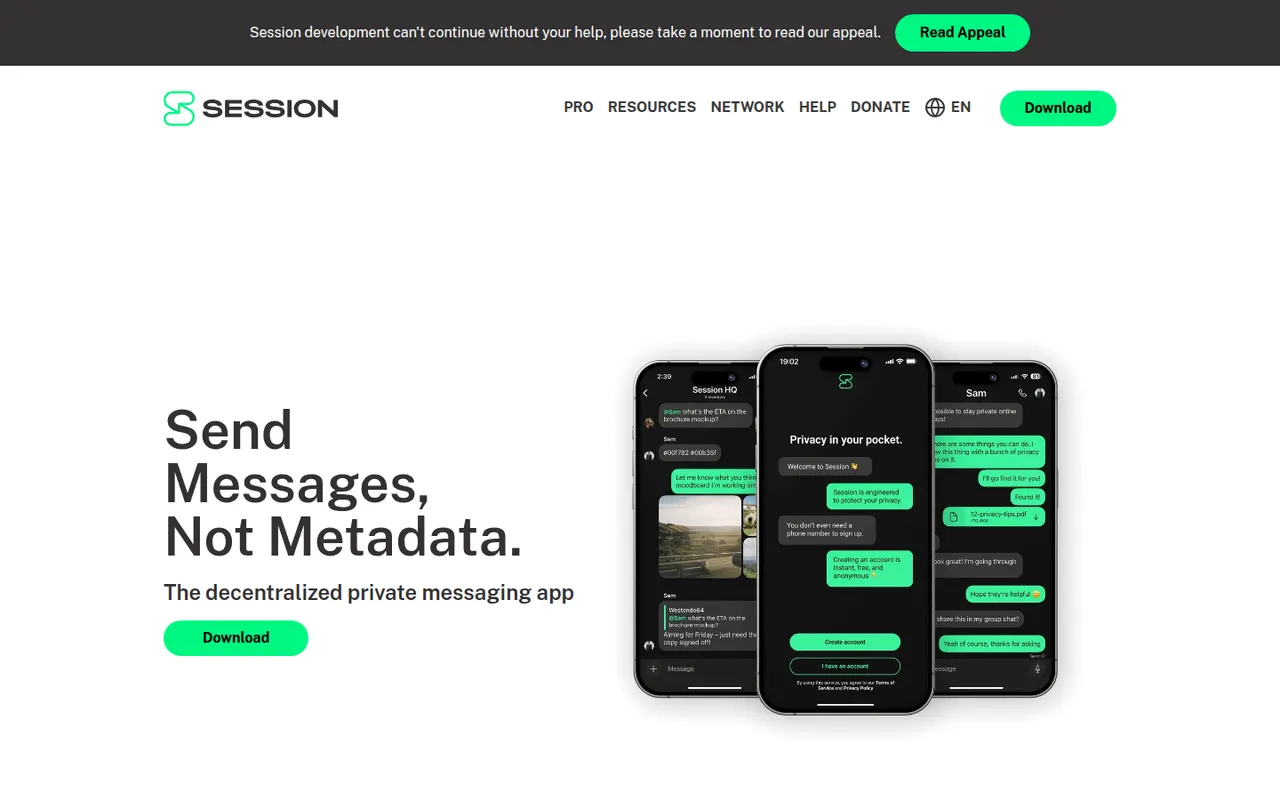
Cost / LicenseFreeOpen sourceCategoriesSession is an open-source, end-to-end encrypted messenger that needs no phone number or email: an account is just a randomly generated Session ID. Messages are relayed through a decentralized network of community-operated nodes using onion routing, which hides IP addresses and limits metadata. It supports one-to-one chats, small private groups and larger communities on desktop and mobile.
9 Session alternativesPros
- No phone number or email: an account is just a random Session ID
- Onion routing hides IP addresses and limits metadata
- Decentralized network of community-operated nodes
Cons
- Messages can arrive more slowly than on centralized apps
- Small user base compared with mainstream messengers
- Losing your recovery phrase means losing your account
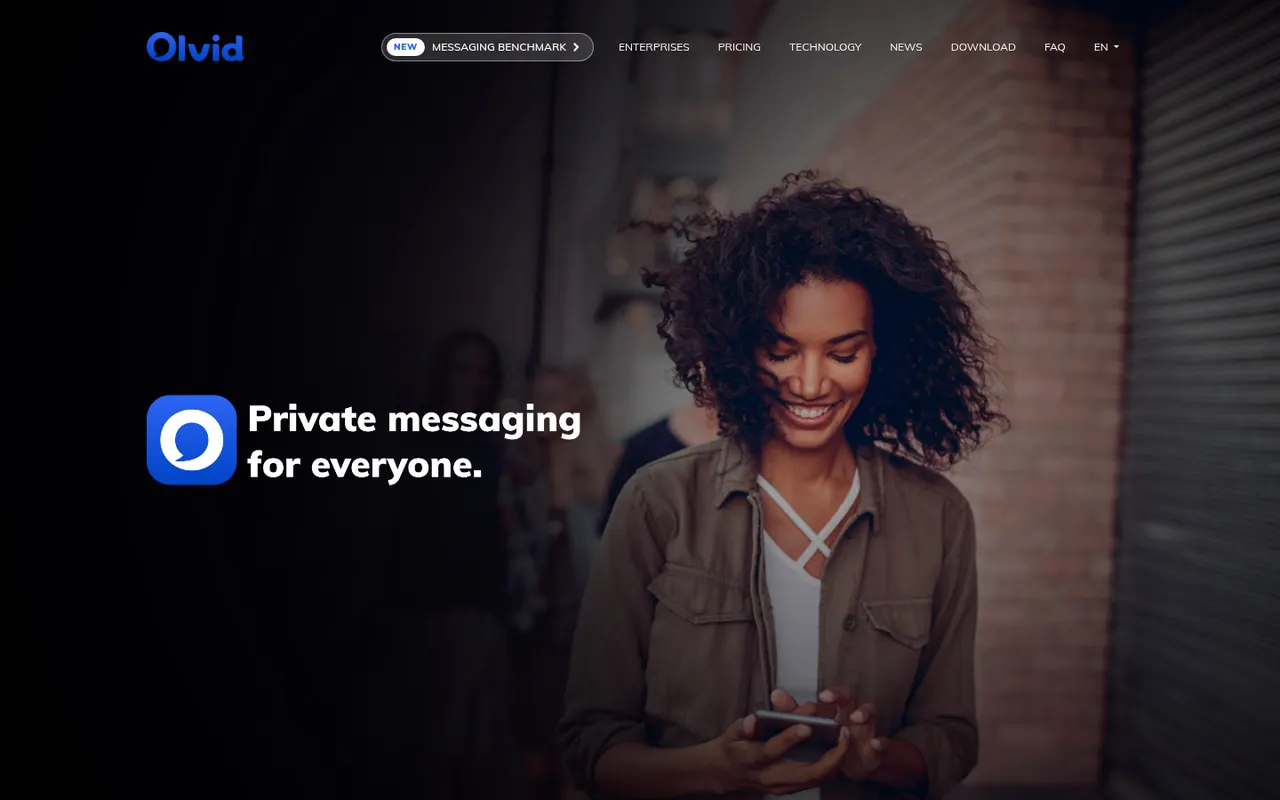
Cost / LicenseFreeOpen sourceCategoriesOlvid is an end-to-end encrypted messenger developed in France that works without a phone number, email address or central user directory: contacts are added by exchanging codes in person or through trusted introductions. Its security has been certified by ANSSI, the French cybersecurity agency, and its apps are open source. Messaging is free, with paid subscriptions for advanced features and for businesses.
8 Olvid alternativesPros
- No phone number, email or central user directory required
- Security certified by ANSSI, the French cybersecurity agency
- Open source apps on desktop and mobile
Cons
- Adding contacts in person or via introductions slows onboarding
- Small user base, so most contacts will need to install it
- Advanced features and business use require a subscription
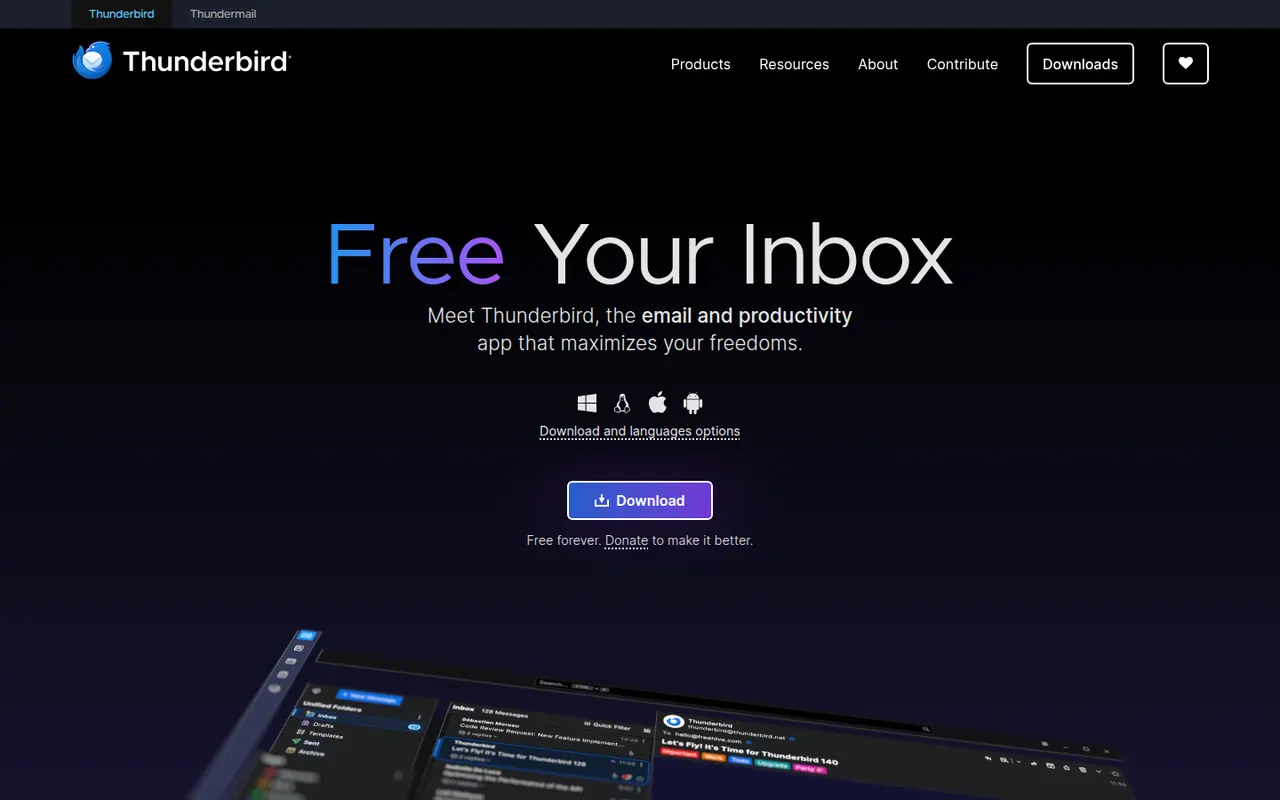
Cost / LicenseFreemiumOpen sourceCategoriesThunderbird is a free and open-source email client for Windows, macOS and Linux, with an Android app based on K-9 Mail. It manages multiple accounts in a unified inbox and includes a calendar, address book, chat and built-in OpenPGP encryption. Add-ons and themes customize it extensively, and it is developed by MZLA Technologies, a Mozilla Foundation subsidiary funded by user donations.
9 Thunderbird alternativesPros
- Free and open source, funded by donations rather than ads
- Built-in OpenPGP encryption, calendar and address book
- Highly customizable with add-ons and themes
Cons
- Interface feels busier than minimalist modern clients
- Getting the most out of it takes some setup and add-ons
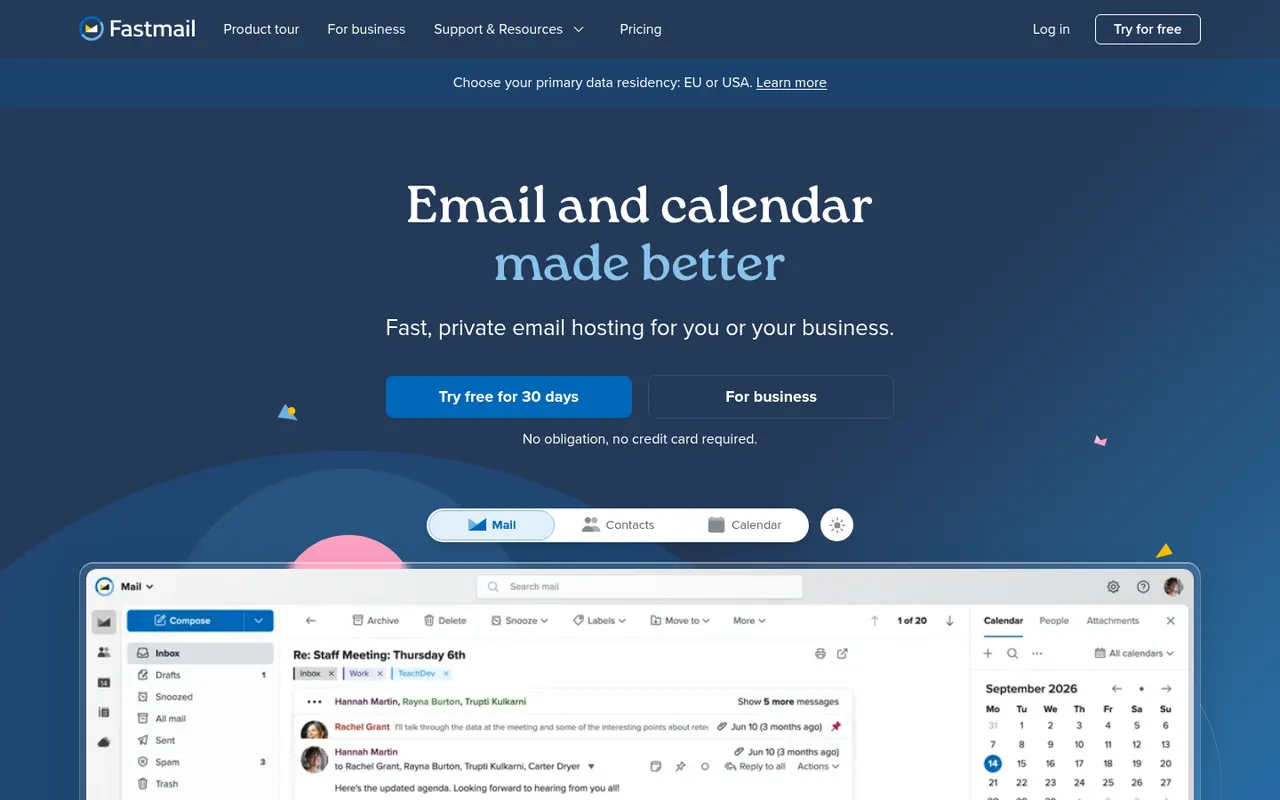
Cost / LicenseFreeOpen sourceCategoriesFastmail is an independent email provider from Australia that bundles email, calendar and contacts with no ads. It supports custom domains, aliases and Masked Email addresses generated through its 1Password integration, and works with any client via IMAP, CalDAV and CardDAV. Fastmail also led the creation of JMAP, an open standard for faster email sync. It is paid, with a free trial.
9 Fastmail alternativesPros
- Ad-free service funded by subscriptions rather than advertising
- Masked Email addresses through the 1Password integration
- Standard IMAP, CalDAV and CardDAV work with any client
Cons
- No free plan beyond the trial
- No end-to-end encryption like Proton Mail or Tuta
- Fewer collaboration tools than Google Workspace or Microsoft 365
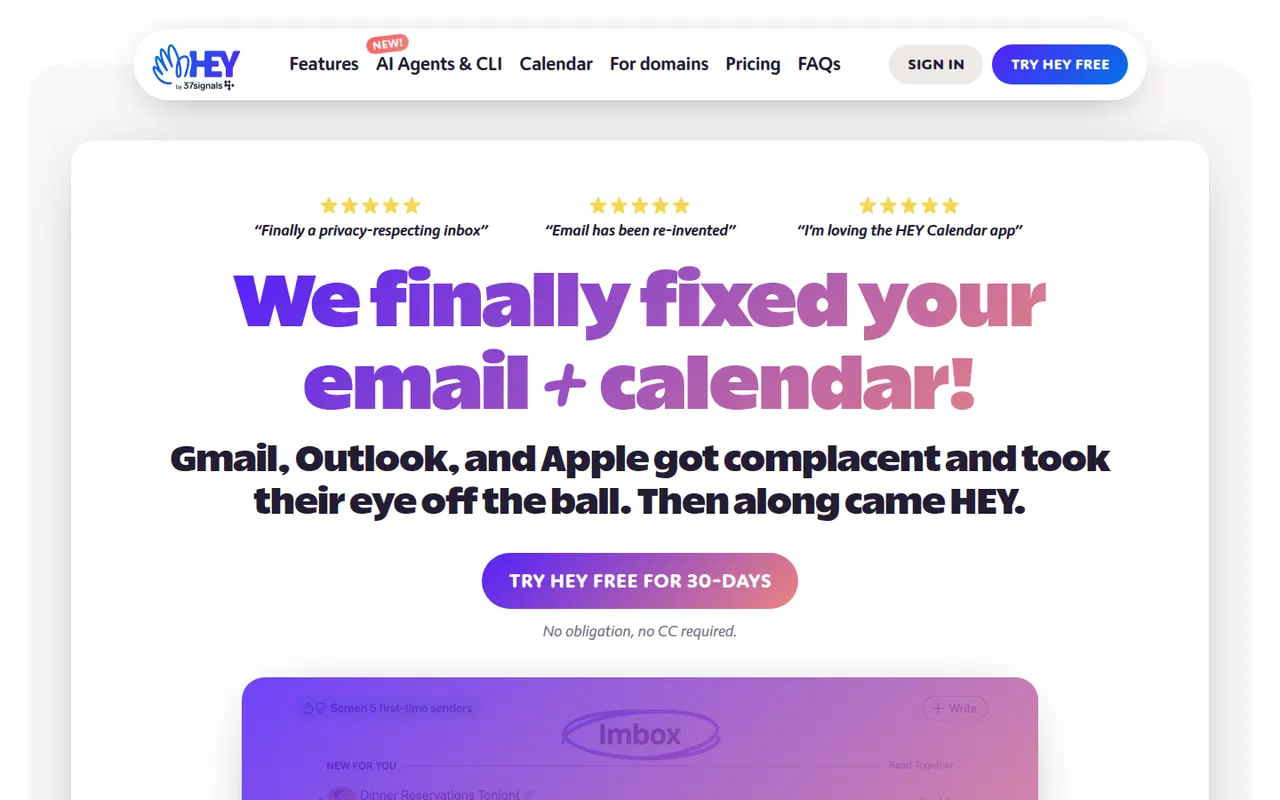
Cost / LicenseFree trialProprietaryCategoriesHEY is a paid email service from 37signals, the makers of Basecamp, that rethinks how mail is triaged. First-time senders must be approved in the Screener, newsletters go to The Feed, receipts to the Paper Trail, and spy pixels are blocked automatically. It includes a calendar and supports custom domains for businesses, but works only with HEY addresses rather than existing Gmail or IMAP accounts.
9 HEY alternativesPros
- Screener lets you approve first-time senders before they reach you
- Spy pixels in emails are blocked automatically
- The Feed and Paper Trail set newsletters and receipts aside
Cons
- Works only with HEY addresses, not existing Gmail or IMAP accounts
- Opinionated workflow that doesn’t suit everyone
- No free plan beyond the trial
Cost / LicenseFree trialProprietaryCategoriesZoho Mail is an ad-free business email service from Zoho that hosts mailboxes on your own domain, with calendar, contacts, tasks and notes included. Admins get a control panel for users, security policies and retention, and the service integrates with Zoho's office, CRM and collaboration apps through Zoho Workplace. A free plan is available for small teams, with paid plans adding more storage and features.
8 Zoho Mail alternativesPros
- Ad-free business email on your own domain, with a free plan
- Admin console for users, security policies and retention
- Integrates with Zoho’s office, CRM and collaboration apps
Cons
- Free plan lacks IMAP and POP access for desktop clients
- Interface feels less polished than Gmail or Outlook
Cost / LicenseFreemiumProprietaryCategoriesApple Mail is the email app included with macOS, iOS and iPadOS, supporting iCloud, Gmail, Exchange and other IMAP accounts in a unified inbox. It offers send later, follow-up reminders, smart search and Mail Privacy Protection, which hides your IP address and stops senders from seeing when you open messages. With iCloud+, Hide My Email creates random addresses that forward to your inbox.
9 Apple Mail alternativesPros
- Free and preinstalled on Mac, iPhone and iPad
- Mail Privacy Protection hides your IP and blocks open tracking
- Unified inbox for iCloud, Gmail, Exchange and IMAP accounts
Cons
- Only available on Apple devices
- Few power-user features or extensions compared with dedicated clients
- Hide My Email requires an iCloud+ subscription
Cost / LicenseFreeProprietaryCategoriesLibreOffice is a desktop office suite maintained by The Document Foundation, with Writer, Calc, Impress, Draw, Base and Math. It uses the OpenDocument format natively and opens and saves Microsoft Office files. It is free for any use, works fully offline and can be extended with community extensions and templates.
12 LibreOffice alternativesPros
- Free for any use, with no account or subscription
- Full suite with Writer, Calc, Impress, Draw and Base
- Native OpenDocument support and fully offline use
Cons
- Interface feels dated next to Microsoft 365
- Complex Office files can lose formatting
- No real-time collaboration in the desktop apps
Cost / LicenseFreeOpen sourceiWork is Apple's productivity suite made of Pages for documents, Numbers for spreadsheets and Keynote for presentations. The apps are free on Mac, iPhone and iPad, sync through iCloud and can be used in a browser on iCloud.com, including from Windows PCs. They focus on designed templates, support real-time collaboration and can import and export Microsoft Office files.
7 Apple iWork alternativesPros
- Free Pages, Numbers and Keynote with polished templates
- Keynote makes well-designed presentations easy to build
- Usable on iCloud.com, including from Windows PCs
Cons
- Office conversion can break complex layouts and formulas
- Numbers lacks the advanced spreadsheet features of Excel
- No native apps for Windows or Android
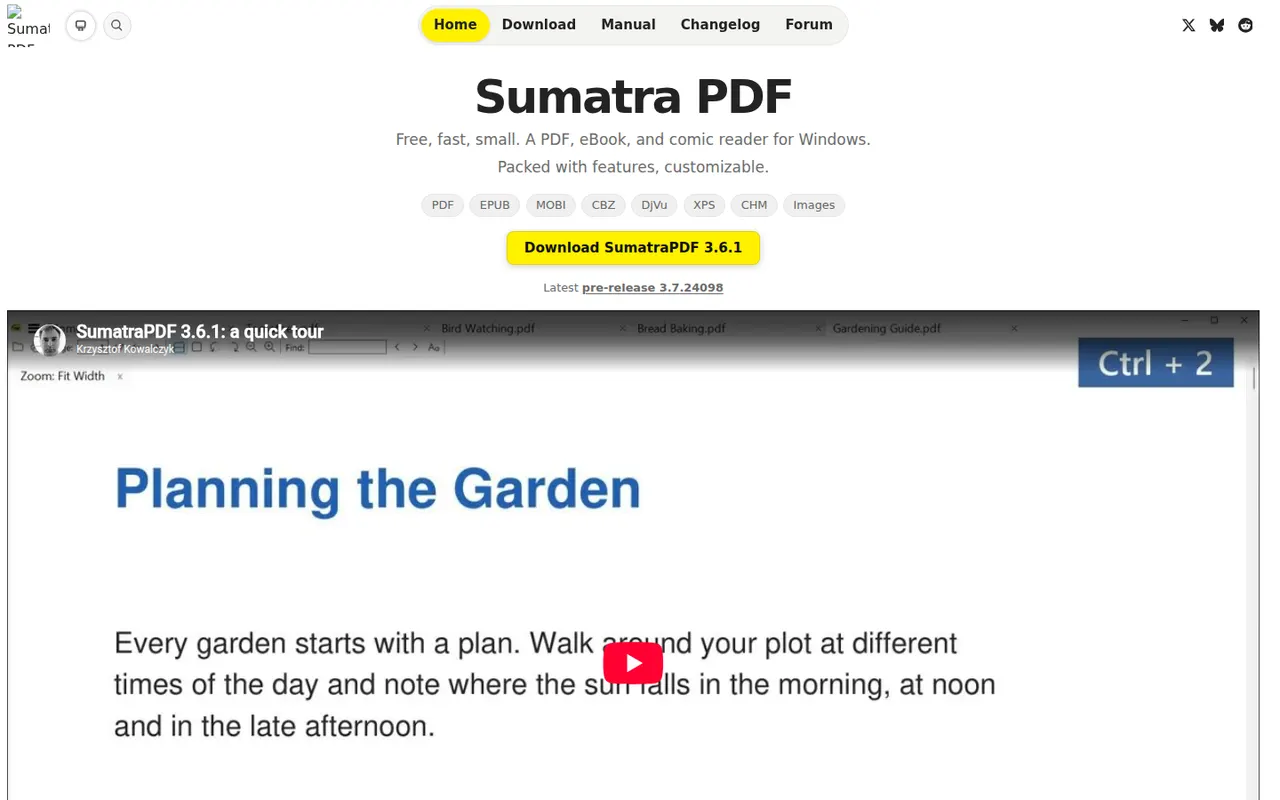
Cost / LicenseFreeProprietaryCategoriesSumatra PDF is a small, fast document reader for Windows that opens PDF, EPUB, MOBI, XPS, DjVu and comic book files. It focuses on quick startup and a minimal interface rather than editing, with basic annotation support and a portable version that runs without installation. It is free and open source under the GPLv3.
6 Sumatra PDF alternativesPros
- Very fast startup and a minimal interface
- Opens PDF, EPUB, MOBI, DjVu and comic book files
- Portable version runs without installation
Cons
- Available on Windows only, with no Mac or Linux version
- No PDF editing and only basic annotations
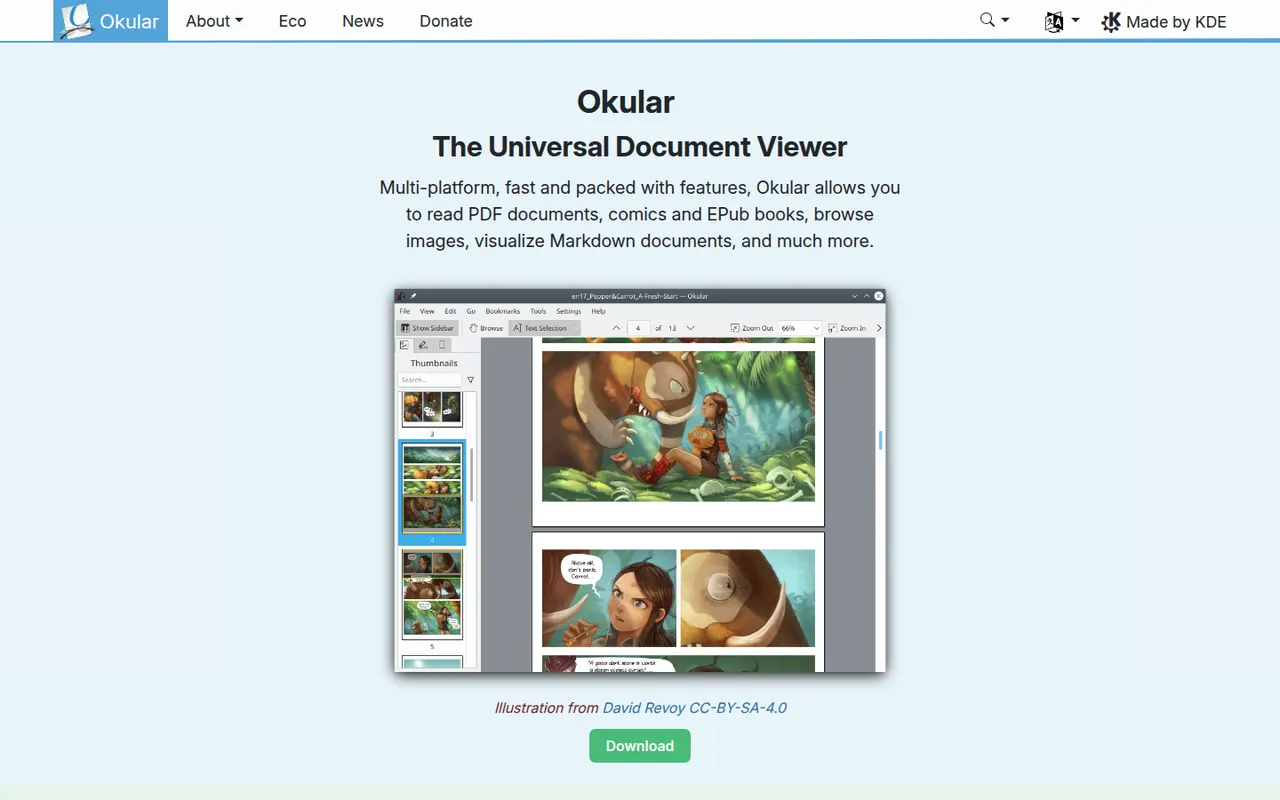
Cost / LicenseFreeOpen sourceCategoriesPlatformsOkular is the document viewer developed by the KDE community, opening PDF, EPUB, DjVu, XPS, comic books and other formats in one application. It supports highlighting, notes and other annotations, form filling and digital signatures for PDFs. Okular is free and open source, is usually installed with the KDE Plasma desktop on Linux and is also available for Windows.
6 Okular alternativesPros
- Opens PDF, EPUB, DjVu, XPS and comics in one viewer
- Highlights, notes, form filling and digital signatures
- Free and open source, with no ads
Cons
- Cannot edit the text or images of a PDF
- Works best on KDE Plasma and feels less native elsewhere
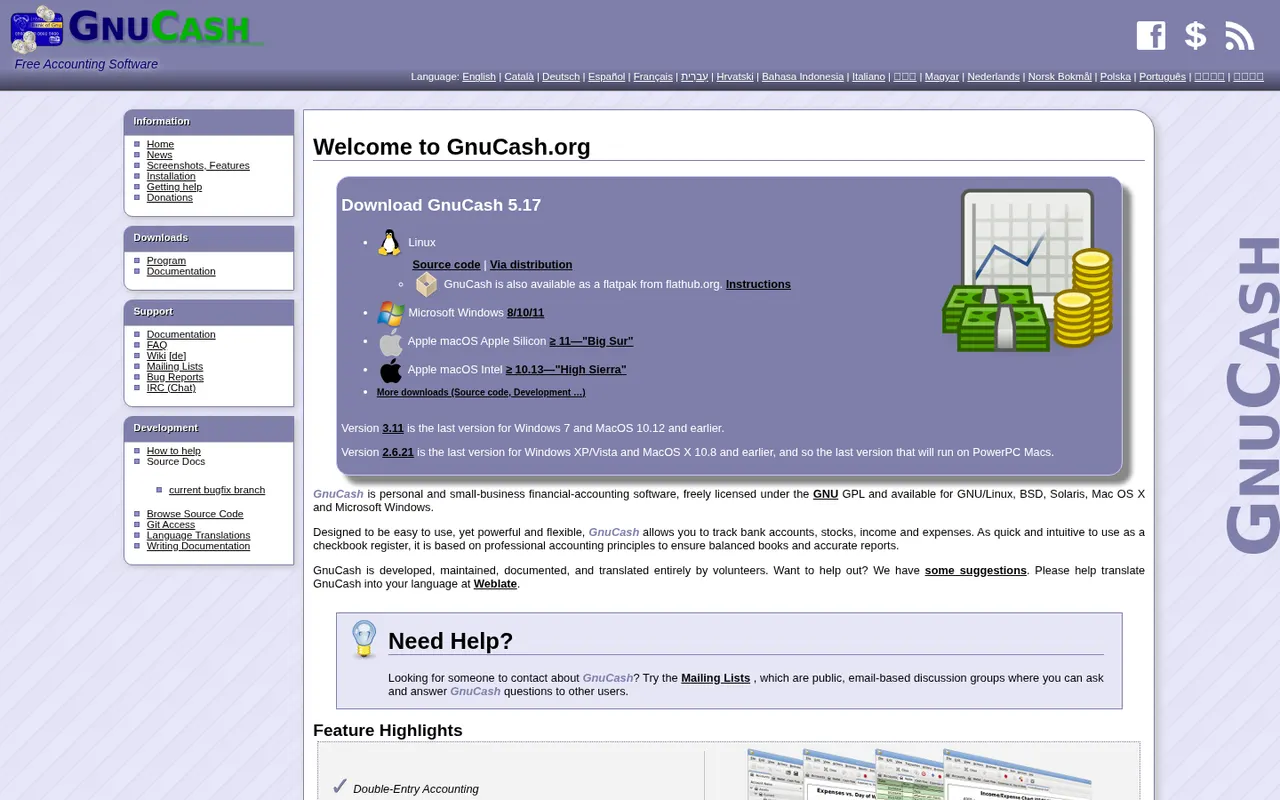
Cost / LicenseFreeOpen sourceCategoriesGnuCash is a free, open source desktop accounting program for tracking personal finances or keeping small-business books with double-entry accounting. It manages bank and credit card accounts, investments, multiple currencies, customers, vendors, invoices and bills, and can import QIF, OFX and CSV files or fetch transactions online. It runs offline on Windows, macOS and Linux and is licensed under the GPL.
7 GnuCash alternativesPros
- Free, open source double-entry accounting
- Works offline, with your data kept on your own computer
- Imports QIF, OFX and CSV files from banks
Cons
- Dated interface that feels clunky next to modern apps
- Double-entry concepts can confuse non-accountants
- No built-in cloud sync between devices
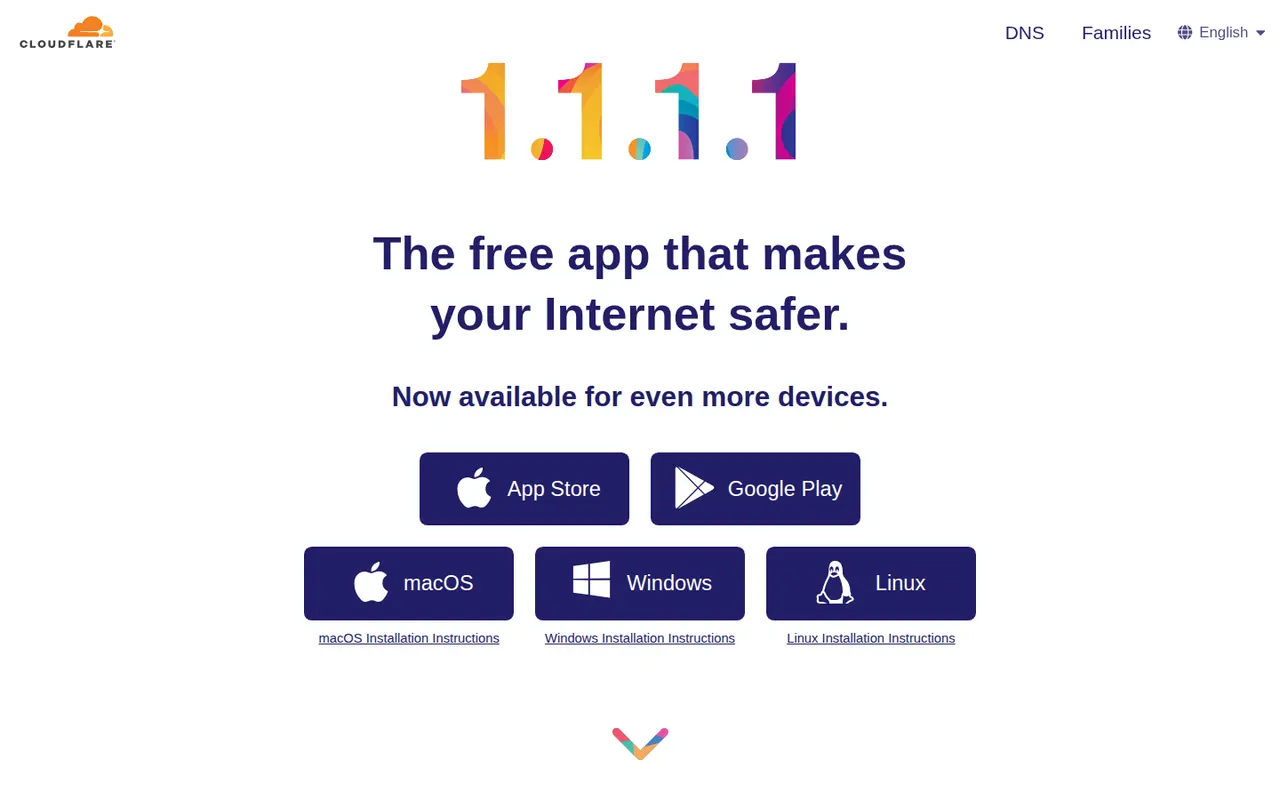
Cost / LicenseFreeOpen sourceCategoriesCloudflare WARP, delivered through the 1.1.1.1 app, encrypts traffic between your device and Cloudflare's network and uses its 1.1.1.1 DNS resolver. Unlike a classic VPN, it does not let you pick a server country or hide your general location, so it is meant for securing connections on public networks rather than unblocking content. The base service is free, and WARP+ is a paid upgrade.
7 Cloudflare WARP alternativesPros
- Free base service with no data cap
- Encrypts traffic on public Wi-Fi with minimal setup
- Built on WireGuard and Cloudflare's network for low overhead
Cons
- Cannot pick a server country or unblock streaming content
- Does not hide your general location like a classic VPN
- All traffic goes through Cloudflare, so you must trust one company
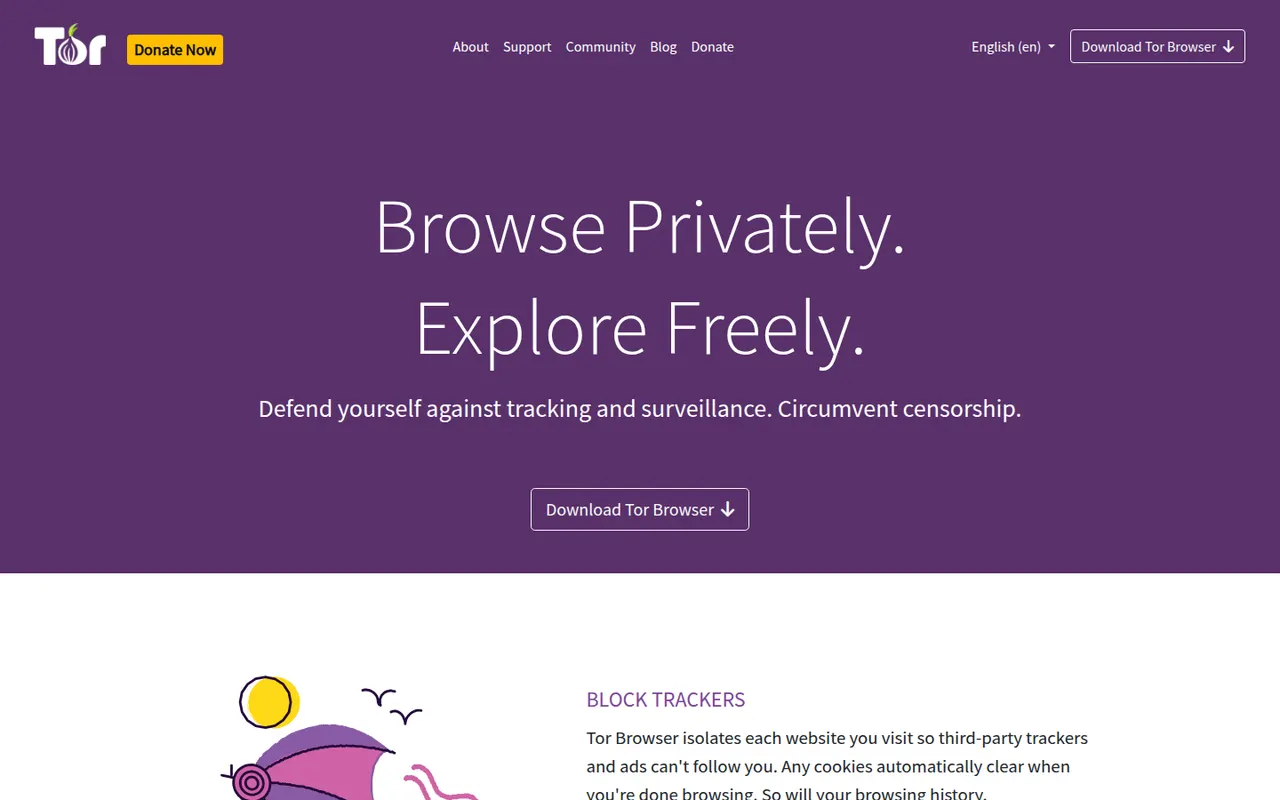
Cost / LicenseFreemiumProprietaryCategoriesTor Browser is a free, open source browser from the nonprofit Tor Project that sends your traffic through the volunteer-run Tor network, hiding your IP address from the sites you visit and your browsing from your network provider. Based on Firefox ESR, it isolates each site, resists fingerprinting by making users look alike, clears history on exit and can open .onion services.
7 Tor Browser alternativesPros
- Hides your IP address by routing traffic through the Tor network
- Fingerprinting resistance makes users look alike
- Built-in access to .onion services
Cons
- Browsing is noticeably slower because of multi-relay routing
- Many sites block Tor or show frequent CAPTCHAs
- No official app for iPhone
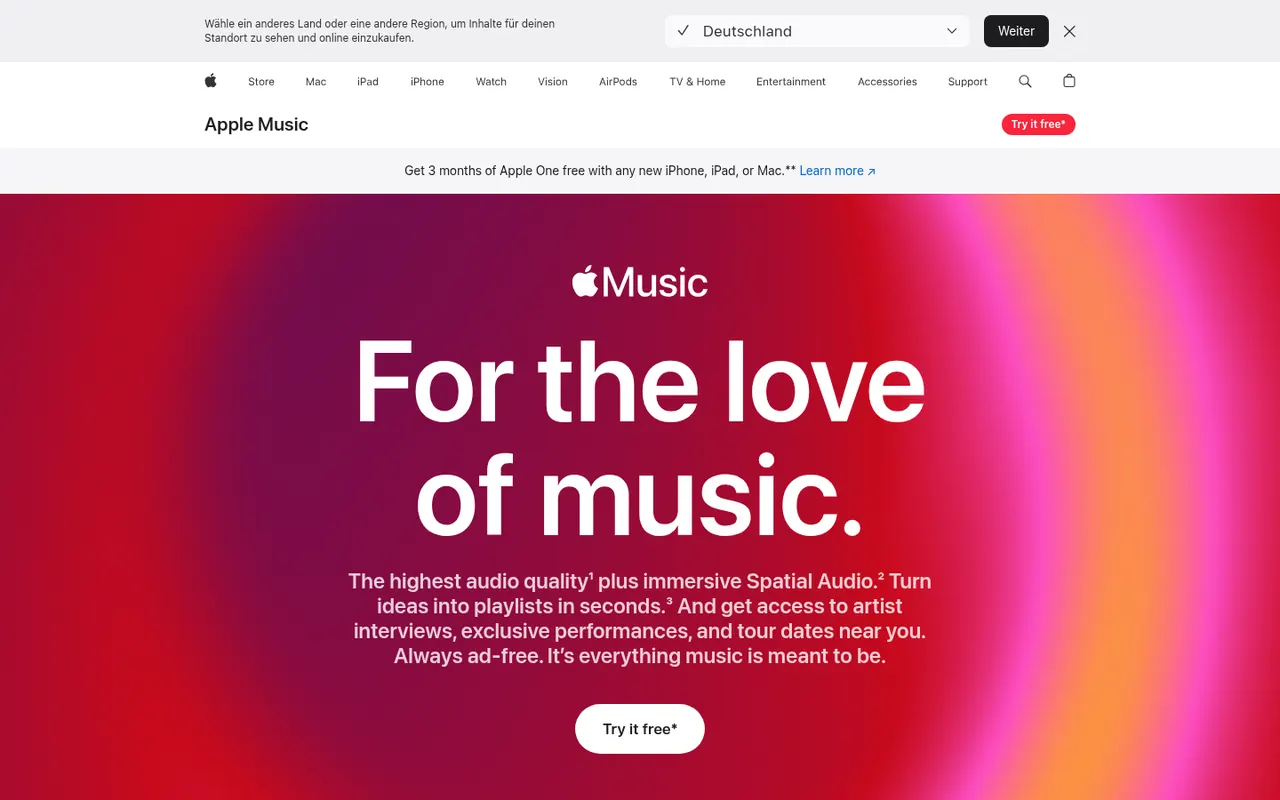
Cost / LicenseFreeOpen sourceCategoriesApple Music is Apple's subscription streaming service with a large catalog, curated playlists, live radio stations and time-synced lyrics. Subscriptions include lossless audio and Dolby Atmos spatial audio at no extra cost, and the service works with Siri, the iCloud Music Library and Apple devices. It is also available on Android, Windows and the web, with a free trial for new subscribers.
9 Apple Music alternativesPros
- Lossless and Dolby Atmos spatial audio at no extra cost
- Time-synced lyrics, live radio and curated playlists
- Deep integration with Siri and Apple devices
Cons
- No free tier beyond the trial
- Best experienced on Apple devices, with other platforms feeling secondary
Cost / LicenseFree trialProprietaryCategoriesTIDAL is a music streaming service focused on sound quality, streaming in lossless and hi-res FLAC as well as Dolby Atmos. It offers curated playlists, music videos and detailed artist credits, and integrates with many hi-fi systems and network streamers. TIDAL no longer has a free tier: a single paid plan includes every audio quality level, and new users can start with a free trial.
9 TIDAL alternativesPros
- Lossless and hi-res FLAC streaming included in a single plan
- Detailed artist credits and curated playlists for music fans
- Works with many hi-fi systems and network streamers
Cons
- No free tier, only a trial before the paid plan
- Music discovery features are less developed than on Spotify
- No official desktop app for Linux
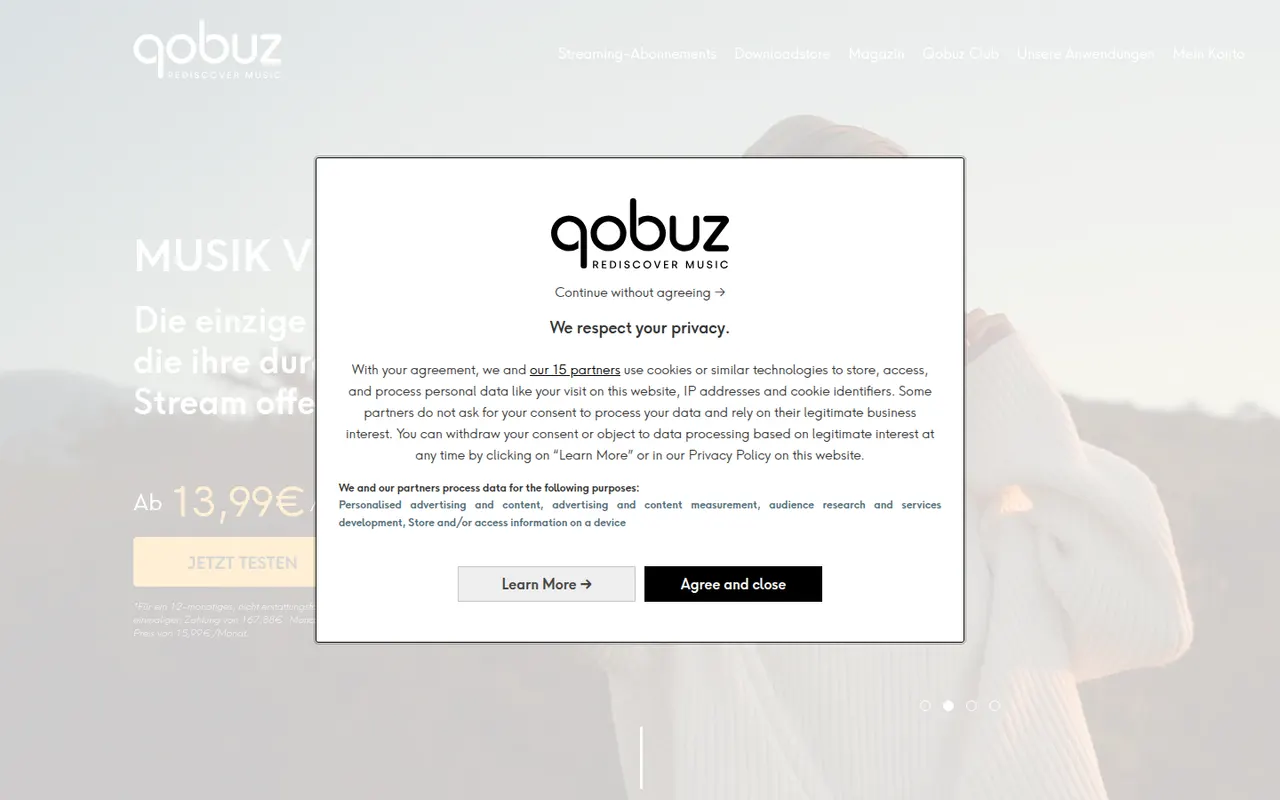
Cost / LicenseFree trialProprietaryCategoriesQobuz is a French music service focused on high-resolution audio, streaming in lossless and hi-res FLAC up to 24-bit/192 kHz. Alongside streaming it runs a store for buying hi-res album downloads, and adds editorial content such as reviews, liner notes and digital booklets, with a catalog known for its classical and jazz coverage. There is no free tier, but paid plans can be tried for free first.
8 Qobuz alternativesPros
- Lossless and hi-res FLAC streaming aimed at audiophiles
- Store for buying hi-res album downloads
- Reviews, digital booklets and a strong classical and jazz catalog
Cons
- No free tier, only a trial
- Personalized recommendations are less developed than on bigger services
- No podcasts, unlike most mainstream rivals
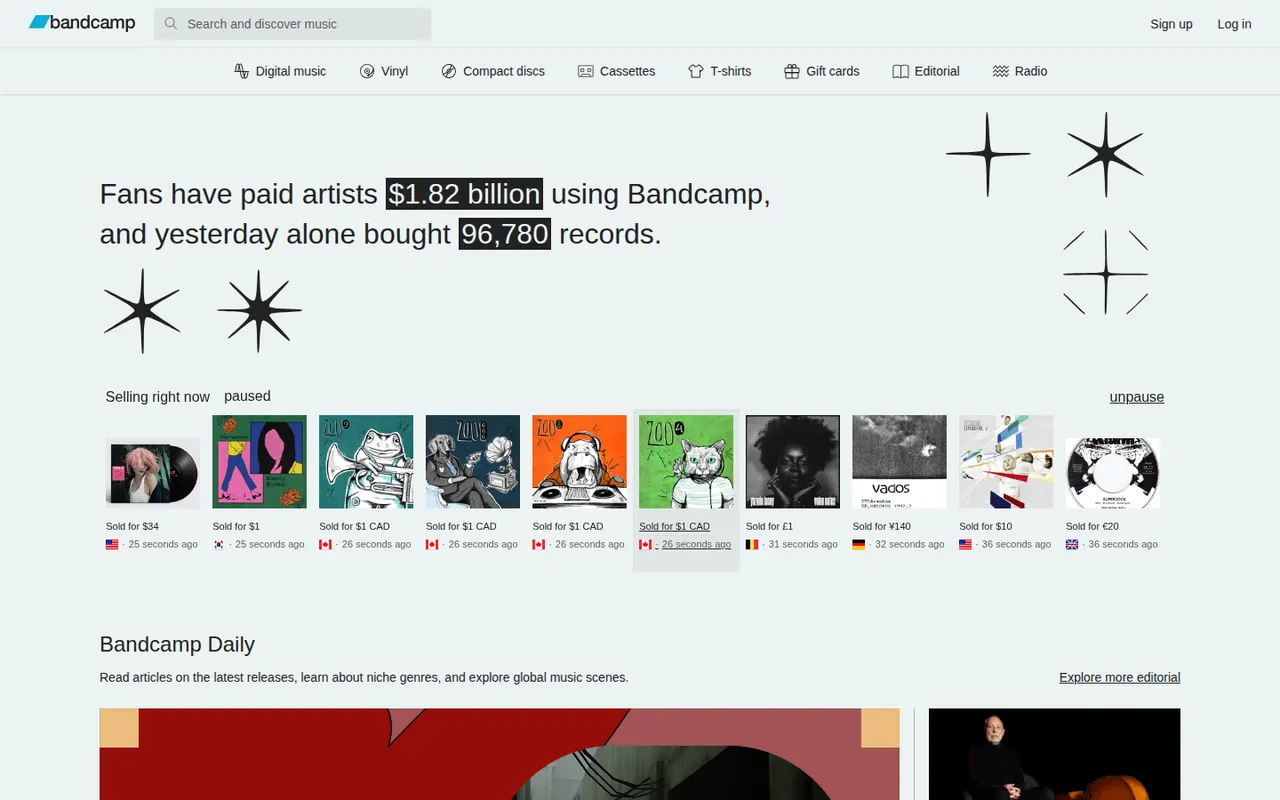
Cost / LicenseFree trialProprietaryCategoriesBandcamp is an online music store and community where independent artists and labels sell digital albums, vinyl, CDs and merch directly to fans, who can often choose to pay more than the minimum price. Most music can be streamed before buying, and purchases can be played in the app or downloaded in formats including FLAC, ALAC and MP3. The service is free to use and has no ads.
7 Bandcamp alternativesPros
- Fans buy directly from artists and labels, often paying more than asked
- Downloads in FLAC, ALAC or MP3 that you keep
- Vinyl, CDs and merch sold alongside digital releases
Cons
- Not a subscription catalog: you buy music release by release
- Mostly independent music, with little major-label catalog
- Successive ownership changes raise questions about its future
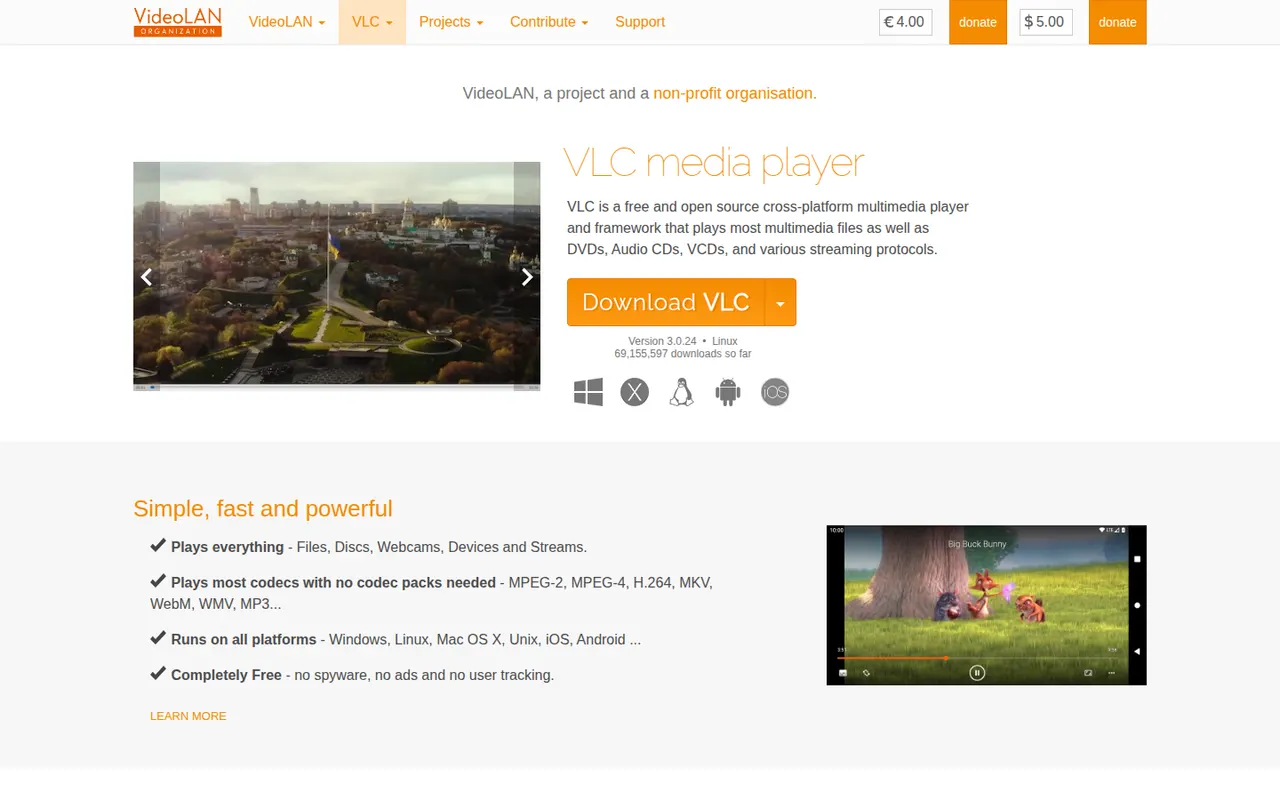
Cost / LicenseFreeProprietaryCategoriesVLC is a free and open source media player from the VideoLAN non-profit that handles most video and audio formats, DVDs, audio CDs and network streams without installing extra codecs. It supports subtitles, hardware decoding, filters, format conversion and streaming, and can be extended with add-ons and skins. It runs on desktop and mobile platforms, with no ads, tracking or paid tier.
9 VLC media player alternativesPros
- Plays almost any file, disc or stream without extra codecs
- Free and open source, with no ads or tracking
- Available on desktop and mobile platforms
Cons
- Interface looks dated next to more modern players
- Advanced settings are buried in complex preference menus
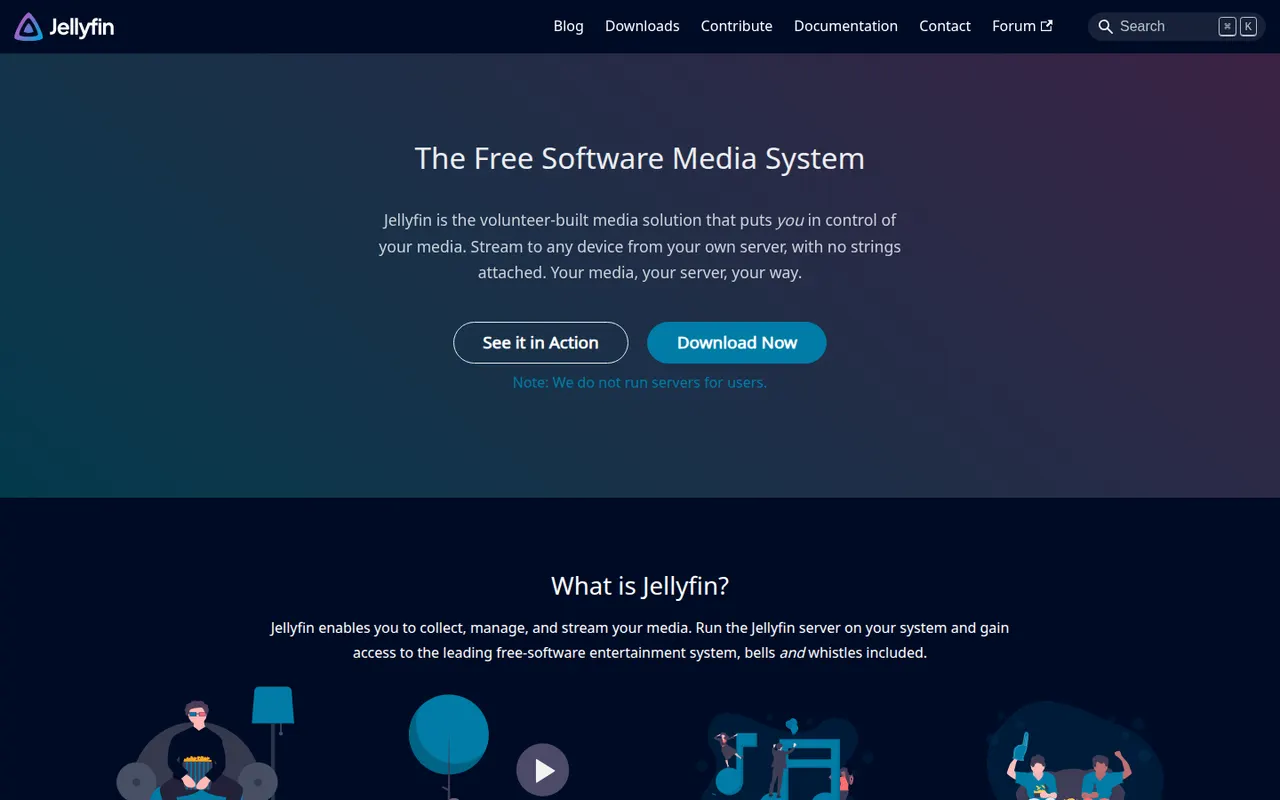
Cost / LicenseFreeOpen sourceCategoriesJellyfin is a free, open source media server for hosting your own movies, TV shows, music, books and photos and streaming them to web, mobile, TV and desktop clients. Forked from Emby in 2018, it has no premium tier or tracking: hardware transcoding, live TV and DVR, multiple users and plugins are all included. The server runs on Windows, macOS, Linux, Docker and many NAS devices.
9 Jellyfin alternativesPros
- Completely free, with hardware transcoding and DVR included
- Open source, with no tracking and no premium tier
- Runs on Windows, macOS, Linux, Docker and many NAS devices
Cons
- Client apps are less polished than Plex or Emby on some devices
- Remote access needs manual setup such as a reverse proxy or VPN
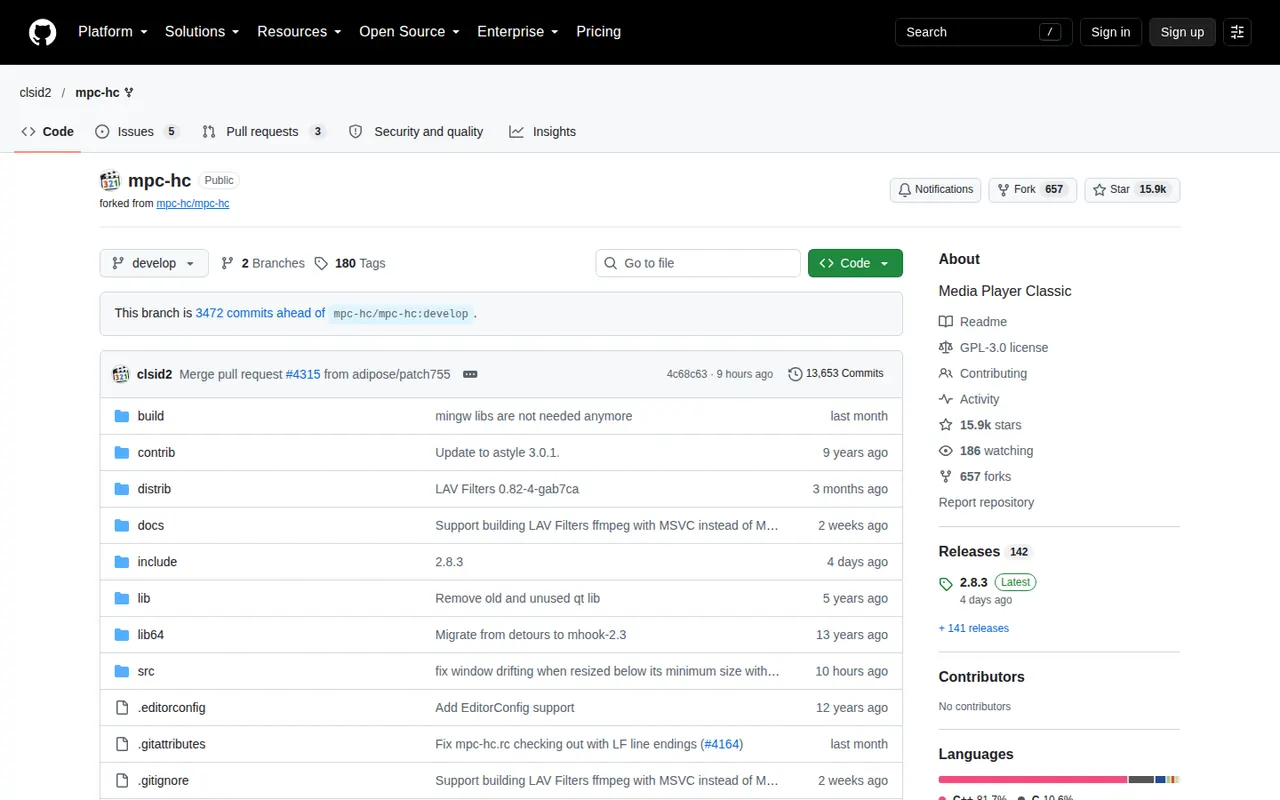
Cost / LicenseFreeOpen sourceCategoriesMPC-HC (Media Player Classic - Home Cinema) is a lightweight, open source media player for Windows with a classic, uncluttered interface. The maintained fork by clsid2 bundles LAV Filters to decode nearly all common formats, supports hardware-accelerated decoding, subtitles and renderers such as madVR or MPC Video Renderer, and runs well on older PCs. It is free and has no ads.
6 MPC-HC alternativesPros
- Lightweight and fast, even on older PCs
- Bundled LAV Filters decode nearly all common formats
- Supports high-quality renderers such as madVR
Cons
- Available only on Windows
- Dated interface with few modern conveniences
- Relies on a community fork since the original project stopped
Cost / LicenseFreeOpen sourceCategoriesPlatforms