Best apps for Linux
144 apps
Top Linux apps ranked by the community
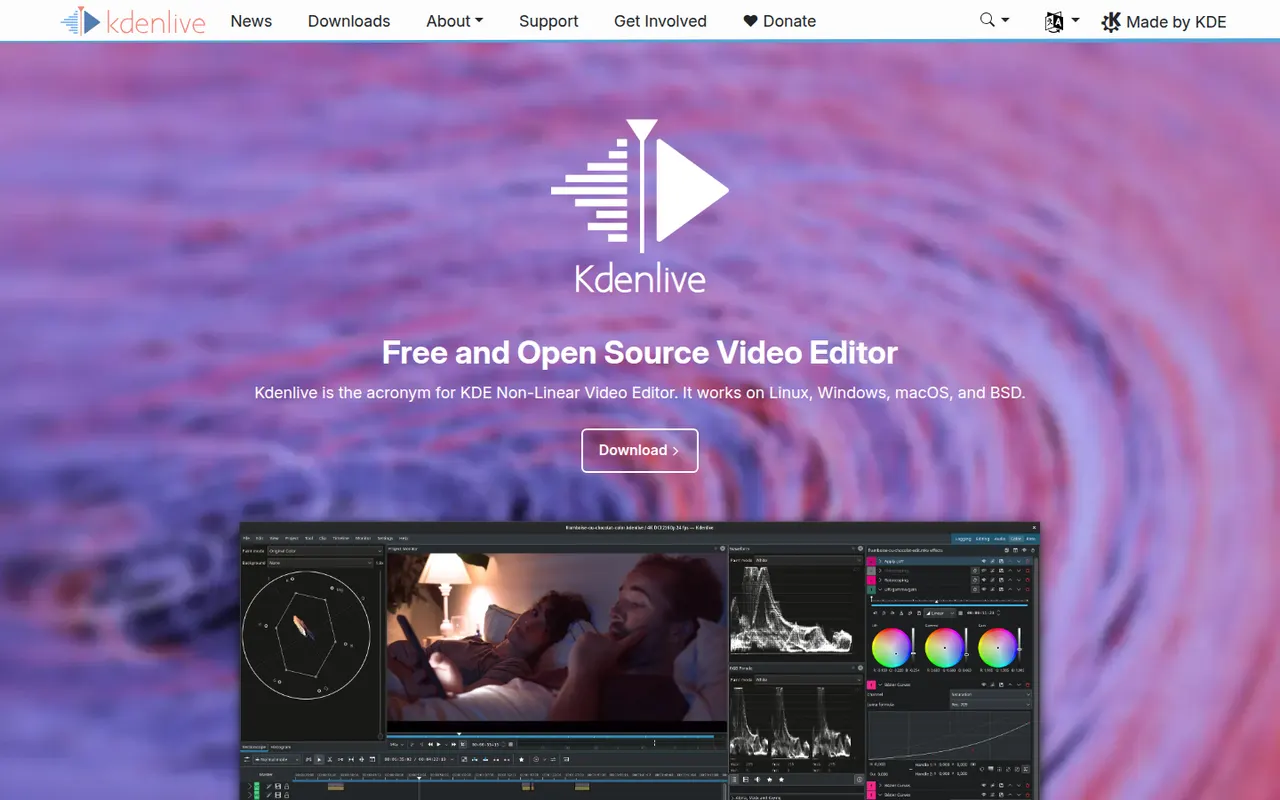
Kdenlive is a multi-track video editor developed by the KDE community, with effects, transitions, proxy editing and automatic subtitles.
11 Kdenlive alternativesPros
- Free and open source, with no watermarks or paywalls
- Multi-track editing with proxy clips for smoother playback
- Runs on Windows, macOS and Linux
Cons
- Can crash or behave unpredictably on complex projects
- Interface takes time for beginners to learn
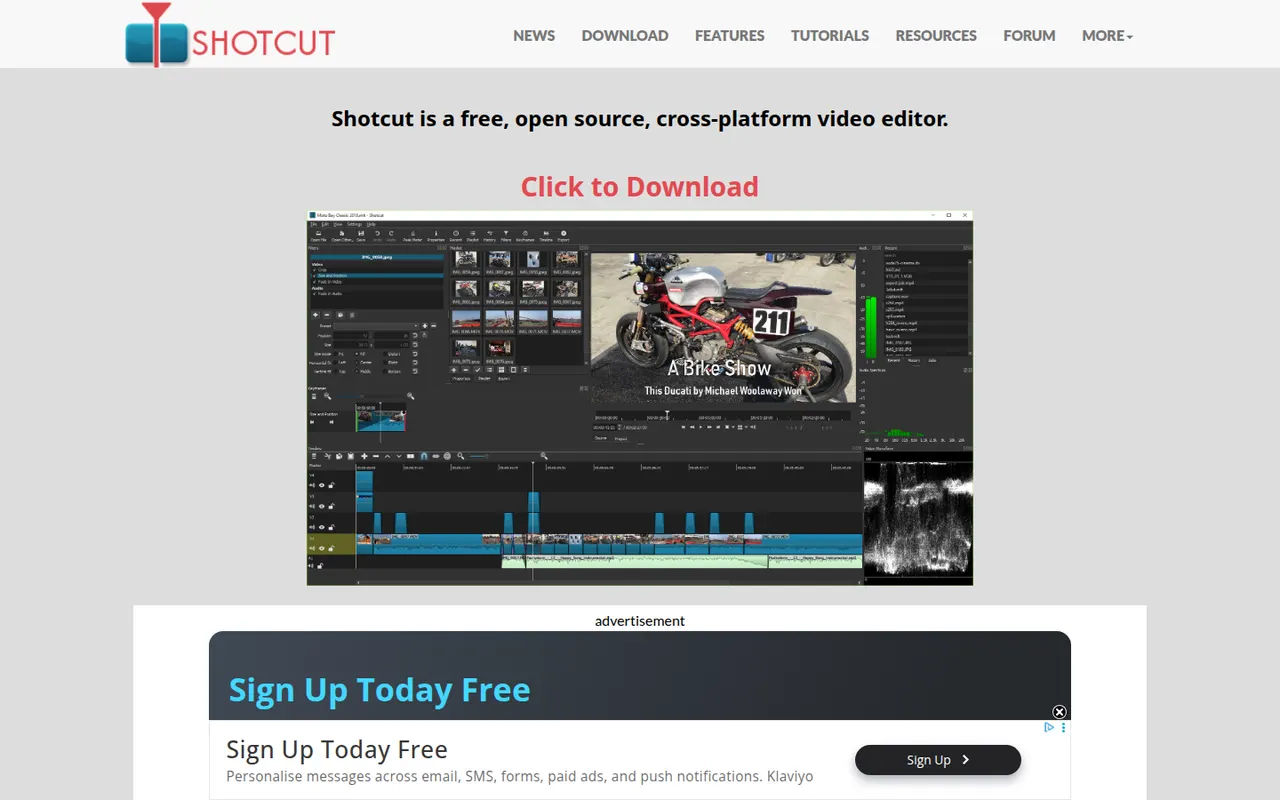
Cost / LicenseFreeOpen sourceCategoriesFeaturesShotcut is a cross-platform video editor with native timeline editing, wide format support and no import step, built on the MLT framework.
12 Shotcut alternativesPros
- Free and open source, with no watermarks or upsells
- Wide format support and native timeline editing with no import step
- Runs on Windows, macOS and Linux
Cons
- Interface feels less intuitive than consumer editors
- Fewer templates and effects than commercial tools
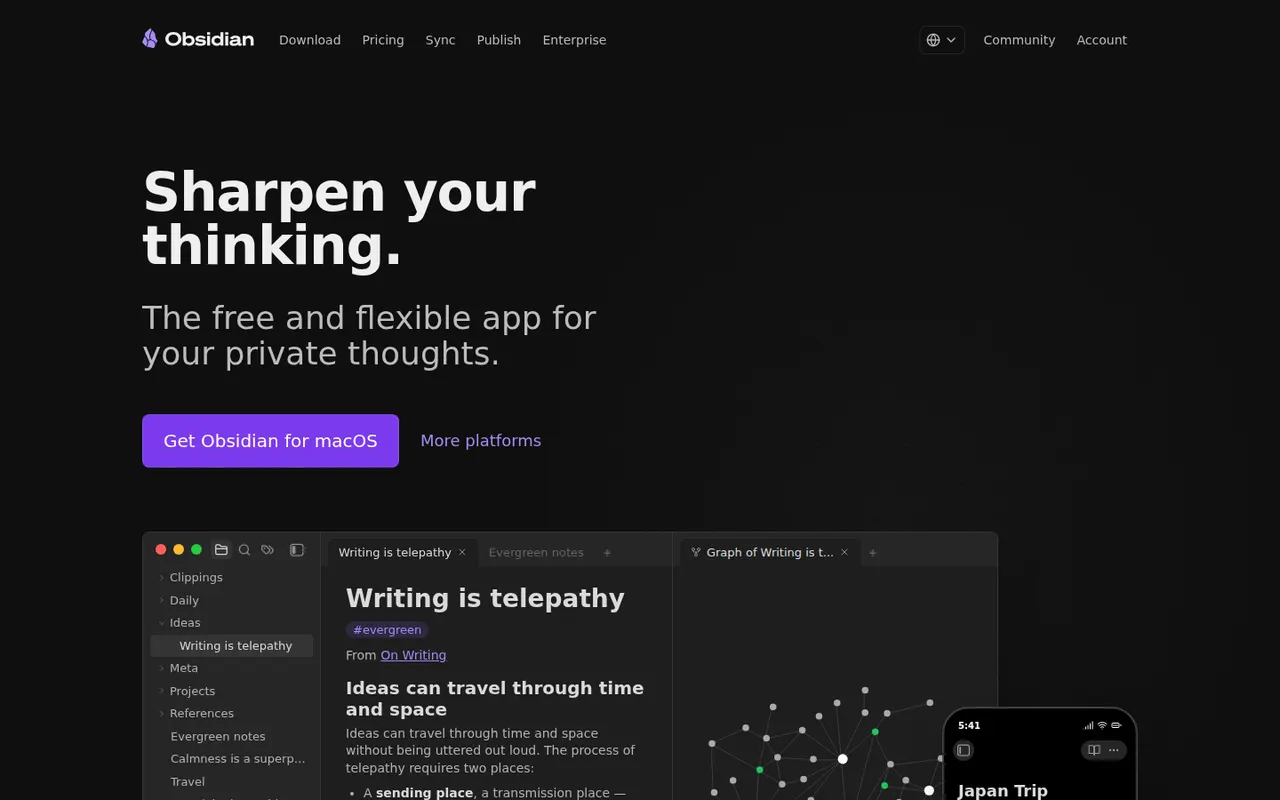
Cost / LicenseFreeOpen sourceCategoriesFeaturesObsidian stores notes as plain Markdown files on your device, links them into a knowledge graph and extends with a large plugin ecosystem.
17 Obsidian alternativesPros
- Notes are plain Markdown files stored on your device
- Large ecosystem of community plugins and themes
- Graph view and backlinks for connected notes
Cons
- Official sync and publishing are paid add-ons
- Plugin-heavy setups take time to configure and maintain
- No real-time collaboration on notes
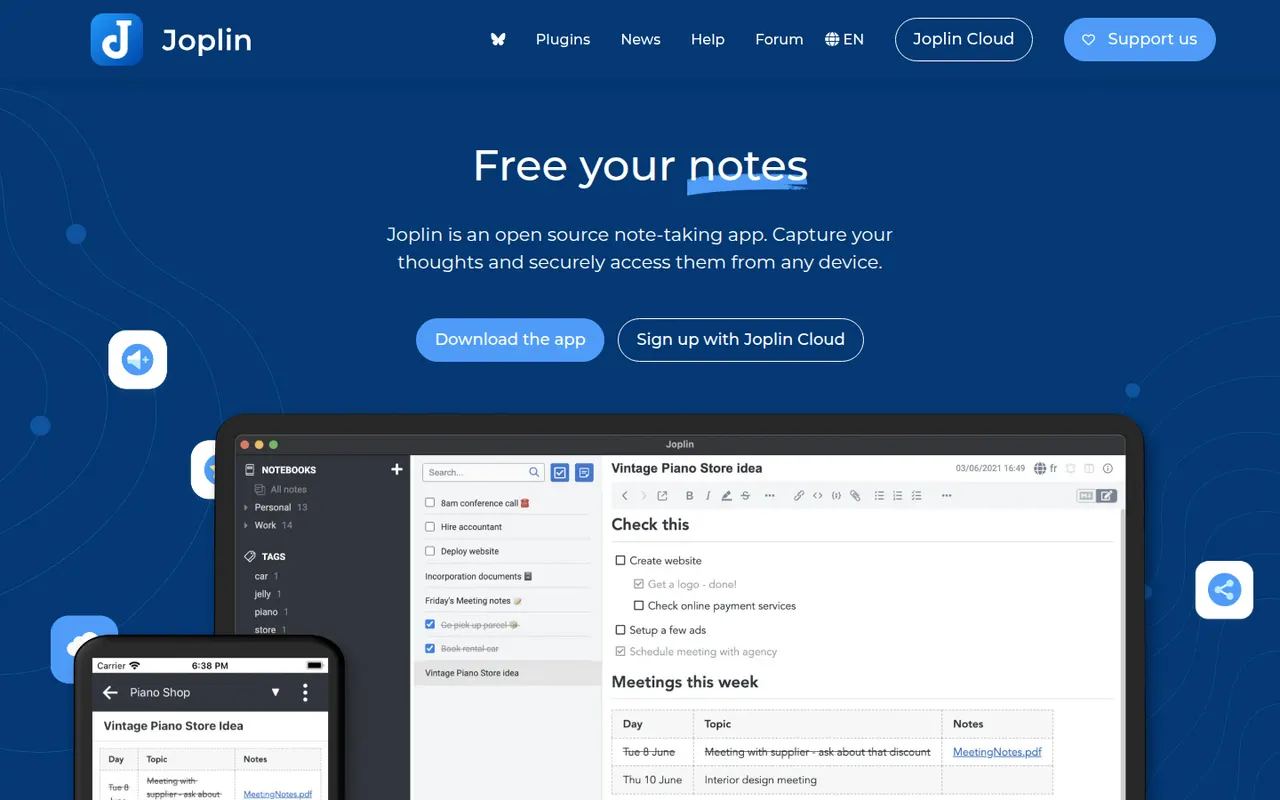
Cost / LicenseFreemiumProprietaryCategoriesJoplin is an open source note-taking app with Markdown notes, notebooks, end-to-end encrypted sync and a web clipper.
11 Joplin alternativesPros
- Open source, with Markdown notes stored in an open format
- End-to-end encrypted sync via Dropbox, OneDrive, WebDAV or Joplin Cloud
- Web clipper and plugins extend the core app
Cons
- Interface feels dated next to newer note apps
- Sync setup takes more effort than turnkey services
- No web app for reaching your notes from a browser
Cost / LicenseFreemiumOpen sourceCategoriesLogseq is a privacy-first outliner that stores notes locally in Markdown or Org files, with bidirectional links, journals and whiteboards.
7 Logseq alternativesPros
- Notes live in local Markdown or Org files that you fully own
- Bidirectional links, block references and daily journals
- Free and open source, with a plugin ecosystem
Cons
- Outliner-only structure is a poor fit for long-form writing
- Can slow down with very large graphs
- Syncing between devices takes extra setup
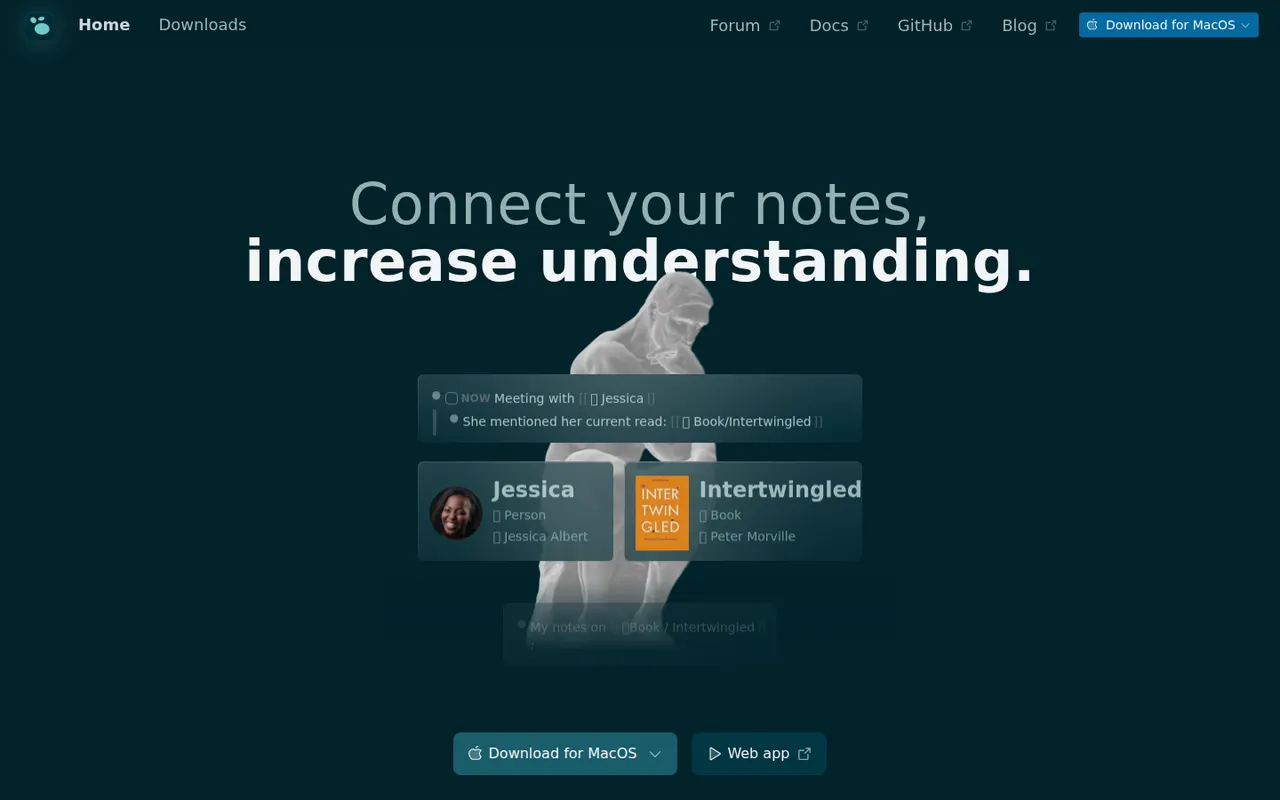
Cost / LicenseFreeOpen sourceCategoriesFeaturesAnytype is a local-first workspace for notes, databases and collaboration, with peer-to-peer sync and end-to-end encryption.
10 Anytype alternativesPros
- Local-first data with end-to-end encrypted peer-to-peer sync
- Objects, types and relations enable flexible, database-like notes
- Works offline on desktop and mobile alike
Cons
- The object and type model takes time to learn
- No web app, only desktop and mobile clients
- Fewer integrations and plugins than mainstream workspaces
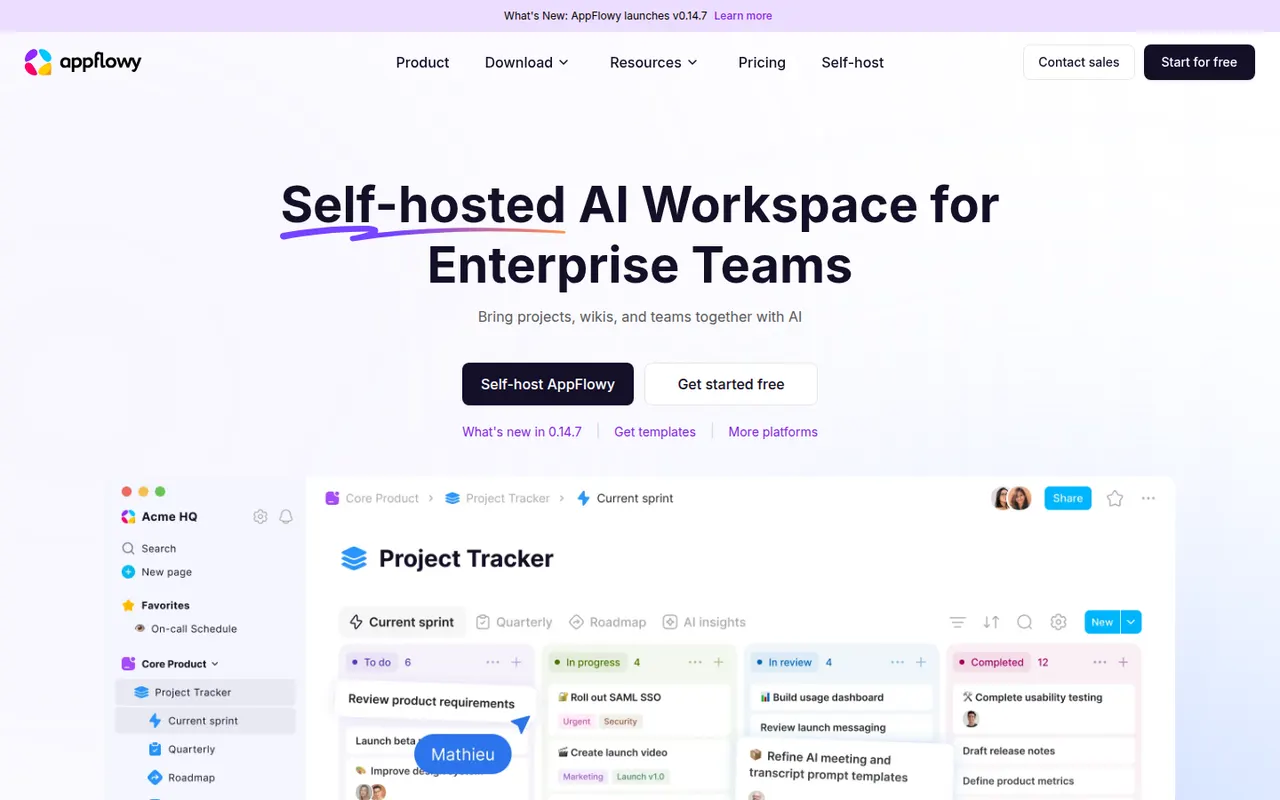
Cost / LicenseFreemiumSource availableCategoriesAppFlowy is an open source workspace for docs, databases and kanban boards that you can self-host, with AI features and offline support.
7 AppFlowy alternativesPros
- Open source Notion alternative that you can self-host
- Docs, databases and kanban boards in one workspace
- Offline support with apps on desktop and mobile
Cons
- Fewer templates and integrations than Notion
- Some features still feel less polished than in mature rivals
- Advanced AI features are reserved for paid plans
Cost / LicenseFreemiumOpen sourceCategoriesDaVinci Resolve from Blackmagic Design combines video editing, its well-known color grading tools, Fusion visual effects and Fairlight audio post-production in a single application. The free version is unusually complete, while the paid Studio version adds AI tools, higher resolutions and frame rates, and extra effects. It runs on Windows, macOS, Linux and iPad.
10 DaVinci Resolve alternativesPros
- Free version is remarkably complete for professional work
- Renowned color grading tools used in film and television
- Editing, VFX and audio post-production in a single app
Cons
- Steep learning curve, especially for color and Fusion
- Needs a powerful GPU for smooth playback
- Some AI tools and higher resolutions require the paid Studio version
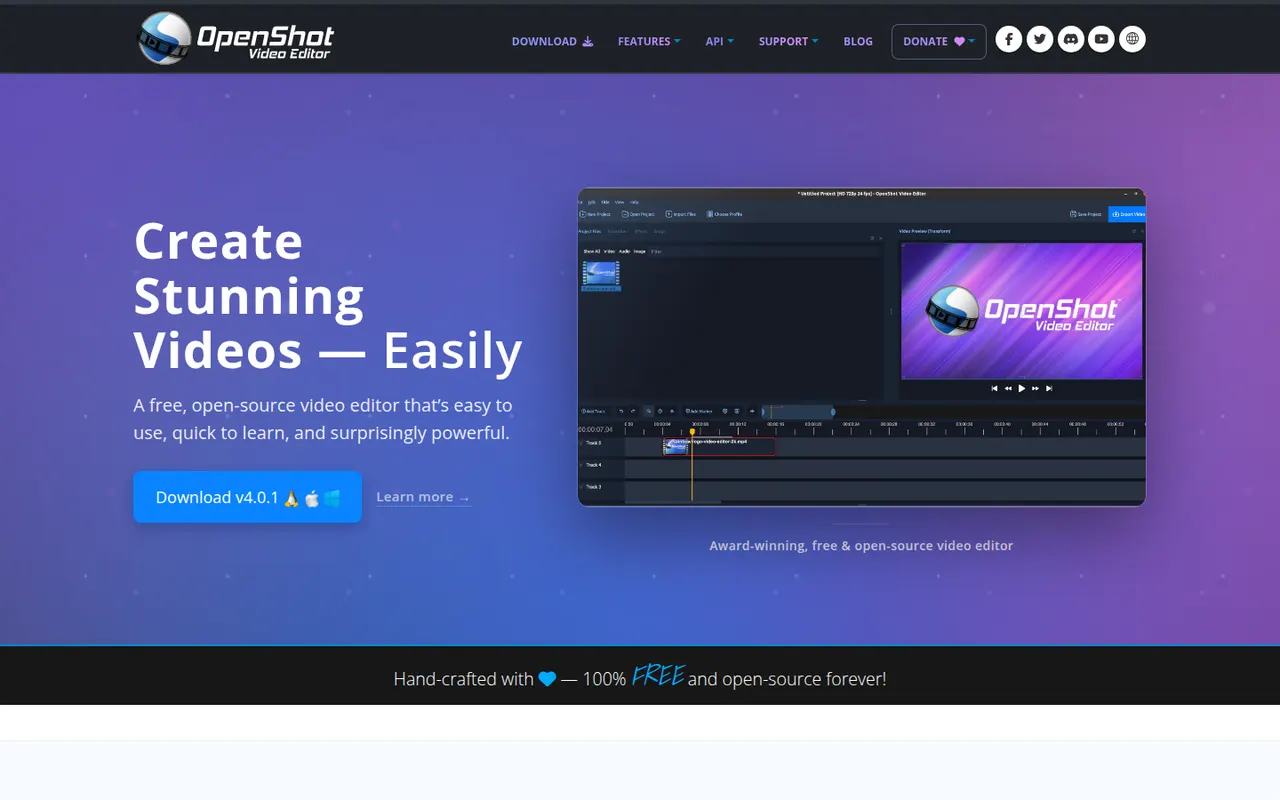
Cost / LicenseFreemiumProprietaryOpenShot is a free, open source video editor designed to be easy to learn. It offers a multi-track timeline with drag and drop, keyframe animations, transitions, title templates, chroma key and 3D animated titles rendered with Blender. It runs on Windows, macOS, Linux and ChromeOS and is a common choice for beginners who want a no-cost desktop editor.
8 OpenShot alternativesPros
- Simple drag-and-drop editing that beginners learn quickly
- Free and open source on Windows, macOS, Linux and ChromeOS
- Animated 3D titles rendered with Blender
Cons
- Performance and stability suffer on longer projects
- Limited advanced tools compared with DaVinci Resolve or Kdenlive
Cost / LicenseFreeOpen sourceCategoriesLightworks is a long-standing non-linear editor that has been used on feature films and television, now developed by LWKS Software. It offers a multi-track timeline, precise trimming tools, color correction and wide format support on Windows, macOS and Linux. A free version lets anyone learn it with limited export options, while paid plans add higher resolution exports and pro formats.
7 Lightworks alternativesPros
- Pro-grade trimming tools with a film and TV pedigree
- Runs on Windows, macOS and Linux
- Free version is enough to learn professional editing
Cons
- Free version limits export resolution and formats
- Unconventional interface with a steep learning curve
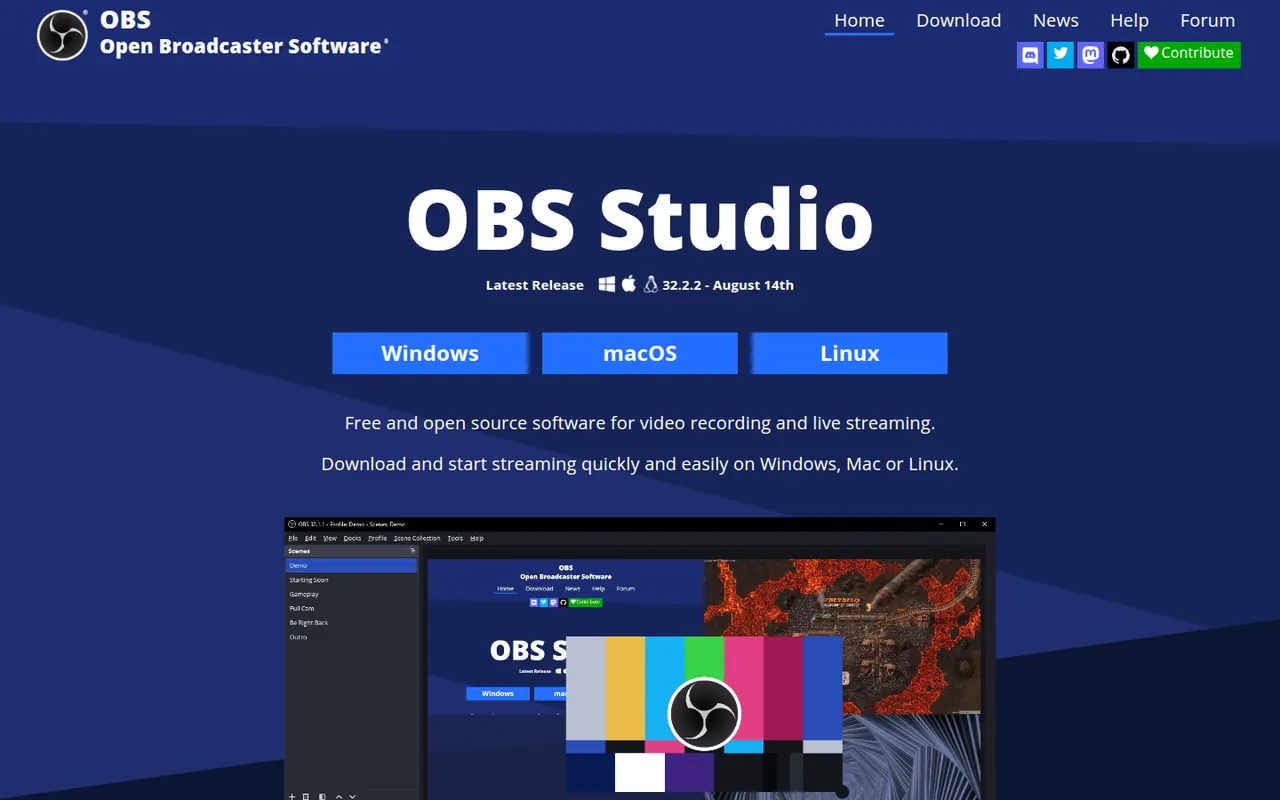
Cost / LicenseFreemiumProprietaryCategoriesOBS Studio is a free, open source app for recording and live streaming video from your screen, cameras, games and other sources. Scenes can mix multiple sources with audio filters, transitions and chroma key, and it streams to platforms like Twitch and YouTube. Widely used by streamers and educators, it runs on Windows, macOS and Linux and can be extended with plugins.
8 OBS Studio alternativesPros
- Free and open source, with no watermark or time limits
- Scenes mix screens, cameras and media with filters and transitions
- Streams to Twitch, YouTube and more, and is extensible with plugins
Cons
- Steep learning curve for first-time users
- No built-in editor for trimming recordings
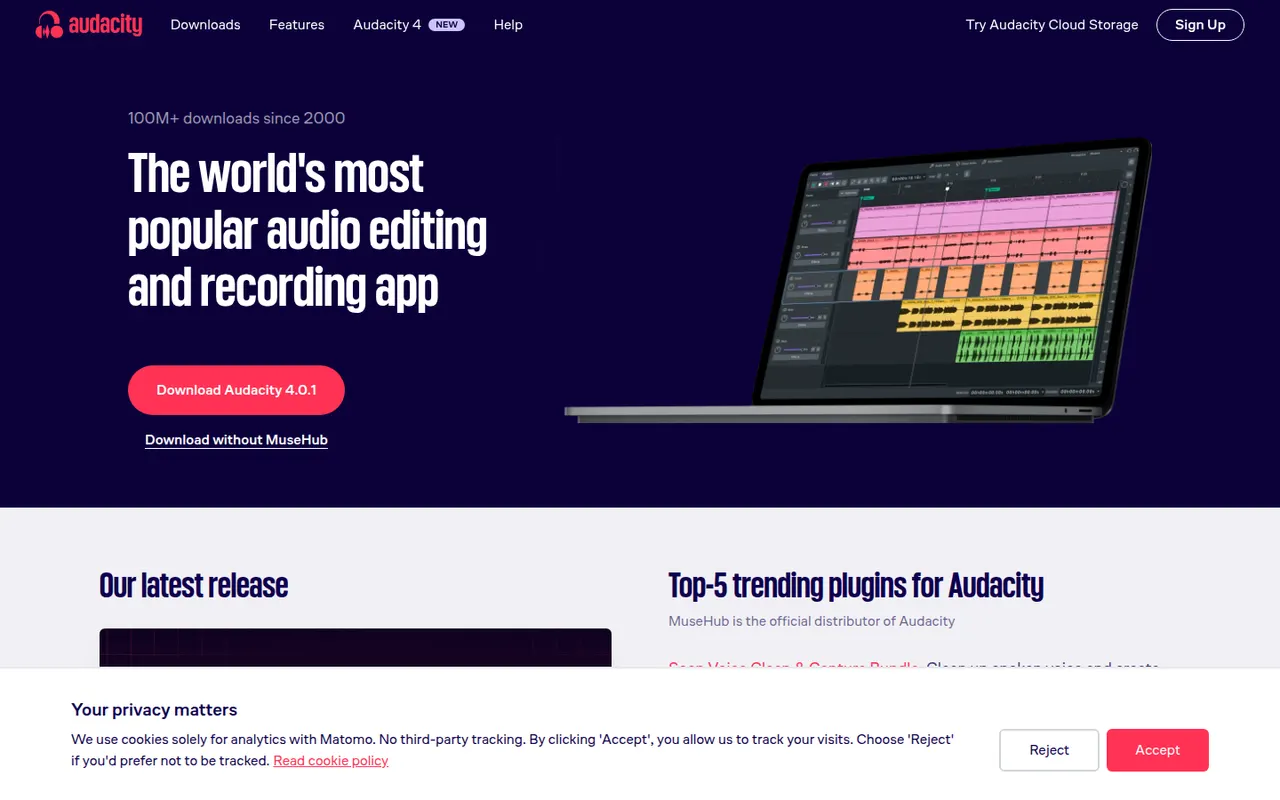
Cost / LicenseFreeOpen sourceCategoriesAudacity is a free, open source audio editor for recording and editing voice, music and podcasts. It provides multi-track editing, noise reduction, effects, spectral views and support for VST3, LV2 and Audio Unit plugins, and it runs on Windows, macOS and Linux. Maintained by Muse Group with community contributors, it can optionally save projects to audio.com.
10 Audacity alternativesPros
- Completely free and open source on Windows, macOS and Linux
- Handles recording, cutting, noise reduction and effects for everyday jobs
- Supports VST3, LV2 and Audio Unit plugins
Cons
- Interface feels less polished than commercial audio editors
- Limited multitrack mixing and MIDI tools for music production
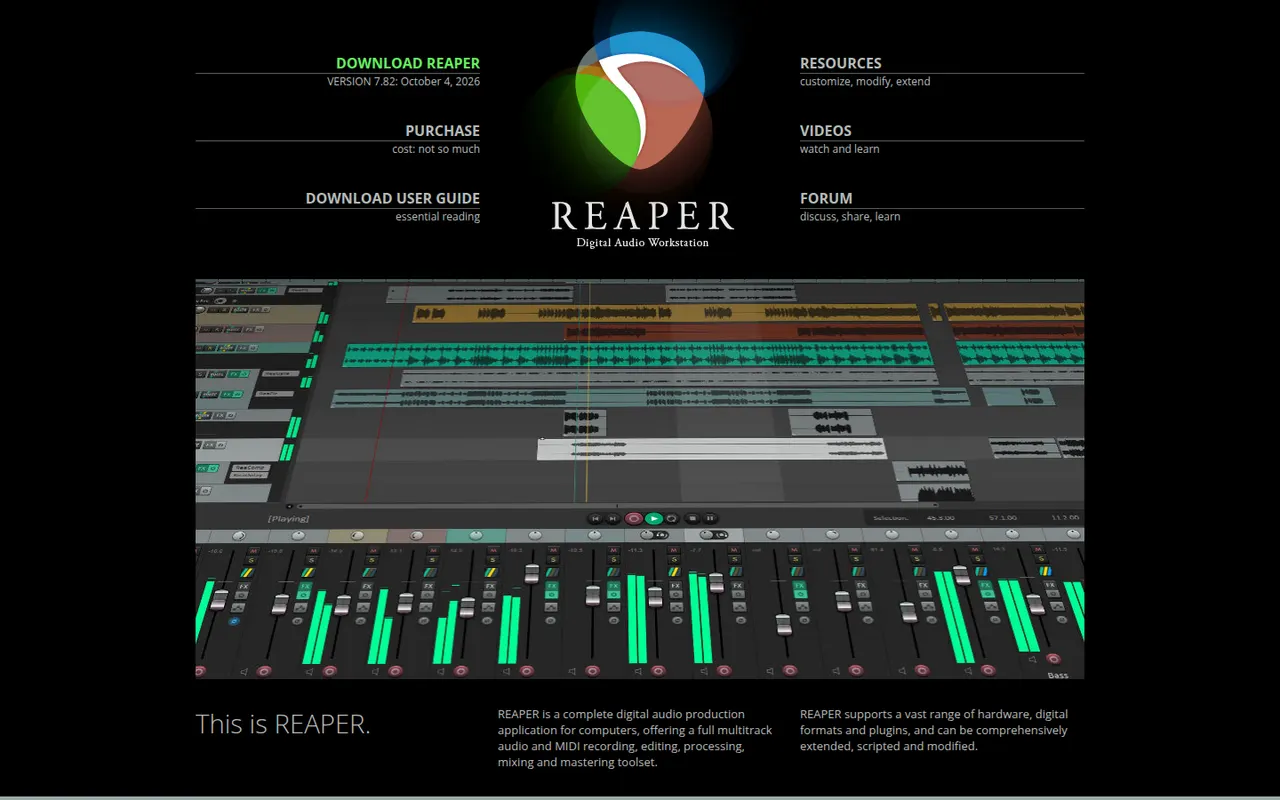
Cost / LicenseFreeOpen sourceCategoriesREAPER is a digital audio workstation from Cockos for recording, editing, mixing and mastering audio and MIDI. It is known for its small installer, efficient performance, deep customization through scripts and themes, and wide plugin support. It runs on Windows, macOS and Linux and offers a fully functional 60-day evaluation before a license is required.
11 REAPER alternativesPros
- Small, efficient app that runs well on modest hardware
- Deeply customizable with scripts, actions and themes
- Fully functional evaluation before you buy a license
Cons
- Default interface looks plain and takes setup to feel comfortable
- Few bundled instruments and sounds compared with other DAWs
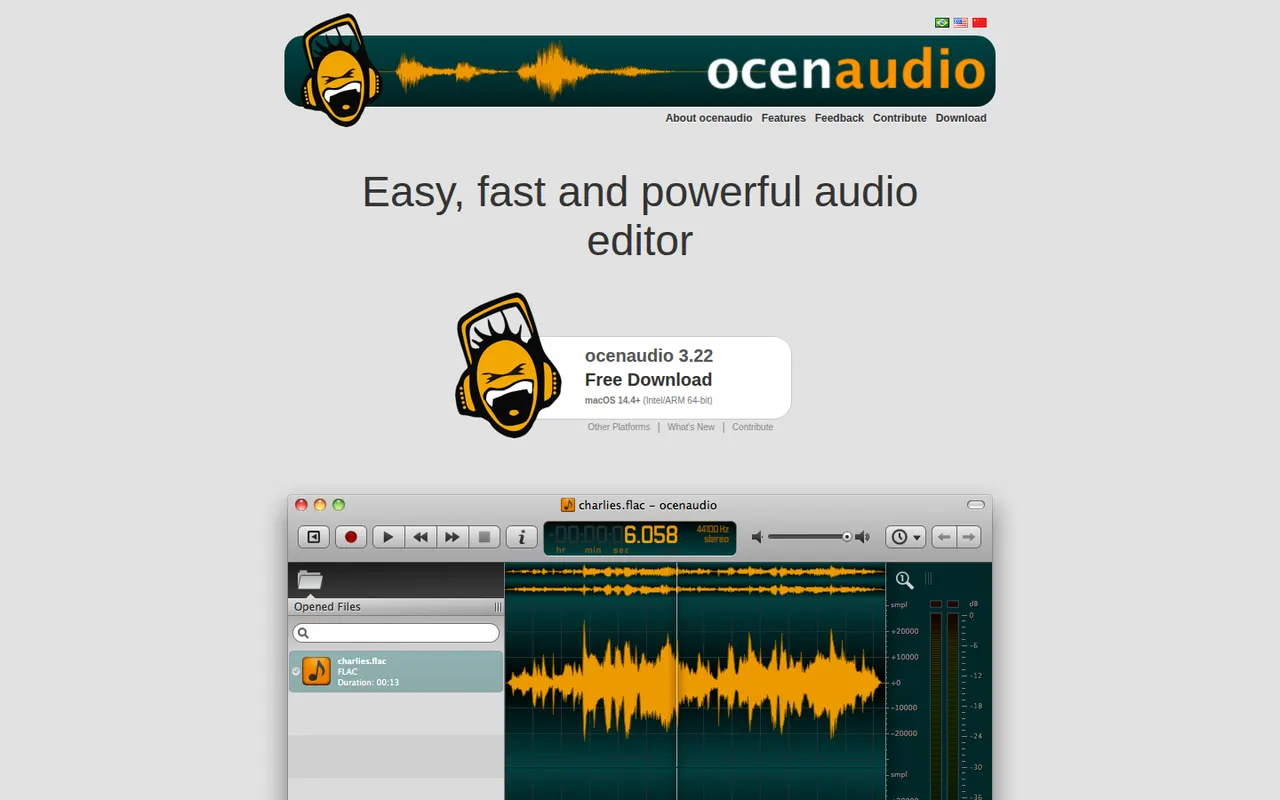
Cost / LicenseFree trialProprietaryCategoriesocenaudio is a free audio editor for Windows, macOS and Linux, intended for users who need more than a basic recorder without the complexity of a full studio. It previews effects in real time, lets you edit several selections at once, handles large files smoothly and supports VST plugins. It is a lightweight alternative to Audacity for quick edits and spectral analysis.
7 ocenaudio alternativesPros
- Real-time effect preview speeds up quick edits
- Lightweight and smooth even with large audio files
- Free on Windows, macOS and Linux with no ads
Cons
- No multitrack editing, so it is not suited to mixing
- Smaller community and fewer tutorials than Audacity
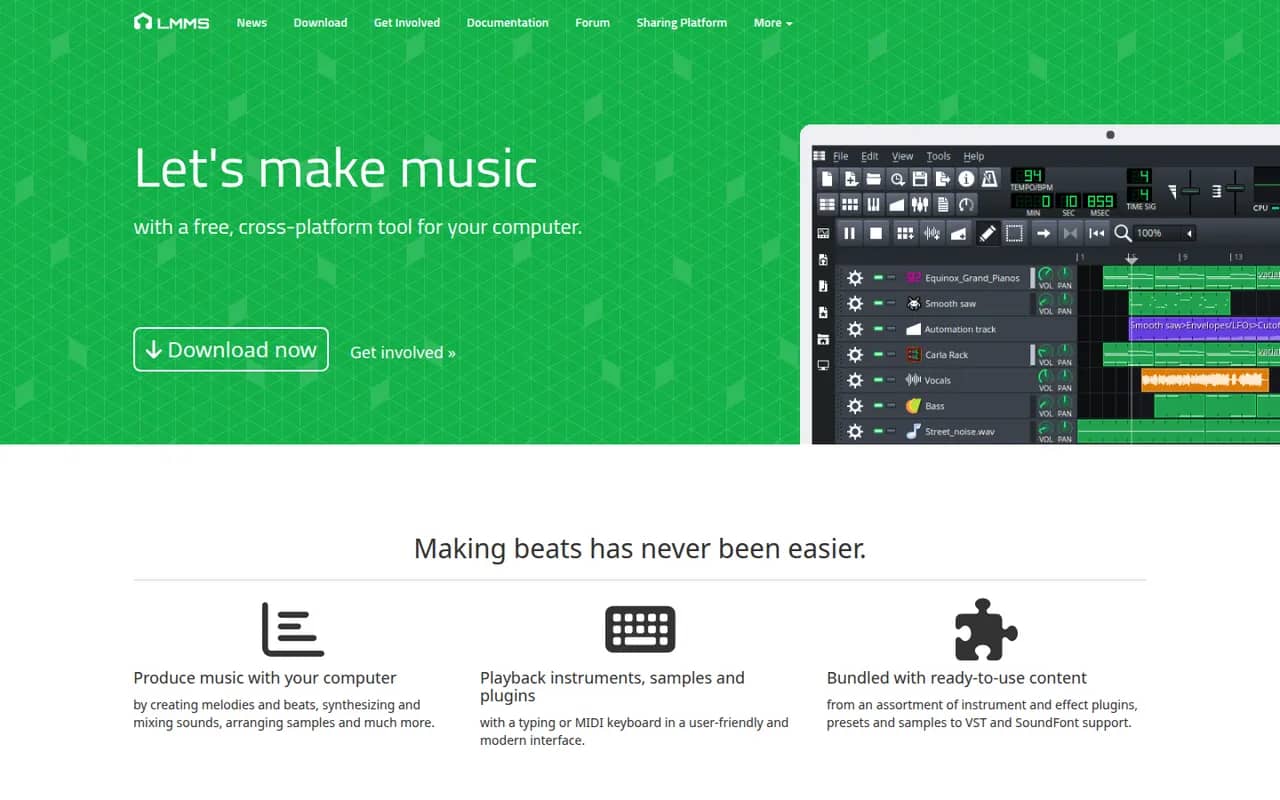
Cost / LicenseFreeProprietaryCategoriesFeaturesLMMS is a free, open source digital audio workstation for composing music on Windows, macOS and Linux. It provides a song editor, a beat and bassline editor, a piano roll and built-in synthesizers and samplers, and it can load VST instruments on Windows and Linux. It is a common starting point for beginners and hobbyists who want a no-cost alternative to FL Studio.
8 LMMS alternativesPros
- Free and open source on Windows, macOS and Linux
- Beat and bassline editor and piano roll suit electronic music beginners
- Built-in synthesizers and samplers to start without extra plugins
Cons
- Audio recording is very limited, as it focuses on sequencing
- VST instruments are not supported on macOS
- Interface feels dated next to commercial DAWs
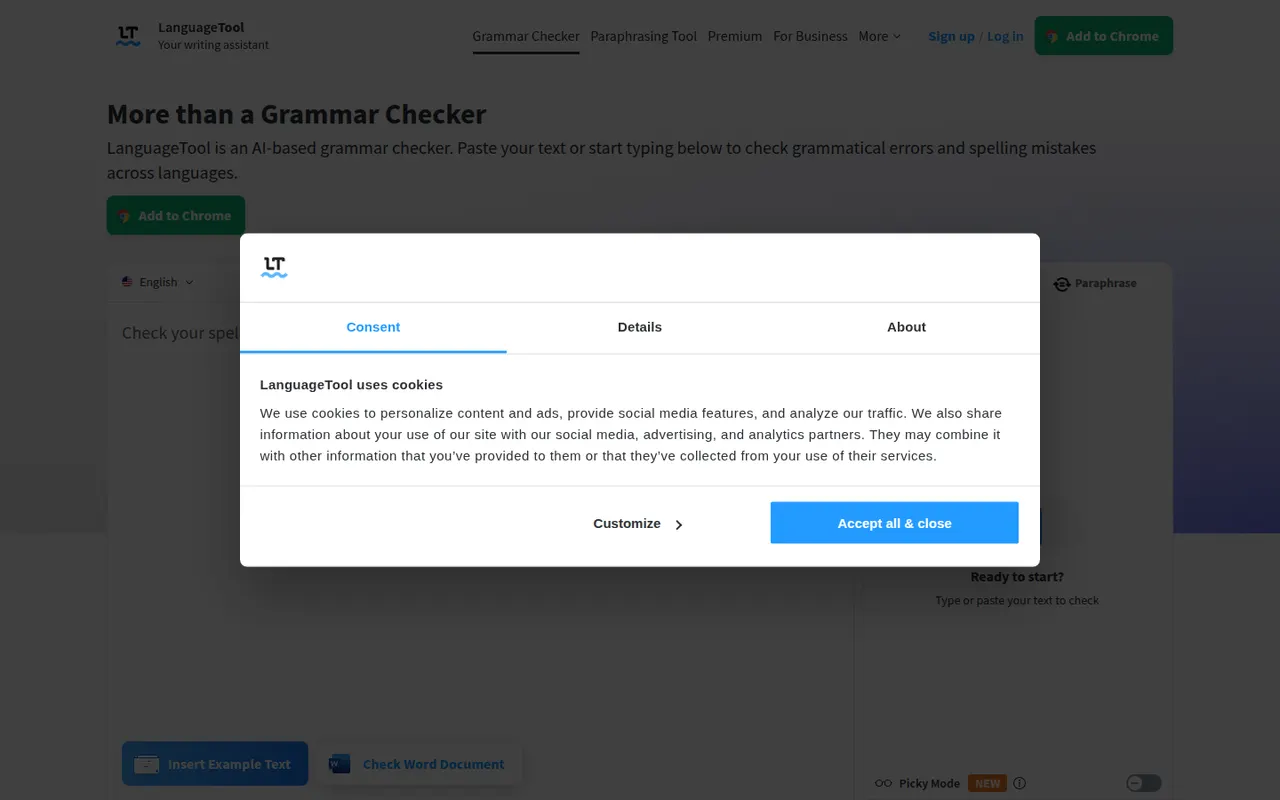
Cost / LicenseFreeOpen sourceCategoriesLanguageTool checks grammar, spelling, punctuation and style in dozens of languages, including English, French, German, Spanish and Portuguese. It integrates with browsers, Microsoft Word, Google Docs, LibreOffice and desktop apps, and Premium adds AI rephrasing and deeper style checks. The core engine is open source under the LGPL, so organizations can run their own server for privacy.
6 LanguageTool alternativesPros
- Checks grammar and style in dozens of languages
- Open source core can run on your own server for privacy
- Integrates with Word, Google Docs, LibreOffice and browsers
Cons
- AI rephrasing and deeper style checks require Premium
- A self-hosted server lacks the Premium checks
Cost / LicenseFreemiumOpen sourceCategoriesStable Diffusion is a family of text-to-image models released by Stability AI with downloadable weights. Because they run locally on a capable GPU, a large ecosystem has grown around them: interfaces such as ComfyUI and AUTOMATIC1111, fine-tuned community models, LoRAs and ControlNet. Recent versions use the Stability AI Community License, and Stability also sells hosted API access.
9 Stable Diffusion alternativesPros
- Downloadable weights run locally, offline and in private
- Huge ecosystem of interfaces, community models, LoRAs and ControlNet
- Deeply customizable, from fine-tuning to precise pose control
Cons
- Needs a capable GPU and some technical setup
- Raw results take more prompt work than polished hosted services
- Recent versions use a license that restricts larger commercial users
Cost / LicenseFreemiumSource availableCategoriesPlatformsFLUX is a family of image generation and editing models from Black Forest Labs, a German lab founded by former Stable Diffusion researchers. Some variants have open weights, under Apache 2.0 or a non-commercial license, and can run locally or be fine-tuned. The most capable Pro and Kontext models are offered through a paid API and many partner platforms. Kontext edits existing images from text instructions.
7 FLUX alternativesPros
- Detailed, photorealistic images that follow prompts closely
- Some variants have open weights you can run locally or fine-tune
- Kontext edits existing images from plain text instructions
Cons
- The most capable Pro models are only available through a paid API
- Running the open weights locally requires a powerful GPU
- Licenses differ by variant, and some forbid commercial use
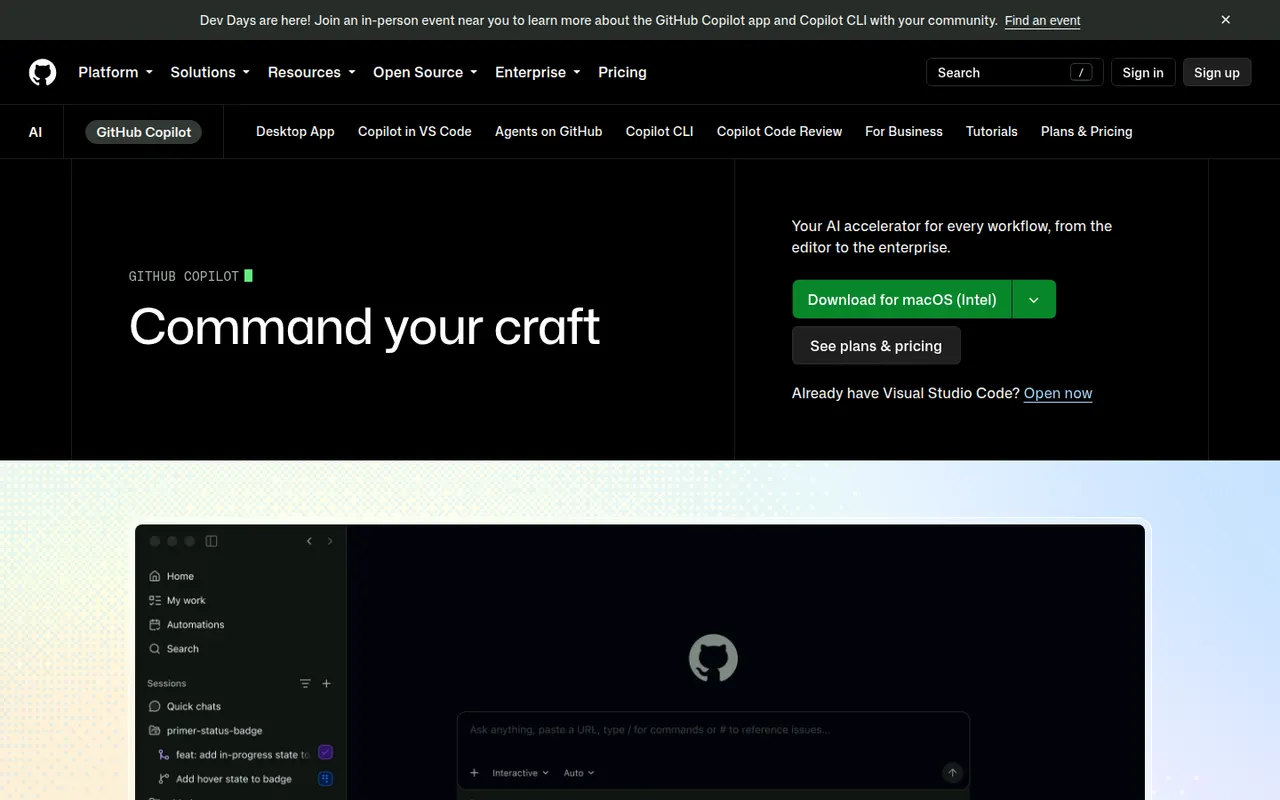
Cost / LicenseFreemiumSource availableCategoriesPlatformsGitHub Copilot is GitHub's AI coding assistant. It suggests code as you type and offers chat in editors such as VS Code, Visual Studio, JetBrains IDEs, Xcode and Neovim, with a choice of models from several providers. Its coding agent can take a GitHub issue, work in the background and open a pull request, and Copilot also reviews pull requests and works in the terminal. A limited free plan is available.
10 GitHub Copilot alternativesPros
- Works in many editors, from VS Code to Xcode and Neovim
- Coding agent turns GitHub issues into pull requests
- Choice of models from several providers
Cons
- The free plan has tight monthly limits
- Premium requests can add extra costs on paid plans
- Agent features assume your code is hosted on GitHub
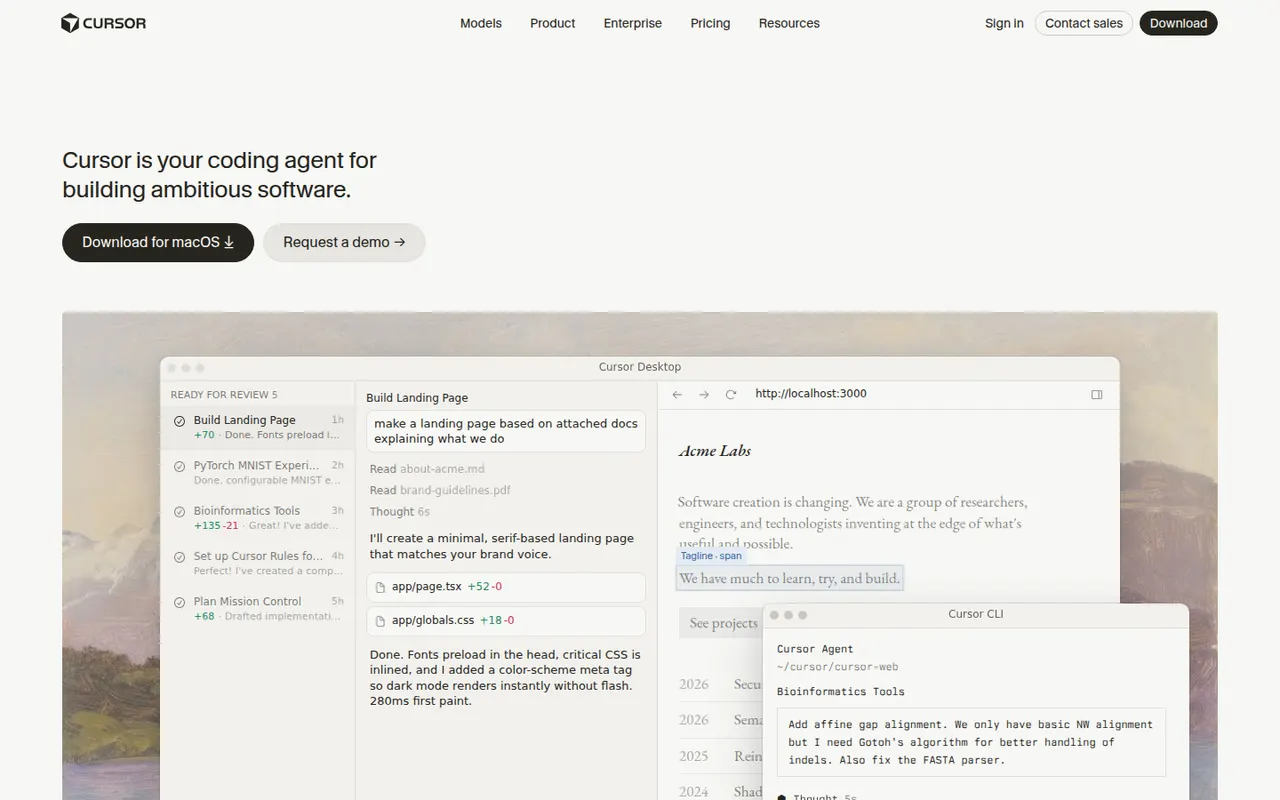
Cost / LicenseFreemiumProprietaryCategoriesCursor is a code editor from Anysphere, forked from VS Code, with AI integrated throughout the workflow. Its Tab model predicts multi-line edits, chat understands the whole codebase, and agent mode plans and applies changes across files while running terminal commands. Background agents can also work on tasks in the cloud. It stays compatible with VS Code extensions, themes and keybindings, and has a free Hobby plan.
12 Cursor alternativesPros
- Tab completion predicts multi-line edits as you type
- Agent mode applies changes across files and runs commands
- Keeps VS Code extensions, themes and keybindings
Cons
- Request limits and usage-based billing can be confusing
- As a VS Code fork, it can lag behind upstream updates
- The free Hobby plan is quickly limiting for daily work
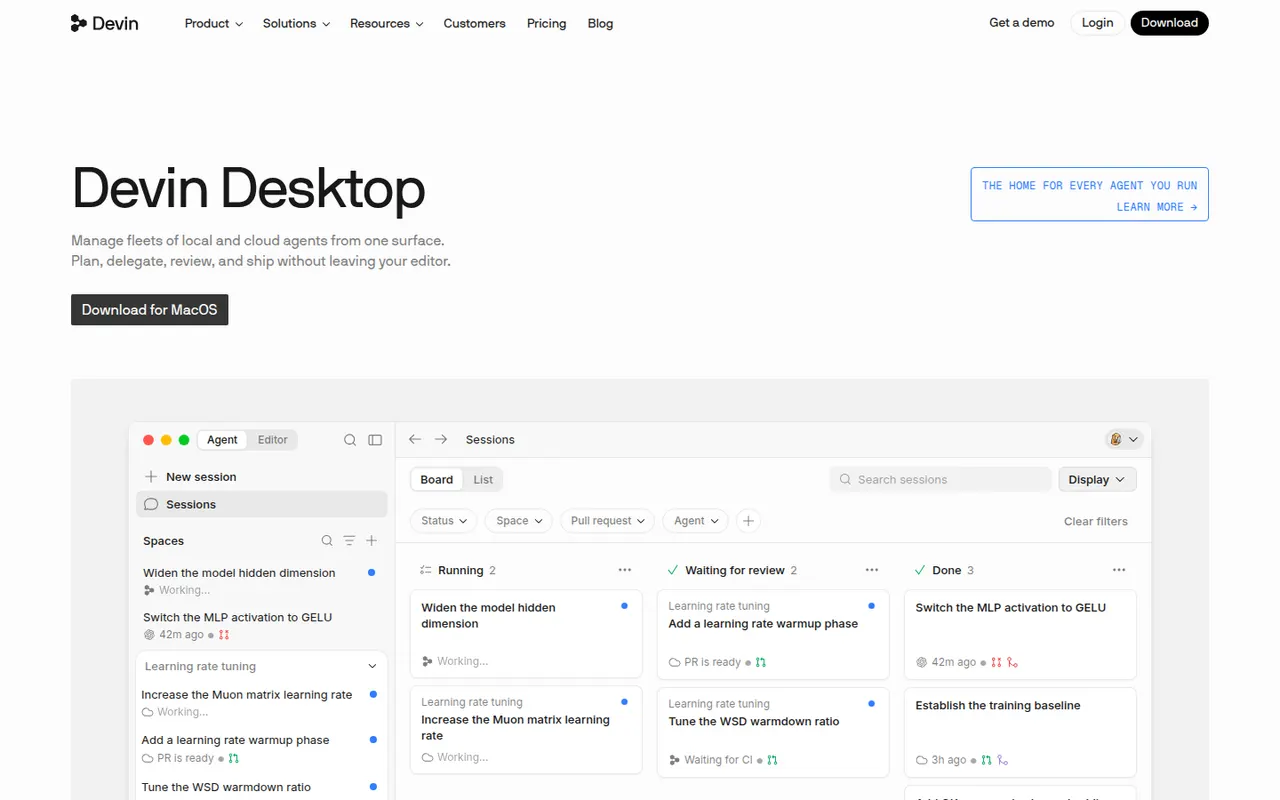
Cost / LicenseFreemiumProprietaryCategoriesWindsurf is an AI code editor based on VS Code, created by the team behind Codeium and now owned by Cognition, the company behind Devin. Its Cascade agent understands the codebase, edits multiple files, runs terminal commands and remembers project context, while Tab suggests next edits as you type. Plugins also bring its features to JetBrains IDEs and other editors. A free plan is available.
12 Windsurf alternativesPros
- Cascade agent edits multiple files and runs commands
- Remembers project context across sessions
- Plugins bring its features to JetBrains and other editors
Cons
- Ownership changes have made its roadmap less predictable
- Credit-based limits can run out with heavy use
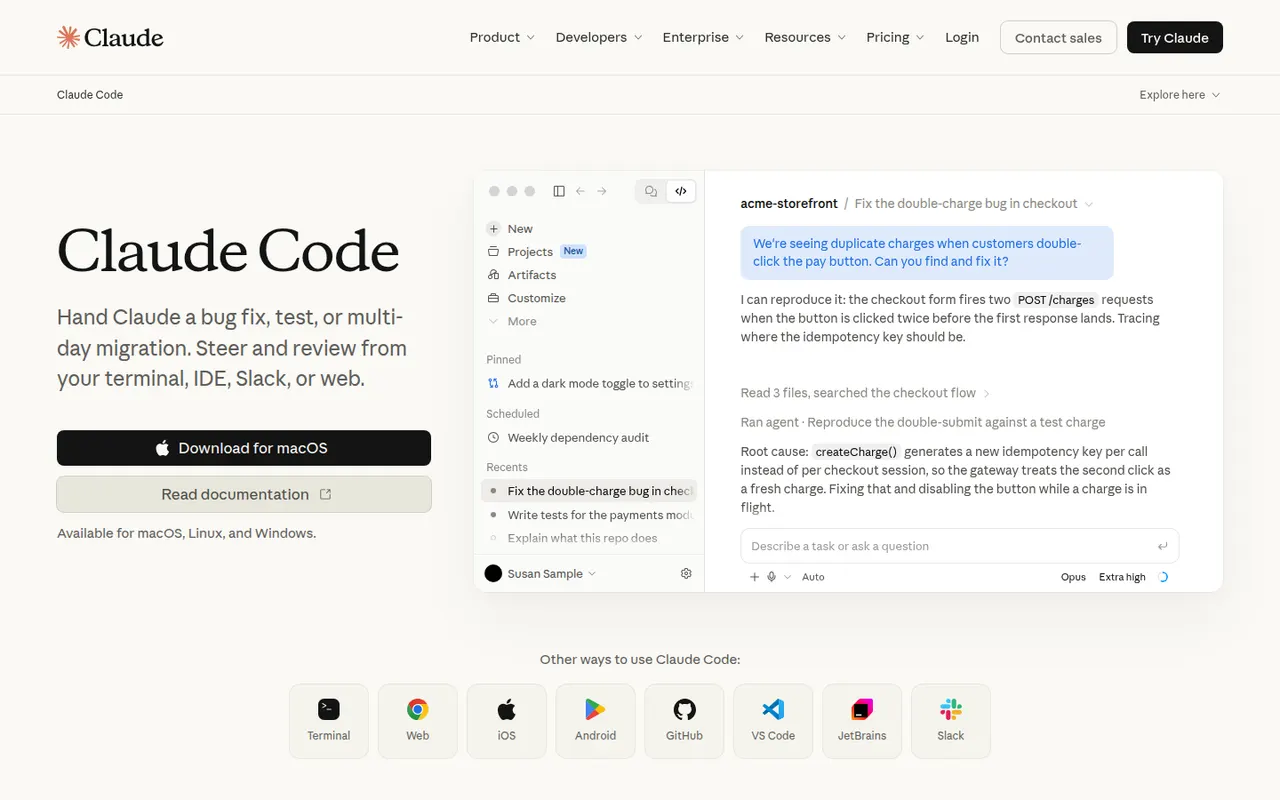
Cost / LicenseFreemiumProprietaryCategoriesClaude Code is an agentic coding tool from Anthropic. It runs in the terminal, in VS Code and JetBrains IDEs and on the web. It reads your codebase, edits files, runs commands and tests, and handles git workflows from natural-language requests. It can be extended with MCP servers, custom slash commands, subagents, hooks and plugins. Using it requires a paid Claude plan or API billing.
10 Claude Code alternativesPros
- Works across the whole codebase from the terminal
- Runs commands and tests, and handles git workflows
- Extensible with MCP servers, hooks, subagents and plugins
Cons
- Requires a paid Claude plan or API billing, with no free tier
- Heavy agentic sessions can hit usage limits or run up API costs
- Autonomous edits still need careful review before merging
Cost / LicensePaidProprietaryCategoriesTabnine is an AI coding assistant focused on privacy and control for companies. It provides code completion and a chat that helps generate tests, write documentation and review code in VS Code, JetBrains IDEs, Visual Studio and Eclipse. Tabnine can be deployed as SaaS, in a private VPC, on-premises or fully air-gapped, does not retain customer code, and can use an organization's repositories as context.
8 Tabnine alternativesPros
- Can be deployed on-premises or fully air-gapped
- Does not retain customer code
- Supports Eclipse and Visual Studio as well as VS Code and JetBrains
Cons
- Paid after the trial, with no free tier
- Offer and pricing target companies more than individuals
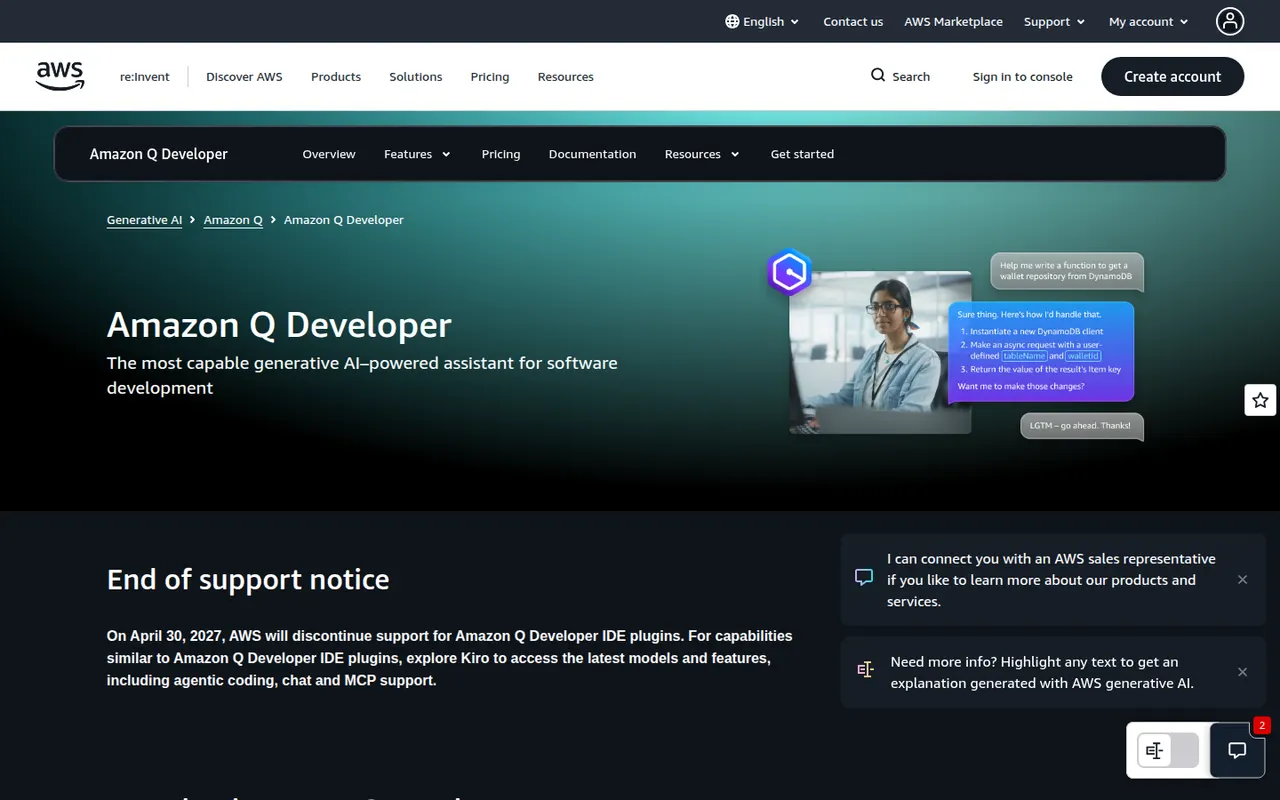
Cost / LicenseFree trialProprietaryCategoriesPlatformsAmazon Q Developer is the generative AI assistant from AWS for software development. It offers inline code suggestions, chat and agents that implement features, write tests and documentation, review code and upgrade Java applications, in VS Code, JetBrains and Visual Studio and on the command line. It also answers questions about AWS resources in the console, with a free tier alongside the Pro plan.
8 Amazon Q Developer alternativesPros
- In-depth knowledge of AWS services and console resources
- Agents help upgrade Java applications
- Free tier, with VS Code, JetBrains and command-line support
Cons
- Most useful for teams already invested in AWS
- The free tier caps agent requests and code transformations
Cost / LicenseFreemiumProprietaryCategoriesGemini Code Assist brings Google's Gemini models into VS Code and JetBrains IDEs for code completion, generation and chat that takes your local codebase into account. Agent mode can plan and carry out multi-step changes, and a GitHub app reviews pull requests. The individual edition is free, while Standard and Enterprise add Google Cloud integrations, private repository customization and admin controls.
10 Gemini Code Assist alternativesPros
- Free edition for individual developers
- GitHub app reviews pull requests automatically
- Agent mode carries out multi-step changes
Cons
- Enterprise features are tied to Google Cloud
- Supports fewer editors than some competing assistants
Cost / LicenseFreemiumProprietaryCategoriesCline is an open source AI coding agent that runs inside VS Code and compatible editors. It plans tasks, creates and edits files, runs terminal commands and can drive a browser to test web apps, asking for approval at each step unless you grant more autonomy. You bring your own API key for providers like Anthropic, OpenAI and Google or use local models, and MCP servers extend what it can do.
9 Cline alternativesPros
- Open source agent that runs inside VS Code
- Bring your own API key or use local models
- Asks for approval at each step, keeping you in control
Cons
- API costs can climb quickly on long agent tasks
- Step-by-step approvals can slow down routine work
Cost / LicenseFreemiumOpen sourceCategoriesContinue is an open source extension for VS Code and JetBrains IDEs that adds AI chat, autocomplete, inline edits and an agent mode. Its main appeal is flexibility: you choose the models, from commercial APIs to local models through Ollama, and add rules, prompts and context providers that a team can share. With local models, code never has to leave your machine.
9 Continue alternativesPros
- Open source, with a free choice of models
- Works with local models, so code can stay on your machine
- Shared rules and prompts help teams standardize usage
Cons
- Setup takes more effort than turnkey assistants
- Quality depends on the models you configure
- Local models need capable hardware to run smoothly
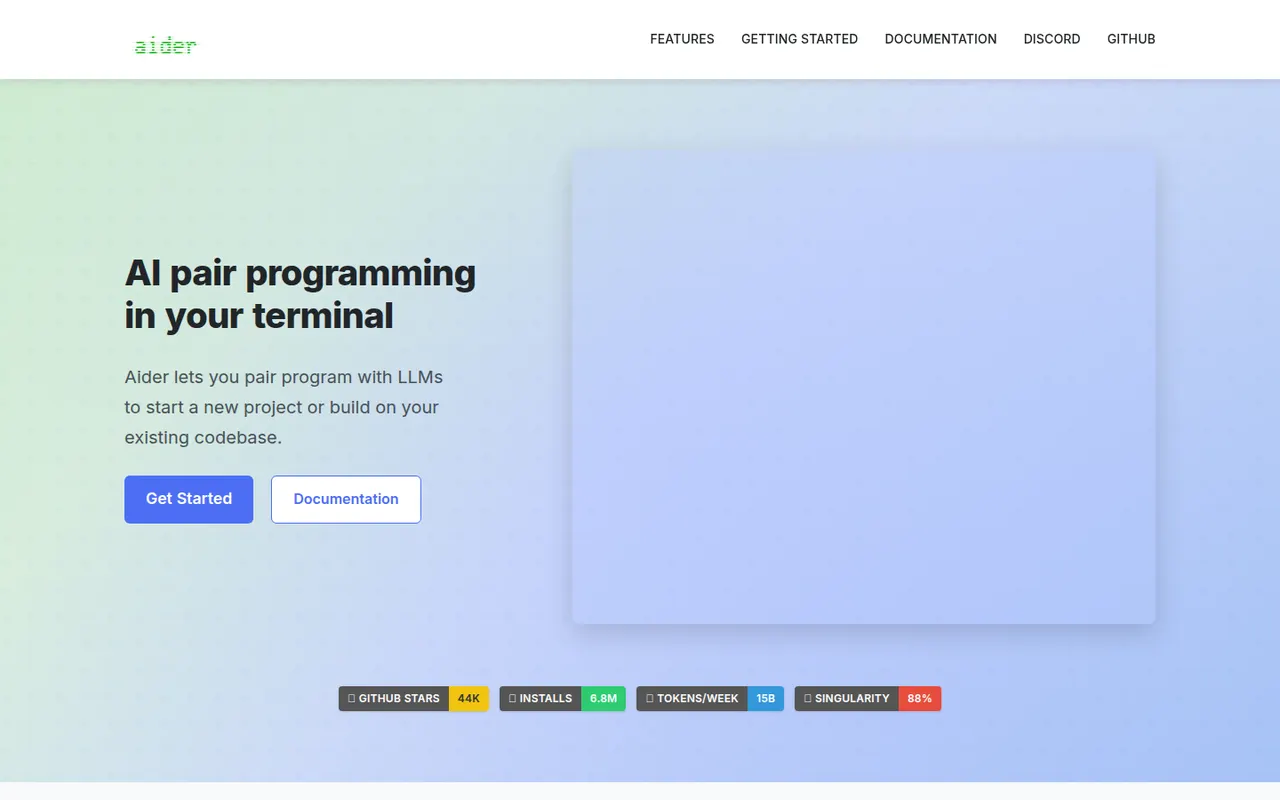
Cost / LicenseFreemiumOpen sourceCategoriesAider is an open source command-line tool for pair programming with large language models. It maps your repository so the model understands the codebase, edits multiple files in place and commits each change to git with a descriptive message, which makes edits easy to review or undo. It works with models from Anthropic, OpenAI, Google, DeepSeek or local ones, accepts voice input and can lint and test after edits.
8 Aider alternativesPros
- Free and open source, and works with any model, including local ones
- Commits each change to git for easy review and rollback
- Repository map gives the model context across the codebase
Cons
- Terminal-only workflow is less approachable than IDE tools
- Model API costs are on you unless you run local models
- Results depend heavily on the model you choose
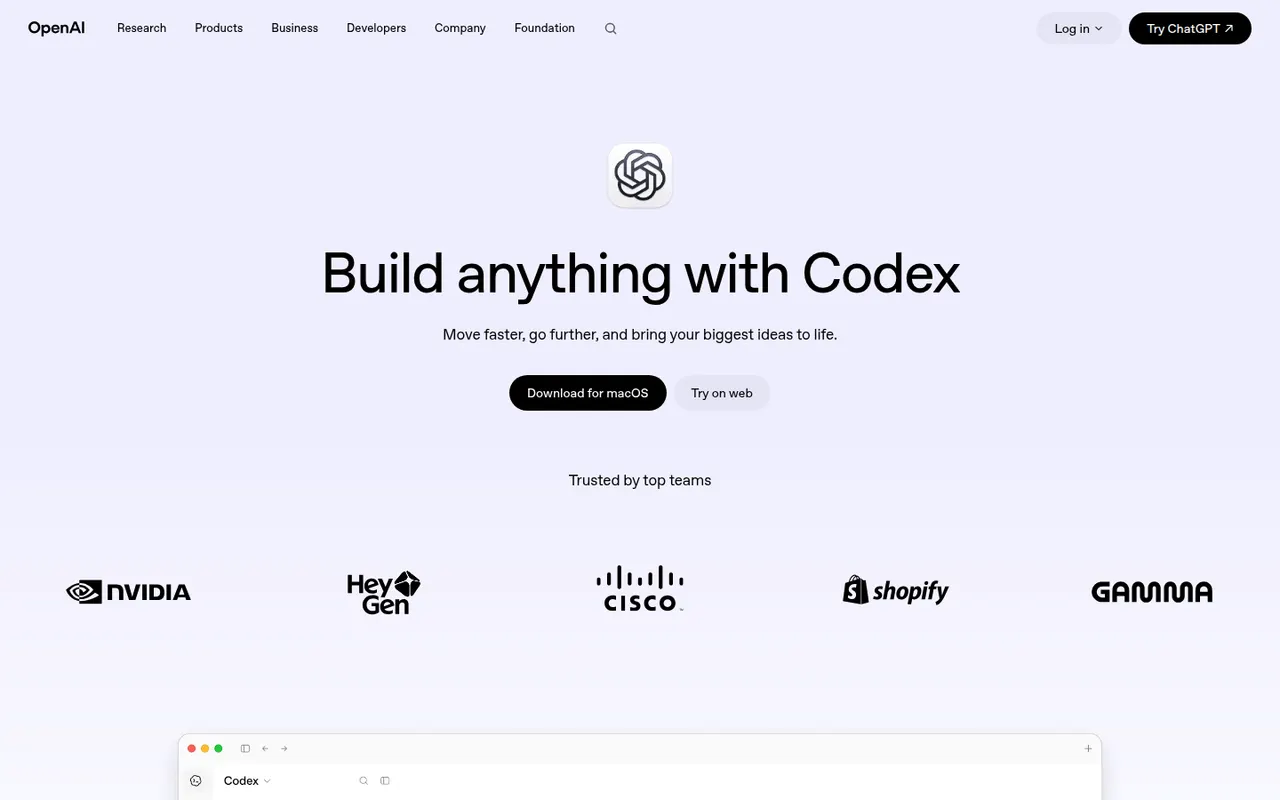
Cost / LicenseFreeOpen sourceCategoriesCodex is OpenAI's software engineering agent. Connected to a GitHub repository, it works on tasks in a cloud sandbox from ChatGPT and proposes pull requests. The open source Codex CLI runs locally in the terminal, and an IDE extension brings the same agent to VS Code-based editors. It can build features, fix bugs, answer questions about a codebase and review code. Access comes with paid ChatGPT plans or API billing.
8 OpenAI Codex alternativesPros
- Cloud tasks run in a sandbox and come back as pull requests
- Open source CLI for local work in the terminal
- Same agent across the cloud, the terminal and the IDE
Cons
- Requires a paid ChatGPT plan or API billing
- Cloud tasks depend on connecting your GitHub repository
- Changes still need careful review before merging
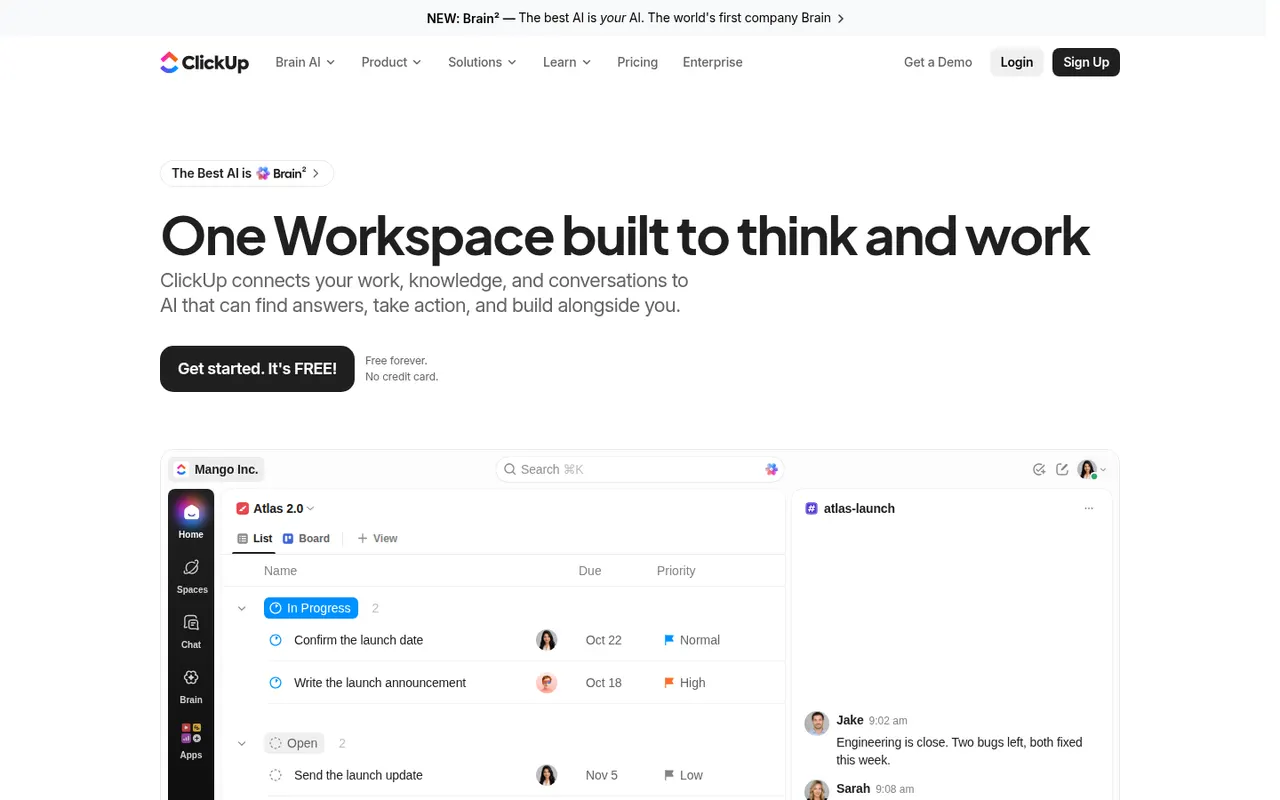
Cost / LicensePaidProprietaryCategoriesClickUp combines tasks, documents, whiteboards, goals, chat and time tracking in a single workspace, with more than a dozen views including list, board, Gantt and calendar. Its depth and customization appeal to teams that want to replace several tools at once, and ClickUp Brain adds AI search, writing and summaries across the workspace.
12 ClickUp alternativesPros
- Tasks, docs, whiteboards, goals and chat in a single workspace
- More than a dozen views, from list and board to Gantt and calendar
- Deep customization of fields, statuses and automations
Cons
- The sheer number of features creates a steep learning curve
- The interface can feel slow and cluttered in large workspaces
Cost / LicenseFreemiumProprietaryCategories