Best apps for Linux
144 apps
Top Linux apps ranked by the community
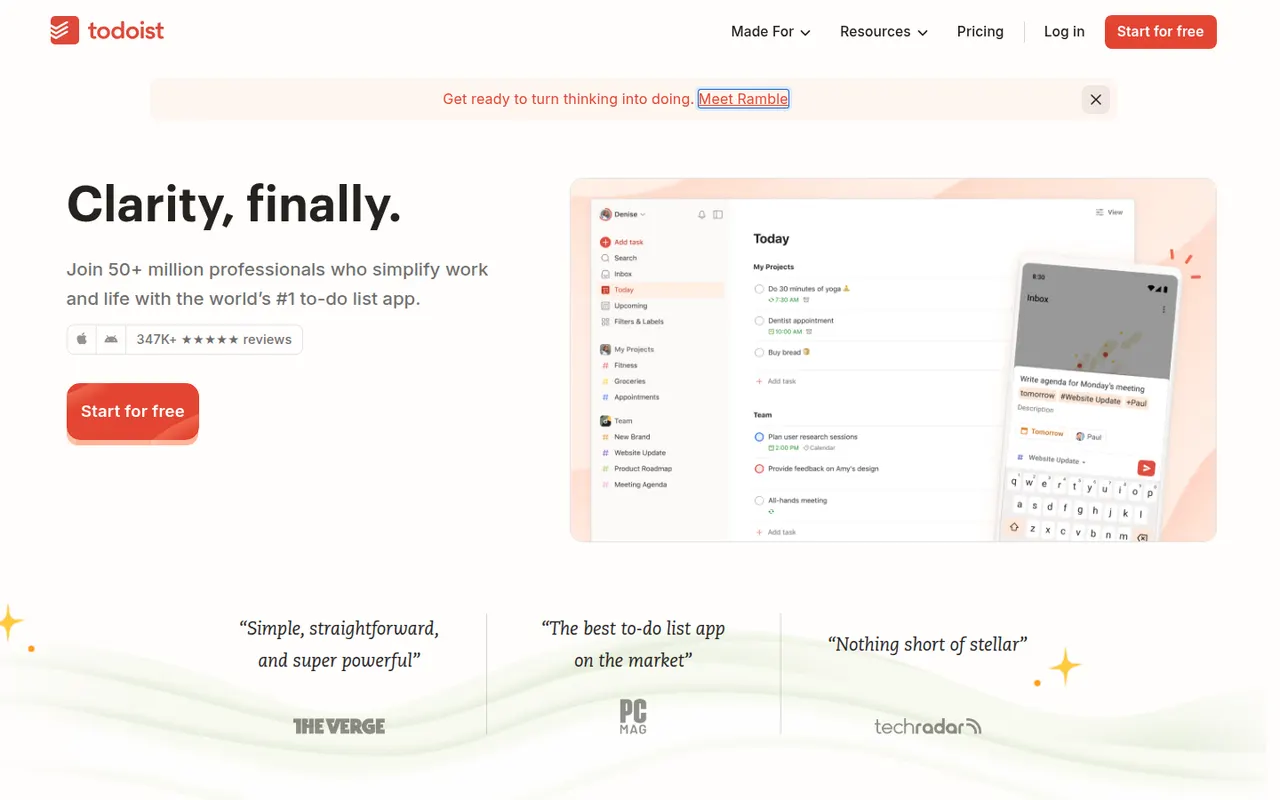
Todoist is a task manager by Doist that captures tasks quickly with natural language dates, such as every Monday at 9am, and organizes them into projects, sections, labels and filters. It runs on almost every platform, offers list, board and calendar layouts, supports shared projects for small teams and integrates with calendars, email and many other apps.
12 Todoist alternativesPros
- Fast natural language capture for dates and recurring tasks
- Runs on almost every platform with reliable sync
- Projects, labels and filters scale from simple to complex lists
Cons
- Several useful features are limited to paid plans
- Collaboration is basic for larger team projects
- No built-in time tracking without integrations
Cost / LicenseFreemiumProprietaryCategoriesRemember The Milk is an online to-do service launched in 2005 and available on the web, desktop and mobile. Smart Add understands dates, priorities, tags and lists typed in a single line, smart lists save advanced searches, and reminders can arrive by email, text message or push notification. A Pro subscription unlocks extras such as subtasks and wider sharing.
7 Remember The Milk alternativesPros
- Smart Add parses dates, tags and priorities from a single line
- Smart lists save advanced searches as dynamic views
- Reminders by email, text message or push notification
Cons
- Interface looks dated next to newer to-do apps
- Subtasks and wider sharing require the Pro plan
Cost / LicenseFreemiumProprietaryCategoriesAmazing Marvin is a personal task manager whose features, called strategies, are switched on one by one, from time blocking and Pomodoro to habit tracking, rewards and procrastination helpers. It suits people who have struggled with rigid to-do apps, including people with ADHD, and runs on the web, desktop and mobile after a free trial.
8 Amazing Marvin alternativesPros
- Strategies let you switch on only the features you need
- Tools against procrastination and ADHD-friendly planning
- Combines time blocking, Pomodoro and habit tracking
Cons
- The sheer number of options can be overwhelming at first
- Interface feels less polished than mainstream to-do apps
- No free plan after the trial
Cost / LicenseFree trialProprietaryCategoriesStandard Notes is an open source note-taking app focused on privacy, with end-to-end encryption for every note and file and apps on all major platforms. Notes work offline and sync across devices, and paid plans add rich editors, file storage and longer revision history. The company became part of Proton in 2024, and the sync server can be self-hosted.
9 Standard Notes alternativesPros
- End-to-end encryption for every note and file
- Open source apps on all major platforms
- The sync server can be self-hosted
Cons
- Rich editors, file storage and longer history need a paid plan
- Collaboration features are minimal compared with mainstream apps
Cost / LicenseFreemiumOpen sourceCategoriesSimplenote is a free note app from Automattic, the company behind WordPress.com, that sticks to plain text with optional Markdown, tags and quick search. Notes sync instantly across web, desktop and mobile apps, every change is kept in version history, and notes can be shared with collaborators or published as a web page. The apps are open source.
8 Simplenote alternativesPros
- Free, ad-free and fast plain-text notes
- Instant sync across web, desktop and mobile
- Version history keeps every change to a note
Cons
- No images, attachments or rich formatting
- Organization is limited to tags and search
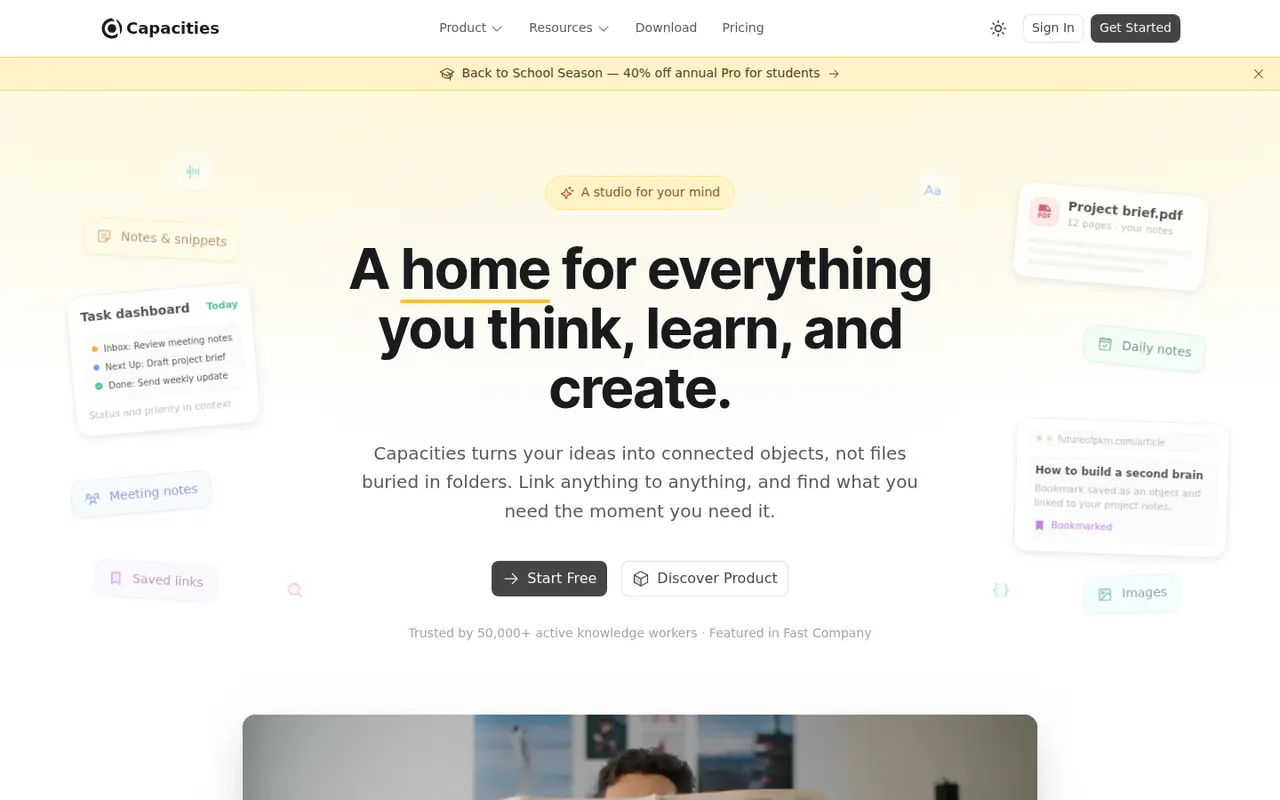
Cost / LicenseFreeOpen sourceCategoriesCapacities is a note-taking app that organizes knowledge as objects such as people, books, meetings and ideas, each with its own properties and templates, instead of folders. Objects link to each other through backlinks and a graph, daily notes collect everyday thoughts, and the Pro plan adds an AI assistant. It is developed by a small team in Germany.
8 Capacities alternativesPros
- Object types like people, books and meetings give notes structure
- Backlinks, graph view and daily notes connect ideas
- Available on web, desktop and mobile with sync
Cons
- The object-based approach takes time to get used to
- The AI assistant and some features need the Pro plan
- Cloud-based storage gives less control than local-first apps
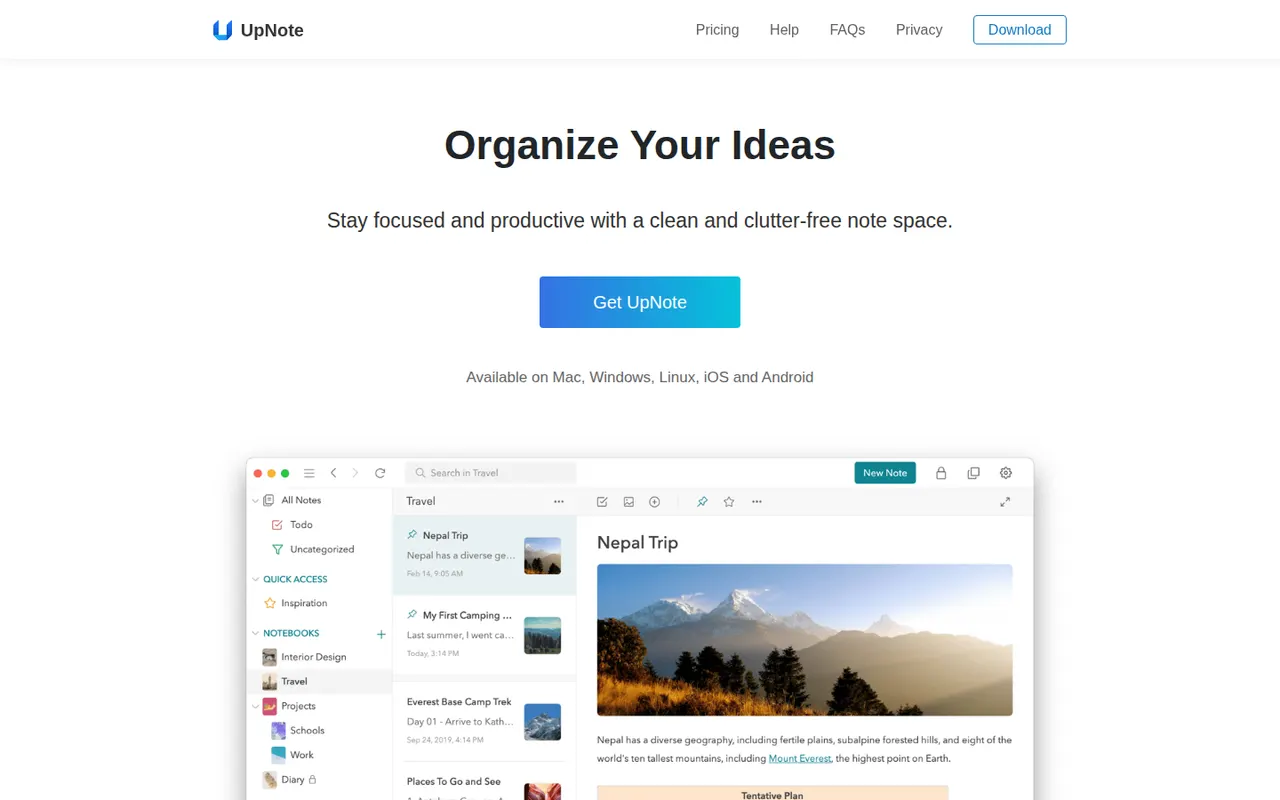
Cost / LicenseFreemiumProprietaryCategoriesUpNote is a note-taking app with a clean editor, notebooks, tags and links between notes, available on the web, Windows, Mac, Linux, iOS and Android. Notes are stored locally for offline use and synced across devices, with a web clipper and Markdown shortcuts. The free version is capped at a small number of notes, and Premium can be bought once or as a subscription.
11 UpNote alternativesPros
- Clean editor with notebooks, tags and links between notes
- Apps on every platform, including Linux and the web
- Premium is available as a one-time purchase
Cons
- The free version is capped at a small number of notes
- No shared notebooks or real-time collaboration
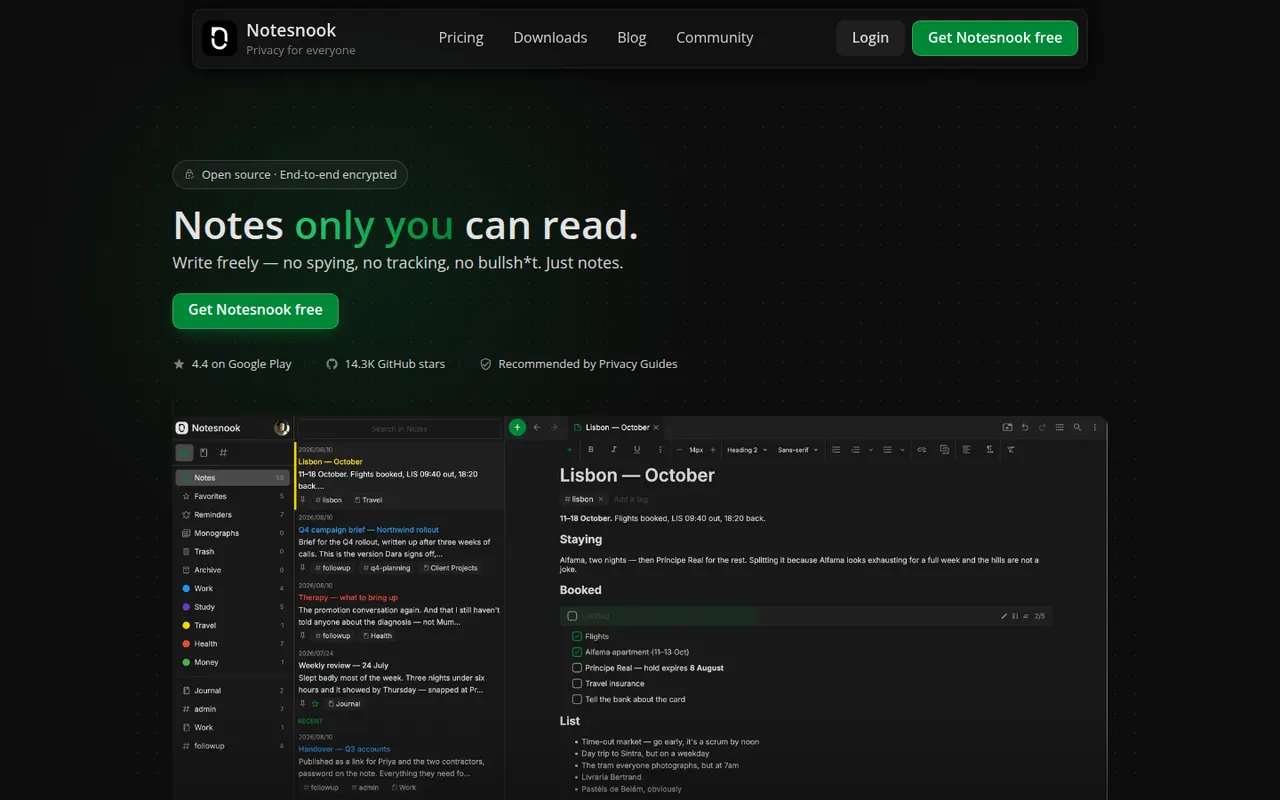
Cost / LicenseFreemiumProprietaryCategoriesNotesnook is an open source note-taking app that encrypts every note end to end on your device before syncing it. It offers notebooks, tags, rich text with Markdown shortcuts, an app lock, a private vault and a web clipper, on the web, desktop and mobile. A free plan is available, and the sync server can also be self-hosted.
9 Notesnook alternativesPros
- Every note is end-to-end encrypted on your device before syncing
- Open source apps on web, desktop and mobile
- The sync server can be self-hosted
Cons
- Fewer integrations and plugins than mainstream note apps
- Some features are limited on the free plan
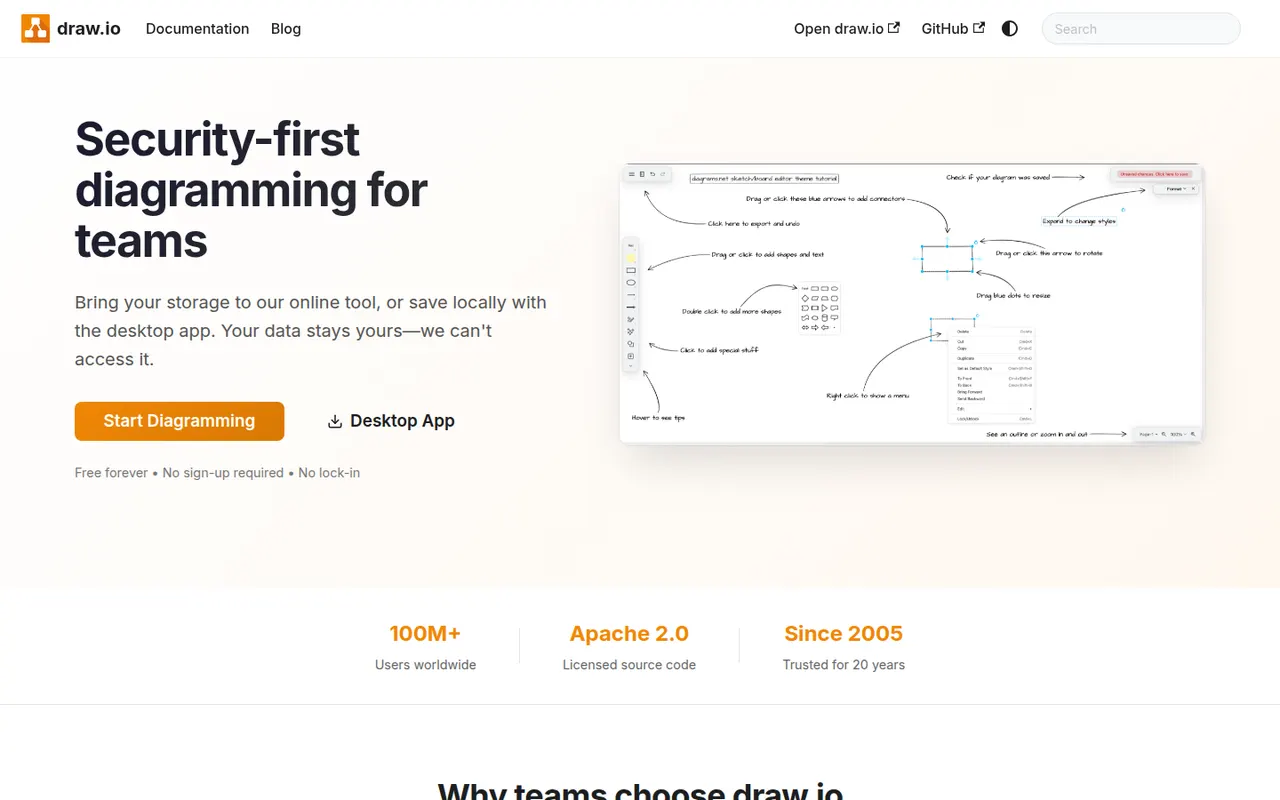
Cost / LicenseFreemiumOpen sourceCategoriesdraw.io, also known as diagrams.net, is a free and open source diagramming tool from JGraph for flowcharts, UML, network, BPMN and org charts. It requires no account, saves diagrams wherever you choose, such as your device, Google Drive, OneDrive or GitHub, and is available as a desktop app for offline use and as an integration for Confluence and Jira.
10 draw.io alternativesPros
- Completely free and open source, with no account required
- Saves diagrams to your device, Google Drive, OneDrive or GitHub
- Offline desktop app plus Confluence and Jira integrations
Cons
- Interface looks dated next to modern whiteboard tools
- Real-time collaboration is more limited than in paid rivals
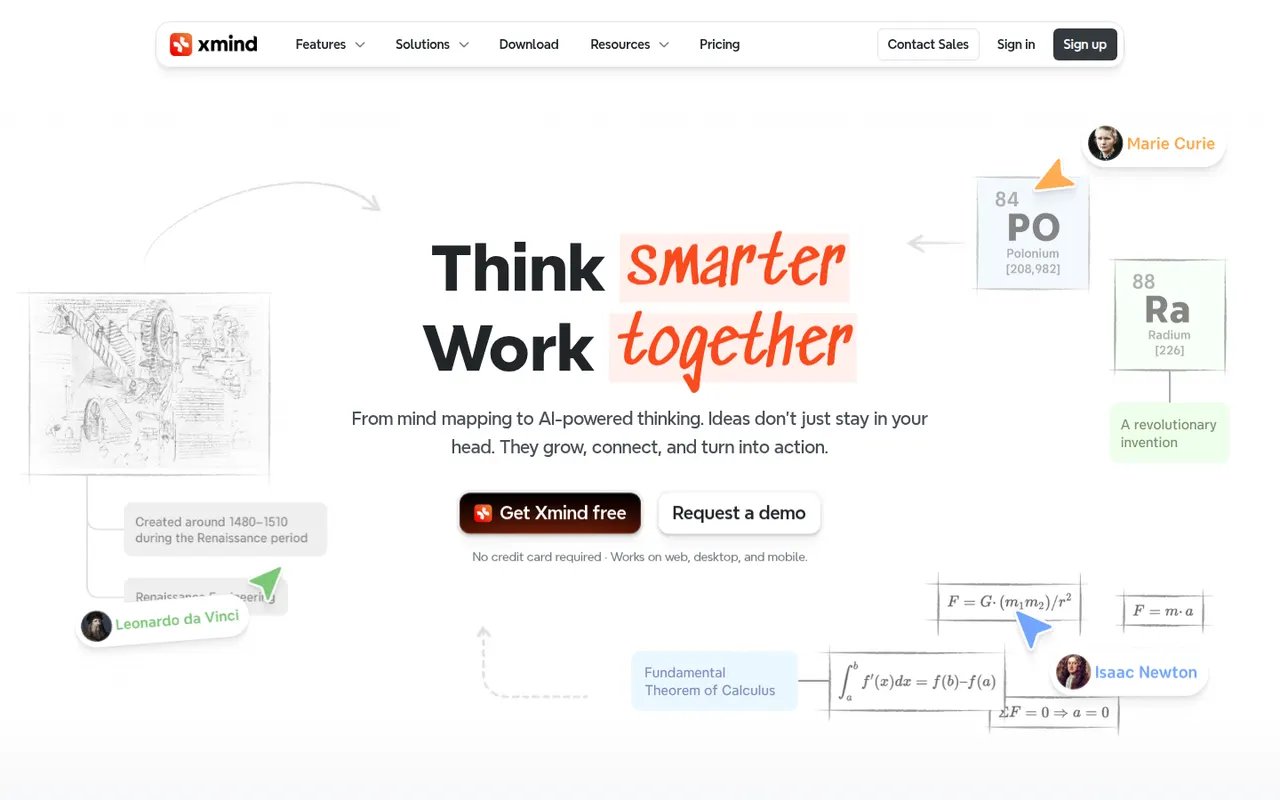
Cost / LicenseFreeOpen sourceCategoriesPlatformsXmind is a mind mapping app for brainstorming, planning and note-taking, with structures such as logic charts, org charts, fishbone diagrams, timelines and matrices. It offers themes, an outliner view, a pitch mode for presenting maps and AI features to expand ideas, on Windows, Mac, Linux, iOS and Android, with a free version and a paid Pro subscription.
9 Xmind alternativesPros
- Many structures, from logic charts to fishbone diagrams and timelines
- Native desktop and mobile apps that work offline
- Pitch mode turns a map into a presentation
Cons
- Key features require the Pro subscription
- Focused on mind maps rather than freeform whiteboarding
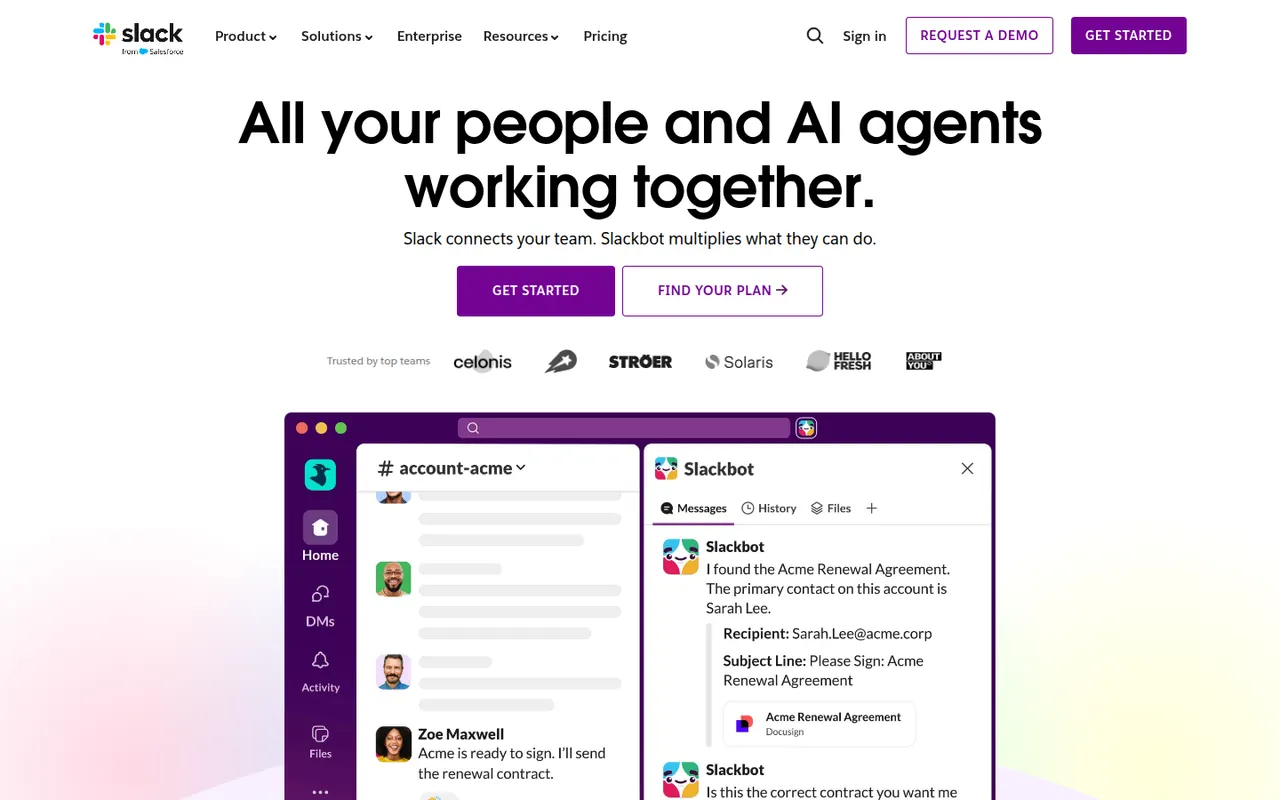
Cost / LicenseFreemiumProprietaryCategoriesSlack is a workplace messaging app that organizes conversations into channels by team, project or topic, with threads, direct messages and huddles for quick audio or video calls. A large app directory and an open API connect it to most business tools, and Slack Connect lets companies share channels with clients and partners. AI summaries and search are available on paid plans.
9 Slack alternativesPros
- Huge app directory connects to almost any business tool
- Slack Connect shares channels with clients and partners
- Huddles make quick audio and video calls effortless
Cons
- Free plan hides older message history
- Paid plans get costly for large teams
- Constant notifications can hurt focus
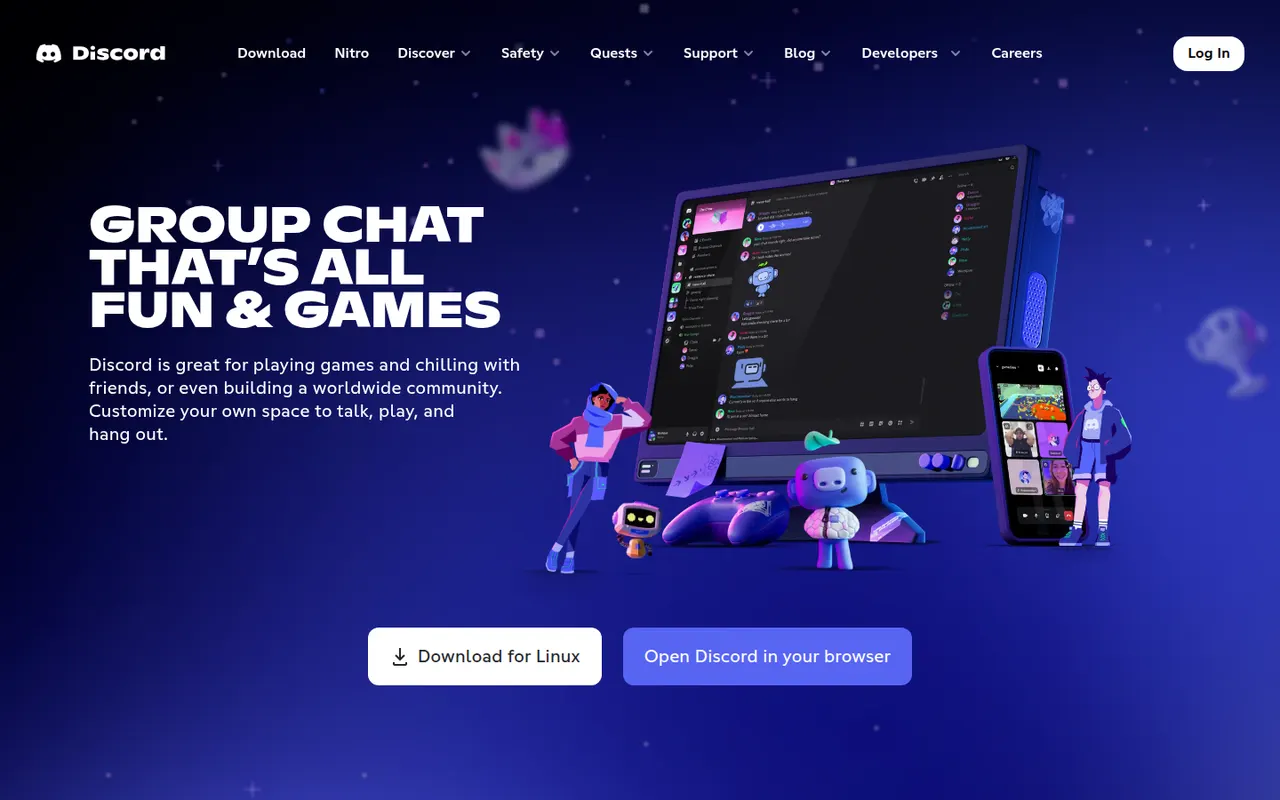
Cost / LicenseFreemiumProprietaryCategoriesDiscord is a chat platform built around servers, each with its own text channels, voice channels and roles. It started with gamers but now hosts communities of every kind, from open-source projects to study groups, with drop-in voice rooms, screen sharing, threads and forums. Bots extend servers, and an optional Nitro subscription adds perks such as larger uploads and higher-quality streaming.
11 Discord alternativesPros
- Drop-in voice channels make spontaneous conversations easy
- Roles, bots and permissions scale to very large communities
- Generous free tier across desktop, mobile and the web
Cons
- Not designed for workplace compliance or admin controls
- Busy servers and notifications can quickly feel overwhelming
- Text messages are not end-to-end encrypted
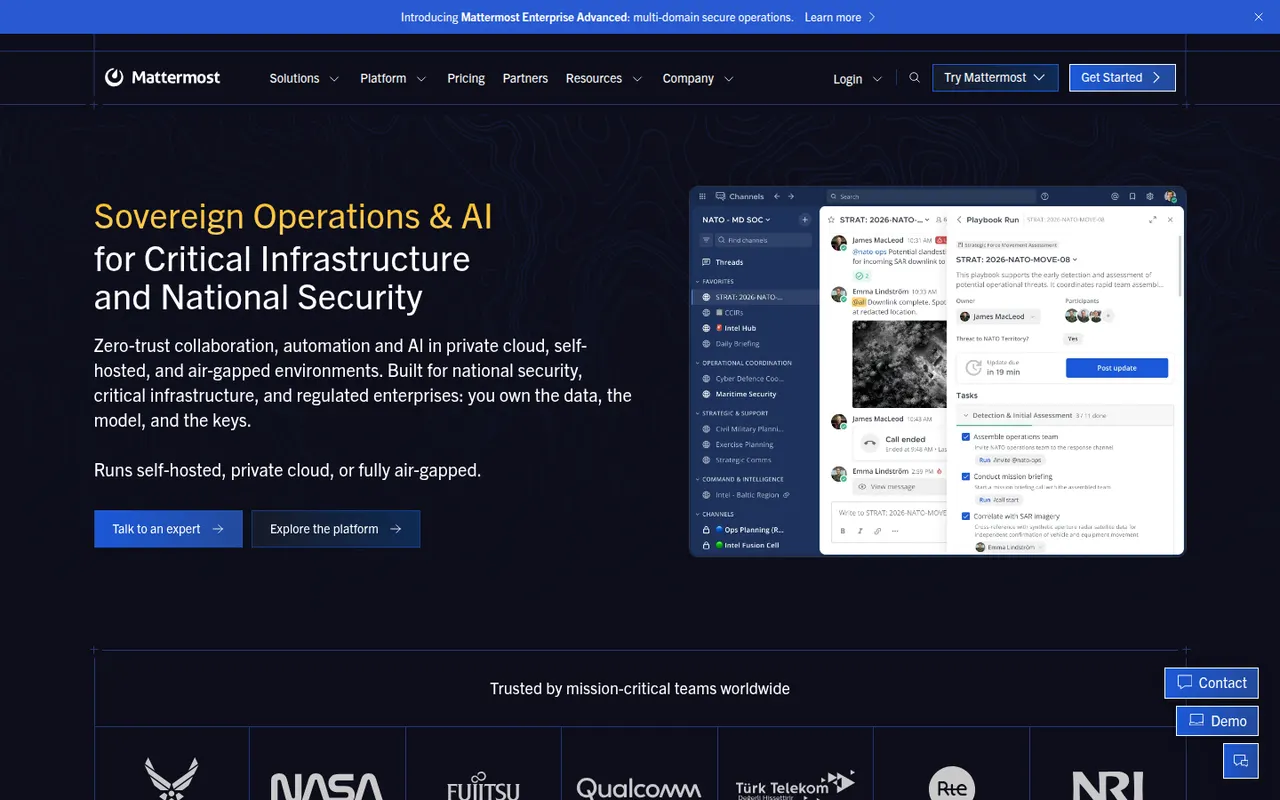
Cost / LicenseFreemiumProprietaryCategoriesMattermost is an open-source collaboration platform offering channels, threads, calls and playbooks for structured workflows. Organizations can run it on their own servers or in a private cloud to keep full control of their data, which appeals to engineering teams, public agencies and regulated industries. Plugins, webhooks and an API connect it to DevOps tools like GitLab, Jira and Jenkins.
8 Mattermost alternativesPros
- Self-hosting keeps full control over data and infrastructure
- Strong DevOps integrations with GitLab, Jira and Jenkins
- Playbooks structure incident response and repeatable workflows
Cons
- Self-hosted deployments need ongoing admin work
- Smaller app ecosystem than Slack
- Advanced compliance and enterprise features require paid plans
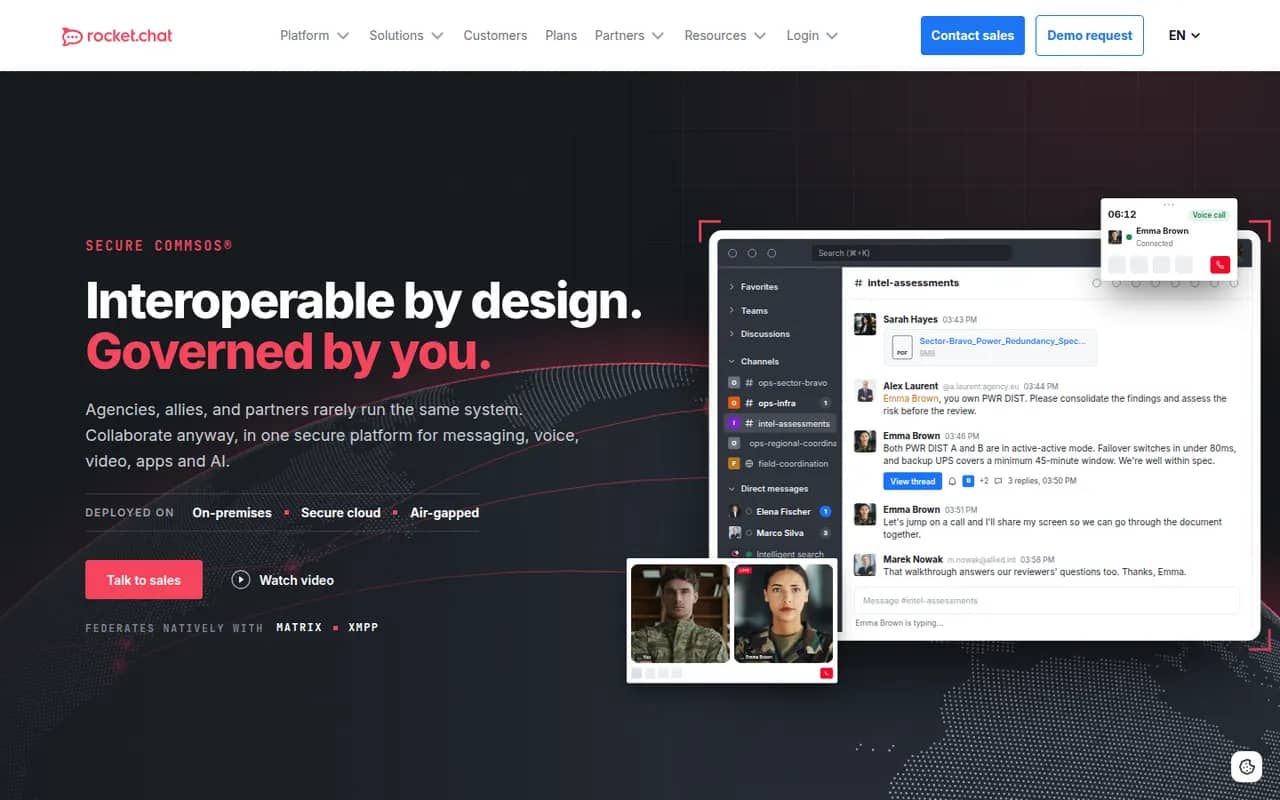
Cost / LicenseFreemiumOpen sourceCategoriesRocket.Chat is an open-source communications platform that can be self-hosted or used as a cloud service. Besides team channels, threads, direct messages and calls, it includes an omnichannel module that routes website chat, email and messaging apps to support agents. Its marketplace and APIs let organizations customize it heavily, and self-hosting suits teams with strict data residency needs.
9 Rocket.Chat alternativesPros
- Omnichannel module routes website chat, email and messaging apps
- Self-hostable open source platform for strict data residency needs
- Marketplace and APIs allow deep customization
Cons
- Self-hosted setups require regular maintenance and upgrades
- Some features are reserved for paid editions
- The wide range of settings makes administration complex
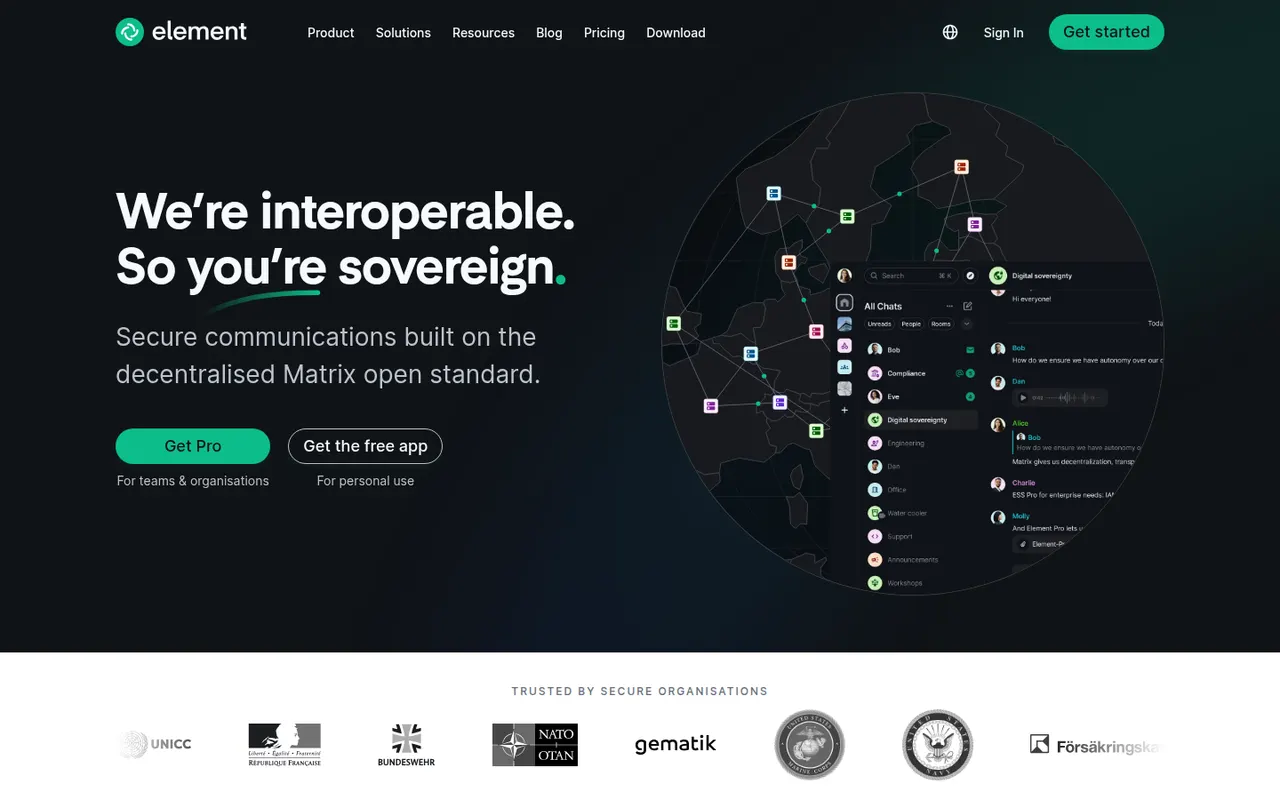
Cost / LicenseFreemiumOpen sourceCategoriesElement is a messaging app from the team that created Matrix, an open standard for decentralized, federated chat. Rooms, direct messages and calls are end-to-end encrypted, and people on different Matrix servers can talk to each other like email. Individuals can join a public server for free, while organizations and governments self-host or buy Element's enterprise server suite, with bridges to other chat networks.
12 Element alternativesPros
- End-to-end encryption by default for private rooms and messages
- Federated Matrix network, so no single company controls your chats
- Open source and self-hostable, popular with public sector bodies
Cons
- Encryption keys and device verification can confuse newcomers
- Running your own Matrix server takes real technical effort
- Fewer business integrations than mainstream team chat apps
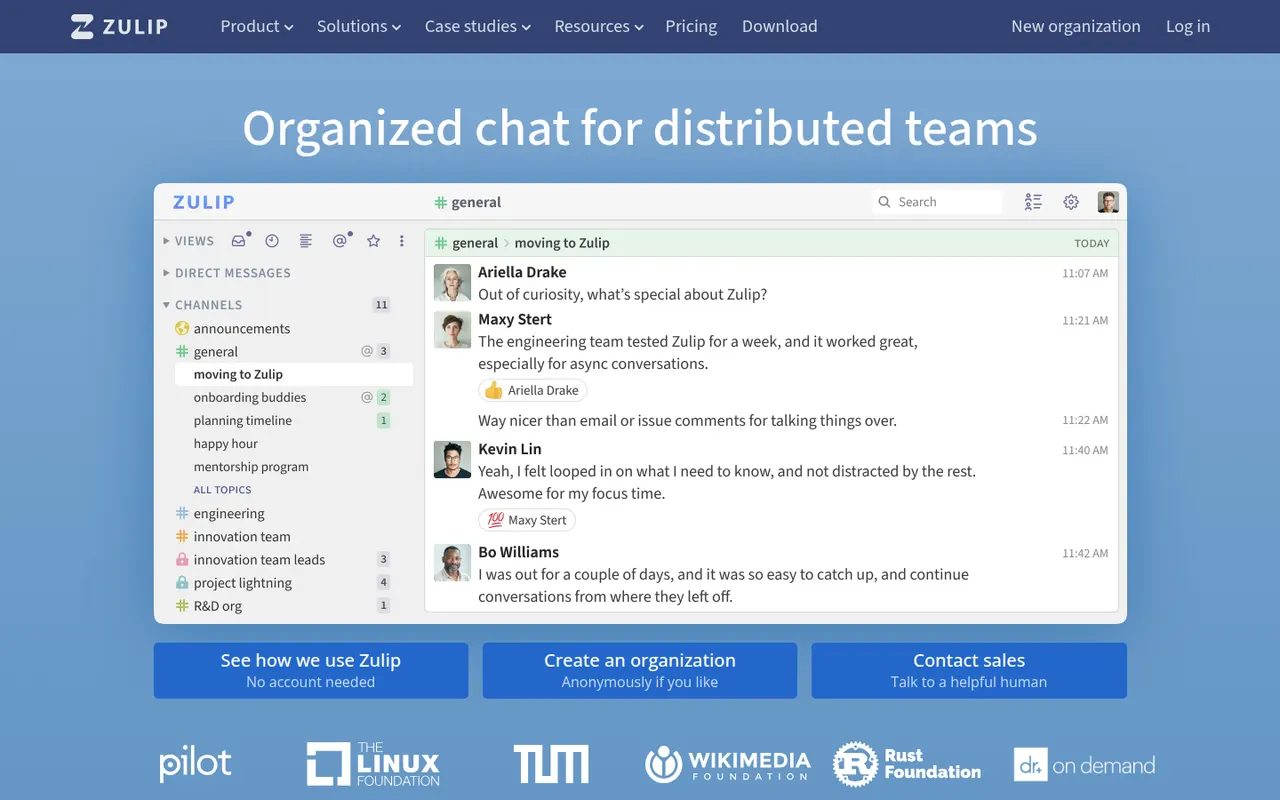
Cost / LicenseFreemiumOpen sourceCategoriesZulip is an open-source team chat app whose threading model files every channel message under a named topic, so people can catch up on several discussions without losing context. It supports Markdown, code blocks and LaTeX math, and integrates with common developer tools. It can be self-hosted for free or used through Zulip Cloud, which suits open-source projects, research groups and remote teams.
8 Zulip alternativesPros
- Topic-based threading makes catching up on discussions easy
- Markdown, code blocks and LaTeX suit technical teams
- Free to self-host under an open source license
Cons
- The topic model takes some getting used to after Slack
- Video calls rely on external services such as Jitsi or Zoom
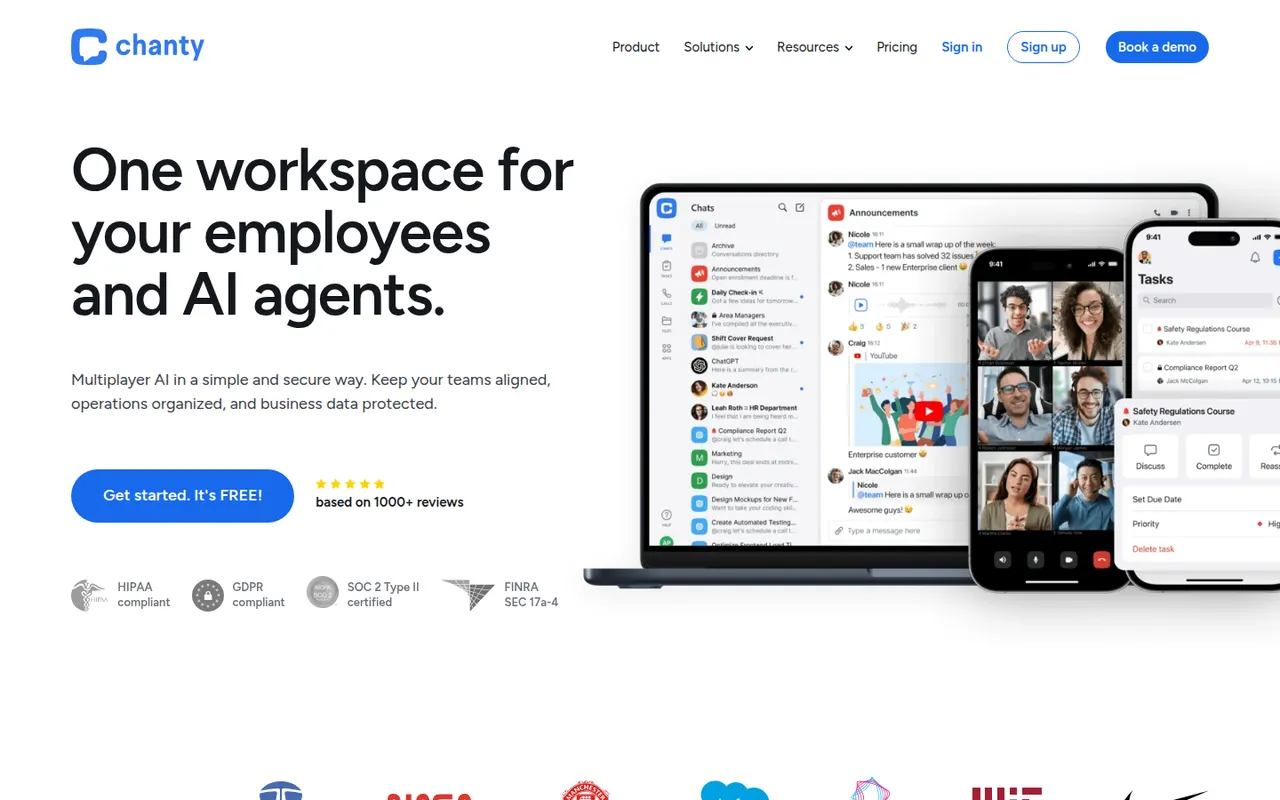
Cost / LicenseFreemiumOpen sourceCategoriesChanty is a team messaging app aimed at small and mid-sized teams who want something simpler than larger chat suites. It offers public and private conversations, audio and video calls with screen sharing, and a built-in task manager with a Kanban board, so messages can be turned into tasks. A free plan covers small teams, and integrations connect it to common workplace tools.
8 Chanty alternativesPros
- Simple interface that small teams pick up quickly
- Built-in Kanban task board turns messages into tasks
- Free plan is enough to get a small team started
Cons
- Smaller integration catalog than Slack or Microsoft Teams
- Task management is basic compared with dedicated tools
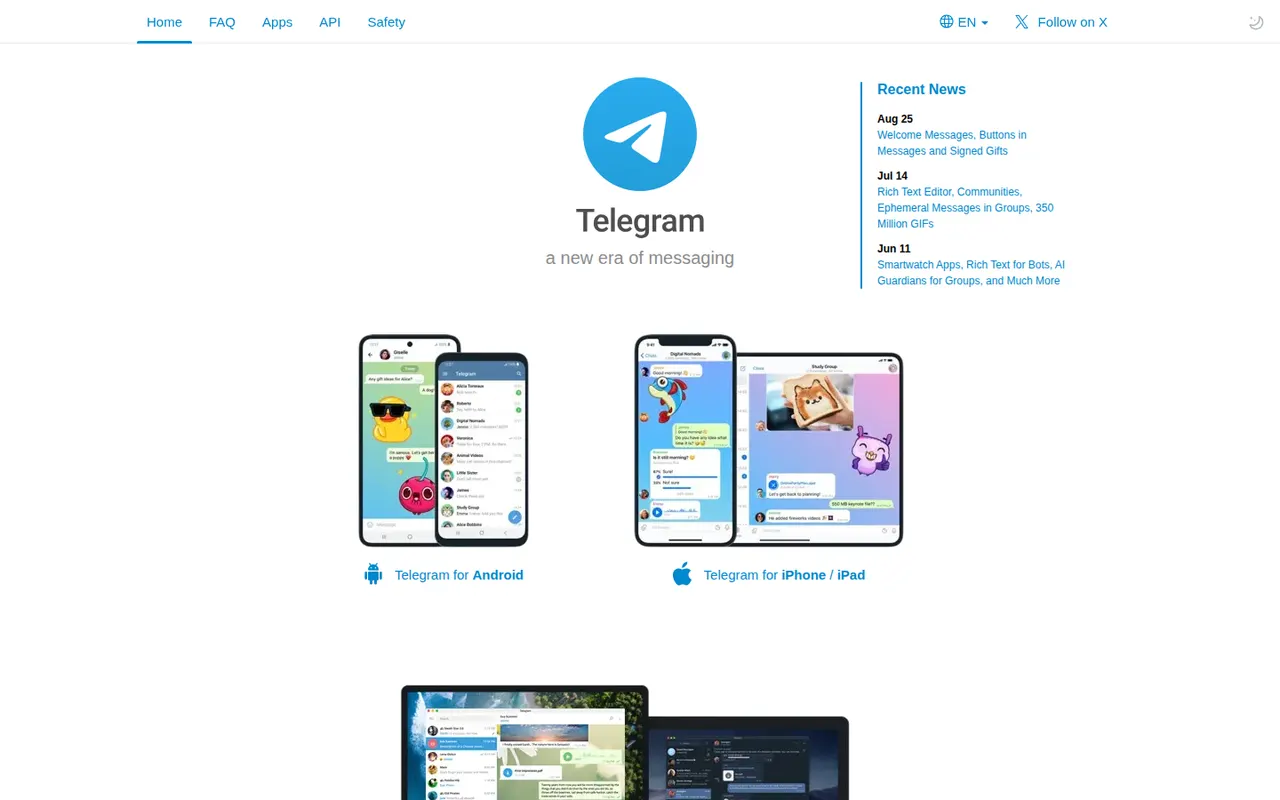
Cost / LicenseFreemiumProprietaryCategoriesTelegram is a cloud-based messaging app that syncs chats across phones, desktops and the web, with very large groups, broadcast channels and an extensive bot platform. Its client apps are open source, but the server is not, and only the optional Secret Chats are end-to-end encrypted. Telegram Premium adds extras such as bigger uploads and faster downloads.
10 Telegram alternativesPros
- Cloud sync across phone, desktop and web
- Huge groups, broadcast channels and a powerful bot platform
- Open source clients that are fast and polished
Cons
- Regular chats are not end-to-end encrypted, only Secret Chats are
- Secret Chats do not sync across devices and are unavailable in groups
- Server code is closed, unlike the client apps
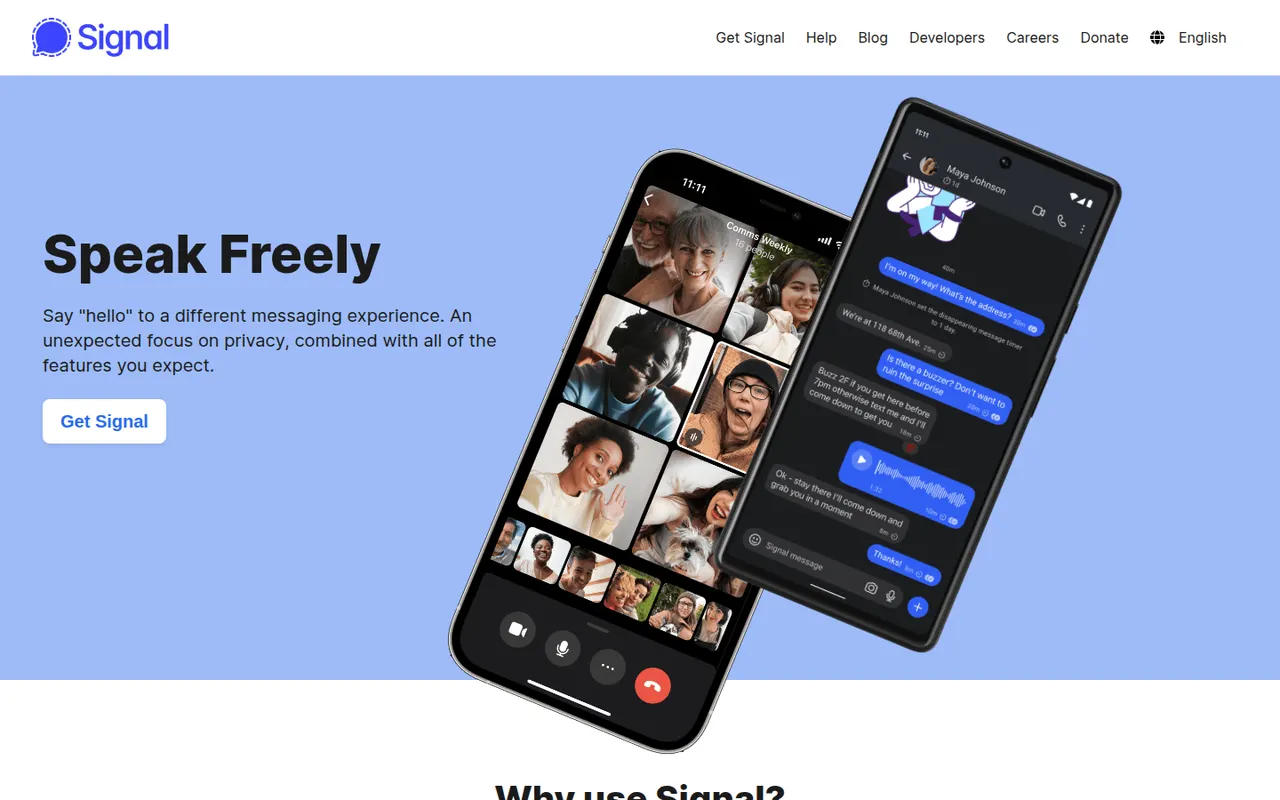
Cost / LicenseFreemiumOpen sourceCategoriesSignal is a free, open-source messenger run by the nonprofit Signal Foundation. Messages, calls, group chats and media are end-to-end encrypted with the Signal Protocol, and the service is designed to collect as little metadata as possible. Registration requires a phone number, though usernames let you chat without sharing it, and the app has no ads or trackers.
10 Signal alternativesPros
- Signal Protocol encrypts messages, calls and groups end to end
- Run by a nonprofit, with minimal metadata and no ads
- Usernames let you chat without revealing your phone number
Cons
- A phone number is still required to register
- Fewer of your contacts are likely to use it than mainstream apps
Cost / LicenseFreeOpen sourceCategoriesViber is a messaging and calling app from Rakuten Viber, offering one-to-one and group chats, voice and video calls, stickers, and large public communities and channels. Chats and calls are end-to-end encrypted by default, and disappearing messages are available. Paid Viber Out credits let users call regular mobile and landline numbers.
8 Viber alternativesPros
- Chats and calls are end-to-end encrypted by default
- Large public communities and channels
- Viber Out credits let you call regular mobile and landline numbers
Cons
- Ads and sponsored content appear in the app
- A phone number is required to sign up
- Widely used in some countries but rare in others
Cost / LicenseFreemiumProprietaryCategoriesThreema is a privacy-focused messenger from Switzerland that end-to-end encrypts messages, calls, groups and files. Each user gets a random Threema ID, so no phone number or email address is required, and the address book is only synced if you choose to. The apps are open source and sold for a one-time fee, while Threema Work targets companies and public institutions.
9 Threema alternativesPros
- No phone number or email needed, thanks to a random Threema ID
- Swiss company with a strong privacy focus and GDPR compliance
- One-time purchase instead of ads or a subscription
Cons
- Being a paid app discourages contacts from joining
- Smaller user base than mainstream messengers
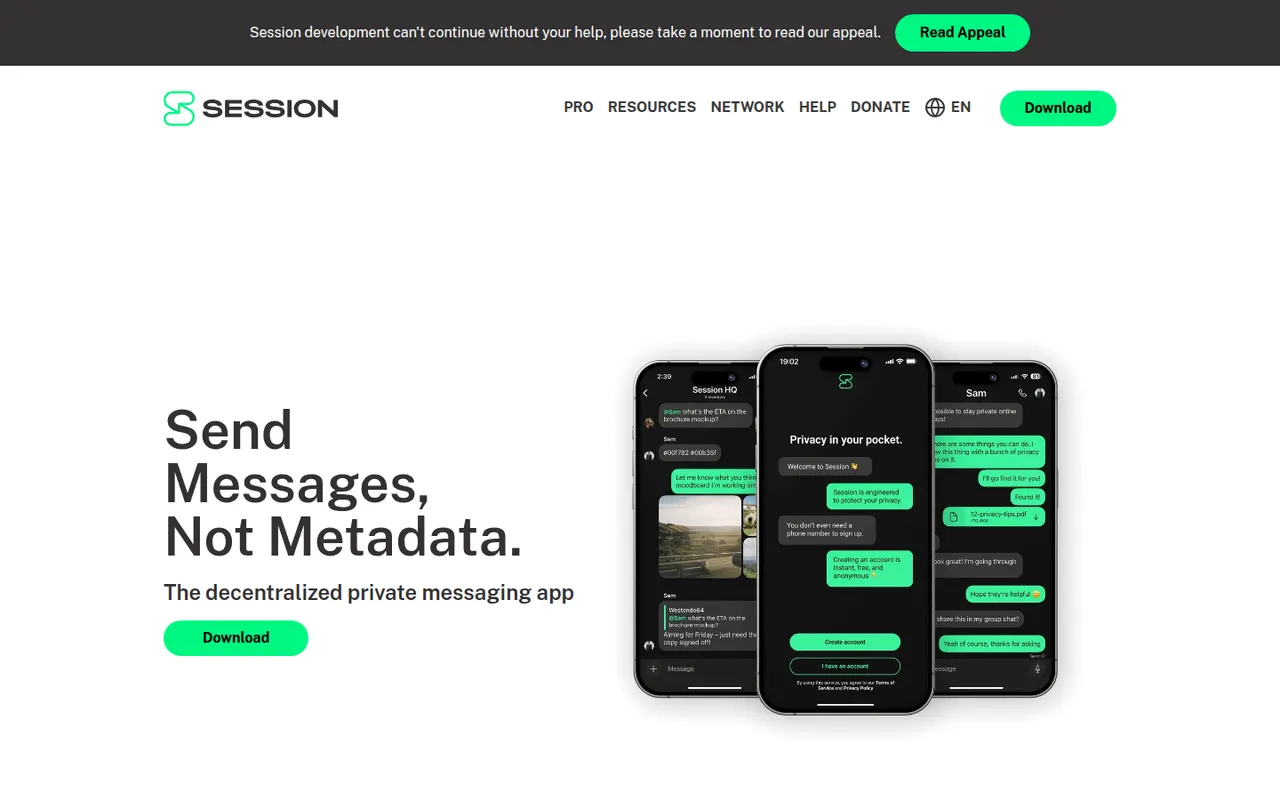
Cost / LicensePaidOpen sourceCategoriesSession is an open-source, end-to-end encrypted messenger that needs no phone number or email: an account is just a randomly generated Session ID. Messages are relayed through a decentralized network of community-operated nodes using onion routing, which hides IP addresses and limits metadata. It supports one-to-one chats, small private groups and larger communities on desktop and mobile.
9 Session alternativesPros
- No phone number or email: an account is just a random Session ID
- Onion routing hides IP addresses and limits metadata
- Decentralized network of community-operated nodes
Cons
- Messages can arrive more slowly than on centralized apps
- Small user base compared with mainstream messengers
- Losing your recovery phrase means losing your account
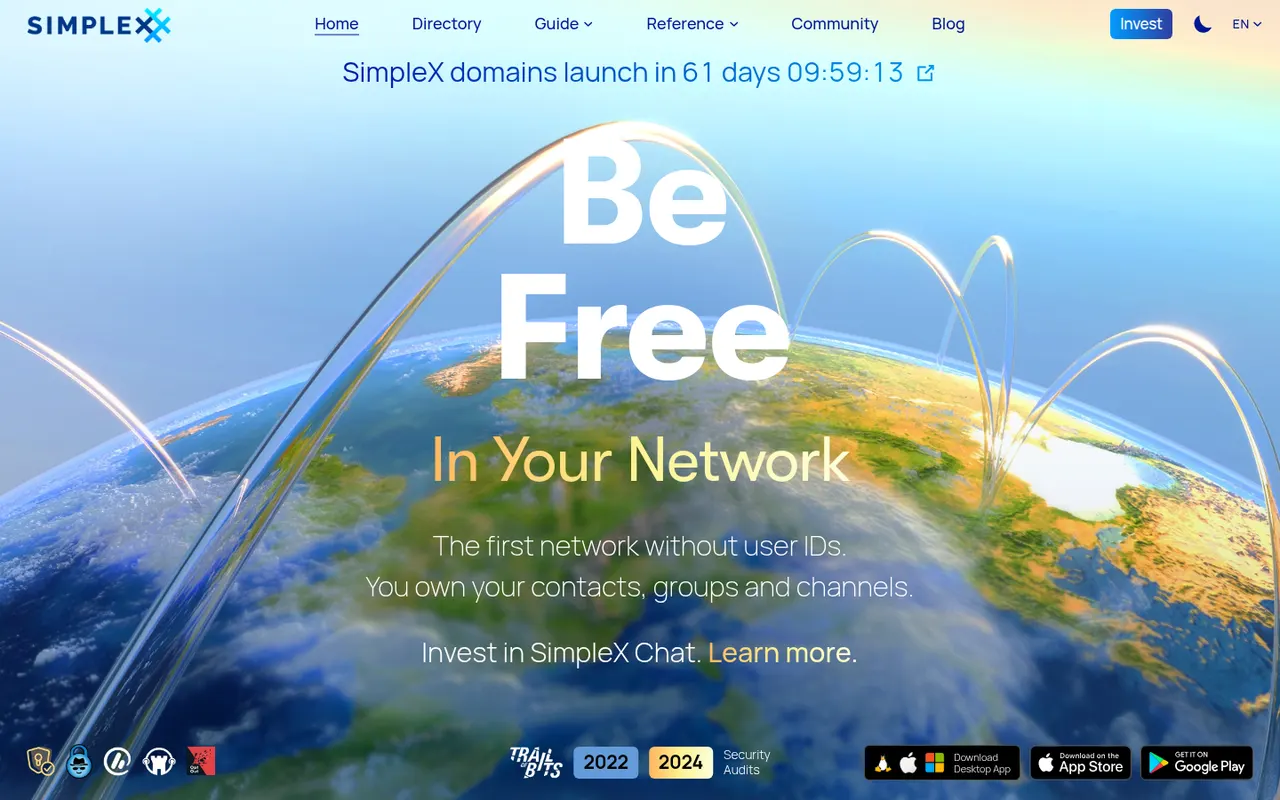
Cost / LicenseFreeOpen sourceCategoriesSimpleX Chat is an open-source messenger that does not assign users any identifier, not even a random one: contacts connect through one-time links or QR codes. Messages are end-to-end encrypted and pass through relay servers that keep no user profiles, and anyone can run their own relays. It supports groups, voice and video calls, disappearing messages and multiple chat profiles.
9 SimpleX Chat alternativesPros
- No user identifiers at all, not even random ones
- Anyone can run their own relay servers
- Groups, calls, disappearing messages and multiple chat profiles
Cons
- Connecting through one-time links is less convenient than a contact list
- Small user base, so few contacts will already be on it
- Using one account across several devices is limited
Cost / LicenseFreeOpen sourceCategoriesOlvid is an end-to-end encrypted messenger developed in France that works without a phone number, email address or central user directory: contacts are added by exchanging codes in person or through trusted introductions. Its security has been certified by ANSSI, the French cybersecurity agency, and its apps are open source. Messaging is free, with paid subscriptions for advanced features and for businesses.
8 Olvid alternativesPros
- No phone number, email or central user directory required
- Security certified by ANSSI, the French cybersecurity agency
- Open source apps on desktop and mobile
Cons
- Adding contacts in person or via introductions slows onboarding
- Small user base, so most contacts will need to install it
- Advanced features and business use require a subscription
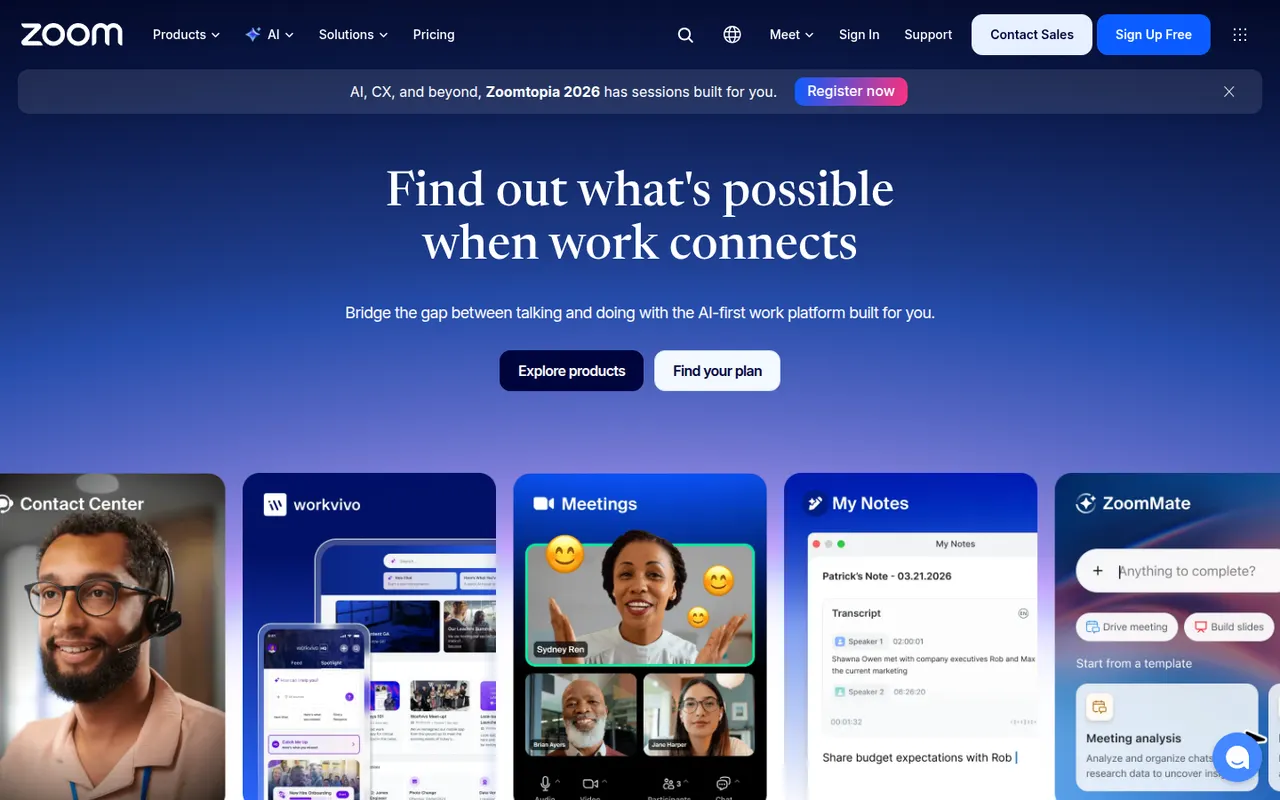
Cost / LicenseFreemiumOpen sourceCategoriesZoom is a video conferencing service used for team meetings, classes and large webinars, with screen sharing, recording, breakout rooms and virtual backgrounds. The Zoom Workplace suite adds team chat, phone, whiteboards and docs, and AI Companion can summarize meetings and draft follow-ups on paid accounts. A free plan covers short meetings with a limited number of participants.
9 Zoom alternativesPros
- Reliable video quality, even on modest connections
- Breakout rooms, webinars and recording cover most meeting needs
- Widely known, so guests rarely need help joining
Cons
- Free meetings are capped in length and participants
- AI Companion requires a paid account
- Has faced privacy and security criticism in the past
Cost / LicenseFreemiumProprietaryCategoriesWebex is Cisco's collaboration suite covering video meetings, team messaging, webinars and cloud calling, built with large enterprises and their security requirements in mind. Meetings can be end-to-end encrypted, and an AI Assistant provides summaries, noise removal and real-time translation. Webex also integrates with Cisco's meeting room hardware, and a free plan is available for basic meetings.
8 Webex alternativesPros
- Enterprise-grade security with end-to-end encrypted meetings
- AI Assistant provides summaries and real-time translation
- Integrates with Cisco meeting room hardware
Cons
- Interface can feel complex compared with simpler meeting apps
- Free plan is limited to basic meetings
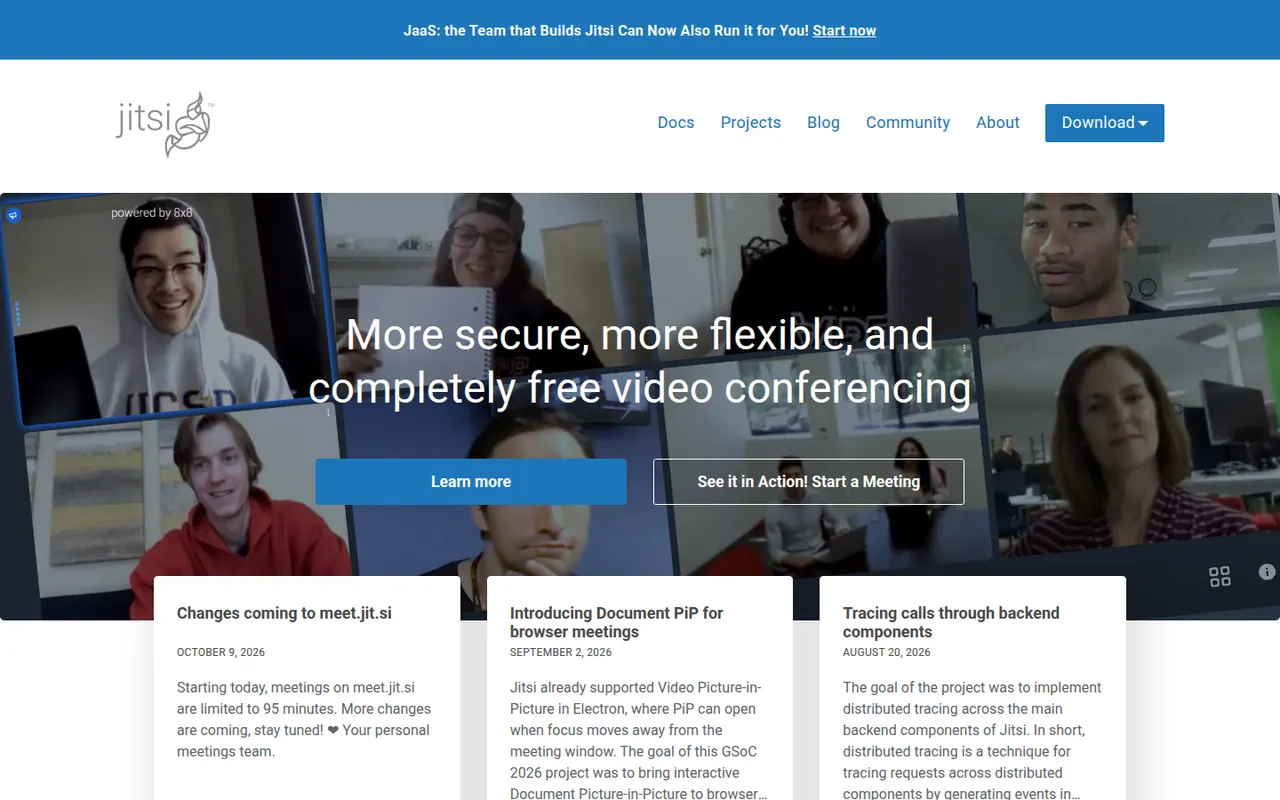
Cost / LicenseFreemiumProprietaryCategoriesJitsi Meet is an open-source video conferencing app that runs in the browser, with mobile and desktop apps as well. Anyone can host meetings for free on the public meet.jit.si service or deploy their own server for full control. It includes screen sharing, chat, breakout rooms, background blur, live streaming to YouTube and optional end-to-end encryption. The project is maintained by 8x8.
9 Jitsi Meet alternativesPros
- Free meetings on meet.jit.si, with guests joining from the browser
- Open source and self-hostable for full control
- Optional end-to-end encryption and live streaming to YouTube
Cons
- Call quality can degrade with many participants
- Fewer admin and scheduling features than commercial suites
- Self-hosting at scale needs tuning and plenty of bandwidth
Cost / LicenseFreeOpen sourceCategoriesProton Mail is an end-to-end encrypted email service based in Switzerland. Messages between Proton users are encrypted automatically, emails to others can be password-protected, and stored mail uses zero-access encryption so Proton cannot read it. Its apps are open source, paid plans add custom domains and more addresses, and it is part of a suite with Proton Calendar, Drive, VPN and Pass.
9 Proton Mail alternativesPros
- End-to-end and zero-access encryption protect stored mail
- Based in Switzerland, with open source apps
- Part of a suite with Proton Calendar, Drive, VPN and Pass
Cons
- Free plan is tight on storage and addresses
- Using IMAP clients requires Proton Mail Bridge and a paid plan
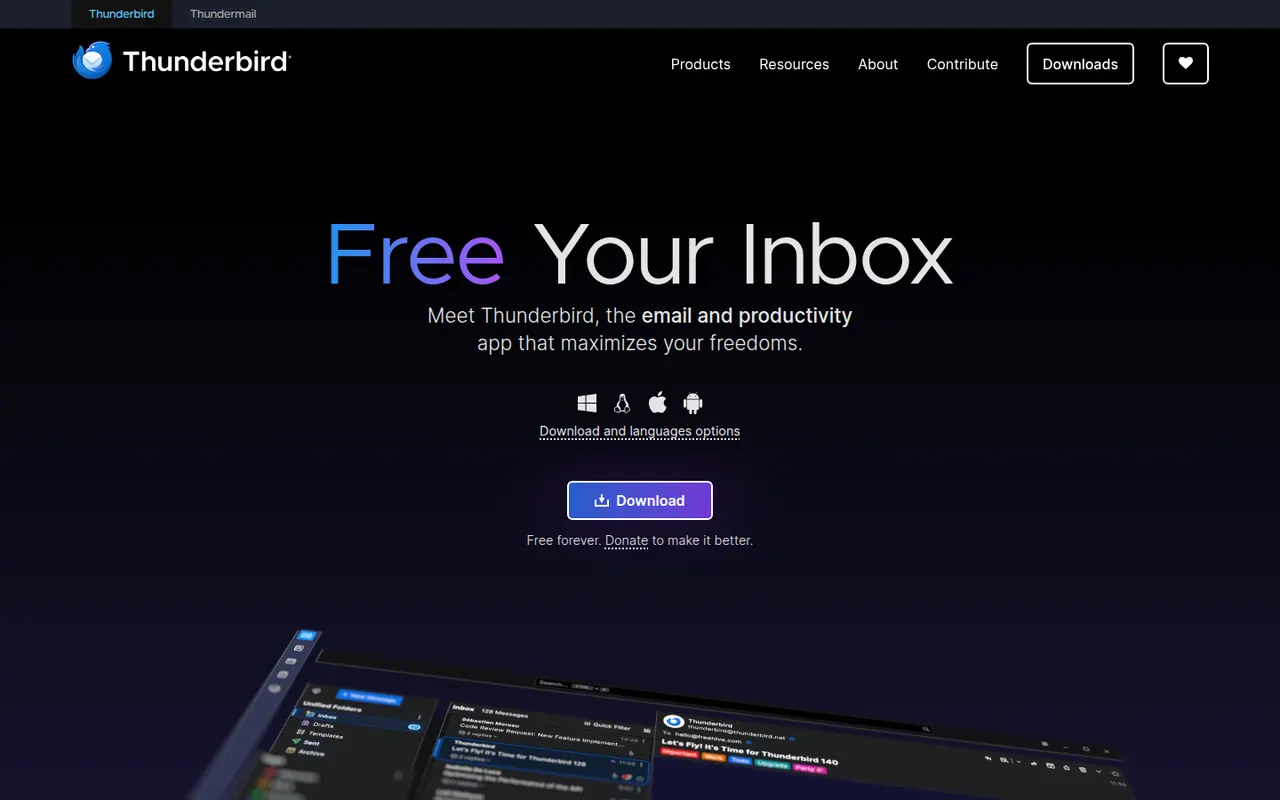
Cost / LicenseFreemiumOpen sourceCategoriesThunderbird is a free and open-source email client for Windows, macOS and Linux, with an Android app based on K-9 Mail. It manages multiple accounts in a unified inbox and includes a calendar, address book, chat and built-in OpenPGP encryption. Add-ons and themes customize it extensively, and it is developed by MZLA Technologies, a Mozilla Foundation subsidiary funded by user donations.
9 Thunderbird alternativesPros
- Free and open source, funded by donations rather than ads
- Built-in OpenPGP encryption, calendar and address book
- Highly customizable with add-ons and themes
Cons
- Interface feels busier than minimalist modern clients
- Getting the most out of it takes some setup and add-ons
Cost / LicenseFreeOpen sourceCategoriesTuta, formerly Tutanota, is an open-source encrypted email and calendar service based in Germany. It encrypts mailbox contents end to end, including subject lines and contacts, and uses post-quantum cryptography for new accounts. Because it relies on its own encryption, it works through Tuta's apps rather than IMAP clients. A free plan exists, and paid plans add custom domains and more aliases.
7 Tuta alternativesPros
- Encrypts subjects and contacts, not just message bodies
- Post-quantum cryptography for new accounts
- Open source apps and a free plan, with servers in Germany
Cons
- No IMAP support, so you must use Tuta’s own apps
- Free plan is limited in storage and features
- Fewer integrations and features than mainstream providers
Cost / LicenseFreemiumOpen sourceCategories