Best apps for Linux
144 apps
Top Linux apps ranked by the community
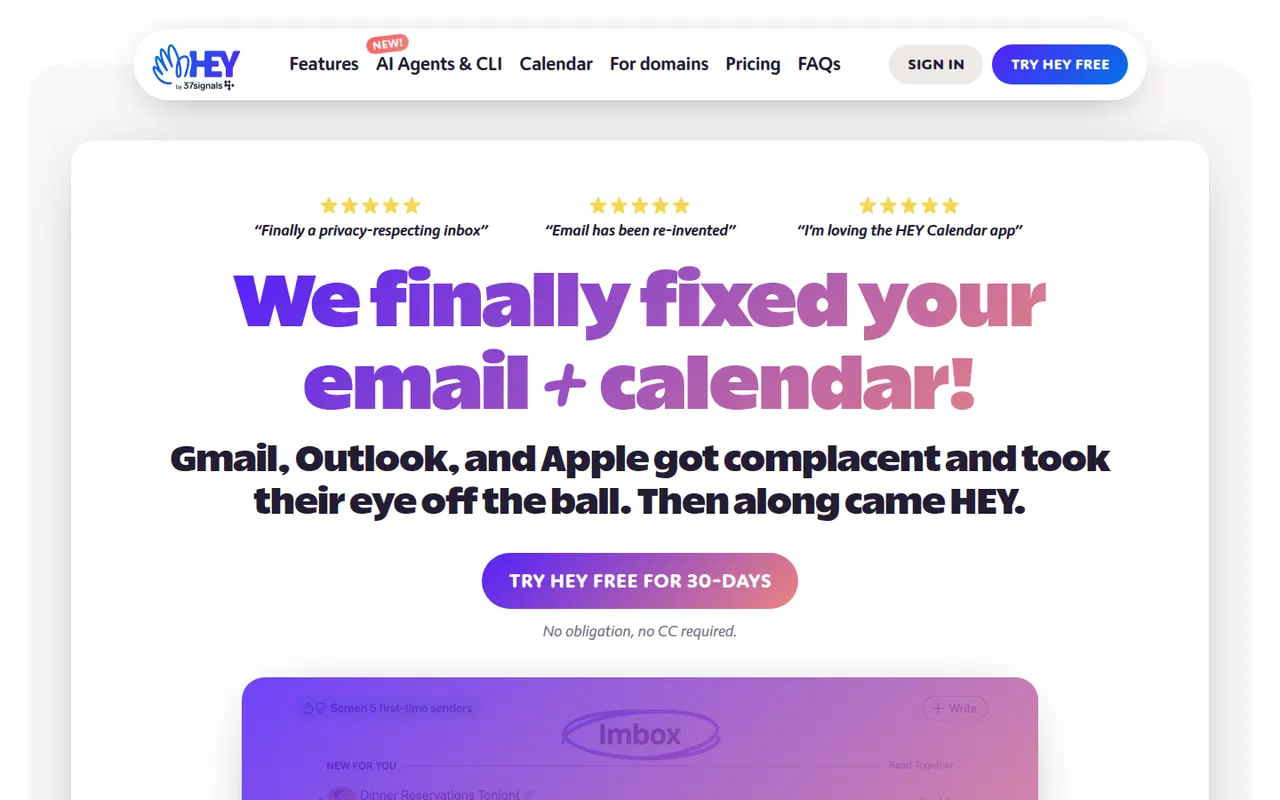
HEY is a paid email service from 37signals, the makers of Basecamp, that rethinks how mail is triaged. First-time senders must be approved in the Screener, newsletters go to The Feed, receipts to the Paper Trail, and spy pixels are blocked automatically. It includes a calendar and supports custom domains for businesses, but works only with HEY addresses rather than existing Gmail or IMAP accounts.
9 HEY alternativesPros
- Screener lets you approve first-time senders before they reach you
- Spy pixels in emails are blocked automatically
- The Feed and Paper Trail set newsletters and receipts aside
Cons
- Works only with HEY addresses, not existing Gmail or IMAP accounts
- Opinionated workflow that doesn’t suit everyone
- No free plan beyond the trial
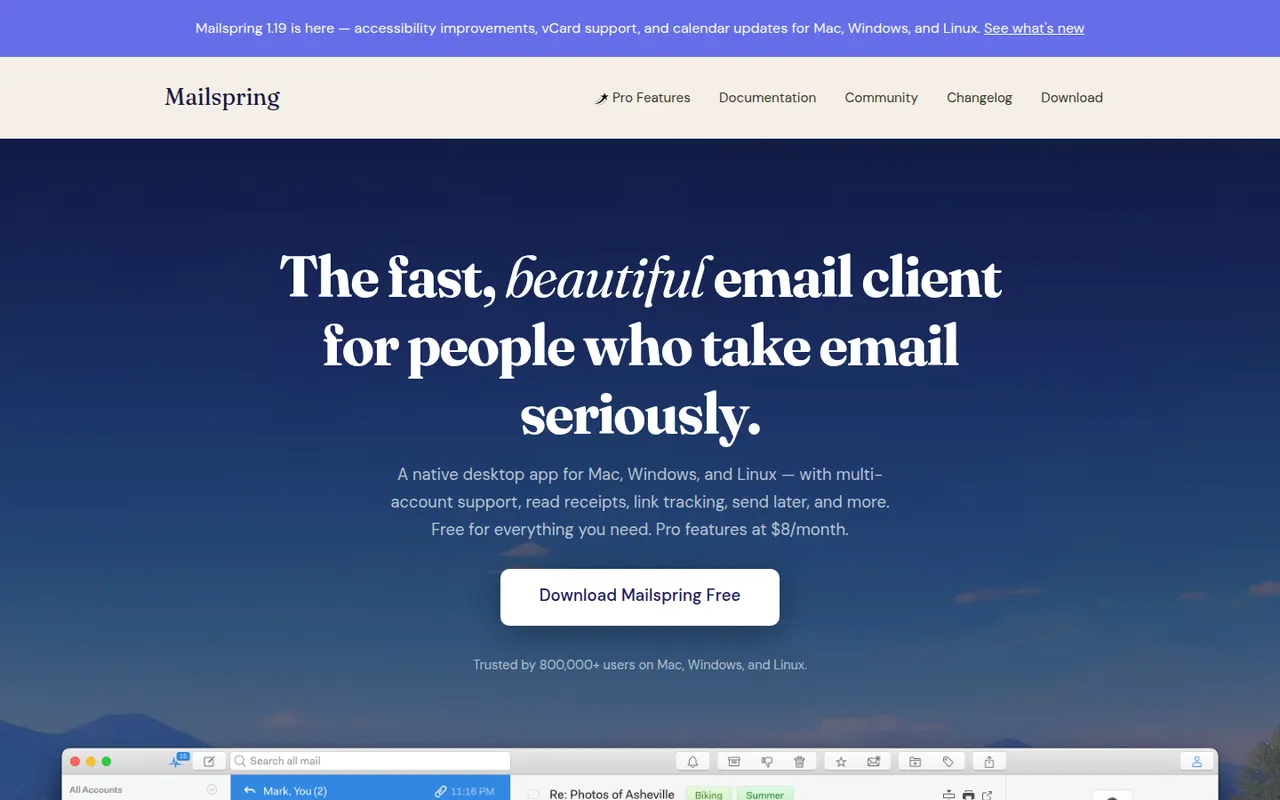
Cost / LicenseFree trialProprietaryCategoriesMailspring is a free, open-source desktop email client for Windows, macOS and Linux that works with Gmail, Office 365, iCloud and any IMAP account. It offers a unified inbox, fast search, themes and templates, and runs its mail sync engine locally rather than in the cloud. An optional Pro subscription adds read receipts, link tracking, send later and reminders.
7 Mailspring alternativesPros
- Free and open source on Windows, Mac and Linux
- Sync engine runs locally rather than through a cloud service
- Unified inbox, themes and templates in a clean interface
Cons
- Send later, reminders and read receipts require Pro
- A Mailspring ID account is required even for the free version
- No mobile apps to go with the desktop client
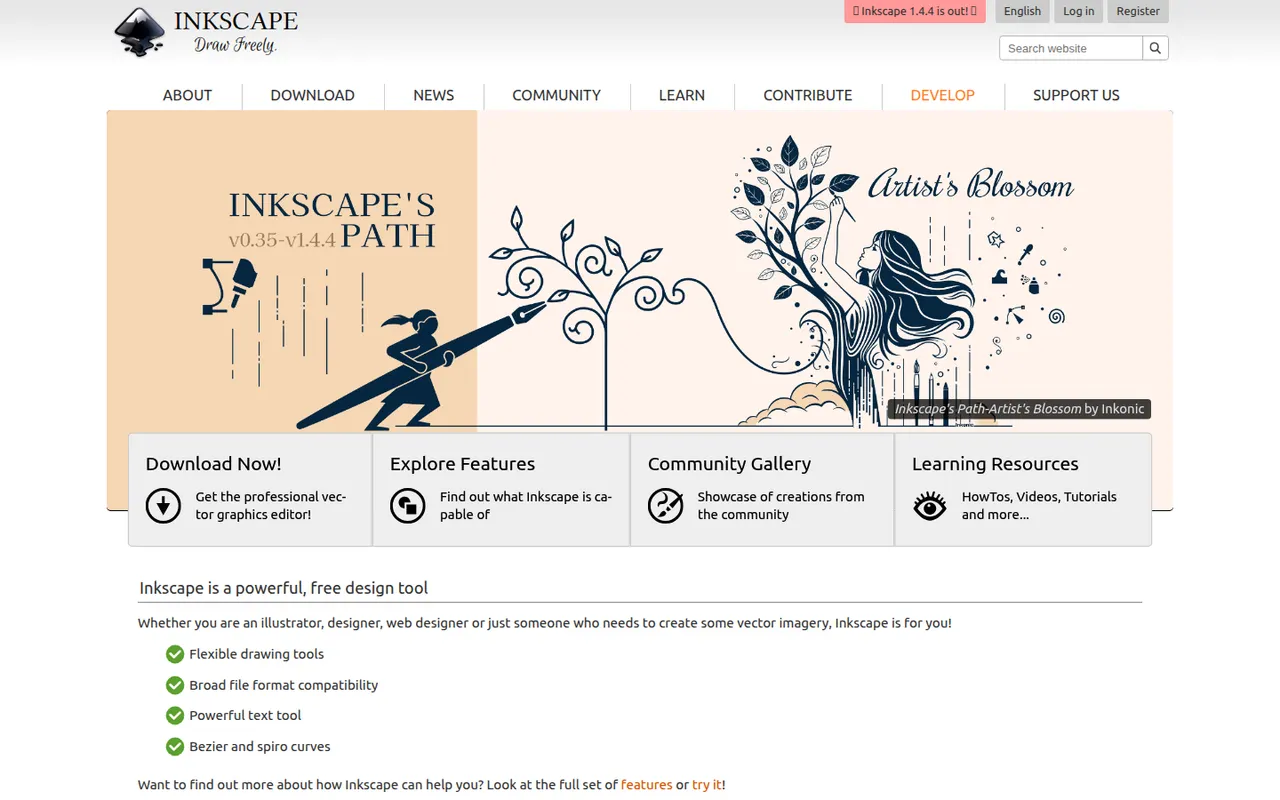
Cost / LicenseFreemiumOpen sourceCategoriesInkscape is a free, open source vector drawing program for Windows, macOS and Linux that uses SVG as its native format. Illustrators, hobbyists and web designers use it for logos, diagrams, icons, cutting-machine files and print layouts. It provides Bezier and calligraphy tools, path operations, text on path, many extensions and import/export for PDF, EPS and AI files.
10 Inkscape alternativesPros
- Free and open source on Windows, macOS and Linux
- Native SVG format, ideal for web graphics and cutting machines
- Powerful path operations and a large set of extensions
Cons
- Can feel slow with large or complex documents
- Interface is less polished than commercial vector editors
- Limited CMYK support for professional print workflows
Cost / LicenseFreeOpen sourceCategoriesScribus is a free, open source page layout program for Windows, macOS and Linux, used to design newsletters, brochures, posters, magazines and books. It supports CMYK and spot colors, ICC color management, PDF/X export for professional printing and Python scripting. Nonprofits, schools and small publishers use it to produce print-ready files without paid software.
6 Scribus alternativesPros
- Free, open source page layout for Windows, macOS and Linux
- CMYK, spot colors and PDF/X export for professional printing
- Python scripting to automate repetitive layout tasks
Cons
- Interface feels dated and less intuitive than InDesign
- Fewer templates and tutorials than commercial layout software
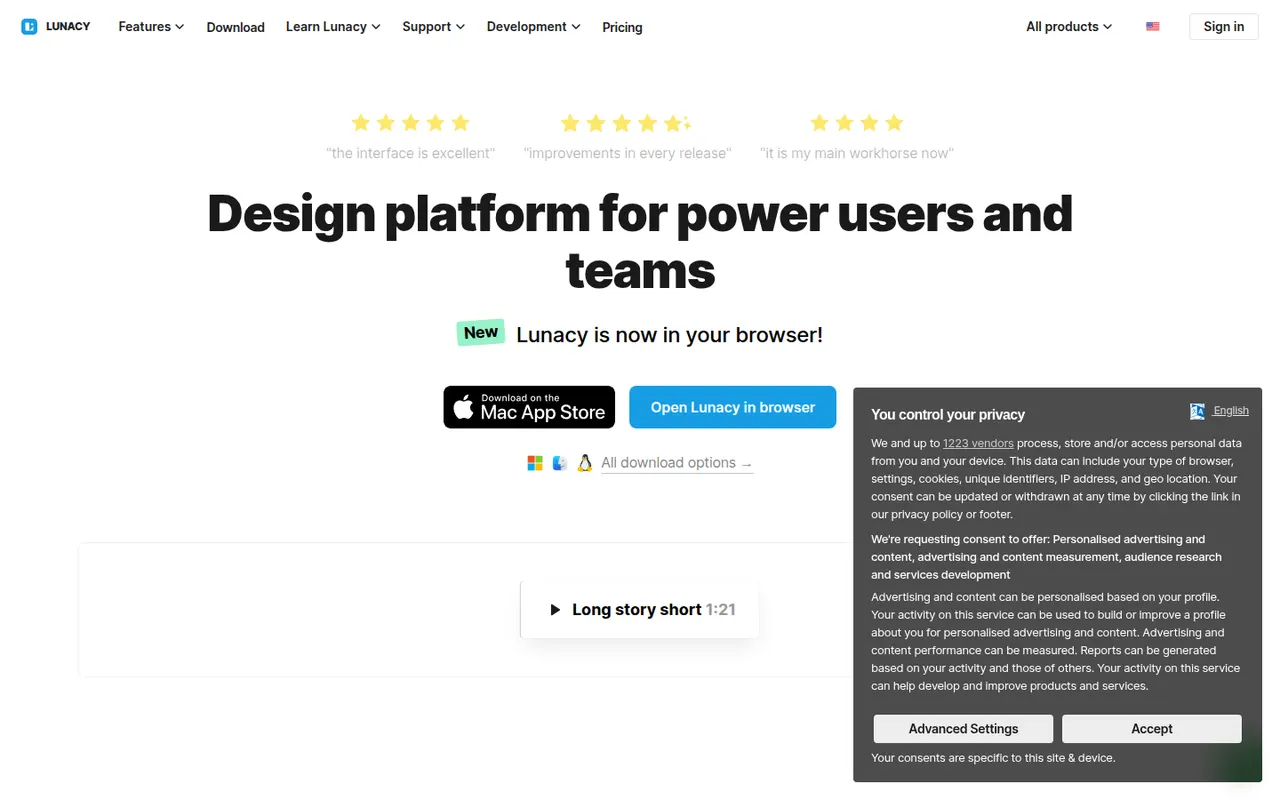
Cost / LicenseFreeOpen sourceCategoriesLunacy is a vector design app from Icons8 for creating interfaces, prototypes and graphics on Windows, macOS and Linux. It works offline, opens Sketch files natively and includes Icons8 libraries of icons, photos and illustrations, along with AI helpers such as background removal. Cloud documents allow real-time collaboration; most features are free, with a paid plan for extended cloud features.
7 Lunacy alternativesPros
- Works offline on Windows, macOS and Linux
- Opens Sketch files natively, no Mac required
- Built-in Icons8 libraries of icons, photos and illustrations
Cons
- Smaller plugin ecosystem and community than Figma
- Less widely used, so fewer shared resources and tutorials
- Extended cloud features require a paid plan
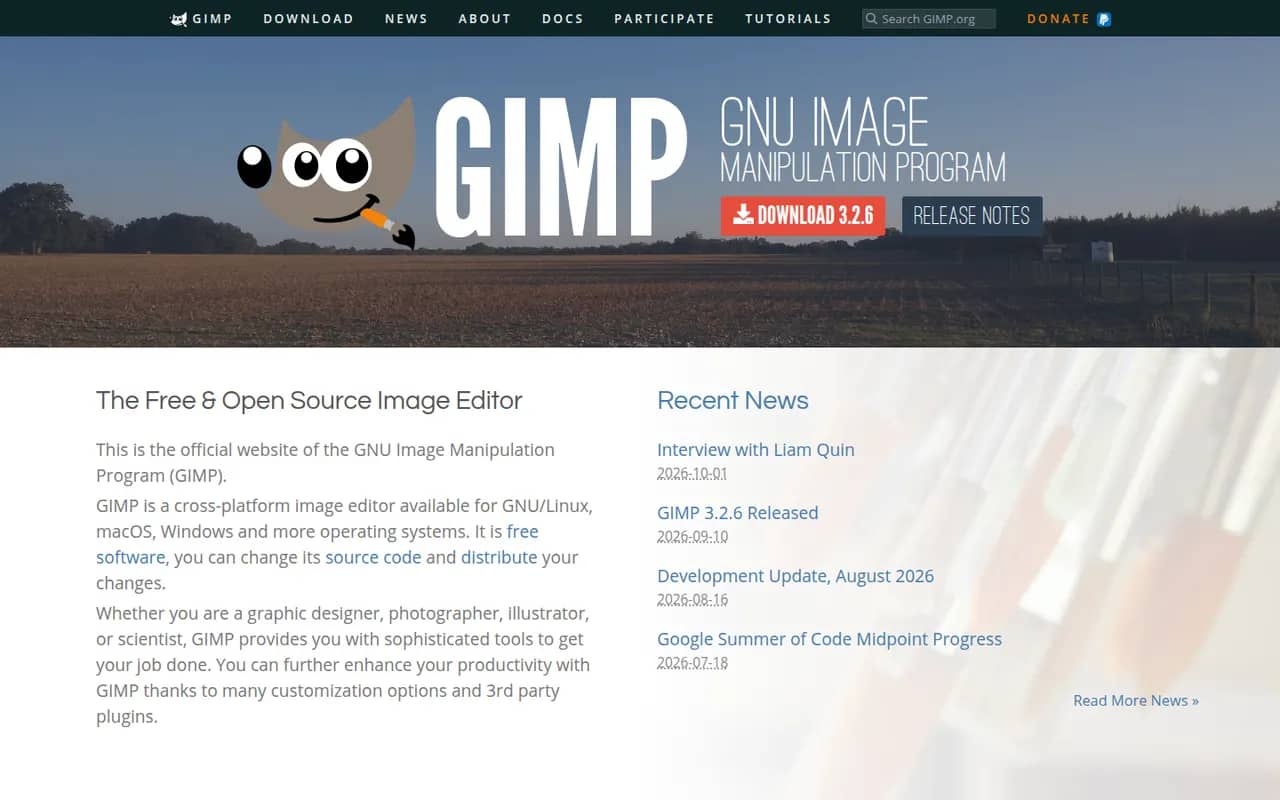
Cost / LicenseFreemiumProprietaryCategoriesGIMP (GNU Image Manipulation Program) is a free, open source image editor used for photo retouching, image composition and digital artwork. It offers layers, masks, selection tools, a wide range of filters and scripts and plugins in Python or Script-Fu. GIMP 3.0 added non-destructive filters and a refreshed interface, and it is a common Photoshop alternative for people who want to avoid subscriptions.
12 GIMP alternativesPros
- Free, open source and available on Windows, macOS and Linux
- Layers, masks, filters and scripting in Python or Script-Fu
- Non-destructive filters since version 3.0
Cons
- Interface and workflows differ from Photoshop, which slows switchers
- Fewer AI and generative tools than commercial editors
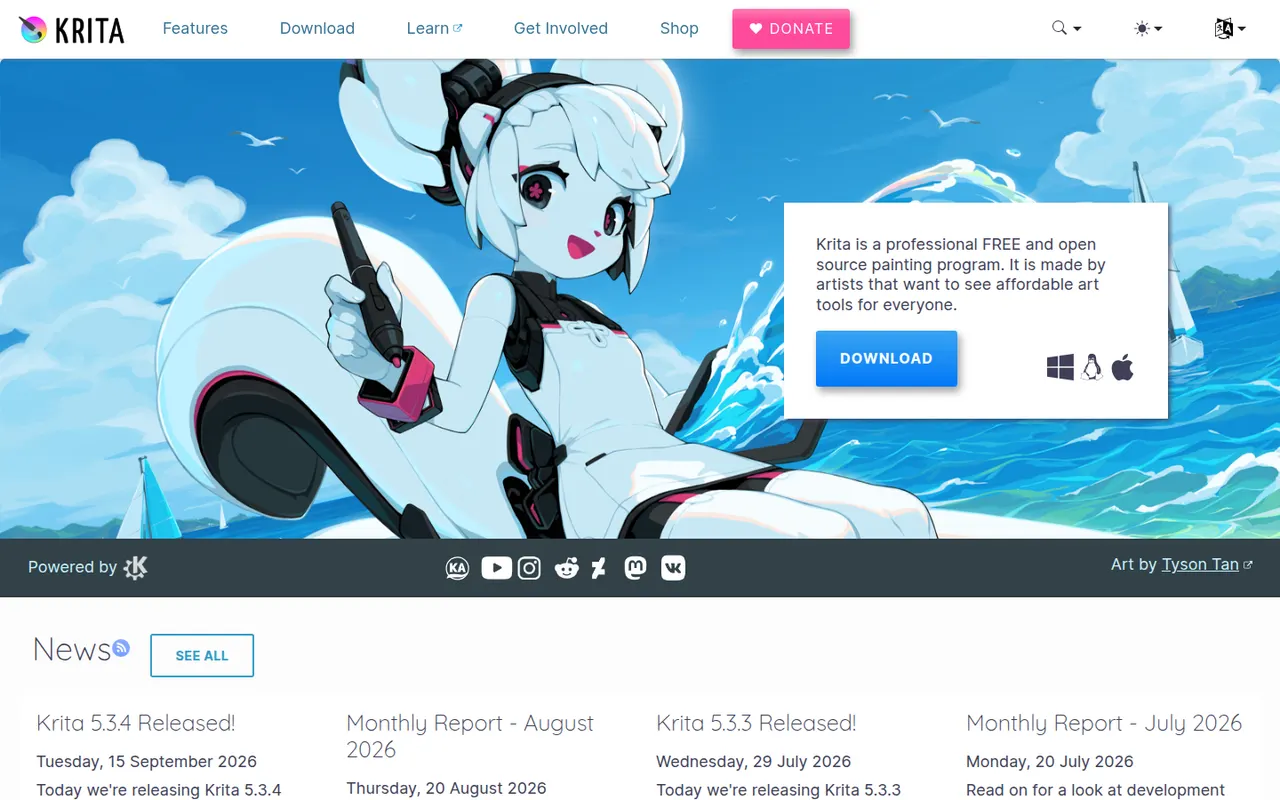
Cost / LicenseFreeOpen sourceCategoriesKrita is a free, open source digital painting program developed by the KDE community for illustrators, comic artists, concept artists and texture painters. It offers customizable brush engines, a brush stabilizer, layers and masks, a wrap-around mode for seamless textures and frame-by-frame 2D animation. It runs on Windows, macOS and Linux, with a version for Android tablets and Chromebooks.
8 Krita alternativesPros
- Free, open source painting app with powerful brush engines
- Brush stabilizer and wrap-around mode for seamless textures
- Frame-by-frame 2D animation built in
Cons
- Not designed for photo editing
- Can be demanding on hardware with large canvases
- No version available for iPad
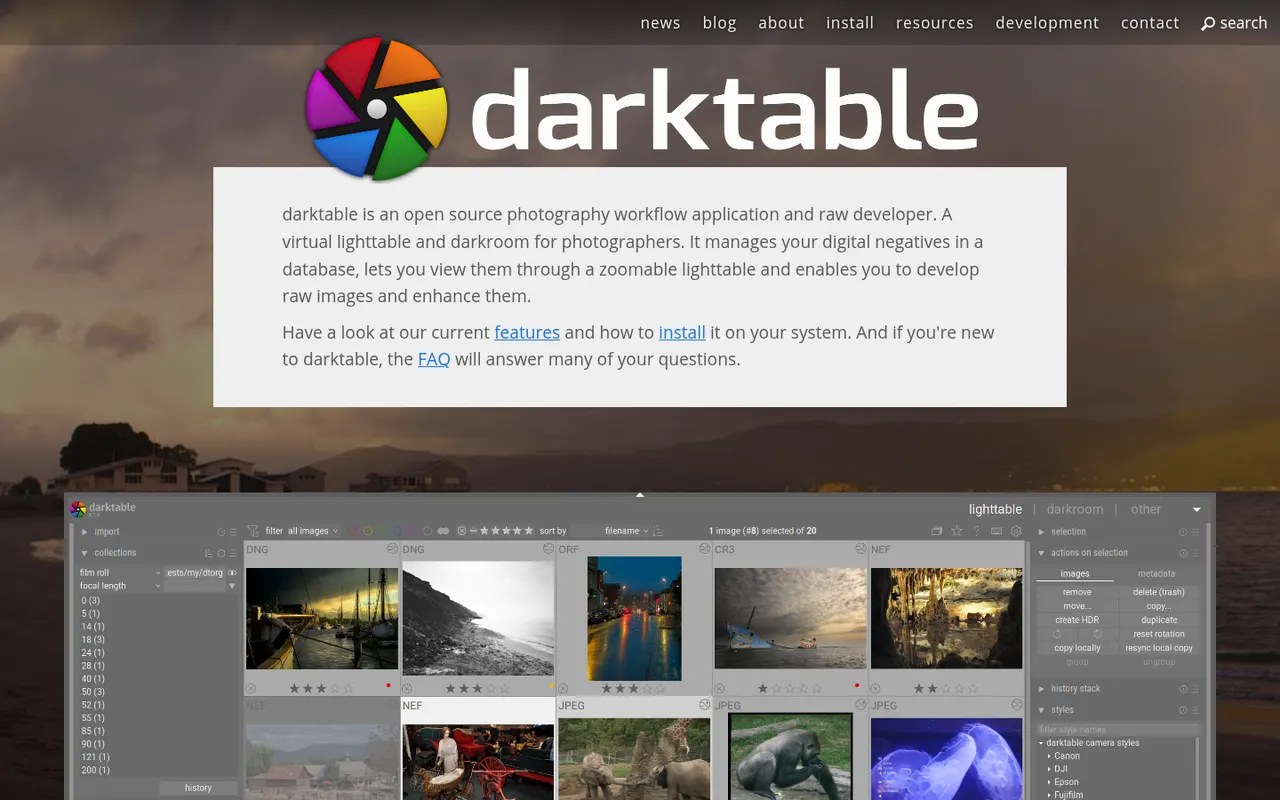
Cost / LicenseFreeOpen sourceCategoriesdarktable is a free, open source photography workflow application that acts as a virtual light table and darkroom for RAW files. It offers non-destructive editing with a scene-referred pipeline, parametric and drawn masks, color calibration tools, tethered shooting and a tagged image library. It runs on Linux, Windows and macOS and suits photographers who want advanced RAW processing without a subscription.
6 darktable alternativesPros
- Free, open source RAW processing with no subscription
- Scene-referred pipeline with advanced masks and color calibration
- Runs on Linux, Windows and macOS, with tethered shooting
Cons
- Steep learning curve and a dense interface
- No mobile apps or cloud sync
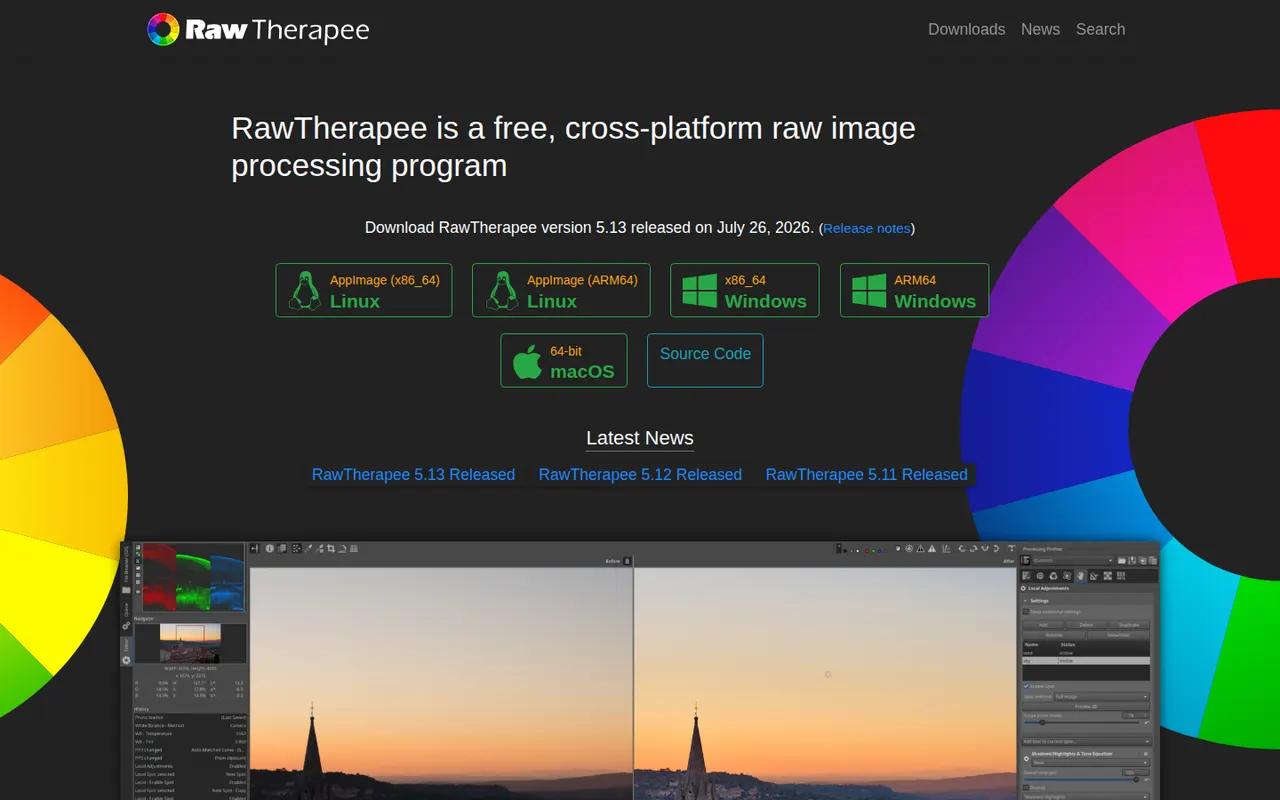
Cost / LicenseFreeOpen sourceCategoriesRawTherapee is a free, open source program for developing RAW photos on Windows, macOS and Linux. It focuses on image quality, with several demosaicing algorithms, advanced noise reduction, color management and detailed tone and color tools, all applied non-destructively through processing profiles. It includes a file browser and batch queue but no catalog, so it suits photographers who organize files themselves.
6 RawTherapee alternativesPros
- Free, open source RAW development with fine-grained controls
- Several demosaicing algorithms and advanced noise reduction
- Batch queue and processing profiles for consistent results
Cons
- No catalog or library management
- Technical interface with a steep learning curve
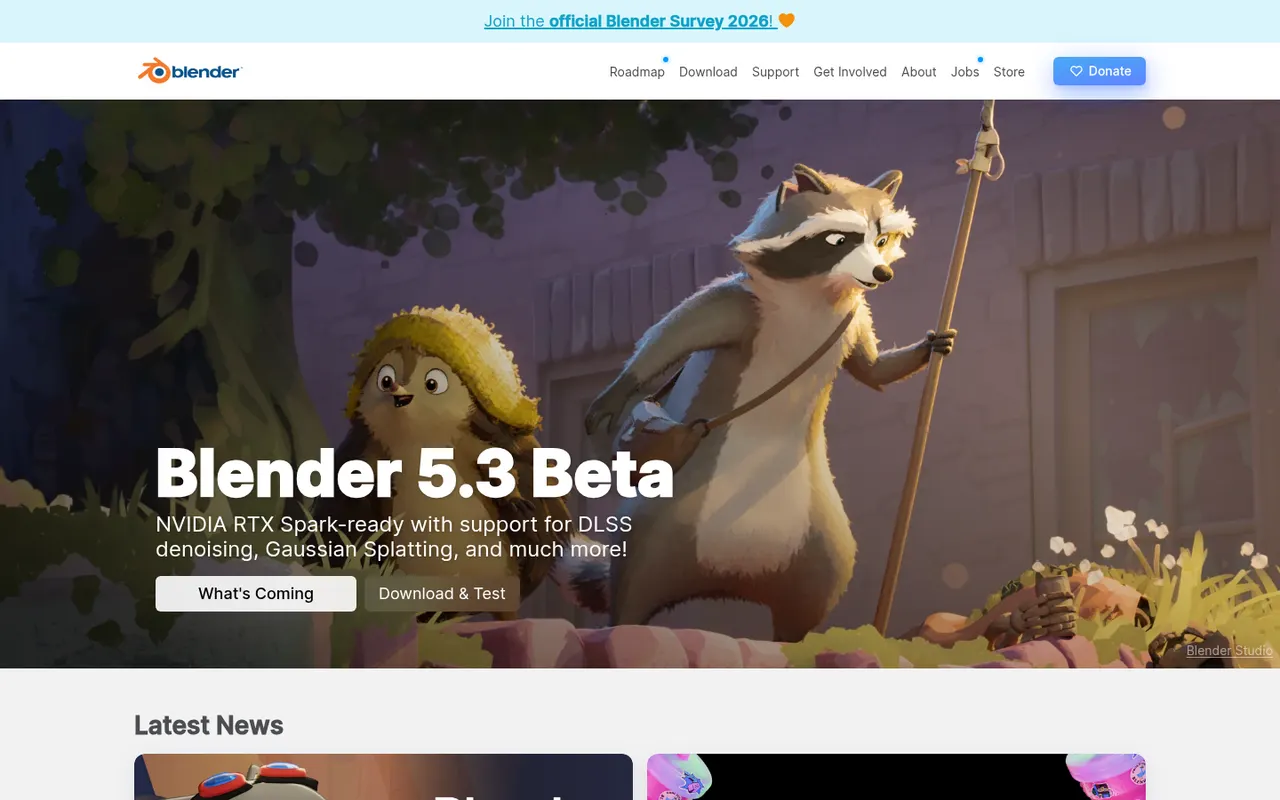
Cost / LicenseFreeOpen sourceCategoriesBlender is a free, open source 3D creation suite covering modeling, sculpting, rigging, animation, simulation, rendering with Cycles and EEVEE, compositing and video editing. Its Grease Pencil tools also allow 2D animation inside a 3D space. Developed by the Blender Foundation and a large community, it is used by hobbyists, studios and game developers and can be extended with Python add-ons.
12 Blender alternativesPros
- Completely free and open source, with no license or subscription
- Covers modeling, sculpting, animation, rendering and video editing
- Large community with countless tutorials and Python add-ons
Cons
- Dense interface that takes newcomers time to learn
- Less established than Maya or 3ds Max in some studio pipelines
Cost / LicenseFreeOpen sourceCategoriesAutodesk Maya is a 3D application used in film, television and game studios for character animation, rigging, modeling, simulation and visual effects. It includes the Arnold renderer, Bifrost for procedural effects and simulations, and Python and MEL scripting for building custom pipelines. It runs on Windows, macOS and Linux, and free educational licenses are available to students.
6 Autodesk Maya alternativesPros
- Industry-standard tools for character animation and rigging
- Python and MEL scripting for building custom studio pipelines
- Runs on Windows, macOS and Linux, with free licenses for students
Cons
- Subscription pricing is steep for freelancers and small studios
- Dense interface with a long learning curve for beginners
Cost / LicenseFree trialProprietaryCategoriesHoudini is a 3D animation and visual effects application from SideFX built on a node-based procedural workflow, where every step stays editable. Studios use it for simulations such as fire, smoke, fluids, destruction and crowds, and game developers use it to generate environments and assets procedurally. A free Apprentice edition allows non-commercial learning, alongside paid Indie and studio licenses.
7 Houdini alternativesPros
- Node-based procedural workflow keeps every step editable
- Leading toolset for fire, smoke, fluid and destruction simulations
- Free Apprentice edition for non-commercial learning
Cons
- One of the steepest learning curves among 3D applications
- The free edition watermarks renders and is non-commercial only
- Overkill for simple modeling or quick motion graphics jobs
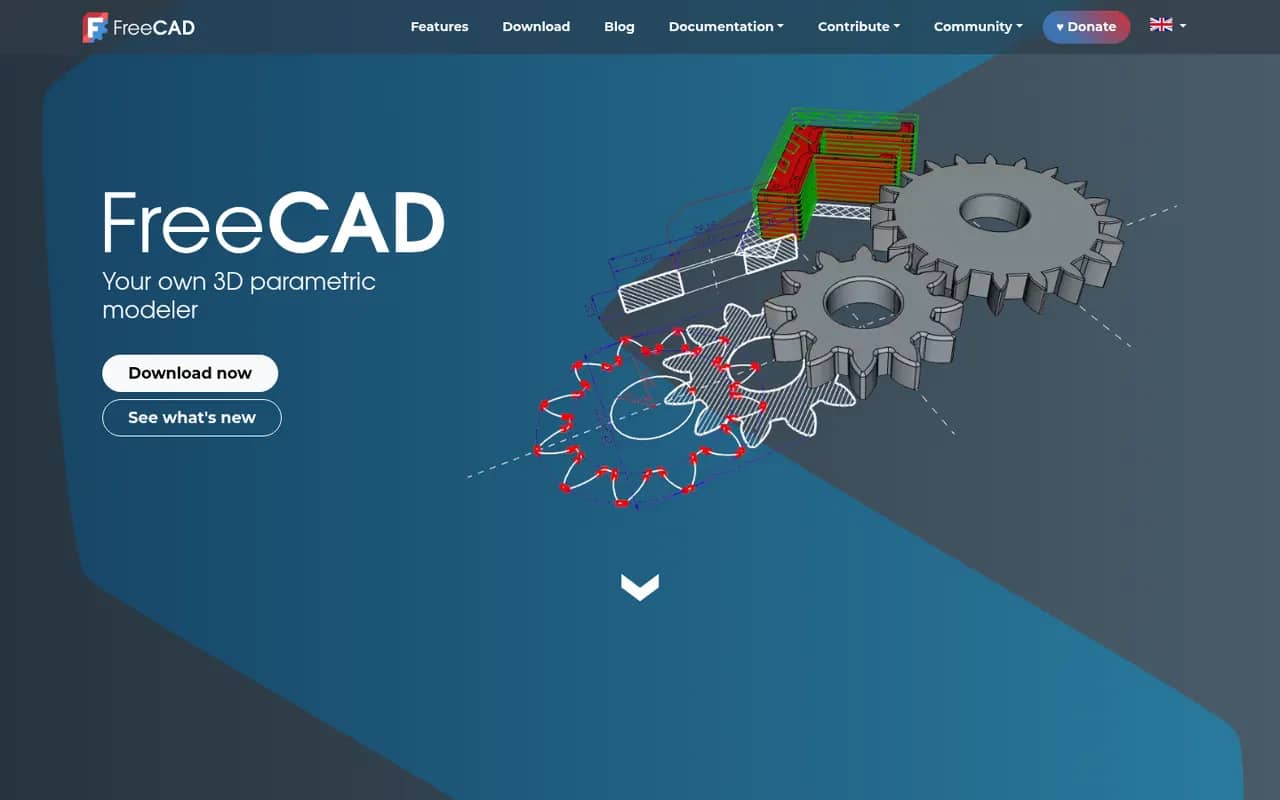
Cost / LicenseFreemiumProprietaryCategoriesFreeCAD is a free, open source parametric 3D modeler for mechanical engineering, product design, architecture (BIM) and 3D printing. It is organized into workbenches for part design, sketching, assemblies, technical drawings, finite element analysis and CAM, and can be fully scripted in Python. Version 1.0, released in 2024, added a built-in assembly workbench and fixes for the topological naming problem.
6 FreeCAD alternativesPros
- Free and open source parametric CAD with no license fees
- Workbenches cover parts, assemblies, drawings, FEM and CAM
- Fully scriptable in Python for automation and custom tools
Cons
- Interface feels less polished than commercial CAD packages
- Workflows differ between workbenches, which slows down learning
Cost / LicenseFreeOpen sourceCategoriesUnity is a game engine and editor used to build 2D, 3D, mobile, console, VR and AR games and interactive applications, scripted in C# or with its built-in visual scripting. It exports to a wide range of platforms, from phones and PCs to consoles and headsets, and the Asset Store offers ready-made tools, models and templates. A free Personal plan exists, with paid Pro and Enterprise tiers above a revenue threshold.
8 Unity alternativesPros
- Exports to almost every platform, from phones to consoles and headsets
- Huge Asset Store, extensive documentation and a large community
- C# scripting plus visual scripting, for both 2D and 3D
Cons
- Past licensing changes have shaken trust among developers
- Editor can feel heavy and slow on large projects
- Paid tiers become mandatory above a revenue threshold
Cost / LicenseFreemiumProprietaryCategoriesUnreal Engine is a real-time 3D engine from Epic Games used for games as well as virtual production, architectural visualization and automotive design. It offers Blueprints visual scripting alongside C++, Nanite geometry, Lumen dynamic lighting and export to PC, consoles and mobile. Its source code is available on GitHub under Epic's license; use is free until revenue thresholds trigger royalties or seat fees.
9 Unreal Engine alternativesPros
- Top-tier visuals with Nanite geometry and Lumen lighting
- Blueprints let designers build logic without writing C++
- Full source code access on GitHub
Cons
- Demanding hardware requirements and very large project sizes
- Steep learning curve, especially on the C++ side
- Royalties or seat fees apply past revenue thresholds
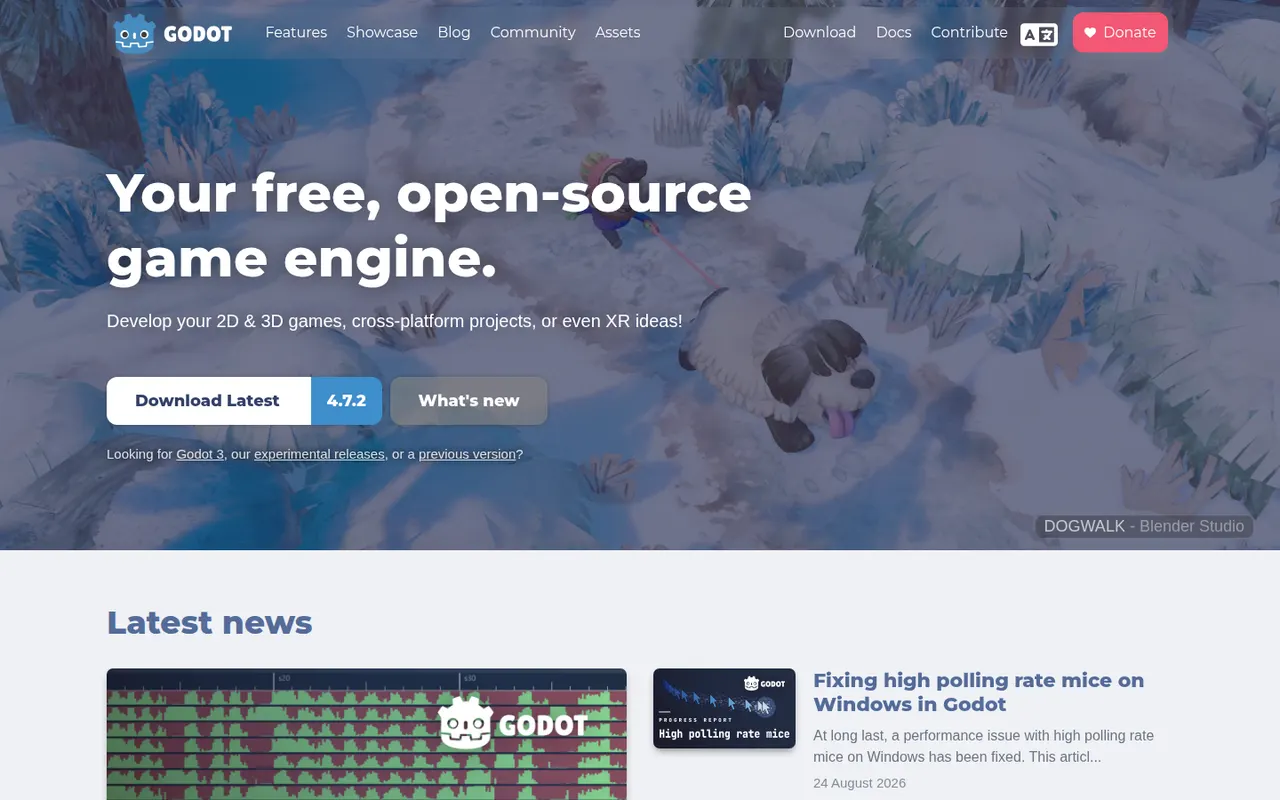
Cost / LicenseFreemiumSource availableCategoriesGodot is a free, open source game engine released under the MIT license, with no royalties or fees. It provides dedicated 2D and 3D renderers, a scene and node system, its own Python-like GDScript language plus C# support, and a lightweight editor for Windows, macOS and Linux. Games export to desktop, mobile and the web, while console ports go through third-party partners. It is backed by the Godot Foundation.
7 Godot Engine alternativesPros
- MIT licensed, with no royalties, fees or revenue thresholds
- Lightweight editor with a dedicated 2D renderer, not 3D in disguise
- Easy-to-learn GDScript, C# support and a clean scene and node system
Cons
- Console ports have to go through third-party partners
- Asset store and third-party ecosystem are smaller than Unity’s
- High-end 3D rendering still trails Unreal and Unity
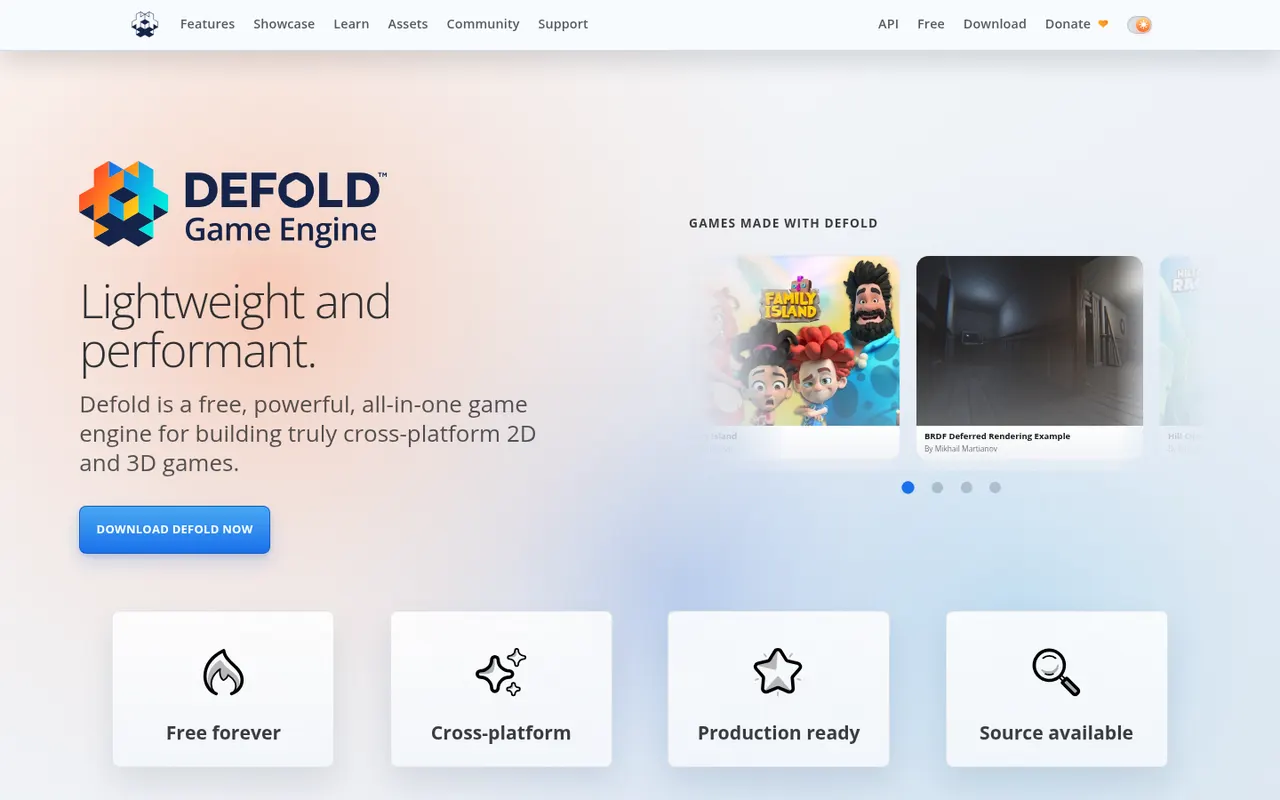
Cost / LicenseFreeOpen sourceCategoriesDefold is a free game engine first released by King and now maintained by the independent Defold Foundation. It is known for small build sizes and fast iteration, uses Lua for scripting and exports to Windows, macOS, Linux, iOS, Android and HTML5, with console support available to approved developers. Its source code is public on GitHub under the Defold License, a permissive license with some restrictions.
7 Defold alternativesPros
- Free to use with no royalties, backed by an independent foundation
- Small build sizes and fast iteration, ideal for mobile and web games
- Lightweight Lua scripting and broad export targets including HTML5
Cons
- Smaller community and fewer tutorials than Unity or Godot
- 3D tooling is basic, as the engine shines mostly in 2D
- No visual scripting, so coding in Lua is required
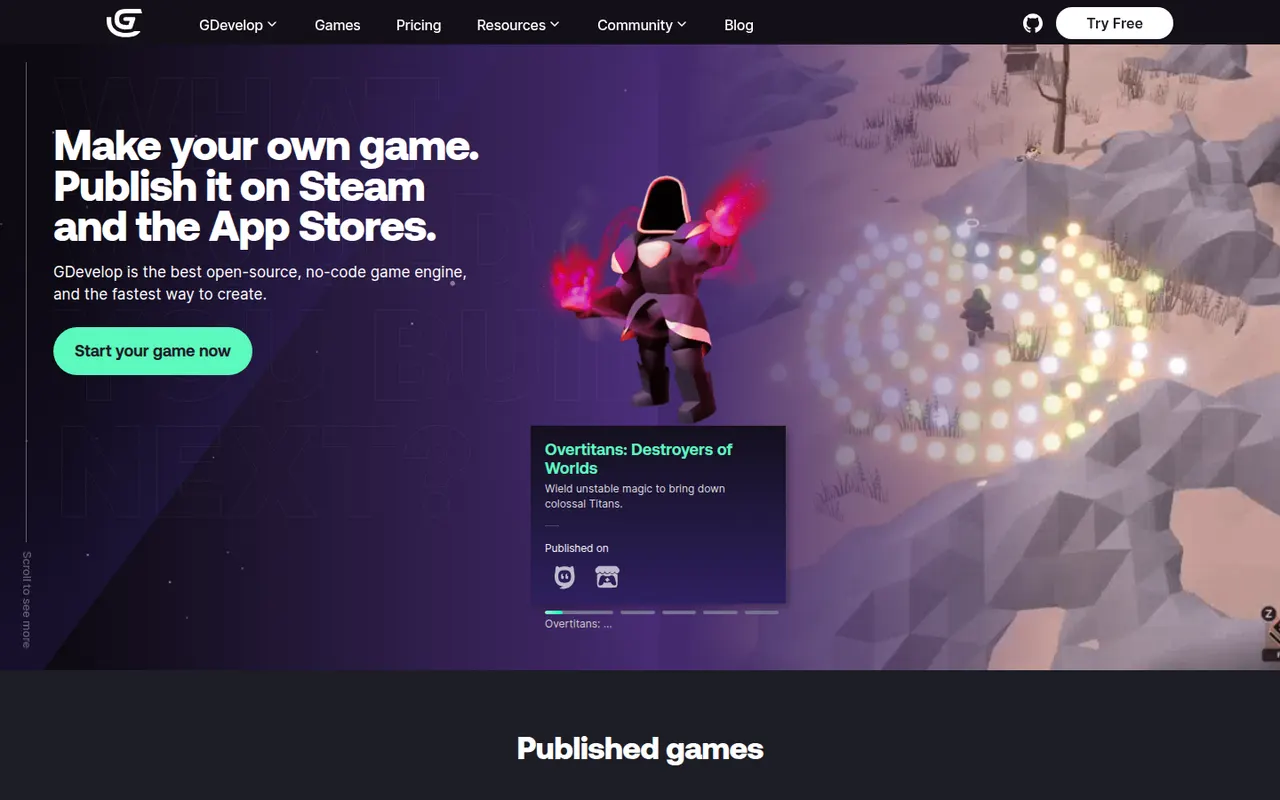
Cost / LicenseFreeSource availableCategoriesGDevelop is a free, open source game engine that lets creators build 2D and 3D games with an event-based visual logic system instead of code. It runs in the browser or as a desktop app, includes templates, an asset store and ready-made behaviors for platformers, physics and pathfinding, and exports to web, Windows, macOS, Linux, Android and iOS. Optional subscriptions add cloud builds and other services.
7 GDevelop alternativesPros
- Free and open source, usable in the browser or as a desktop app
- Event-based logic and ready-made behaviors avoid writing code
- Exports to web, desktop, Android and iOS
Cons
- 3D support is newer and less mature than its 2D tools
- Cloud builds and some services require a subscription
- Complex games can outgrow the event system
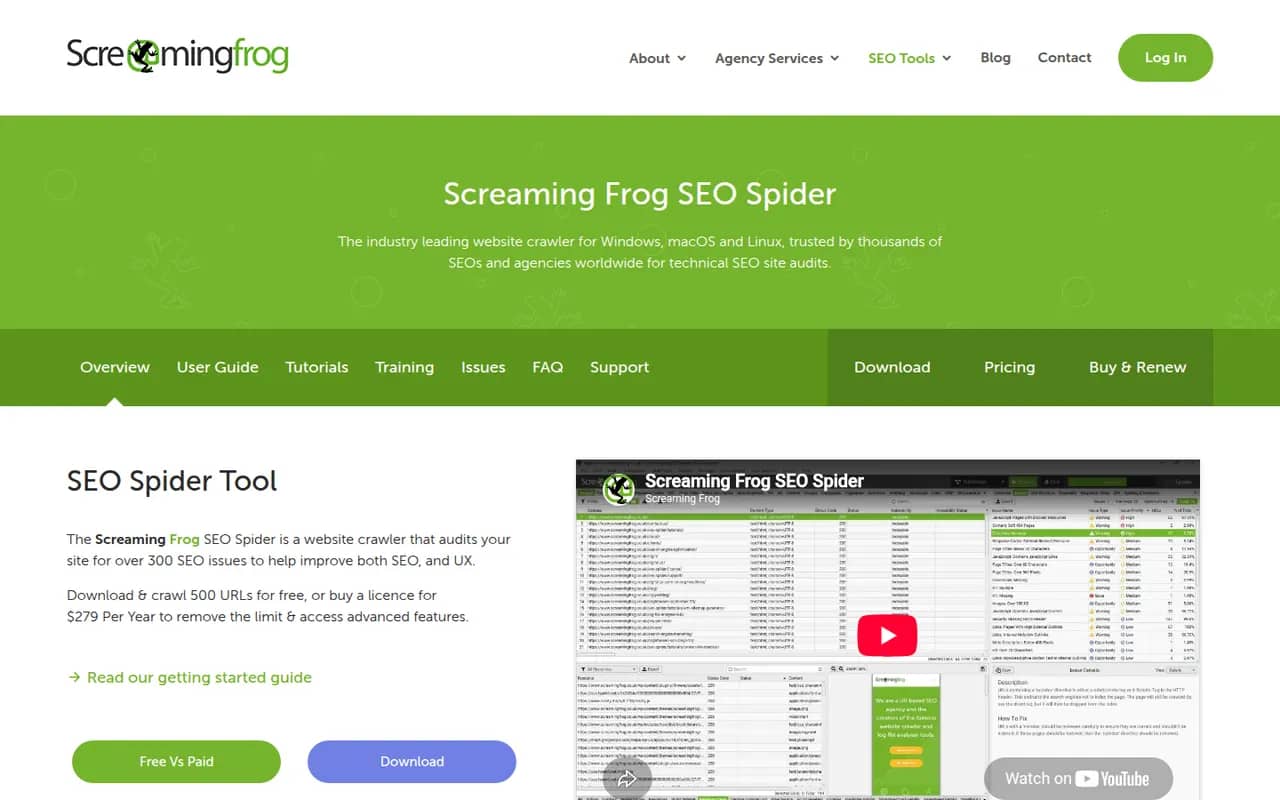
Cost / LicenseFreemiumOpen sourceCategoriesScreaming Frog SEO Spider is a desktop crawler that scans a website the way a search engine bot does and reports technical SEO issues such as broken links, redirects, duplicate titles, missing meta data and canonical problems. It can render JavaScript, check spelling and grammar, generate XML sitemaps and connect to Google Analytics, Search Console and PageSpeed Insights. The free version crawls up to 500 URLs.
6 Screaming Frog SEO Spider alternativesPros
- Thorough crawl that finds broken links, redirects and duplicates
- Renders JavaScript and connects to Analytics, Search Console and PageSpeed
- Runs locally on Windows, Mac and Linux
Cons
- The free version is capped at a small number of URLs
- Dense, technical interface for non-specialists
- Large crawls consume a lot of memory
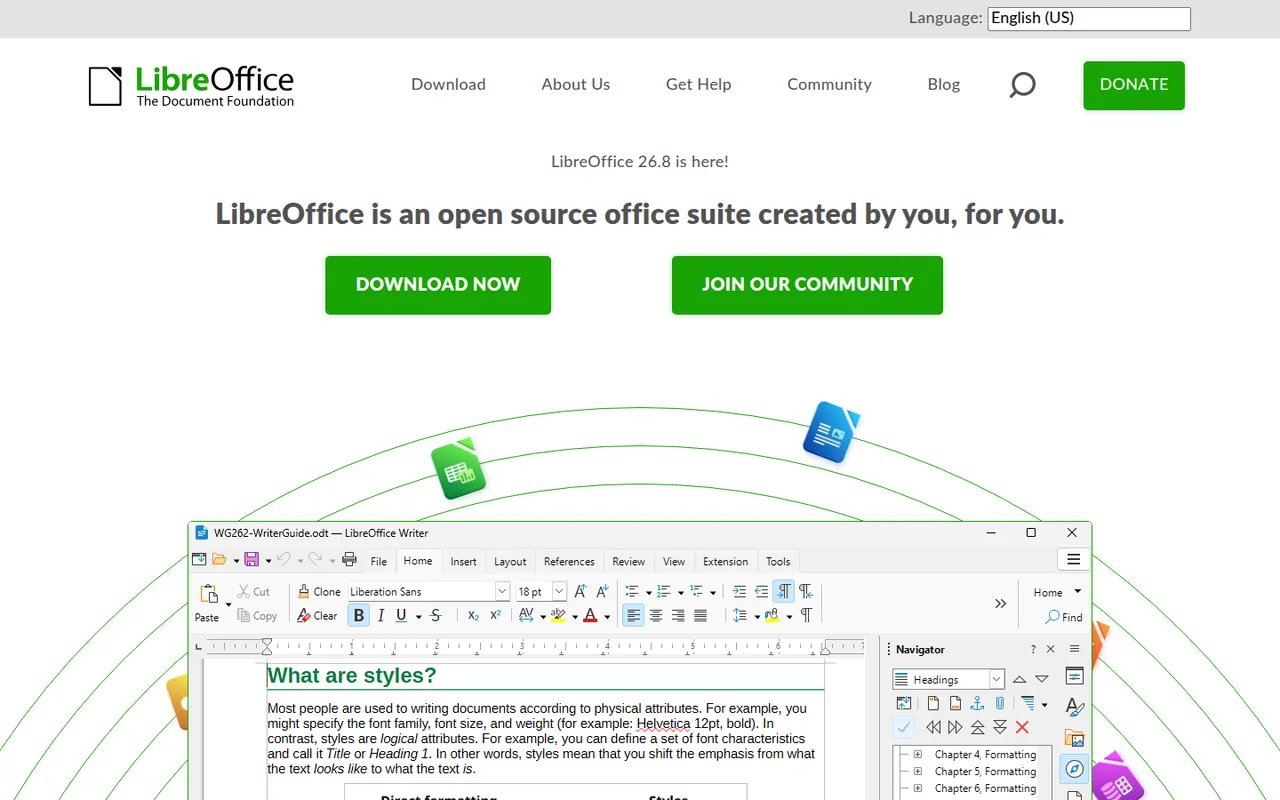
Cost / LicenseFreemiumProprietaryCategoriesLibreOffice is a desktop office suite maintained by The Document Foundation, with Writer, Calc, Impress, Draw, Base and Math. It uses the OpenDocument format natively and opens and saves Microsoft Office files. It is free for any use, works fully offline and can be extended with community extensions and templates.
12 LibreOffice alternativesPros
- Free for any use, with no account or subscription
- Full suite with Writer, Calc, Impress, Draw and Base
- Native OpenDocument support and fully offline use
Cons
- Interface feels dated next to Microsoft 365
- Complex Office files can lose formatting
- No real-time collaboration in the desktop apps
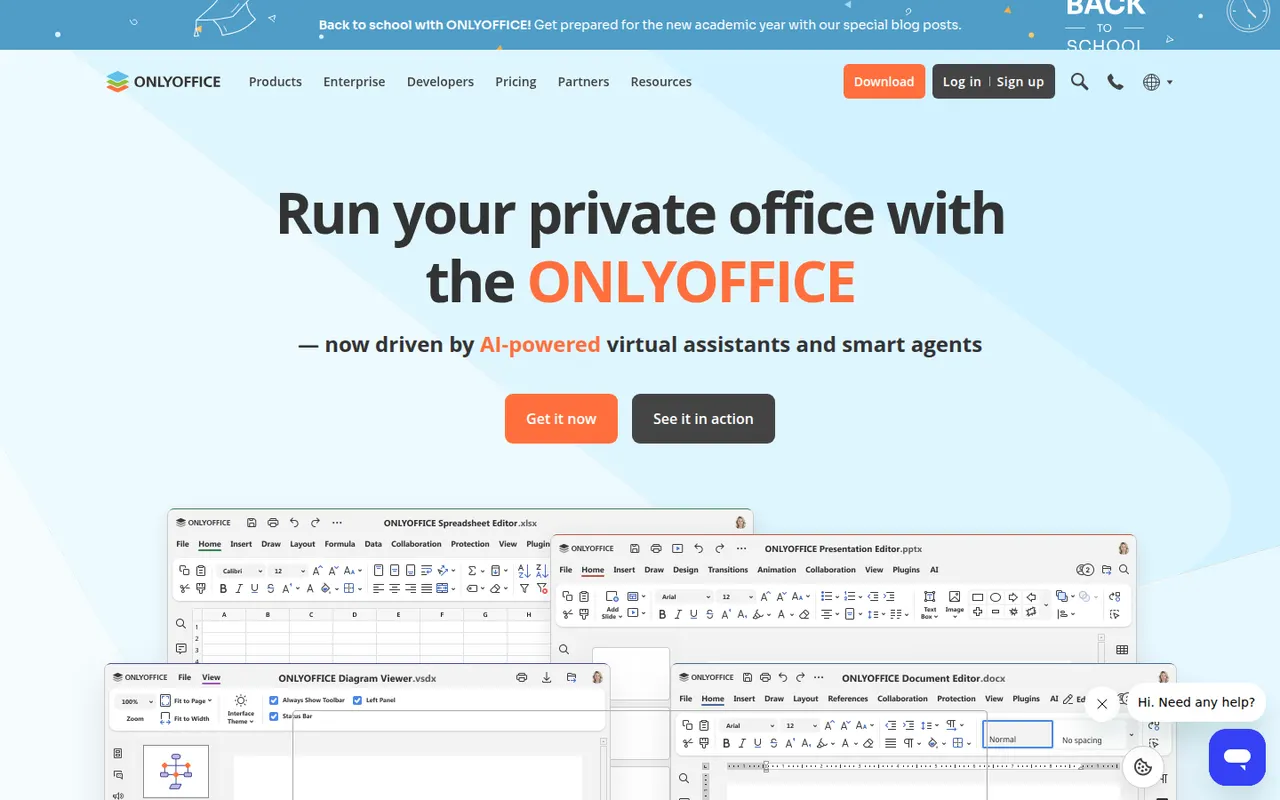
Cost / LicenseFreeOpen sourceONLYOFFICE is an office suite from Ascensio System with editors for documents, spreadsheets, presentations, PDFs and forms, built around Microsoft Office formats. The desktop and mobile apps are free, and the online editors can be self-hosted or integrated into Nextcloud and other platforms, with paid cloud and enterprise editions. It supports real-time co-editing, plugins and AI assistants.
12 ONLYOFFICE alternativesPros
- Strong compatibility with Microsoft Office formats
- Free desktop and mobile apps, plus self-hostable online editors
- Real-time co-editing and Nextcloud integration
Cons
- A self-hosted server needs technical setup
- Enterprise features and support require paid editions
- Fewer advanced features than Microsoft Office
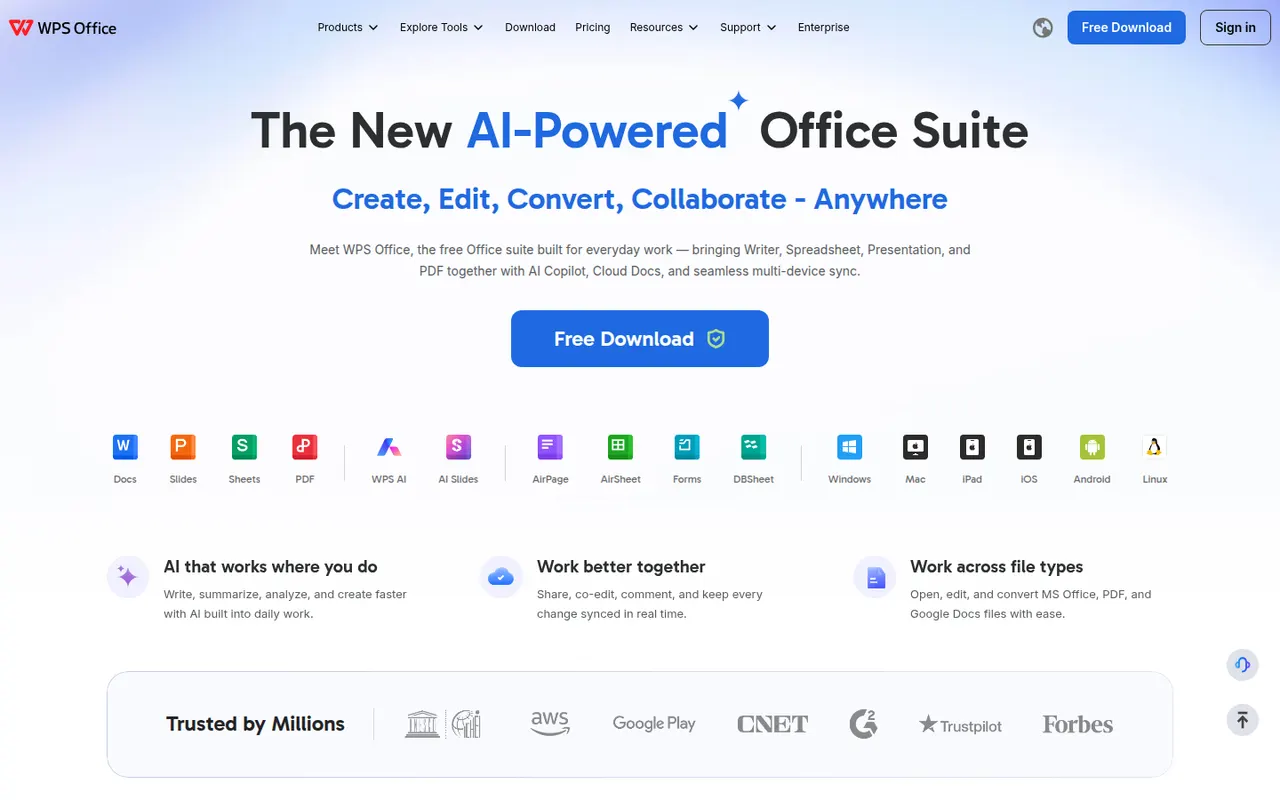
Cost / LicenseFreemiumOpen sourceWPS Office is an office suite developed by Kingsoft that combines a word processor, spreadsheet, presentation app and PDF tools in one interface with document tabs. It is compatible with Microsoft Office formats and available on desktop and mobile. The free version shows ads, while a paid subscription removes them and unlocks extra PDF features, cloud storage and WPS AI.
12 WPS Office alternativesPros
- Tabbed interface for documents, sheets, slides and PDF tools
- Good compatibility with Microsoft Office formats
- Free on desktop and mobile, including Linux
Cons
- The free version shows ads
- Extra PDF tools and WPS AI require a subscription
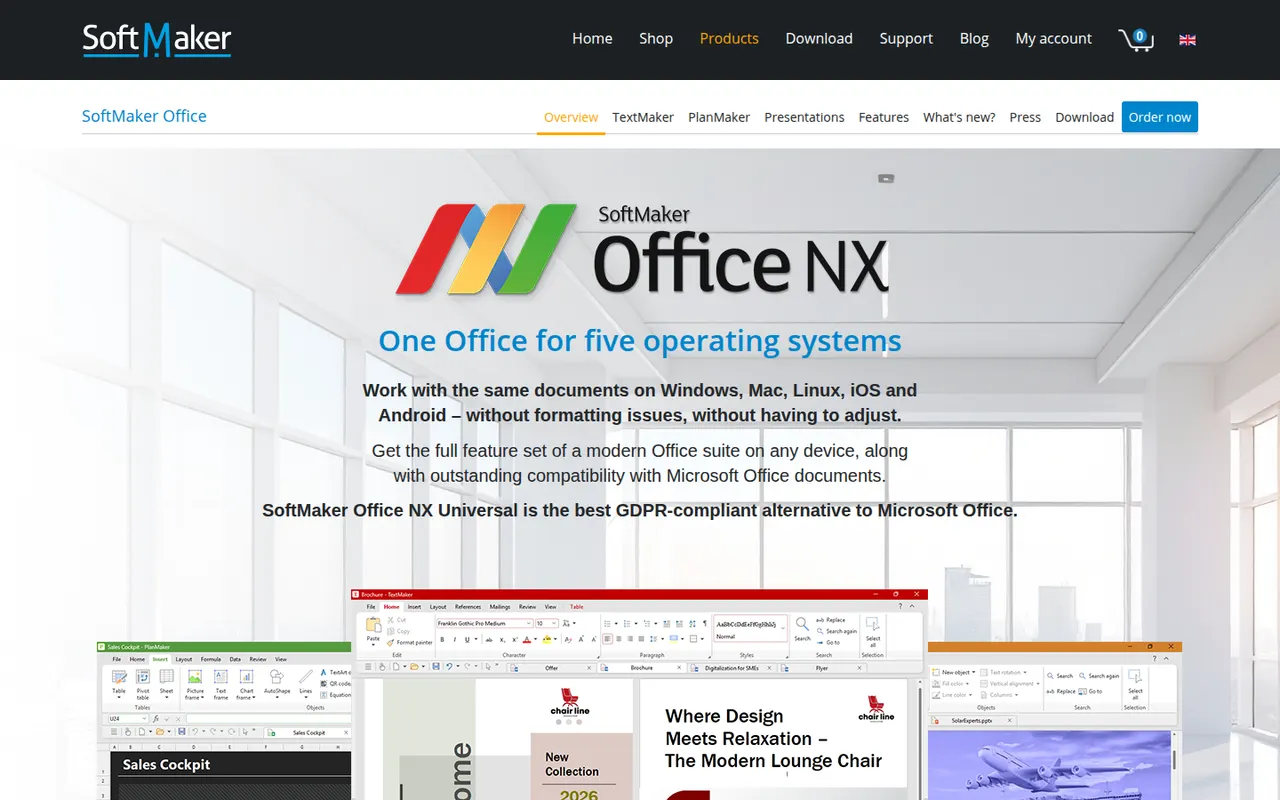
Cost / LicenseFreemiumProprietarySoftMaker Office is a commercial office suite from the German company SoftMaker, consisting of TextMaker, PlanMaker and Presentations. It is built for close compatibility with Microsoft Office files and runs natively on Windows, macOS, Linux and Android. It is sold as a subscription or a one-time license after a free trial; the separate FreeOffice edition is free with fewer features.
8 SoftMaker Office alternativesPros
- Close compatibility with Microsoft Office files
- Native apps on Windows, macOS, Linux and Android
- One-time license available as an alternative to subscriptions
Cons
- Paid after the trial, and the free FreeOffice edition offers less
- No cloud collaboration or web version
- Smaller community and fewer resources than Office or LibreOffice
Cost / LicenseFree trialProprietaryCollabora Online is an open source office suite from Collabora Productivity that runs LibreOffice technology in the browser, on your own server or through a hosting partner. It plugs into Nextcloud, ownCloud, Seafile and similar platforms for co-editing Office and OpenDocument files on infrastructure you control. A free development edition sits alongside paid supported versions and Collabora Office apps.
9 Collabora Online alternativesPros
- Open source online office suite you can host on your own servers
- Integrates with Nextcloud, ownCloud and Seafile for co-editing
- Keeps documents on infrastructure you control
Cons
- Interface feels dated next to Google Docs or Microsoft 365
- Self-hosting requires server setup and maintenance
- Supported production versions are paid
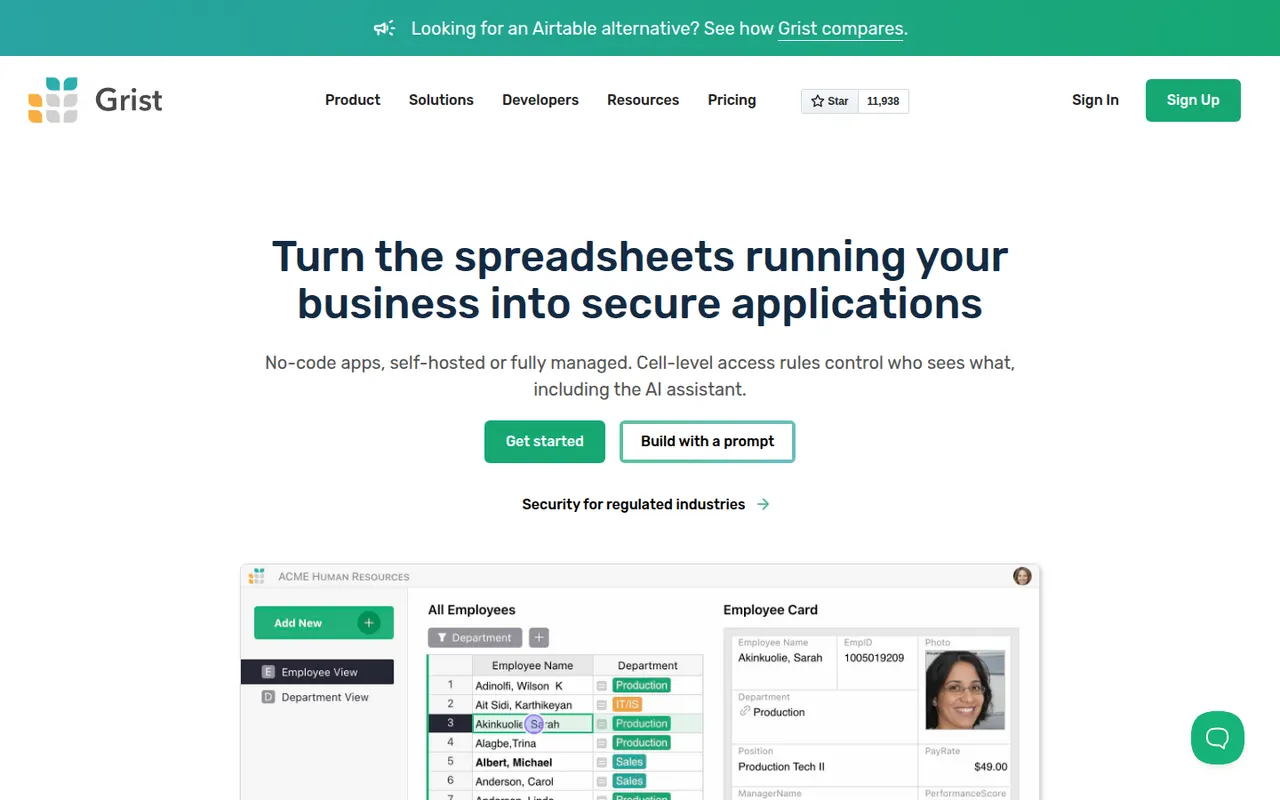
Cost / LicenseFreemiumOpen sourceGrist is a relational spreadsheet from Grist Labs that combines a familiar grid with typed columns, linked tables and custom layouts. Formulas are written in Python, and granular access rules control who can see or edit each row or column. It is open source under Apache 2.0, can be self-hosted or run as a desktop app, and is also offered as a hosted service with a free tier.
8 Grist alternativesPros
- Formulas are written in Python, a big plus for technical users
- Granular access rules down to individual rows and columns
- Open source and self-hostable, with a desktop app option
Cons
- Less familiar than a classic spreadsheet for Excel users
- Smaller template and integration ecosystem than Airtable
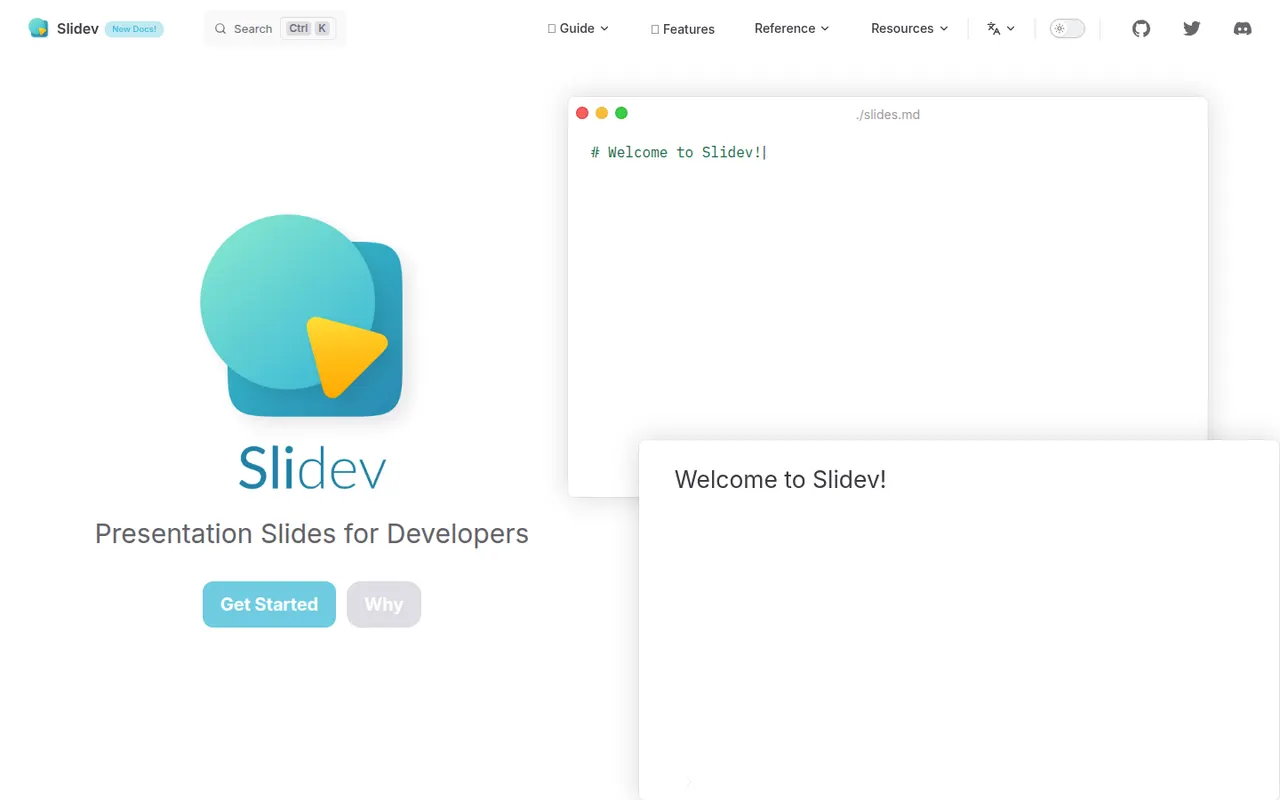
Cost / LicenseFreemiumOpen sourceCategoriesPlatformsSlidev is an open source presentation tool that builds slide decks from a Markdown file, aimed at developers giving technical talks. It supports code highlighting, live code editing, Vue components, LaTeX, diagrams, themes and a presenter mode with notes, served locally and shown in the browser. Decks can be exported to PDF, PPTX or PNG, or built as a static site to host anywhere.
7 Slidev alternativesPros
- Slides written in Markdown are easy to keep in version control
- Code highlighting, live coding and Vue components suit technical talks
- Free and open source, with PDF, PPTX and static site exports
Cons
- Requires Node.js and comfort with code, so not suited to non-developers
- Custom layouts often mean writing CSS or Vue components
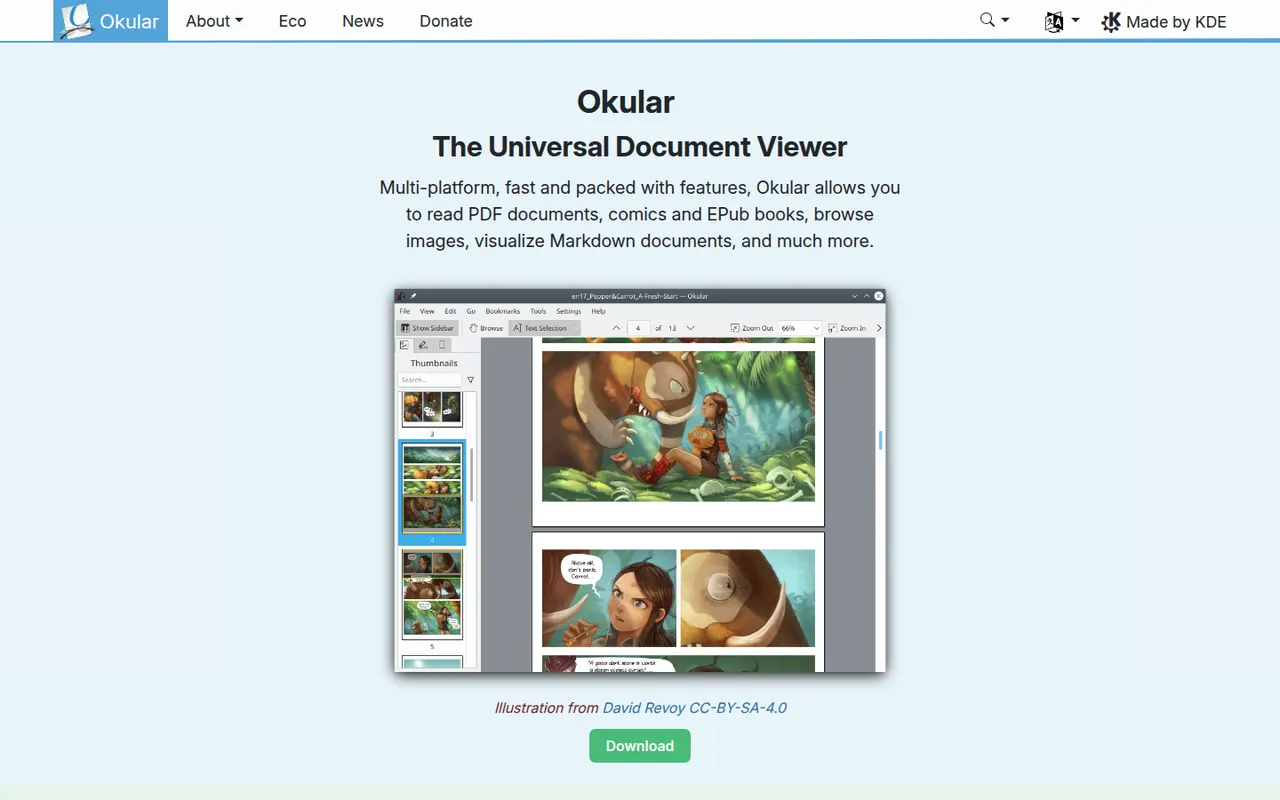
Cost / LicenseFreeOpen sourceCategoriesOkular is the document viewer developed by the KDE community, opening PDF, EPUB, DjVu, XPS, comic books and other formats in one application. It supports highlighting, notes and other annotations, form filling and digital signatures for PDFs. Okular is free and open source, is usually installed with the KDE Plasma desktop on Linux and is also available for Windows.
6 Okular alternativesPros
- Opens PDF, EPUB, DjVu, XPS and comics in one viewer
- Highlights, notes, form filling and digital signatures
- Free and open source, with no ads
Cons
- Cannot edit the text or images of a PDF
- Works best on KDE Plasma and feels less native elsewhere
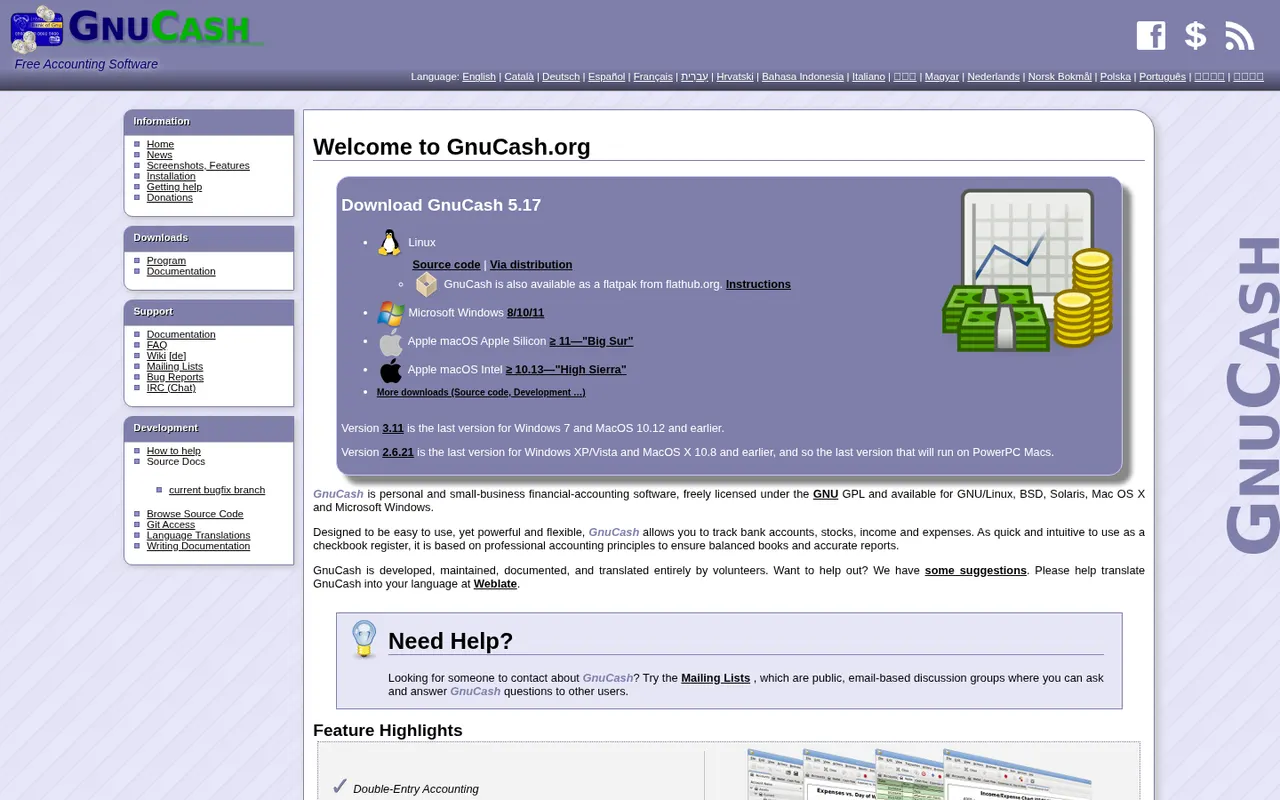
Cost / LicenseFreeOpen sourceCategoriesGnuCash is a free, open source desktop accounting program for tracking personal finances or keeping small-business books with double-entry accounting. It manages bank and credit card accounts, investments, multiple currencies, customers, vendors, invoices and bills, and can import QIF, OFX and CSV files or fetch transactions online. It runs offline on Windows, macOS and Linux and is licensed under the GPL.
7 GnuCash alternativesPros
- Free, open source double-entry accounting
- Works offline, with your data kept on your own computer
- Imports QIF, OFX and CSV files from banks
Cons
- Dated interface that feels clunky next to modern apps
- Double-entry concepts can confuse non-accountants
- No built-in cloud sync between devices
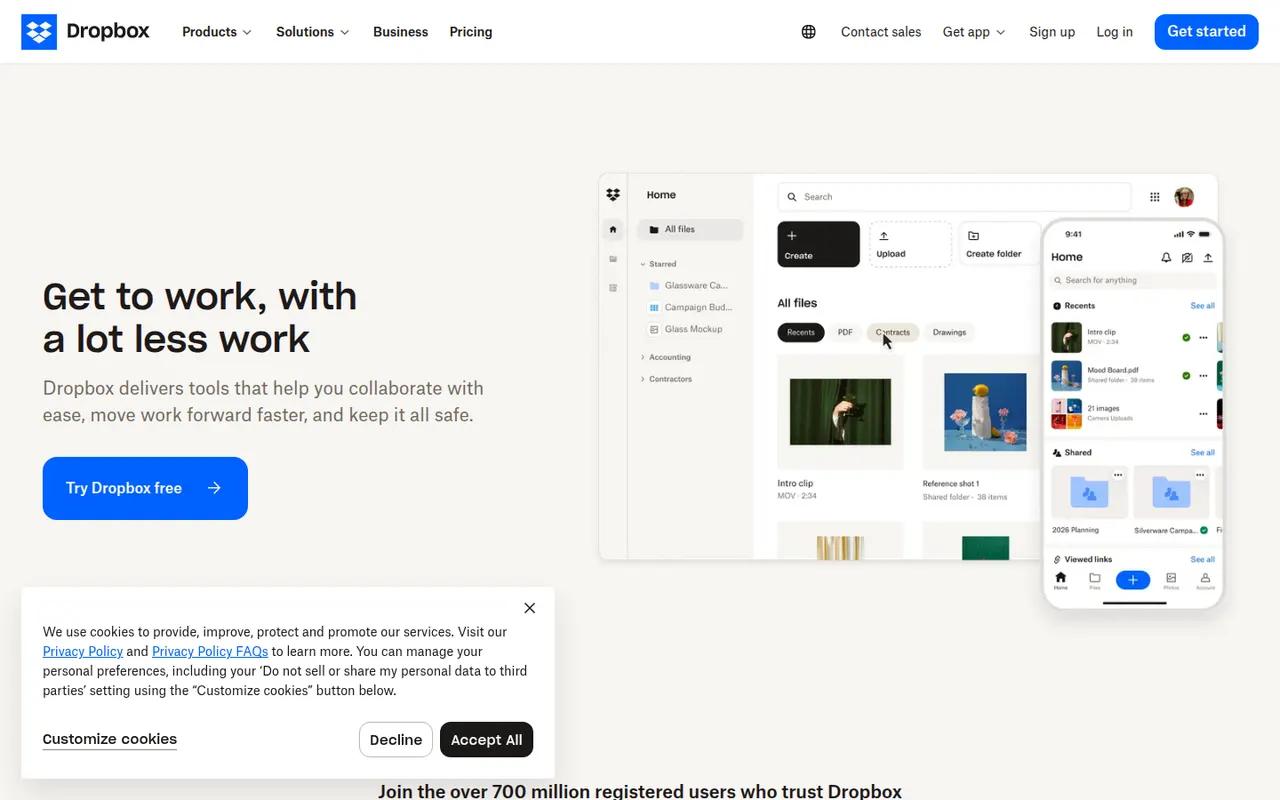
Cost / LicenseFreeOpen sourceCategoriesDropbox keeps a folder in sync across your devices and lets you share files or folders with a link, including with people who have no account. It runs on Windows, macOS and Linux as well as mobile, keeps previous versions of files and can back up phone photos automatically. Paid plans add more storage, large file transfers and team administration.
12 Dropbox alternativesPros
- Reliable, fast sync across Windows, macOS, Linux and mobile
- Share files by link, even with people who have no account
- Version history and automatic photo backup included
Cons
- The free plan offers little storage and limits linked devices
- Files are not end-to-end encrypted on standard plans
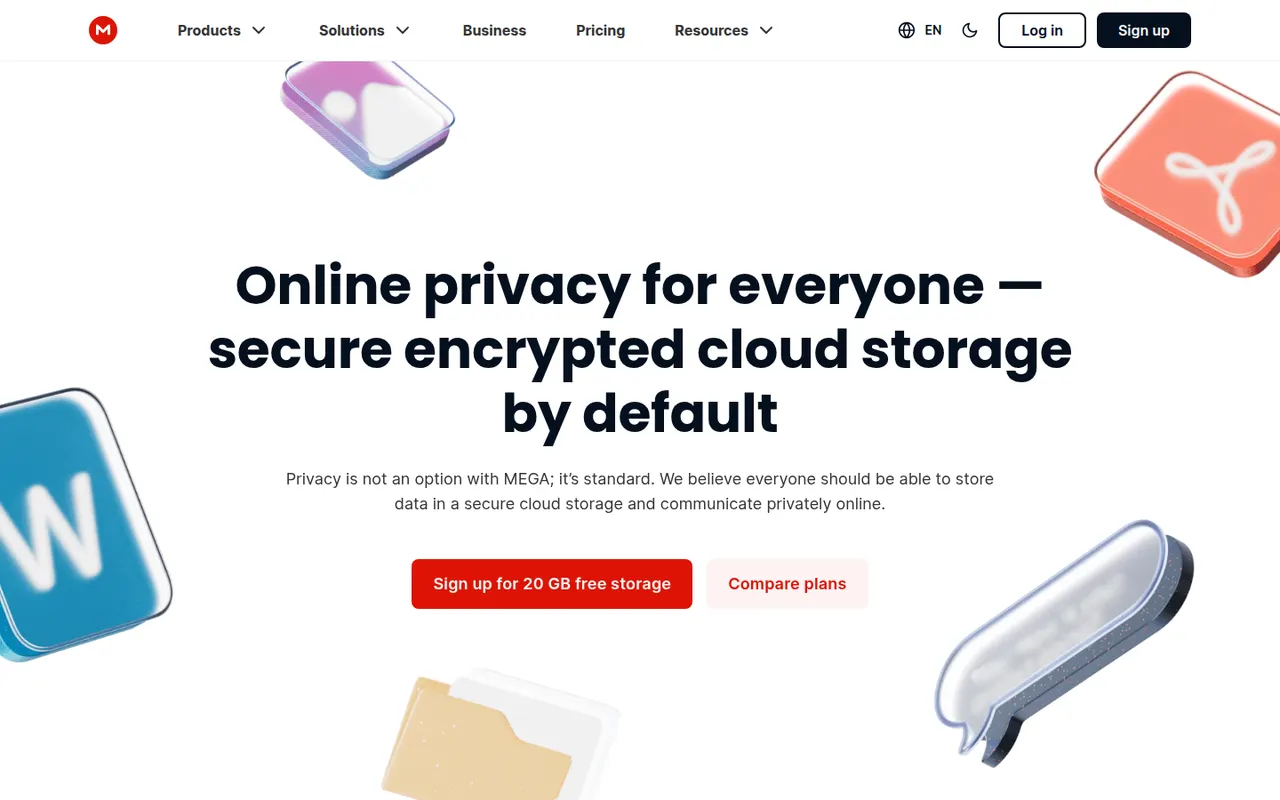
Cost / LicenseFreemiumProprietaryCategoriesMEGA is a cloud storage service from New Zealand that encrypts files on your device before upload, with keys derived from your password. It offers sync clients for Windows, macOS and Linux, mobile apps with camera uploads, encrypted share links and built-in chat and video meetings. A free plan is available alongside paid plans with more storage and transfer quota.
11 MEGA alternativesPros
- Files are encrypted on your device before upload
- Clients for every major desktop and mobile platform
- Built-in encrypted chat and video meetings
Cons
- Transfer quotas can slow down downloads on free accounts
- Losing both your password and recovery key means losing your data
Cost / LicenseFreemiumProprietaryCategories