
Free Google Workspace alternatives
Top Office Suites like Google Workspace
The most popular alternative to Google Workspace is Microsoft 365, which has a free version. Other great alternatives to Google Workspace are Zoho Workplace, ONLYOFFICE, LibreOffice, and Collabora Online.
Most alternatives to Google Workspace are in the Office Suites category, compared here by price, platform and features.
All Google Workspace alternatives
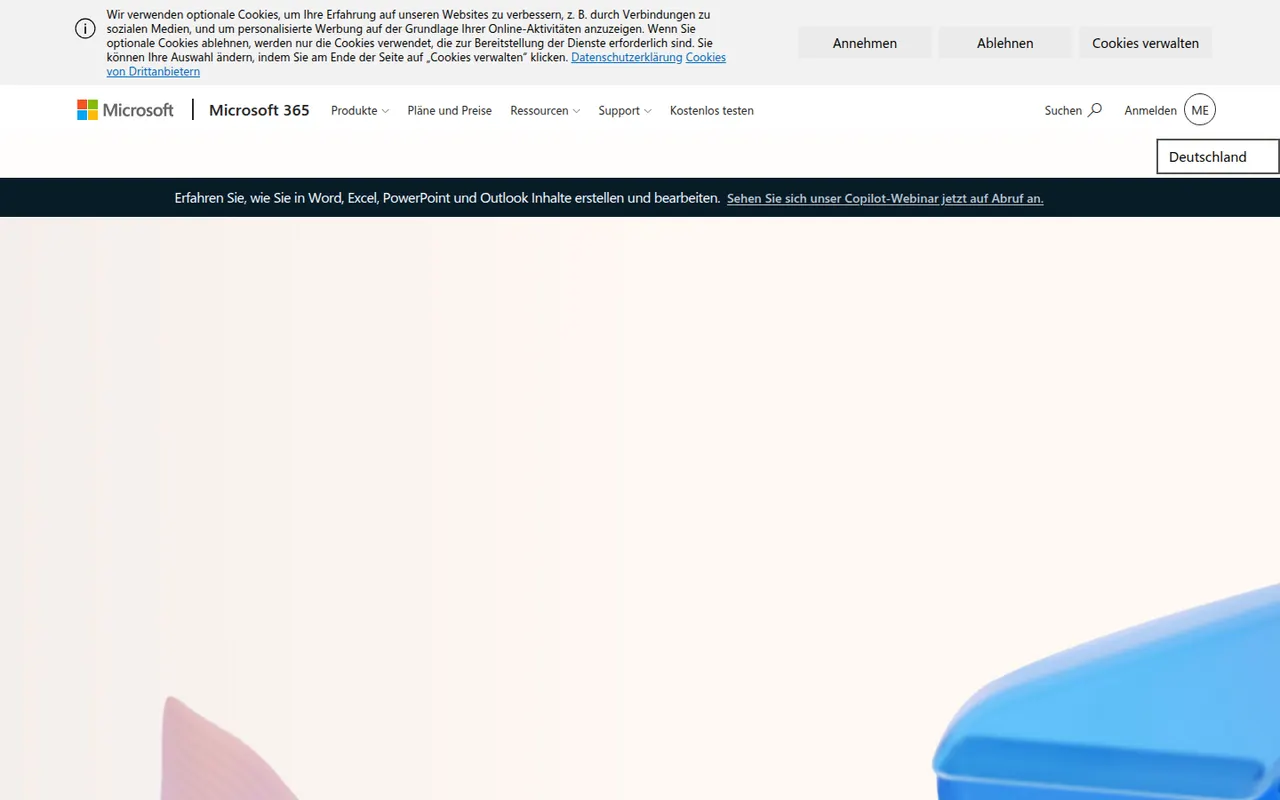
Microsoft 365 bundles Word, Excel, PowerPoint, Outlook, OneDrive and Teams in a single subscription for individuals, families and businesses. Files sync across Windows, Mac, mobile and the browser, with co-authoring and Copilot AI features in eligible plans. Free web versions of the core apps are available with a Microsoft account.
9 Microsoft 365 alternativesPros
- Industry-standard Word, Excel and PowerPoint with their full features
- Co-authoring and OneDrive sync across all devices
- Free web versions of the core apps
Cons
- Full desktop apps require an ongoing subscription
- Copilot features are limited to eligible plans
- The sheer number of features can overwhelm simple needs
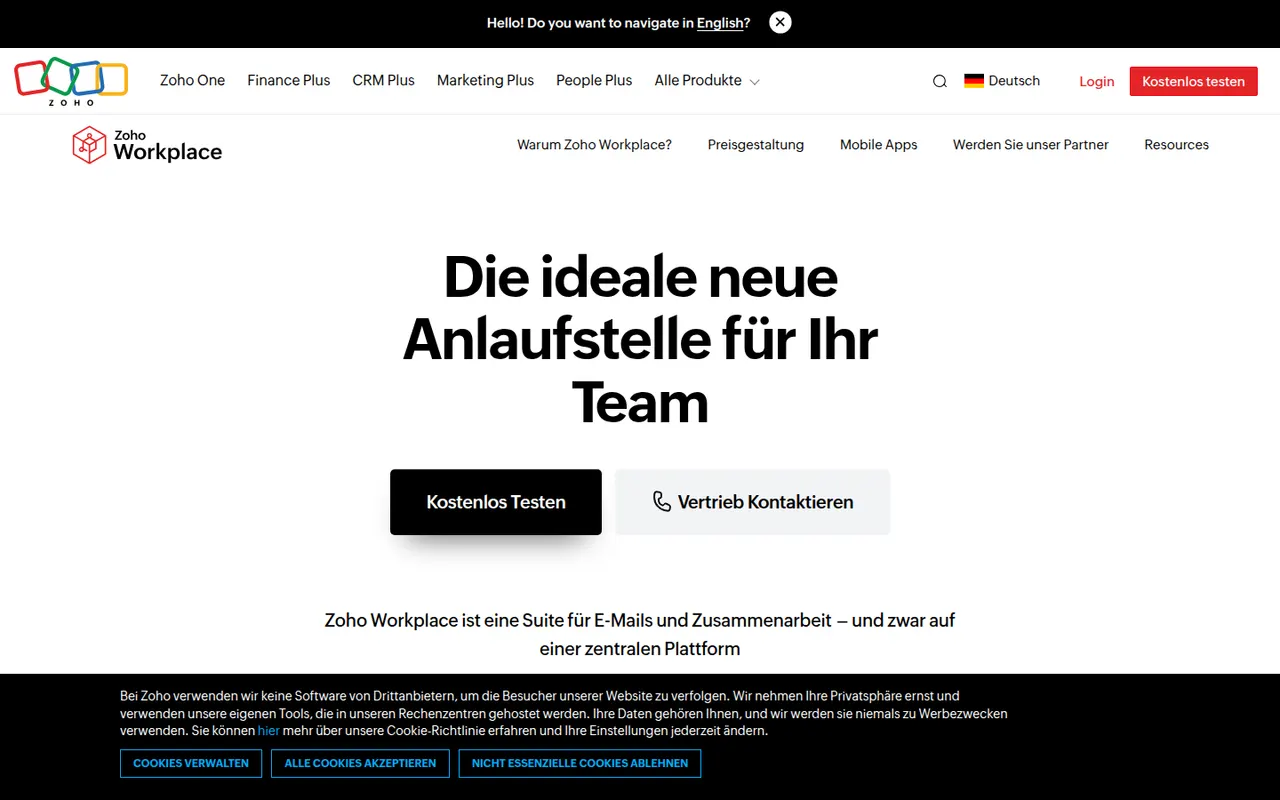
Cost / LicenseFreemiumProprietaryZoho Workplace brings together Zoho Mail, Writer, Sheet, Show, WorkDrive, Cliq and Meeting in one suite for small and mid-sized businesses. It offers custom-domain email, shared team folders and online editors that open Microsoft Office files, with the Zia assistant built in. A free plan covers a handful of users, and paid plans add storage and admin features.
9 Zoho Workplace alternativesPros
- Mail, documents, storage and chat in one business suite
- Custom-domain email, with a free plan for small teams
- Integrates with the wider Zoho app ecosystem
Cons
- Editors are less capable than Microsoft or Google apps
- Office editors run in the browser, with no desktop versions
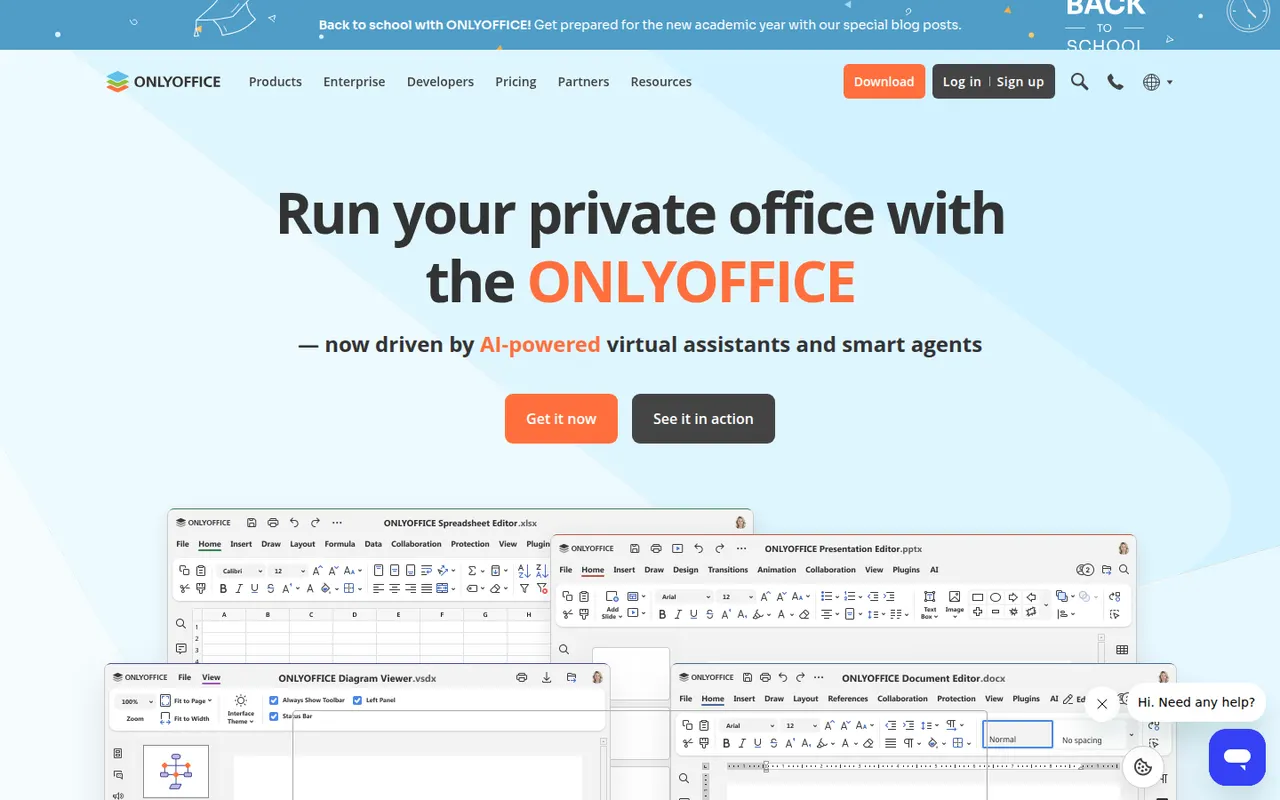
Cost / LicenseFreemiumProprietaryCategoriesONLYOFFICE is an office suite from Ascensio System with editors for documents, spreadsheets, presentations, PDFs and forms, built around Microsoft Office formats. The desktop and mobile apps are free, and the online editors can be self-hosted or integrated into Nextcloud and other platforms, with paid cloud and enterprise editions. It supports real-time co-editing, plugins and AI assistants.
12 ONLYOFFICE alternativesPros
- Strong compatibility with Microsoft Office formats
- Free desktop and mobile apps, plus self-hostable online editors
- Real-time co-editing and Nextcloud integration
Cons
- A self-hosted server needs technical setup
- Enterprise features and support require paid editions
- Fewer advanced features than Microsoft Office
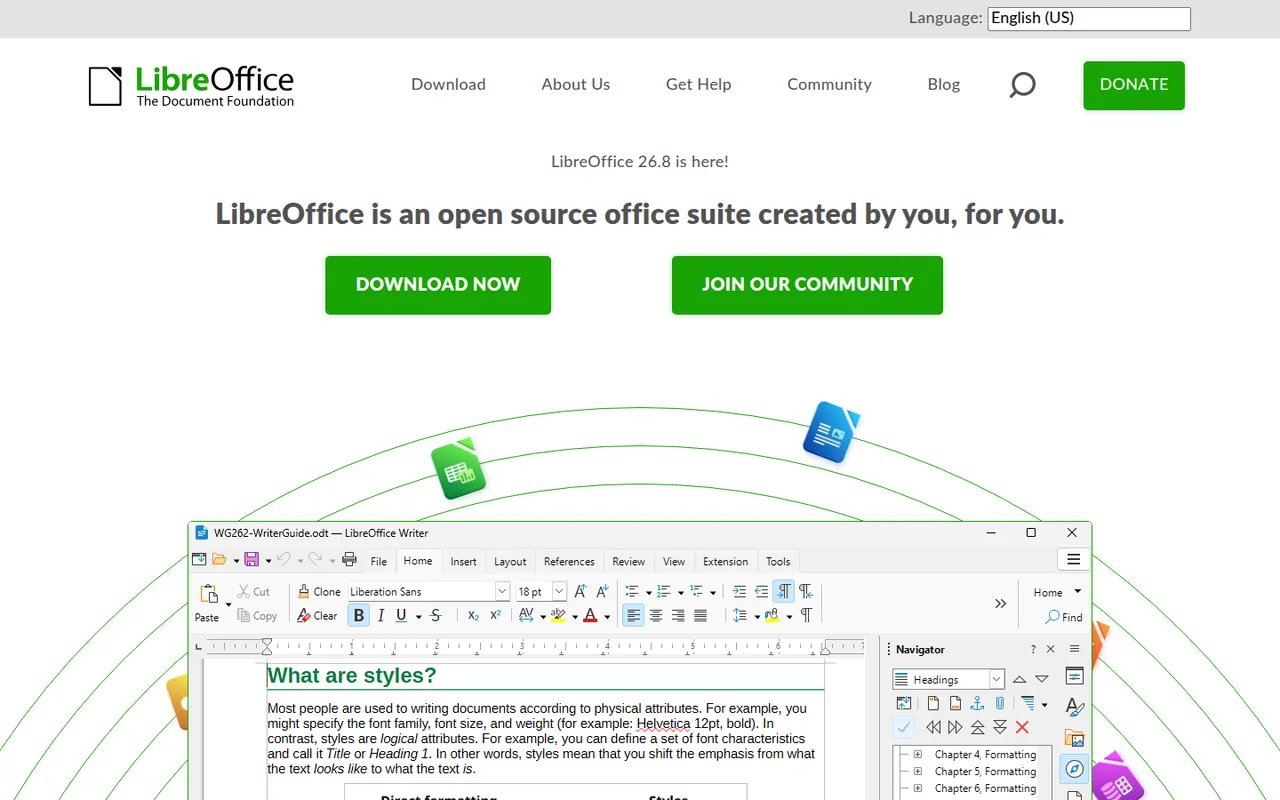
Cost / LicenseFreemiumOpen sourceLibreOffice is a desktop office suite maintained by The Document Foundation, with Writer, Calc, Impress, Draw, Base and Math. It uses the OpenDocument format natively and opens and saves Microsoft Office files. It is free for any use, works fully offline and can be extended with community extensions and templates.
12 LibreOffice alternativesPros
- Free for any use, with no account or subscription
- Full suite with Writer, Calc, Impress, Draw and Base
- Native OpenDocument support and fully offline use
Cons
- Interface feels dated next to Microsoft 365
- Complex Office files can lose formatting
- No real-time collaboration in the desktop apps
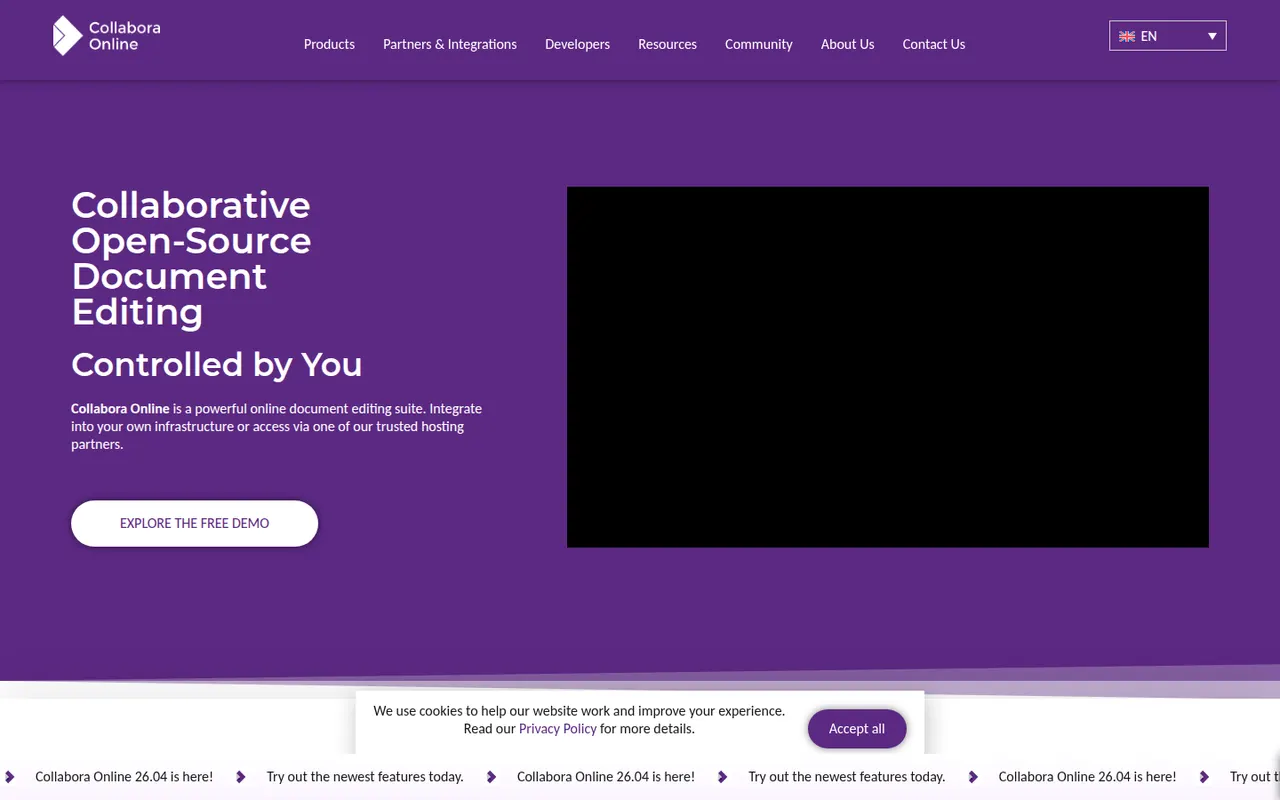
Cost / LicenseFreeOpen sourceCollabora Online is an open source office suite from Collabora Productivity that runs LibreOffice technology in the browser, on your own server or through a hosting partner. It plugs into Nextcloud, ownCloud, Seafile and similar platforms for co-editing Office and OpenDocument files on infrastructure you control. A free development edition sits alongside paid supported versions and Collabora Office apps.
9 Collabora Online alternativesPros
- Open source online office suite you can host on your own servers
- Integrates with Nextcloud, ownCloud and Seafile for co-editing
- Keeps documents on infrastructure you control
Cons
- Interface feels dated next to Google Docs or Microsoft 365
- Self-hosting requires server setup and maintenance
- Supported production versions are paid
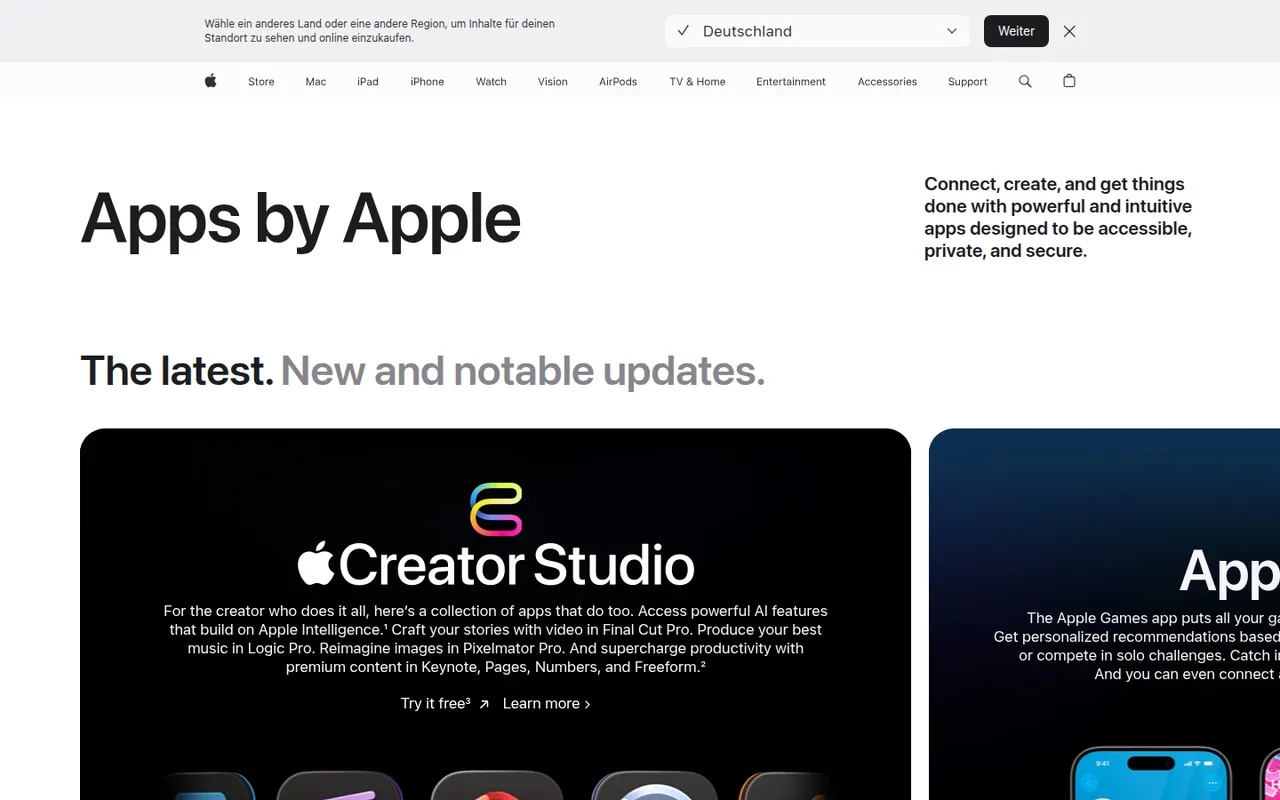
Cost / LicenseFreemiumOpen sourceiWork is Apple's productivity suite made of Pages for documents, Numbers for spreadsheets and Keynote for presentations. The apps are free on Mac, iPhone and iPad, sync through iCloud and can be used in a browser on iCloud.com, including from Windows PCs. They focus on designed templates, support real-time collaboration and can import and export Microsoft Office files.
7 Apple iWork alternativesPros
- Free Pages, Numbers and Keynote with polished templates
- Keynote makes well-designed presentations easy to build
- Usable on iCloud.com, including from Windows PCs
Cons
- Office conversion can break complex layouts and formulas
- Numbers lacks the advanced spreadsheet features of Excel
- No native apps for Windows or Android
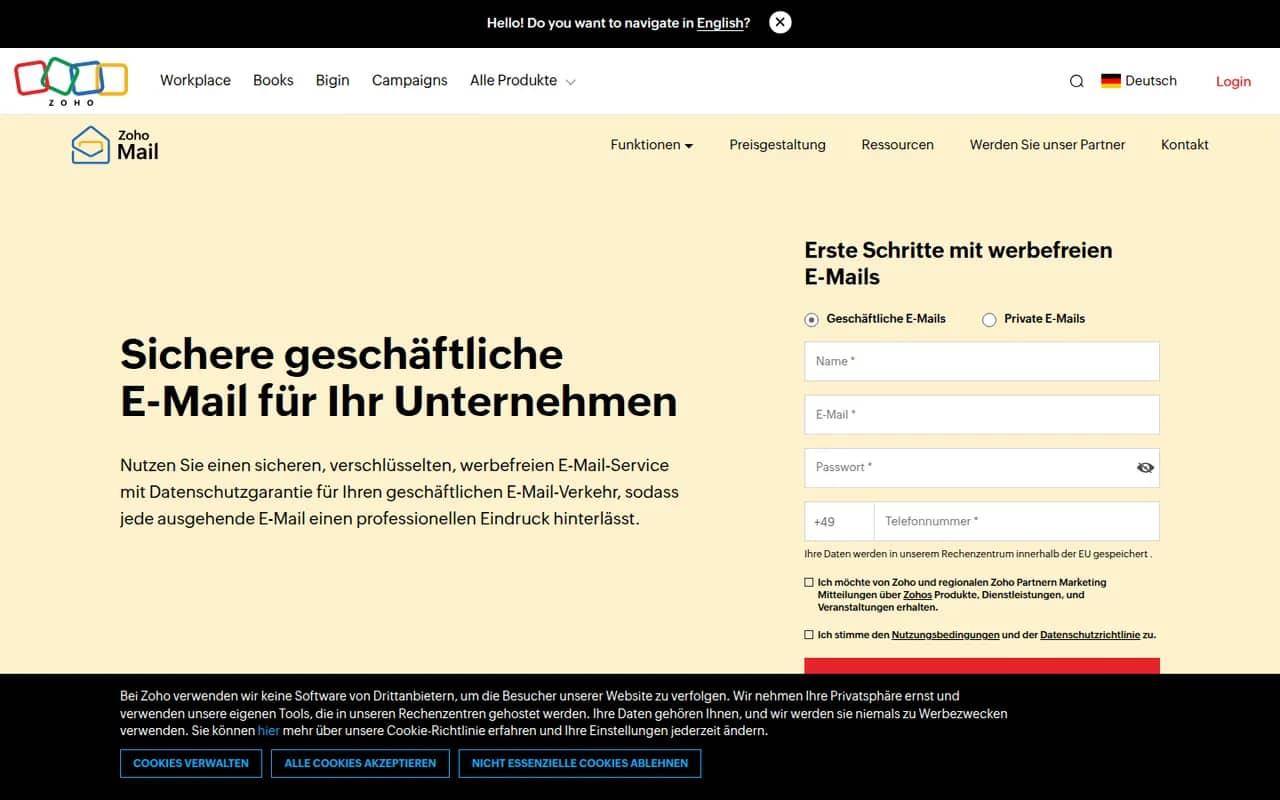
Cost / LicenseFreeProprietaryCategoriesZoho Mail is an ad-free business email service from Zoho that hosts mailboxes on your own domain, with calendar, contacts, tasks and notes included. Admins get a control panel for users, security policies and retention, and the service integrates with Zoho's office, CRM and collaboration apps through Zoho Workplace. A free plan is available for small teams, with paid plans adding more storage and features.
8 Zoho Mail alternativesPros
- Ad-free business email on your own domain, with a free plan
- Admin console for users, security policies and retention
- Integrates with Zoho’s office, CRM and collaboration apps
Cons
- Free plan lacks IMAP and POP access for desktop clients
- Interface feels less polished than Gmail or Outlook
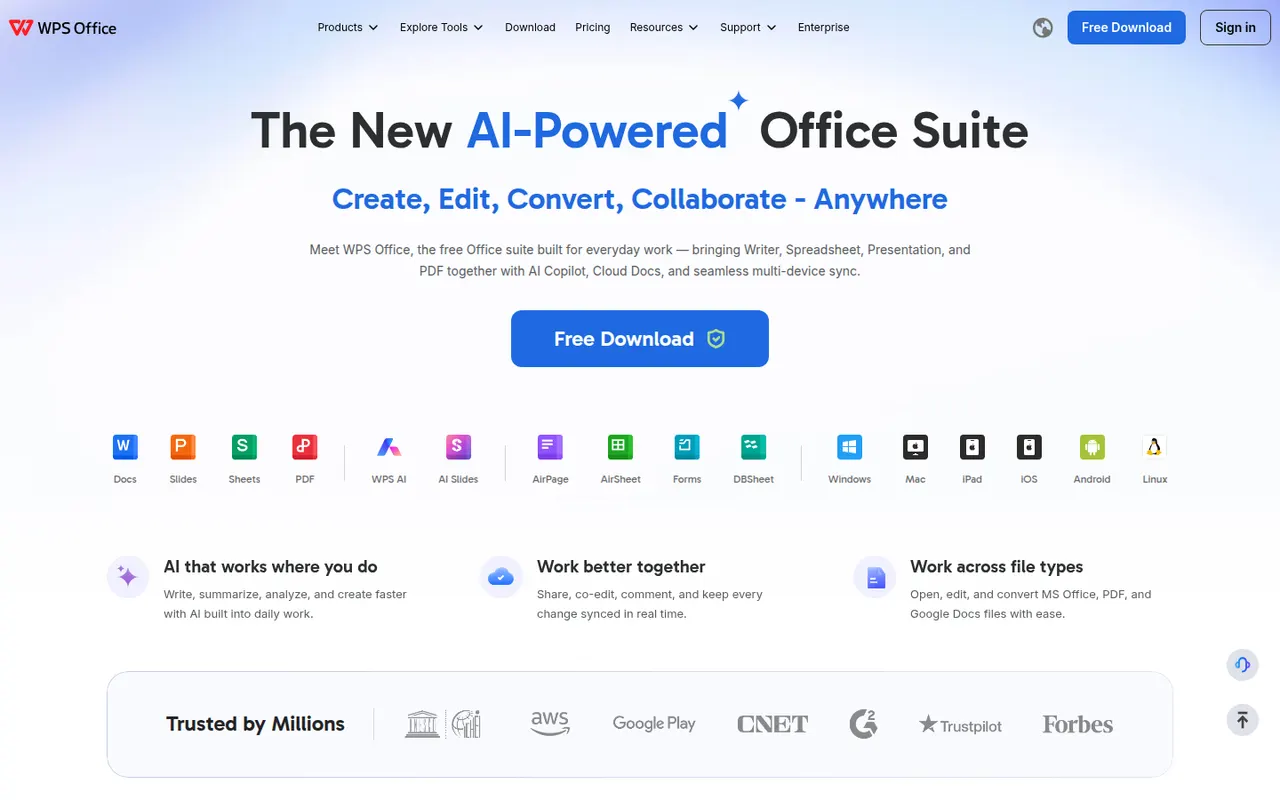
Cost / LicenseFreemiumProprietaryCategoriesWPS Office is an office suite developed by Kingsoft that combines a word processor, spreadsheet, presentation app and PDF tools in one interface with document tabs. It is compatible with Microsoft Office formats and available on desktop and mobile. The free version shows ads, while a paid subscription removes them and unlocks extra PDF features, cloud storage and WPS AI.
12 WPS Office alternativesPros
- Tabbed interface for documents, sheets, slides and PDF tools
- Good compatibility with Microsoft Office formats
- Free on desktop and mobile, including Linux
Cons
- The free version shows ads
- Extra PDF tools and WPS AI require a subscription
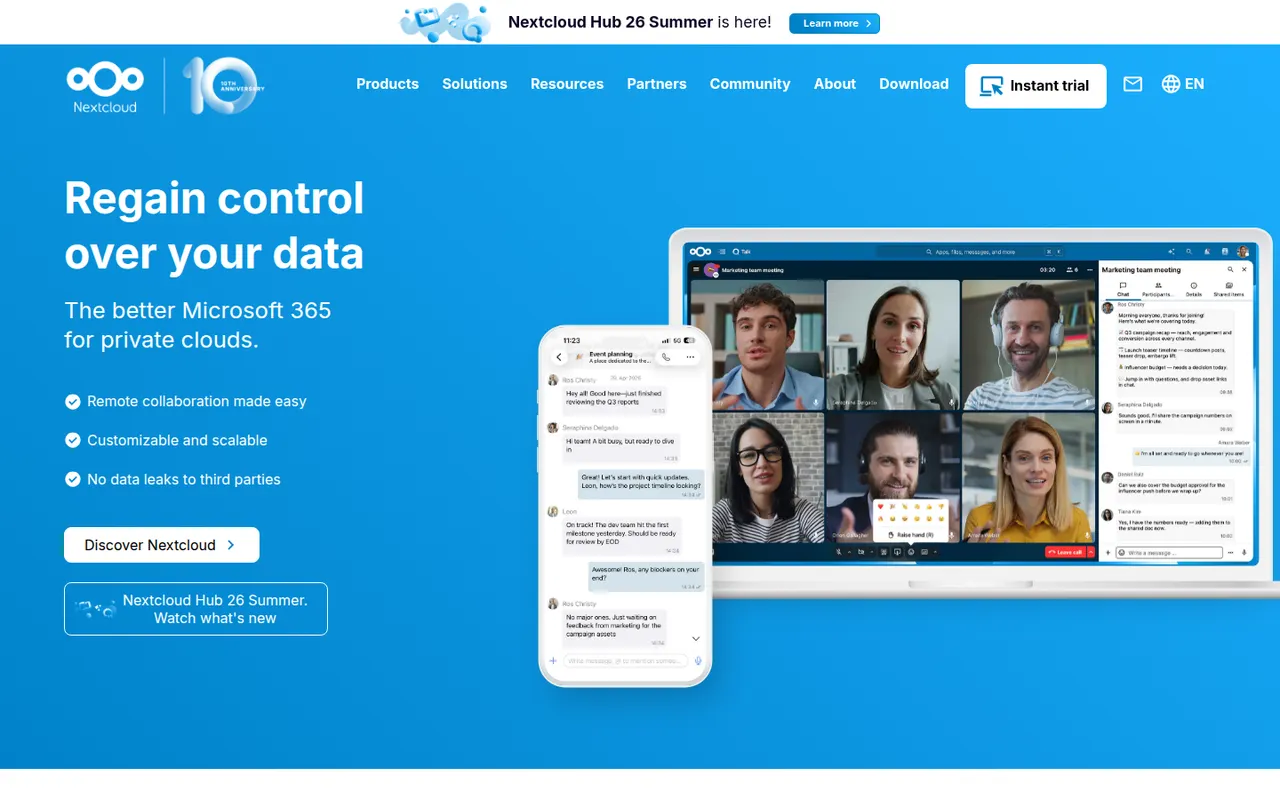
Cost / LicenseFreemiumProprietaryNextcloud is an open source platform you install on your own server to sync and share files, keeping data under your control instead of with a third-party cloud. Beyond file storage with desktop and mobile clients, its app store adds calendars, contacts, video calls (Talk), online office editing and many other extensions. Self-hosting is free, and Nextcloud GmbH sells enterprise support.
12 Nextcloud alternativesPros
- Keeps files on your own server instead of a third-party cloud
- App store adds calendars, contacts, Talk calls and office editing
- Desktop and mobile clients for every major platform
Cons
- Installing, securing and updating the server is your responsibility
- Performance can be sluggish without careful server tuning
- Quality varies across third-party apps
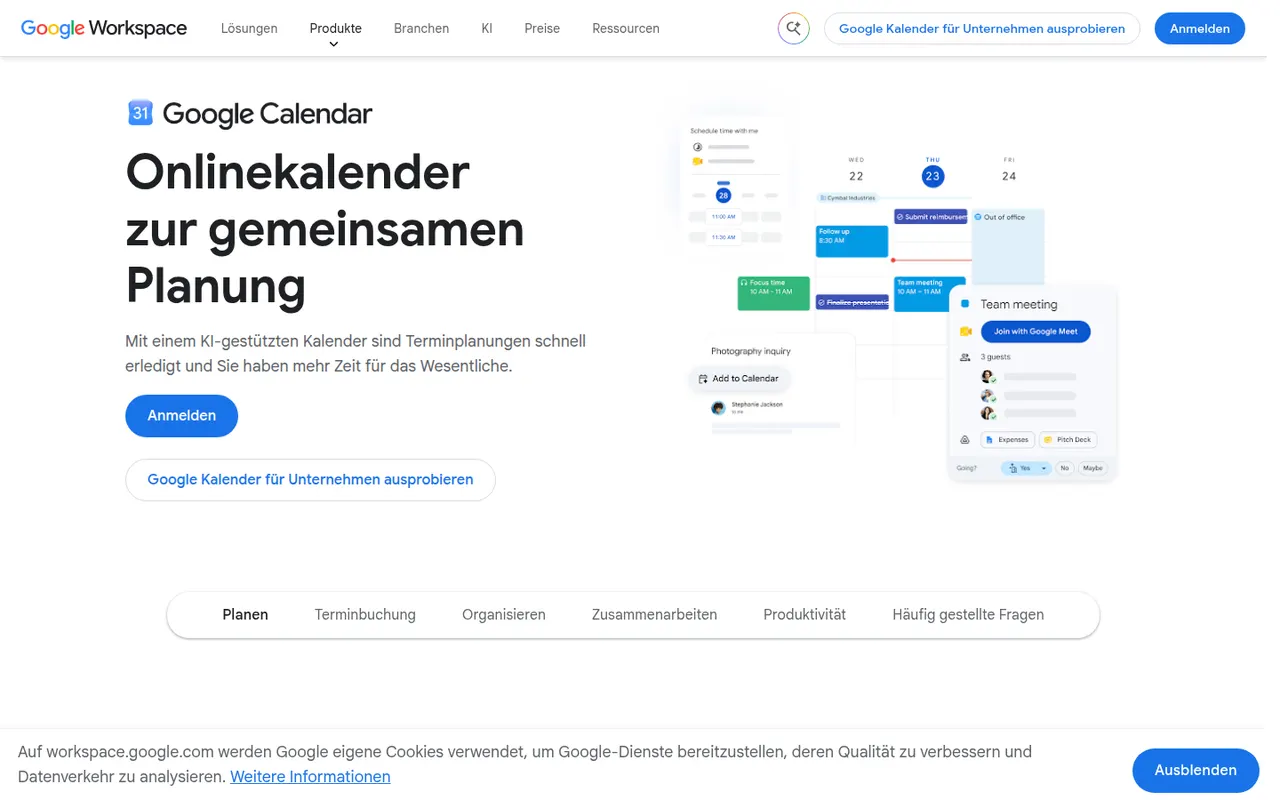
Cost / LicenseFreemiumOpen sourceCategoriesGoogle Calendar is a free calendar service tied to your Google account, with shared calendars, event invitations, events detected from Gmail and Google Meet links added to meetings. Appointment schedules provide simple booking pages, and Google Workspace accounts add features such as focus time, working locations and room booking.
12 Google Calendar alternativesPros
- Free and tightly integrated with Gmail and Google Meet
- Calendar sharing and event invitations are easy to manage
- Appointment schedules provide simple booking pages
Cons
- Advanced appointment schedule options require a paid Workspace plan
- No official desktop app, only web and mobile
Cost / LicenseFreeProprietaryCategories




















Google Workspace vs its alternatives at a glance
Pricing, platforms and the key features of Google Workspace, compared with its most popular alternatives.
| App | Pricing | Platforms | AI assistant | Integrations | Microsoft Office file compatibility | Offline mode | Real-time collaboration |
|---|---|---|---|---|---|---|---|
 Google Workspace Google Workspace | Freemium | Web, iPhone, Android | |||||
 Microsoft 365 Microsoft 365 | Freemium | Web, Windows, Mac, iPhone, Android | |||||
 Zoho Workplace Zoho Workplace | Freemium | Web, iPhone, Android | |||||
 ONLYOFFICE ONLYOFFICE | FreemiumOpen source | Web, Windows, Mac, Linux, iPhone, Android, Self-hosted | |||||
 LibreOffice LibreOffice | FreeOpen source | Windows, Mac, Linux | |||||
 Collabora Online Collabora Online | FreemiumOpen source | Web, Windows, Mac, Linux, iPhone, Android, Self-hosted |
Google Workspace alternatives: frequently asked questions
What is the best alternative to Google Workspace?
The most popular alternative to Google Workspace is Microsoft 365: Microsoft's subscription suite with Word, Excel, PowerPoint and Outlook. Other great alternatives are Zoho Workplace, ONLYOFFICE, LibreOffice, and Collabora Online.
Is there a free alternative to Google Workspace?
Yes, 10 alternatives are free or have a free plan, including Microsoft 365, Zoho Workplace, ONLYOFFICE, and LibreOffice.
Is there an open source alternative to Google Workspace?
Yes, 4 open source alternatives are listed, including ONLYOFFICE, LibreOffice, Collabora Online, and Nextcloud.
Is Google Workspace free?
Google Workspace has a free plan, with paid plans that unlock more features.
Compare Google Workspace with its alternatives


Sponsored listings and products made by the publisher of this site are always labeled. How we rank · Know a good alternative? Submit it