
OmniFocus alternatives
Top To-do Lists & Task Managers like OmniFocus
The most popular alternative to OmniFocus is Things 3. Other great alternatives to OmniFocus are Todoist, TickTick, Amazing Marvin, and Remember The Milk.
Most alternatives to OmniFocus are in the To-do Lists & Task Managers category, compared here by price, platform and features.
All OmniFocus alternatives
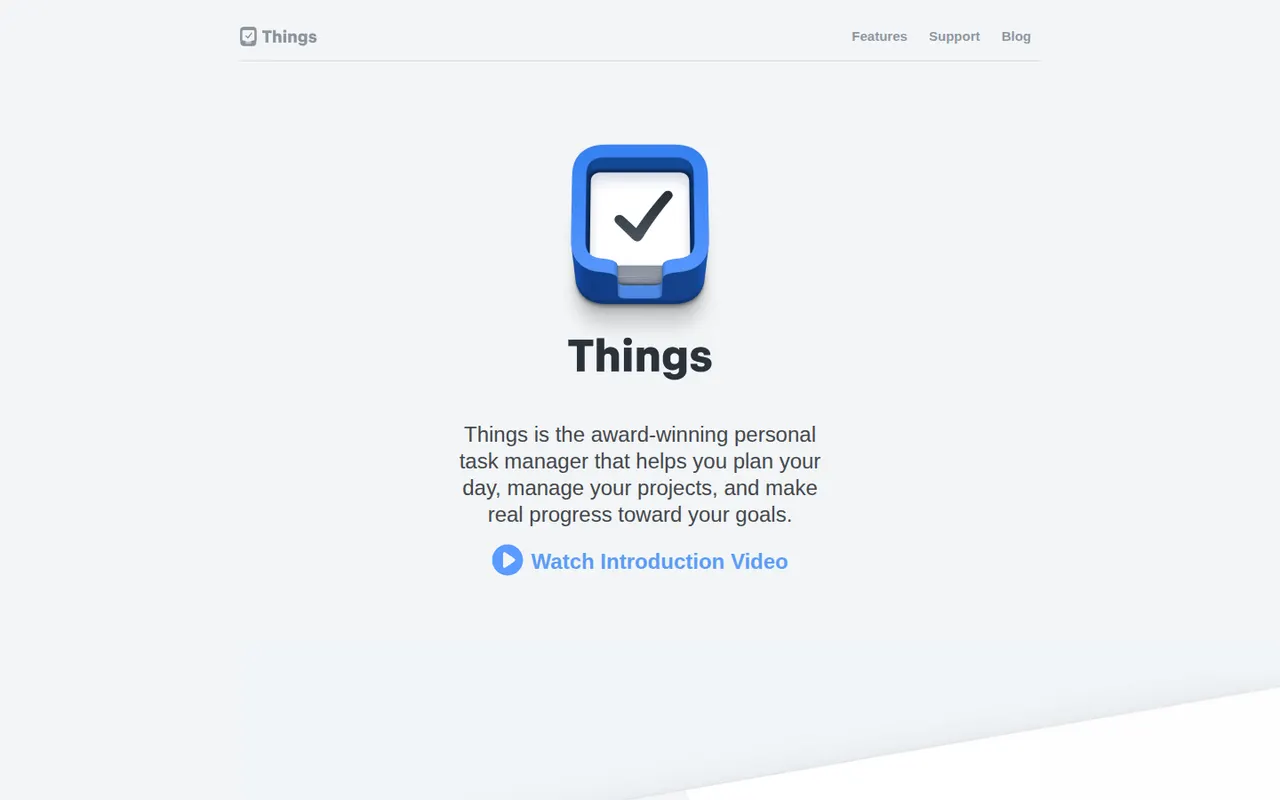
Things is a personal task manager from Cultured Code, built exclusively for Apple devices with a clean, focused design. Tasks flow through Inbox, Today, Upcoming and Someday lists and can be grouped into projects and areas, with Things Cloud syncing everything for free. The apps are one-time purchases rather than a subscription, and there is no web or team version.
11 Things 3 alternativesPros
- Clean, focused design that makes planning pleasant
- One-time purchase instead of a subscription
- Free Things Cloud sync across Apple devices
Cons
- Apple-only, with no Windows, Android or web version
- No collaboration or shared lists
- Mac, iPhone and iPad versions are sold separately
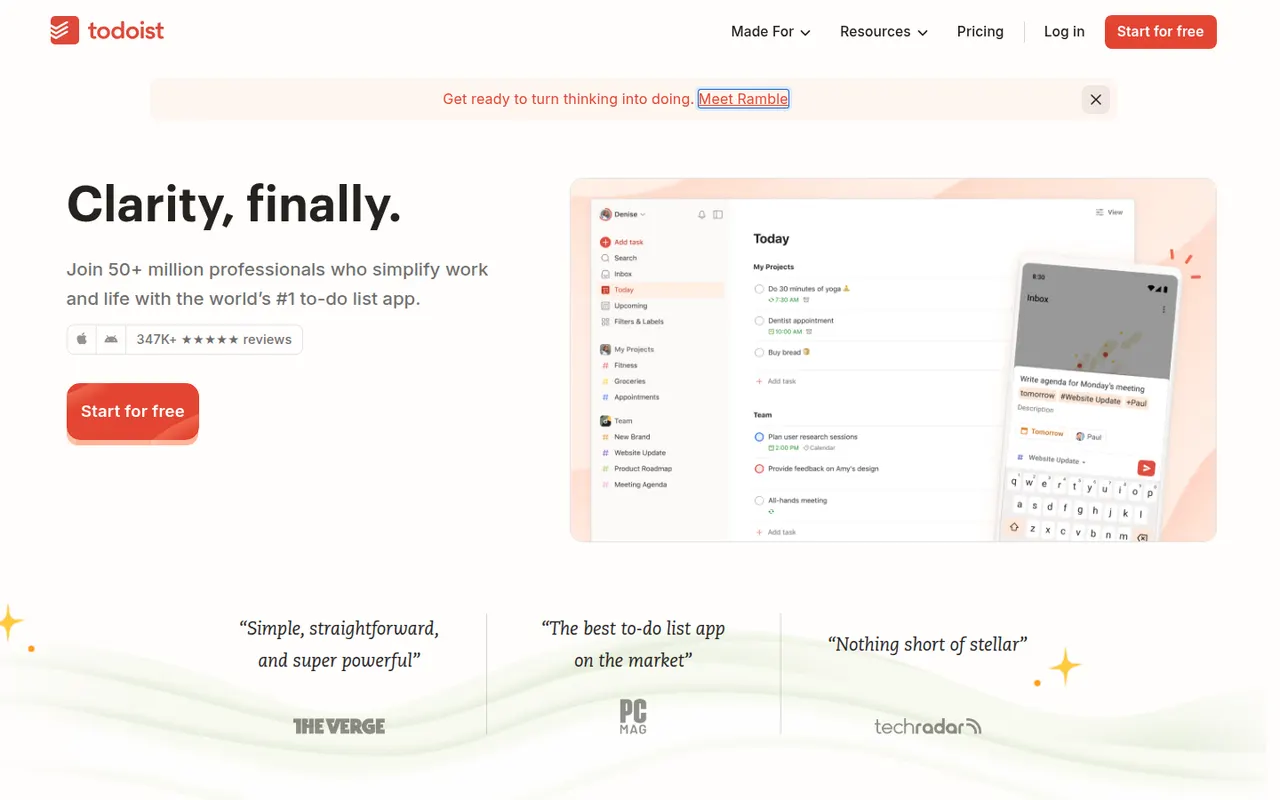
Cost / LicensePaidProprietaryCategoriesTodoist is a task manager by Doist that captures tasks quickly with natural language dates, such as every Monday at 9am, and organizes them into projects, sections, labels and filters. It runs on almost every platform, offers list, board and calendar layouts, supports shared projects for small teams and integrates with calendars, email and many other apps.
12 Todoist alternativesPros
- Fast natural language capture for dates and recurring tasks
- Runs on almost every platform with reliable sync
- Projects, labels and filters scale from simple to complex lists
Cons
- Several useful features are limited to paid plans
- Collaboration is basic for larger team projects
- No built-in time tracking without integrations
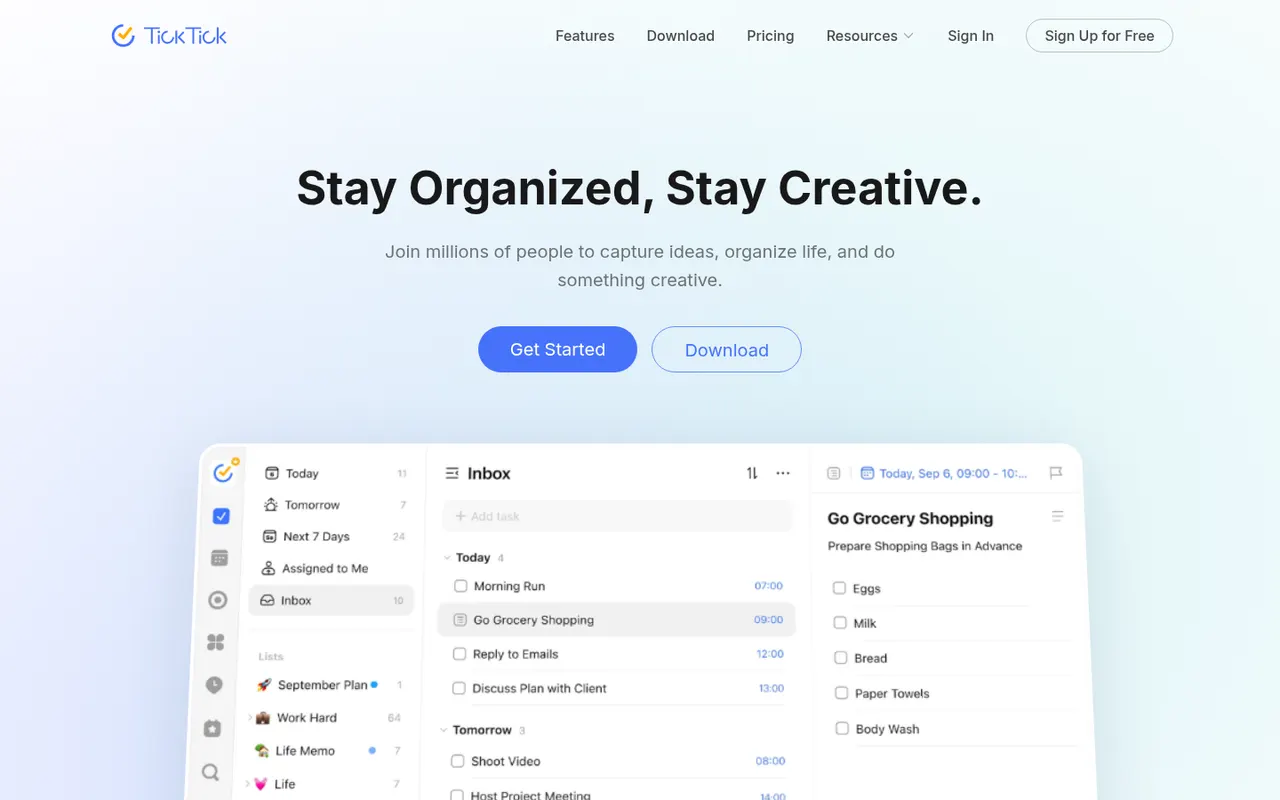
Cost / LicenseFreemiumProprietaryCategoriesTickTick is a cross-platform to-do app that combines tasks and checklists with a built-in calendar, habit tracker and Pomodoro focus timer. It understands dates typed in natural language, offers list, Kanban and timeline views, and a Premium subscription unlocks the full calendar views and higher limits.
11 TickTick alternativesPros
- Tasks, calendar, habit tracker and Pomodoro timer in one app
- Natural language dates speed up task entry
- Available on nearly every platform, including browser extensions
Cons
- Full calendar views require Premium
- The packed feature set can make the interface feel busy
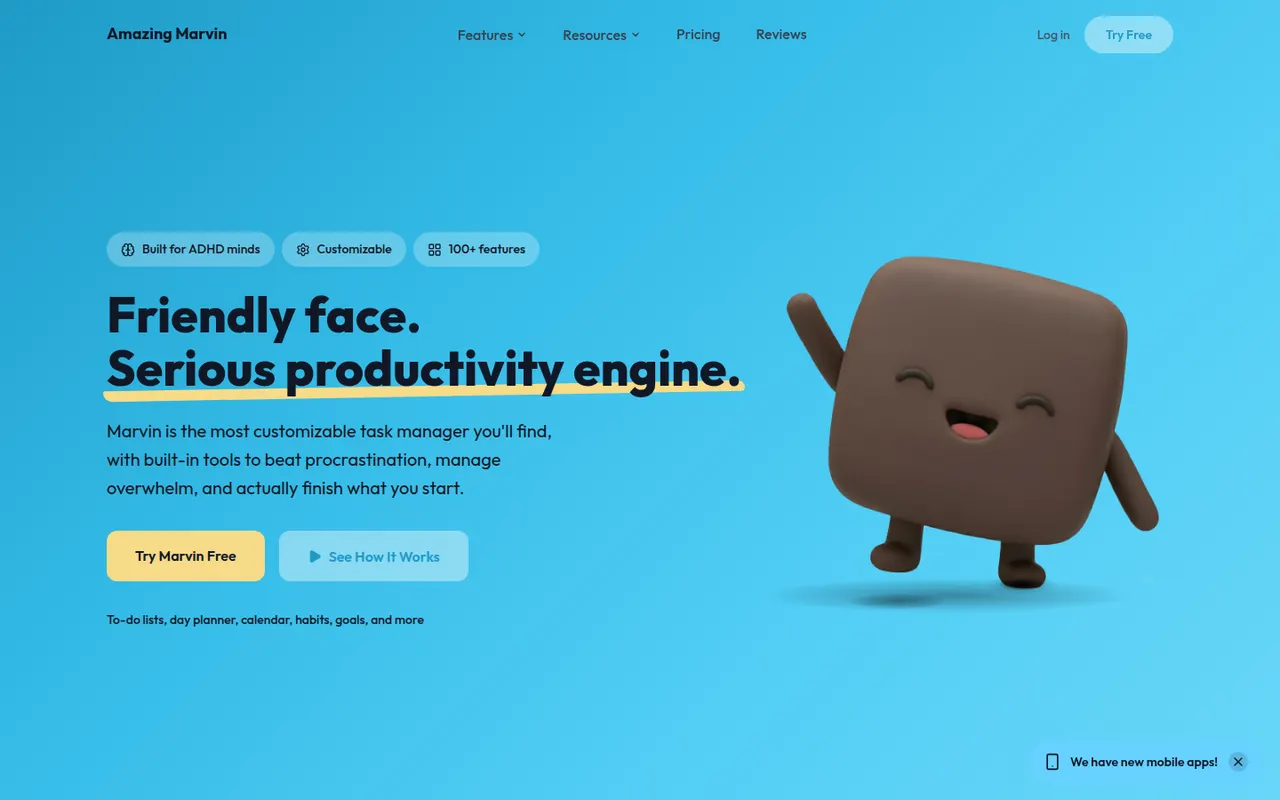
Cost / LicenseFreemiumProprietaryCategoriesAmazing Marvin is a personal task manager whose features, called strategies, are switched on one by one, from time blocking and Pomodoro to habit tracking, rewards and procrastination helpers. It suits people who have struggled with rigid to-do apps, including people with ADHD, and runs on the web, desktop and mobile after a free trial.
8 Amazing Marvin alternativesPros
- Strategies let you switch on only the features you need
- Tools against procrastination and ADHD-friendly planning
- Combines time blocking, Pomodoro and habit tracking
Cons
- The sheer number of options can be overwhelming at first
- Interface feels less polished than mainstream to-do apps
- No free plan after the trial
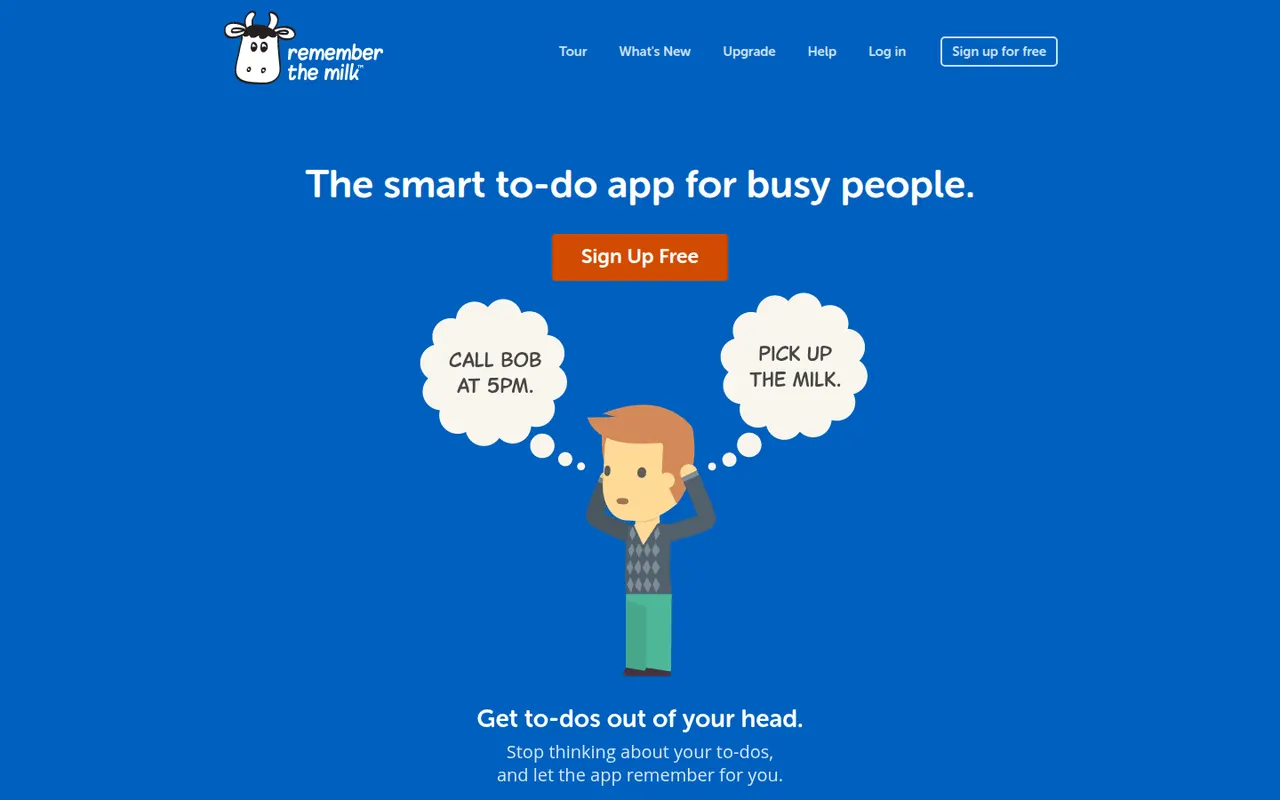
Cost / LicenseFree trialProprietaryCategoriesRemember The Milk is an online to-do service launched in 2005 and available on the web, desktop and mobile. Smart Add understands dates, priorities, tags and lists typed in a single line, smart lists save advanced searches, and reminders can arrive by email, text message or push notification. A Pro subscription unlocks extras such as subtasks and wider sharing.
7 Remember The Milk alternativesPros
- Smart Add parses dates, tags and priorities from a single line
- Smart lists save advanced searches as dynamic views
- Reminders by email, text message or push notification
Cons
- Interface looks dated next to newer to-do apps
- Subtasks and wider sharing require the Pro plan
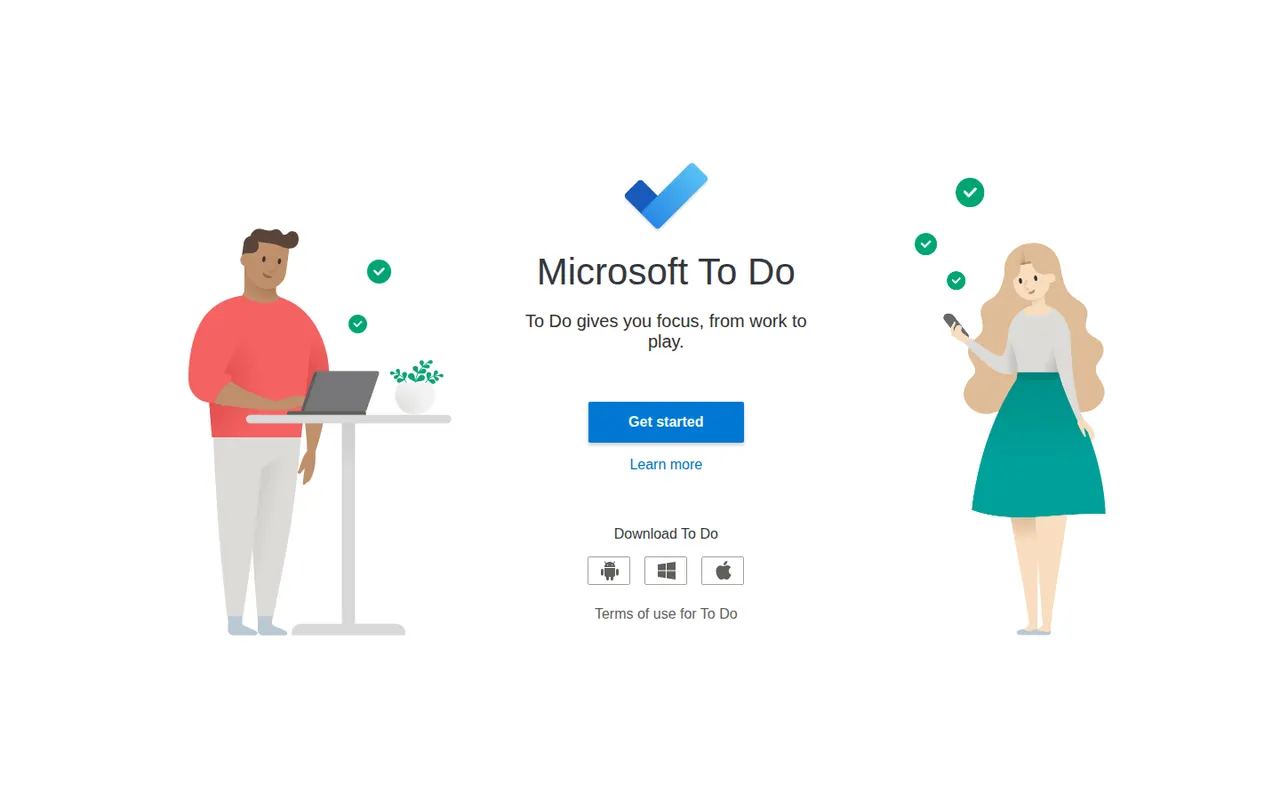
Cost / LicenseFreemiumProprietaryCategoriesMicrosoft To Do is a free task manager, the successor to Wunderlist, that syncs lists, reminders and recurring tasks across devices with a Microsoft account. Its My Day view helps pick what to tackle today, lists can be shared with family or colleagues, and flagged Outlook emails and Planner tasks show up next to personal to-dos.
9 Microsoft To Do alternativesPros
- Completely free with a Microsoft account
- My Day view keeps daily planning simple
- Flagged Outlook emails and Planner tasks appear next to your to-dos
Cons
- No board or timeline views for organizing projects
- Few integrations outside the Microsoft ecosystem
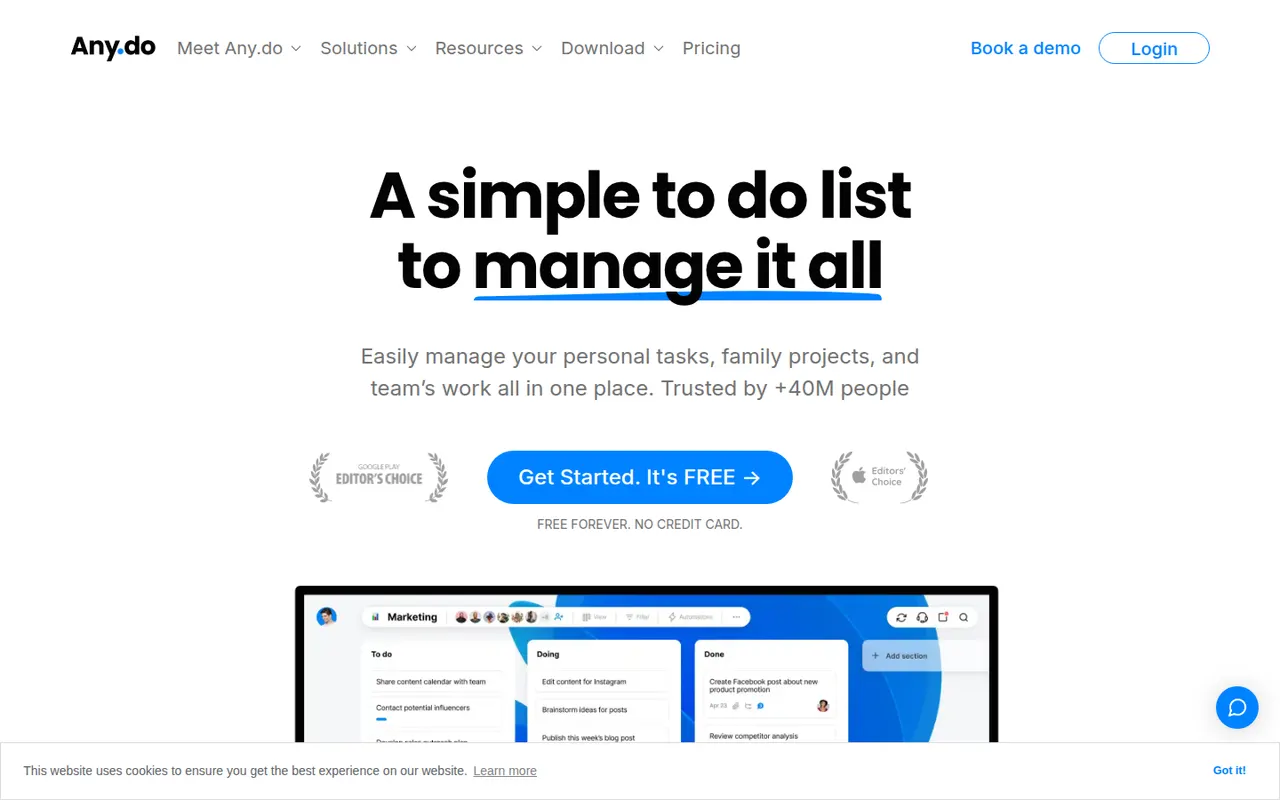
Cost / LicenseFreeProprietaryCategoriesAny.do is a task manager and daily planner that brings lists, reminders and a calendar together, with a planning routine to review what lies ahead each day. It syncs across mobile, desktop and the web, can send reminders through WhatsApp, and offers shared spaces for families and small teams on paid plans.
10 Any.do alternativesPros
- Lists, reminders and calendar combined in a clean app
- Daily planning routine helps review the day ahead
- Reminders can be delivered through WhatsApp
Cons
- Many useful features sit behind the Premium subscription
- Less suited to complex projects than full task managers
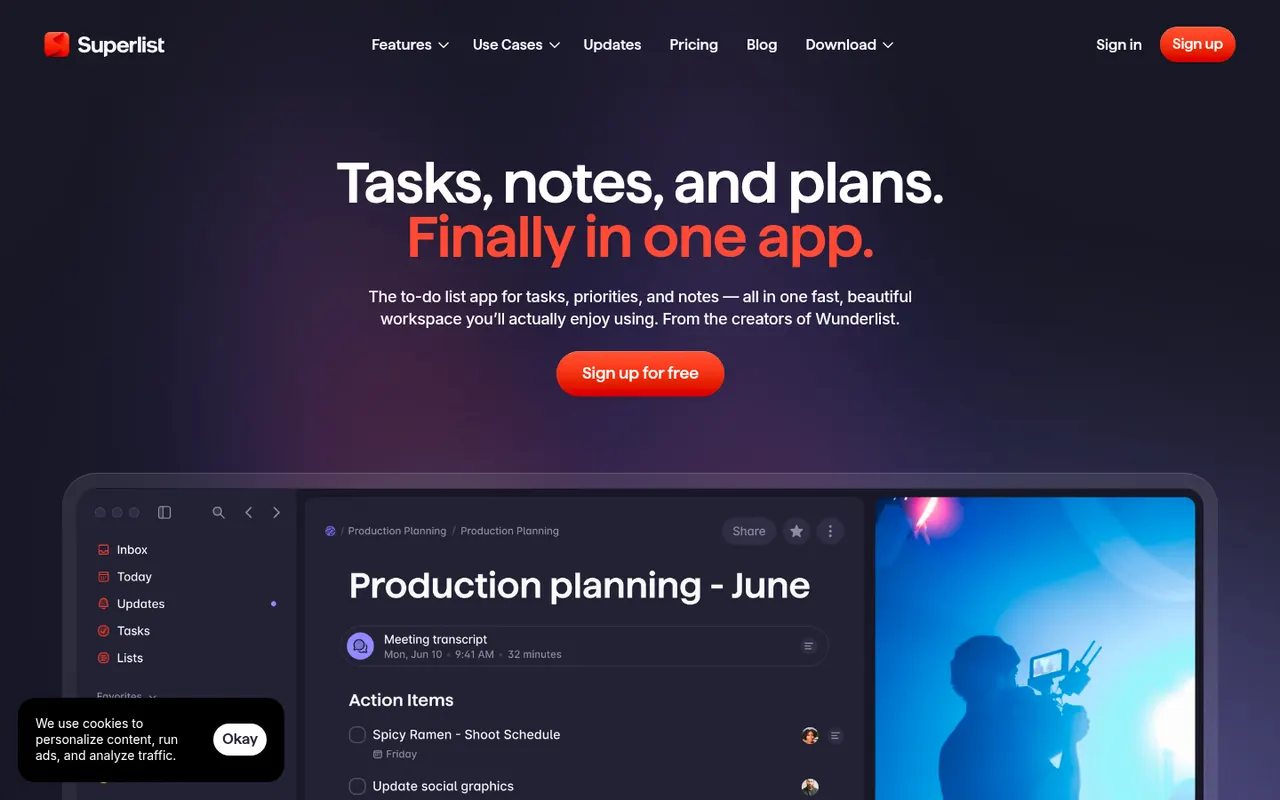
Cost / LicenseFreemiumProprietaryCategoriesSuperlist is a task and notes app co-founded by Wunderlist creator Christian Reber, where each list doubles as a document mixing text, headings and checkable tasks. Lists can be shared for real-time collaboration, tasks can be pulled in from Slack and Gmail, and AI features can draft a list from a short prompt.
9 Superlist alternativesPros
- Lists double as documents mixing notes and tasks
- Real-time collaboration on shared lists
- Pulls tasks in from Slack and Gmail
Cons
- Younger app with fewer advanced features than established rivals
- Smaller integration catalog than established task managers
Cost / LicenseFreemiumProprietaryCategories













OmniFocus vs its alternatives at a glance
Pricing, platforms and the key features of OmniFocus, compared with its most popular alternatives.
| App | Pricing | Platforms | Cross-device sync | Offline mode | Plugins & extensions | Recurring tasks | Reminders |
|---|---|---|---|---|---|---|---|
 OmniFocus OmniFocus | Free trial | Web, Mac, iPhone | |||||
 Things 3 Things 3 | Paid | Mac, iPhone | |||||
 Todoist Todoist | Freemium | Web, Windows, Mac, Linux, iPhone, Android, Browser extension | |||||
 TickTick TickTick | Freemium | Web, Windows, Mac, iPhone, Android, Browser extension | |||||
| Amazing Marvin | Free trial | Web, Windows, Mac, Linux, iPhone, Android | |||||
 Remember The Milk Remember The Milk | Freemium | Web, Windows, Mac, Linux, iPhone, Android |
OmniFocus alternatives: frequently asked questions
What is the best alternative to OmniFocus?
The most popular alternative to OmniFocus is Things 3: Personal task manager designed for Mac, iPhone and iPad. Other great alternatives are Todoist, TickTick, Amazing Marvin, and Remember The Milk.
Is there a free alternative to OmniFocus?
Yes, 6 alternatives are free or have a free plan, including Todoist, TickTick, Remember The Milk, and Microsoft To Do.
Is there an open source alternative to OmniFocus?
No open source alternative to OmniFocus is listed yet.
Is OmniFocus free?
OmniFocus is a paid app that offers a free trial.
Compare OmniFocus with its alternatives


Sponsored listings and products made by the publisher of this site are always labeled. How we rank · Know a good alternative? Submit it