
Free Clipchamp alternatives
Top Video Editing like Clipchamp
All Clipchamp alternatives
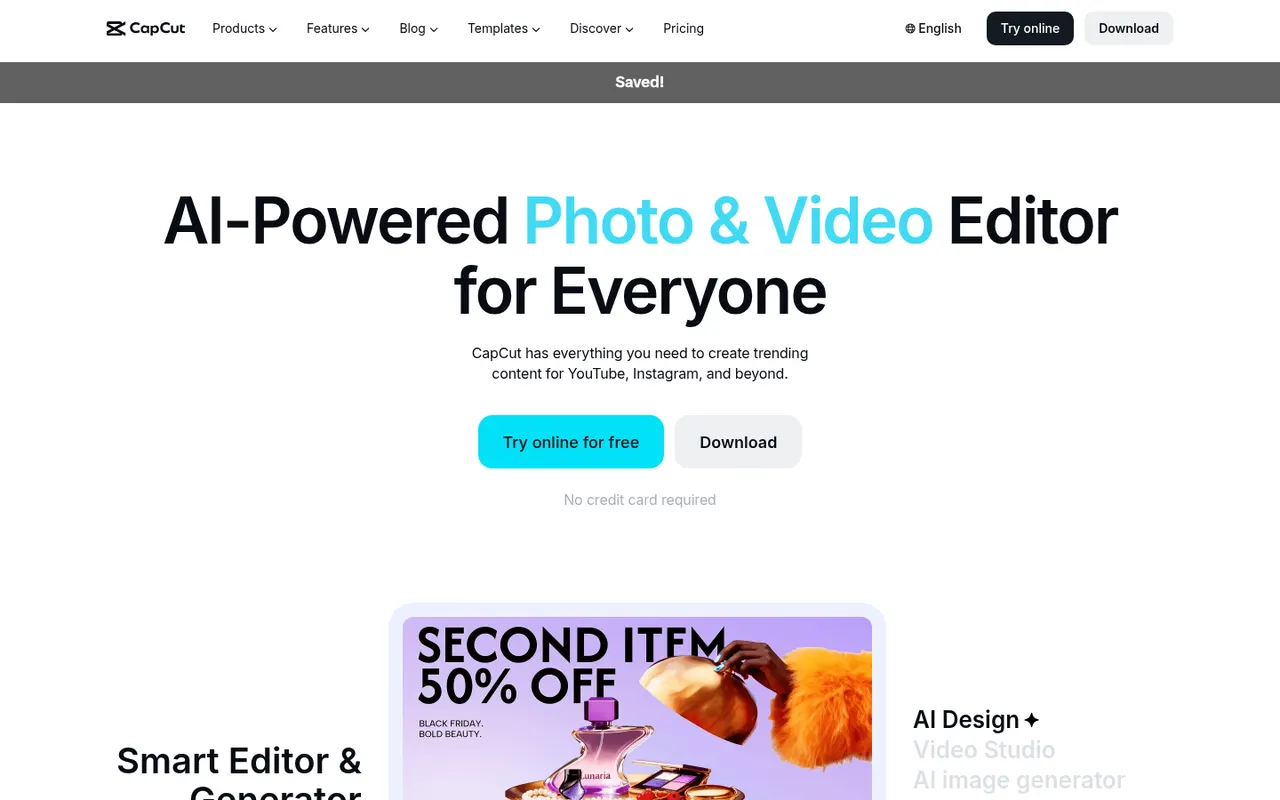
CapCut is a video editor available on mobile, desktop and the web, with templates, effects, auto captions and AI tools aimed at short-form content.
23 CapCut alternativesPros
- Fast editing with templates and effects tuned for short-form video
- Auto captions and AI tools save time on social content
- Available on mobile, desktop and in the browser
Cons
- Many effects and AI tools require a Pro subscription
- Ownership by ByteDance raises data privacy questions
- Not built for long-form or professional editing
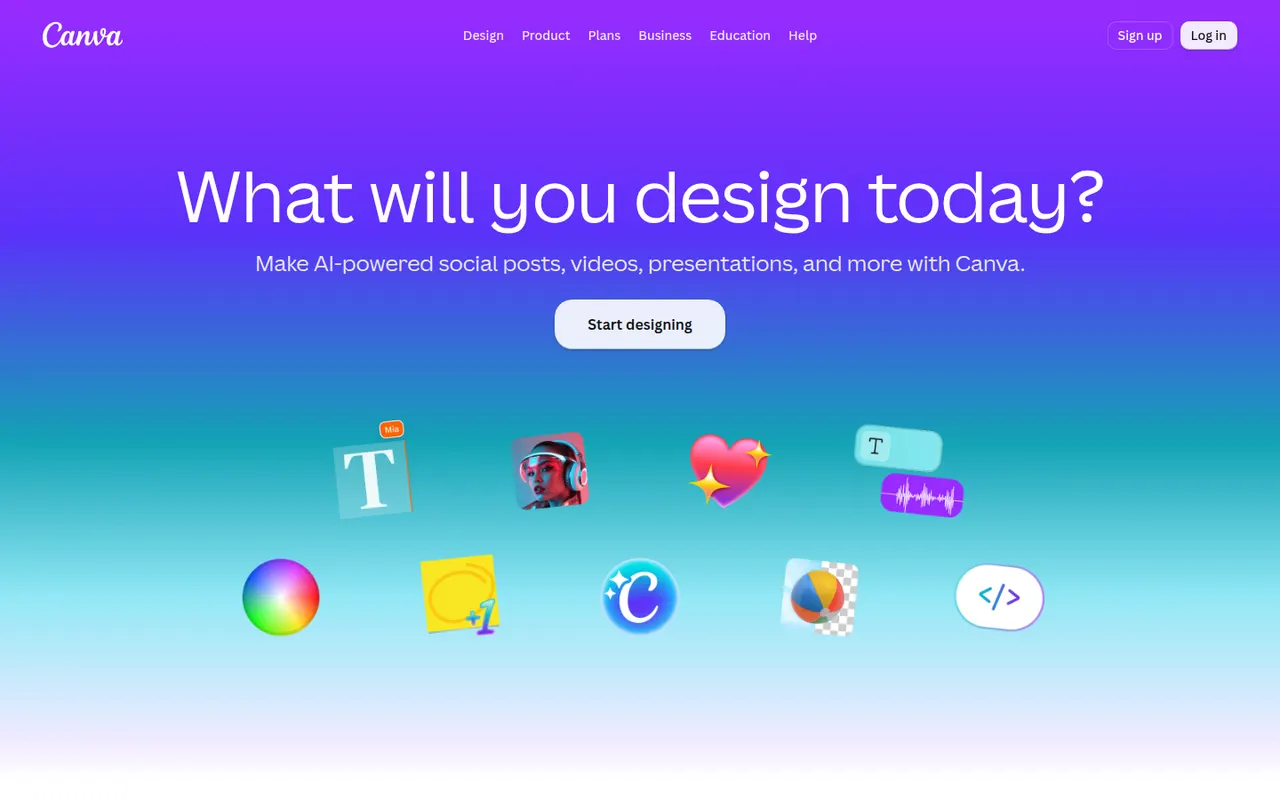
Cost / LicenseFreemiumProprietaryCategoriesCanva is an online design editor built around drag-and-drop templates for social media graphics, presentations, posters, videos and documents. It targets non-designers and marketing teams, with a large stock library, brand kits, real-time collaboration and Magic Studio AI tools for creating and editing images and text. It runs in the browser and as desktop and mobile apps.
12 Canva alternativesPros
- Huge template library makes design accessible to non-designers
- Real-time collaboration and brand kits for marketing teams
- Available on web, desktop and mobile, with Magic Studio AI tools
Cons
- Many templates, assets and AI features sit behind the Pro plan
- Popular templates can make designs look like everyone else’s
- Limited precision for print production or advanced vector work
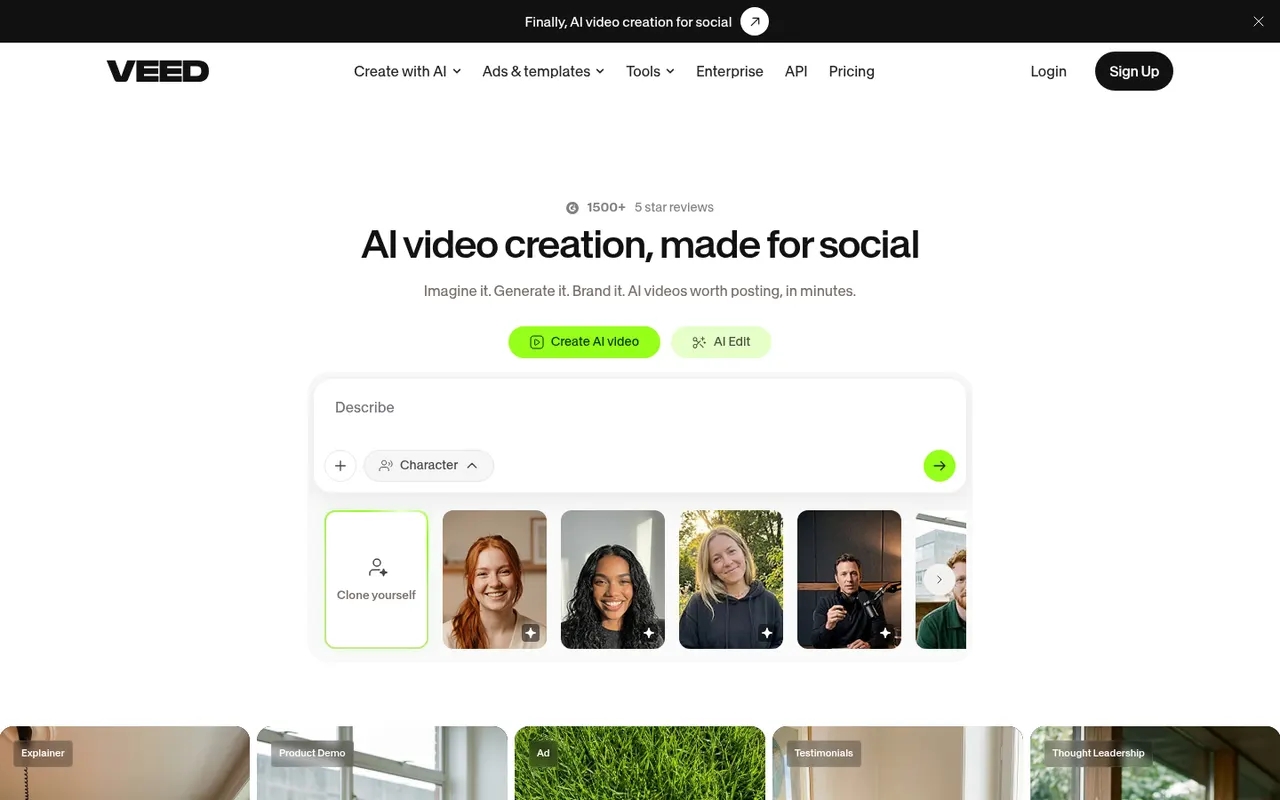
Cost / LicenseFreemiumProprietaryCategoriesVEED is a browser-based video editor with subtitles, translations, avatars and screen recording, built for teams producing social and marketing videos.
21 VEED alternativesPros
- Fast automatic subtitles and translations in the browser
- Screen recording and AI avatars in the same tool
- Team workspaces suit marketing and social video production
Cons
- Free plan exports carry a watermark
- Browser editing can lag on longer videos
- Advanced AI features require higher-tier plans
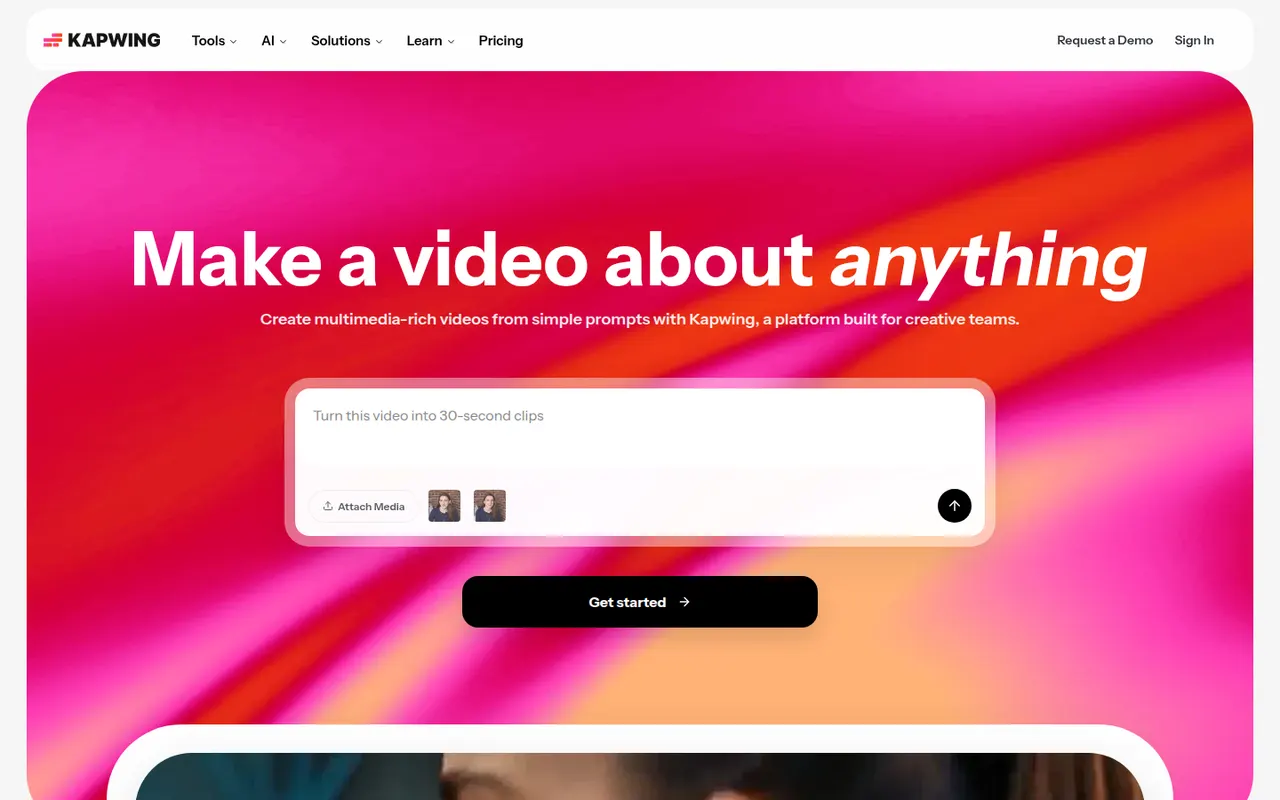
Cost / LicenseFreemiumProprietaryCategoriesPlatformsKapwing is a browser-based video editor built for teams that produce content together in real time. It includes transcript-based editing, automatic subtitles and translation, silence removal, a clip maker for repurposing long videos, and templates for social formats. It requires no installation and offers a free plan with export limits.
9 Kapwing alternativesPros
- Real-time collaborative editing in the browser
- Automatic subtitles, translation and silence removal
- Clip maker repurposes long videos into social shorts
Cons
- Free plan exports are limited
- Browser editing struggles with long or heavy projects
- Fewer advanced controls than desktop editors
Cost / LicenseFreemiumProprietaryCategoriesPlatformsiMovie is Apple's free video editor for Mac, iPhone and iPad. It covers the basics with a simple timeline, titles, transitions, filters, green-screen effects and soundtracks, plus trailer templates and storyboards that guide beginners. Projects can be moved to Final Cut Pro when more advanced editing is needed.
8 iMovie alternativesPros
- Free on Mac, iPhone and iPad
- Trailer templates and storyboards guide beginners
- Projects can move to Final Cut Pro when needs grow
Cons
- Very limited control over tracks and effects
- Apple-only, with no Windows or Android version
Cost / LicenseFreeProprietaryCategoriesFeaturesFilmora is a consumer video editor from Wondershare for YouTubers, educators and small businesses. It pairs a multi-track timeline with a large library of effects, templates and stock media, and adds AI tools such as auto captions, background removal, text-to-speech and audio denoising. It is available for Windows and macOS, with mobile apps; the free version adds a watermark on export.
11 Filmora alternativesPros
- Beginner-friendly interface with a gentle learning curve
- Large library of effects, templates and stock media
- AI tools for captions, background removal and audio denoising
Cons
- Free version adds a watermark to exports
- Some effects and AI features cost extra
- Not suited to complex professional projects
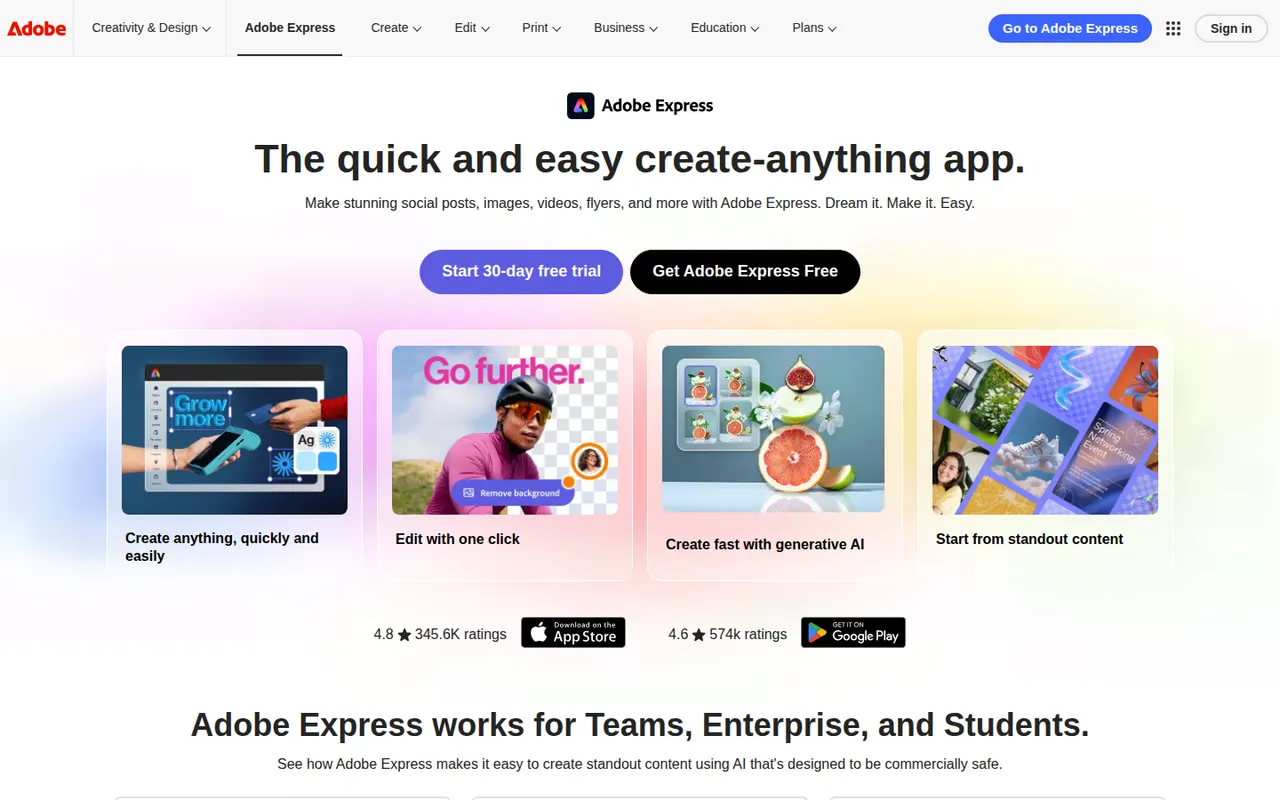
Cost / LicenseFreemiumProprietaryCategoriesAdobe Express is a web and mobile design app for producing social media posts, flyers, logos, short videos and simple web pages from templates. It includes Adobe Stock assets, Adobe Fonts, brand kits, one-click background removal and Firefly generative AI. It is aimed at small businesses, students and marketers who need quick results without a full Creative Cloud workflow.
11 Adobe Express alternativesPros
- Templates plus Adobe Stock and Adobe Fonts for quick, polished results
- One-click background removal and Firefly generative AI
- Brand kits and mobile apps keep content consistent on the go
Cons
- Premium templates, assets and generative credits require a paid plan
- Less precise than Creative Cloud apps for detailed design work
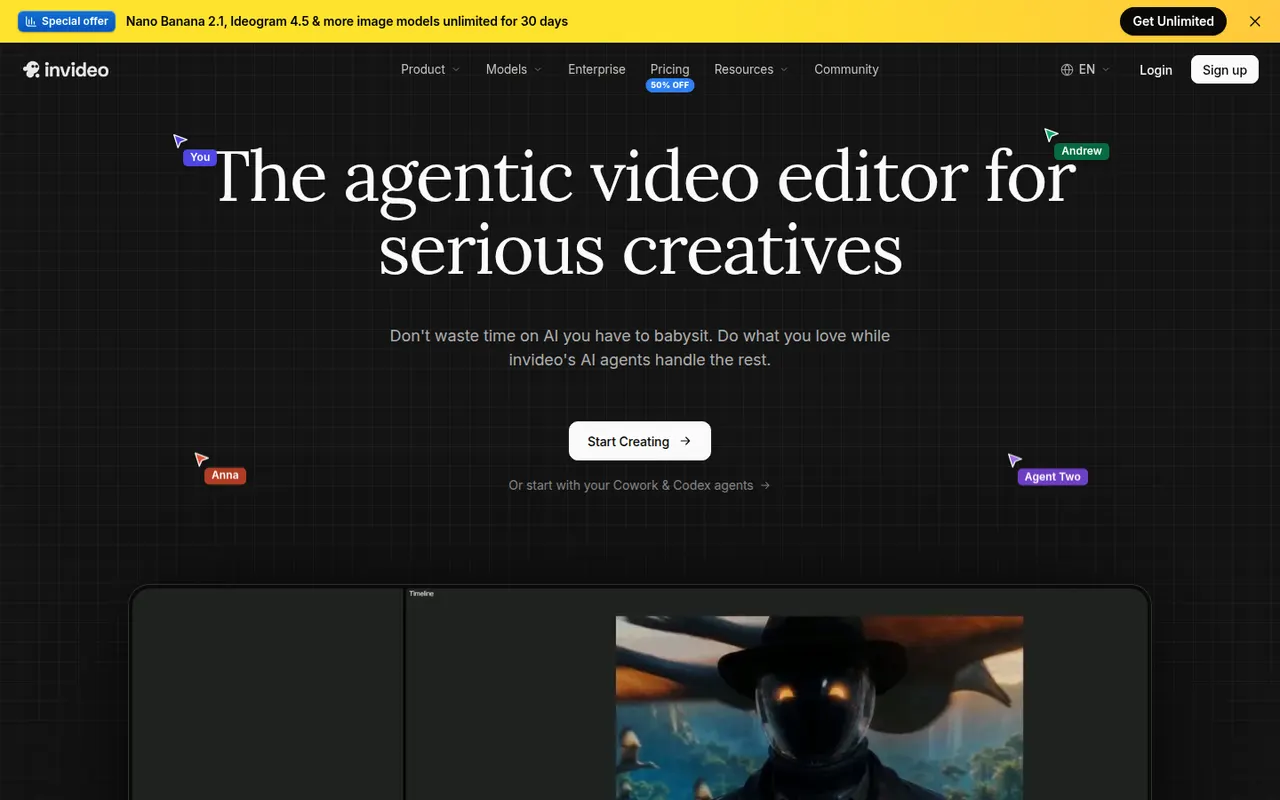
Cost / LicenseFreemiumProprietaryCategoriesInVideo AI turns a prompt into a full video with script, stock footage, voiceover and subtitles, then lets you edit the result with text commands.
20 InVideo AI alternativesPros
- Builds a full video from one prompt: script, footage, voice and subtitles
- Edit the result with plain text commands
- Templates and stock media cover many video formats
Cons
- Stock footage picks can feel generic or off-topic
- Free plan exports carry a watermark
- Precise edits are harder than in a timeline editor
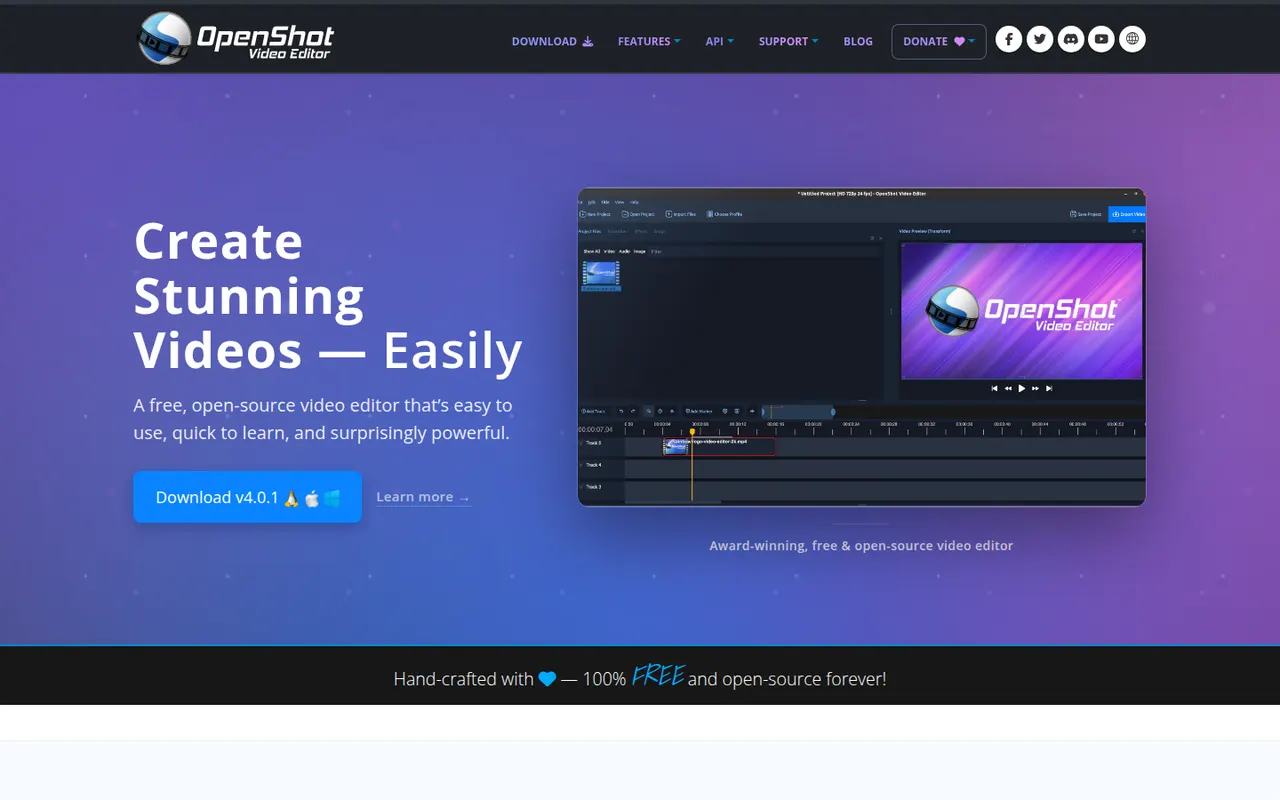
Cost / LicenseFreemiumProprietaryCategoriesOpenShot is a free, open source video editor designed to be easy to learn. It offers a multi-track timeline with drag and drop, keyframe animations, transitions, title templates, chroma key and 3D animated titles rendered with Blender. It runs on Windows, macOS, Linux and ChromeOS and is a common choice for beginners who want a no-cost desktop editor.
8 OpenShot alternativesPros
- Simple drag-and-drop editing that beginners learn quickly
- Free and open source on Windows, macOS, Linux and ChromeOS
- Animated 3D titles rendered with Blender
Cons
- Performance and stability suffer on longer projects
- Limited advanced tools compared with DaVinci Resolve or Kdenlive
Cost / LicenseFreeOpen sourceCategories


















Clipchamp vs its alternatives at a glance
Pricing, platforms and the key features of Clipchamp, compared with its most popular alternatives.
| App | Pricing | Platforms | 4K export | AI voiceover | Auto captions | Green screen | Stock media library |
|---|---|---|---|---|---|---|---|
 Clipchamp Clipchamp | Freemium | Web, Windows, iPhone | |||||
 CapCut CapCut | Freemium | Web, Windows, Mac, iPhone, Android | |||||
 Canva Canva | Freemium | Web, Windows, Mac, iPhone, Android | |||||
 VEED VEED | Freemium | Web | |||||
 Kapwing Kapwing | Freemium | Web | |||||
 iMovie iMovie | Free | Mac, iPhone |
Clipchamp alternatives: frequently asked questions
What is the best alternative to Clipchamp?
The most popular alternative to Clipchamp is CapCut: All-in-one video editor for social media. Other great alternatives are Canva, VEED, Kapwing, and iMovie.
Is there a free alternative to Clipchamp?
Yes, 9 alternatives are free or have a free plan, including CapCut, Canva, VEED, and Kapwing.
Is there an open source alternative to Clipchamp?
Yes, one open source alternative is listed: OpenShot.
Is Clipchamp free?
Clipchamp has a free plan, with paid plans that unlock more features.
Compare Clipchamp with its alternatives


Sponsored listings and products made by the publisher of this site are always labeled. How we rank · Know a good alternative? Submit it