Apps with AI assistant
114 apps
Top AI assistant apps ranked by the community
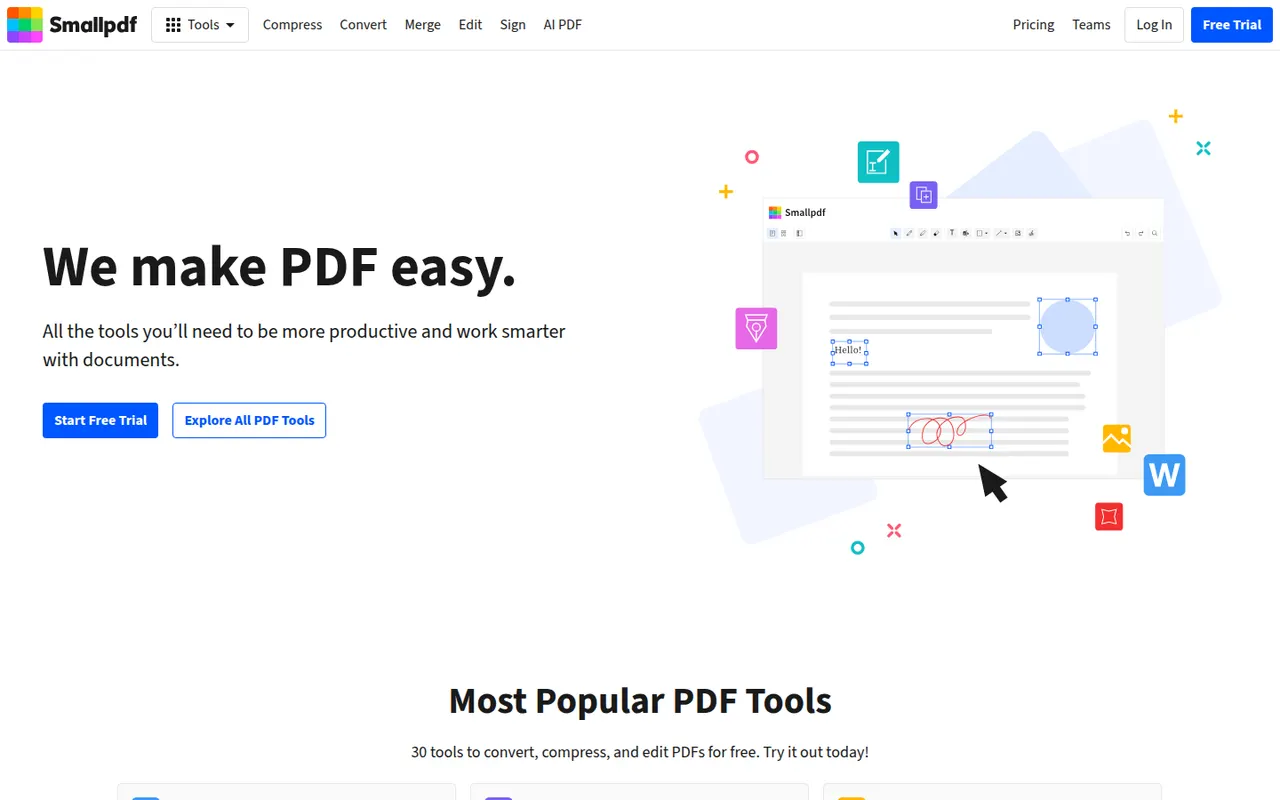
Smallpdf is a Swiss PDF platform with simple tools to compress, convert, merge, split, edit and sign PDFs from the browser, plus desktop and mobile apps. It is aimed at individuals and teams with quick, occasional PDF tasks. Free users get a limited number of tasks per day, while the Pro plan removes limits and adds OCR, batch processing and AI tools for summarising documents.
8 Smallpdf alternativesPros
- Clean, simple tools for quick PDF tasks in the browser
- Compress, convert, merge, edit and sign in one place
- Desktop and mobile apps alongside the web version
Cons
- Free users get only a few tasks per day
- OCR, batch processing and AI tools require Pro
- Files are processed online, a concern for sensitive documents
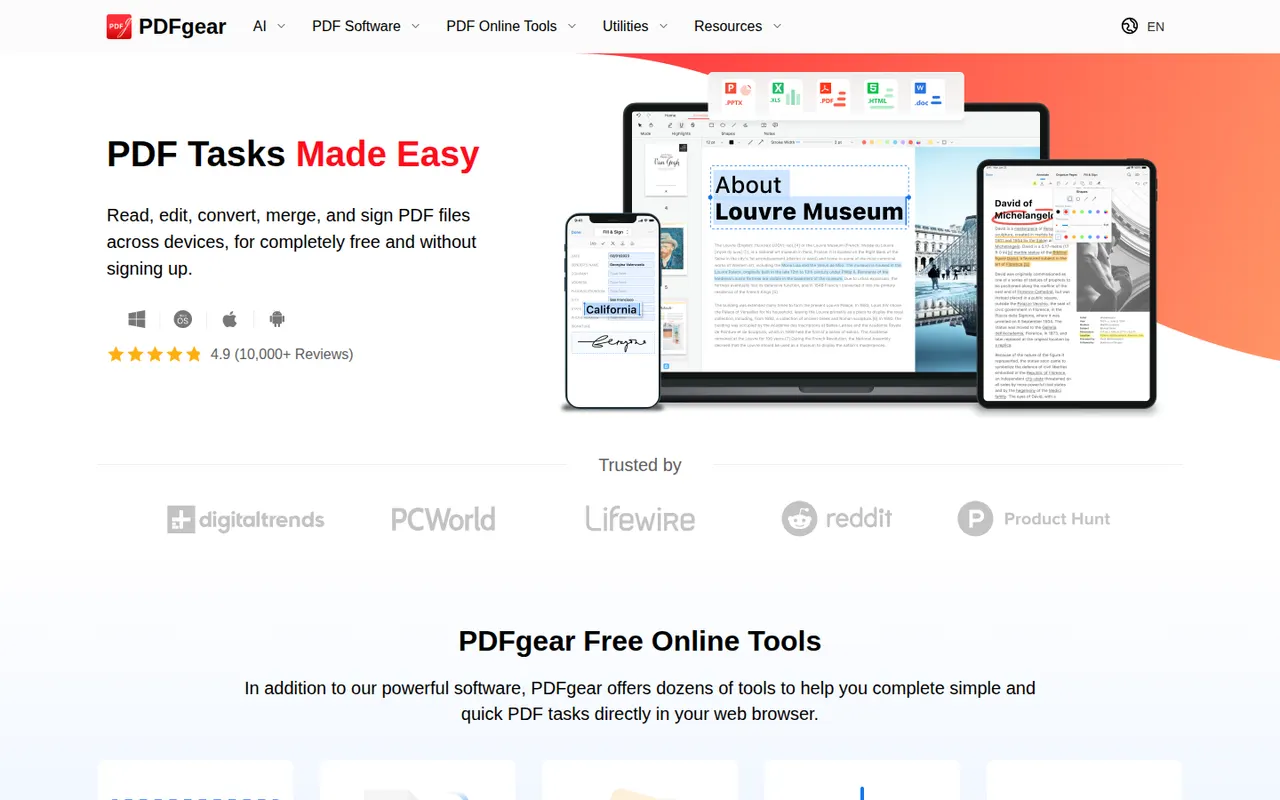
Cost / LicenseFreemiumProprietaryCategoriesPDFgear is a free PDF application from Singapore-based PDF Gear Tech for reading, editing, converting, merging, compressing and signing documents. It includes OCR for scanned files and a Copilot assistant that summarises PDFs and carries out edits from chat requests. It is available on Windows, Mac, iPhone, iPad, Android and the web, without watermarks or a required account.
10 PDFgear alternativesPros
- Free editing, conversion and signing without watermarks
- No account required to use the apps
- Copilot assistant summarises PDFs and applies edits from chat
Cons
- Text editing is less precise than in Acrobat or Foxit
- Younger product with less of a track record than established editors
Cost / LicenseFreeProprietaryCategoriesQuickBooks is Intuit's accounting software for small businesses and self-employed people, offered mainly as the cloud-based QuickBooks Online, with desktop editions for Windows. It handles invoicing, bank feeds, expense and receipt tracking, sales tax, reports and payroll, and connects to many third-party apps and accountants. Intuit Assist adds AI help, and plans are paid after a free trial.
12 QuickBooks alternativesPros
- Widely known by accountants, which eases collaboration
- Large ecosystem of connected third-party apps
- Covers invoicing, bank feeds, sales tax and payroll
Cons
- Subscription costs add up, especially with payroll on top
- Features vary a lot between countries and editions
- Takes longer to learn than simpler invoicing apps
Cost / LicenseFree trialProprietaryCategoriesZapier is a no-code automation platform that connects thousands of web apps so that a trigger in one, such as a new form entry, starts actions in others. Beyond multi-step Zaps with filters and branching, it includes tables, interfaces, AI steps and agents that work across connected tools. A free plan covers simple workflows, and paid plans are priced by task volume.
8 Zapier alternativesPros
- Connects thousands of apps, so most tools are already supported
- Very easy to start with for non-technical users
- Tables, interfaces and AI agents go beyond simple Zaps
Cons
- Costs rise quickly as task volume grows
- Complex logic is clumsier to build than on a visual canvas like Make
- Cloud only, with no self-hosting option
Cost / LicenseFreemiumProprietaryCategoriesPlatformsPower Automate is Microsoft's automation service, part of the Power Platform, for building cloud flows between Microsoft 365, Dynamics, Azure and hundreds of third-party connectors. Its desktop app adds robotic process automation for Windows applications and websites, and Copilot can draft flows from a description. Basic use is included in many Microsoft 365 plans, with premium licences for advanced connectors.
8 Power Automate alternativesPros
- Deep integration with Microsoft 365, Teams, SharePoint and Dynamics
- Desktop RPA automates Windows apps and websites without APIs
- Basic use is included in many Microsoft 365 plans
Cons
- Licensing is complex, with premium connectors behind extra licences
- The flow designer can feel clunky and errors are hard to debug
- Less convenient outside the Microsoft ecosystem
Cost / LicenseFreemiumProprietaryCategoriesGumloop is a no-code platform for building AI workflows and agents on a visual canvas, connecting language models from OpenAI, Anthropic and Google to business apps, web scraping and data enrichment nodes. An assistant can draft flows from a description, and a Chrome extension records browser actions for sites without an API. A free plan with monthly credits is available.
8 Gumloop alternativesPros
- Visual canvas connects AI models to business apps without code
- Assistant drafts flows from a plain-language description
- Chrome extension automates sites that have no API
Cons
- Credit-based usage can be hard to predict for heavy workflows
- Fewer app integrations than long-established automation platforms
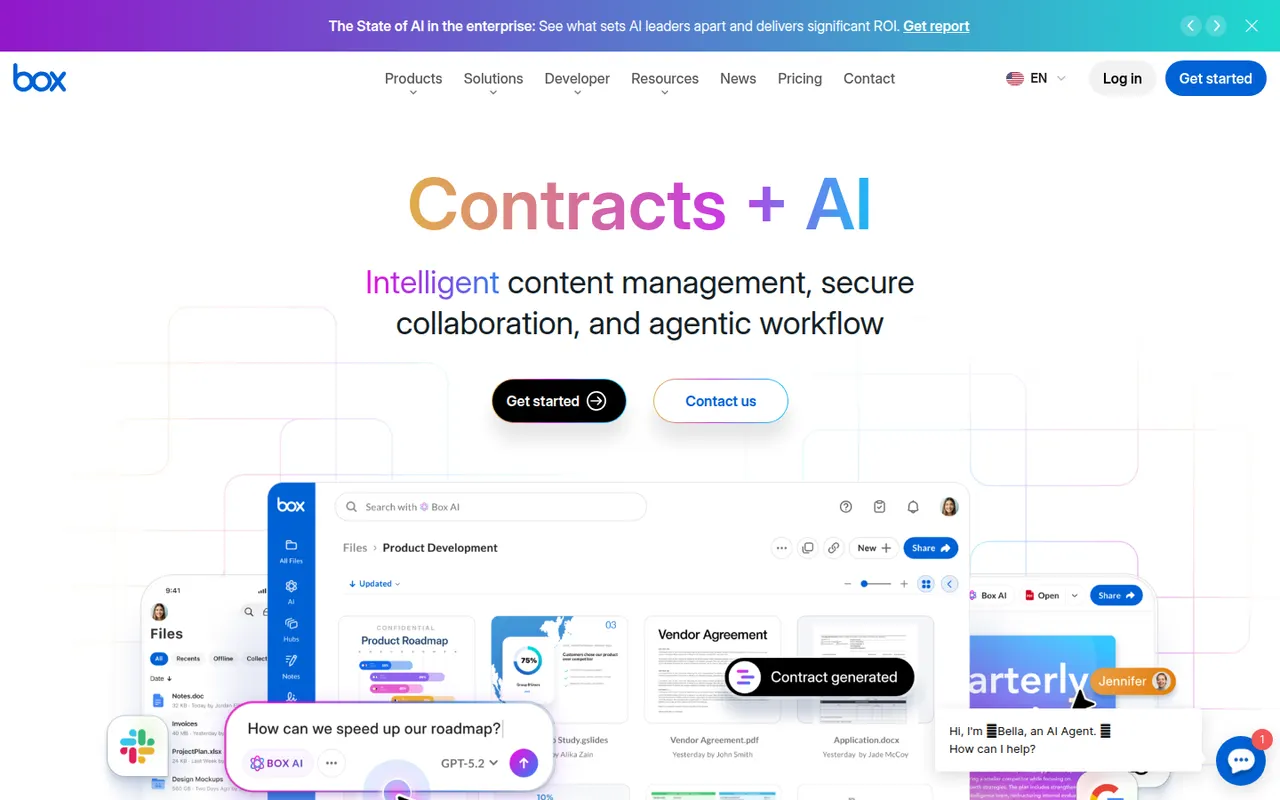
Cost / LicenseFreemiumProprietaryCategoriesPlatformsBox is a cloud storage and file sharing platform aimed at companies that need control over their documents. It offers granular permissions, version history, single sign-on, compliance tooling and integrations with Microsoft 365, Google Workspace, Slack and many business apps, plus Box AI for asking questions about stored content. A free individual plan is available.
10 Box alternativesPros
- Granular permissions and compliance tools for regulated companies
- Integrates with Microsoft 365, Google Workspace, Slack and many business apps
- Box AI answers questions about stored documents
Cons
- The free plan is limited in storage and file upload size
- Aimed at businesses, less appealing for personal use
- Many admin and security features sit in higher-tier plans
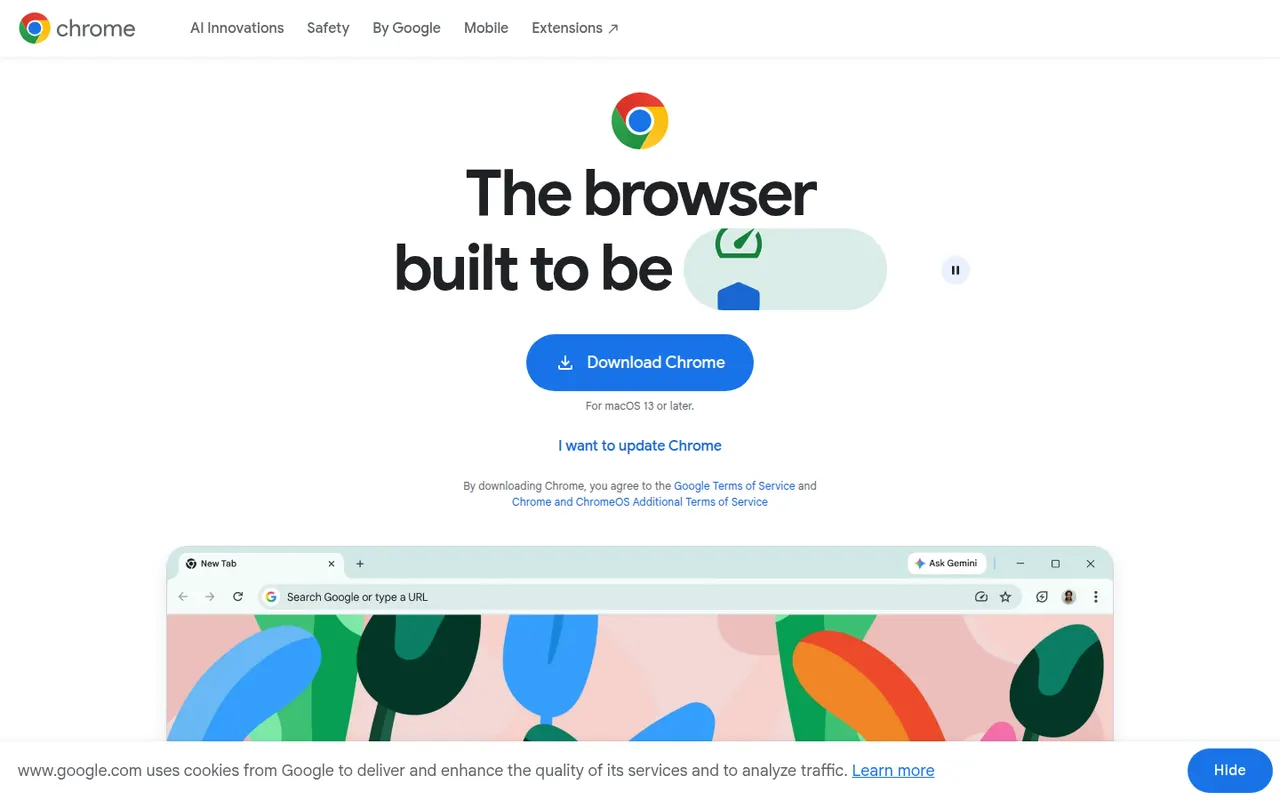
Cost / LicenseFreemiumProprietaryCategoriesGoogle Chrome is Google's web browser, built on the open source Chromium project and available on desktop and mobile. It syncs bookmarks, passwords, history and tabs through a Google account, gives access to the large Chrome Web Store extension catalog, and includes tab groups, Incognito mode, a built-in password manager and Gemini AI features in some countries.
11 Google Chrome alternativesPros
- Largest extension catalog through the Chrome Web Store
- Smooth sync of tabs, passwords and history across devices
- Excellent site compatibility, since most sites are tested on it
Cons
- Ties browsing closely to a Google account and its data collection
- Can be heavy on memory with many tabs open
- Manifest V3 has weakened ad blockers such as uBlock Origin
Cost / LicenseFreeProprietaryCategoriesMicrosoft Edge is Microsoft's web browser, based on Chromium and preinstalled on Windows, with versions for macOS, Linux, iOS and Android. It runs Chrome Web Store extensions, offers vertical tabs, workspaces, tracking prevention and InPrivate browsing, and integrates Copilot in a sidebar to summarize pages and answer questions. Businesses also get an Internet Explorer mode for legacy sites.
9 Microsoft Edge alternativesPros
- Preinstalled on Windows and runs Chrome Web Store extensions
- Vertical tabs and workspaces built in
- Internet Explorer mode for legacy business sites
Cons
- Pushes Bing, Copilot and other Microsoft services insistently
- Default new tab page is cluttered with news and ads
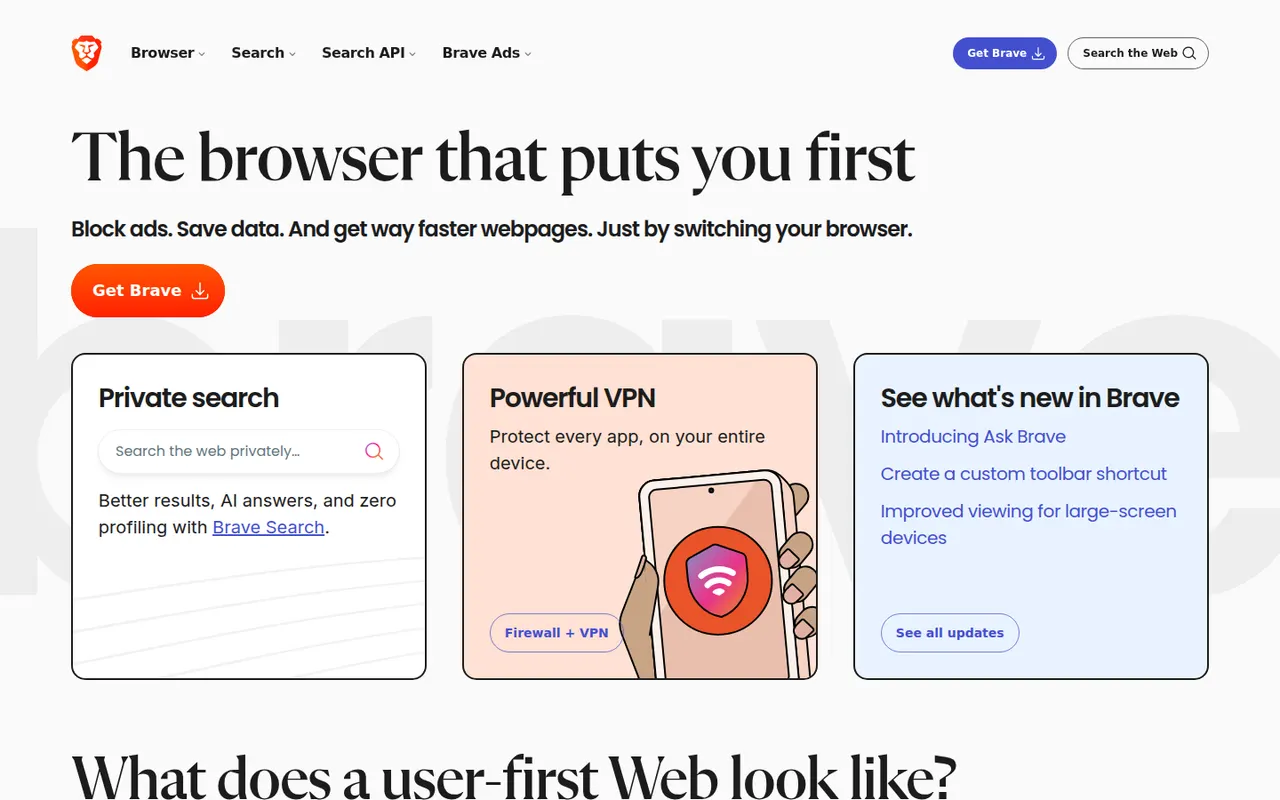
Cost / LicenseFreeProprietaryCategoriesBrave is an open source browser built on Chromium that blocks ads, trackers and fingerprinting by default through its Shields feature. It stays compatible with Chrome extensions on desktop and adds Brave Search, private windows with Tor, the Leo AI assistant and an opt-in rewards program based on privacy-preserving ads. A VPN and Leo Premium are offered as paid extras.
12 Brave alternativesPros
- Blocks ads, trackers and fingerprinting by default
- Compatible with Chrome extensions on desktop
- Private windows with Tor built in
Cons
- Crypto wallet, rewards and other extras clutter the interface
- Some sites break when Shields block their scripts
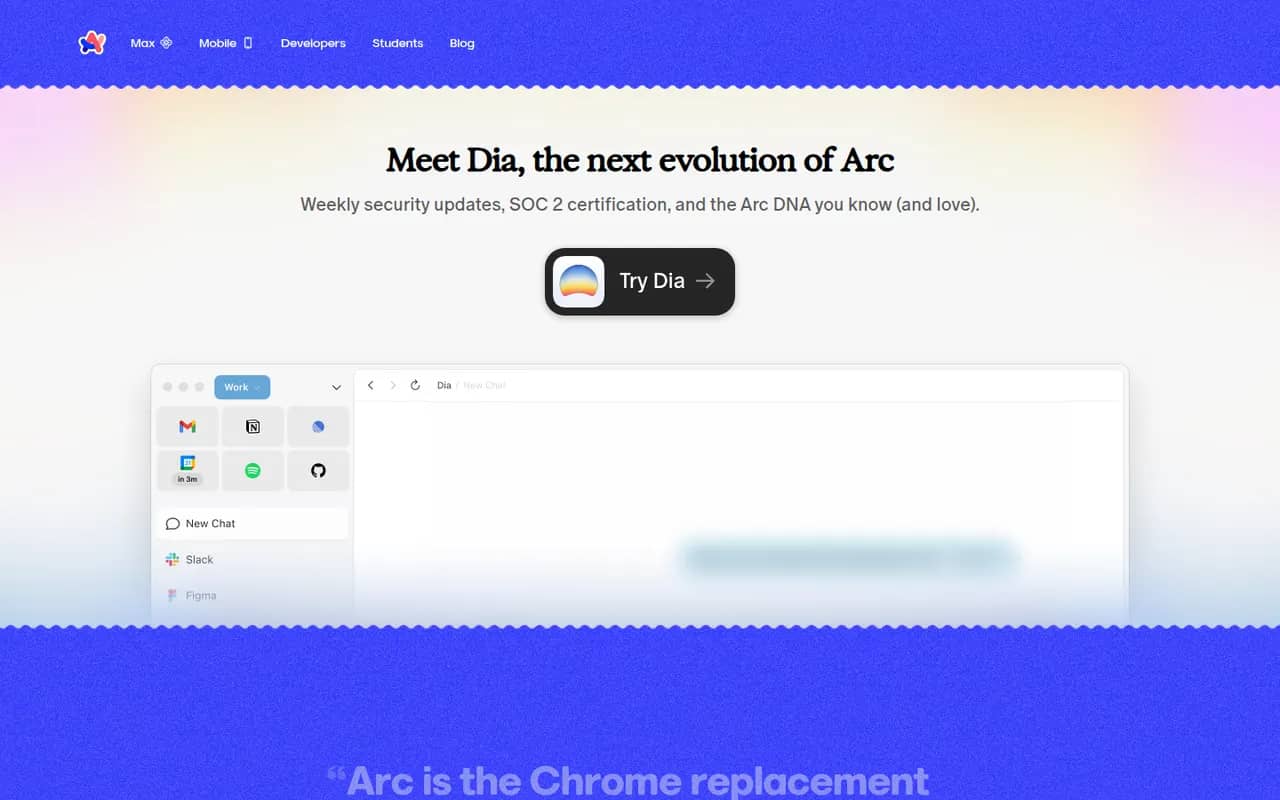
Cost / LicenseFreeOpen sourceCategoriesArc is a Chromium-based browser from The Browser Company that replaces the tab bar with a sidebar, where tabs are grouped into spaces and pinned items while unused tabs are archived automatically. It supports Chrome extensions, split view and Arc Max AI features on macOS and Windows. The company has since shifted its focus to Dia, so Arc mainly receives maintenance updates.
9 Arc alternativesPros
- Sidebar with spaces and pinned tabs keeps browsing organized
- Automatic archiving of unused tabs reduces clutter
- Supports Chrome extensions and split view
Cons
- Only receives maintenance updates since the focus moved to Dia
- Unconventional interface takes time to get used to
- No Linux version is available
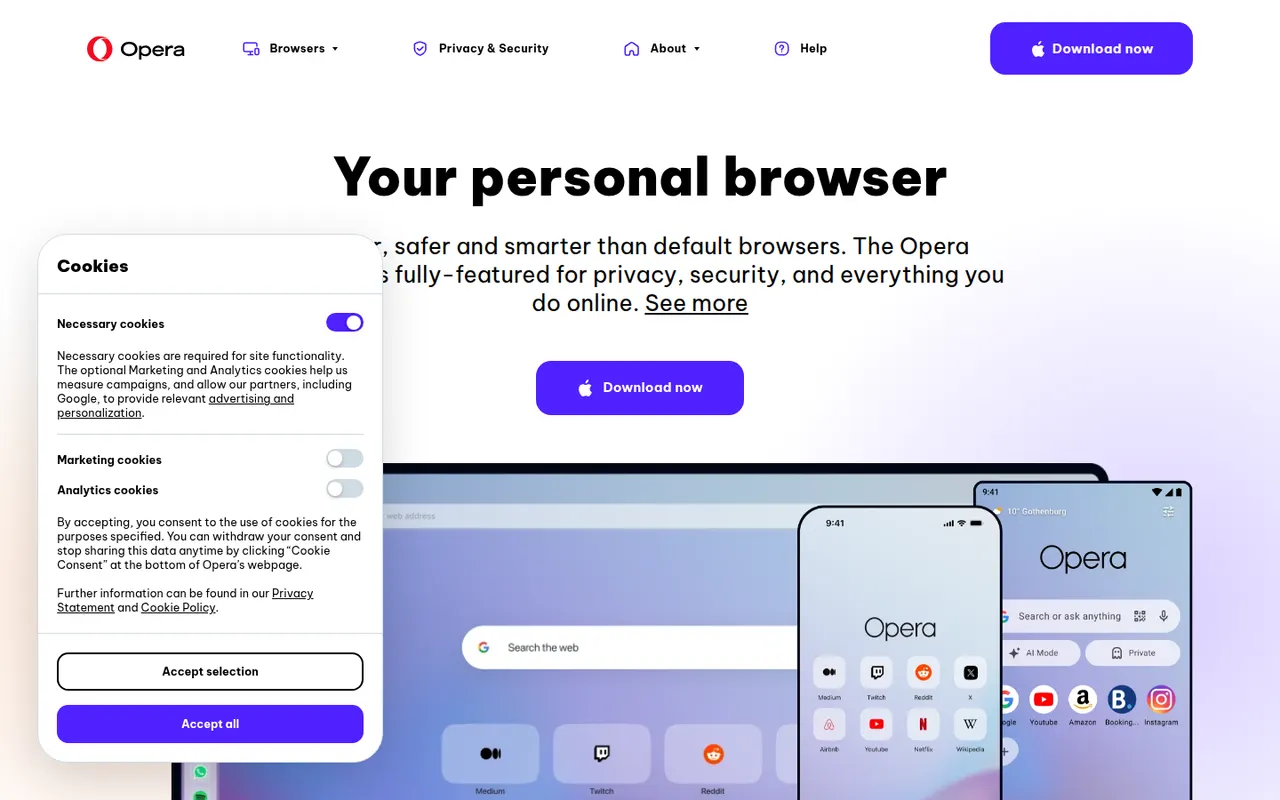
Cost / LicenseFreeProprietaryCategoriesOpera is a long-running web browser, now built on Chromium, that bundles features others leave to extensions: an ad blocker, a free browser VPN, messaging apps in the sidebar, workspaces, tab islands and the Aria AI assistant. It runs Chrome Web Store extensions and is available on desktop and mobile. The same company makes Opera GX, a variant aimed at gamers.
8 Opera alternativesPros
- Free built-in browser VPN and ad blocker
- Messaging apps and workspaces in the sidebar
- Runs Chrome Web Store extensions
Cons
- Built-in VPN only covers the browser, not other apps
- Many bundled features and promotions make the interface busy
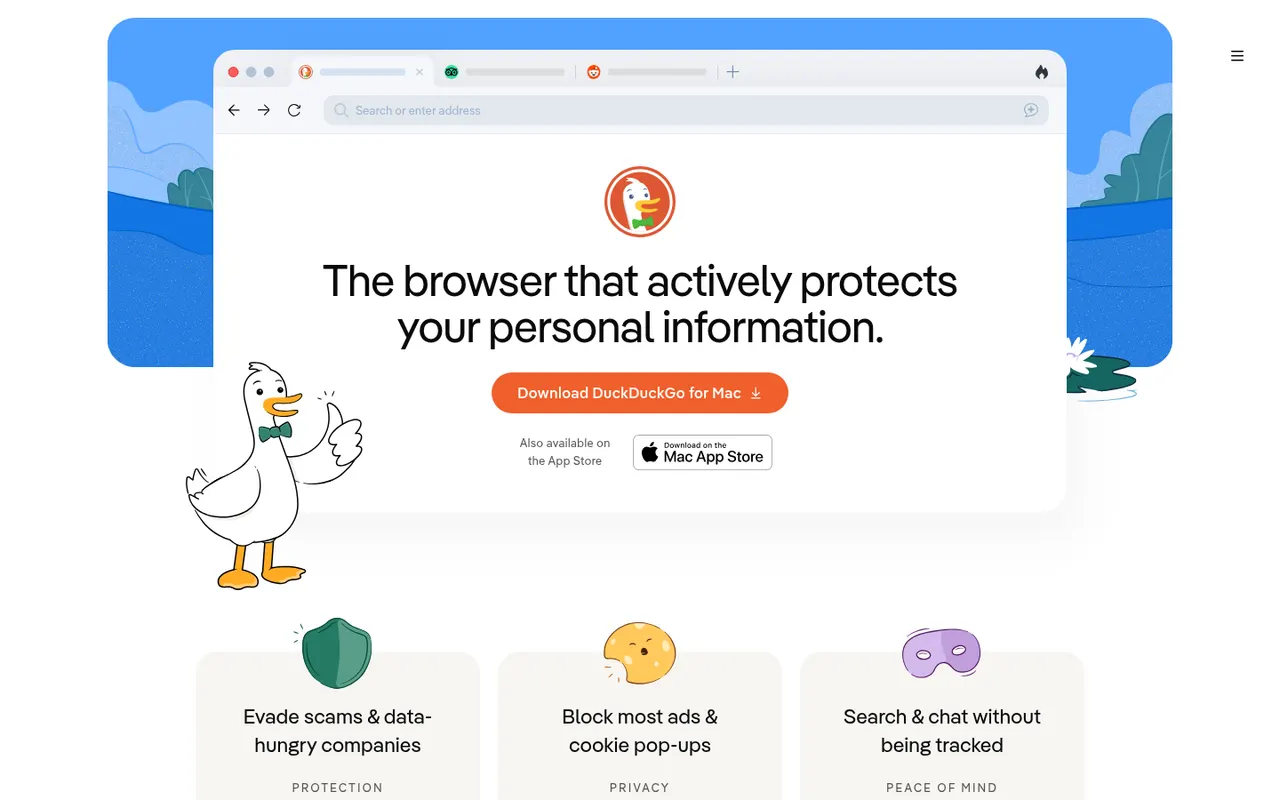
Cost / LicenseFreeProprietaryCategoriesThe DuckDuckGo browser is a free, privacy-focused browser for iPhone, Android, Mac and Windows that uses DuckDuckGo search and blocks hidden trackers by default. The Fire Button clears tabs and data in one tap, Duck Player shows YouTube videos without personalized ads, and Email Protection forwards mail through @duck.com aliases. It also offers private Duck.ai chat and end-to-end encrypted sync.
8 DuckDuckGo Browser alternativesPros
- Blocks hidden trackers by default with no setup
- Fire Button clears tabs and data in one tap
- Built-in email aliases and Duck Player for YouTube
Cons
- No support for third-party extensions
- Fewer customization options than mainstream browsers
- No Linux version is available
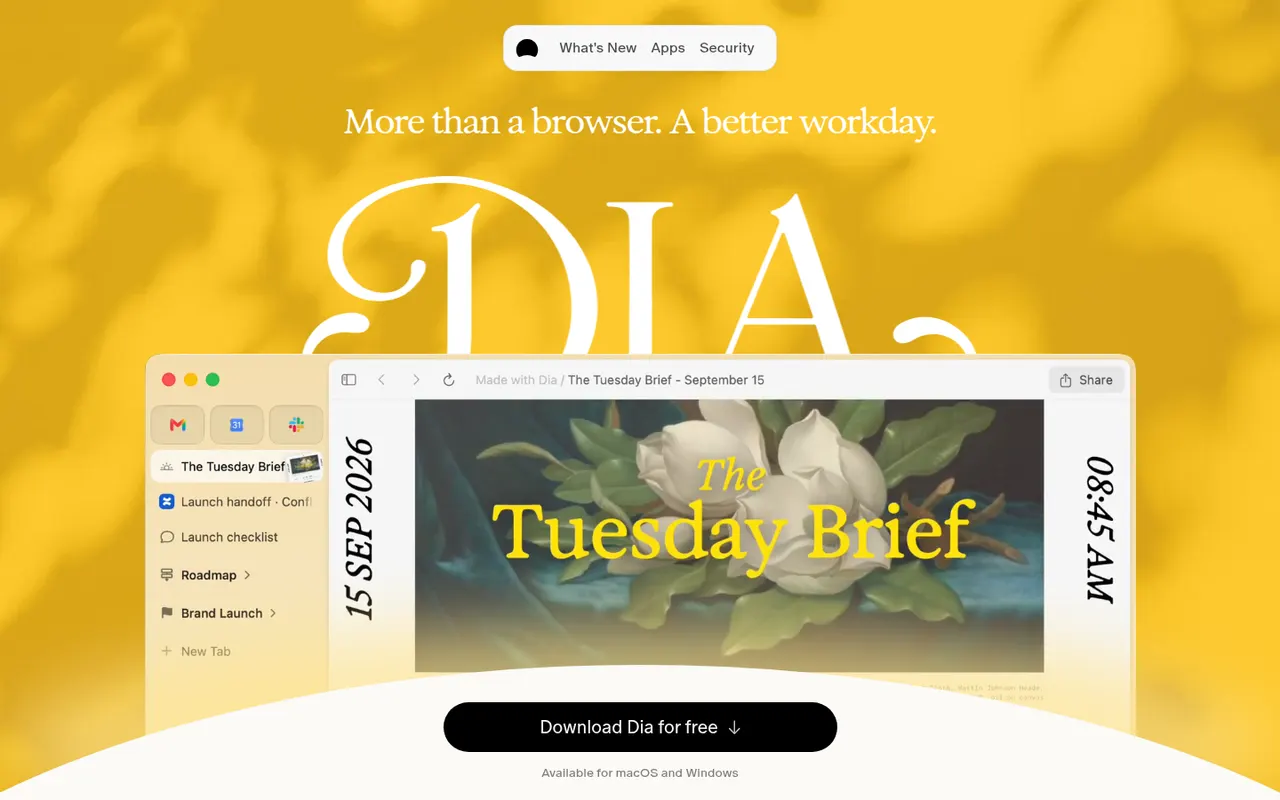
Cost / LicenseFreeProprietaryCategoriesDia is a Chromium-based web browser from The Browser Company, the makers of Arc, designed around a built-in AI assistant. You can chat with the current page or several open tabs to summarize, compare or draft content, and save reusable prompts as Skills. It supports Chrome extensions, runs on macOS and offers a paid Pro plan with higher AI usage limits.
9 Dia alternativesPros
- Chat with the current page or several tabs at once
- Reusable prompts can be saved as Skills
- Supports Chrome extensions on a familiar Chromium base
Cons
- Available only on macOS
- Heavier AI use requires the paid Pro plan
- Fewer power-user tab features than Arc
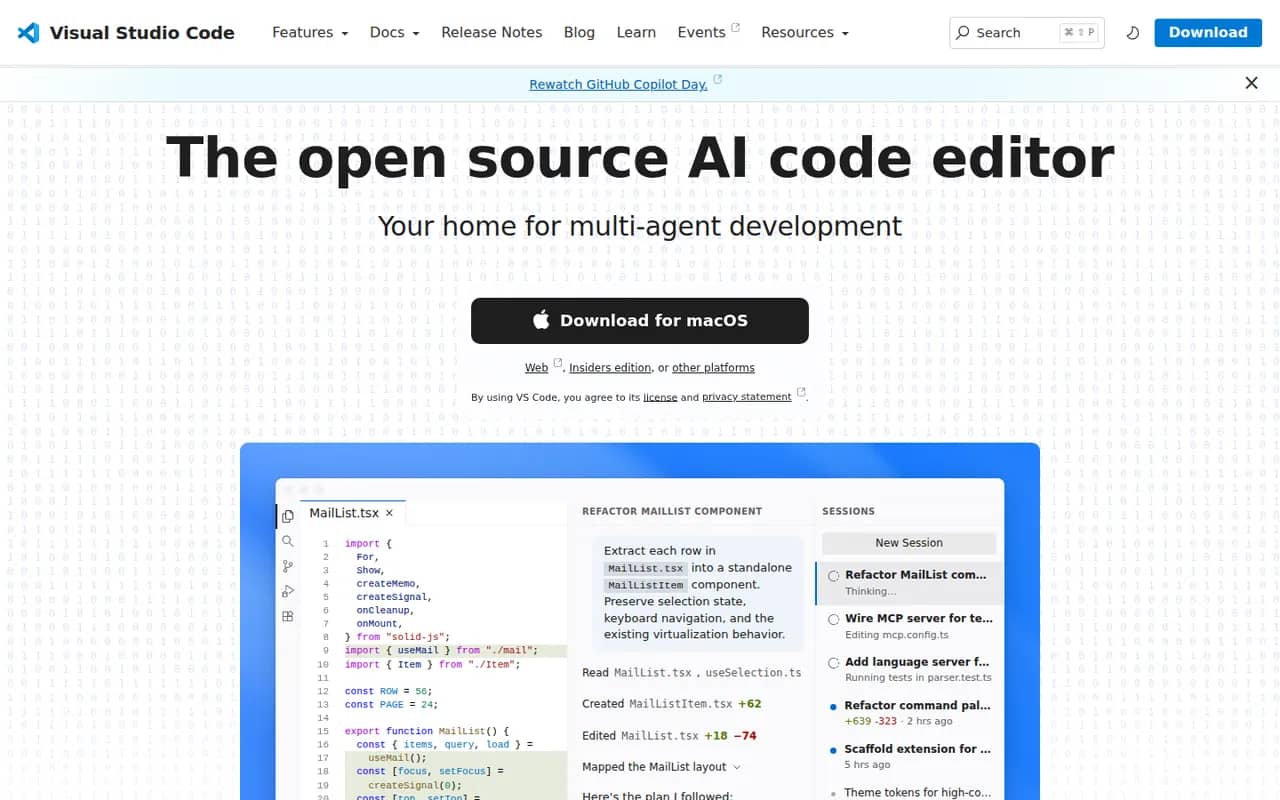
Cost / LicenseFreemiumProprietaryCategoriesPlatformsVisual Studio Code is a free source code editor from Microsoft that runs on Windows, macOS, Linux and in the browser. It combines IntelliSense completion, a built-in debugger, Git tools and an integrated terminal with a large extensions marketplace. It is built on the MIT-licensed Code - OSS project and integrates GitHub Copilot for AI chat and agent workflows.
12 Visual Studio Code alternativesPros
- Huge extensions marketplace for almost any language or tool
- Integrated terminal, debugger and Git tools
- Remote development over SSH, in containers and with WSL
Cons
- Official builds include Microsoft telemetry and proprietary components
- As an Electron app it uses more memory than native editors
- Large extension setups can slow it down
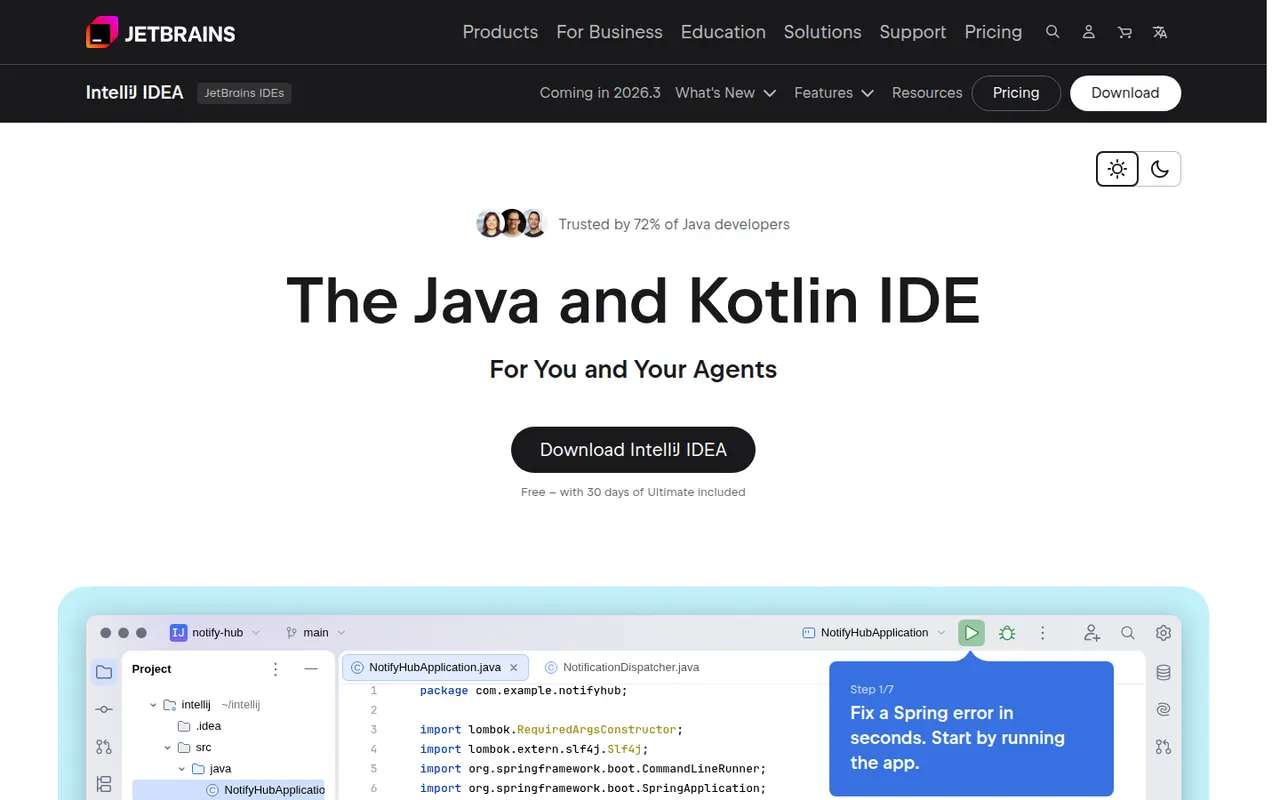
Cost / LicenseFreeOpen sourceCategoriesIntelliJ IDEA is the JetBrains development environment for Java, Kotlin, Groovy and Scala, with deep code analysis, refactoring, a debugger and Maven and Gradle support. Since 2025 it ships as a single download: the core IDE is free, including for commercial work, and a subscription unlocks advanced Ultimate features for enterprise frameworks and web development. JetBrains AI tools are built in.
10 IntelliJ IDEA alternativesPros
- Deep code analysis and safe refactoring for Java and Kotlin
- The core IDE is free, including for commercial work
- Excellent Maven, Gradle and debugger integration
Cons
- Resource-hungry, with slow indexing on large projects
- Enterprise framework and web features require a subscription
Cost / LicenseFreemiumProprietaryCategoriesWebStorm is a JetBrains IDE dedicated to JavaScript and TypeScript, with built-in support for React, Angular, Vue, Node.js and common test runners. It provides smart completion, safe refactorings, a debugger for browser and Node code, and Git tools without extra plugins. WebStorm is free for non-commercial use, and a paid license is required for commercial work.
8 WebStorm alternativesPros
- Built-in support for React, Angular, Vue and Node.js
- Smart completion and safe refactoring for JavaScript and TypeScript
- Free for non-commercial use
Cons
- Commercial use requires a paid license
- Heavier than VS Code for quick edits
Cost / LicenseFreemiumProprietaryCategoriesPyCharm is the JetBrains IDE for Python, with code completion, inspections, refactoring, a graphical debugger, test runners and virtual environment management. A single distribution provides a free core for everyday Python work, while a Pro subscription unlocks advanced features for web frameworks such as Django, databases and remote development. JetBrains AI features are available in the IDE.
8 PyCharm alternativesPros
- Excellent Python completion, inspections and refactoring
- Graphical debugger, test runners and virtual environment management
- The free core covers everyday Python work
Cons
- Heavy on memory and slower to start than lighter editors
- Django, database and remote development tools require Pro
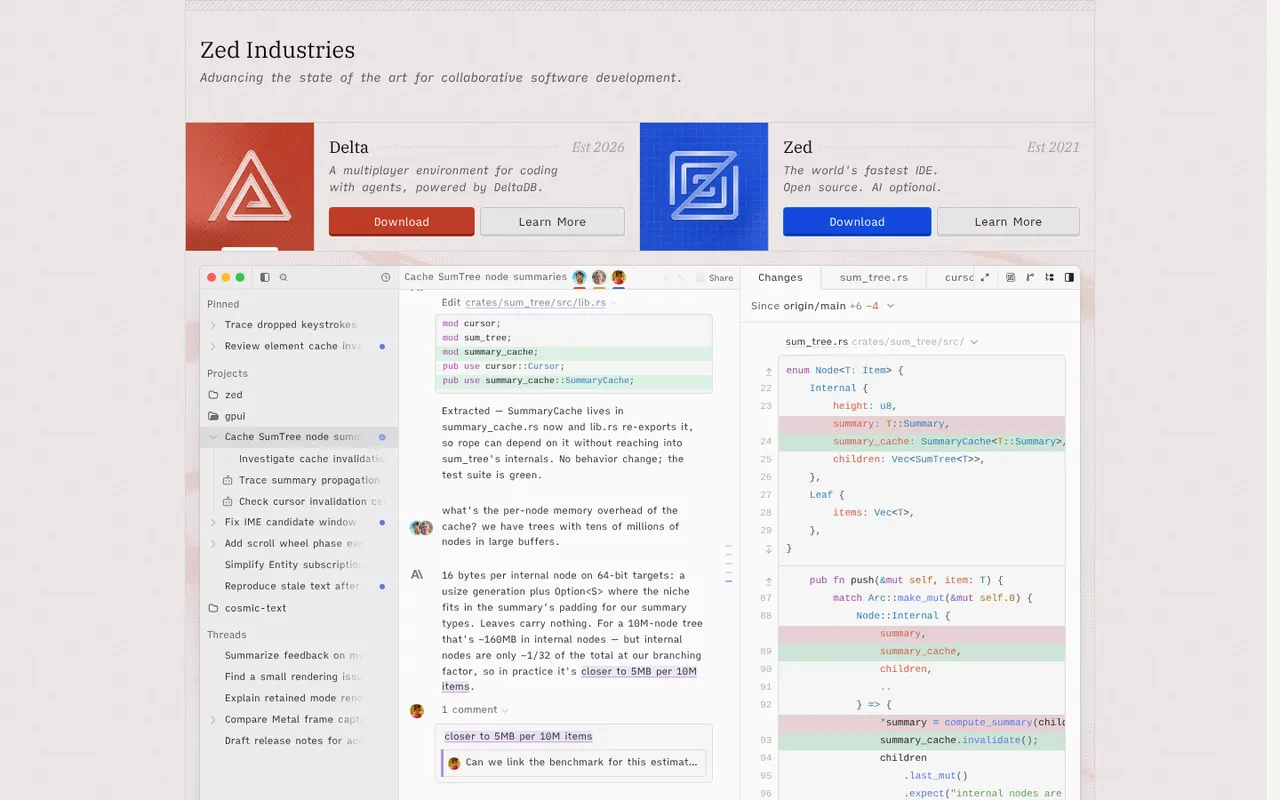
Cost / LicenseFreemiumProprietaryCategoriesZed is a code editor written in Rust by the creators of Atom and Tree-sitter, with a GPU-rendered interface that stays fast on large projects. It includes multiplayer editing, an agent panel that works with several AI models, edit predictions, Git tools, remote development over SSH and an extensions registry. Zed is open source under the GPL and runs on macOS, Linux and Windows; paid plans cover hosted AI usage.
12 Zed alternativesPros
- GPU-rendered interface that stays fast on large projects
- Built-in multiplayer editing and an agent panel for several AI models
- Open source under the GPL
Cons
- Smaller extension ecosystem than VS Code
- Some IDE features are less mature than in established editors
- Hosted AI usage requires a paid plan
Cost / LicenseFreemiumOpen sourceCategoriesVisual Studio is Microsoft's integrated development environment for building .NET, C# and C++ applications, games and cloud services. It includes IntelliSense, an advanced debugger and profiler, visual designers, testing tools, Git integration and GitHub Copilot. The Community edition is free for individuals, students, open source and small teams, while Professional and Enterprise are paid. It runs on Windows only.
8 Visual Studio alternativesPros
- Advanced debugger and profiler for .NET and C++ apps
- Visual designers and testing tools for Windows development
- Free Community edition for individuals, students and small teams
Cons
- Windows only, as Visual Studio for Mac has been retired
- Large install and heavy resource use
- Professional and Enterprise editions are paid
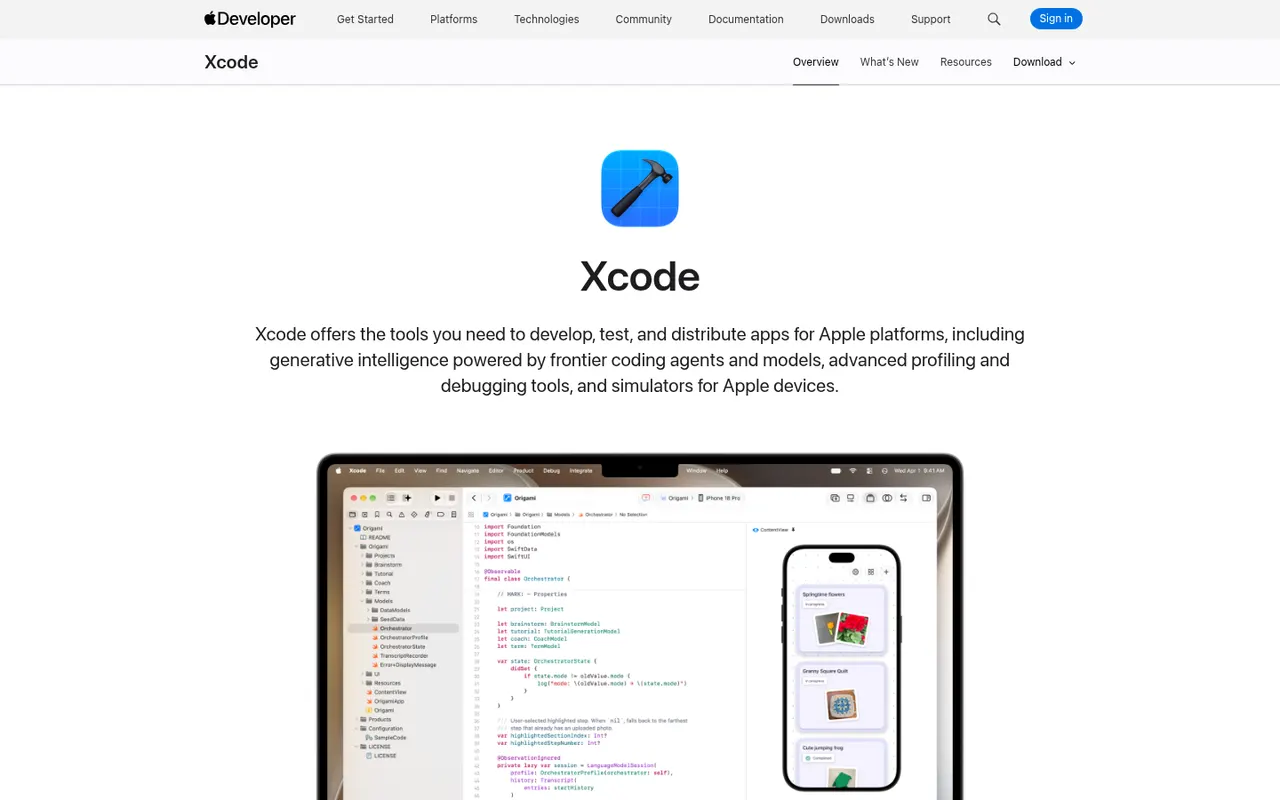
Cost / LicenseFreemiumProprietaryCategoriesPlatformsXcode is Apple's free development environment for building apps for iOS, iPadOS, macOS, watchOS, tvOS and visionOS. It bundles the Swift and Objective-C toolchains, SwiftUI previews, Interface Builder, device simulators, Instruments for profiling, a debugger and tools to submit apps to the App Store. Recent versions add predictive code completion and coding help from AI models. It runs on macOS only.
7 Xcode alternativesPros
- Everything needed to build and ship Apple apps in one free package
- SwiftUI previews, simulators and Instruments built in
- Built-in tools to submit apps to the App Store
Cons
- Runs only on macOS, so a Mac is required
- Large downloads and updates take up a lot of disk space
- Indexing and previews can be slow or unstable on large projects
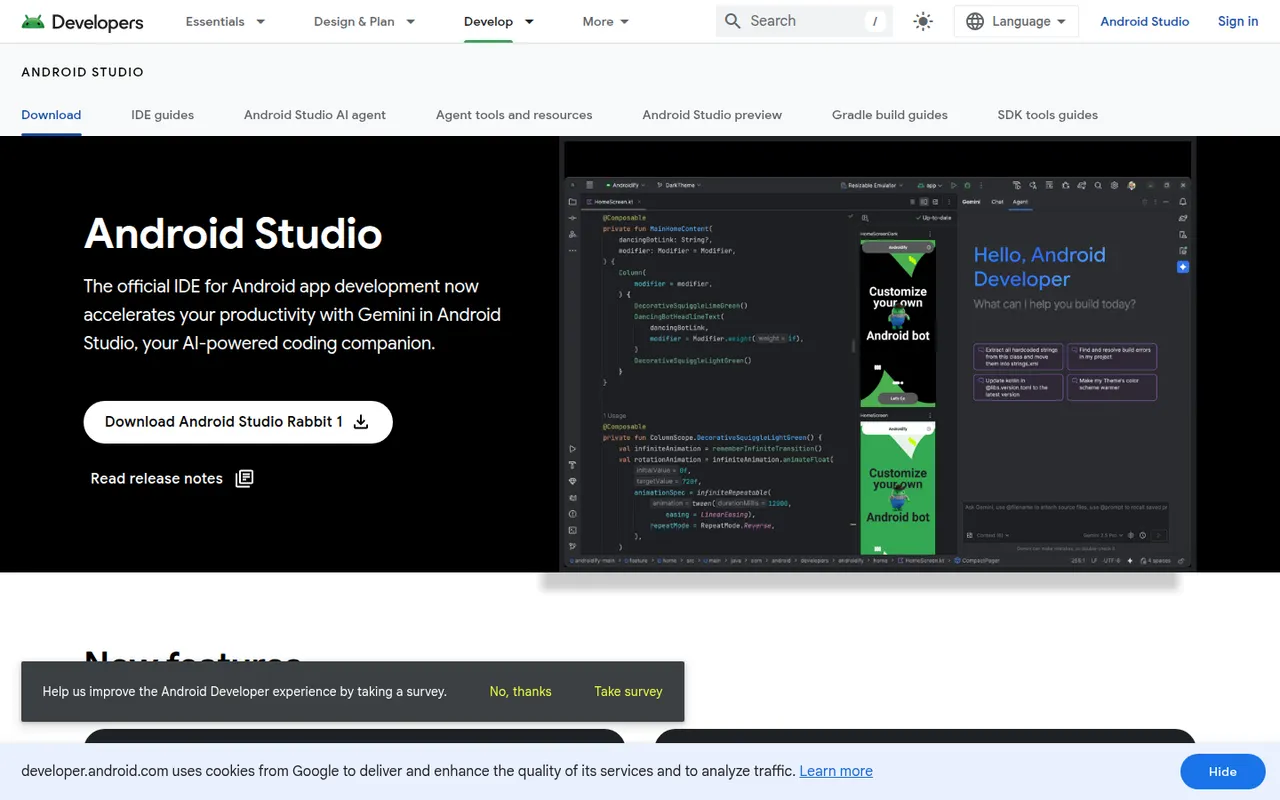
Cost / LicenseFreeProprietaryCategoriesPlatformsAndroid Studio is the official development environment for Android, built by Google on the IntelliJ platform. It provides Kotlin and Java editing, a visual layout editor, Jetpack Compose previews, an emulator, profilers and Gradle builds for phones, tablets, Wear OS, Android TV and cars. Gemini in Android Studio adds AI help for writing code and fixing errors. It is free on Windows, macOS, Linux and ChromeOS.
7 Android Studio alternativesPros
- Official, complete Android toolkit, free on all desktop systems
- Emulator, profilers and Compose previews built in
- Gemini helps write code and fix build errors
Cons
- Heavy on RAM and CPU, especially with the emulator running
- Gradle builds can be slow on large projects
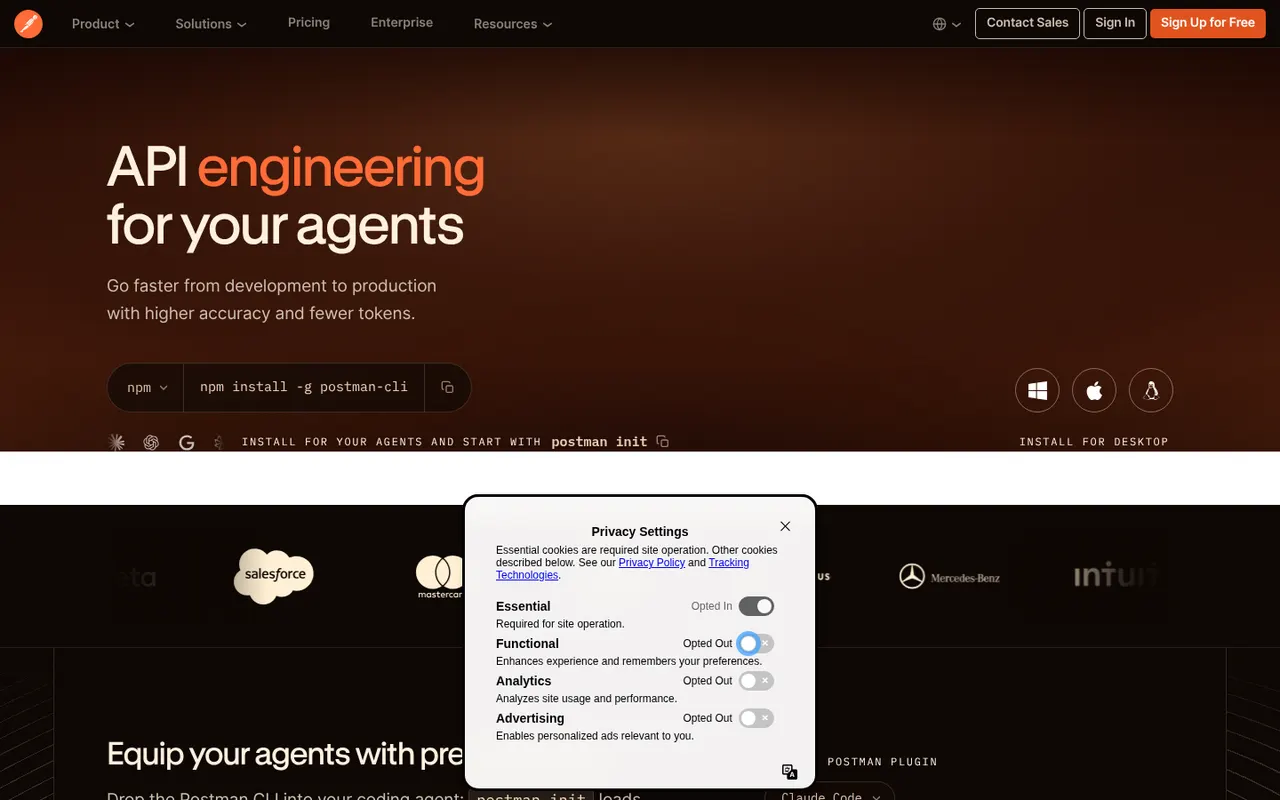
Cost / LicenseFreeProprietaryCategoriesPostman is an API platform for sending HTTP, GraphQL, gRPC and WebSocket requests, organizing them in collections and automating tests. It also covers API design, documentation, mock servers, monitors and AI-assisted features, with shared workspaces for teams. Postman runs on the web and as a desktop app; the free plan is limited to a single user, and team collaboration requires a paid plan.
6 Postman alternativesPros
- Covers the API lifecycle from design and testing to docs and monitors
- Large public network of shared API collections to start from
- Collection runner and scripts automate test suites, including in CI
Cons
- Free plan is limited to one user; team collaboration requires a paid plan
- The app feels heavy and cluttered for sending a quick request
- Cloud-centric workflow is a concern for teams handling sensitive APIs
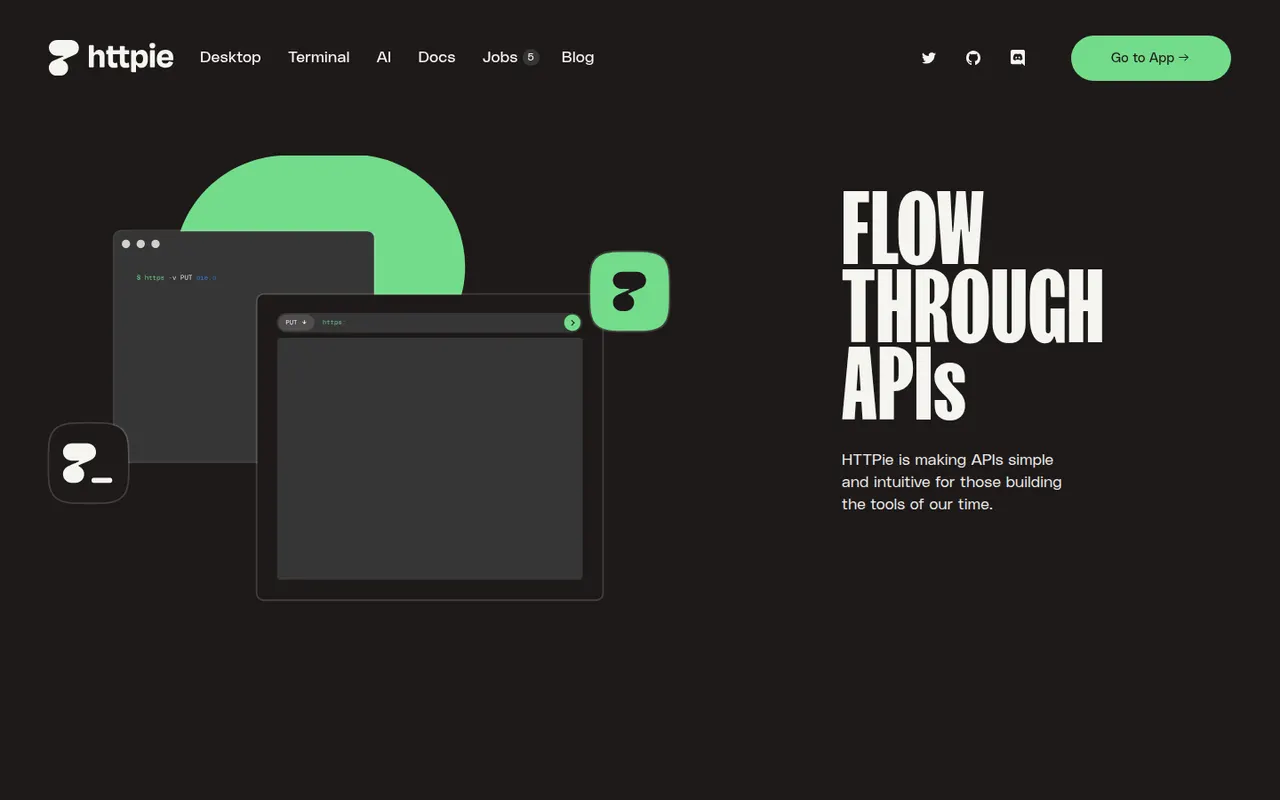
Cost / LicenseFreemiumProprietaryCategoriesHTTPie is a family of HTTP clients designed to make working with APIs readable and quick. The open source command-line tool offers an intuitive syntax, built-in JSON support, colorized output, sessions and plugins, and is widely used in scripts and documentation. HTTPie for Web and Desktop adds a graphical interface with collections and environments, and HTTPie AI turns plain-language prompts into requests.
6 HTTPie alternativesPros
- Readable command-line syntax that is easier to type than curl
- Formatted, colorized JSON output makes responses quick to scan
- One tool covers terminal scripts and a graphical app on desktop and web
Cons
- The graphical app has fewer testing and automation features than full API platforms
- Not preinstalled like curl, so scripts carry an extra dependency
Cost / LicenseFreeOpen sourceCategories