Best apps for Windows
276 apps
Top Windows apps ranked by the community
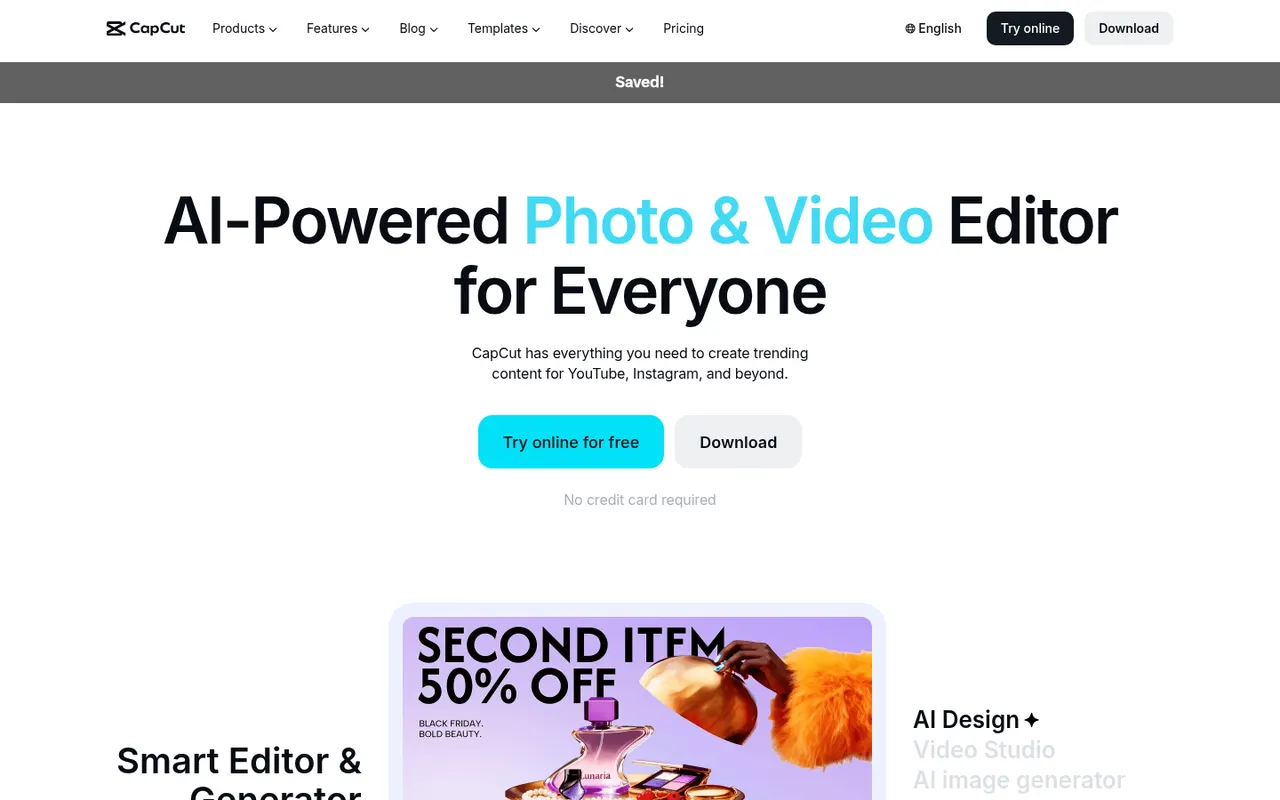
CapCut is a video editor available on mobile, desktop and the web, with templates, effects, auto captions and AI tools aimed at short-form content.
23 CapCut alternativesPros
- Fast editing with templates and effects tuned for short-form video
- Auto captions and AI tools save time on social content
- Available on mobile, desktop and in the browser
Cons
- Many effects and AI tools require a Pro subscription
- Ownership by ByteDance raises data privacy questions
- Not built for long-form or professional editing
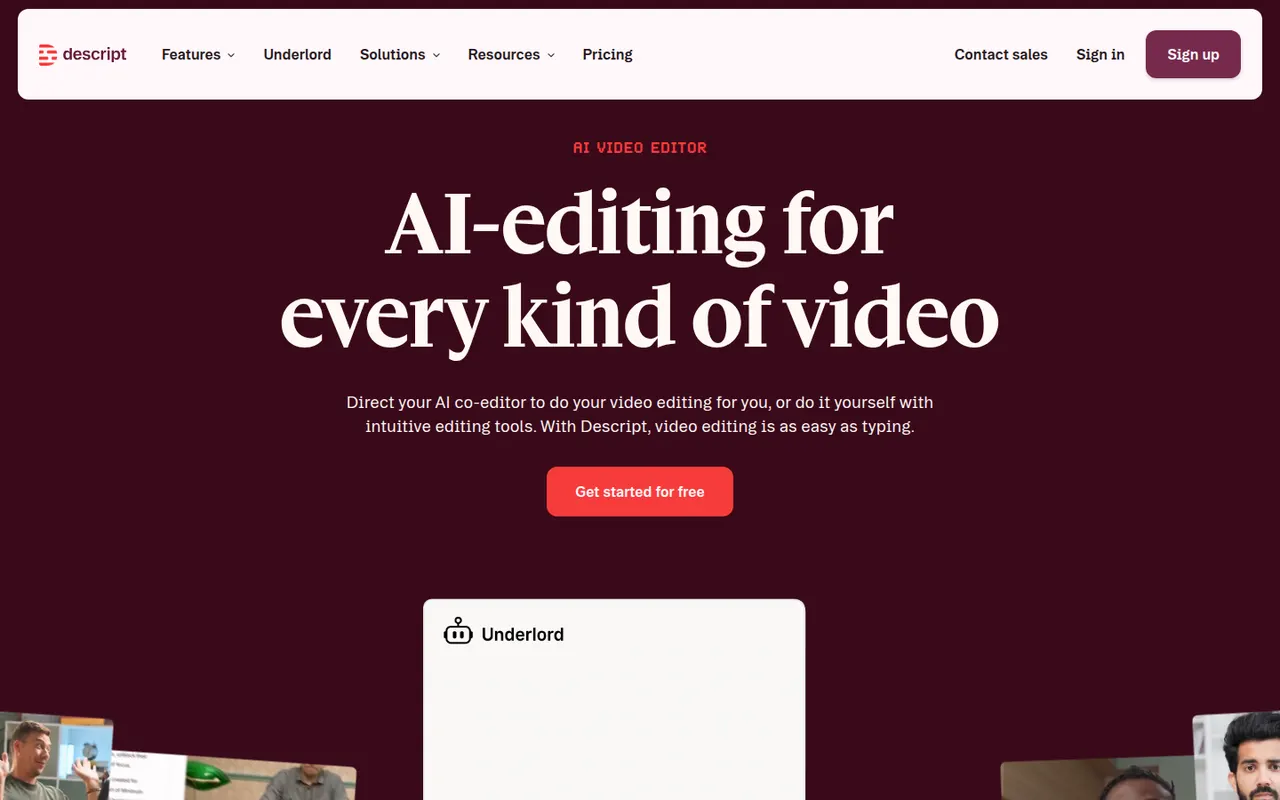
Cost / LicenseFreemiumProprietaryCategoriesDescript transcribes your recordings so you can cut video and audio like a text document, with screen recording, overdub and AI cleanup tools.
17 Descript alternativesPros
- Edit audio and video by editing the transcript like a document
- Filler word removal and AI cleanup speed up podcast editing
- Screen recording and team collaboration built in
Cons
- Less precise than a traditional timeline for complex edits
- Transcription hours and AI features are capped on lower plans
- Can be slow with long or high-resolution projects
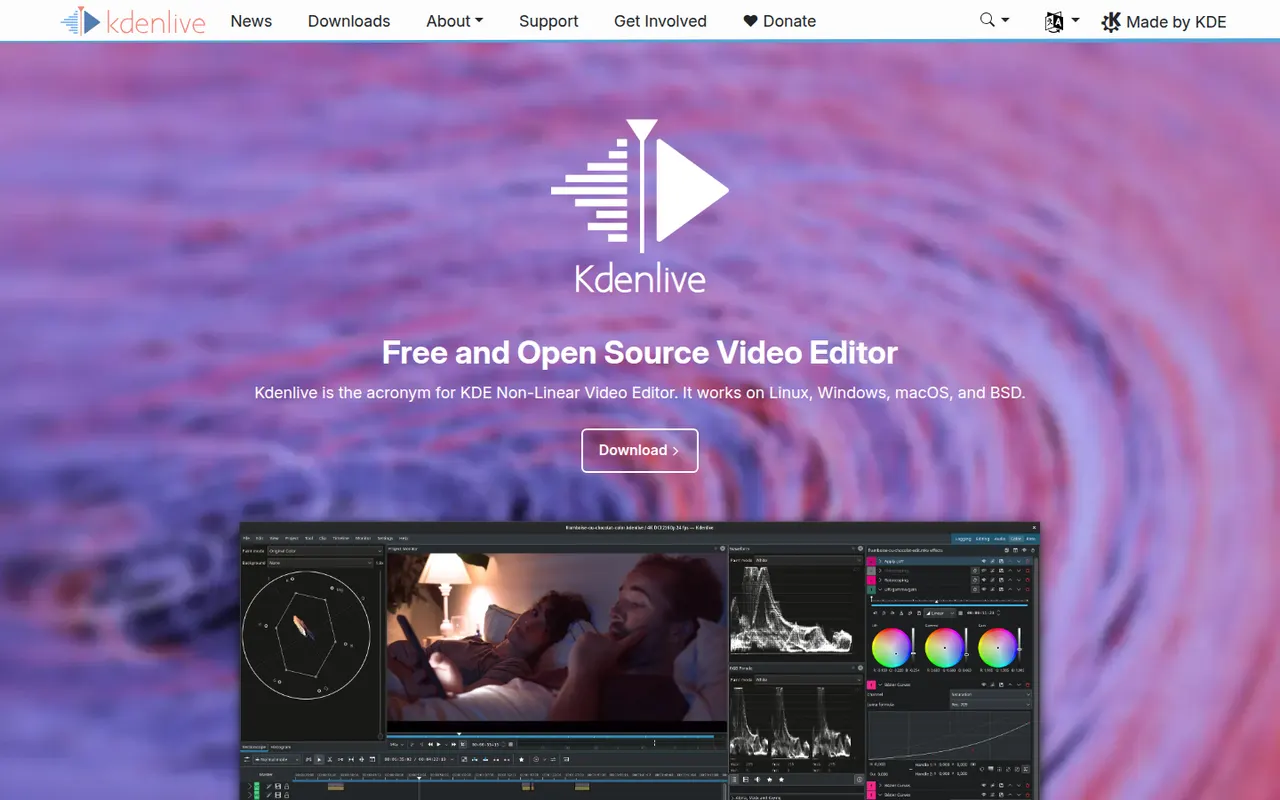
Cost / LicenseFreemiumProprietaryCategoriesKdenlive is a multi-track video editor developed by the KDE community, with effects, transitions, proxy editing and automatic subtitles.
11 Kdenlive alternativesPros
- Free and open source, with no watermarks or paywalls
- Multi-track editing with proxy clips for smoother playback
- Runs on Windows, macOS and Linux
Cons
- Can crash or behave unpredictably on complex projects
- Interface takes time for beginners to learn
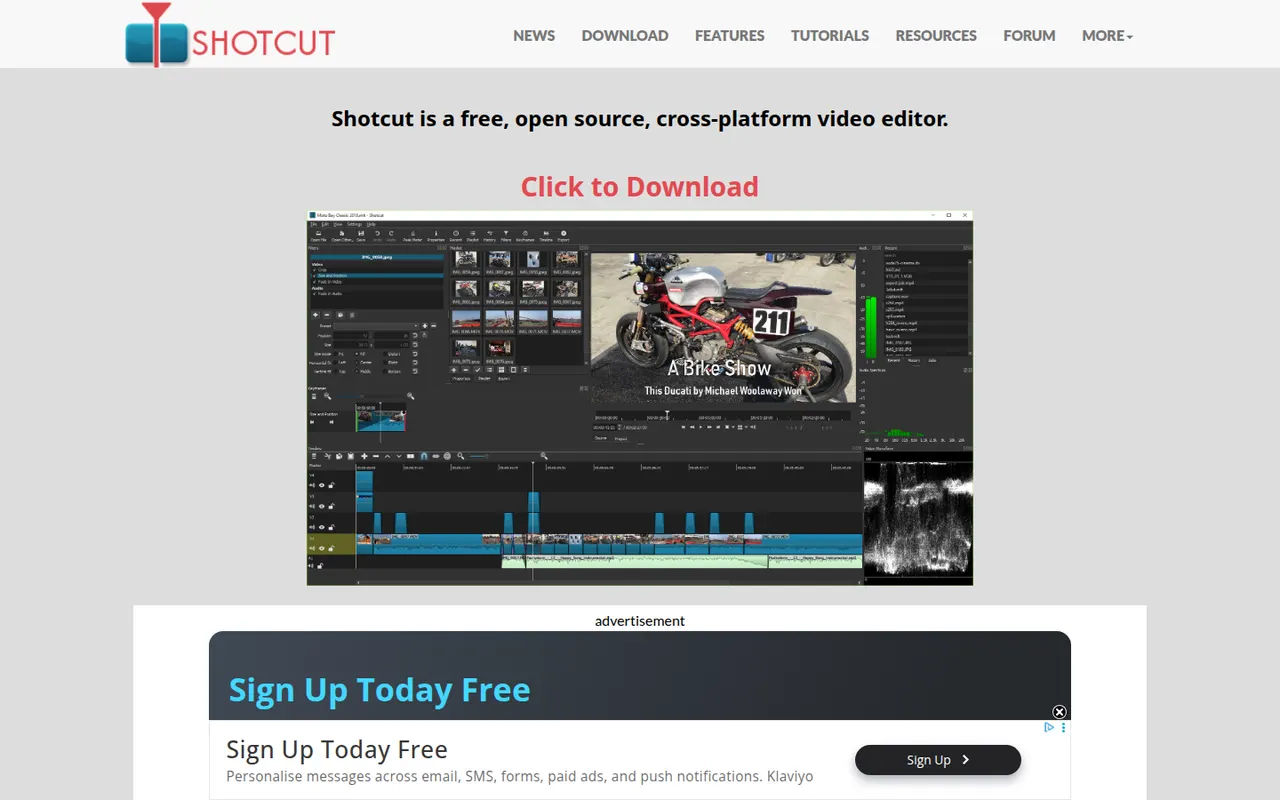
Cost / LicenseFreeOpen sourceCategoriesFeaturesShotcut is a cross-platform video editor with native timeline editing, wide format support and no import step, built on the MLT framework.
12 Shotcut alternativesPros
- Free and open source, with no watermarks or upsells
- Wide format support and native timeline editing with no import step
- Runs on Windows, macOS and Linux
Cons
- Interface feels less intuitive than consumer editors
- Fewer templates and effects than commercial tools
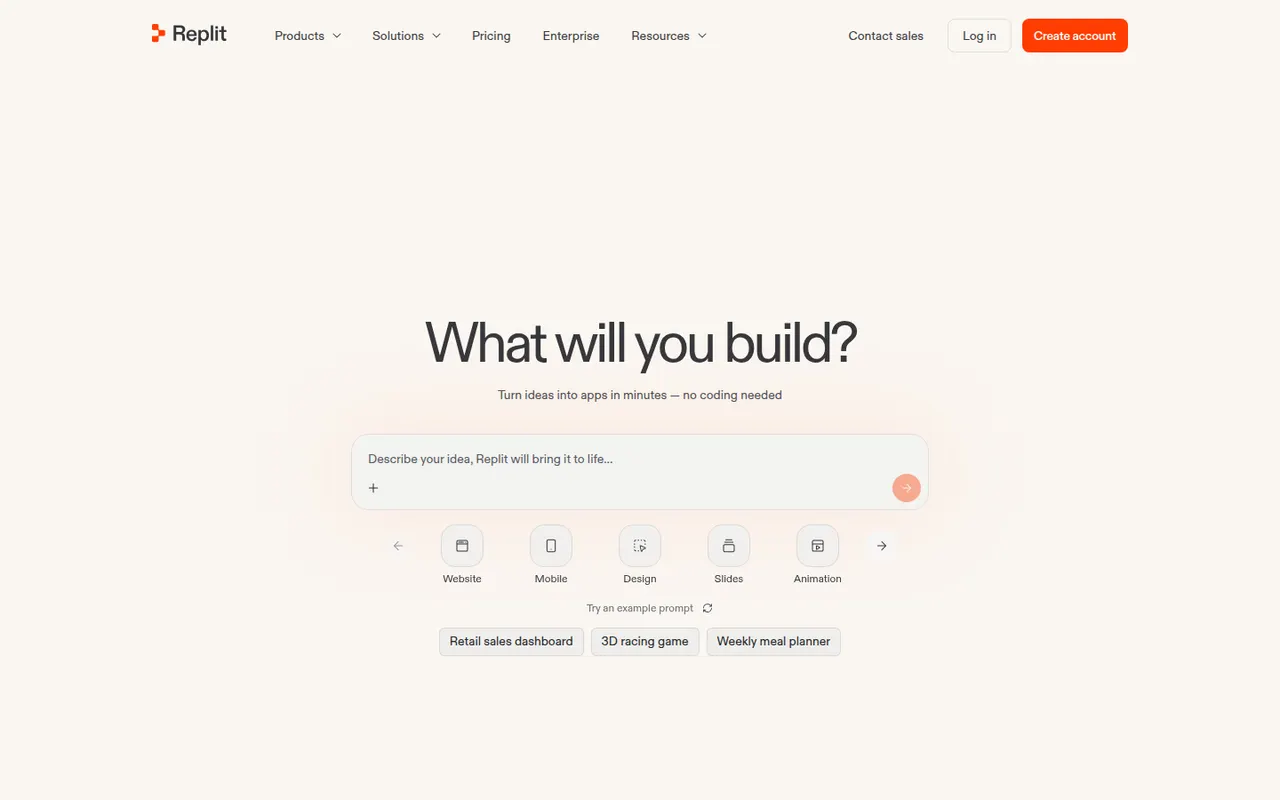
Cost / LicenseFreeOpen sourceCategoriesFeaturesReplit is a cloud development environment where an AI agent can build, run and host applications, with collaboration and built-in databases.
9 Replit alternativesPros
- Code, run and host apps without any local setup
- AI agent builds and deploys apps from a description
- Real-time multiplayer editing for collaboration
Cons
- Agent usage costs can be hard to predict
- Hosting and databases tie projects to Replit's platform
- Free plan resources are limited for serious projects
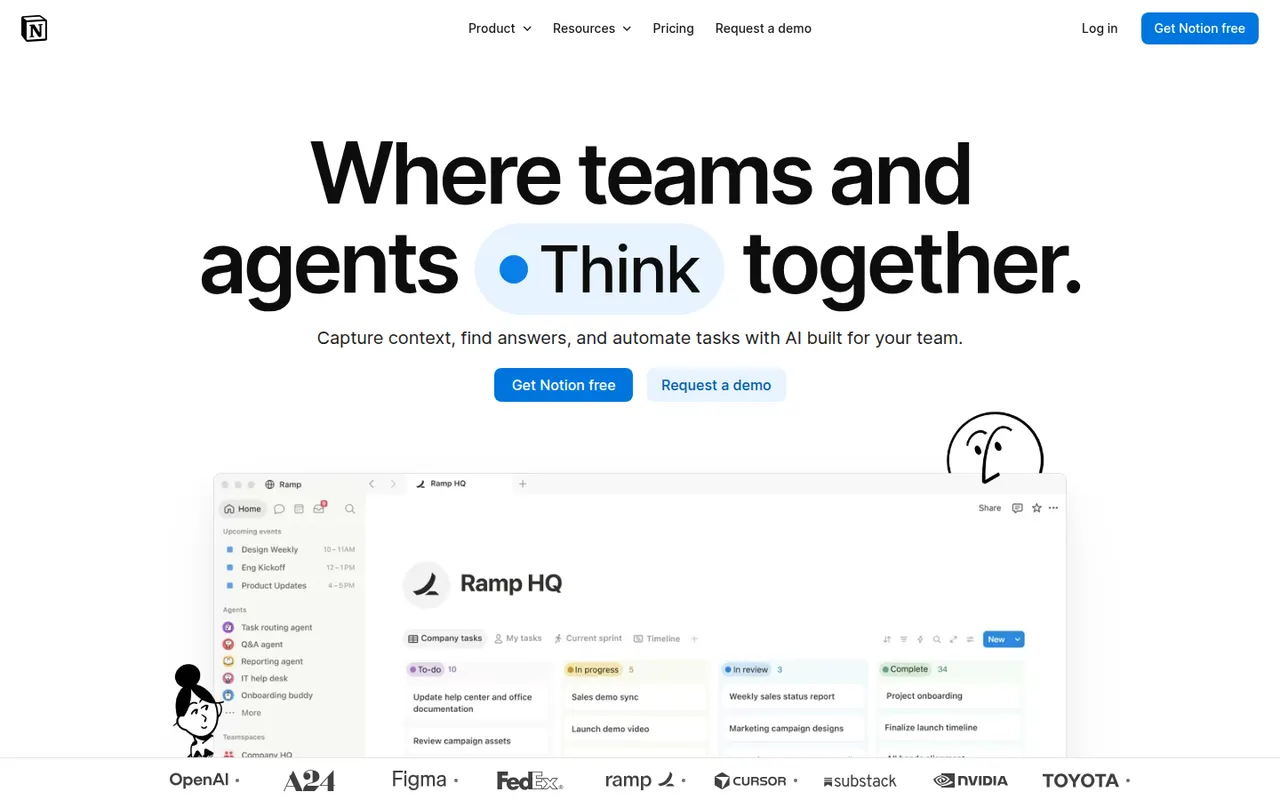
Cost / LicenseFreemiumProprietaryCategoriesNotion combines notes, documents, databases and project management in a flexible block-based workspace, with an integrated AI assistant.
17 Notion alternativesPros
- Docs, wikis and databases combined in one flexible workspace
- Large template gallery for roadmaps, trackers and wikis
- Real-time collaboration with comments, mentions and an API
Cons
- Databases and relations take time to master
- Offline access is limited compared with local-first apps
- Large workspaces can feel slow to load
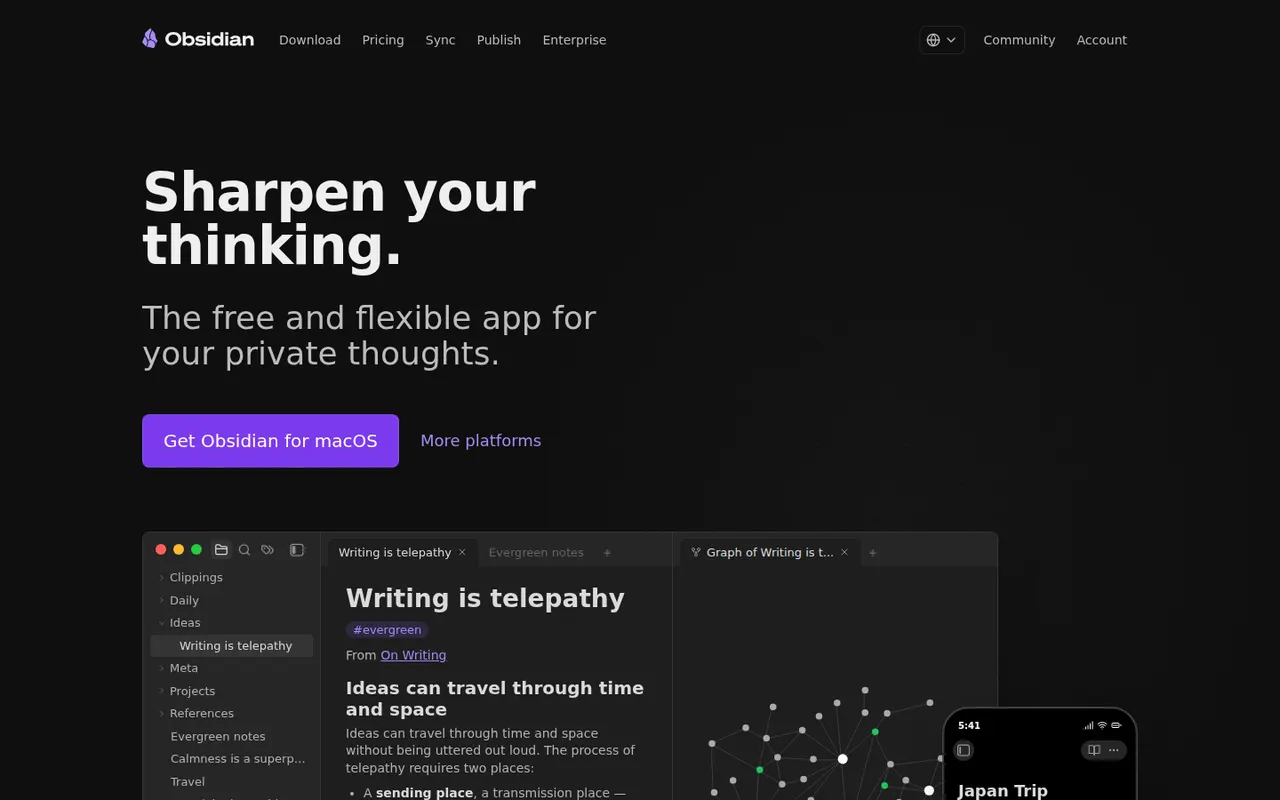
Cost / LicenseFreemiumProprietaryCategoriesObsidian stores notes as plain Markdown files on your device, links them into a knowledge graph and extends with a large plugin ecosystem.
17 Obsidian alternativesPros
- Notes are plain Markdown files stored on your device
- Large ecosystem of community plugins and themes
- Graph view and backlinks for connected notes
Cons
- Official sync and publishing are paid add-ons
- Plugin-heavy setups take time to configure and maintain
- No real-time collaboration on notes
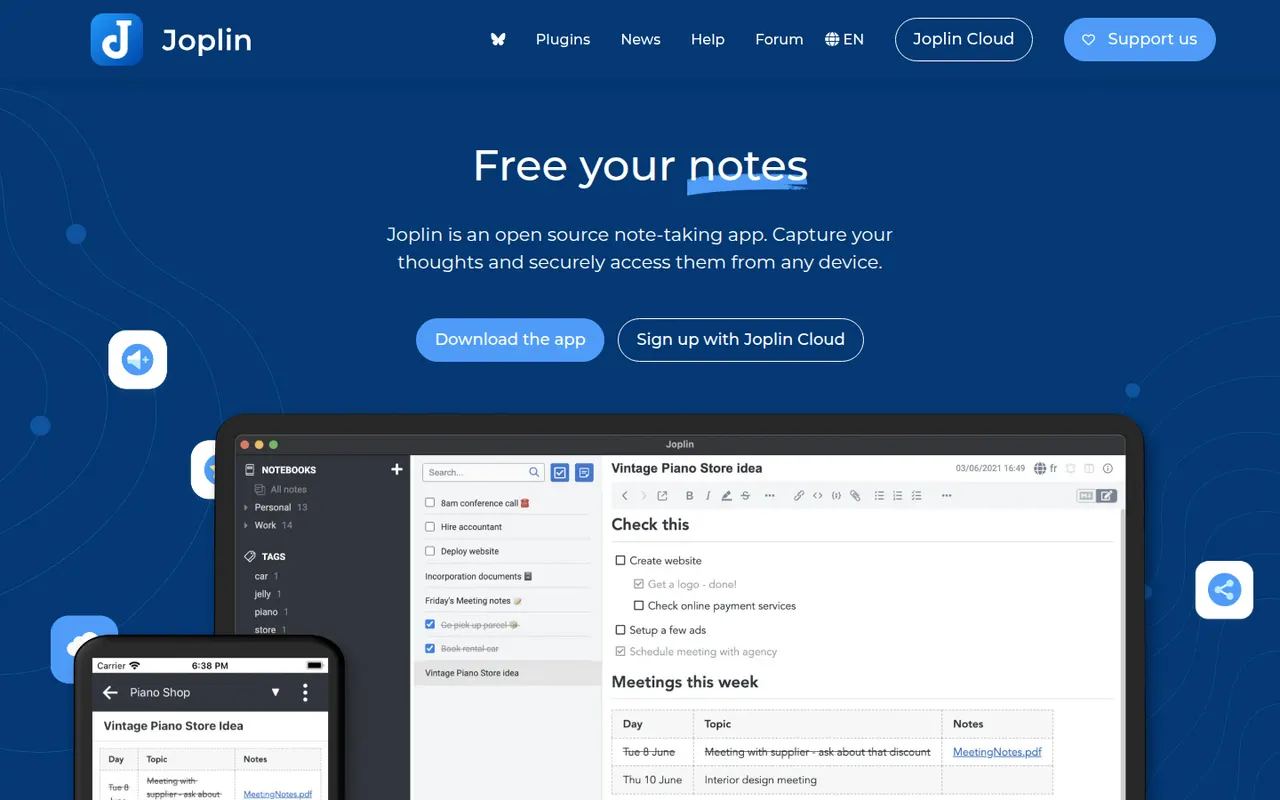
Cost / LicenseFreemiumProprietaryCategoriesJoplin is an open source note-taking app with Markdown notes, notebooks, end-to-end encrypted sync and a web clipper.
11 Joplin alternativesPros
- Open source, with Markdown notes stored in an open format
- End-to-end encrypted sync via Dropbox, OneDrive, WebDAV or Joplin Cloud
- Web clipper and plugins extend the core app
Cons
- Interface feels dated next to newer note apps
- Sync setup takes more effort than turnkey services
- No web app for reaching your notes from a browser
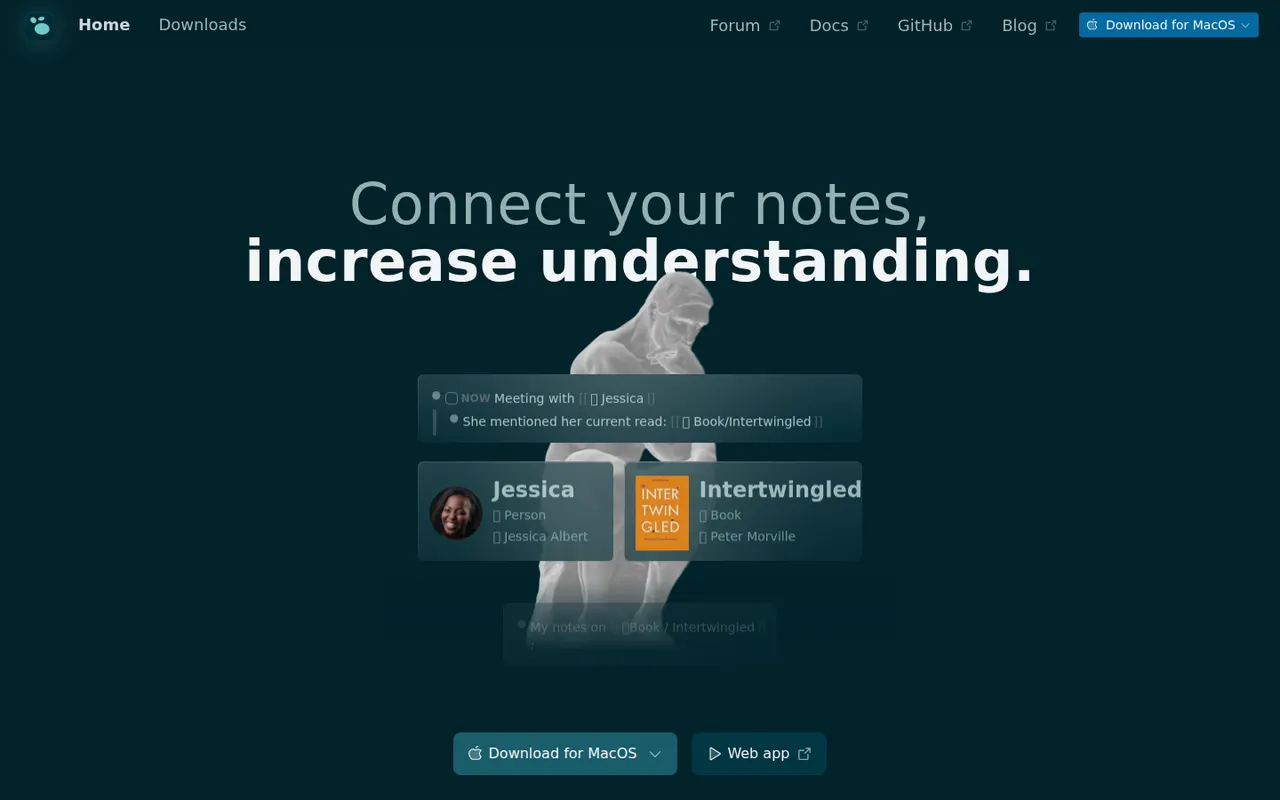
Cost / LicenseFreemiumOpen sourceCategoriesLogseq is a privacy-first outliner that stores notes locally in Markdown or Org files, with bidirectional links, journals and whiteboards.
7 Logseq alternativesPros
- Notes live in local Markdown or Org files that you fully own
- Bidirectional links, block references and daily journals
- Free and open source, with a plugin ecosystem
Cons
- Outliner-only structure is a poor fit for long-form writing
- Can slow down with very large graphs
- Syncing between devices takes extra setup
Cost / LicenseFreeOpen sourceCategoriesFeaturesAnytype is a local-first workspace for notes, databases and collaboration, with peer-to-peer sync and end-to-end encryption.
10 Anytype alternativesPros
- Local-first data with end-to-end encrypted peer-to-peer sync
- Objects, types and relations enable flexible, database-like notes
- Works offline on desktop and mobile alike
Cons
- The object and type model takes time to learn
- No web app, only desktop and mobile clients
- Fewer integrations and plugins than mainstream workspaces
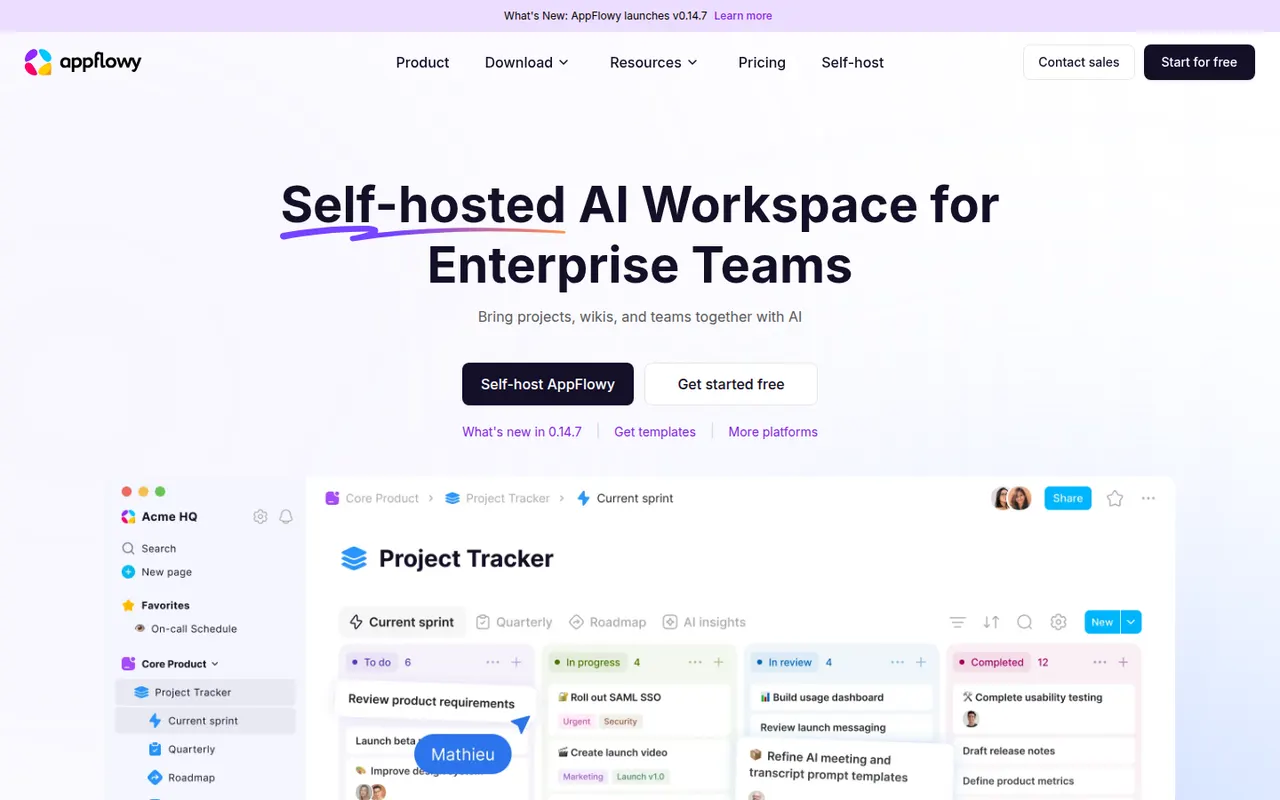
Cost / LicenseFreemiumSource availableCategoriesAppFlowy is an open source workspace for docs, databases and kanban boards that you can self-host, with AI features and offline support.
7 AppFlowy alternativesPros
- Open source Notion alternative that you can self-host
- Docs, databases and kanban boards in one workspace
- Offline support with apps on desktop and mobile
Cons
- Fewer templates and integrations than Notion
- Some features still feel less polished than in mature rivals
- Advanced AI features are reserved for paid plans
Cost / LicenseFreemiumOpen sourceCategoriesPremiere Pro is Adobe's timeline-based video editor for film, television, YouTube and corporate work. It handles multi-camera editing, Lumetri color correction, speech-to-text captions and transcript-based editing, and connects with After Effects, Audition and Frame.io for review. It is sold as a Creative Cloud subscription for Windows and macOS.
9 Adobe Premiere Pro alternativesPros
- Widely used in professional video, so skills transfer easily
- Transcript-based editing and automatic captions speed up cuts
- Works smoothly with After Effects, Audition and Frame.io
Cons
- Subscription-only pricing adds up over time
- Can be unstable or sluggish on large projects
- Interface is complex for newcomers
Cost / LicenseFree trialProprietaryCategoriesDaVinci Resolve from Blackmagic Design combines video editing, its well-known color grading tools, Fusion visual effects and Fairlight audio post-production in a single application. The free version is unusually complete, while the paid Studio version adds AI tools, higher resolutions and frame rates, and extra effects. It runs on Windows, macOS, Linux and iPad.
10 DaVinci Resolve alternativesPros
- Free version is remarkably complete for professional work
- Renowned color grading tools used in film and television
- Editing, VFX and audio post-production in a single app
Cons
- Steep learning curve, especially for color and Fusion
- Needs a powerful GPU for smooth playback
- Some AI tools and higher resolutions require the paid Studio version
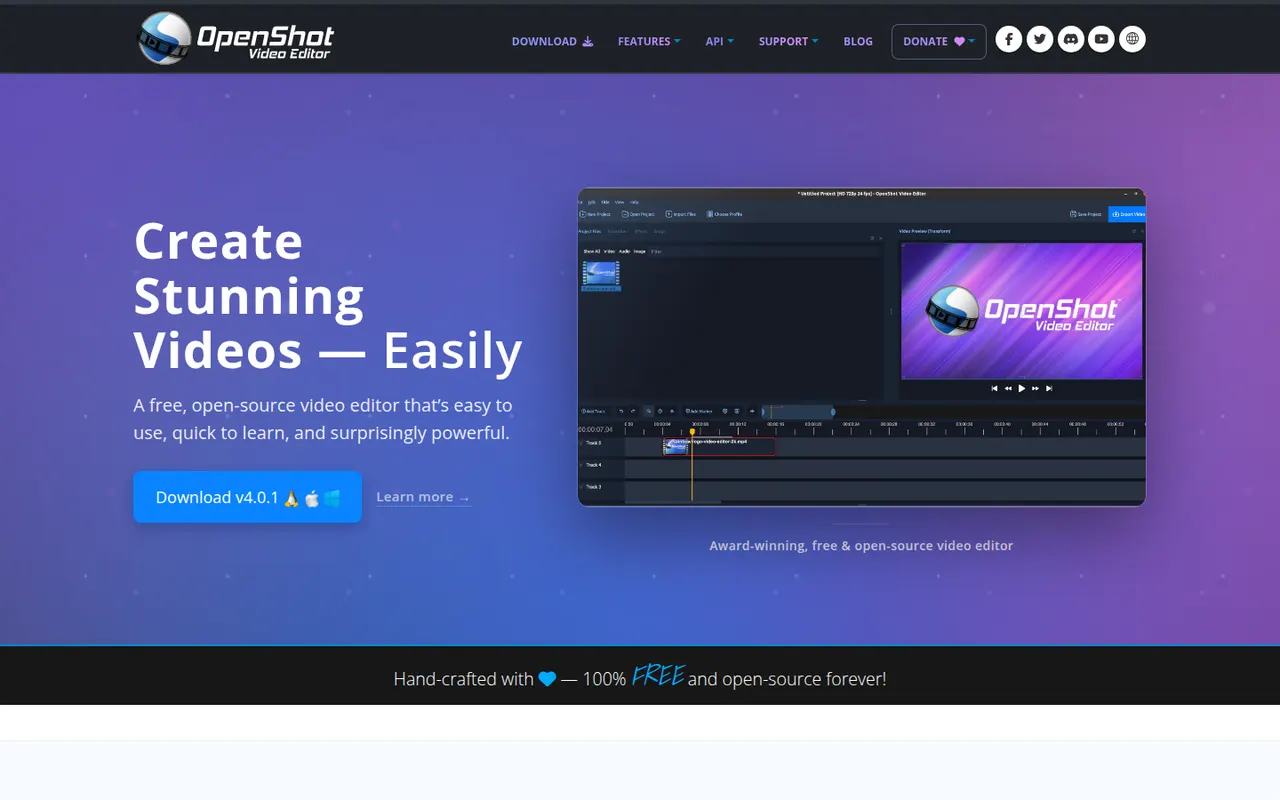
Cost / LicenseFreemiumProprietaryOpenShot is a free, open source video editor designed to be easy to learn. It offers a multi-track timeline with drag and drop, keyframe animations, transitions, title templates, chroma key and 3D animated titles rendered with Blender. It runs on Windows, macOS, Linux and ChromeOS and is a common choice for beginners who want a no-cost desktop editor.
8 OpenShot alternativesPros
- Simple drag-and-drop editing that beginners learn quickly
- Free and open source on Windows, macOS, Linux and ChromeOS
- Animated 3D titles rendered with Blender
Cons
- Performance and stability suffer on longer projects
- Limited advanced tools compared with DaVinci Resolve or Kdenlive
Cost / LicenseFreeOpen sourceCategoriesFilmora is a consumer video editor from Wondershare for YouTubers, educators and small businesses. It pairs a multi-track timeline with a large library of effects, templates and stock media, and adds AI tools such as auto captions, background removal, text-to-speech and audio denoising. It is available for Windows and macOS, with mobile apps; the free version adds a watermark on export.
11 Filmora alternativesPros
- Beginner-friendly interface with a gentle learning curve
- Large library of effects, templates and stock media
- AI tools for captions, background removal and audio denoising
Cons
- Free version adds a watermark to exports
- Some effects and AI features cost extra
- Not suited to complex professional projects
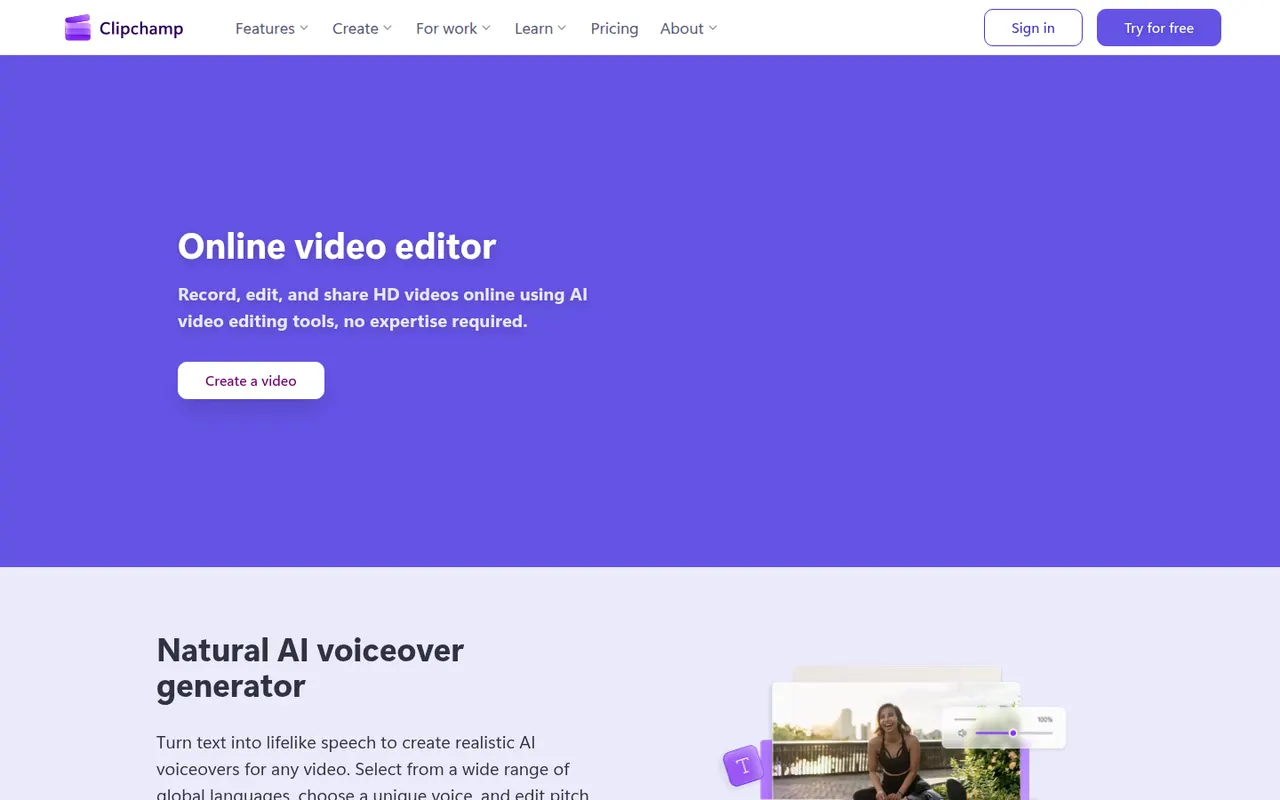
Cost / LicenseFreemiumProprietaryCategoriesClipchamp is Microsoft's easy video editor, included with Windows 11 and available in the browser and with Microsoft 365. It focuses on quick edits with templates, stock media, text-to-speech voiceovers, auto captions and green screen, which suits social videos, presentations and work updates. The free plan exports in 1080p, while Premium unlocks 4K and more stock content.
9 Clipchamp alternativesPros
- Included with Windows 11 and easy for beginners
- Templates, stock media and text-to-speech voiceovers built in
- Free plan exports in 1080p without a watermark
Cons
- 4K export and premium stock content require a paid plan
- Limited for advanced work such as multicam or detailed color grading
Cost / LicenseFreemiumProprietaryCategoriesLightworks is a long-standing non-linear editor that has been used on feature films and television, now developed by LWKS Software. It offers a multi-track timeline, precise trimming tools, color correction and wide format support on Windows, macOS and Linux. A free version lets anyone learn it with limited export options, while paid plans add higher resolution exports and pro formats.
7 Lightworks alternativesPros
- Pro-grade trimming tools with a film and TV pedigree
- Runs on Windows, macOS and Linux
- Free version is enough to learn professional editing
Cons
- Free version limits export resolution and formats
- Unconventional interface with a steep learning curve
Cost / LicenseFreemiumProprietaryCategoriesAfter Effects is Adobe's application for motion graphics, title animations, compositing and visual effects. It works with layers and keyframes, includes keying, motion tracking and rotoscoping tools, and supports a large ecosystem of plugins, scripts and templates. It is typically paired with Premiere Pro and sold through a Creative Cloud subscription for Windows and macOS.
8 Adobe After Effects alternativesPros
- Standard tool for motion graphics and compositing
- Huge ecosystem of plugins, scripts and templates
- Tight integration with Premiere Pro and other Adobe apps
Cons
- Steep learning curve for beginners
- Only available through a Creative Cloud subscription
- Demanding on hardware, with slow previews on complex projects
Cost / LicenseFree trialProprietaryCategoriesLoom lets you record your screen, camera and voice and share the result instantly as a link, replacing meetings and long written explanations. Viewers can comment and react, and Loom AI generates titles, summaries and chapters. Part of Atlassian since 2023, it works through desktop and mobile apps, a Chrome extension and integrations with tools like Slack, Jira and Notion.
12 Loom alternativesPros
- Record screen and camera and share instantly as a link
- AI titles, summaries and chapters save editing time
- Comments and reactions keep feedback next to the video
Cons
- The free plan limits video length and library size
- Editing is basic compared with dedicated video tools
- Per-seat pricing adds up for large teams
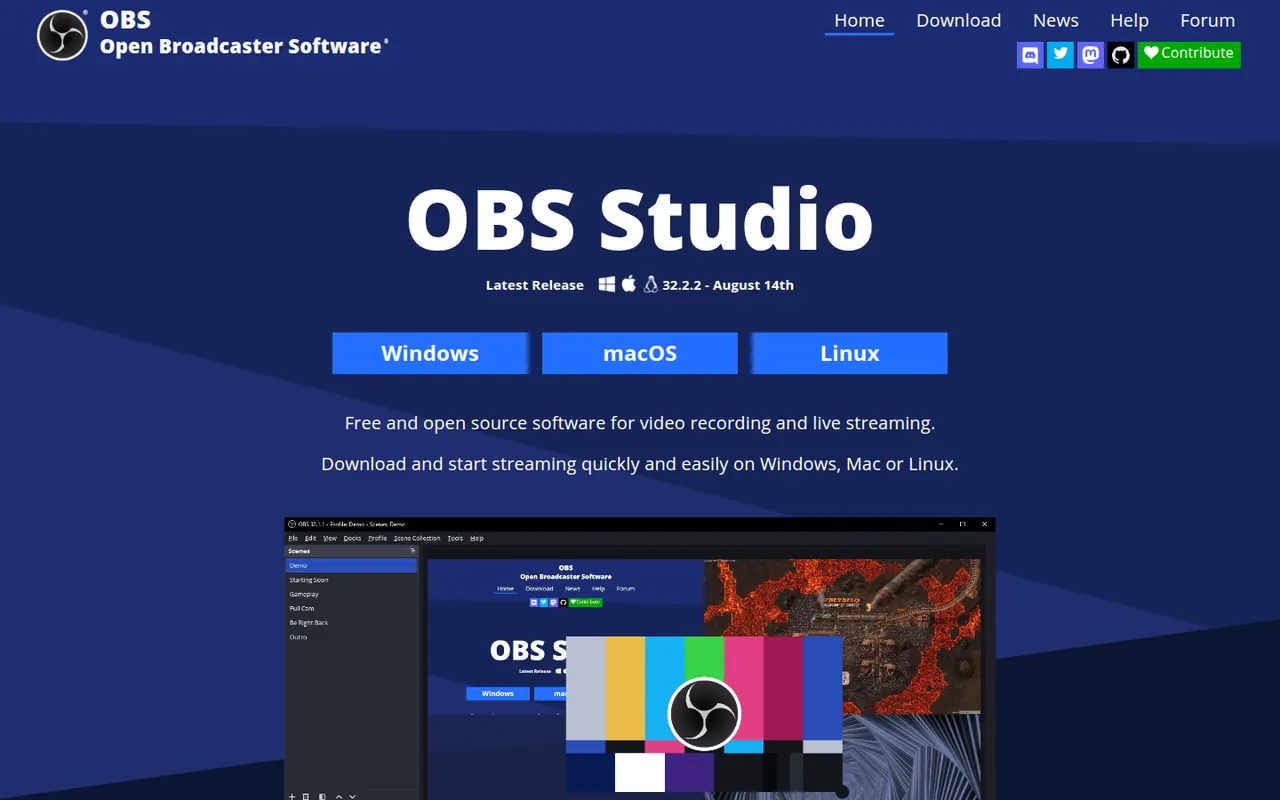
Cost / LicenseFreemiumProprietaryCategoriesOBS Studio is a free, open source app for recording and live streaming video from your screen, cameras, games and other sources. Scenes can mix multiple sources with audio filters, transitions and chroma key, and it streams to platforms like Twitch and YouTube. Widely used by streamers and educators, it runs on Windows, macOS and Linux and can be extended with plugins.
8 OBS Studio alternativesPros
- Free and open source, with no watermark or time limits
- Scenes mix screens, cameras and media with filters and transitions
- Streams to Twitch, YouTube and more, and is extensible with plugins
Cons
- Steep learning curve for first-time users
- No built-in editor for trimming recordings
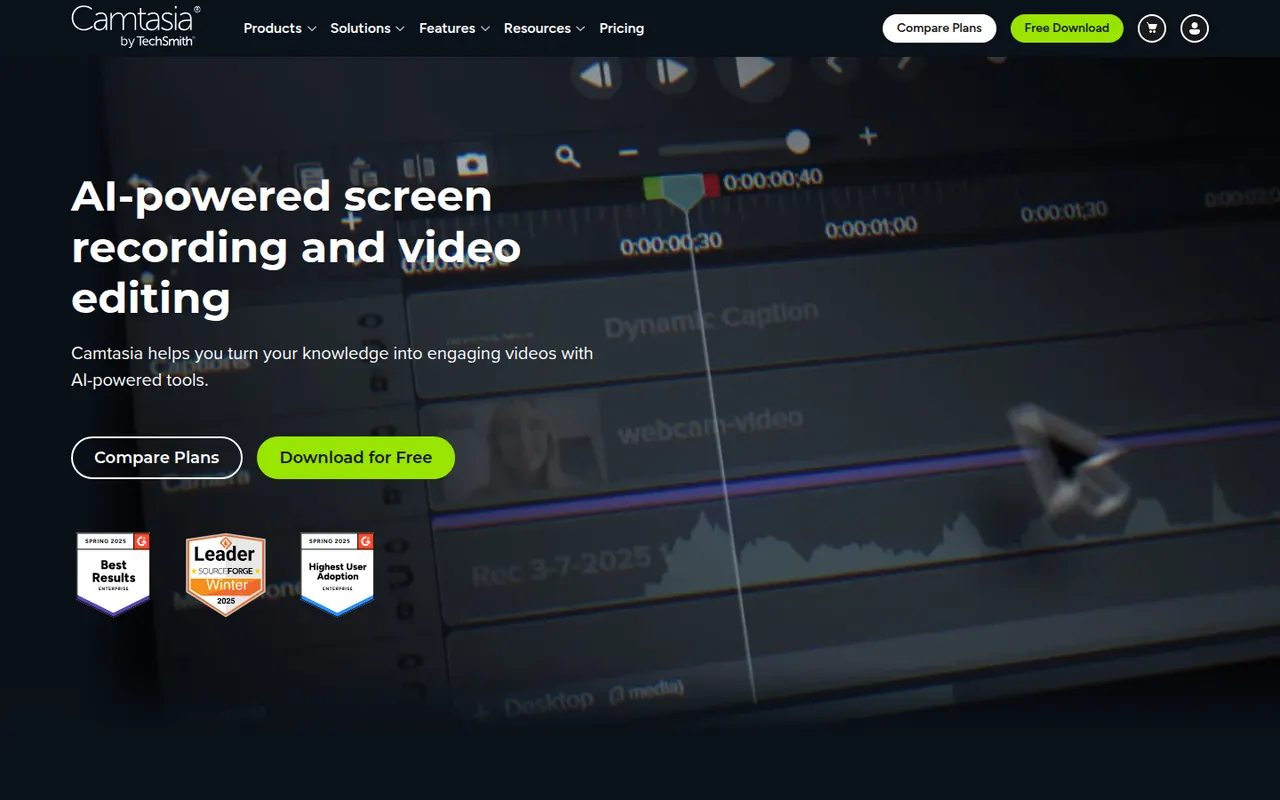
Cost / LicenseFreeOpen sourceCategoriesCamtasia from TechSmith combines a screen and webcam recorder with a timeline editor tailored to tutorials, product demos and training videos. It provides callouts, cursor effects, zoom and pan animations, quizzes and templates, so non-editors can produce polished instructional content. It runs on Windows and macOS and is sold by subscription, with a free trial.
12 Camtasia alternativesPros
- Recorder and timeline editor tailored to tutorials
- Callouts, cursor effects and zooms without video editing skills
- Quizzes and templates for training content
Cons
- The subscription is expensive for occasional use
- Can slow down on long or complex projects
- Less flexible than a full video editor for advanced edits
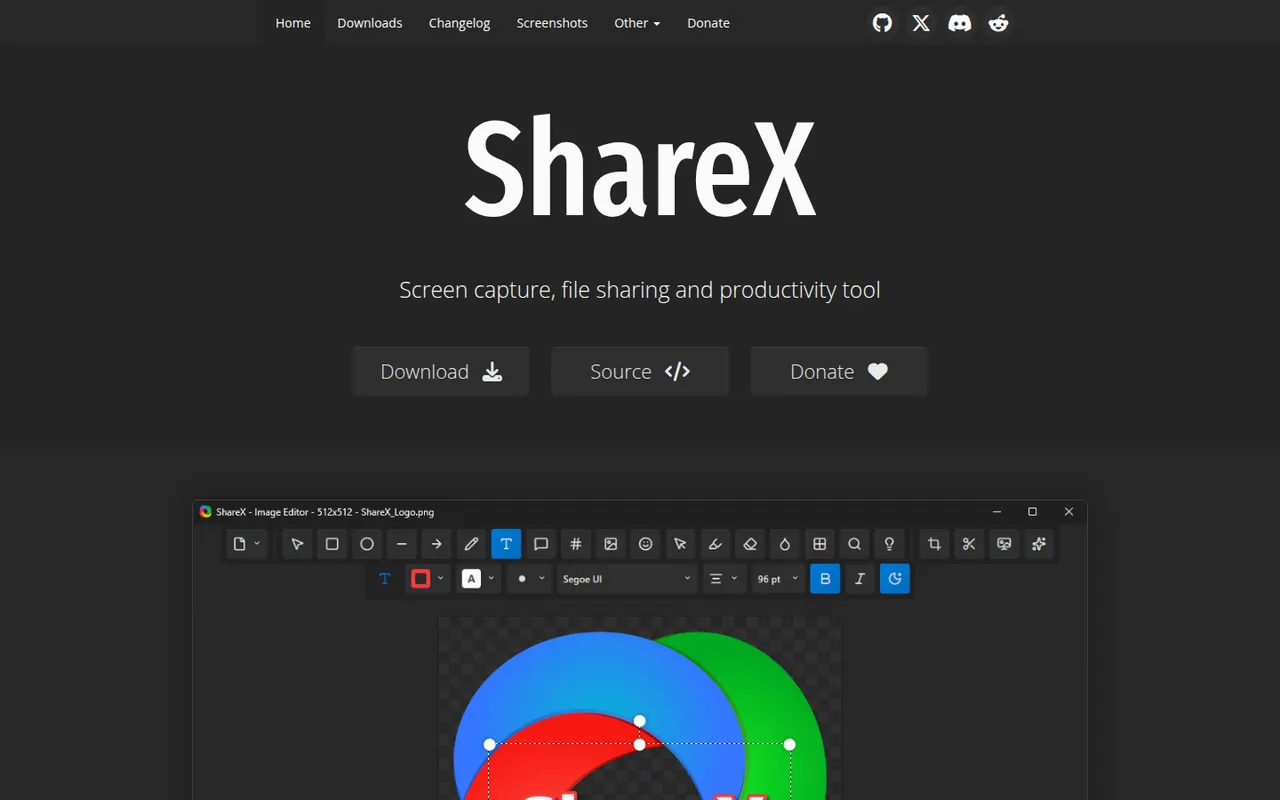
Cost / LicenseFree trialProprietaryCategoriesShareX is a free, open source utility for Windows that captures screenshots, scrolling pages and screen recordings, including GIFs. Captures can be annotated, run through OCR and automatically uploaded to dozens of supported destinations through customizable workflows. It is popular with power users for its depth of options and has no ads.
7 ShareX alternativesPros
- Free, open source and ad-free
- Custom workflows upload captures to dozens of destinations
- Screenshots, scrolling captures, GIFs and OCR in one tool
Cons
- Available on Windows only, with no Mac or Linux version
- Dense settings can overwhelm casual users
Cost / LicenseFreeOpen sourceCategoriesPlatformsSnagit is a screen capture tool from TechSmith for taking screenshots, scrolling captures and quick screen recordings with webcam. Its editor makes it easy to add arrows, callouts and step numbers, blur sensitive information, grab text from images and assemble visual guides from templates. It is used for documentation, support and training, on Windows and macOS.
7 Snagit alternativesPros
- Fast annotation with arrows, callouts and step numbers
- Scrolling captures and quick screen recordings with webcam
- Templates to assemble visual guides and documentation
Cons
- Paid after the trial, while free tools cover basic captures
- Video recording and editing are basic compared with Camtasia
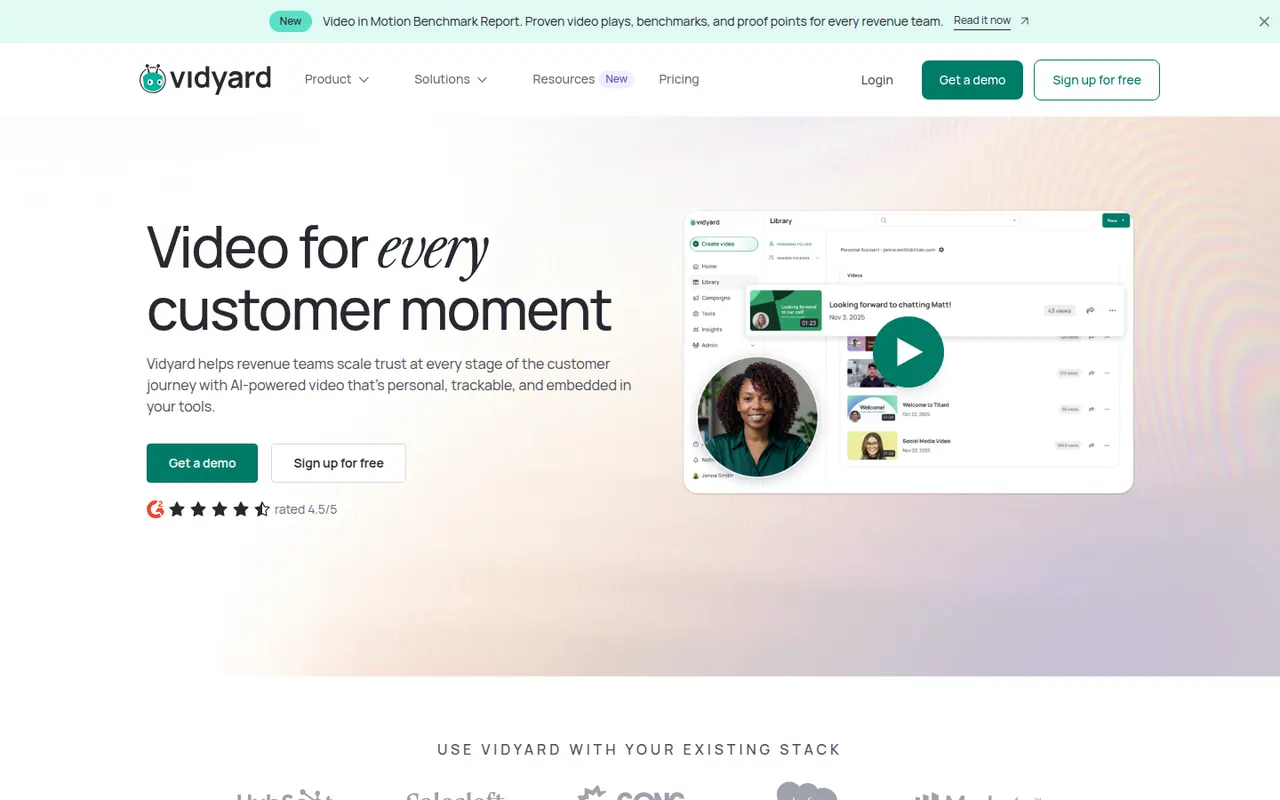
Cost / LicenseFree trialProprietaryCategoriesVidyard helps businesses record, host and share videos, with a focus on sales outreach and marketing. Users record screen and camera messages from a browser extension or desktop app, embed them in emails, and track who watched and for how long. It integrates with CRMs such as Salesforce and HubSpot and offers a free plan for individuals alongside paid business tiers.
6 Vidyard alternativesPros
- Record screen and camera messages from a browser extension
- Shows who watched each video and for how long
- Integrates with CRMs such as Salesforce and HubSpot
Cons
- Sales-focused features are mostly in paid business tiers
- Overkill for teams that only need quick internal videos
Cost / LicenseFreemiumProprietaryCategoriesPlatformsBandicam is a Windows screen recorder known for capturing gameplay and desktop activity with a small performance impact. It can record a region or the full screen, DirectX and OpenGL games, webcams and external devices, with real-time drawing and up to 4K output. The free version adds a watermark and limits recording length; a paid license removes both.
6 Bandicam alternativesPros
- Low performance impact while recording games
- Captures DirectX and OpenGL games, webcams and external devices
- Real-time drawing on screen during recording
Cons
- Available on Windows only, with no Mac or Linux version
- The free version adds a watermark and limits recording length
- No built-in editor for trimming or effects
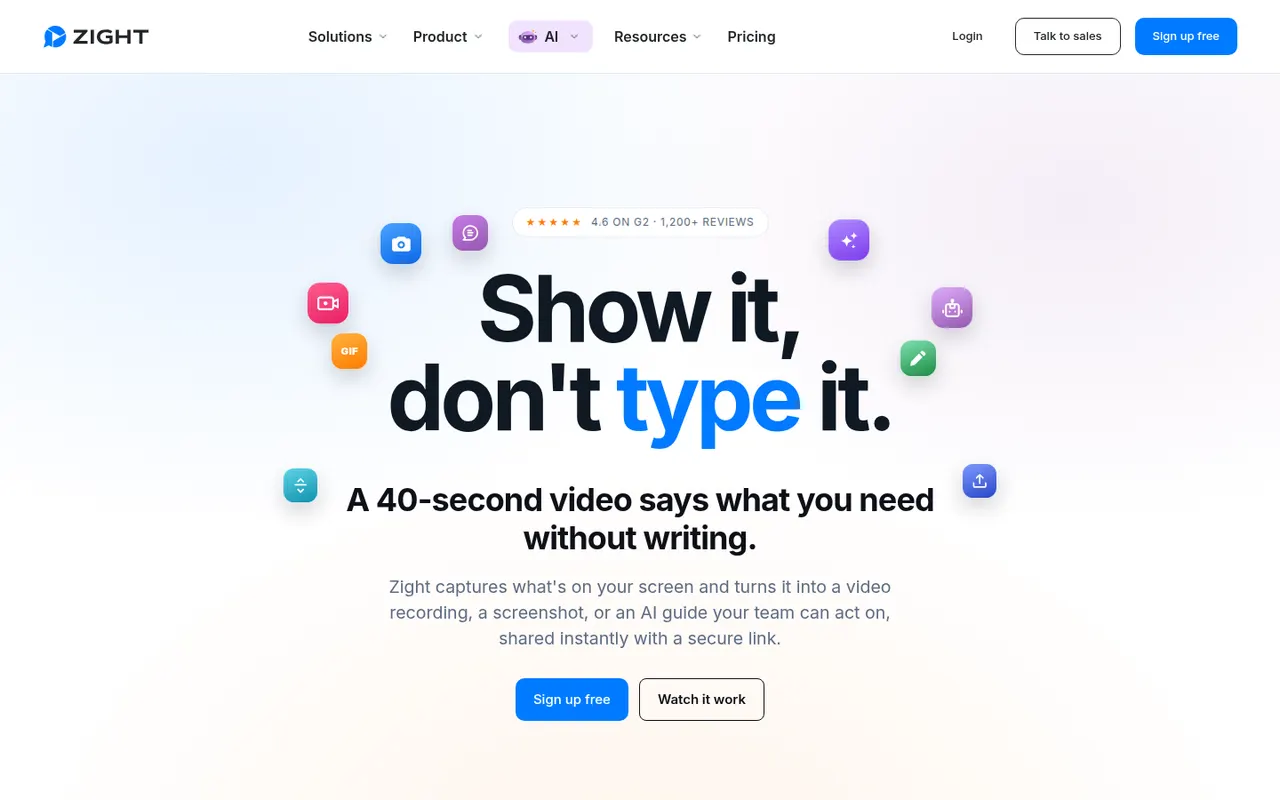
Cost / LicenseFreemiumProprietaryCategoriesPlatformsZight, formerly CloudApp, is a visual communication tool for capturing screenshots, GIFs and screen recordings with webcam, then sharing them instantly through a link. Captures can be annotated, and AI features generate titles and summaries. It is used by support, sales and product teams, works on macOS, Windows and Chrome, and integrates with tools like Slack, Jira and Zendesk.
9 Zight alternativesPros
- Screenshots, GIFs and recordings shared instantly by link
- Annotations plus AI-generated titles and summaries
- Integrates with Slack, Jira and Zendesk
Cons
- The free plan is restrictive compared with paid tiers
- Captures live in Zight's cloud, which may not suit every company policy
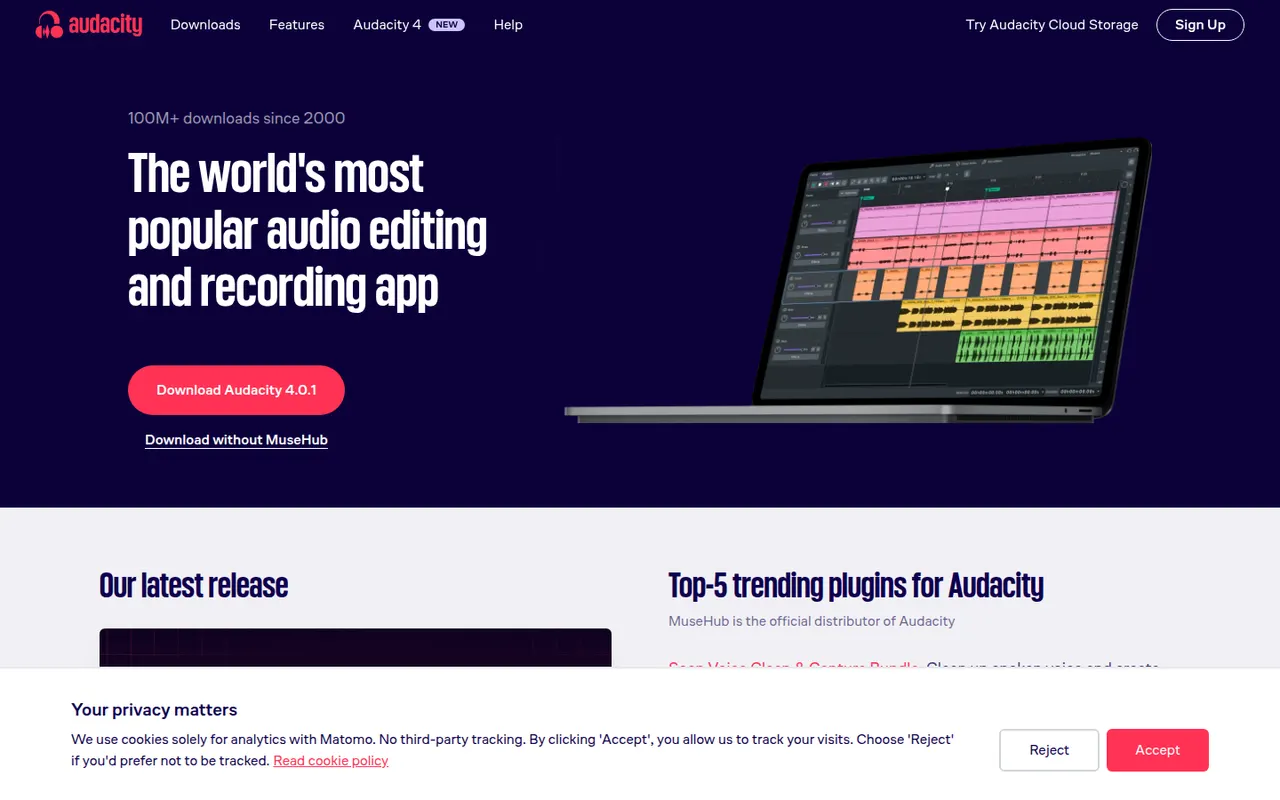
Cost / LicenseFreemiumProprietaryCategoriesPlatformsAudacity is a free, open source audio editor for recording and editing voice, music and podcasts. It provides multi-track editing, noise reduction, effects, spectral views and support for VST3, LV2 and Audio Unit plugins, and it runs on Windows, macOS and Linux. Maintained by Muse Group with community contributors, it can optionally save projects to audio.com.
10 Audacity alternativesPros
- Completely free and open source on Windows, macOS and Linux
- Handles recording, cutting, noise reduction and effects for everyday jobs
- Supports VST3, LV2 and Audio Unit plugins
Cons
- Interface feels less polished than commercial audio editors
- Limited multitrack mixing and MIDI tools for music production
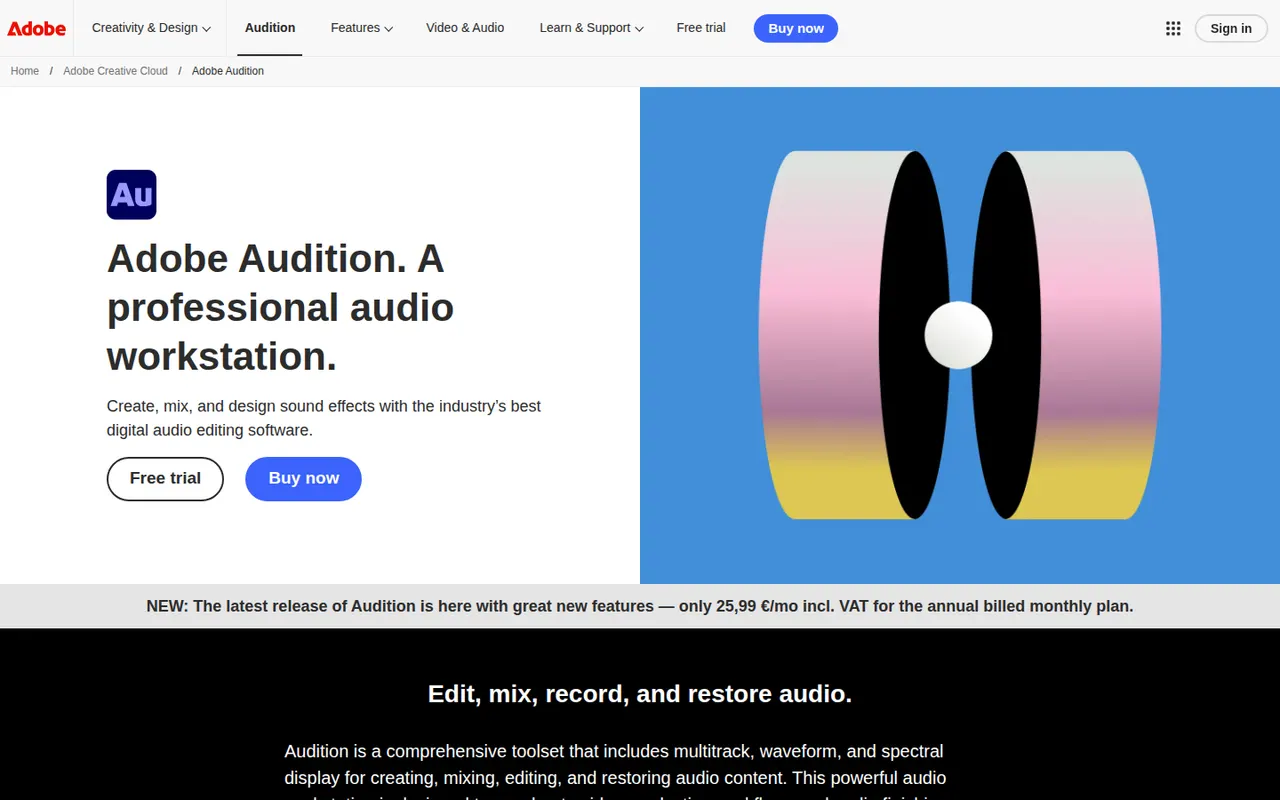
Cost / LicenseFreeOpen sourceCategoriesAdobe Audition is a digital audio workstation for editing, mixing and restoring audio, aimed at podcasters, broadcasters and video editors. It combines waveform and multitrack editing with a spectral frequency display, noise reduction, loudness tools and Essential Sound presets. It integrates with Premiere Pro and is included in Creative Cloud for Windows and macOS.
9 Adobe Audition alternativesPros
- Spectral frequency display allows precise noise and click removal
- Strong restoration and loudness tools for podcasts and broadcast
- Smooth round-trips with Premiere Pro for video projects
Cons
- Only available by subscription through Creative Cloud
- Little support for MIDI or music composition compared with a full DAW
Cost / LicenseFree trialProprietaryCategoriesAbleton Live is a digital audio workstation for music production and live performance, especially common in electronic music. Its Session View lets artists launch clips and loops in real time alongside a traditional arrangement timeline, with built-in instruments, effects, MIDI tools and Max for Live in the Suite edition. It runs on Windows and macOS in Intro, Standard and Suite editions, with a free trial.
8 Ableton Live alternativesPros
- Session View makes clip launching and live improvisation natural
- Fast workflow for electronic music, sampling and warping audio
- Max for Live in Suite opens up custom instruments and devices
Cons
- Suite edition is expensive compared with many other DAWs
- Intro and Standard leave out many instruments and Max for Live
- No Linux version, only Windows and macOS
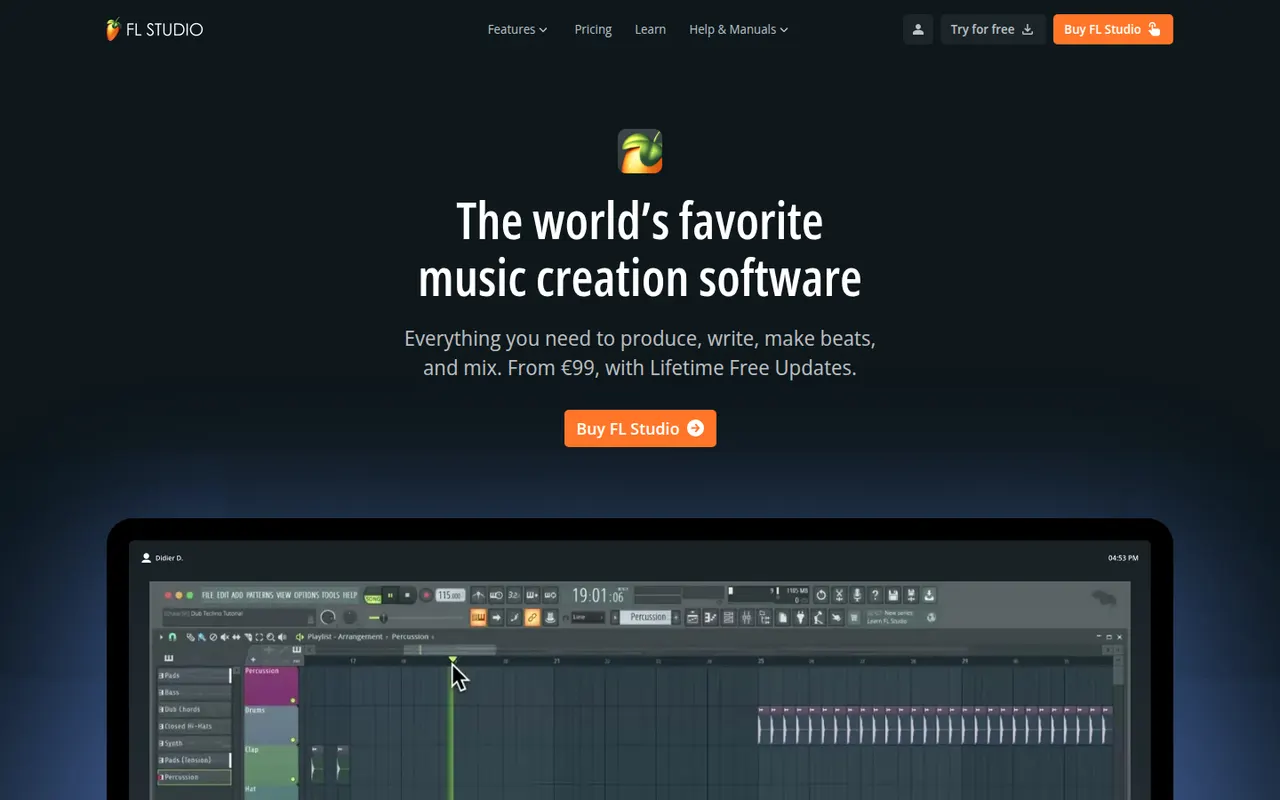
Cost / LicenseFree trialProprietaryCategoriesFL Studio is a digital audio workstation from Image-Line, known for its fast pattern-based workflow, step sequencer and piano roll, widely used by hip-hop and electronic producers. It includes many instruments and effects, supports VST plugins and runs on Windows and macOS. Every edition comes with lifetime free updates, and the trial is unlimited in time but cannot reopen saved projects.
7 FL Studio alternativesPros
- Step sequencer and piano roll make beat-making very fast
- Every edition comes with lifetime free updates
- Many instruments and effects included out of the box
Cons
- Recording and editing live instruments feels less natural than in linear DAWs
- The trial cannot reopen saved projects
Cost / LicenseFree trialProprietaryCategories