Best apps for Windows
276 apps
Top Windows apps ranked by the community
Luminar Neo is a photo editor from Skylum that relies on AI tools to simplify complex edits such as sky replacement, portrait retouching, relighting and object removal. It works as a standalone app on Windows and macOS or as a plugin for Lightroom Classic and Photoshop, with extensions for upscaling, background removal and noise reduction. It targets photographers who prefer fast results to manual masking.
7 Luminar Neo alternativesPros
- AI tools make sky replacement and relighting quick
- Works standalone or as a plugin for Lightroom Classic and Photoshop
- Portrait retouching and object removal with little manual work
Cons
- Some tools come as extensions on top of the base app
- Can feel slow with large photo libraries
- AI results can look artificial without careful tuning
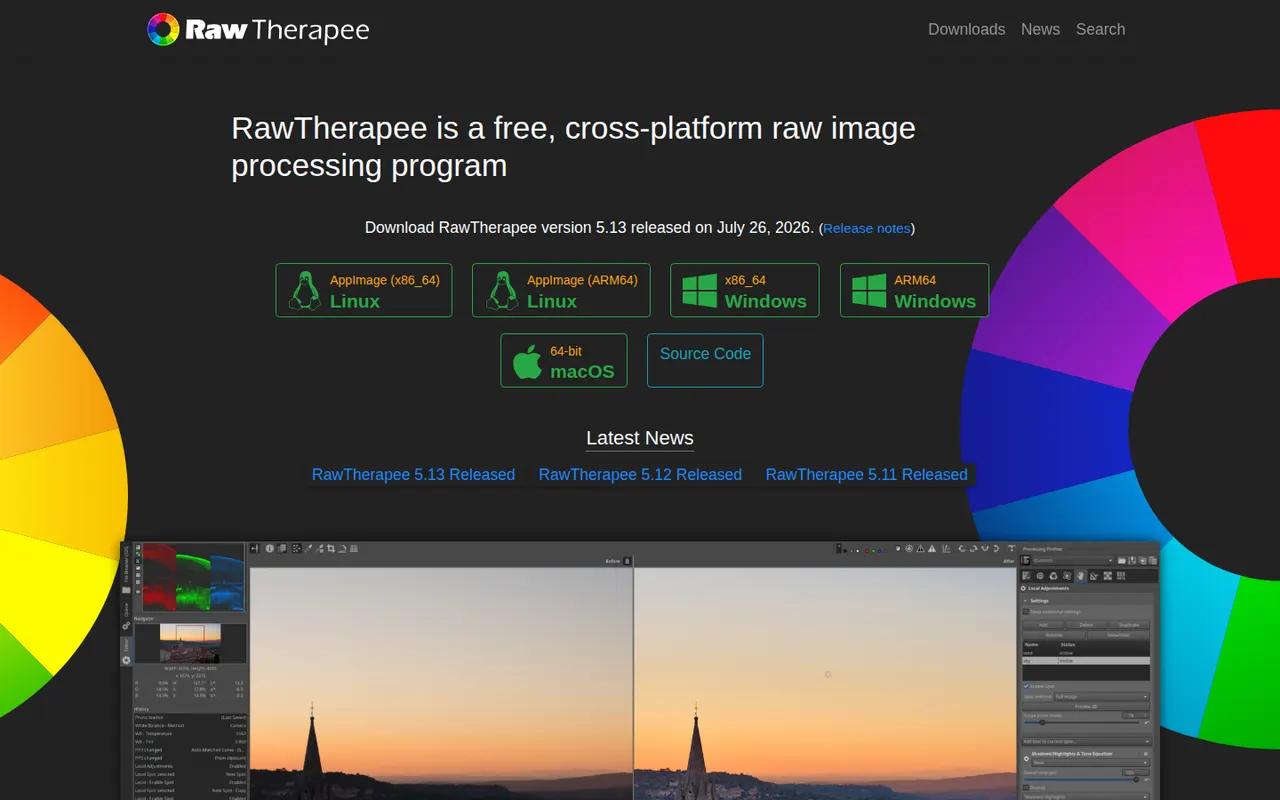
Cost / LicenseFree trialProprietaryCategoriesRawTherapee is a free, open source program for developing RAW photos on Windows, macOS and Linux. It focuses on image quality, with several demosaicing algorithms, advanced noise reduction, color management and detailed tone and color tools, all applied non-destructively through processing profiles. It includes a file browser and batch queue but no catalog, so it suits photographers who organize files themselves.
6 RawTherapee alternativesPros
- Free, open source RAW development with fine-grained controls
- Several demosaicing algorithms and advanced noise reduction
- Batch queue and processing profiles for consistent results
Cons
- No catalog or library management
- Technical interface with a steep learning curve
Cost / LicenseFreeOpen sourceCategoriesBlender is a free, open source 3D creation suite covering modeling, sculpting, rigging, animation, simulation, rendering with Cycles and EEVEE, compositing and video editing. Its Grease Pencil tools also allow 2D animation inside a 3D space. Developed by the Blender Foundation and a large community, it is used by hobbyists, studios and game developers and can be extended with Python add-ons.
12 Blender alternativesPros
- Completely free and open source, with no license or subscription
- Covers modeling, sculpting, animation, rendering and video editing
- Large community with countless tutorials and Python add-ons
Cons
- Dense interface that takes newcomers time to learn
- Less established than Maya or 3ds Max in some studio pipelines
Cost / LicenseFreeOpen sourceCategoriesAutodesk Maya is a 3D application used in film, television and game studios for character animation, rigging, modeling, simulation and visual effects. It includes the Arnold renderer, Bifrost for procedural effects and simulations, and Python and MEL scripting for building custom pipelines. It runs on Windows, macOS and Linux, and free educational licenses are available to students.
6 Autodesk Maya alternativesPros
- Industry-standard tools for character animation and rigging
- Python and MEL scripting for building custom studio pipelines
- Runs on Windows, macOS and Linux, with free licenses for students
Cons
- Subscription pricing is steep for freelancers and small studios
- Dense interface with a long learning curve for beginners
Cost / LicenseFree trialProprietaryCategoriesCinema 4D is a 3D application from Maxon known for its approachable interface and its MoGraph toolset for procedural motion graphics. Designers use it for broadcast graphics, product visuals, title sequences and abstract animation, often alongside After Effects. It integrates the Redshift renderer, simulation tools and character animation features, and runs on Windows and macOS.
8 Cinema 4D alternativesPros
- Approachable interface compared with most 3D suites
- MoGraph tools make procedural motion graphics fast to build
- Fits smoothly alongside After Effects for broadcast and title work
Cons
- Subscription pricing is costly for individual designers
- Runs on Windows and macOS only, with no Linux version
- Less common than Houdini or Maya for heavy simulation and film VFX
Cost / LicenseFree trialProprietaryCategoriesAutodesk 3ds Max is a 3D modeling, animation and rendering application for Windows, used for architectural and product visualization, interior design and game asset creation. It offers polygon and spline modeling, a modifier stack, the Arnold renderer and a large ecosystem of third-party plugins and renderers such as V-Ray and Corona. MAXScript and Python scripting support custom workflows.
9 Autodesk 3ds Max alternativesPros
- Deep modeling toolset built around a flexible modifier stack
- Huge plugin ecosystem, including the V-Ray and Corona renderers
- Long-standing standard for architectural visualization work
Cons
- Runs on Windows only, with no macOS or Linux version
- Subscription-only licensing is expensive for freelancers
- Steep learning curve and an interface that shows its age
Cost / LicenseFree trialProprietaryCategoriesPlatformsSketchUp is a 3D modeling tool from Trimble built around simple push-pull geometry, used by architects, interior designers, landscape designers and woodworkers. The 3D Warehouse offers a large library of ready-made models, and the Extension Warehouse adds plugins for rendering, layout and analysis. A free web version exists for personal use; paid plans add the desktop app, LayOut for 2D drawings and the iPad app.
8 SketchUp alternativesPros
- Push-pull modeling is quick to pick up for beginners
- 3D Warehouse offers a vast library of ready-made models
- Extensions add rendering, layout and analysis tools
Cons
- The free web version is limited to personal use
- Struggles with complex curved and organic shapes
- The desktop app and LayOut require a paid subscription
Cost / LicenseFreemiumProprietaryCategoriesZBrush is a digital sculpting and painting application used for characters, creatures, collectibles and 3D-printed figures in film, games and toy design. It handles models with millions of polygons using brush-based sculpting, DynaMesh, ZRemesher retopology and Polypaint for surface color. Created by Pixologic and now owned by Maxon, it runs on Windows and macOS, and an iPad version is also available.
6 ZBrush alternativesPros
- Handles models with millions of polygons smoothly
- DynaMesh and ZRemesher speed up sculpting and retopology
- Reference tool for character and creature sculpting
Cons
- Unconventional interface that takes a long time to master
- Not a full 3D suite, so animation and scene work need other tools
Cost / LicenseFreemiumProprietaryCategoriesHoudini is a 3D animation and visual effects application from SideFX built on a node-based procedural workflow, where every step stays editable. Studios use it for simulations such as fire, smoke, fluids, destruction and crowds, and game developers use it to generate environments and assets procedurally. A free Apprentice edition allows non-commercial learning, alongside paid Indie and studio licenses.
7 Houdini alternativesPros
- Node-based procedural workflow keeps every step editable
- Leading toolset for fire, smoke, fluid and destruction simulations
- Free Apprentice edition for non-commercial learning
Cons
- One of the steepest learning curves among 3D applications
- The free edition watermarks renders and is non-commercial only
- Overkill for simple modeling or quick motion graphics jobs
Cost / LicenseFreemiumProprietaryCategoriesAutodesk Fusion, formerly Fusion 360, is a product design and engineering platform that combines parametric and freeform 3D modeling, simulation, generative design, electronics design and CAM toolpaths for CNC machining. Projects are stored in the cloud with version history and team sharing. It is used by engineers, makers and small manufacturers, and a free personal-use license with reduced features is available.
6 Autodesk Fusion alternativesPros
- CAD, CAM, simulation and electronics design in one application
- Cloud storage with version history makes sharing designs simple
- Free personal-use license is a good fit for hobbyists and makers
Cons
- The free personal license is non-commercial and has reduced features
- Cloud-based file storage limits offline work and control over files
- Available on Windows and macOS only, with no Linux version
Cost / LicenseFreemiumProprietaryCategoriesFreeCAD is a free, open source parametric 3D modeler for mechanical engineering, product design, architecture (BIM) and 3D printing. It is organized into workbenches for part design, sketching, assemblies, technical drawings, finite element analysis and CAM, and can be fully scripted in Python. Version 1.0, released in 2024, added a built-in assembly workbench and fixes for the topological naming problem.
6 FreeCAD alternativesPros
- Free and open source parametric CAD with no license fees
- Workbenches cover parts, assemblies, drawings, FEM and CAM
- Fully scriptable in Python for automation and custom tools
Cons
- Interface feels less polished than commercial CAD packages
- Workflows differ between workbenches, which slows down learning
Cost / LicenseFreeOpen sourceCategoriesUnity is a game engine and editor used to build 2D, 3D, mobile, console, VR and AR games and interactive applications, scripted in C# or with its built-in visual scripting. It exports to a wide range of platforms, from phones and PCs to consoles and headsets, and the Asset Store offers ready-made tools, models and templates. A free Personal plan exists, with paid Pro and Enterprise tiers above a revenue threshold.
8 Unity alternativesPros
- Exports to almost every platform, from phones to consoles and headsets
- Huge Asset Store, extensive documentation and a large community
- C# scripting plus visual scripting, for both 2D and 3D
Cons
- Past licensing changes have shaken trust among developers
- Editor can feel heavy and slow on large projects
- Paid tiers become mandatory above a revenue threshold
Cost / LicenseFreemiumProprietaryCategoriesUnreal Engine is a real-time 3D engine from Epic Games used for games as well as virtual production, architectural visualization and automotive design. It offers Blueprints visual scripting alongside C++, Nanite geometry, Lumen dynamic lighting and export to PC, consoles and mobile. Its source code is available on GitHub under Epic's license; use is free until revenue thresholds trigger royalties or seat fees.
9 Unreal Engine alternativesPros
- Top-tier visuals with Nanite geometry and Lumen lighting
- Blueprints let designers build logic without writing C++
- Full source code access on GitHub
Cons
- Demanding hardware requirements and very large project sizes
- Steep learning curve, especially on the C++ side
- Royalties or seat fees apply past revenue thresholds
Cost / LicenseFreemiumSource availableCategoriesGodot is a free, open source game engine released under the MIT license, with no royalties or fees. It provides dedicated 2D and 3D renderers, a scene and node system, its own Python-like GDScript language plus C# support, and a lightweight editor for Windows, macOS and Linux. Games export to desktop, mobile and the web, while console ports go through third-party partners. It is backed by the Godot Foundation.
7 Godot Engine alternativesPros
- MIT licensed, with no royalties, fees or revenue thresholds
- Lightweight editor with a dedicated 2D renderer, not 3D in disguise
- Easy-to-learn GDScript, C# support and a clean scene and node system
Cons
- Console ports have to go through third-party partners
- Asset store and third-party ecosystem are smaller than Unity’s
- High-end 3D rendering still trails Unreal and Unity
Cost / LicenseFreeOpen sourceCategoriesGameMaker is a 2D game engine owned by Opera, used by indie developers and beginners to create platformers, RPGs and arcade games. Logic can be written in GML Code or built with GML Visual, a drag-and-drop system, and projects export to desktop, mobile, web and consoles. It is free for non-commercial use, with paid licenses for commercial releases and console export.
7 GameMaker alternativesPros
- Beginner-friendly, with GML Visual drag-and-drop alongside GML Code
- Mature, focused toolset for 2D platformers, RPGs and arcade games
- Exports to desktop, mobile, web and consoles
Cons
- Commercial releases and console export require paid licenses
- Not suited to 3D projects
- GML is specific to the engine, so skills transfer less easily elsewhere
Cost / LicenseFreemiumProprietaryCategoriesDefold is a free game engine first released by King and now maintained by the independent Defold Foundation. It is known for small build sizes and fast iteration, uses Lua for scripting and exports to Windows, macOS, Linux, iOS, Android and HTML5, with console support available to approved developers. Its source code is public on GitHub under the Defold License, a permissive license with some restrictions.
7 Defold alternativesPros
- Free to use with no royalties, backed by an independent foundation
- Small build sizes and fast iteration, ideal for mobile and web games
- Lightweight Lua scripting and broad export targets including HTML5
Cons
- Smaller community and fewer tutorials than Unity or Godot
- 3D tooling is basic, as the engine shines mostly in 2D
- No visual scripting, so coding in Lua is required
Cost / LicenseFreeSource availableCategoriesRPG Maker is a long-running series of tools for making Japanese-style 2D role-playing games without programming. Recent versions such as RPG Maker MZ provide tile-based map editors, a database for characters, items and battles, an event system for story logic and bundled art and music, with JavaScript plugins for deeper customization. Each version is sold as a one-time purchase.
6 RPG Maker alternativesPros
- Makes classic Japanese-style RPGs possible without programming
- Bundled tilesets, characters and music to start right away
- JavaScript plugins allow deeper customization in recent versions
Cons
- Locked into the classic tile-based JRPG style
- Default assets are widely recognized, so games can look generic
- Each new version is a separate purchase
Cost / LicenseFree trialProprietaryCategoriesGDevelop is a free, open source game engine that lets creators build 2D and 3D games with an event-based visual logic system instead of code. It runs in the browser or as a desktop app, includes templates, an asset store and ready-made behaviors for platformers, physics and pathfinding, and exports to web, Windows, macOS, Linux, Android and iOS. Optional subscriptions add cloud builds and other services.
7 GDevelop alternativesPros
- Free and open source, usable in the browser or as a desktop app
- Event-based logic and ready-made behaviors avoid writing code
- Exports to web, desktop, Android and iOS
Cons
- 3D support is newer and less mature than its 2D tools
- Cloud builds and some services require a subscription
- Complex games can outgrow the event system
Cost / LicenseFreemiumOpen sourceCategoriesFramer is a website builder that works like a design tool: you lay out pages on a canvas, add animations and effects, then publish directly with hosting included. It offers a CMS, localization, built-in analytics and AI features that can generate a starting layout from a prompt. Designers and startups use it for landing pages, portfolios and marketing sites.
12 Framer alternativesPros
- Design-tool canvas with fine control over layout and animation
- Publishing and hosting included in one step
- Built-in CMS, localization and analytics
Cons
- Paid plans get costly as sites grow
- Learning curve for people new to design tools
- Sites stay hosted on Framer, with no official code export
Cost / LicenseFreemiumProprietaryCategoriesClose is a CRM built for inside sales teams that spend their day on the phone and in email. Calling, power dialing, SMS, email sequences and meeting notes live inside the CRM, so reps rarely need separate tools, and every interaction is logged automatically. It targets startups and small businesses with high-volume outbound or inbound sales processes.
8 Close alternativesPros
- Calling, power dialing, SMS and email built into the CRM
- Every call and email is logged automatically
- Email sequences keep outbound follow-ups on track
Cons
- No free plan, only a trial
- Less suited to complex enterprise sales or marketing automation
Cost / LicenseFree trialProprietaryCategoriesScreaming Frog SEO Spider is a desktop crawler that scans a website the way a search engine bot does and reports technical SEO issues such as broken links, redirects, duplicate titles, missing meta data and canonical problems. It can render JavaScript, check spelling and grammar, generate XML sitemaps and connect to Google Analytics, Search Console and PageSpeed Insights. The free version crawls up to 500 URLs.
6 Screaming Frog SEO Spider alternativesPros
- Thorough crawl that finds broken links, redirects and duplicates
- Renders JavaScript and connects to Analytics, Search Console and PageSpeed
- Runs locally on Windows, Mac and Linux
Cons
- The free version is capped at a small number of URLs
- Dense, technical interface for non-specialists
- Large crawls consume a lot of memory
Cost / LicenseFreemiumProprietaryCategoriesMicrosoft 365 bundles Word, Excel, PowerPoint, Outlook, OneDrive and Teams in a single subscription for individuals, families and businesses. Files sync across Windows, Mac, mobile and the browser, with co-authoring and Copilot AI features in eligible plans. Free web versions of the core apps are available with a Microsoft account.
9 Microsoft 365 alternativesPros
- Industry-standard Word, Excel and PowerPoint with their full features
- Co-authoring and OneDrive sync across all devices
- Free web versions of the core apps
Cons
- Full desktop apps require an ongoing subscription
- Copilot features are limited to eligible plans
- The sheer number of features can overwhelm simple needs
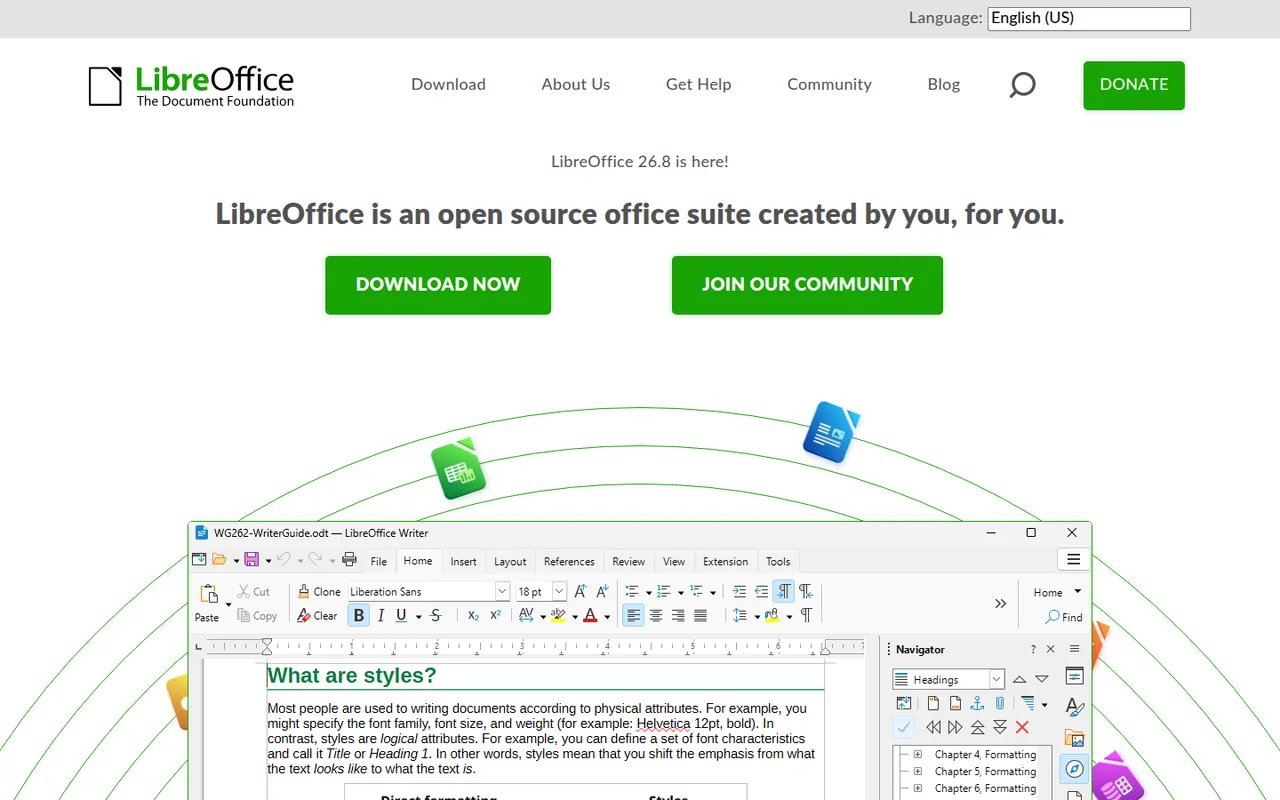
Cost / LicenseFreemiumProprietaryLibreOffice is a desktop office suite maintained by The Document Foundation, with Writer, Calc, Impress, Draw, Base and Math. It uses the OpenDocument format natively and opens and saves Microsoft Office files. It is free for any use, works fully offline and can be extended with community extensions and templates.
12 LibreOffice alternativesPros
- Free for any use, with no account or subscription
- Full suite with Writer, Calc, Impress, Draw and Base
- Native OpenDocument support and fully offline use
Cons
- Interface feels dated next to Microsoft 365
- Complex Office files can lose formatting
- No real-time collaboration in the desktop apps
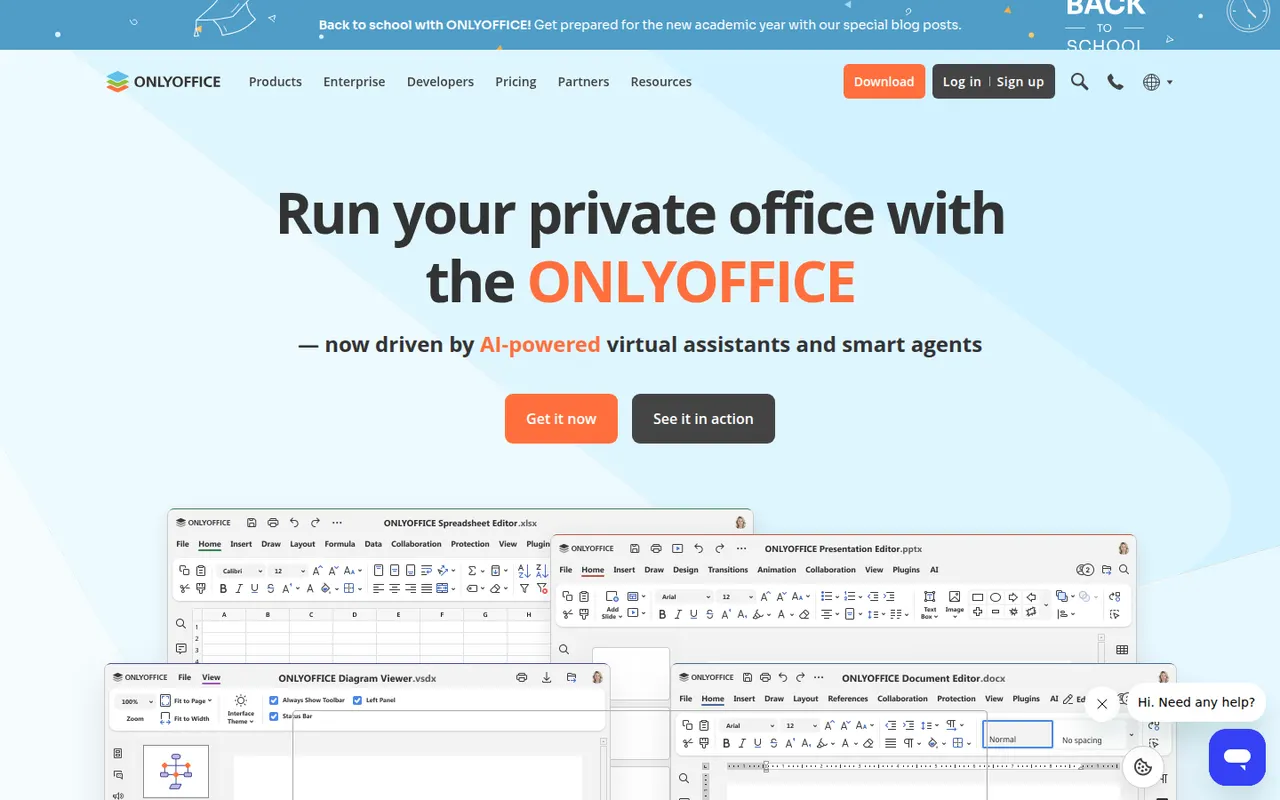
Cost / LicenseFreeOpen sourceONLYOFFICE is an office suite from Ascensio System with editors for documents, spreadsheets, presentations, PDFs and forms, built around Microsoft Office formats. The desktop and mobile apps are free, and the online editors can be self-hosted or integrated into Nextcloud and other platforms, with paid cloud and enterprise editions. It supports real-time co-editing, plugins and AI assistants.
12 ONLYOFFICE alternativesPros
- Strong compatibility with Microsoft Office formats
- Free desktop and mobile apps, plus self-hostable online editors
- Real-time co-editing and Nextcloud integration
Cons
- A self-hosted server needs technical setup
- Enterprise features and support require paid editions
- Fewer advanced features than Microsoft Office
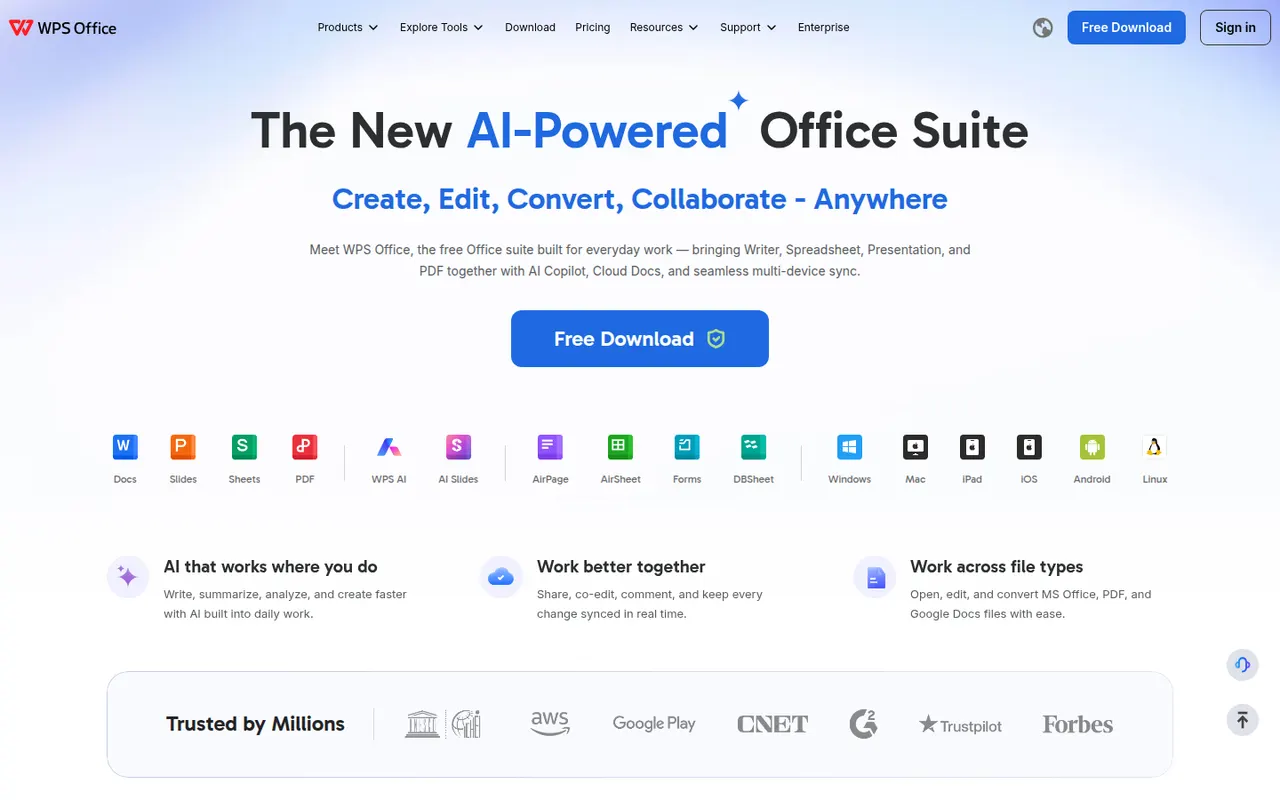
Cost / LicenseFreemiumOpen sourceWPS Office is an office suite developed by Kingsoft that combines a word processor, spreadsheet, presentation app and PDF tools in one interface with document tabs. It is compatible with Microsoft Office formats and available on desktop and mobile. The free version shows ads, while a paid subscription removes them and unlocks extra PDF features, cloud storage and WPS AI.
12 WPS Office alternativesPros
- Tabbed interface for documents, sheets, slides and PDF tools
- Good compatibility with Microsoft Office formats
- Free on desktop and mobile, including Linux
Cons
- The free version shows ads
- Extra PDF tools and WPS AI require a subscription
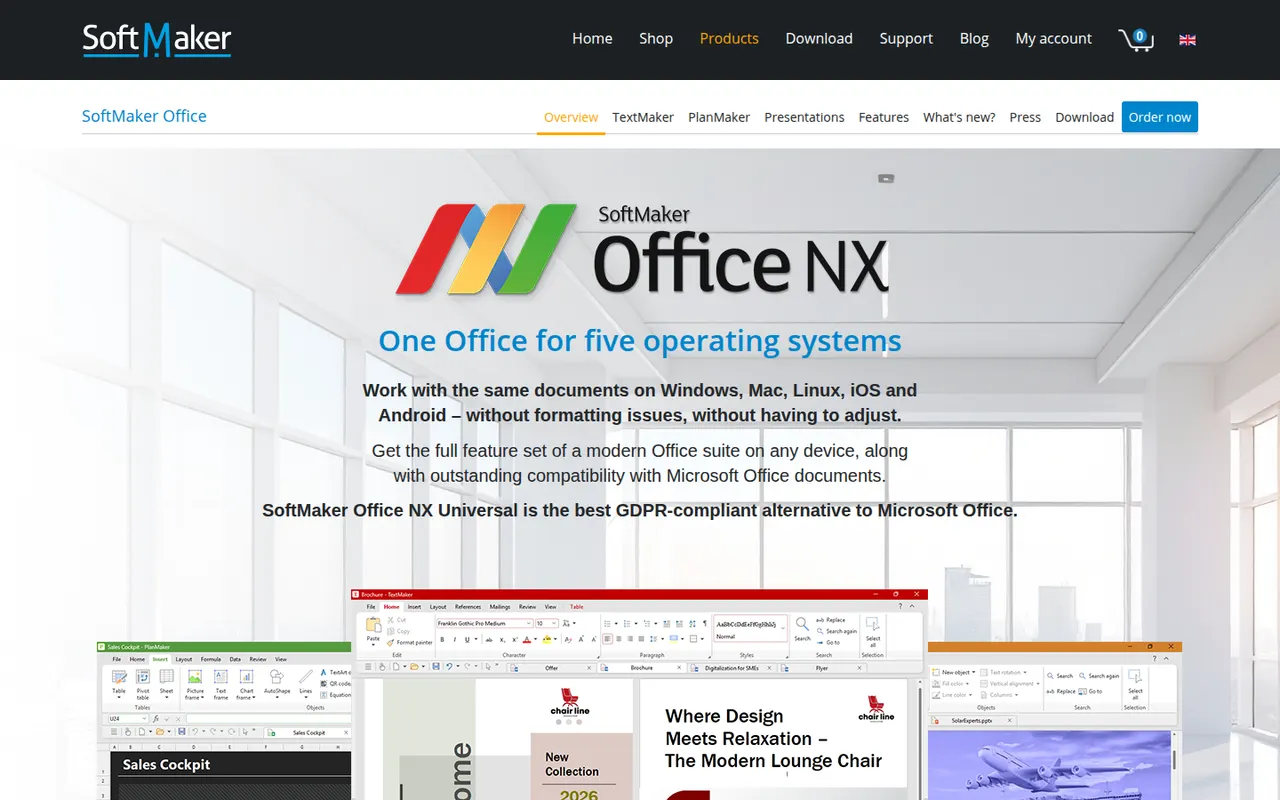
Cost / LicenseFreemiumProprietarySoftMaker Office is a commercial office suite from the German company SoftMaker, consisting of TextMaker, PlanMaker and Presentations. It is built for close compatibility with Microsoft Office files and runs natively on Windows, macOS, Linux and Android. It is sold as a subscription or a one-time license after a free trial; the separate FreeOffice edition is free with fewer features.
8 SoftMaker Office alternativesPros
- Close compatibility with Microsoft Office files
- Native apps on Windows, macOS, Linux and Android
- One-time license available as an alternative to subscriptions
Cons
- Paid after the trial, and the free FreeOffice edition offers less
- No cloud collaboration or web version
- Smaller community and fewer resources than Office or LibreOffice
Cost / LicenseFree trialProprietaryCollabora Online is an open source office suite from Collabora Productivity that runs LibreOffice technology in the browser, on your own server or through a hosting partner. It plugs into Nextcloud, ownCloud, Seafile and similar platforms for co-editing Office and OpenDocument files on infrastructure you control. A free development edition sits alongside paid supported versions and Collabora Office apps.
9 Collabora Online alternativesPros
- Open source online office suite you can host on your own servers
- Integrates with Nextcloud, ownCloud and Seafile for co-editing
- Keeps documents on infrastructure you control
Cons
- Interface feels dated next to Google Docs or Microsoft 365
- Self-hosting requires server setup and maintenance
- Supported production versions are paid
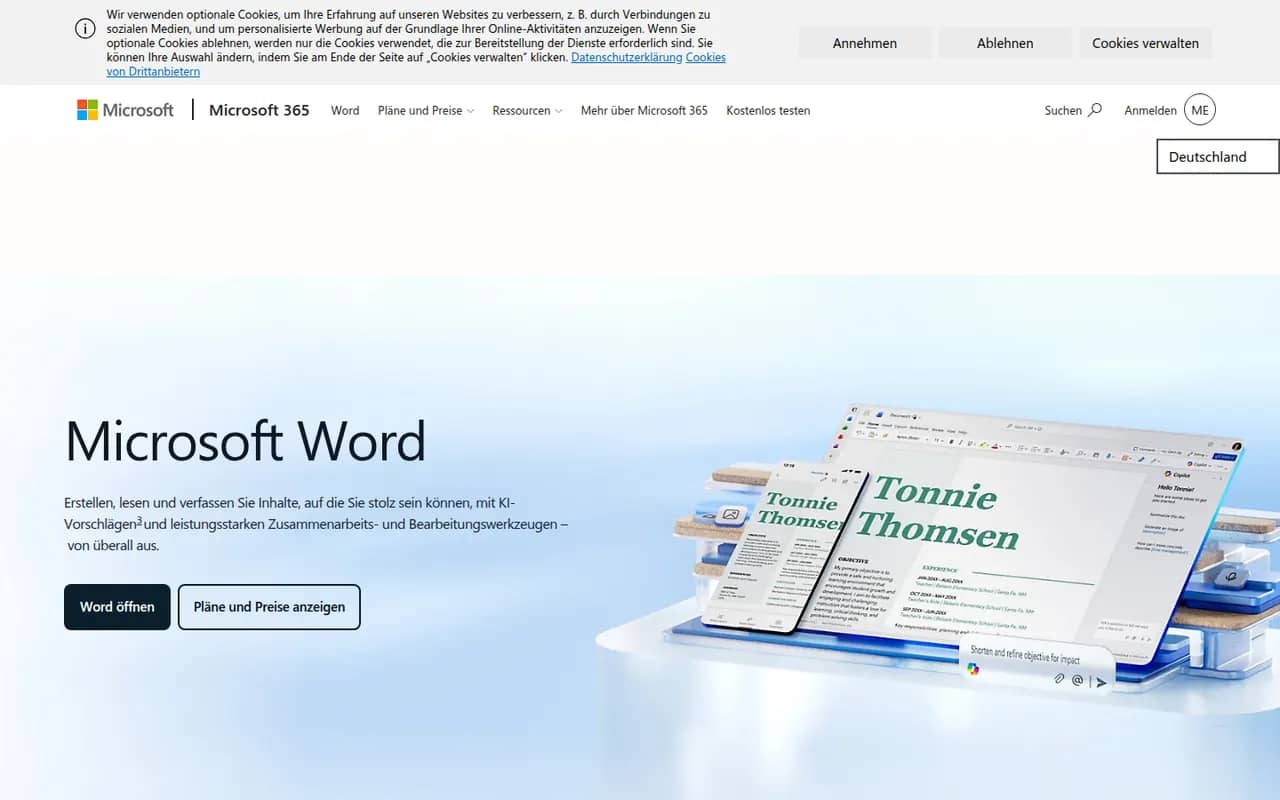
Cost / LicenseFreemiumOpen sourceMicrosoft Word is the word processor in Microsoft 365 and the reference for the .docx format used in many workplaces. It offers styles, track changes, comments, mail merge, references and real-time co-authoring through OneDrive or SharePoint, plus Copilot drafting in eligible plans. Word runs on Windows, Mac, mobile and the web, where a free version is available with a Microsoft account.
11 Microsoft Word alternativesPros
- The reference for the .docx format used in many workplaces
- Powerful styles, track changes, references and mail merge
- Available on Windows, Mac, mobile and the web
Cons
- Full desktop features require a Microsoft 365 subscription
- Dense interface packed with features most people never use
- Copilot features are limited to eligible plans
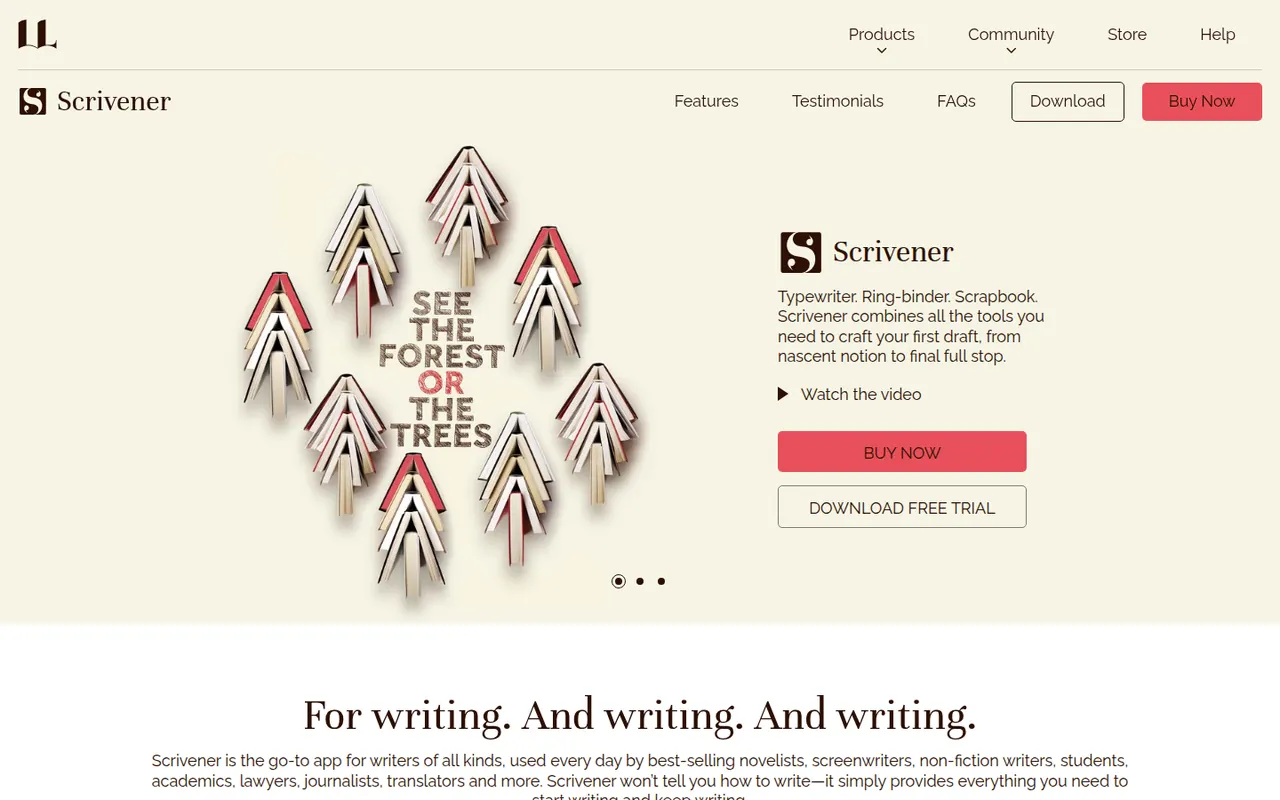
Cost / LicenseFreemiumProprietaryCategoriesScrivener, from Literature & Latte, is a writing tool for long-form projects such as novels, theses and screenplays. Its binder lets you split a manuscript into sections, rearrange them on a corkboard or outliner and keep research notes, PDFs and images next to the text, then compile everything into print, ebook or Word formats. It is a one-time purchase per platform with a free trial.
8 Scrivener alternativesPros
- Binder splits long manuscripts into easy-to-rearrange sections
- Research notes, PDFs and images kept next to the text
- Compile exports to print, ebook and Word formats
Cons
- Steep learning curve, especially for the compile feature
- A separate license is required for each platform
- Syncing with the iPhone app relies on Dropbox
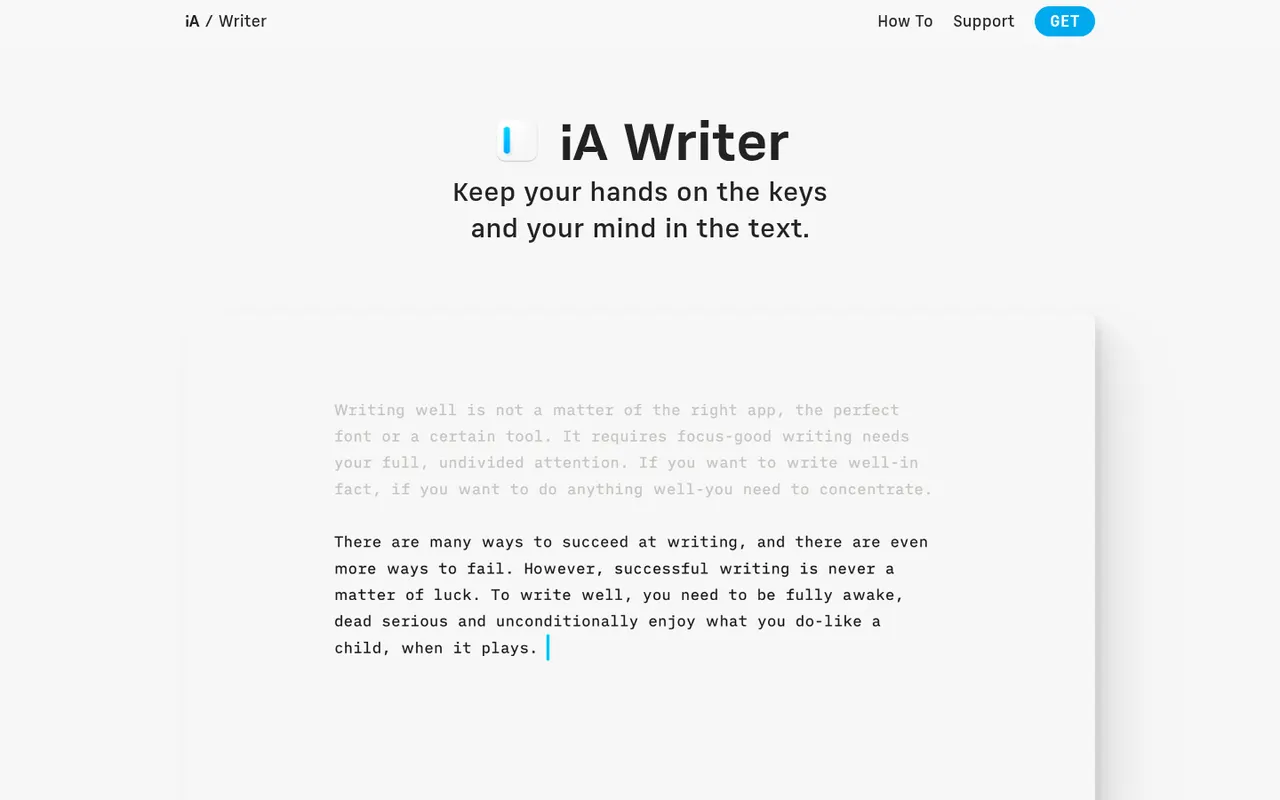
Cost / LicenseFree trialProprietaryCategoriesiA Writer is a minimalist Markdown editor from the design studio Information Architects. Its Focus Mode, syntax highlighting and style check help tighten prose, and it can mark text pasted from AI tools to keep track of what you wrote yourself. Files stay as plain text, locally or in iCloud and Dropbox, with export to HTML, PDF and Word. It is a one-time purchase per platform, after a free trial.
9 iA Writer alternativesPros
- Focus Mode and style check help tighten prose
- Plain-text Markdown files stored wherever you choose
- One-time purchase instead of a subscription
Cons
- A separate purchase is needed for each platform
- No real-time collaboration
- Formatting options are minimal by design
Cost / LicenseFree trialProprietaryCategories