Apps with End-to-end encryption
33 apps
Top End-to-end encryption apps ranked by the community
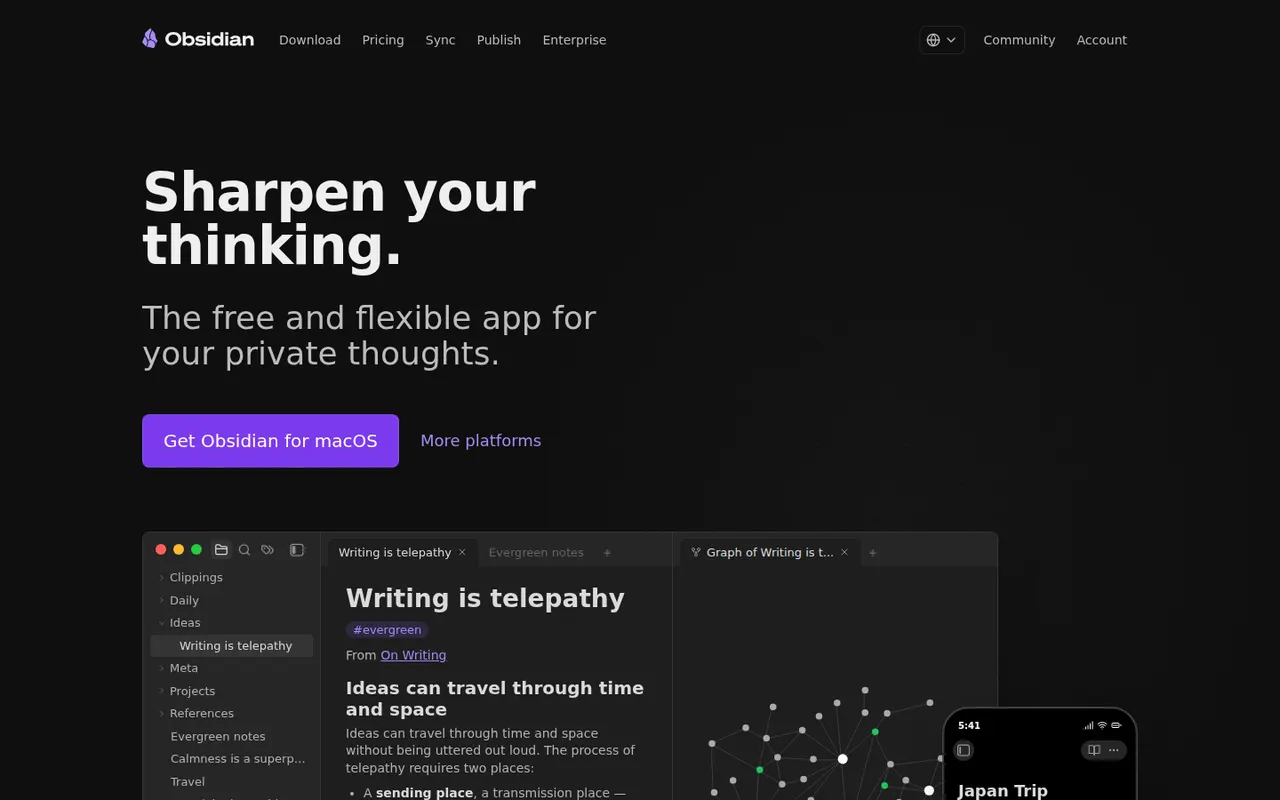
Obsidian stores notes as plain Markdown files on your device, links them into a knowledge graph and extends with a large plugin ecosystem.
17 Obsidian alternativesPros
- Notes are plain Markdown files stored on your device
- Large ecosystem of community plugins and themes
- Graph view and backlinks for connected notes
Cons
- Official sync and publishing are paid add-ons
- Plugin-heavy setups take time to configure and maintain
- No real-time collaboration on notes
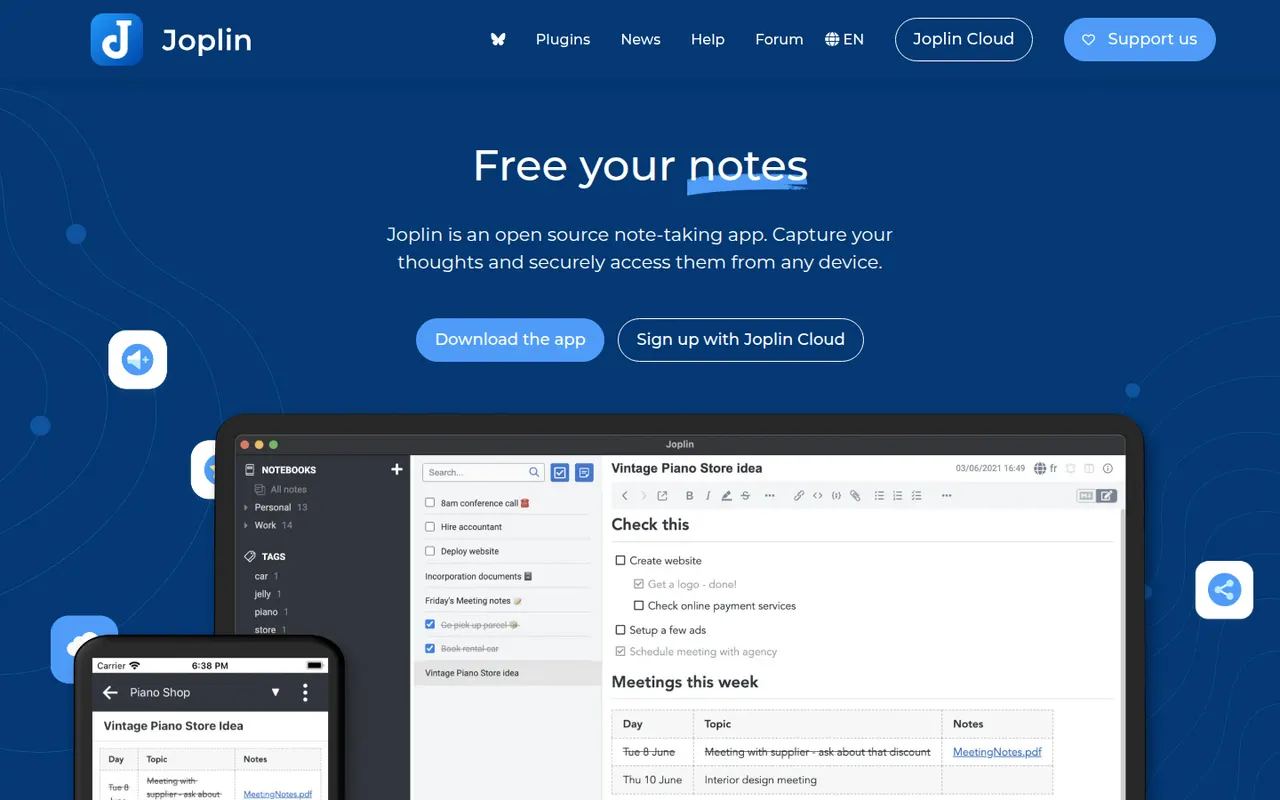
Cost / LicenseFreemiumProprietaryCategoriesJoplin is an open source note-taking app with Markdown notes, notebooks, end-to-end encrypted sync and a web clipper.
11 Joplin alternativesPros
- Open source, with Markdown notes stored in an open format
- End-to-end encrypted sync via Dropbox, OneDrive, WebDAV or Joplin Cloud
- Web clipper and plugins extend the core app
Cons
- Interface feels dated next to newer note apps
- Sync setup takes more effort than turnkey services
- No web app for reaching your notes from a browser
Cost / LicenseFreemiumOpen sourceCategoriesAnytype is a local-first workspace for notes, databases and collaboration, with peer-to-peer sync and end-to-end encryption.
10 Anytype alternativesPros
- Local-first data with end-to-end encrypted peer-to-peer sync
- Objects, types and relations enable flexible, database-like notes
- Works offline on desktop and mobile alike
Cons
- The object and type model takes time to learn
- No web app, only desktop and mobile clients
- Fewer integrations and plugins than mainstream workspaces
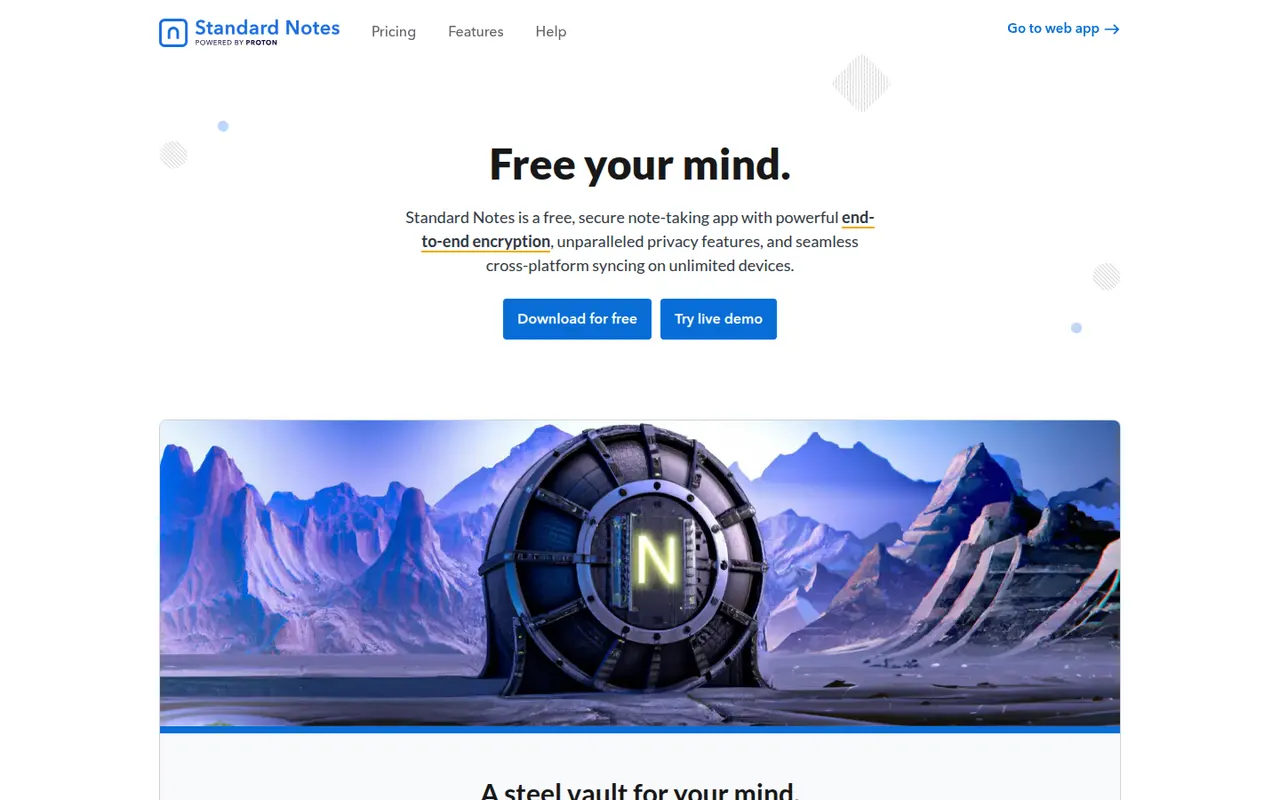
Cost / LicenseFreemiumSource availableCategoriesStandard Notes is an open source note-taking app focused on privacy, with end-to-end encryption for every note and file and apps on all major platforms. Notes work offline and sync across devices, and paid plans add rich editors, file storage and longer revision history. The company became part of Proton in 2024, and the sync server can be self-hosted.
9 Standard Notes alternativesPros
- End-to-end encryption for every note and file
- Open source apps on all major platforms
- The sync server can be self-hosted
Cons
- Rich editors, file storage and longer history need a paid plan
- Collaboration features are minimal compared with mainstream apps
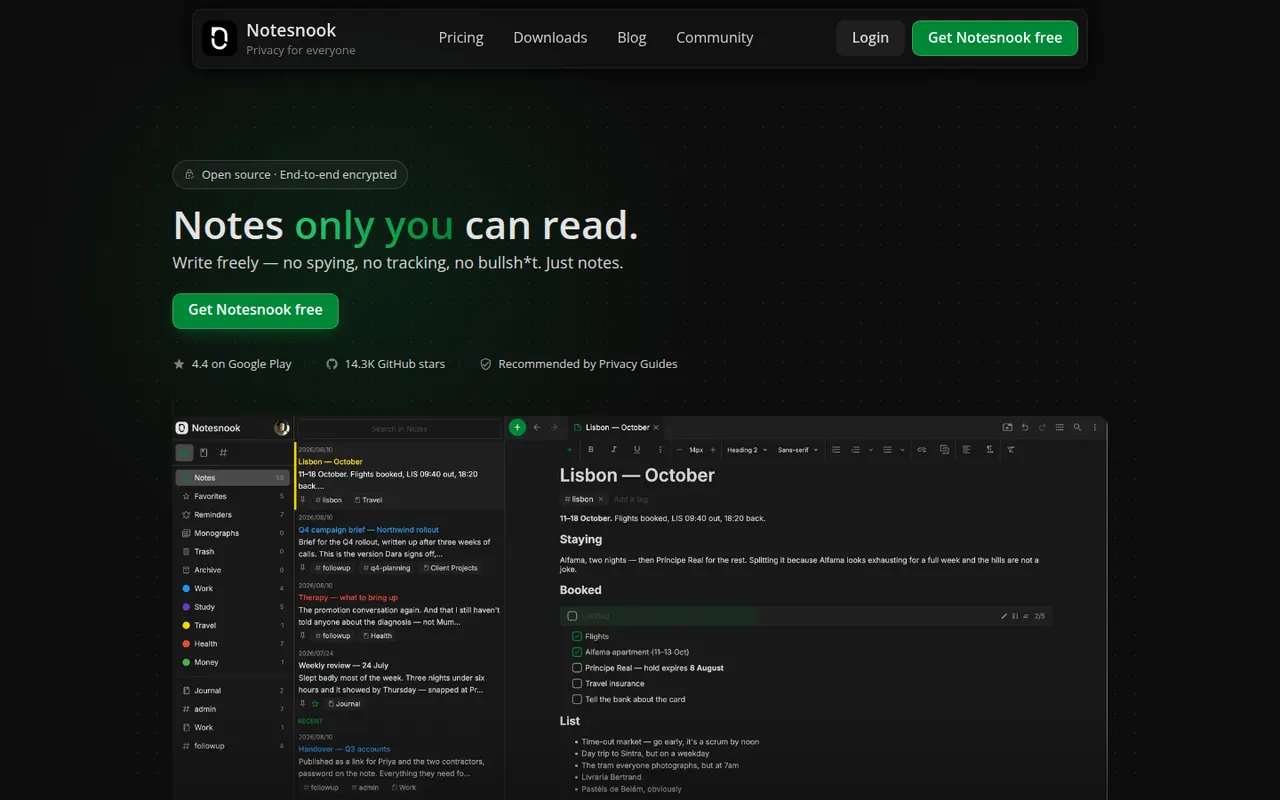
Cost / LicenseFreemiumOpen sourceCategoriesNotesnook is an open source note-taking app that encrypts every note end to end on your device before syncing it. It offers notebooks, tags, rich text with Markdown shortcuts, an app lock, a private vault and a web clipper, on the web, desktop and mobile. A free plan is available, and the sync server can also be self-hosted.
9 Notesnook alternativesPros
- Every note is end-to-end encrypted on your device before syncing
- Open source apps on web, desktop and mobile
- The sync server can be self-hosted
Cons
- Fewer integrations and plugins than mainstream note apps
- Some features are limited on the free plan
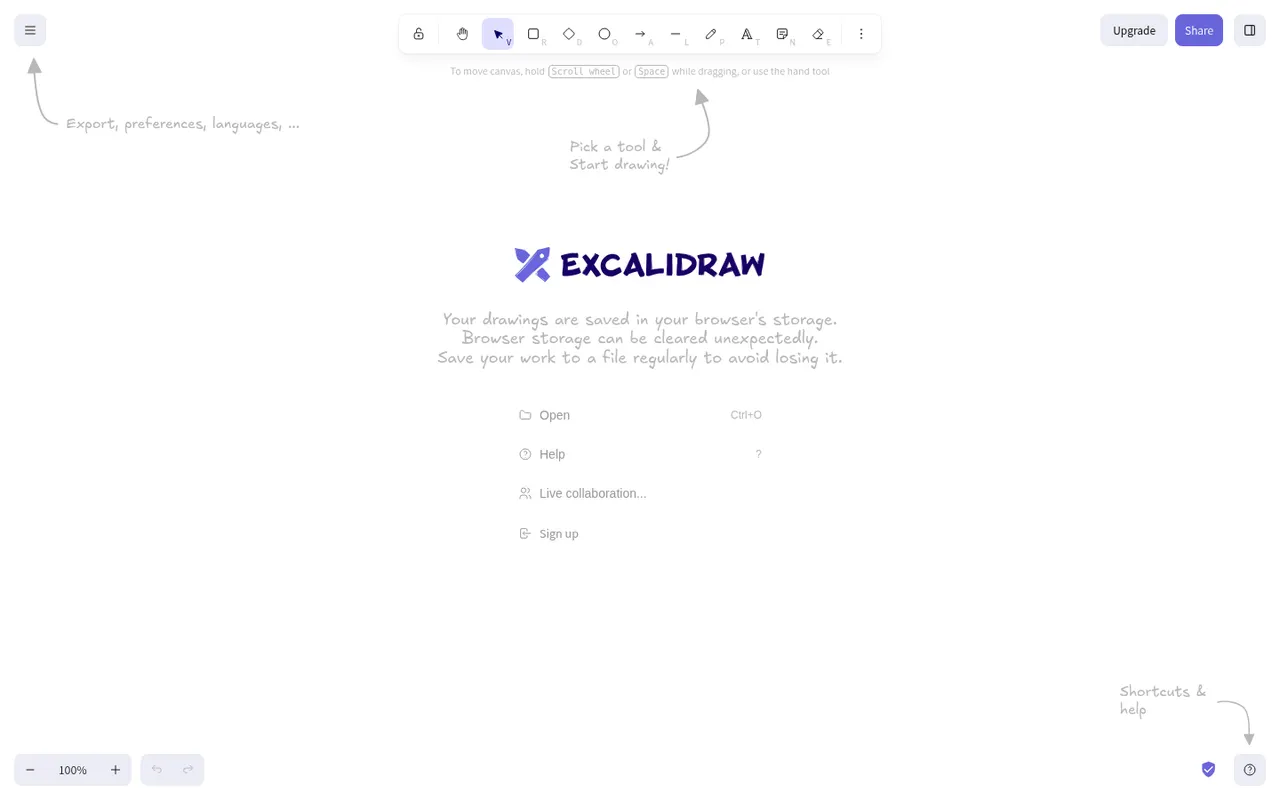
Cost / LicenseFreemiumOpen sourceCategoriesExcalidraw is an open source virtual whiteboard that produces diagrams and sketches with a hand-drawn look. It runs in the browser without an account, works offline, offers end-to-end encrypted live collaboration and shareable links, and has a large community library of shapes. Excalidraw+ adds cloud workspaces and team features, and the editor can be embedded as a React component.
11 Excalidraw alternativesPros
- Hand-drawn style that makes sketches feel approachable
- Works in the browser offline and without an account
- End-to-end encrypted live collaboration
Cons
- Hand-drawn look is less suited to formal diagrams
- Cloud workspaces and team features require Excalidraw+
- Fewer diagramming features than dedicated tools
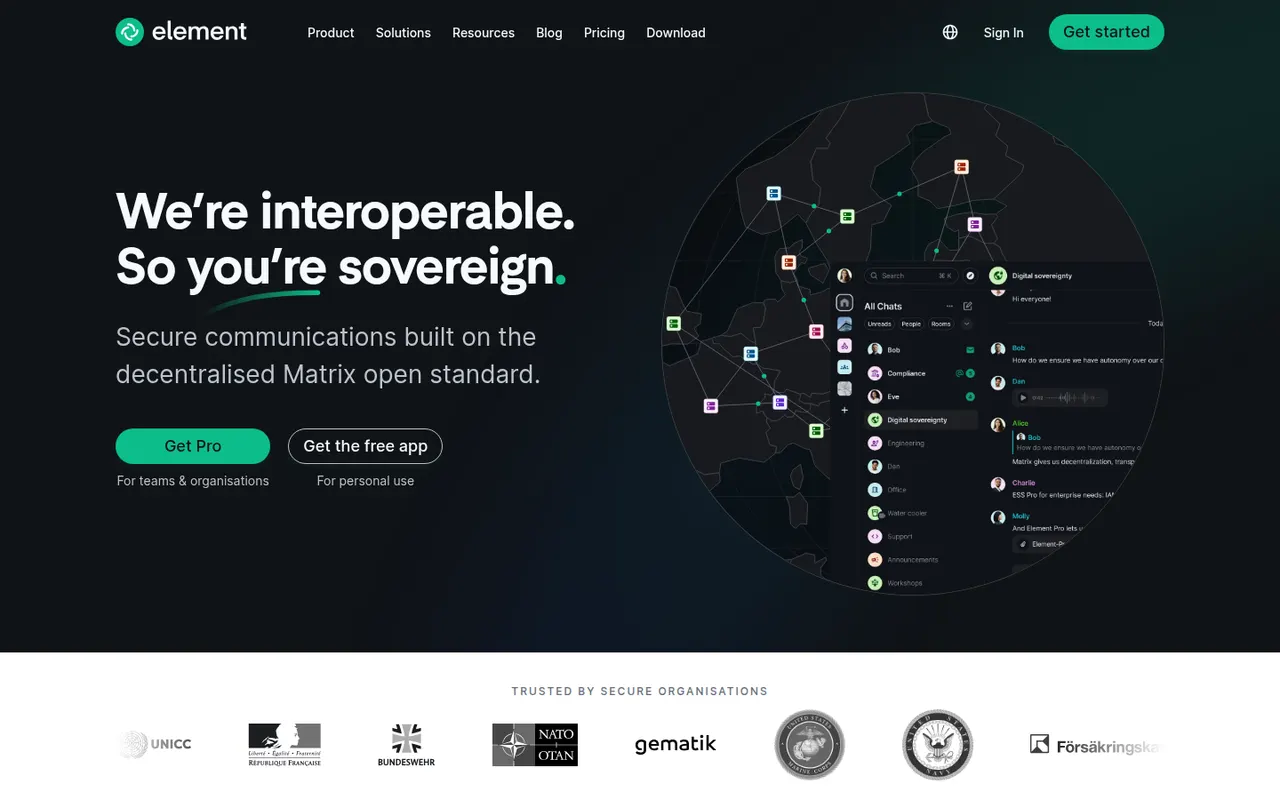
Cost / LicenseFreemiumOpen sourceCategoriesPlatformsElement is a messaging app from the team that created Matrix, an open standard for decentralized, federated chat. Rooms, direct messages and calls are end-to-end encrypted, and people on different Matrix servers can talk to each other like email. Individuals can join a public server for free, while organizations and governments self-host or buy Element's enterprise server suite, with bridges to other chat networks.
12 Element alternativesPros
- End-to-end encryption by default for private rooms and messages
- Federated Matrix network, so no single company controls your chats
- Open source and self-hostable, popular with public sector bodies
Cons
- Encryption keys and device verification can confuse newcomers
- Running your own Matrix server takes real technical effort
- Fewer business integrations than mainstream team chat apps
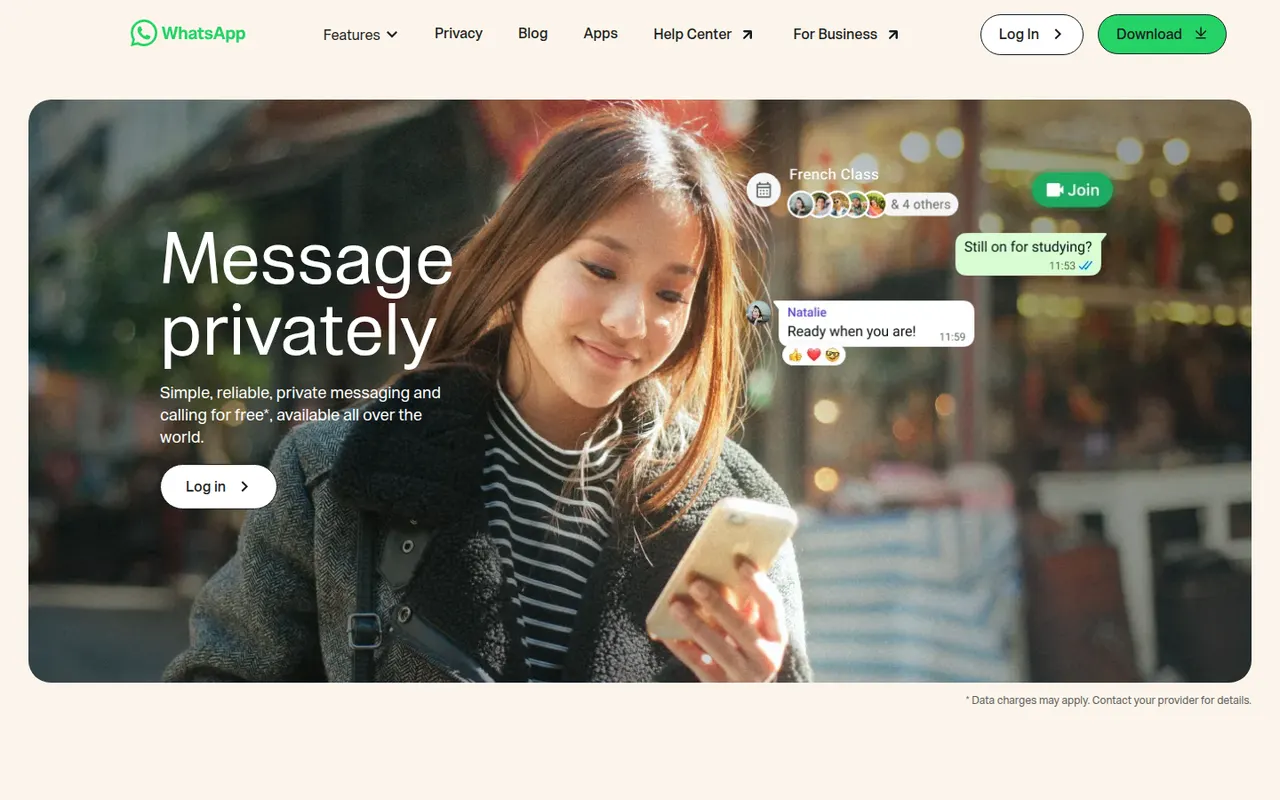
Cost / LicenseFreemiumOpen sourceCategoriesWhatsApp is Meta's messaging app for text, voice notes, photos, group chats and voice or video calls. Personal messages and calls are end-to-end encrypted by default using the Signal Protocol, and each account is linked to a phone number. Companion apps run on desktop and the web, and WhatsApp Business lets companies chat with their customers.
8 WhatsApp alternativesPros
- Huge user base makes it easy to reach almost anyone
- Personal chats and calls are encrypted by default with the Signal Protocol
- WhatsApp Business lets companies talk with their customers
Cons
- Owned by Meta, which collects metadata about how you use it
- Every account is tied to a phone number
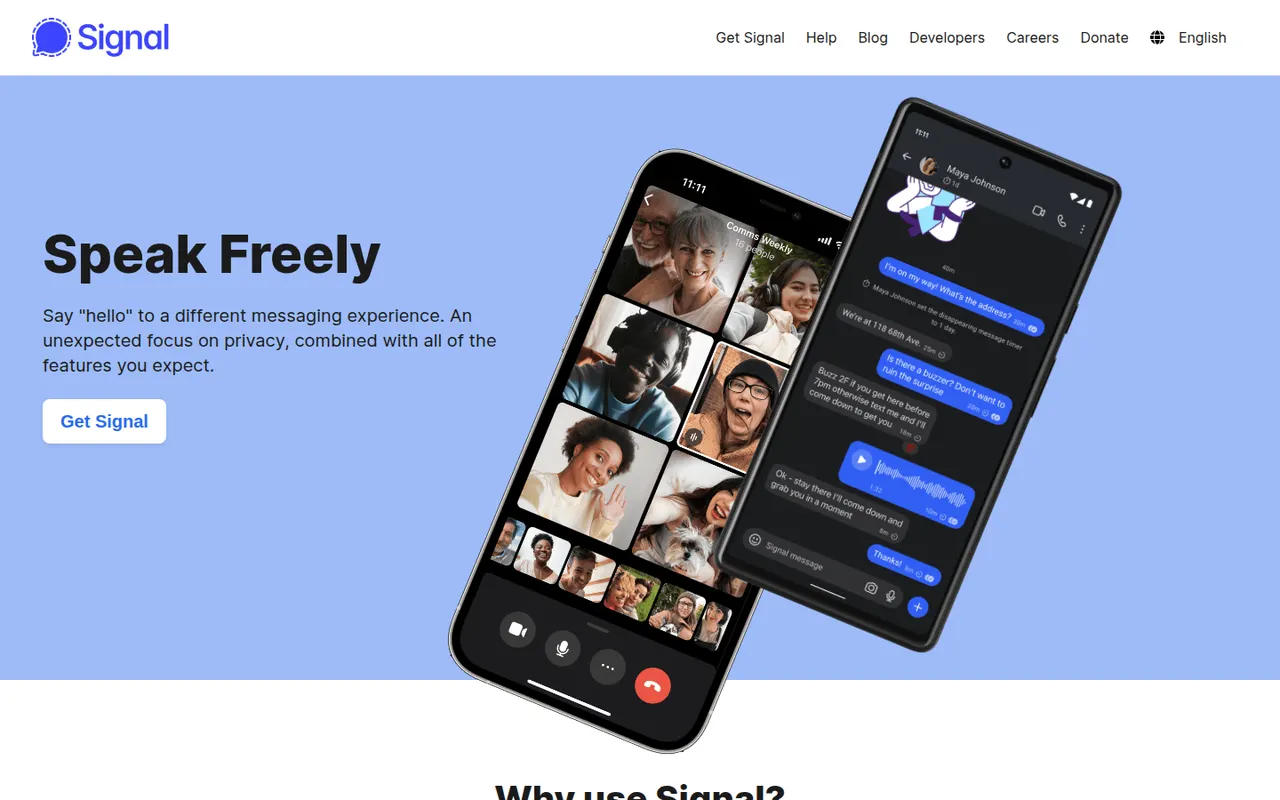
Cost / LicenseFreeProprietaryCategoriesSignal is a free, open-source messenger run by the nonprofit Signal Foundation. Messages, calls, group chats and media are end-to-end encrypted with the Signal Protocol, and the service is designed to collect as little metadata as possible. Registration requires a phone number, though usernames let you chat without sharing it, and the app has no ads or trackers.
10 Signal alternativesPros
- Signal Protocol encrypts messages, calls and groups end to end
- Run by a nonprofit, with minimal metadata and no ads
- Usernames let you chat without revealing your phone number
Cons
- A phone number is still required to register
- Fewer of your contacts are likely to use it than mainstream apps
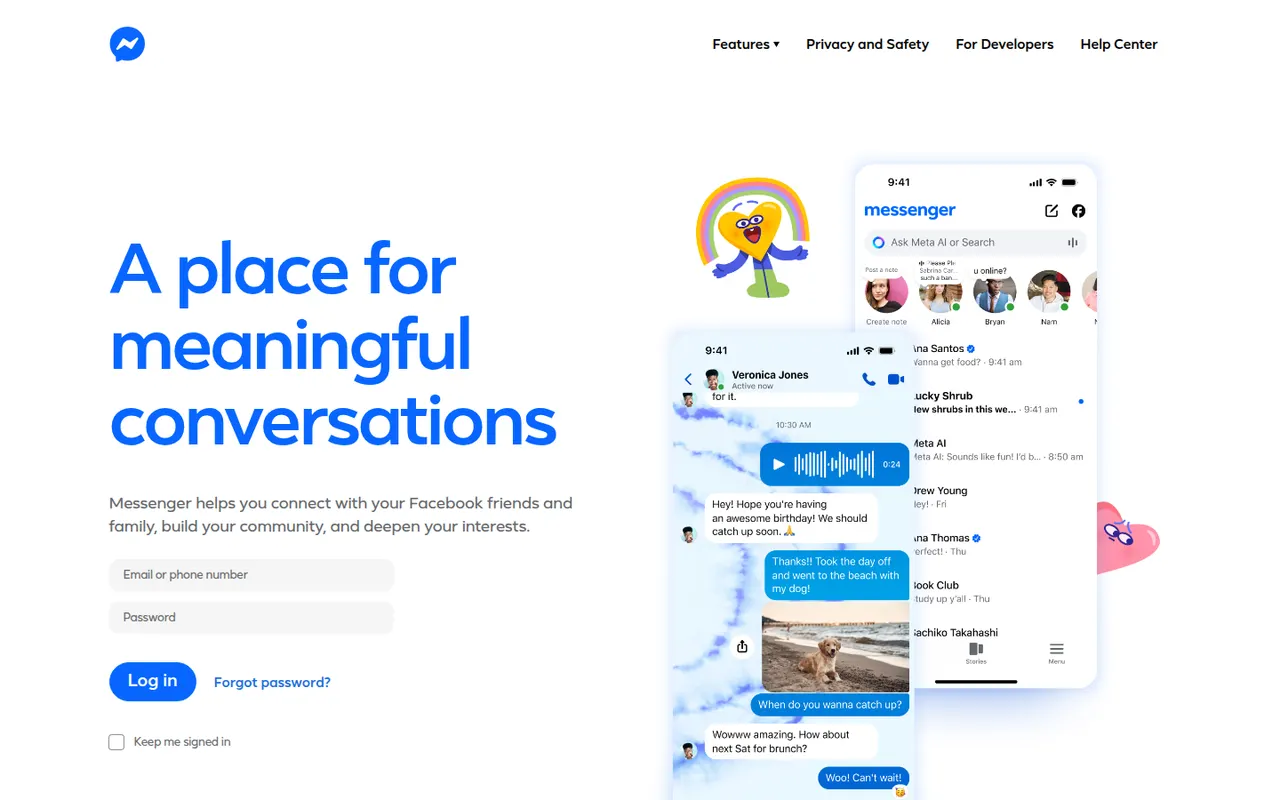
Cost / LicenseFreeOpen sourceCategoriesMessenger is Meta's chat app for messaging and calling people you know on Facebook, with group chats, voice and video calls, reactions, stickers and media sharing. Personal chats and calls have been end-to-end encrypted by default since late 2023, and disappearing messages are available. It runs on iPhone, iPad and Android as well as in the browser.
8 Messenger alternativesPros
- Easy way to reach Facebook contacts without swapping phone numbers
- Personal chats and calls are end-to-end encrypted by default
- Rich group chats, video calls, reactions and stickers
Cons
- Collects extensive data linked to your Meta profile
- Requires a Facebook account to use
Cost / LicenseFreeProprietaryCategoriesViber is a messaging and calling app from Rakuten Viber, offering one-to-one and group chats, voice and video calls, stickers, and large public communities and channels. Chats and calls are end-to-end encrypted by default, and disappearing messages are available. Paid Viber Out credits let users call regular mobile and landline numbers.
8 Viber alternativesPros
- Chats and calls are end-to-end encrypted by default
- Large public communities and channels
- Viber Out credits let you call regular mobile and landline numbers
Cons
- Ads and sponsored content appear in the app
- A phone number is required to sign up
- Widely used in some countries but rare in others
Cost / LicenseFreemiumProprietaryCategoriesThreema is a privacy-focused messenger from Switzerland that end-to-end encrypts messages, calls, groups and files. Each user gets a random Threema ID, so no phone number or email address is required, and the address book is only synced if you choose to. The apps are open source and sold for a one-time fee, while Threema Work targets companies and public institutions.
9 Threema alternativesPros
- No phone number or email needed, thanks to a random Threema ID
- Swiss company with a strong privacy focus and GDPR compliance
- One-time purchase instead of ads or a subscription
Cons
- Being a paid app discourages contacts from joining
- Smaller user base than mainstream messengers
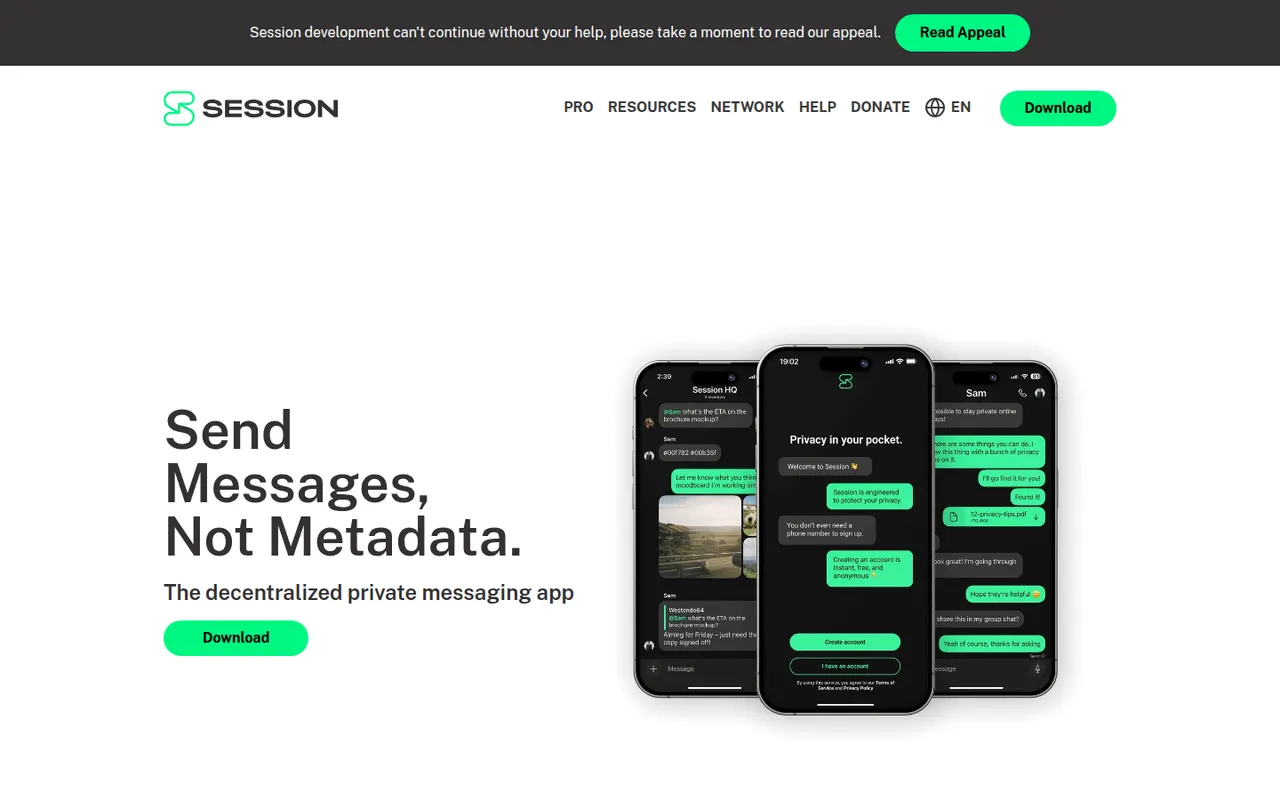
Cost / LicensePaidOpen sourceCategoriesSession is an open-source, end-to-end encrypted messenger that needs no phone number or email: an account is just a randomly generated Session ID. Messages are relayed through a decentralized network of community-operated nodes using onion routing, which hides IP addresses and limits metadata. It supports one-to-one chats, small private groups and larger communities on desktop and mobile.
9 Session alternativesPros
- No phone number or email: an account is just a random Session ID
- Onion routing hides IP addresses and limits metadata
- Decentralized network of community-operated nodes
Cons
- Messages can arrive more slowly than on centralized apps
- Small user base compared with mainstream messengers
- Losing your recovery phrase means losing your account
Cost / LicenseFreeOpen sourceCategoriesSimpleX Chat is an open-source messenger that does not assign users any identifier, not even a random one: contacts connect through one-time links or QR codes. Messages are end-to-end encrypted and pass through relay servers that keep no user profiles, and anyone can run their own relays. It supports groups, voice and video calls, disappearing messages and multiple chat profiles.
9 SimpleX Chat alternativesPros
- No user identifiers at all, not even random ones
- Anyone can run their own relay servers
- Groups, calls, disappearing messages and multiple chat profiles
Cons
- Connecting through one-time links is less convenient than a contact list
- Small user base, so few contacts will already be on it
- Using one account across several devices is limited
Cost / LicenseFreeOpen sourceCategoriesOlvid is an end-to-end encrypted messenger developed in France that works without a phone number, email address or central user directory: contacts are added by exchanging codes in person or through trusted introductions. Its security has been certified by ANSSI, the French cybersecurity agency, and its apps are open source. Messaging is free, with paid subscriptions for advanced features and for businesses.
8 Olvid alternativesPros
- No phone number, email or central user directory required
- Security certified by ANSSI, the French cybersecurity agency
- Open source apps on desktop and mobile
Cons
- Adding contacts in person or via introductions slows onboarding
- Small user base, so most contacts will need to install it
- Advanced features and business use require a subscription
Cost / LicenseFreemiumOpen sourceCategoriesWebex is Cisco's collaboration suite covering video meetings, team messaging, webinars and cloud calling, built with large enterprises and their security requirements in mind. Meetings can be end-to-end encrypted, and an AI Assistant provides summaries, noise removal and real-time translation. Webex also integrates with Cisco's meeting room hardware, and a free plan is available for basic meetings.
8 Webex alternativesPros
- Enterprise-grade security with end-to-end encrypted meetings
- AI Assistant provides summaries and real-time translation
- Integrates with Cisco meeting room hardware
Cons
- Interface can feel complex compared with simpler meeting apps
- Free plan is limited to basic meetings
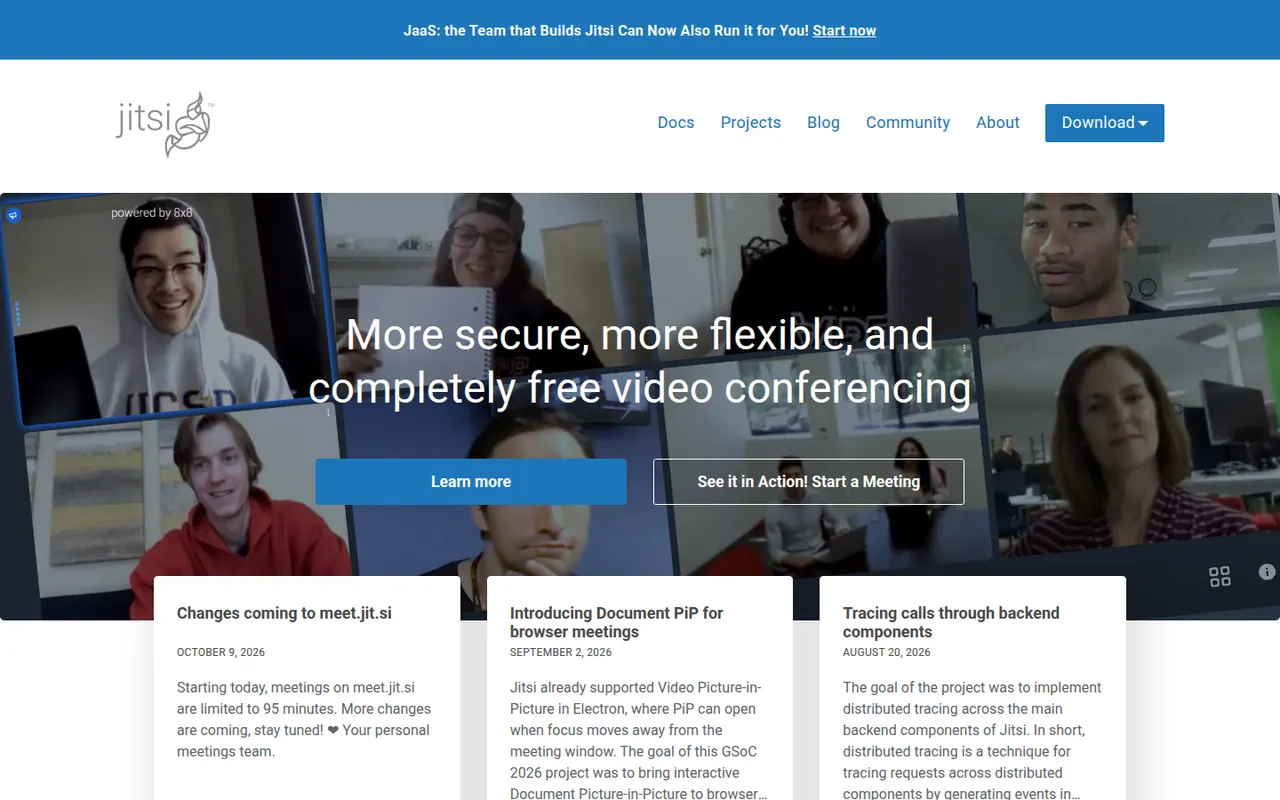
Cost / LicenseFreemiumProprietaryCategoriesJitsi Meet is an open-source video conferencing app that runs in the browser, with mobile and desktop apps as well. Anyone can host meetings for free on the public meet.jit.si service or deploy their own server for full control. It includes screen sharing, chat, breakout rooms, background blur, live streaming to YouTube and optional end-to-end encryption. The project is maintained by 8x8.
9 Jitsi Meet alternativesPros
- Free meetings on meet.jit.si, with guests joining from the browser
- Open source and self-hostable for full control
- Optional end-to-end encryption and live streaming to YouTube
Cons
- Call quality can degrade with many participants
- Fewer admin and scheduling features than commercial suites
- Self-hosting at scale needs tuning and plenty of bandwidth
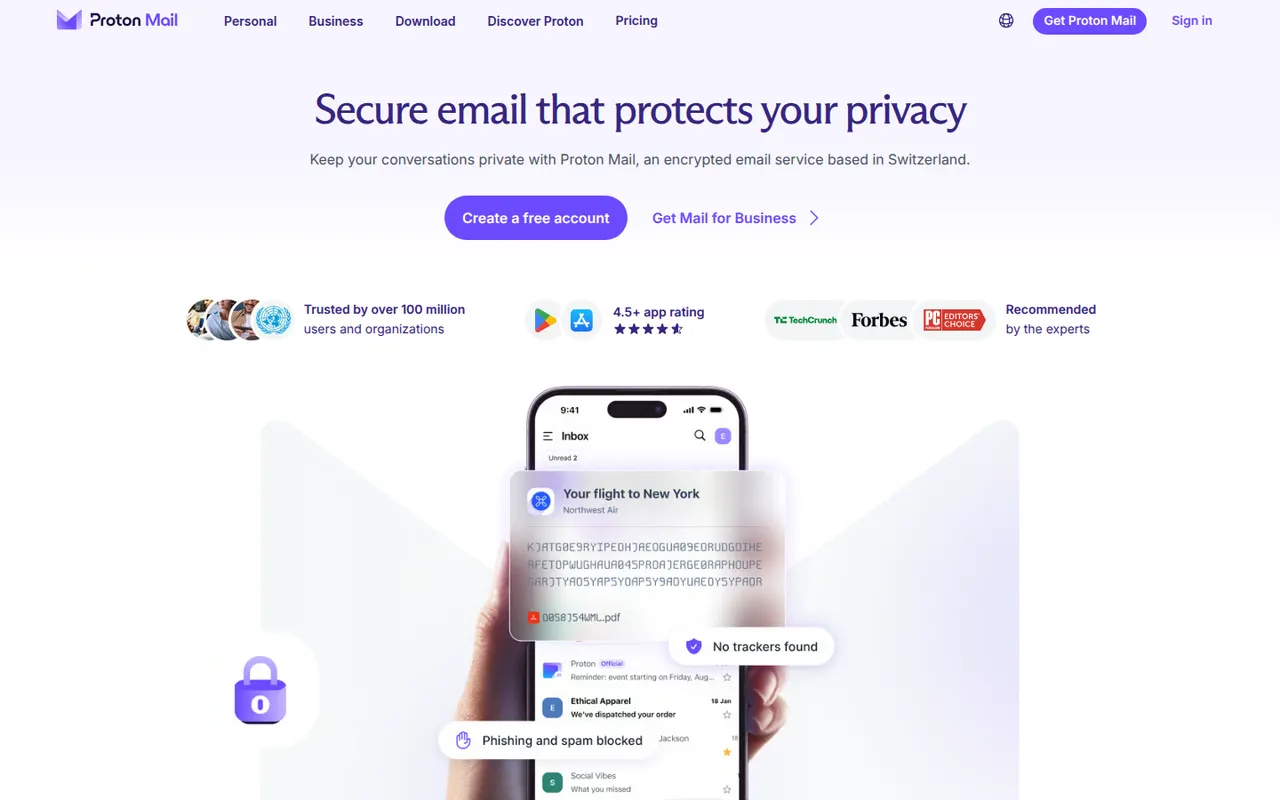
Cost / LicenseFreeOpen sourceCategoriesProton Mail is an end-to-end encrypted email service based in Switzerland. Messages between Proton users are encrypted automatically, emails to others can be password-protected, and stored mail uses zero-access encryption so Proton cannot read it. Its apps are open source, paid plans add custom domains and more addresses, and it is part of a suite with Proton Calendar, Drive, VPN and Pass.
9 Proton Mail alternativesPros
- End-to-end and zero-access encryption protect stored mail
- Based in Switzerland, with open source apps
- Part of a suite with Proton Calendar, Drive, VPN and Pass
Cons
- Free plan is tight on storage and addresses
- Using IMAP clients requires Proton Mail Bridge and a paid plan
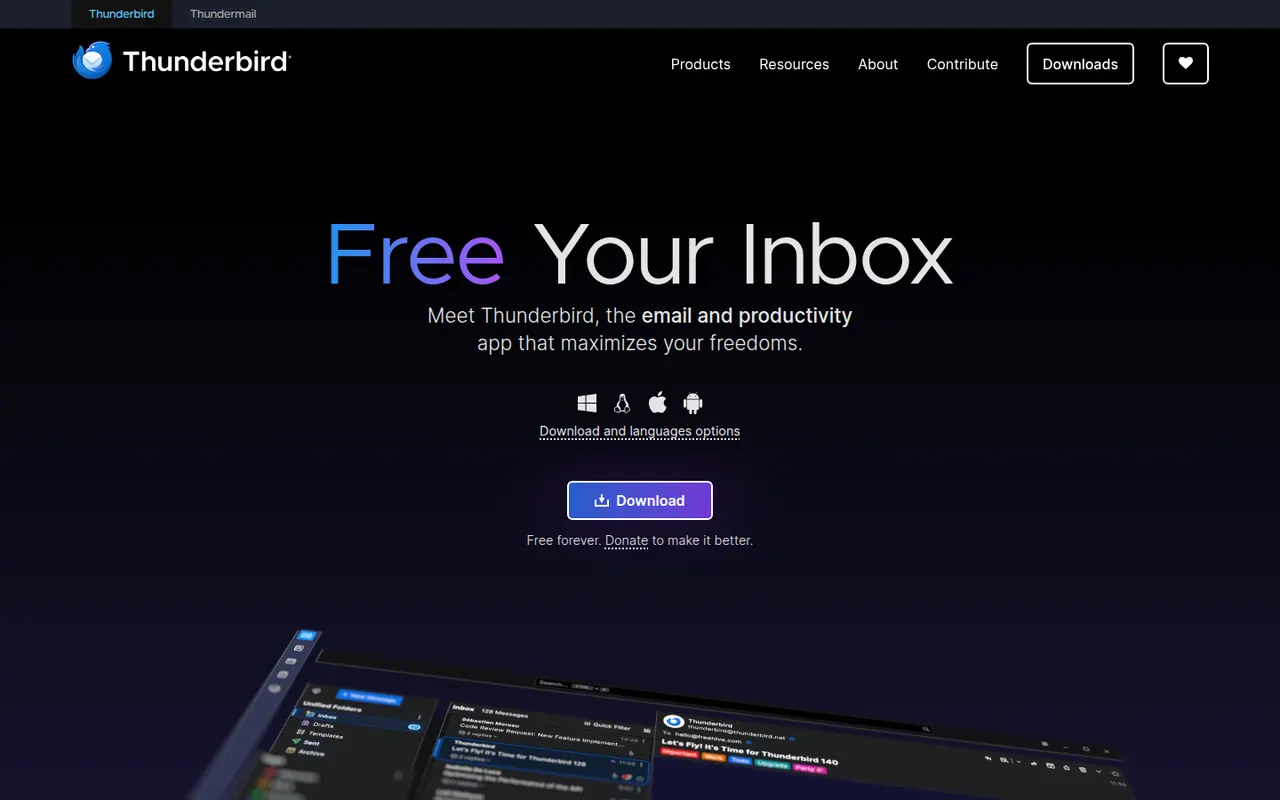
Cost / LicenseFreemiumOpen sourceCategoriesThunderbird is a free and open-source email client for Windows, macOS and Linux, with an Android app based on K-9 Mail. It manages multiple accounts in a unified inbox and includes a calendar, address book, chat and built-in OpenPGP encryption. Add-ons and themes customize it extensively, and it is developed by MZLA Technologies, a Mozilla Foundation subsidiary funded by user donations.
9 Thunderbird alternativesPros
- Free and open source, funded by donations rather than ads
- Built-in OpenPGP encryption, calendar and address book
- Highly customizable with add-ons and themes
Cons
- Interface feels busier than minimalist modern clients
- Getting the most out of it takes some setup and add-ons
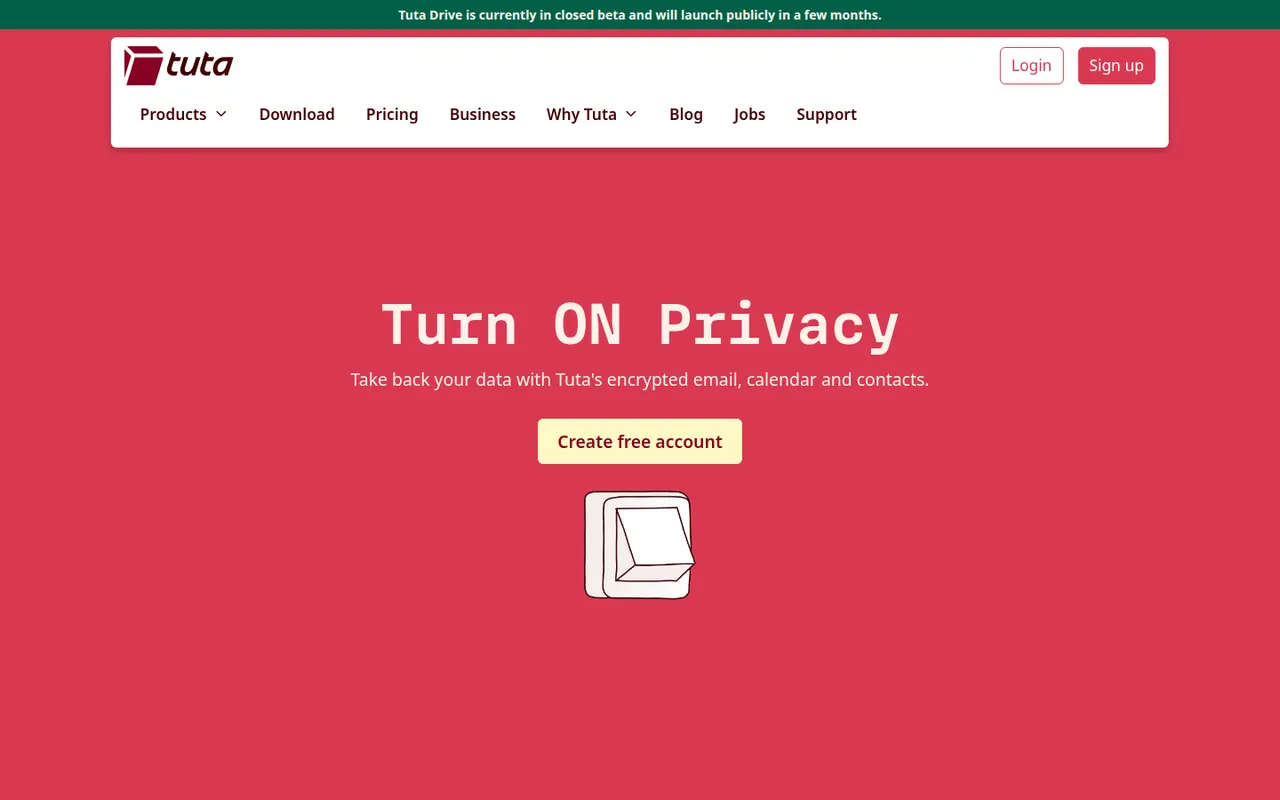
Cost / LicenseFreeOpen sourceCategoriesTuta, formerly Tutanota, is an open-source encrypted email and calendar service based in Germany. It encrypts mailbox contents end to end, including subject lines and contacts, and uses post-quantum cryptography for new accounts. Because it relies on its own encryption, it works through Tuta's apps rather than IMAP clients. A free plan exists, and paid plans add custom domains and more aliases.
7 Tuta alternativesPros
- Encrypts subjects and contacts, not just message bodies
- Post-quantum cryptography for new accounts
- Open source apps and a free plan, with servers in Germany
Cons
- No IMAP support, so you must use Tuta’s own apps
- Free plan is limited in storage and features
- Fewer integrations and features than mainstream providers
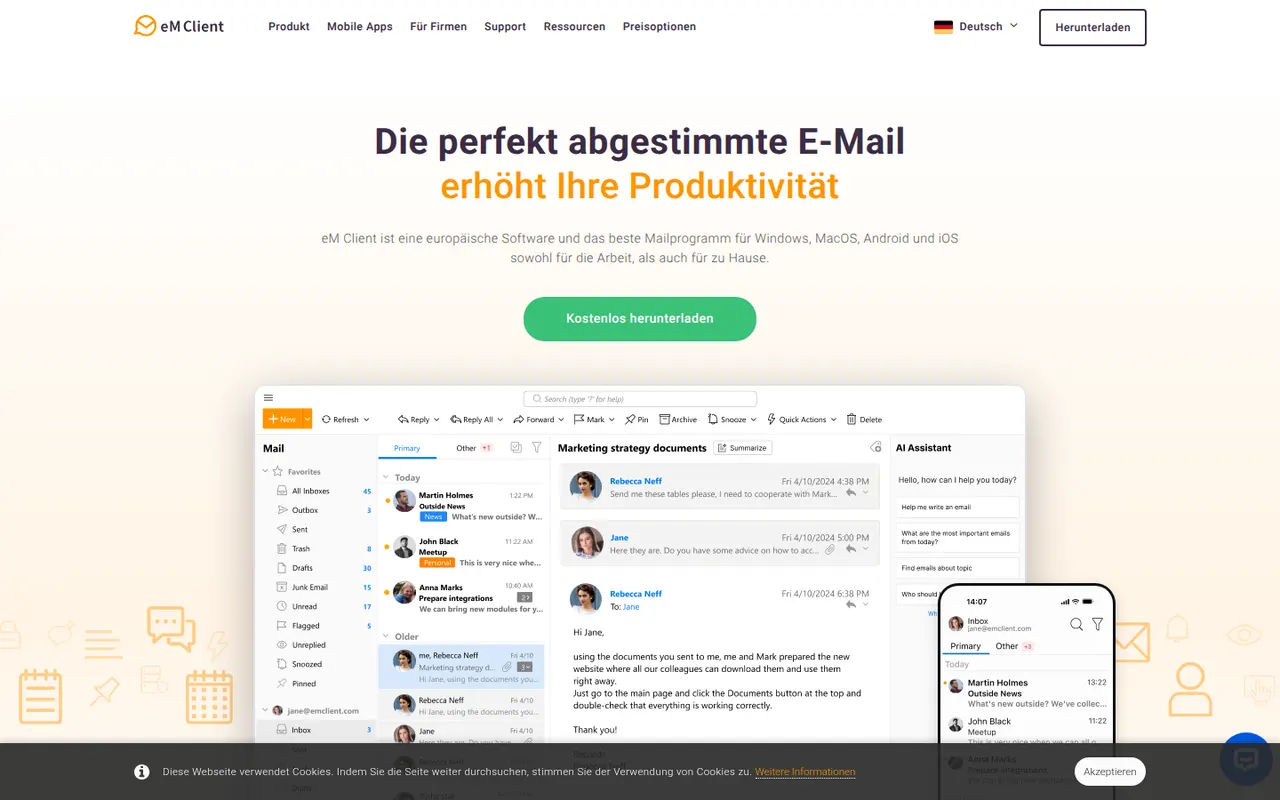
Cost / LicenseFreemiumOpen sourceCategorieseM Client is a desktop email client for Windows and macOS that brings email, calendar, tasks, contacts and notes together in one app. It works with Gmail, Exchange, Microsoft 365, iCloud and IMAP accounts, and includes built-in PGP encryption, snoozing, send later and quick templates. A free version is available for personal use with a limited number of accounts, and the Pro license unlocks the rest.
7 eM Client alternativesPros
- Email, calendar, tasks, contacts and notes in one desktop app
- Built-in PGP encryption without extra plugins
- Works with Gmail, Exchange, Microsoft 365, iCloud and IMAP
Cons
- Free version is for personal use with a limited number of accounts
- No Linux version, only Windows and Mac
- Interface can feel dense because of its many features
Cost / LicenseFreemiumProprietaryCategoriesiCloud Drive stores files in Apple's cloud and keeps them in sync across Mac, iPhone and iPad, with access from Windows and from a browser on icloud.com. It is built into the Finder and the Files app, can sync the Mac Desktop and Documents folders, and supports shared folders. Optional Advanced Data Protection extends end-to-end encryption to iCloud Drive.
8 iCloud Drive alternativesPros
- Built into Finder and Files, with seamless sync across Apple devices
- Desktop and Documents folders can sync automatically
- Advanced Data Protection adds end-to-end encryption
Cons
- Small free storage, quickly filled by device backups and photos
- No Android or Linux app, and Windows support is more basic
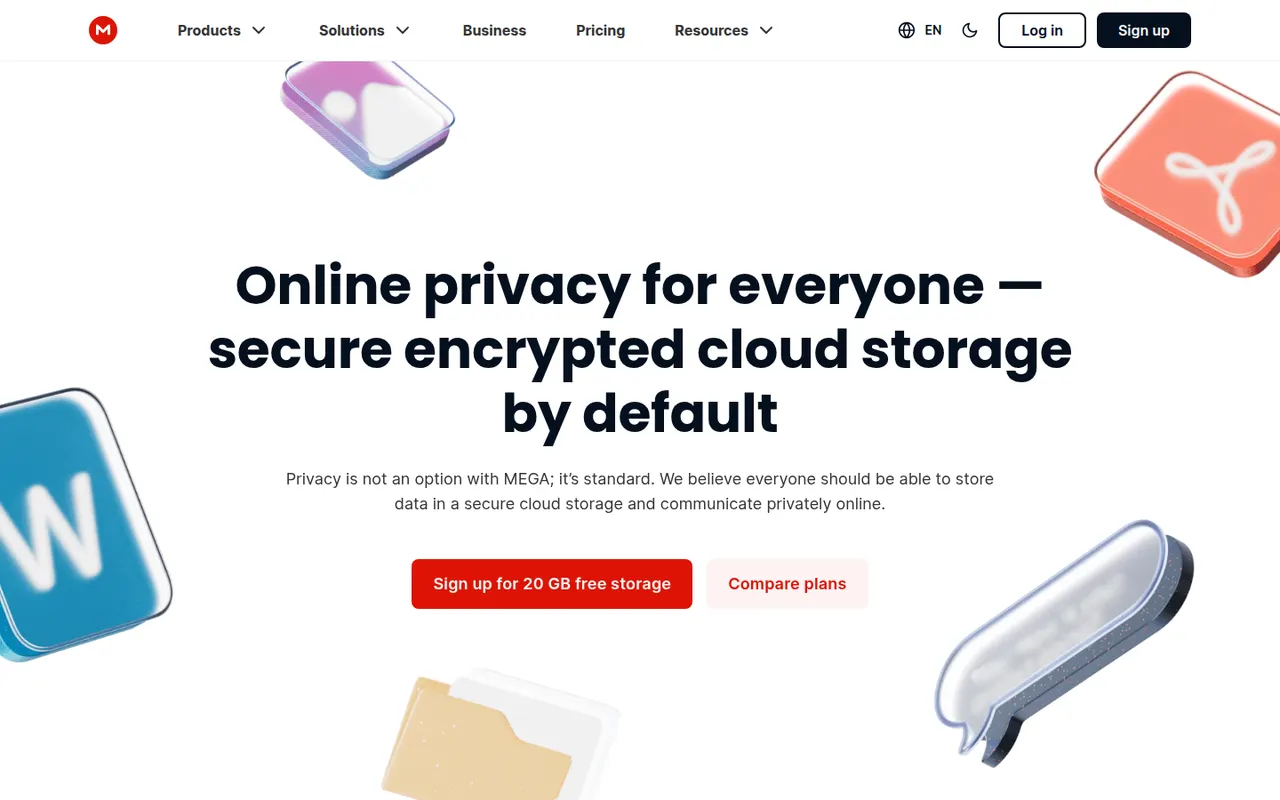
Cost / LicenseFreemiumProprietaryCategoriesMEGA is a cloud storage service from New Zealand that encrypts files on your device before upload, with keys derived from your password. It offers sync clients for Windows, macOS and Linux, mobile apps with camera uploads, encrypted share links and built-in chat and video meetings. A free plan is available alongside paid plans with more storage and transfer quota.
11 MEGA alternativesPros
- Files are encrypted on your device before upload
- Clients for every major desktop and mobile platform
- Built-in encrypted chat and video meetings
Cons
- Transfer quotas can slow down downloads on free accounts
- Losing both your password and recovery key means losing your data
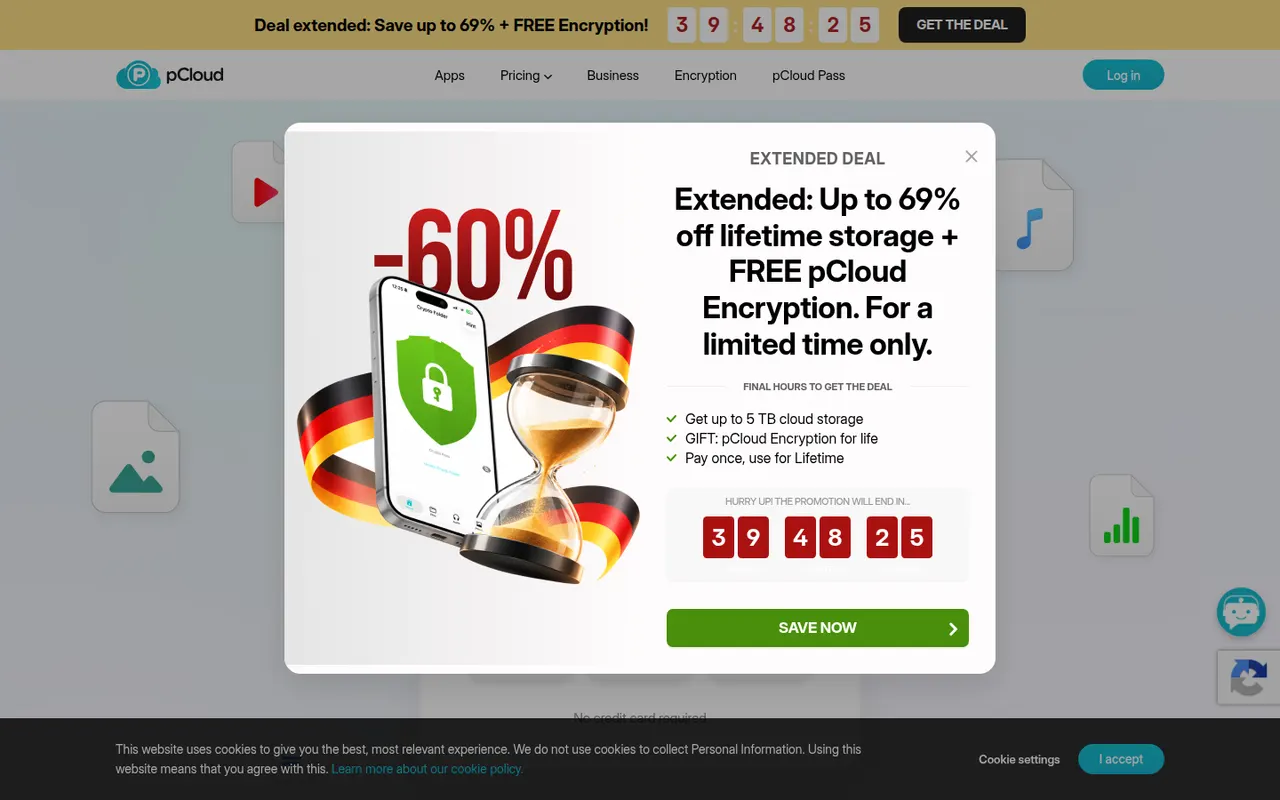
Cost / LicenseFreemiumProprietaryCategoriespCloud is a Swiss cloud storage service that mounts your storage as a virtual drive on Windows, macOS and Linux, so files stay online until you open them. It includes link sharing, automatic phone photo backup, file history and a built-in media player. The paid pCloud Encryption add-on provides client-side encryption, and storage is sold as a subscription or a one-time lifetime plan.
12 pCloud alternativesPros
- Virtual drive saves local disk space on Windows, macOS and Linux
- One-time lifetime plans as an alternative to subscriptions
- Swiss provider with a built-in player for music and video
Cons
- Client-side encryption is a paid add-on
- Collaboration and office editing are limited next to Google Drive or OneDrive
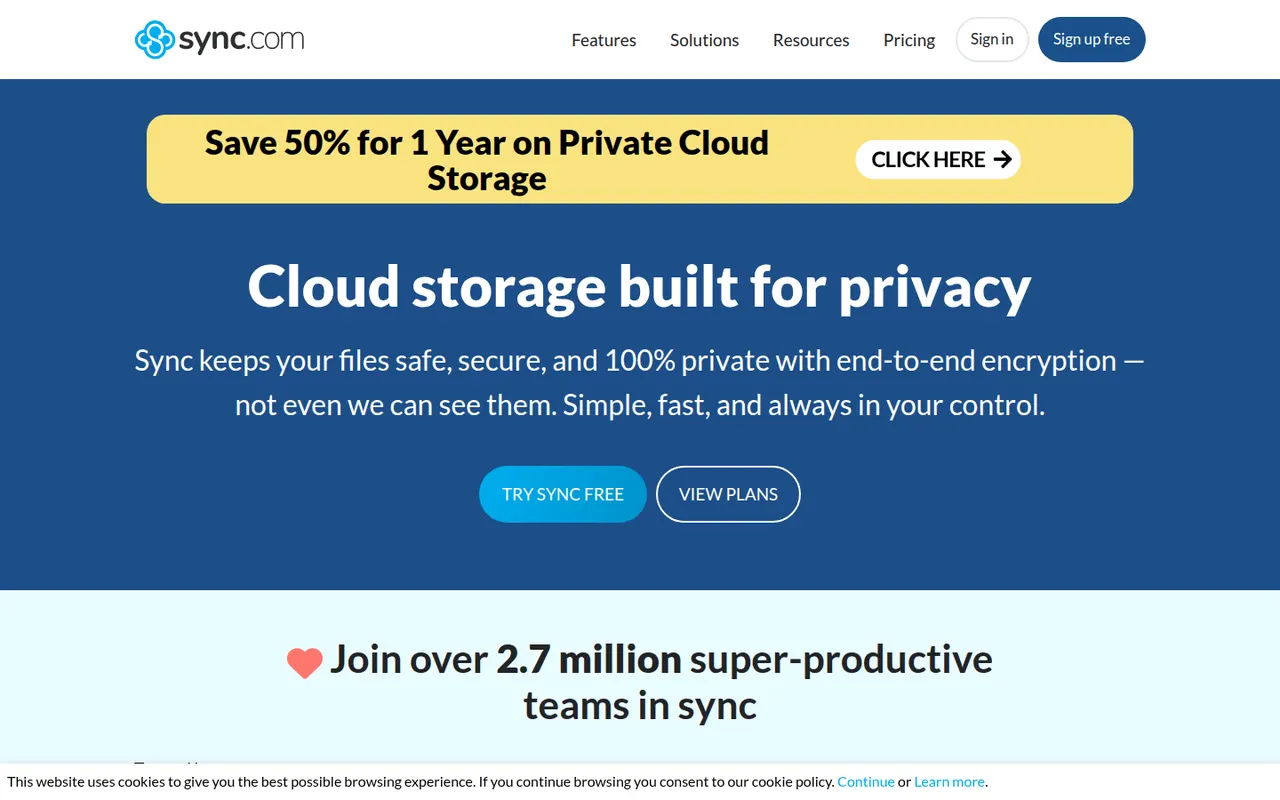
Cost / LicenseFreemiumProprietaryCategoriesSync.com is a Canadian cloud storage service with end-to-end encryption, which means the company cannot read the files you store. It syncs folders on Windows and macOS, backs up photos from iOS and Android, keeps previous file versions and offers share links with optional passwords and expiry dates. Business plans add team folders and admin controls.
11 Sync.com alternativesPros
- Zero-knowledge encryption means the provider cannot read your files
- Share links with optional passwords and expiry dates
- Version history and photo backup from iOS and Android
Cons
- No desktop client for Linux
- Syncing and uploads can be slower than with mainstream services
- Few integrations with third-party apps
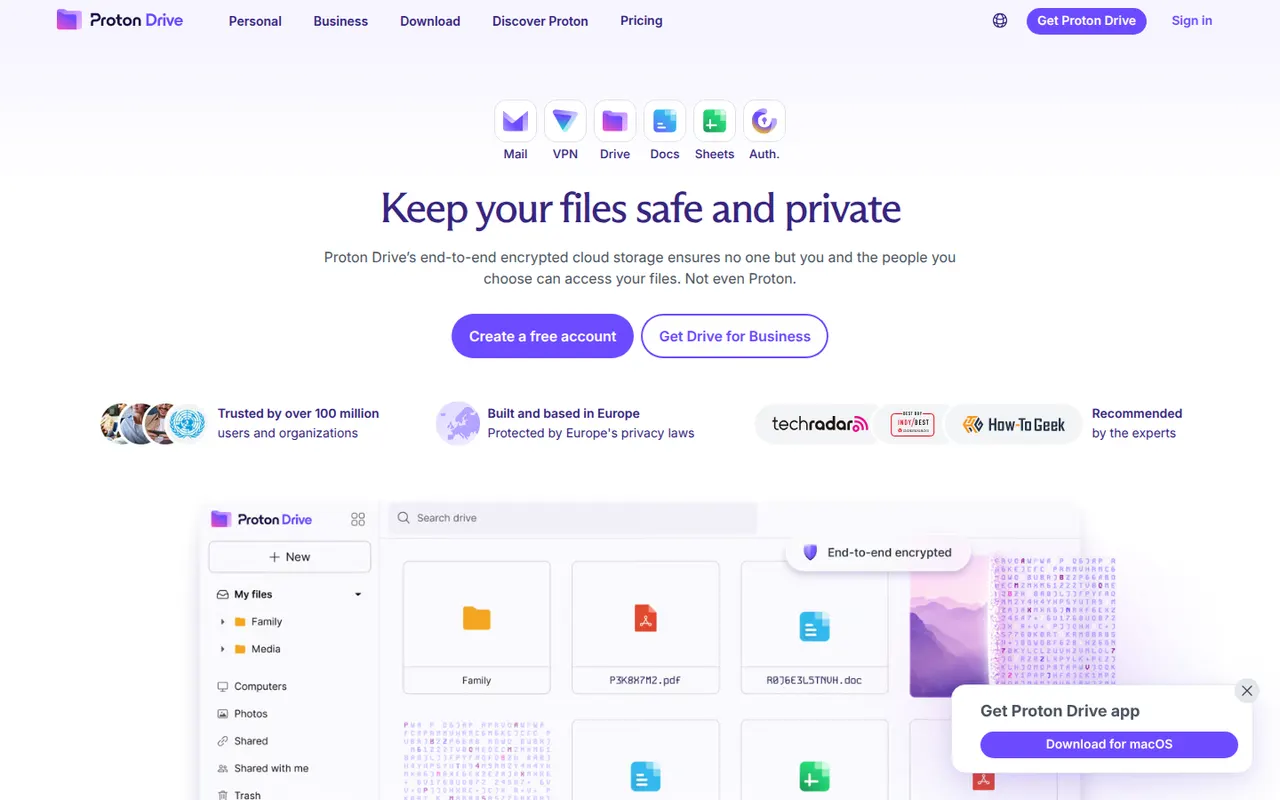
Cost / LicenseFreemiumProprietaryCategoriesProton Drive is the encrypted cloud storage service of Proton, the Swiss company behind Proton Mail. Files and file names are end-to-end encrypted, the apps are open source and files can be shared through password-protected links. It offers desktop sync on Windows and macOS, mobile photo backup and a free plan, with more space in Proton's paid bundles.
12 Proton Drive alternativesPros
- Files and file names are end-to-end encrypted
- Open source apps from a Swiss privacy-focused company
- Password-protected share links and mobile photo backup
Cons
- No desktop app for Linux
- Fewer third-party app integrations than mainstream clouds
- The free plan offers limited storage
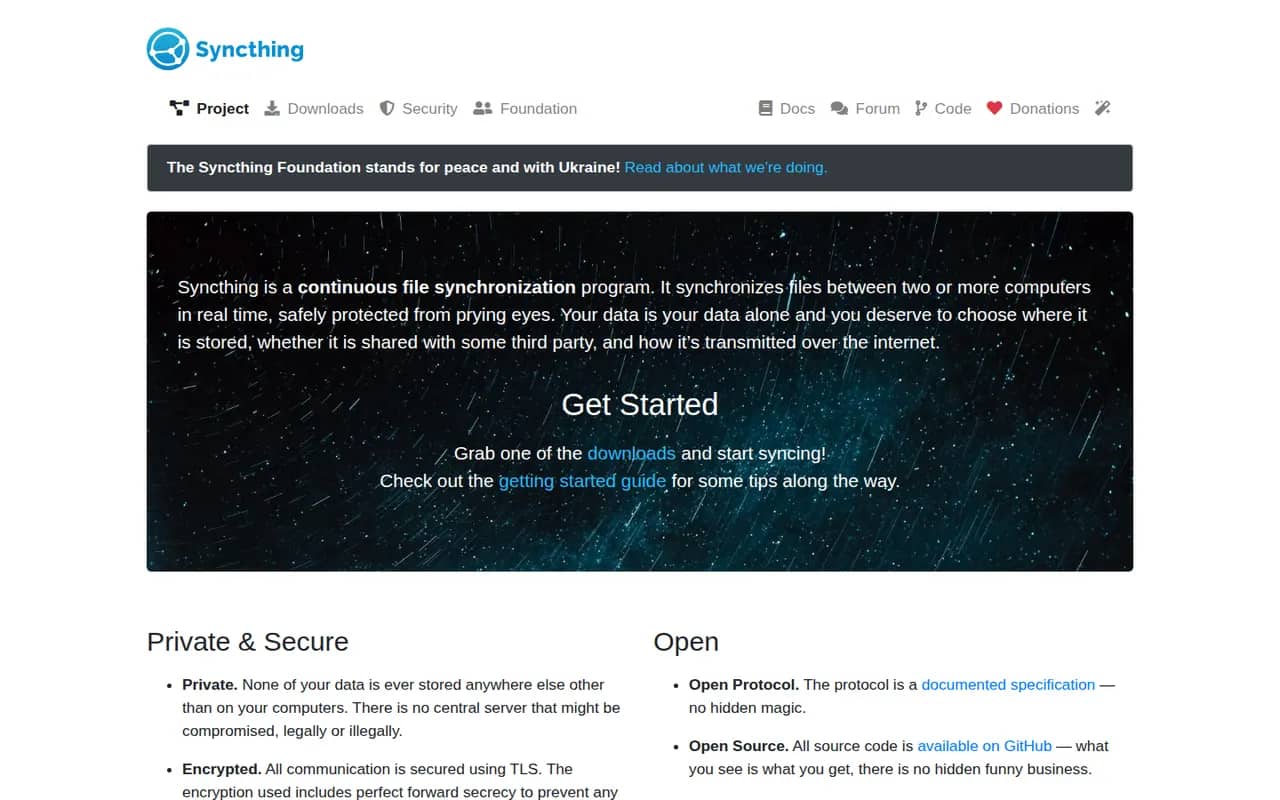
Cost / LicenseFreemiumOpen sourceCategoriesSyncthing continuously synchronizes folders directly between your computers and servers, without storing anything on a third-party cloud. Connections are encrypted and authenticated, devices find each other on the local network or through relays, and per-folder versioning keeps old copies of changed files. It is free, open source and configured through a local web interface.
8 Syncthing alternativesPros
- Syncs directly between your devices with no third-party cloud
- Free and open source, with encrypted connections
- Per-folder versioning keeps copies of changed files
Cons
- Configuration through a web interface is less approachable for non-technical users
- Devices must be online at the same time to sync
- No official mobile apps
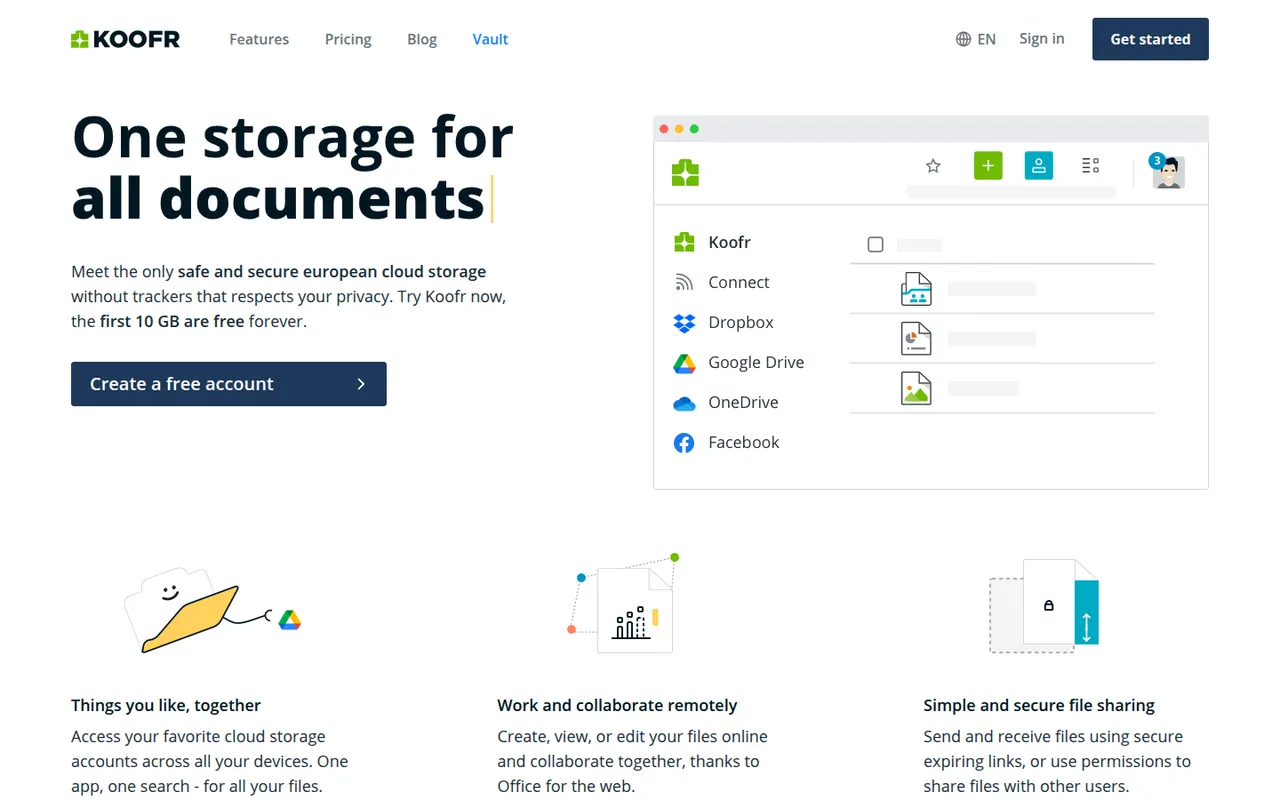
Cost / LicenseFreeOpen sourceCategoriesPlatformsKoofr is a privacy-focused cloud storage service from Slovenia that keeps data in the EU. Besides its own storage, it can connect Dropbox, Google Drive and OneDrive accounts so you can browse and move files between them in one place. It has desktop sync apps, mobile photo backup, share links and Koofr Vault, an open source end-to-end encrypted folder.
9 Koofr alternativesPros
- Data stays in the EU with a privacy-focused European provider
- Connects Dropbox, Google Drive and OneDrive in one interface
- Koofr Vault adds an open source end-to-end encrypted folder
Cons
- Standard storage is not end-to-end encrypted outside Vault
- Fewer collaboration features than the big cloud providers
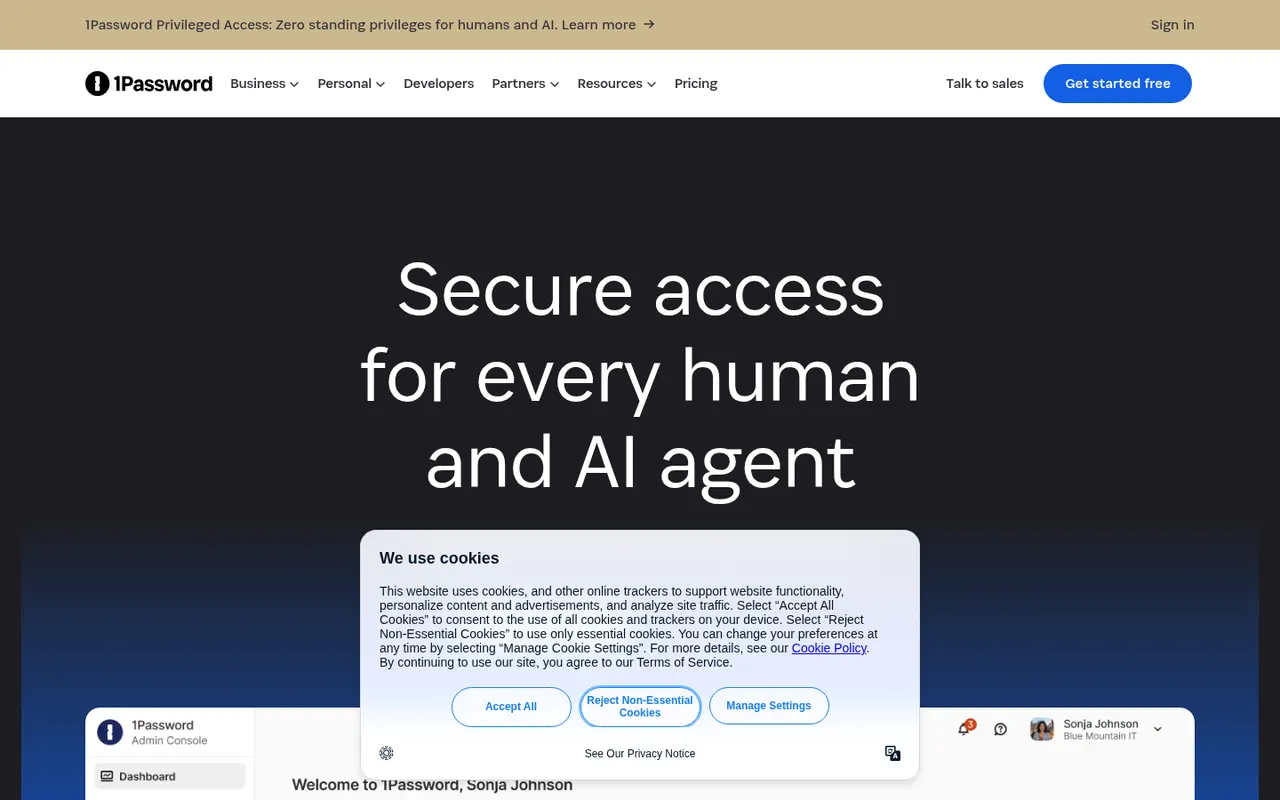
Cost / LicenseFreemiumProprietaryCategories1Password stores passwords, passkeys, credit cards, secure notes and documents in encrypted vaults that sync across devices and fill into browsers and apps. Watchtower flags weak, reused or breached passwords, and shared vaults make it practical for families and teams. It is a paid service with a free trial, and it also offers developer tools such as an SSH agent and a command-line interface.
10 1Password alternativesPros
- Polished apps on every platform with reliable autofill
- Watchtower flags weak, reused or breached passwords
- Shared vaults, plus developer tools like an SSH agent and a CLI
Cons
- No free plan, only a trial before paying
- Cloud-only vaults, with no self-hosting option
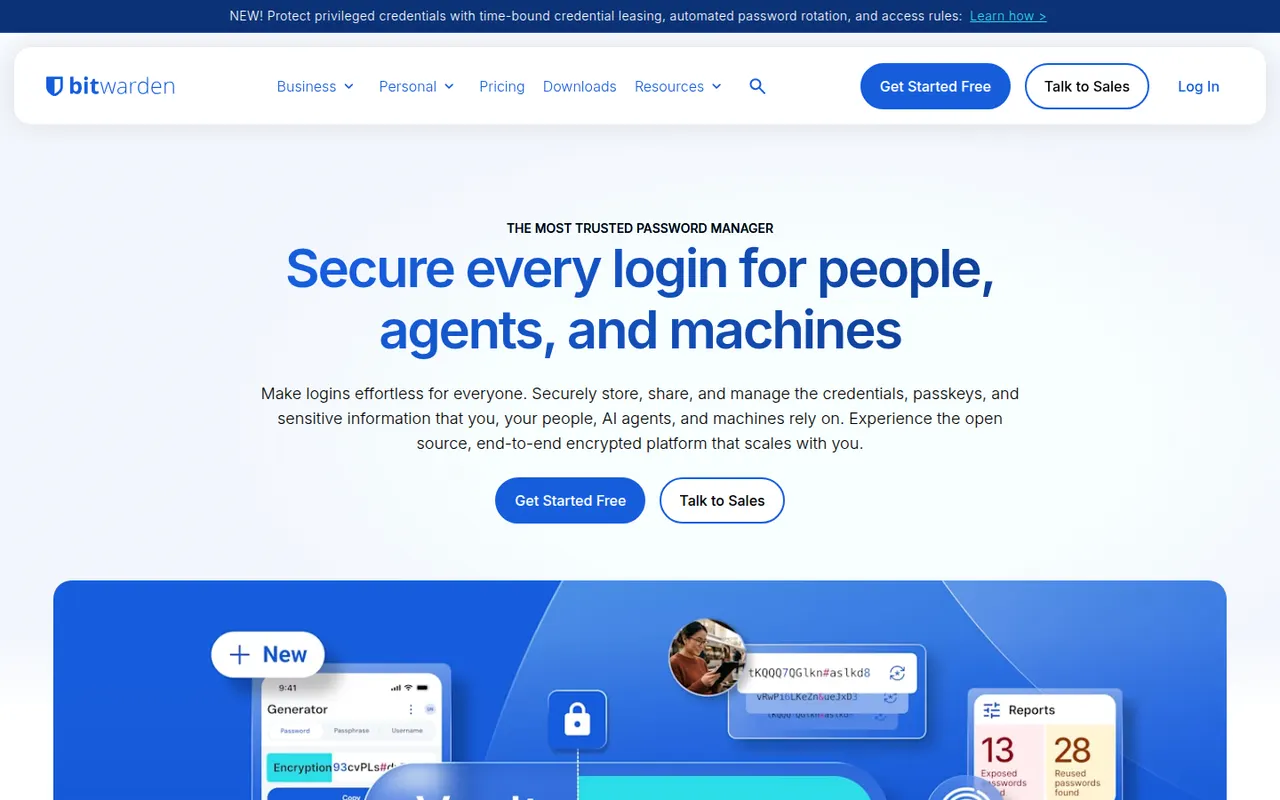
Cost / LicenseFree trialProprietaryCategoriesBitwarden is an open source password manager that keeps logins, passkeys, cards and notes in an end-to-end encrypted vault available on every major platform. The free plan covers unlimited passwords on unlimited devices, while paid plans add encrypted attachments, vault health reports, an integrated authenticator and sharing for families or teams. The server can also be self-hosted.
10 Bitwarden alternativesPros
- Free plan with unlimited passwords on unlimited devices
- Open source code with published third-party audits
- The server can be self-hosted
Cons
- Interface is more functional than polished
- Attachments, vault health reports and the authenticator need a paid plan
Cost / LicenseFreemiumOpen sourceCategories