Best apps for Web
433 apps
Top Web apps ranked by the community
Xero is a cloud accounting platform from New Zealand used by small businesses together with their accountants and bookkeepers. It reconciles bank feeds, sends invoices and quotes, tracks bills and expenses, handles multiple currencies and offers payroll in several countries, with a large marketplace of connected apps. It is a paid subscription with a free trial.
9 Xero alternativesPros
- Fast bank reconciliation driven by live bank feeds
- Large marketplace of connected apps
- Built for working closely with accountants and bookkeepers
Cons
- No free plan after the trial
- The entry plan caps how many invoices and bills you can create
- Payroll is only available in some countries
Cost / LicenseFree trialProprietaryCategoriesFreshBooks is cloud accounting software from Toronto designed for freelancers, consultants and small service businesses. It is centred on invoicing, with time tracking, project billing, expense capture, online payments and bank reconciliation, plus double-entry reports for an accountant. Plans are paid by subscription after a free trial.
11 FreshBooks alternativesPros
- Polished invoicing designed around service businesses
- Time tracking and project billing built in
- Easy to use for freelancers without accounting training
Cons
- No free plan once the trial ends
- Lower plans limit the number of billable clients
- Less suited to inventory-heavy or larger businesses
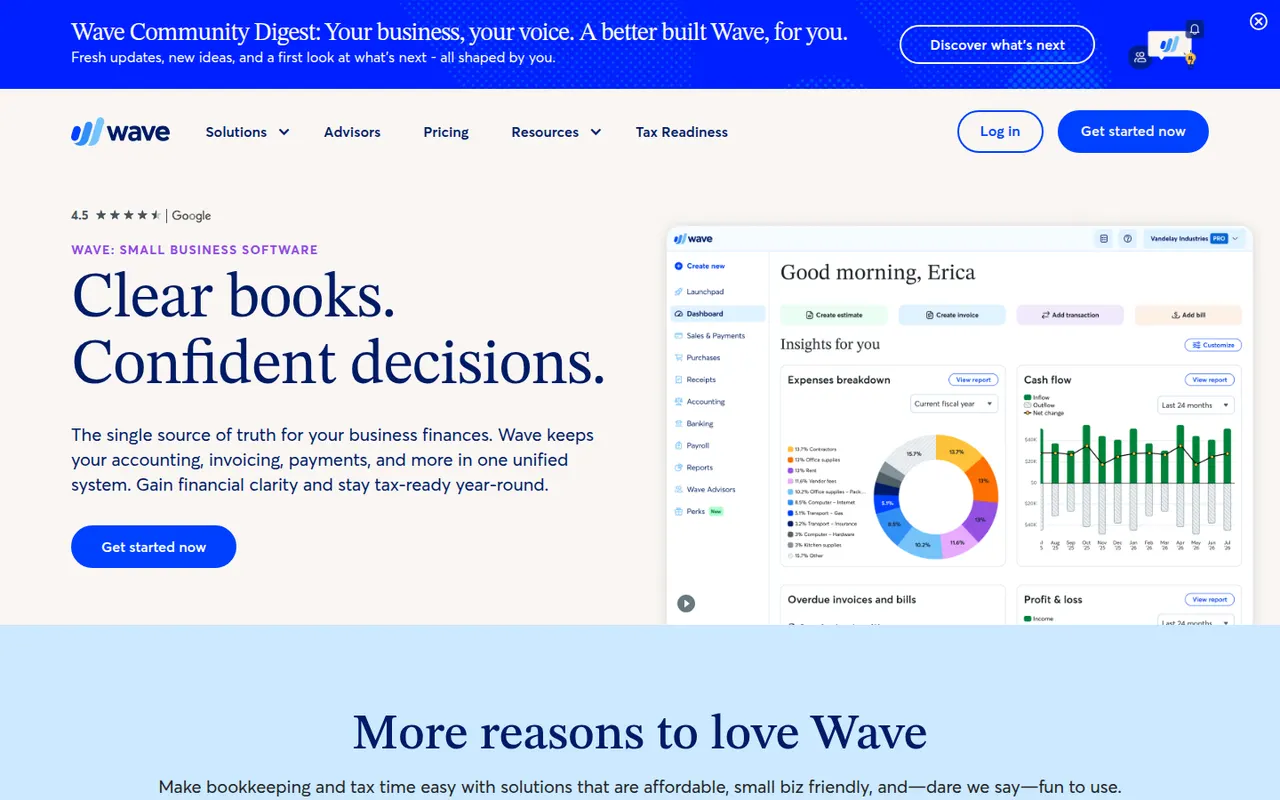
Cost / LicenseFree trialProprietaryCategoriesWave is accounting software for small businesses and freelancers in North America, owned by H&R Block. The free Starter plan covers unlimited invoices, estimates, expense tracking and double-entry bookkeeping, while the Pro plan adds automatic bank imports, receipt scanning and multiple users. Card payments and payroll are offered as paid services.
9 Wave alternativesPros
- Free plan with unlimited invoices and double-entry bookkeeping
- Simple interface for owners without accounting training
- Estimates, invoices and expenses managed in one place
Cons
- Mainly serves businesses in North America
- Automatic bank imports and receipt scanning need the Pro plan
- No real inventory management
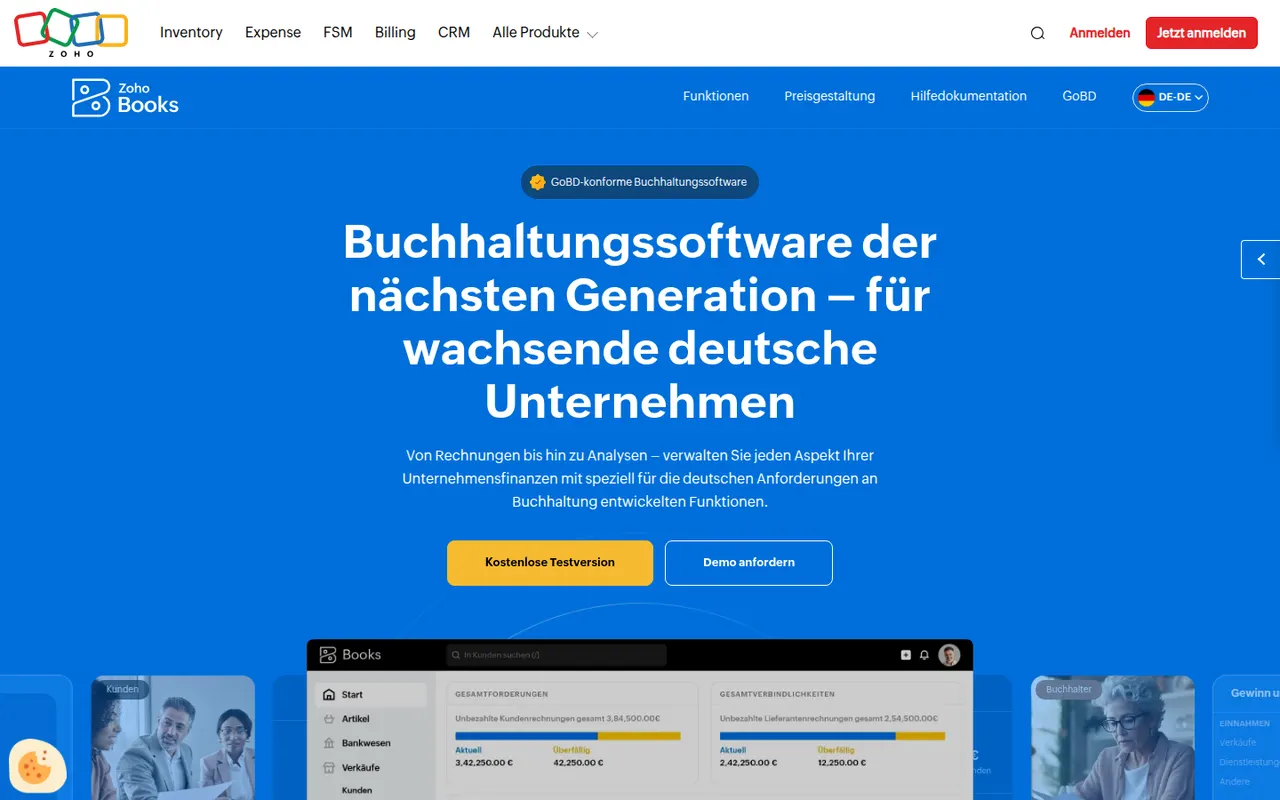
Cost / LicenseFreemiumProprietaryCategoriesZoho Books is cloud accounting software from Zoho for small and growing businesses. It covers invoicing and quotes, bank feeds and reconciliation, expenses, projects and time billing, multi-currency transactions and local tax reports in supported countries, and connects natively with Zoho CRM, Inventory and other Zoho apps. A free plan is available for very small businesses.
11 Zoho Books alternativesPros
- Native links with Zoho CRM, Inventory and other Zoho apps
- Free plan available for very small businesses
- Handles projects, time billing and multi-currency transactions
Cons
- Best value comes when you already use the Zoho ecosystem
- Local tax features only cover supported countries
- The many settings can feel overwhelming at first
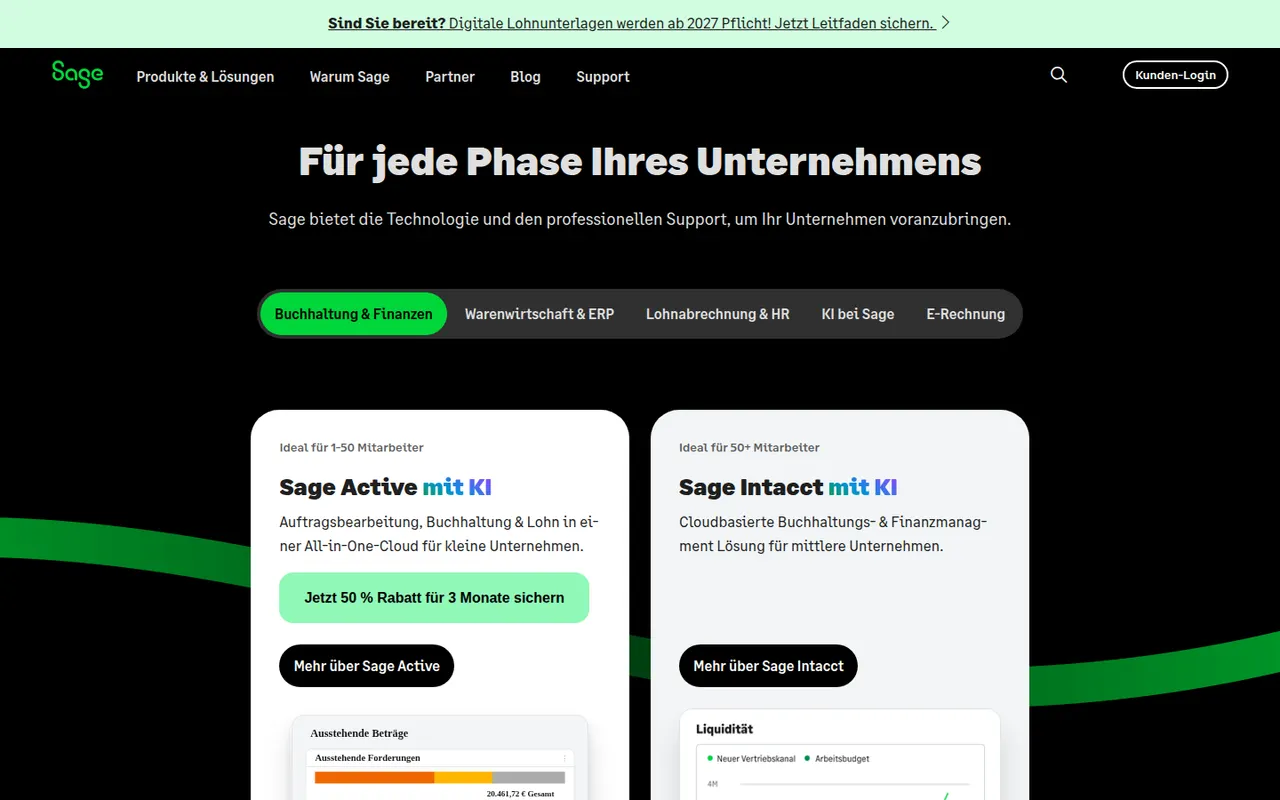
Cost / LicenseFreemiumProprietaryCategoriesSage is a UK software company whose range spans small-business accounting such as Sage Accounting and Sage 50, payroll and HR tools, and Sage Intacct for mid-sized finance teams. Products and features vary by country, covering invoicing, bank feeds, tax returns, payroll and reporting, often used alongside an accountant. Most products are paid subscriptions, some with a free trial.
8 Sage alternativesPros
- Range scales from small-business books to mid-market finance
- Payroll and HR tools available from the same vendor
- Long-established and familiar to many accountants
Cons
- Confusing product lineup that varies by country
- Older desktop products feel dated next to cloud rivals
- Mostly paid subscriptions, with no lasting free plan
Cost / LicenseFree trialProprietaryCategoriesPennylane is a French platform that brings invoicing, supplier bills, bank connections, expense receipts and bookkeeping together in a single tool shared between a business and its accountant. It targets small and mid-sized companies and accounting firms, with cash-flow dashboards and support for France's e-invoicing reform. A free plan covers invoicing for micro-entrepreneurs; other plans are paid.
8 Pennylane alternativesPros
- One workspace shared between a business and its accountant
- Brings together invoicing, supplier bills, receipts and bank feeds
- Ready for France's e-invoicing reform
Cons
- Built for the French market and its accounting rules
- The free plan only covers invoicing for micro-entrepreneurs
- Full value depends on your accountant also using Pennylane
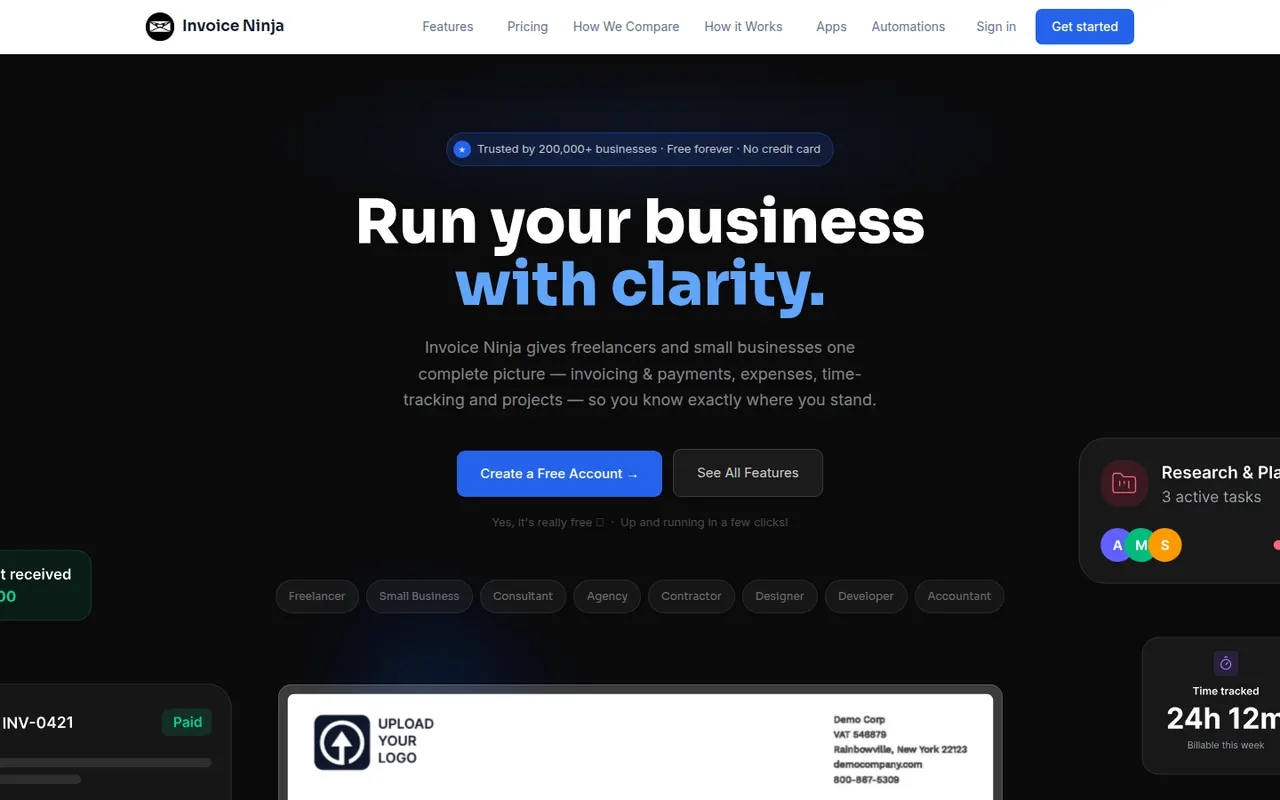
Cost / LicenseFreemiumProprietaryCategoriesInvoice Ninja is an invoicing and billing platform for freelancers and small businesses, offered as a hosted service or as software you can install on your own server. It creates quotes, invoices and recurring billing, tracks time, tasks and expenses, supports many currencies and connects to dozens of payment gateways through a client portal. The source code is available under the Elastic License.
8 Invoice Ninja alternativesPros
- Self-hostable or available as a hosted service
- Connects to dozens of payment gateways through a client portal
- Recurring invoices, quotes, time and expense tracking included
Cons
- Not a full double-entry accounting system
- Elastic License code is not open source in the strict sense
- Many settings make the initial setup time-consuming
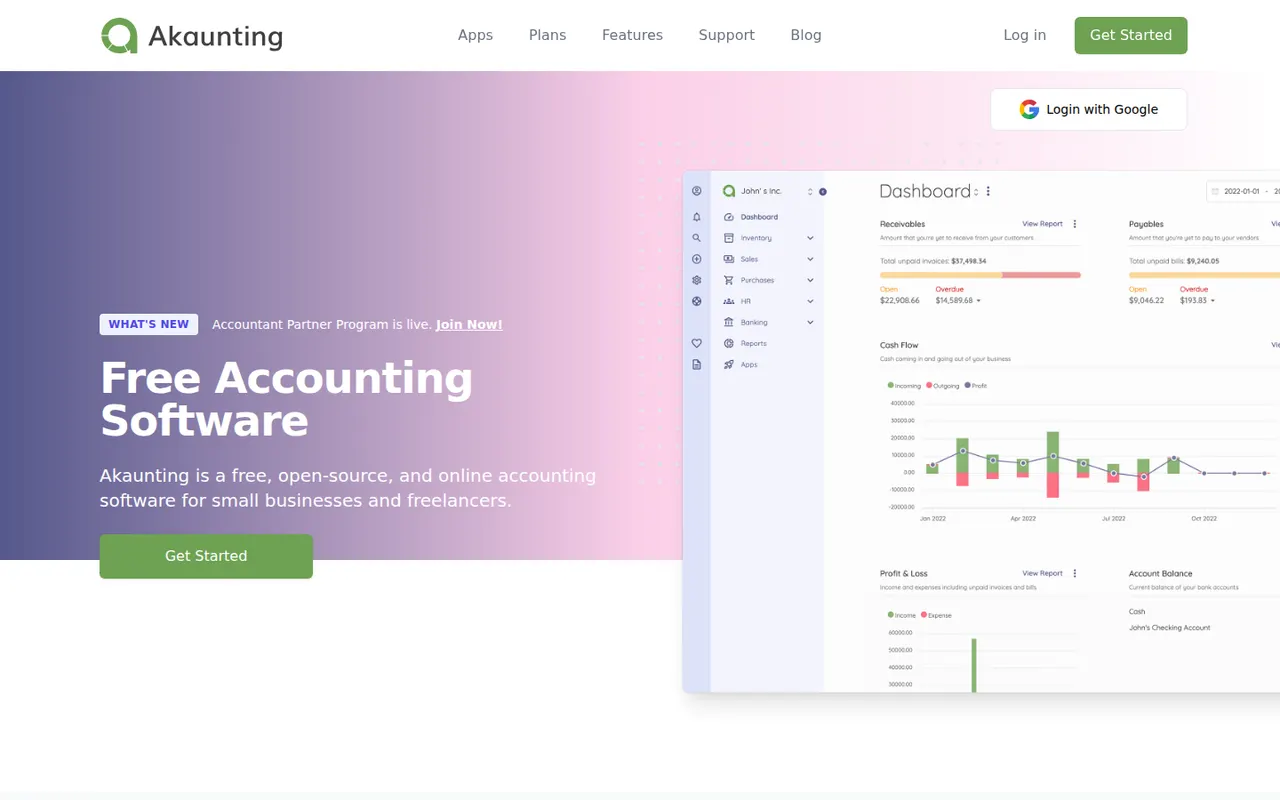
Cost / LicenseFreemiumSource availableCategoriesPlatformsAkaunting is web-based accounting software for small businesses and freelancers that can be installed on your own server or used in the cloud. The core handles invoices, bills, expenses, customers, vendors, multiple currencies and reports, while paid apps from its marketplace add features such as payroll, inventory and bank feeds. Its source code is published under the Business Source License.
8 Akaunting alternativesPros
- Can be self-hosted on your own server or used in the cloud
- Core covers invoices, bills, expenses and multiple currencies
- Marketplace apps add payroll, inventory and bank feeds
Cons
- Many useful features are paid add-ons from the marketplace
- Business Source License code is not open source in the strict sense
- Self-hosting requires technical skills to install and maintain
Cost / LicenseFreemiumSource availableCategoriesPlatformsTiime is a French management app for freelancers and small businesses that combines quotes and invoices, receipt capture, bank account syncing and pre-accounting, often shared with an accounting firm. The free plan covers unlimited invoicing and receipt management, and paid plans add a business bank account with a card, multiple users and more features. It supports France's e-invoicing requirements.
7 Tiime alternativesPros
- Free plan includes unlimited invoicing and receipt management
- Bank sync and receipt capture prepare the books for your accountant
- Ready for France's e-invoicing requirements
Cons
- Aimed at French businesses, with little use abroad
- Business bank account and multiple users require paid plans
Cost / LicenseFreemiumProprietaryCategoriesIndy is a French bookkeeping app built for independent workers such as micro-entrepreneurs, liberal professions and small companies. It syncs bank accounts, categorises transactions automatically, creates quotes and invoices and helps prepare tax returns, and it also offers a business bank account. The core features are free, with paid plans that add advanced management and filing of tax returns.
7 Indy alternativesPros
- Core bookkeeping features are free
- Synced bank transactions are categorized automatically
- Built around the tax obligations of French freelancers
Cons
- Designed for France, so of little use elsewhere
- Filing tax returns requires a paid plan
- Less suited to companies with complex accounting needs
Cost / LicenseFreemiumProprietaryCategoriesZapier is a no-code automation platform that connects thousands of web apps so that a trigger in one, such as a new form entry, starts actions in others. Beyond multi-step Zaps with filters and branching, it includes tables, interfaces, AI steps and agents that work across connected tools. A free plan covers simple workflows, and paid plans are priced by task volume.
8 Zapier alternativesPros
- Connects thousands of apps, so most tools are already supported
- Very easy to start with for non-technical users
- Tables, interfaces and AI agents go beyond simple Zaps
Cons
- Costs rise quickly as task volume grows
- Complex logic is clumsier to build than on a visual canvas like Make
- Cloud only, with no self-hosting option
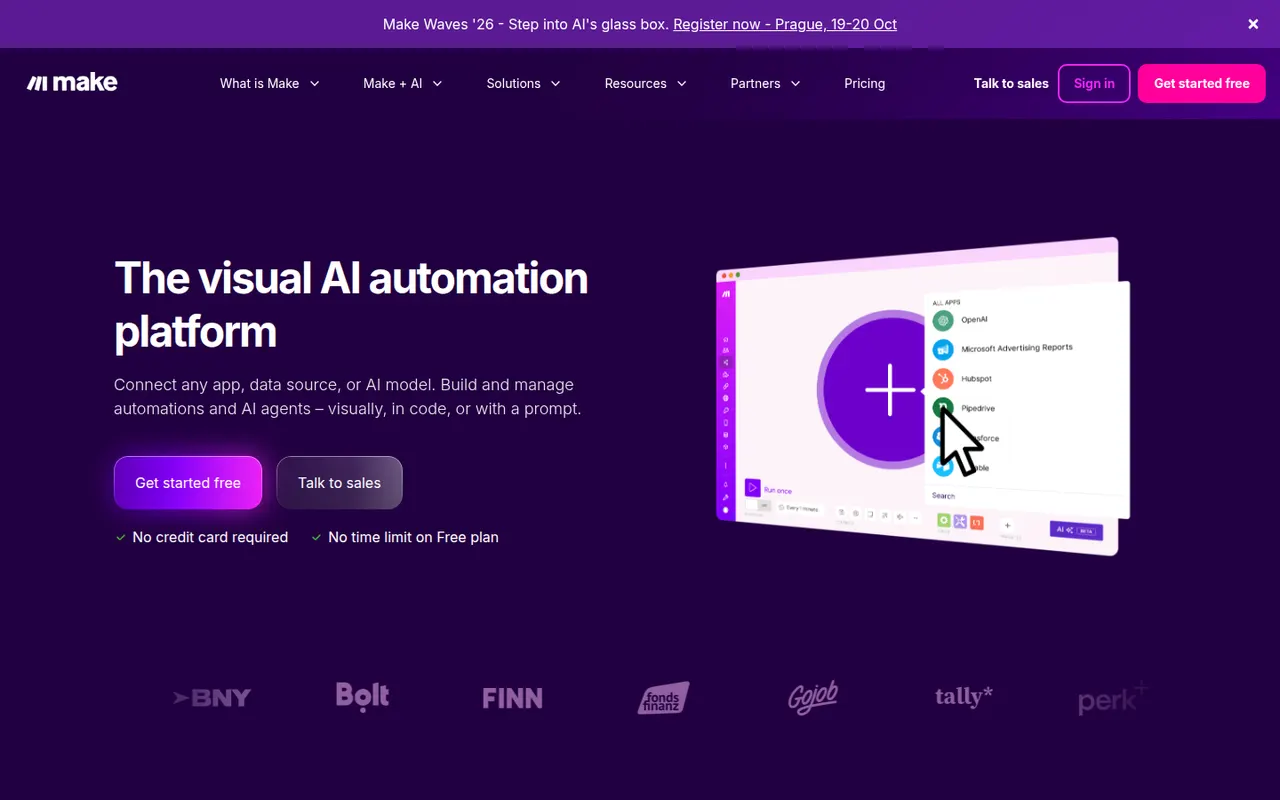
Cost / LicenseFreemiumProprietaryCategoriesPlatformsMake, formerly Integromat and now part of Celonis, is a visual automation platform where workflows are built as scenarios on a canvas of connected modules. It handles routers, iterators, error handling and data mapping for complex processes across thousands of apps, plus HTTP calls, webhooks and AI agents. A free plan includes a monthly allowance of operations, with paid plans for more volume.
8 Make alternativesPros
- Visual canvas handles routers, iterators and error handling
- Finer data mapping than simpler automation tools
- HTTP module and webhooks connect to almost any API
Cons
- Steeper learning curve than Zapier for simple automations
- Operation counts add up quickly on complex or frequent scenarios
- Cloud only, with no self-hosting option
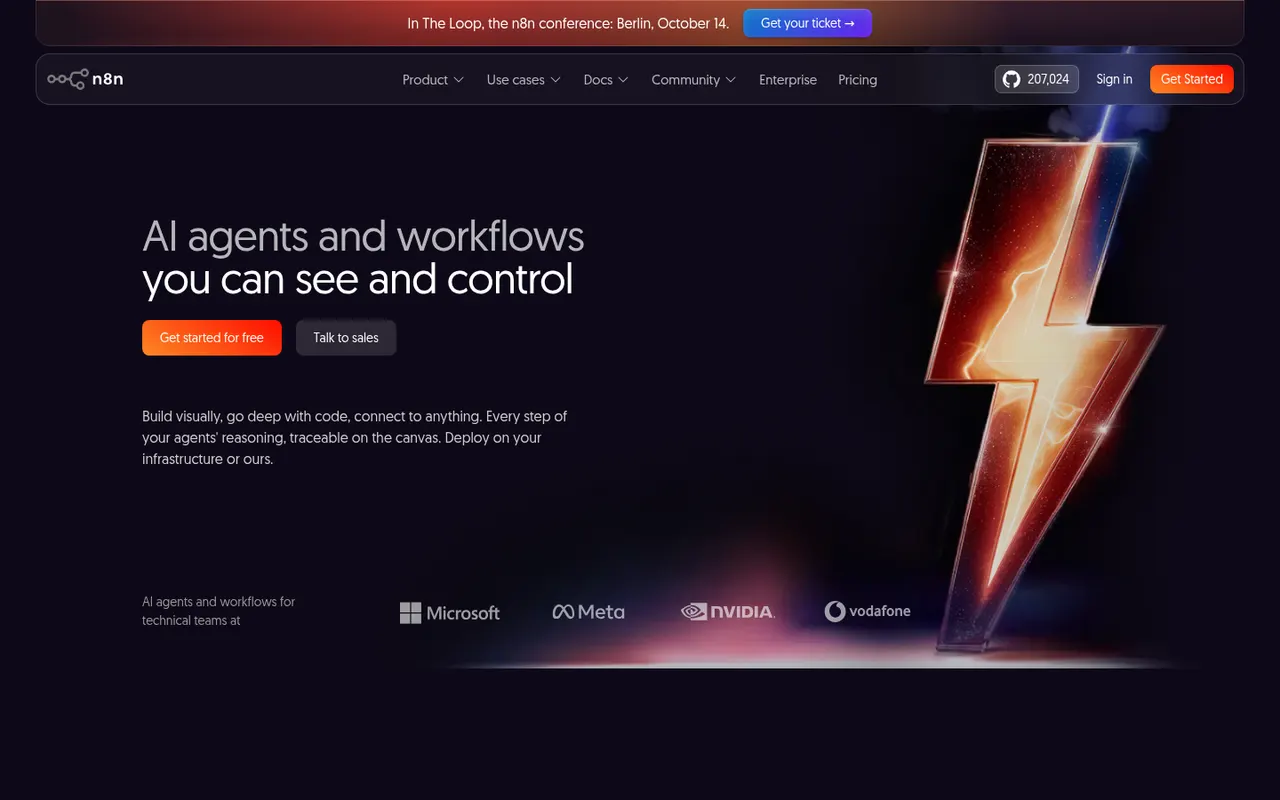
Cost / LicenseFreemiumProprietaryCategoriesPlatformsn8n is a workflow automation tool from Berlin that combines a visual node editor with the option to write JavaScript or Python, which suits technical teams. It offers hundreds of integrations, webhooks and AI agent nodes for building workflows around large language models. It can be self-hosted for free under the Sustainable Use License or used through the paid n8n Cloud.
9 n8n alternativesPros
- Free self-hosting keeps workflows and data on your own servers
- JavaScript or Python code nodes alongside the visual editor
- Capable AI agent nodes for building LLM workflows
Cons
- Sustainable Use License restricts some commercial uses, so it is not open source
- More technical than Zapier for non-developers
- Self-hosting means maintaining servers and updates yourself
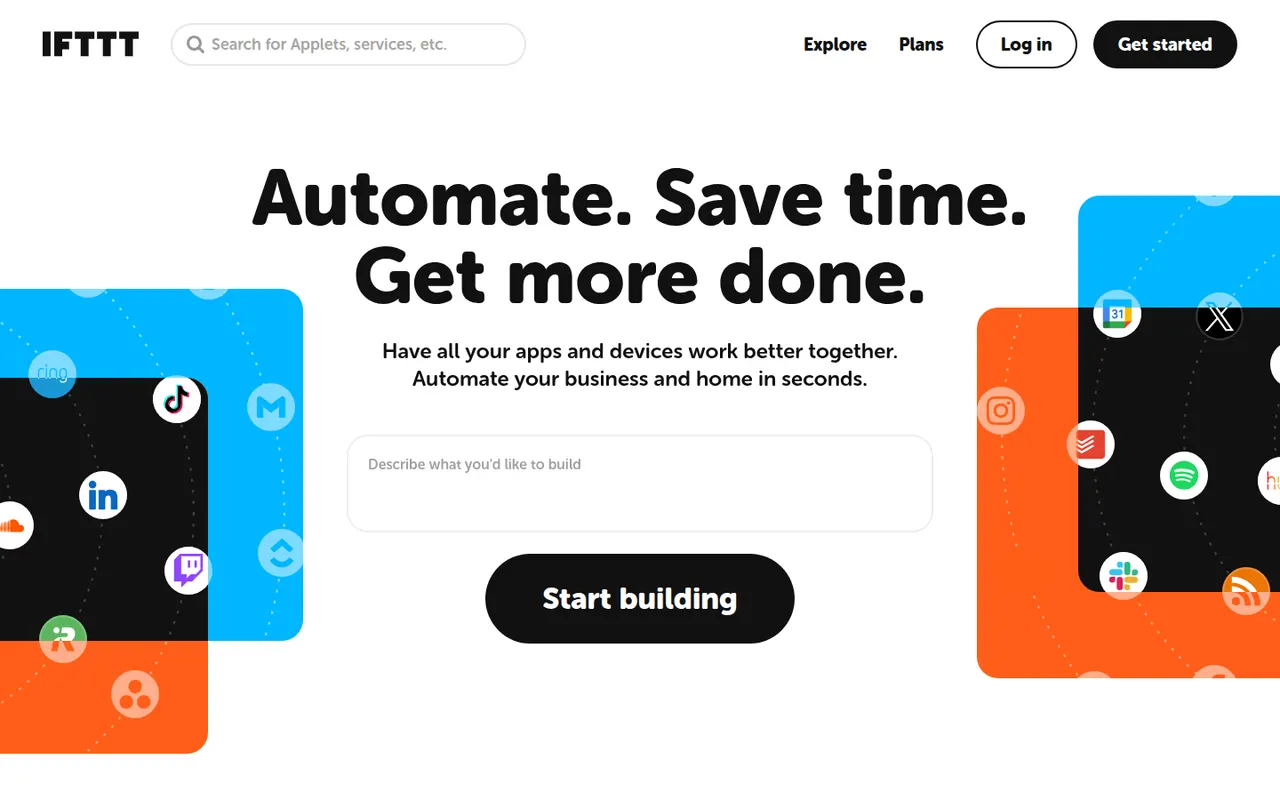
Cost / LicenseFreemiumSource availableCategoriesPlatformsIFTTT, short for If This Then That, links apps, web services and smart home devices through small automations called applets, such as saving social posts to a spreadsheet or turning on lights at sunset. It is aimed at consumers and creators more than complex business processes, with mobile apps that provide location and phone triggers. A free plan allows a few applets; paid plans add more and multi-step logic.
7 IFTTT alternativesPros
- Very simple applets that anyone can set up in minutes
- Strong smart home support and phone triggers such as location
- Large library of ready-made applets
Cons
- The free plan allows only a few applets
- Multi-step logic requires a paid plan and stays basic for business use
- Some triggers fire with a noticeable delay
Cost / LicenseFreemiumProprietaryCategoriesPower Automate is Microsoft's automation service, part of the Power Platform, for building cloud flows between Microsoft 365, Dynamics, Azure and hundreds of third-party connectors. Its desktop app adds robotic process automation for Windows applications and websites, and Copilot can draft flows from a description. Basic use is included in many Microsoft 365 plans, with premium licences for advanced connectors.
8 Power Automate alternativesPros
- Deep integration with Microsoft 365, Teams, SharePoint and Dynamics
- Desktop RPA automates Windows apps and websites without APIs
- Basic use is included in many Microsoft 365 plans
Cons
- Licensing is complex, with premium connectors behind extra licences
- The flow designer can feel clunky and errors are hard to debug
- Less convenient outside the Microsoft ecosystem
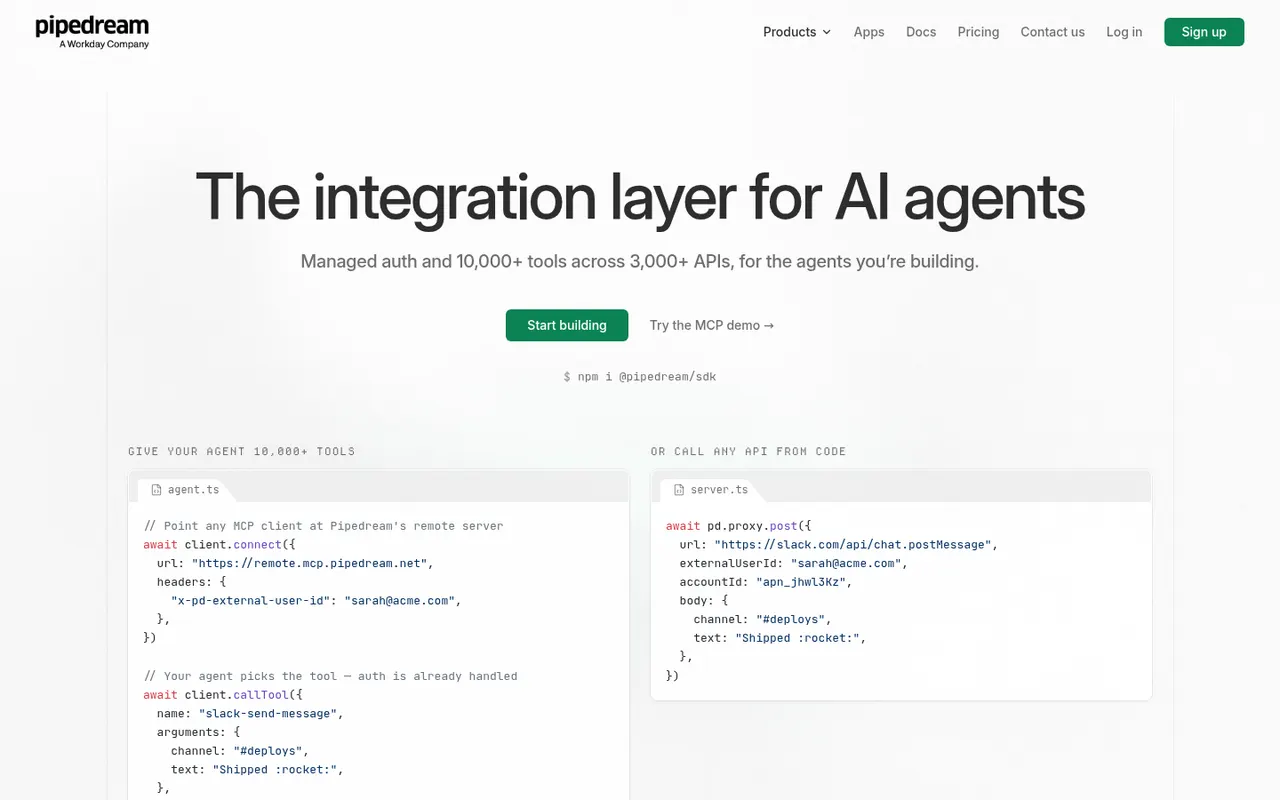
Cost / LicenseFreemiumProprietaryCategoriesPipedream is an integration platform for developers that runs event-driven workflows mixing prebuilt actions for thousands of apps with custom Node.js, Python, Go or Bash code. It also provides managed authentication and MCP servers so AI agents can call third-party APIs, and Workday announced its acquisition of the company in late 2025. A free tier with limited credits sits alongside paid plans.
8 Pipedream alternativesPros
- Mixes prebuilt actions with Node.js, Python, Go or Bash code
- Managed authentication for thousands of APIs
- MCP servers let AI agents call third-party apps
Cons
- Aimed at developers, less approachable for non-technical teams
- Free tier credits run out quickly on busy workflows
- The Workday acquisition adds uncertainty about the product’s direction
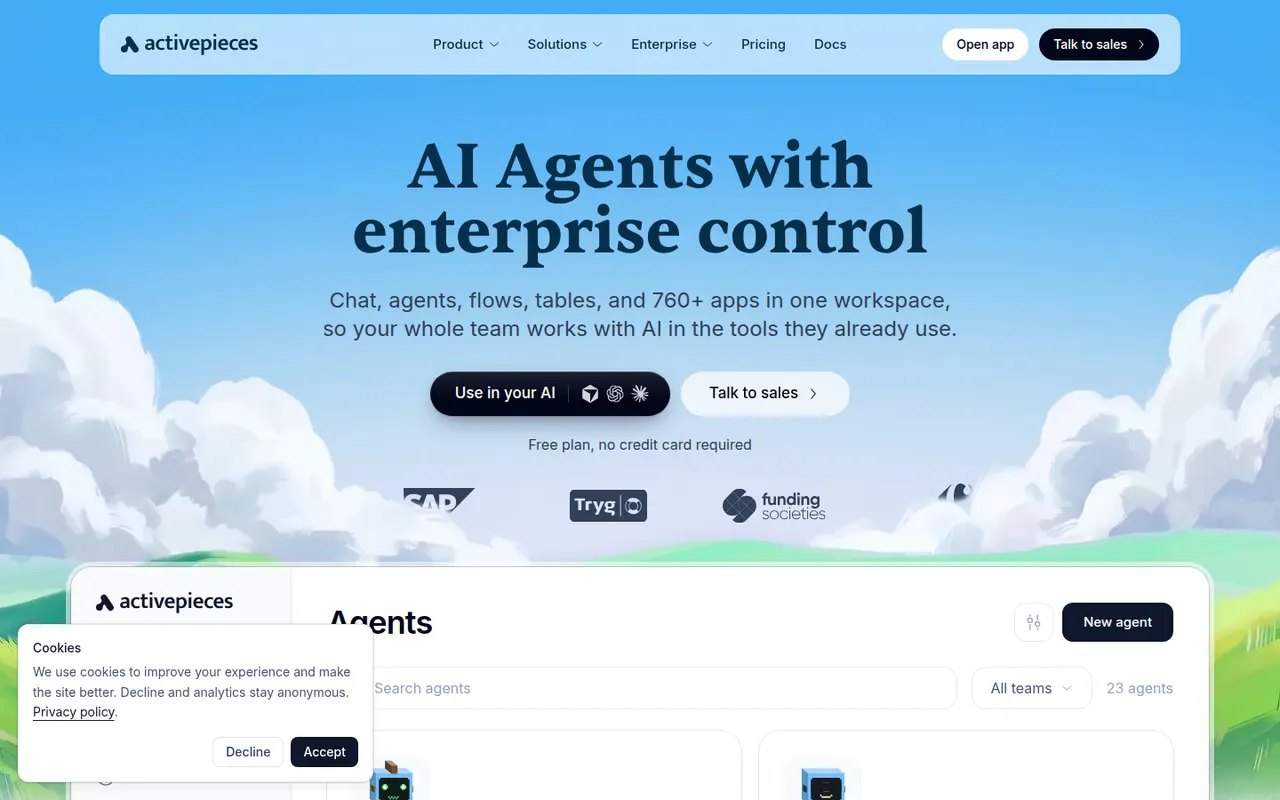
Cost / LicenseFreemiumProprietaryCategoriesPlatformsActivepieces is an open source automation platform positioned as an alternative to Zapier, with a visual flow builder, hundreds of integrations called pieces and AI agent steps. Pieces are written in TypeScript and are also exposed as MCP servers for AI assistants. The community edition is MIT-licensed and can be self-hosted; a hosted cloud version and an enterprise edition are also offered.
8 Activepieces alternativesPros
- MIT-licensed community edition can be self-hosted
- Pieces double as MCP servers for AI assistants
- Clean visual builder that is approachable for non-developers
Cons
- Smaller integration catalog than Zapier or Make
- Some enterprise features are reserved for paid editions
- Self-hosting means handling updates and scaling yourself
Cost / LicenseFreemiumOpen sourceCategoriesPlatformsRelay.app is a workflow automation tool that mixes app integrations, AI steps and human-in-the-loop checkpoints, where a teammate can review, edit or approve output before the workflow continues. It targets business teams automating processes such as lead handling, content review or onboarding without code. A free plan includes a monthly allowance of runs and AI credits.
8 Relay.app alternativesPros
- Human approval steps let teammates review output before a run continues
- AI steps are built in, with credits included in the free plan
- Clean interface designed for business teams who do not code
Cons
- Smaller integration catalog than Zapier or Make
- Younger product with fewer advanced options than established platforms
Cost / LicenseFreemiumProprietaryCategoriesPlatformsGumloop is a no-code platform for building AI workflows and agents on a visual canvas, connecting language models from OpenAI, Anthropic and Google to business apps, web scraping and data enrichment nodes. An assistant can draft flows from a description, and a Chrome extension records browser actions for sites without an API. A free plan with monthly credits is available.
8 Gumloop alternativesPros
- Visual canvas connects AI models to business apps without code
- Assistant drafts flows from a plain-language description
- Chrome extension automates sites that have no API
Cons
- Credit-based usage can be hard to predict for heavy workflows
- Fewer app integrations than long-established automation platforms
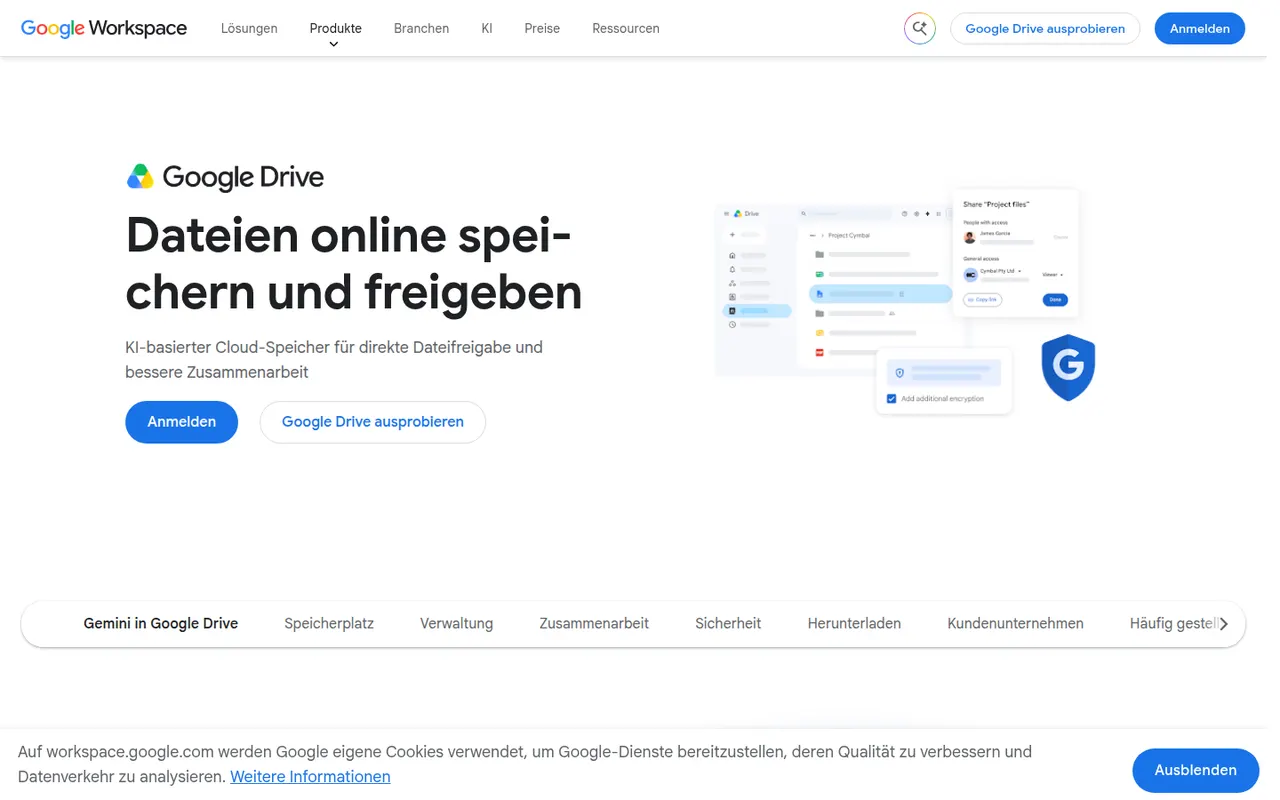
Cost / LicenseFreemiumProprietaryCategoriesPlatformsGoogle Drive is Google's file storage and sync service, included with every Google account and shared with Gmail and Google Photos. Files can be shared by link or with specific people, and documents open directly in Google Docs, Sheets and Slides for real-time co-editing. Desktop apps for Windows and Mac can mirror folders or stream files on demand.
12 Google Drive alternativesPros
- Real-time co-editing in Google Docs, Sheets and Slides
- Free storage included with every Google account
- Strong search across files, including text inside PDFs and images
Cons
- Free storage is shared with Gmail and Google Photos
- No official desktop client for Linux
- No end-to-end encryption for personal accounts
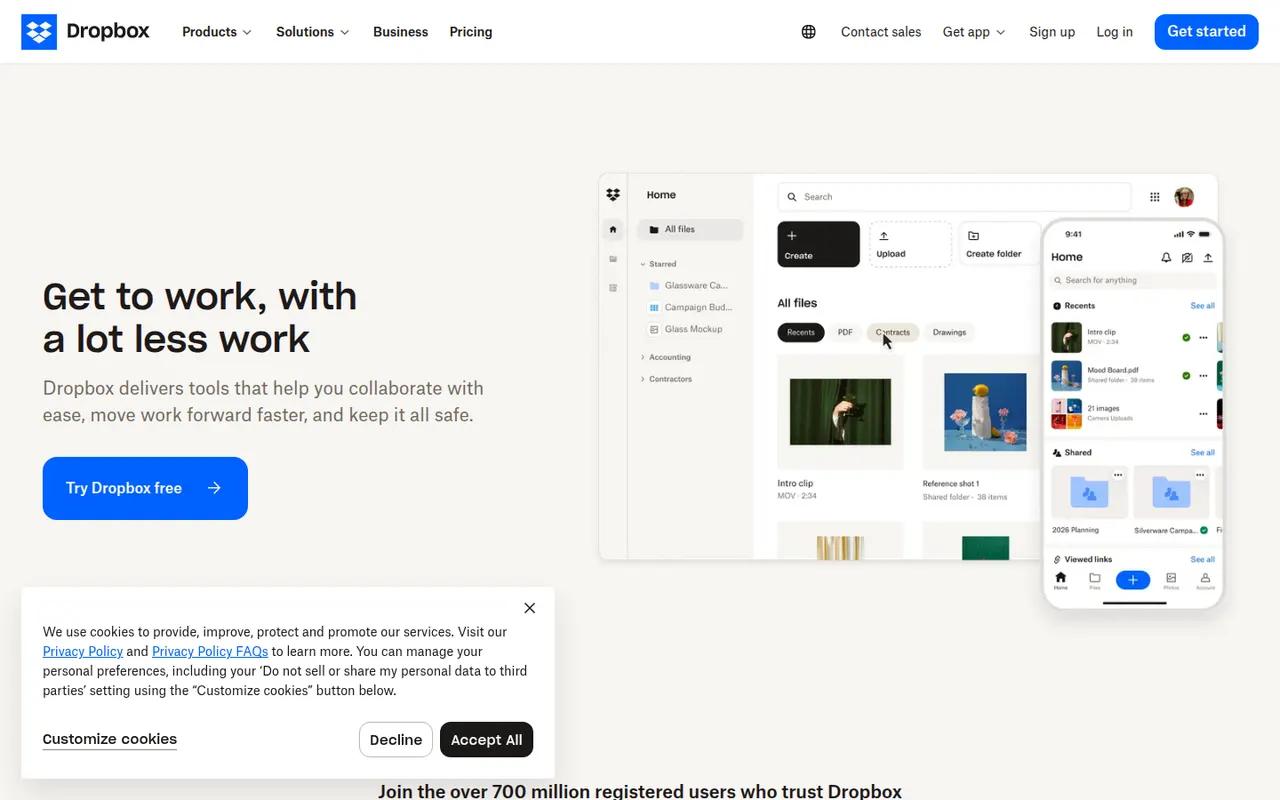
Cost / LicenseFreemiumProprietaryCategoriesDropbox keeps a folder in sync across your devices and lets you share files or folders with a link, including with people who have no account. It runs on Windows, macOS and Linux as well as mobile, keeps previous versions of files and can back up phone photos automatically. Paid plans add more storage, large file transfers and team administration.
12 Dropbox alternativesPros
- Reliable, fast sync across Windows, macOS, Linux and mobile
- Share files by link, even with people who have no account
- Version history and automatic photo backup included
Cons
- The free plan offers little storage and limits linked devices
- Files are not end-to-end encrypted on standard plans
Cost / LicenseFreemiumProprietaryCategoriesOneDrive is Microsoft's file storage service, built into Windows and included with Microsoft 365 subscriptions. It syncs folders across devices, can back up the Desktop, Documents and Pictures folders, and lets several people edit Word, Excel and PowerPoint files at the same time. A Personal Vault adds an extra verification step for sensitive files.
12 OneDrive alternativesPros
- Built into Windows and File Explorer, with files on demand
- Real-time co-editing of Word, Excel and PowerPoint files
- Storage comes bundled with Microsoft 365 subscriptions
Cons
- Windows nudges you into folder backup, which can relocate files unexpectedly
- No official Linux client
- The free plan offers little storage
Cost / LicenseFreemiumProprietaryCategoriesiCloud Drive stores files in Apple's cloud and keeps them in sync across Mac, iPhone and iPad, with access from Windows and from a browser on icloud.com. It is built into the Finder and the Files app, can sync the Mac Desktop and Documents folders, and supports shared folders. Optional Advanced Data Protection extends end-to-end encryption to iCloud Drive.
8 iCloud Drive alternativesPros
- Built into Finder and Files, with seamless sync across Apple devices
- Desktop and Documents folders can sync automatically
- Advanced Data Protection adds end-to-end encryption
Cons
- Small free storage, quickly filled by device backups and photos
- No Android or Linux app, and Windows support is more basic
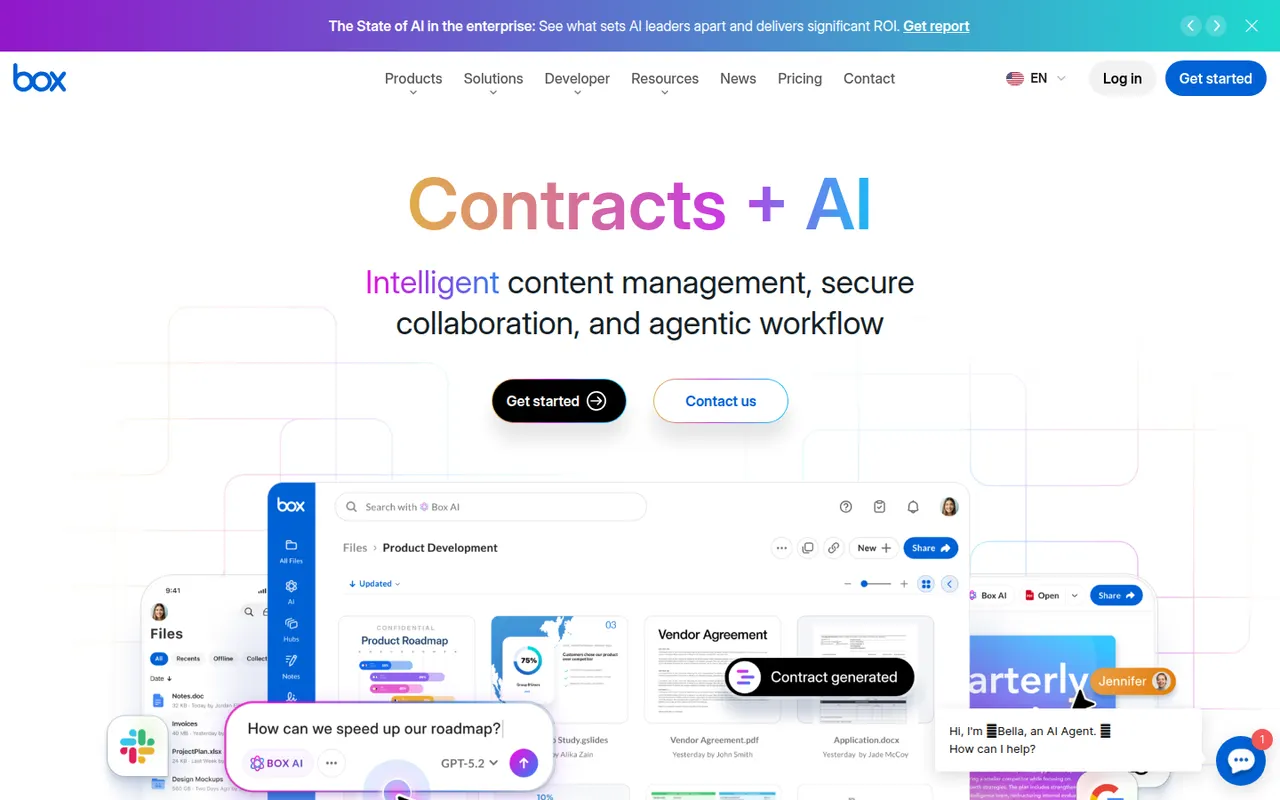
Cost / LicenseFreemiumProprietaryCategoriesBox is a cloud storage and file sharing platform aimed at companies that need control over their documents. It offers granular permissions, version history, single sign-on, compliance tooling and integrations with Microsoft 365, Google Workspace, Slack and many business apps, plus Box AI for asking questions about stored content. A free individual plan is available.
10 Box alternativesPros
- Granular permissions and compliance tools for regulated companies
- Integrates with Microsoft 365, Google Workspace, Slack and many business apps
- Box AI answers questions about stored documents
Cons
- The free plan is limited in storage and file upload size
- Aimed at businesses, less appealing for personal use
- Many admin and security features sit in higher-tier plans
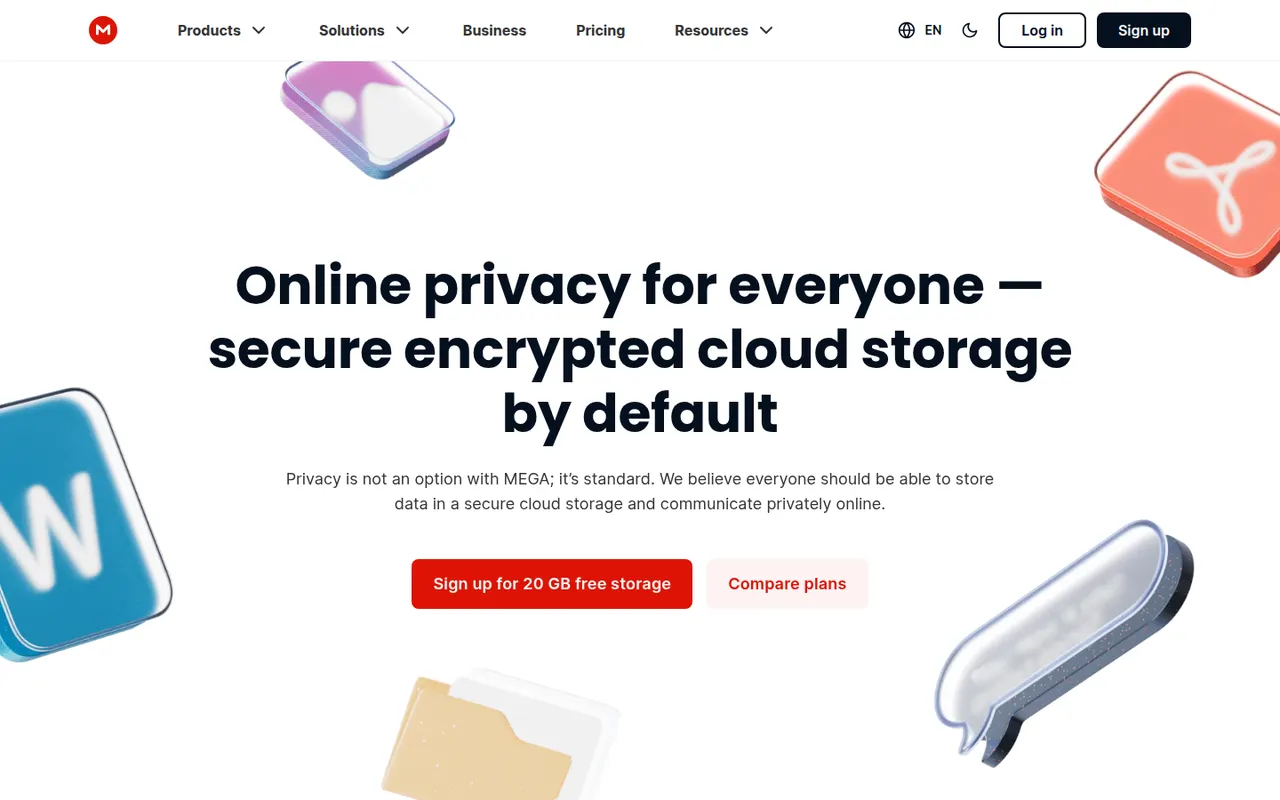
Cost / LicenseFreemiumProprietaryCategoriesMEGA is a cloud storage service from New Zealand that encrypts files on your device before upload, with keys derived from your password. It offers sync clients for Windows, macOS and Linux, mobile apps with camera uploads, encrypted share links and built-in chat and video meetings. A free plan is available alongside paid plans with more storage and transfer quota.
11 MEGA alternativesPros
- Files are encrypted on your device before upload
- Clients for every major desktop and mobile platform
- Built-in encrypted chat and video meetings
Cons
- Transfer quotas can slow down downloads on free accounts
- Losing both your password and recovery key means losing your data
Cost / LicenseFreemiumProprietaryCategoriespCloud is a Swiss cloud storage service that mounts your storage as a virtual drive on Windows, macOS and Linux, so files stay online until you open them. It includes link sharing, automatic phone photo backup, file history and a built-in media player. The paid pCloud Encryption add-on provides client-side encryption, and storage is sold as a subscription or a one-time lifetime plan.
12 pCloud alternativesPros
- Virtual drive saves local disk space on Windows, macOS and Linux
- One-time lifetime plans as an alternative to subscriptions
- Swiss provider with a built-in player for music and video
Cons
- Client-side encryption is a paid add-on
- Collaboration and office editing are limited next to Google Drive or OneDrive
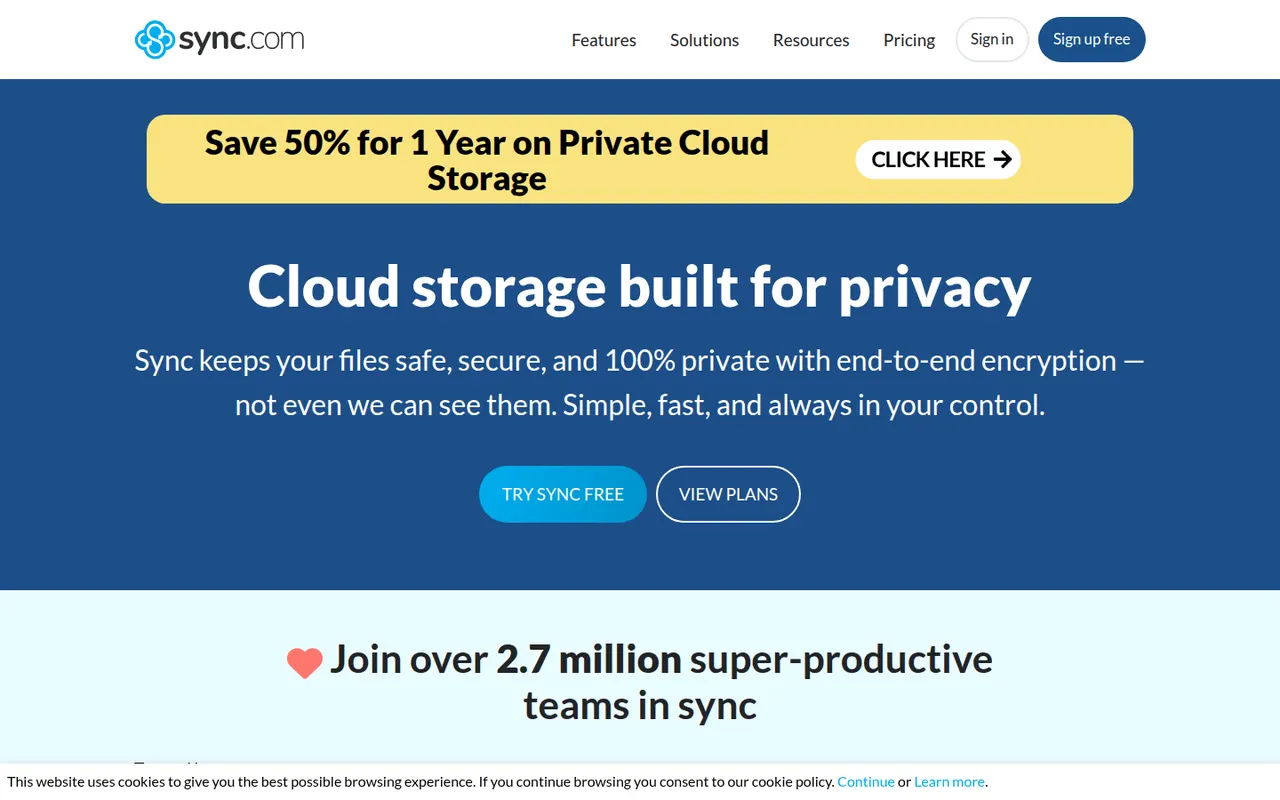
Cost / LicenseFreemiumProprietaryCategoriesSync.com is a Canadian cloud storage service with end-to-end encryption, which means the company cannot read the files you store. It syncs folders on Windows and macOS, backs up photos from iOS and Android, keeps previous file versions and offers share links with optional passwords and expiry dates. Business plans add team folders and admin controls.
11 Sync.com alternativesPros
- Zero-knowledge encryption means the provider cannot read your files
- Share links with optional passwords and expiry dates
- Version history and photo backup from iOS and Android
Cons
- No desktop client for Linux
- Syncing and uploads can be slower than with mainstream services
- Few integrations with third-party apps
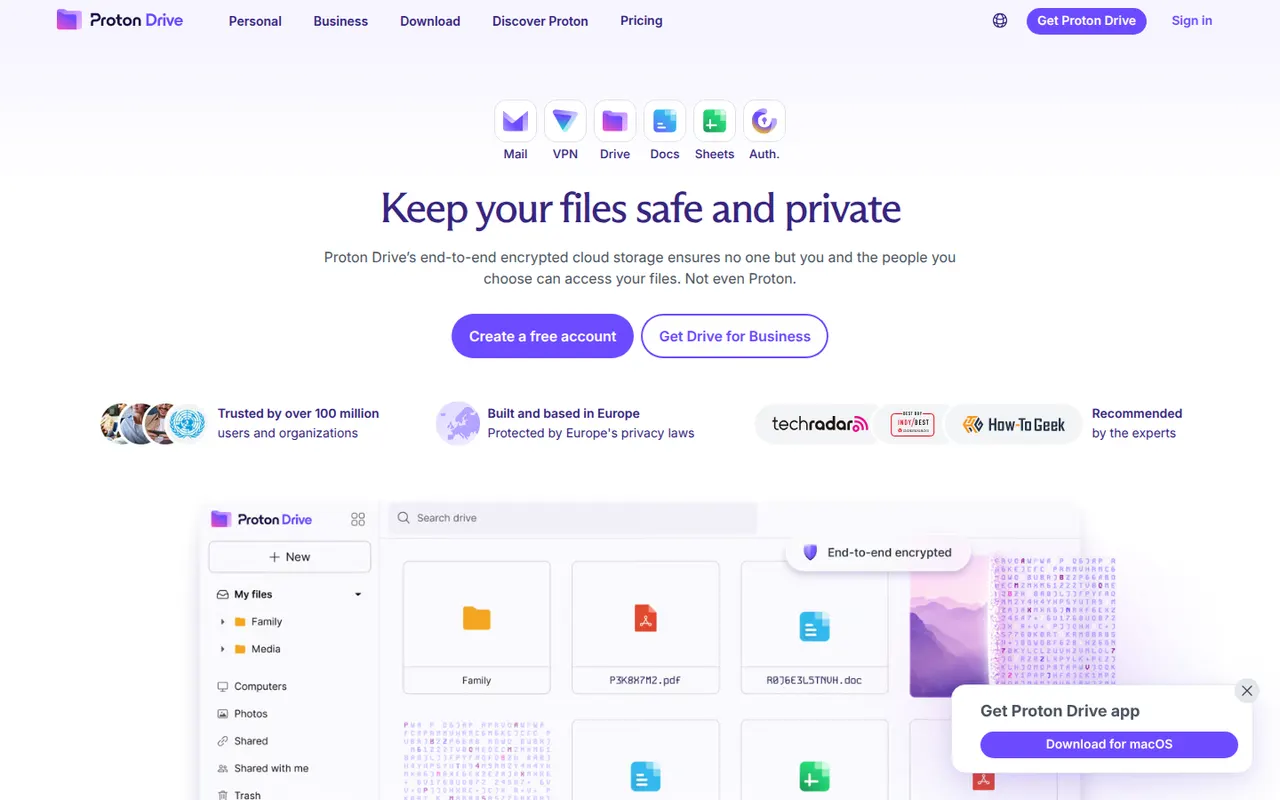
Cost / LicenseFreemiumProprietaryCategoriesProton Drive is the encrypted cloud storage service of Proton, the Swiss company behind Proton Mail. Files and file names are end-to-end encrypted, the apps are open source and files can be shared through password-protected links. It offers desktop sync on Windows and macOS, mobile photo backup and a free plan, with more space in Proton's paid bundles.
12 Proton Drive alternativesPros
- Files and file names are end-to-end encrypted
- Open source apps from a Swiss privacy-focused company
- Password-protected share links and mobile photo backup
Cons
- No desktop app for Linux
- Fewer third-party app integrations than mainstream clouds
- The free plan offers limited storage
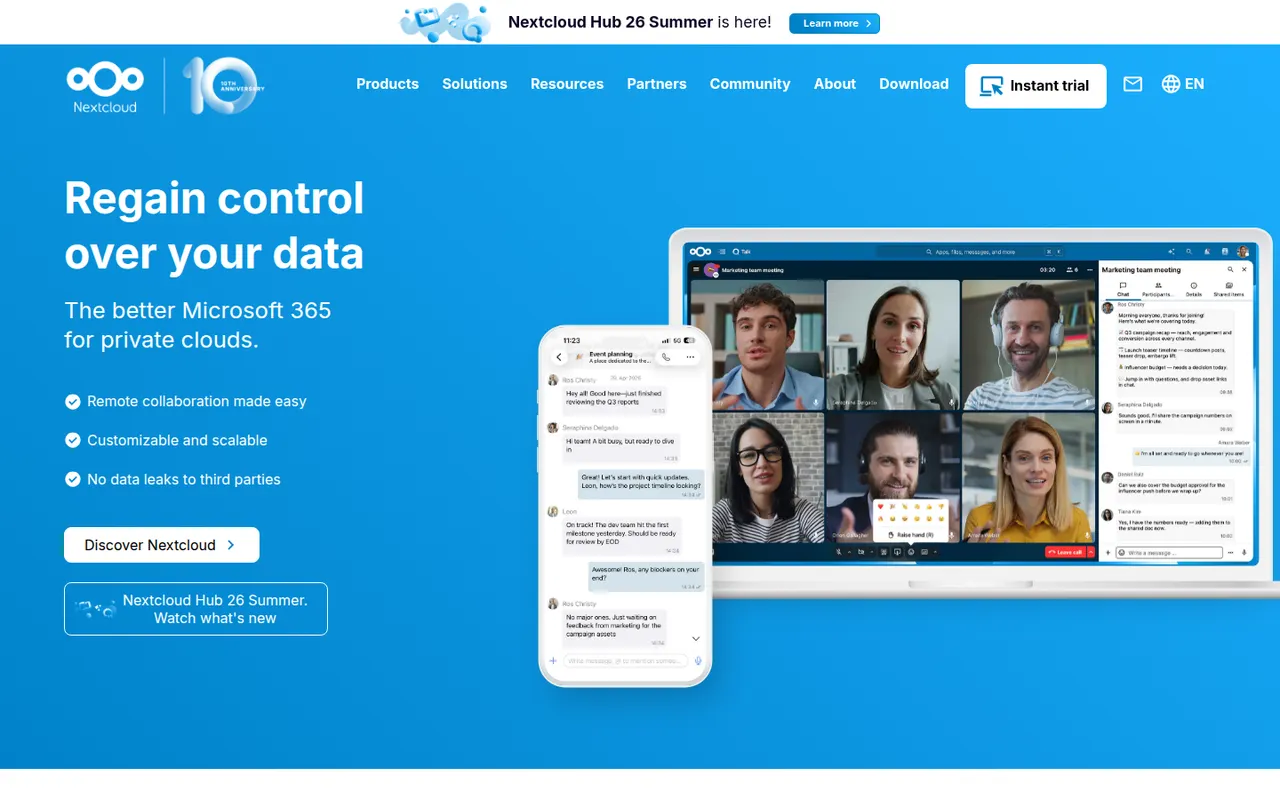
Cost / LicenseFreemiumOpen sourceCategoriesNextcloud is an open source platform you install on your own server to sync and share files, keeping data under your control instead of with a third-party cloud. Beyond file storage with desktop and mobile clients, its app store adds calendars, contacts, video calls (Talk), online office editing and many other extensions. Self-hosting is free, and Nextcloud GmbH sells enterprise support.
12 Nextcloud alternativesPros
- Keeps files on your own server instead of a third-party cloud
- App store adds calendars, contacts, Talk calls and office editing
- Desktop and mobile clients for every major platform
Cons
- Installing, securing and updating the server is your responsibility
- Performance can be sluggish without careful server tuning
- Quality varies across third-party apps
Cost / LicenseFreemiumOpen sourceCategoriesWeTransfer is a file transfer service for sending large files and folders by email or with a download link that expires after a set period. Recipients do not need an account to download. The free plan has size and transfer limits, while paid plans raise them and add password protection, longer storage and customizable transfer pages.
8 WeTransfer alternativesPros
- Send large files without the recipient needing an account
- Very simple interface: a transfer takes a few clicks
- Paid plans add passwords and customizable transfer pages
Cons
- Free transfers expire quickly and have size limits
- Not a sync or storage service for ongoing file management
- The free plan shows ads
Cost / LicenseFreemiumProprietaryCategories