
Microsoft PowerPoint alternatives
Top Presentation Software like Microsoft PowerPoint
The most popular alternative to Microsoft PowerPoint is Google Slides, which has a free version. Other great alternatives to Microsoft PowerPoint are Keynote, Canva, Prezi, and Gamma.
Most alternatives to Microsoft PowerPoint are in the Presentation Software category, compared here by price, platform and features.
All Microsoft PowerPoint alternatives
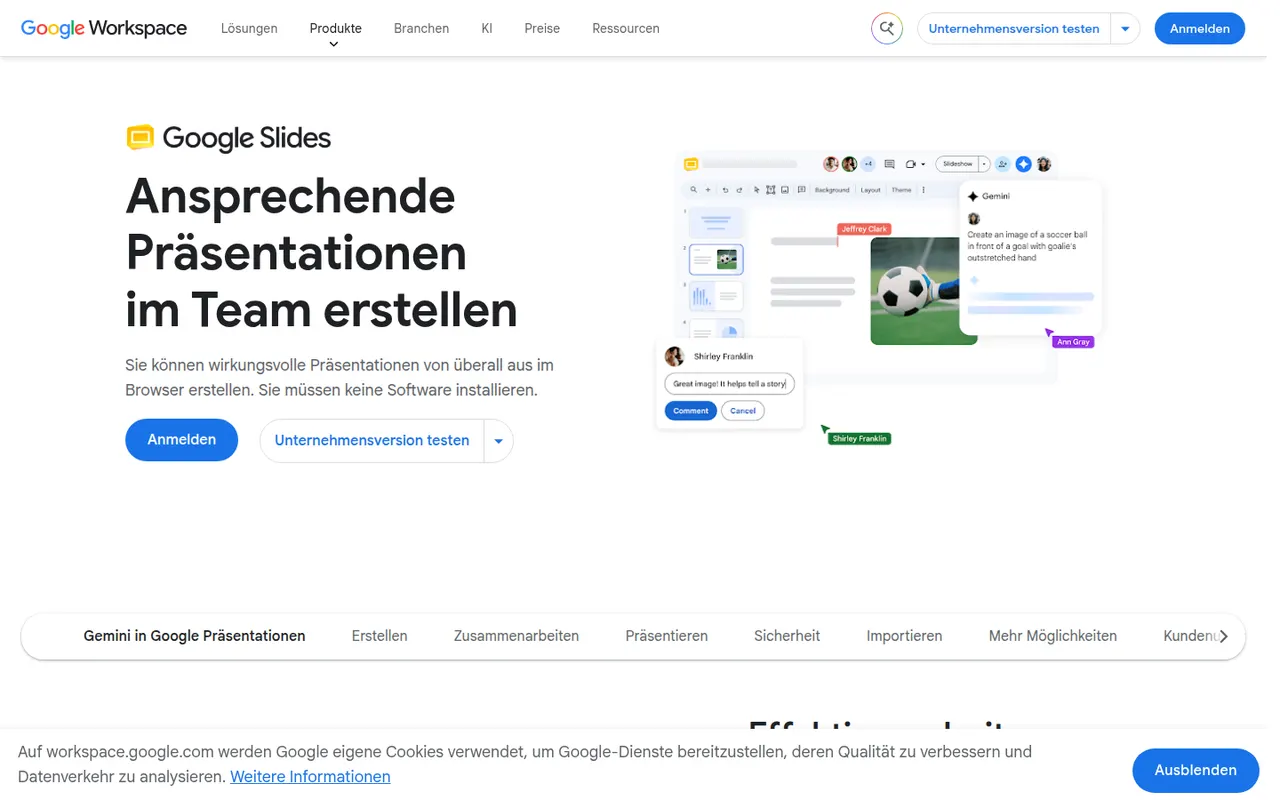
Google Slides is Google's web-based presentation app, designed for building decks with teammates in real time. It includes themes, speaker notes and presenter view, works offline and imports and exports PowerPoint files. It is free with a Google account; paid Google Workspace plans add Gemini AI features such as generating images and slides.
9 Google Slides alternativesPros
- Real-time co-editing and comments work smoothly in the browser
- Free to use with any Google account
- Imports and exports PowerPoint files
Cons
- Fewer animation and design options than PowerPoint or Keynote
- Complex PowerPoint decks can lose formatting on import
- Gemini AI features require a paid Workspace plan
Cost / LicenseFreemiumProprietaryCategoriesKeynote is Apple's presentation app, free on Mac, iPhone and iPad and usable in a browser through iCloud.com. It is known for clean themes and smooth transitions such as Magic Move, and offers presenter view, live video feeds and remote control from an iPhone. Decks can be co-edited via iCloud and exported to PowerPoint, PDF or video.
9 Keynote alternativesPros
- Polished themes and smooth transitions such as Magic Move
- Free on Mac, iPhone and iPad, with iCloud sync
- Exports to PowerPoint, PDF and video
Cons
- No native apps for Windows or Android, only the iCloud web version
- PowerPoint exports can shift fonts, layouts and animations
- Fewer third-party add-ons and integrations than PowerPoint
Cost / LicenseFreeProprietaryCategoriesCanva is an online design editor built around drag-and-drop templates for social media graphics, presentations, posters, videos and documents. It targets non-designers and marketing teams, with a large stock library, brand kits, real-time collaboration and Magic Studio AI tools for creating and editing images and text. It runs in the browser and as desktop and mobile apps.
12 Canva alternativesPros
- Huge template library makes design accessible to non-designers
- Real-time collaboration and brand kits for marketing teams
- Available on web, desktop and mobile, with Magic Studio AI tools
Cons
- Many templates, assets and AI features sit behind the Pro plan
- Popular templates can make designs look like everyone else’s
- Limited precision for print production or advanced vector work
Cost / LicenseFreemiumProprietaryCategoriesPrezi is a presentation tool known for its zoomable canvas, where topics are laid out on one large surface and the presentation moves between them instead of flipping linear slides. It also offers Prezi Video for appearing on camera next to your content, and AI help to turn text into a presentation. A free plan publishes presentations publicly with a watermark; paid plans add privacy and exports.
9 Prezi alternativesPros
- Zoomable canvas offers a non-linear alternative to slides
- Prezi Video puts you on camera next to your content
- AI help turns text into a first presentation draft
Cons
- Free plan presentations are public and watermarked
- Overused zoom effects can distract or disorient the audience
- Designing a good canvas takes longer than building classic slides
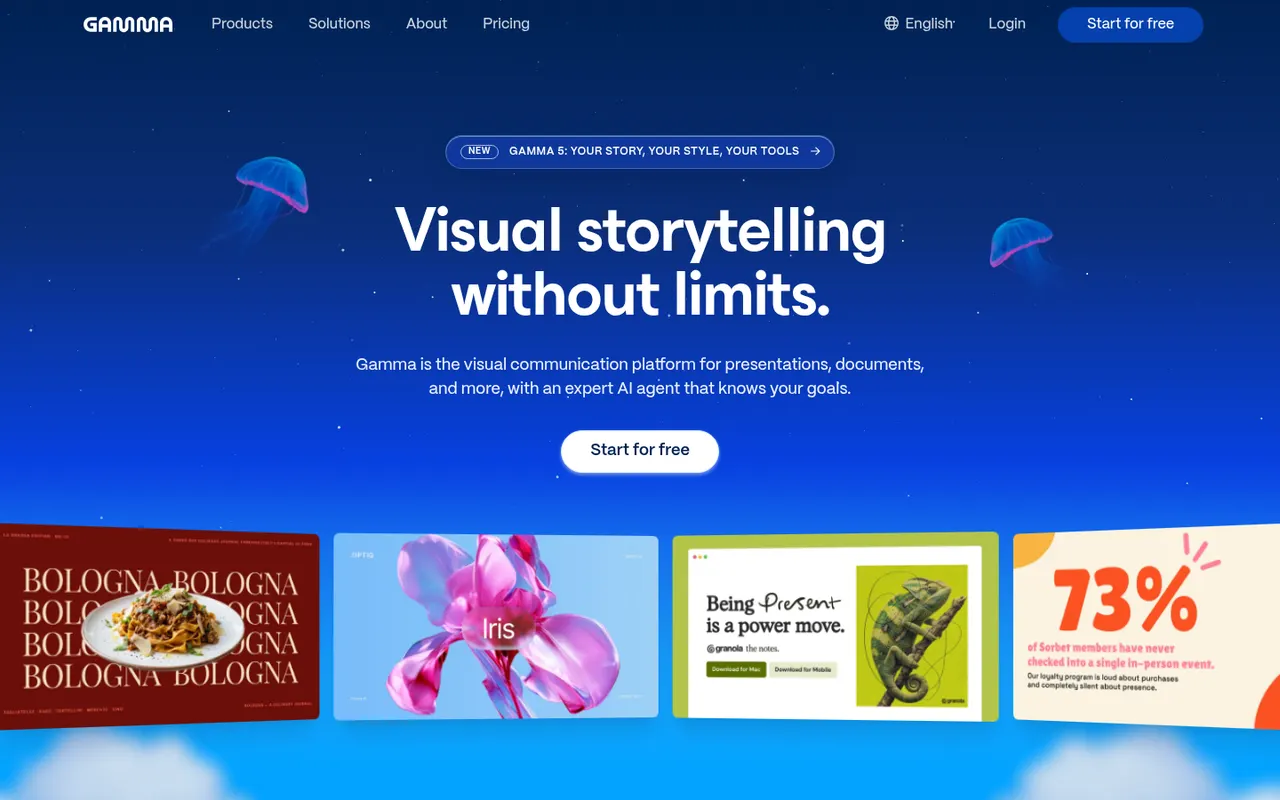
Cost / LicenseFreemiumProprietaryCategoriesGamma generates presentations, documents, social posts and simple websites from a prompt, notes or an imported file, using a card-based layout instead of fixed slides. Content can then be refined with an AI agent, themes and templates, shared as a link with viewer analytics or exported to PowerPoint, Google Slides or PDF. A free plan with limited AI credits is available.
9 Gamma alternativesPros
- Generates decks, documents and simple sites from a prompt
- Card-based layouts adapt well to any screen size
- Shareable links with viewer analytics
Cons
- The free plan has limited AI credits
- The card format does not always translate well to PowerPoint
- Generated content often needs editing to be accurate and on-brand
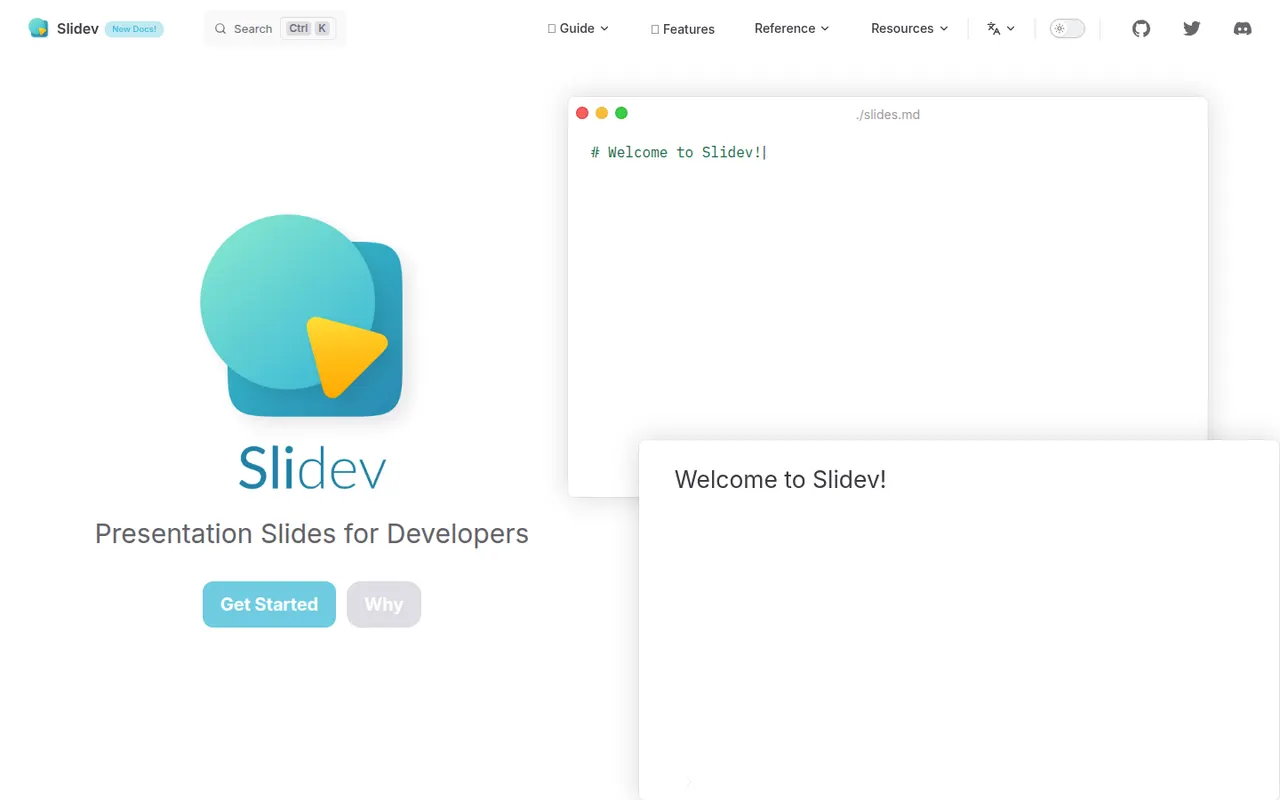
Cost / LicenseFreemiumProprietaryCategoriesSlidev is an open source presentation tool that builds slide decks from a Markdown file, aimed at developers giving technical talks. It supports code highlighting, live code editing, Vue components, LaTeX, diagrams, themes and a presenter mode with notes, served locally and shown in the browser. Decks can be exported to PDF, PPTX or PNG, or built as a static site to host anywhere.
7 Slidev alternativesPros
- Slides written in Markdown are easy to keep in version control
- Code highlighting, live coding and Vue components suit technical talks
- Free and open source, with PDF, PPTX and static site exports
Cons
- Requires Node.js and comfort with code, so not suited to non-developers
- Custom layouts often mean writing CSS or Vue components
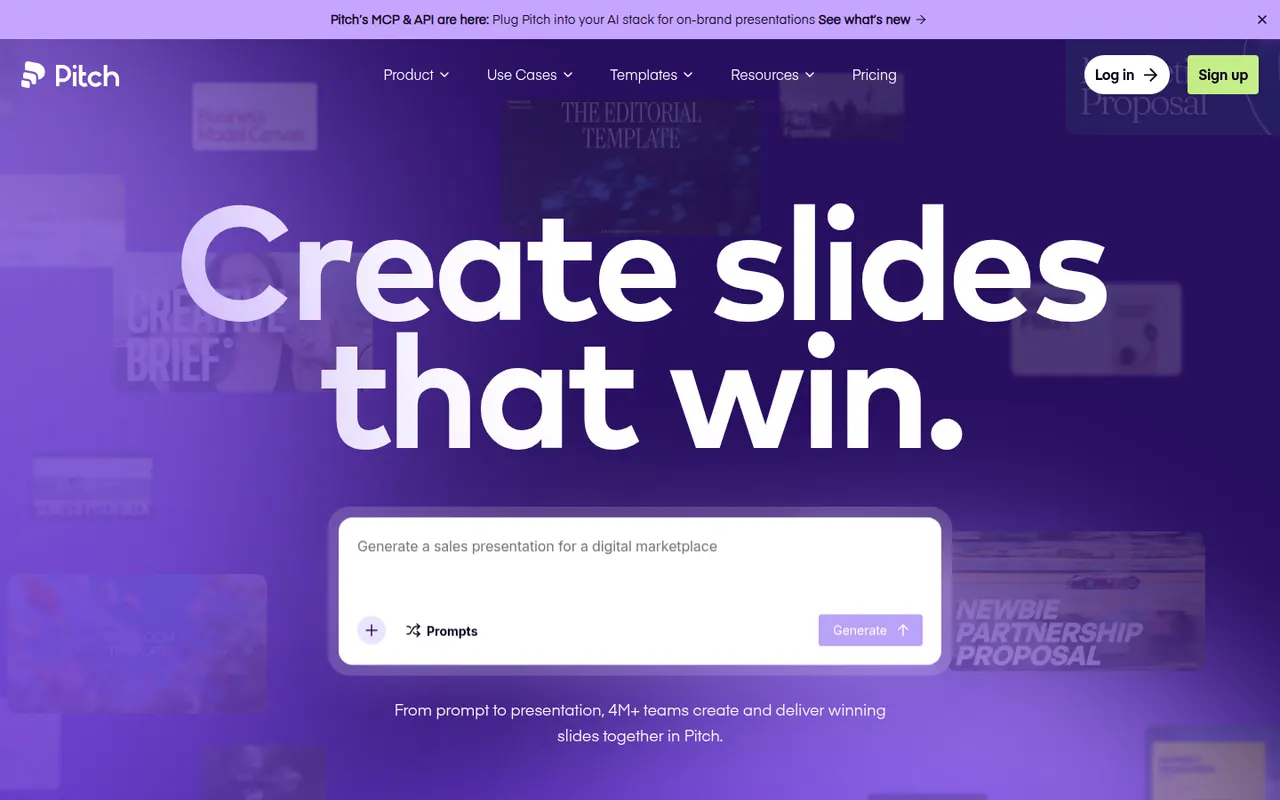
Cost / LicenseFreeOpen sourceCategoriesPitch is a presentation tool from Berlin-based Pitch Software, built for teams that create decks together, from sales proposals to investor updates. It offers shared templates and brand settings, comments and slide assignments, link sharing with engagement analytics, and an AI agent that drafts decks from prompts and files. It runs in the browser, on desktop and on mobile, with a free plan and paid team tiers.
9 Pitch alternativesPros
- Built for decks made as a team, with comments and slide assignments
- Brand settings and shared templates keep decks consistent
- Link sharing with analytics shows how viewers engage
Cons
- Fewer advanced animation options than PowerPoint or Keynote
- Advanced team features are reserved for paid plans
- Exporting to PowerPoint may not keep every design detail
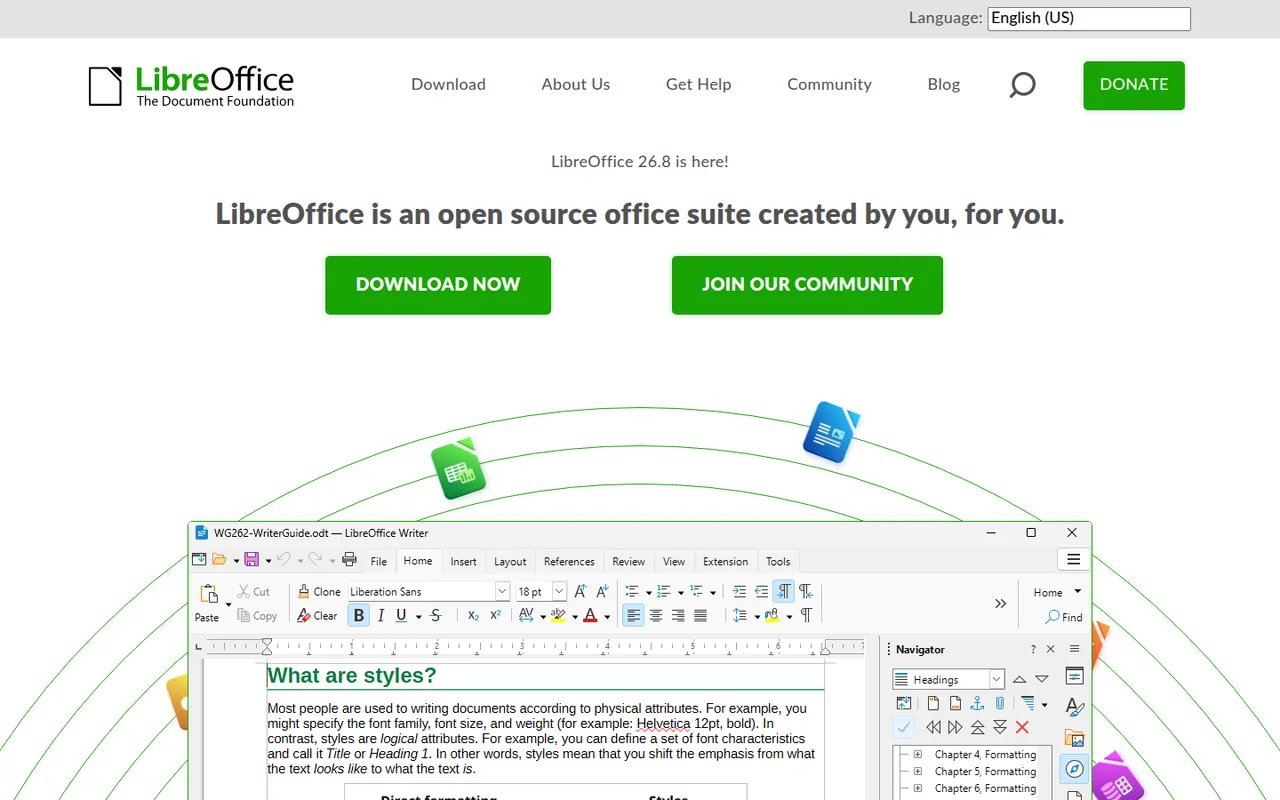
Cost / LicenseFreemiumProprietaryCategoriesLibreOffice is a desktop office suite maintained by The Document Foundation, with Writer, Calc, Impress, Draw, Base and Math. It uses the OpenDocument format natively and opens and saves Microsoft Office files. It is free for any use, works fully offline and can be extended with community extensions and templates.
12 LibreOffice alternativesPros
- Free for any use, with no account or subscription
- Full suite with Writer, Calc, Impress, Draw and Base
- Native OpenDocument support and fully offline use
Cons
- Interface feels dated next to Microsoft 365
- Complex Office files can lose formatting
- No real-time collaboration in the desktop apps
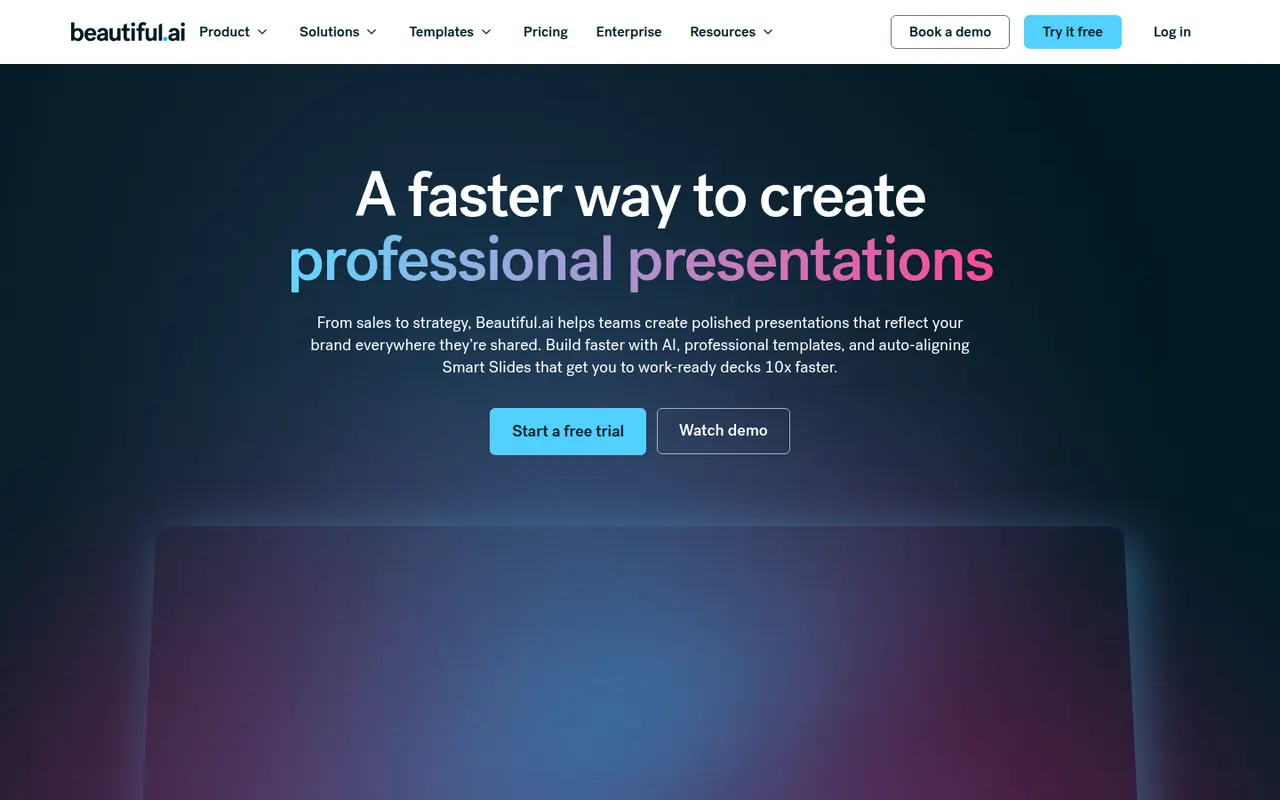
Cost / LicenseFreeOpen sourceBeautiful.ai is a web presentation tool whose smart slide templates adjust spacing, alignment and layout automatically as you add content, so decks stay consistent without manual formatting. It also generates draft presentations from a prompt, supports shared team themes and exports to PowerPoint. There is no free plan; paid plans start with a free trial.
8 Beautiful.ai alternativesPros
- Smart templates keep spacing and alignment consistent automatically
- Generates draft decks from a prompt
- Shared team themes and PowerPoint export
Cons
- No free plan, only a trial
- Automatic layouts limit fine control over design
- Web only, with no offline desktop app
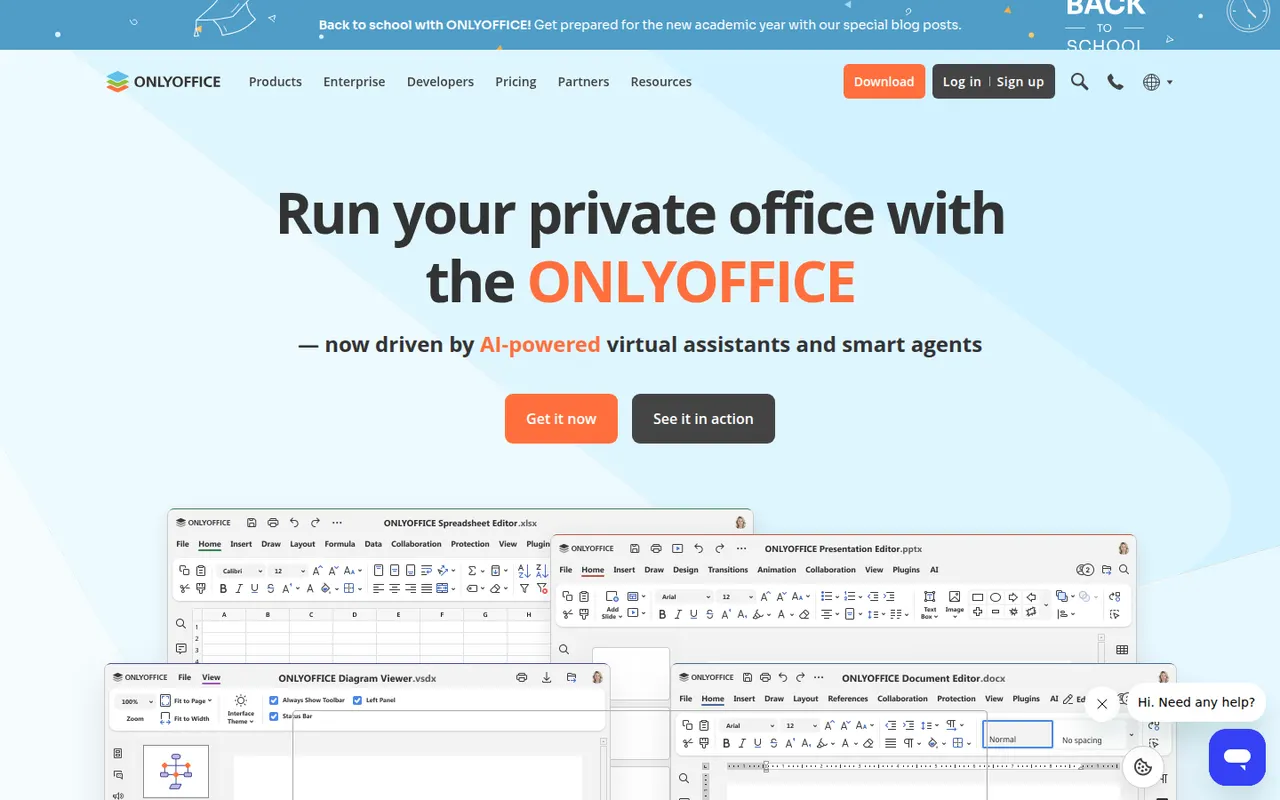
Cost / LicenseFree trialProprietaryCategoriesPlatformsONLYOFFICE is an office suite from Ascensio System with editors for documents, spreadsheets, presentations, PDFs and forms, built around Microsoft Office formats. The desktop and mobile apps are free, and the online editors can be self-hosted or integrated into Nextcloud and other platforms, with paid cloud and enterprise editions. It supports real-time co-editing, plugins and AI assistants.
12 ONLYOFFICE alternativesPros
- Strong compatibility with Microsoft Office formats
- Free desktop and mobile apps, plus self-hostable online editors
- Real-time co-editing and Nextcloud integration
Cons
- A self-hosted server needs technical setup
- Enterprise features and support require paid editions
- Fewer advanced features than Microsoft Office
Cost / LicenseFreemiumOpen source



















Microsoft PowerPoint vs its alternatives at a glance
Pricing, platforms and the key features of Microsoft PowerPoint, compared with its most popular alternatives.
| App | Pricing | Platforms | AI assistant | Microsoft Office file compatibility | Presenter view | Real-time collaboration | Templates |
|---|---|---|---|---|---|---|---|
 Microsoft PowerPoint Microsoft PowerPoint | Freemium | Web, Windows, Mac, iPhone, Android | |||||
 Google Slides Google Slides | Freemium | Web, iPhone, Android | |||||
 Keynote Keynote | Free | Web, Mac, iPhone | |||||
 Canva Canva | Freemium | Web, Windows, Mac, iPhone, Android | |||||
 Prezi Prezi | Freemium | Web, Windows, Mac | |||||
 Gamma Gamma | Freemium | Web, iPhone, Android |
Microsoft PowerPoint alternatives: frequently asked questions
What is the best alternative to Microsoft PowerPoint?
The most popular alternative to Microsoft PowerPoint is Google Slides: Collaborative online presentations in your browser. Other great alternatives are Keynote, Canva, Prezi, and Gamma.
Is there a free alternative to Microsoft PowerPoint?
Yes, 9 alternatives are free or have a free plan, including Google Slides, Keynote, Canva, and Prezi.
Is there an open source alternative to Microsoft PowerPoint?
Yes, 3 open source alternatives are listed, including Slidev, LibreOffice, and ONLYOFFICE.
Is Microsoft PowerPoint free?
Microsoft PowerPoint has a free plan, with paid plans that unlock more features.
Compare Microsoft PowerPoint with its alternatives


Sponsored listings and products made by the publisher of this site are always labeled. How we rank · Know a good alternative? Submit it