
SavvyCal alternatives
Top Scheduling & Calendars like SavvyCal
The most popular alternative to SavvyCal is Calendly, which has a free version. Other great alternatives to SavvyCal are Cal.com, TidyCal, YouCanBookMe, and Acuity Scheduling.
Most alternatives to SavvyCal are in the Scheduling & Calendars category, compared here by price, platform and features.
All SavvyCal alternatives
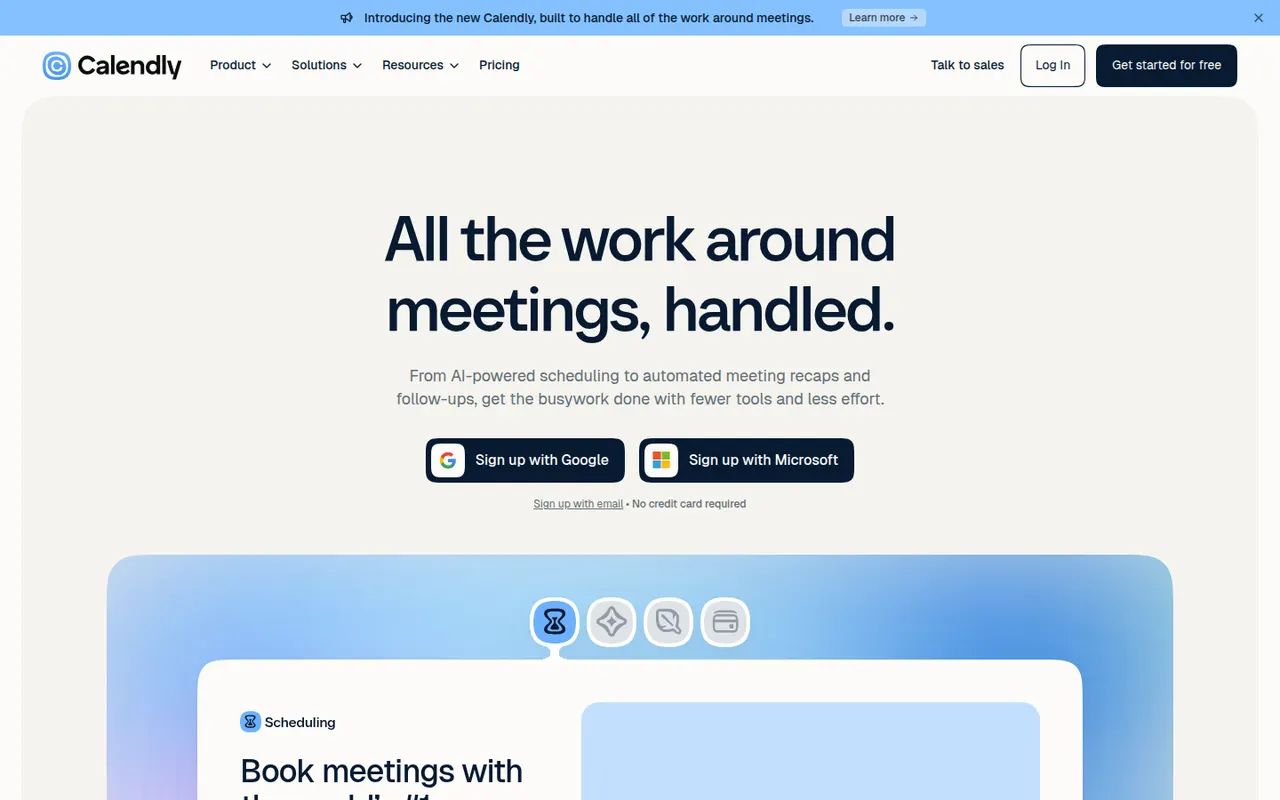
Calendly lets people book time with you through a shareable link that reflects your real availability across Google, Outlook and iCloud calendars. Teams can distribute meetings round robin or book them collectively, collect payments with Stripe or PayPal, and send automatic reminders and follow-ups. It targets sales, recruiting and customer success teams and connects to CRMs such as Salesforce and HubSpot.
12 Calendly alternativesPros
- Booking links reflect real availability across several calendars
- Round-robin and collective scheduling for teams
- CRM integrations with Salesforce and HubSpot
Cons
- The free plan is restrictive, with key features on paid tiers
- Costs add up for teams that need routing and CRM features
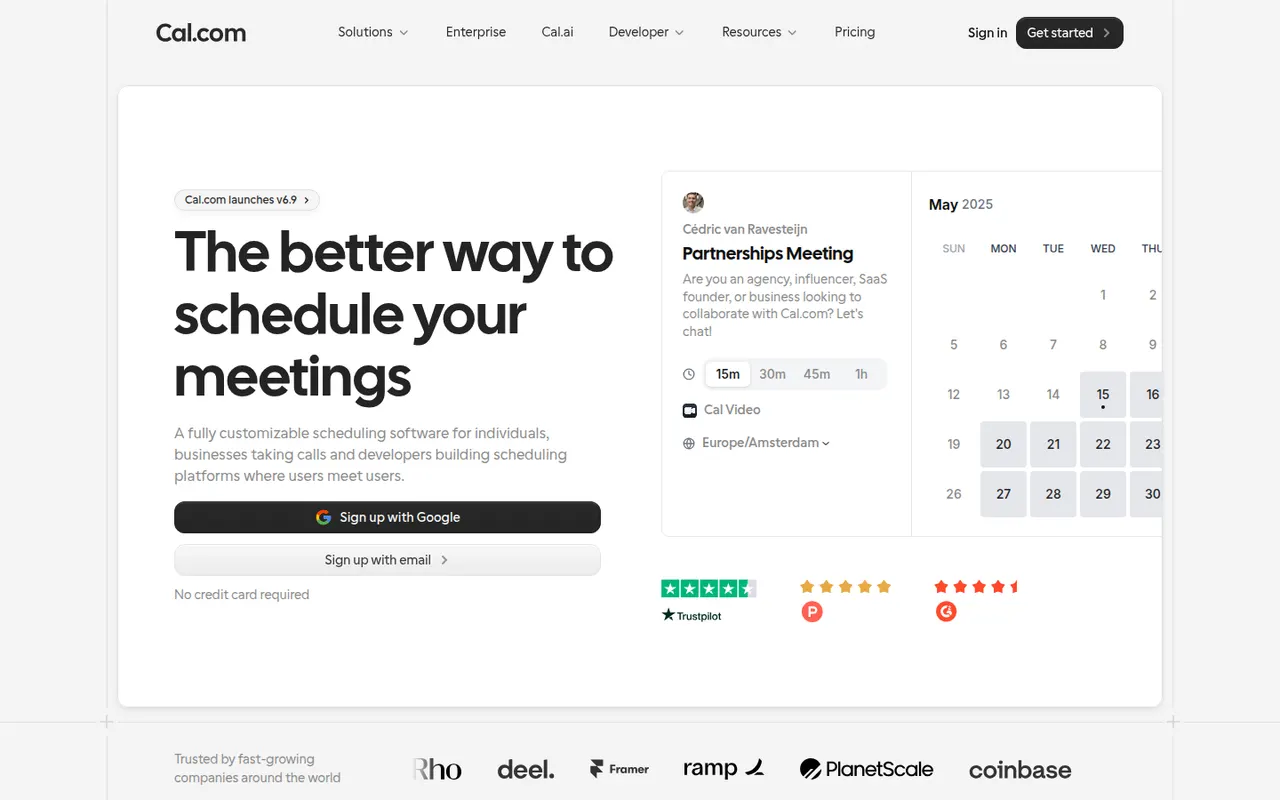
Cost / LicenseFreemiumProprietaryCategoriesPlatformsCal.com is an open source scheduling platform positioned as an alternative to Calendly, with booking pages, team round-robin, routing forms, paid bookings and automated workflows. It can be used as a hosted service with a free plan for individuals or self-hosted, and developers can embed it or build on its API.
7 Cal.com alternativesPros
- Open source and self-hostable, with a hosted option
- Free hosted plan for individuals
- API and embeds let developers build scheduling into their products
Cons
- Self-hosting takes technical effort to set up and maintain
- Team and enterprise features require paid plans
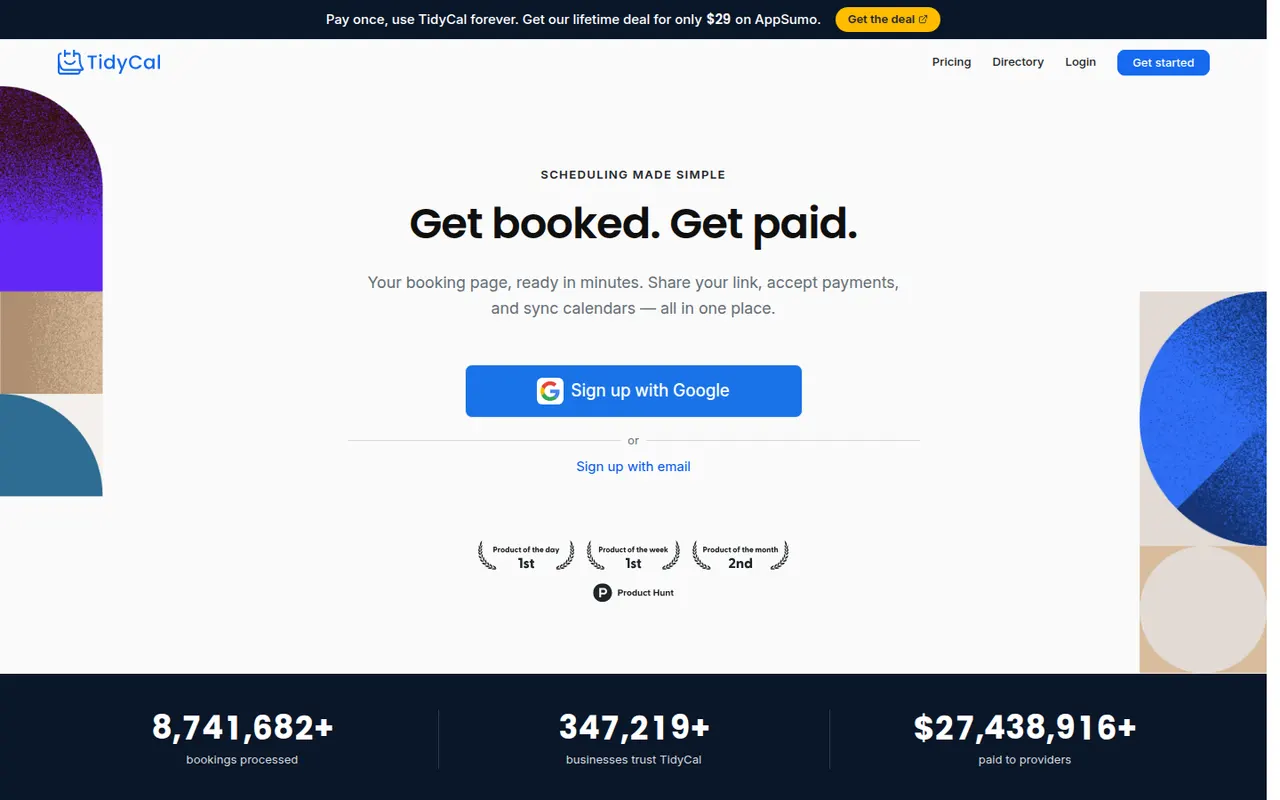
Cost / LicenseFreemiumOpen sourceCategoriesPlatformsTidyCal is a lightweight scheduling tool from AppSumo for freelancers and small businesses. It provides booking pages, group bookings and paid bookings through Stripe or PayPal, and connects to Google and Outlook calendars as well as Zoom and Google Meet. Beyond the free plan, its Pro features are sold as a one-time purchase instead of a subscription.
7 TidyCal alternativesPros
- Pro features are a one-time purchase instead of a subscription
- Paid bookings through Stripe or PayPal, plus group bookings
- Quick setup suited to freelancers
Cons
- Fewer team and routing features than Calendly or Cal.com
- Limited branding and integration options
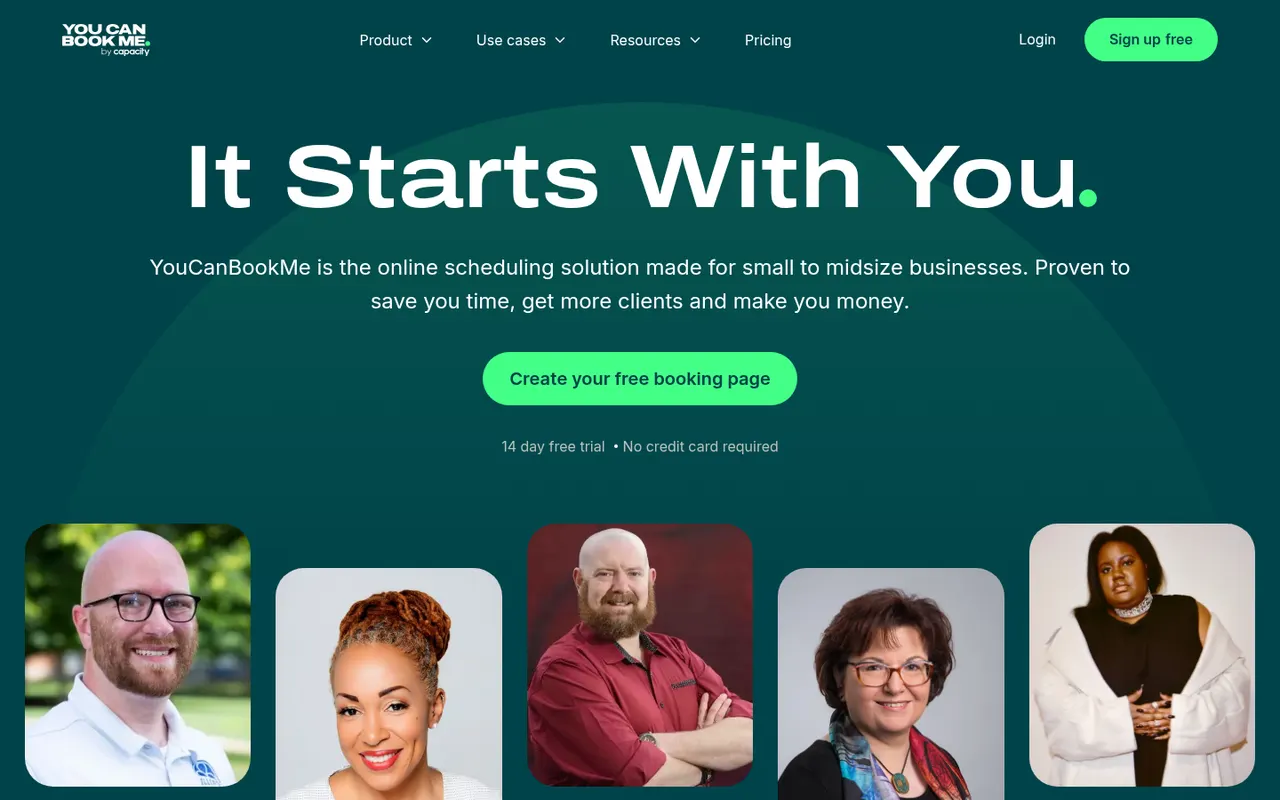
Cost / LicenseFreemiumProprietaryCategoriesPlatformsYouCanBookMe is a UK-based scheduling tool that turns your Google or Microsoft calendar into a customizable booking page. It supports team and round-robin bookings, custom booking forms, Stripe payments and email or SMS reminders, and suits tutors, consultants and universities that need flexible booking rules.
7 YouCanBookMe alternativesPros
- Highly customizable booking pages and forms
- Flexible booking rules suit tutors, consultants and universities
- Email and SMS reminders, plus Stripe payments
Cons
- Web only, with no mobile apps
- The many settings can feel overwhelming at first
- Most useful features require a paid plan
Cost / LicenseFreemiumProprietaryCategoriesPlatformsAcuity Scheduling, owned by Squarespace, is an appointment booking tool for coaches, salons, clinics and other service businesses. Clients book through a branded page, fill in intake forms and pay or leave a deposit online, while the business manages packages, gift certificates, staff calendars and automatic email and text reminders.
7 Acuity Scheduling alternativesPros
- Intake forms, deposits and online payments built into booking
- Packages and gift certificates suit coaches, salons and clinics
- Automatic email and text reminders help reduce no-shows
Cons
- No free plan, only a trial
- The admin interface feels dated compared with newer schedulers
Cost / LicenseFree trialProprietaryCategoriesDoodle is a Swiss scheduling service built around group polls, where participants vote on proposed time slots to find a date that suits everyone without a long email thread. It also offers booking pages and one-on-one scheduling, connects to Google, Outlook and video conferencing tools, and has a free ad-supported plan.
8 Doodle alternativesPros
- Group polls make it easy to agree on a date with many people
- Participants can vote without creating an account
- Connects to Google, Outlook and video conferencing tools
Cons
- The free plan shows ads
- Booking pages are less advanced than in dedicated schedulers
Cost / LicenseFreemiumProprietaryCategoriesMotion is a planning tool that uses AI to place tasks on your calendar automatically based on deadlines, priorities and meetings, and reshuffles the plan when things change. It combines a calendar, task manager, project views and booking pages, and has expanded into AI agents and docs for teams. Access starts with a free trial rather than a free plan.
11 Motion alternativesPros
- AI places tasks around meetings and deadlines automatically
- Replans the day when priorities or meetings change
- Combines calendar, tasks, projects and booking pages
Cons
- No free plan, only a trial
- Priced well above traditional calendar and to-do apps
- Handing your schedule to an algorithm can feel hard to control
Cost / LicenseFree trialProprietaryReclaim.ai is a scheduling assistant for Google Calendar and Outlook that automatically blocks time for tasks, recurring habits, focus time and breaks, then adjusts those blocks as meetings move. It syncs tasks from Asana, Todoist, Jira, ClickUp and Linear, offers scheduling links and time analytics, and has been part of Dropbox since 2024.
9 Reclaim.ai alternativesPros
- Automatically protects time for tasks, habits, focus and breaks
- Time blocks adjust automatically as meetings move
- Syncs tasks from Asana, Todoist, Jira, ClickUp and Linear
Cons
- Works only with Google Calendar and Outlook
- Heavy automatic blocking can clutter shared calendars
- Advanced features and team analytics require paid plans
Cost / LicenseFreemiumProprietaryCategoriesPlatforms

















SavvyCal vs its alternatives at a glance
Pricing, platforms and the key features of SavvyCal, compared with its most popular alternatives.
| App | Pricing | Platforms | Booking pages | Integrations | Round-robin scheduling | Team collaboration |
|---|---|---|---|---|---|---|
 SavvyCal SavvyCal | Freemium | Web | ||||
 Calendly Calendly | Freemium | Web, iPhone, Android, Browser extension | ||||
 Cal.com Cal.com | FreemiumOpen source | Web, Self-hosted | ||||
 TidyCal TidyCal | Freemium | Web | ||||
 YouCanBookMe YouCanBookMe | Freemium | Web | ||||
 Acuity Scheduling Acuity Scheduling | Free trial | Web, iPhone, Android |
SavvyCal alternatives: frequently asked questions
What is the best alternative to SavvyCal?
The most popular alternative to SavvyCal is Calendly: Booking pages that let others schedule meetings with you. Other great alternatives are Cal.com, TidyCal, YouCanBookMe, and Acuity Scheduling.
Is there a free alternative to SavvyCal?
Yes, 6 alternatives are free or have a free plan, including Calendly, Cal.com, TidyCal, and YouCanBookMe.
Is there an open source alternative to SavvyCal?
Yes, one open source alternative is listed: Cal.com.
Is SavvyCal free?
SavvyCal has a free plan, with paid plans that unlock more features.
Compare SavvyCal with its alternatives


Sponsored listings and products made by the publisher of this site are always labeled. How we rank · Know a good alternative? Submit it