Apps with Templates
131 apps
Top Templates apps ranked by the community
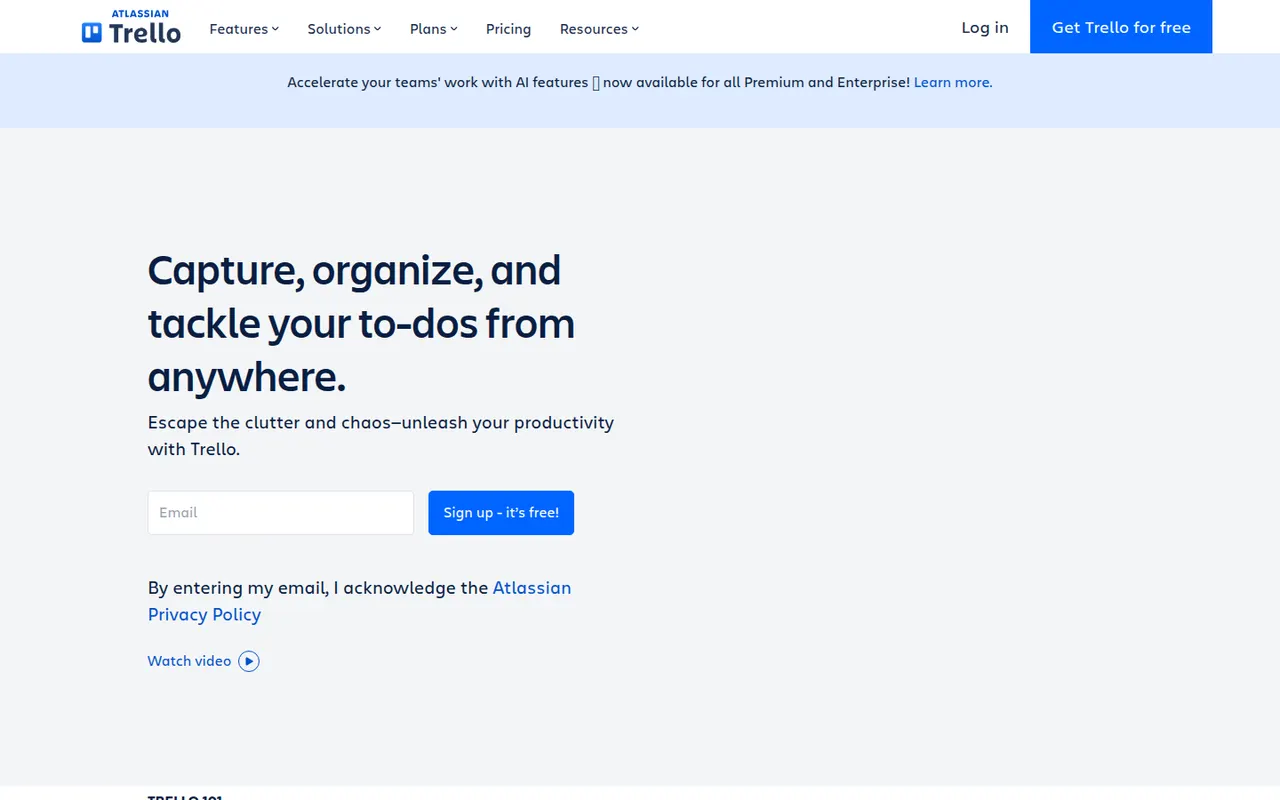
Trello organizes work on boards made of lists and cards that you drag from one stage to the next, a model that suits small teams, personal projects and simple workflows. Owned by Atlassian, it adds calendar, timeline and table views, Butler automations and Power-Ups that connect boards to Slack, Google Drive, Jira and many other tools.
12 Trello alternativesPros
- Simple card-and-list model anyone can learn in minutes
- Power-Ups connect boards to Slack, Google Drive, Jira and more
- Butler automations take care of repetitive card moves
Cons
- Gets hard to manage for large or complex projects
- Timeline, calendar and table views require a paid plan
- Reporting is limited without add-ons
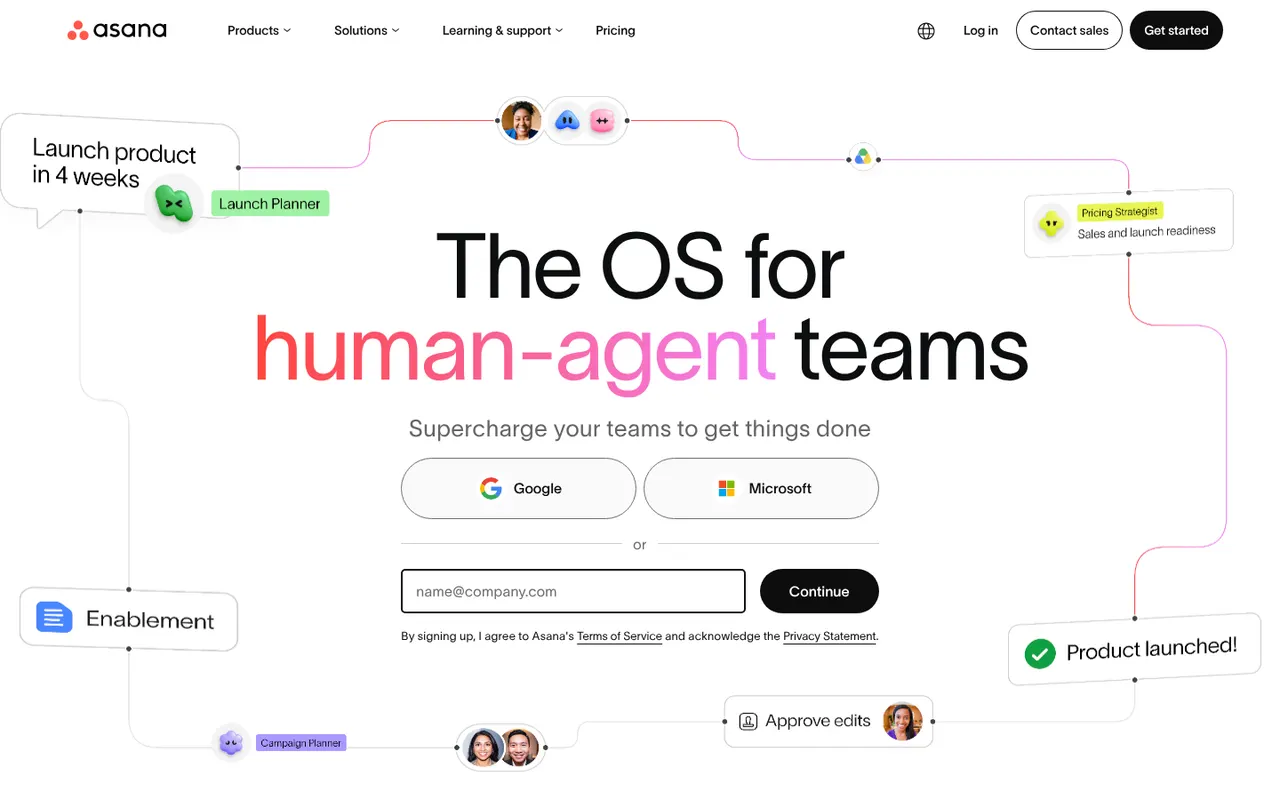
Cost / LicenseFreemiumProprietaryAsana helps teams plan projects, assign tasks and track progress in list, board, timeline and calendar views. It is aimed at cross-functional teams in mid-size and large companies, with portfolios and goals to follow work across departments, rule-based automations, a large catalog of integrations and built-in AI features.
12 Asana alternativesPros
- List, board, timeline and calendar views for the same project
- Goals and portfolios connect work across departments
- Large catalog of integrations and rule-based automations
Cons
- Per-seat pricing gets expensive as teams grow
- Timeline, goals and portfolios require paid plans
- A task can only have one assignee
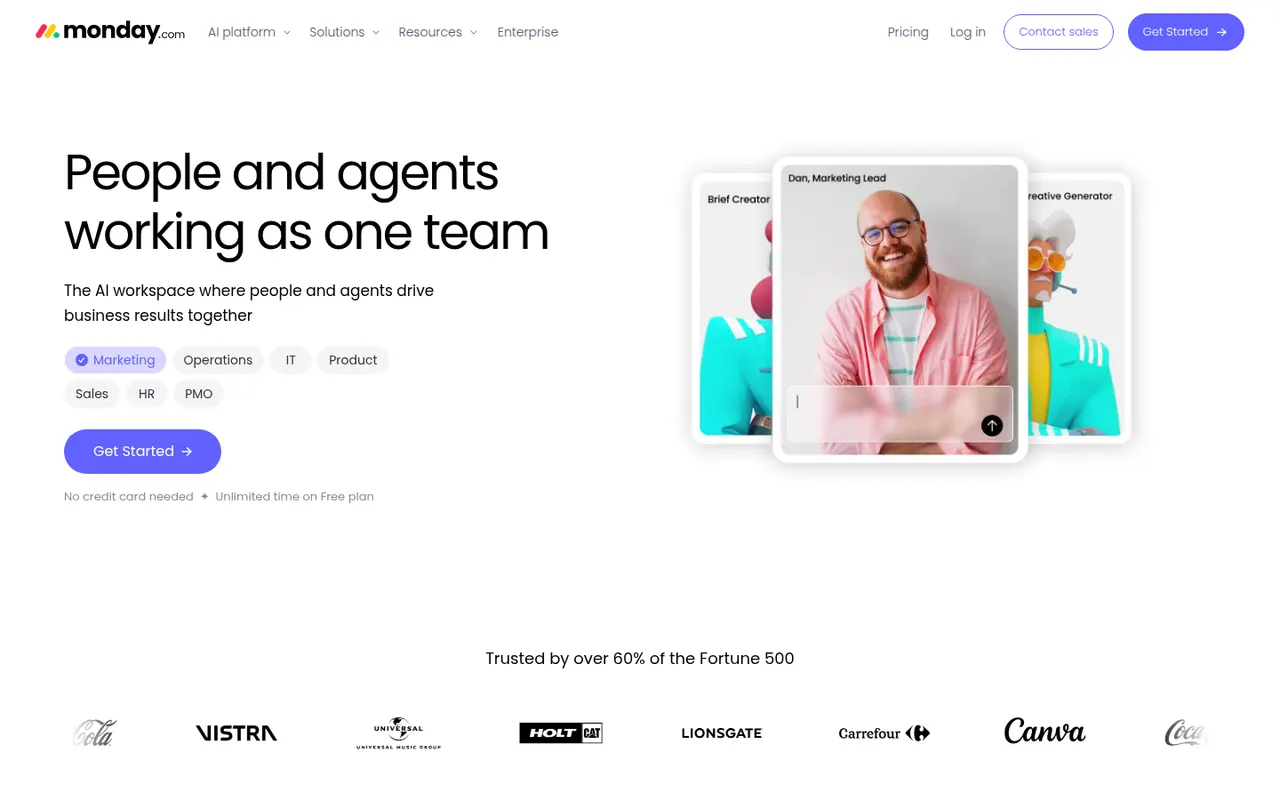
Cost / LicenseFreemiumProprietaryCategoriesmonday.com is a work management platform where teams build boards with custom columns to track projects, requests or pipelines, then switch between table, Kanban, Gantt and calendar views. No-code automations, dashboards and integrations make it suit operations, marketing and other non-technical teams, and the same platform powers the separate monday CRM and monday dev products.
12 monday.com alternativesPros
- Colorful, flexible boards adapt to projects, requests or pipelines
- No-code automations and dashboards that non-technical teams can build
- Switch between table, Kanban, Gantt and calendar views
Cons
- Seats are sold in bundles, which raises the cost for small teams
- Automation and integration actions are capped by plan
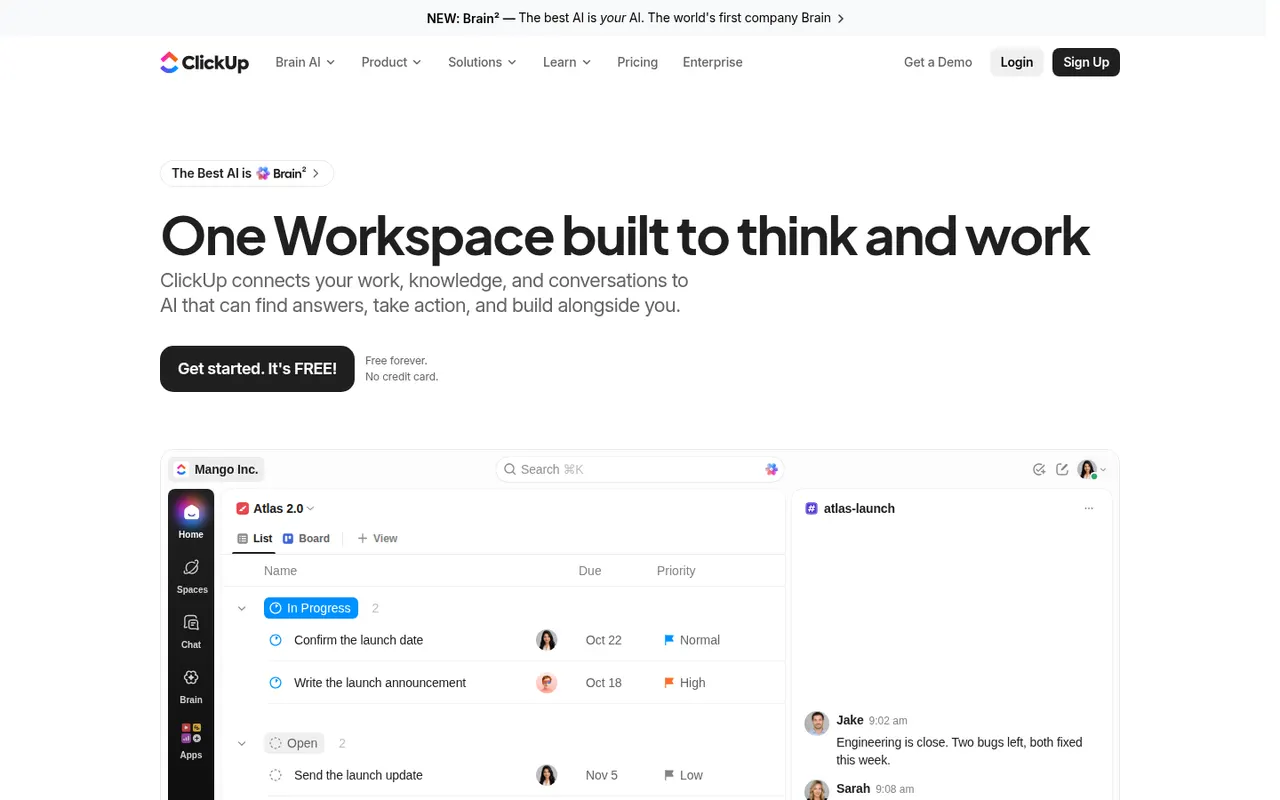
Cost / LicenseFreemiumProprietaryCategoriesClickUp combines tasks, documents, whiteboards, goals, chat and time tracking in a single workspace, with more than a dozen views including list, board, Gantt and calendar. Its depth and customization appeal to teams that want to replace several tools at once, and ClickUp Brain adds AI search, writing and summaries across the workspace.
12 ClickUp alternativesPros
- Tasks, docs, whiteboards, goals and chat in a single workspace
- More than a dozen views, from list and board to Gantt and calendar
- Deep customization of fields, statuses and automations
Cons
- The sheer number of features creates a steep learning curve
- The interface can feel slow and cluttered in large workspaces
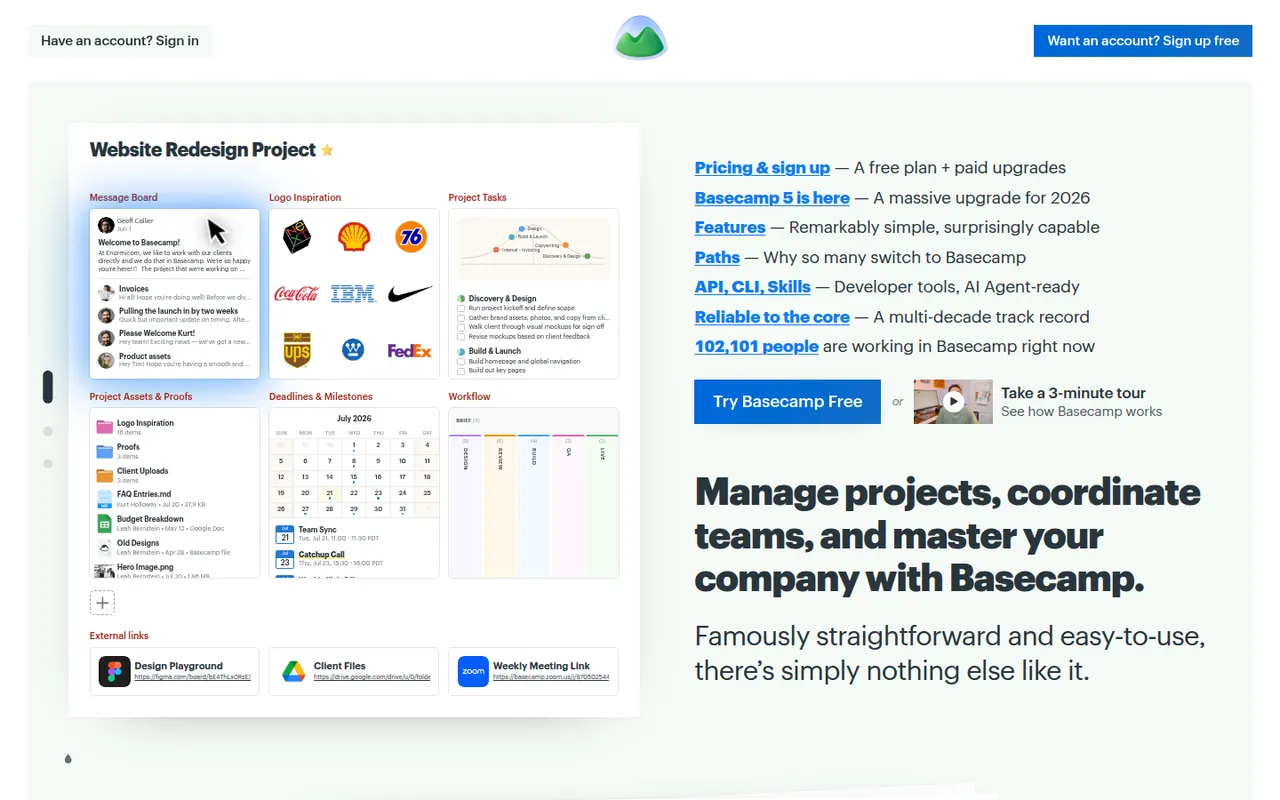
Cost / LicenseFreemiumProprietaryCategoriesBasecamp, made by 37signals, gives each project its own space with to-dos, a message board, schedule, documents, a card table and group chat, cutting down on email and status meetings. It favors calm, asynchronous communication over Gantt charts and heavy reporting, which suits agencies and small companies that work with clients.
9 Basecamp alternativesPros
- Each project gathers to-dos, messages, files, schedule and chat
- Calm, asynchronous approach cuts down on email and status meetings
- Clients can be invited into projects with controlled visibility
Cons
- No Gantt charts, task dependencies or detailed reporting
- Less customizable than tools like ClickUp or monday.com
- The free plan covers only a single project
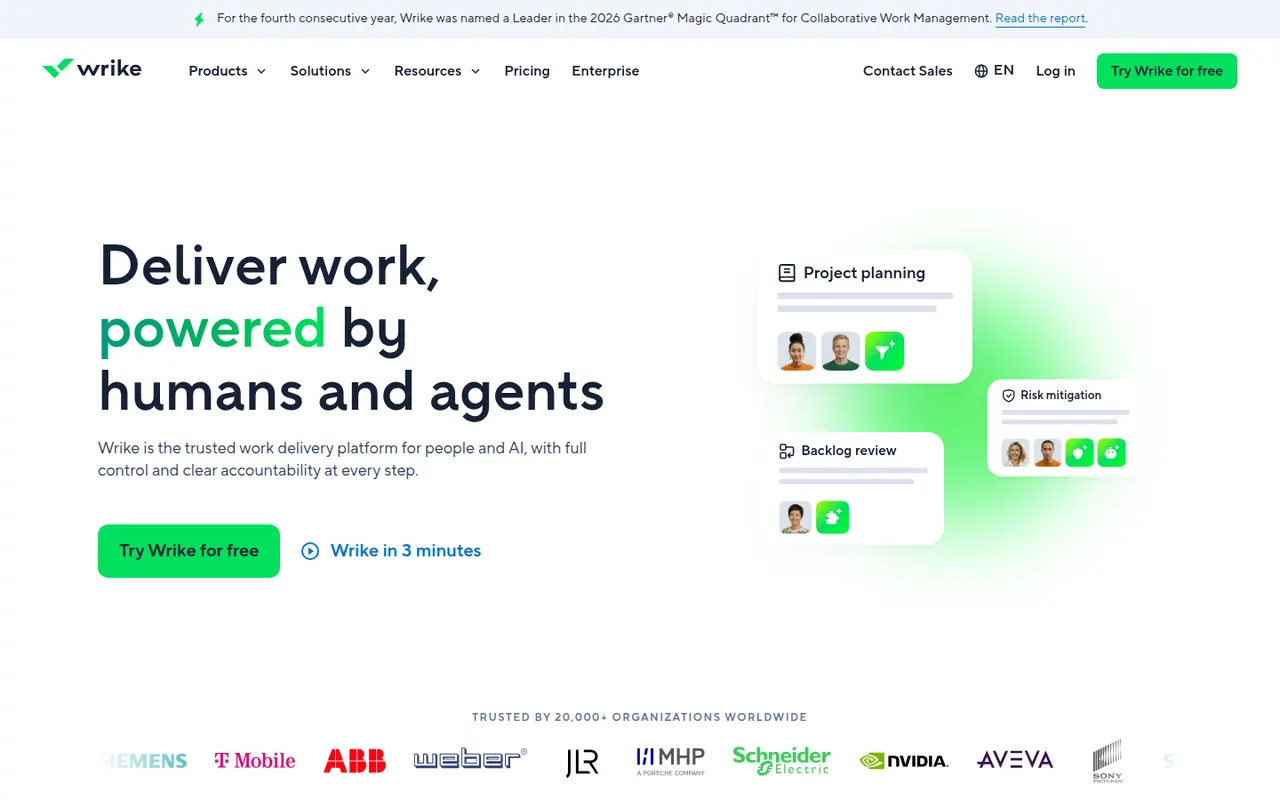
Cost / LicenseFreemiumProprietaryCategoriesWrike is a work management platform for organizations that run many projects at once, combining Gantt charts, Kanban boards, workload views and built-in time tracking. Custom request forms, approval workflows, tasks shared across several projects and AI features help marketing, professional services and PMO teams standardize how work is planned and delivered.
11 Wrike alternativesPros
- Handles many parallel projects with Gantt, Kanban and workload views
- Custom request forms and approval workflows standardize intake
- Built-in time tracking and tasks shared across several projects
Cons
- Steep learning curve and a dense interface
- Advanced features and analytics sit in the more expensive tiers
- Often overkill for small teams with simple needs
Cost / LicenseFreemiumProprietaryCategoriesSmartsheet manages projects and business processes in sheets that look like spreadsheets but add Gantt, card and calendar views, dependencies, forms and automated workflows. It targets enterprises and PMOs that need reports, dashboards and portfolio views across many projects, and connects to Microsoft 365, Google Workspace, Salesforce and Jira.
12 Smartsheet alternativesPros
- Spreadsheet-like interface feels familiar to Excel users
- Strong reports and dashboards across portfolios of projects
- Gantt views with dependencies, forms and automated workflows
Cons
- No free plan beyond the trial period
- Costs rise quickly with team size and premium add-ons
- The interface feels less modern than newer work management tools
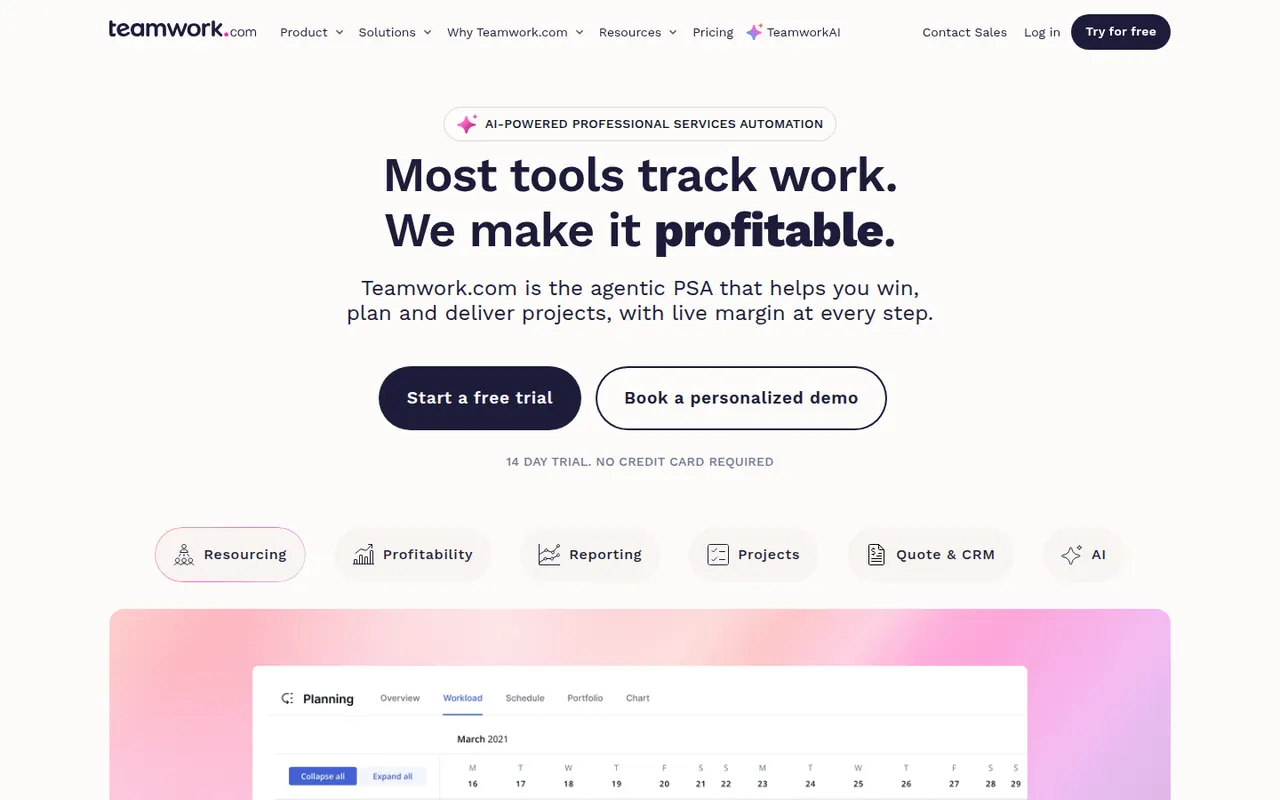
Cost / LicenseFree trialProprietaryTeamwork.com is project management software designed for agencies and service businesses that deliver work for clients. Alongside tasks, boards and Gantt charts, it includes time tracking, budgets, resource planning and client access to projects, so teams can see which projects are profitable and who has capacity.
8 Teamwork.com alternativesPros
- Built for agencies, with budgets and profitability tracked per project
- Time tracking and resource planning included
- Clients can be given direct access to their projects
Cons
- The breadth of features slows onboarding for small teams
- Advanced agency features are reserved for higher paid plans
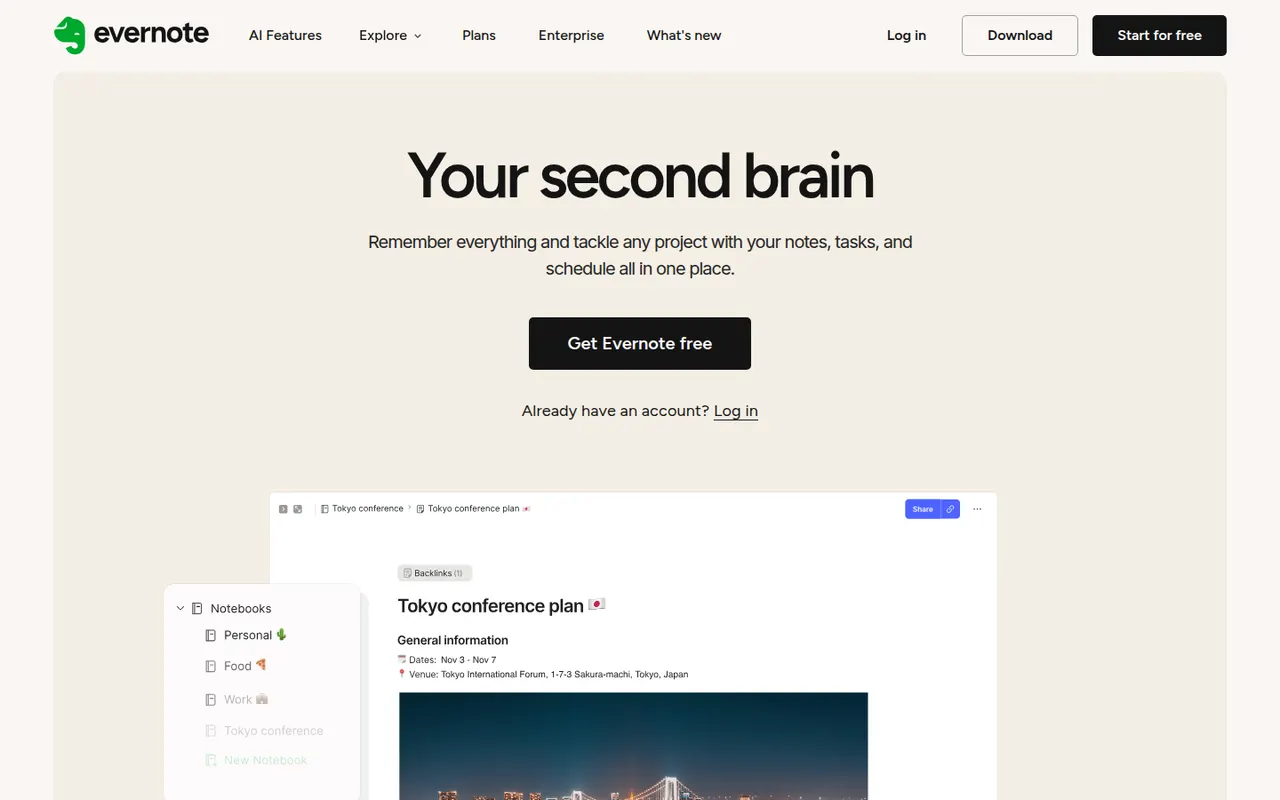
Cost / LicenseFreemiumProprietaryCategoriesEvernote is a long-standing note-taking app, owned by Bending Spoons since 2023, that stores notes, web clips, PDFs, scans and audio in notebooks with tags and full-text search, including text inside images. Recent versions add tasks, calendar integration and AI features, while the free plan has become very limited compared with the paid tiers.
12 Evernote alternativesPros
- Mature web clipper and full-text search, even inside images
- Stores notes, PDFs, scans and audio in one place
- Tasks and calendar integration alongside notes
Cons
- The free plan is very limited compared with paid tiers
- Paid plans are expensive compared with many note apps
- Apps can feel heavier and slower than lighter note tools
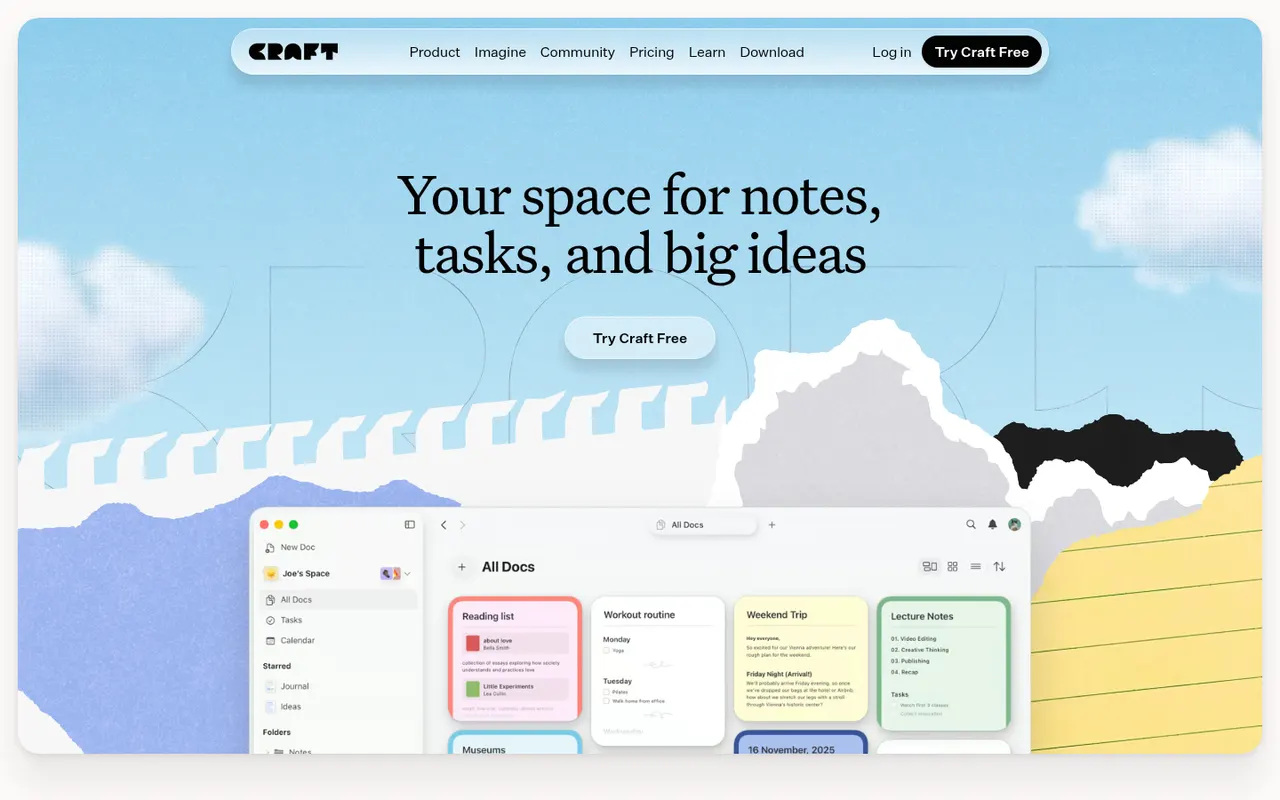
Cost / LicenseFreemiumProprietaryCategoriesCraft is a document and note-taking app with a native, polished design on Mac, iPhone and iPad, also available on Windows and the web. Notes are built from blocks and nested pages with backlinks, can be shared as public web pages or edited together in real time, and include AI writing help, tasks and daily notes.
12 Craft alternativesPros
- Polished native design on Mac, iPhone and iPad
- Block-based pages can be shared as public web pages
- Real-time collaboration plus built-in AI writing help
Cons
- The experience is best on Apple devices, other platforms feel secondary
- Advanced features and AI usage are reserved for paid plans
- Less suited to large databases than Notion-style tools
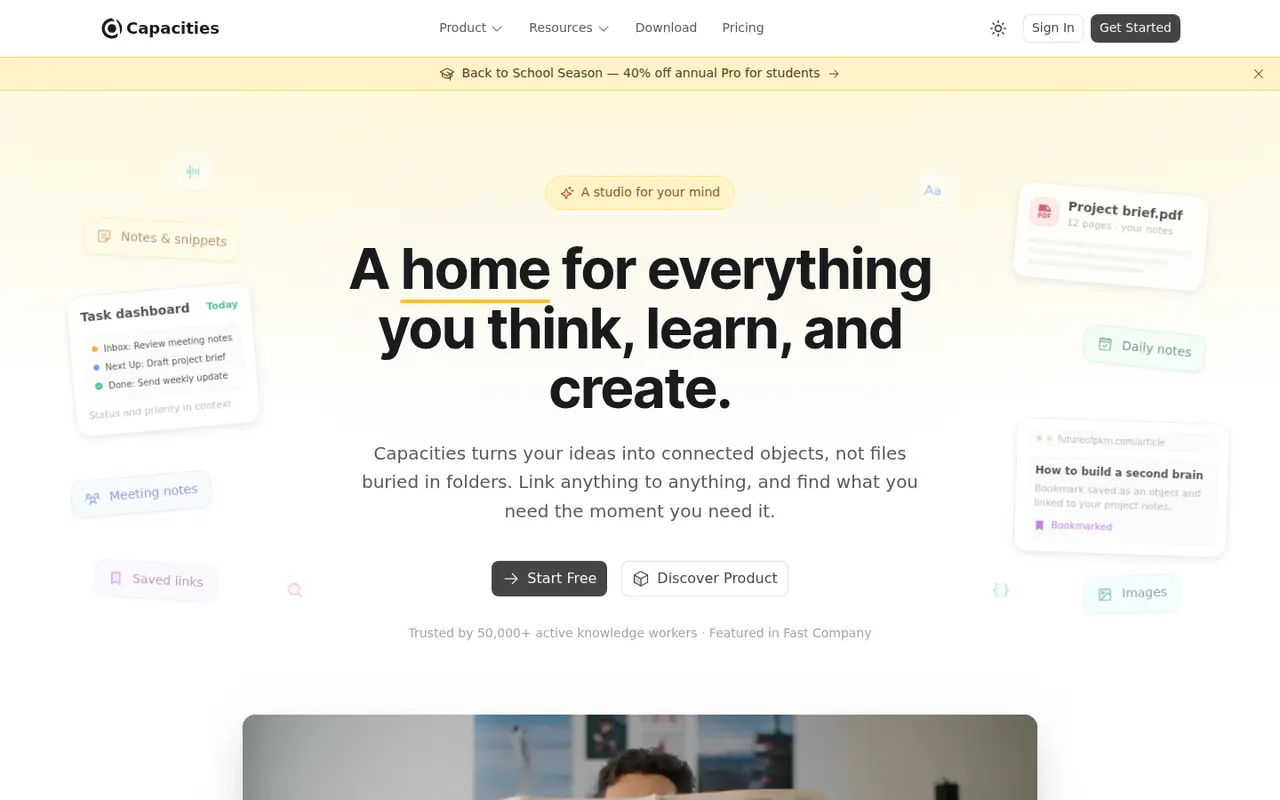
Cost / LicenseFreemiumProprietaryCapacities is a note-taking app that organizes knowledge as objects such as people, books, meetings and ideas, each with its own properties and templates, instead of folders. Objects link to each other through backlinks and a graph, daily notes collect everyday thoughts, and the Pro plan adds an AI assistant. It is developed by a small team in Germany.
8 Capacities alternativesPros
- Object types like people, books and meetings give notes structure
- Backlinks, graph view and daily notes connect ideas
- Available on web, desktop and mobile with sync
Cons
- The object-based approach takes time to get used to
- The AI assistant and some features need the Pro plan
- Cloud-based storage gives less control than local-first apps
Cost / LicenseFreemiumProprietaryCategoriesMiro is a visual collaboration platform built around an infinite whiteboard where teams run workshops, brainstorms, retrospectives and planning sessions with sticky notes, diagrams and mind maps. It offers thousands of community templates, AI features for clustering and summarizing content, and integrations with Jira, Slack, Teams and Zoom.
12 Miro alternativesPros
- Huge library of community templates for workshops and planning
- Integrations with Jira, Slack, Teams and Zoom
- Apps on the web, desktop and mobile
Cons
- Free plan limits the number of editable boards
- Large boards can become slow and cluttered
- Per-seat pricing adds up for big teams
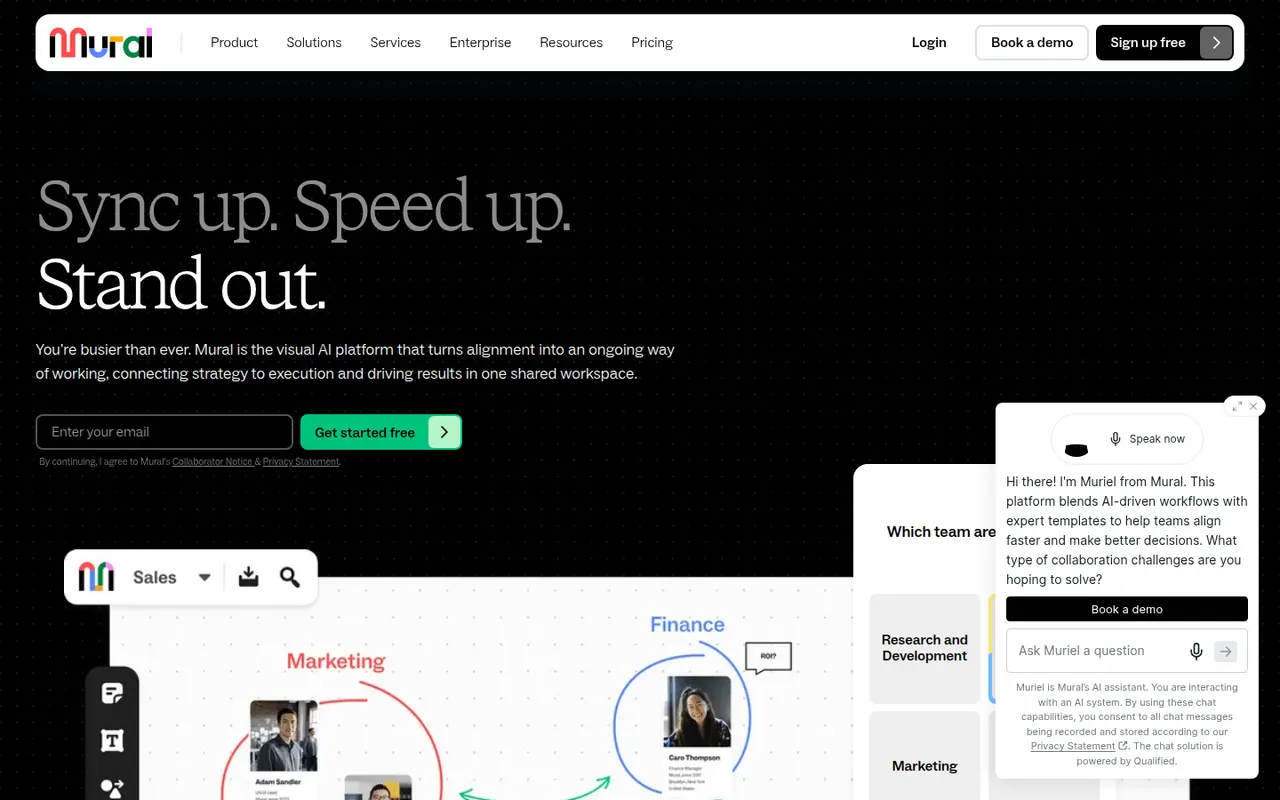
Cost / LicenseFreemiumProprietaryCategoriesMural is a digital whiteboard for collaborative workshops and meetings, with facilitation tools such as a timer, voting, private mode and the ability to bring all participants to the same spot. It is aimed at enterprise teams running design thinking, agile ceremonies and strategy sessions, supported by templates, AI assistance and integrations with Microsoft Teams, Zoom and Webex.
9 Mural alternativesPros
- Facilitation tools: timer, voting, private mode and summoning participants
- Templates for design thinking and agile ceremonies
- Integrations with Microsoft Teams, Zoom and Webex
Cons
- Geared toward enterprises, with pricing to match
- Free plan limits the number of boards
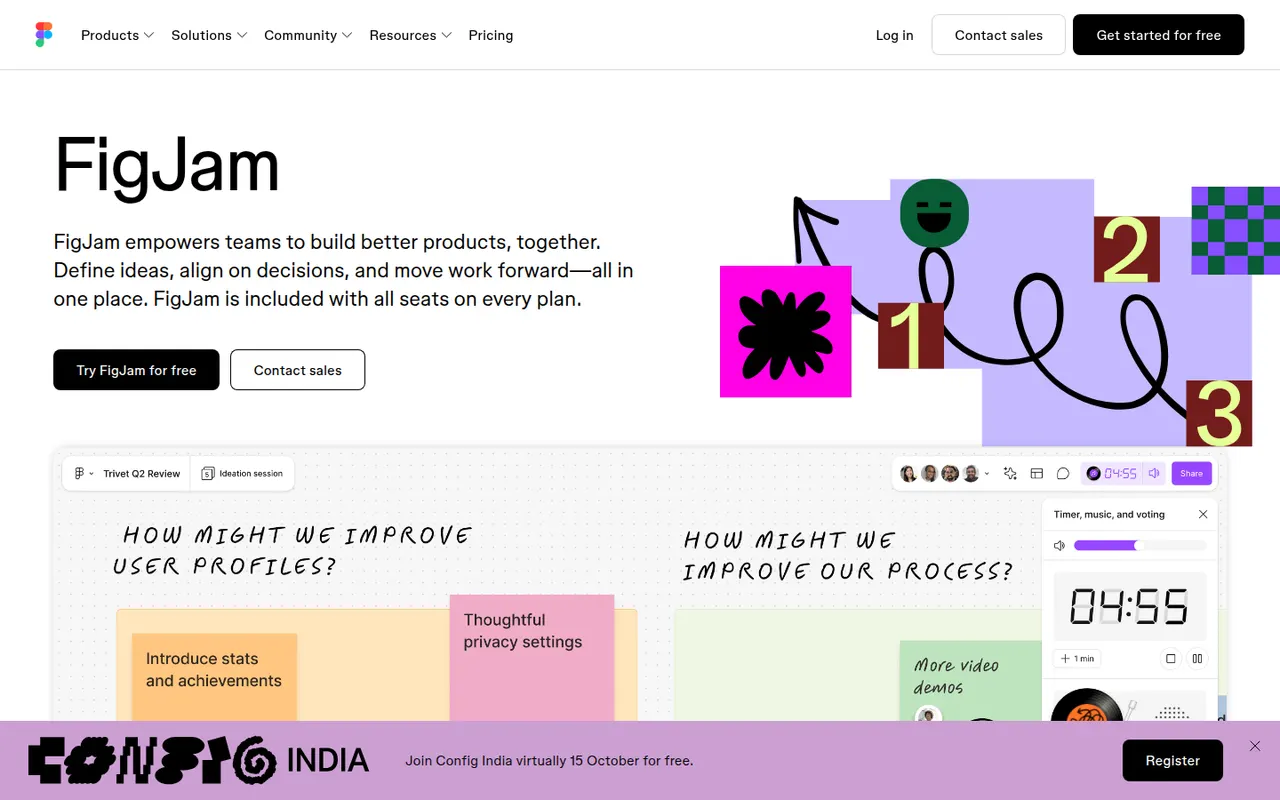
Cost / LicenseFreemiumProprietaryCategoriesFigJam is the collaborative whiteboard from Figma, used for brainstorming, user flows, retrospectives and diagrams alongside design files. It offers sticky notes, stamps, voting, timers, widgets and plugins, AI that can generate boards or diagrams from a prompt, and shares accounts and libraries with Figma, which keeps product and design teams in one tool.
12 FigJam alternativesPros
- Shares accounts and libraries with Figma design files
- Playful facilitation tools such as stamps, voting and timers
- AI can generate boards and diagrams from a prompt
Cons
- Most valuable for teams already using Figma
- Free plan limits how many boards you can keep
- Fewer advanced diagramming features than dedicated tools
Cost / LicenseFreemiumProprietaryCategoriesMicrosoft Whiteboard is a freeform digital canvas for sketching, brainstorming and teaching together, with pen and touch input, sticky notes, templates and reactions. It is built into Microsoft Teams meetings, saves boards to OneDrive, and is free with a Microsoft account on the web, Windows, iOS and Android.
8 Microsoft Whiteboard alternativesPros
- Free with a Microsoft account on web, Windows and mobile
- Built into Microsoft Teams meetings
- Natural pen and touch input for sketching
Cons
- Fewer templates and integrations than Miro or Mural
- No native Mac app, only the web version
- Best suited to teams in the Microsoft ecosystem
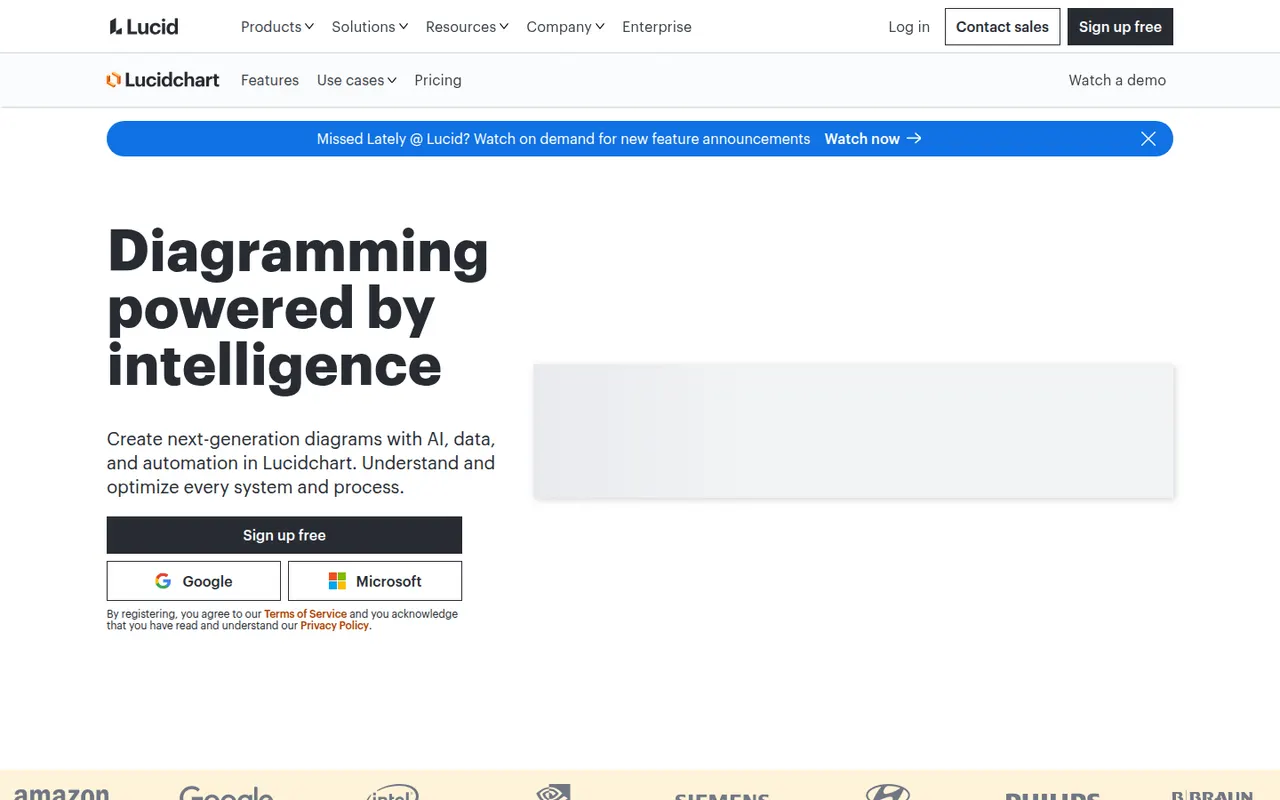
Cost / LicenseFreeProprietaryCategoriesLucidchart is a browser-based diagramming tool from Lucid Software for flowcharts, org charts, network and cloud architecture diagrams, ERDs and process maps. Teams edit diagrams together in real time, link shapes to live data, import Visio files and generate diagrams with AI, with integrations for Google Workspace, Microsoft 365, Atlassian and Slack.
10 Lucidchart alternativesPros
- Broad shape libraries for flowcharts, ERDs and cloud architecture
- Imports Visio files and links shapes to live data
- Integrates with Google Workspace, Microsoft 365, Atlassian and Slack
Cons
- Free plan caps the number of documents and shapes
- Team plans get expensive as seats are added
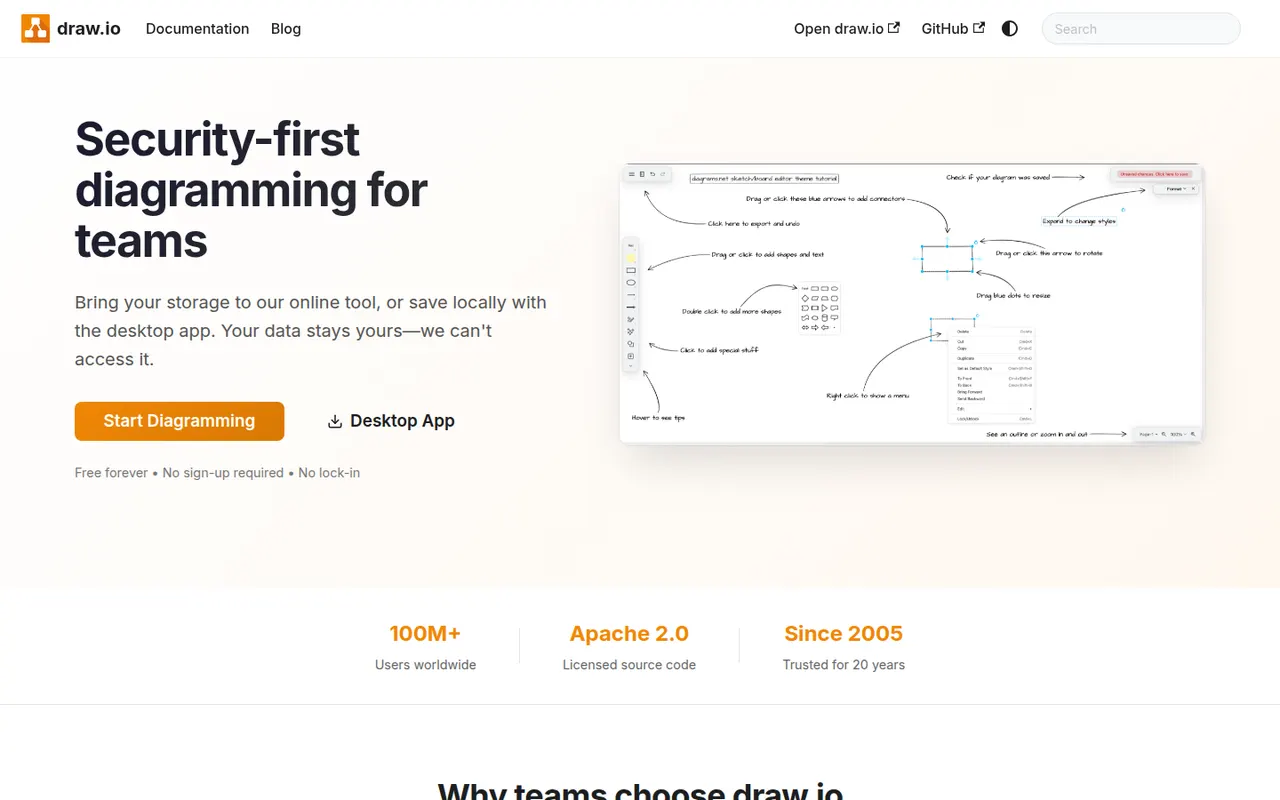
Cost / LicenseFreemiumProprietaryCategoriesdraw.io, also known as diagrams.net, is a free and open source diagramming tool from JGraph for flowcharts, UML, network, BPMN and org charts. It requires no account, saves diagrams wherever you choose, such as your device, Google Drive, OneDrive or GitHub, and is available as a desktop app for offline use and as an integration for Confluence and Jira.
10 draw.io alternativesPros
- Completely free and open source, with no account required
- Saves diagrams to your device, Google Drive, OneDrive or GitHub
- Offline desktop app plus Confluence and Jira integrations
Cons
- Interface looks dated next to modern whiteboard tools
- Real-time collaboration is more limited than in paid rivals
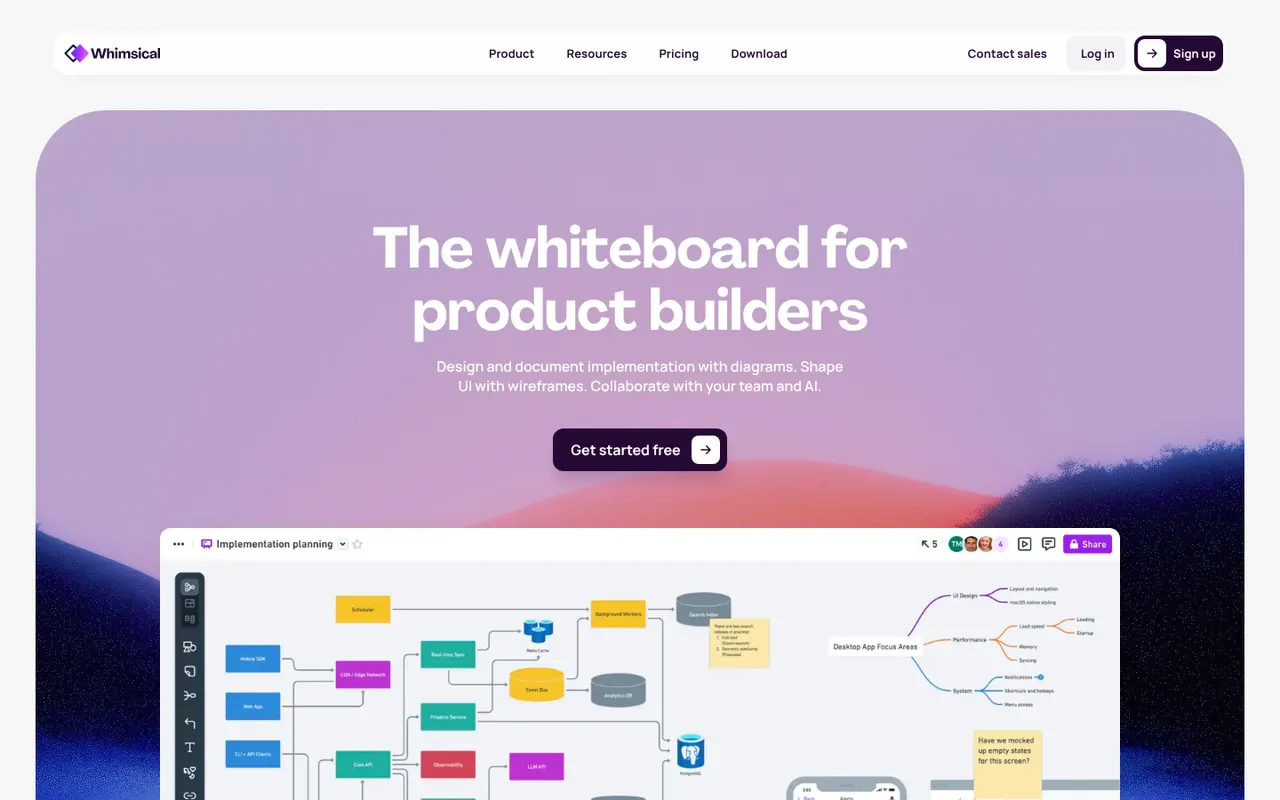
Cost / LicenseFreeOpen sourceCategoriesPlatformsWhimsical is a visual workspace that combines flowcharts, wireframes, mind maps, sticky-note boards and docs in one place. Its deliberately simple editor with smart connectors and keyboard shortcuts makes diagrams quick to produce, AI can generate flowcharts or mind maps from a prompt, and boards can be shared with teammates for real-time editing.
12 Whimsical alternativesPros
- Flowcharts, wireframes, mind maps and docs in one place
- Smart connectors and shortcuts make diagrams fast to draw
- Clean, simple editor that is quick to pick up
Cons
- Deliberate simplicity limits styling and advanced diagram options
- Free plan caps how much content you can create
Cost / LicenseFreemiumProprietaryCategoriesPlatformsMicrosoft Visio is a diagramming application for flowcharts, floor plans, network diagrams, org charts and engineering schematics, with large stencil libraries and support for standards such as BPMN and UML. The full desktop app runs on Windows, a lighter web version is included with many Microsoft 365 business plans, and diagrams can be co-authored and linked to Excel data.
8 Microsoft Visio alternativesPros
- Extensive stencil libraries with BPMN and UML support
- Diagrams can be linked to Excel data
- Web version included with many Microsoft 365 business plans
Cons
- Full desktop app runs only on Windows
- Expensive for occasional use, with no free plan
- Interface feels heavy compared with modern web tools
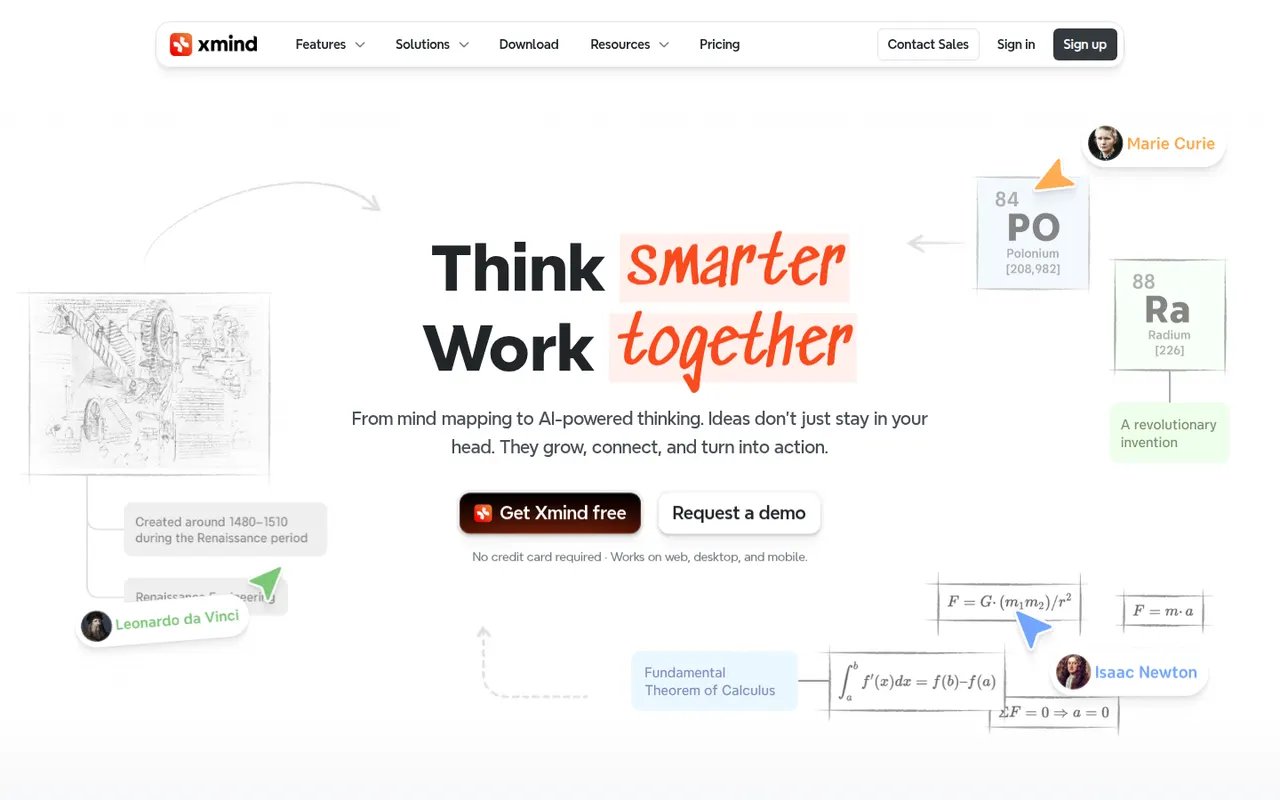
Cost / LicensePaidProprietaryCategoriesXmind is a mind mapping app for brainstorming, planning and note-taking, with structures such as logic charts, org charts, fishbone diagrams, timelines and matrices. It offers themes, an outliner view, a pitch mode for presenting maps and AI features to expand ideas, on Windows, Mac, Linux, iOS and Android, with a free version and a paid Pro subscription.
9 Xmind alternativesPros
- Many structures, from logic charts to fishbone diagrams and timelines
- Native desktop and mobile apps that work offline
- Pitch mode turns a map into a presentation
Cons
- Key features require the Pro subscription
- Focused on mind maps rather than freeform whiteboarding
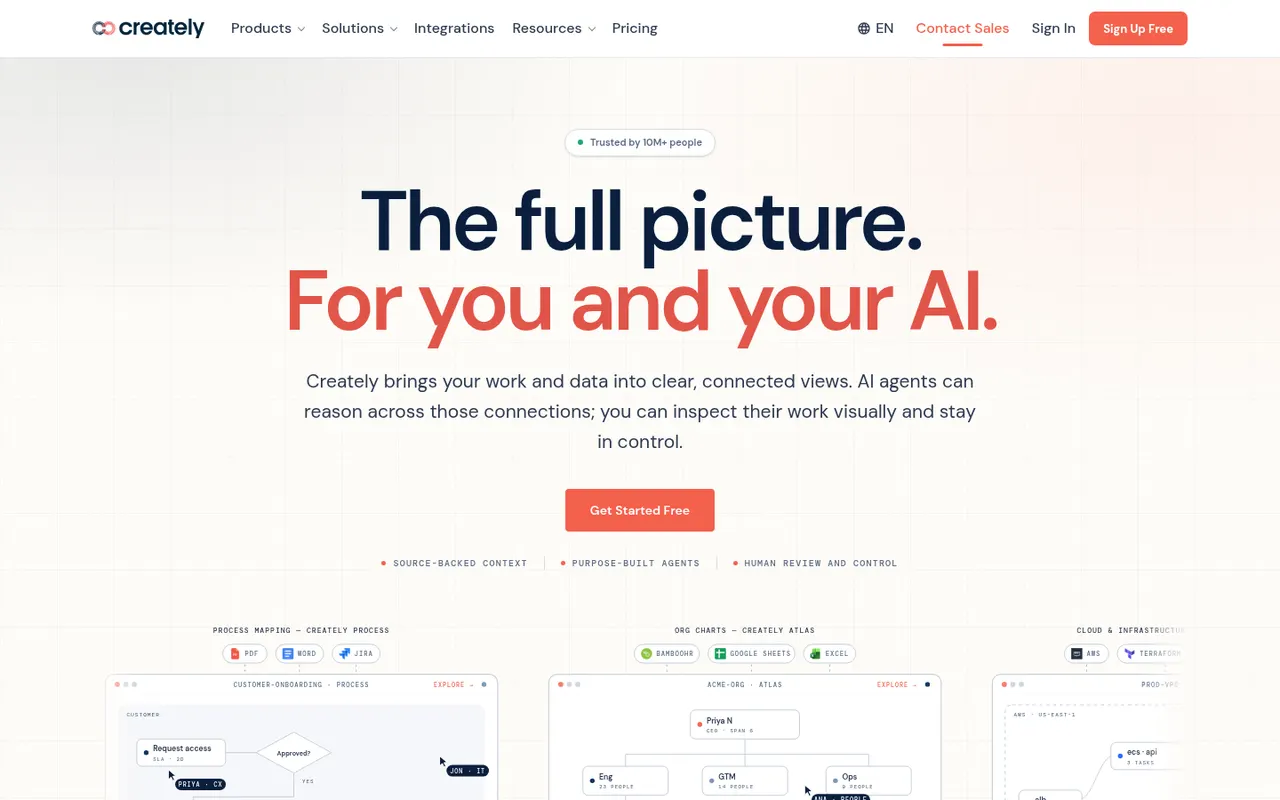
Cost / LicenseFreemiumProprietaryCategoriesCreately is an online visual workspace from Cinergix for diagrams, mind maps, process maps and planning boards on an infinite canvas. Shapes can carry data fields and be reused across views, which turns diagrams into lightweight databases, and it comes with a large template library and real-time collaboration.
8 Creately alternativesPros
- Shapes can hold data fields, turning diagrams into lightweight databases
- Large template library for diagrams and planning boards
- Real-time collaboration on an infinite canvas
Cons
- Free plan is restrictive for regular use
- Data-driven features add complexity to simple diagrams
- Available only in the browser
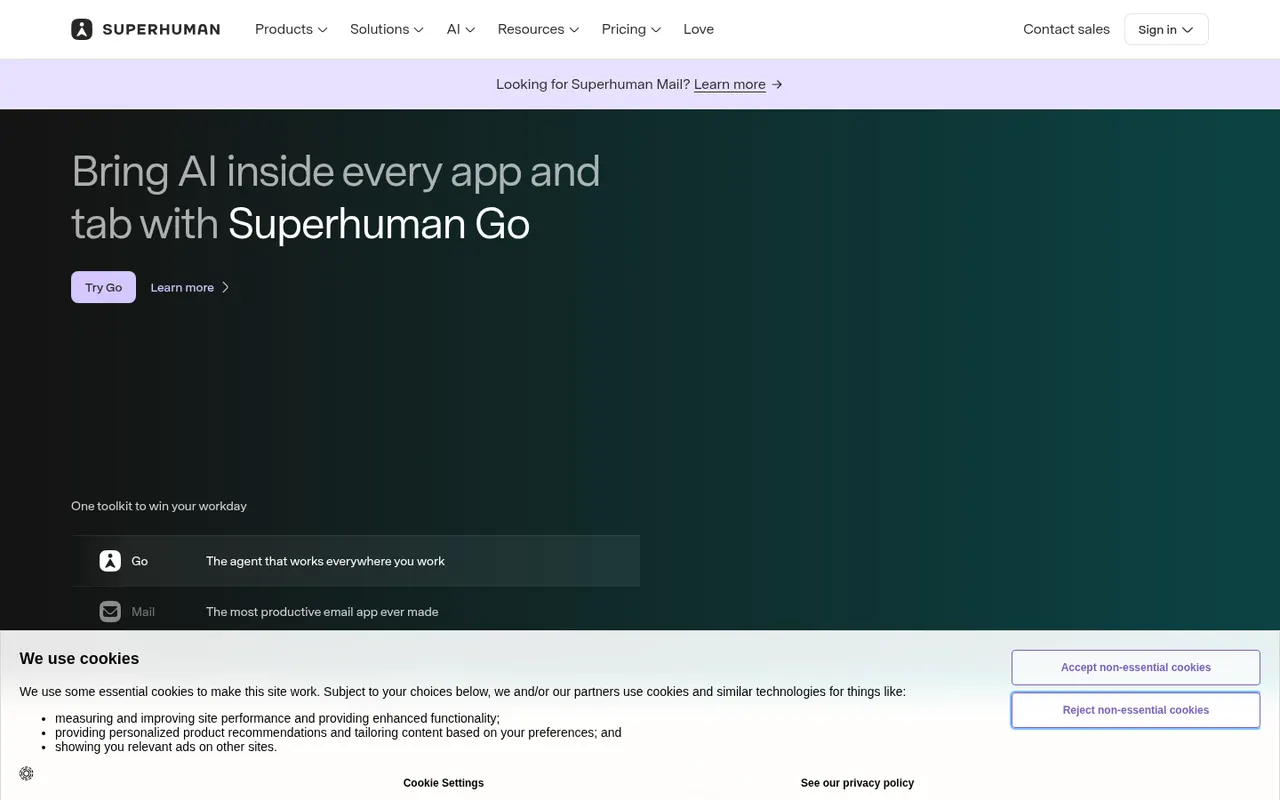
Cost / LicenseFreemiumProprietaryCategoriesPlatformsSuperhuman is a premium email client for Gmail and Microsoft accounts, designed around keyboard shortcuts and speed. It offers split inboxes, reminders, scheduled sending, read statuses, snippets and AI features that draft replies and summarize threads. It targets professionals and executives who handle large volumes of email, and is sold as a subscription with no free plan.
8 Superhuman alternativesPros
- Keyboard shortcuts make triaging email very fast
- Split inboxes, reminders and snippets for heavy email users
- AI drafts replies and summarizes long threads
Cons
- Expensive subscription with no free plan
- Only works with Gmail and Microsoft accounts
- Read statuses rely on tracking pixels, a privacy concern
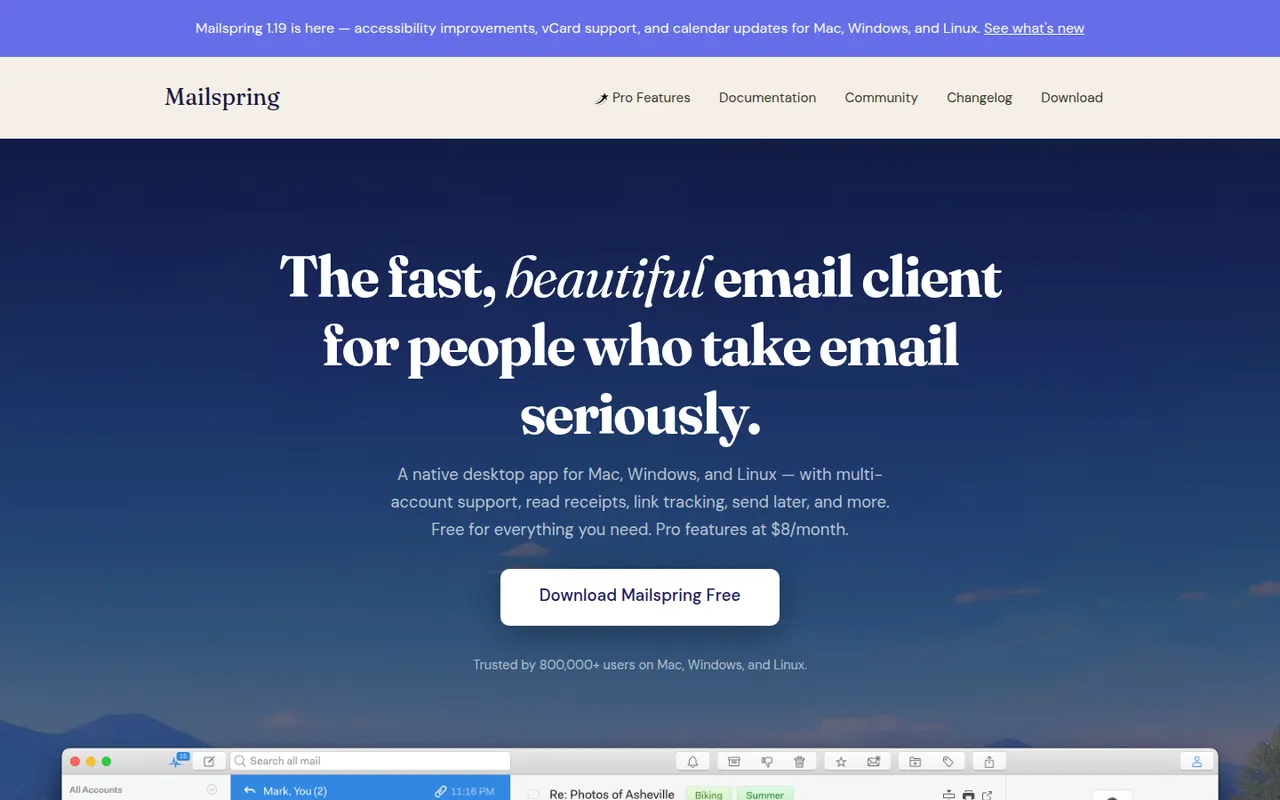
Cost / LicensePaidProprietaryCategoriesMailspring is a free, open-source desktop email client for Windows, macOS and Linux that works with Gmail, Office 365, iCloud and any IMAP account. It offers a unified inbox, fast search, themes and templates, and runs its mail sync engine locally rather than in the cloud. An optional Pro subscription adds read receipts, link tracking, send later and reminders.
7 Mailspring alternativesPros
- Free and open source on Windows, Mac and Linux
- Sync engine runs locally rather than through a cloud service
- Unified inbox, themes and templates in a clean interface
Cons
- Send later, reminders and read receipts require Pro
- A Mailspring ID account is required even for the free version
- No mobile apps to go with the desktop client
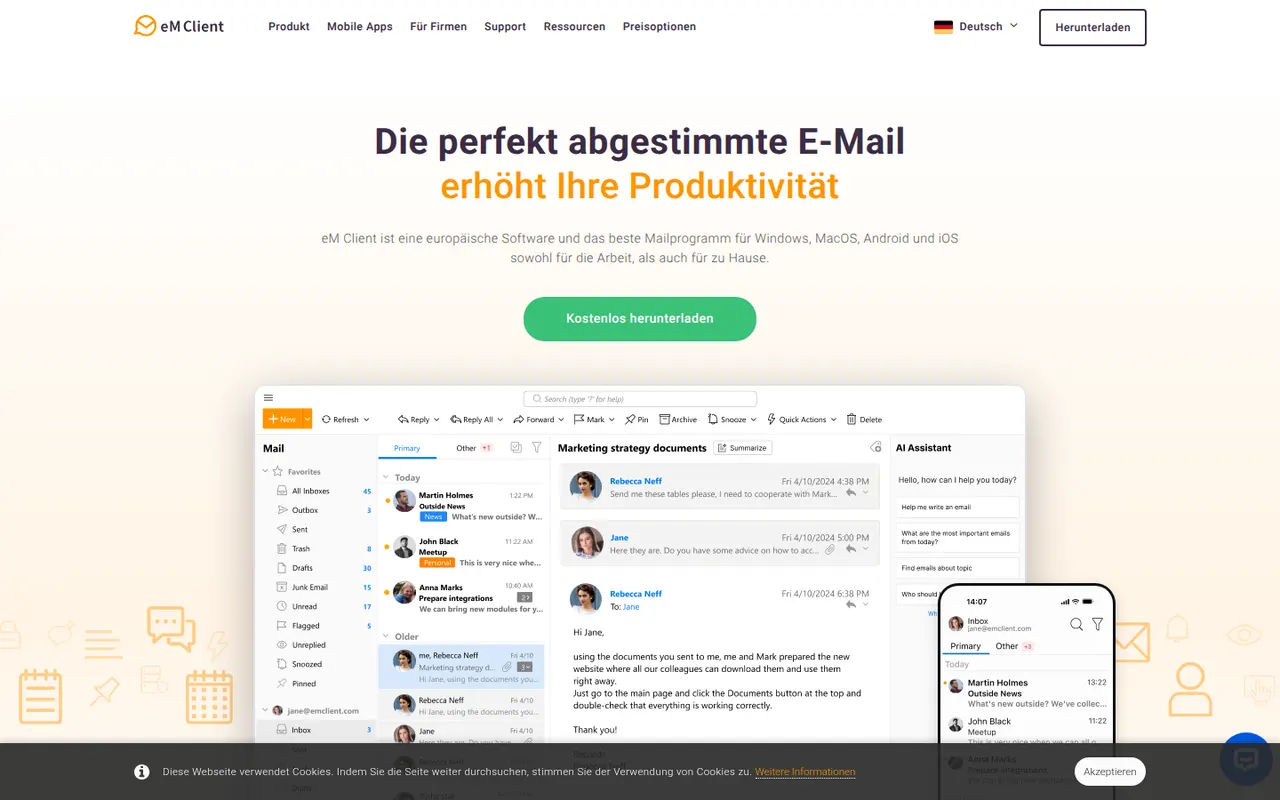
Cost / LicenseFreemiumOpen sourceCategorieseM Client is a desktop email client for Windows and macOS that brings email, calendar, tasks, contacts and notes together in one app. It works with Gmail, Exchange, Microsoft 365, iCloud and IMAP accounts, and includes built-in PGP encryption, snoozing, send later and quick templates. A free version is available for personal use with a limited number of accounts, and the Pro license unlocks the rest.
7 eM Client alternativesPros
- Email, calendar, tasks, contacts and notes in one desktop app
- Built-in PGP encryption without extra plugins
- Works with Gmail, Exchange, Microsoft 365, iCloud and IMAP
Cons
- Free version is for personal use with a limited number of accounts
- No Linux version, only Windows and Mac
- Interface can feel dense because of its many features
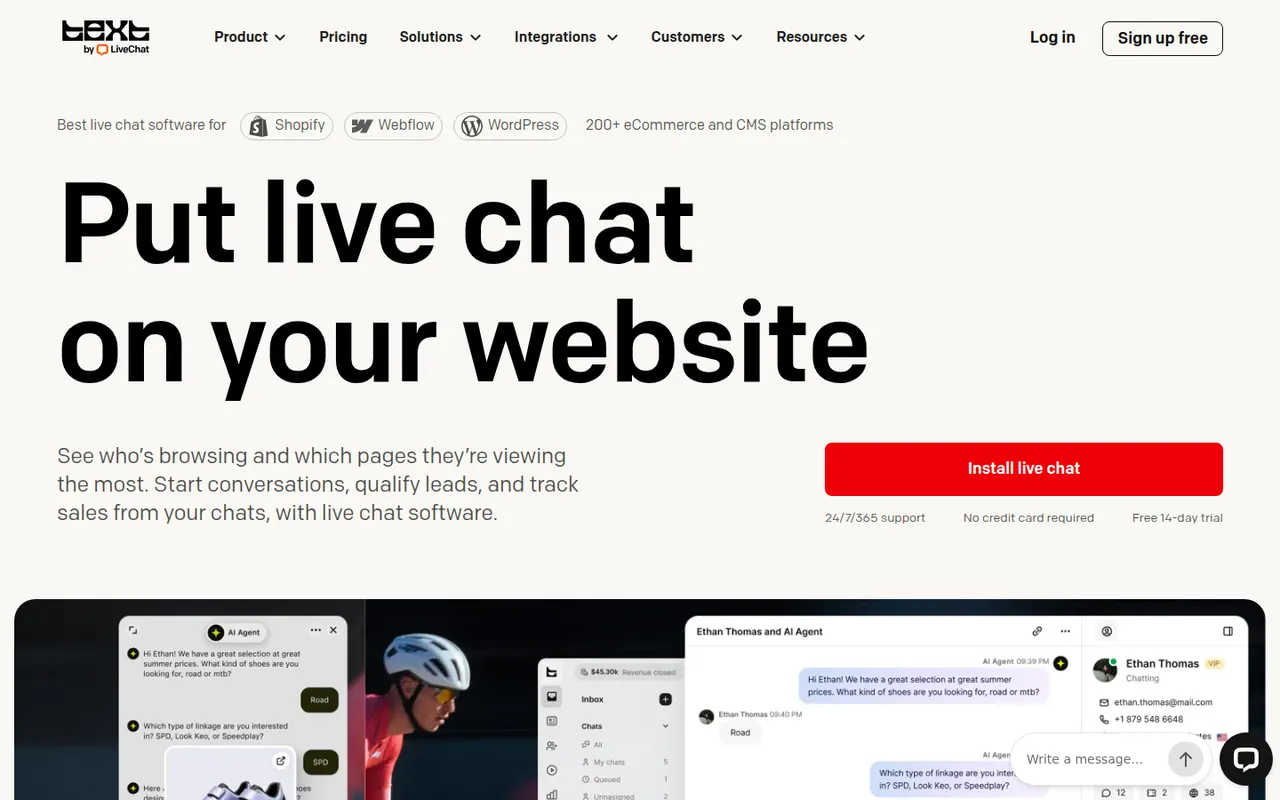
Cost / LicenseFreemiumProprietaryCategoriesLiveChat is a live chat tool that lets support and sales teams talk with website visitors in real time. Agents get canned responses, chat routing, visitor tracking, a preview of messages as they are typed and performance reports, with AI help for writing replies. It is made by Text, the company behind ChatBot, HelpDesk and KnowledgeBase, and connects to many e-commerce and CRM tools.
9 LiveChat alternativesPros
- Message preview shows what visitors type before they send it
- Canned responses, routing and visitor tracking for fast replies
- Many integrations with e-commerce and CRM tools
Cons
- Per-agent pricing becomes expensive as the team grows
- Chatbots and ticketing require separate products from the same company
- No free plan beyond the trial
Cost / LicenseFree trialProprietaryCategoriesTypeform is an online form and survey builder that shows one question at a time in a conversational, full-screen layout. It supports logic jumps, calculations, file uploads, payments and quizzes, and connects to tools like HubSpot, Google Sheets and Slack. AI features can generate a form from a prompt, and a free plan allows a limited number of responses per month.
10 Typeform alternativesPros
- One-question-at-a-time layout feels conversational and polished
- Logic jumps, calculations and quizzes for interactive flows
- Integrates with HubSpot, Google Sheets, Slack and many other tools
Cons
- Free plan allows only a small number of responses per month
- Paid plans are expensive compared with most form builders
- One-question format can feel slow for long or data-heavy forms
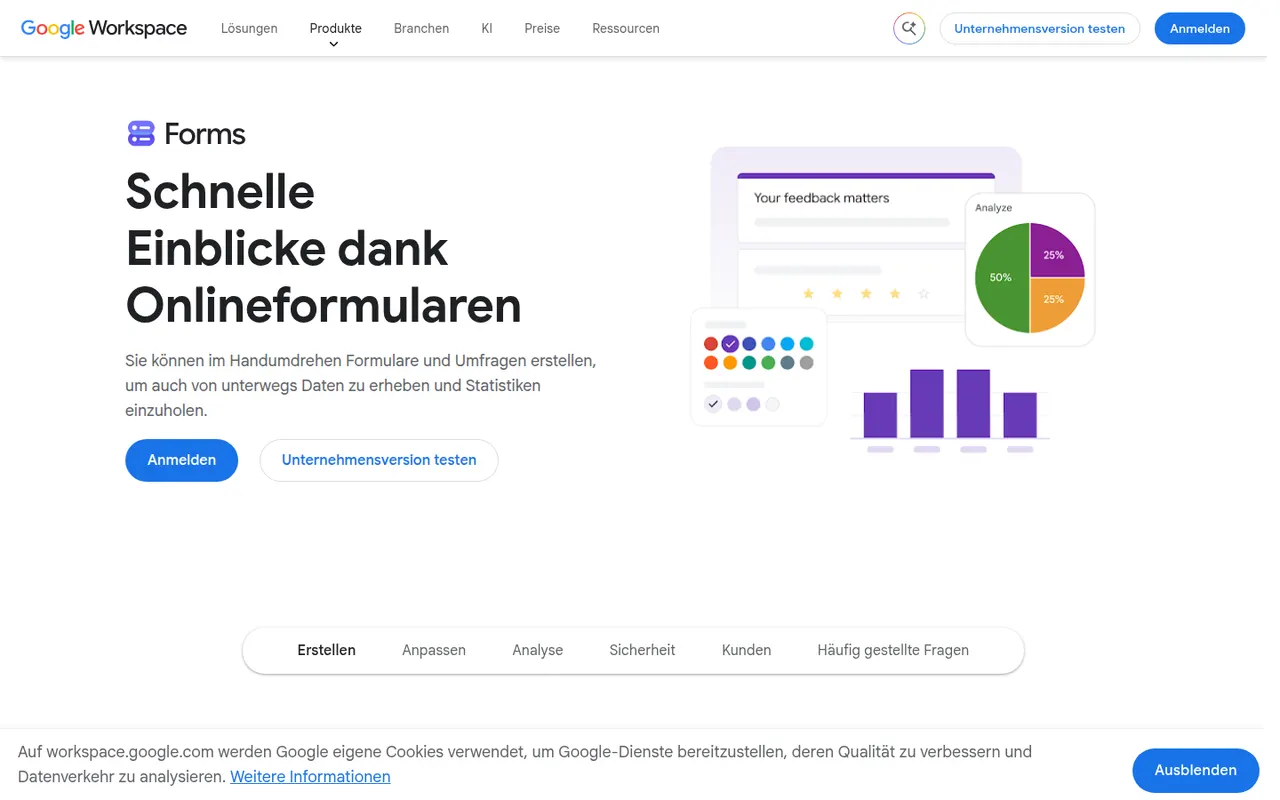
Cost / LicenseFreemiumProprietaryCategoriesPlatformsGoogle Forms is Google's free tool for creating surveys, registration forms and quizzes with a Google account. Responses are summarized with charts and can be sent to Google Sheets, and teachers can create self-grading quizzes integrated with Google Classroom. It supports section branching, file uploads to Drive and collaborative editing, though its design options are basic.
10 Google Forms alternativesPros
- Free with a Google account, with no paid tier to unlock features
- Responses flow straight into Google Sheets for analysis
- Self-grading quizzes work well with Google Classroom
Cons
- Design and theming options are very basic
- Logic is limited to section branching, with no advanced calculations
- File upload questions require respondents to sign in to Google
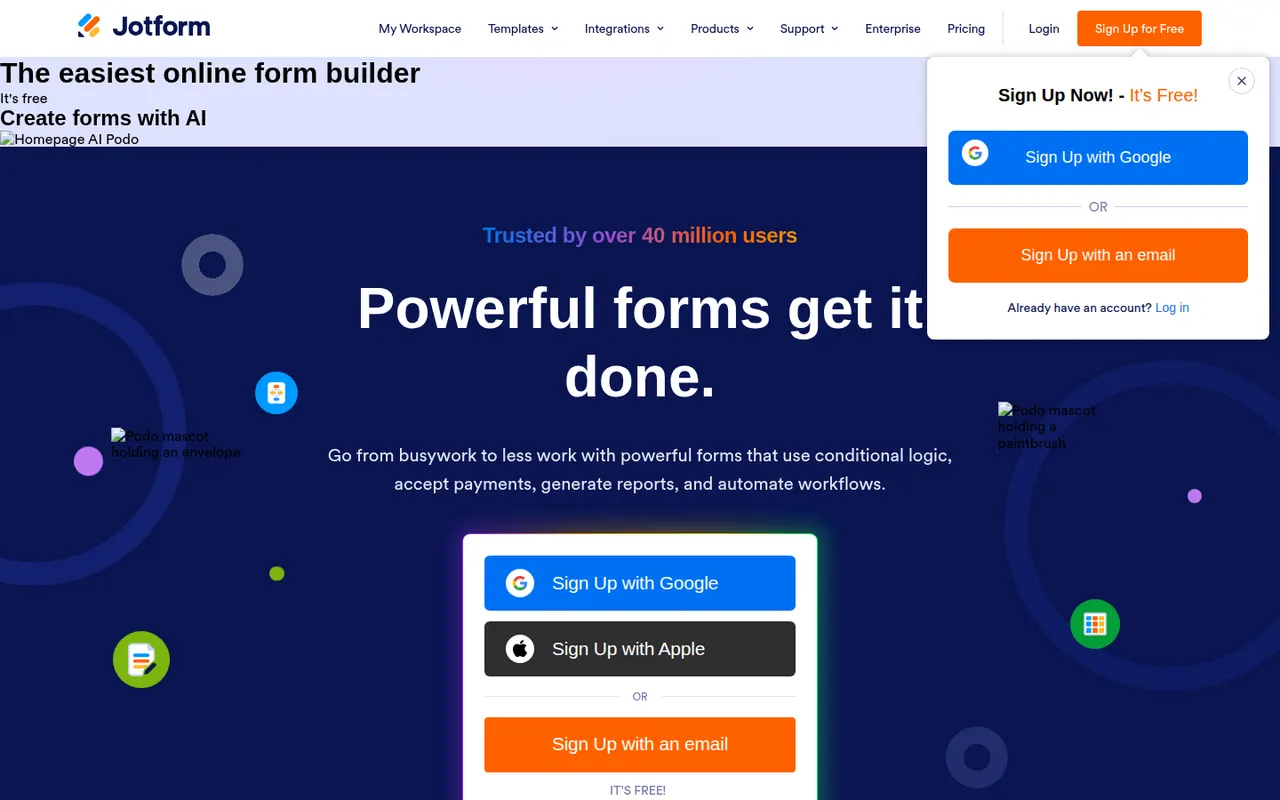
Cost / LicenseFreeProprietaryCategoriesPlatformsJotform is an online form builder with a large template library, a drag-and-drop editor, conditional logic and integrations with many payment gateways. Its mobile apps can collect data offline, and the wider suite adds Jotform Tables, an app builder, PDF generation and e-signatures through Jotform Sign. A free plan covers basic use, and HIPAA-compliant options are available for healthcare.
10 Jotform alternativesPros
- Huge template library and a drag-and-drop editor that is easy to learn
- Many payment gateways, plus e-signatures through Jotform Sign
- Mobile apps can collect submissions offline
Cons
- Free plan caps forms and monthly submissions fairly tightly
- Interface can feel cluttered given how many options and products it bundles
- Forms on the free plan display Jotform branding
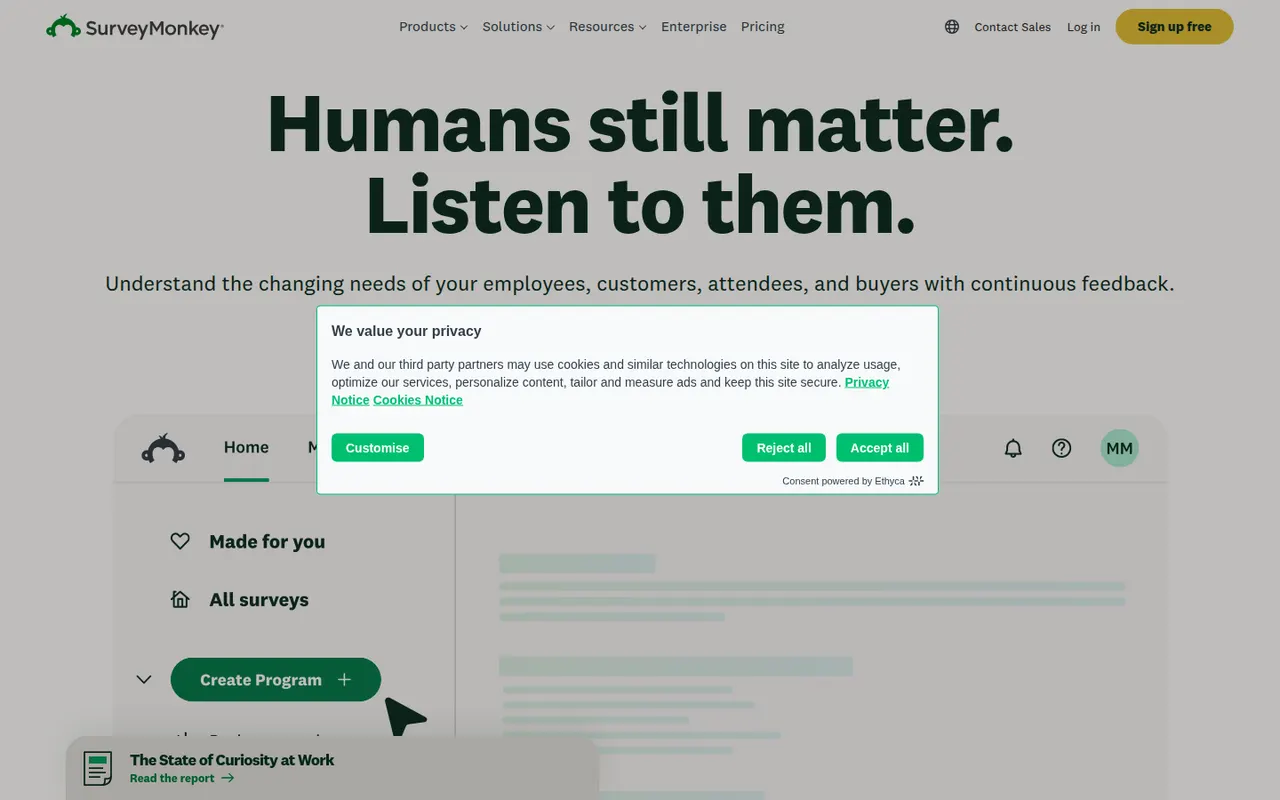
Cost / LicenseFreemiumProprietaryCategoriesSurveyMonkey is an online survey platform used for customer feedback, employee engagement, event planning and market research. It offers survey templates, a question bank, skip logic, AI-assisted survey creation and analysis dashboards, and can supply paid respondents through its audience panel. A free Basic plan has limited features, alongside paid individual and team plans.
9 SurveyMonkey alternativesPros
- Large question bank and templates speed up survey creation
- Built-in audience panel can supply paid respondents
- Analysis dashboards and AI help make results easy to read
Cons
- Free Basic plan is very restricted, notably for results and exports
- Paid plans are expensive compared with many form builders
Cost / LicenseFreemiumProprietaryCategoriesMicrosoft Forms is a simple form builder for surveys, polls and quizzes, available free with a Microsoft account and included in Microsoft 365. Results can be viewed in real time, exported to Excel, and used in Teams or automated with Power Automate. It supports branching, auto-graded quizzes for education and Copilot suggestions for drafting questions.
9 Microsoft Forms alternativesPros
- Free with a Microsoft account and included in Microsoft 365
- Results export to Excel and plug into Teams and Power Automate
- Auto-graded quizzes suit classrooms already using Microsoft tools
Cons
- Limited design customization and question types
- Lacks payments and the advanced logic found in dedicated builders
- Most useful for people already inside the Microsoft ecosystem
Cost / LicenseFreeProprietaryCategoriesPlatforms